Traffic reaches your signup page. Some visitors convert. Most do not.
The drop-off could come from too many form fields, a confusing auth step, or an unclear value proposition that leaves visitors unsure what they are signing up for. According to Zuko Analytics Form Benchmarking Research (2025), only 60.7% of users who start a registration form actually complete it. On mobile, that figure drops to 47.5%. And Baymard Institute (2025) found that 18% of shoppers who abandon checkout cite required account creation as a reason.
The frustrating part: The fix is different for each failure mode. A landing page builder will not solve an auth problem. A session replay tool will not reduce field friction on its own. And none of those tools help when the real issue is that visitors cannot see what they are signing up for.
Picking the right tool starts with diagnosing the right problem.
What's inside
This guide compares 12 signup flow tools across the full range of jobs they perform. It is written for growth marketers, product marketers, and founders who want to improve signup conversion, activation, or both.
Selection criteria:
- Directly addresses at least one stage of the signup journey
- Integrates into a typical growth marketing stack
- Has verified pricing and a G2 rating
- Offers measurable impact on conversion, activation, or both
TL;DR
- Best for pre-signup product previews: Guideflow, which lets teams show the product before account creation through interactive demos, sandboxes, and demo centers, with analytics covering impressions, completion rate, leads collected, and conversion
- Best for AI signup-flow design: Figma or UX Pilot, depending on whether you need a full design system or fast prompt-based concepts
- Best for product onboarding and activation: Userpilot, with no-code in-app flows and product analytics built in
- Best for passwordless authentication: Stytch, covering passkeys, magic links, OAuth, and SSO
- Best for landing-page signup conversion: Unbounce for paid acquisition testing; Instapage for ad-to-page personalization at scale
- Best for diagnosing signup drop-offs: Hotjar (now Contentsquare), with heatmaps, session replay, and funnel analysis
What is signup flow software?
Signup flow software helps teams design, build, test, measure, or improve the steps a user takes before and after creating an account.
This is not one software category. It is a collection of tools that solve different problems at different stages of the same journey. Buying the wrong type for your bottleneck is a common mistake.
Core types of signup flow tools
- Design and prototyping tools: Map registration screens, input validation states, responsive layouts, and edge cases before engineering builds anything
- Authentication tools: Handle passkeys, magic links, OAuth, SSO, identity verification, and fraud prevention at the infrastructure level
- Landing page and form tools: Convert campaign traffic into signups or leads through optimized pages and form experiences
- Onboarding and activation tools: Guide users to their first value moment after account creation through in-app flows, checklists, and segmentation
- Analytics and product-preview tools: Diagnose where users drop off using behavior data, or reduce pre-signup uncertainty by letting prospects experience the product before creating an account
Key features to look for
- Form-field control and conditional logic
- Passwordless authentication and social login
- A/B testing and experimentation
- Session replay and heatmaps
- Funnel analysis and event tracking
- Pre-signup product preview and lead capture
- CRM and marketing automation integrations
Why signup flow tools matter for growth marketers
Raw signup volume is not the metric that matters. A high signup rate paired with weak activation still wastes paid media spend. The metrics that actually move CAC and LTV:CAC are activation rate, time to first value, and trial-to-paid conversion. Good signup flow tools help you improve all three, not just the number at the top of the funnel.
When to use signup flow tools
Reduce friction before account creation
Use this when traffic reaches the signup page but does not convert. The fix might be removing fields, adding social login, improving the page copy, or giving visitors product proof before asking them to create an account. Each of those requires a different tool.
Improve activation after signup
Use this when users complete registration but never reach the first value moment. In-app onboarding flows, lifecycle messaging, and segmentation tools address this stage. A high signup count with a low activation rate often points here.
Diagnose where users drop off
Use this when the team debates opinions instead of behavior data. Funnel analysis, session replay, and form analytics give you the evidence to settle the argument and act on the actual drop-off point.
Signup flow tools comparison
The tools below are sorted by the stage of the signup journey they address most directly, starting with Guideflow's pre-signup positioning and moving through design, auth, onboarding, analytics, and campaign conversion.
| # | Product | Best for | Key differentiator | Pricing | G2 rating |
|---|---|---|---|---|---|
| 1 | Guideflow | Pre-signup product previews | Interactive demos showing product before account creation | From $0/mo | 5.0/5 |
| 2 | Figma | Signup-flow design and prototyping | AI-assisted design, prototypes, and dev handoff | From $0 (Starter) | 4.7/5 |
| 3 | UX Pilot | AI-generated signup UX | Prompt-based registration screen generation | From $0/mo | N/A |
| 4 | Userpilot | Product onboarding and activation | No-code in-app flows, product analytics, session replay | From $299/mo | 4.6/5 |
| 5 | Stytch | Passwordless authentication | Passkeys, magic links, OAuth, SSO, fraud controls | From $0/mo | 4.8/5 |
| 6 | HubSpot | CRM-connected forms and lifecycle journeys | Forms, landing pages, CRM, and email workflows | From $0/mo | 4.4/5 |
| 7 | Unbounce | Landing-page signup conversion | Landing page testing and AI copy support | From $29/mo | 4.3/5 |
| 8 | Hotjar | Signup behavior diagnostics | Heatmaps, session replay, surveys, and funnels | From $0/mo | 4.3/5 |
| 9 | Instapage | Paid campaign signup pages | Ad-to-page personalization and experimentation | From $79/mo | 4.3/5 |
| 10 | Intercom | Conversational signup and onboarding support | AI-powered chat, product messages, and help center | From $29/seat/mo | 4.5/5 |
| 11 | ConvertKit | Creator and newsletter signup flows | Forms, landing pages, and email automation | From $0/mo | 4.4/5 |
| 12 | Miro | Collaborative signup-flow mapping | Whiteboards, journey maps, and team workshops | From $0 | 4.6/5 |
Pricing and ratings verified November 2026 from each vendor's pricing page and G2 listing.
Best 12 signup flow tools for 2026
1. Guideflow
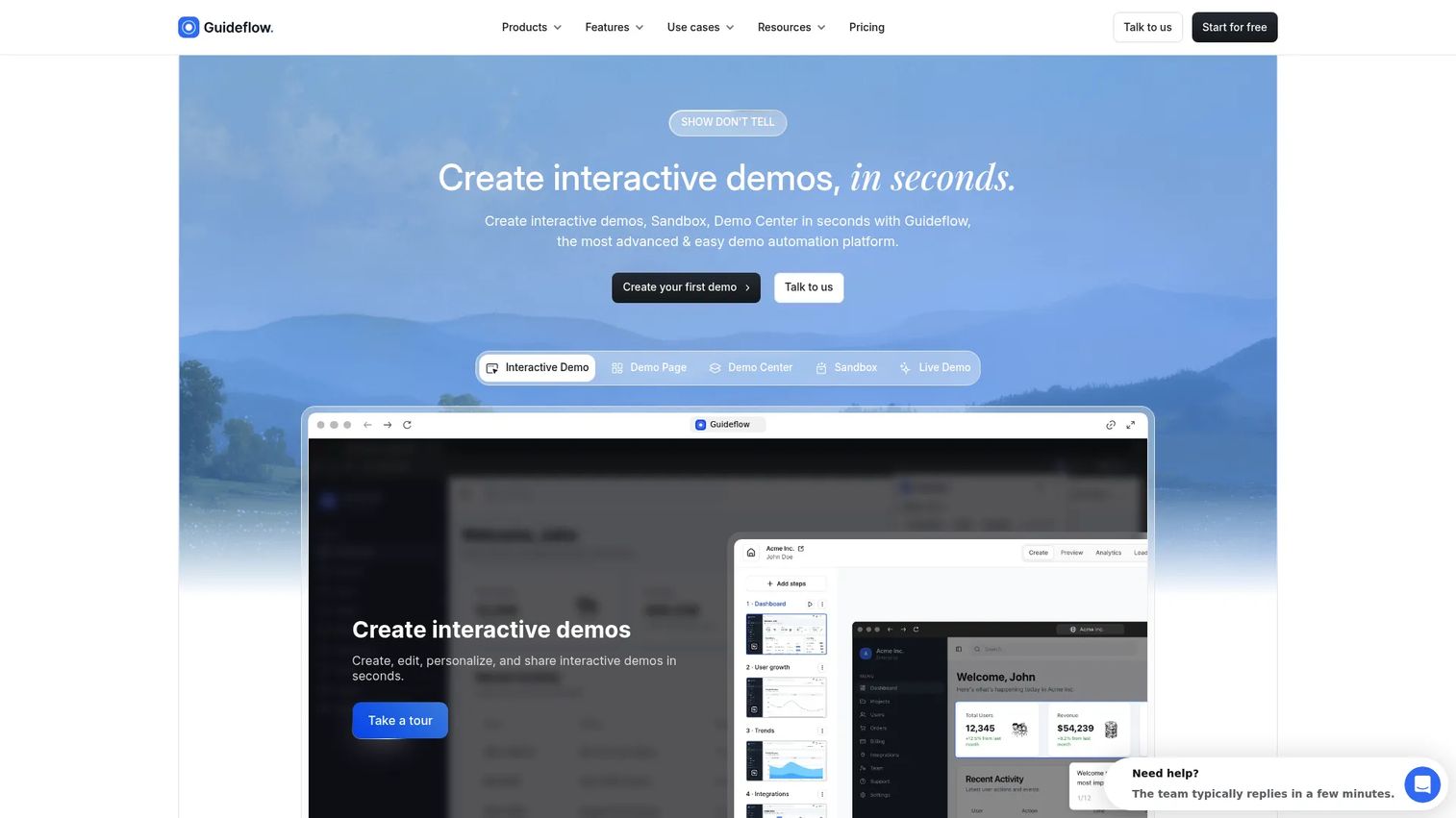
Guideflow is a demo automation platform that lets B2B SaaS teams create interactive demos, sandboxes, demo centers, mobile demos, and live demos that prospects can experience before creating an account. It is not a form builder, authentication provider, or onboarding tool. Its job is the product experience that happens before signup: Showing visitors what they would get, capturing their engagement, and giving marketing and sales a clearer signal of intent.
Teams embed interactive demos on landing pages, share them in outbound emails, and organize multiple demos inside a branded Demo Center for self-serve exploration. Analytics track impressions, completion rate, leads collected, and conversion, so you can measure whether the pre-signup experience is actually moving visitors toward account creation.
Best for: B2B SaaS growth and product marketing teams who need product proof before the signup form.
Key features
- Interactive demos, sandboxes, demo centers, mobile demos, and live demos
- No-code editor with personalization and AI-generated content
- Lead capture forms built into demos
- Engagement analytics covering impressions, completion rate, and leads collected
- Public links, embeds, and video or GIF export
Why choose Guideflow: Choose it when visitors hesitate because they cannot see what the product does. Guideflow lets them explore at their own pace while you track exactly where interest is highest. It excels when the pre-signup education problem is real and the team needs engagement data to back up conversion decisions. For teams that need form building, authentication, or in-app onboarding logic, pair Guideflow with the appropriate tool from this list.
Guideflow pricing: Free plan available. Paid plans start at $35/month (Solo), with Growth at $499/month and Advanced at $1,499/month. Enterprise pricing requires contacting sales.
G2 rating: 5.0/5
Start your journey with Guideflow today!
2. Figma
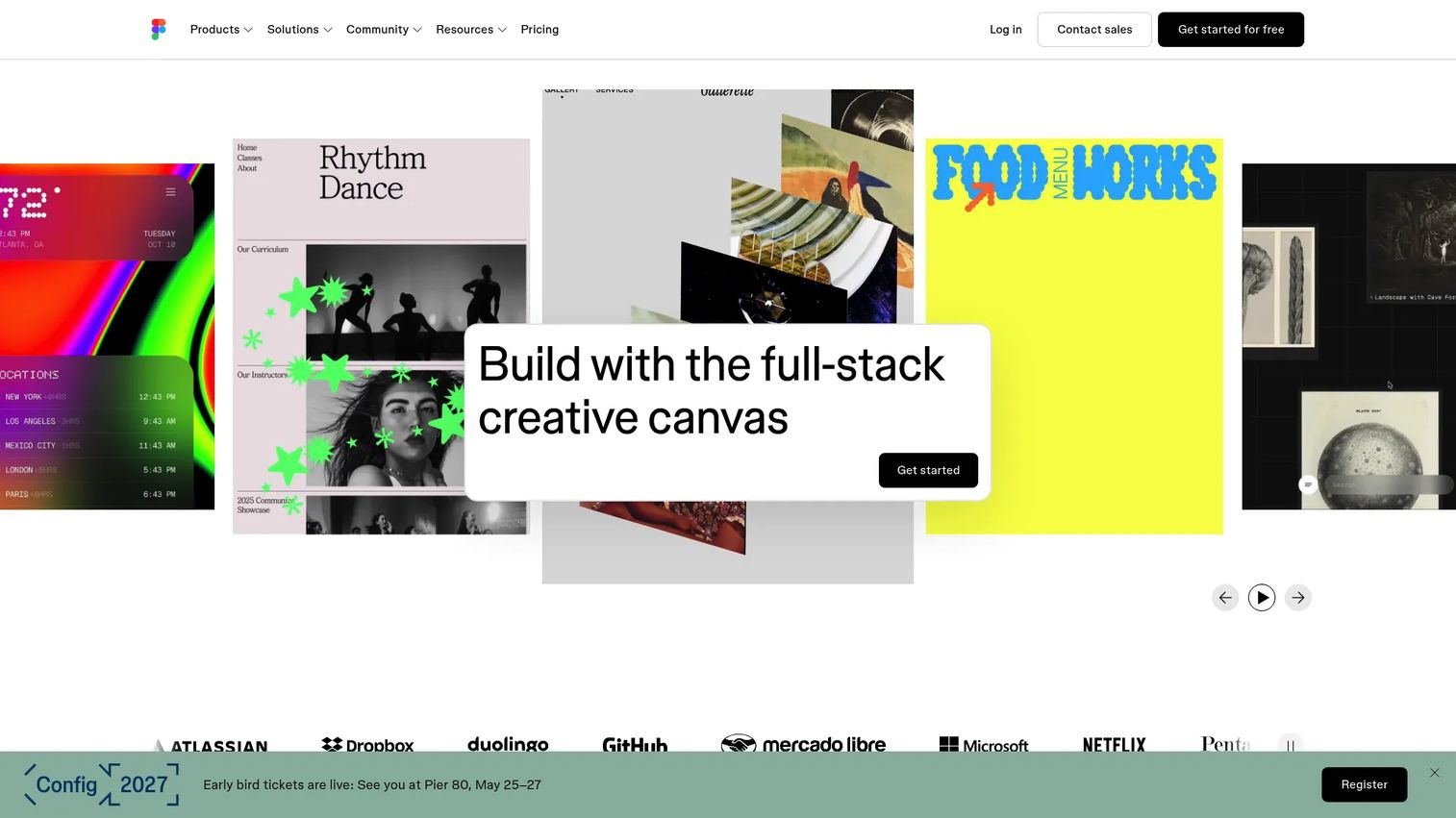
Figma is a collaborative design platform where teams map registration screens, validation states, responsive layouts, and developer handoff specs. It supports interactive prototyping with animations, variables, and conditional logic, so design teams can test signup flows before a single line of code is written. Figma Make adds the ability to generate functional prototypes from prompts, which speeds up early-stage signup concept exploration.
Best for: Product, design, and growth teams that need to prototype the signup experience before engineering builds it.
Key features
- Interactive prototypes with variables and conditional logic
- AI-assisted design generation via Figma Make
- Design system components and shared libraries
- Dev Mode for developer inspection and handoff
- FigJam whiteboards for flow planning
Why choose Figma: Choose it when the signup problem starts at the design and alignment stage. It is strongest before implementation, particularly when growth, product, and design teams need to agree on screens and edge cases before engineering picks it up.
Figma pricing: Starter plan is free. Professional seats start at $12/month per dev seat and $16/month per full seat (billed monthly). Organization plans start at $25/month per dev seat, billed annually.
G2 rating: 4.7/5
3. UX Pilot
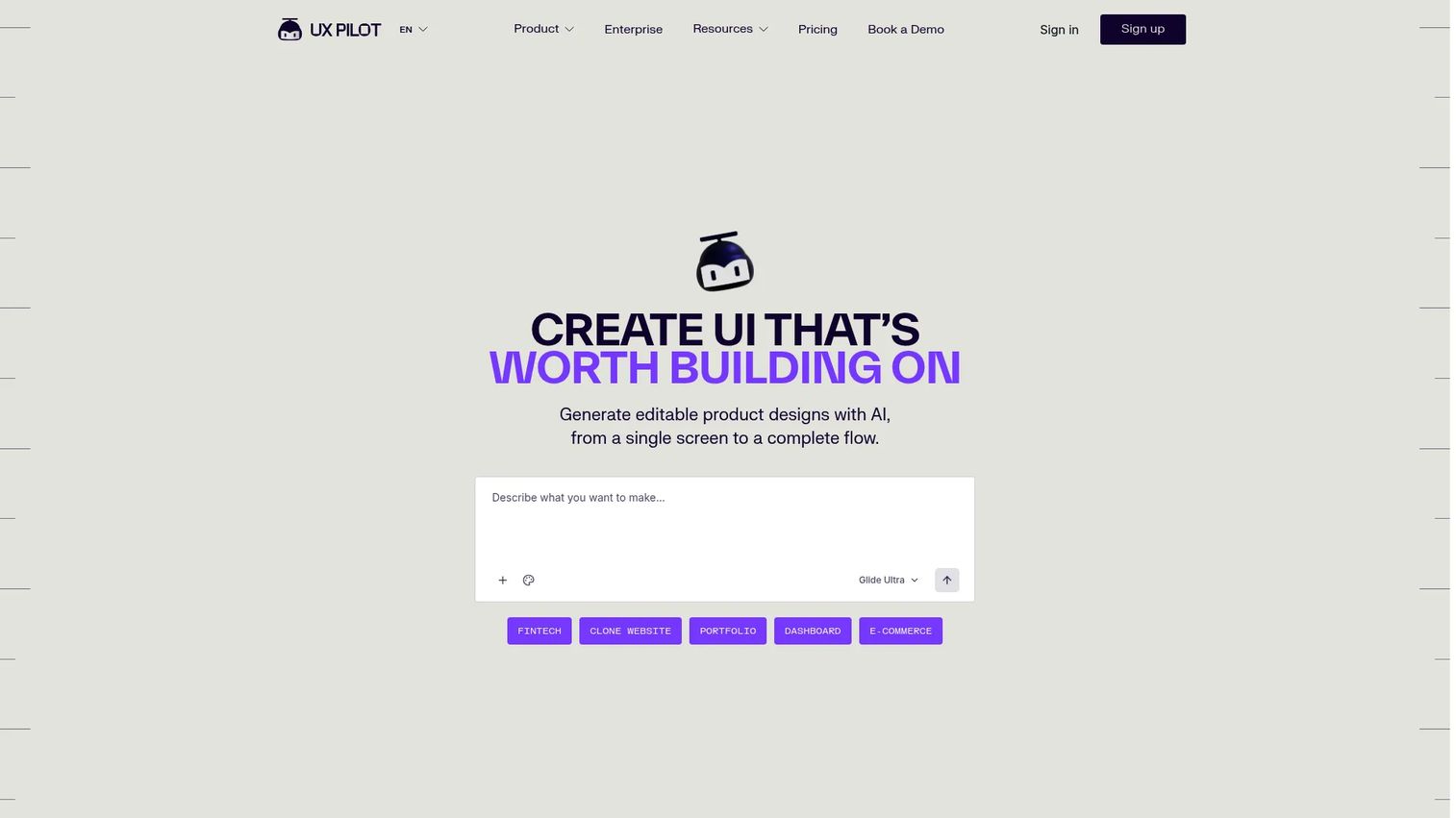
UX Pilot is an AI UX tool that generates registration screens, onboarding sequences, and design concepts from text prompts. You describe what you need, and it produces low-fidelity to high-fidelity screens that you can refine and export to Figma or as production-ready code. For teams without a dedicated designer, it moves from blank page to testable signup concept quickly.
Best for: Small teams and founders that need fast signup-flow concepts before committing design resources.
Key features
- Prompt-based low-fidelity to high-fidelity screen generation
- UX journey flow and flowchart generation
- Export to Figma and ready-to-use code
- Figma component import for design-system consistency
- GitHub code synchronization
Why choose UX Pilot: Choose it when speed matters more than deep product instrumentation. It helps teams move from idea to testable concept without a full design sprint, which is valuable for validating signup screen variations early.
UX Pilot pricing: Free plan available with 80 credits per day and one project. Pro plan is $29/month (or $19/month billed yearly) with 750 credits, Figma and code export, and unlimited projects. Teams plan is $39/user/month. Enterprise pricing is custom.
4. Userpilot
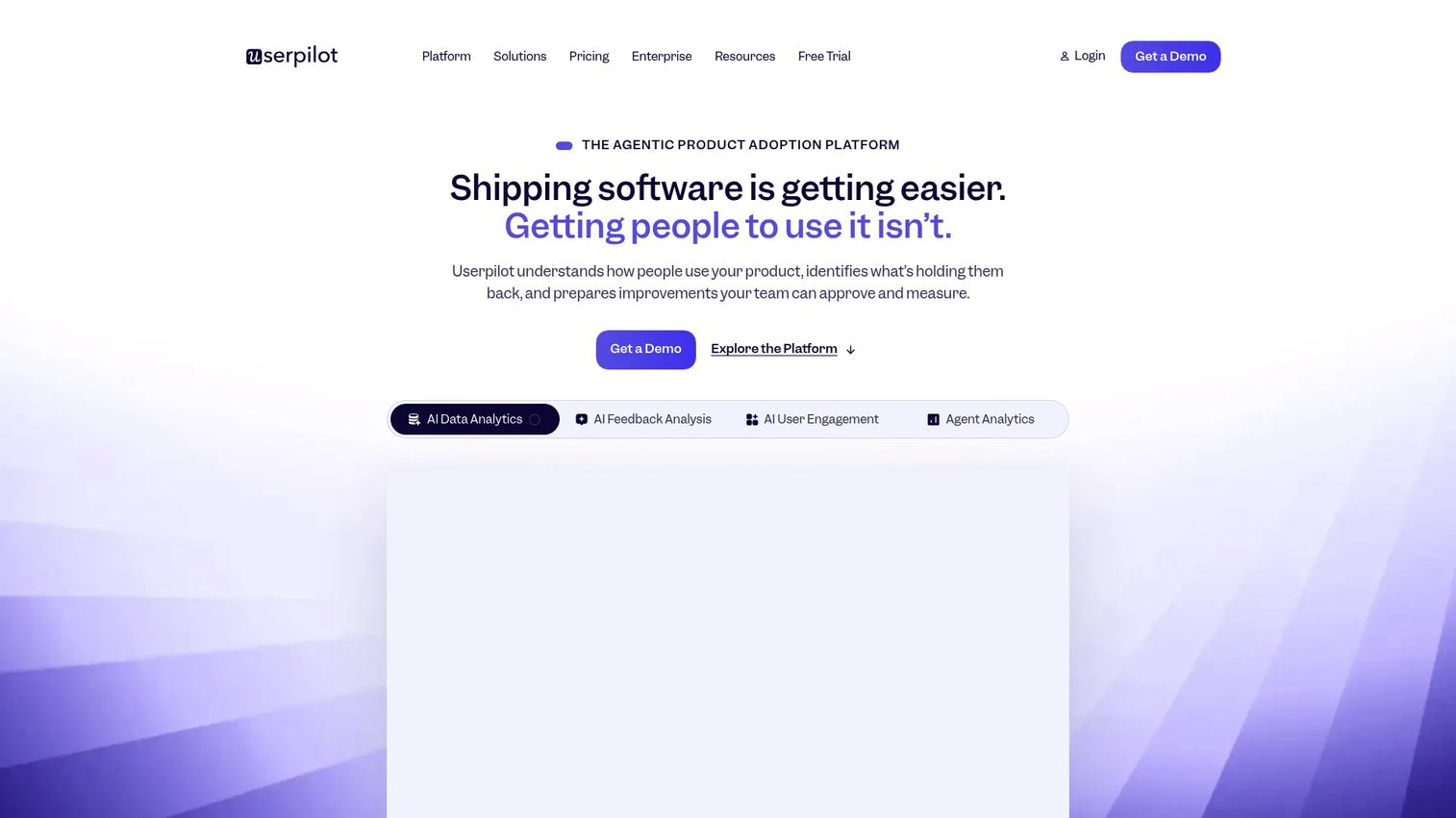
Userpilot is a product adoption and analytics platform built for what happens after someone creates an account. It lets teams build no-code in-app flows, tooltips, checklists, and resource centers to guide users toward activation. Product analytics cover trends, funnels, paths, and retention, while session replay surfaces frustration signals and error patterns.
Best for: SaaS teams optimizing activation rate, feature adoption, and onboarding completion after signup.
Key features
- No-code in-app flows, tooltips, banners, and checklists
- Product analytics with funnels, paths, and retention dashboards
- Session replay with frustration signals and privacy masking
- NPS and survey-based user feedback with behavioral targeting
- AI Agent Lia for analytics and onboarding automation
Why choose Userpilot: Choose it when users sign up but fail to activate. It is especially relevant when the team needs onboarding evidence beyond raw signup counts, and when growth marketers want to connect in-app behavior to conversion outcomes.
Userpilot pricing: Starter plan from $299/month for up to 2,000 MAUs. Growth from $849/month for up to 100,000 MAUs. Enterprise pricing is custom. A 14-day free trial is available.
G2 rating: 4.6/5
5. Stytch
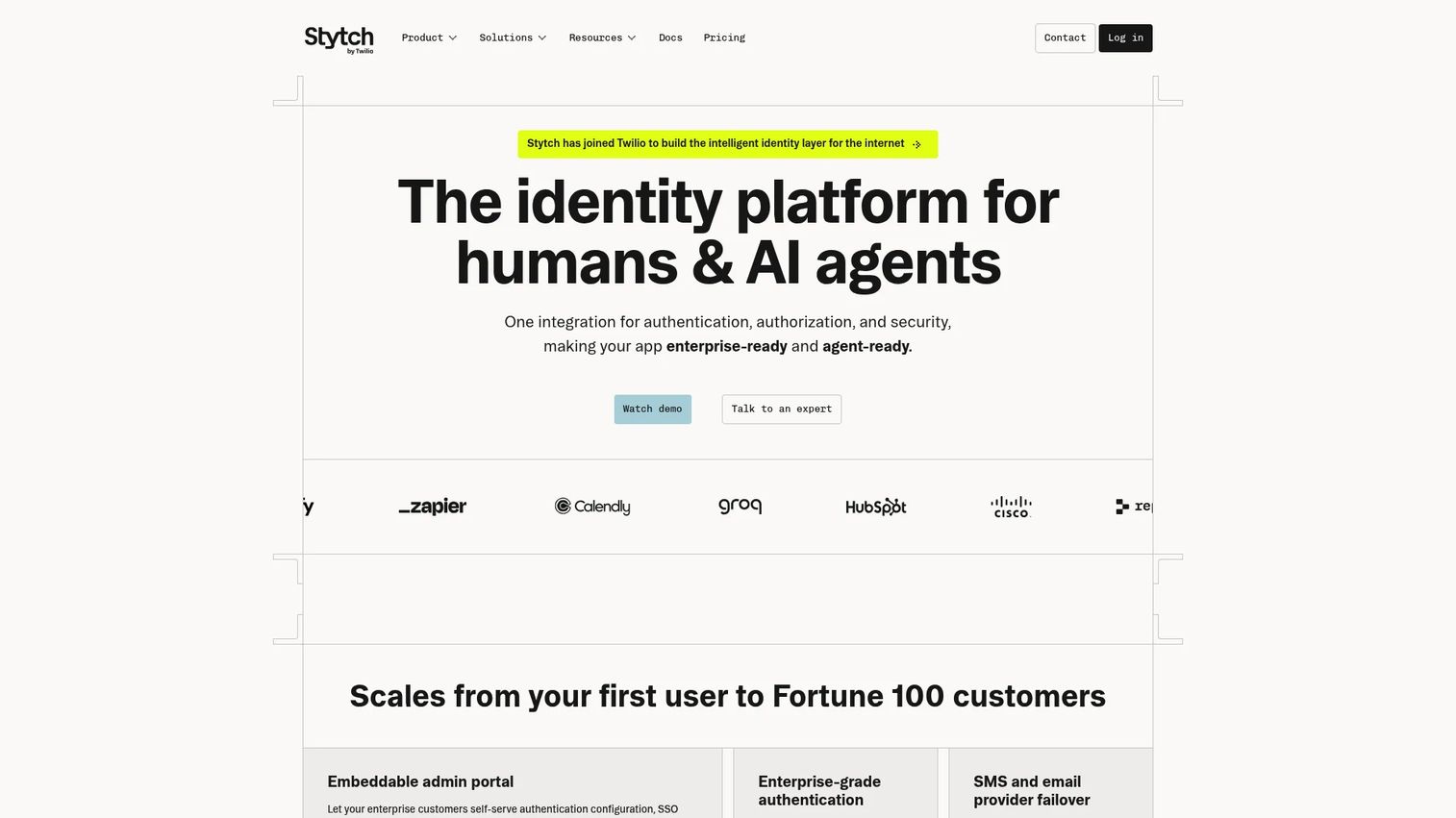
Stytch is an identity and authentication infrastructure platform that handles the account creation mechanics most growth teams take for granted. It covers passkeys, magic links, passwords, SAML SSO, OAuth, multi-tenancy, RBAC, and fraud prevention through device intelligence and invisible CAPTCHA. Note: Stytch has joined Twilio as of the time of research.
Best for: Product and engineering teams building modern, secure account-creation experiences.
Key features
- Passkeys, magic links, and OAuth authentication
- SAML SSO, SCIM, and multi-tenancy support
- Fraud and bot protection with device intelligence
- 10,000 free monthly active users on the pay-as-you-go plan
- Authorization and machine-to-machine token management
Why choose Stytch: Choose it when signup friction comes from passwords, login complexity, or identity security requirements. This is infrastructure, so marketers will need product or engineering support to implement, but the reduction in auth-related drop-off can be significant.
Stytch pricing: Pay-as-you-go plan is free for up to 10,000 monthly active users, with usage-based fees above that. Enterprise pricing is custom.
G2 rating: 4.8/5
6. HubSpot

HubSpot is a CRM platform with forms, landing pages, email automation, and campaign reporting built in. For signup flows, the relevant capabilities are lead capture forms tied directly to CRM records, landing pages for campaign traffic, email workflows that activate based on form submission, and reporting that connects signup intent to downstream pipeline.
Best for: Growth teams that want signup forms tied directly to CRM, email sequences, and lifecycle reporting.
Key features
- Forms with conditional logic and CRM sync
- Landing page builder with templates and A/B testing
- Email automation triggered by form submission
- Contact records with lifecycle stage tracking
- Campaign attribution and revenue reporting
Why choose HubSpot: Choose it when the signup flow is part of a broader nurture and sales handoff motion. It works best when you need a single tool to handle capture, contact management, and follow-up without stitching together multiple platforms.
HubSpot pricing: Free plan available with basic forms and CRM. Starter plans begin at $7/month per seat. Professional plans start at $1,300/month (includes 6 seats). Enterprise starts at $4,700/month.
G2 rating: 4.4/5
7. Unbounce
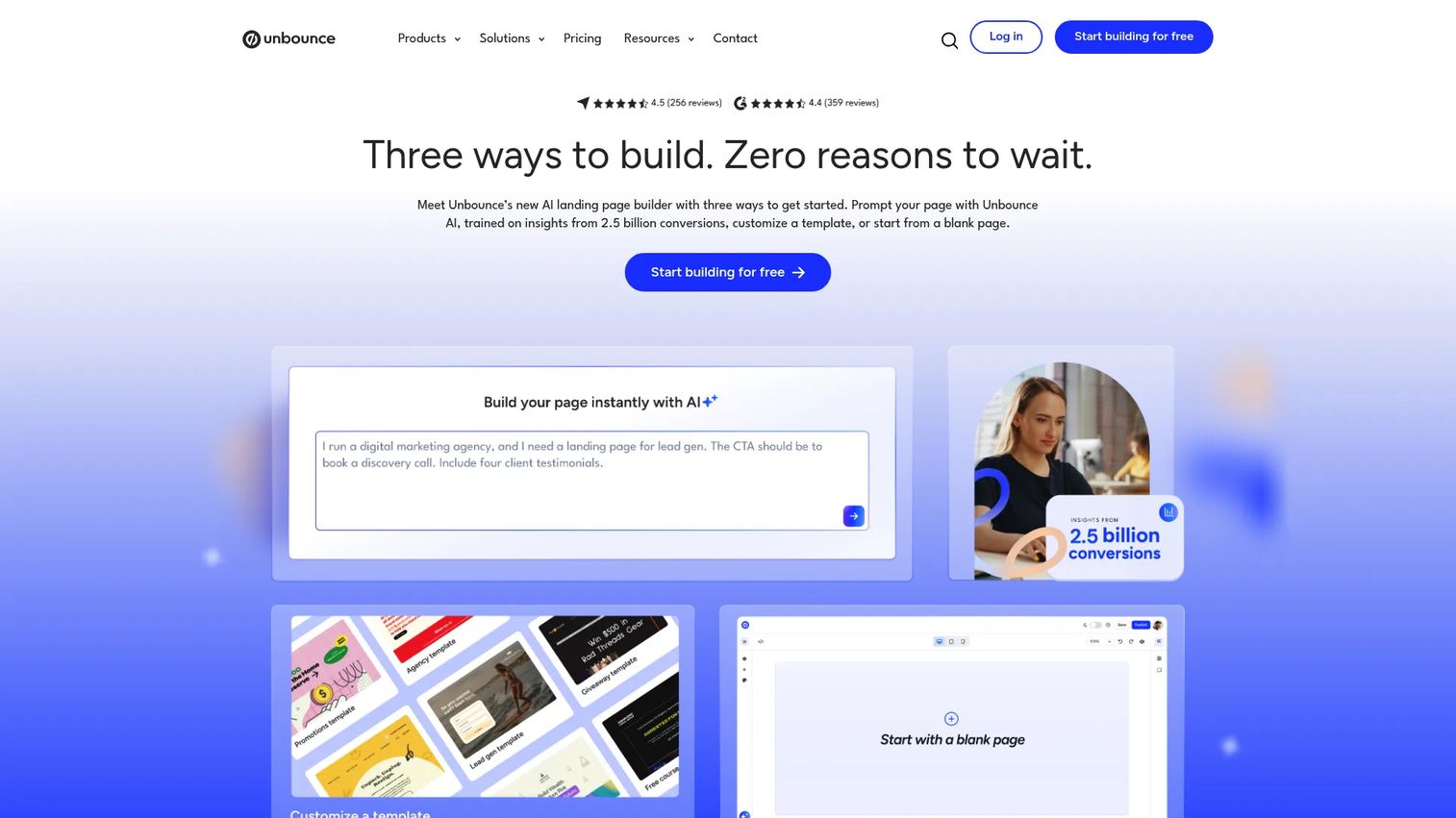
Unbounce is a landing page and conversion platform for building campaign-specific pages, running A/B tests, and capturing signups without filing a design or engineering ticket. Its AI traffic optimizer routes visitors to the highest-converting variant automatically, and AI copy tools help marketers generate and test page copy faster.
Best for: Paid acquisition teams testing offers, page layouts, and signup form variants.
Key features
- Drag-and-drop landing page builder with templates
- A/B testing and AI traffic routing
- AI copy generation and smart writing tools
- Popups and sticky bars for lead capture
- Dynamic text replacement for personalization
Why choose Unbounce: Choose it when the signup conversion problem sits on the campaign page, before the product or app. It is built for marketers who want to run experiments without engineering dependency, which fits the "run experiments without filing a ticket" criterion many growth teams prioritize.
Unbounce pricing: Starter plan from $29/month. Build plan at $99/month. Experiment at $149/month and Optimize at $249/month. A 14-day free trial is available. No permanent free tier.
G2 rating: 4.3/5
8. Hotjar
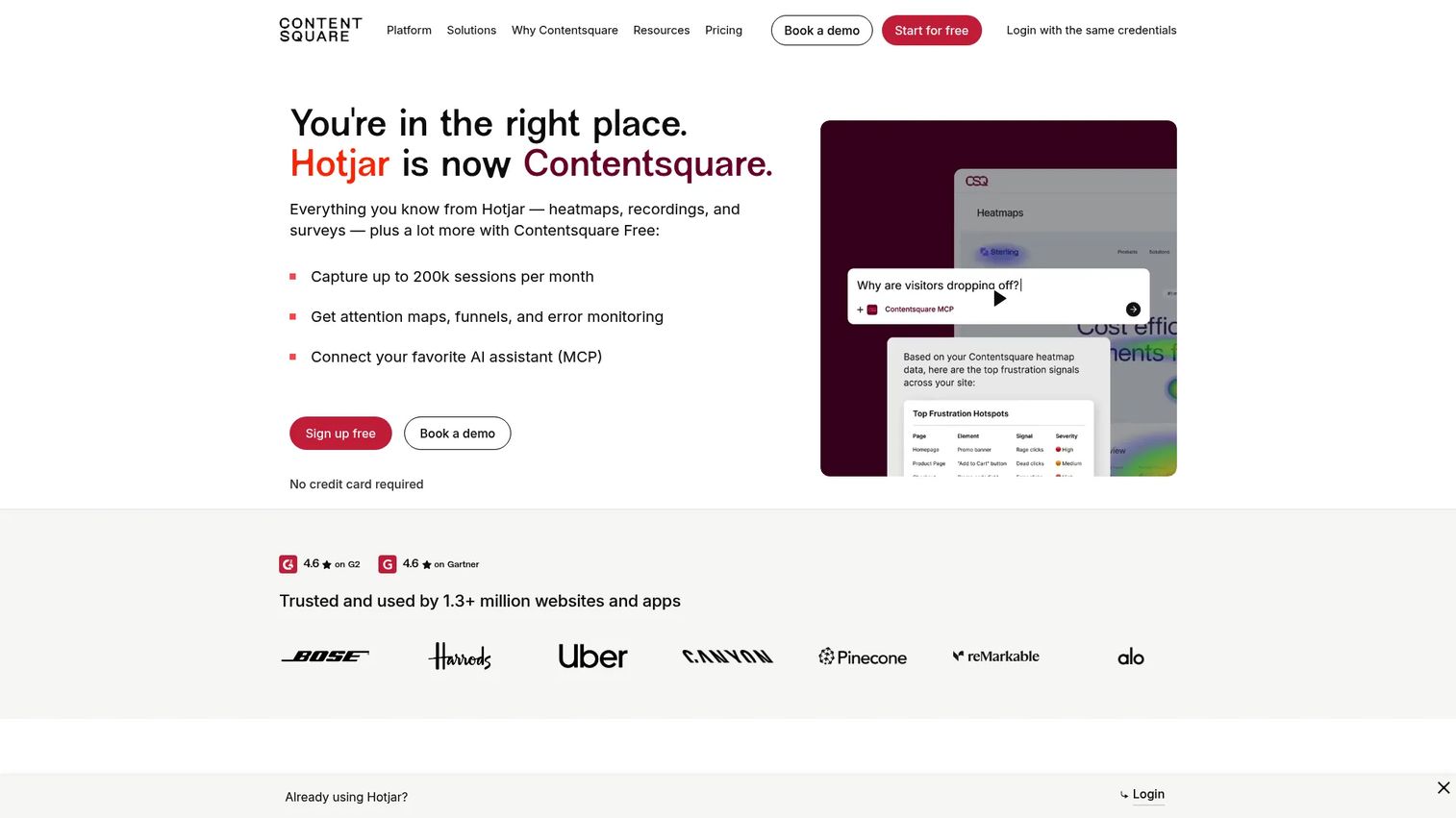
Hotjar, now part of Contentsquare, is a behavior analytics platform for understanding why users abandon signup pages or forms. Heatmaps show where attention goes, session replay surfaces hesitation and rage clicks, and funnel analysis pinpoints the exact step where most visitors leave. It answers the diagnostic question before you invest in the fix.
Best for: Marketers and product teams that need qualitative evidence behind conversion drops.
Key features
- Heatmaps and attention maps
- Session replay with frustration signals and error monitoring
- Funnel analysis and drop-off tracking
- Surveys and feedback widgets
- Scroll depth and click tracking
Why choose Hotjar: Choose it when your team debates signup friction but lacks behavior evidence. It helps you identify confusing fields, missed CTAs, and hesitation patterns before spending budget on a fix that might not address the actual problem.
Hotjar pricing: Free forever plan available. Growth plan from $39/month. Pro and Enterprise plans are custom. Note: Hotjar has become part of Contentsquare, and new Hotjar accounts cannot be created separately.
G2 rating: 4.3/5
9. Instapage
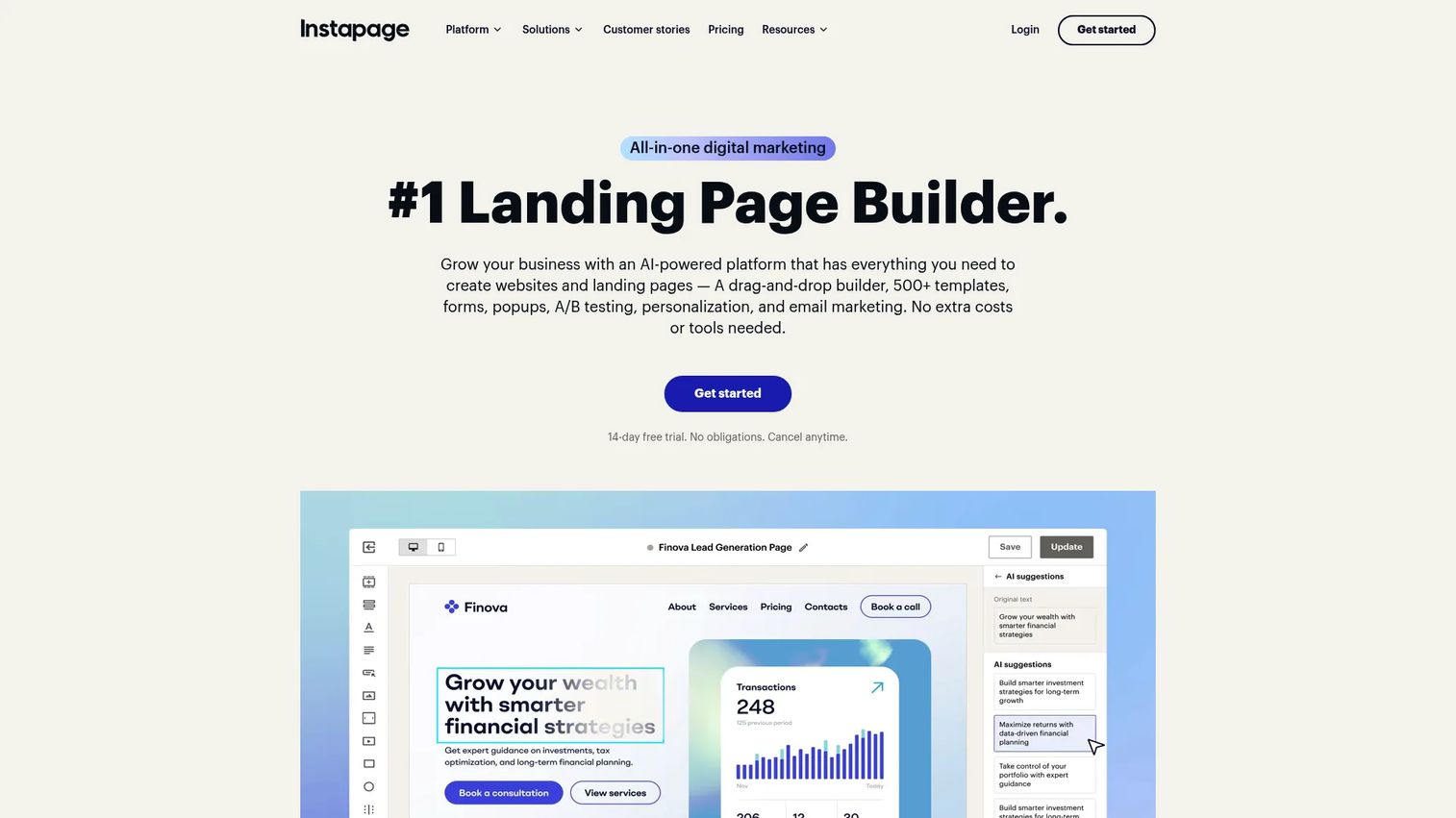
Instapage is a landing page and experimentation platform built for ad-to-page personalization. Its AdMap feature connects individual ads to matching landing pages, so paid traffic lands on a page that mirrors the ad message rather than a generic homepage. AI content and page generation, A/B testing, and heatmaps round out the core feature set.
Best for: Teams spending meaningful budget on paid search, paid social, or ABM campaigns and needing tighter post-click conversion.
Key features
- Drag-and-drop landing page builder with AI content generation
- A/B testing and AI-powered experimentation
- AdMap for ad-to-page connection and personalization
- Dynamic text replacement and advanced personalization
- Visual collaboration and analytics
Why choose Instapage: Choose it when paid campaign traffic needs a tighter path to signup, specifically when message match between the ad and the landing page is the conversion problem. It is a stronger fit for performance marketers than teams only needing a basic form page.
Instapage pricing: Create plan from $79/month (billed annually) or $99/month billed monthly. Optimize plan from $159/month annually or $199/month monthly. Convert plan is custom. A 14-day free trial is available.
G2 rating: 4.3/5
10. Intercom
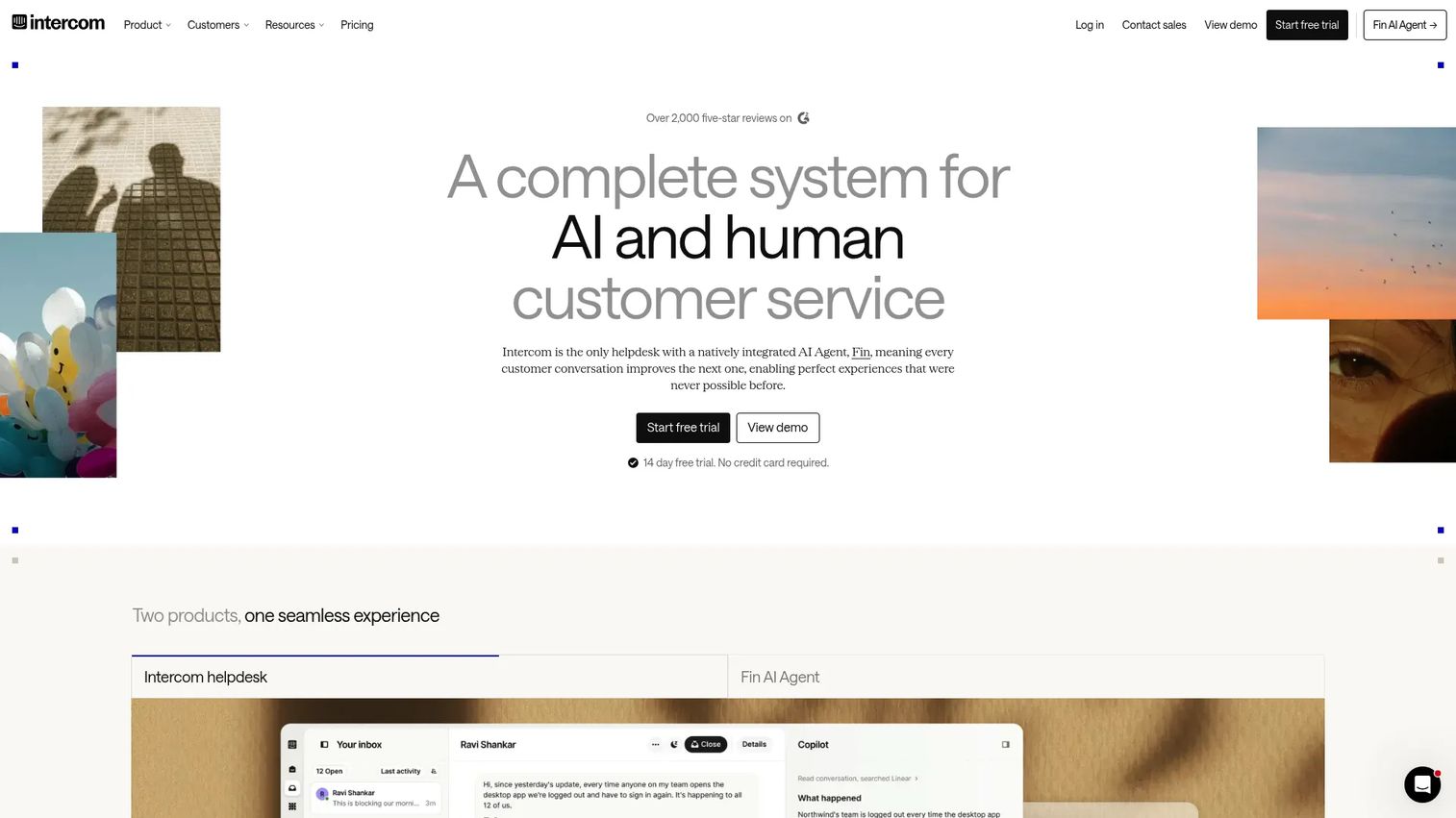
Intercom, now positioning its core AI product as Fin, is a customer communication platform that supports signup flows through live chat, AI-powered support, product messages, and onboarding assistance. When visitors have questions during signup, or new users need guidance immediately after account creation, Intercom delivers answers without requiring a human support agent for every interaction.
Best for: SaaS teams where signup friction often surfaces as support or sales questions, and where self-serve conversion depends on timely answers.
Key features
- Fin AI Agent for automated support and lead qualification
- Messenger and live chat for real-time signup assistance
- Product messages and in-app tooltips for onboarding
- Workflow automation builder for routing and escalation
- Help center and ticketing system
Why choose Intercom: Choose it when visitors need answers during signup or immediately after account creation. It is most useful when self-serve conversion stalls because users cannot find help fast enough, and when the team wants AI to handle common questions at scale.
Intercom pricing: Essential plan at $29/seat/month (billed annually). Advanced at $85/seat/month. Expert at $132/seat/month. Fin AI Agent is usage-based at $0.99 per outcome. A 14-day free trial is available.
G2 rating: 4.5/5
11. ConvertKit
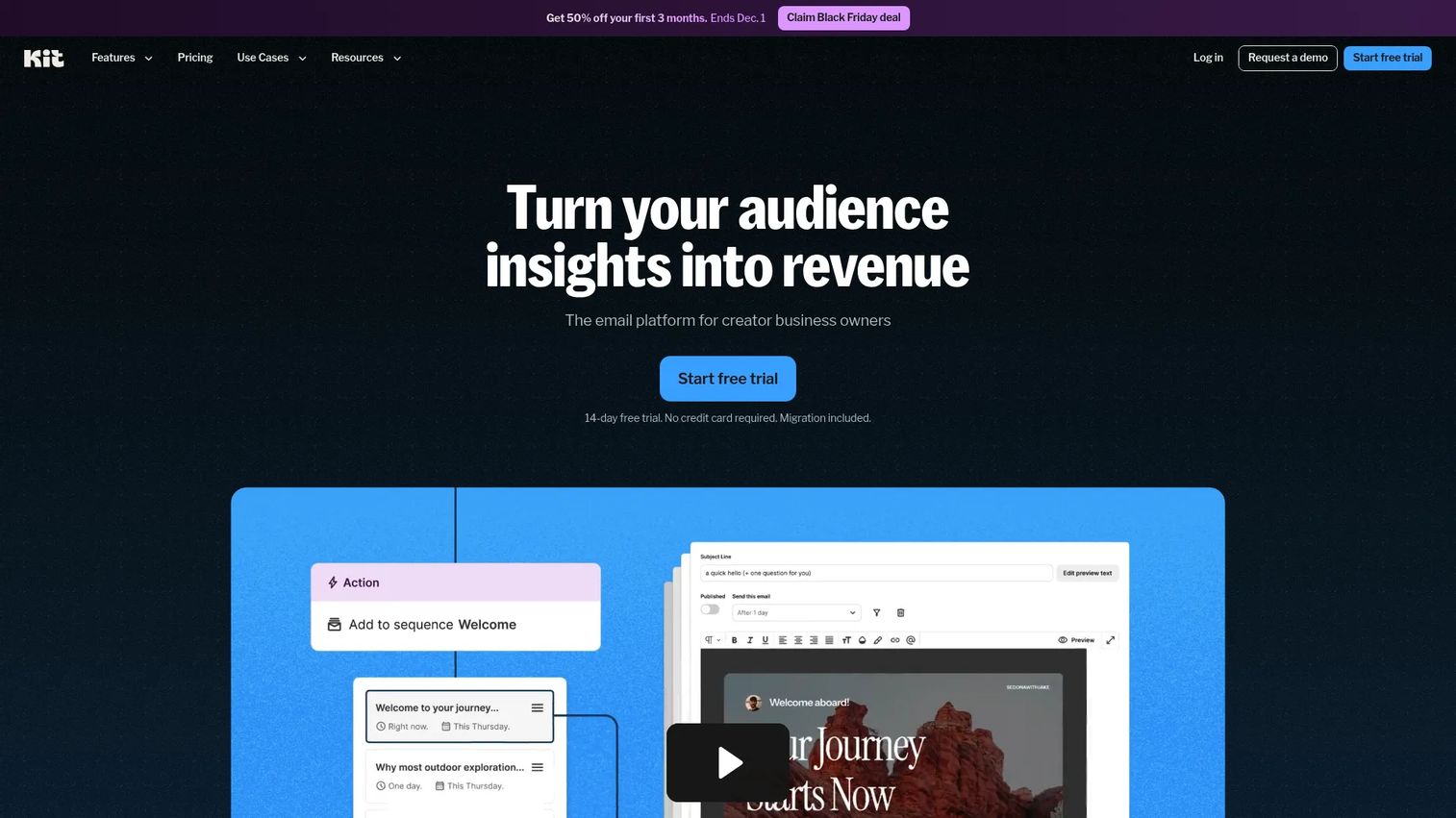
ConvertKit, now rebranded as Kit, is an email marketing platform for creators, newsletter operators, and audience-led businesses. It includes signup forms, landing pages, visual automations, and audience tagging. The platform handles audience signup and email-based nurture well, but it is not designed for SaaS product authentication or complex activation logic.
Best for: Creators, newsletter operators, and small teams growing an email audience through content-led signup flows.
Key features
- Unlimited landing pages and embeddable signup forms
- Email broadcasts and automated sequences
- Audience tagging and segmentation
- Visual automation builder
- Digital product and subscription sales
Why choose ConvertKit: Choose it when the signup is for content, a newsletter, or a creator-led offer. It is straightforward to set up without engineering support. It is not the right fit for SaaS teams that need in-app activation tracking or authentication infrastructure.
ConvertKit pricing: Free plan supports up to 10,000 subscribers. Creator plan at $39/month for 1,000 subscribers (pricing scales with subscriber count). Pro plan at $79/month for 1,000 subscribers.
G2 rating: 4.4/5
12. Miro
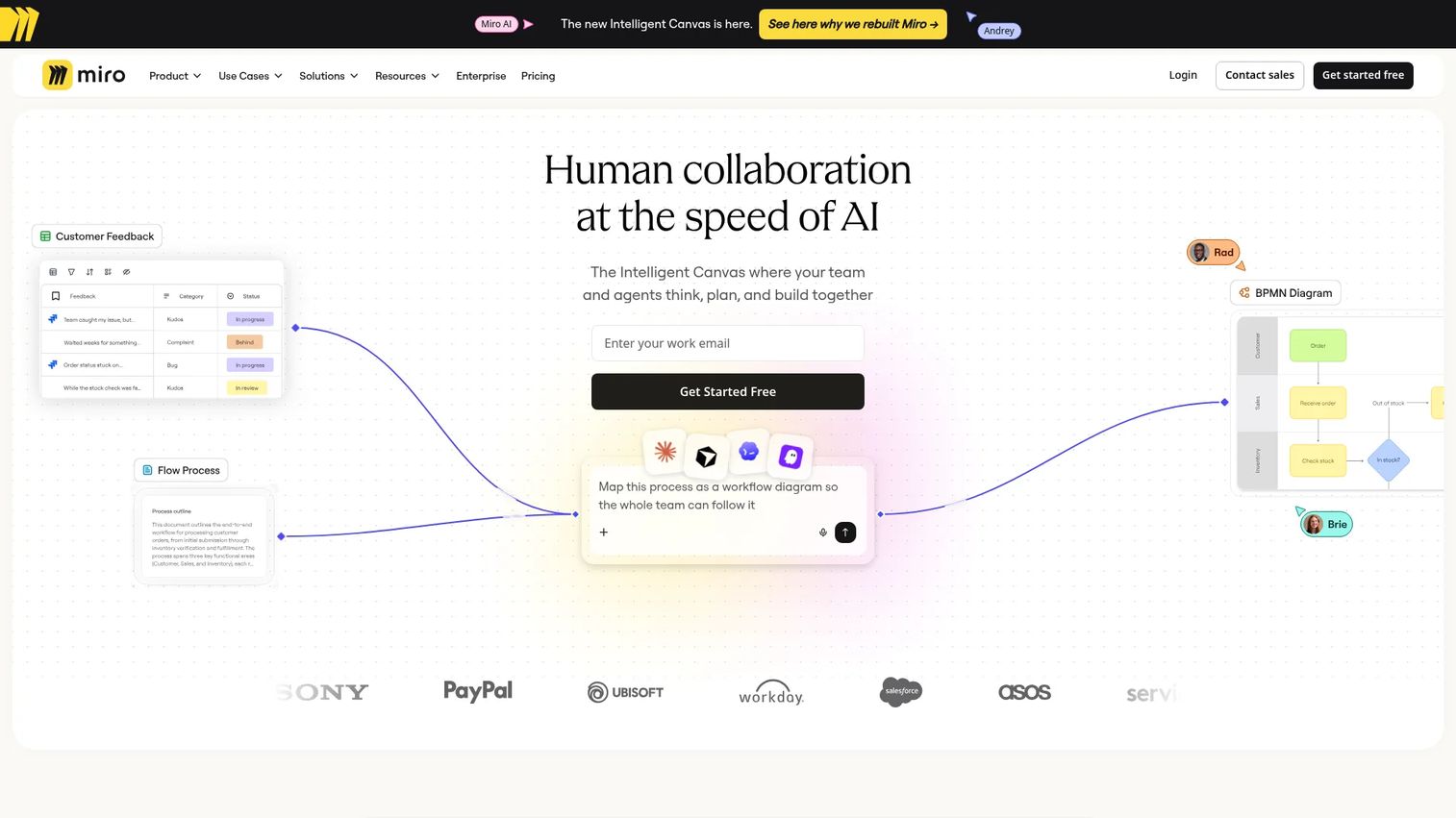
Miro is a visual collaboration platform for mapping user journeys, planning signup steps, and running cross-functional workshops. Teams use Miro to align on the signup flow before any tool gets bought or any code gets written. It supports journey maps, flowcharts, whiteboards, and over 7,000 templates, with AI-powered diagram generation to speed up planning.
Best for: Cross-functional teams that need shared understanding of the signup journey before building or optimizing.
Key features
- Collaborative whiteboards and journey mapping templates
- AI diagram and workflow generation
- Flowcharts and decision-tree mapping
- Real-time workshops with voting and timers
- 250+ integrations with common product and development tools
Why choose Miro: Choose it when the team lacks a shared picture of what the signup flow actually looks like today. It is strongest for planning and stakeholder alignment, not implementation. Pair it with a design or build tool once the team agrees on the experience.
Miro pricing: Free plan with 3 editable boards. Starter at $8/month per member (billed yearly). Business at $20/month per member (billed yearly). Enterprise pricing is custom from 30 members.
G2 rating: 4.6/5
Considerations when choosing signup flow tools
Start with the friction point
Diagnose the bottleneck before buying. Visitors who do not start signup point to a landing page or product proof problem. Users who abandon the form mid-way point to a form or auth problem. Users who sign up and never activate point to onboarding. If the team cannot explain the drop-off, the problem is measurement.
Check what the tool replaces
Tool sprawl is real. Before adding to the stack, ask what this tool replaces. A landing page builder that consolidates your page builder and form tool is a win. A new dashboard that duplicates an existing analytics tool is not. Demand a clear consolidation case or measurable ROI before purchase.
Match measurement to the job
Connect tool choice to the metrics that matter for each stage. Landing page tools: Conversion rate, CPA, ROAS. Auth tools: Completion rate and account creation success. Onboarding tools: Activation rate and time to first value. Demo automation tools: Impressions, completion rate, leads collected, and conversion. Analytics tools: Drop-off rate and funnel completion.
Know where engineering is required
Some changes are marketer-owned. Guideflow, Unbounce, Hotjar, and Miro require minimal engineering. Stytch and deeper product analytics setups require engineering involvement. HubSpot, Intercom, Userpilot, and Instapage sit in between, with some configuration requiring product or developer support.
Avoid optimizing signup completion alone
A faster signup flow with weaker intent filtering can produce more accounts that never activate. Measure signup completion alongside activation rate and downstream revenue. If easier signup brings in users who churn before week one, the funnel still loses money.
Conclusion
The signup journey is not one problem. It is at least five, and each one has a different tool.
Use Figma, UX Pilot, or Miro when the problem is design and alignment before building. Use Stytch when auth friction is the actual bottleneck. Use HubSpot, Unbounce, Instapage, or ConvertKit when the problem is capturing and converting campaign traffic. Use Userpilot or Intercom when users need better guidance after account creation. Use Hotjar to diagnose exactly where users drop off.
Use Guideflow when prospects need to see the product before they will create an account. The interactive demo, sandbox, and demo center formats let visitors experience the product at their own pace, while analytics surface which prospects are ready to convert.
The growth marketers who get this right do not add more tools. They match the right tool to the right problem and measure it against the metric that actually matters for that stage.
Start your journey with Guideflow today!
FAQs
Signup flow tools help teams design, build, test, measure, or improve the steps a user takes before and after creating an account. The category spans design tools, authentication infrastructure, landing page builders, onboarding platforms, behavior analytics, and product preview tools. Each type addresses a different stage of the journey.
The right tool depends on where the problem sits. Use Figma or UX Pilot for design and prototyping, Stytch for authentication, Userpilot for activation and onboarding, Hotjar to diagnose drop-offs, and Guideflow to show product value before account creation. Most SaaS teams use a combination across different stages rather than one platform for everything.
They address the specific reasons users drop off at each stage. Reducing form fields, adding passwordless login, showing the product before signup, and improving page-to-ad message match each remove a different type of friction. Measuring conversion rate, activation rate, and lead quality together tells you which change actually moved the number.
Signup flow tools address the path to account creation, including page design, form optimization, authentication, and product previews that happen before the user registers. Onboarding tools typically take over after account creation, guiding users to their first value moment through in-app flows and lifecycle messaging. Some platforms, like Userpilot and Intercom, serve both stages, but the measurement focus differs.
Measure both, and treat them as connected. Signup completion shows whether visitors create an account. Activation rate shows whether those accounts ever reached value. Optimizing only for signup completion can inflate your numbers while your real conversion metric, trial-to-paid, stays flat or gets worse.
Landing page builders like Unbounce and Instapage optimize the pre-form conversion path. Behavior analytics tools like Hotjar show where visitors hesitate before the form. Guideflow addresses a different pre-signup problem: Visitors who do not convert because they cannot see what they are signing up for. Interactive demos let them experience the product without creating an account first.
It depends on what you are changing. Page copy, form layout, product demos, and heatmaps can be marketer-owned with no engineering support. Authentication changes, event tracking, and app-level onboarding flows typically require product or engineering involvement. Knowing which category your bottleneck falls into prevents project delays and sets realistic timelines.
Track signup start rate, form completion rate, field-level drop-off, authentication errors, and account creation success for the pre-signup and registration stages. For post-signup, track activation rate and time to first value. For demo automation, track impressions, completion rate, leads collected, and conversion. Tracking all of these together gives a complete picture of where the funnel is leaking and what a fix is worth.