You can move a lot to cloud. Not every workload follows cleanly. Some servers stay physical because of latency requirements, hardware dependencies, compliance reviews, GPU density, or licensing restrictions tied to specific hardware configurations.
Colocation hosting solves a specific infrastructure problem: Your team owns or controls the hardware, but you need a professional facility to house it. According to IDC, the global data center colocation services market reached $61 billion in 2025, growing 8.2% year over year. Demand keeps rising because the cloud-everything thesis has real exceptions, and those exceptions tend to be the workloads that matter most to your operation.
For presales and solutions engineering teams, this matters twice. You are validating infrastructure requirements for your buyers, and the questions they ask about power, security, SLAs, and remote support can stall a deal when the answers are weak.
This guide gives you a practical shortlist of seven colocation hosting providers with enough detail to compare them, explain them to buyers, and shortlist by geography and workload before you request quotes.
What's inside
This guide covers seven colocation hosting providers evaluated for technical fit, geographic coverage, support model, and hybrid infrastructure capability.
Chosen for:
- Colocation relevance and verified service capabilities
- Data center footprint and location options
- Remote hands and physical access support
- Hybrid infrastructure and interconnection fit
- G2 ratings and pricing transparency where available
Useful for: Technical buyers, presales and solutions engineering teams, infrastructure leaders evaluating data center colocation for owned hardware.
TL;DR
- Best overall for global colocation: Leaseweb, with rack units, full racks, private cages, and hybrid cloud connectivity across global locations
- Best for compliance-sensitive workloads: Atlantic.Net, with HIPAA, HITECH, PCI DSS, and SOC compliance support baked into its hosting portfolio
- Best for North American colocation with adjacent hosting options: ColoCrossing, with colocation alongside dedicated servers, VPS, DDoS protection, and managed services
- Best for hybrid IT: DataBank, with colocation, private cloud, bare metal, interconnection, and managed services under one roof
- Best for enterprise interconnection: Equinix, with global carrier density, cloud on-ramps, and cross-connect infrastructure
- Best for large-scale data center capacity: Digital Realty, with high-density colocation, liquid-cooling options, and 250-plus global cloud on-ramps
- Best for managed hybrid infrastructure: Flexential, combining colocation with network, cloud, disaster recovery, and security services
What is colocation hosting?
Colocation hosting is a data center service where a business places its own servers or IT hardware in a third-party facility that provides space, power, cooling, network connectivity, physical security, and operational support.
The customer owns or controls the hardware. The provider supplies the facility infrastructure. What you rent can range from a single rack unit to a full cabinet, a suite, or a private cage depending on footprint and security requirements.
Key components of a colocation service:
- Space: Rack units, full cabinets, suites, and private cages for regulated or sensitive environments
- Power: Redundant feeds, density planning, metered usage, and UPS or generator backup
- Cooling: Environmental controls, airflow management, and liquid cooling for high-density deployments
- Connectivity: Carriers, internet transit, cross-connects, and cloud on-ramps
- Security: Biometric access control, cameras, security personnel, and audit logging
- Support: 24/7 monitoring, remote hands, and on-site technician access
- SLAs: Uptime commitments, power availability, network performance, and support response times
Colocation is not cloud hosting. Cloud gives you rented, virtualized compute managed by the provider. Dedicated server hosting means the provider owns the hardware and rents it to you. Managed hosting includes operational management on top of infrastructure. Colocation keeps hardware ownership and control with you, while offloading facility, power, and network operations.
The distinction matters for workloads with specific hardware requirements, licensing tied to physical servers, low-latency dependencies, or compliance needs around data residency and physical access controls.
According to the Uptime Institute's 2025 survey, 55% of IT workloads were hosted in off-premises facilities, with respondents anticipating growth to 58% by 2027. And 451 Alliance found that 27% of organizations used colocation providers in 2026, up from 19% in 2025.
When to use colocation hosting
Keep control of owned hardware
Some workloads cannot be virtualized cleanly. GPU arrays, storage appliances, licensed servers tied to physical hardware IDs, and legacy systems with specific bus or connectivity requirements all stay physical. Presales teams should document exactly which hardware must remain on-premises or in a colocation facility, and why, before the technical validation begins.
Reduce data center operating burden
Running your own server room or office closet is expensive and risky. Power redundancy, cooling capacity, physical security, and 24/7 monitoring all require significant capital and operational overhead. Colocation moves that burden to a specialist facility without requiring you to give up hardware control or move workloads to cloud.
Build hybrid infrastructure
Colocation pairs well with cloud. Many enterprises use colocation as the anchor for private workloads while connecting to cloud providers through cross-connects or dedicated on-ramps. This matters for disaster recovery, data locality, and latency-sensitive paths between cloud and on-premises systems. Validating the network path, latency profile, and operational ownership before signing a colocation contract protects both sides of the architecture.
Colocation hosting provider comparison
The seven providers below cover a range of use cases, from cost-effective North American colocation to global enterprise interconnection. Use this table to shortlist by geography, pricing model, and primary fit before diving into individual entries.
| # | Product | Best for | Key differentiator | Pricing | G2 rating |
|---|---|---|---|---|---|
| 1 | Leaseweb | Global colocation with hybrid cloud | Rack units, full racks, private cages, cloud connectivity | Quote-based, varies by rack, power, bandwidth, location | 3.4/5 |
| 2 | Atlantic.Net | Compliance-sensitive workloads | HIPAA, HITECH, PCI DSS, and SOC compliance support | Starts at $10/mo for cloud; colocation by quote | 4.6/5 |
| 3 | ColoCrossing | North American colocation and hosting bundles | Colocation plus dedicated servers, VPS, DDoS, managed options | VPS from $3.95/mo; colocation by quote | N/A |
| 4 | DataBank | Hybrid IT and enterprise infrastructure | Colocation, cloud, bare metal, interconnection, managed services | Quote-based by footprint, region, services | N/A |
| 5 | Equinix | Enterprise interconnection | Global carrier, cloud, and partner ecosystem | From $700/mo (Network Edge); colocation by quote | 4.4/5 |
| 6 | Digital Realty | Large-scale data center capacity | High-density colocation, liquid cooling, 250+ cloud on-ramps | Quote-based by capacity and location | N/A |
| 7 | Flexential | Managed hybrid infrastructure | Colocation, network, cloud, disaster recovery, security | Quote-based by solution mix | 3.6/5 |
Best colocation hosting providers for 2026
1. Leaseweb
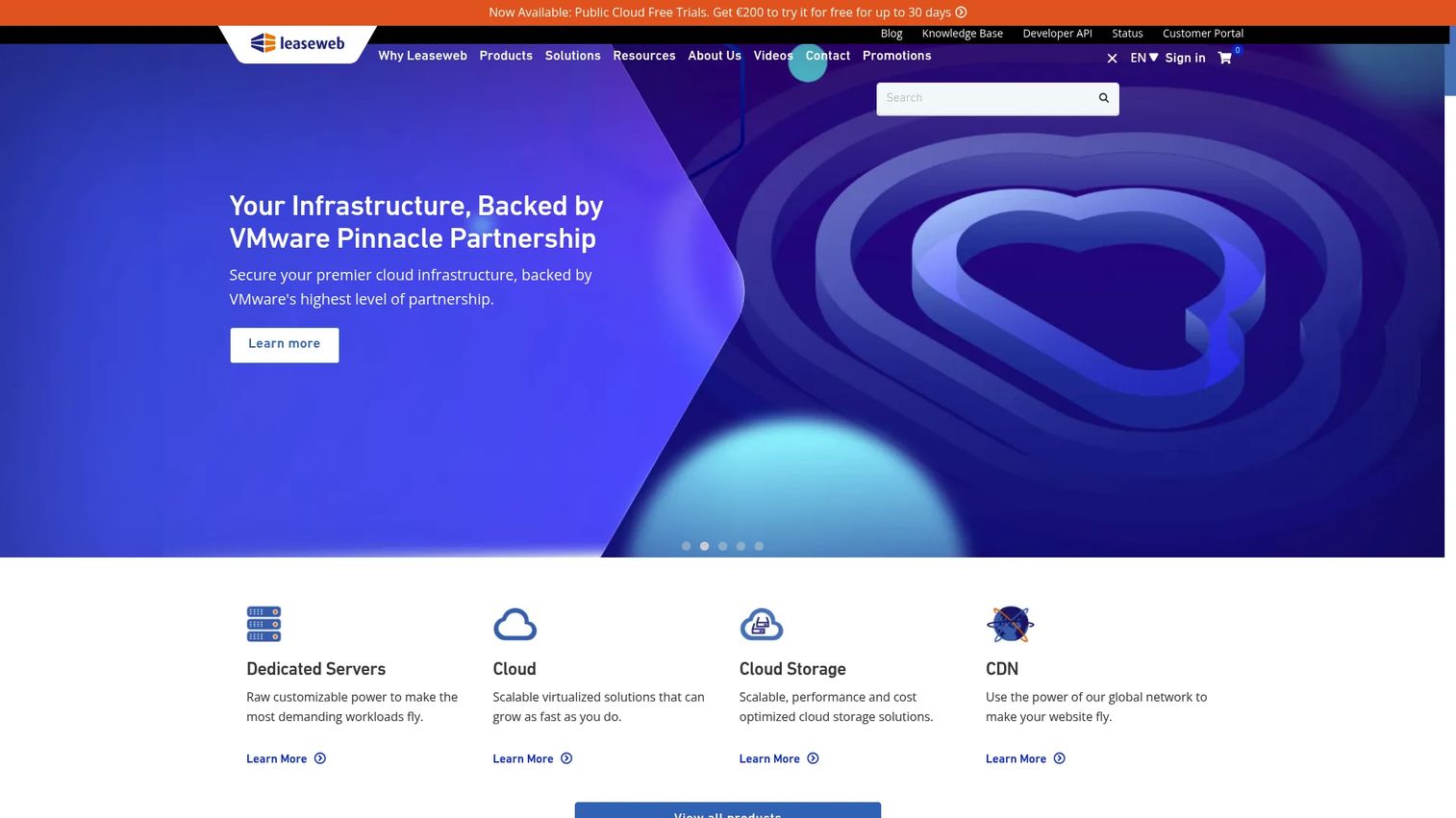
Leaseweb provides dedicated servers, public cloud, cloud storage, and CDN services alongside colocation infrastructure across global data center locations. Its colocation offering supports rack units, full racks, and private cages with remote hands coverage and a customer portal with API access. Leaseweb positions itself for businesses that want physical colocation alongside optional hybrid cloud connectivity.
Best for: Global teams needing colocation with optional expansion into broader dedicated or cloud hosting services.
Key features
- Rack units, full racks, and private cages
- Remote Hands support for physical tasks
- Customer portal and API for service management
- Hybrid cloud connectivity alongside physical colocation
- Global data center footprint across Europe, Americas, Asia-Pacific
Why choose Leaseweb: Leaseweb suits presales teams explaining a vendor that covers both physical colocation and cloud hosting in one provider relationship. The combination helps buyers evaluate consolidation, though configuration options vary by location and power availability.
Leaseweb pricing: Leaseweb prices in EUR on its public cloud pricing page; GPU-optimized instances start at approximately €0.39 per hour or €253 per month. Colocation pricing is quote-based and varies by rack footprint, power draw, bandwidth, and data center location.
G2 rating: 3.4/5
2. Atlantic.Net
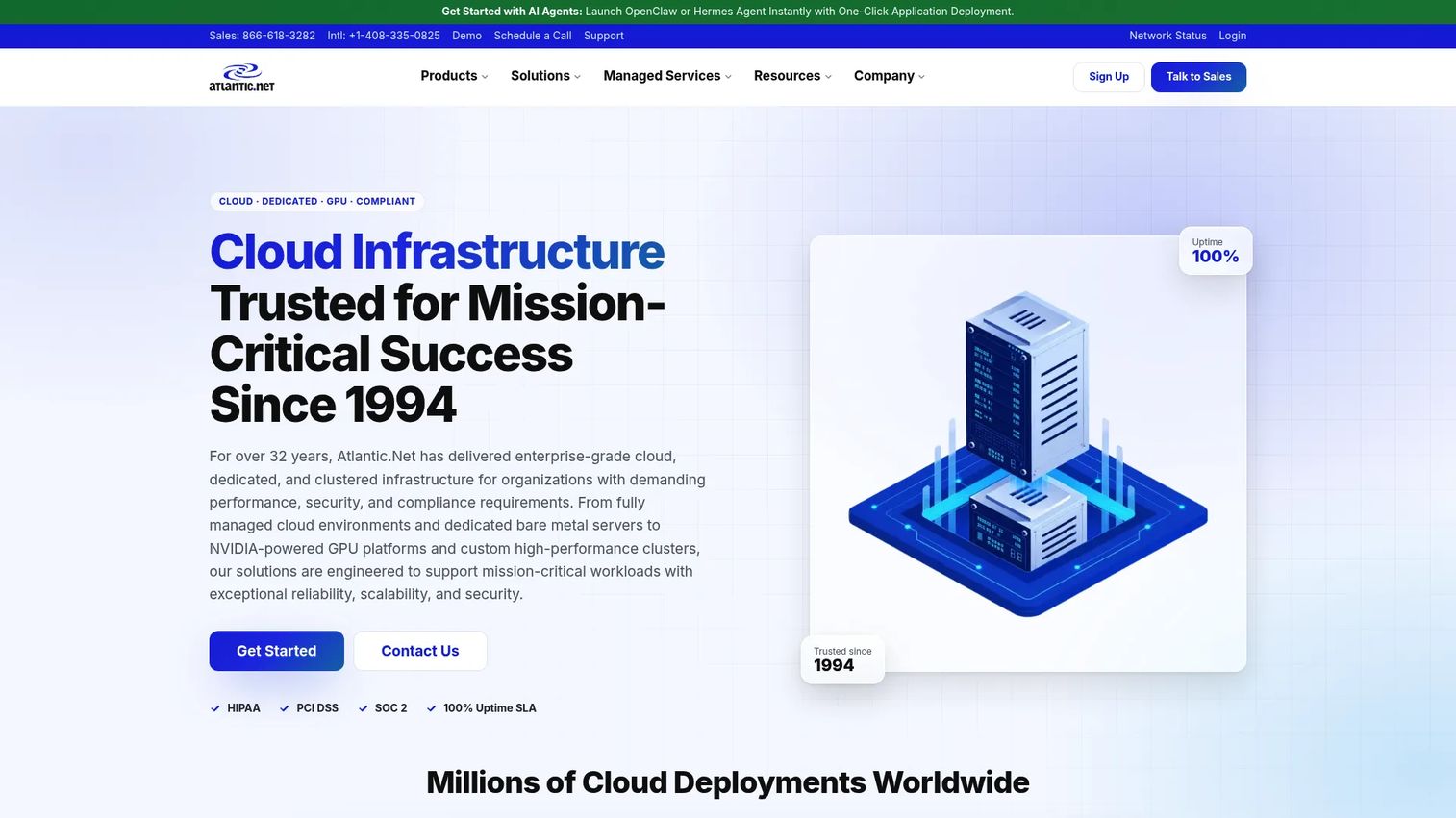
Atlantic.Net is a global cloud services provider offering managed and unmanaged cloud hosting, dedicated infrastructure, and compliance-focused hosting, including options for HIPAA, HITECH, PCI DSS, and SOC environments. Its colocation and dedicated offerings sit alongside a managed cloud platform and 24/7 US-based support. Healthcare-adjacent buyers and regulated workloads are a clear fit.
Best for: Teams with regulated or compliance-sensitive workloads where audit readiness, data residency, and security controls are part of the buying evaluation.
Key features
- Colocation and dedicated server hosting
- HIPAA, HITECH, PCI DSS, and SOC compliance support
- RAID-10 redundant SSD storage on cloud plans
- RESTful API and control panel access
- 24/7/365 US-based expert support
Why choose Atlantic.Net: When a presales conversation involves healthcare data, compliance audits, or security questionnaires, Atlantic.Net's compliance-oriented positioning gives you a provider to cite. The 24/7 US-based support also answers the "who do I call at 2am" question, which matters in regulated environments.
Atlantic.Net pricing: Cloud plans start at $10/month for a general-purpose Linux instance. Colocation and dedicated server pricing is quote-based, with rates depending on facility, hardware footprint, and managed service requirements.
G2 rating: 4.6/5
3. ColoCrossing
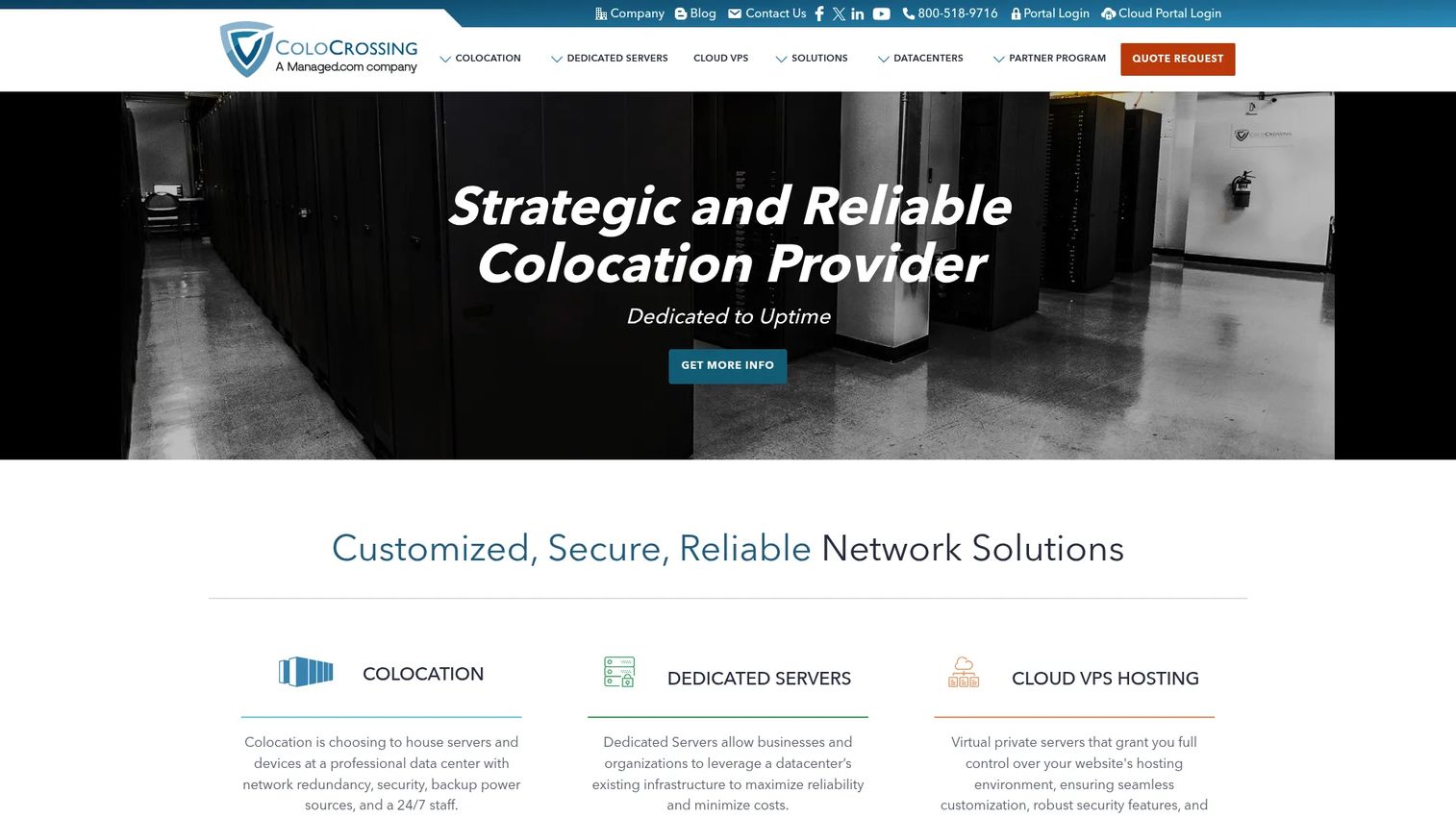
ColoCrossing provides dedicated servers, cloud VPS, colocation, managed services, and data center infrastructure with a 100% network uptime SLA. Its North American data center footprint covers buyers who want colocation alongside hosting options without switching providers. DDoS mitigation, managed firewalls, and disaster recovery are available as add-ons.
Best for: Teams that want colocation and dedicated server options under one North American provider, particularly buyers still deciding between bringing their own hardware and renting servers.
Key features
- Colocation with remote hands and managed options
- Dedicated servers: /30 IPv4, 40TB bandwidth, IPMI access
- Cloud VPS with SSD storage and 1Gbps ports
- DDoS mitigation and managed firewall options
- 100% network uptime SLA, 24/7 support
Why choose ColoCrossing: ColoCrossing is useful when a buyer is evaluating colocation alongside dedicated servers or VPS as alternatives. The ability to compare configurations within one vendor reduces the number of RFPs needed early in a presales qualification.
ColoCrossing pricing: VPS plans start at $3.95/month. Dedicated server pricing varies by configuration and is listed on separate offer pages. Colocation pricing depends on space, power, bandwidth, and support requirements, and requires contacting sales for a quote.
4. DataBank
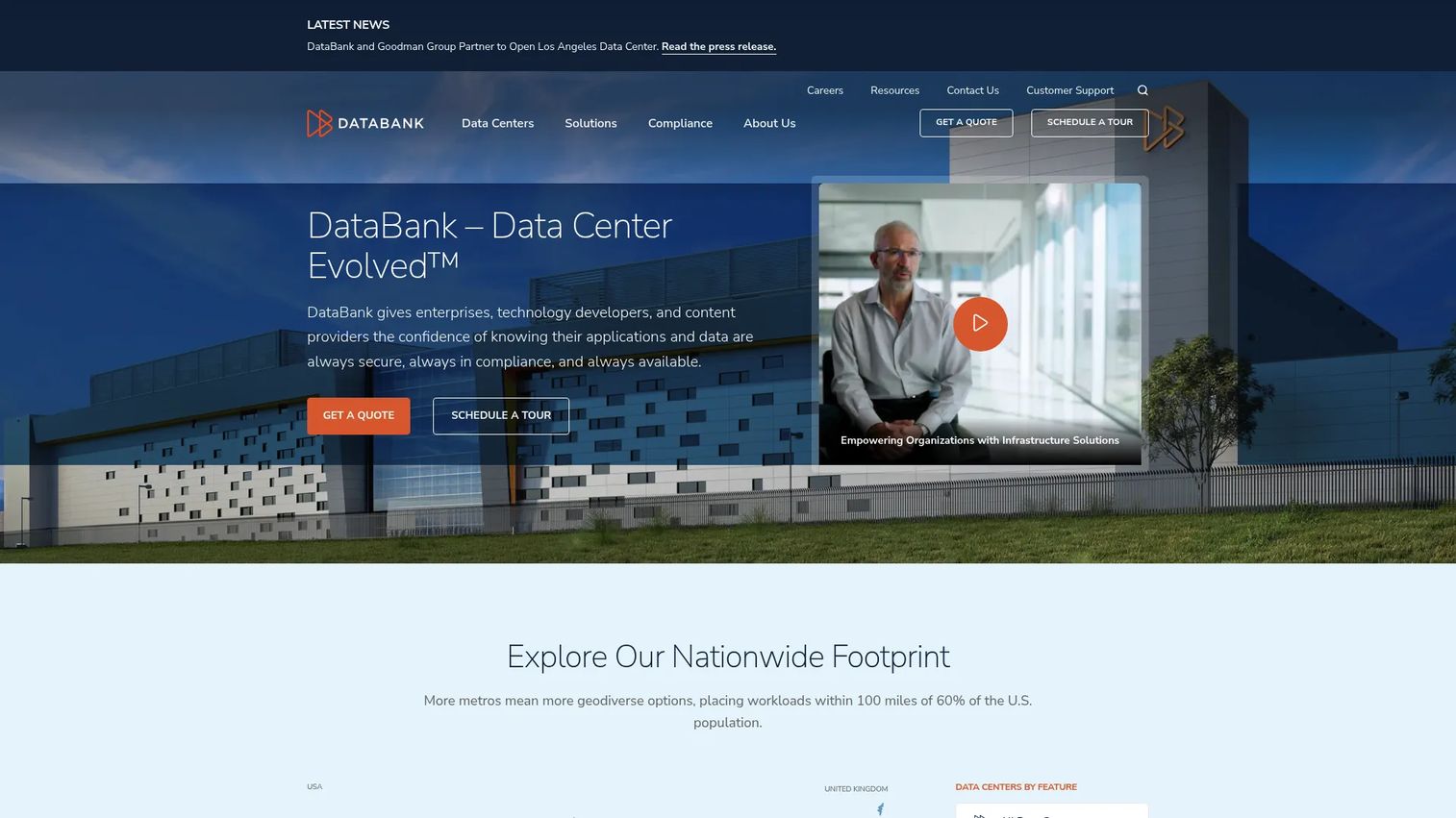
DataBank provides enterprise infrastructure services including colocation, cloud hosting, bare metal, interconnection, managed security, and disaster recovery across its data center network. Its colocation offering covers cabinets, cages, and suites with high-density deployment options and remote hands. Cloud connectivity, cross-connects, and data center interconnect round out a hybrid IT model suited for enterprises managing mixed workloads.
Best for: Enterprises building hybrid infrastructure that spans colocation, private cloud, and managed services, particularly teams managing GPU workloads, legacy systems, or disaster recovery alongside cloud-connected infrastructure.
Key features
- Colocation: Cabinets, cages, suites, high-density deployments, remote hands
- Cloud: Enterprise private cloud, multi-tenant cloud, bare metal, government cloud
- Interconnection: Cross-connects, cloud connectivity, data center interconnect
- Data protection: Managed security, disaster recovery, SAN and object storage
- Managed services alongside colocation
Why choose DataBank: DataBank works for buyers who need more than a cabinet. The combination of colocation, cloud hosting, bare metal, and managed disaster recovery in one provider relationship shortens the vendor list and simplifies the architecture discussion during technical validation.
DataBank pricing: DataBank does not display standard pricing on its website. All configurations are quote-based, with pricing driven by footprint, region, cloud services, and managed service scope.
5. Equinix
Equinix provides globally interconnected data center, colocation, and connectivity infrastructure across more than 70 markets. Its differentiation sits in carrier density, cloud on-ramps, and partner connectivity rather than raw rack pricing. Enterprises that need to connect to multiple clouds, carriers, and trading partners from a single colocation environment are the core audience.
Best for: Enterprises where interconnection is the primary buying criterion: Multi-cloud connectivity, carrier peering, financial services, global supply chains, and latency-sensitive applications.
Key features
- Global colocation across 70-plus markets
- Private connectivity to clouds, carriers, and partners
- Cloud on-ramps with automated provisioning
- Virtual network services with multi-vendor support
- Enterprise facility controls and compliance certifications
Why choose Equinix: Choose Equinix when connectivity drives the decision more than cost per rack unit. The Network Edge virtual device portfolio, Equinix Fabric, and cross-connect ecosystem make it the right answer for presales conversations about multi-cloud architecture, latency optimization, or financial-grade network requirements.
Equinix pricing: Network Edge virtual devices start at $700/month for a 1 CPU configuration in the US, rising to $1,000/month for 2 CPUs and $1,400/month for 4 CPUs. Colocation, Equinix Fabric, and cross-connect pricing depends on market, power allocation, space, and interconnection configuration.
G2 rating: 4.4/5
6. Digital Realty
Digital Realty provides global data center infrastructure through its PlatformDIGITAL, covering colocation from single racks to private suites and high-density AI deployments with liquid-cooling options up to 150 kW per cabinet. Its interconnection portfolio includes Cross Connect, Metro Connect, Campus Connect, Internet Exchange, and IP Bandwidth. With 250-plus global cloud on-ramps, Digital Realty suits large enterprises planning infrastructure across multiple regions and power densities.
Best for: Large enterprises and service providers needing scalable colocation capacity, high-density GPU or AI deployments, and private cloud or network interconnection across global markets.
Key features
- Colocation from single racks to private suites
- High-density deployments with liquid cooling up to 150 kW per cabinet
- 250-plus global cloud on-ramps
- Cross Connect, Metro Connect, Campus Connect, and Internet Exchange
- Global campus footprint with regional redundancy
Why choose Digital Realty: Digital Realty is the right answer when capacity planning drives the conversation. Its liquid-cooling options make it one of the few providers that can practically support high-density GPU or AI workloads at scale. Presales teams should highlight PlatformDIGITAL when buyers are planning multi-market infrastructure over a three to five year horizon.
Digital Realty pricing: All deployments are customized to capacity, power density, interconnection, and geography. Contact their sales team to request a quote with your specific requirements.
7. Flexential
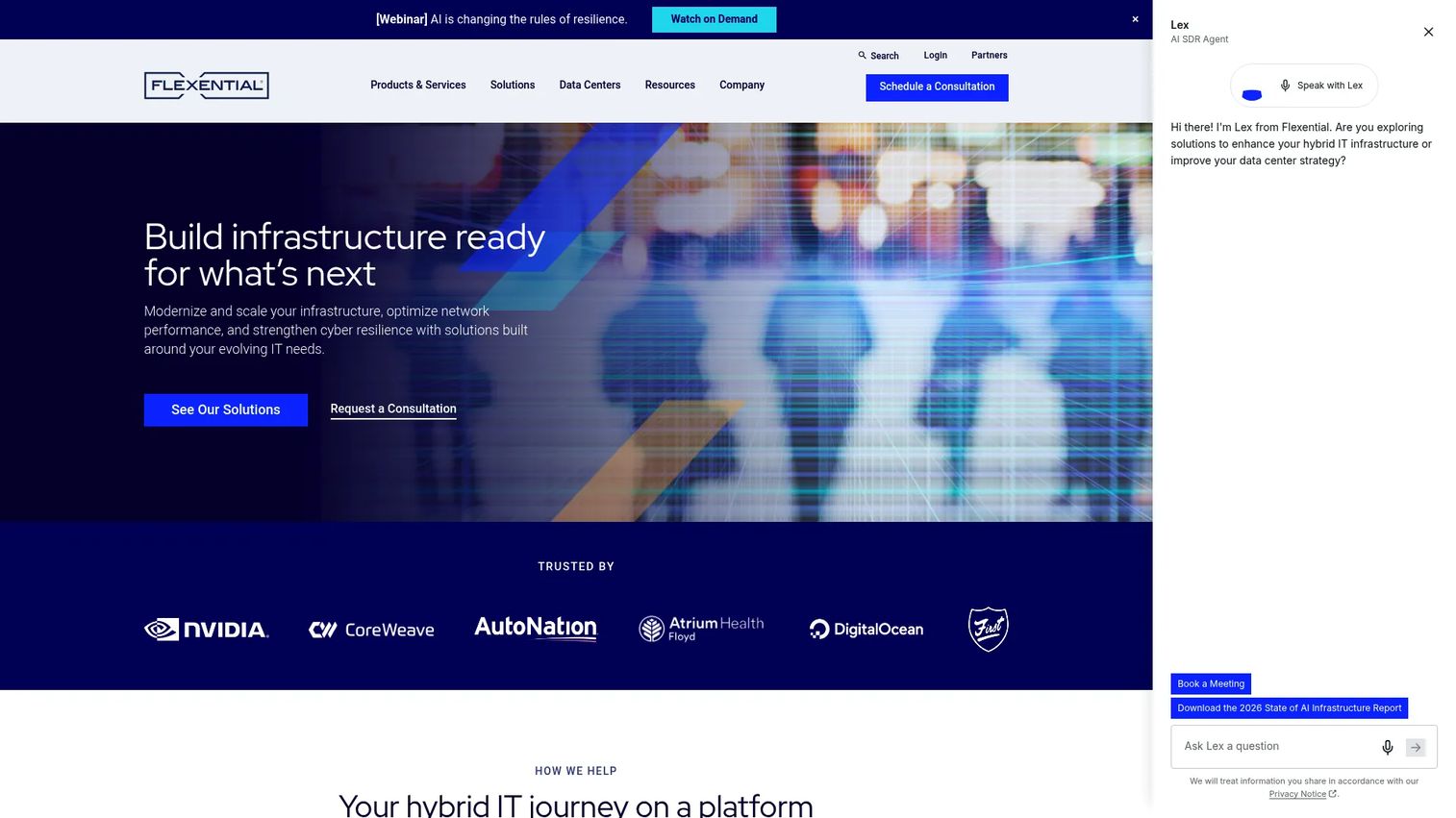
Flexential provides hybrid IT infrastructure including colocation, interconnection, cloud services, disaster recovery, and cybersecurity and compliance professional services. Its portfolio sits at the intersection of physical data center infrastructure and managed operational services, making it a fit for buyers who need more than cabinets and cross-connects.
Best for: Organizations that want colocation paired with operational resilience services, including disaster recovery, cloud connectivity, managed security, and compliance support under one provider relationship.
Key features
- Data center colocation
- Interconnection and cloud connectivity
- Private, public, and hybrid cloud services
- Disaster recovery and backup services
- Cybersecurity, compliance, and cloud migration professional services
Why choose Flexential: Flexential is worth presenting when a buyer's question moves from "where do we put the hardware" to "who helps us run it." The managed services layer, particularly disaster recovery and cybersecurity, reduces the number of additional vendors a buyer needs to evaluate. Presales teams can use this to shorten the vendor list in complex deals.
Flexential pricing: All quotes are customized by space, power, network requirements, and managed service scope. Request a quote directly with your specific configuration assumptions.
G2 rating: 3.6/5
Considerations when choosing colocation hosting
Start with workload requirements
Document every server, appliance, and device that needs colocation. Note rack units, power draw in kilowatts, port types, storage configuration, and GPU density. Add projected growth over 12 to 24 months. This becomes your RFQ baseline and helps you compare quotes on identical assumptions rather than approximate ones.
Compare facility location and latency
The closest facility is not always the right one. Evaluate proximity to your users, cloud regions, trading partners, carrier networks, and secondary disaster recovery sites. For latency-sensitive workloads, ask for round-trip time measurements from the facility to your critical endpoints before signing.
Verify power, cooling, and redundancy
Ask about power feed architecture, UPS design, generator coverage, and maintenance windows. For GPU and AI workloads, confirm that the facility can support your power density per cabinet. Standard cabinets often top out at 10 to 15 kW. High-density deployments may require 30 to 150 kW per cabinet, and not every facility can deliver that reliably without specialized cooling.
Review remote hands and access rules
Remote Hands services vary significantly across providers. Confirm what is included: Reboots, drive swaps, cabling, labeling, shipment handling, and hardware inspections. Ask about escort requirements for on-site visits, emergency access procedures, response time SLAs for Remote Hands requests, and per-incident fees.
Read the SLA before procurement
Compare uptime commitments, credit structures, exclusions, and maintenance window policies. Ask about support escalation paths, response time commitments for critical issues, and what qualifies as a provider-side outage versus a customer-side event. Presales teams should prepare an SLA summary that buyers can compare side by side.
Conclusion
Choosing a colocation hosting provider comes down to workload requirements first, then geography, and then connectivity and support model.
Leaseweb suits global teams that want colocation plus hybrid cloud in one vendor relationship. Atlantic.Net is the right call for regulated and compliance-sensitive workloads, particularly in healthcare. ColoCrossing gives North American buyers colocation alongside hosting alternatives under one roof. DataBank works for enterprises that need hybrid IT across colocation, cloud, and managed disaster recovery. Equinix belongs in the conversation whenever interconnection, carrier access, or multi-cloud connectivity is the buying criterion. Digital Realty handles large-scale capacity planning and high-density GPU or AI deployments. Flexential rounds out the list for buyers that need colocation plus managed operational services.
Before you request quotes, build a standard workload profile: Rack units, power draw, bandwidth needs, cross-connect requirements, Remote Hands scope, and SLA expectations. Submit the same assumptions to every provider. That discipline protects technical validation and gives you comparable data to present to your buyer.
Start your journey with Guideflow today!
FAQs
Colocation hosting is a data center service where a business places its own servers or IT hardware in a third-party facility. The provider supplies space, power, cooling, network connectivity, physical security, and operational support, while the customer retains ownership and control of the hardware. Configuration options range from single rack units to full cabinets, private suites, or caged deployments.
No. Colocation means you own or control the hardware and pay for facility space, power, and connectivity. Cloud hosting means you rent virtualized infrastructure or managed compute from a provider, with no physical hardware to maintain. Hybrid infrastructure combines both, using colocation for owned hardware and cloud for elastic or managed workloads.
Colocation is the right choice when you own specific hardware, run workloads with low-latency requirements, operate GPU or AI infrastructure with high power density, have server licensing tied to physical hardware IDs, or need to meet compliance requirements around data residency and physical access controls. It also applies to legacy systems that cannot be migrated cleanly to cloud without significant reengineering.
Ask about facility location and proximity to your users or cloud regions, available rack sizes and power per cabinet, bandwidth and cross-connect options, Remote Hands scope and response time, physical access and escort policies, SLA terms and credit structure, security controls and audit certifications, and contract length and minimum commitments. Collect the same answers from every provider you evaluate.
Pricing depends on rack space, power allocation per cabinet, bandwidth, cross-connects, Remote Hands usage, geographic market, and managed service add-ons. Most enterprise-grade providers require a quote. Submit identical workload assumptions to each provider so you can compare on equal terms. ColoCrossing is the only provider in this list with published pricing starting points; others price by configuration.
Remote Hands is an on-site technician service that performs physical tasks on your hardware when you are not at the facility. Common tasks include rebooting equipment, checking indicator lights, swapping drives, cabling, labeling ports, and handling incoming shipments. Response time, included tasks, and per-incident fees vary by provider. Confirm the full scope in writing before signing.
Yes, when the provider can support the required power density, cooling capacity, and network throughput. Standard colocation cabinets typically support 5 to 15 kW. GPU and AI deployments often need 30 to 150 kW per cabinet, requiring specialized cooling such as liquid cooling or rear-door heat exchangers. Validate power and cooling specifications before committing to a facility.
In dedicated server hosting, the provider owns the server hardware and rents it to you on a monthly or annual basis. You manage the software, but the hardware belongs to the provider. In colocation, you bring your own hardware. The provider supplies the facility infrastructure, and the hardware ownership stays with you. This distinction matters for asset depreciation, hardware customization, and long-term cost modeling.