When a prospect asks where your images live, who controls pull access, how vulnerabilities get caught before production, and whether their air-gapped environment can receive updates, you need a crisp answer. Not a general one.
According to the CNCF Annual Cloud Native Survey (2026), 82% of container users run Kubernetes in production. That means registry choice is no longer an infrastructure afterthought. It sits squarely inside security reviews, POC planning, and deployment architecture conversations that presales and sales engineering teams own.
The wrong registry creates friction at exactly the wrong moments: A security questionnaire stalls because image scanning policies aren't documented, a POC slips because environment access wasn't provisioned, or a customer-facing deployment fails because the registry wasn't built for external distribution. Picking the right tool early removes those blockers.
This guide gives you a shortlist of 14 container registries evaluated for technical depth, deployment model, security controls, and operational fit.
What's inside
This guide covers 14 container registry software options for 2026, evaluated across cloud-managed, open-source, self-hosted, enterprise, and customer-facing delivery scenarios. Selection criteria:
- Deployment model: Cloud-managed vs. self-hosted vs. hybrid, including air-gapped support
- Security controls: RBAC, vulnerability scanning, image signing, audit logs
- OCI and artifact support: Helm charts, SBOMs, non-image artifact types
- Operational fit: Kubernetes integration, CI/CD pipeline support, and maintenance overhead
Written for presales and sales engineering teams supporting technical discovery, RFP responses, security reviews, and POC planning.
TL;DR
- Best open-source registry: Harbor for teams that need self-hosted control with scanning, RBAC, signing, and replication built in
- Best default public registry: Docker Hub for open-source discovery and mainstream Docker workflows
- Best for GitLab-native teams: GitLab Container Registry for CI/CD pipelines already running inside GitLab
- Best AWS-native registry: Amazon ECR for deployments tied to ECS, EKS, and IAM-governed access
- Best for enterprise artifact management: JFrog Artifactory for teams managing containers alongside many package formats
- Best for external customer distribution: Distr for software vendors shipping containerized products into customer environments
What is container registry software?
Container registry software stores, manages, secures, and distributes container images and OCI artifacts so teams can build, deploy, and run containerized applications consistently.
At the core, a registry holds image repositories. Each repository contains tagged versions of a container image, with manifests linking image layers to metadata. Teams push images from CI/CD pipelines after a build completes, then pull those images to runtime environments for deployment. The registry sits in the middle of that flow, controlling who can push, who can pull, and what gets scanned or signed before reaching production.
Registries split into two broad categories. Public registries distribute images openly, making them useful for open-source projects and vendor-distributed base images. Private registries restrict access to authorized users, service accounts, or specific customer environments, which is the standard for proprietary software and internal deployments.
Modern registries also handle artifact types beyond Docker images. OCI-compliant registries can store Helm charts, SBOMs, WASM modules, and ML model files alongside container images, which matters when your deployment pipeline includes more than just application containers.
Key features to look for
- Image storage, versioning, tagging, and manifest management
- Authentication and role-based access control (RBAC)
- Vulnerability scanning with policy enforcement
- Image signing and provenance verification
- OCI artifact support beyond Docker images
- Replication and geo-distribution
- Pull-through caching to manage upstream rate limits
- Audit logs and access policy controls
- Helm chart repository support
- Air-gapped deployment capability
When to use container registry software
Store internal images for Docker and Kubernetes deployments
Engineering teams building containerized applications need a private registry to store CI/CD output, promote images across environments (dev to staging to production), and support Kubernetes pod pulls without depending on public registries. During presales discovery, ask where the buyer currently stores images and how their Kubernetes clusters authenticate to the registry. The answer often reveals whether they need a cloud-native managed service or a self-hosted option with tighter access control.
Secure software supply chains before production
Security questionnaires increasingly ask about image scanning policies, signing workflows, SBOM generation, and audit trails. A registry with integrated vulnerability scanning and image signing lets you answer those questions with documentation rather than promises. For RFP responses, verify that the registry supports RBAC with scoped tokens, logs all push and pull events, and integrates with your buyer's existing identity provider.
Distribute containerized software to customers
Internal registries solve the internal use case. Customer-facing software distribution requires more. Software vendors shipping containerized products need per-customer access controls, private delivery channels, air-gapped install support, and visibility into what's been deployed where. Generic cloud registries weren't designed for this. Tools purpose-built for external distribution handle license-aware access, rollback visibility, and customer portal delivery.
Container registry software comparison
The table below covers 14 tools in the order they appear in the detailed sections below. Pricing reflects verified figures from each vendor's pricing page. G2 ratings reflect verified current listings; N/A indicates no confirmed product-specific rating.
| # | Product | Best for | Key differentiator | Pricing | G2 rating |
|---|---|---|---|---|---|
| 1 | Harbor | Self-hosted open-source control | CNCF registry with scanning, RBAC, signing, and replication | Free (open source) | 4.6/5 |
| 2 | Docker Hub | Public image discovery | Largest mainstream Docker image distribution network | Free; paid from $9/user/month | 4.6/5 |
| 3 | GitLab Container Registry | GitLab CI/CD teams | Registry built into GitLab project and pipeline workflows | Included in GitLab plans (Free to Ultimate) | 4.5/5 |
| 4 | Amazon ECR | AWS-native deployments | IAM-native registry for ECS and EKS with lifecycle policies | $0.10/GB/month storage; free tier available | 4.3/5 |
| 5 | Azure Container Registry | Azure-native deployments | Managed registry with geo-replication and AKS integration | Basic/Standard/Premium tiers (contact Azure for current rates) | 4.4/5 |
| 6 | Google Artifact Registry | Google Cloud artifact management | Multi-format repository for GKE and Cloud Build pipelines | Free up to 0.5 GB; $0.000137/GiB-hour above | 4.4/5 |
| 7 | JFrog Artifactory | Enterprise artifact management | Universal repository across containers, packages, and releases | Pro from $50/month | 4.5/5 |
| 8 | Cloudsmith | Multi-format package management | Cloud-native package platform with policy controls | Free (Core); Pro from $149/month | 4.5/5 |
| 9 | GitHub Container Registry | GitHub-native projects | Container registry tied to GitHub Packages and Actions workflows | Free for public; included in GitHub plans | N/A |
| 10 | Oracle Container Registry | Oracle Cloud teams | Managed registry for Oracle Cloud and Oracle software images | No extra registry charge; storage and network fees apply | 4.4/5 |
| 11 | IBM Cloud Container Registry | IBM Cloud workloads | Private registry for IBM Cloud Kubernetes Service deployments | Free up to 500 MB; Standard tier usage-based | 4.4/5 |
| 12 | Mirantis Secure Registry | Enterprise self-managed environments | Hardened registry built on Harbor for Mirantis and Docker Enterprise | From $9,999/year per node | N/A |
| 13 | Gitea | Lightweight self-hosted Git platforms | Git hosting with package and container registry in one footprint | Free (open source); Enterprise from $9.50/user/month | 4.7/5 |
| 14 | Distr | Customer-facing software distribution | Registry and portal layer for commercial software vendors | Free (Community); Pro from $80/month | N/A |
Best 14 container registry software tools for 2026
1. Harbor
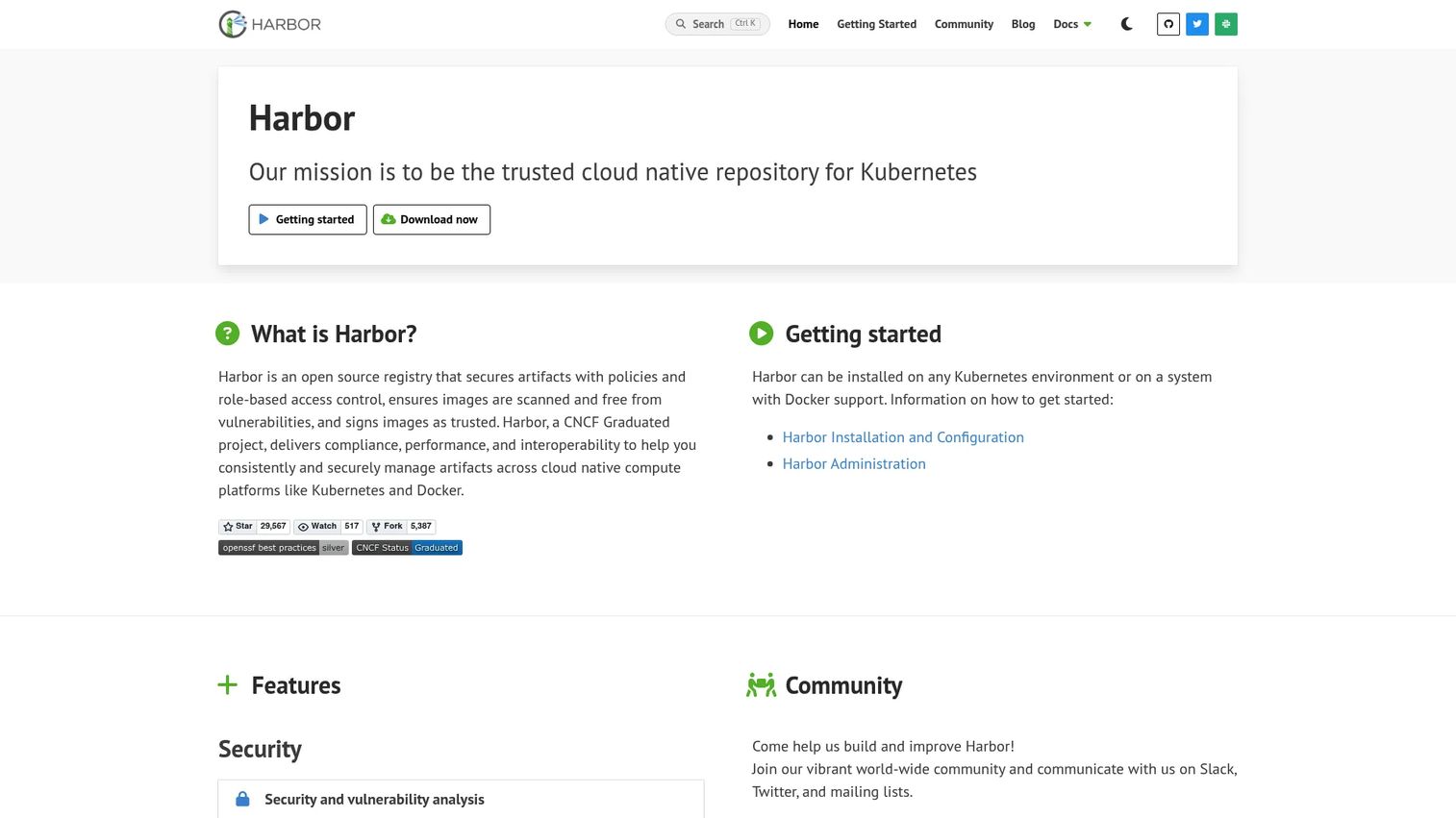
Harbor is a CNCF-graduated open-source registry for storing and distributing container images and OCI artifacts. It runs on Kubernetes or any Docker-compatible host, giving platform teams full control over their registry infrastructure without committing to a cloud provider's managed service. Harbor ships with vulnerability scanning, image signing, role-based access control, and cross-registry replication out of the box.
Best for: Platform teams and enterprises that need a self-hosted, auditable registry with strong security controls and no per-seat licensing costs.
Key features
- Vulnerability scanning with pluggable scanner support
- Role-based access control with LDAP and OIDC integration
- Content signing and image provenance verification
- Cross-registry replication for multi-region or air-gapped use
- OCI artifact support for Helm charts and non-image artifacts
Why choose Harbor: Choose Harbor when a buyer's security review requires self-hosted infrastructure, documented scanning policies, and full audit trail ownership. During a POC, verify scanner configuration and replication topology before assuming defaults match the buyer's environment.
Harbor pricing: Harbor is open source and free to install. Enterprise support or managed hosting costs depend on the operations model the team chooses internally or through a third-party vendor.
G2 rating
4.6/5
2. Docker Hub
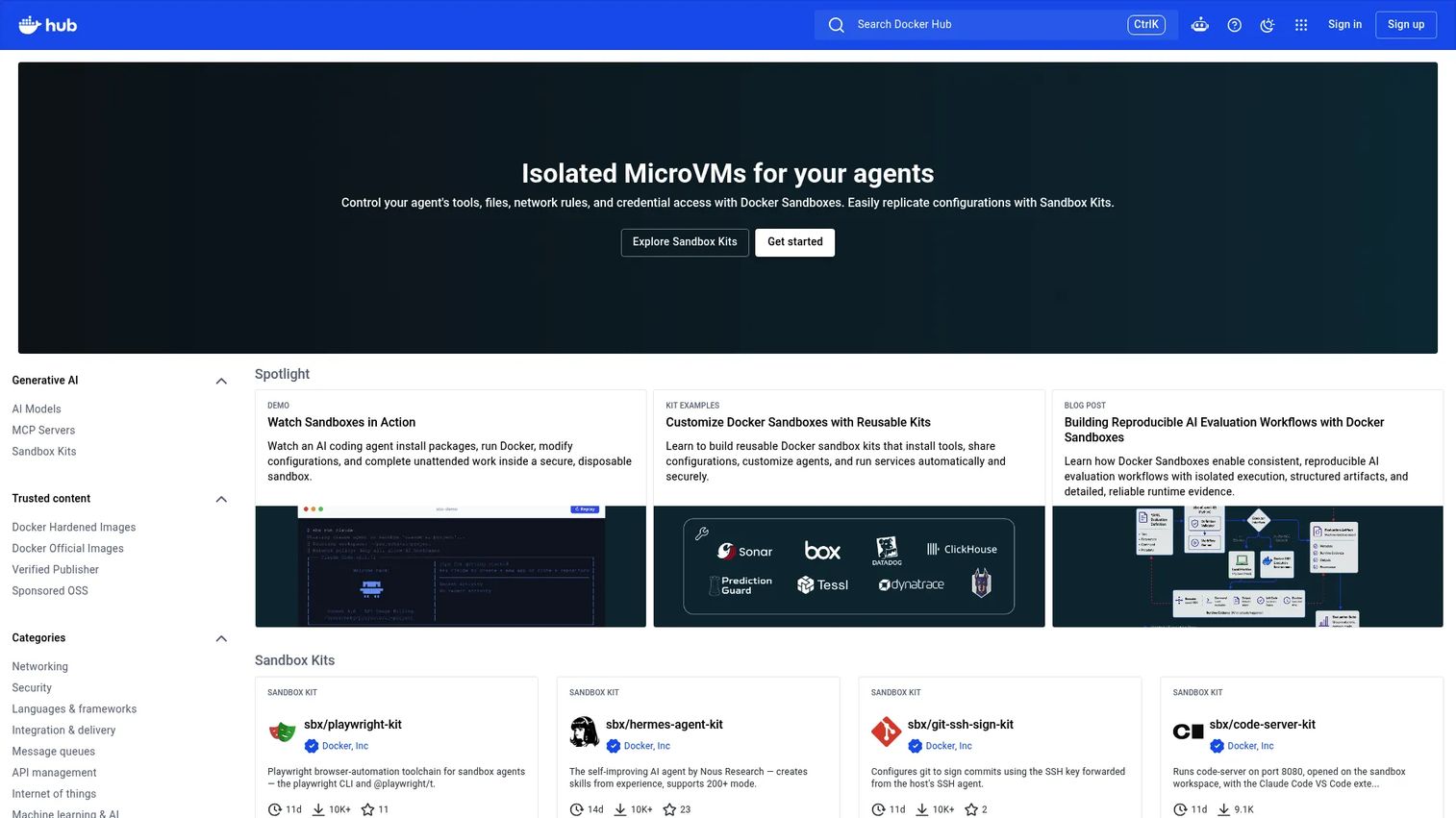
Docker Hub is the default public registry for Docker images, official base images, and open-source distribution. Most engineers already have it in their workflow. It hosts millions of repositories and distributes Docker Official Images, Verified Publisher content, and OCI artifacts including Helm charts and AI model packages.
Best for: Teams publishing or consuming mainstream Docker images, especially those relying on official base images or open-source community images.
Key features
- Unlimited public repositories across all plans
- Docker Official Images and Verified Publisher catalog
- Private repositories on paid plans
- Automated build and webhook integrations
- OCI artifact support including Helm charts and AI models
Why choose Docker Hub: Choose Docker Hub when the buyer's workflow already starts with it and discoverability matters more than deep governance. For presales, it's worth calling out that Docker Hub enforces pull rate limits on unauthenticated and free-tier accounts, which can affect Kubernetes deployments at scale without proper credential configuration.
Docker Hub pricing: Docker Personal is free. Docker Pro costs $9/user/month (annual billing), Docker Team costs $15/user/month, and Docker Business costs $24/user/month. Higher plans include increased pull rates and unlimited private repositories.
G2 rating
4.6/5
3. GitLab Container Registry
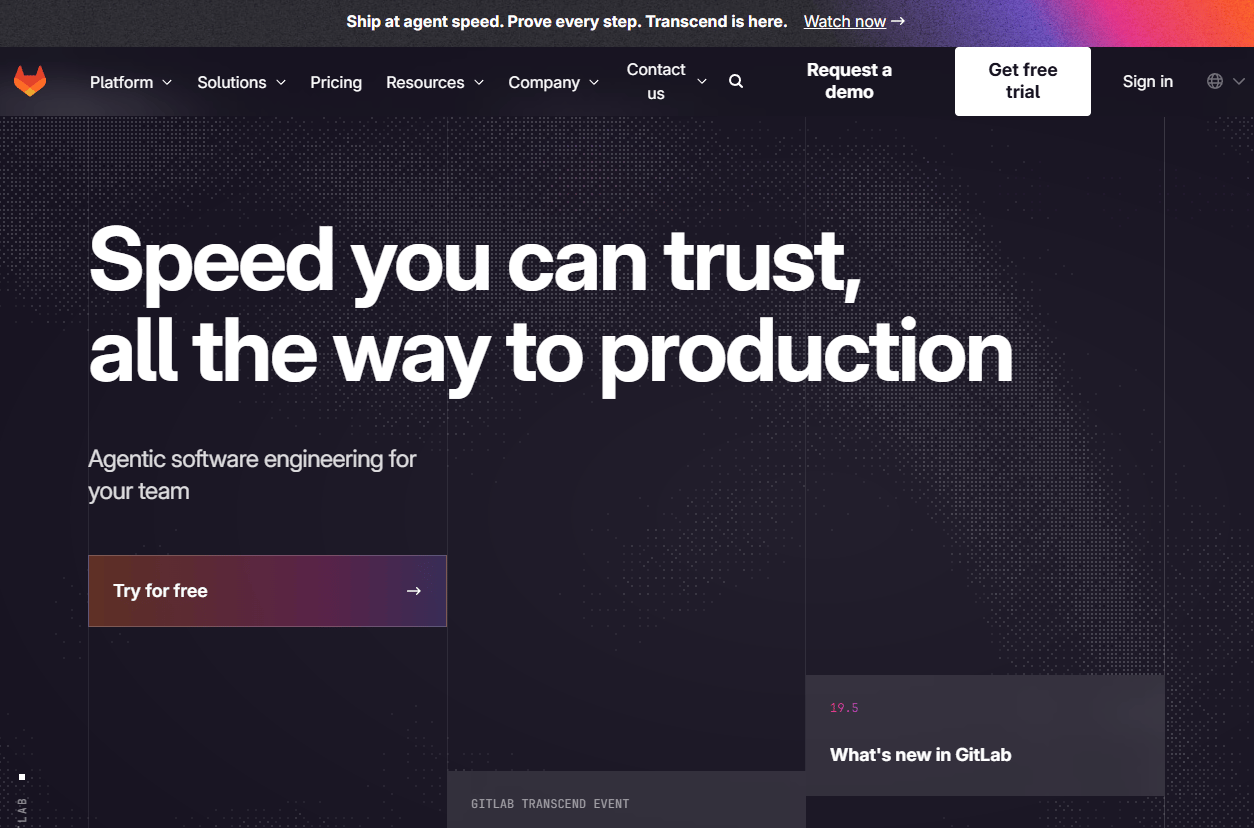
GitLab Container Registry is built directly into GitLab projects, so image storage, CI/CD pipelines, access permissions, and source code all live in one place. Teams using GitLab for version control and pipelines get a registry without adding a separate service. The dependency proxy feature lets GitLab act as a pull-through cache for upstream registries, reducing external calls and rate-limit exposure.
Best for: Engineering teams already using GitLab for source control and CI/CD who want to minimize disconnected DevOps tooling.
Key features
- Project-level registry integrated with GitLab CI/CD
- Container registry webhooks
- Image cleanup policies with configurable retention rules
- Dependency proxy for upstream registry caching
- Registry API and storage management controls
Why choose GitLab Container Registry: Choose it when the buyer runs GitLab pipelines and wants a clean path from code commit to image build to Kubernetes deployment without managing a separate registry service. For presales, confirm which GitLab tier the buyer is on, since registry features and storage limits vary by plan.
GitLab Container Registry pricing: Included in all GitLab plans. Free is $0/user/month, Premium is $29/user/month (annual billing), and Ultimate uses custom pricing. No separate registry fee applies.
G2 rating
4.5/5
4. Amazon ECR
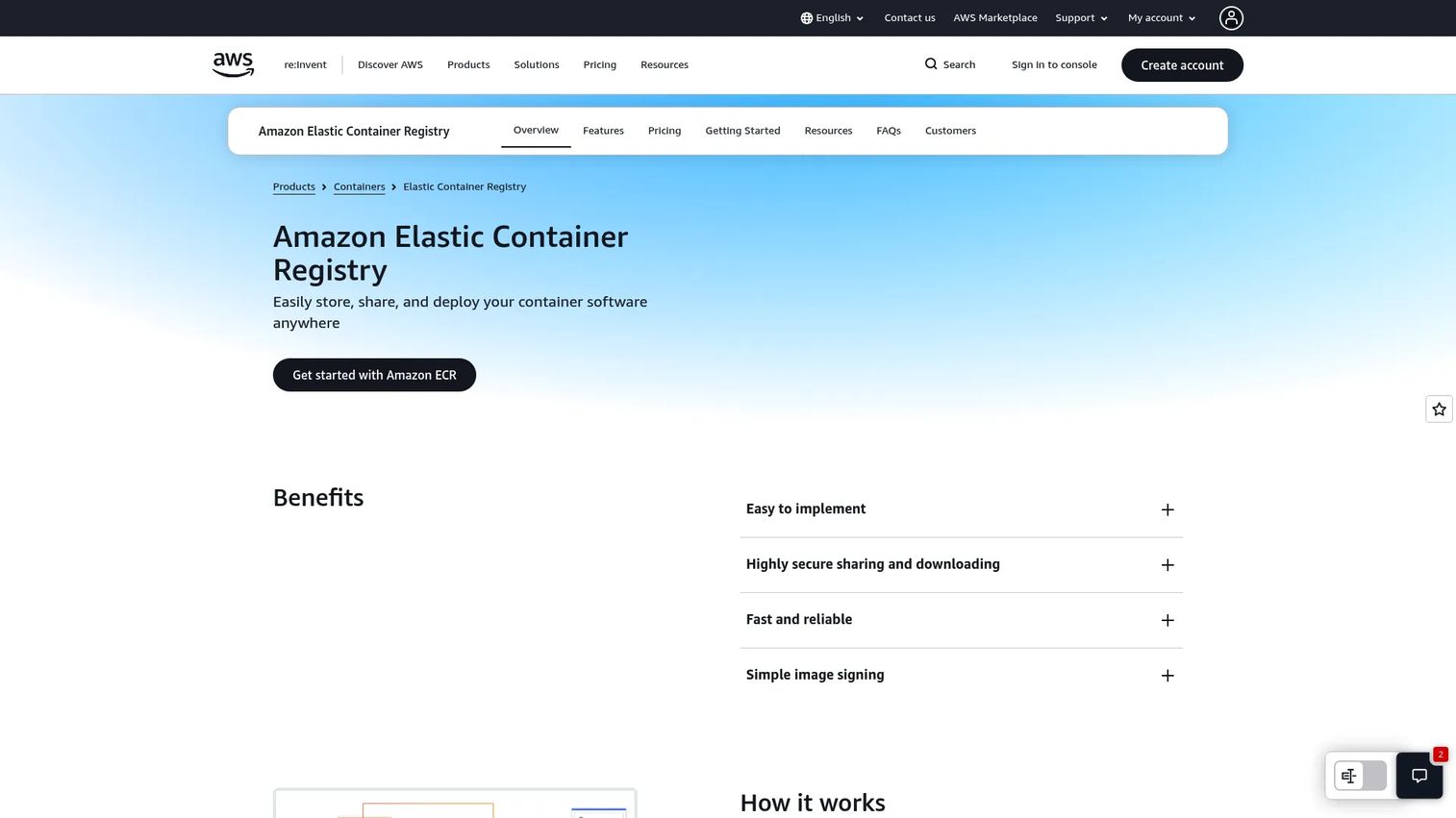
Amazon Elastic Container Registry is AWS's fully managed registry for private and public container images and OCI-compatible artifacts. It integrates natively with ECS, EKS, and IAM, so access control follows the same identity model the buyer already manages in AWS. ECR supports image scanning, lifecycle policies for automated cleanup, cross-region replication, and pull-through cache repositories for upstream rate-limit management.
Best for: AWS-centric engineering teams deploying containers through ECS, EKS, Lambda container images, or any IAM-governed pipeline.
Key features
- IAM-native access control with repository-level policies
- ECS and EKS native integration
- Image vulnerability scanning
- Lifecycle policies for automated image cleanup
- Cross-region and cross-account replication
- Pull-through cache repositories
Why choose Amazon ECR: Choose ECR when the buyer's runtime, identity, and networking model already live in AWS. For presales, it answers the "where do images sit" question cleanly for AWS-native deployments and reduces the security review surface because IAM policies govern access.
Amazon ECR pricing: Storage runs $0.10/GB/month for private repositories. New accounts receive 500 MB/month of private storage free for the first year. Public repositories include 50 GB/month of always-free storage.
G2 rating
4.3/5
5. Azure Container Registry
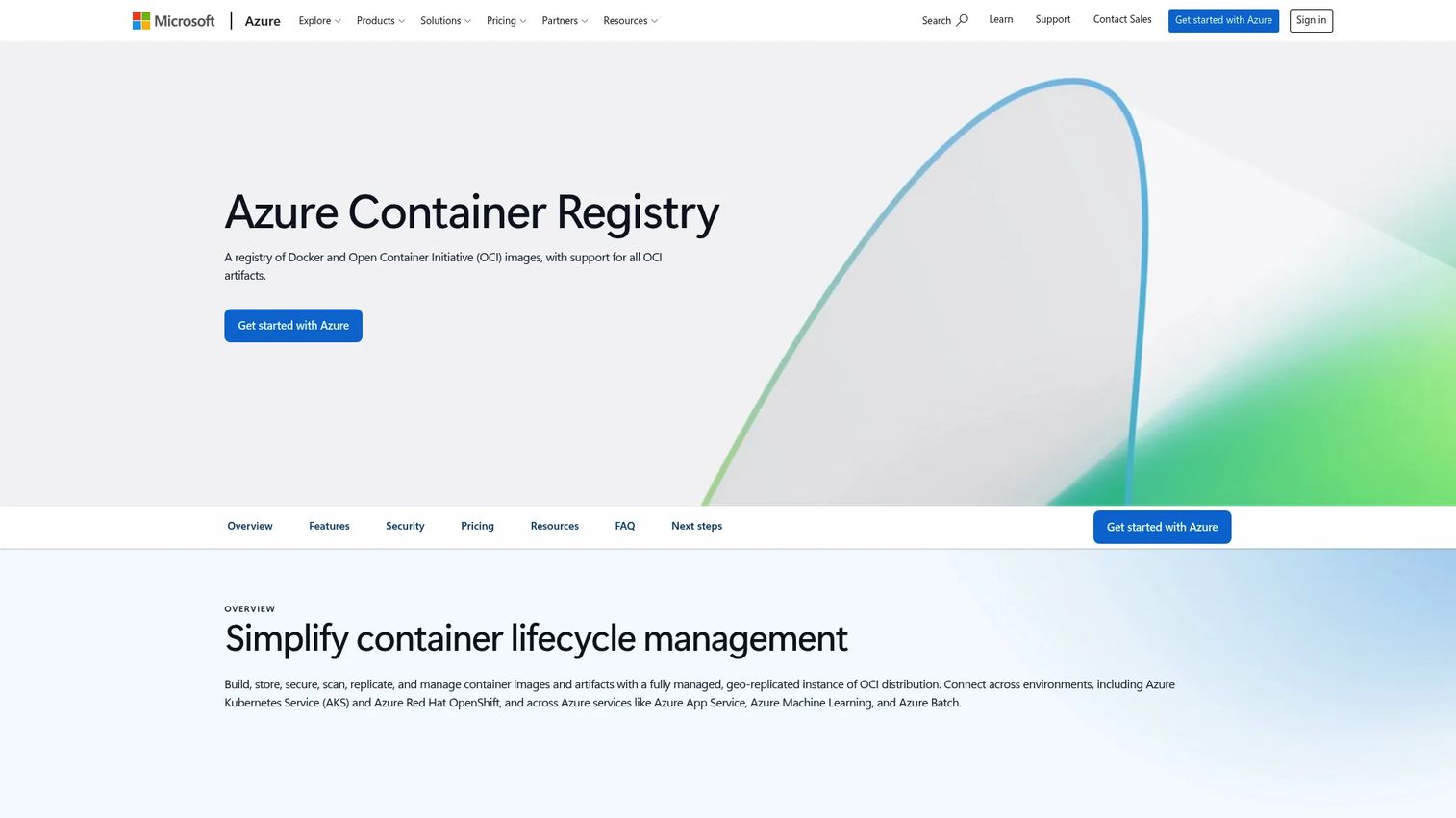
Azure Container Registry is Microsoft's managed registry for container images and OCI artifacts. It integrates with AKS, Microsoft Entra ID, Azure Pipelines, and the broader Azure security perimeter. The Premium tier adds geo-replication for multi-region deployments, private endpoints for network isolation, and ACR Tasks for automated image building and OS patching.
Best for: Azure-native teams deploying to AKS or Azure-hosted applications who want registry and identity managed within the Microsoft platform.
Key features
- AKS native integration
- Microsoft Entra ID authentication and RBAC
- Premium-tier geo-replication across Azure regions
- ACR Tasks for automated build and patching workflows
- Private endpoints for network-isolated access
Why choose Azure Container Registry: Choose ACR when the buyer's deployment, identity, and networking decisions already center on Azure. It reduces the number of cross-platform integrations during security review and keeps image access inside Azure's existing governance model.
Azure Container Registry pricing: Three tiers exist: Basic, Standard, and Premium, with included storage of 10 GB, 100 GB, and 500 GB respectively. Microsoft's pricing page currently displays rate placeholders rather than fixed numeric amounts. Contact Azure or check the official pricing calculator for current per-day rates.
G2 rating
4.4/5
6. Google Artifact Registry
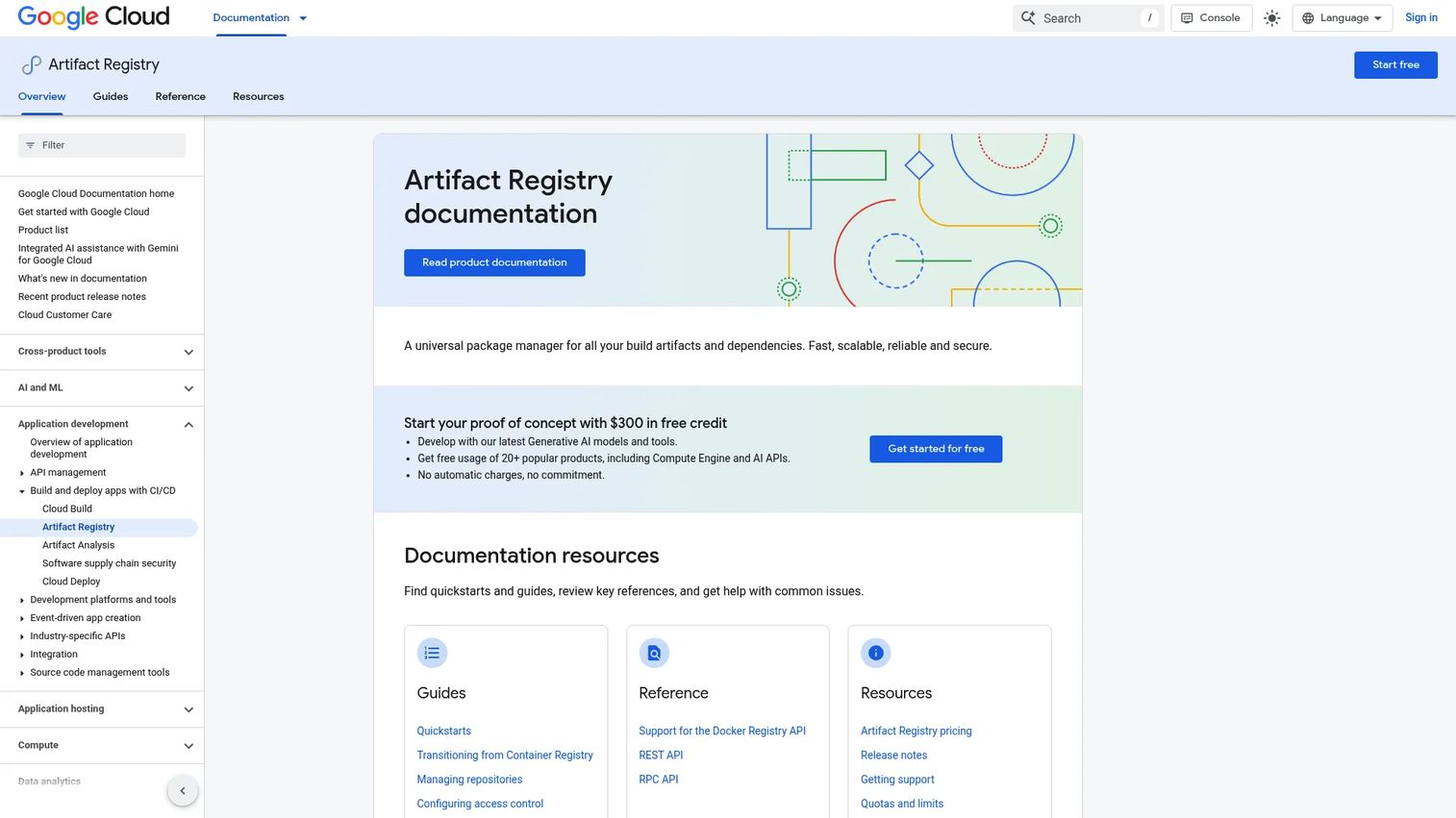
Google Artifact Registry is Google Cloud's managed repository for Docker images and other package formats. It supports standard, remote, connector, and virtual repository modes, integrating with Cloud Build, GKE, and IAM for access control. Artifact Analysis provides vulnerability scanning directly within the registry, and regional repository placement keeps data close to compute.
Best for: Google Cloud teams managing container images and packages for GKE clusters and Cloud Build pipelines.
Key features
- Multi-format repositories for containers and packages
- Cloud IAM-based access control at the repository level
- Vulnerability scanning via Artifact Analysis
- Regional repositories for data residency requirements
- GKE and Cloud Build native integration
Why choose Google Artifact Registry: Choose it when the buyer manages containerized workloads on Google Cloud and wants artifact storage governed by the same IAM policies as their compute resources. During a POC, verify that the buyer's GKE node service accounts have the correct IAM roles to pull without additional credential configuration.
Google Artifact Registry pricing: Storage is free up to 0.5 GB per month. Above that threshold, the rate is $0.000137/GiB-hour. Data transfer and vulnerability scanning carry separate charges.
G2 rating
4.4/5
7. JFrog Artifactory
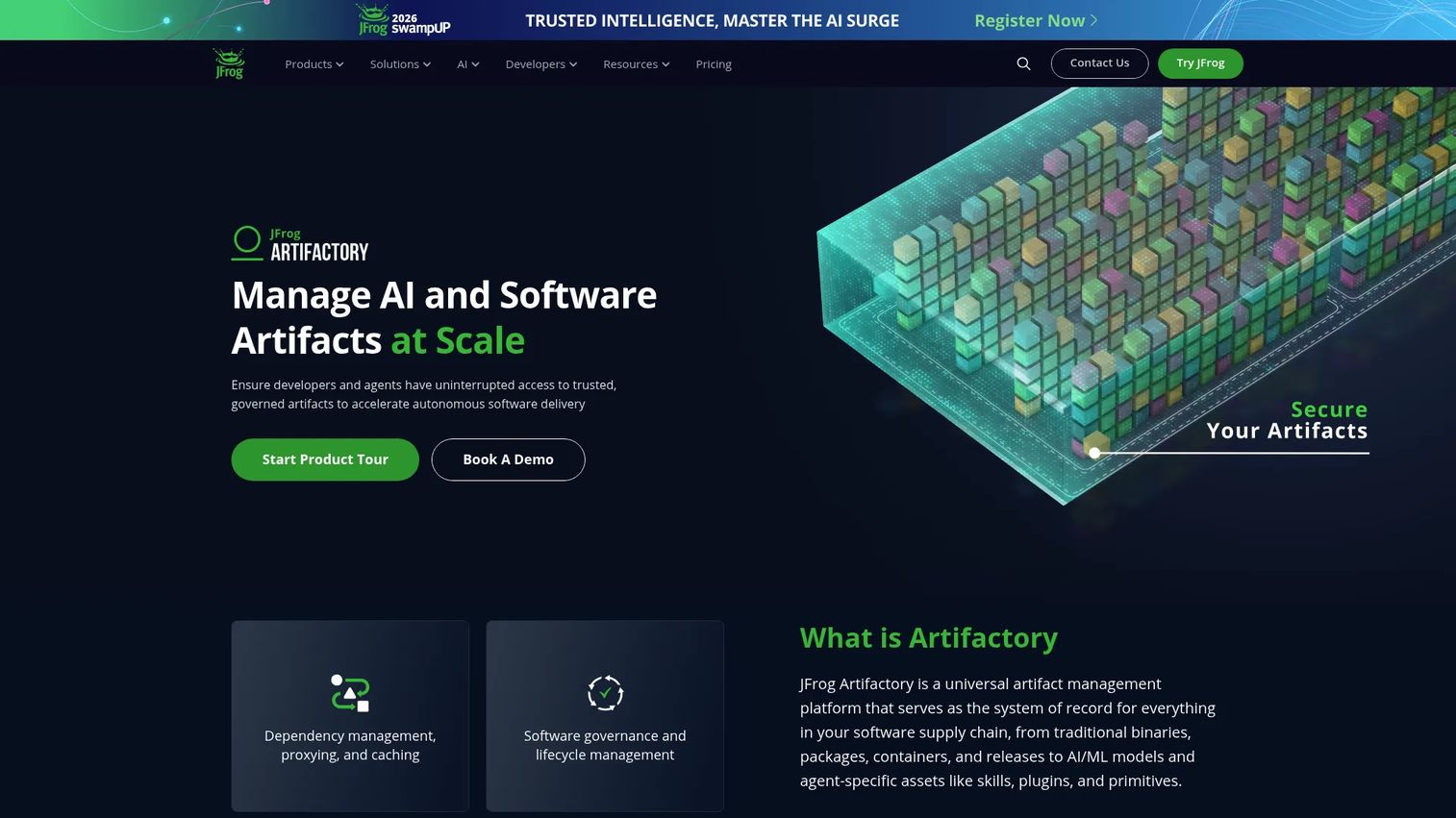
JFrog Artifactory is a universal artifact repository supporting Docker and OCI images alongside Maven, npm, PyPI, Helm, Terraform modules, and AI/ML models. It offers local, remote, and virtual repository types, with remote repositories acting as proxies and caches for upstream sources. Metadata, replication across cloud regions, and integration with the broader JFrog security platform make it a strong fit for organizations that need artifact governance beyond container images alone.
Best for: Enterprises managing containers as part of a broader artifact governance problem, where traceability and multi-format release management matter as much as image storage.
Key features
- Universal repository across Docker, Helm, npm, Maven, and more
- Remote repository caching for upstream sources
- Rich metadata and build-to-deployment traceability
- Enterprise-grade replication across cloud and self-hosted environments
- RBAC, audit logs, and attestation workflows
Why choose JFrog Artifactory: Choose Artifactory when the buyer's enterprise questions span container images, package formats, and release traceability in a single system. For presales, it's particularly useful when security questionnaires ask about software supply chain governance across all artifact types, not just containers.
JFrog Artifactory pricing: The Pro plan starts at $50/month. Storage consumption carries additional charges: $1.25/GB for 25 to 1,204 GB, $1.00/GB for 1,204 to 2,024 GB, and $0.75/GB above that. Self-hosted packaging is available; contact JFrog for enterprise pricing.
G2 rating
4.5/5
8. Cloudsmith
Cloudsmith is a fully managed, cloud-native artifact management platform supporting over 30 package formats alongside Docker and OCI container images. It handles private repositories, upstream proxying, vulnerability and malware scanning, license risk detection, and policy enforcement. Global edge caching and entitlement tokens support customer-facing software distribution scenarios.
Best for: Platform and security engineering teams that need centralized artifact management across multiple package ecosystems without managing registry infrastructure themselves.
Key features
- 30+ package format support alongside Docker containers
- Upstream proxying for dependency caching
- Vulnerability, malware, and license risk detection
- Policy enforcement with configurable rules
- Entitlement tokens for customer distribution control
Why choose Cloudsmith: Choose Cloudsmith when buyers need strong artifact governance across multiple programming languages and deployment targets without standing up infrastructure. For presales, it handles the "we ship packages and containers to customers" scenario cleanly with entitlement-based access control.
Cloudsmith pricing: Core plan is free. Pro costs $149/month. Ultra and Enterprise use custom pricing. A separate open-source plan provides 50 GB of artifact storage and 200 GB of package delivery for eligible public repositories.
G2 rating
4.5/5
9. GitHub Container Registry
GitHub Container Registry (GHCR) is part of GitHub Packages and lets teams publish and manage Docker and OCI container images alongside their repositories. Packages link directly to repositories, inherit repository permissions by default, and can be configured with granular package-level permissions independently. Public container images are available anonymously, and GitHub Actions workflows push images without additional credential setup.
Best for: GitHub-native teams that want image publishing integrated with their code repositories and Actions pipelines.
Key features
- Docker and OCI image support within GitHub Packages
- Repository-linked and independently permissioned packages
- GitHub Actions workflow integration for automated publishing
- Anonymous access to public container images
- Private packages on paid GitHub plans
Why choose GitHub Container Registry: Choose GHCR when the buyer's code, CI/CD automation, and package distribution already live in GitHub, and they want to keep image management inside that same environment. For presales, clarify storage quotas by plan, since Free accounts get 500 MB and Enterprise Cloud gets 50 GB for private packages.
GitHub Container Registry pricing: Public packages are free across all plans. Private package storage and bandwidth are included in GitHub plans: 500 MB storage and 1 GB transfer on Free, 2 GB storage and 10 GB transfer on Pro and Team, and 50 GB storage and 100 GB transfer on Enterprise Cloud.
10. Oracle Container Registry
Oracle Container Registry is Oracle Cloud Infrastructure's managed Docker registry, providing storage, sharing, and deployment of container images within the Oracle Cloud environment. It supports the Docker V2 API, private and public repositories with IAM policy control, CI/CD integrations including Visual Builder Studio and Jenkins, and replication across availability domains for durability.
Best for: Oracle Cloud and Oracle software customers that need managed container image storage within the Oracle infrastructure ecosystem.
Key features
- Docker V2 API and Docker CLI compatibility
- Private and public repositories with fine-grained IAM policies
- Automatic updates and patching managed by Oracle
- CI/CD integrations with Jenkins and GitLab
- Retention policies and scalable repository management
Why choose Oracle Container Registry: Choose it when the buyer already runs Oracle Cloud workloads or Oracle software stacks and needs image storage within the same managed environment. For presales, it's a natural answer when deployment architecture questions come up in Oracle-heavy enterprise accounts.
Oracle Container Registry pricing: The registry service carries no separate charge. Customers pay for the underlying storage and network resources consumed through their Oracle Cloud account.
G2 rating
4.4/5
11. IBM Cloud Container Registry
IBM Cloud Container Registry is IBM's fully managed private registry for storing and distributing container images. It integrates with IBM Cloud Kubernetes Service and Red Hat OpenShift on IBM Cloud, supports Docker, Podman, Skopeo, and Buildah, and includes Vulnerability Advisor for scanning and image security recommendations. IAM access control, image signing, private network connections, and retention policies round out the security capability.
Best for: IBM Cloud teams that need managed private image storage with Kubernetes and OpenShift integration inside IBM's infrastructure.
Key features
- Integration with IBM Cloud Kubernetes Service and OpenShift
- Vulnerability Advisor scanning with remediation recommendations
- IAM access control with image signing support
- Private network connections for air-gapped-adjacent deployments
- Retention policies and namespace-level organization
Why choose IBM Cloud Container Registry: Choose it when the buyer's container deployment and governance model already sits in IBM Cloud. For presales, it's the straightforward answer in enterprise accounts with IBM Cloud commitments, and Vulnerability Advisor gives teams a documented scanning workflow for security review responses.
IBM Cloud Container Registry pricing: The Free plan includes 500 MB of image storage and 5 GB of monthly pull traffic. The Standard plan provides unlimited storage and traffic on a usage-based model, with the first 0.5 GB-month of storage and 5 GB of monthly pull traffic free.
G2 rating
4.4/5
12. Mirantis Secure Registry
Mirantis Secure Registry is an enterprise-grade private container registry built on CNCF Harbor, designed for organizations running Mirantis Kubernetes Engine or legacy Docker Enterprise environments. It adds hardened enterprise support, LDAP/Active Directory and OIDC authentication, immutable tags, SBOM support, and P2P preheating to Harbor's core capabilities.
Best for: Enterprises running Mirantis Kubernetes Engine or Docker Enterprise-style self-managed container platforms that require supported, hardened registry infrastructure.
Key features
- Vulnerability scanning and image signing
- LDAP, Active Directory, and OIDC authentication
- Registry and image replication
- Immutable tags and SBOM support
- P2P preheating for large-scale image distribution
Why choose Mirantis Secure Registry: Choose it when buyers need a commercially supported self-managed registry with documented enterprise SLAs, particularly in regulated industries or environments where open-source-only support isn't acceptable. For presales, the Mirantis relationship also matters: This is the natural choice when the buyer already runs Mirantis infrastructure.
Mirantis Secure Registry pricing: Basic support starts at $9,999/year per node (8x5 support). Enterprise 24x7 support runs $14,999/year per node. High-availability and multi-site deployments require a direct sales conversation.
13. Gitea
Gitea is a lightweight, self-hosted Git platform that includes a package registry with container image support alongside Git hosting, code review, issue tracking, and Gitea Actions CI/CD. For teams that want Git and container package management in a minimal self-managed footprint, Gitea consolidates both without the operational weight of a dedicated registry or a full DevOps platform.
Best for: Small engineering teams or self-hosted environments that want Git hosting and container package management together in a low-overhead footprint.
Key features
- Self-hosted Git hosting and repository management
- Package registry supporting Docker containers
- Code review, issue tracking, and pull requests
- Gitea Actions for CI/CD automation
- Repository-level permissions
Why choose Gitea: Choose Gitea when registry requirements are modest and the team values a lightweight self-hosted setup over a feature-rich managed service. For presales, it fits customer environments where infrastructure simplicity and minimal external dependencies matter more than enterprise scanning or replication depth.
Gitea pricing: The open-source version is free to self-host. The Enterprise plan costs $9.50/user/month with a one-year commitment (or $19/user/month without). Enterprise adds SAML SSO, audit logs, Kubernetes autoscaling runners, and commercial support.
G2 rating
4.7/5
14. Distr
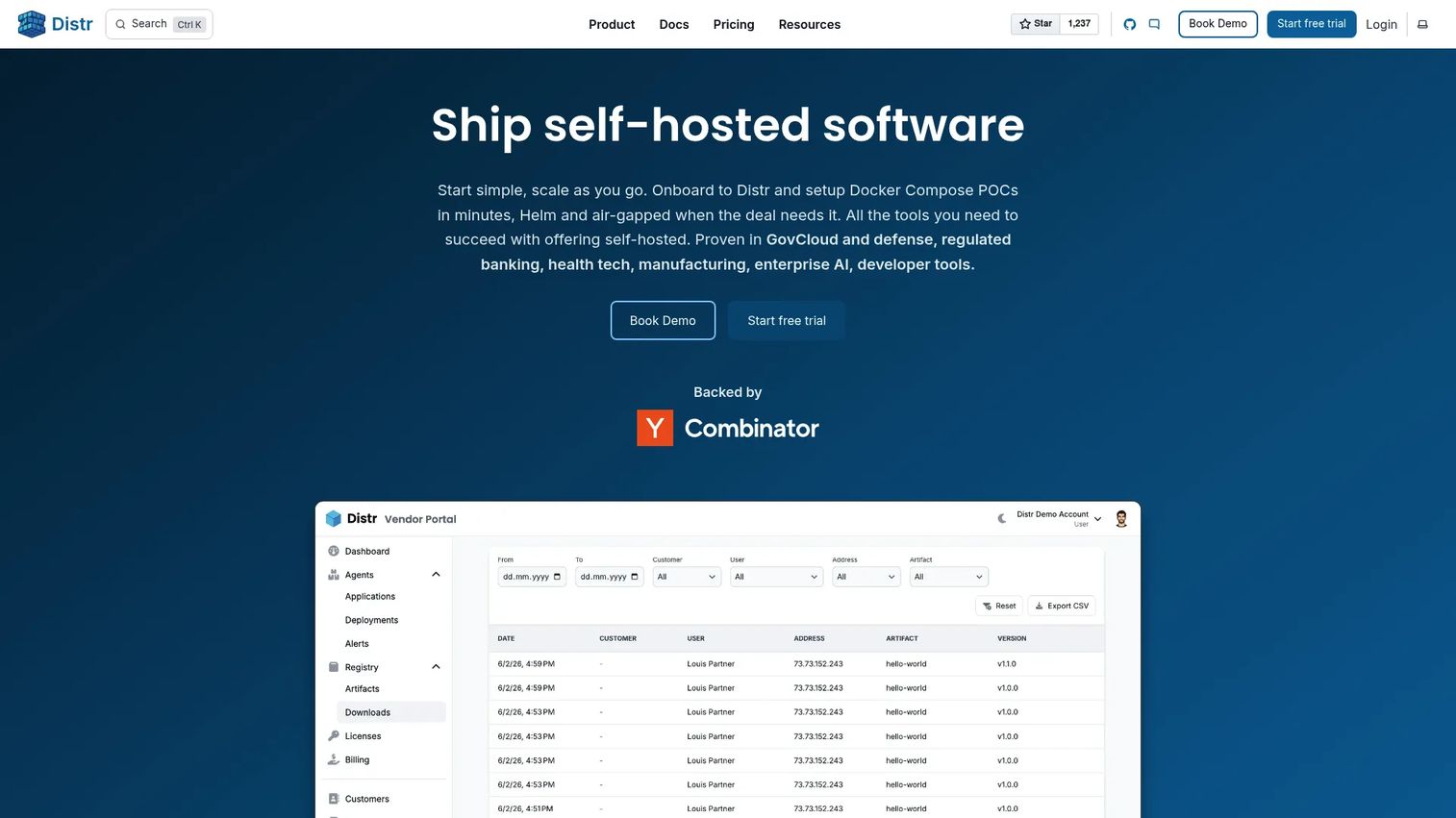
Distr is an open-source software distribution platform built for software and AI companies that ship containerized applications into customer-controlled environments. Where most registries focus on internal CI/CD storage, Distr addresses the external distribution problem: Customer access portals, per-customer artifact entitlements, air-gapped delivery, deployment health monitoring, and rollback visibility.
Best for: Commercial software vendors distributing containerized products into customer environments, especially where air-gapped installs, license-aware access, and deployment visibility are requirements.
Key features
- Customer and vendor portal interfaces
- License and artifact entitlement management per customer
- Docker and Kubernetes deployment controllers
- Air-gapped and edge deployment support
- Deployment status monitoring, health checks, and rollbacks
Why choose Distr: Choose Distr when the challenge isn't image storage but controlled delivery to many customers with different access requirements. For presales, this is the answer when technical buyers ask how commercial containerized software reaches their environment, who controls which customer pulls which version, and how the vendor monitors deployment status after delivery.
Distr pricing: Community Edition is free and open source. Pro costs $80/month (or $960/year). Business costs $160/month (or $1,920/year). Enterprise is a flat-rate plan at $59,000/year with unlimited usage.
Considerations when choosing container registry software
Deployment model
Cloud-managed registries like Amazon ECR, Azure Container Registry, and Google Artifact Registry trade infrastructure ownership for operational simplicity. Self-hosted options like Harbor and Mirantis Secure Registry give teams full control but require someone to own patching, monitoring, backup, and outage response. Before shortlisting, verify who in the buyer's organization owns registry operations and whether that team has capacity.
Security and access control
Evaluate role-based access control granularity, SSO and IAM integration, scoped service account tokens, audit log completeness, image signing support, and vulnerability scanning policy configuration. Security questionnaires in enterprise deals typically ask for all of these in writing. The registry's documentation should map directly to each control the buyer needs to evidence.
OCI and artifact support
Container images are one part of the artifact story. If the buyer's pipeline also ships Helm charts, SBOMs, WASM modules, or ML model files, verify that the registry handles those artifact types through OCI-compliant storage rather than requiring separate systems. Ask specifically which artifact types each registry supports before assuming OCI compatibility covers the buyer's full scope.
Kubernetes and CI/CD fit
Check how the registry authenticates to the buyer's Kubernetes clusters: Whether through cloud IAM, service account credentials, or image pull secrets. Verify that the registry integrates with the CI/CD tooling already in use. Friction at the build-to-push step or the pull-to-deploy step shows up as POC delays, so test the full workflow end-to-end before the buyer commits.
External distribution requirements
If the buyer ships software to customers, standard internal registries won't cover per-customer access controls, private delivery channels, or air-gapped install workflows. Verify whether the registry supports customer-specific entitlements, pull-through caching for offline environments, and deployment visibility after delivery. This is the criterion most generic registry comparisons skip.
Conclusion
Container registry selection follows a clear decision path. Start with deployment model: Cloud-managed registries reduce operational overhead but require alignment with the buyer's cloud provider, while self-hosted options give control to teams that need auditability or air-gapped capability.
For open-source self-hosted needs, Harbor remains the strongest starting point given its security controls and CNCF maturity. Cloud-native teams on AWS, Azure, or Google Cloud get the best integration by staying within their provider's managed registry. When artifact management extends beyond containers into packages and release pipelines, JFrog Artifactory and Cloudsmith both handle multi-format governance at enterprise scale.
Customer-facing distribution is where the field thins out. Distr solves a different problem than any of the cloud registries: Controlled delivery to customer environments, air-gapped support, and deployment visibility after the fact.
Shortlist by deployment model first, security requirements second, and operational ownership third. Then test the POC flow end-to-end before assuming defaults work.
If your team also needs to explain complex technical products clearly during buyer evaluation, use Guideflow to create interactive demos prospects can explore before the next call.
Start your journey with Guideflow today!
FAQs about container registry software
Container registry software stores, manages, secures, and distributes container images and OCI artifacts between CI/CD systems and deployment platforms. Teams push images after a build completes, then Kubernetes or other runtimes pull those images to start containers. The registry controls access, tracks versions, and enforces security policies at every step.
A registry is the service or platform that hosts one or more repositories. A repository is an organized collection of image versions, typically representing a single application or service. Think of the registry as the warehouse and each repository as a named shelf within it.
Public registries distribute images openly to anyone who can reach them, which suits open-source projects and shared base images. Private registries restrict access to authenticated users, service accounts, or specific customer environments. Private registries are standard for proprietary software and internal deployments where image access needs to be controlled.
The answer depends on where Kubernetes runs. AWS-native teams commonly evaluate Amazon ECR for EKS deployments. Azure teams look at Azure Container Registry for AKS. Google Cloud teams use Google Artifact Registry for GKE. Self-hosted or cloud-agnostic Kubernetes environments often evaluate Harbor. In each case, the key question is how the registry authenticates to the cluster's node or pod identities.
Many modern registries support OCI artifacts, which includes Helm charts stored using the OCI format. Support varies by provider and configuration. Harbor, JFrog Artifactory, Cloudsmith, Amazon ECR, and Google Artifact Registry all handle OCI-format Helm charts, but verify the specific workflow with each vendor before including it in a POC.
At minimum, a production-ready registry should support role-based access control, SSO or IAM integration, vulnerability scanning with configurable policies, image signing for provenance verification, audit logs for all push and pull events, private networking options, and retention policies. For regulated industries, also verify SBOM support and evidence export for supply chain documentation.
Yes, but approaches vary. Some registries support replication workflows that push images into isolated networks on a schedule. Others, like Distr, are designed specifically for controlled delivery into customer-managed or air-gapped environments. Self-hosted options like Harbor can be deployed inside the air-gapped network itself. Verify the specific mechanism: Replication, export/import workflows, or in-network deployment each carry different operational requirements.
Validate the full push-and-pull workflow from the buyer's CI/CD system to their Kubernetes cluster. Test the identity model: How does the cluster authenticate, and does it match the buyer's existing IAM or SSO setup? Run a sample vulnerability scan and confirm the output format matches what security reviewers need. Check audit log coverage, and if the buyer distributes software to customers, test per-customer access controls and delivery workflows before recommending a tool.