Sprint planning starts with a backlog nobody has cleaned up. Engineers update their board, stakeholders request a separate report, and the retrospective revisits last sprint’s unresolved blocker.
Scrum software should make that operating rhythm easier to maintain. A useful system connects priorities with sprint execution and gives the team evidence for its next adjustment.
Digital.ai’s 2024 research found that 63% of team-level Agile users follow Scrum. That makes ceremony support a practical buying criterion, rather than another feature checkbox.
For product managers, the stakes extend beyond moving tickets. You need to understand whether a release supports activation, where dependencies threaten delivery, and what urgent requests displace.
The right scrum tools keep those decisions visible without making engineers maintain a second reporting system. Start with the ceremony that creates the most confusion, then evaluate how much administration each platform requires.
What’s inside
- The comparison: Fourteen Scrum software names, covering dedicated Agile platforms and configurable work-management tools.
- The selection lens: Backlog refinement, sprint planning, daily Scrum, sprint review, and retrospective follow-through.
- The buying criteria: Planning depth, reporting usefulness, delivery-stack fit, and total operating cost.
- The audience: Product managers and product owners evaluating scrum management tools alongside engineering leaders and Scrum masters.
- The evidence: Vendor product information and pricing, plus available G2 ratings, researched on November 24, 2026.
TL;DR
- Best default for software teams: Jira belongs on the shortlist when backlog structure and configurable delivery workflows matter most.
- Best for cross-functional product work: ClickUp combines planning with documentation. Asana fits teams coordinating delivery with launches and organizational goals.
- Best for lightweight boards: Trello suits straightforward visual coordination. Scrumwise offers a more focused sprint-management approach.
- Best for engineering integration: Azure DevOps connects planning with source control, testing, and deployment services.
- Best for enterprise alignment: Targetprocess emphasizes strategic portfolios. Digital.ai Agility connects enterprise planning with team execution.
- Best open-source option: Taiga supports Scrum and Kanban. Zoho Sprints also deserves attention when dedicated Agile reporting matters more than broad work management.
The best software for Scrum is the option your team can keep accurate throughout a sprint.
What is scrum software?
Scrum software helps teams manage backlogs, plan sprints, visualize delivery, and inspect progress through recurring Scrum ceremonies.
It gives the Product Owner a place to order proposed work and gives developers visibility into the sprint backlog. Managers can then discuss delivery using shared information rather than separate status documents.
The category includes dedicated agile scrum tools and broader platforms configured around sprint cycles. Those approaches differ in how much process you design yourself.
Look for these capabilities:
- Backlog management: Order proposed work, clarify acceptance criteria, and separate future ideas from items ready for planning.
- Sprint planning: Make the goal visible alongside estimates and capacity assumptions.
- Scrum boards: Show progress through agreed workflow states, including blocked work and review queues.
- Ceremony support: Keep planning decisions accessible and give retrospective actions an owner.
- Reporting: Inspect completion patterns through burndown charts, velocity tracking, or other delivery measures.
- Integrations: Connect work items with implementation evidence and supporting documentation.
- Governance: Control permissions and maintain consistent templates across teams.
Backlog management software earns its place before a sprint starts. A clean queue helps the team distinguish customer problems from loosely defined requests.
Scrum board software supports execution by making the current state visible. During daily Scrum, use that view to discuss progress toward the goal and adapt the plan.
Reporting serves a different purpose. Burndown chart software can show remaining work, but a downward line does not establish customer value. Product managers still need outcome instrumentation.
For example, finishing an onboarding change and improving activation are separate observations. Record the intended result before development, then evaluate behavior after release.
Generic project management software can coordinate tasks without representing sprint commitments explicitly. When evaluating a configurable platform, test the entire inspection cycle rather than assuming a board covers it.
Dedicated sprint retrospective software and daily standup software can complement the main workspace. Keep their decisions connected to delivery, otherwise improvement work becomes another disconnected queue.
When to use scrum software
Plan sprints without turning the backlog into a guessing game
Use sprint planning software when priorities remain unclear until the meeting begins. Prepare candidate items with acceptance criteria and enough context for discussion. Ask the team to expose dependencies and capacity assumptions before selecting work. The result should be a credible sprint goal, with scope decisions everyone can revisit.
Run daily Scrum with fewer status requests
A current board gives remote Scrum teams and hybrid Scrum teams a shared starting point. Discuss blocked work and the changes needed to protect the goal. Evaluate whether updates fit the developer workflow without duplicate entry. Visibility should support collaboration, not become a surveillance mechanism or a contest over individual ticket counts.
Close the loop after reviews and retrospectives
After a sprint review, connect stakeholder feedback to a backlog decision. Give retrospective actions explicit ownership and inspect them during the next cycle. Keep release coordination separate from assumptions about user impact. A completed improvement still needs a measurement plan if its purpose is better retention or shorter time to first value.
Scrum software comparison
Use this table to narrow the field by operating model. Dedicated Scrum products suit teams seeking explicit sprint structures; configurable platforms help coordinate work beyond engineering.
Scrum software pricing also needs context. Annual subscription rates are not directly comparable with monthly commitments or installed licenses. Taiga lists prices in euros, while the other priced entries below use US dollars.
Ratings describe broader user sentiment, not ceremony coverage. “N/A” means a current matching G2 rating could not be established reliably.
Jira’s research returned conflicting G2 values, so its score is omitted.
| # | Product | Best for | Key differentiator | Pricing | G2 rating |
|---|---|---|---|---|---|
| 1 | Jira | Structured software delivery | Backlog views and configurable workflows | Free; Standard $7.91/user/month, monthly billing | N/A |
| 2 | ClickUp | Cross-functional product teams | Tasks, Docs, and flexible project views | Free; Core $9/user/month, billed annually | 4.6/5 |
| 3 | Asana | Delivery and launch coordination | Goals and portfolio visibility | Free; Starter $10.99/user/month annually or $13.49 monthly | 4.4/5 |
| 4 | Monday.com | Visual workflow configuration | Custom boards and automation | Free; Basic $9/seat/month, billed annually | 4.7/5 |
| 5 | Trello | Lightweight team coordination | Visual boards and reusable workflows | Free; Standard $5/user/month annually or $6 monthly | 4.4/5 |
| 6 | Zoho Sprints | Dedicated Agile planning | Sprint management and Agile reports | Free; Starter $1/user/month, billed annually | 4.5/5 |
| 7 | Azure DevOps | Engineering-centered teams | Planning connected to development services | Basic free for first 5 users; then $6/user/month | N/A |
| 8 | Targetprocess | Enterprise portfolio alignment | Strategy, investment, and delivery visibility | Custom pricing; free trial | 4.3/5 |
| 9 | Wrike | Cross-functional delivery operations | Capacity planning and approvals | Free; Team $10/user/month, billed annually | 4.2/5 |
| 10 | Digital.ai Agility | Enterprise Agile coordination | Portfolio planning and framework support | Custom pricing | 3.7/5 |
| 11 | Yodiz | Sprint and issue management | Backlog, release, and issue workflows | Free; Issue Tracker $3/user/month; Agile Tool $5/user/month | 4.4/5 |
| 12 | Scrumwise | Focused Scrum execution | Backlog and sprint management | $7.50/user/month annually or $9 monthly; trial available | N/A |
| 13 | Axosoft | Release and defect coordination | Capacity planning with support intake | Installed $250/user; hosted pricing by quote | 4.4/5 |
| 14 | Taiga | Open-source Agile teams | Scrum and Kanban with deployment options | Free; Enthusiast €5/month or €50/year | 4.4/5 |
Pricing and rating evidence was collected on November 24, 2026. Product-specific sources appear in the entries below.
Best 14 tools for scrum software
1. Jira
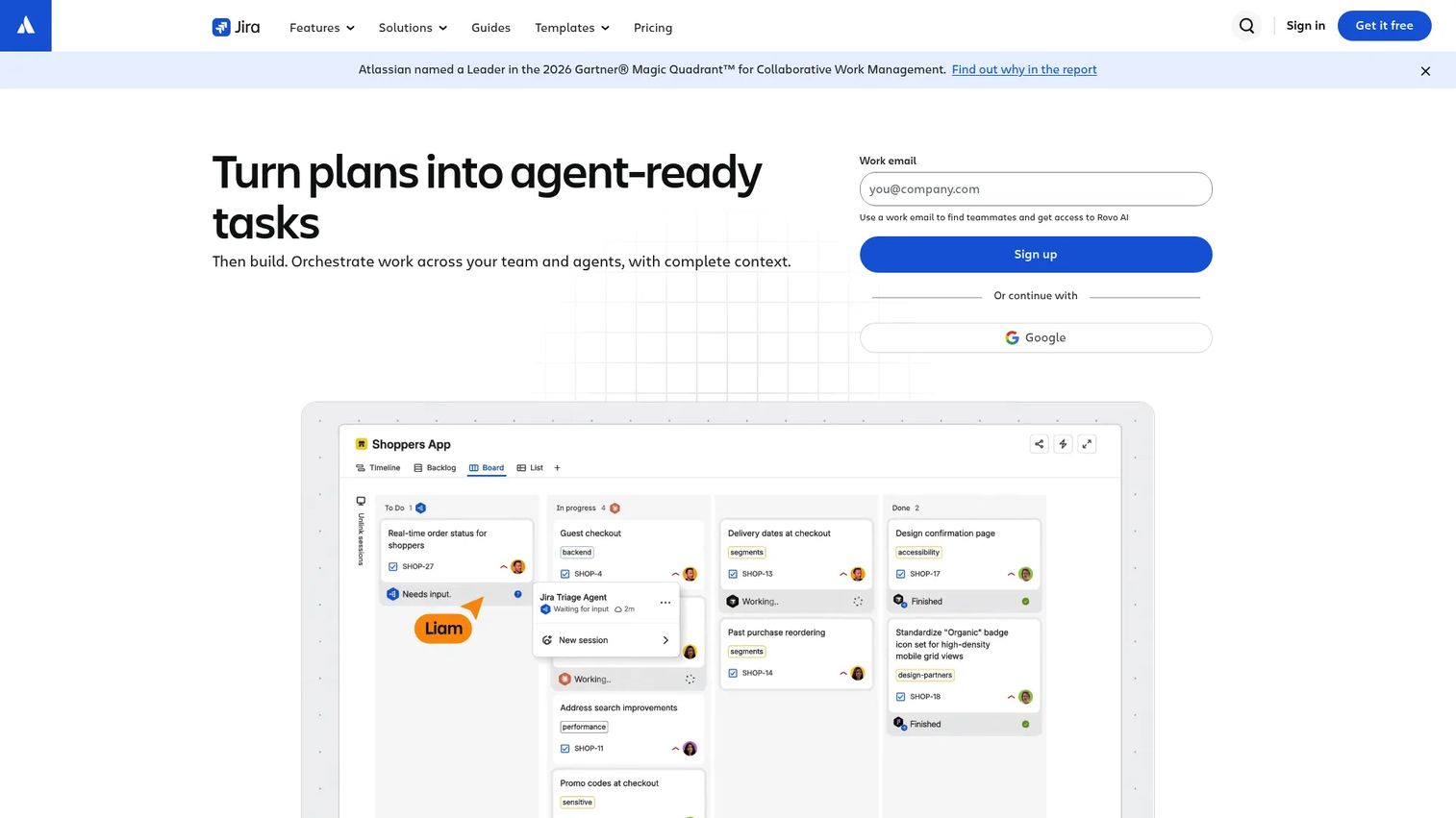
Jira is Atlassian’s project and work-management platform. Its backlog and board views provide a foundation for structured software delivery. Configurable workflows let teams represent their own review stages rather than forcing every item through an identical process.
For a PM, the useful question is whether those states explain delivery risk. Separate work waiting for clarification from work waiting for approval. Otherwise, a crowded “in progress” column conceals different problems.
Best for: Software teams that want a structured backlog and adaptable delivery workflows.
Key features
- Backlog, board, and timeline views
- Reports and dashboards
- Customizable workflows
- Workflow automation
- Calendar and summary views
Use the evaluation to test a scope change midway through a sprint. Ask whether the team can explain what changed without reconstructing the discussion elsewhere.
Then review stakeholder access. A leadership summary should answer a different question from an engineer’s working board, while drawing on consistent information.
Configuration discipline matters here. Decide which fields support decisions and remove those collected only because a template includes them. Assign ownership for workflow changes before several squads create competing conventions.
Why choose Jira: Shortlist it when your team wants delivery structure that can evolve with its process. Keep administration proportionate to the decisions you need.
Jira pricing: Free supports up to 10 users. Standard costs $7.91 per user monthly; Premium costs $14.54 per user monthly.
2. ClickUp
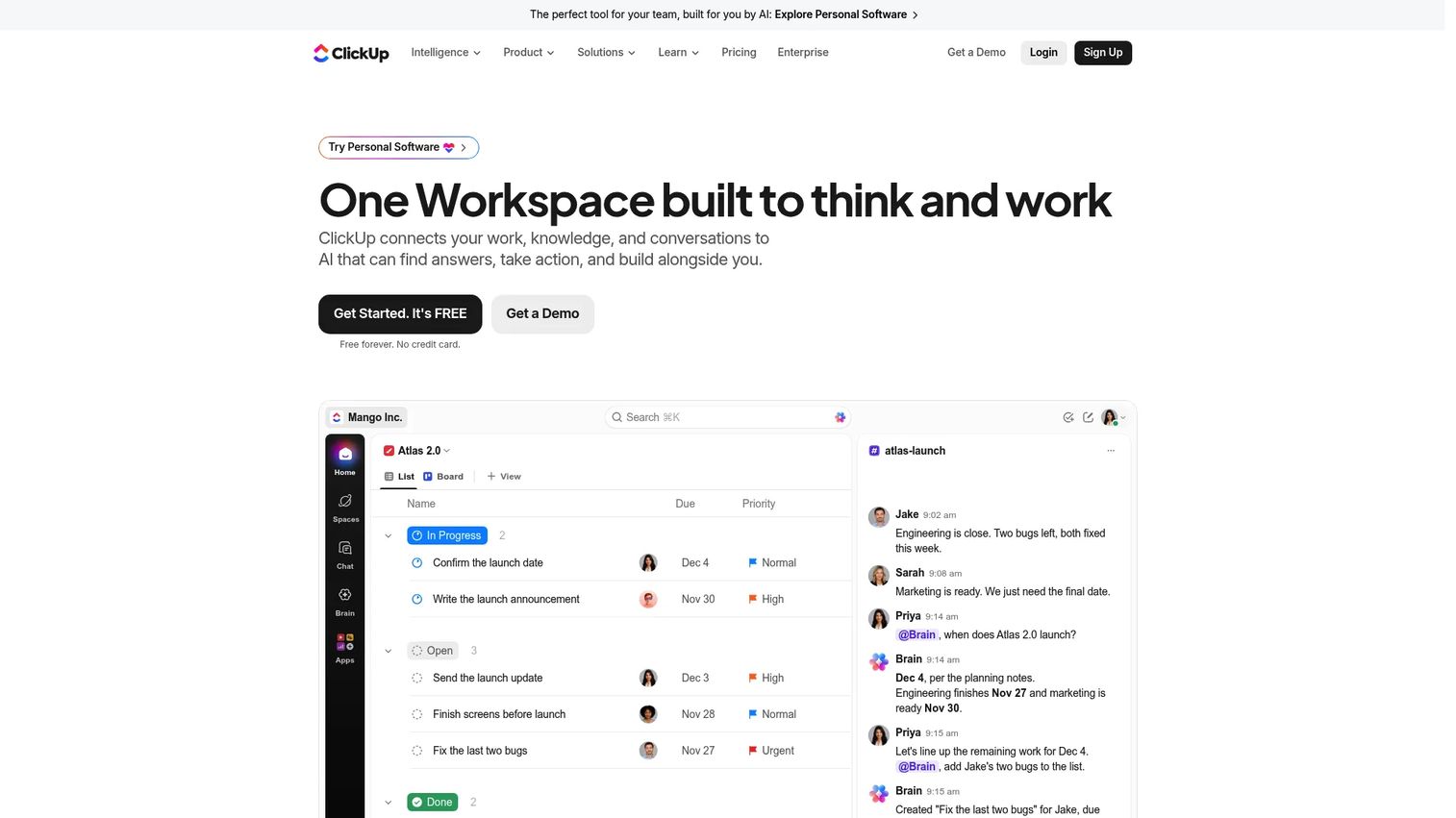
ClickUp brings task management and collaborative documentation into a broad work-management workspace. It supports dependencies and custom statuses alongside multiple project views. That combination suits product work spanning engineering and business teams.
Consider a release that needs implementation work and customer education. During evaluation, represent both without making every contributor use the same view.
Best for: Product teams that want shared planning context across departments.
Key features
- Custom statuses and task dependencies
- Collaborative Docs and wikis
- Board, Gantt, and workload views
- Dashboards and custom fields
- Workflow automation
Its flexibility makes governance part of the purchase decision. Establish what belongs in a task, what belongs in documentation, and which relationships indicate a delivery dependency.
For sprint planning, test whether engineers can focus on committed work while stakeholders inspect the broader launch. A successful setup should preserve context without requiring duplicate tasks.
Also examine reporting ownership. Ask a PM and an engineering lead to answer the same question about blocked work. Differences in their answers can expose inconsistent definitions before rollout.
ClickUp deserves attention when consolidating surrounding planning tools is an explicit goal. Measure the administration removed rather than counting how many capabilities the workspace contains.
Why choose ClickUp: Choose it when product documentation and cross-functional coordination need to stay close to execution. Standardize the workspace before expanding adoption.
ClickUp pricing: A Free Forever plan is available. Core starts at $9 per user monthly, billed yearly; Business costs $17 on the same basis.
G2 rating: 4.6/5.
3. Asana
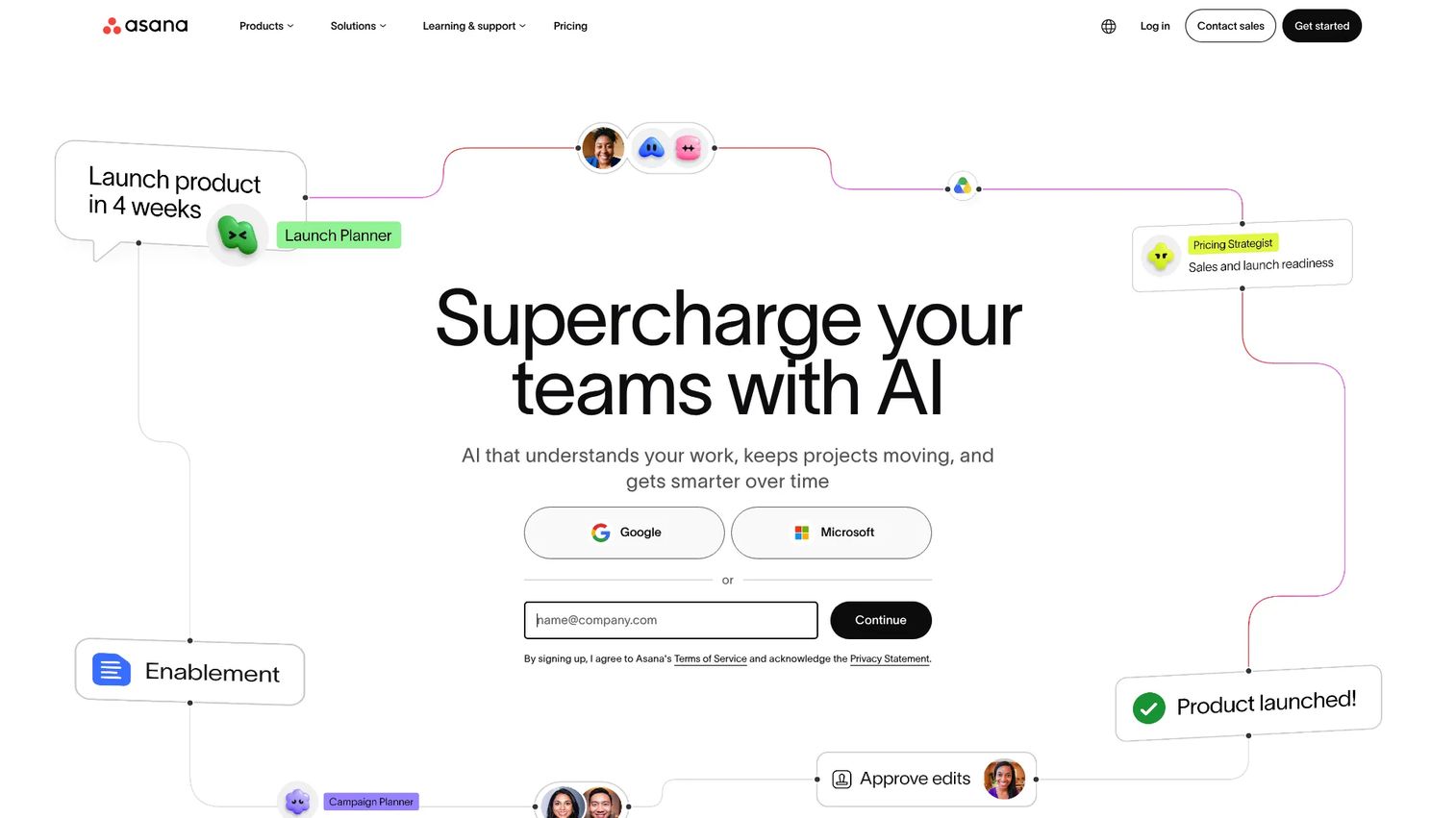
Asana organizes projects and goals across functions. Its portfolio reporting and status updates are relevant when a sprint is part of a wider release commitment. Product managers can evaluate it as a coordination layer across delivery and launch readiness.
The key distinction is operating model. Assess Asana around shared milestones rather than assuming every team needs a developer-centered workspace.
Best for: Product teams coordinating engineering output with design, marketing, customer success, and leadership.
Key features
- List, calendar, and Kanban views
- Timeline and Gantt planning
- Goals and portfolios
- Reporting dashboards and status updates
- Forms and automation rules
Start your trial with a release that crosses departments. Include an implementation milestone and the work required before customers can use the change successfully.
Then inspect how ownership works when dates move. Can the PM explain which downstream commitments need adjustment? Can each contributor find the decision that affects their work?
For teams improving onboarding, this evaluation can include support preparation and post-release measurement. Completing engineering tasks should not hide unfinished customer-facing work.
Check portfolio and resource requirements against the plan you intend to buy. Those capabilities belong to different packaging levels, making entry-price comparisons incomplete.
Why choose Asana: It fits organizations where cross-functional alignment is the main source of delivery friction. Evaluate its sprint workflow separately from its portfolio strengths.
Asana pricing: Personal is free for up to two users. Starter costs $10.99 per user monthly annually, or $13.49 with monthly billing.
G2 rating: 4.4/5.
4. Monday.com
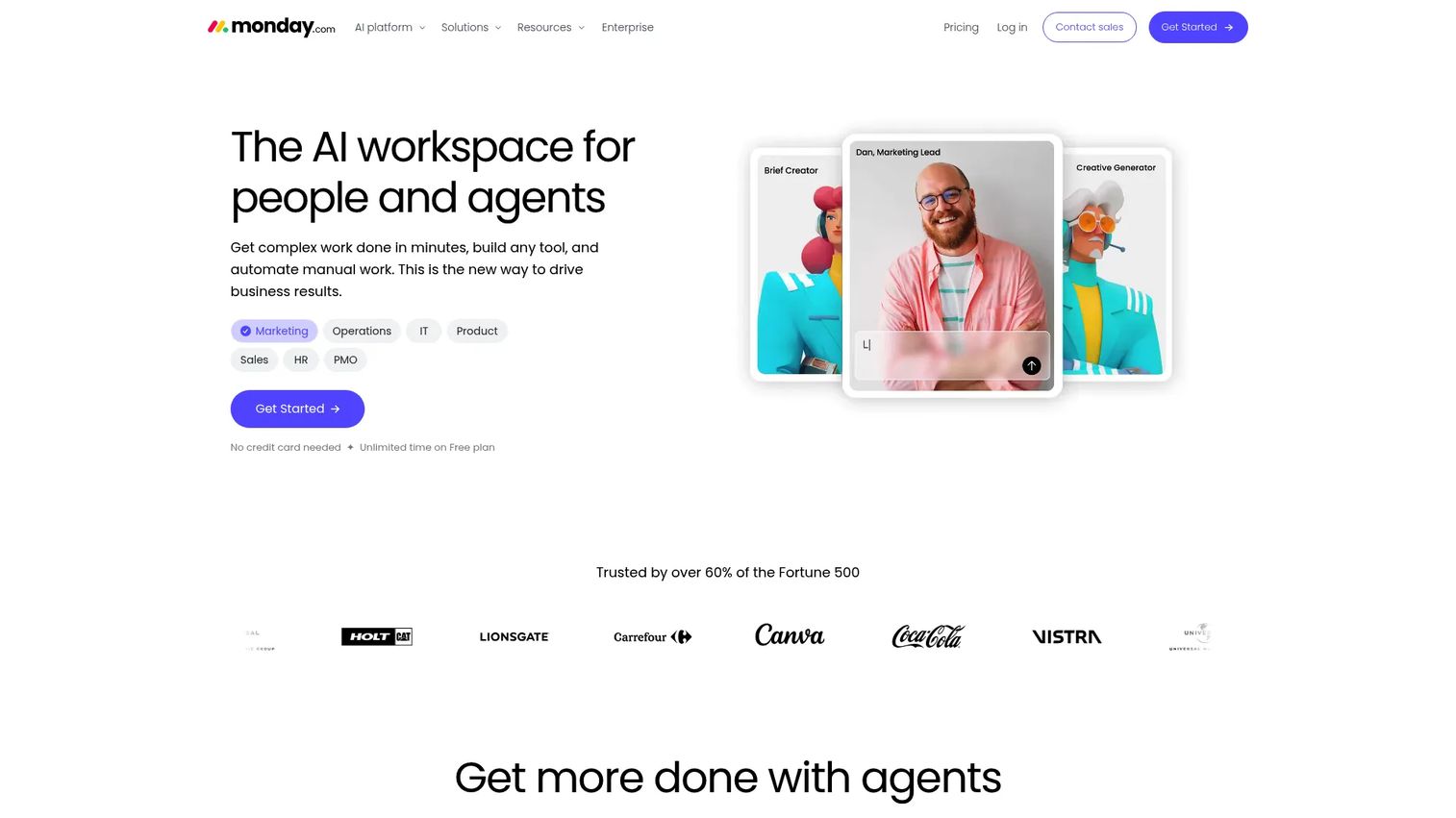
Monday.com provides customizable boards and workflows for visual work management. Its dashboards and automation support teams that want to configure their own coordination process. For Scrum buyers, that means evaluating the design of the workflow as carefully as the software.
Begin with the decisions each board must support. A board for sprint execution needs different information from a view used for roadmap planning.
Best for: Teams seeking configurable visual workflows across product and business operations.
Key features
- Customizable boards
- Configurable workflows
- Dashboards and reporting
- Automations
- Integrations
The main evaluation task is consistency. Ask different contributors to update the same type of work item, then compare how they interpret each status.
If one person uses “done” for implementation and another uses it for release, reporting will mislead stakeholders. Agree on definitions before introducing automated summaries.
A useful pilot should include a changed requirement. Follow how that change reaches affected contributors and whether the board preserves enough context for the retrospective.
Keep packaging in view. The rates below cover Monday.com work management, so evaluate the product and plan that match your intended implementation. Avoid treating every capability marketed under the company name as part of the entry subscription.
Why choose Monday.com: Consider it when visual coordination matters across departments and your team can maintain shared board conventions. Prototype the ceremony loop before scaling.
Monday.com pricing: A free plan is available. Basic starts at $9 per seat monthly, billed annually; Standard is $12 and Pro is $19.
G2 rating: 4.7/5.
5. Trello
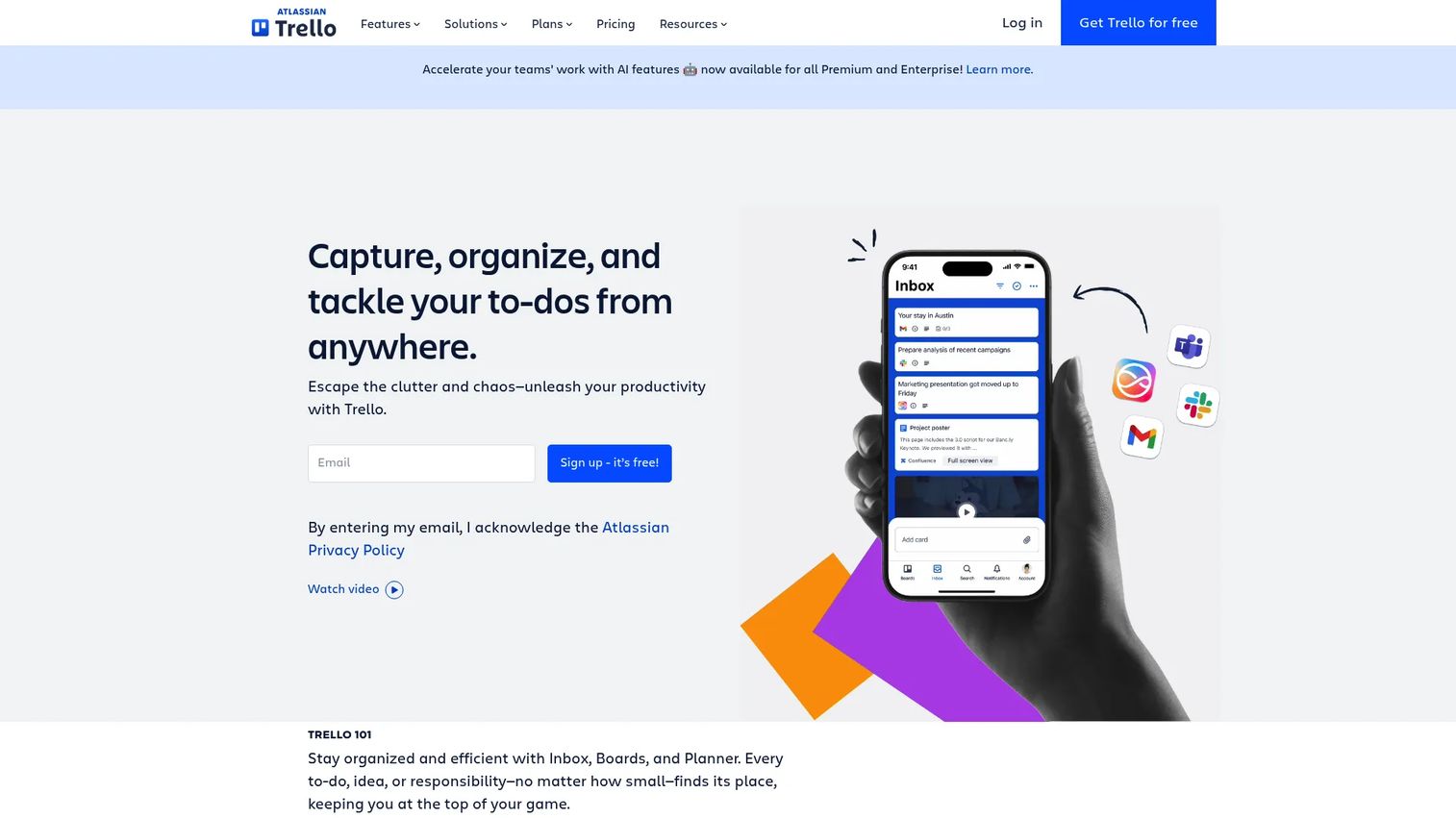
Trello is a visual work-management tool for organizing tasks and workflows. Its board-oriented approach suits teams that want a shared picture of work without starting with extensive process configuration. Templates and automation help make recurring coordination repeatable.
For Scrum use, the team must define how a board represents its planning cycle. Evaluate that convention alongside the product.
Best for: Small teams prioritizing clear visual coordination over extensive delivery administration.
Key features
- Visual task boards
- Reusable workflow templates
- No-code automation
- Power-Ups and integrations
- Calendar synchronization through Planner
Use a trial board to separate proposed work from current commitments. Give blocked cards an explicit treatment rather than relying on someone remembering the issue at standup.
The buying question is how much supplementary reporting your team needs. Test the measures you expect to discuss in retrospectives, including any extensions required to produce them.
Trello is a sensible candidate when the main improvement is moving from scattered notes to an agreed team board. It should still support a coherent sprint goal.
Avoid expanding the workflow simply because another column is easy to add. Every state should communicate a meaningful distinction and have a clear exit condition.
Why choose Trello: Choose it when the team’s process is straightforward and everyone needs a readable shared board. Validate reporting requirements before committing.
Trello pricing: Free supports up to 10 collaborators per workspace. Standard costs $5 per user monthly annually, or $6 with monthly billing.
G2 rating: 4.4/5.
6. Zoho Sprints
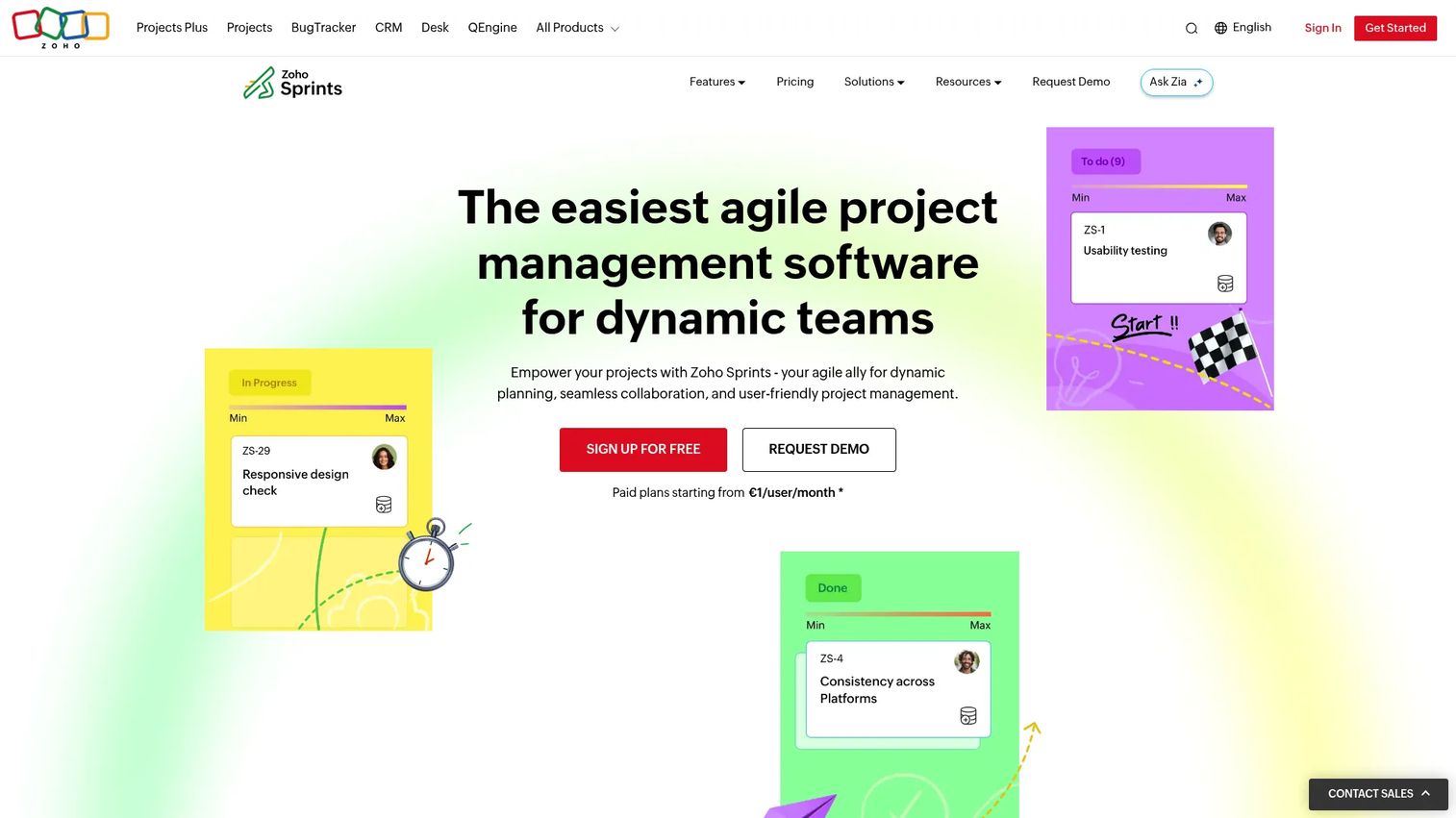
Zoho Sprints is an Agile project management tool supporting Scrum, Kanban, and hybrid workflows. Its documented capabilities connect backlog management with release tracking and Agile reporting. That makes it a relevant candidate for teams seeking dedicated sprint planning software.
The appeal for PMs is continuity across the delivery cycle. Evaluate whether the same context remains useful from refinement through the sprint review.
Best for: Product and software teams that want explicit Agile planning and delivery reports.
Key features
- Backlog and epic management
- Scrum and Kanban boards
- Release and test management
- Velocity, burndown, and cumulative flow reports
- Timesheets and global timers
Bring a representative backlog into the evaluation rather than testing with placeholder tasks. Include a feature request and a defect that competes for capacity.
During reporting review, ask what the charts explain about interruptions. The objective is to understand changes in delivery, not reward a higher story-point total.
Zoho Sprints also documents meetings and communication features. Test whether those support existing ceremonies or introduce a second place where decisions must be recorded.
Check the tier required for your reporting and customization requirements. A low entry rate is useful only when the chosen plan covers the process you intend to operate.
Why choose Zoho Sprints: Shortlist it when dedicated Agile capabilities matter more than a broad company-wide work hub. Test reports against your retrospective questions.
Zoho Sprints pricing: Free supports up to three users. Starter costs $1 per user monthly, billed annually; Elite costs $2.50 on that basis.
G2 rating: 4.5/5.
7. Azure DevOps
Azure DevOps combines Agile planning with development services from Microsoft. Azure Boards sits alongside repositories and delivery tooling. This makes it relevant when planning decisions need to stay close to implementation evidence.
For product managers, the evaluation should focus on traceability. Follow a work item through the engineering process and inspect what stakeholders can understand.
Best for: Engineering teams that want planning connected to code and delivery operations.
Key features
- Agile planning with Azure Boards
- Configurable Kanban boards
- Private Git repositories
- CI/CD through Azure Pipelines
- Manual and exploratory test management
A useful pilot includes a change that reaches testing but is not ready for release. Ask whether the workspace makes that distinction clear to someone outside engineering.
Next, test backlog refinement with your Product Owner. Developer integration does not remove the need for clear priorities and acceptance criteria.
Assess permissions from both perspectives. Engineers need working detail, while stakeholders need enough visibility to discuss release commitments without changing delivery configuration.
Azure DevOps is particularly relevant when teams already organize their development work around Microsoft services. Keep the purchasing discussion specific to the services and access levels each role requires.
Why choose Azure DevOps: Evaluate it when disconnected planning and implementation records create delivery uncertainty. Include product stakeholders in the trial, not only developers.
Azure DevOps pricing: Basic is free for the first five users, then $6 per user monthly. Basic + Test Plans costs $52 per user monthly.
8. Targetprocess
Targetprocess, now presented as IBM Targetprocess, focuses on strategic portfolio management. It connects delivery with investment and resource decisions. Its strongest fit here is an organization coordinating several teams rather than fixing one squad’s board.
The PM’s evaluation question changes at this scale. Can leaders see the consequences of shifting investment without asking every team for a separate spreadsheet?
Best for: Enterprise product organizations aligning portfolios with delivery capacity.
Key features
- Strategic planning
- Portfolio management
- Financial integration
- Resource management
- Portfolio and delivery visibility
Start with an initiative whose progress depends on more than one team. Map the investment decision to delivery ownership and inspect how updates reach portfolio stakeholders.
Keep the distinction between strategy and execution explicit. Team activity should inform portfolio decisions without encouraging leadership to micromanage individual tasks.
The practical cost to examine is governance. Agree on the information each squad must maintain and the decisions that justify collecting it.
A single-team pilot can miss this product’s intended value. Include portfolio owners in the evaluation and ask them to resolve a resource conflict using the proposed setup.
Why choose Targetprocess: Consider it when resource allocation and strategic alignment are the bottlenecks. A focused Scrum application is a better starting comparison for isolated team-level planning.
Targetprocess pricing: Custom pricing. A free trial is available.
G2 rating: 4.3/5.
9. Wrike
Wrike is a collaborative work-management platform for cross-functional delivery. Its resource planning and approval capabilities are relevant when product releases depend on substantial business-side work. Evaluate it around coordination across teams with different working methods.
A PM managing an implementation-heavy release may need visibility beyond the engineering backlog. That is the context where Wrike deserves attention.
Best for: Product organizations coordinating complex work across operations and delivery teams.
Key features
- Project and task management
- Interactive Gantt charts
- Resource and capacity planning
- Online proofing and approvals
- Dashboards and workflow automation
Build the trial around a shared specialist or approval dependency. Ask whether the workspace makes the waiting time visible before it affects a release commitment.
For Scrum implementation, document which work follows sprint cycles and which follows another cadence. Avoid forcing every department into identical timing just to simplify reporting.
Also test the operational burden of maintaining resource information. Capacity views are useful when their assumptions remain current and someone owns the updates.
Wrike’s coordination strengths should be assessed separately from dedicated sprint requirements. Bring your planning checklist into the evaluation instead of treating broad work management as proof of Scrum coverage.
Why choose Wrike: It fits teams whose delivery risks sit across departmental boundaries. Choose around that coordination need, then validate the sprint workflow.
Wrike pricing: A free plan is available. Team costs $10 per user monthly, billed annually; Business costs $25 on the same basis.
G2 rating: 4.2/5.
10. Digital.ai Agility
Digital.ai Agility connects enterprise Agile planning with team execution. It supports portfolio planning and several delivery frameworks, including Scrum and Kanban. Documented integrations connect it with Jira and Azure DevOps.
Its buying context is broader than a single sprint board. Product leaders should evaluate how planning information moves between organizational levels.
Best for: Large enterprises coordinating Agile delivery across portfolios and teams.
Key features
- Enterprise Agile portfolio planning
- Strategic roadmaps and ideas management
- Dependency management
- Scrum, Kanban, and SAFe support
- Custom dashboards and analytics
Use an initiative with cross-team dependencies as the evaluation case. Ask how a delay affects roadmap commitments and what information each decision-maker receives.
Then examine how much process standardization your organization wants. Shared reporting requires consistent definitions, but teams may still need different execution patterns.
The purchase should involve people responsible for governance as well as delivery. Agree on which decisions happen at the team level and which require portfolio coordination.
Do not evaluate an enterprise platform only through a polished executive dashboard. Inspect the work required to keep that dashboard accurate through changing priorities.
Why choose Digital.ai Agility: Shortlist it when enterprise planning needs to connect with existing development environments. Assess administrative ownership before committing to organization-wide adoption.
Digital.ai Agility pricing: Custom pricing across Essentials, Pro, and Premium editions.
G2 rating: 3.7/5.
11. Yodiz
Yodiz combines Agile project management with issue tracking. Its planning model covers product backlogs and release boards alongside sprint execution. That makes it relevant when defects regularly compete with planned feature work.
Evaluate the tool using both types of demand. A board that looks clear with feature requests alone may conceal interruption costs.
Best for: Product and engineering teams managing sprint commitments alongside incoming issues.
Key features
- Product backlog and requirements management
- Epics and feature management
- Sprint and release boards
- Issue tracking
- Dashboards and analytics
For backlog refinement, inspect how the team distinguishes urgent defects from longer-term product priorities. The PM should be able to explain why one item displaced another.
Then test release coordination. A sprint’s completion and a release’s readiness are different questions, especially when several work items must arrive together.
The commercial plans also deserve attention. Issue Tracker and Agile Tool are separate named options, so compare the package matching your Scrum requirements.
Yodiz’s official pages carry older copyright dates. Before rollout, evaluate support responsiveness and the current onboarding experience directly rather than relying on a feature checklist alone.
Why choose Yodiz: Consider it when sprint planning and issue management belong in the same working process. Make service evaluation part of the trial.
Yodiz pricing: Starter is free for three users; Issue Tracker costs $3/user/month and Agile Tool costs $5/user/month. A 30-day trial is available.
G2 rating: 4.4/5.
12. Scrumwise
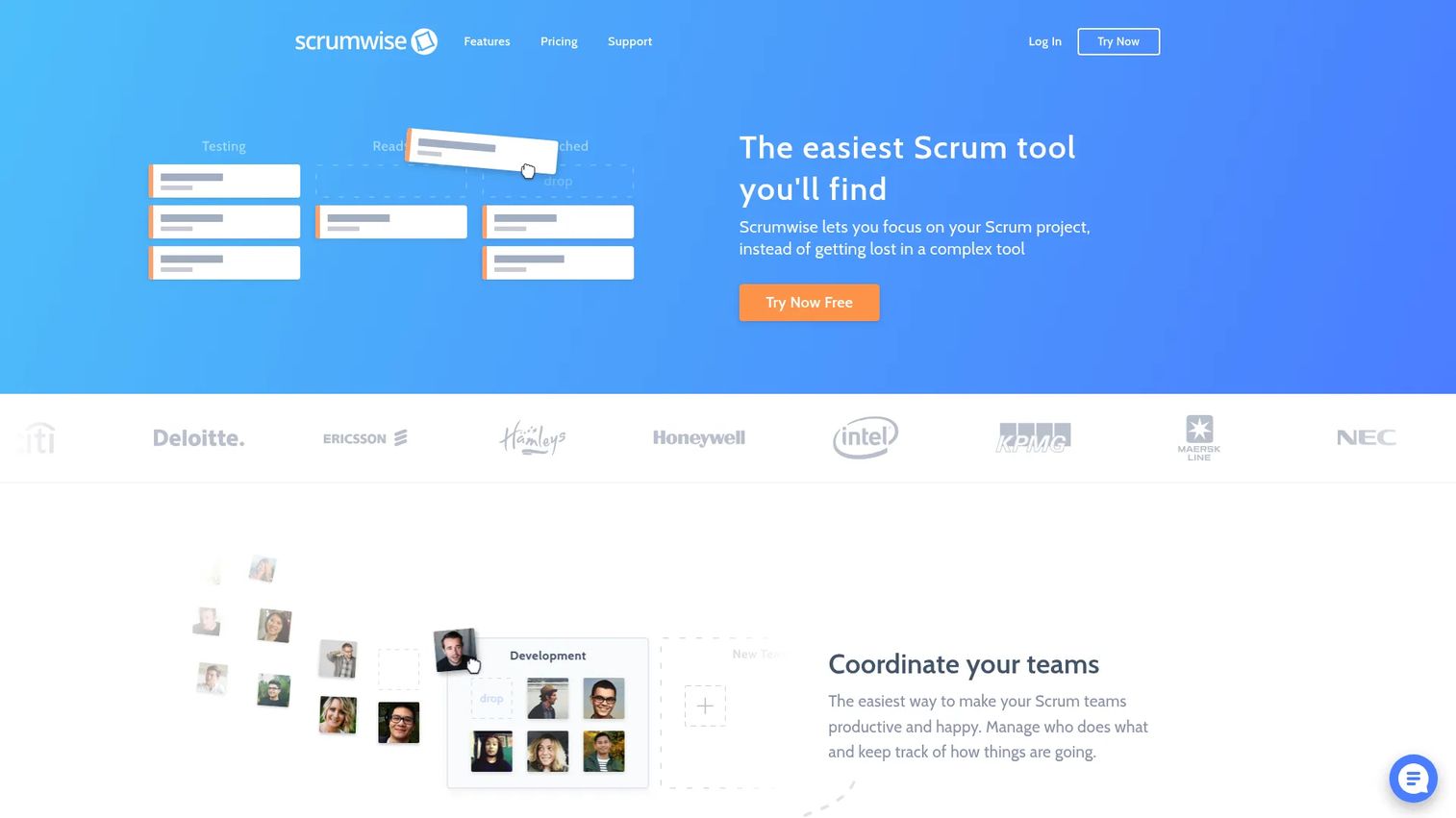
Scrumwise is an Agile project-management tool centered on Scrum and Kanban. Its documented core covers backlog management and sprint execution. It suits teams evaluating a focused planning workspace rather than a broad organizational work hub.
The PM’s test is straightforward. Can the team prepare its backlog and run the current sprint without adding a separate administrative process?
Best for: Small to mid-sized Agile teams seeking focused backlog and sprint management.
Key features
- Backlog management
- Sprint management
- Task boards
- Kanban boards
Use the trial to follow an item from refinement through completion. Pay attention to the clarity of ownership and the effort needed to keep work current.
Then run a retrospective using the information available. If your buying checklist includes burndown chart software or specific capacity reports, test those requirements directly.
A focused tool should still work for people outside the daily engineering discussion. Ask a stakeholder to interpret progress without a guided explanation from the PM.
Keep the evaluation tied to team behavior. Fewer configuration options are valuable only if the resulting workflow covers the decisions your group makes.
Why choose Scrumwise: Evaluate it when maintaining the Scrum rhythm is your primary requirement. Compare it with broader platforms only where those extra capabilities have an owner.
Scrumwise pricing: Plans cost $7.50 per user monthly when billed annually, or $9 with monthly billing. A 30-day free trial is available.
13. Axosoft
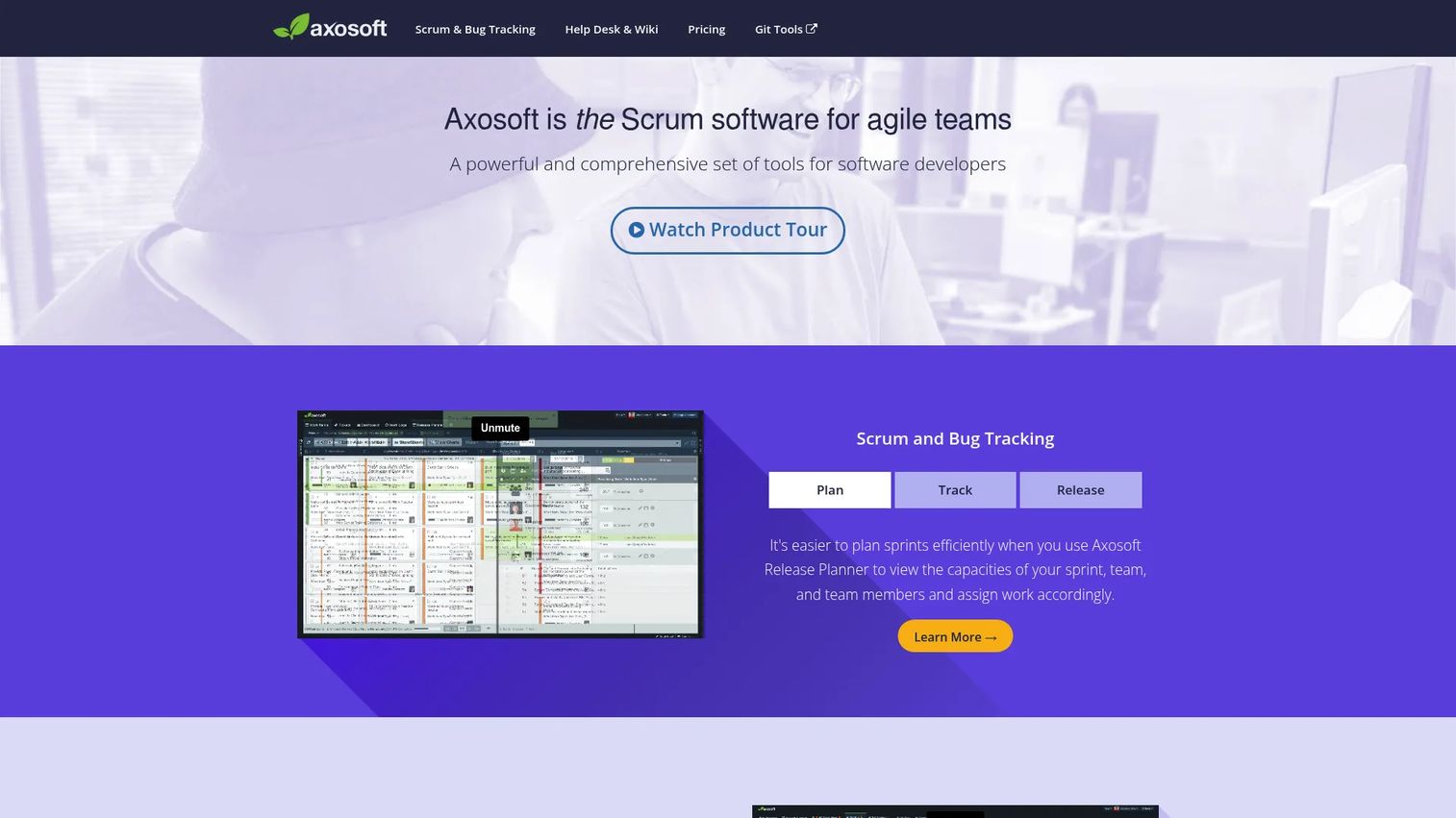
Axosoft combines Scrum planning with bug tracking and support capabilities. Its release planning includes capacity management, while reporting covers burndown and velocity. That combination suits teams where customer issues regularly affect delivery commitments.
For PMs, the useful evaluation is the path from support demand to planned work. Inspect whether the process preserves the customer context.
Best for: Development teams coordinating releases, defects, and support-driven priorities.
Key features
- Release planning and capacity management
- Kanban boards with WIP limits
- Burndown charts and velocity reporting
- Help desk email ticketing
- Customer portal and wiki documentation
Bring a representative defect into the trial. Follow its assessment and determine how the team explains its effect on the sprint.
Then evaluate forecasting carefully. A ship-date estimate should support a discussion about assumptions, not become a commitment detached from changing scope.
Axosoft also has distinct hosted and installed commercial models. Include deployment ownership in the decision, particularly when comparing its license with subscription-only products.
An installed purchase creates a different budget calculation from a monthly seat charge. Account for support renewal and internal operating responsibilities rather than comparing entry amounts alone.
Why choose Axosoft: Consider it when release planning and defect intake need a shared process. Test how product priorities remain visible when urgent tickets arrive.
Axosoft pricing: Installed licenses cost $250 per user, including one year of updates and support; annual renewal is 35% of license configuration cost. Hosted pricing requires a quote.
G2 rating: 4.4/5.
14. Taiga
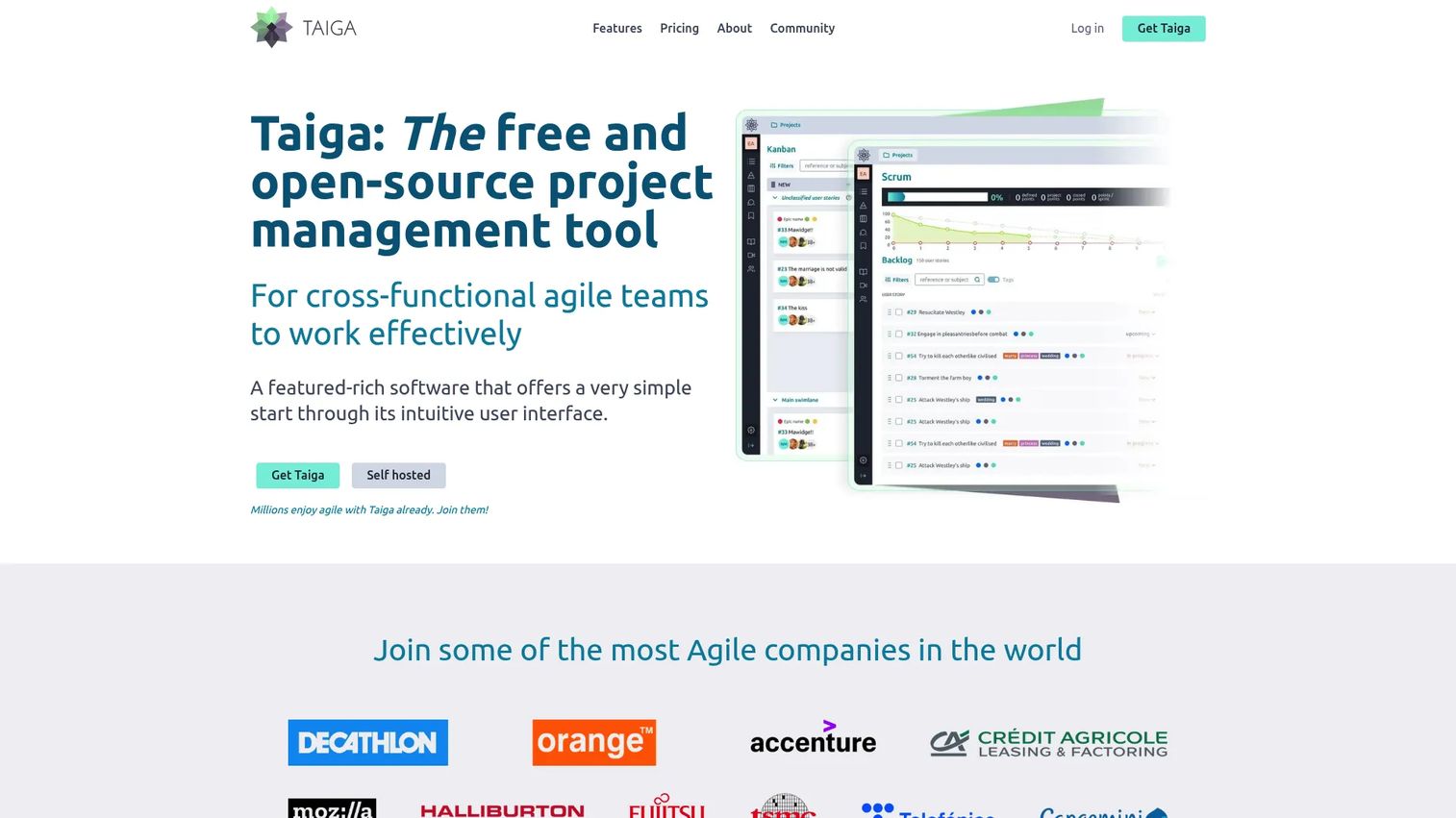
Taiga is free and open-source project management software for Scrum and Kanban teams. It documents sprint planning with estimations and task boards, plus integrated issue tracking. Deployment options make it relevant to teams evaluating control over their work-management environment.
Its appeal should be assessed through both product fit and operating responsibility. Open-source availability does not remove the need for ownership.
Best for: Cross-functional Agile teams seeking open-source Scrum software with deployment choices.
Key features
- Scrum backlog and sprint planning
- Estimations and burndown charts
- Kanban swim lanes and WIP limits
- Integrated issue and bug tracking
- Wiki, permissions, and project export
Start by testing the intended delivery method. A team practicing Scrum needs a different planning convention from one managing continuous Kanban flow.
For the PM, inspect how product context survives movement between backlog and sprint. Acceptance criteria should remain easy to find when a developer needs clarification.
Next, evaluate governance and data portability. Ask who owns role changes and whether exported information preserves the context your organization requires.
If considering a managed or on-premise deployment, involve the people responsible for maintaining it. Software control is valuable when the organization accepts the associated operating work.
Why choose Taiga: Shortlist it when open-source access and explicit Agile workflows matter to your team. Compare deployment responsibility alongside subscription cost.
Taiga pricing: A free plan is available. Enthusiast costs €5 monthly or €50 annually; paid cloud plans include unlimited users.
G2 rating: 4.4/5.
Considerations when choosing scrum software
Match the tool to your Scrum maturity
Choose around the decisions your team makes now. A new squad may need a clear backlog; a portfolio organization may need investment visibility across teams.
Check ceremony coverage, not just task tracking
Walk through refinement and planning, then test the review and retrospective handoff. Record where decisions live and how improvement actions enter the next sprint.
Evaluate reporting without worshipping velocity
Use Agile reporting to investigate patterns rather than rank individuals or teams. Inspect blocked work and scope changes alongside estimates.
Pair delivery measures with outcome metrics. Shipping an activation experiment establishes output; instrumentation must show whether users reached value sooner.
Test integrations with your delivery stack
Follow a representative item from customer context to implementation evidence. Include the systems your team uses for code and documentation, plus support intake and product analytics.
Check who resolves broken connections. An integration that needs constant manual repair can conceal the delivery risk it was meant to expose.
Price the operational overhead
Budget for workspace administration and reporting maintenance alongside licenses. Name the owners of permissions and workflow changes before purchasing.
Also inspect exit requirements. Preserve useful history and acceptance decisions without assuming every old field deserves migration.
Choose around the ceremony that needs improvement
Jira is a strong starting point for structured software delivery. ClickUp and Asana deserve attention when product coordination extends well beyond engineering.
Trello and Scrumwise fit teams seeking a focused operating rhythm. Azure DevOps belongs on the shortlist when implementation evidence and planning need to stay closely connected.
For larger organizations, compare Targetprocess’s portfolio emphasis with Digital.ai Agility’s enterprise Agile approach. Taiga offers an open-source route, while Zoho Sprints warrants evaluation for dedicated planning and reporting.
The best software for Scrum should earn its place through a working sprint. Select two candidates around your biggest ceremony problem and give each the same representative backlog.
Compare planning effort and board accuracy. Review whether the reports explained a delivery issue, then inspect whether retrospective actions received ownership and capacity.
Include engineers and a stakeholder in that assessment. A PM-friendly dashboard is insufficient if maintaining it creates extra work for everyone else.
Choose the system your team can keep useful after the trial enthusiasm fades.
FAQs
Scrum software supports backlog organization, sprint planning, execution visibility, and inspection of delivery progress. Teams use it to maintain a shared record of work and decisions across their Scrum ceremonies. Its value comes from helping people adapt their plan, rather than enforcing a particular number of tickets or story points.
The best scrum software depends on where product coordination breaks down. Jira suits structured delivery workflows, while ClickUp and Asana warrant evaluation when releases depend on several departments. Scrumwise and Zoho Sprints are relevant when dedicated Agile planning matters more than broad work management. Select around your team’s operating model rather than a universal ranking.
Look for product and sprint backlogs, a usable board, planning support, and reporting that answers your team’s delivery questions. Evaluate retrospective follow-through and integrations as working processes rather than isolated feature names. Permissions and export options also matter when the workspace becomes a long-term record of decisions. Test the required capabilities on the plan you intend to buy.
Agile project management software is the broader category; Scrum is a specific framework within that context. Agile scrum tools should support recurring sprint cycles and the ceremonies used to inspect progress. A platform supporting Kanban may emphasize continuous flow instead. When comparing Scrum vs Agile or Scrum vs Kanban, distinguish the working method from the software interface.
Yes, but a small team should keep administration proportionate to its coordination problems. Trello offers visual work management, while Scrumwise and Zoho Sprints deserve evaluation for more explicit Agile planning. Taiga is relevant when open-source access matters, and nTask covers broader project controls. Start with a workflow everyone understands before adding fields or automated reporting.
Remote teams should prioritize shared context and updates that remain understandable without a live explanation. Test comments, notifications, and access permissions using the working hours and handoffs your team experiences. Daily standup software can support async updates, but decisions still need to reach the delivery workspace. Avoid choosing solely on meeting features when backlog clarity is the larger problem.
Bring a representative backlog into a trial and ask the team to plan against a clear goal. Test estimation and capacity assumptions, then introduce a dependency or changed priority. Inspect whether the resulting scope decision remains understandable after the meeting. Have the Product Owner and Scrum Master evaluate the same workflow from their respective responsibilities.
Burndown charts are useful for inspecting remaining work, but they cannot explain every delivery problem or establish customer value. Pair them with discussion of blocked work and changes in scope. Sprint retrospective software can help organize that discussion if actions return to the backlog. For product decisions, combine delivery evidence with activation or retention measurements after release.