The backlog is full. The sprint starts tomorrow. And your team still does not agree on what actually fits.
You know this moment. Someone insists the migration ticket is a two-pointer. Someone else says it blocks half the roadmap. The designer has not finished the mockups. Engineering wants to spike first. Meanwhile the clock runs, and you are the person who has to walk out of that room with a committed plan everyone believes in.
Sprint planning is not task scheduling. It is cross-functional coordination under time pressure, with imperfect information, across people who prioritize different things. The software you use either absorbs that friction or adds to it.
That matters more than it used to. Scrum adoption reached 66% of software development teams in 2024, up from 35% in 2010, according to Continuous Quest (2024). And among Scrum ceremonies, 92% of teams run sprint planning, making it the most widely practiced event in the framework. When almost every Agile team plans in sprints, the tool that shapes how you turn a backlog into a plan quietly shapes your delivery.
What's inside
This guide compares eight sprint planning tools for teams that need backlog management, sprint execution, and cross-team coordination in one place. It covers both heavyweight platforms built for large engineering orgs and lightweight tools built for speed.
We ranked each tool against four criteria that matter for real sprint work:
- Planning workflow fit: how well it moves a prioritized backlog into a committed sprint
- Collaboration depth: comments, mentions, and visibility across product, design, and engineering
- Reporting and predictability: burndown, velocity, and dashboards leadership can trust
- Integrations and usability: how it connects to code, docs, and chat, and whether the team will actually use it every sprint
TL;DR
- Best overall for most software teams: Jira, for configurable scrum boards, backlog management, and deep reporting
- Best for Microsoft-centric orgs: Azure Boards, tied into Azure DevOps and the Microsoft stack
- Best for lightweight visual planning: Trello, for smaller teams and simpler sprint workflows
- Best for flexible work management: ClickUp, when you want docs, tasks, goals, and sprints in one hub
- Best for GitHub-native engineering teams: Zenhub, for planning that lives inside GitHub
- Best for speed-focused product teams: Linear, for a fast issue tracker with cycles and roadmaps
- Best for agency and delivery-heavy teams: Teamwork.com, for client work with time and capacity built in
- Best for GitHub-first workflow management: Shortcut, for stories, epics, and iterations without the overhead
What is sprint planning software
Sprint planning software is a tool that helps Agile and Scrum teams select backlog items, shape a sprint goal, and track execution across a timeboxed iteration. It turns a prioritized product backlog into a committed sprint backlog the team works from, then gives everyone visibility into progress until the sprint closes.
Most of these tools started as project management or issue tracking platforms and grew Agile-specific features on top. The good ones do not just store tasks. They support the full loop: grooming the backlog, running the planning meeting, committing to a sprint goal, and reporting on what shipped.
Core capabilities to expect:
- Backlog prioritization: rank, estimate, and order work before the sprint starts
- Sprint board management: a sprint board with columns for status, so work moves visibly from to-do to done
- Capacity and workload planning: match committed work to team availability, using velocity or capacity signals
- Collaboration and comments: threads, mentions, and status updates that keep product, design, and engineering aligned
- Reporting and burndown views: burndown charts, velocity trends, and dashboards that show whether the sprint is on track
The category overlaps with general agile planning software and scrum planning tools, but the distinguishing feature is the sprint itself. If the tool cannot help you commit to a sprint goal and a sprint backlog, then track burndown against it, it is a task manager, not a sprint tracker.
When to use sprint planning software
Turn a prioritized backlog into a sprint plan
The core job is conversion. You have an ordered backlog. You need a committed sprint. Sprint planning tools let you pull items into a sprint, estimate them with story points or planning poker, and check the total against your team's capacity before anyone commits.
This matters most for teams that need clarity before iteration starts. When the sprint backlog is explicit and estimated, the planning meeting stops being a debate about scope and becomes a decision about tradeoffs. That is the difference between a plan the team believes and a plan it tolerates.
Keep cross-functional teams aligned during execution
A sprint is a shared commitment, not a to-do list. Boards, status updates, and comment threads reduce handoff friction between design, engineering, and product. When a ticket moves to blocked, the right people see it without a standup.
Leadership gets visibility too. A shared sprint board means the product manager, the eng lead, and the stakeholder asking for an update all read the same source of truth. Fewer status pings, fewer surprises at sprint review.
Improve sprint predictability and reporting
Predictability comes from spotting drift early. Burndown charts show whether remaining work is tracking toward zero by the sprint end date. Velocity trends tell you whether this sprint's commitment is realistic based on the last five.
Dashboards turn that into a delivery signal leadership can act on. When the burndown flattens on day four, you renegotiate scope on day five instead of apologizing at review. That is the whole point of the reporting layer: earlier decisions, not prettier charts.
Comparison table
The eight tools below split roughly into three groups. Jira, Azure Boards, and ClickUp handle full-featured planning for larger or cross-functional orgs. Trello serves lighter, simpler workflows. Linear, Zenhub, and Shortcut fit engineering-native teams that live close to their code. Teamwork.com covers agency and services teams that plan sprints alongside client budgets.
| # | Product | Best for | Key differentiator | Pricing | G2 rating |
|---|---|---|---|---|---|
| 1 | Jira | Engineering-heavy and larger SaaS teams | Configurable scrum boards, backlogs, and deep reporting | Free; paid from $7.91/user/mo | 4.3/5 |
| 2 | Azure Boards | Microsoft and Azure DevOps teams | Native fit with the Azure DevOps stack | First 5 users free, then $6/user/mo | 4.4/5 |
| 3 | ClickUp | Cross-functional teams wanting one hub | Docs, tasks, goals, and sprints together | Free; paid from $7/user/mo | 4.7/5 |
| 4 | Trello | Small teams and simple sprint workflows | Visual boards, cards, and Planner | Free; Premium from $10/mo | 4.4/5 |
| 5 | Linear | Speed-focused product and eng teams | Fast issue tracking with cycles | Free; paid from $10/user/mo | - |
| 6 | Zenhub | GitHub-native software teams | Planning inside GitHub with poker | Free; Teams from $4.99/user/mo | 4.3/5 |
| 7 | Teamwork.com | Agencies and delivery-heavy teams | Time, budgets, and capacity built in | Free; paid from $9.99/user/mo | 4.4/5 |
| 8 | Shortcut | GitHub-first workflow management | Stories, epics, and iterations | Free; Team from $8.50/user/mo | - |
Read the table as a shortlist, not a ranking. The right tool depends on how your team plans, tracks, and collaborates, which the sections below break down in detail.
Best 8 sprint planning software tools for 2026
1. Jira
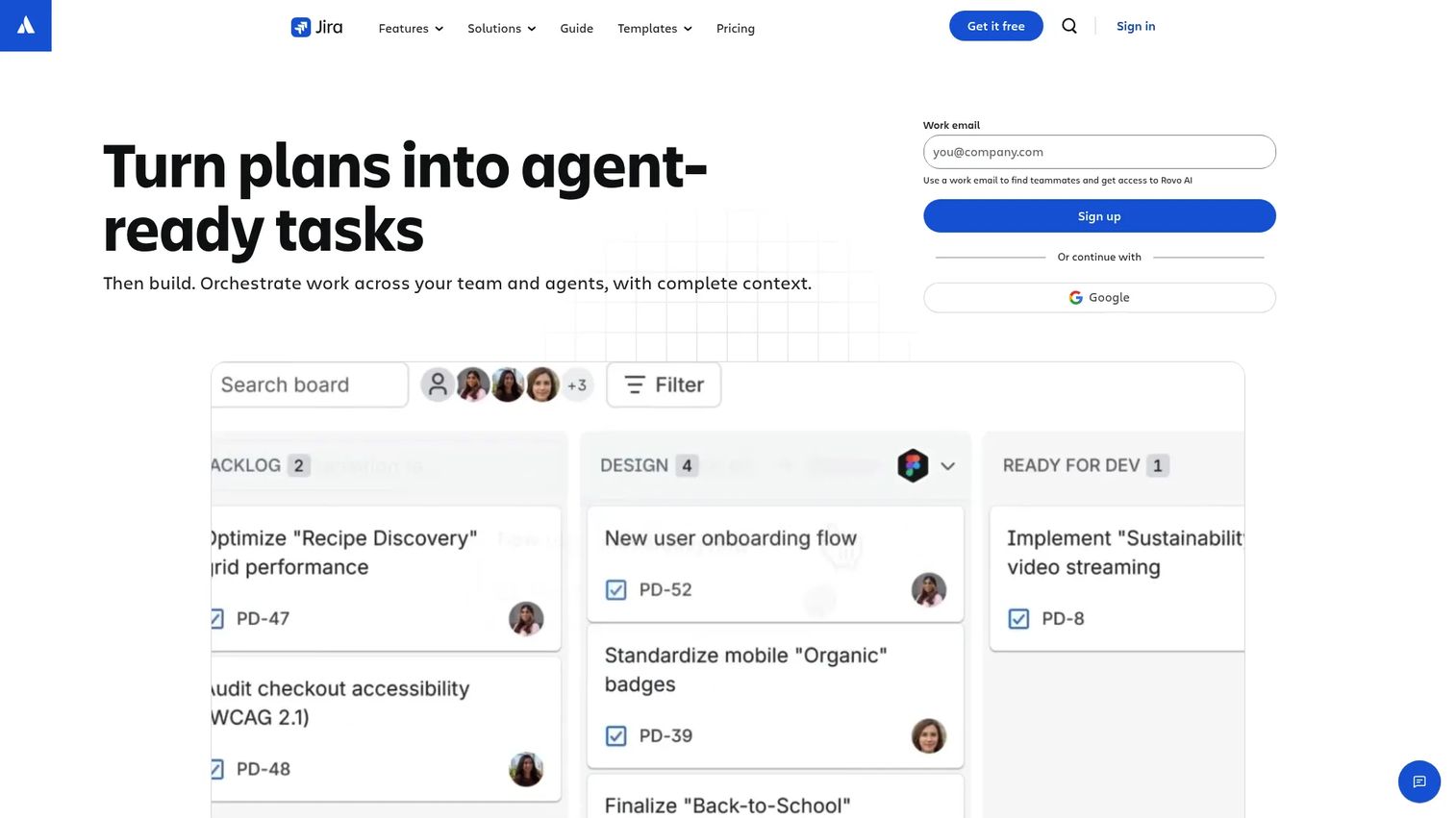
Jira is the most complete sprint planning option for software teams, and it is where most Scrum conversations start. Built by Atlassian, it pairs a prioritized backlog with configurable scrum boards, sprint tracking, automation, and reporting that goes deep enough for large delivery orgs. If your team wants to shape workflows around how it actually works, rather than bend to a fixed template, Jira gives you that control.
The core loop is strong. Groom the backlog, estimate with story points, pull items into a sprint, then watch burndown and velocity as the sprint runs. Automation handles the repetitive moves, like transitioning issues or pinging owners, so the board reflects reality without manual upkeep.
Best for: Engineering-heavy teams and larger SaaS orgs that want configurable workflows and detailed delivery reporting.
Key strengths
- Configurable scrum and Kanban boards
- Backlog, sprint tracking, and burndown reports
- Automation rules for repetitive workflow steps
- Dashboards and cross-team project visibility
- Deep integration with the Atlassian and dev tooling ecosystem
Why choose Jira: It scales from one squad to a full engineering org without hitting a ceiling. The tradeoff is setup: the configurability that makes Jira powerful means someone has to own the configuration, especially early. Teams that invest in that upfront get a sprint tracker that grows with them.
Jira pricing: Free forever for up to 10 users. Standard is $7.91 per user per month, Premium is $14.54 per user per month, and Enterprise is priced through sales with annual billing.
2. Azure Boards
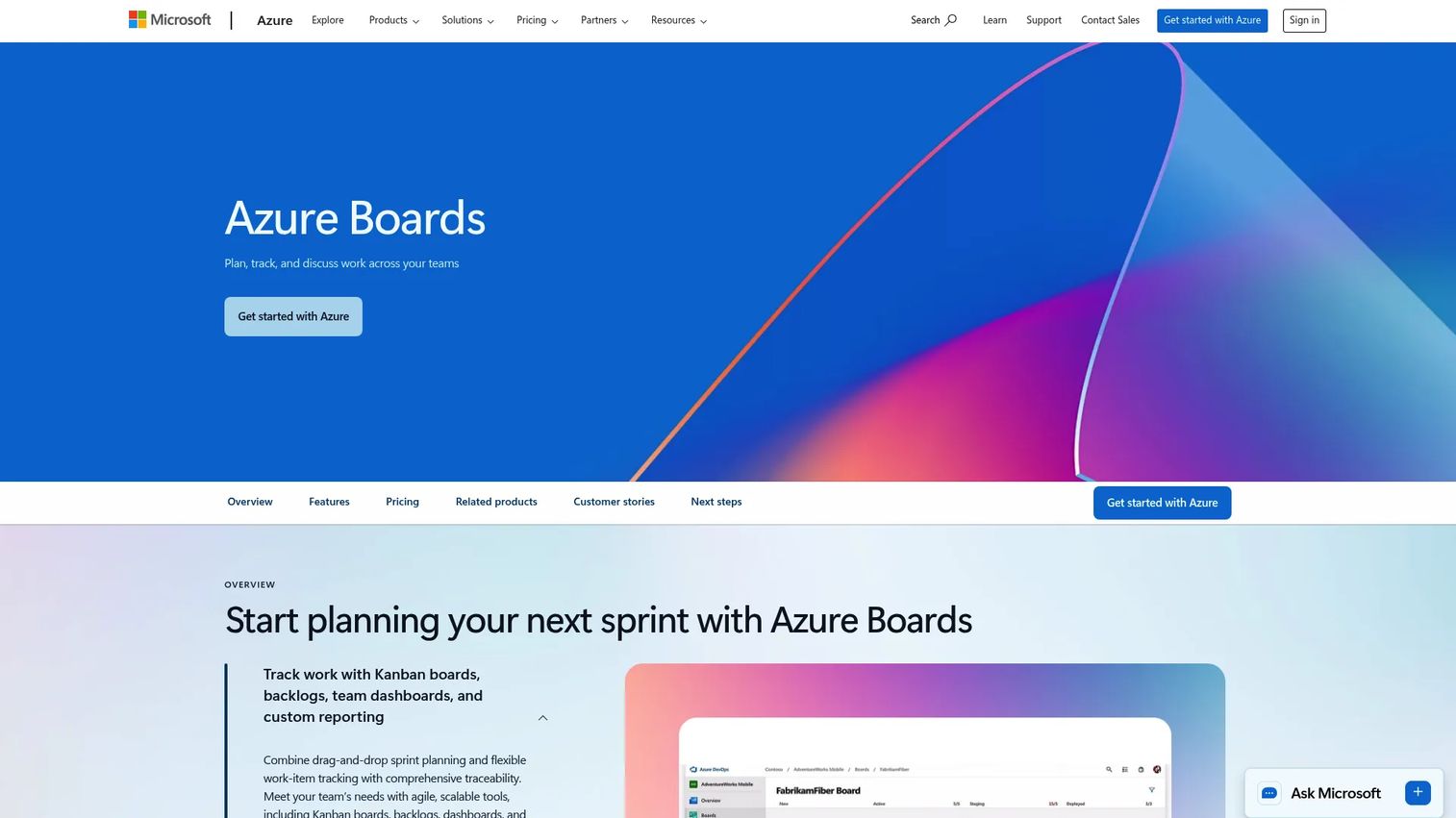
Azure Boards is Microsoft's work tracking and agile planning tool, part of Azure DevOps. For teams already standardized on the Microsoft stack, it removes a whole category of integration friction. Your boards, repos, pipelines, and identity all live in one place, and sprint planning slots into a workflow your engineers already touch daily.
It covers the essentials well: Kanban boards, backlogs, scrum boards, and custom dashboards. Work items link directly to commits, branches, and pull requests, so the connection between a sprint task and the code that closes it is explicit rather than inferred.
Best for: Engineering teams running on Azure DevOps or deeply invested in Microsoft tooling.
Key strengths
- Kanban boards, backlogs, and scrum boards
- Custom dashboards and configurable workflows
- Native links between work items and code
- Integration with GitHub, Teams, Slack, and 1,000+ extensions
- Included in the Azure DevOps Basic plan
Why choose Azure Boards: The value is ecosystem fit. If your team already uses Azure DevOps for source control and CI/CD, planning in the same environment keeps everything traceable. Teams outside the Microsoft world get less of that compounding benefit.
Azure Boards pricing: Azure Boards is included in the Azure DevOps Basic plan. The first 5 users are free, then it is $6 per user per month. Basic plus Test Plans runs $52 per user per month.
3. ClickUp
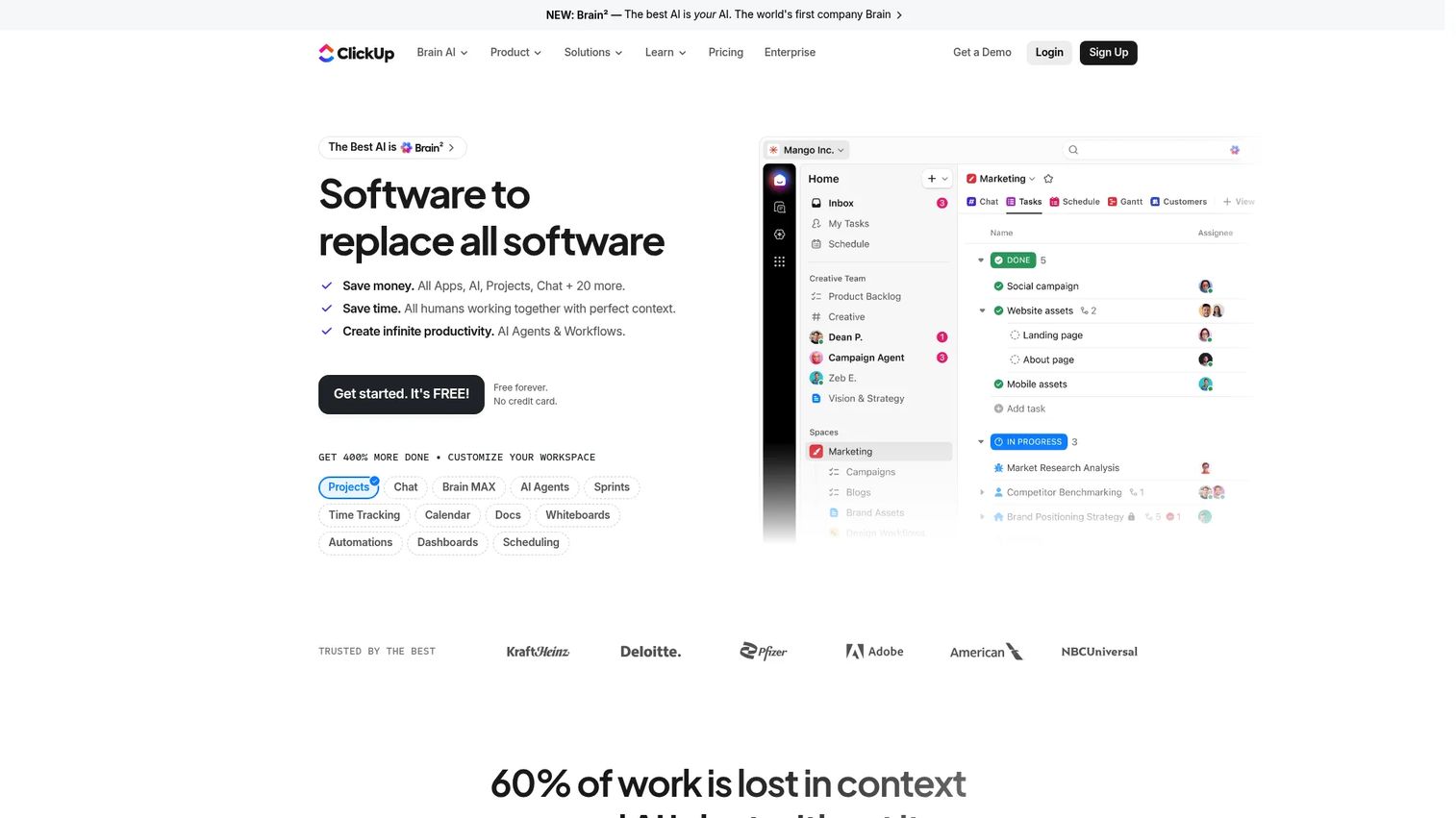
ClickUp is an all-in-one work management platform that folds tasks, docs, chat, goals, and sprint planning into a single hub. For cross-functional teams tired of stitching a sprint tracker to a separate wiki and a separate goals tool, that consolidation is the pitch. You plan the sprint, write the spec, and track the goal without leaving the app.
It handles sprints through customizable views, automations, and dashboards. You can set up sprint points, sprint dates, and velocity tracking, then report on progress with burndown and burnup charts. The breadth means the same workspace serves product, marketing, and ops, not just engineering.
Best for: Cross-functional teams that want documents, tasks, goals, and sprint planning in one flexible workspace.
Key strengths
- Task and project management with multiple views
- Docs, wikis, chat, and forms in one place
- Built-in automations, time tracking, and dashboards
- Sprint points, sprint dates, and velocity tracking
- Highly customizable to different team workflows
Why choose ClickUp: The flexibility is the draw and the thing to manage. Breadth means you configure structure rather than inherit it, so teams that define their conventions early get the most value. Teams that want opinionated defaults out of the box may prefer a more focused tool.
ClickUp pricing: Free Forever plan available. Unlimited is $7 per user per month billed yearly, Business is $12 per user per month billed yearly, and Enterprise is custom pricing.
4. Trello
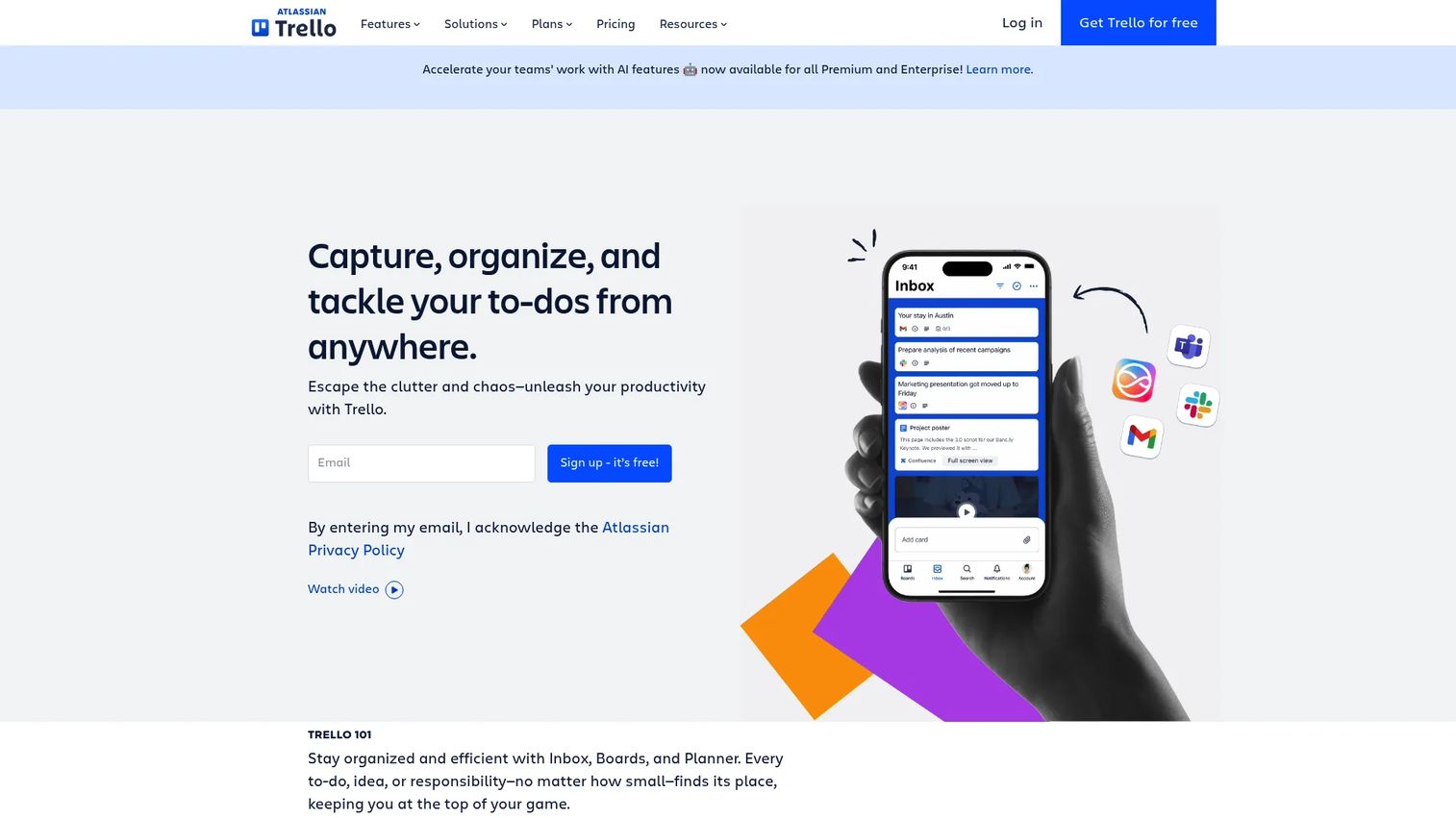
Trello is visual task management stripped to its essentials: boards, lists, and cards you move as work progresses. For small teams or simpler sprint workflows, that clarity is a feature, not a limitation. You can map a sprint to a board in minutes, with lists for backlog, in progress, review, and done.
It goes further than plain Kanban with Power-Ups, automation through Butler, and a Planner for scheduling work. Multiple views, including table, calendar, and timeline, give you options as a board grows. For a team that does not need story points and velocity math, Trello covers real sprint work without ceremony.
Best for: Small teams and simpler workflows that want fast, visual sprint planning without configuration overhead.
Key strengths
- Boards and cards for visual task tracking
- Views including board, table, calendar, and timeline
- Butler automation and Power-Ups
- Templates and integrations
- Planner for scheduling work
Why choose Trello: It gets a team planning in minutes with almost no learning curve. As sprint operations grow more complex, with dependencies, detailed estimation, and multi-team reporting, teams often layer on Power-Ups or graduate to a heavier tool. For lightweight sprints, that simplicity is exactly the point.
Trello pricing: Free plan available. Premium is $10 a month. Standard and Enterprise tiers are also offered, with Enterprise priced through sales.
5. Linear
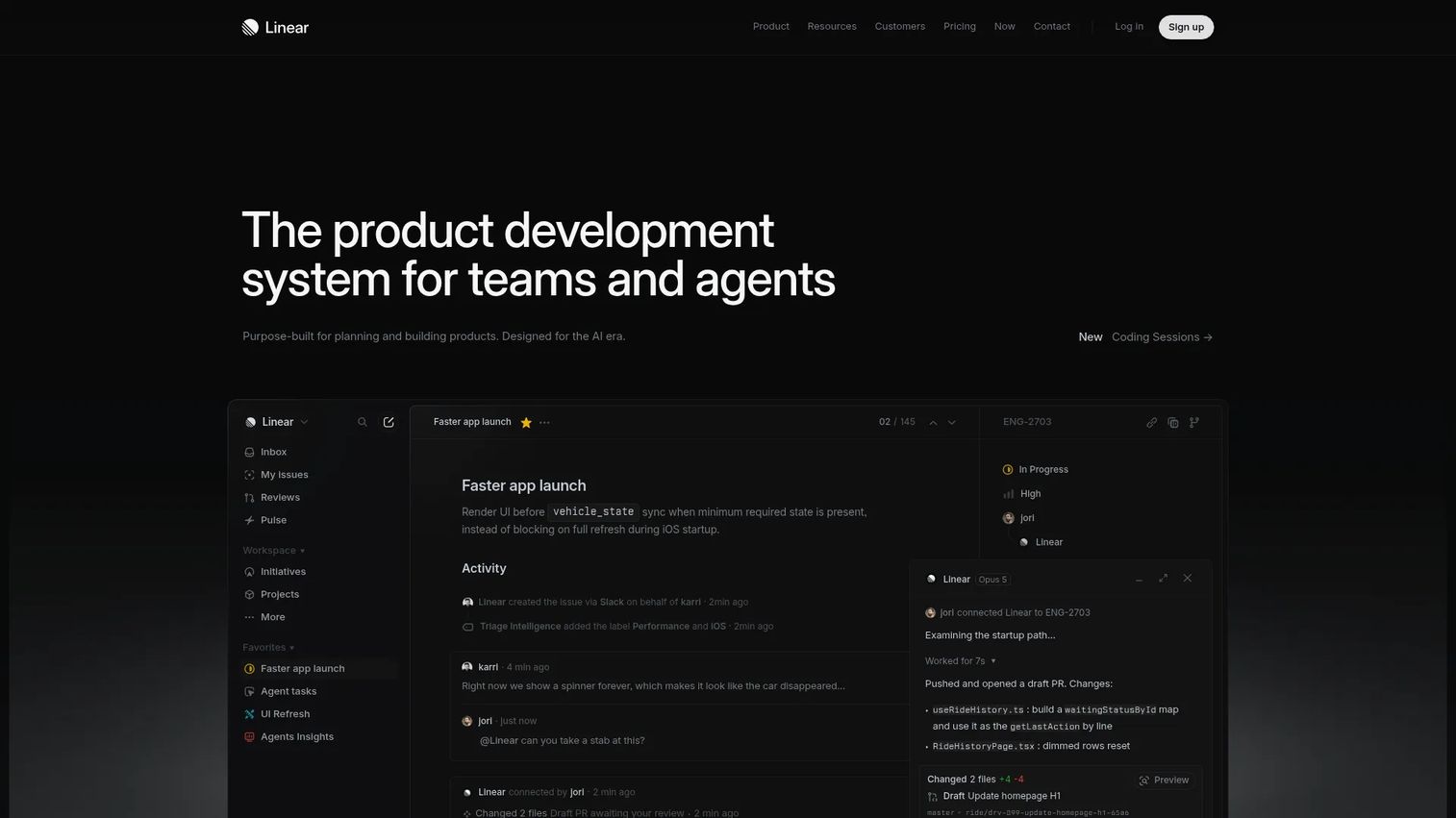
Linear is an issue tracking and product development platform built for speed. Where heavier tools ask you to configure everything, Linear ships with strong opinions and a fast interface that product and engineering teams tend to love. Sprints happen through Cycles, a timeboxed container that automatically rolls unfinished work forward and tracks progress without manual bookkeeping.
The keyboard-first UI is the differentiator. Creating, triaging, and moving issues is quick enough that the tool disappears into the workflow. Roadmaps connect the long-term plan to the current cycle, so the sprint always ties back to a bigger objective.
Best for: Product and engineering teams that value a fast, low-friction workflow over deep configurability.
Key strengths
- Cycles for timeboxed sprint planning
- Fast, keyboard-first issue tracking
- Roadmaps and project tracking
- AI-assisted features like Linear Agent and Insights
- Clean team workflows with minimal setup
Why choose Linear: Speed is the whole value proposition. Teams that want to plan and move without wrestling configuration get a tool that stays out of the way. Teams that need heavy customization or agency-style budgeting will look elsewhere.
Linear pricing: Free plan for everyone. Basic is $10 per user per month billed yearly, Business is $16 per user per month billed yearly, and Enterprise is custom with annual billing.
6. Zenhub
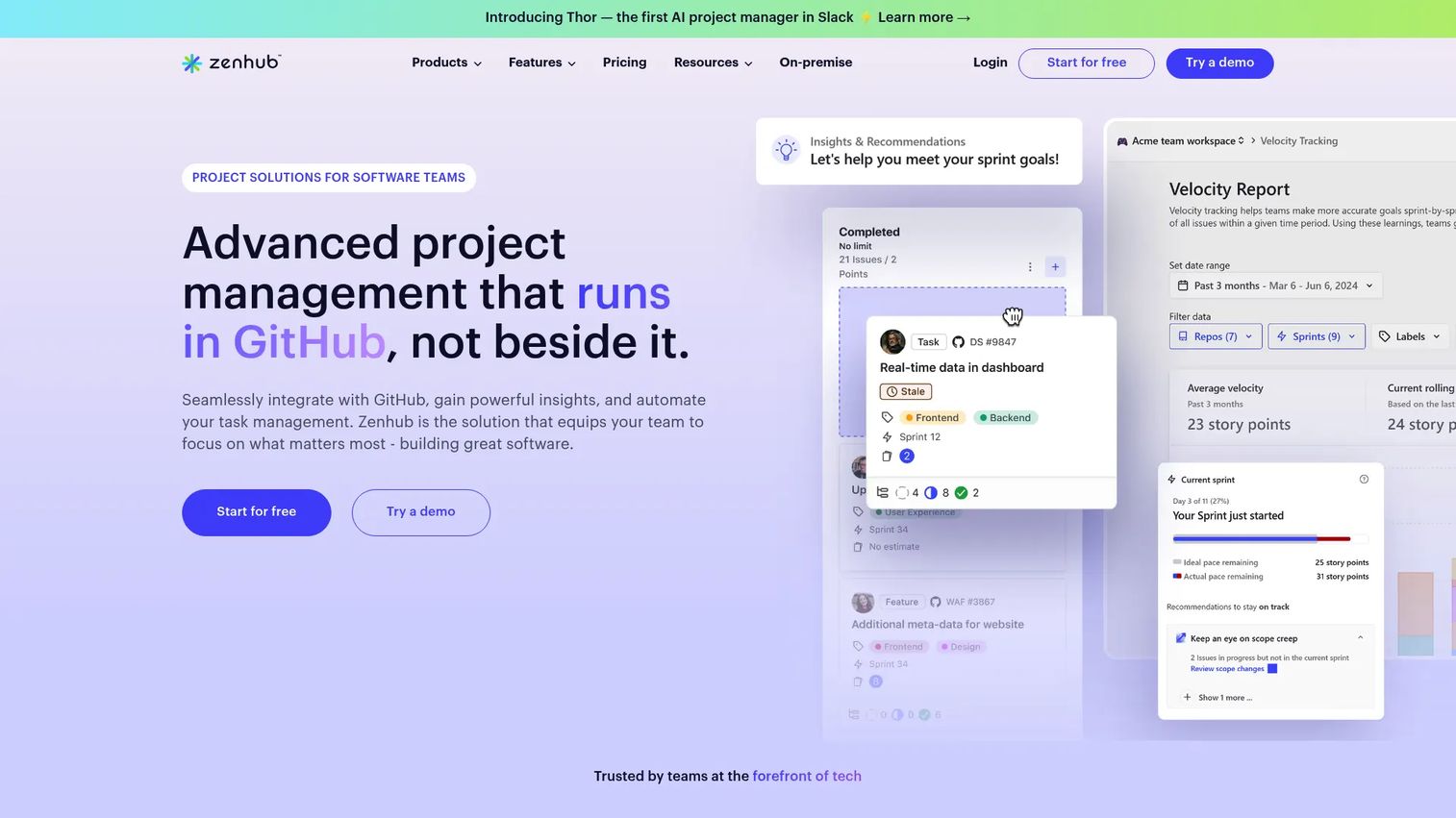
Zenhub is project management built around GitHub. If your team already lives in GitHub, Zenhub means planning without a second system to sync. It reads and writes GitHub issues natively, so sprint boards, roadmaps, and reports reflect the same data your developers work from, with no copy-paste between tools.
It supports automated sprint planning, planning poker for estimation, and roadmap views that connect sprints to larger goals. The GitHub browser extension puts planning context right inside the code workflow, which keeps engineers in one place instead of switching tabs to update status.
Best for: Software teams that manage work in GitHub and want Agile planning without leaving it.
Key strengths
- Native GitHub integration and browser extension
- Automated sprint planning and planning poker
- Goals, Timeline, and Work Tracker views
- AI-powered tools, automation, and reporting
- Roadmaps that connect sprints to larger goals
Why choose Zenhub: For GitHub-first teams, the value is zero sync overhead. Planning data and code data are the same data. Teams that do not center their workflow on GitHub get less from that tight coupling.
Zenhub pricing: Free plan for small teams. The Teams plan is $4.99 per user per month billed yearly, or $7.50 per user per month billed monthly. Enterprise is priced through sales.
7. Teamwork.com
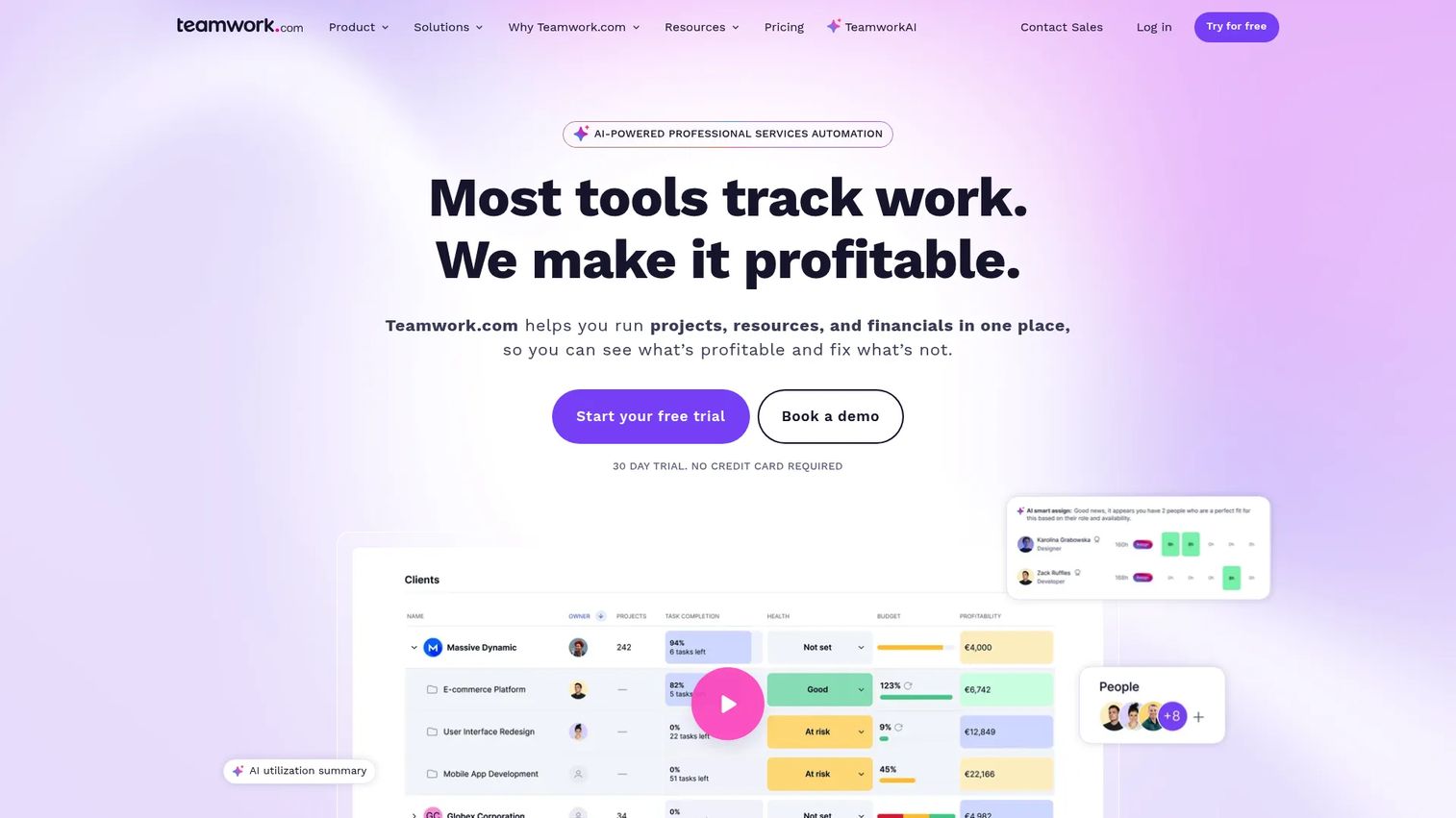
Teamwork.com is client work and project management software built for agencies and professional services teams. It plans sprints alongside the operational reality those teams face: billable time, budgets, and capacity across multiple client accounts. That combination sets it apart from tools designed purely for internal engineering squads.
It offers board, list, table, and Gantt views, plus templates, automations, and dependencies. The difference shows up in time tracking, budget management, and capacity planning built directly into the workflow. For a services team, a sprint is not just a delivery unit, it is a billing and profitability question, and Teamwork.com plans for both at once.
Best for: Agencies, client-service teams, and professional services groups managing sprints, time, and budgets together.
Key strengths
- Gantt, table, list, and board views
- Templates, automations, dependencies, and reminders
- Time tracking and budget management
- Capacity planning across accounts
- AI assistants for project work
Why choose Teamwork.com: It fits client-facing work where profitability matters as much as delivery. Internal-only engineering teams may not need the billing and capacity layer, but for services teams it is the reason to choose it.
Teamwork.com pricing: Free plan available. Basics is $9.99 per user per month, Accelerate is $24.99 per user per month, both billed yearly. Optimize and Enterprise tiers are priced through sales, with a 30-day free trial on paid plans.
8. Shortcut
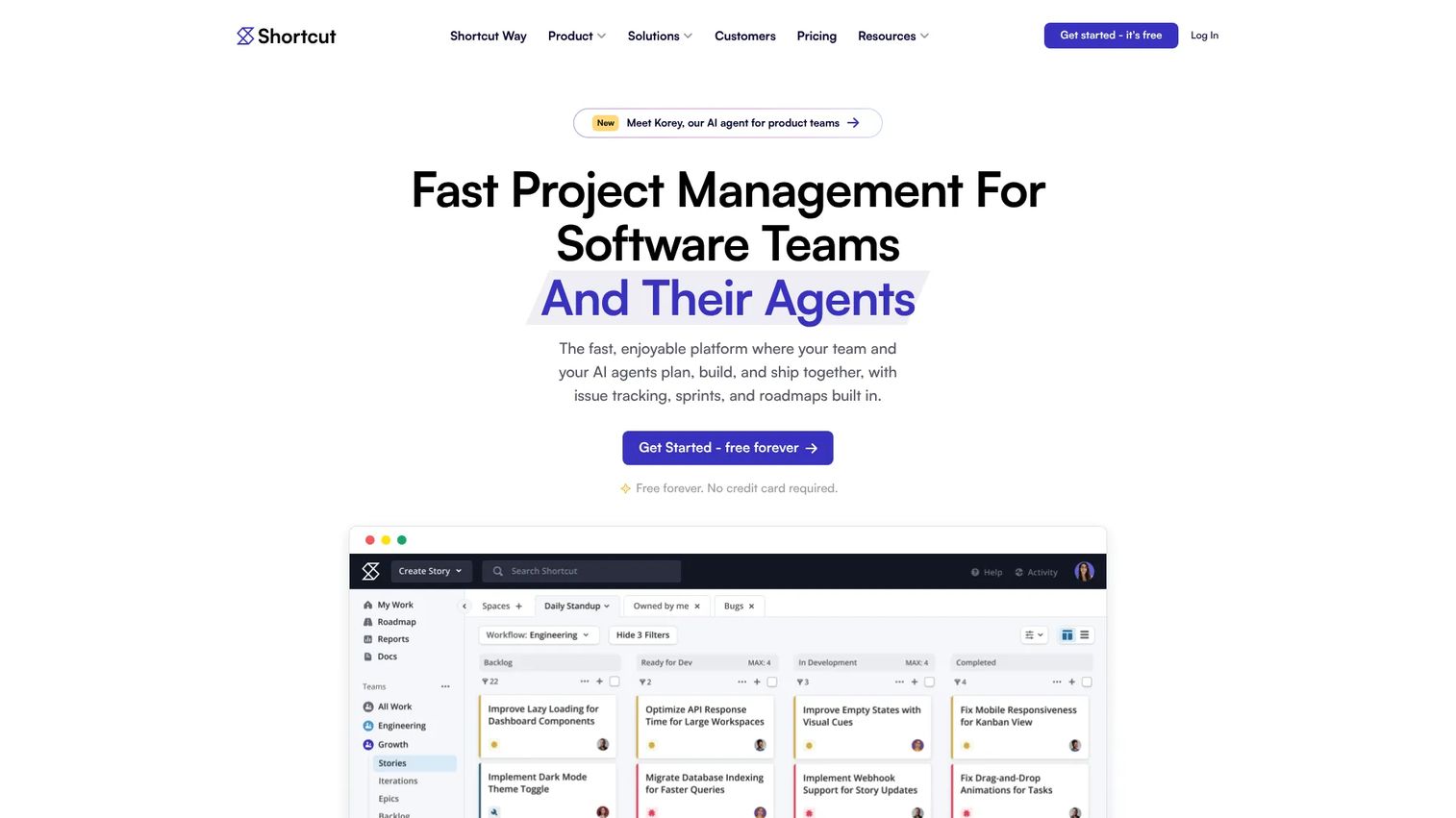
Shortcut is project management software built for software development teams, organized around Stories, Epics, and Iterations. It aims for the middle ground: more structure than a lightweight board, less configuration weight than a full enterprise platform. For product and engineering teams that want a streamlined sprint workflow, that balance is the appeal.
Iterations are Shortcut's sprint container, with Kanban views, roadmaps, and reports layered on top. Docs and automations keep planning context in one place, and integrations connect it to the tools engineers already use. The result is a sprint tracker that stays fast without feeling thin.
Best for: Product and engineering teams that want structured sprint planning without heavy setup.
Key strengths
- Kanban views and roadmaps
- Iterations and sprints with reports
- Stories, Epics, and workflows
- Docs and automations
- Integrations with developer tooling
Why choose Shortcut: It hits a balance many engineering teams want: enough structure to plan seriously, not so much that setup becomes a project of its own. Teams needing deep enterprise governance or services-style budgeting may need more.
Shortcut pricing: Free plan with a 14-day full-access trial and a permanent free tier. Team is $8.50 per user per month and Business is $12 per user per month, both billed yearly. Enterprise is custom pricing through sales.
Considerations
Workflow fit
The best sprint planning software supports the whole loop: backlog grooming, sprint setup, execution, and reporting in one place. When those steps live in fragmented tools, planning becomes overhead. You copy items between systems, reconcile estimates, and chase status across apps. Look for a tool where a groomed backlog item flows into a sprint and onto a board without manual re-entry.
Collaboration depth
Sprint planning is collaborative by nature. Product proposes, engineering estimates, design flags dependencies. Evaluate comments, mentions, status updates, and visibility across all three functions. A blocked ticket that only the assignee can see is a blocker waiting to surprise you at review. Shared context is what keeps a cross-functional sprint from drifting into silos.
Reporting and predictability
Burndown charts, velocity views, and dashboards matter most when leadership wants delivery confidence. But reporting only earns its keep when it drives decisions. A flattening burndown should trigger a scope conversation, not just a slide. Choose reporting that ties back to real planning choices, not vanity dashboards nobody acts on.
Integration fit
Integration depth often decides adoption. A sprint tracker that connects to your code, docs, chat, and automation stack gets used. One that forces context switching gets abandoned. Check how the tool links to your repos, your CI/CD, and your communication tools before you commit a team to it.
Complexity and admin overhead
Some tools are powerful but ask for more setup and ongoing configuration. That is not a flaw, it is a tradeoff. The right question is whether someone will own that configuration and whether the team will use the result. The best sprint planning tool is the one your team actually opens every sprint, not the one with the longest feature list.
Conclusion
Pick by how your team plans, tracks, and collaborates, not by feature count.
For full-featured planning across a larger or engineering-heavy org, Jira is the default for good reason. Azure Boards is the natural choice when you already run on the Microsoft and Azure DevOps stack. Trello and ClickUp cover lighter or more flexible workflows, with Trello leaning simple and ClickUp leaning all-in-one. Linear, Zenhub, and Shortcut serve engineering-native teams that want speed and code-proximity, while Teamwork.com fits agencies and services teams that plan sprints alongside budgets and billable time.
Your next step is concrete. Take your top two picks and run them against your actual workflow: how you groom the backlog, how the team estimates, and what reporting leadership expects at review. The tool that handles all three with the least friction is your answer. Most offer a free tier or trial, so test the sprint loop end to end before you standardize a team on it.
FAQs
Sprint planning software is used to turn a prioritized product backlog into a committed sprint, then track that sprint to completion. Teams use it to run the sprint planning meeting, set a sprint goal, estimate work, and monitor progress with boards and burndown charts. It gives product, design, and engineering a shared source of truth for the current iteration.
At minimum, look for backlog prioritization, a sprint board, capacity or velocity planning, collaboration through comments and mentions, and reporting like burndown and velocity charts. Estimation support, whether story points or planning poker, matters for realistic commitments. Integrations with your code, chat, and docs stack determine whether the team actually adopts it.
Jira is the most common choice for Scrum teams, and for many it is the best fit thanks to configurable scrum boards, backlog management, and deep reporting. It scales from a single squad to a full engineering org. That said, teams that value speed over configurability often prefer Linear or Shortcut, and GitHub-centric teams lean toward Zenhub.
Project management software organizes tasks, timelines, and resources across any kind of work. Sprint planning software is a subset built specifically for Agile and Scrum: it centers on sprints, sprint goals, sprint backlogs, and velocity. Many tools, like ClickUp and Teamwork.com, do both, but the sprint-specific capability is what defines a true sprint tracker.
Trello is the easiest starting point for small teams that want fast, visual sprint planning without setup overhead. Linear is a strong pick for small product and engineering teams that want speed and clean workflows. Both offer free tiers, so a small team can run a full sprint before committing to a paid plan.
Yes, if they own delivery alongside strategy. Sprint planning software gives product managers a way to convert a prioritized backlog into a committed plan, keep engineering and design aligned during execution, and report delivery confidence to leadership. It reduces the status-chasing that otherwise eats into discovery and roadmap time.
Yes. Most sprint planning tools include backlog management where you rank, estimate, and refine items before pulling them into a sprint. Backlog grooming, or refinement, is where you keep the top of the backlog ready so planning meetings move quickly. Tools with drag-to-order backlogs, estimation fields, and labels make that ongoing refinement far easier.
It depends on where the team lives. Jira suits engineering-heavy orgs that want configurable workflows and deep reporting. Zenhub and Shortcut fit teams that want planning close to GitHub, and Linear fits teams that prioritize speed. Azure Boards is the natural choice for engineering teams already running on Azure DevOps.