Your AE sends a follow-up after the discovery call. The champion asks for the technical diagram, the ROI one-pager, and the sandbox link. Your SE rebuilds the demo from scratch because the last version was three releases behind. Meanwhile, the buying committee has gone quiet.
This is what happens when sales assets live in five places at once: Google Drive, CRM notes, Slack threads, Notion pages, and an enablement portal nobody updates. According to Forrester (2023), 53% of survey respondents said sales reps used fewer than half of their enablement materials. The problem is not volume. It is organization, context, and the gap between what gets created and what actually reaches buyers.
Sales asset management software closes that gap. For presales and revenue teams, the category now stretches far beyond shared drives. It covers interactive demos, digital sales rooms, proposal pages, CRM-native document tracking, and internal knowledge systems. Choosing the right tool depends on which asset is causing the most friction in your deals.
What's inside
This guide covers 17 sales asset management software options for 2026. It is written for presales managers, sales engineers, solutions consultants, and revenue enablement teams.
Selection criteria:
- Asset organization and search: Can reps find the right asset in under 30 seconds?
- Governance and version control: Are outdated decks, stale demo links, and expired security docs removed automatically?
- Buyer-facing engagement analytics: Do you know which stakeholders opened the asset and how far they got?
- CRM and workflow integrations: Does asset activity connect to opportunity records without manual logging?
- Demo and validation asset support: Can the tool handle technical leave-behinds, sandboxes, and product tours alongside standard collateral?
TL;DR
- Best for interactive sales assets: Guideflow, for presales teams managing demos, sandboxes, demo centers, live demos, and mobile demos as measurable buyer-facing assets
- Best for enterprise content governance: Highspot or Seismic, depending on your existing enablement stack
- Best for sales readiness plus content: Allego or Mindtickle
- Best for buyer-facing rooms and proposals: Dock, Paperflite, or Qwilr
- Best for CRM-native teams: Salesforce Sales Cloud or HubSpot Sales Hub
- Best for custom sales asset apps: Glide
What is sales asset management software?
Sales asset management software helps revenue teams organize, govern, share, personalize, and measure the content and product experiences used to move deals forward.
This category is not IT software asset management (which tracks licenses and entitlements) and it is not financial asset management (which manages portfolios). For revenue teams, a sales asset is anything a seller or presales engineer uses to progress a deal.
That includes pitch decks, one-pagers, case studies, ROI calculators, security questionnaires, RFP responses, architecture diagrams, and mutual action plans. For presales specifically, the asset list extends to technical validation resources, demo leave-behinds, sandbox environments, and product tour links that buyers revisit between calls.
The category overlaps with several adjacent software types:
- Sales enablement software: Broader platforms covering training, coaching, readiness, and content in one system
- Sales content management software: Systems focused on organizing and surfacing approved content for reps
- Digital asset management (DAM): Enterprise libraries for brand assets, often used by marketing rather than sales
- Buyer engagement platforms: Tools built around the moment after the asset leaves your hands
Key features to look for
- Centralized asset library: One place to find approved, current content
- Search and recommendations: AI or tag-based retrieval inside CRM or browser
- Version control and governance: Automatic expiry, ownership rules, approval workflows
- CRM and sales workflow integrations: Asset activity logged to opportunities and contacts
- Buyer-facing sharing: Links, microsites, digital sales rooms, or embedded experiences
- Buyer engagement analytics: Stakeholder-level views, time spent, demo completion
- Personalization controls: Dynamic variables, branded microsites, role-based content
- Security and permissions: Domain-restricted sharing, access controls, audit trails
- Demo and product experience support: Interactive demos, sandboxes, and guided tours as first-class assets
When to use sales asset management software
Centralize assets before reps improvise
When sales collateral lives in too many places, message drift is inevitable. Reps send old decks, SEs share outdated architecture diagrams, and champions forward materials that no longer match current pricing. If you are seeing inconsistent messaging across deals or hearing that prospects received conflicting information, centralization is overdue. A single governed asset library with search and version control fixes the source of the problem rather than the symptom.
Track what buyers engage with after the call
Sending a follow-up email is not the same as knowing what happened next. Sales engineers need visibility into whether technical stakeholders opened the security one-pager, completed the product demo, or spent 40 minutes in the sandbox before going quiet. Buyer engagement analytics turn follow-up guesswork into actual intent signals. That data also improves prioritization: Deals where multiple stakeholders engaged with assets in the past 48 hours deserve attention before deals where nothing was opened.
Standardize demo and validation assets
Complex SaaS deals require repeatable, consistent experiences across every POC, evaluation call, and buying committee briefing. When SEs rebuild demos for every opportunity, quality varies and time disappears. Standardized validation assets, from guided interactive demos to pre-built sandbox environments to templated RFP answer libraries, let presales teams operate at scale without sacrificing depth.
Sales asset management software comparison
The table below is a shortlist organized by asset type, not a universal ranking of every sales enablement product. Each tool fits a different kind of sales asset problem. Pricing and G2 ratings reflect data from vendor pricing pages and live G2 listings as of November 2026.
| # | Product | Best for | Key differentiator | Pricing | G2 rating |
|---|---|---|---|---|---|
| 1 | Guideflow | Interactive sales assets | Demo automation suite: Interactive demos, sandboxes, demo centers, live demos, mobile demos | Free; paid from $40/mo | 5.0/5 |
| 2 | Highspot | Enterprise content governance | AI-powered content, training, coaching, plays, and analytics in one platform | Contact sales | 4.7/5 |
| 3 | Seismic | Large enterprise enablement | Content automation, personalization, enablement workflows, and AI search | Contact sales | 4.7/5 |
| 4 | Showpad | Field sales enablement | Governed content library with buyer engagement and AI coaching | Contact sales | 4.6/5 |
| 5 | Allego | Content plus readiness | Sales content, learning, coaching, digital sales rooms, and conversation intelligence | Contact sales | 4.6/5 |
| 6 | Mindtickle | Sales readiness assets | Training, certification, coaching, digital sales rooms, and AI role play | Contact sales | 4.7/5 |
| 7 | Mediafly | Value selling assets | ROI tools, interactive presentations, and deal insights for complex sales | Contact sales | 4.4/5 |
| 8 | Paperflite | Content experience tracking | Personalized microsites and section-level buyer engagement analytics | From $30/user/mo | 4.7/5 |
| 9 | Dock | Digital sales rooms | Shared buyer workspaces with mutual action plans, CPQ, and learning | Free; paid from $350/mo | 4.6/5 |
| 10 | Qwilr | Proposals and sales pages | Interactive proposals with e-signature, quotes, and buyer tracking | From $35/user/mo | 4.6/5 |
| 11 | Salesforce Sales Cloud | CRM-native asset workflows | Opportunity management, pipeline automation, and AppExchange ecosystem | From $25/user/mo | 4.4/5 |
| 12 | HubSpot Sales Hub | SMB and mid-market CRM teams | CRM, documents, templates, sequences, and meeting scheduling | Free; paid from $7/seat/mo | 4.4/5 |
| 13 | Spekit | In-workflow enablement | AI sidekick for contextual answers, coaching, and deal rooms inside daily tools | Contact sales | 4.7/5 |
| 14 | Guru | Sales knowledge management | Verified knowledge cards with AI search, 100+ source connectors, and governance | Contact sales | 4.7/5 |
| 15 | Bigtincan | Enterprise enablement suites | Content management, AI coaching, digital sales rooms, and mobile field access | Contact sales | 4.3/5 |
| 16 | Showell | Sales presentation libraries | Offline-ready content management with personalized presentations and tracking | From €925/workspace/mo | 4.6/5 |
| 17 | Glide | Custom sales asset apps | No-code app builder for custom internal sales asset workflows from spreadsheet data | Free; paid from $25/mo | N/A |
Best 17 sales asset management software tools for 2026
1. Guideflow
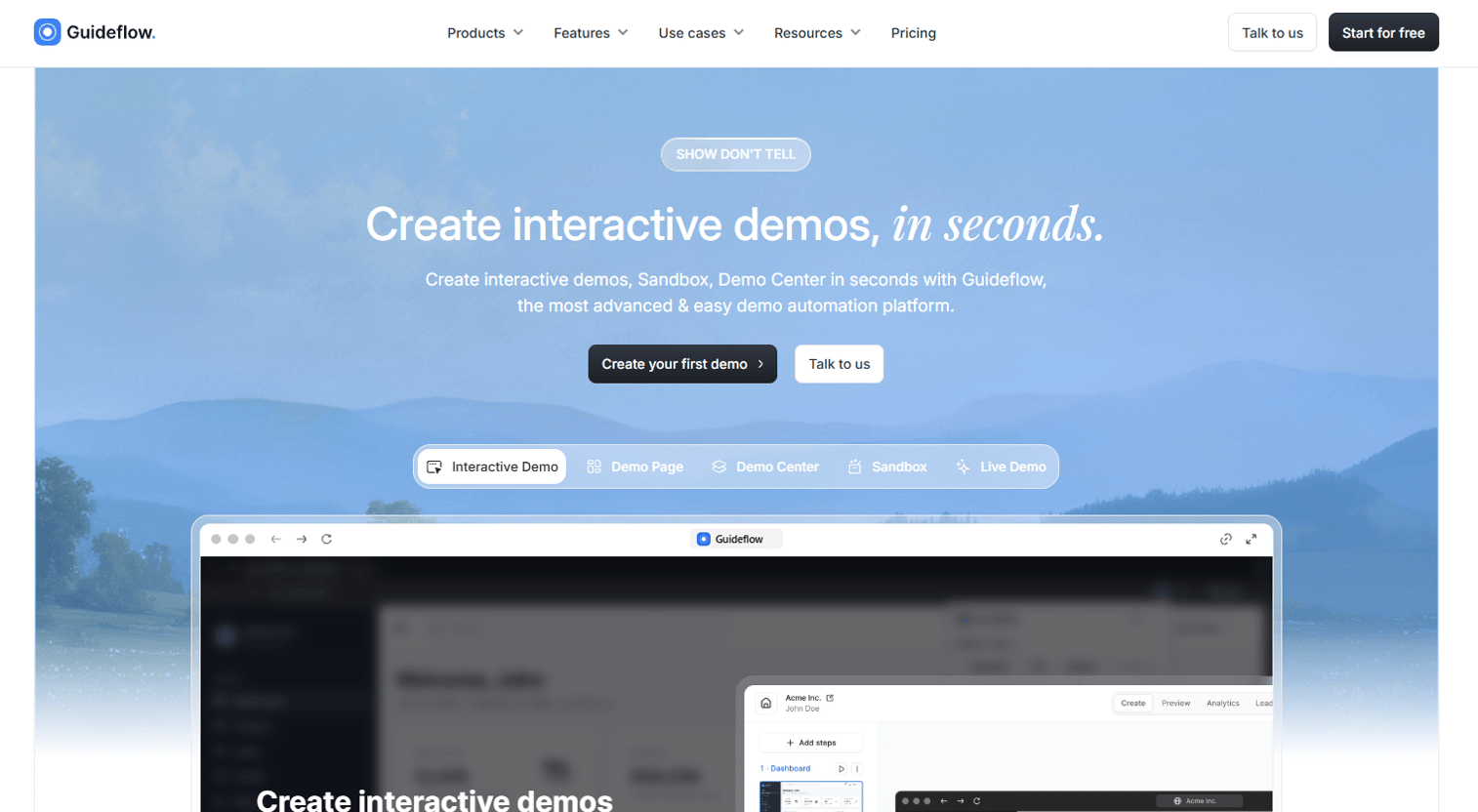
Guideflow is a demo automation platform that lets presales and revenue teams turn their product into self-serve interactive sales assets in minutes. The platform covers five demo formats: Guided interactive demos, free-exploration sandboxes, organized Demo Centers, presenter-led Live Demos, and Mobile Demos for phone and tablet contexts. Teams capture product flows through the browser, refine them in a no-code editor, and share them as links, embeds, or leave-behinds that buyers can explore before and after calls.
Best for: Presales and revenue teams whose most persuasive sales asset is the product experience itself, not a static PDF or slide deck.
Key features
- Interactive demos, sandboxes, demo centers, live demos, and mobile demos
- No-code capture and editor with branding, tooltips, forms, and branching
- AI-generated steps, voiceovers, and multilingual translations
- Buyer engagement analytics with step-level tracking and visitor identification
- CRM sync via integrations with HubSpot, Salesforce, Pipedrive, Zoho, and Marketo
Why choose Guideflow: Choose Guideflow when your deals stall because buyers need to revisit the product between calls, share it with committee members who were not on the demo, or validate a workflow without scheduling another SE session. The analyze layer shows you which steps drove engagement and which stopped them, so follow-up conversations start with real data instead of assumptions.
Guideflow pricing: A free plan is available. Paid plans start at $40/month for Solo. The Startup plan runs $599/month, and the Advanced plan is $1,799/month. Enterprise pricing is custom.
G2 rating: 5.0/5
Start your journey with Guideflow today!
2. Highspot
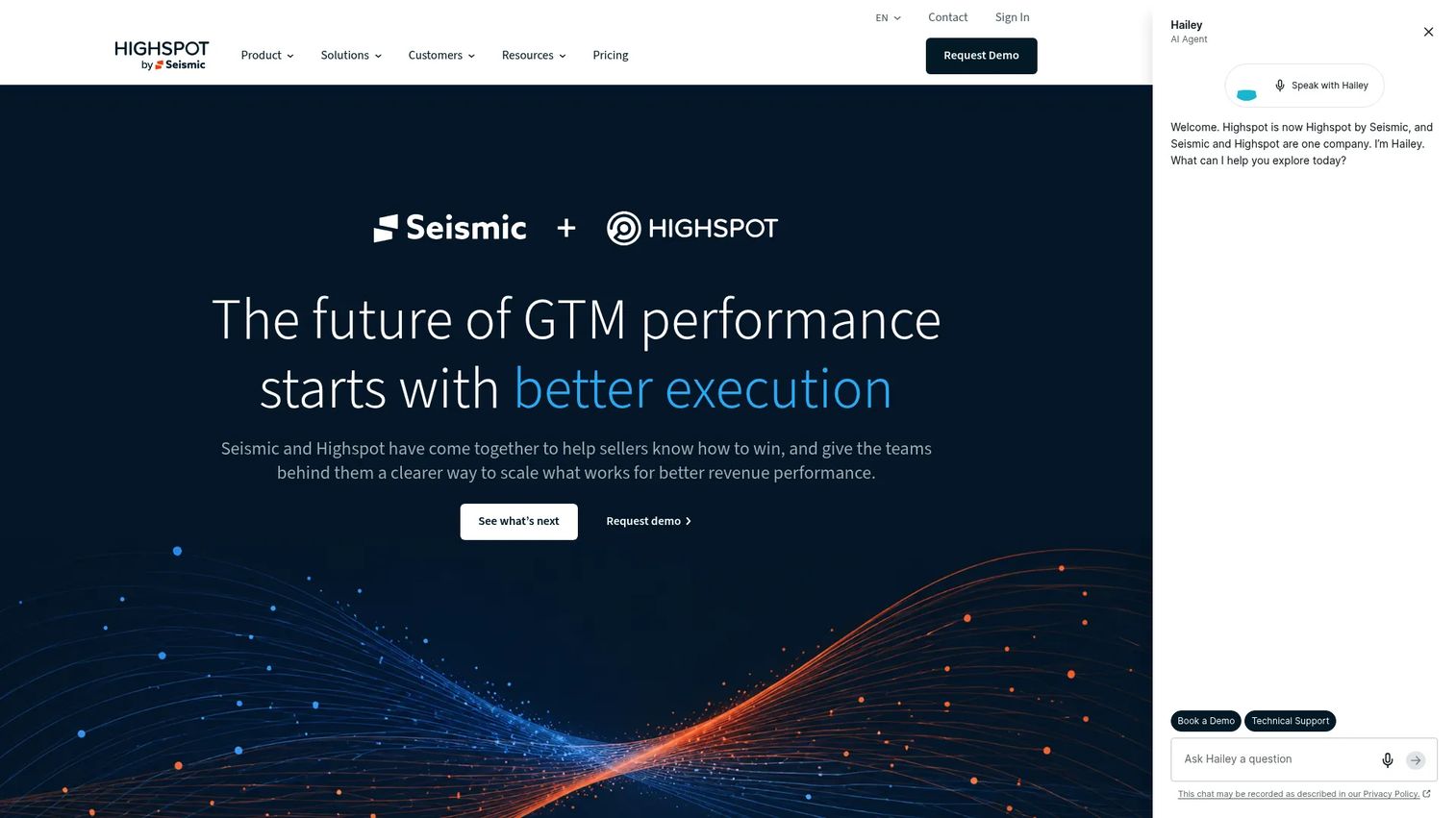
Highspot is an AI-powered go-to-market platform covering sales content, training, coaching, buyer engagement, and revenue analytics. It organizes collateral into Sales Plays tied to specific stages and personas, surfaces recommendations inside CRM and email workflows, and measures content performance against pipeline outcomes. For large sales organizations managing hundreds of approved assets across multiple teams and regions, Highspot provides the governance layer most shared drives cannot.
Best for: Enterprise sales teams with large, complex content libraries that need strict governance and cross-functional adoption.
Key features
- AI-powered content search, recommendations, and Sales Plays
- Digital Sales Rooms for buyer-facing collaboration
- Training, adaptive learning, AI Role Play, and skill reinforcement
- Meeting intelligence and coaching feedback
- CRM, Slack, and email integrations with analytics
Why choose Highspot: Choose Highspot when the core problem is content sprawl across a large organization and when reps need approved material surfaced exactly where they work. It goes beyond storage because it ties asset usage to rep readiness and pipeline outcomes.
Highspot pricing: Contact Highspot sales for a quote.
G2 rating: 4.7/5
3. Seismic
Seismic is an AI-powered revenue enablement platform built for large enterprise teams that need automated content personalization, governed asset libraries, and advanced analytics across the full GTM motion. It supports content automation at scale, so a single template can generate hundreds of personalized versions without manual rework. Regulated industries and organizations with complex content operations often gravitate toward Seismic for its depth of workflow and compliance controls.
Best for: Large enterprises that need scalable content operations, personalization at volume, and mature enablement workflows.
Key features
- Sales content management library with AI-powered search and answers
- Content automation and personalization workflows
- Digital sales rooms and buyer engagement tracking
- Learning, coaching, and meeting intelligence
- CRM integrations and revenue analytics
Why choose Seismic: Choose Seismic when asset complexity comes from regulatory requirements, regional variations, or highly personalized multi-stakeholder materials. It fits teams with dedicated enablement operations and the resources to run a large platform.
Seismic pricing: Contact Seismic for a quote tailored to your organization's size and feature needs.
G2 rating: 4.7/5
4. Showpad
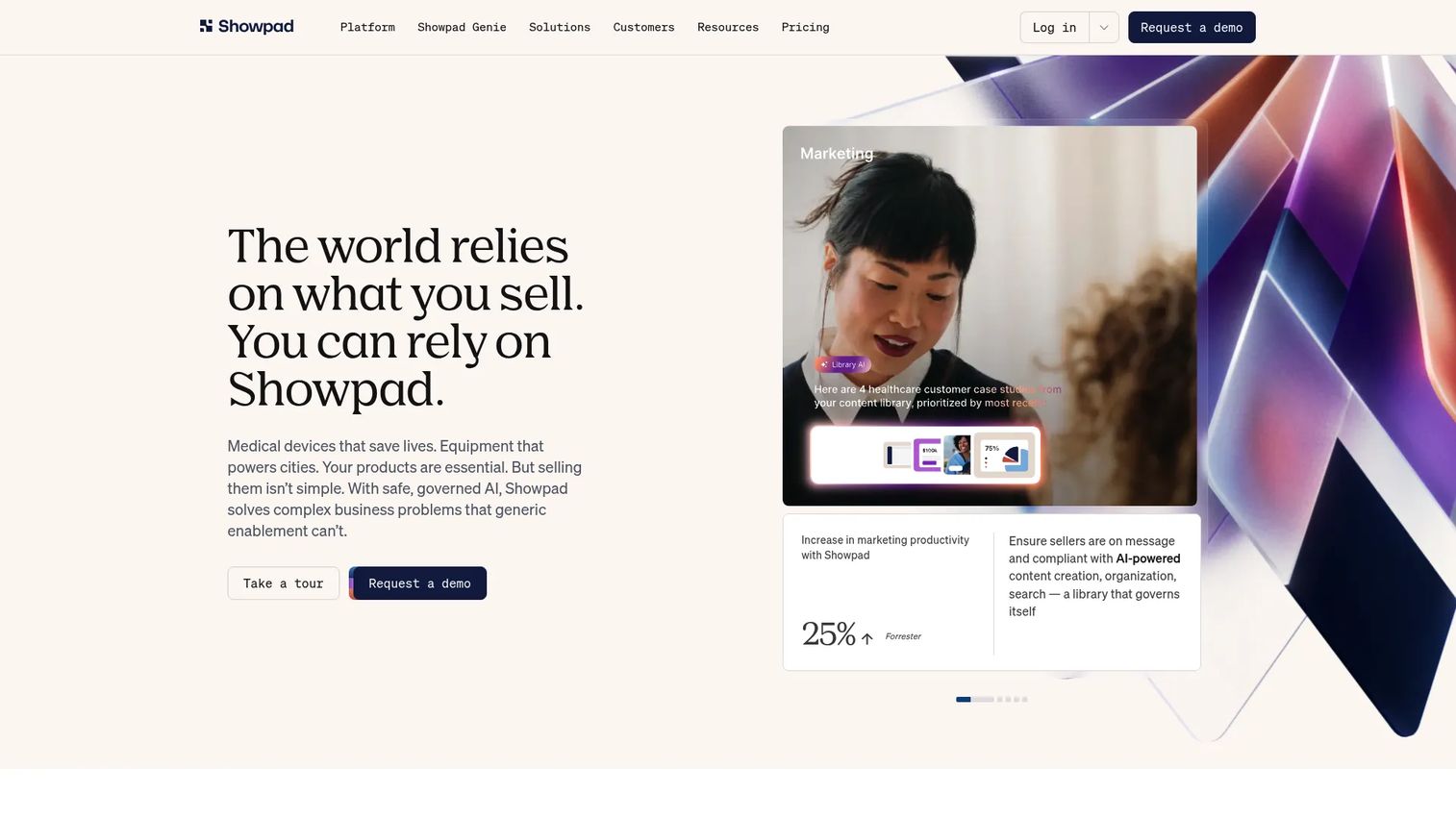
Showpad is an AI-native revenue effectiveness platform focused on content management, seller readiness, and buyer engagement. Field sales teams use it to access approved content on any device, present materials in polished Shared Spaces, and track how buyers interact after the meeting. Sales managers get visibility into which content reps use most and how that activity connects to pipeline.
Best for: Mid-market and enterprise field sales organizations that need governed content access, coaching, and buyer engagement tracking in one platform.
Key features
- Content library with governance, approval workflows, and AI search
- Shared Spaces for buyer-facing collaboration and engagement
- Sales readiness with training, courses, coaching, and AI role play
- Analytics and dashboard builder for content performance
- AI assistants and agents for seller and manager workflows
Why choose Showpad: Choose Showpad when reps need polished content delivery across in-person and virtual meetings and when managers need usage visibility tied to deals. It fits organizations that want both seller readiness and buyer engagement addressed by the same platform.
Showpad pricing: Showpad offers Professional, Advanced, and Expert packages. All pricing is quote-based. Contact Showpad for a proposal.
G2 rating: 4.6/5
5. Allego
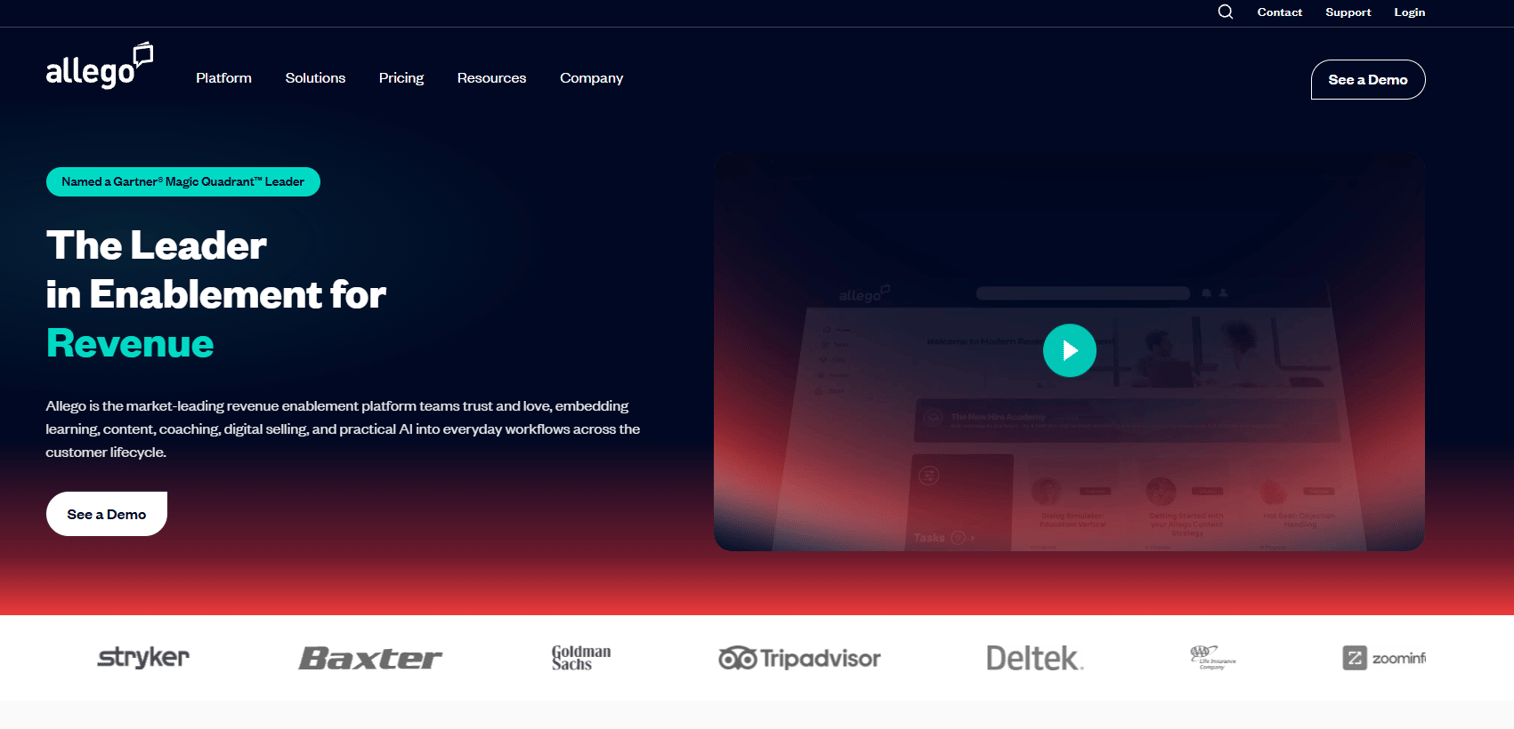
Allego is a revenue enablement platform that combines content management, sales learning, coaching, conversation intelligence, and digital sales rooms in a single system. Its strength is in connecting asset usage to rep readiness: A team can see not just whether a deck was sent but whether the rep who sent it passed the product certification tied to it. This makes Allego a strong fit for organizations launching new products or messaging that require rapid rep activation.
Best for: Enablement teams that need content management, sales readiness, and coaching addressed together rather than by separate tools.
Key features
- Sales content management with AI-powered GenAI search
- Learning, onboarding, and AI lesson authoring
- AI role play, coaching, certification, and reinforcement
- Conversation intelligence and call analytics
- Digital sales rooms and CRM integrations
Why choose Allego: Choose Allego when the asset problem extends to rep execution, not just storage. If reps have access to the right content but are not using it correctly in front of buyers, Allego's readiness layer addresses the gap.
Allego pricing: Allego offers four packages (Modern Learning with Conversation Intelligence, Modern Content, Digital Sales Rooms, and Full Suite) on a per-user per-month basis billed annually. No free trial or free tier is available.
G2 rating: 4.6/5
6. Mindtickle
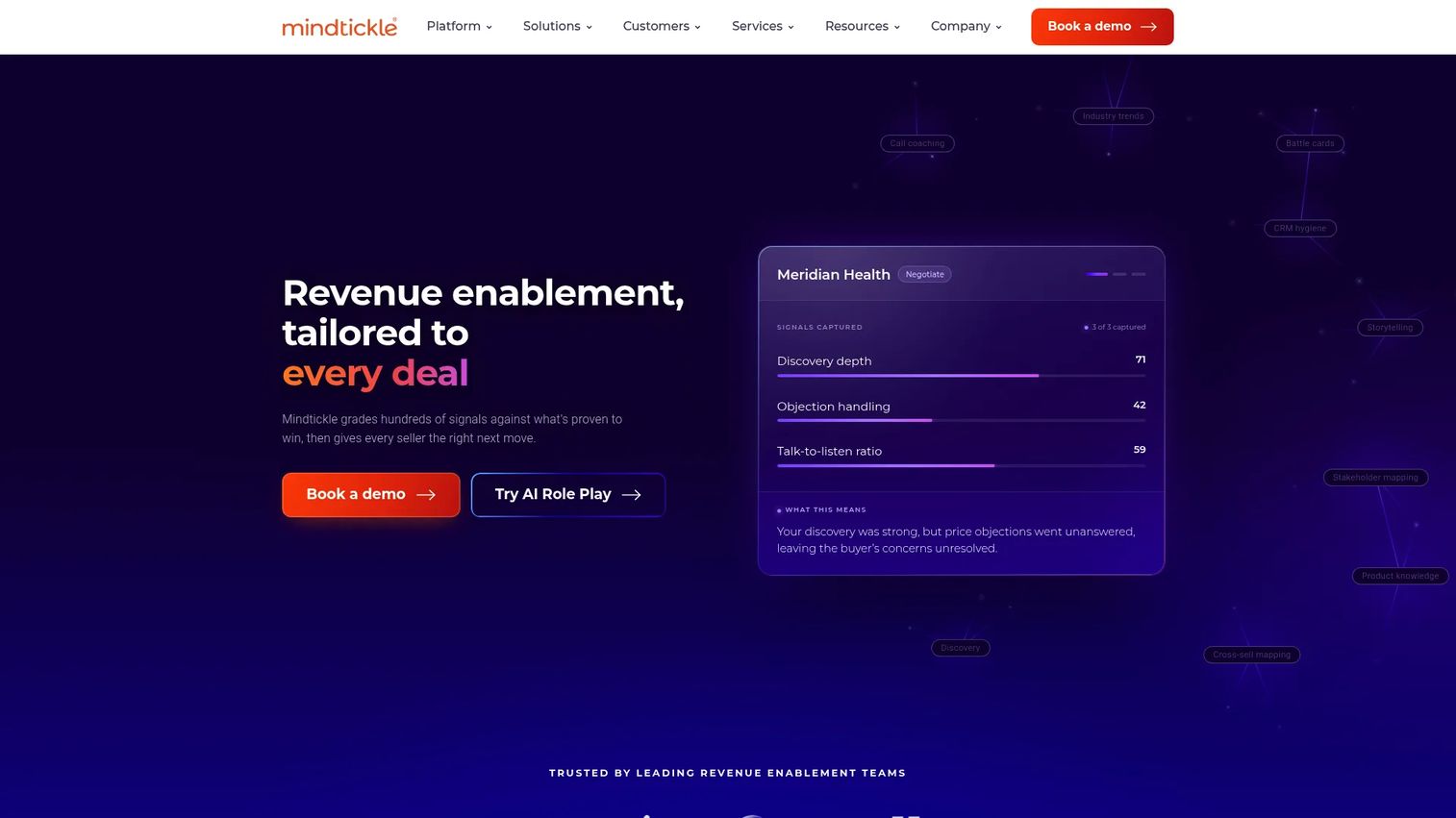
Mindtickle is an AI-powered revenue enablement platform built around the idea that sales asset performance depends on seller readiness. It combines training, certification, coaching, content management, digital sales rooms, and conversation intelligence. The Readiness Index gives managers a live picture of how prepared each rep is to use specific assets in real conversations.
Best for: Sales organizations that need to certify reps before deploying key technical messages or assets in front of buyers.
Key features
- AI role play for call and objection practice
- Training, certification, and skill reinforcement programs
- Sales content management with AI Copilot
- Digital sales rooms for buyer-facing collaboration
- Conversation intelligence and readiness analytics
Why choose Mindtickle: Choose Mindtickle when the gap between asset creation and asset execution requires a formal readiness layer. It is particularly strong for onboarding new SEs who need to demonstrate competency before running technical evaluations.
Mindtickle pricing: Contact Mindtickle for a package proposal based on team size and product modules.
G2 rating: 4.7/5
7. Mediafly
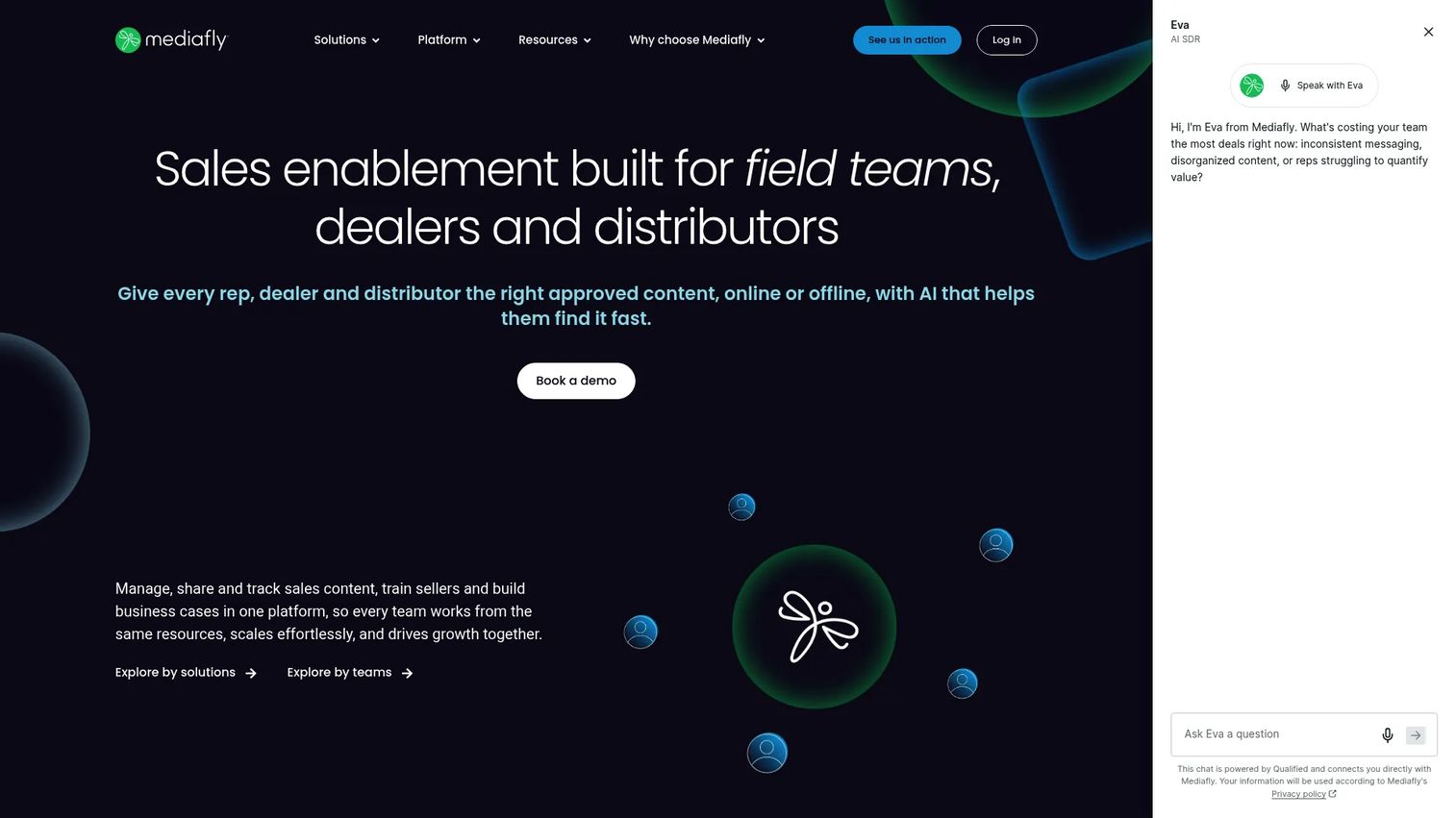
Mediafly is an enterprise revenue enablement platform built for complex sales motions where financial justification matters as much as product education. It combines centralized sales content management with value selling tools, ROI calculators, interactive presentations, and deal insights. Sales engineers and AEs use Mediafly to build business cases collaboratively with champions inside active deals.
Best for: Enterprise teams in industries where ROI quantification and value selling assets are central to advancing deals.
Key features
- Centralized sales content management with AI recommendations
- Value selling and ROI tools for quantifying business impact
- Interactive presentations and digital sales rooms
- Learning, onboarding, and coaching integrated with Salesforce
- CRM integrations including Salesforce, HubSpot, and Microsoft Dynamics 365
Why choose Mediafly: Choose Mediafly when late-stage deals require a business case, not just a product demo. It is a strong fit for SEs and AEs who regularly build financial models or ROI analyses alongside technical champions.
Mediafly pricing: Mediafly tailors pricing to selected modules, user counts, and integration requirements. Contact Mediafly sales for a quote.
G2 rating: 4.4/5
8. Paperflite
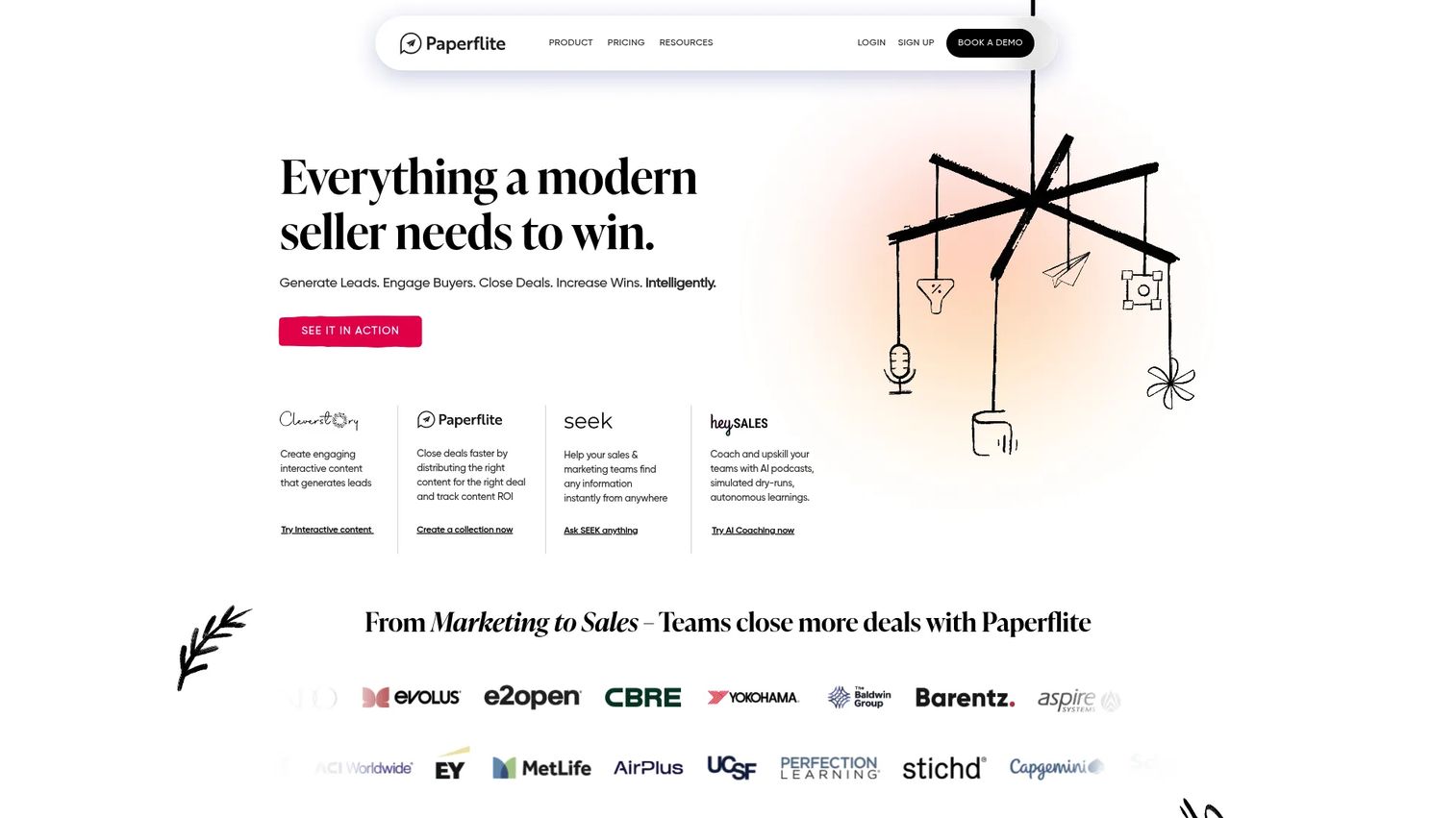
Paperflite is an AI-native revenue enablement platform for curating, sharing, and tracking sales content collections. Its standout capability is section-level reading insights: You see not just whether a buyer opened a document, but which sections they spent the most time on and where they stopped. Teams use Paperflite to build personalized prospect microsites after discovery calls and to track multi-stakeholder engagement across the buying committee.
Best for: Revenue teams that package and send curated content collections after meetings and need stakeholder-level engagement data to prioritize follow-up.
Key features
- Personalized prospect microsites with controlled sharing
- Section-level content engagement and real-time alerts
- Centralized content hub with cloud-storage integrations
- CRM and email integrations on paid plans
- AI-powered content discovery and recommendations
Why choose Paperflite: Choose Paperflite when you need to know which part of the security one-pager, which slide in the deck, or which section of the technical comparison held a stakeholder's attention. That granularity changes how you open the next conversation.
Paperflite pricing: The Starter plan is $30/user/month billed monthly ($27.50/user/month on annual billing, with a five-user minimum). Professional runs $50/user/month. Advanced is $60/user/month. Enterprise uses custom pricing.
G2 rating: 4.7/5
9. Dock
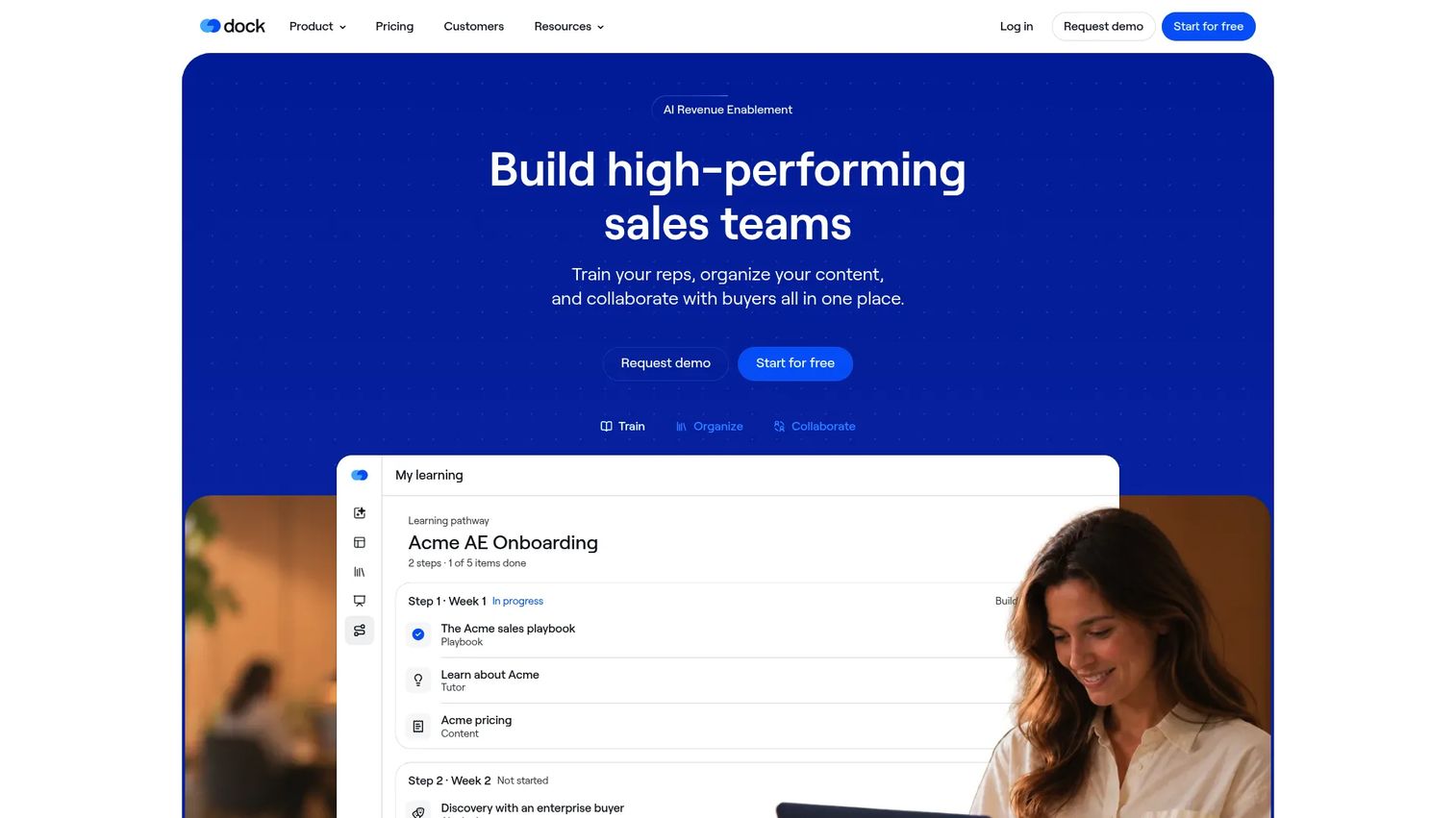
Dock is a revenue enablement platform built around shared customer workspaces. For each active deal, teams create a dedicated space holding proposal materials, mutual action plans, next-step checklists, CPQ order forms, and onboarding resources. Buyers access one organized destination instead of searching through email threads for the right attachment. The platform also covers internal content management, learning pathways, and AI practice tools for enabling reps.
Best for: Sales teams that want a shared buyer workspace for each opportunity, with mutual action plans and resource hubs replacing scattered follow-up emails.
Key features
- Customer workspaces for sales, onboarding, and renewals
- Mutual action plans, checklists, and next-step tracking
- Content library with organized revenue-team resources
- Configure-price-quote order forms and customer presentation slides
- Learning programs with pathways, playbooks, and AI practice
Why choose Dock: Choose Dock when deal coordination is the problem. It keeps buyer-facing resources, commitments, and timelines in one shared space that both sides can update, which removes the "did you get my email?" dynamic from late-stage deals.
Dock pricing: A free plan is available. The Standard plan is $350/month. The Premium plan runs $1,000/month billed annually. Enterprise pricing is custom.
G2 rating: 4.6/5
10. Qwilr
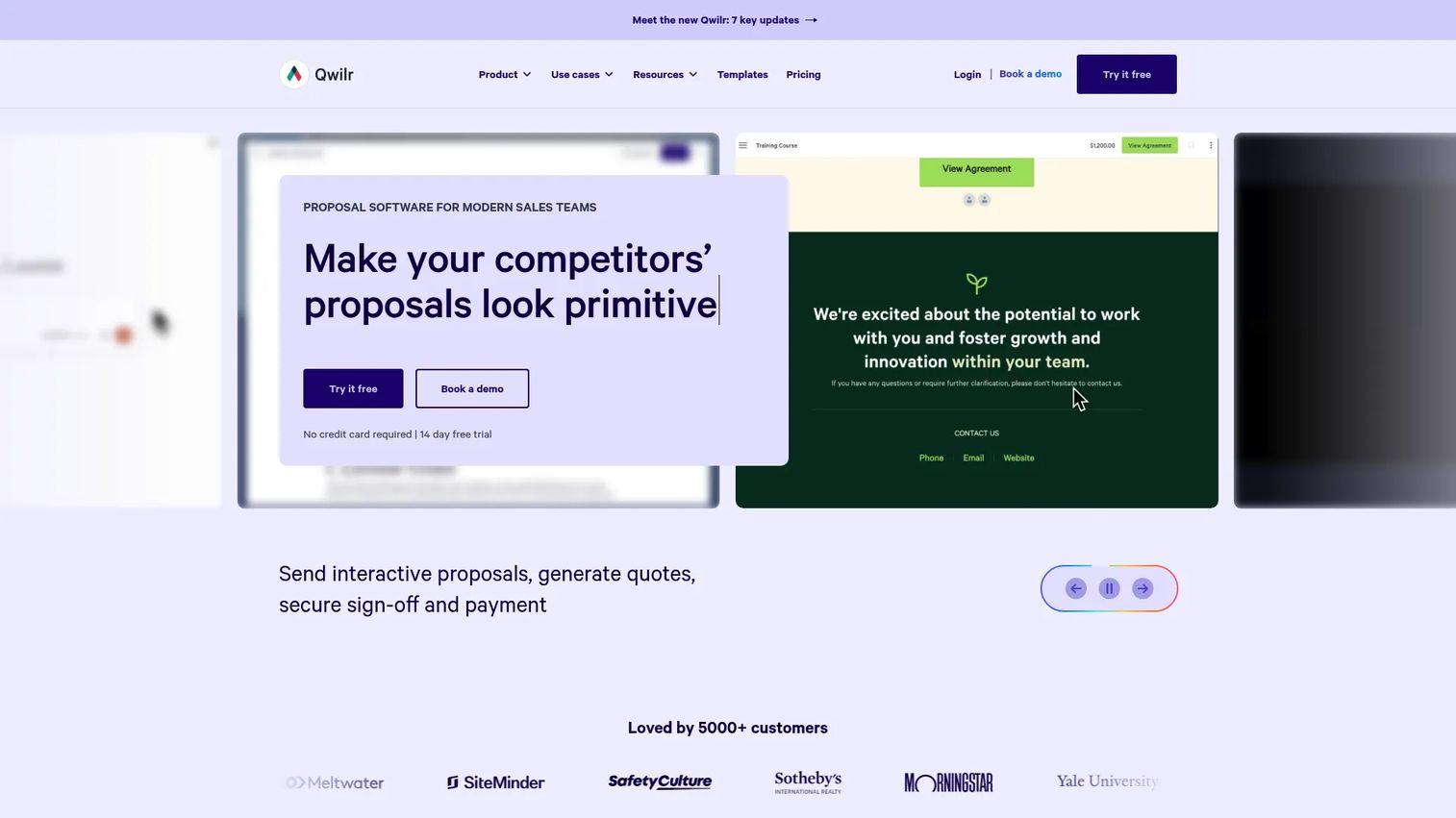
Qwilr is a sales proposal platform for creating interactive, branded web pages that replace static PDF proposals. Buyers click through ROI calculators, embedded content, and quote blocks instead of scrolling a flat document. E-signature and payment acceptance are built in, and the notification system tells you when a prospect opens the page, how long they spent on each section, and when they accepted.
Best for: Sales teams whose primary asset is the proposal itself and who want to replace static PDFs with trackable, interactive buyer pages.
Key features
- Interactive proposals with embedded content and ROI calculators
- E-signature, quote blocks, and payment acceptance
- Buyer tracking, real-time notifications, and identity analytics
- CRM integrations with HubSpot, Salesforce, Pipedrive, and Zoho
- AI assistant and automated document creation
Why choose Qwilr: Choose Qwilr when proposal engagement is what drives close rates. The tracking layer tells you whether a CFO who was not on the demo actually read the pricing section, which is information a sent PDF never provides.
Qwilr pricing: No free plan. The Starter plan is $35/user/month billed annually ($49/user/month billed monthly). Growth is $55/user/month billed annually (minimum five users). Scale is $75/user/month billed annually (minimum ten users). A 14-day free trial is available.
G2 rating: 4.6/5
11. Salesforce Sales Cloud
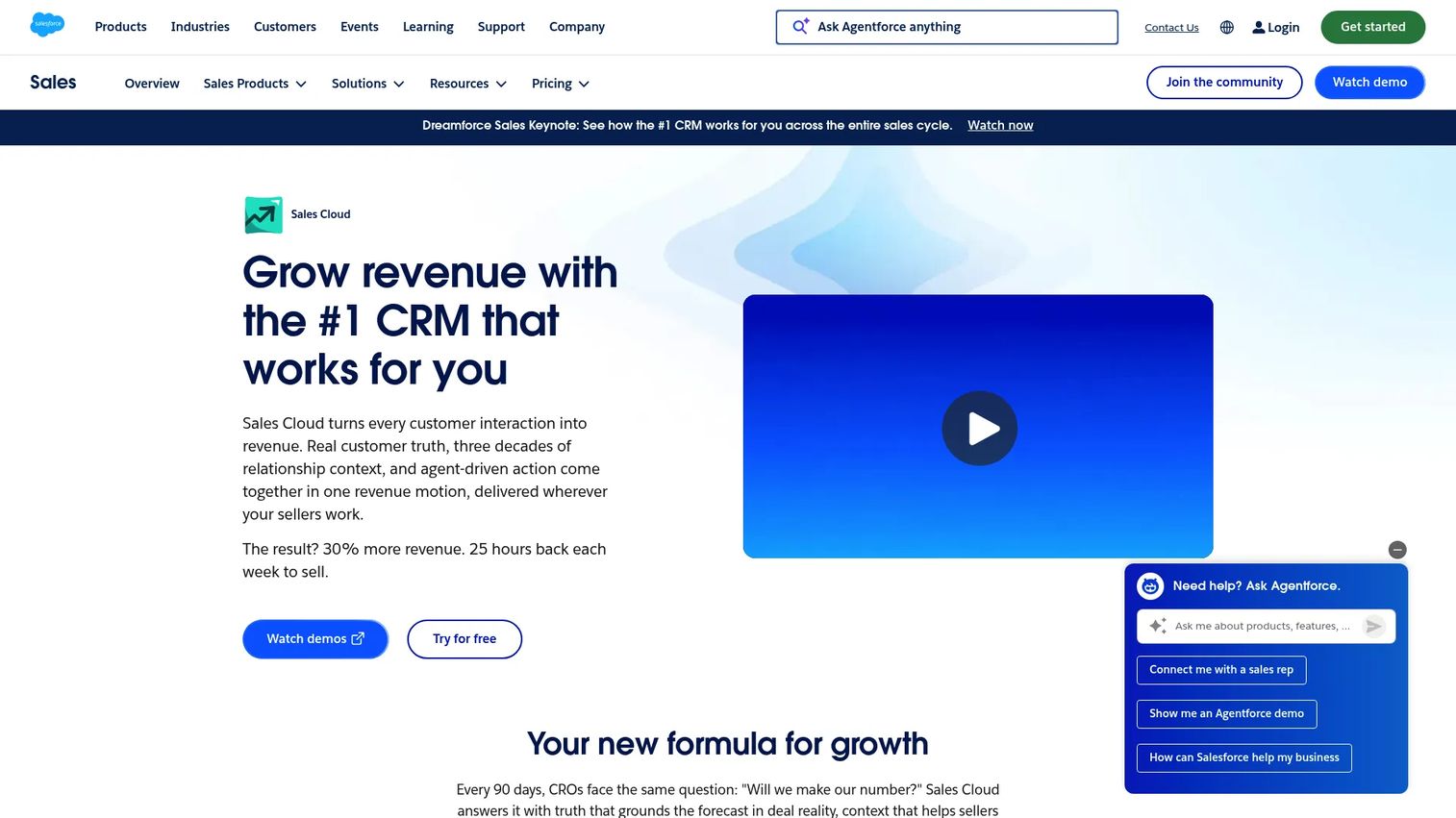
Salesforce Sales Cloud is the CRM foundation for most enterprise sales workflows, including how asset activity gets connected to pipeline context. It is not a pure asset management platform, but it is often the system that sales asset tools integrate into. Teams attach collateral to opportunities, log engagement from connected tools, and use the AppExchange to extend sales content workflows with specialized apps.
Best for: Teams that need asset activity and engagement data tied directly to CRM opportunity records and pipeline reporting.
Key features
- Account, contact, lead, and opportunity management
- Sales automation, workflow rules, and approvals
- Forecast management and pipeline dashboards
- AppExchange ecosystem for extending content workflows
- Quoting, contract approvals, and mobile access
Why choose Salesforce Sales Cloud: Choose Salesforce when CRM context is the organizing principle of your sales workflow. Most sales asset tools integrate into it, which makes Salesforce the connective layer rather than the asset layer itself.
Salesforce Sales Cloud pricing: The Starter Suite is $25/user/month. Pro Suite is $100/user/month billed annually. Core is $195/user/month. Advanced is $395/user/month. Max is $550/user/month. A 30-day free trial is available.
G2 rating: 4.4/5
12. HubSpot Sales Hub
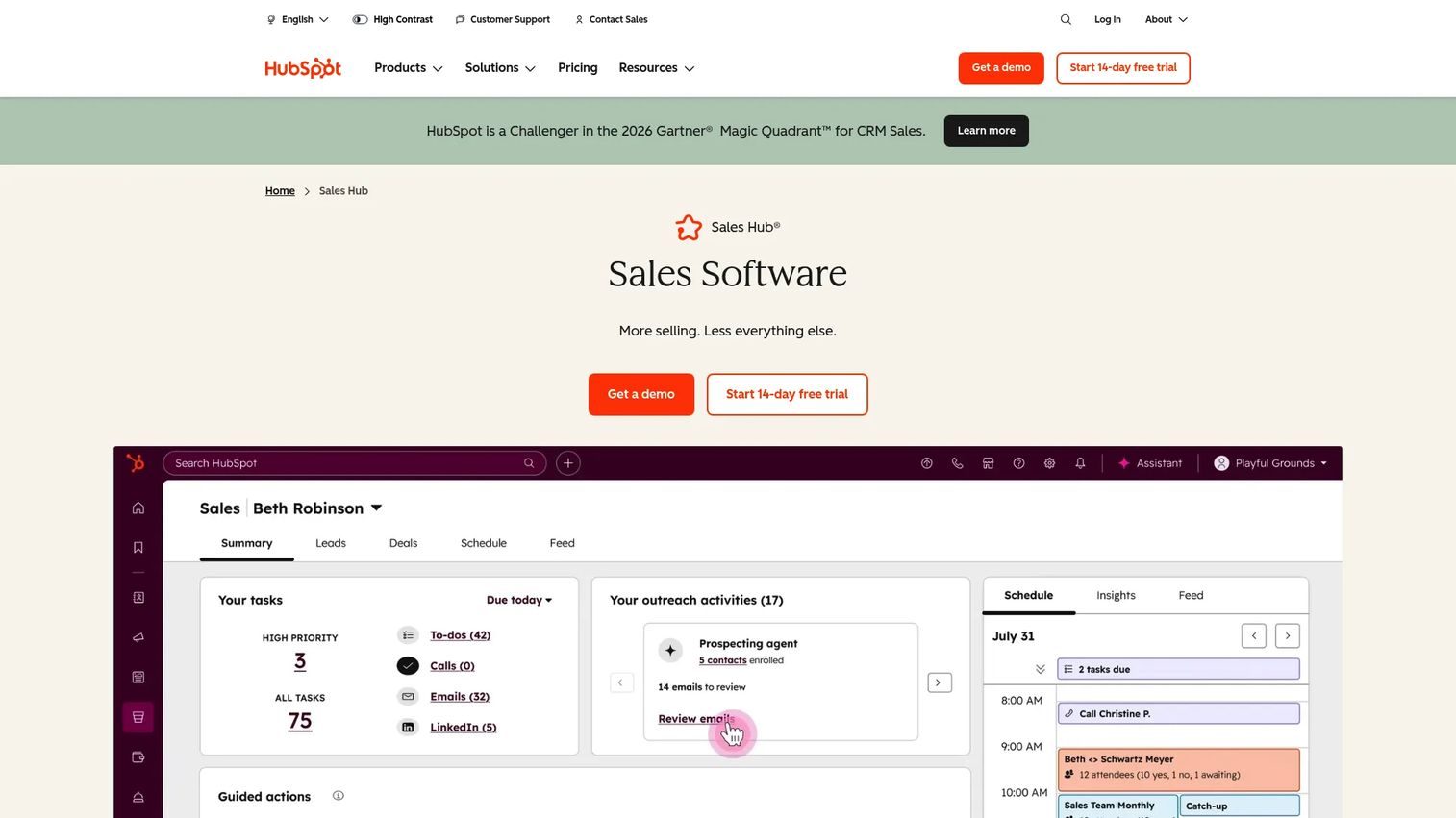
HubSpot Sales Hub gives growing teams CRM, document management, email templates, sequences, meeting scheduling, and sales analytics in one connected platform. The Documents tool lets reps share tracked links to sales collateral and see when a prospect opens the file. For SMB and mid-market teams that have not yet invested in a full enablement platform, HubSpot provides a practical starting point for managing sales assets alongside the pipeline.
Best for: Growing sales teams that want simple sales document tracking and CRM-native asset management without a separate enablement platform.
Key features
- CRM with contact, deal, and pipeline tracking
- Document sharing with open and view notifications
- Email templates, sequences, and AI-powered prospecting
- Meeting scheduling links and workflow automation
- Reporting and sales analytics dashboards
Why choose HubSpot Sales Hub: Choose HubSpot when the team needs a CRM-native way to manage outreach assets and tracked document sharing. It fits teams that do not yet need enterprise governance but want buyer engagement signals attached to deal records.
HubSpot Sales Hub pricing: A free CRM and free sales tools are available. The Starter plan runs $7/seat/month billed annually ($20/seat/month billed monthly). Professional is $100/seat/month. Enterprise is $150/seat/month billed annually.
G2 rating: 4.4/5
13. Spekit
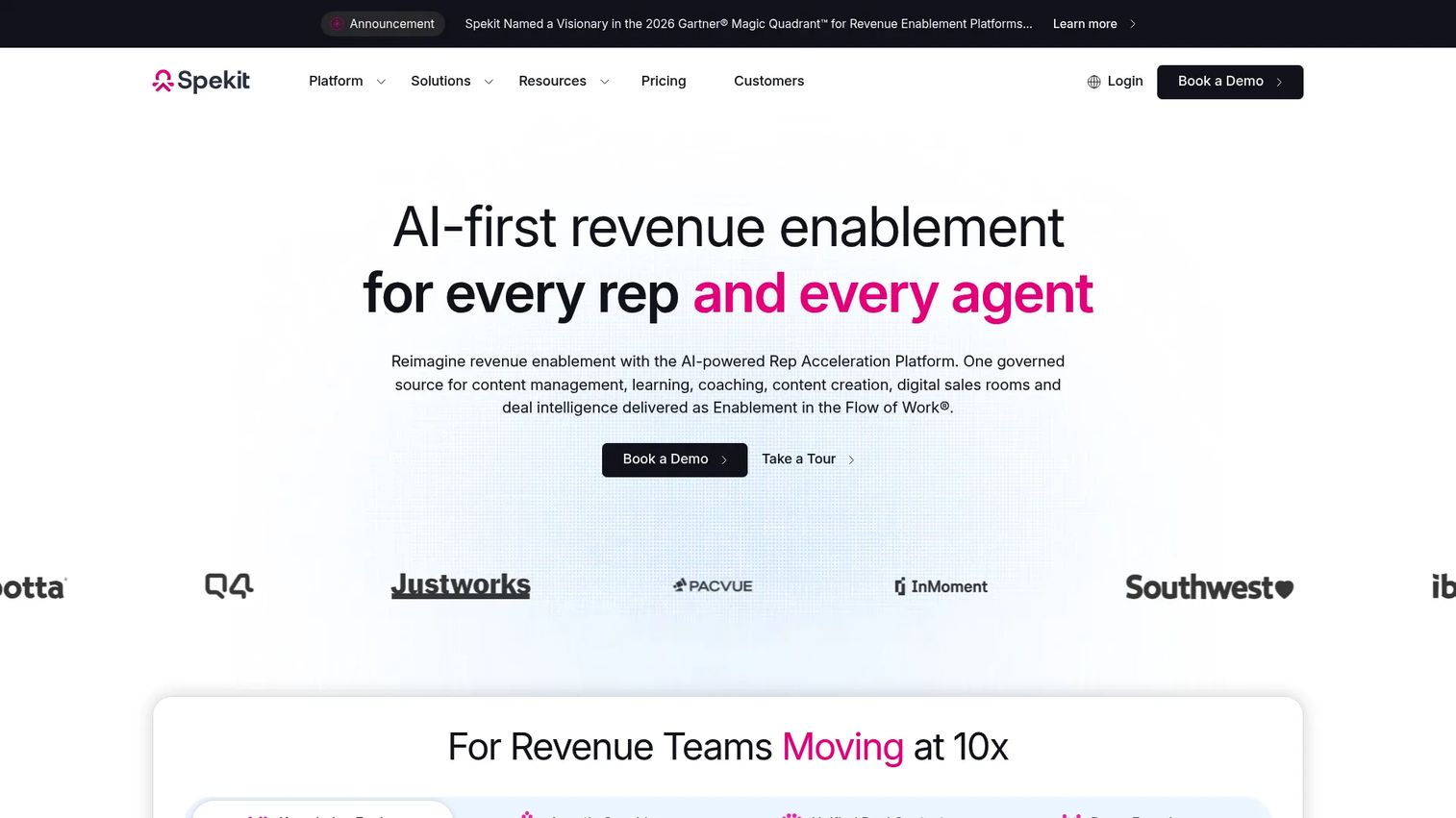
Spekit is an AI-powered revenue enablement platform that surfaces sales content, guidance, and coaching inside the tools reps already use. Its AI Sidekick delivers contextual answers, recommended assets, and coaching prompts directly inside Salesforce, Gong, Gmail, Chrome, and Slack. It also offers AI Deal Rooms for buyer-facing collaboration and analytics on how deals progress.
Best for: Teams where reps ignore the enablement portal because they never leave their CRM or sales engagement tools.
Key features
- AI Sidekick for in-workflow answers, coaching, and content recommendations
- Content management with AI content creation and governance
- Dynamic learning paths, knowledge checks, and AI role play
- AI Deal Rooms with buyer engagement analytics
- Integrations with Salesforce, Gong, Google Drive, SharePoint, and Slack
Why choose Spekit: Choose Spekit when adoption is the core problem. If the asset library exists but reps never consult it because they work inside CRM all day, bringing the guidance into their workflow removes the friction entirely.
Spekit pricing: Spekit offers two packages (Just-in-Time Enablement and GTM Acceleration) on a per-seat basis. Pricing requires a conversation with Spekit sales.
G2 rating: 4.7/5
14. Guru
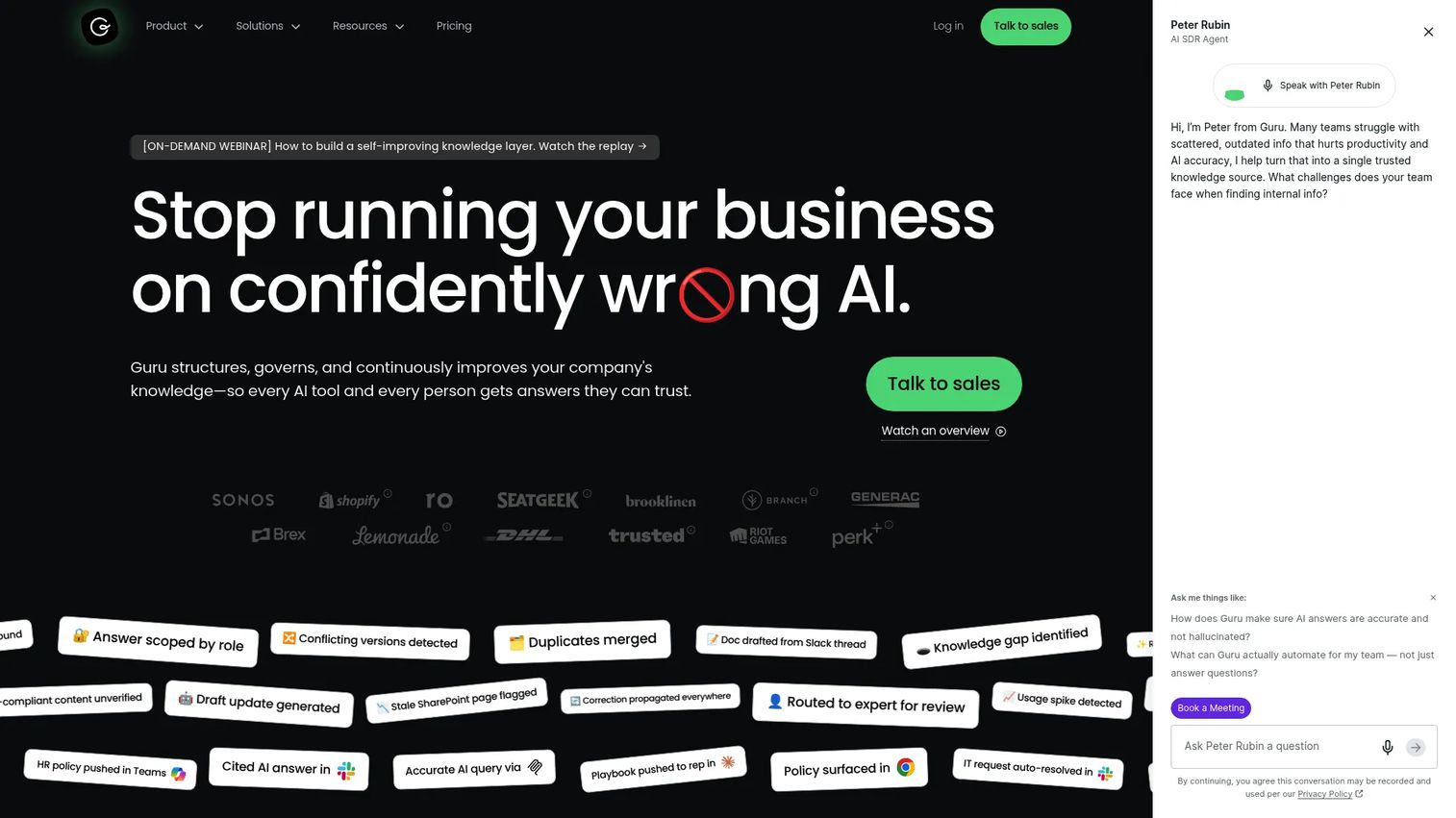
Guru is an AI-powered knowledge platform that connects company knowledge from 100+ sources, delivers cited answers, and keeps information accurate through verification workflows. Sales and presales teams use Guru to find approved RFP answers, competitive battlecards, objection handling guides, and security questionnaire responses without leaving their existing tools. The browser extension and Slack integration deliver answers at the moment of need.
Best for: Organizations managing internal sales knowledge, verified answers, and process content that reps need mid-conversation.
Key features
- 100+ source connectors with unified, permission-aware knowledge indexing
- AI-generated documentation, content deduplication, and knowledge-gap detection
- Collaborative editing, SME review, approval workflows, and templates
- MCP, API, Slack, Microsoft Teams, and browser extension delivery
- Analytics, usage reporting, and announcements
Why choose Guru: Choose Guru when the asset problem is primarily internal knowledge rather than customer-facing collateral. SEs who need approved security responses or accurate technical specs during live calls benefit more from Guru than from a buyer-facing platform.
Guru pricing: Guru uses custom enterprise pricing tailored to organizational scale and AI maturity. Contact Guru for a quote.
G2 rating: 4.7/5
15. Bigtincan
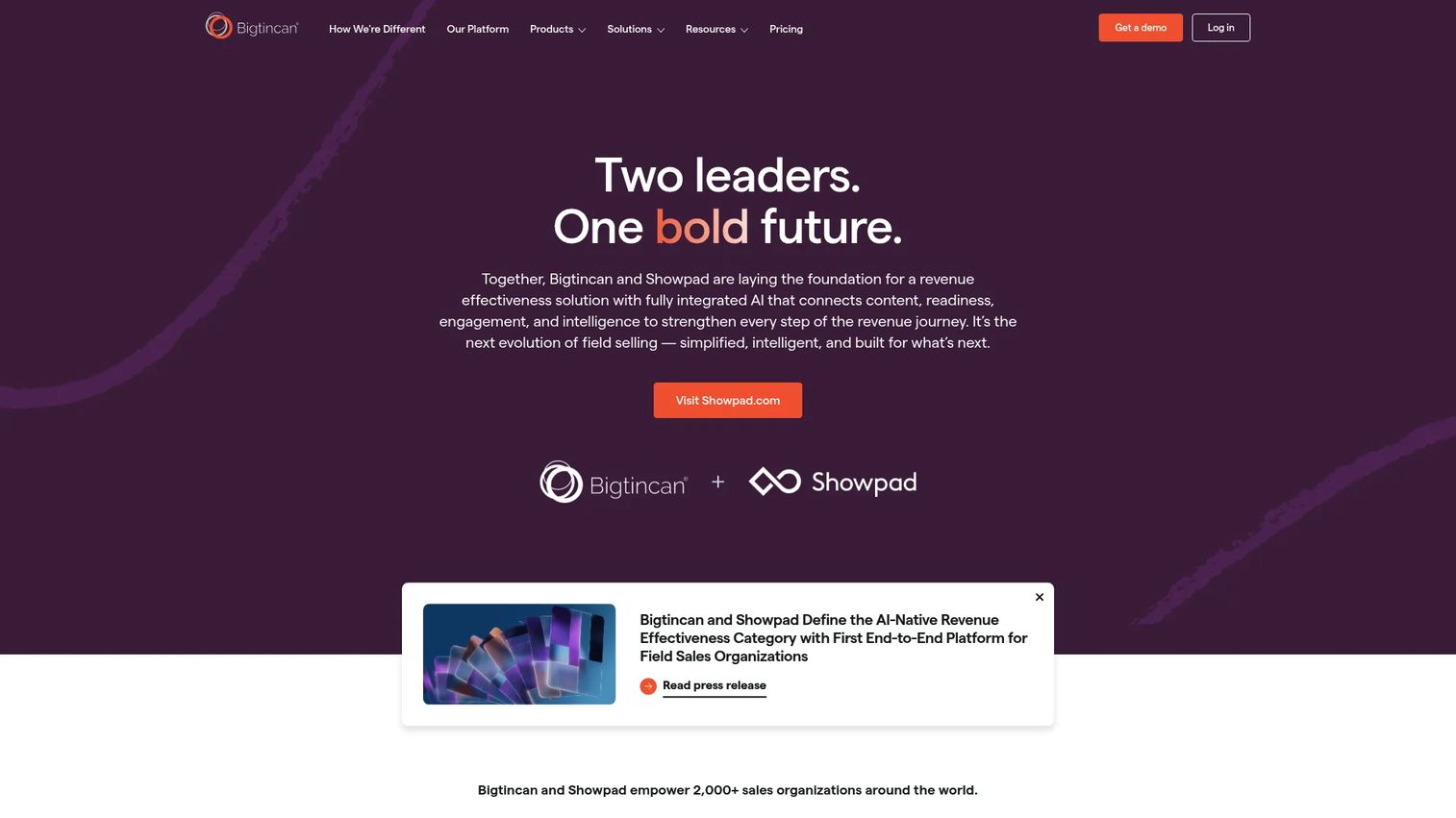
Bigtincan is an AI-powered revenue enablement platform covering content management, AI coaching, digital sales rooms, and mobile field access. It offers two platform editions (Essential and Elite) with separate solution areas for readiness, content, and engagement. Field and distributed sales teams value its mobile-first architecture and offline content access, which makes it practical for in-person meetings and conferences where network reliability is inconsistent.
Best for: Distributed or field sales teams managing content and readiness programs across devices and regions at enterprise scale.
Key features
- Sales content management with personalization, version control, and analytics
- AI-powered search, authoring, coaching, and meeting intelligence
- Digital sales rooms and buyer engagement tracking
- AI role play and sales readiness tools
- Mobile access with offline content capability
Why choose Bigtincan: Choose Bigtincan when your sales organization operates across field roles, multiple devices, or geographies where mobile-first content access matters. It suits enterprise teams that need enablement and content management packaged together.
Bigtincan pricing: Contact Bigtincan sales for a package proposal.
G2 rating: 4.3/5
16. Showell
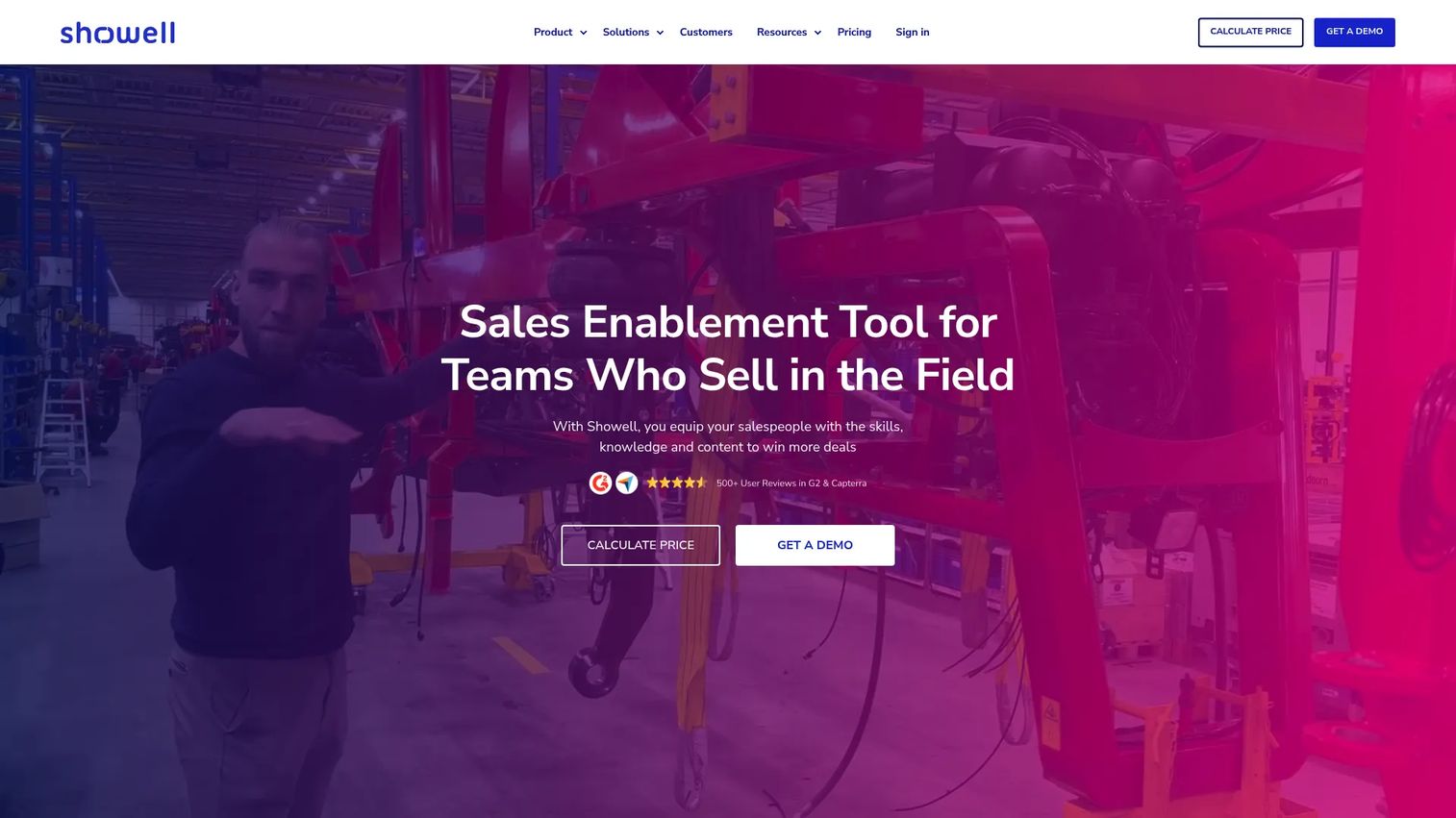
Showell is a sales enablement platform built for field sales teams that present, share, and track sales content across desktop, mobile, and in-person environments. Its offline mode means reps can access and present assets at trade shows, customer sites, and events without depending on stable internet. Digital Sales Rooms with controlled, trackable sharing give marketing and sales operations visibility into how buyers engage with distributed materials.
Best for: Field sales teams that present assets in physical and virtual meetings and need offline access alongside engagement analytics.
Key features
- Centralized content management with desktop, mobile, and web apps
- Offline access for field and event selling
- Personalized sales presentations and branded experiences
- Digital sales rooms with controlled sharing and usage tracking
- AI assistant and smart sales tools
Why choose Showell: Choose Showell when field selling, event presence, and in-person delivery are primary channels. It is more focused than broad enterprise enablement suites and easier to adopt for field-heavy teams.
Showell pricing: The Professional plan starts at €925 per workspace per month (supports 10 to 200 users). Enterprise plans for 200+ users use custom pricing. A minimum 12-month commitment applies to all plans.
G2 rating: 4.6/5
17. Glide
Glide is a no-code business operations platform that builds apps and AI agents from spreadsheets and other business data. Sales teams use it to create custom internal asset management workflows when standard enablement tools are too rigid for their specific process. Common applications include custom inventory-style content trackers, field team asset directories, and mobile-first sales resource apps connected to live spreadsheet data.
Best for: Teams that want a tailored sales asset workflow connected to their own data sources when off-the-shelf enablement platforms do not fit their process.
Key features
- AI-powered app building from spreadsheets, PDFs, or screenshots
- Custom workflows for inventory, logistics, CRM, and field operations
- Role-based permissions and data synchronization
- Mobile apps with AI features and integrations
- Business process automation and custom dashboards
Why choose Glide: Choose Glide when the asset workflow is specific enough that a standard enablement product adds features you will never use. It works well for ops-minded sales teams that want full control over how their content tracking system behaves.
Glide pricing: A free plan is available. The Basic plan is $25/month. Plus is $50/month. Pro is $125/month. Enterprise pricing is custom.
Considerations when choosing sales asset management software
Match the tool to the asset type
A tool optimized for static collateral (decks and one-pagers) works differently from one built for interactive demos or financial proposals. Before evaluating platforms, identify the asset type causing the most deal friction. Demo assets, internal knowledge, buyer-facing rooms, and proposals each have different platform requirements.
Check how assets surface inside the sales workflow
Evaluate whether the platform integrates into CRM, appears as a browser extension, connects to Slack or Teams, or requires reps to open a separate app. For presales and sales engineering teams, assets need to be findable in under 30 seconds during a live deal. A well-organized library that nobody uses because it requires three extra clicks is not a solved problem. See our best presales software tools guide for a broader stack view.
Verify governance before the library grows
Ask whether the platform supports content expiry dates, approval workflows, version control, and ownership rules. Stale security questionnaire responses, outdated pricing slides, and broken demo links in an ungoverned library create more risk than no library at all. Assign content owners at setup, not after the first audit failure.
Measure buyer engagement, not just seller activity
Rep usage metrics (views, sends, downloads) tell you about internal adoption. Buyer behavior (time spent on a section, demo completion, stakeholder-level views) tells you about deal intent. Prioritize platforms that separate the two and surface account-level engagement signals that map to pipeline. Check our best sales analytics software tools guide for complementary measurement options.
Plan for adoption and maintenance from day one
The best-organized system fails if reps revert to email attachments within a month. Set a maximum library size at launch, establish a quarterly review cadence, and assign named owners to every asset category. The sales enablement market was valued at $4.21 billion in 2025 (Mordor Intelligence), and a significant share of that investment underperforms because governance and adoption were afterthoughts.
Conclusion
Sales asset management software covers more ground than it used to. For presales and revenue teams in 2026, the category spans interactive demo platforms, enterprise enablement suites, digital sales rooms, CRM-native document tools, proposal builders, and custom no-code apps.
Start with the asset causing the most friction in active deals:
- Demo assets and product experiences: Guideflow, with its five demo formats and buyer engagement analytics
- Enterprise content governance: Highspot or Seismic for large organizations with complex approval workflows
- Sales readiness tied to content: Allego or Mindtickle when rep execution is part of the gap
- Buyer-facing rooms and proposals: Dock, Paperflite, or Qwilr depending on whether you need workspaces, content microsites, or interactive proposals
- CRM-native tracking: Salesforce Sales Cloud or HubSpot Sales Hub for teams that want asset activity logged to deals
- Internal knowledge and verified answers: Guru or Spekit for in-workflow retrieval
- Custom workflows: Glide when standard tools do not fit
For teams whose most persuasive sales asset is the product itself, start there.
Start your journey with Guideflow today!
FAQs
Sales asset management software helps revenue teams organize, share, govern, and measure the content and product experiences used to advance deals. Assets include pitch decks, case studies, ROI calculators, security questionnaires, demo links, digital sales rooms, and technical validation resources. The category differs from IT software asset management, which tracks software licenses and compliance entitlements.
Sales enablement software is broader. It typically covers training, coaching, onboarding, and readiness programs alongside content management. Sales asset management focuses specifically on the assets sellers and presales teams use to progress individual deals. Many enterprise enablement platforms include both, while focused tools like Paperflite, Dock, or Qwilr address the asset and buyer engagement layer specifically.
Presales teams typically manage interactive demos, sandboxes, demo center links, architecture diagrams, security questionnaire responses, RFP answer libraries, technical one-pagers, proof-of-concept documentation, and follow-up leave-behinds. These assets serve technical validation and stakeholder alignment goals that differ from standard marketing collateral. See our best interactive demo tools guide for options on the demo side.
Teams that need interactive product experiences should look for a platform covering demo creation, personalization, sharing, and analytics. The right tool lets buyers explore a guided walkthrough, revisit it between calls, and share it with committee members who were not present. This is a fundamentally different engagement model from a static collateral library or a recorded video.
Most do, but integration depth varies significantly across platforms. Highspot, Seismic, Showpad, and Allego have deep Salesforce and HubSpot integrations that log asset engagement to opportunity records. Lighter tools like Paperflite and Qwilr offer CRM sync on paid plans. Confirm whether the integration records views and engagement at the contact level or only at the deal level, since contact-level data is what most presales teams need for multi-stakeholder visibility.
A content library helps sellers find and send approved assets. A digital sales room gives buyers a shared workspace where they access, explore, and respond to assets within an ongoing deal context. Most teams with multi-stakeholder enterprise deals need both: The library for internal asset organization and the sales room for buyer-facing collaboration. Dock and Paperflite combine elements of both, while Highspot and Seismic lean more toward the internal library side.
The most common causes are content sprawl with no ownership, stale assets that remain findable after they expire, weak search that makes reps default to email attachments, and no connection between asset engagement and deal data. Volume is rarely the problem. Libraries fail because governance rules are set too late and because adoption depends on reps changing behavior without a clear workflow incentive to do so. For related guidance, see our best sales management software guide.
Product launch assets tied to specific releases should be reviewed after each release cycle. Security and compliance documents need named owners and a fixed review date, typically quarterly. Evergreen case studies and category-level collateral can follow a biannual schedule. The key is assigning ownership at creation, not after an audit reveals the problem.