A residential bid can look profitable until material prices move, labor assumptions prove wrong, or change orders escape the estimate. Spreadsheets calculate totals, but they rarely keep every input aligned through the job.
That gap explains why contractor estimating software has become a serious operating decision. The Home Improvement Research Institute reported in 2025 that 70% of contractors and home improvement firms update their technology annually or more often.
The best software for residential construction estimating connects measurements, cost assumptions, proposals, approvals, and actual job performance. It gives owners a repeatable process that another estimator can follow without rebuilding the founder’s spreadsheet logic.
What’s inside
This guide compares residential estimating software for builders, remodelers, general contractors, and growing construction businesses. Each product was selected for category fit and its role in the takeoff to margin workflow.
You’ll find:
- Options for remodeling, custom building, specialty work, and larger operations
- Comparisons of digital takeoffs, templates, assemblies, and cost data
- Pricing and G2 ratings checked against current vendor research
- Buying criteria covering accounting handoff, mobile access, support, and onboarding
The goal is practical: Help you shortlist tools that fit your project mix, team structure, and operating model.
TL;DR
- Best overall for residential builders: Buildxact covers takeoffs, estimates, supplier pricing, quotes, and job management
- Best for remodelers: Clear Estimates pairs localized cost data with project templates and client ready proposals
- Best for design build firms: Houzz Pro connects estimates with visual planning, approvals, and payments
- Best for builder operations: Buildertrend carries estimates into scheduling, project controls, and client communication
- Best for larger contractors: Procore supports preconstruction within a broader construction management platform
- Best for takeoff focused teams: Square Takeoff or STACK serve different levels of preconstruction depth
What is residential construction estimating software?
Residential construction estimating software helps builders, remodelers, and contractors calculate project costs from plans, measurements, labor assumptions, material prices, markups, and proposal details.
The software replaces disconnected spreadsheets with a structured estimating process. A user can measure a plan, calculate quantities, apply costs, add margin, and create a client facing bid. Some products stop near the proposal stage. Others extend into scheduling, purchasing, invoicing, and job costing.
Most residential construction estimating platforms include several of these capabilities:
- Digital takeoffs: Measure lengths, areas, counts, and quantities from plans
- Cost databases: Apply material and labor prices to measured work
- Assemblies: Bundle labor, materials, waste, and markup into reusable items
- Estimate templates: Standardize common kitchens, additions, decks, and custom builds
- Proposal tools: Produce branded documents with pricing and scope details
- Client approvals: Collect signatures, selections, payments, or change authorization
- Job costing: Compare estimated costs with labor, materials, and invoices
- Accounting sync: Transfer financial data into supported accounting systems
- Mobile access: Review project information from a phone or tablet
Construction proposal software and takeoff tools overlap with this category, but they solve narrower jobs. Takeoff software measures quantities. Contractor quoting software packages scope and price for the customer.
A complete construction cost estimating software platform connects both stages. It can also preserve approved costs through purchasing, job execution, and accounting.
That continuity matters as a business grows. The estimate becomes a working financial baseline rather than a document that disappears after signature. Owners can then compare expected margin with completed work and improve the next bid.
When to use residential construction estimating software
Replace spreadsheets before margins disappear
Spreadsheets can serve a solo contractor with a narrow project mix. They become fragile when several people estimate or material prices change frequently.
Residential construction estimating software gives the team common templates, cost assumptions, and approval rules. That repeatability reduces dependence on one owner’s memory.
Turn plan measurements into bid ready proposals
Use estimating software for general contractors when plan measurement causes repeated data entry. The right system converts takeoff quantities into costs, assemblies, and client facing proposals.
This workflow shortens the distance between receiving plans and submitting a credible bid. It also keeps scope details attached to the underlying quantities.
Connect estimating to job costing and accounting
An approved estimate should survive into the job. Look for connections to budgets, purchase orders, invoices, change orders, and accounting records.
Job costing then compares projected performance with actual spending. That feedback helps leaders find weak assumptions before they affect another quarter of bids.
Residential construction estimating software comparison
The 11 estimating programs for builders below cover different operating models. Some prioritize takeoffs and bid preparation. Others carry the estimate into project management, client communication, or financial reporting.
Compare the workflow before comparing subscription prices. A low cost estimator creates little value if employees still copy quantities into proposals and accounting software.
| # | Product | Best for | Key differentiator | Pricing | G2 rating |
|---|---|---|---|---|---|
| 1 | Buildxact | Residential builders and remodelers | Takeoffs through job management in one workflow | Free plan, paid plans from $199 monthly | 4.3/5 |
| 2 | Clear Estimates | Remodelers and small contractors | Localized pricing updated quarterly | From $79 monthly, or $59 with annual billing | N/A |
| 3 | Houzz Pro | Design build and client facing firms | Visual planning with estimates and approvals | From $199 monthly | N/A |
| 4 | Buildertrend | Established home builders | Estimating connected to construction operations | From $499 monthly | 4.3/5 |
| 5 | Procore | Larger and complex contractors | Broad project controls from preconstruction onward | Custom pricing | 4.6/5 |
| 6 | Square Takeoff | Takeoff focused estimating teams | Digital measurement and bid preparation | From $249 monthly | N/A |
| 7 | Buildern | Growing residential contractors | Connected estimating, budgets, CRM, and delivery | From $260 monthly, billed annually | 4.9/5 |
| 8 | Contractor Foreman | Small contractors needing broad coverage | Estimating plus field and financial tools | From $49 monthly, billed annually | N/A |
| 9 | STACK | Takeoff heavy preconstruction teams | Cloud takeoffs with estimating depth | Free account, paid plans from $49 per user monthly | 4.5/5 |
| 10 | CoConstruct | Custom builders and remodelers | Client selections connected to project finances | Get started for $99 | 4.1/5 |
| 11 | JobTread | Contractors focused on cost control | Estimates through job costing and customer portals | From $199 monthly | 4.9/5 |
Best 11 tools for residential construction estimating software
1. Buildxact
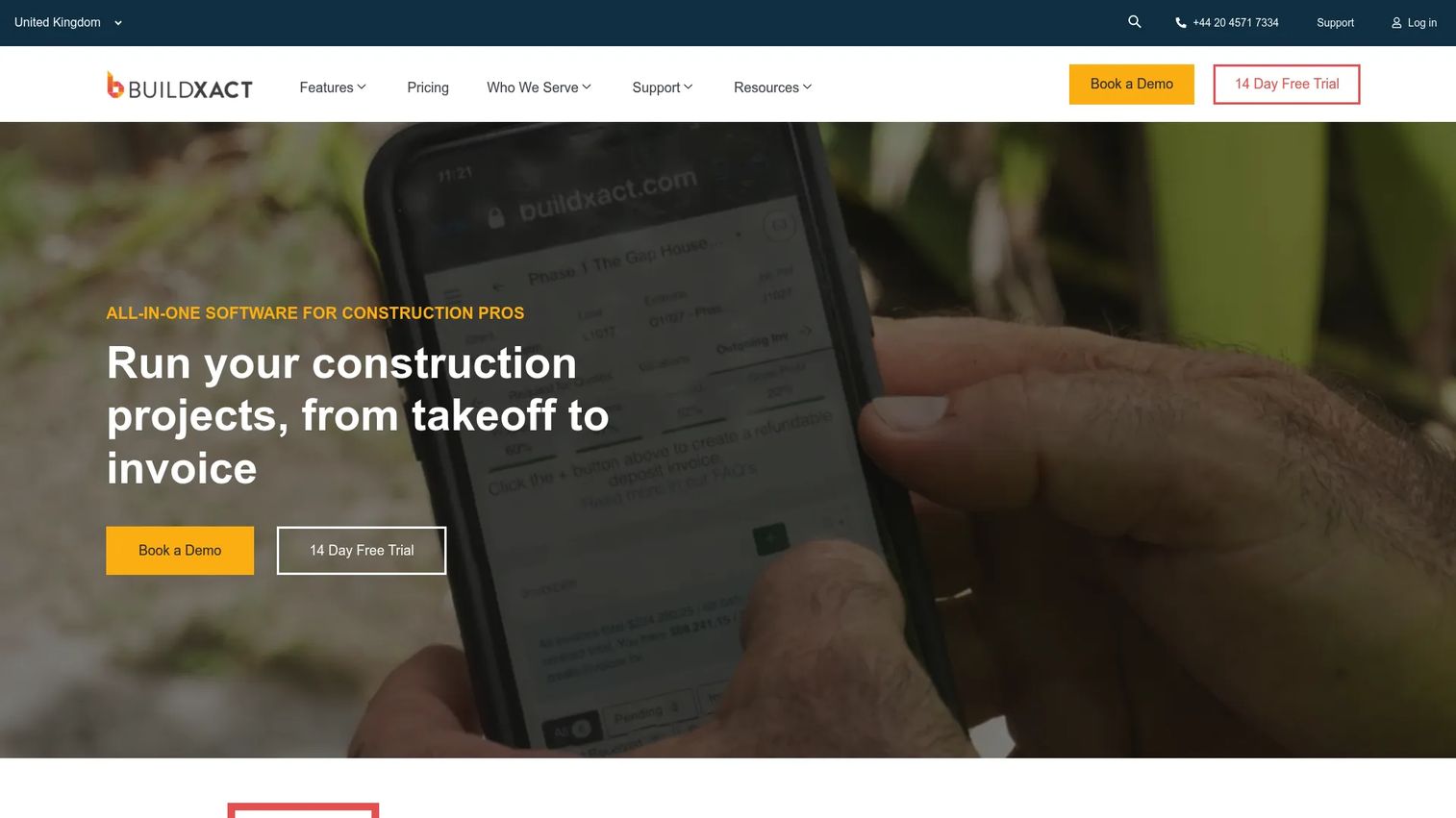
Buildxact combines digital takeoffs, estimating, quotes, scheduling, cost tracking, and project management. It targets residential builders, remodelers, contractors, and project managers.
The workflow starts with plans and carries bid information into job operations. Dealer pricing and material ordering help teams maintain current inputs rather than relying on an old spreadsheet library.
Best for: Residential builders, remodelers, and contractors that want one repeatable front end workflow
Key features
- Digital takeoffs and estimating
- Professional quotes and proposals
- Dealer pricing and material ordering
- Scheduling and cost tracking
- Accounting connections
Why choose Buildxact
Buildxact is a strong first evaluation when takeoff, estimating, and project handoff all need attention. It can replace several disconnected processes without forcing a residential team into a system built around unrelated work.
Check regional dealer coverage before committing. Supplier pricing matters only when the available connections match how your business buys materials.
Buildxact pricing
The Go plan is free and includes five complimentary credits. Foundation costs $199 monthly, or $169 monthly with annual billing.
Pro costs $399 monthly, while Master costs $599. Annual billing reduces those monthly rates to $339 and $509 respectively.
G2 rating
Buildxact has a 4.3/5 G2 rating.
2. Clear Estimates
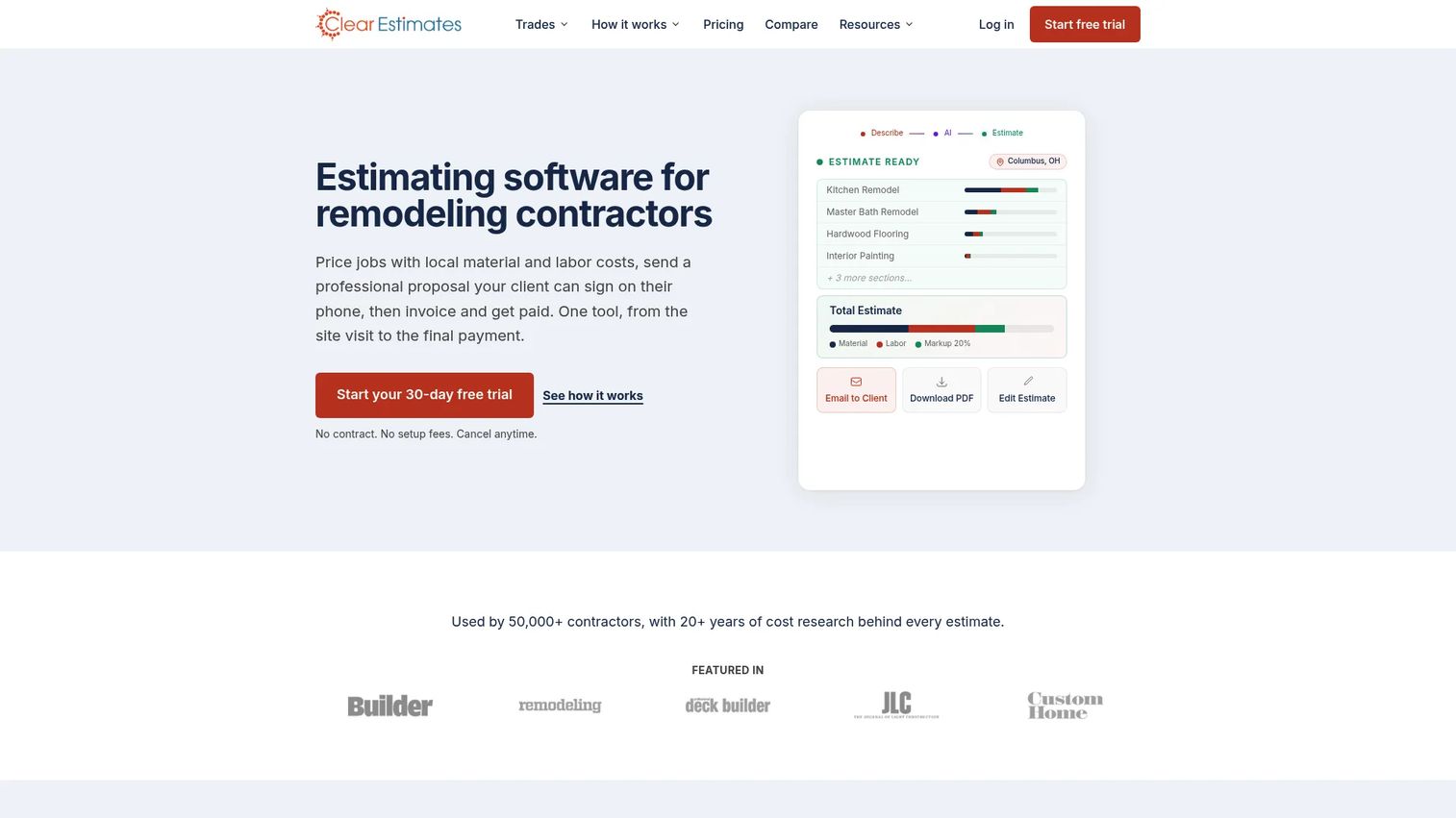
Clear Estimates is remodeling estimating software built around localized labor and material pricing. Its cost information updates quarterly, giving remodelers a structured base for itemized estimates.
The platform also supports branded proposals, electronic signatures, invoicing, payments, and financing. Users can create estimates from descriptions, photos, PDFs, or blueprints.
Best for: Remodeling contractors that need localized cost data and project specific templates
Key features
- Localized labor and material pricing
- AI assisted estimate creation
- Branded proposals and signatures
- Invoicing and payments
- Project financing options
Why choose Clear Estimates
Choose Clear Estimates when estimating accuracy is the main bottleneck and a large project management suite would add unnecessary scope. Its residential focus suits kitchens, bathrooms, additions, decks, painting, and electrical work.
The product is also relevant for home improvement estimating software searches because it connects detailed pricing with client presentation. Teams needing broader scheduling or field management may still require another system.
Clear Estimates pricing
Standard costs $79 monthly, or $59 monthly with annual billing. Pro costs $119 monthly, or $99 monthly with annual billing.
A 30 day free trial is available. Pro users can add estimators for $9 monthly each.
3. Houzz Pro
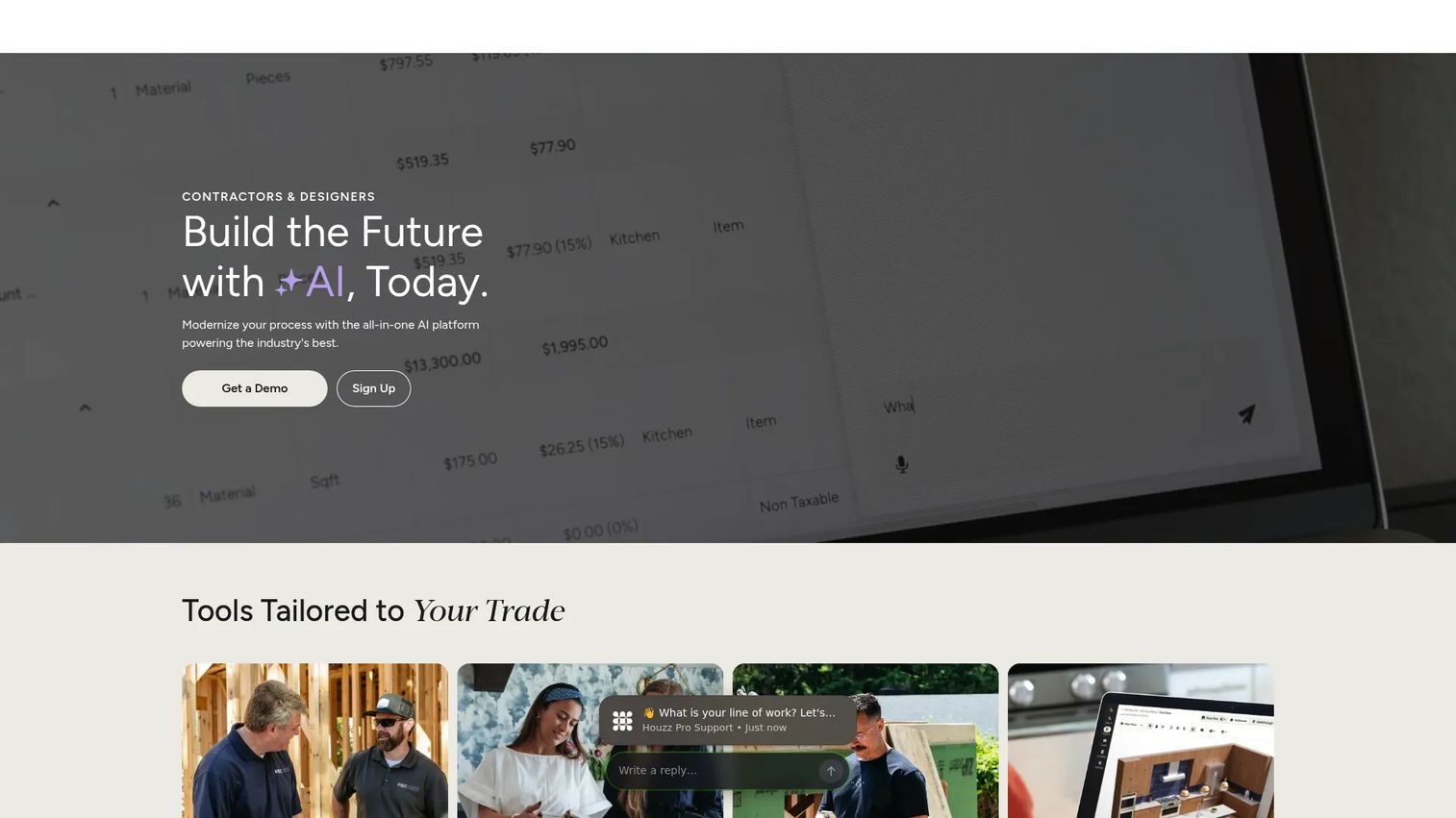
Houzz Pro combines estimates with design presentation, project management, lead management, and financial workflows. Its audience includes contractors, builders, remodelers, and interior design firms.
The platform supports takeoffs, proposals, invoices, online payments, selections, and mood boards. Teams can also manage schedules, tasks, daily logs, and customer relationships.
Best for: Design build firms that connect pricing with visual client decisions
Key features
- Takeoffs and bid management
- Estimates and branded proposals
- Selections and mood boards
- Online approvals and payments
- Lead and project management
Why choose Houzz Pro
Houzz Pro fits residential businesses where clients approve design choices alongside scope and price. It can reduce handoffs among estimating, design presentation, and payment collection.
The platform covers more than contractor quoting software. A business seeking only digital takeoffs may pay for workflows it will not use.
Houzz Pro pricing
Pro costs $199 monthly for one user. Teams starts at $399 monthly for five users, while Enterprise uses custom pricing.
Advertising is a separate add on starting at $499 monthly.
4. Buildertrend
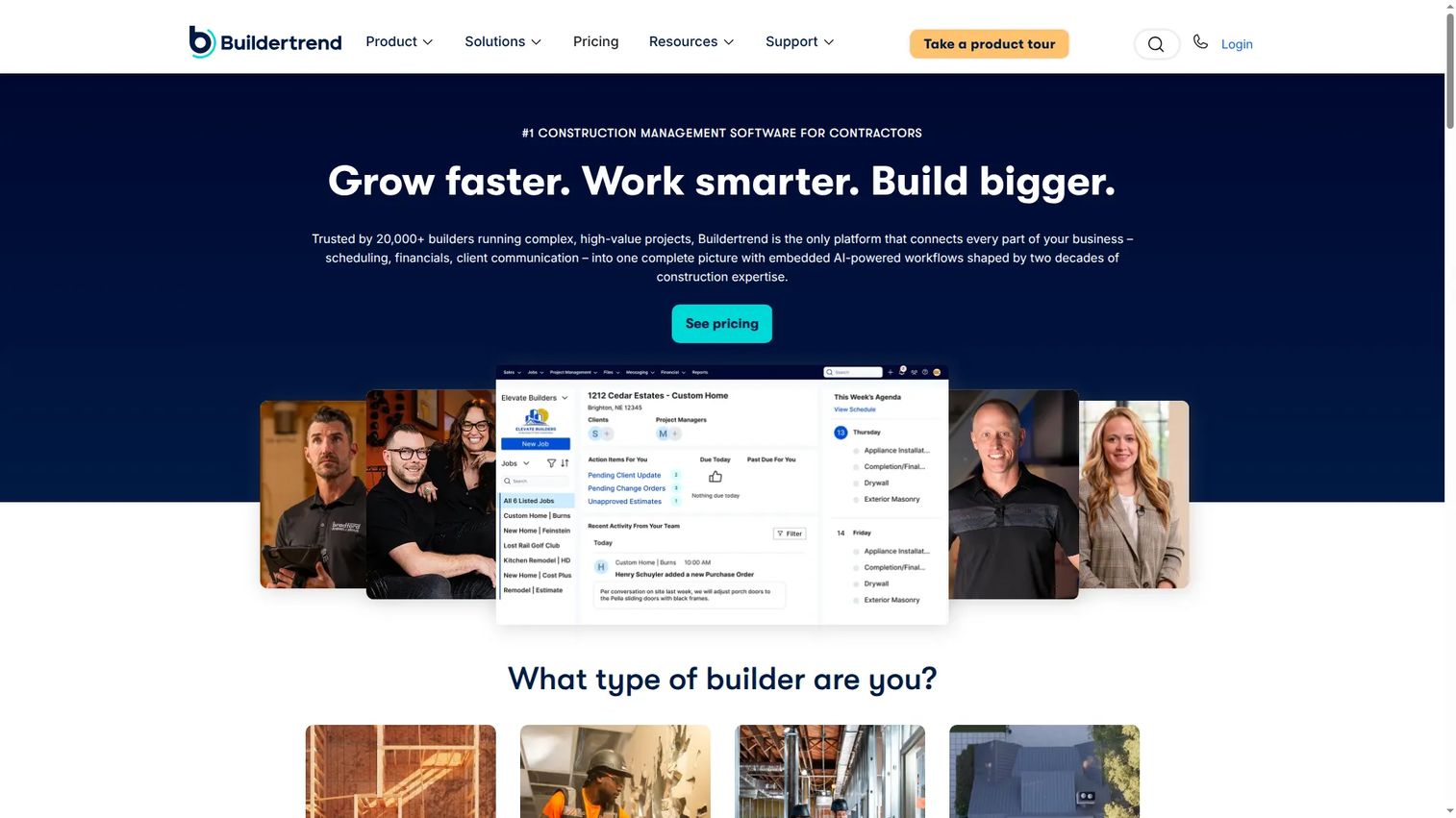
Buildertrend is construction project estimating software for home builders, remodelers, and specialty contractors. It connects estimates and bids with schedules, client communication, job costing, and project financials.
The platform also includes change orders, selections, purchase orders, invoices, payments, and takeoff tools. Client and subcontractor portals keep project communication attached to the job.
Best for: Established residential builders managing several active or complex projects
Key features
- Estimates and bid management
- Scheduling and daily logs
- Change orders and selections
- Job costing and payments
- Client and subcontractor portals
Why choose Buildertrend
Buildertrend fits companies that want the estimate to become the project operating plan. Unlimited users and projects support adoption across office and field teams.
The broader scope needs process ownership. Assign an operations lead before implementation, or the business may reproduce old habits inside a new system.
Buildertrend pricing
Buildertrend starts at $499 monthly. Annual payment reduces the price by 10%.
The final quote reflects annual construction volume and the selected onboarding package. Buildertrend offers neither a free tier nor a free trial.
G2 rating
Buildertrend has a 4.3/5 G2 rating.
5. Procore

Procore manages construction projects from preconstruction through closeout. Its preconstruction capabilities include bid management, estimating, and contractor prequalification.
Financial tools cover budgets, contracts, invoices, project costs, and change orders. The broader platform also manages drawings, RFIs, submittals, daily logs, photos, and punch lists.
Best for: Larger contractors that need estimating connected to formal project controls
Key features
- Bid management and estimating
- Budgets and project financials
- Contracts and change orders
- Drawings and document control
- RFIs and submittals
Why choose Procore
Procore makes sense when residential work involves larger teams, complex custom projects, or mixed construction portfolios. Its value comes from governance and financial visibility across the wider operation.
An estimating only buyer should compare implementation scope carefully. The platform is designed for broader construction management rather than a single quoting task.
Procore pricing
Custom pricing is based on selected products and Annual Construction Volume. Contracts include unlimited users, data storage, and 24 hour support.
Field Productivity pricing uses full time employee count.
G2 rating
Procore has a 4.6/5 G2 rating.
6. Square Takeoff
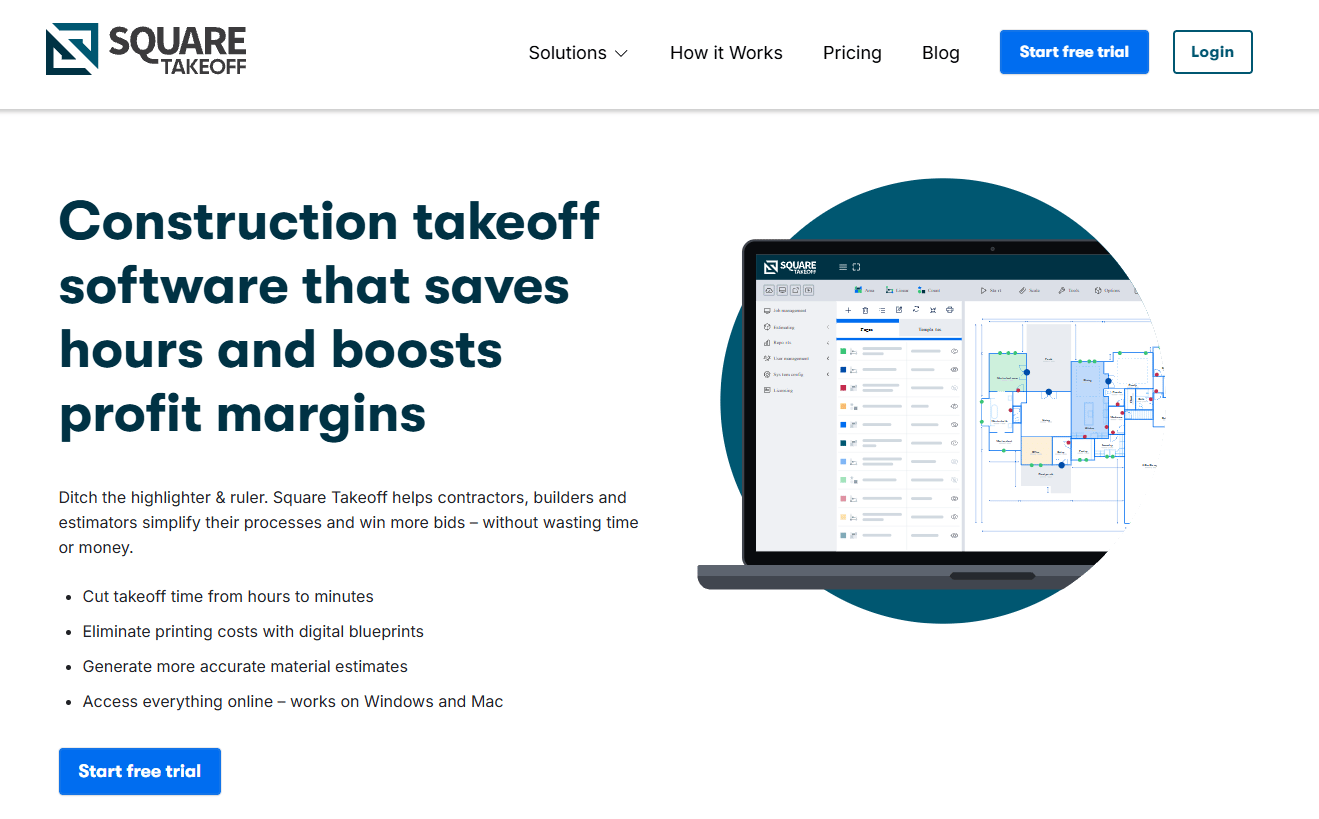
Square Takeoff is online construction estimating software focused on digital plan measurement and bid preparation. Contractors can upload blueprints, set scales, measure quantities, and create labor or material estimates.
Its parts catalog and assemblies support repeatable estimating. Users can export reports to Excel or PDF and access projects across computers and tablets.
Best for: Contractors whose main bottleneck is measuring plans and preparing quantities
Key features
- Digital blueprint measurements
- Plan overlay and scaling
- Material and labor estimates
- Parts catalogs and assemblies
- Excel and PDF exports
Why choose Square Takeoff
Square Takeoff is practical when better measurements matter more than replacing the full construction stack. It gives estimating teams a focused takeoff workflow without adding unrelated operational modules.
Plan how estimates will move into accounting or project execution. The exported data may need another system after bid approval.
Square Takeoff pricing
Monthly service costs $249. Quarterly billing costs $599, while annual service costs $1,699.
Every plan includes all features. A 14 day free trial is available.
7. Buildern
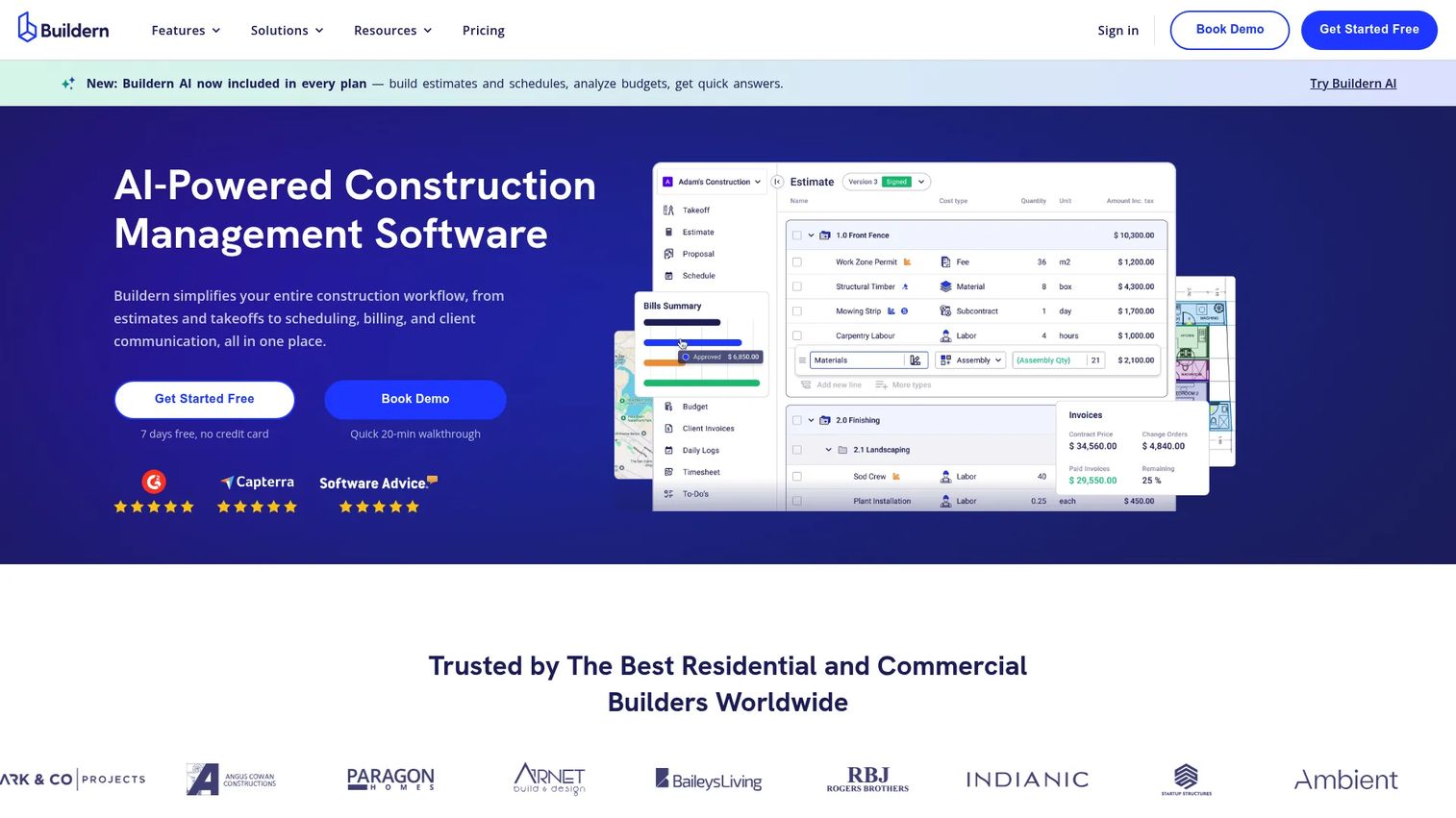
Buildern connects estimating and takeoffs with scheduling, budgeting, job costing, and customer management. It serves home builders, remodelers, general contractors, and construction managers.
The system also supports client invoices, online payments, selections, change orders, RFIs, and submittals. Portal access extends relevant information to customers, subcontractors, and vendors.
Best for: Growing contractors that want preconstruction and delivery in one operating system
Key features
- Connected estimates and takeoffs
- Scheduling and daily logs
- Budgeting and job costing
- Client invoices and payments
- Customer and vendor portals
Why choose Buildern
Buildern fits leaders replacing several disconnected tools while standardizing how work moves from lead to completed job. Its financial workflow helps owners review estimated and actual performance without stitching together several reports.
Test the accounting connection with a completed project. This reveals whether cost codes and transaction details match your current finance process.
Buildern pricing
Starter costs $260 monthly, billed at $3,120 annually. Pro costs $440 monthly, while Advanced costs $800 monthly on annual contracts.
Enterprise uses custom pricing. Every plan includes a seven day trial without a credit card.
G2 rating
Buildern has a 4.9/5 G2 rating.
8. Contractor Foreman
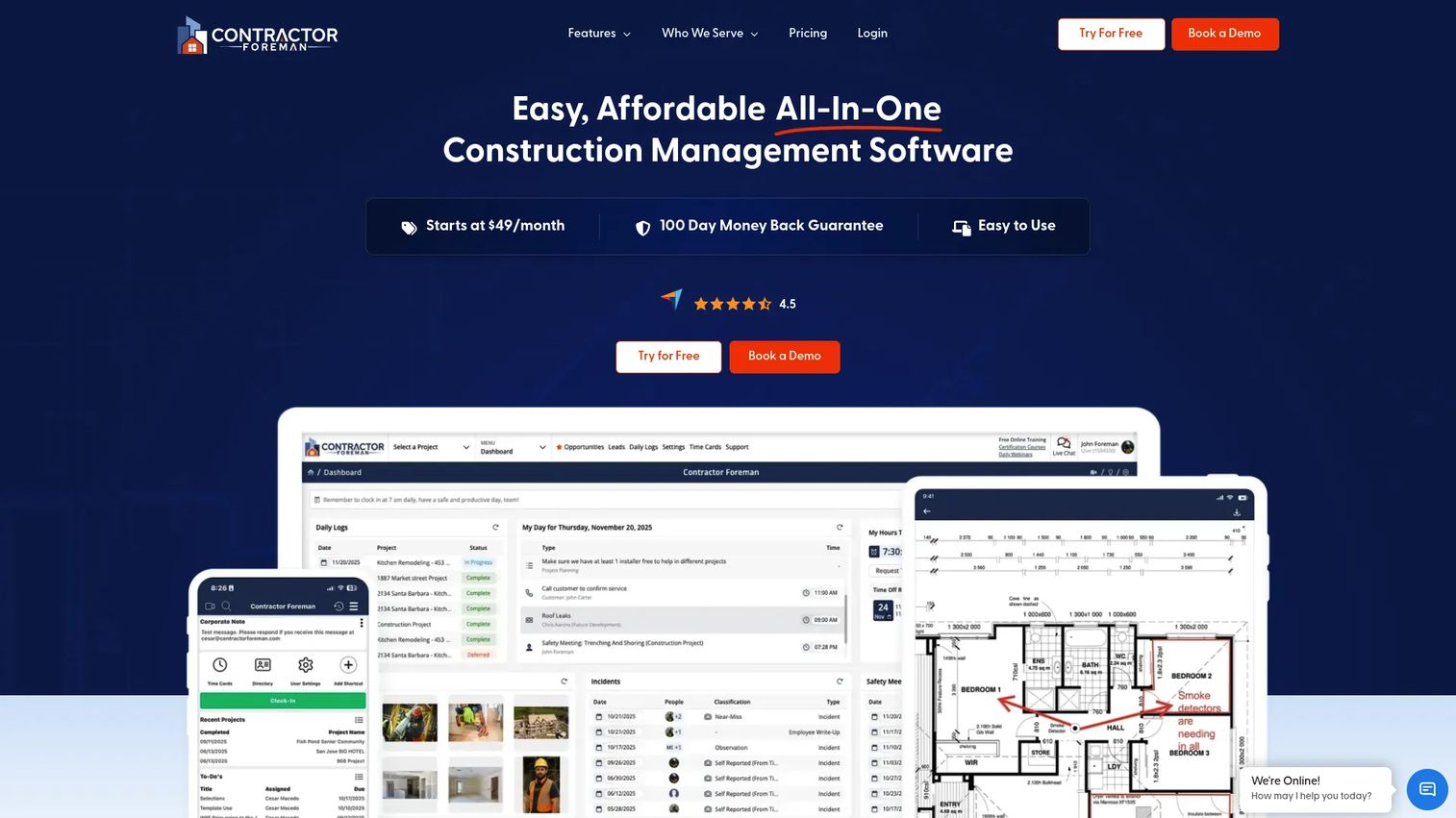
Contractor Foreman combines estimates and takeoffs with scheduling, invoicing, time cards, and project management. It targets small and midsize contractors seeking broad functionality at a lower starting cost.
Users can also manage bids, change orders, documents, forms, daily logs, and crews. The mobile app supports field access for teams working away from the office.
Best for: Small residential contractors that need broad daily controls on a limited budget
Key features
- Estimates and digital takeoffs
- Bids and invoices
- Scheduling and time cards
- Change orders and forms
- Mobile field access
Why choose Contractor Foreman
Contractor Foreman is worth evaluating when breadth and price both matter. Its entry point is lower than several all in one construction platforms.
Buyers should test the estimating workflow against their hardest recent bid. A long feature list does not guarantee the required depth for every residential project type.
Contractor Foreman pricing
Annual plans start with Basic at $49 monthly. Standard costs $105, Plus costs $166, Pro costs $221, and Unlimited costs $332 monthly.
Monthly billing starts at $139 for Standard. A 30 day free trial is available.
9. STACK
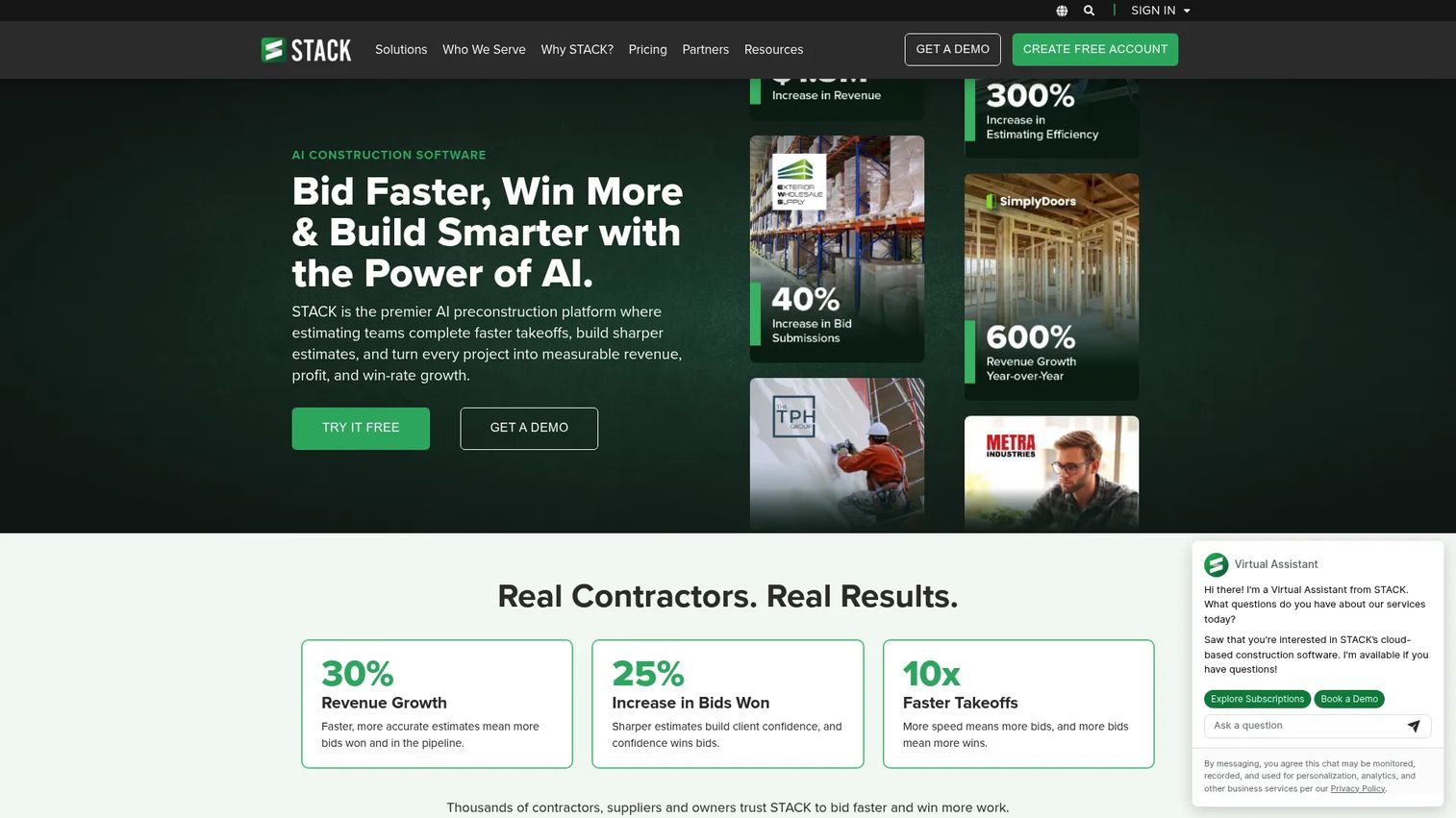
STACK is cloud construction software for plan review, digital takeoffs, estimating, and field operations. It supports takeoff heavy contractors that need collaboration around plans and bid preparation.
Its estimating interface uses items and assemblies to convert quantities into costs. Plan viewing and markup tools help several users work from the same documents.
Best for: Preconstruction teams and specialty contractors that build bids from plans every day
Key features
- Cloud based digital takeoffs
- AI symbol recognition
- Plan markup and collaboration
- Item and assembly estimating
- Bid worksheet tools
Why choose STACK
STACK fits teams where takeoff speed and bid consistency drive daily output. Its cloud workflow also supports distributed estimators reviewing the same plan set.
Pricing spans field tools and dedicated takeoff packages. Confirm which product line matches your workflow before comparing costs.
STACK pricing
A free account supports limited usage. Build and Operate plans start at $49 per user monthly with annual billing.
Takeoff and Estimate Premium costs $299 per user monthly. Its Pro plan costs $349 per user monthly, both billed annually.
G2 rating
STACK has a 4.5/5 G2 rating.
10. CoConstruct
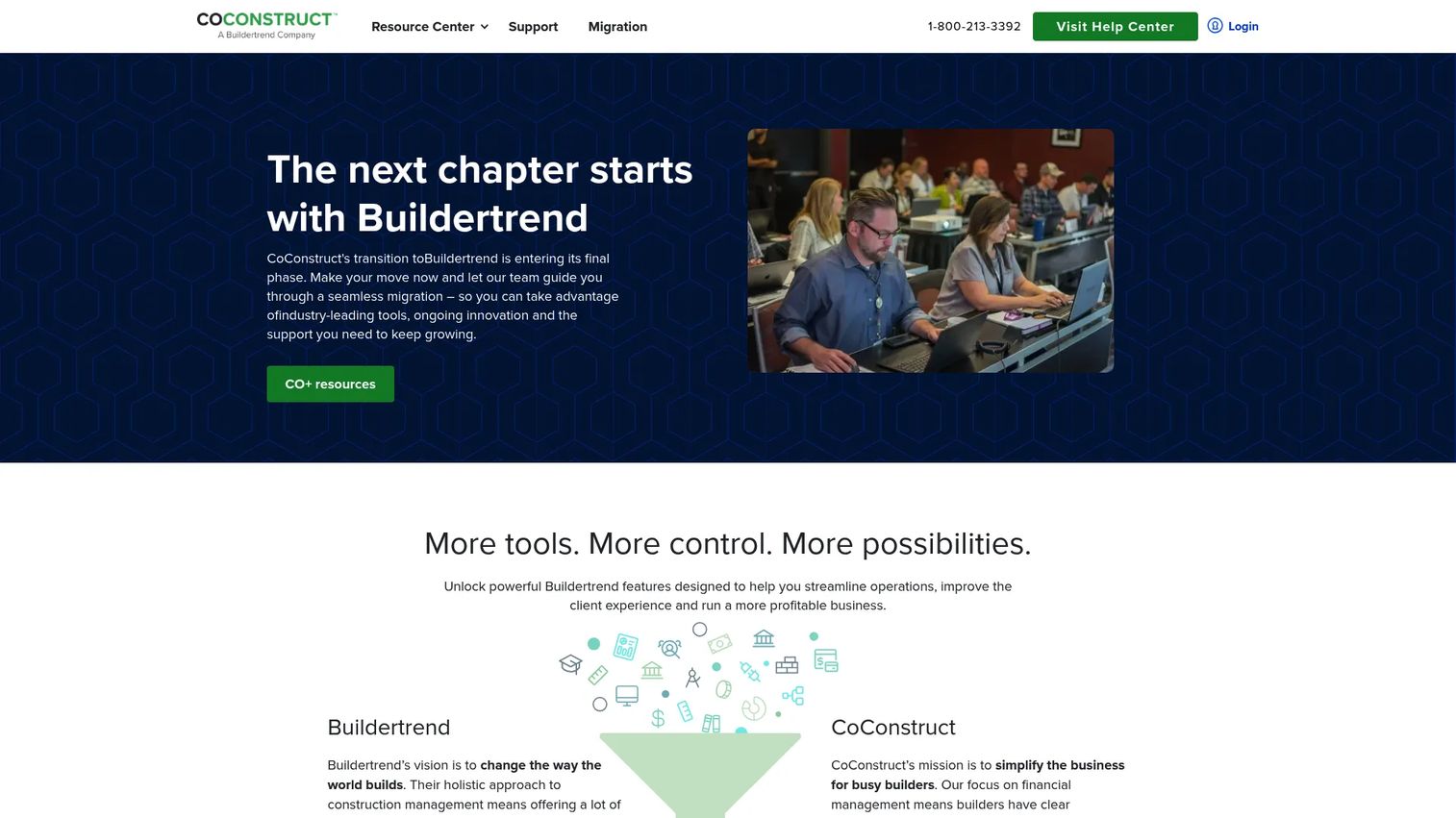
CoConstruct serves custom home builders and remodelers managing estimates, selections, schedules, and client communication. Its workflow reflects the decisions and allowances common in custom residential projects.
The software also covers proposals, budgeting, forecasting, bidding, and subcontractor coordination. Customers can review relevant information through a dedicated portal.
Best for: Custom builders whose estimates change through selections and client decisions
Key features
- Estimates and proposals
- Specifications and selections
- Budgeting and forecasting
- Client communication portal
- Scheduling and subcontractor coordination
Why choose CoConstruct
CoConstruct is strongest when custom selections directly affect budgets and project commitments. It keeps those choices closer to the estimate than a basic building estimating software tool.
Its official site states that the product’s transition to Buildertrend is in its final phase. Buyers should clarify current packaging and the future operating path before purchase.
CoConstruct pricing
The site offers a starting option for $99. Ask sales to confirm the billing period, current package, and onboarding terms.
G2 rating
CoConstruct has a 4.1/5 G2 rating.
11. JobTread
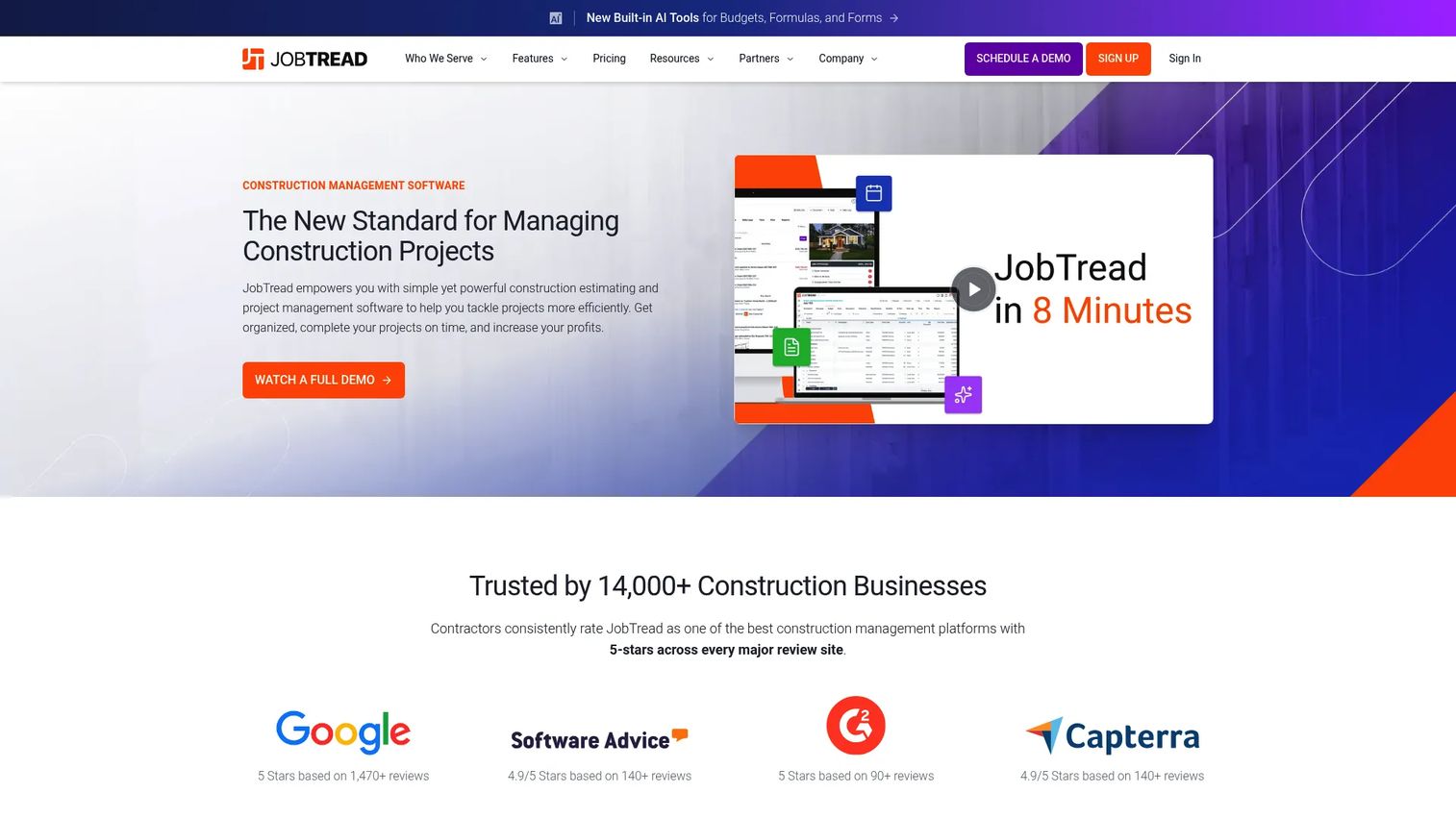
JobTread combines estimating, takeoff, contracts, job costing, and customer management. It serves home builders, remodelers, pool builders, roofers, specialty contractors, and commercial firms.
The platform carries approved estimates into budgets, purchase orders, work orders, invoices, and financial reports. Customer portals support selections, allowances, messaging, online payments, and warranty management.
Best for: Contractors that want tighter cost control after the proposal is approved
Key features
- Estimates and takeoffs
- Contracts and electronic signatures
- Budgets and job costing
- Change orders and purchase orders
- Customer and vendor portals
Why choose JobTread
JobTread suits owners who want clearer job level financial visibility. The estimate remains connected to execution, which makes actual versus expected performance easier to review.
Its broad workflow also supports delegation. An operations lead can manage standardized jobs without waiting for the owner to rebuild each report.
JobTread pricing
The monthly plan costs $199 plus $20 for each additional internal user. Annual subscriptions save 20%, with additional users starting at $16 monthly.
There is no free trial. Monthly subscriptions include a 30 day money back guarantee.
G2 rating
JobTread has a 4.9/5 G2 rating.
Considerations when choosing residential construction estimating software
Match the tool to your project type
Remodeling, custom homes, production building, and specialty work create different estimating requirements. Remodelers often value local pricing and reusable project templates.
Custom builders usually need allowances, selections, and client approvals. Larger operations require permissions and stronger financial controls.
Check the takeoff workflow before pricing
A cheap estimator becomes expensive when staff still measure plans elsewhere. Ask whether quantities connect directly to assemblies, labor costs, material items, and proposal output.
Use the same plan during every trial. Track total time from upload through finished bid.
Verify cost data and pricing sources
Local cost data and supplier pricing solve different problems. Ask where prices come from, how frequently they change, and who corrects errors.
Also check whether your team can maintain its own cost library. Ownership matters when market prices move between vendor updates.
Test the accounting handoff
QuickBooks integration can mean a basic customer sync or a detailed financial connection. Verify how each product handles estimates, invoices, cost codes, items, and change orders.
Recreate a completed job during evaluation. Compare the software’s output with your accountant’s records.
Evaluate onboarding and support
Construction estimating software for small business must deliver value without a long implementation program. Review training, templates, data migration, support channels, and expected setup work.
The subscription price tells only part of the story. Include employee time and process changes in the first quarter cost.
Conclusion
The right residential contractor software follows your operating model.
Buildxact is a strong first evaluation for residential builders seeking a connected takeoff to job workflow. Clear Estimates fits remodelers that need local cost data and fast proposal creation.
Houzz Pro serves client facing design build work. Buildertrend and JobTread carry estimating deeper into project operations and financial control.
Procore suits larger construction businesses with broader governance requirements. Square Takeoff and STACK make more sense when plan measurement drives the buying decision.
Avoid choosing from a feature checklist alone. A product earns its place when it reduces duplicate entry, improves bid consistency, and produces financial information your team can trust.
Shortlist two or three options. Rebuild the same recent estimate in each product, then compare takeoff time, cost accuracy, proposal output, and accounting handoff.
FAQs
Small builders should compare Buildxact, Clear Estimates, Contractor Foreman, and JobTread. The best choice depends on takeoff needs, project type, cost data, and accounting workflow.
Buildxact offers an integrated residential workflow. Clear Estimates focuses on remodeling, while the other two extend further into project operations.
Prioritize digital takeoffs, assemblies, labor and material databases, markups, and proposal creation. Change orders, job costing, and accounting connections become more important as project volume grows.
The strongest systems reduce manual reentry between estimating and project execution. That continuity supports consistent margin reporting.
Yes. Spreadsheets can work for a solo contractor with repeatable projects and limited estimating volume.
They become harder to govern when several employees estimate or costs change frequently. Software adds shared templates, cost libraries, approval controls, and job cost feedback.
Takeoff software measures quantities from plans. It calculates lengths, areas, counts, and material quantities.
Estimating software applies labor costs, material prices, waste, markup, and overhead to those quantities. Some construction bidding software products combine both functions.
Several products support a QuickBooks integration, but the exact behavior varies. Some transfer customers and invoices, while others also sync items, costs, or project financial data.
Verify whether the connection supports your QuickBooks version. Test estimates, invoices, cost codes, and change orders before committing.
Entry prices in this list range from free plans to several hundred dollars monthly. Larger platforms use custom pricing linked to product selection, company volume, or implementation requirements.
Compare cost with the same sample project. A cheaper subscription offers little savings if staff still copy data between systems.
Clear Estimates is a natural starting point for remodeling contractor estimating software because it provides localized pricing and remodeling focused templates. Houzz Pro fits firms that connect estimates to design presentation and client approvals.
Buildertrend and CoConstruct cover broader operations for established remodelers. Choose according to the workflow you want to replace.
Yes, when you need to compare estimated costs with actual project performance. Job costing shows where labor, material spending, or change orders affected margin.
The feedback improves future estimates. It becomes more valuable as job volume and team size increase.