Your new VP asks where the launch decision lives. Someone points to a chat thread. Another person forwards a document with different assumptions.
You become the person who explains which version matters.
Remote work software should remove that dependency. The right stack gives leaders enough context to act without pulling the founder into every handoff. Adding applications without assigning ownership creates another set of places to search.
The operating challenge is substantial. Search Engine Land reported in 2026 that 22.5% of U.S. employees worked remotely at least part-time in December 2025, citing BLS data. Distributed work needs durable records and clear accountability, whether employees work from home every day or occasionally.
Treat this as a buying guide for your remote operating system. Evaluate remote work tools against the coordination they replace and the decisions they help your team make independently.
The useful question is straightforward: Which workflow will improve enough to justify another subscription?
What’s inside
- Who this is for: SaaS founders and operators building distributed team software stacks that support independent functional leaders.
- How the shortlist was selected: Remote-stack relevance and coverage across communication, project execution, employee operations, and supporting workflows.
- First-week usefulness: A practical starting workflow for each product, rather than a feature inventory without an implementation path.
- Workflow fit and adoption: What each application replaces, who should own it, and which operating rules to establish.
- Governance and economics: Access controls, employee trust, pricing units, and costs at your next headcount milestone.
- Comparison evidence: Vendor pricing and G2 ratings from November 2026 research, with distinctions between product ratings and broader seller scores.
TL;DR
- Best collaboration hub: Microsoft Teams fits companies already using Microsoft 365 and seeking coordinated communication under the same vendor.
- Best async communication layer: Slack organizes cross-functional conversations. Define channel expectations and move lasting decisions into durable records.
- Best project execution system: Asana connects work to accountable owners and leadership reporting. Trello suits simpler visual workflows.
- Best document suite: Google Workspace fits teams that operate through shared documents and spreadsheets, with centralized administration.
- Best workforce visibility tool: ActivTrak supports activity analysis. Establish employee privacy rules before collecting data.
- Best global workforce options: Deel fits international hiring; Rippling connects employee operations with IT. The best tools for remote work should match different jobs.
What is remote work software?
Remote work software is a collection of digital tools that helps distributed employees coordinate work and access company resources outside a shared office.
The term describes a stack rather than a single application. Remote working software includes collaboration systems alongside operational infrastructure that employees may rarely see.
Its core categories have different responsibilities:
- Communication and meetings: Conversations, video calls, calendars, and recorded updates.
- Project execution: Assigned work with deadlines and visibility into progress.
- Documentation and files: Shared knowledge, working documents, and controlled access to company materials.
- Automation: Movement of information between applications without repeated manual entry.
- Security and access: Authentication and management of employee permissions.
- HR and workforce operations: Employment records, payroll, onboarding, and workforce planning.
- Workforce visibility: Analysis of activity patterns and capacity.
- Customer support: Ticket queues and service knowledge that remain accessible across shifts.
These categories overlap. A productivity suite may include meetings, while a knowledge platform may also manage projects. Buying every overlapping capability separately deserves scrutiny.
Remote team software should also distinguish communication from commitment. A conversation can explain why a launch changed. The project record should show who owns the revised deadline.
For founders, the practical benefit is lower handoff cost. A support leader should find escalation context without asking who attended yesterday’s meeting. Finance should understand approved hiring without reconstructing a conversation.
Remote workforce tools address another layer of the operating model. They help manage employment and access, or provide visibility into how work happens. Their selection requires People Ops and security involvement.
Collaboration tools and monitoring tools need different evaluation standards. The former help employees coordinate; the latter analyze activity and introduce privacy questions.
Start by assigning a system of record to each important workflow. Then connect the surrounding applications to that record.
A smaller stack with explicit ownership is a better purchasing objective than broad feature coverage. Your leadership team needs dependable answers, with a named person responsible for keeping each answer current.
When to use remote work software
Scale distributed execution without founder routing
Introduce structure when routine questions repeatedly return to the founder. A new department leader should find current priorities and decision history without a private briefing.
For a company growing from 30 to 150 employees, treat this as an operating design exercise. Assign owners to shared records before selecting applications.
Replace meeting-heavy coordination with async workflows
Use async communication tools when time-zone differences turn basic updates into scheduling problems. Record explanations and put commitments into a project system.
Keep meetings for decisions that benefit from immediate discussion. Written preparation should let participants arrive with context rather than spend the session reconstructing events.
Add visibility without breaking trust
Remote team software becomes more consequential when hiring expands and access administration becomes difficult to track. Security controls and workforce analytics address different concerns.
Define what employee data you need before deploying monitoring. Explain its purpose, restrict access, and assess team patterns alongside outcomes rather than treating activity as performance.
Remote work software comparison
These remote work tools are ordered around a distributed SaaS operating stack, beginning with everyday collaboration and extending into specialized operations.
Compare products within their jobs. A meeting platform and an HR system belong in the same stack, but their ratings do not establish which deserves your next purchase.
Prices below use the billing basis captured in the vendor research. Most amounts are USD; Slack’s source is its UK pricing page. Its Pro offer is promotional, so the table uses the free entry option.
For a useful remote work productivity tools comparison, identify the workflow you’re replacing before reading across price columns.
| # | Product | Best for | Key differentiator | Pricing | G2 rating |
|---|---|---|---|---|---|
| 1 | Microsoft Teams | Microsoft 365 organizations | Communication integrated with Microsoft apps | Essentials $4/user/month, paid yearly | 4.4/5 |
| 2 | Slack | Async communication | Searchable channels and workflow integrations | Free; paid plans available | 4.5/5 |
| 3 | Asana | Cross-functional execution | Projects connected to goals and portfolios | Free; Starter $10.99/user/month, annual billing | 4.4/5 |
| 4 | Google Workspace | Documents and business email | Shared productivity suite with centralized administration | Starter $7/user/month, annual commitment | 4.6/5 |
| 5 | Zoom | Internal and external meetings | Video communication with broader workplace tools | Free; Pro $14.16/user/month, annual billing | 4.5/5 |
| 6 | Trello | Visual task management | Visual planning and no-code automation | Free; Standard $5/user/month, annual billing | 4.4/5 |
| 7 | Zapier | Cross-application automation | Multi-step workflows without custom development | Free; Professional from $19.99/month | 4.5/5 |
| 8 | Okta | Workforce access management | Centralized identity and employee lifecycle controls | Starter $6/user/month, annual billing; contract minimum applies | 4.5/5 |
| 9 | Workday | Connected HR and finance | Workforce planning alongside business operations | Custom pricing | 4.2/5, HCM |
| 10 | ActivTrak | Workforce visibility | Digital activity and utilization analysis | Free; paid plans from $10/worker/month | 4.3/5 |
| 11 | Deel | International hiring | Employment and payment services across countries | Contractors from $49/month; EOR from $599/employee/month | 4.7/5 |
| 12 | Miro | Visual collaboration | Shared canvas for planning and diagramming | Free; Starter $8/member/month, annual billing | 4.6/5 |
| 13 | Loom | Recorded async explanations | Screen-and-camera video messaging | Free; Business $18/user/month, monthly billing | 4.7/5 |
| 14 | Notion | Company knowledge | Connected pages and structured databases | Free; Plus $10/seat/month, monthly billing | 4.6/5 |
| 15 | Dropbox | File collaboration | Syncing and external file sharing | Free; Plus $9.99/month; team plans from $15/user/month | 4.4/5 |
| 16 | Zendesk | Distributed customer support | Ticketing and service workflow coordination | Support Team $19/agent/month, annual billing | 4.3/5 |
| 17 | Rippling | Connected employee operations | HR data linked with payroll and IT | Small-business entry $8/user/month plus $40 monthly base fee | 4.7/5 |
Best 17 tools for remote work software
1. Microsoft Teams

Microsoft Teams is a practical starting point when Microsoft 365 already runs your company. It combines workplace communication with collaboration across Microsoft applications. Evaluate it as a consolidation choice before introducing another communication vendor.
Best for: SaaS teams that want their collaboration layer connected to an existing Microsoft 365 environment.
Key features
- Chat, calling, and video conferencing
- Shared files and collaborative tasks
- Meeting recordings and transcripts
- Microsoft 365 application integration
- Encryption for communications and files
Start with the weekly leadership review. Keep preparation material and follow-up discussion accessible to the same group, with an owner responsible for recording decisions.
That gives a new VP a defined place to enter the operating rhythm. The proposed replacement is fragmented coordination across email and separate meeting threads.
Before expanding the rollout, establish where decisions become permanent records. Also test the process with employees who primarily work outside leadership meetings.
Why choose Microsoft Teams: Choose it when existing Microsoft investment makes consolidation valuable. Avoid maintaining parallel communication routines that leave employees guessing where to respond.
Microsoft Teams pricing: Essentials costs $4/user/month and Microsoft 365 Business Basic costs $7/user/month, paid yearly. A free option is available for home use.
G2 rating: 4.4/5.
2. Slack
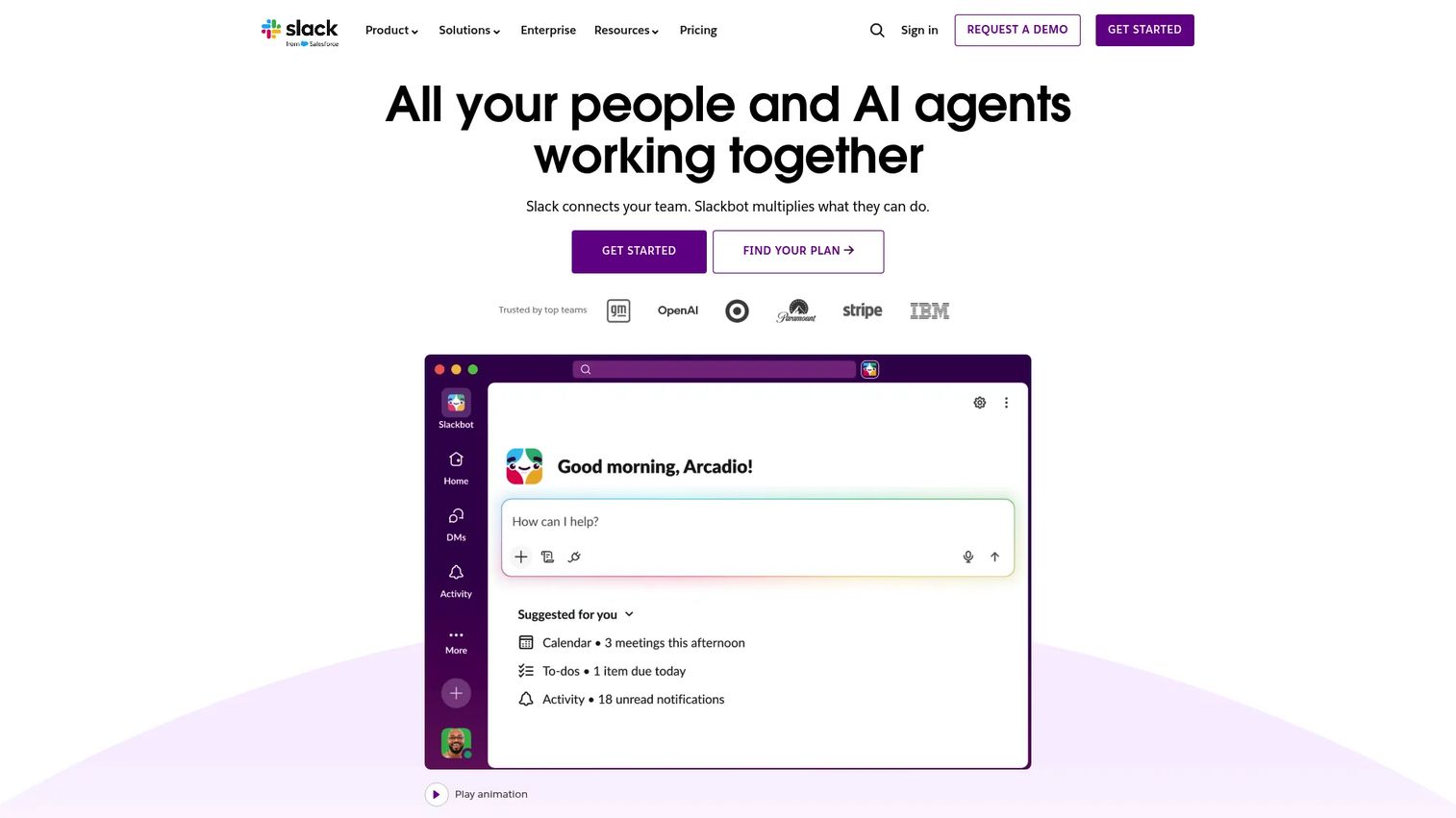
Slack organizes workplace conversations into searchable channels. Its integrations help teams bring operational updates into the discussion where someone can act. For a distributed company, the purchasing question is whether that access reduces coordination work.
Best for: Cross-functional SaaS teams that need an async communication layer across departments.
Key features
- Channels and searchable conversations
- Huddles for live collaboration
- Workflow Builder
- Application integrations
- Slack Connect for external collaboration
Pilot a launch channel with explicit rules. Ask contributors to separate informational updates from decisions requiring an owner.
Move final commitments into the project record and keep durable explanations in company documentation. This prevents chat from becoming the only memory of why work changed.
Among remote team productivity tools, communication needs especially clear boundaries. Set response expectations that respect time zones rather than treating every message as an immediate request.
A useful adoption check is whether someone returning from leave can find the decision without asking the founder.
Why choose Slack: It fits teams that want communication connected to existing work systems. Assign channel ownership and archive obsolete spaces before noise becomes the default.
Slack pricing: Free is available; the UK page lists Pro at a promotional £7/user/month with monthly billing. Enterprise+ is £36/user/month, billed annually.
G2 rating: 4.5/5.
3. Asana
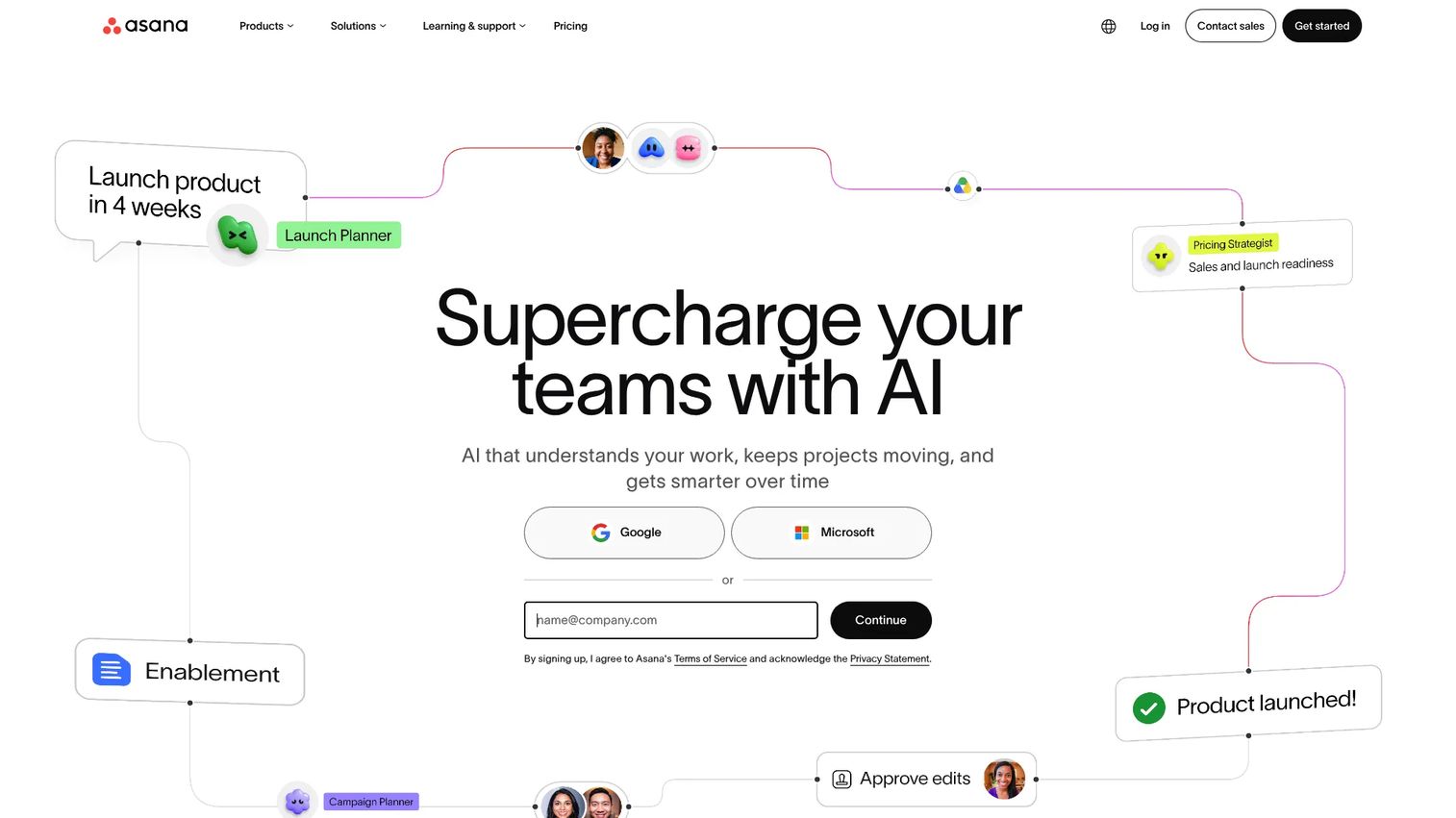
Asana connects project execution with organizational goals and reporting. It belongs on the shortlist when department updates need to become accountable work. Leaders can evaluate progress through a shared structure instead of requesting a fresh status summary.
Best for: Companies coordinating cross-functional work without building a custom project management system.
Key features
- Tasks and multiple project views
- Timeline and Gantt views
- Portfolios and goals
- Reporting dashboards
- Forms and workflow rules
Begin with a product launch involving marketing and engineering. Define the owner of each deliverable and record what must happen before the next team starts.
Use that pilot to agree on status definitions. “In progress” should mean something consistent before leadership relies on portfolio reporting.
As remote project management software, Asana can replace scattered launch trackers. The operating discipline still needs a functional owner who keeps the record current.
Ask your Head of Product to assess whether weekly reviews identify blockers earlier. Counting completed tasks alone says little about whether important commitments were met.
Why choose Asana: Choose it when coordination spans departments and leadership needs a shared view of commitments. Standardize the workflow before expanding its configuration.
Asana pricing: Personal is free; Starter costs $10.99/user/month annually or $13.49 monthly. Advanced costs $24.99/user/month annually or $30.49 monthly.
G2 rating: 4.4/5.
4. Google Workspace
Google Workspace provides business email and a shared document environment. It fits companies where operating context lives in written plans and spreadsheets. Centralized administration makes it relevant beyond individual document creation.
Best for: SaaS teams that want a cloud productivity suite for daily collaboration.
Key features
- Business Gmail with custom domains
- Collaborative Docs, Sheets, and Slides
- Drive storage and sharing
- Google Meet
- Centralized administration and endpoint management
Use the weekly business review as the first operating workflow. Give each function responsibility for its inputs and require commentary alongside the numbers.
A shared document should replace emailed versions of the same report. Establish where approved materials live and which person owns the access policy.
For founders, this also supports leadership onboarding. A new executive needs the current operating plan and its assumptions, rather than a folder of unexplained attachments.
Before adding specialized remote collaboration tools, inspect the capabilities your suite already supplies. Buy an additional application only when you can name the workflow gap.
Why choose Google Workspace: It fits document-led companies that want familiar collaboration tools under coordinated administration. Set ownership rules before important files become dependent on individual accounts.
Google Workspace pricing: Starter is $7/user/month, Standard $14, and Plus $22, with annual commitment and monthly billing. Plans include a 14-day trial.
G2 rating: 4.6/5.
5. Zoom
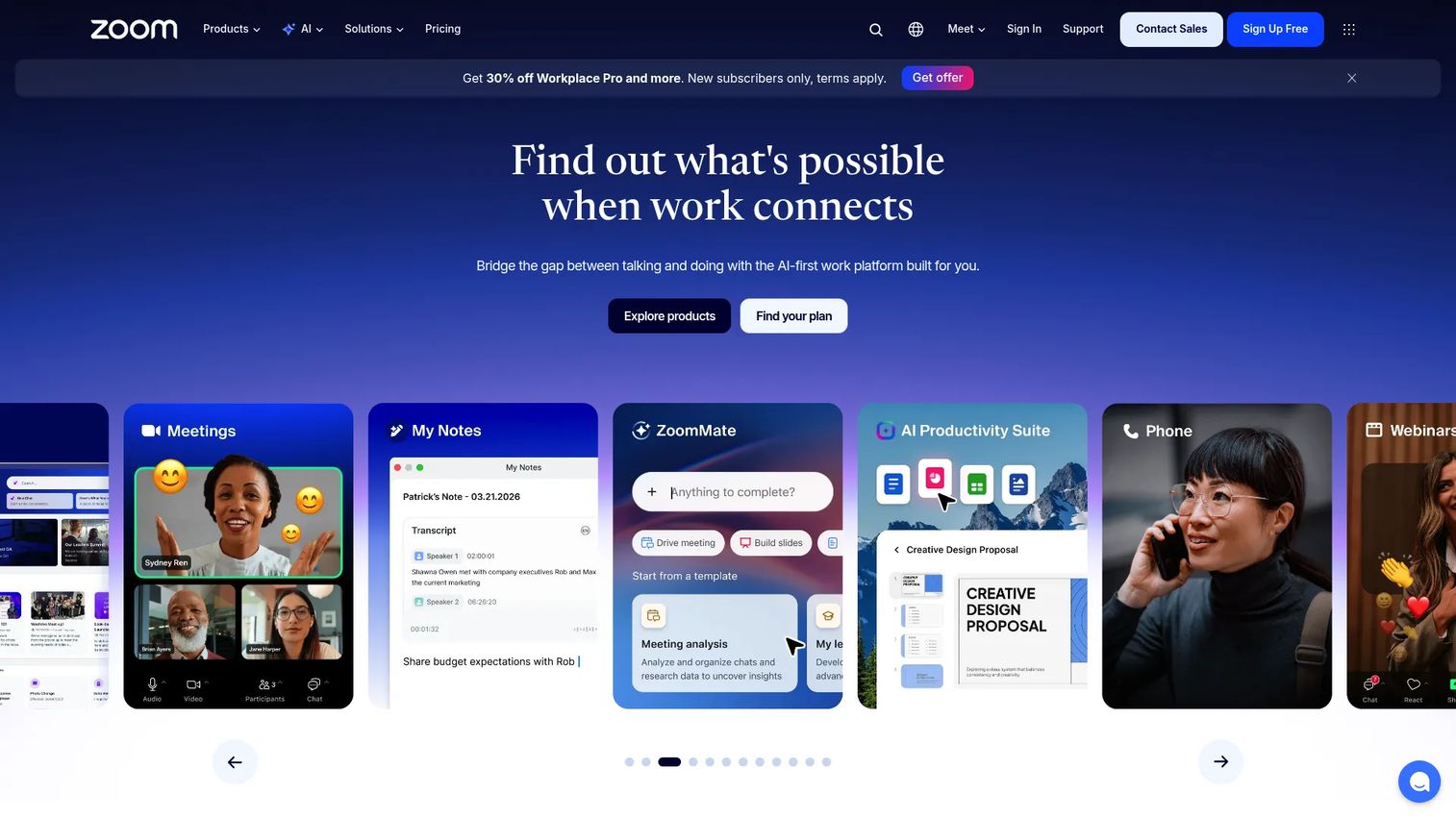
Zoom centers on live communication and extends into other workplace functions. Evaluate it for customer conversations and internal meetings where immediate discussion matters. Its role should be explicit alongside your existing chat and productivity applications.
Best for: Teams that regularly meet external stakeholders as well as colleagues.
Key features
- Video meetings
- Team Chat
- AI meeting notes and summaries
- Whiteboard and Clips
- Phone, Mail, and Calendar
Start with a recurring meeting that has a clear decision purpose, such as an executive review. Require preparation beforehand and assign someone to record the outcome afterward.
For board discussions, test the participant experience and establish a policy for sensitive recordings. Procurement should assess the meeting workflow rather than compare feature counts in isolation.
Virtual team software should also preserve focus. Ask which sessions need a conversation and which can become a written update.
Measure the quality of decisions and follow-through. More meetings are not evidence that the organization has better context.
Why choose Zoom: Choose it when dedicated meeting capability deserves its own budget. Evaluate overlapping subscriptions before expanding into additional workplace products.
Zoom pricing: Basic is free; Pro costs $14.16/user/month and Business costs $18.33/user/month, billed annually. Enterprise uses custom pricing.
G2 rating: 4.5/5
6. Trello
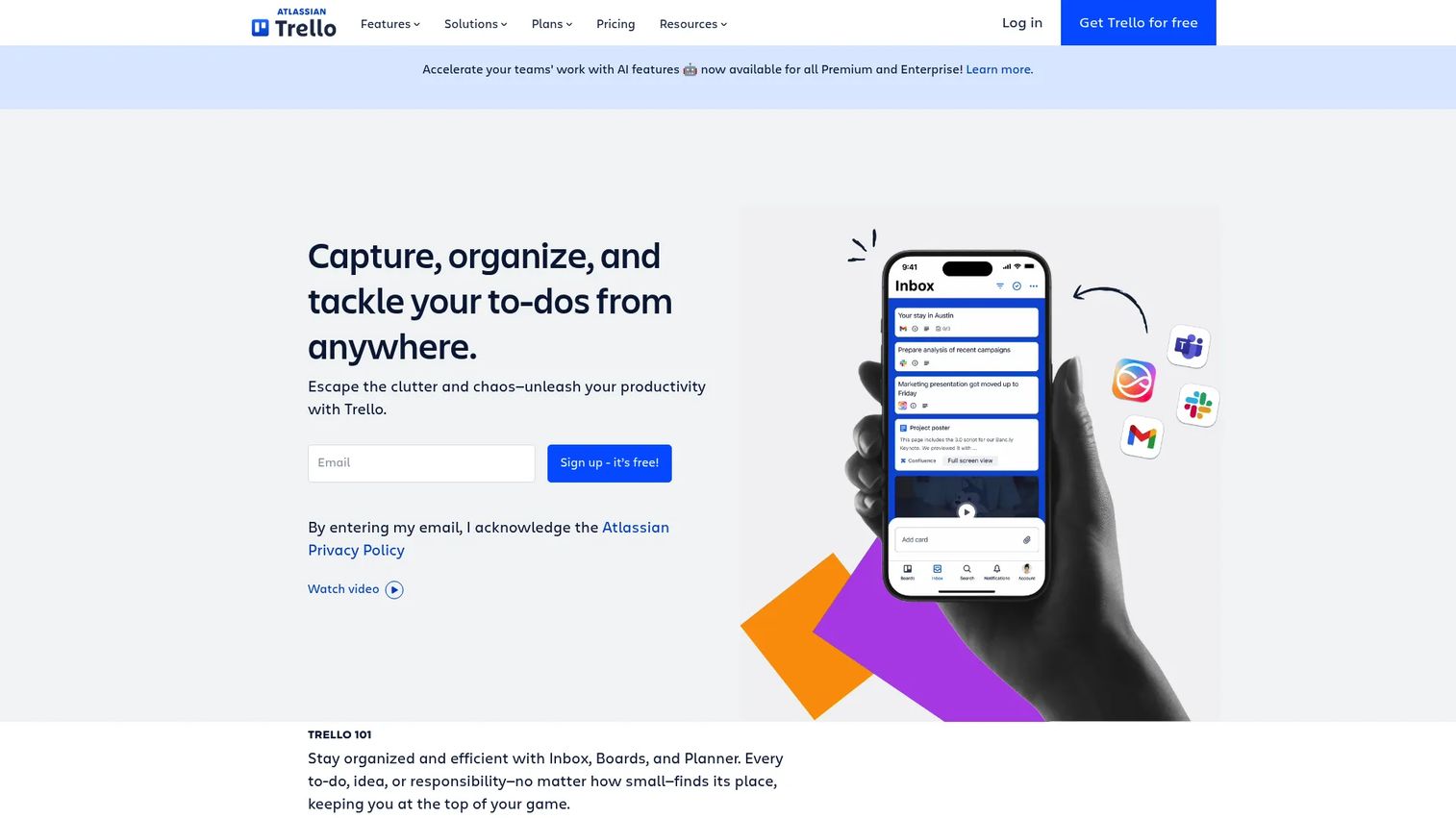
Trello offers visual work management for teams that need a shared task view. It is worth evaluating when a department’s process is understandable without elaborate portfolio reporting. Keep the initial rollout close to a workflow employees already recognize.
Best for: Smaller teams or departments organizing straightforward, visible work queues.
Key features
- Visual task and project organization
- Inbox for incoming tasks
- Planner with calendar synchronization
- No-code automation
- Power-Ups and templates
An editorial calendar is a useful starting point. Establish clear stages from proposed content through publication, then assign responsibility for moving each item forward.
That can replace a spreadsheet whose status column everyone interprets differently. Ask the team to define what qualifies an item for the next stage.
For a scaling company, evaluate the most demanding workflow before expanding department-wide. Test how reviewers find blocked work and how managers identify overdue commitments.
Keep the board focused on execution. Long explanations and approved policy decisions should remain accessible in your documentation system.
Why choose Trello: Choose it when visual coordination matches the work. Test dependency-heavy projects separately before making it the company-wide standard.
Trello pricing: Free is available; Standard costs $5/user/month annually or $6 monthly. Premium costs $10/user/month annually or $12.50 monthly.
G2 rating: 4.4/5.
7. Zapier
Zapier connects applications through automated workflows. It fits the gap between manual coordination and custom integration development. The strongest purchasing case starts with a repeated handoff that already has clear rules.
Best for: Lean operations teams connecting systems without assigning every automation request to engineering.
Key features
- Multi-step workflow automation
- Application connections
- Webhooks
- Zapier Tables and Forms
- Premium application integrations
Start with a low-risk workflow, such as routing an internal request to its responsible team. Document the expected input and the action that should follow.
This replaces manual copying and the reminder message someone must send afterward. Assign an operational owner before the workflow becomes business-critical.
Test error handling during evaluation. Ask what happens when information is missing or an application connection stops working.
For founders, the objective is fewer invisible coordination jobs. A new automation should come with ownership and a recovery process, rather than become another dependency only its creator understands.
Why choose Zapier: Choose it when the workflow is repeatable and its source data is dependable. Review automations periodically instead of assuming successful setup guarantees ongoing operation.
Zapier pricing: Free includes 100 tasks/month; Professional starts at $19.99/month and Team at $69/month. Enterprise uses custom pricing.
G2 rating: 4.5/5.
8. Okta
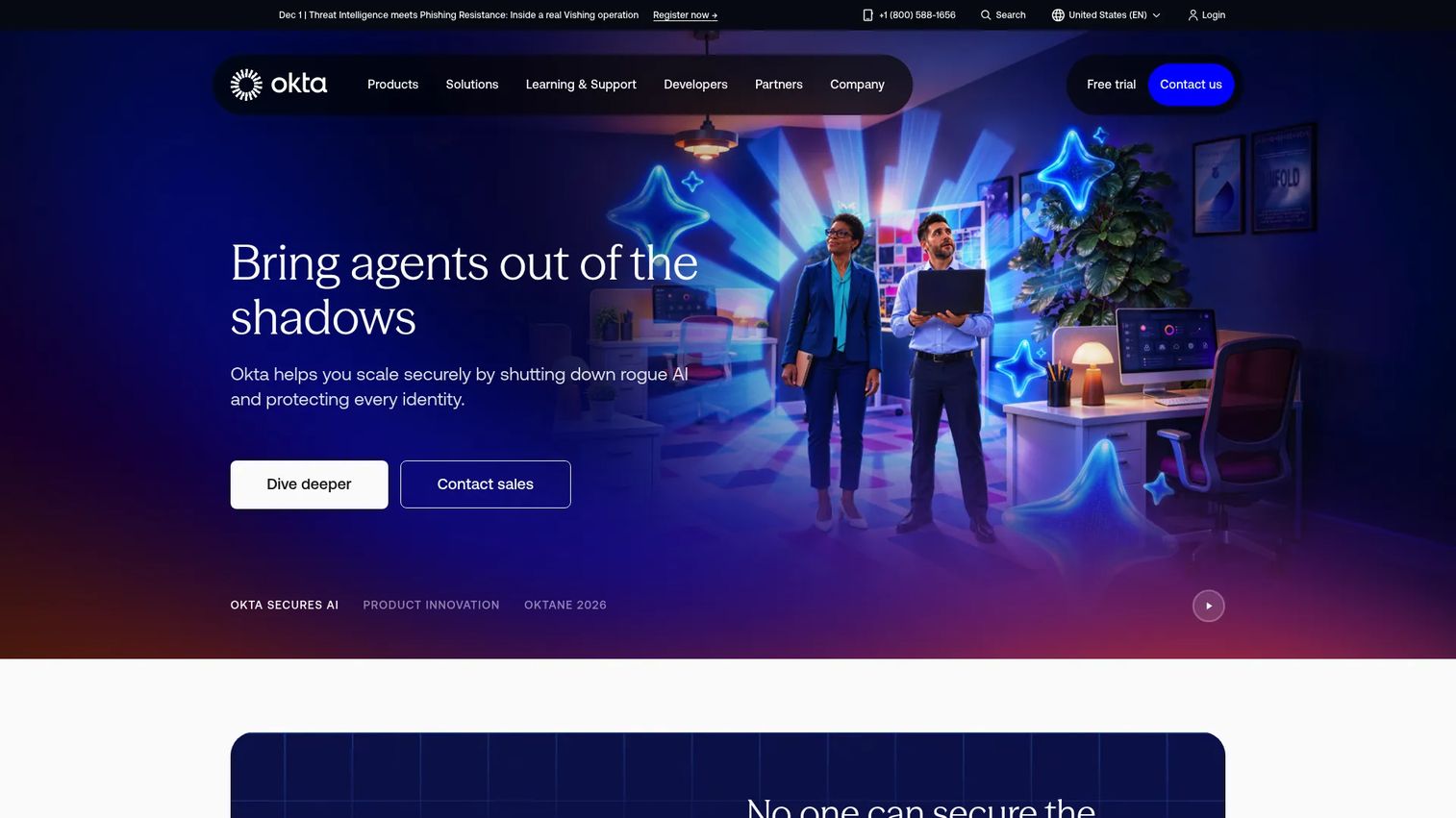
Okta manages identity and application access. It becomes relevant when a growing software stack makes employee access difficult to administer consistently. Treat it as security infrastructure with a named technical owner.
Best for: Scaling organizations that need centralized authentication and employee lifecycle controls.
Key features
- Single sign-on
- Multi-factor authentication
- Universal Directory
- Lifecycle Management
- Workflows and passwordless authentication
Make offboarding the first evaluation workflow. List the applications an employee can access, identify the account owner, and test the removal process.
This gives security and People Ops a concrete way to assess coordination. The process should not depend on a founder remembering which applications a former leader used.
Next, test a role change. Moving between teams can require different permissions even when employment continues.
Identity software deserves a separate decision from workforce monitoring. Authentication protects access; activity analytics serves a different management purpose.
Why choose Okta: Choose it when identity administration needs a consistent operating model across applications. Give IT or security responsibility for configuration and ongoing access review.
Okta pricing: Starter costs $6/user/month annually, with a $1,500 annual contract minimum. Core Essentials costs $14 and Essentials $17/user/month annually; a free trial is available.
G2 rating: 4.5/5
9. Workday
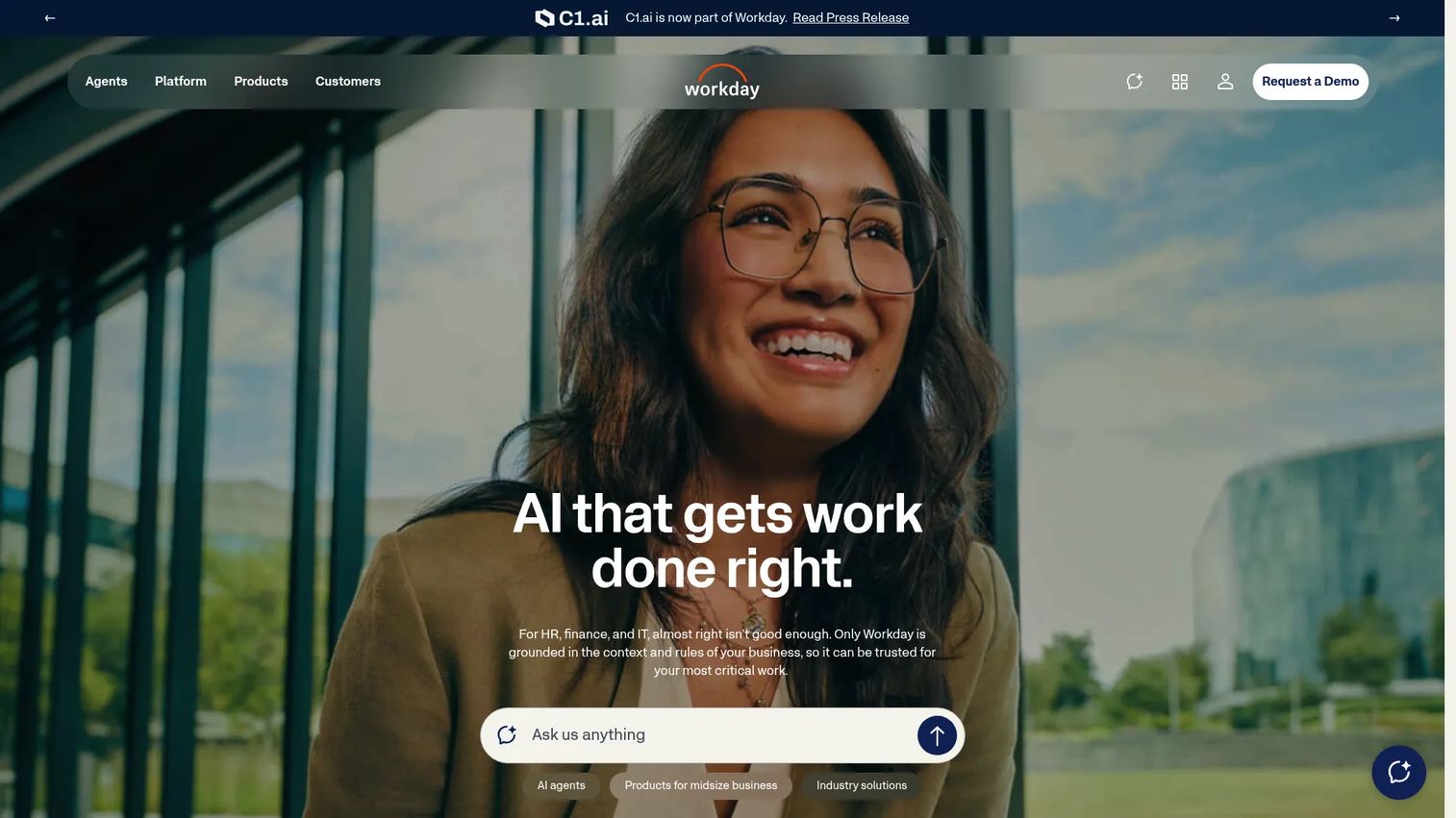
Workday connects human resources with finance and planning capabilities. It deserves consideration when leadership needs coordinated employee and financial records. Evaluate its scope against your operating complexity rather than treating it as another departmental application.
Best for: Larger SaaS organizations with substantial HR and finance coordination requirements.
Key features
- Human capital management
- Financial management
- Payroll
- Workforce planning
- Reporting and analytics
Start the assessment with the headcount planning process. Finance should show how approved positions become forecasts, while People Ops explains how hiring updates reach that model.
Remote employee management software needs to support those handoffs without creating competing employee records. Document which system owns each field before considering migration.
Workday also belongs in remote work management tools discussions when workforce planning is the central requirement. It should not be evaluated as a substitute for daily communication.
Ask for a deployment plan that names internal owners and implementation responsibilities. Include reporting definitions in that plan, especially metrics that will reach the board.
Why choose Workday: Choose it when connected people and financial operations justify a substantial systems project. Assess implementation capacity alongside licensing costs.
Workday pricing: Custom pricing. Subscriptions use employee or user counts, applicable size measures, and usage for certain applications.
G2 rating: 4.2/5
10. ActivTrak
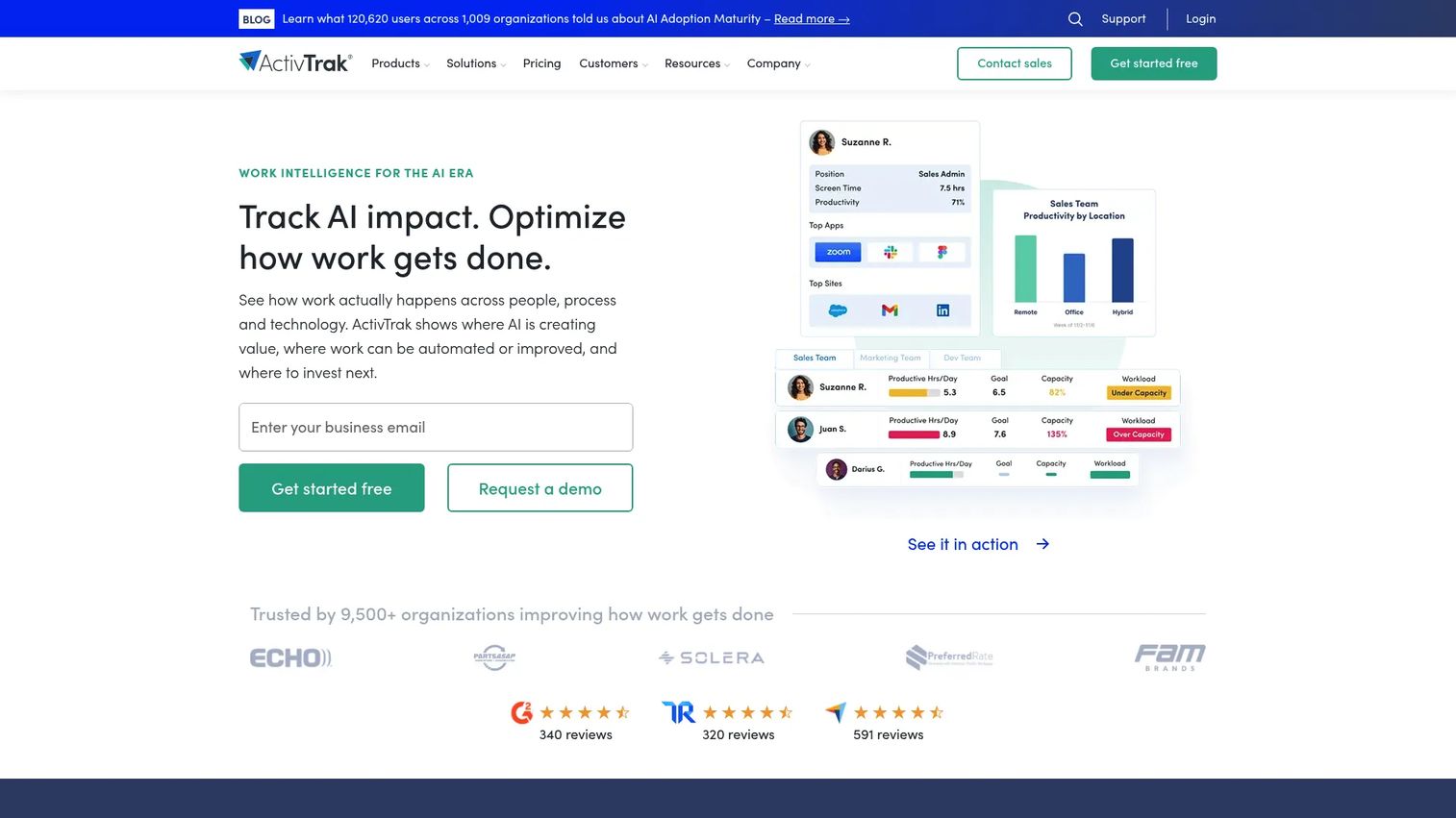
ActivTrak analyzes digital work activity and workforce utilization. It fits evaluations focused on workload patterns or technology usage. Decide the management question before deciding which employee data to collect.
Best for: Organizations seeking workforce visibility with an explicit employee privacy and trust policy.
Key features
- Workforce utilization analytics
- Application and website usage analysis
- Productivity trends
- Schedule adherence metrics
- Activity logs and alerts
A suitable first question is whether workload appears uneven across a team. Review the data with managers and employees who understand the context.
Do not treat application activity as a complete account of employee contribution. Customer conversations and work away from a device require interpretation.
Among remote team productivity tools, this category needs especially deliberate governance. Explain what information is collected and who can access it.
Before rollout, agree on retention and permitted uses. Pair findings with delivery outcomes rather than turning remote workforce management software into an individual activity leaderboard.
Why choose ActivTrak: Choose it when a specific operational question requires activity data. Start with team-level patterns and establish safeguards before individual-level analysis.
ActivTrak pricing: Free supports three people; paid plans cost $10, $15, or $17/worker/month. These correspond to Work Activity Tracking, Workforce Management, and Productivity Optimization.
G2 rating: 4.3/5.
11. Deel
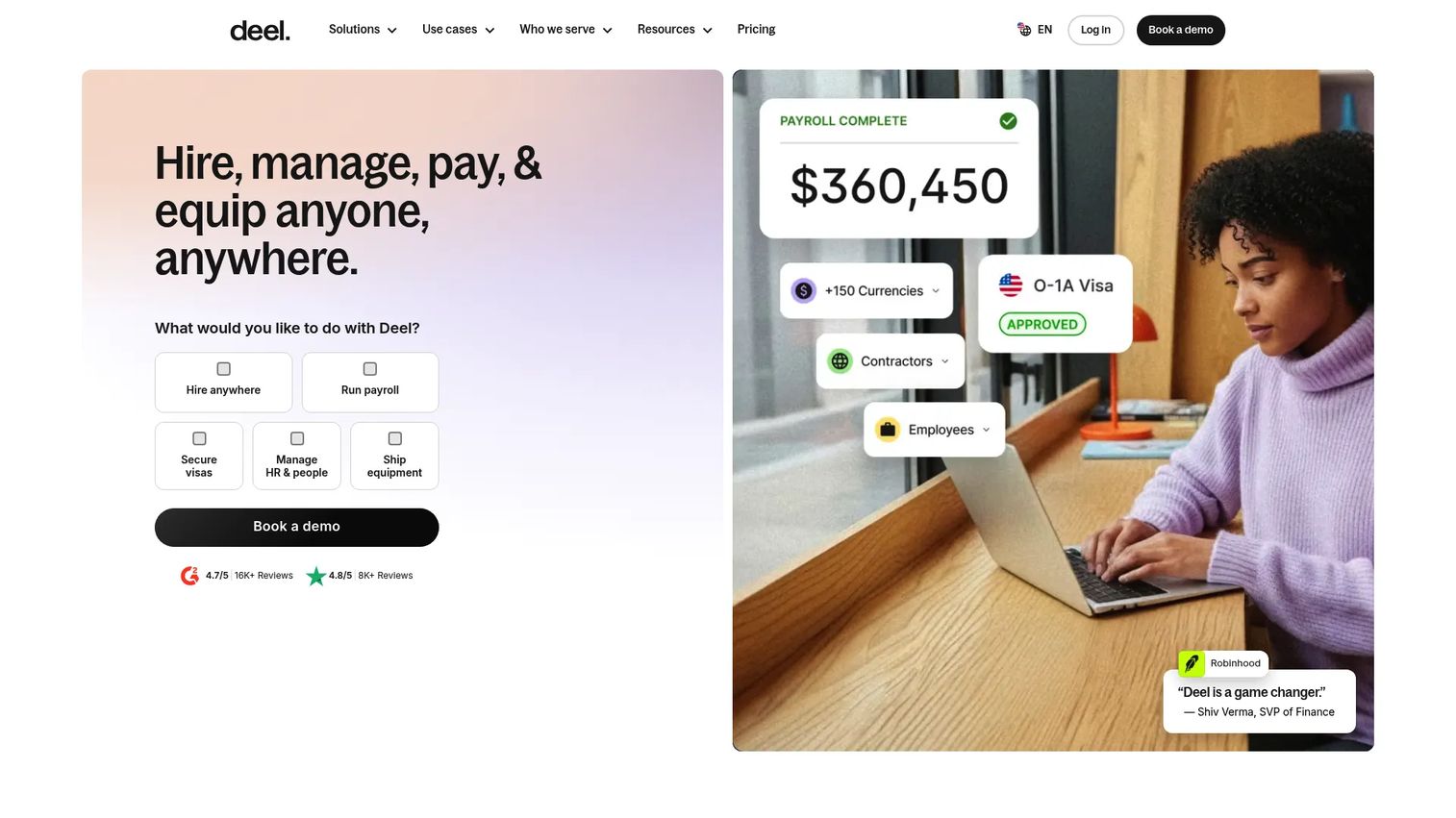
Deel supports international hiring and workforce payments. Its services cover different employment arrangements, which matters when comparing costs. Begin with the country and worker relationship rather than selecting a package from its lowest advertised price.
Best for: SaaS companies hiring internationally and evaluating employer-of-record or contractor services.
Key features
- Employer-of-record hiring
- Contractor management and payments
- Global payroll
- HR management
- Benefits and mobility services
Use the next planned international hire as the evaluation case. Ask People Ops and finance to map the employment process from offer through ongoing administration.
This helps assess what the service replaces, including fragmented coordination across providers. Legal review should remain part of choosing the employment arrangement.
Deel belongs in remote onboarding software evaluations when the challenge involves employment administration across countries. Compare it against your hiring plan rather than treating every employee as an identical unit.
For Series B founders, the useful deliverable is a hiring cost model that leadership can reuse. Include service fees separately from employment costs.
Why choose Deel: Choose it when hiring plans cross borders and the employment model requires dedicated support. Evaluate contractor and employee services separately.
Deel pricing: Contractor management starts at $49/contractor/month; Contractor of Record at $325; EOR at $599/employee/month. Talent sourcing starts at $14/worker/month and US PEO at $125/employee/month.
G2 rating: 4.7/5, seller-level rating.
12. Miro
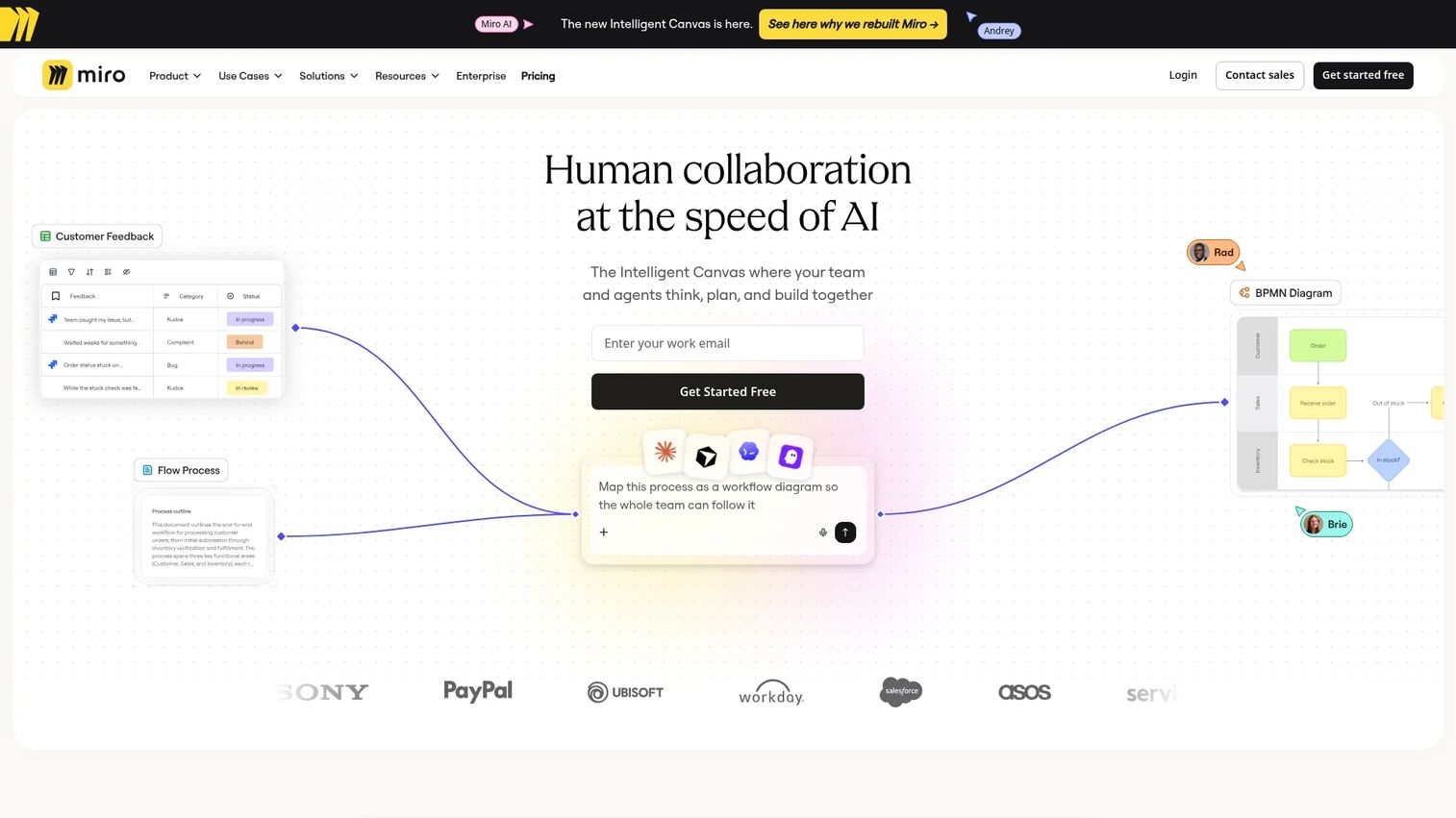
Miro provides a shared visual workspace for planning and collaborative thinking. It fits work that benefits from seeing relationships on a canvas. Evaluate it against workshops and design discussions rather than ordinary document editing.
Best for: Product, design, and leadership teams that need shared visual context.
Key features
- Collaborative infinite canvas
- Boards and templates
- Diagramming
- Tables and timelines
- Presentation materials
Start with a customer journey mapping session. Give participants a specific question and provide background before the workshop begins.
Use the canvas to make competing assumptions visible. Afterward, assign someone to convert the agreed changes into owned work.
This can replace disconnected diagrams and photographs of office whiteboards. The enduring output should still be a decision record that colleagues can find later.
Remote collaboration tools need facilitation as much as access. Establish who prepares a board and who maintains the result after participants leave.
Why choose Miro: Choose it when visual reasoning helps a team make a decision. Keep active boards organized and move approved actions into the execution system.
Miro pricing: Free includes three editable boards; Starter costs $8/member/month and Business $20/member/month, billed yearly. Enterprise uses custom pricing.
G2 rating: 4.6/5.
13. Loom
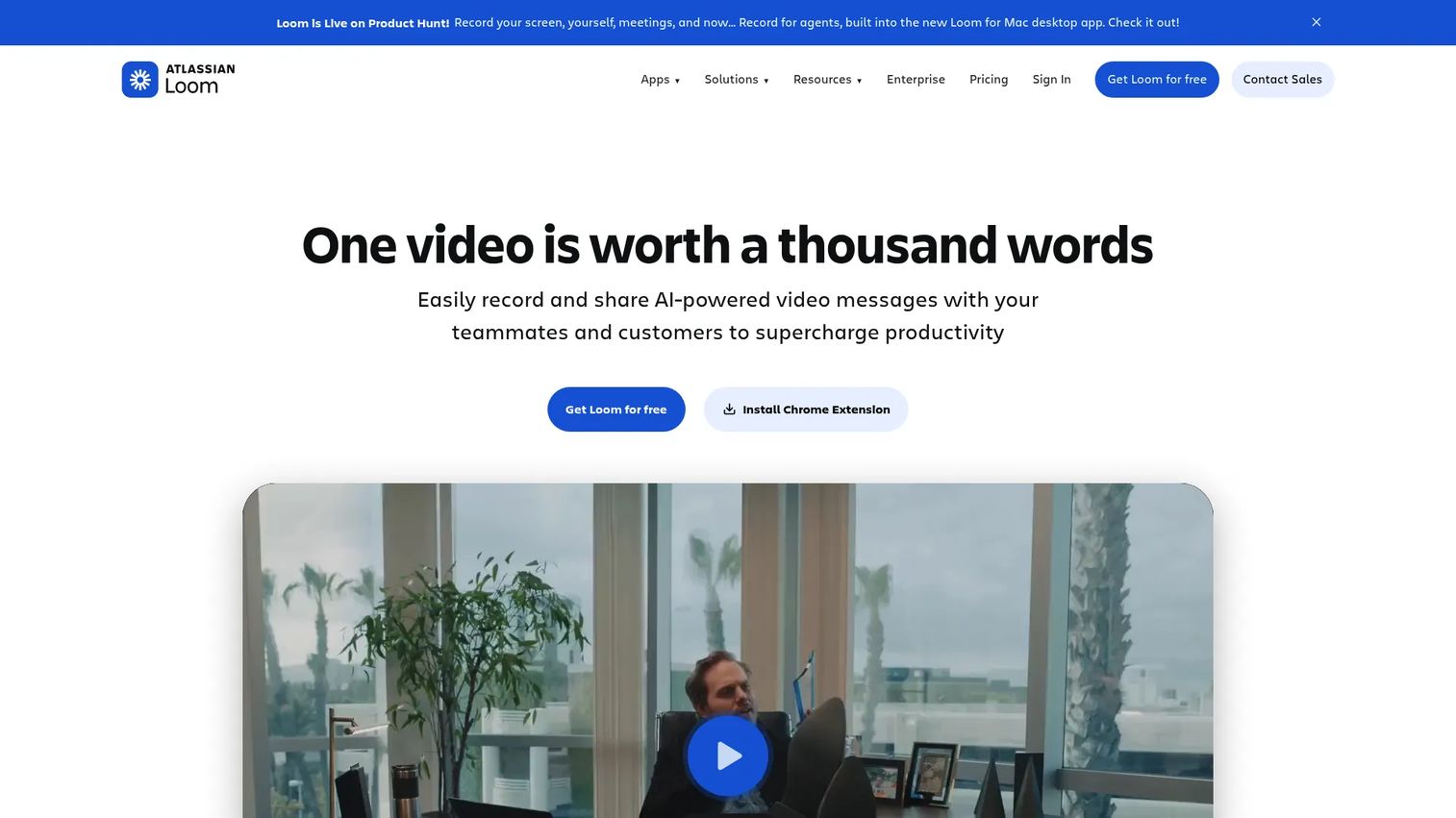
Loom records screen-and-camera videos for asynchronous communication. It fits explanations that benefit from narration but do not require everyone to attend together. Give each recording a clear purpose before pressing record.
Best for: Distributed teams sharing recorded explanations across time zones.
Key features
- Screen and camera recording
- Video trimming and stitching
- Transcriptions and captions
- Comments and reactions
- Viewer insights
A founder update is a useful pilot. Explain a business decision, attach the supporting document, and give employees a place to ask questions.
The recording should replace a specific meeting or repeated explanation. Put the actual decision in writing so someone can find it without replaying the full message.
For onboarding, connect videos to the task a new employee needs to complete. Review ownership and freshness alongside the rest of your training material.
Measure whether recipients understand the request and act on it. A view count alone does not establish that the explanation was useful.
Why choose Loom: Choose it when voice and screen context improve an async message. Keep commitments in your project system rather than leaving them inside recordings.
Loom pricing: Starter is free; Business costs $18/user/month and Business + AI costs $24/user/month, billed monthly. Enterprise uses custom pricing.
G2 rating: 4.7/5.
14. Notion
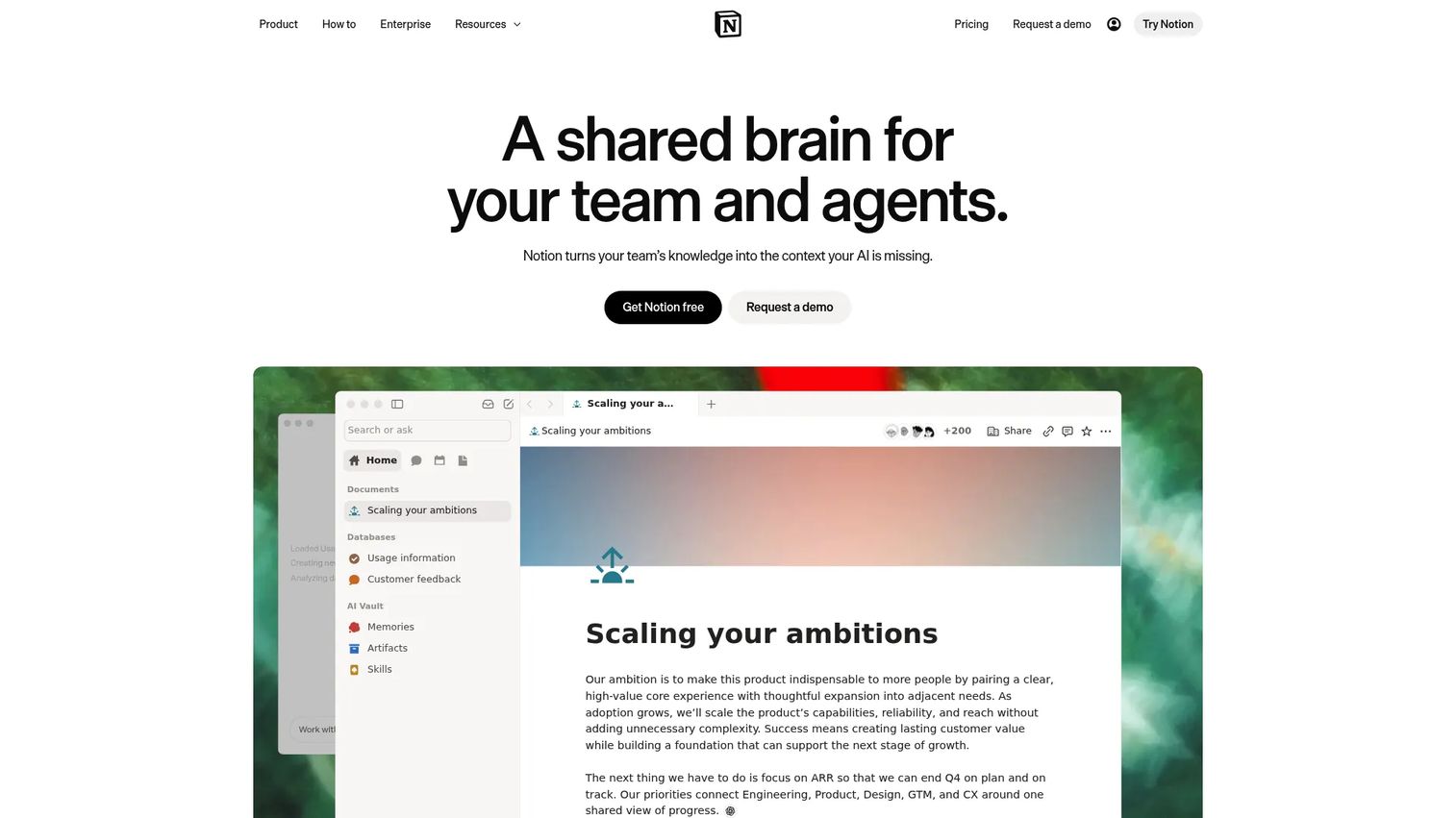
Notion combines documentation with structured databases and team collaboration. It fits companies trying to make operating knowledge accessible beyond its original author. The value depends on whether employees can identify the authoritative record.
Best for: Teams building an accessible company handbook and operating knowledge base.
Key features
- Customizable pages and databases
- Teamspaces
- Permissions and collaboration
- Database automations
- AI meeting notes and enterprise search
Build a new VP onboarding hub as the first workflow. Include current priorities and links to the records the executive will need for decisions.
Replace repeated founder briefings with material that has a named owner. Distinguish approved policy from working notes, especially when multiple functions contribute.
For remote onboarding software, the test is practical. Can a new leader answer an operational question without knowing which colleague originally wrote the explanation?
Keep a review date on important pages and archive superseded material. Flexible authoring needs an equally clear maintenance process.
Why choose Notion: Choose it when context is scattered and teams need a structured knowledge destination. Set publishing rules before every department creates its own competing handbook.
Notion pricing: Free is available; Plus costs $10/seat/month and Business costs $20/seat/month, billed monthly. Enterprise uses custom pricing.
G2 rating: 4.6/5.
15. Dropbox
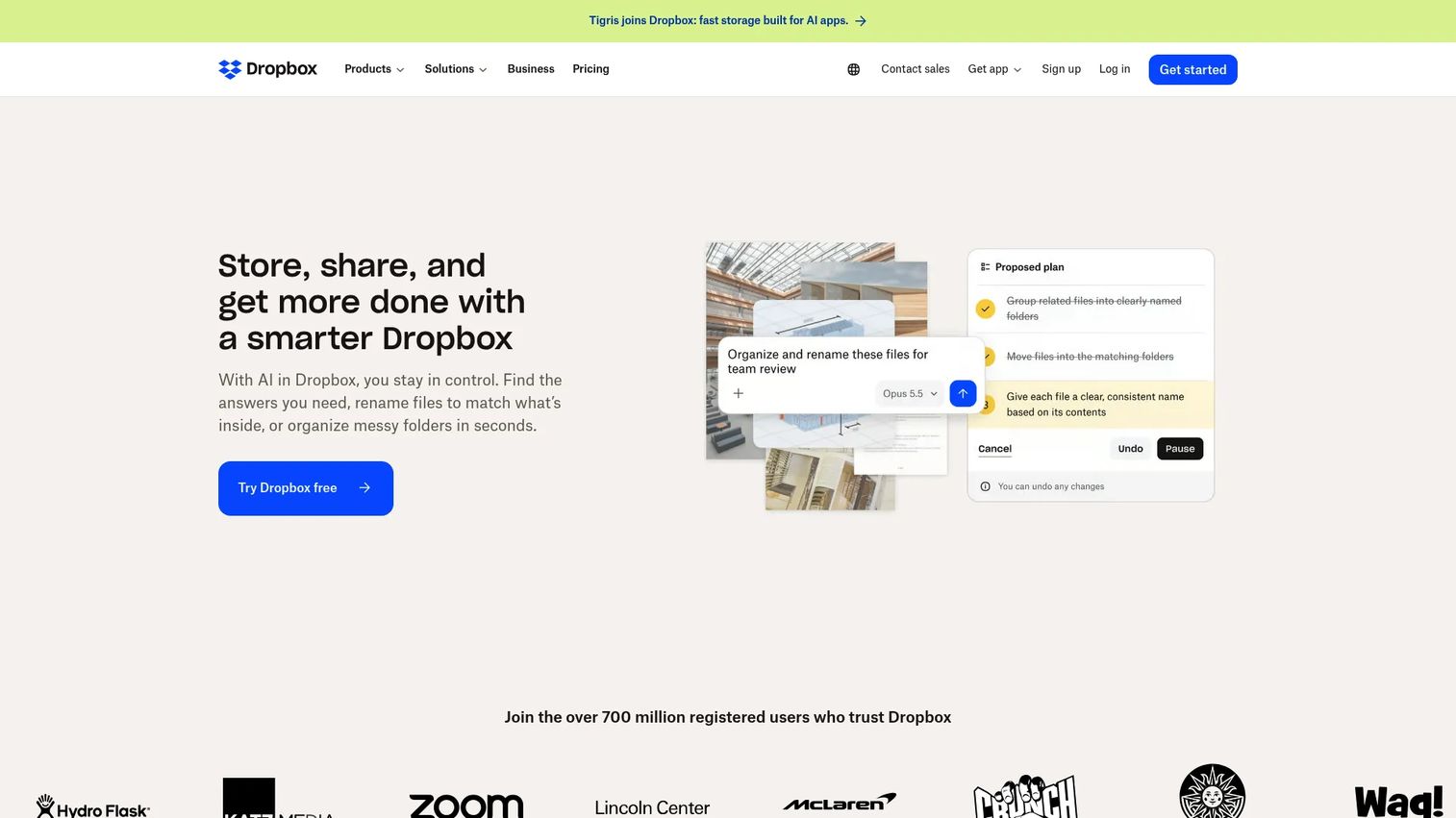
Dropbox focuses on storing and sharing files across devices and collaborators. It earns consideration when external file exchange is an important workflow. Compare that requirement with the storage already included in your productivity suite.
Best for: Teams collaborating on files with customers, contractors, and external partners.
Key features
- File storage and synchronization
- Shared files and folders
- Backup and version history
- Large-file transfers
- Permissions and password protection
Pilot an external collaboration folder with a clear owner. Define which files are approved for sharing and who can change access.
A useful example is a design project involving a contractor. Keep current assets separate from drafts and establish how completed work returns to company ownership.
The proposed replacement is repeated email attachments and uncertainty about the current file. Assess the workflow from the external collaborator’s perspective as well as the employee’s.
File storage should support the operating system without becoming its task tracker. Keep approvals and responsibilities explicit elsewhere when the work requires them.
Why choose Dropbox: Choose it when file exchange warrants dedicated capability. Validate the additional subscription against what your existing suite already covers.
Dropbox pricing: Basic is free; Plus costs $9.99/month, Standard $15/user/month, and Advanced $24/user/month, with monthly billing. Enterprise uses custom pricing.
G2 rating: 4.4/5.
16. Zendesk
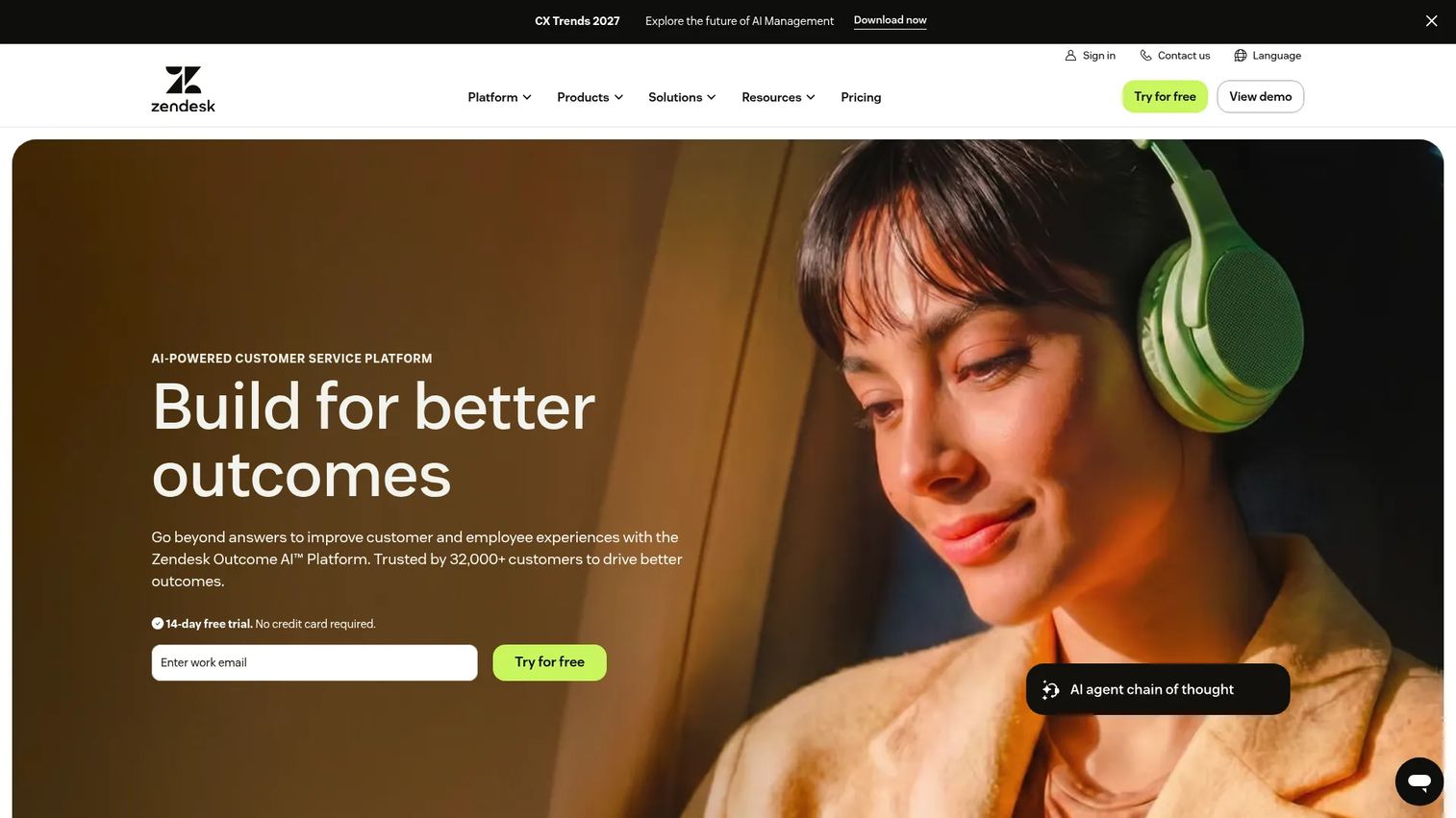
Zendesk manages customer service interactions and support workflows. It fits distributed support teams that need an accountable queue across shifts. For founders, the important question is whether unresolved customer issues remain visible without personal escalation.
Best for: SaaS support organizations coordinating service work across locations and time zones.
Key features
- Ticketing and email support
- Omnichannel routing
- Messaging and live chat
- Knowledge base
- Analytics dashboards
Start with the escalation path for a customer issue requiring product input. Define who remains responsible while another team investigates.
That replaces forwarded emails and private messages that lose their owner between functions. Agree on what information must accompany the handoff before automating routing.
Connect the evaluation to retention risk carefully. Track unresolved issues affecting strategic accounts, without assuming that a new support platform independently improves net revenue retention.
Ask managers to review queue health and customer outcomes together. Faster handling should not come at the expense of resolving the underlying problem.
Why choose Zendesk: Choose it when service work needs consistent ownership and reporting. Define the support process before configuring the system around it.
Zendesk pricing: Support Team costs $19/agent/month, Suite Team $55, and Suite Professional $115, paid yearly. A free trial is available.
G2 rating: 4.3/5
17. Rippling
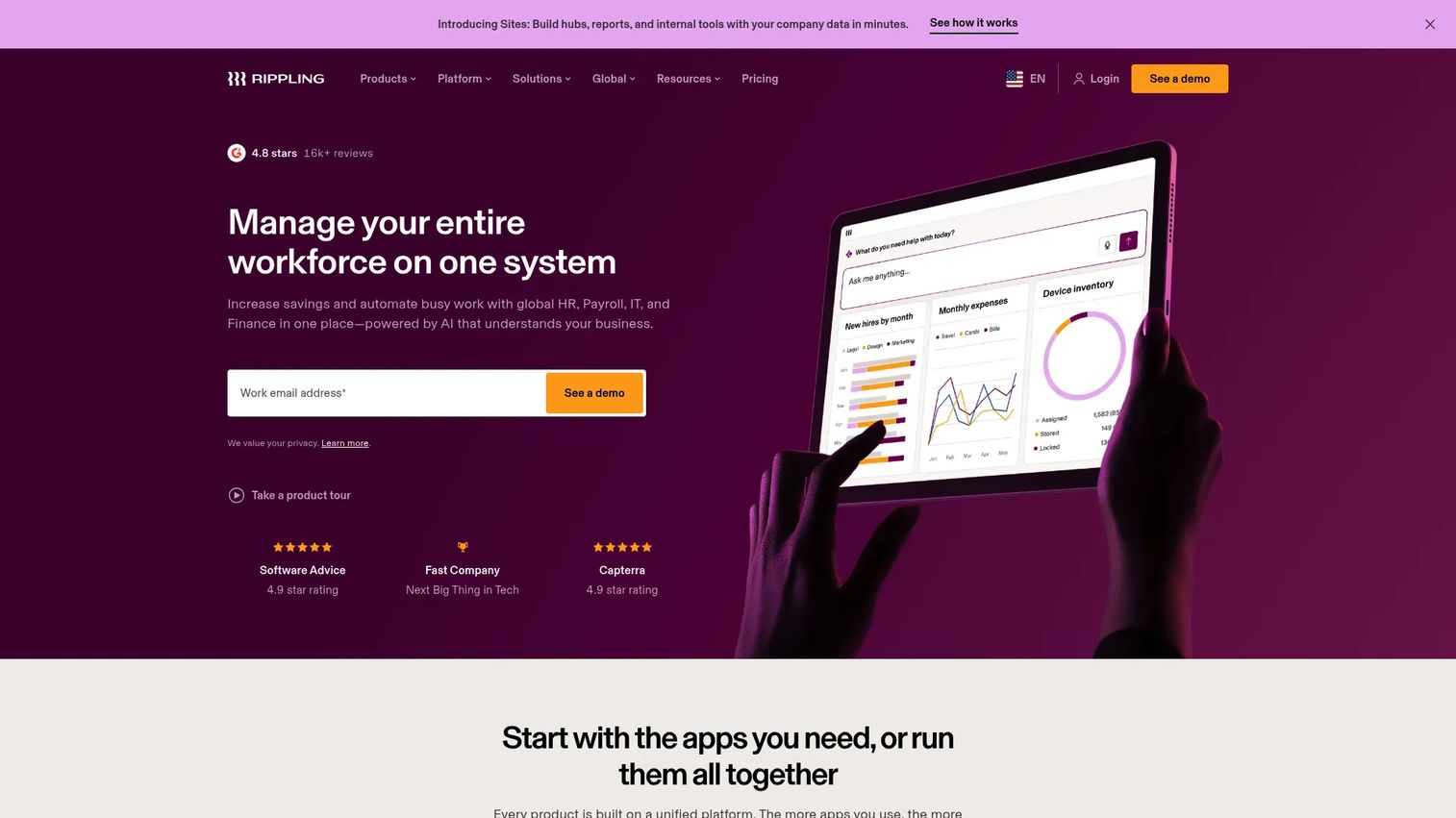
Rippling connects employee data with HR and IT operations. Its modular structure makes the purchasing scope important. Evaluate the complete workflow you intend to run, including the teams responsible for maintaining it.
Best for: Growing companies connecting People Ops processes with payroll and technology administration.
Key features
- Unified employee data and HRIS
- Payroll and global payroll
- Device and identity management
- Workflow automation
- Analytics and reporting
Use a remote hire’s first day as the test. Map employment records and payroll requirements, then connect the IT responsibilities needed for that person to work.
The proposed replacement is a set of disconnected checklists maintained by different departments. Assign ownership for exceptions, including delayed equipment or an unexpected start-date change.
Remote employee management software should also handle the reverse journey clearly. Review role changes and departure processes before judging the onboarding experience.
For founders comparing remote work management tools, the relevant question is consolidation across departments. Count the systems and manual handoffs that the proposed configuration would replace.
Why choose Rippling: Choose it when People Ops and IT need coordinated employee workflows. Model the selected modules and implementation effort before committing.
Rippling pricing: Small-business pricing starts at $8/user/month plus a $40 monthly base fee. Additional products are priced by quote.
G2 rating: 4.7/5
Considerations when choosing remote work software
Start with the workflow
Write down the recurring coordination problem before choosing a category. Specify what employees do today and which manual step the purchase should replace.
A useful pilot has a defined owner and a measurable outcome. Examples include onboarding readiness or time spent assembling the weekly business review.
Check whether it reduces founder routing
Ask a department leader to complete the workflow without your explanation. Missing context reveals what the operating process still needs.
Look for clear ownership and accessible decision records. Another dashboard adds little if you remain responsible for interpreting it.
Audit integration fit
Map the systems of record before connecting applications. Decide which source owns employee information and which owns customer records.
Test the handoff, including error handling and permissions. Ask who responds when data stops moving between systems.
Decide your trust model before monitoring
For workforce visibility tools, document the purpose of collection and who can see the results. Explain how findings will influence management decisions.
Review the policy with People Ops and appropriate legal or privacy advisers. Use employee context to interpret activity patterns.
Model cost at 150 employees
Price your current headcount and a plausible growth scenario, such as 150 employees. Include required modules and implementation effort alongside subscription fees.
Subtract the applications you can retire. A lower entry price does not necessarily produce a lower operating cost.
Build a remote stack your leaders can run
The best tools for remote work have distinct responsibilities. Microsoft Teams or Slack handles communication; Asana or Trello provides an execution record.
Google Workspace supports everyday document collaboration. Notion organizes company knowledge, while Dropbox deserves consideration when external file sharing needs dedicated attention.
Okta addresses identity and access. Workday, Deel, and Rippling serve different workforce operating requirements, from connected planning to international employment.
Use ActivTrak only with a defined management question and a clear trust policy. Zoom, Miro, and Loom support different collaboration moments; Zapier connects repeated workflows.
Zendesk gives distributed support work a managed queue.
You do not need to buy all of them. Select the workflow that consumes the most leadership attention, name its owner, and run a bounded evaluation.
Compare the result against the current process before expanding. Check whether the team can maintain it without the founder becoming the administrator.
The right remote work software should make the company less dependent on your memory. That is a stronger buying standard than adding another set of dashboards.
Start your journey with Guideflow today!
FAQs
Remote work software supports distributed employees through collaboration and operational systems they can access outside a shared office. It usually combines several categories rather than providing every capability through one application. Work from home software is a related term, although company-wide requirements extend beyond an individual employee’s setup. Assigning clear responsibilities to each application helps prevent overlapping records and unnecessary subscriptions.
The best starting stack covers communication and execution, with shared documentation and secure access. At Series B, evaluate the gaps that appear when leaders manage departments independently and hiring becomes more distributed. Employee operations and support systems deserve attention when manual coordination creates recurring delays. Choose against the next operating requirement rather than copying a larger company’s entire stack.
Start with a communication channel and a dependable place to record work. Add shared documents, meeting capability, access controls, and onboarding information that employees can find independently. Some remote working tools combine several of those functions, which can reduce purchasing overlap. Establish where important decisions live before adding more specialized applications, then assign someone to maintain each system.
Map a recurring workflow from its initial request through completion, including every handoff and approval. Evaluate candidate products against the same scenario, then assess integration requirements and the effort needed for adoption. Ask the intended operational owner to run the trial rather than relying entirely on a vendor presentation. Compare total cost with the applications and manual work the purchase would replace.
Remote work software describes the broader stack employees use to coordinate work and access company resources. Remote workforce management software focuses more closely on employee operations or visibility into workforce activity. HR platforms and productivity analytics products still perform different jobs within that narrower grouping. Compare specific requirements, such as payroll administration or workload analysis, rather than treating the category label as interchangeable coverage.
They can support a defined operational question, such as identifying workload patterns, but collection alone does not establish employee performance. Intrusive or unexplained monitoring can damage trust and encourage people to optimize for visible activity. Establish a clear policy covering permitted uses and access before deployment. Review findings with employee context and business outcomes rather than interpreting an activity score in isolation.
Slack supports ongoing discussion, while Loom carries recorded explanations that colleagues can review at different times. Notion and Google Workspace provide written context; Asana connects commitments to visible work. An async operating model also needs response expectations and a rule for escalating urgent issues. Evaluate whether colleagues can understand the decision and take the next step without waiting for the original author.
Remote work software pricing varies by application category and the unit being purchased. Per-seat subscriptions should be modeled separately from worker-based employment services or usage-based automation. Include implementation and administration in your budget, along with required modules and contract minimums. Compare the complete stack at your expected headcount, and identify which existing subscriptions can end after the new workflow is established.