Your content calendar is full. Rankings are flat. AI drafts cost almost nothing to produce, but the quality is inconsistent enough that every piece still needs an editing pass. Leadership wants to know why organic isn't driving more pipeline.
The problem isn't output volume. It's decision quality before and after you publish. According to the Content Marketing Institute (2025), 89% of marketers now use generative AI tools, but only 41% use them specifically to optimize content. Most teams are generating faster than they're improving.
Content optimization tools exist to close that gap. They compare your drafts against what already ranks, surface missing entities and subtopics, flag readability issues, and show you what happens to pages after they go live. The right tool can reduce the guesswork that slows every content program down.
The harder question is which tool actually fits your workflow, and whether it replaces something you're already paying for. That's the decision this guide is built to help you make.
What's inside
This guide covers 18 free and paid content optimization tools for digital marketers in 2026, from dedicated SEO editors to AI writing platforms and free analytics tools. We selected each one based on:
- Search intent and SERP analysis quality
- Content scoring and optimization guidance
- Workflow fit for marketers, writers, and editors
- Pricing, integrations, and adoption requirements
Pricing and G2 ratings reflect verified data at the time of writing.
TL;DR
- Best overall for content teams: Surfer SEO, for SERP-based scoring and fast optimization workflows
- Best for editorial grading: Clearscope, for clean term maps and letter-grade scoring teams actually use
- Best for strategy and topical authority: MarketMuse, when you're managing a content library across dozens of topics
- Best low-cost workflow: Frase at $39/month (annual), or Dashword at $99/month if you need more documents
- Best free starting point: Google Search Console plus Google Docs cover the baseline for teams not ready to pay
- Best for WordPress publishers: Yoast SEO, free with an optional Premium upgrade at $118.80/year
What are content optimization tools?
Content optimization tools are software platforms that analyze search intent, ranking pages, keywords, entities, readability, and content performance to help teams improve a draft or existing page before and after publication.
The category covers a wide range of jobs. Some tools focus on the pre-writing phase, generating briefs that map what competing pages cover. Others score drafts against an NLP model and suggest missing terms. A third group sits inside CMS platforms like WordPress and flags issues as writers type. Free tools like Google Search Console provide post-publish performance data that reveals where existing pages are underperforming.
A few things worth understanding before you buy:
- Content scores are directional, not a direct Google ranking factor. High scores correlate with thorough coverage, but they reflect the tool's model, not Google's internal systems. Originality, expertise, links, and technical health still matter.
- AI search has expanded what "optimization" means. Beyond keyword density, tools now surface entity gaps, question coverage, and citation readiness for AI answer engines.
Key capabilities to look for:
- SERP analysis and competitor outline comparison
- Search intent detection
- Content brief and outline generation
- Semantic keyword and entity suggestions
- Content scoring
- Readability and clarity checks
- AI writing and editing support
- Content refresh recommendations
- CMS, Google Docs, and SEO suite integrations
- Performance analysis through query and page data
No tool replaces editorial judgment. These platforms improve the information you're making decisions with.
When to use content optimization tools
Build briefs before writers start
Briefs that map search intent, expected structure, key questions, and competitor coverage reduce rework significantly. Writers who start with a research-backed brief miss fewer subtopics, produce fewer thin sections, and require fewer editing passes. Dedicated brief tools like Content Harmony and Frase handle this workflow well.
Improve drafts before publishing
Scoring tools catch missing subtopics, structural gaps, and readability issues before a page goes live. Running a draft through Surfer SEO, Clearscope, or SE Ranking's content editor typically surfaces terms and entities the writer didn't cover, often because the competing pages treat them as assumed context. Use scores to guide revision, not to chase a number.
Refresh pages after performance drops
Search intent shifts. SERP layouts change. What ranked two years ago may now be missing entities, questions, or formats that newer pages include. Google Search Console shows you which queries are losing clicks. A scoring tool shows you what the current top results cover that your page doesn't. That combination is more actionable than tracking rank alone.
Content optimization tools comparison
Use this table to screen by workflow. A tool that scores 4.9 on G2 is worth nothing if it doesn't fit how your team actually publishes.
| # | Product | Best for | Key differentiator | Pricing | G2 rating |
|---|---|---|---|---|---|
| 1 | Surfer SEO | High-volume SEO content teams | SERP-based content score and AI visibility tracking | From $49/mo (annual) | 4.8/5 |
| 2 | Clearscope | Editorial teams and agencies | Letter-grade scoring with strong term recommendations | From $129/mo | 4.9/5 |
| 3 | MarketMuse | Content strategy and topical authority | Topic modeling and content inventory planning | Free tier; paid plans by demo | 4.6/5 |
| 4 | Frase | Briefs and AI-assisted drafting | Research-to-brief workflow in one editor | From $39/mo (annual) | 4.8/5 |
| 5 | Dashword | Lightweight brief and scoring workflows | Simple content briefs and monitoring | From $99/mo | 4.5 |
| 6 | PageOptimizer Pro | Tactical on-page SEO | On-page scoring with AI visibility tracking | From $40/mo | 4.9 |
| 7 | Semrush | Teams already using an SEO suite | Content optimization inside a broader platform | From $117.33/mo (annual) | 4.4/5 |
| 8 | Ahrefs Content Helper | Teams already using Ahrefs | Content optimization connected to Ahrefs data | Included with paid plans | 4.5/5 |
| 9 | SE Ranking | Small teams needing SEO plus content | Content editor inside an affordable SEO platform | From $103.20/mo (annual) | 4.7/5 |
| 10 | Yoast SEO | WordPress publishers | In-editor SEO and readability checks | Free; Premium $118.80/year | 4.5/5 |
| 11 | Google Search Console | Post-publish optimization | Query and page performance data from Google | Free | 4.7/5 |
| 12 | Google Docs | Collaborative editing workflows | Real-time review, comments, and writing collaboration | Free for personal use | 4.6/5 |
| 13 | Hemingway | Readability cleanup | Sentence-level clarity and grade-level feedback | From $8.33/mo (annual) | 4.4/5 |
| 14 | CoSchedule Headline Studio | Headline optimization | Headline scoring and engagement guidance | Free; Premium $4/mo | 4.4/5 |
| 15 | Content Harmony | Search intent briefs | Brief workflows built around SERP research | From $50/mo | 4.8/5 |
| 16 | Jasper | AI-assisted marketing content | Brand-aware AI writing for marketing teams | From $59/mo/seat (annual) | 4.7/5 |
| 17 | ChatGPT | Flexible AI research and editing | Prompt-driven ideation, rewriting, and analysis | Free; paid from $8/mo | 4.6/5 |
| 18 | Google Analytics | Content engagement analysis | On-site engagement and conversion data | Free | 4.5/5 |
Best 18 content optimization tools for 2026
1. Surfer SEO
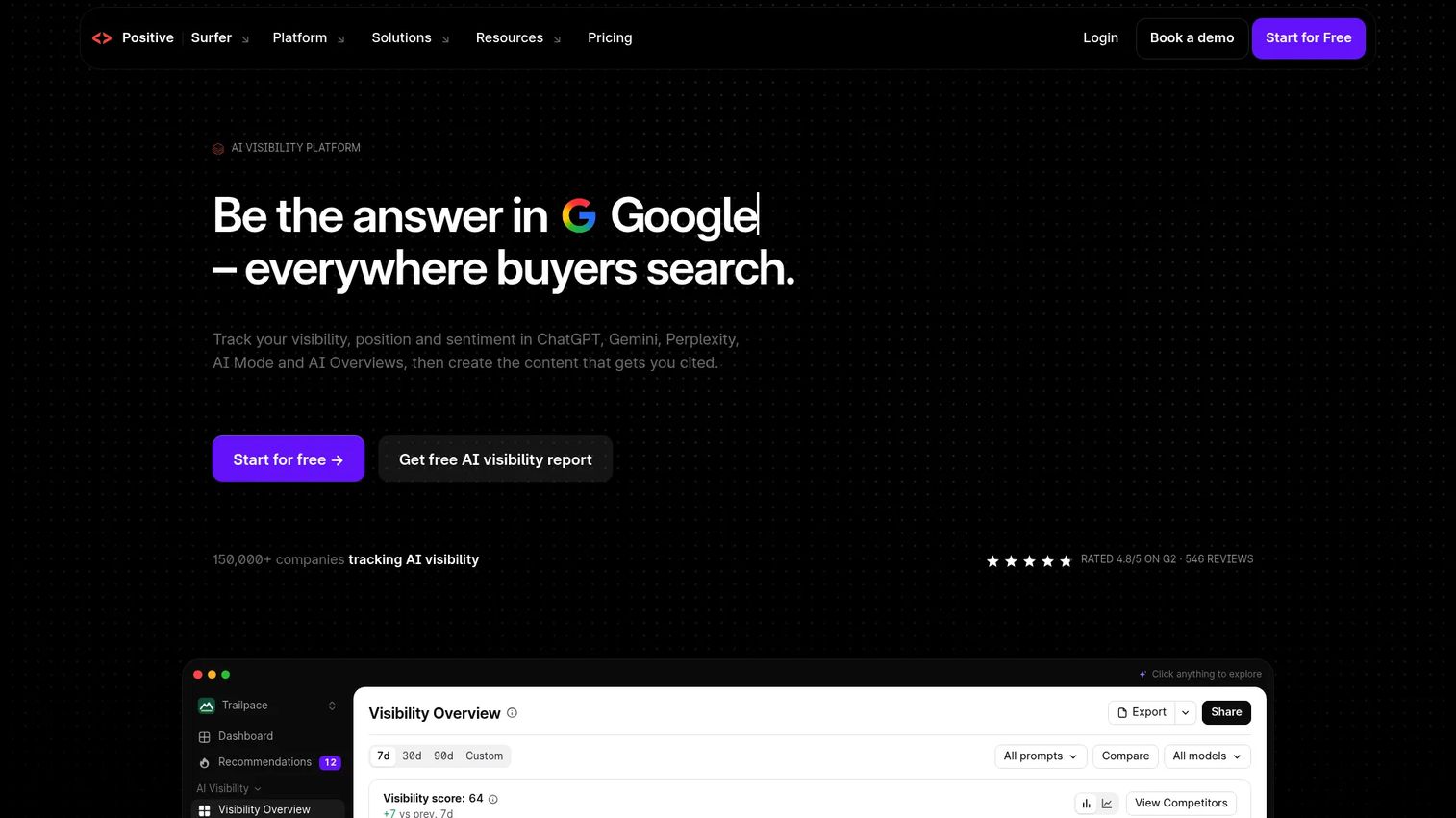
Surfer SEO has expanded well beyond its original content editor. The platform now tracks AI visibility across ChatGPT, Gemini, Perplexity, Google AI Mode, and AI Overviews, alongside its core SERP analysis and content scoring tools. Teams use it to create new content and monitor how existing pages perform across both traditional search and AI-generated answers.
Best for: SEO and content teams publishing at volume who want scoring, briefs, and AI visibility in one platform.
Key features
- SERP-based content editor with live content score
- AI visibility tracking across major AI search surfaces
- Topical maps, keyword research, and cannibalization reports
- Content audit and rank-drop alerts
- AI-assisted content creation and optimization
Why choose Surfer SEO: The combination of SERP scoring and AI visibility tracking makes it one of the more complete options available. That said, chasing the content score on every suggestion leads to over-optimized prose. Use it to identify gaps, not to hit a number.
Surfer SEO pricing: Plans start at $49/month (Discovery, billed annually), with Standard at $99/month and Pro at $182/month. The AI Search Analytics plan at $82/month is focused specifically on AI visibility. Enterprise packages are available at custom pricing.
G2 rating: 4.8/5
2. Clearscope
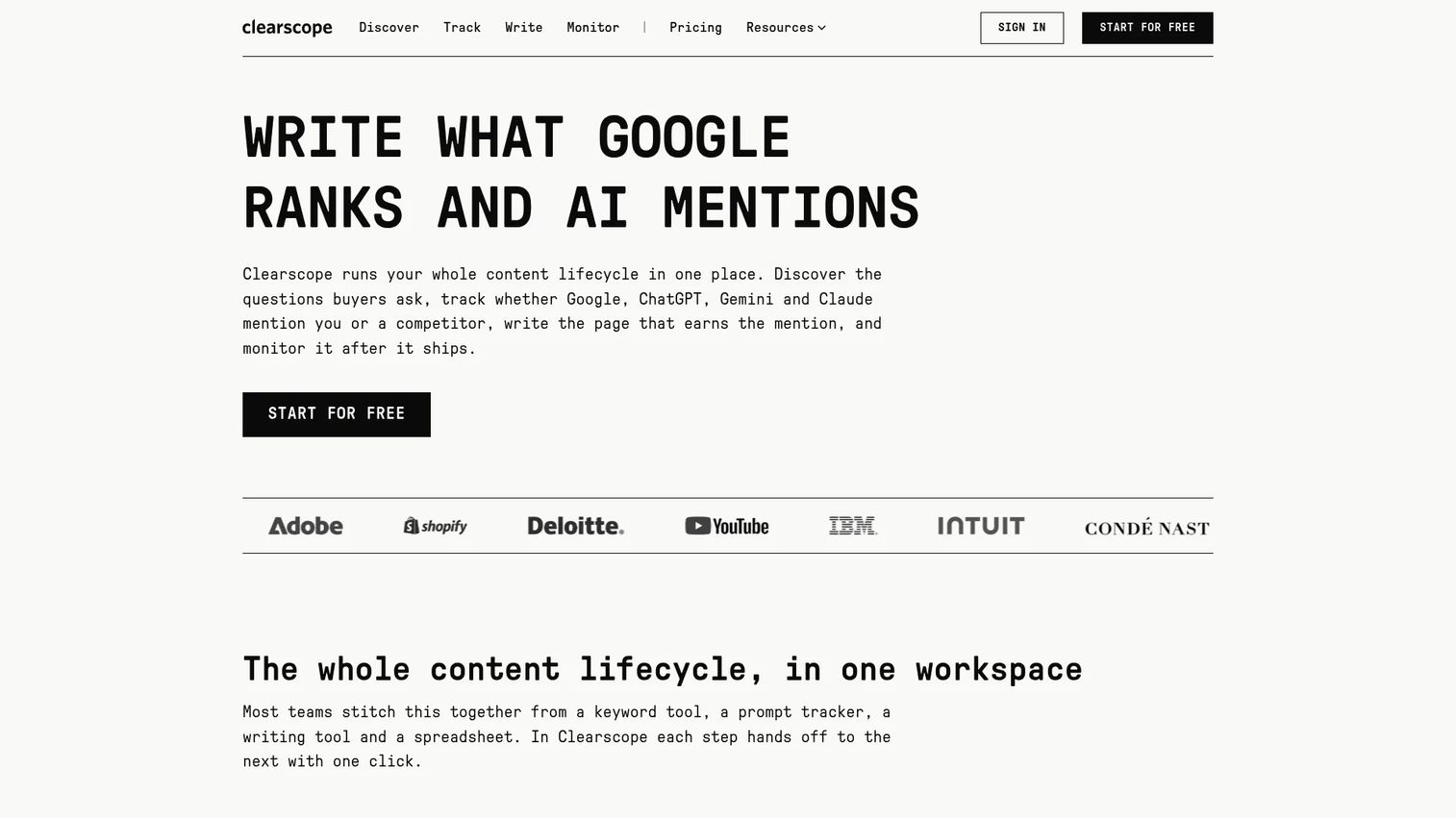
Clearscope is built around simplicity. Its content reports deliver a letter grade (A through F), a list of recommended terms ranked by relevance, and a readability score. Writers and editors understand what an "A" means without needing to interpret dashboards. The platform also tracks query performance across ChatGPT and Gemini, adding AI visibility to its core editorial toolset.
Best for: Editorial teams and agencies where writer and editor adoption matters more than feature depth.
Key features
- Content reports with letter-grade scoring
- Term map with relevance-ranked recommendations
- Query tracking across ChatGPT and Gemini
- AI-assisted drafting and content optimization
- Google Docs and WordPress integrations
Why choose Clearscope: The grading system travels well across writers, editors, and clients. It's easy to operationalize at scale. The main trade-off is cost: At $129/month for Essentials, it's one of the pricier entry points on this list.
Clearscope pricing: Essentials starts at $129/month. Business is $399/month and adds a dedicated account manager. Enterprise is custom pricing with SSO and crawler whitelisting. A 14-day free trial is available.
G2 rating: 4.9/5
3. MarketMuse
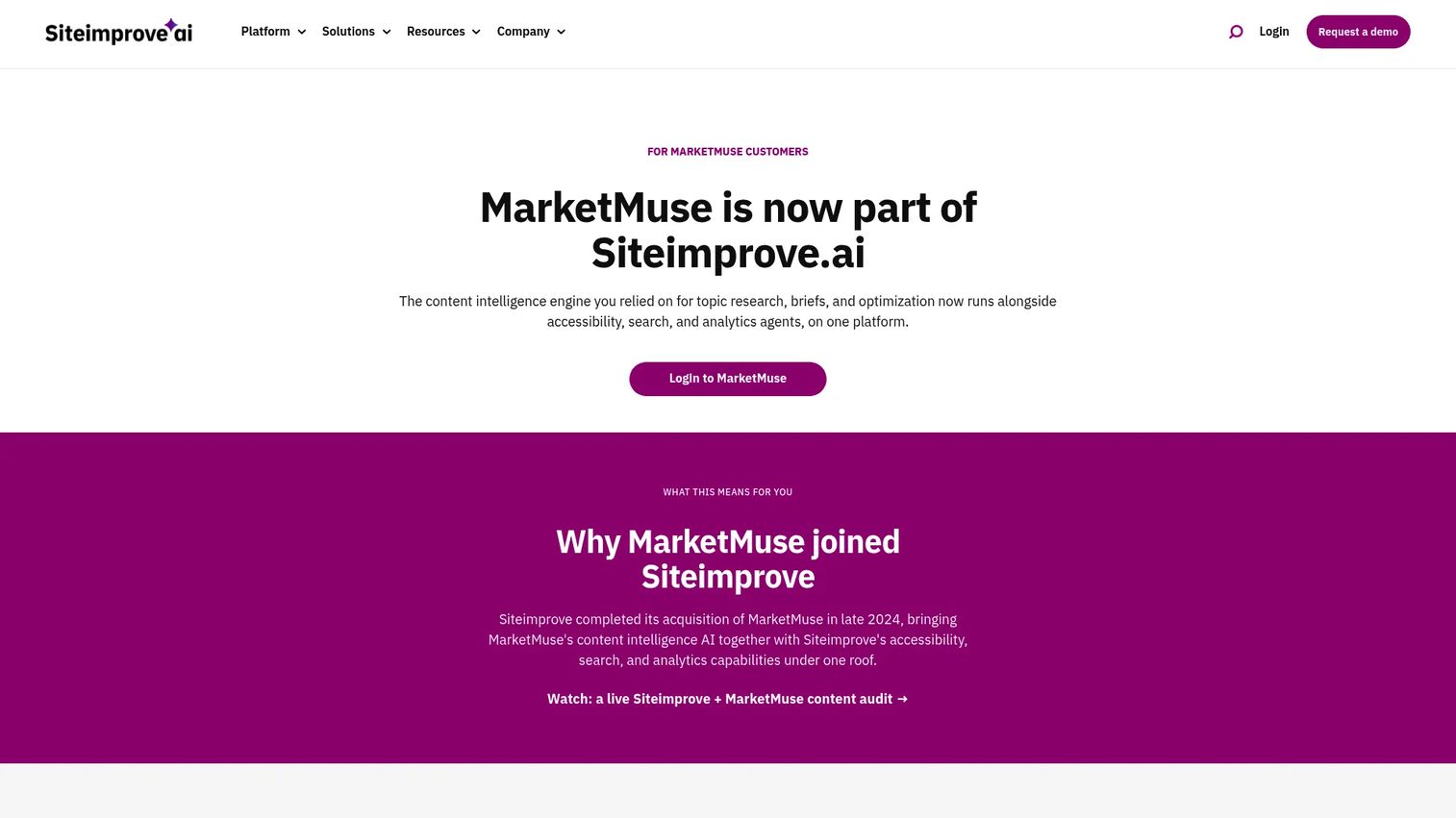
MarketMuse approaches content differently than most tools on this list. Rather than scoring a single page, it analyzes your entire content inventory and assigns difficulty scores based on what your site already covers. That means a topic that's hard for a new site may be achievable for one with established authority in that area.
Best for: Content marketing and SEO teams managing large content libraries and building topical authority across multiple clusters.
Key features
- Topic modeling and personalized difficulty scoring
- Content inventory analysis across your existing pages
- SERP X-Ray and competitor content analysis
- Content brief generation
- Cluster planning and content gap identification
Why choose MarketMuse: The right fit for teams thinking at the program level, not just the page level. It's overkill for a team publishing a few articles per month but genuinely useful when you're managing hundreds of URLs and need to prioritize which gaps to fill.
MarketMuse pricing: A free tier is available. Paid plans (Optimize, Research, Strategy) are priced by demo. Contact MarketMuse directly for current figures.
G2 rating: 4.6/5
4. Frase
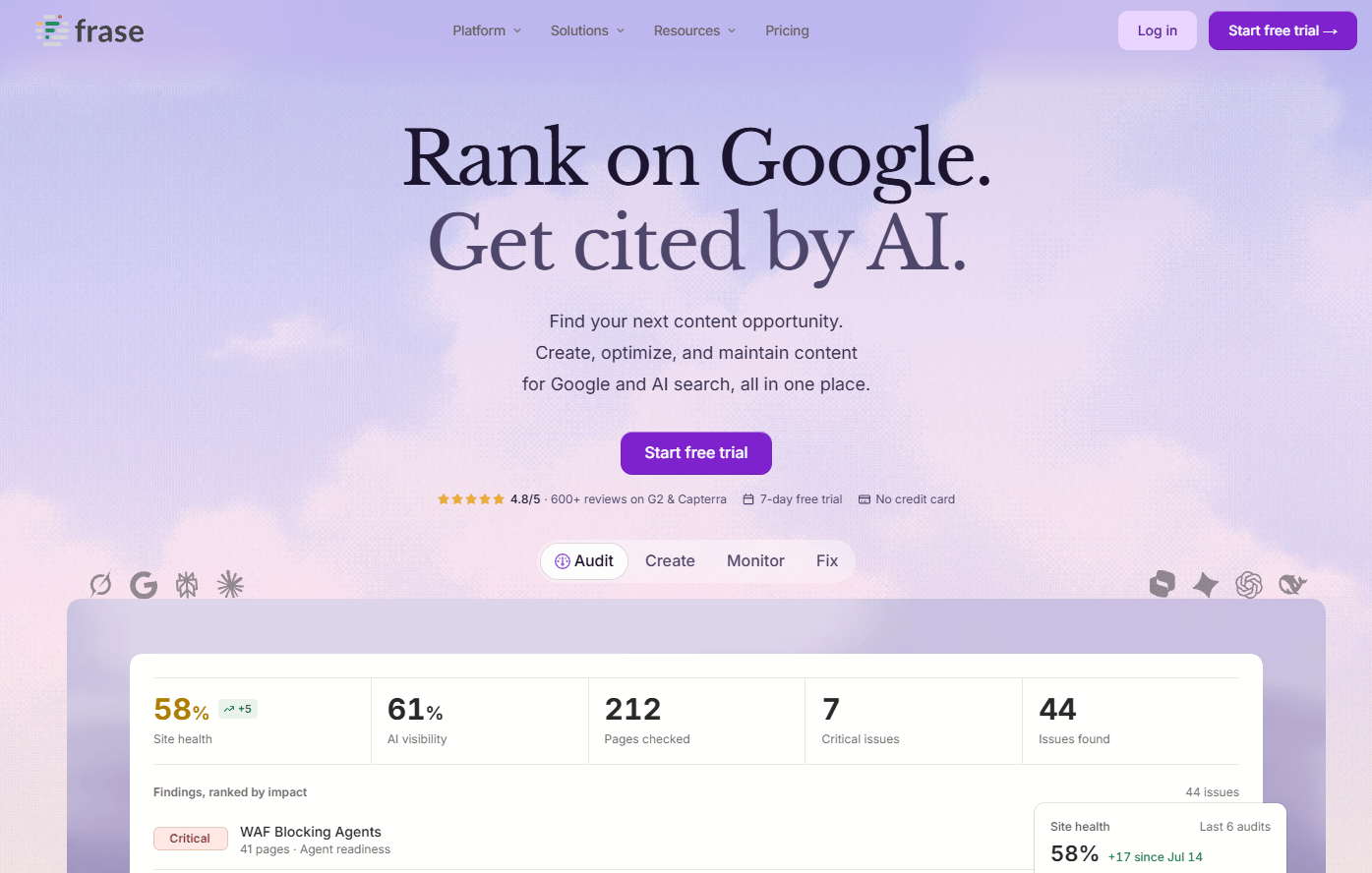
Frase covers the full content production cycle, from research and brief creation through scoring, publishing, and AI visibility monitoring. The AI Agent handles topic research, drafts, and scoring in a single workflow. It also includes Site Auditing and Content Guard for monitoring published pages after they go live.
Best for: Lean content teams that need briefs, drafting, and monitoring without managing multiple platforms.
Key features
- AI Agent for research, drafting, scoring, and publishing
- SEO and GEO content optimization
- AI visibility tracking across AI search engines
- Content Guard for post-publish monitoring
- Direct publishing to WordPress, Webflow, Sanity, and Wix
Why choose Frase: Strong value for small-to-mid-sized teams that want to consolidate brief creation and AI writing into one workflow. It won't replace a dedicated keyword research suite, but for teams where brief quality and publishing speed are the main bottlenecks, it handles both.
Frase pricing: Starter is $39/month (annual; $49/month-to-month). Professional is $103/month (annual; $129/month-to-month). Scale is $239/month (annual). Enterprise is custom. A 7-day free trial is available.
G2 rating: 4.8/5
5. Dashword
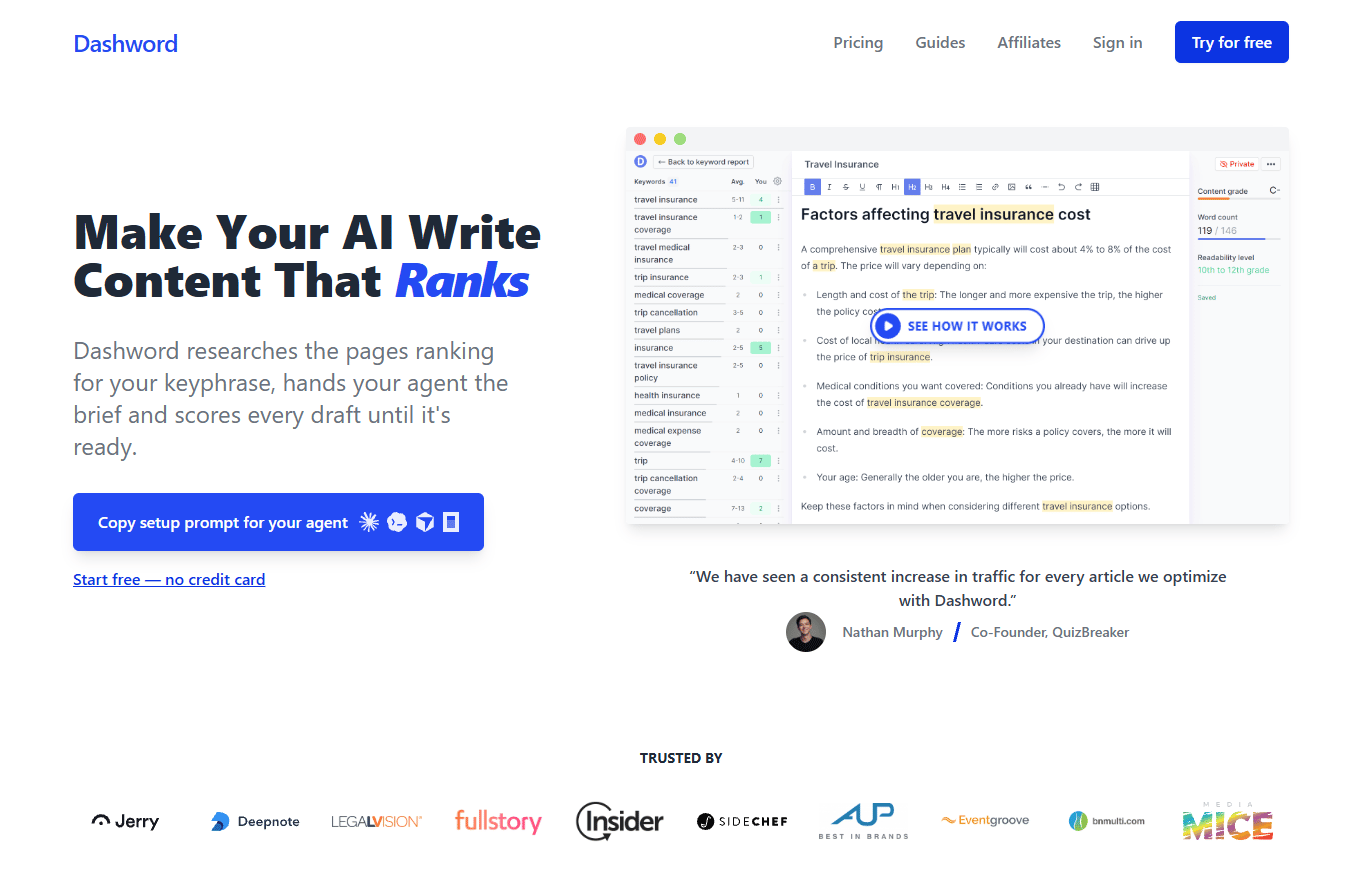
Dashword focuses on what most teams actually need from a content optimization tool: Fast briefs, real-time scoring as writers work, and monitoring for published pages. The Startup plan covers 30 content reports per month. The Business plan scales to 100, with bulk creation and SSO included.
Best for: Marketers who want SEO content guidance without managing a large platform.
Key features
- Content brief generation
- Real-time content optimization scoring
- AI Writer with 100k words on the Startup plan
- Content monitoring for published pages
- API and MCP server access
Why choose Dashword: A focused tool for teams that want briefs and scoring without learning a complex suite. Annual billing reduces the Startup plan cost by 20%.
Dashword pricing: Startup is $99/month. Business starts from $349/month. Annual billing saves 20%.
G2 rating: 4.5
6. PageOptimizer Pro
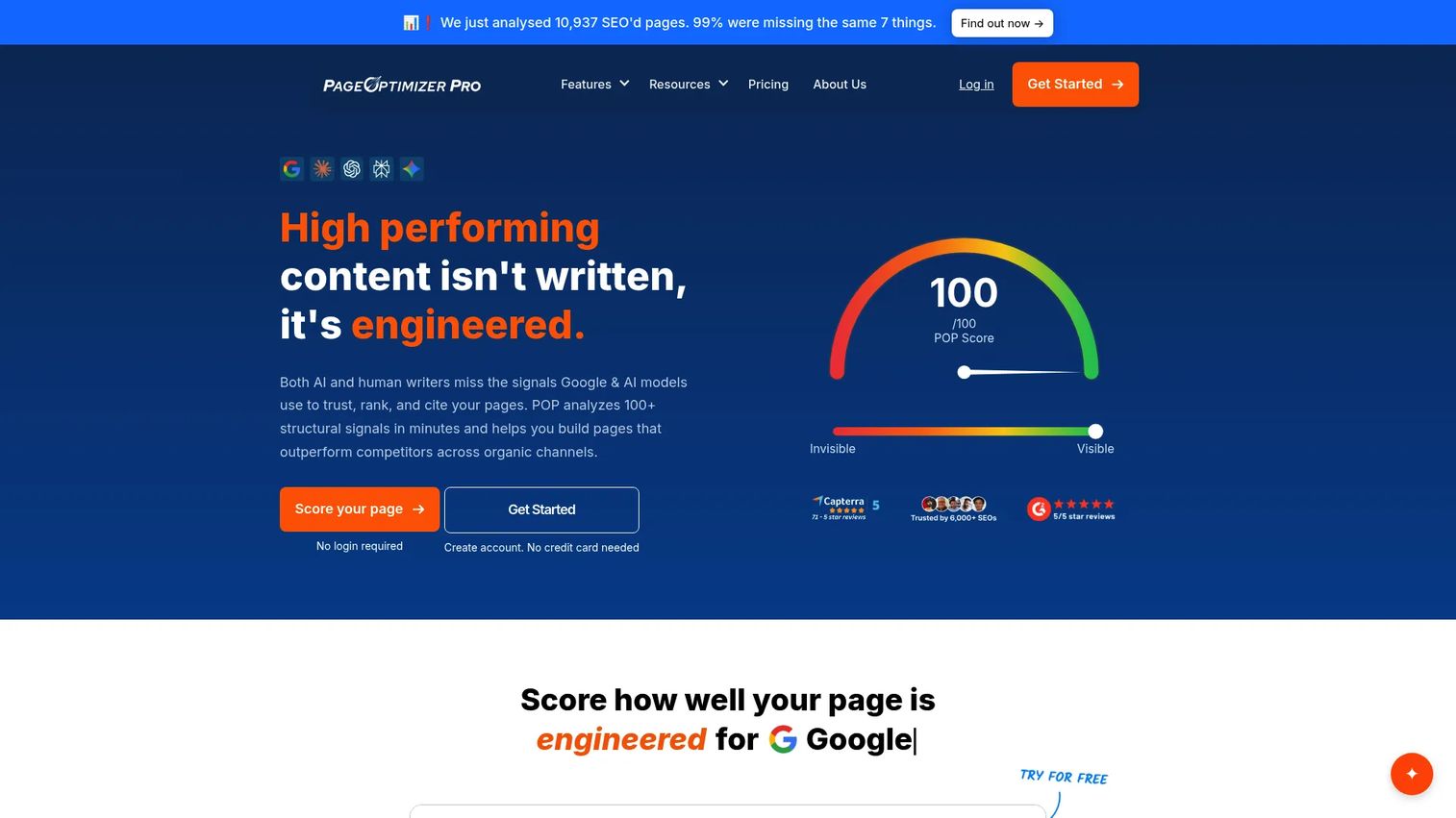
PageOptimizer Pro scores your pages against ranking competitors using real on-page factors and NLP analysis. It has expanded significantly to include AI Visibility Tracker for ChatGPT, Claude, Perplexity, Gemini, and Google AI, plus E-E-A-T analysis and schema optimization. POP Watchdog monitors rank and SEO changes over time.
Best for: Technical SEOs and consultants who want granular, factor-level on-page recommendations alongside AI visibility tracking.
Key features
- On-page scoring against ranking competitors
- AI Visibility Tracker across five major AI platforms
- E-E-A-T and Google NLP analysis
- Schema optimization
- POP Watchdog for rank and SEO monitoring
Why choose PageOptimizer Pro: More technical and tactical than editorial tools like Clearscope or Surfer. A good fit for SEOs who want to understand the specific on-page factors driving competitor rankings, plus a growing AI visibility feature set.
PageOptimizer Pro pricing: Basic is $40/month. Unlimited is $72/month (monthly) or $62/month (annual). Teams is $143/month (monthly) or $119/month (annual). Done-for-you services start at $275/month.
G2 rating: 4.9
7. Semrush
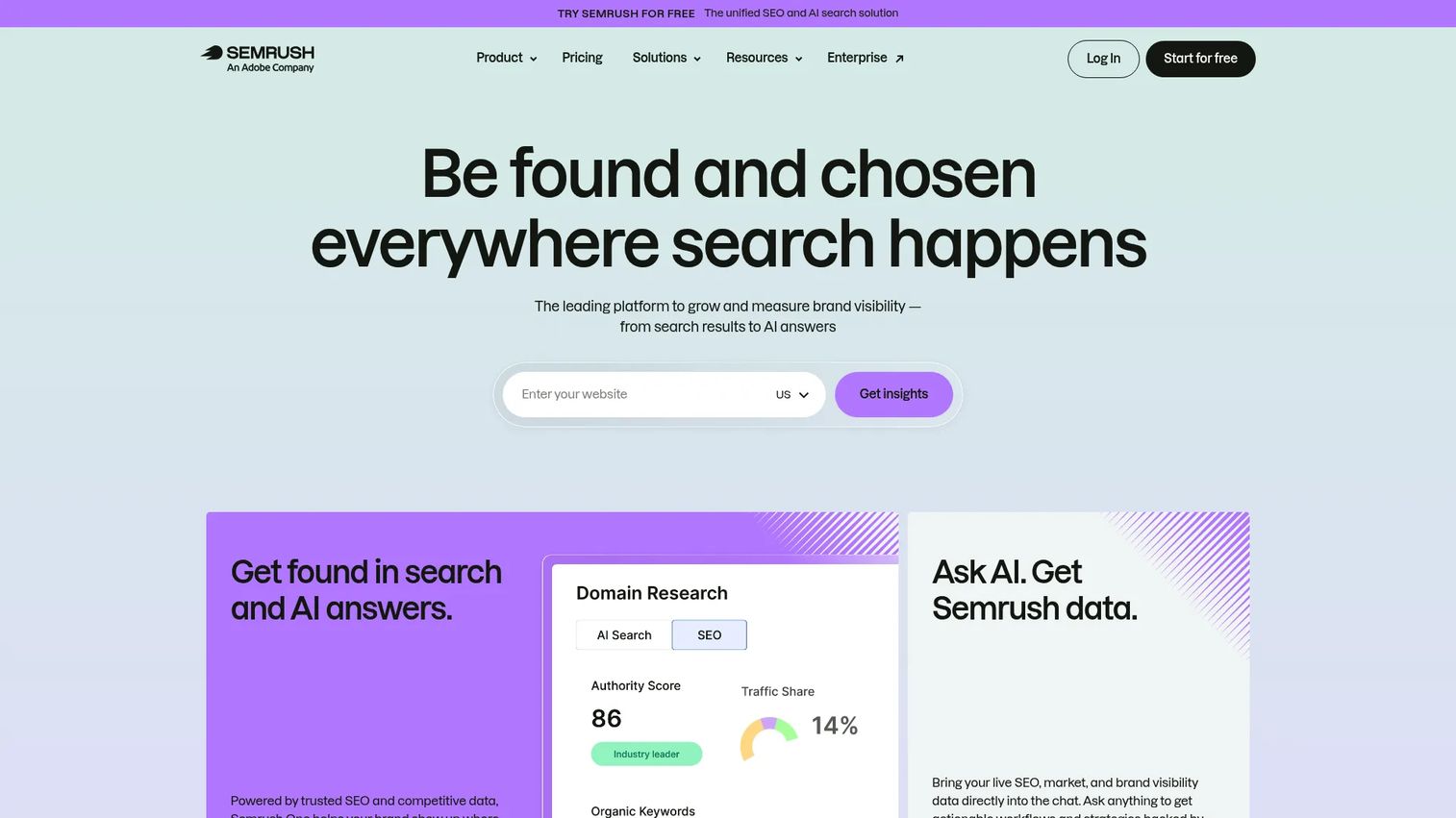
Semrush is a full digital marketing suite. Its content tools, including the SEO Writing Assistant and On Page SEO Checker, sit alongside keyword research, technical audits, backlink analysis, and AI visibility tracking. For teams already running Semrush for SEO operations, adding content optimization doesn't require another subscription.
Best for: Marketing teams already using Semrush for SEO who want content optimization inside their existing workflow.
Key features
- SEO Writing Assistant with real-time scoring
- On Page SEO Checker with competitor benchmarks
- Keyword research and topic research tools
- AI visibility and prompt tracking
- Full SEO reporting and dashboard suite
Why choose Semrush: Strong consolidation value for teams tired of managing separate tools. The content tools are genuinely capable, but they're not the reason to choose Semrush. You're buying the broader platform.
Semrush pricing: Pro is $117.33/month (annual; $139/month-to-month). Guru is $208.33/month (annual). Business is $416.66/month (annual). A free plan is available with limited features.
G2 rating: 4.4/5
8. Ahrefs Content Helper
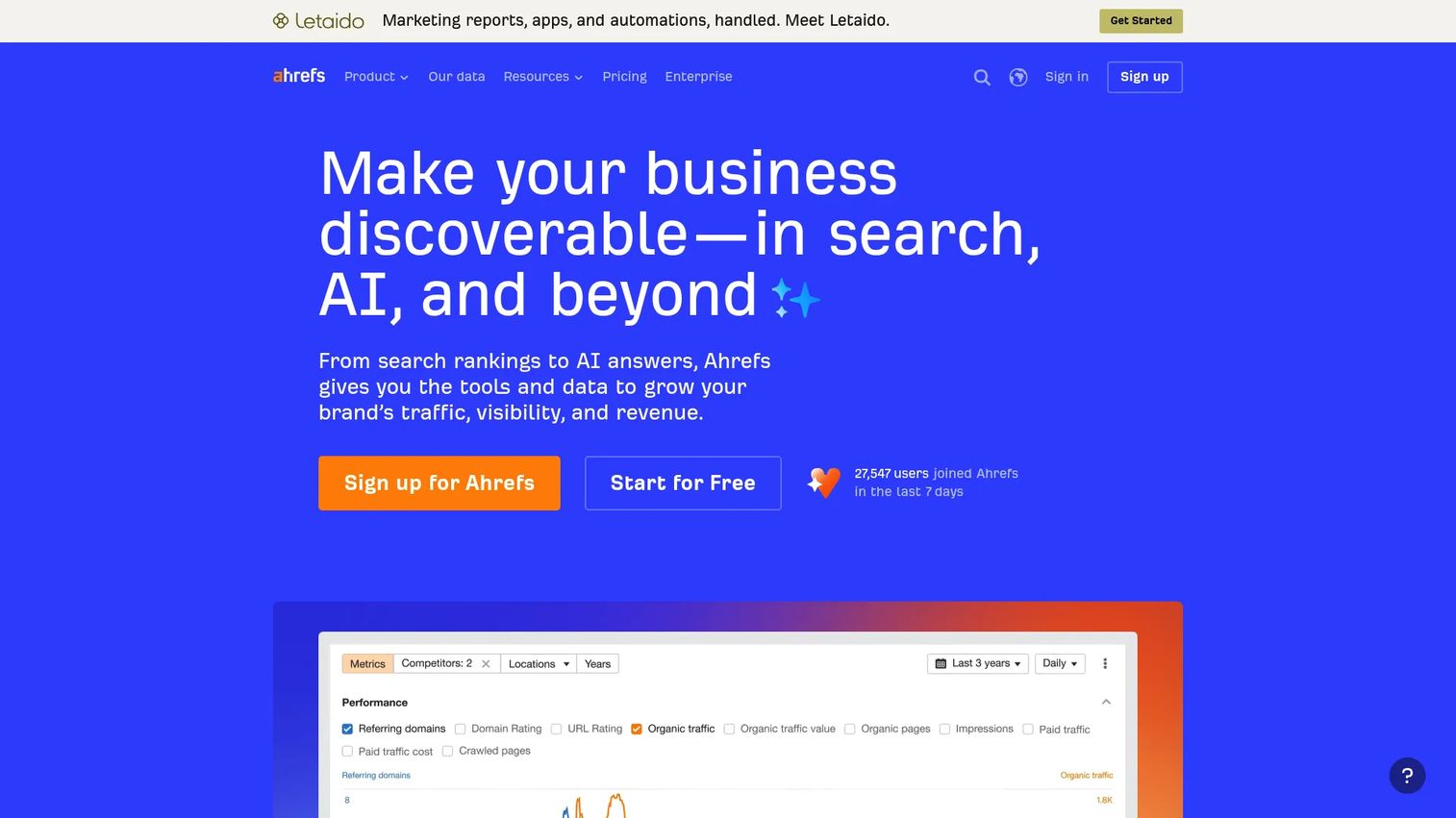
Ahrefs includes AI Content Helper as part of its paid subscriptions at no additional cost. The tool generates a core-topic analysis for your target keyword, scores your content from 0 to 100 based on topic coverage, and lets you compare directly against competitor pages. It supports English and 173 other languages.
Best for: SEO teams already using Ahrefs for keyword research and rank tracking who want content optimization without switching platforms.
Key features
- AI-generated core-topic analysis
- Content score from 0 to 100 based on topic coverage
- Competitor content comparison
- Built-in AI chat for feedback and brainstorming
- Support for 173 languages
Why choose Ahrefs Content Helper: The best reason to use it is that you're already paying for Ahrefs. Each plan includes one new document per month; additional documents require a Content Kit add-on.
Ahrefs Content Helper pricing: Included with all paid Ahrefs subscriptions. Ahrefs Lite starts at $129/month. Standard is $249/month. Advanced is $449/month.
G2 rating: 4.5/5
9. SE Ranking
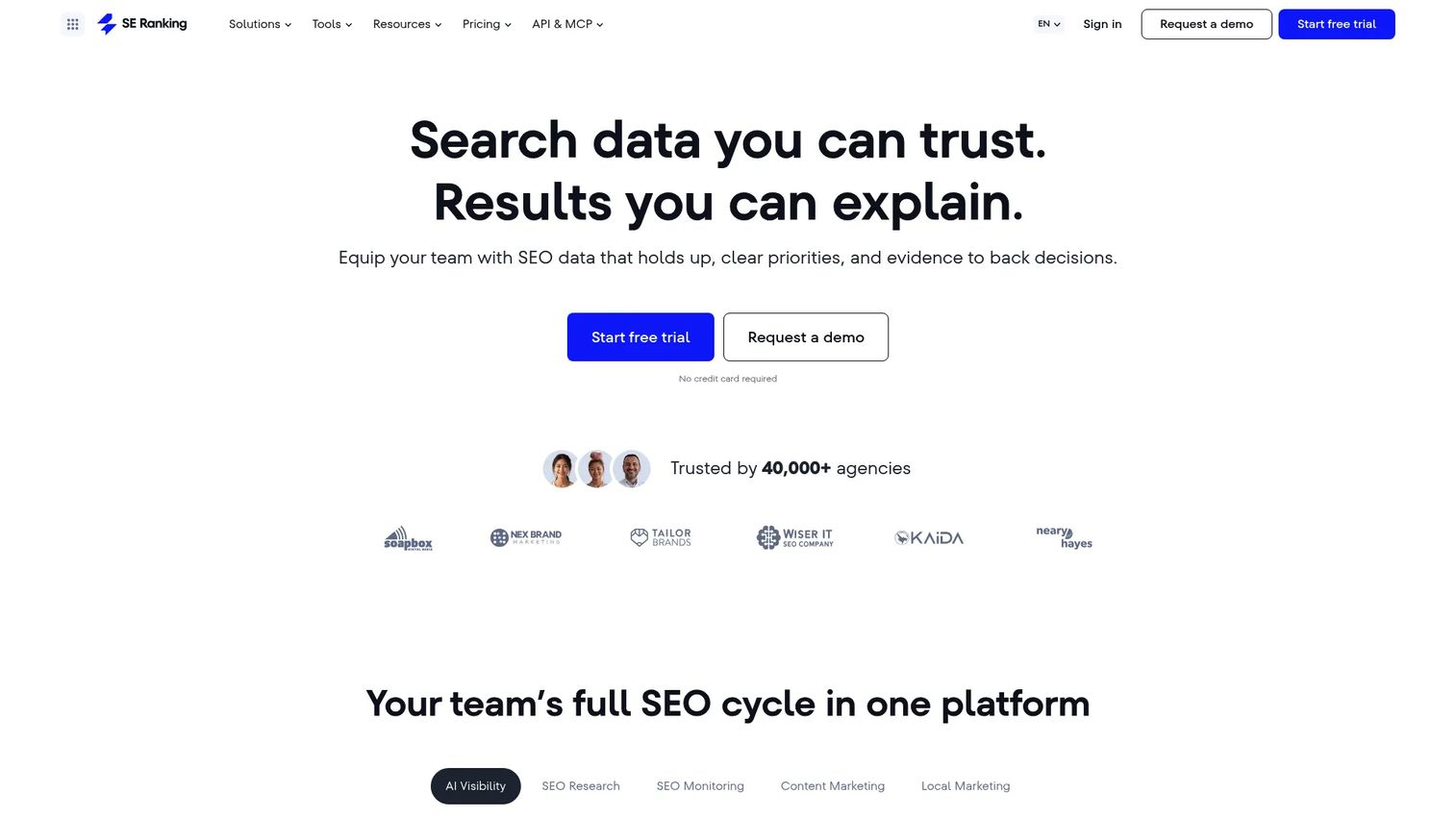
SE Ranking packages rank tracking, keyword research, site audits, backlink monitoring, and a content editor into one platform at a price point well below the larger suites. Its Content Marketing Platform includes AI writing tools and SERP analysis. The API and MCP access on all plans is a useful addition for teams with automation needs.
Best for: Small to mid-market teams that need a full SEO platform plus content optimization at a manageable cost.
Key features
- Content Editor with SERP analysis and scoring
- Rank tracking across locations and devices
- Keyword and competitive research
- Website and on-page audits
- AI writing tools and content generation
Why choose SE Ranking: A strong consolidation option for teams that don't need the depth of Semrush or Ahrefs but want more than a standalone content editor. The Core plan at $103.20/month (annual) is one of the lower entry points for a full SEO suite.
SE Ranking pricing: Core is $103.20/month (annual; $129/month-to-month). Growth is $223.20/month (annual). Enterprise pricing is custom. A 14-day free trial is available.
G2 rating: 4.7/5
10. Yoast SEO
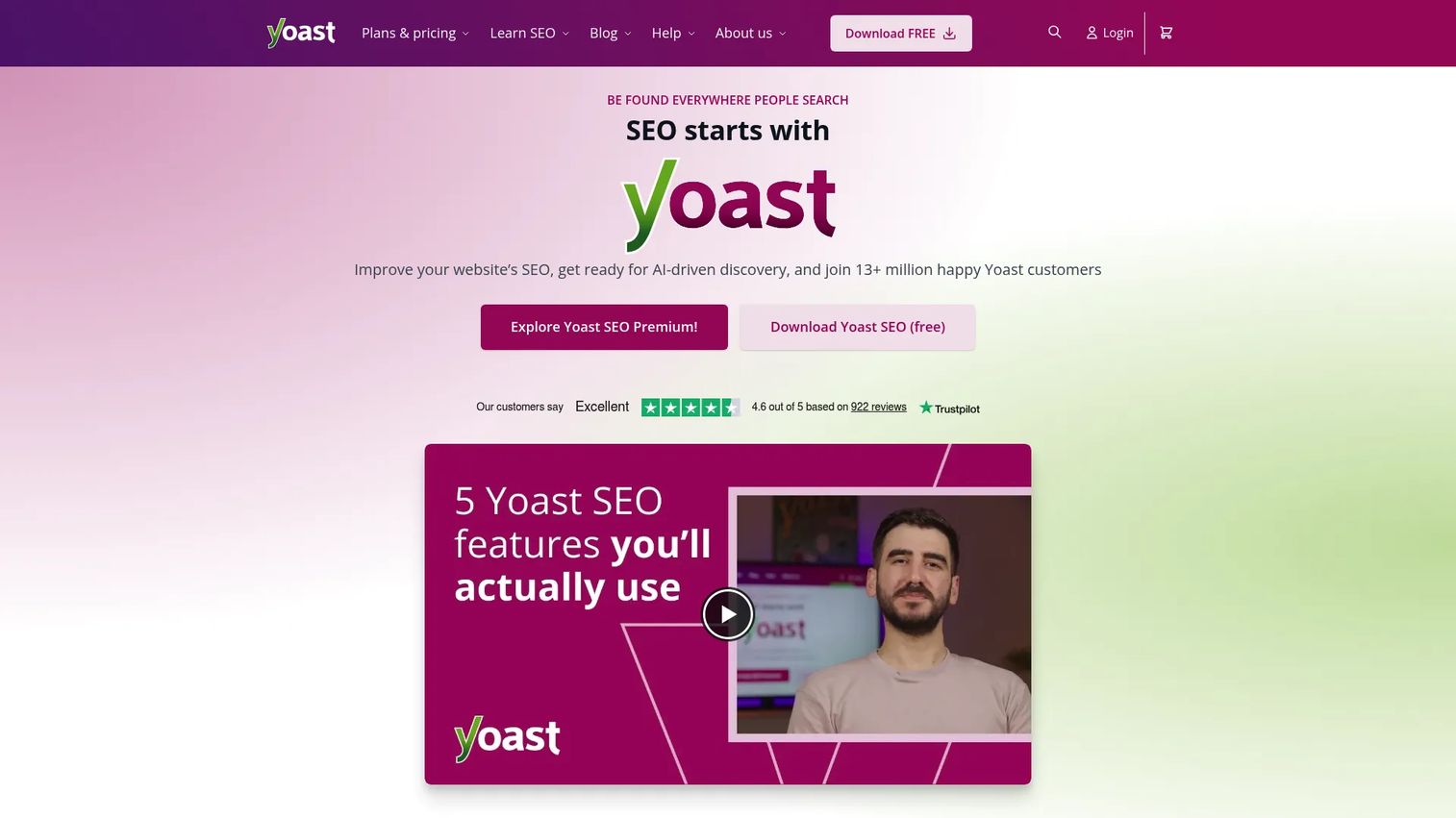
Yoast SEO runs inside WordPress and gives writers a live checklist as they draft: SEO analysis, readability score, schema markup controls, canonical settings, and sitemaps. The free version covers the fundamentals. Premium adds AI-generated SEO titles and meta descriptions, internal linking suggestions, redirects, and 24/7 support.
Best for: WordPress publishers who need in-CMS guidance without switching to a separate optimization platform.
Key features
- Real-time SEO and readability analysis
- Schema markup and rich-results support
- Automatic XML sitemaps
- Canonical and noindex controls
- Multilingual SEO analysis
Why choose Yoast SEO: The right fit if WordPress is your publishing environment and you want on-page checks during writing, not after. It's not a SERP research tool, so pair it with something like Google Search Console for performance data.
Yoast SEO pricing: The free plugin covers core SEO features. Yoast SEO Premium is $118.80/year (ex VAT).
G2 rating: 4.5/5
11. Google Search Console
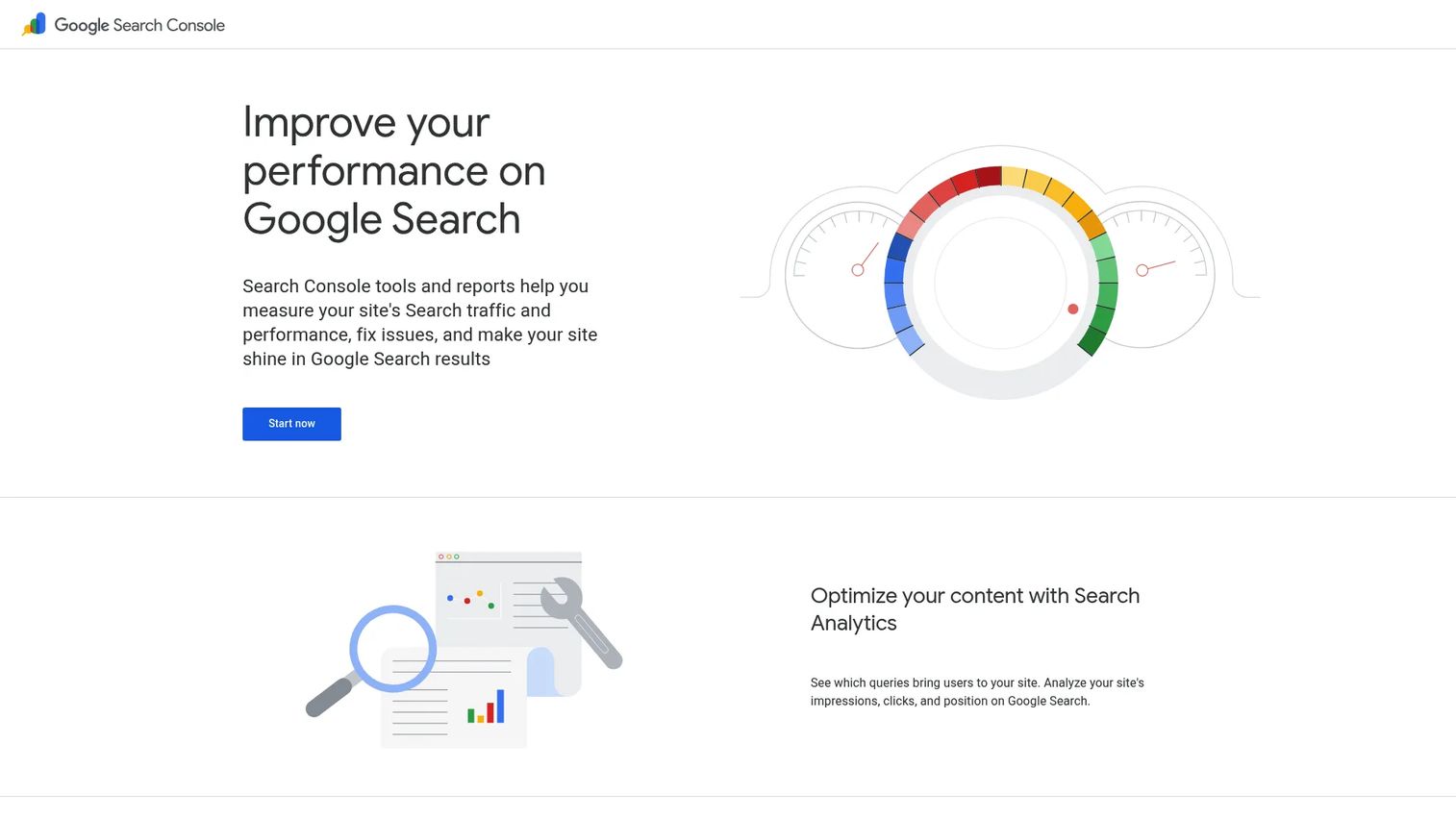
Google Search Console shows you exactly how Google sees your pages: Which queries trigger impressions, which pages get clicks, what your average positions are, and whether Google can index what you've published. It's the most direct performance feedback loop available, and it's completely free.
Best for: Any team optimizing content after publication and diagnosing indexing or search appearance issues.
Key features
- Query and page performance data with click and impression trends
- URL Inspection for indexing status and crawl diagnostics
- Sitemaps submission and monitoring
- Core Web Vitals, Rich Results, and Manual Actions reports
- Search appearance data by format
Why choose Google Search Console: Every content team should use it. No other tool gives you query-level data showing which keywords send real traffic to specific pages. Use it to find pages losing clicks, then prioritize refreshes based on traffic value.
Google Search Console pricing: Free.
G2 rating: 4.7/5
12. Google Docs
Google Docs is the default collaboration layer for most content teams. Real-time co-editing, comments with task assignment, version history, and Gemini AI integration make it the fastest way to move a brief through review and into CMS upload. It's not an SEO optimizer on its own, but most optimization tools integrate with it.
Best for: Content teams that need fast, low-friction collaboration before uploading to a CMS.
Key features
- Real-time co-editing with comments and task assignment
- Version history and document recovery
- Microsoft Word and PDF import and editing
- Gemini AI for drafting, summarizing, and writing refinement
- Electronic signatures and Google Workspace integrations
Why choose Google Docs: Useful as a collaboration layer alongside a dedicated SEO tool. Surfer, Clearscope, and other platforms offer Google Docs add-ons, so writers can optimize without leaving the editor they already use.
Google Docs pricing: Free for personal Google accounts. Google Workspace business plans start at $7/user per month.
G2 rating: 4.6/5
13. Hemingway
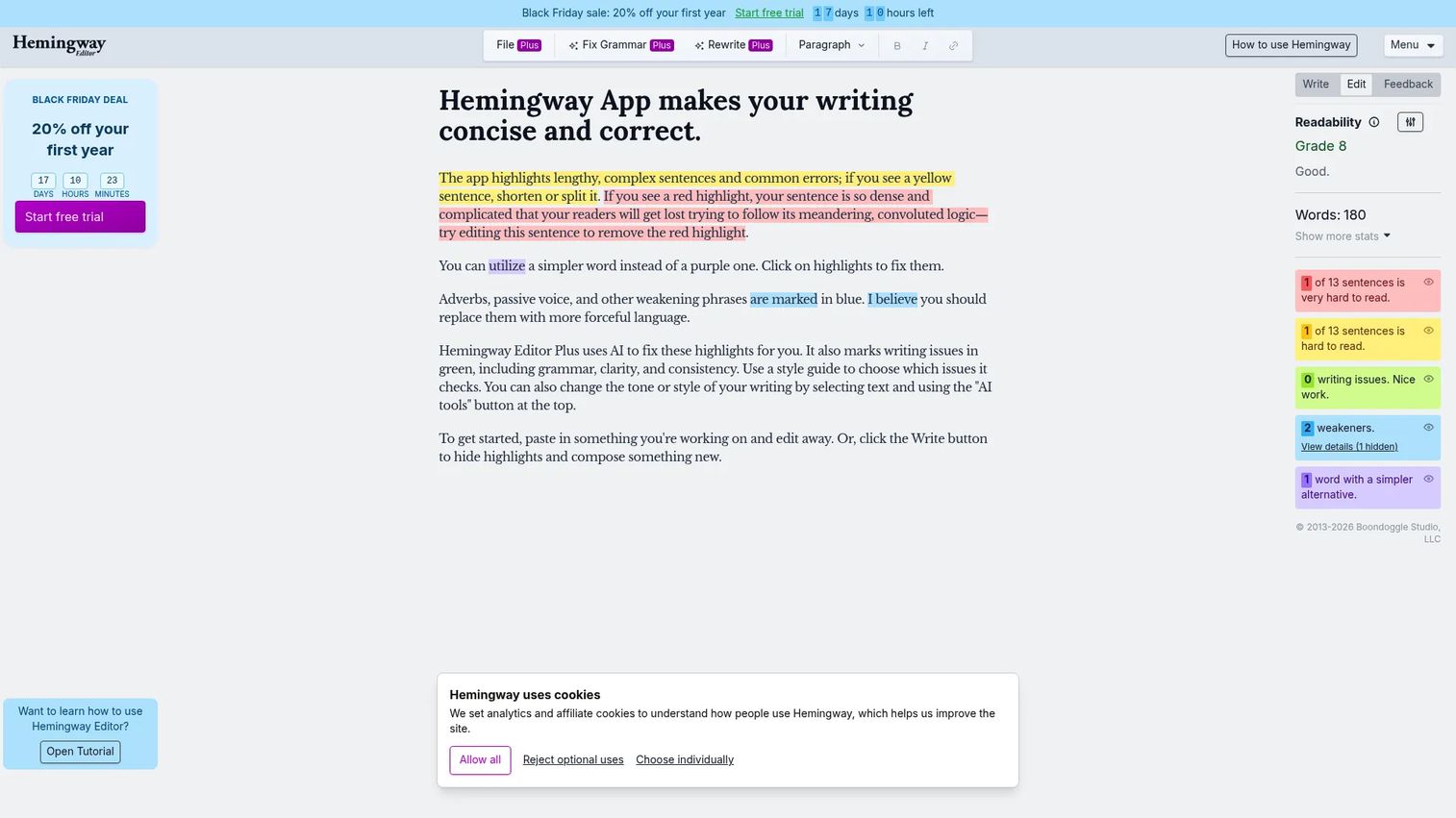
Hemingway highlights hard-to-read sentences, passive voice, unnecessary adverbs, and words with simpler alternatives. It assigns a grade level and shows how many changes would bring the score down. The Editor Plus tier adds AI rewriting for clarity, tone, and structure, plus advanced grammar checking.
Best for: Writers and editors tightening prose clarity before SEO review or final publishing.
Key features
- Readability grade-level scoring
- Sentence and word highlights for complexity, passive voice, and adverbs
- AI rewriting for clarity, tone, length, and style
- Advanced grammar and punctuation checking
- Import and export for Word, Markdown, and HTML
Why choose Hemingway: Strong complement to any SEO scoring tool. When a draft is technically complete but hard to read, Hemingway surfaces the specific sentences causing friction. It won't tell you anything about search intent or missing entities.
Hemingway pricing: A free version covers core readability and style analysis. Editor Plus plans start at $8.33/month (Individual 5K, $100 billed annually). A two-week free trial is available.
G2 rating: 4.4/5
14. CoSchedule Headline Studio
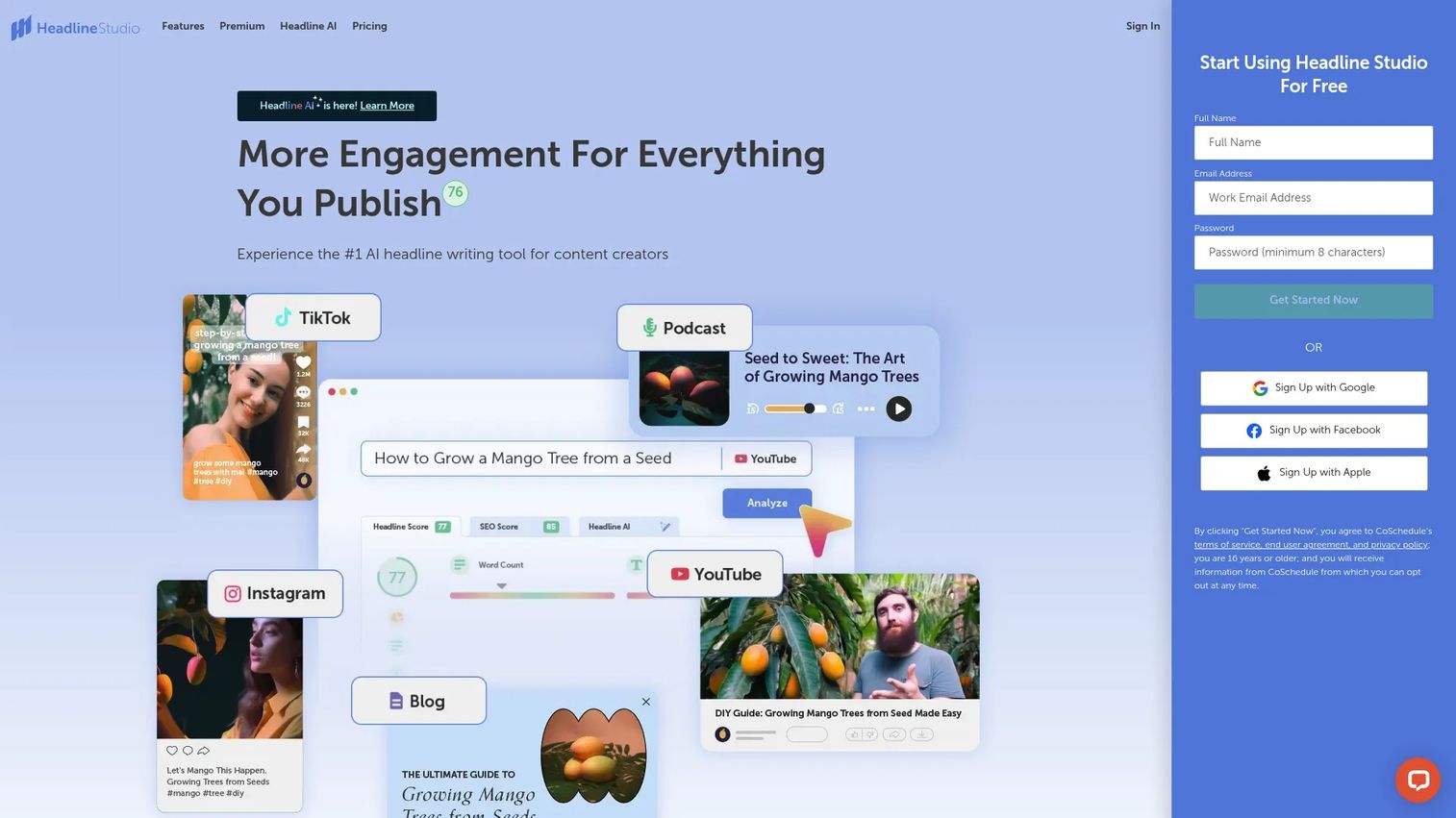
CoSchedule Headline Studio scores headlines by word balance, SEO, sentiment, and engagement factors. It supports blog posts, email subject lines, YouTube titles, and social captions. The Premium tier adds AI-generated headline suggestions, keyword recommendations, unlimited history, and competitor headline analysis.
Best for: Content creators and marketers optimizing titles for clicks and SERP click-through rates.
Key features
- Headline analysis and scoring
- SEO score and keyword suggestions
- Multi-platform support: Blogs, email, YouTube, TikTok, LinkedIn, and ads
- Headline AI with data-driven suggestions
- Browser extension and WordPress integration
Why choose CoSchedule Headline Studio: A focused, low-cost tool for a specific problem. If your rankings are solid but click-through rates are weak, the headline score gives you a concrete starting point for testing. The free tier covers basic analysis.
CoSchedule Headline Studio pricing: Free tier includes 10 credits per month. Premium is $4/month (monthly) or $29/year.
G2 rating: 4.4/5
15. Content Harmony
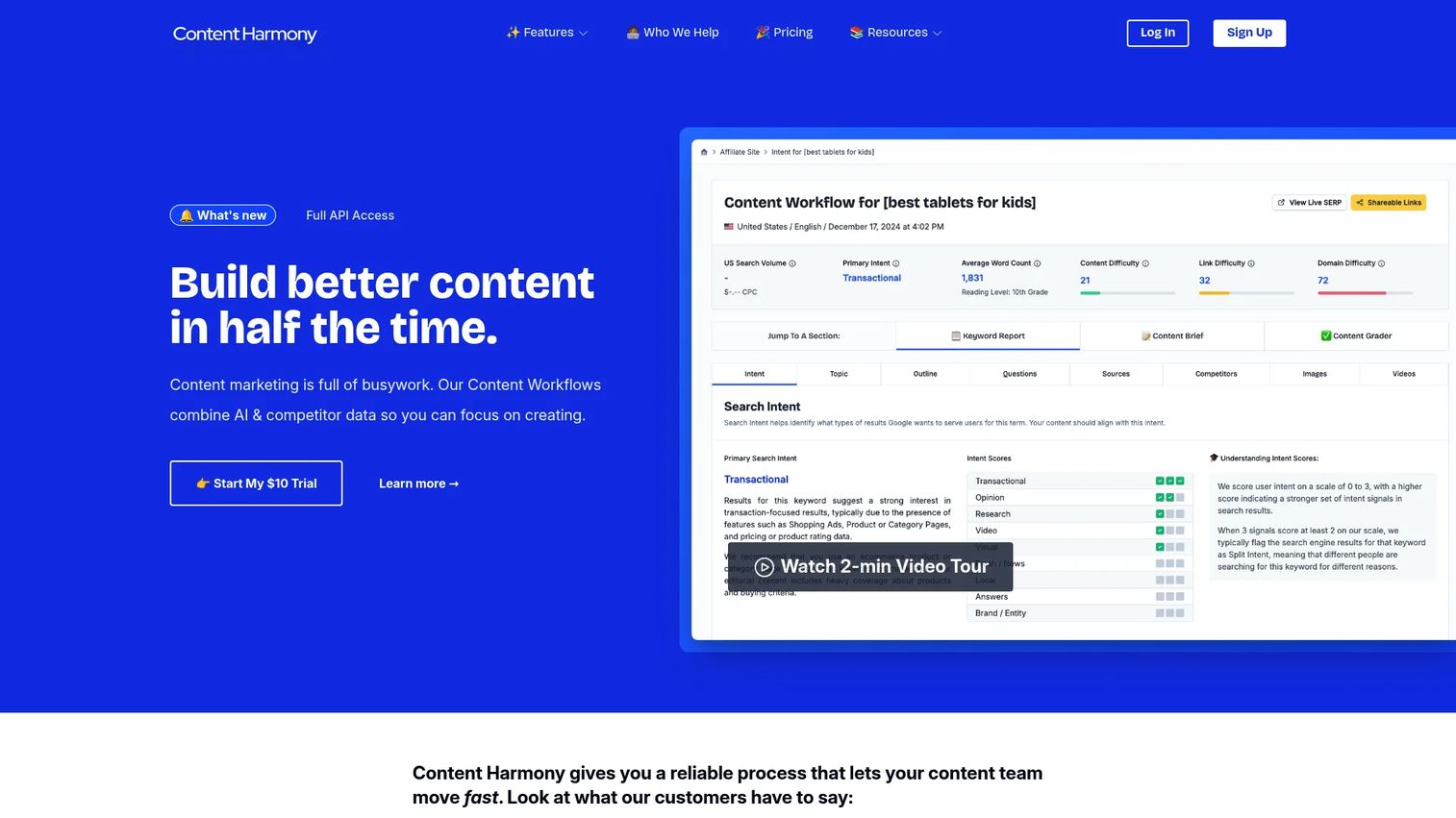
Content Harmony is built specifically around the brief-first workflow. Each Content Workflow includes a Keyword Report with SERP analysis, a customizable Content Brief with search intent mapping, and a Content Grader for scoring drafts. All plans include unlimited users and unlimited projects.
Best for: SEO and content teams where brief quality is the main bottleneck and consistent, research-backed briefs are the priority.
Key features
- Keyword Reports with SERP analysis and intent scoring
- Content Briefs with customizable templates
- Content Grader for draft and refresh optimization
- AI-driven topic modeling and entity analysis
- Competitor outline and question analysis
Why choose Content Harmony: The brief workflow is more structured and research-driven than what you get from AI writing tools. Unlimited users across all plans removes the per-seat pricing pressure that makes other tools expensive at team scale.
Content Harmony pricing: Plans are priced by monthly Content Workflows. Standard-5 is $50/month. Standard-12 is $99/month. Standard-25 is $199/month. Annual billing saves roughly 10%. A $10 paid trial provides 10 credits.
G2 rating: 4.8/5
16. Jasper
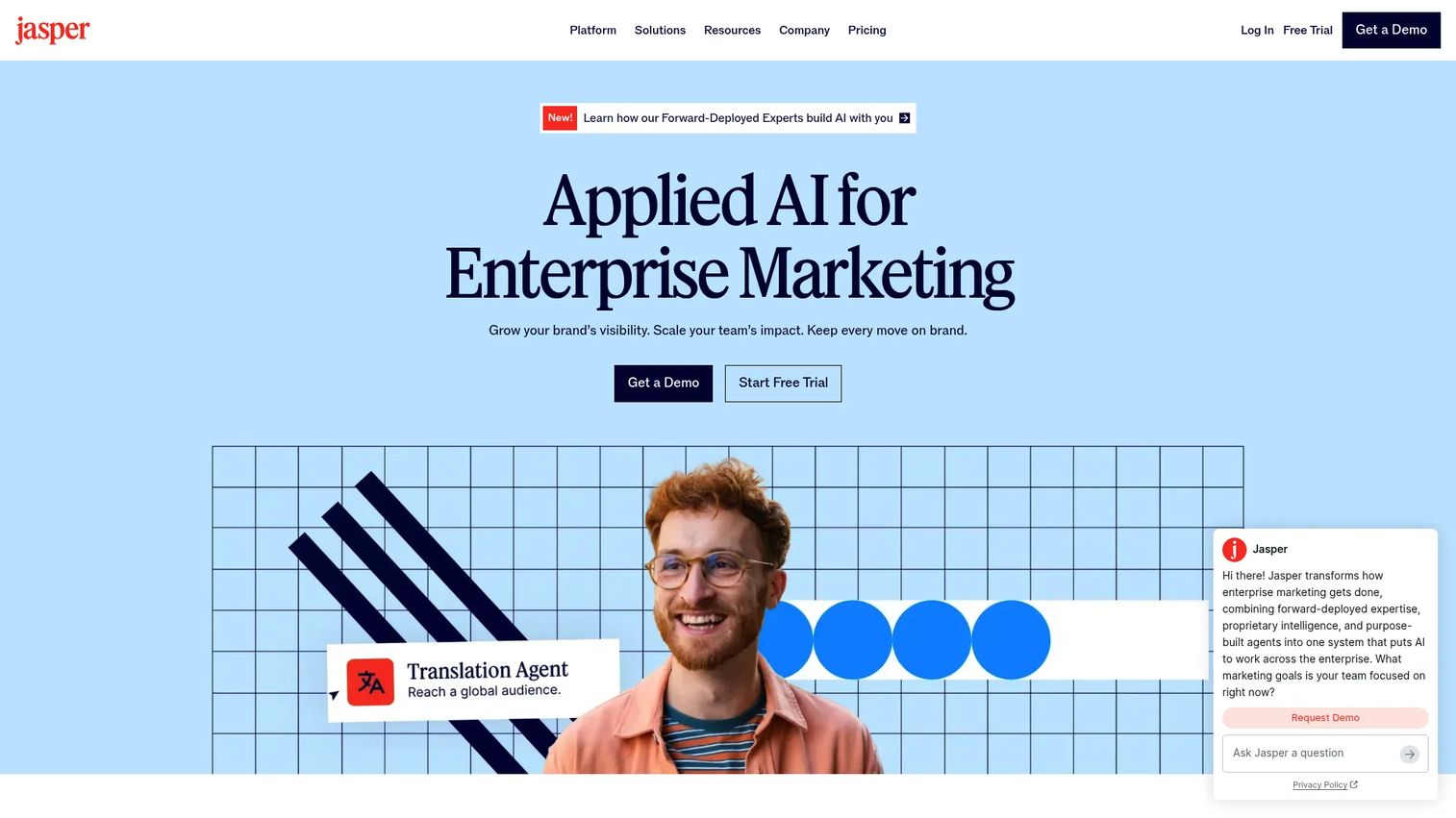
Jasper is built for enterprise marketing teams that need AI content generation with governance. Brand Voice, Knowledge, Audiences, and Style Guide configurations let you set guardrails so AI output stays on-brand across a large team. It also includes GEO and AI search visibility optimization.
Best for: Enterprise marketing teams with established brand standards and high content production volume.
Key features
- Brand Voice, Knowledge base, and Style Guide configurations
- Purpose-built marketing agents and custom agent workflows
- GEO and AI search visibility optimization
- Image generation and editing
- API, integrations, and browser extension
Why choose Jasper: A strong fit when brand consistency and content governance at scale are the priority. For search-critical pages, pair it with a dedicated SEO scoring tool. AI output still needs search intent validation.
Jasper pricing: Pro is $59/month per seat (annual; $69/month-to-month). Business is custom pricing. A 7-day free trial is available.
G2 rating: 4.7/5
17. ChatGPT
ChatGPT is the most flexible AI assistant on this list. With the right prompts, it handles outline generation, draft rewriting, content gap analysis from pasted competitor text, meta description variations, and repurposing existing content for different formats. Output quality is entirely prompt-dependent.
Best for: Marketers who want flexible AI support across research, editing, ideation, and content repurposing.
Key features
- Prompt-based research and ideation
- Outline generation and draft rewriting
- Web search with cited sources (paid plans)
- File uploads and data analysis
- Custom instructions for consistent output
Why choose ChatGPT: The right fit as a flexible assistant woven into existing workflows. It's not a dedicated content optimization platform. For SERP scoring, brief generation, or post-publish analysis, you'll need a specialized tool alongside it.
ChatGPT pricing: Free tier available. Go is $8/month. Plus is $20/month. Pro pricing requires checking the current OpenAI pricing page.
G2 rating: 4.6/5
18. Google Analytics
Google Analytics measures what happens after content goes live. Landing page reports show engagement rates, session duration, and conversion events. Machine learning surfaces predictive insights and anomalies automatically. It's the tool that connects content performance to business outcomes, which is the metric leadership actually cares about.
Best for: Marketers connecting content performance to conversions, pipeline, or revenue, not just traffic.
Key features
- Cross-platform measurement across websites and apps
- Landing page reports with engagement and conversion data
- Machine learning predictive insights and proactive alerts
- Acquisition, engagement, and monetization reporting
- Audience segmentation and traffic source analysis
Why choose Google Analytics: Every content program should have it. It answers the question your content scoring tool can't: Did this page actually do anything? Use it alongside Google Search Console to get both ranking signals and on-site behavior in one workflow.
Google Analytics pricing: Free. Analytics 360 is available for enterprise needs at custom pricing.
G2 rating: 4.5/5
Considerations when choosing content optimization tools
Match the tool to the workflow stage
Brief creation, draft scoring, in-CMS checks, AI writing, and post-publish analysis are different jobs. A tool built for one stage won't substitute well for another. Identify your team's biggest bottleneck first, then shortlist from there.
Check what it replaces
The digital marketer's most common objection is "we already have too many tools." Before adding a subscription, map it to something you're currently doing manually or paying for separately. A tool that consolidates two workflows is worth more than one that only adds a third dashboard.
Treat content scores as directional
No tool's content score is a Google ranking factor. Scores measure how thoroughly your content covers topics relative to what's already ranking. That's useful, but editorial judgment, original research, and clear expertise still determine whether a page wins long-term.
Verify integrations before buying
Adoption drops sharply when a tool breaks writers out of their existing workflow. Check whether the platform you're evaluating integrates with your CMS, Google Docs setup, and SEO suite before committing. A trial that tests the full workflow is more valuable than a demo that skips it.
Price against your publishing volume
A $99/month tool is inexpensive if it's improving 20 or more articles per month. At two articles per quarter, the math changes. Calculate cost per piece and compare it against the time it saves, not just against competitor pricing.
Conclusion
For teams publishing SEO content regularly, Surfer SEO and Clearscope are the strongest dedicated optimization choices. Surfer covers scoring and AI visibility together; Clearscope wins on editorial simplicity and adoption.
For content strategy at the program level, MarketMuse handles topical authority and inventory planning in ways single-page tools don't. Frase is the best low-cost option for teams that need briefs, drafting, and monitoring combined.
If you're already using Semrush, Ahrefs, or SE Ranking, build on the content tools included before adding a separate subscription. The dedicated tools are better optimizers, but consolidation matters when your stack is already crowded.
For teams not ready to commit budget, combining Google Search Console, Google Analytics, Google Docs, and Hemingway builds a free baseline that covers post-publish analysis, collaborative editing, and readability cleanup. CoSchedule Headline Studio's free tier adds headline scoring at no additional cost.
No optimization tool replaces clear thinking about what your audience needs. These platforms improve the signals you're making decisions with. The judgment call is still yours.
Start your journey with Guideflow today!
FAQs
Content optimization tools are software platforms that analyze search intent, competing pages, keywords, entities, readability, and content performance to help teams improve a draft or existing page. They guide decisions before and after publishing. They surface missing topics and structural gaps, but they don't guarantee rankings on their own.
Surfer SEO is the strongest all-in-one option for teams publishing at volume, covering SERP scoring, briefs, and AI visibility tracking. Clearscope leads for editorial teams that prioritize writer adoption and clear grading. MarketMuse is the right choice when strategy and topical authority planning matter more than single-page scoring. Frase fits lean teams that need briefs and drafting together at a lower price point.
For early-stage teams, yes. Combining Google Search Console, Google Analytics, Google Docs, and Hemingway covers post-publish analysis, collaboration, and readability checking at zero cost. Add CoSchedule Headline Studio's free tier for headline scoring. Paid tools become worth it when publishing volume reaches a point where manual SERP research consumes meaningful hours or brief inconsistency is producing rework.
Content scores can help identify missing topics, structural gaps, and entities that competing pages cover. They are not direct Google ranking signals. A page with a perfect score from any tool can still underperform if it lacks originality, authoritative sourcing, strong user signals, or relevant links. Use scores to guide revision, not to replace editorial judgment.
Several dedicated tools offer Google Docs add-ons or direct integrations. Surfer SEO, Clearscope, and Frase support Google Docs workflows. Writers can optimize without leaving their drafting environment. Confirm current integration availability on each vendor's integrations page, since support changes.
Content optimization tools analyze search intent, competing pages, semantic terms, entities, and performance gaps. They tell you what to cover and how well a draft covers it. AI writing tools generate or rewrite copy. Some platforms, including Frase and Jasper, do both, but the jobs are distinct. For search-critical pages, start with what needs to be covered before generating draft copy.
Focus on answer completeness, entity coverage, source clarity, and factual depth. AI search engines surface content that answers questions comprehensively with clear attribution. Treat AI visibility as a measure of content quality, not a channel you can directly control. Tools like Surfer SEO and PageOptimizer Pro now track brand mentions and citations across major AI platforms, which gives useful directional data.
Review pages with meaningful traffic at least quarterly. Prioritize refreshes when rankings drop, click-through rates fall in Google Search Console, or the SERP intent shifts noticeably (new formats, new questions, new competitors dominating). Arbitrary refresh schedules waste time. Tie refresh cadence to business impact, specifically to pages driving pipeline or significant organic sessions.