You sent the invoice three weeks ago. No payment. No reply. You send a reminder, forget to follow up again, and now you are chasing money you already earned while your runway math gets fuzzier.
That is the real cost of manual invoicing. Not the ten minutes to build the invoice, but the drag it creates across cash flow, forecasting, and your finance lead's week. Manual invoice processing costs businesses between $12.88 and $19.83 per invoice, and 39% of invoices contain at least one error, according to Gennai (2026). Multiply that by every invoice you send and every correction you chase, and the admin tax gets real fast.
The market has noticed. The global billing and invoicing software market was valued at $7.4 billion in 2025 and is projected to reach $18.9 billion by 2034, growing at a 10.9% CAGR, per Dataintelo (2025). The tools got better because the problem is expensive.
The right invoicing software does more than generate a PDF. It sends invoices in seconds, collects payment online, automates reminders, handles recurring billing, and keeps your numbers clean enough to survive a board review. Get it right and cash comes in faster with almost no founder involvement.
What's inside
This guide is for founders and finance leads who want to get paid faster and cut the manual work around billing. It covers 9 invoicing tools, from free options to full accounting platforms.
We picked and ranked each tool on the criteria that actually matter when money is on the line:
- Speed to create and send an invoice
- Online payment collection and reminders
- Recurring and repeat billing support
- Mobile access and pricing visibility
- Fit for small and growing businesses
TL;DR
Short on time? Here is the quick decision map.
- Best free option: Zoho Invoice, fully free with quotes, reminders, and time tracking.
- Best for service businesses with time tracking: FreshBooks, built for hour-based and project billing.
- Best for accounting-first teams: QuickBooks Online or Xero, where invoicing lives inside full bookkeeping.
- Best for delivery flexibility and payments: Square Invoices, send by email, text, or link.
- Best for custom and product-led billing: Stripe Invoicing, API-led with recurring and tax handling.
- Best for paying and collecting from vendors: Melio, accounts payable and receivable in one place.
What is invoicing software?
Invoicing software is a tool that creates, sends, and tracks invoices, collects payment, and reconciles what customers owe you. It replaces spreadsheets and manual PDFs with a repeatable billing workflow your finance team can run without you.
The core job is five steps: create the invoice, send it, collect the payment, remind late payers, and reconcile the record against your books. Good online invoicing tools automate most of that.
Here are the capability buckets to weigh when comparing invoice software:
- Invoice creation: Branded templates, line items, quotes, and estimates that convert to invoices.
- Online payments: Credit card, ACH bank transfer, and digital wallets so clients pay in a click.
- Recurring invoices: Scheduled billing for subscriptions, retainers, and repeat clients.
- Automated reminders: Payment nudges that go out without anyone remembering to send them.
- Time and expense tracking: Billable hours, mileage, and expenses that flow straight into invoices.
- Tax-ready invoicing: Sales tax, VAT, and clean records for filing season.
- Customer portal: A place clients view, download, and pay invoices themselves.
A billing software for small business should cover most of these without adding a messy new workflow to your week.
When to use invoicing software
Not every business needs the same tool. Match the tool to the billing motion you actually run.
Fast customer billing
If you bill customers regularly and still build invoices by hand, you are leaking time and cash. Invoicing software lets you send a professional invoice in under a minute, collect payment through a link, and see what is paid or overdue at a glance. For a founder, the win is simple: money arrives faster and you stop being the person who remembers to send the reminder.
Recurring and repeat billing
Subscriptions, retainers, and ongoing services should never require manual re-invoicing. Recurring invoices let you schedule billing once and let it run. Pair that with automatic reminders and auto-charge on saved cards, and your monthly billing cycle happens without a human touching it. This is where invoicing software stops being an admin tool and starts protecting net revenue retention.
Hour-based or project-based work
Agencies, consultants, and service teams bill by the hour or the project. Here you want time tracking, estimates, and one-click conversion from approved estimate to sent invoice. When billable hours flow straight into an invoice, you capture revenue you would otherwise round down or forget. Tax-ready invoicing and a customer portal round out the fit for service businesses.
Comparison table
Here is a side-by-side look at the 9 tools, with verified pricing and G2 ratings where available. Prices are entry-tier and current as of mid-2026.
| # | Product | Best for | Key differentiator | Pricing | G2 rating |
|---|---|---|---|---|---|
| 1 | Zoho Invoice | Free small-business invoicing | Fully free with quotes and time tracking | Free | 4.7/5 |
| 2 | Wave Invoicing | Lean freelancers and startups | Free invoicing with optional paid automation | Free, Pro $19/mo | 4.4/5 |
| 3 | FreshBooks | Service and project billing | Time tracking plus accounting workflows | From $21/mo | 4.5/5 |
| 4 | QuickBooks Online | Accounting-first teams | Invoicing inside full bookkeeping | From $38/mo | 4.0/5 |
| 5 | Square Invoices | Flexible invoice delivery | Send by email, text, or link | Free, Plus $49/mo | 4.7/5 |
| 6 | Stripe Invoicing | Product-led and custom billing | API-led invoicing and reconciliation | 0.4% per paid invoice | Not listed |
| 7 | Xero | Cloud accounting with invoicing | Bank reconciliation plus invoicing | From $25/mo | 4.4/5 |
| 8 | Melio | Paying and collecting from vendors | AP and AR in one dashboard | Free Go plan | Not listed |
| 9 | invoicely | Lightweight freelancer billing | Free tier with time and expense tracking | Free, Basic $9.99/mo | Not listed |
1. Zoho Invoice
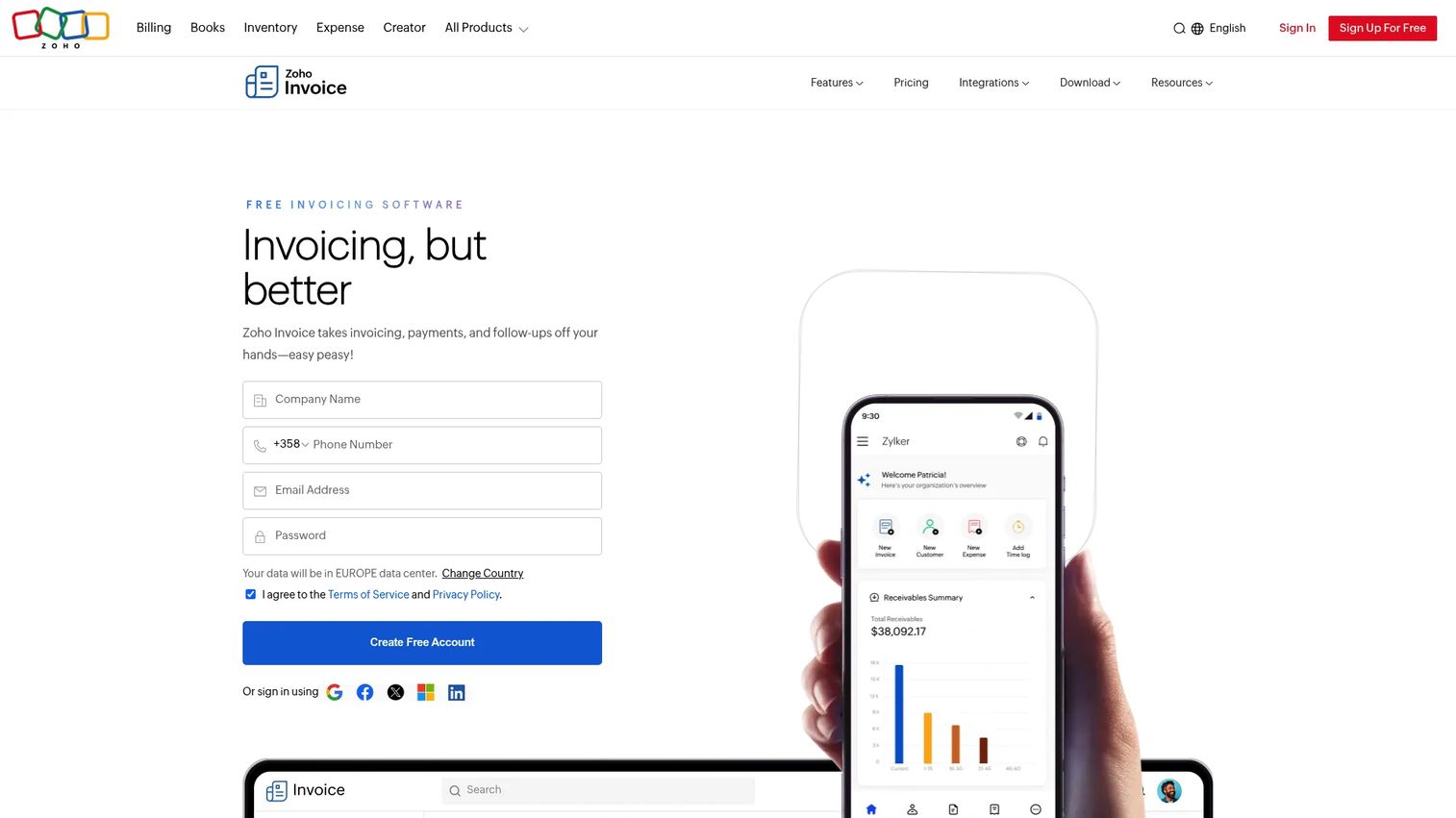
Zoho Invoice is free invoicing software built for small businesses and freelancers. It covers the full billing cycle without a price tag: create and customize invoices, send quotes, set up recurring invoices, collect payments, and automate reminders. For a founder who wants a broad feature set without paying early, it is hard to beat free.
The product does not feel stripped down despite the price. You get invoice customization, time tracking, payment links, and a mobile app that lets you invoice from your phone. It also ties into the wider Zoho suite if you later want CRM or accounting alongside billing.
Best for: Small businesses and freelancers who want a complete free invoicing tool with no upgrade pressure.
Key strengths
- Invoice creation and customization with branded templates
- Quotes and recurring invoices for repeat clients
- Payment collection and automated reminders
- Time tracking that flows into invoices
- Mobile app for invoicing on the go
Why choose Zoho Invoice: If cost is a factor and you want real invoicing capability without a subscription, this is the strongest free option on the list. It fits founders who want to hand billing to a finance lead without adding a software line item.
Zoho Invoice pricing: Completely free. No cost, no contracts, no credit card required.
2. Wave Invoicing
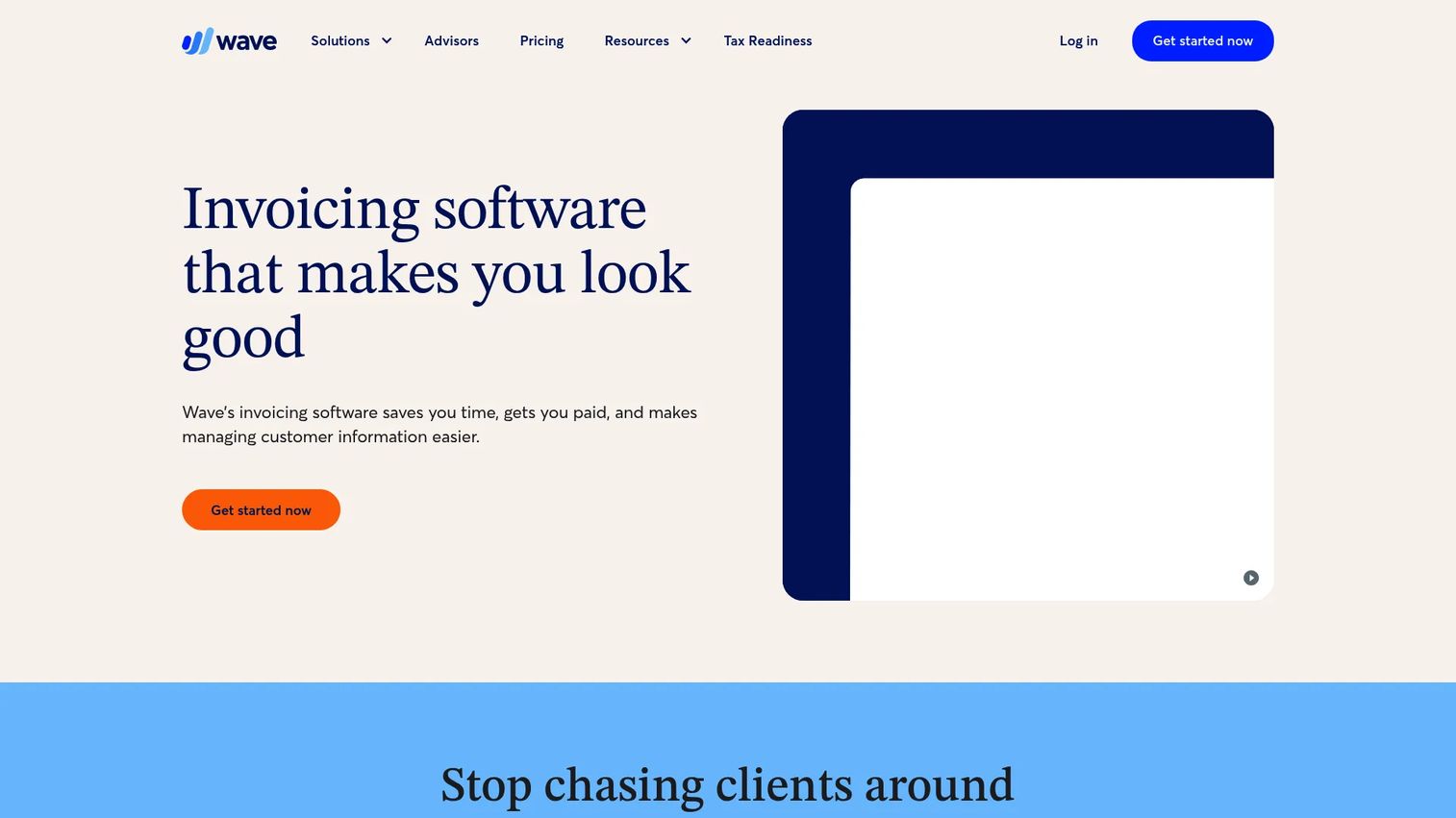
Wave Invoicing is cloud invoicing software with a free-first approach. You create professional invoices, add your logo and brand colors, accept online payments, and manage billing from a free mobile app. It ties into Wave's bookkeeping tools, so invoicing and basic accounting live in one place for lean businesses.
Where Wave works best is at the small end. Freelancers and early-stage teams get free invoicing that handles the basics well, then can upgrade to Pro for automation like recurring invoices, receipt capture, and late payment reminders when volume grows. Note that online payment processing carries transaction fees, which is standard for payment collection across these tools.
Best for: Freelancers and small businesses wanting free invoicing with optional paid automation.
Key strengths
- Professional invoice templates with logo and color customization
- Online payments via credit card, ACH bank transfer, and Apple Pay
- Recurring invoicing and automatic card payments on Pro
- Free mobile invoicing app
- Built-in bookkeeping tie-in
Why choose Wave Invoicing: It is a clean fit for lean teams that want free invoicing now and a low-cost automation path later. The bookkeeping connection means fewer tools to stitch together.
Wave Invoicing pricing: Starter is free. Pro is $19 per month, or $190 per year, and adds recurring invoices, bank import, receipt capture, and late payment reminders.
3. FreshBooks
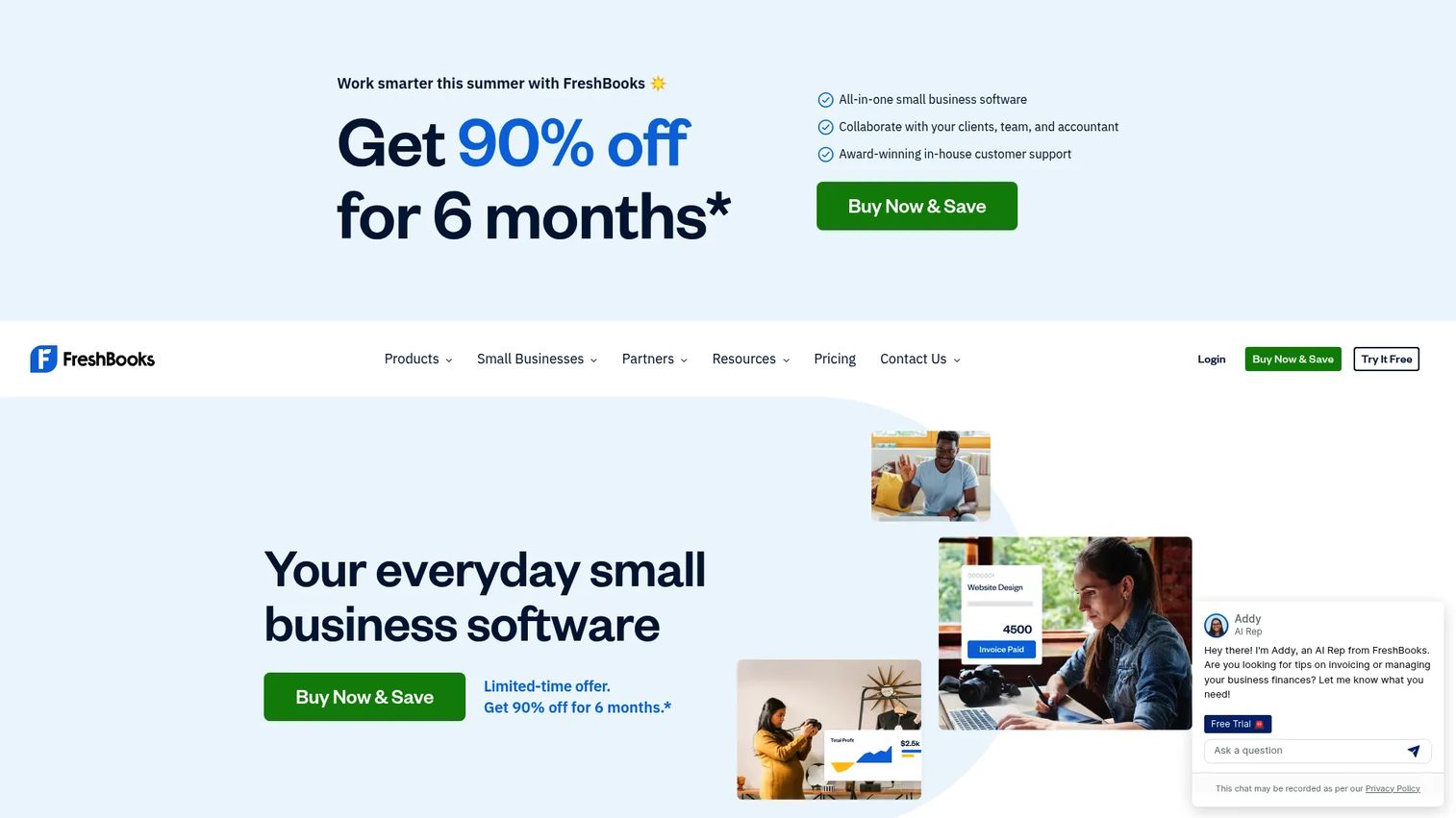
FreshBooks is cloud accounting built around invoicing, and it shines for service businesses. If you bill by the hour or by the project, its time tracking, estimates, and recurring invoices turn logged work into sent invoices without manual re-entry. Add expense tracking, receipt capture, and payment acceptance, and you have a billing system that respects how agencies and consultants actually work.
FreshBooks leans into the service-business use case harder than most tools here. Proposals, project billing, and a clean mobile app make it a good fit for founders whose revenue is tied to billable time rather than product transactions.
Best for: Freelancers and small service businesses that need invoicing plus basic accounting.
Key strengths
- Invoicing and billing with estimates and proposals
- Time tracking and project billing
- Expense tracking and receipt capture
- Recurring invoices and payment acceptance
- Mobile app for on-the-go invoicing
Why choose FreshBooks: For hour-based and project-based work, the time-to-invoice workflow is the tightest on this list. It suits service founders who want billing and light accounting in one place.
FreshBooks pricing: Lite is $21 per month, Plus is $38 per month, and Premium is $65 per month. A Select tier with custom pricing is available, along with a 30-day free trial.
4. QuickBooks Online
QuickBooks Online is cloud accounting software where invoicing is one part of a larger financial system. You create and send invoices, get paid online, automate reminders, and reconcile everything against your books, bank feeds, and reports. For a founder who wants a single finance system of record, this is the accounting-first choice.
The pull of QuickBooks is that your accountant already knows it. Invoicing, expense tracking, automated bookkeeping, and reporting live together, which keeps your numbers clean for board reviews and due diligence. It is more than an invoice tool, and priced accordingly.
Best for: Small businesses needing cloud bookkeeping, invoicing, and reporting in one system.
Key strengths
- Invoicing and getting paid online
- Expense tracking and automated bookkeeping
- Bank and credit card reconciliation
- Reporting for board and financial review
- Accountant-friendly workflow
Why choose QuickBooks Online: Choose it when you want invoicing inside a full accounting system your finance lead or fractional controller can run. The tradeoff is cost and depth versus a lightweight invoice-only tool.
QuickBooks Online pricing: Simple Start is $38 per month, Essentials is $75 per month, Plus is $115 per month, and Advanced is $275 per month. A 30-day free trial is available.
5. Square Invoices
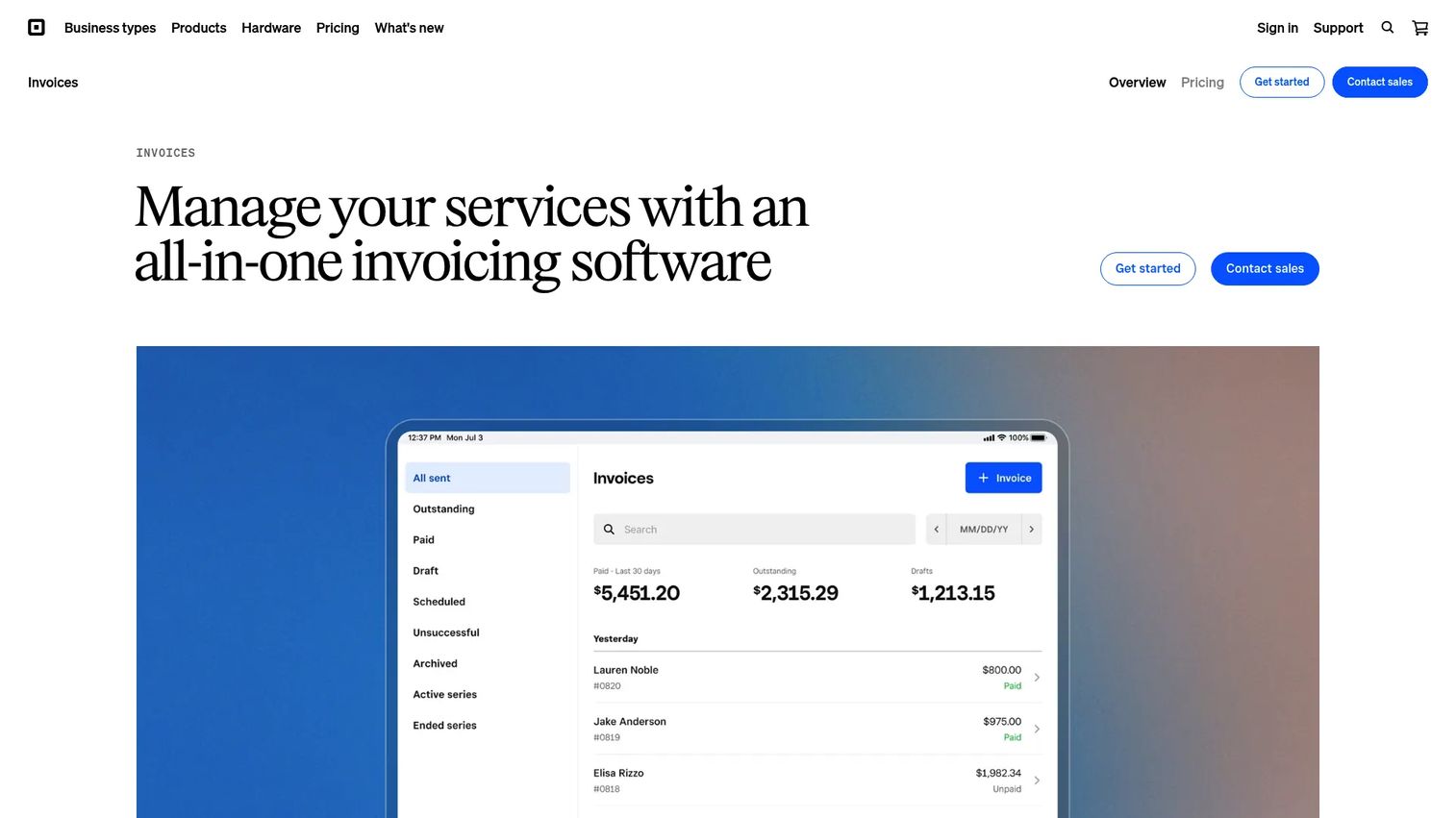
Square Invoices is built around delivery flexibility. You send digital invoices by email, SMS, or a shareable link, request deposits, set up recurring billing, and track what is paid or overdue. If your customers pay across different channels, or you already run on Square for payments, the omnichannel workflow fits naturally.
Square adds estimates, contracts, and e-signature support, which helps service businesses close and bill in one flow. The free tier means you can start invoicing with no monthly cost and only pay processing fees when you take a payment.
Best for: Service businesses that want free-to-start invoicing with flexible delivery and payment tracking.
Key strengths
- Send invoices by email, SMS, or shareable link
- Recurring billing and automatic payment reminders
- Estimates, contracts, and e-signature support
- Deposit requests and payment tracking
- Free plan with processing fees only on payments
Why choose Square Invoices: Pick it for delivery flexibility and if you already use Square's payment stack. The free plan makes it low-risk to test on real invoices.
Square Invoices pricing: Square Free is $0 per month with processing fees only when you take a payment. Square Plus is $49 per month per location and Square Premium is $149 per month per location, both with a 30-day free trial. Square Pro offers custom pricing for businesses processing over $250,000 per year.
6. Stripe Invoicing
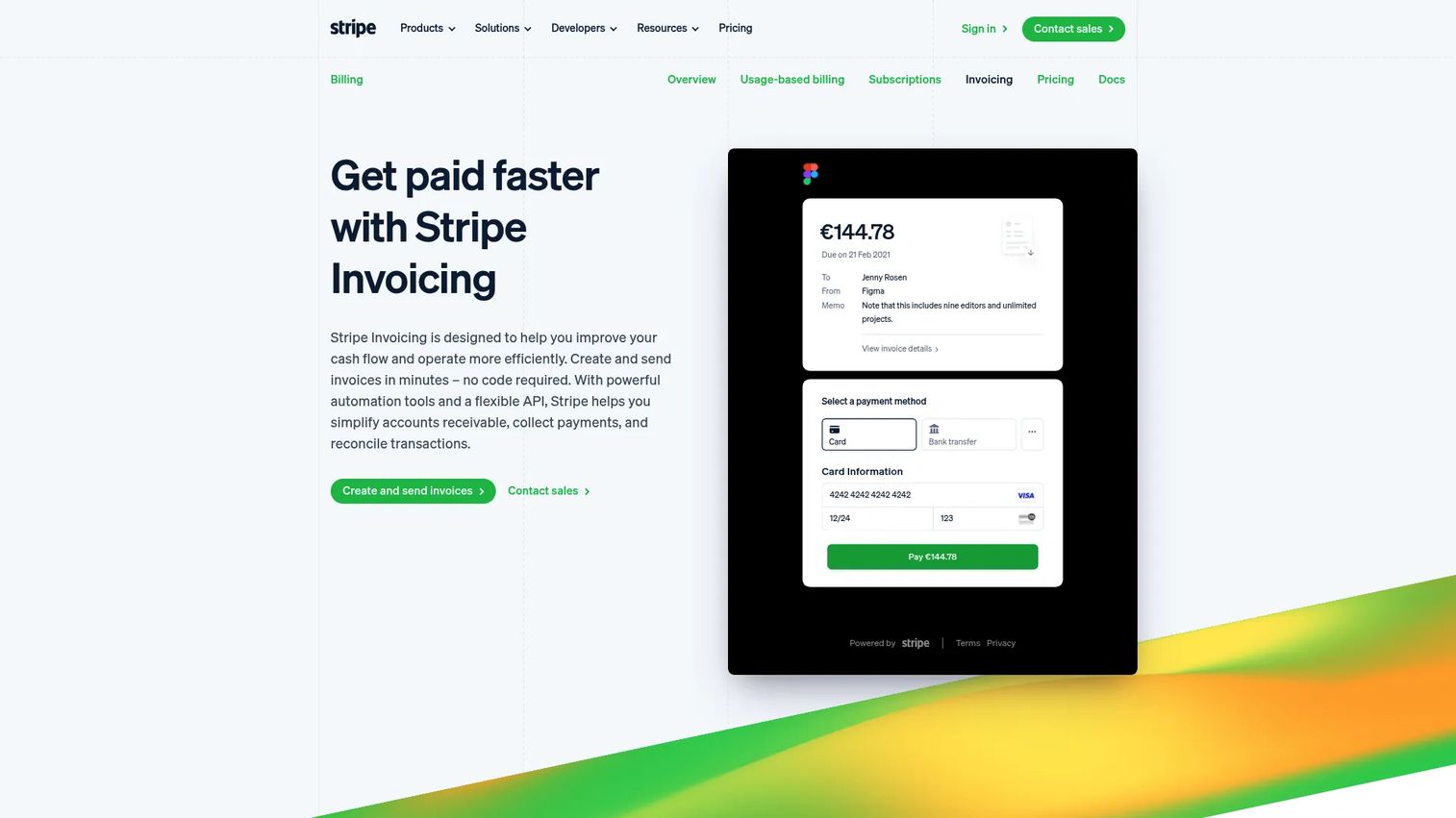
Stripe Invoicing fits product-led, SaaS, and platform businesses that need billing to bend to their model. You can create one-off and recurring invoices with no code, or go API-led for custom billing logic. It automates collection, handles reconciliation, supports a customer portal, and manages tax where needed.
For a founder whose billing is not a simple monthly flat fee, Stripe's flexibility is the draw. Usage-based charges, custom invoice logic, and tight integration with the rest of the Stripe payment stack make it a strong fit when standard invoicing tools cannot model your pricing.
Best for: Product-led and platform businesses that want Stripe-hosted invoicing with payment collection and reconciliation.
Key strengths
- No-code invoice creation and sending
- One-off and recurring invoices
- Collection automation and reconciliation
- API-based invoicing with customer portal support
- Tax handling for compliant invoicing
Why choose Stripe Invoicing: Choose it when your billing needs custom logic or already runs on Stripe payments. It suits SaaS and platform founders more than simple service billing.
Stripe Invoicing pricing: Invoicing Starter is 0.4% per paid invoice and Invoicing Plus is 0.5% per paid invoice. Fees apply only to one-time invoices.
7. Xero
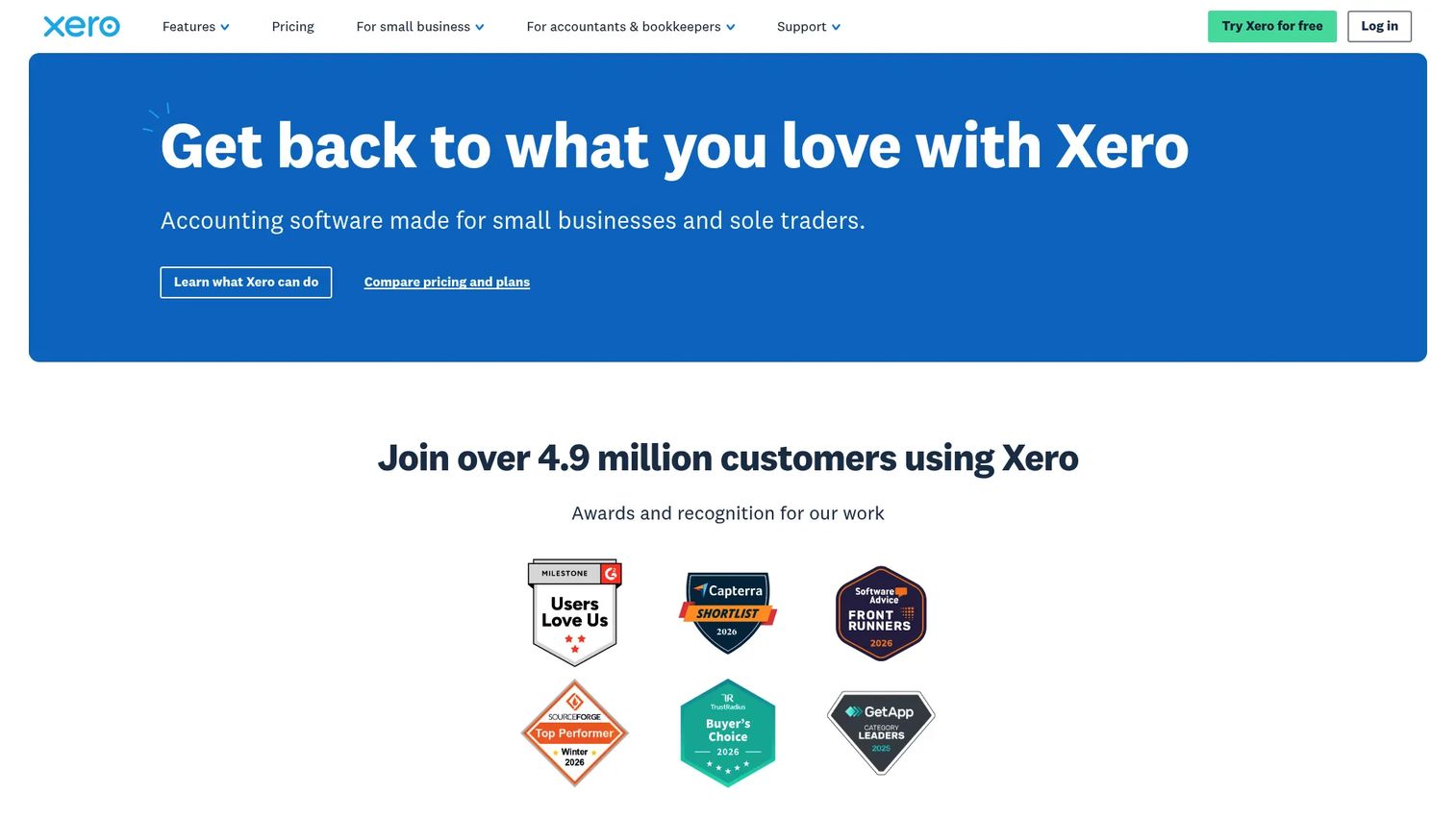
Xero is cloud accounting software with strong invoicing attached. You manage online invoicing, connect bank feeds, reconcile transactions, track expenses, and pull reports, all from one place. For founders who want solid accounting workflows with invoicing built in, Xero is a natural fit alongside QuickBooks as an accounting-first pick.
The strength here is the accounting foundation. Invoicing, bank reconciliation, and reporting work together, and the mobile access means your finance lead can manage billing from anywhere. It is a system of record, not just a way to send invoices.
Best for: Small businesses needing cloud accounting with invoicing and bank reconciliation.
Key strengths
- Online invoicing with mobile access
- Bank connections and reconciliation
- Expense claims and reporting
- Payment acceptance on invoices
- Broad bookkeeping foundation
Why choose Xero: Choose it when you want invoicing inside a clean accounting platform, especially if you or your accountant prefer Xero's workflow. It is built for founders who want the books and the billing together.
Xero pricing: Early is $5 per month for the first three months, then $25 per month. Growing is $11 per month for the first three months, then $55 per month. Established is $18 per month for the first three months, then $90 per month.
8. Melio
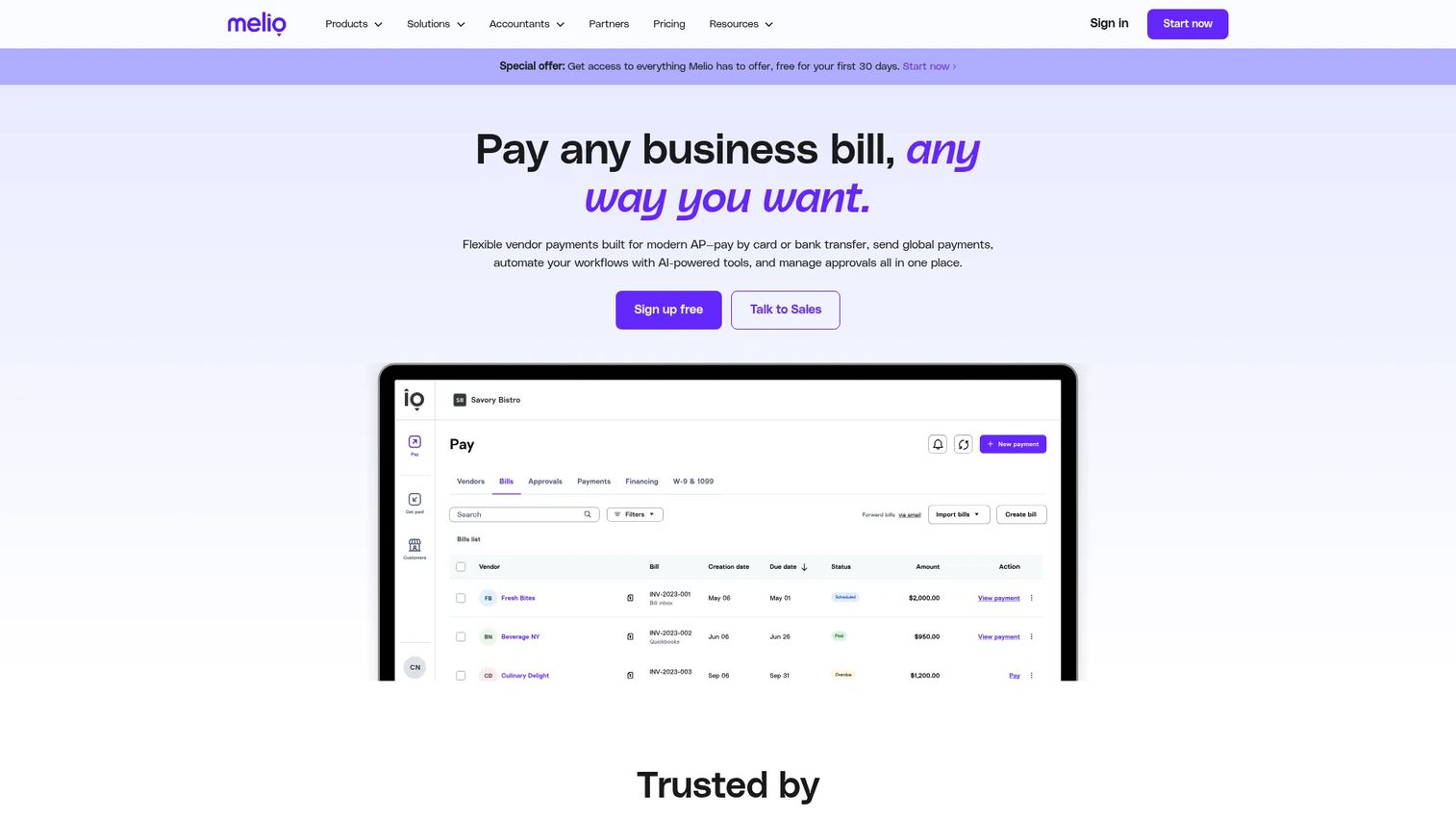
Melio approaches billing from the payment side. It handles accounts payable and receivable in one dashboard, so you pay vendors and collect from customers in the same place. Vendor payment methods span ACH, check, card, and wire, and it syncs with QuickBooks and Xero to keep your books current.
Frame Melio as a payment and payables companion rather than a pure invoice creator. If your friction is less about generating invoices and more about controlling B2B payments and cash flow timing, Melio fills that gap and pairs well with an accounting tool that handles the invoice creation side.
Best for: SMBs that need to pay vendors and collect payments in one platform.
Key strengths
- Accounts payable and receivable in one dashboard
- Vendor payment methods including ACH, check, card, and wire
- Accounting software sync with QuickBooks and Xero
- B2B payment control and scheduling
- Cash flow timing management
Why choose Melio: Choose it when payment control and vendor payables are the real problem, not invoice design. It works best alongside an invoicing or accounting tool rather than replacing one.
Melio pricing: The Go plan is free with no subscription fees. Core, Boost, and Unlimited plans are also available, along with an invite-only Platinum plan with custom transaction pricing.
9. invoicely
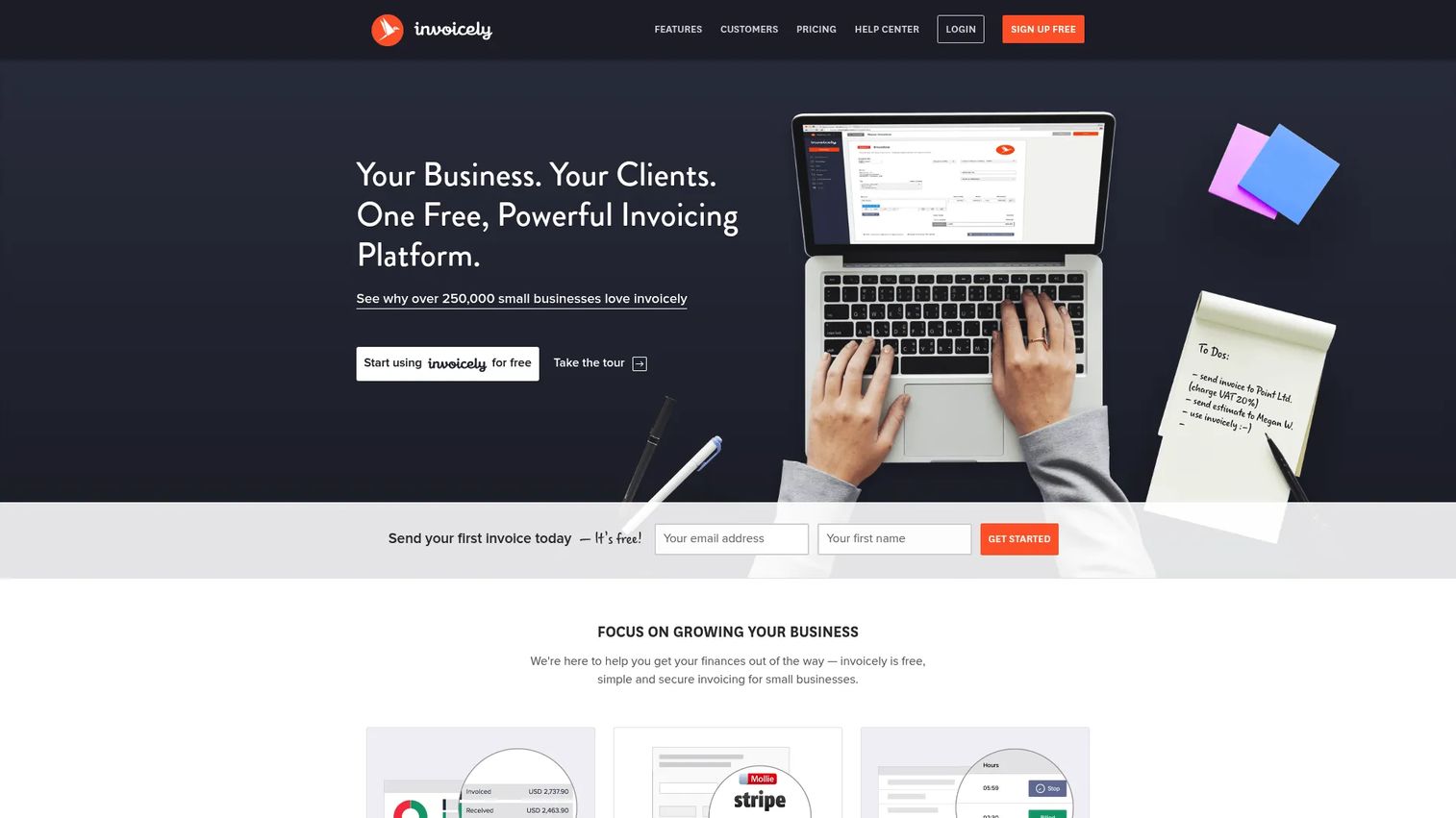
invoicely is web-based invoicing and billing software aimed at freelancers and very small teams. It keeps things lightweight: invoices and estimates, recurring invoices, payment reminders, and tracking for time, expenses, mileage, and bills. The free tier makes it easy to start, and the paid plans stay low-cost as you grow.
For a small team that wants a simple online billing tool without the weight of a full accounting platform, invoicely covers the essentials. It is the right pick when you need clean invoicing and basic tracking, not a system of record.
Best for: Freelancers and small businesses needing simple invoicing with a free tier.
Key strengths
- Invoicing and estimates
- Recurring invoicing and payment reminders
- Time, expense, mileage, and bill tracking
- Free plan for low-volume billing
- Mobile access for invoicing anywhere
Why choose invoicely: Choose it when you want lightweight, affordable invoicing and do not need full accounting. It fits freelancers and micro-teams who value simplicity over depth.
invoicely pricing: The Free Plan is $0 per month and supports up to 5 monthly invoices. Basic is $9.99 per month, Professional is $19.99 per month, and Enterprise is $29.99 per month.
How to choose the right invoicing software
The right tool depends on how you bill and what your finance function looks like. Run through this checklist before committing.
Match the tool to your billing motion
Service businesses billing by the hour need time tracking and estimate conversion, which points to FreshBooks or Zoho Invoice. Product-led billing with custom logic points to Stripe Invoicing. Simple, repeat billing fits Square Invoices or Wave. Name your motion first, then shortlist.
Weigh free versus full accounting
A free tool like Zoho Invoice, Wave, or invoicely gets you invoicing at zero cost. A full platform like QuickBooks Online or Xero costs more but becomes your finance system of record. If your books already need managing, paying for accounting-first invoicing saves you a migration later.
Check payment collection and fees
Every tool that accepts online payments charges processing fees. Confirm which payment methods each supports, ACH, card, and wallets, and how fast money lands in your account. Faster collection is the whole point.
Confirm recurring and reminder automation
If you bill subscriptions or retainers, recurring invoices and automatic reminders are non-negotiable. Verify they are included at the tier you can afford, not gated behind a higher plan you do not need yet.
Make sure your finance lead can run it
The tool should work without founder involvement. Check that it hands off cleanly to a finance lead or fractional controller, syncs with your accounting stack, and produces reports clean enough for a board review.
Conclusion
The best invoicing software for you comes down to how you bill and how much accounting you want bundled in.
If cost matters most, Zoho Invoice gives you a complete free invoicing tool with no upgrade pressure. Service businesses billing by the hour should look at FreshBooks for its time tracking and project workflows. Teams that want invoicing inside full bookkeeping should compare QuickBooks Online and Xero as accounting-first systems of record. For delivery flexibility, Square Invoices lets you send by email, text, or link, while Stripe Invoicing handles custom and product-led billing. And if paying vendors and collecting from clients is the real friction, Melio covers both sides in one dashboard.
Whatever you pick, the goal is the same: get cash in faster, cut the manual follow-up, and hand billing to a finance lead so it stops routing through you. Choose the tool that reduces admin drag and shortens the gap between work done and money received.
FAQs
It depends on your billing motion. Zoho Invoice is the strongest free option, FreshBooks fits hour-based and project work, and QuickBooks Online or Xero suit teams that want invoicing inside full accounting. Match the tool to how you bill, not to a generic ranking.
Zoho Invoice is fully free with no upgrade pressure. Wave, Square Invoices, Melio, and invoicely all offer free tiers, though some charge processing fees on payments or gate automation behind paid plans. A free invoice software tier is a good way to test before committing.
Yes. Most tools here accept credit card, ACH bank transfer, and digital wallets like Apple Pay. Online payments carry processing fees, which is standard, but they get money into your account far faster than waiting on a check or manual transfer.
Stripe Invoicing handles recurring and usage-based billing with custom logic, making it strong for subscriptions. Wave Pro, FreshBooks, Square Invoices, and invoicely also support scheduled recurring invoices with automatic reminders. Confirm recurring billing is included at your chosen tier.
Some do. FreshBooks and Zoho Invoice track billable time and convert it into invoices, which suits service businesses. invoicely tracks time, expenses, and mileage on a lightweight plan. Accounting-first tools like QuickBooks and Xero handle expense tracking as part of broader bookkeeping.
Invoicing software focuses on creating, sending, and collecting on invoices. Accounting software like QuickBooks Online or Xero adds bookkeeping, bank reconciliation, and reporting, with invoicing as one feature. If you only need to bill and get paid, invoicing software is enough; if you need a finance system of record, choose accounting-first.
Yes. Zoho Invoice, Wave, FreshBooks, Xero, and invoicely all offer mobile apps or mobile access for invoicing on the go. Mobile invoicing lets you send an invoice the moment a job wraps, which speeds up collection.
Prioritize time tracking, estimates, and one-click conversion from estimate to invoice. FreshBooks is built for this, and Zoho Invoice covers it for free. Also confirm recurring billing for retainers, automated reminders, and tax-ready records so your finance lead can run billing without you.