Your customer finished onboarding training. Two days later, they ask how to configure the same workflow the course explained.
For customer success teams comparing 360Learning alternatives, that gap matters. A completed lesson records participation. Your team still needs evidence that customers can use the product independently.
Guideflow is our pick for interactive product practice across onboarding, feature adoption, support education, and partner enablement. Docebo and Absorb LMS fit broader learning administration. LearnUpon deserves attention for external academies.
The shortlist spans enterprise learning suites, conventional LMS platforms, customer education tools, and a demo automation platform. These categories solve different problems. An academy organizes courses and records learning progress; interactive practice gives customers a product experience they can click through.
Start with the work you need to change. Perhaps CSMs repeat the same billing setup explanation. Alternatively, your team needs certification records or separate customer portals. Those requirements lead to different purchases.
The comparison below separates training fit from price, with attention to learner experience and the reporting your CS team can use.
By Team Guideflow. Last updated: November 24, 2026.
TL;DR
- Best for interactive product practice: Guideflow supports onboarding, customer education, partner enablement, and feature adoption through clickable product experiences.
- Best enterprise shortlist: Docebo and Absorb LMS cover broad learning operations. Cornerstone connects workforce learning with talent development.
- Best external academy options: LearnUpon focuses on audience-specific learning delivery. Trainn combines SaaS education content with academy capabilities.
- Best for product training videos: Trainn suits teams producing recorded instructions alongside customer education resources.
- Best small-team starting points: TalentLMS and ProProfs Training Maker offer free plans. Moodle provides free software for self-hosting.
- Compare the billing unit: These 17 alternatives include learner-based subscriptions, annual platform fees, and quote-based packages. Entry prices rarely describe the complete training budget.
What’s inside
- What 360Learning does well
- Reasons to reconsider your training platform
- LMS pricing comparison and category differences
- Tool-by-tool capabilities and purchasing considerations
- Recommendations for customer education and product practice
- Guidance on staying put or planning a migration
What is 360Learning?
360Learning is a collaborative learning platform and learning management system that helps teams create and deliver training with subject-matter experts.
Its use cases include employee onboarding and customer education, alongside enablement and compliance-oriented programs. Collaborative authoring gives internal specialists a role in turning their knowledge into courses.
Key strengths include:
- Collaborative course creation
- Learning paths and academy delivery
- Learner management and reporting
- Integrations supporting training operations
That approach fits organizations where product knowledge lives across departments. A customer education manager can coordinate contributions instead of writing every lesson alone.
When evaluating learning management system alternatives, separate content production from delivery requirements. You might need a different authoring process, stronger external audience organization, or a new way to practice product tasks. Each deserves its own evaluation.
Why teams look for 360Learning alternatives
Consider alternatives when your training audience or operating requirements change. Treat the following as buying questions, rather than assumptions about missing 360Learning capabilities.
Pricing and billing model fit
Build a cost model around how learners participate. A large customer population with occasional visits creates different purchasing requirements from employees completing mandatory monthly assignments.
Ask what counts as an active user. Include administration seats and implementation services in your comparison, alongside any additional portals.
Formal learning administration
Some programs require recurring certification or detailed completion records. Write down the evidence your compliance or operations team needs before selecting a replacement.
Have shortlisted vendors demonstrate an overdue assignment, a renewal cycle, and the resulting audit report. Use your reporting requirements rather than a generic product presentation.
Customer-facing education
External learners need an experience that makes sense outside your organization. Test enrollment and account access from a customer’s perspective.
Your CSM should also be able to distinguish a stalled onboarding cohort from a successful account. Aggregate course completion alone may conceal that difference.
Product practice and maintenance
Interactive demos offer a fundamentally different engagement model from recorded lessons. They support onboarding, support documentation, feature education, and partner training through participation.
For product training software, evaluate the effort needed to update a changed screen. Then decide how training completion rate and learner drop-off analytics will inform your next revision.
How we picked these 360Learning alternatives
This comparison uses vendor product documentation and pricing information, alongside G2 ratings. Selection emphasizes training audience fit, reporting, integration requirements, and purchasing structure. Every tool on this list carries a published G2 rating.
For customer success, the central questions are practical. Can customers reach value without another call? Will administrators recognize where learners need help?
The list includes full LMS platforms and one demo automation platform, separating academy management from hands-on product practice. It also covers course authoring software and customer education content creation.
Pricing restrictions below come from vendor packaging. Where documented shortcomings are unavailable, the cards provide evaluation questions rather than invented reviewer complaints.
360Learning alternatives at a glance
Guideflow is the hands-on training platform pick for product workflow practice, and we lead the list with it. The LMS alternatives cover formal learning delivery, while specialized platforms address customer academies or workforce readiness.
Read prices alongside their units. A creator subscription does not represent the cost of running an academy, and free self-hosted software still needs operational ownership.
Blank cells contain no price or free-plan claim. Cornerstone, Tovuti, and Continu ratings refer to G2 seller profiles rather than individual product listings.
Use this table to build a shortlist. Then test the same customer onboarding task in each candidate, including the report your CSM will receive.
| Tool | Category | Best for | G2 rating | Free plan | Starting price |
|---|---|---|---|---|---|
| Guideflow | Demo automation platform | Onboarding, feature adoption, support education, partner practice | 5.0 | Yes | Free; Solo $35/month, billed annually |
| Docebo | Enterprise LMS | Multi-audience enterprise learning | 4.3 | Quote-based Elevate and Enterprise plans | |
| Absorb LMS | Enterprise LMS | Formal employee and external training | 4.6 | ||
| LearnUpon | Customer training LMS | External academies and portals | 4.5 | No | Quote-based; customer education starts at 300 users |
| Litmos | LMS | Structured compliance training | 4.3 | $8,000/year | |
| TalentLMS | LMS | Growing training teams | 4.6 | Yes | Free; paid plans from $119/month |
| Moodle | Open-source LMS | Custom learning environments | 4.1 | Yes | Free self-hosted software |
| Adobe Learning Manager | Enterprise LMS | Extended enterprise learning | 4.0 | Quote-based Prime and Ultimate plans | |
| Cornerstone | Enterprise learning suite | Workforce learning and talent development | 4.0 | Quote-based; employee-based annual packages | |
| D2L Brightspace | Enterprise and education LMS | Structured learning across varied audiences | 4.4 | Quote-based by learners and services | |
| ProProfs Training Maker | LMS and course authoring | Course creation and small training programs | 4.6 | Yes | Free; Essentials $1.99/active learner/month |
| Lessonly by Seismic | Enablement and training | Customer-facing employee readiness | 4.7 | Quote-based Essential, Advanced, and Ultimate packages | |
| Paradiso LMS | LMS | Branded, multi-tenant portals | 4.1 | Growth calculator shows $600/month for 100 users | |
| Tovuti LMS | LMS | Interactive courses and blended learning | 4.6 | $7,500/year for the first 100 learners | |
| Continu | Learning platform | Enterprise learning workflows | 4.6 | No | Quote-based monthly active user bands |
| Trainn | Customer education platform | Product videos and SaaS academies | 4.6 | No | Creator $19/month |
| iSpring Learn | LMS and authoring | Corporate course delivery | 4.6 | £6,489/year for 100 users |
The best 360Learning alternatives in 2026
1. Guideflow (demo automation platform)
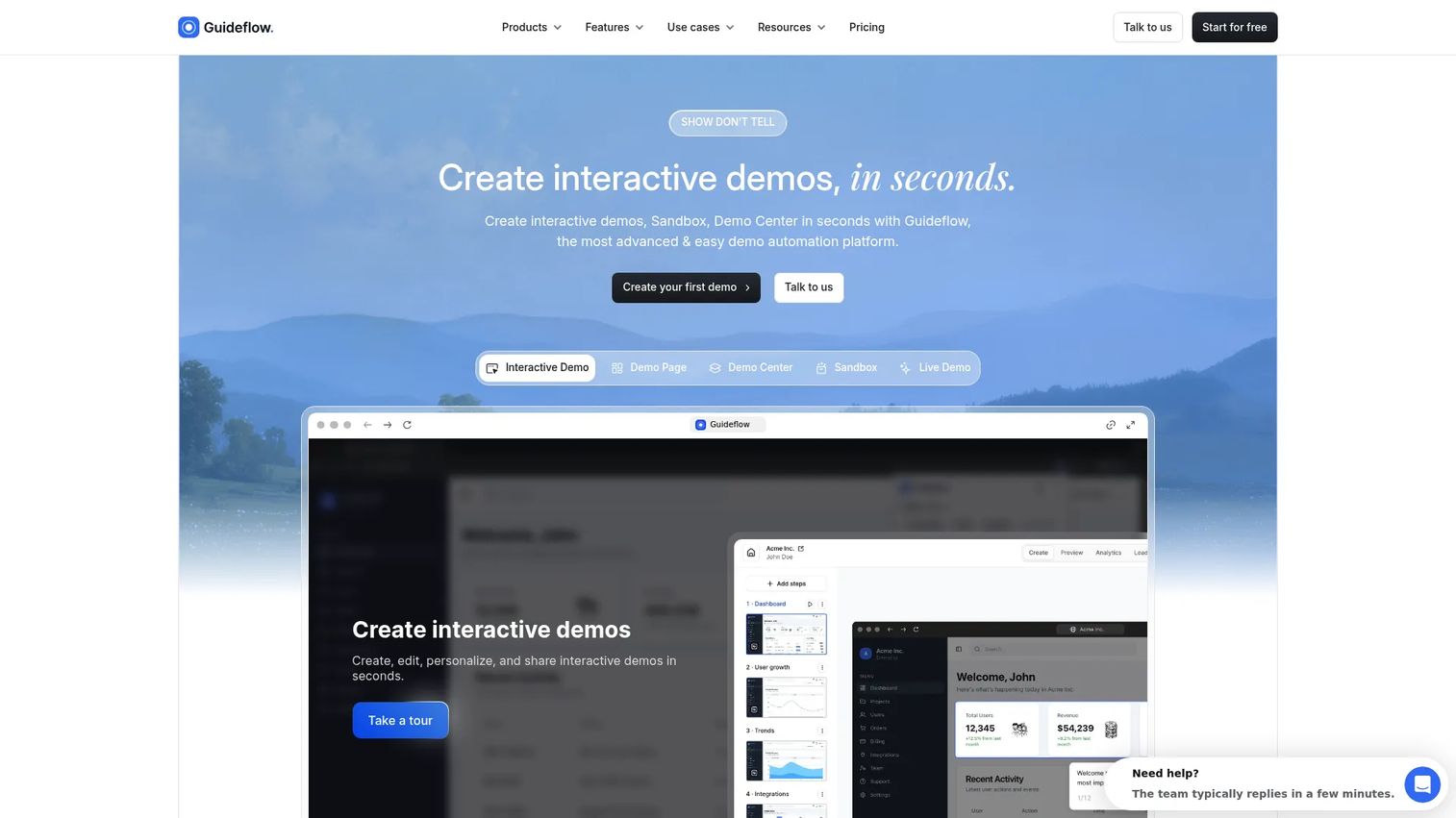
Guideflow is the pick for interactive product practice across customer onboarding, feature adoption, support education, and partner enablement. Learners participate in a product experience at their own pace.
Best for: CS and product education teams teaching workflows customers need to perform independently.
What it is: Guideflow is a demo automation platform. Its six formats are interactive demos, demo pages, demo centers, sandboxes, live demos, and mobile demos.
These support learning and selling across the customer lifecycle. Applications include onboarding, technical evaluation, customer education, partner certification, sales presentations, and mobile support.
Capture runs through the Chrome extension or the native app. Screenshot, HTML, and video are capture modes.
Try the capture experience below.
Key features:
- Editable text, images, graphs, and branching
- Automatically written step content and CTAs
- Step-level completion and drop-off analytics
- Viewer-flow reporting
- AI voiceover and translation
Where Guideflow falls short: Look elsewhere for a full LMS purchase centered on transcripts or formal certification administration. Pair product practice with an LMS when your program requires exams and recurring compliance assignments.
Pricing: A free plan exists. Annual billing lists Solo at $35/month, Growth at $499/month, and Advanced at $1,499/month. Enterprise uses custom pricing.
G2 rating: 5.0
How it compares to 360Learning: Guideflow adds interactive product practice for onboarding, support documentation, feature education, and partner enablement. Keep formal learning records in your LMS while measuring participation in the workflow itself.
Start with a task that repeatedly generates customer questions. For example, teach administrators to configure a billing rule before asking them to complete setup in their account.
Start your journey with Guideflow today!
2. Docebo (enterprise LMS)
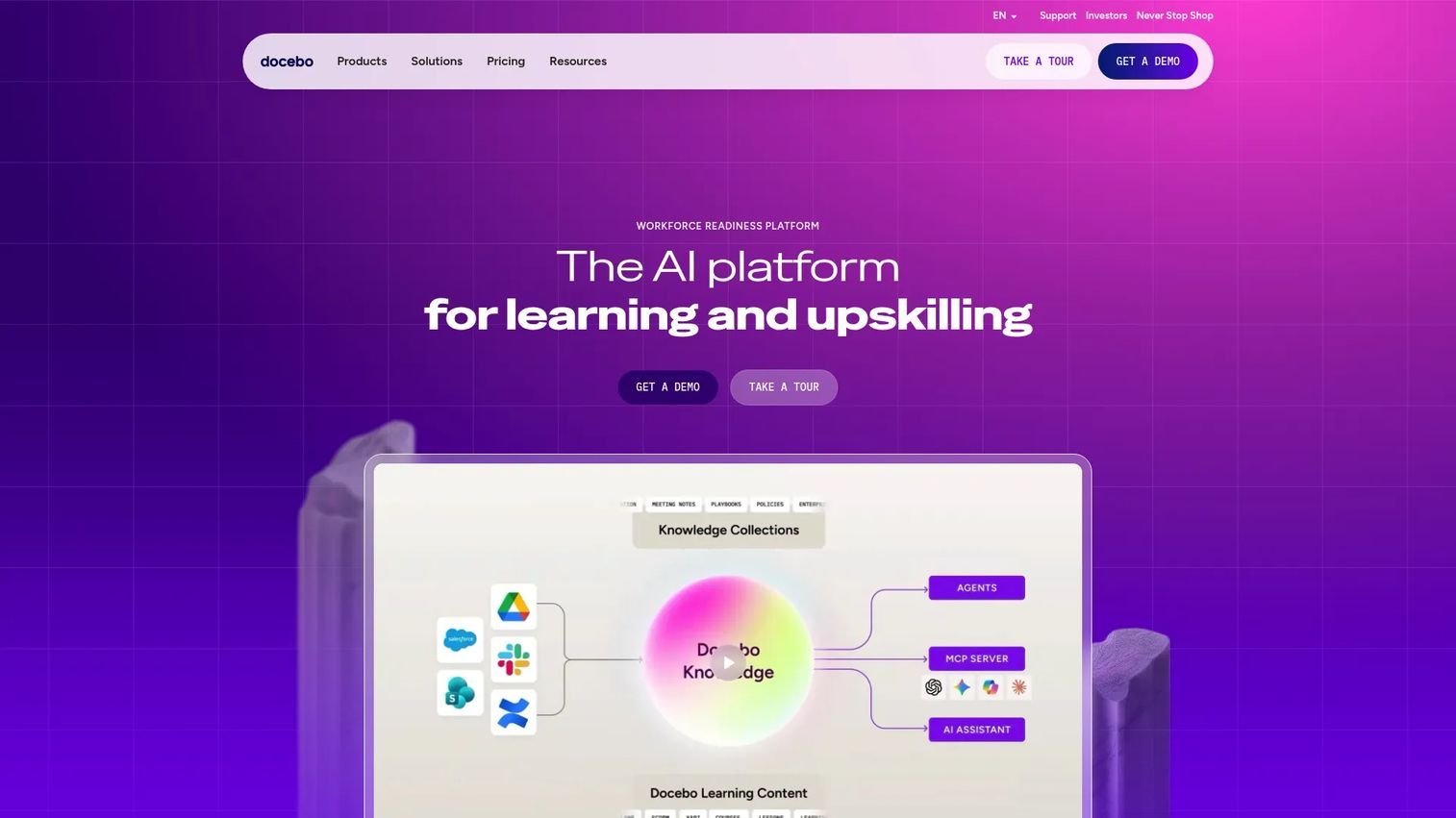
Docebo belongs on the shortlist when customer education shares infrastructure with employee or partner learning. Evaluate it around the administration your organization needs across audiences.
Best for: Mid-market and enterprise organizations coordinating broad learning programs.
What it is: Docebo is an AI-enabled learning platform supporting multiple training audiences. Its capabilities include content creation assistance and multilingual delivery.
Key features:
- Certification and compliance tracking
- Personalized learning experiences
- Learning insights and reporting
- Integrations and workflow automation
Where Docebo falls short: Its pricing process requires a sales conversation before you can calculate subscription cost. Docebo bases quotes on usage, contract terms, and selected capabilities.
For a CS-led purchase, request a proposal for customer education separately from any broader workforce rollout.
Pricing: Elevate and Enterprise use custom quotes. Define your learner population and required capabilities before requesting comparable proposals.
G2 rating: 4.3
How it compares to 360Learning: Evaluate Docebo for enterprise learning operations across audiences. Keep collaborative content ownership central when comparing it with 360Learning.
3. Absorb LMS (enterprise LMS)
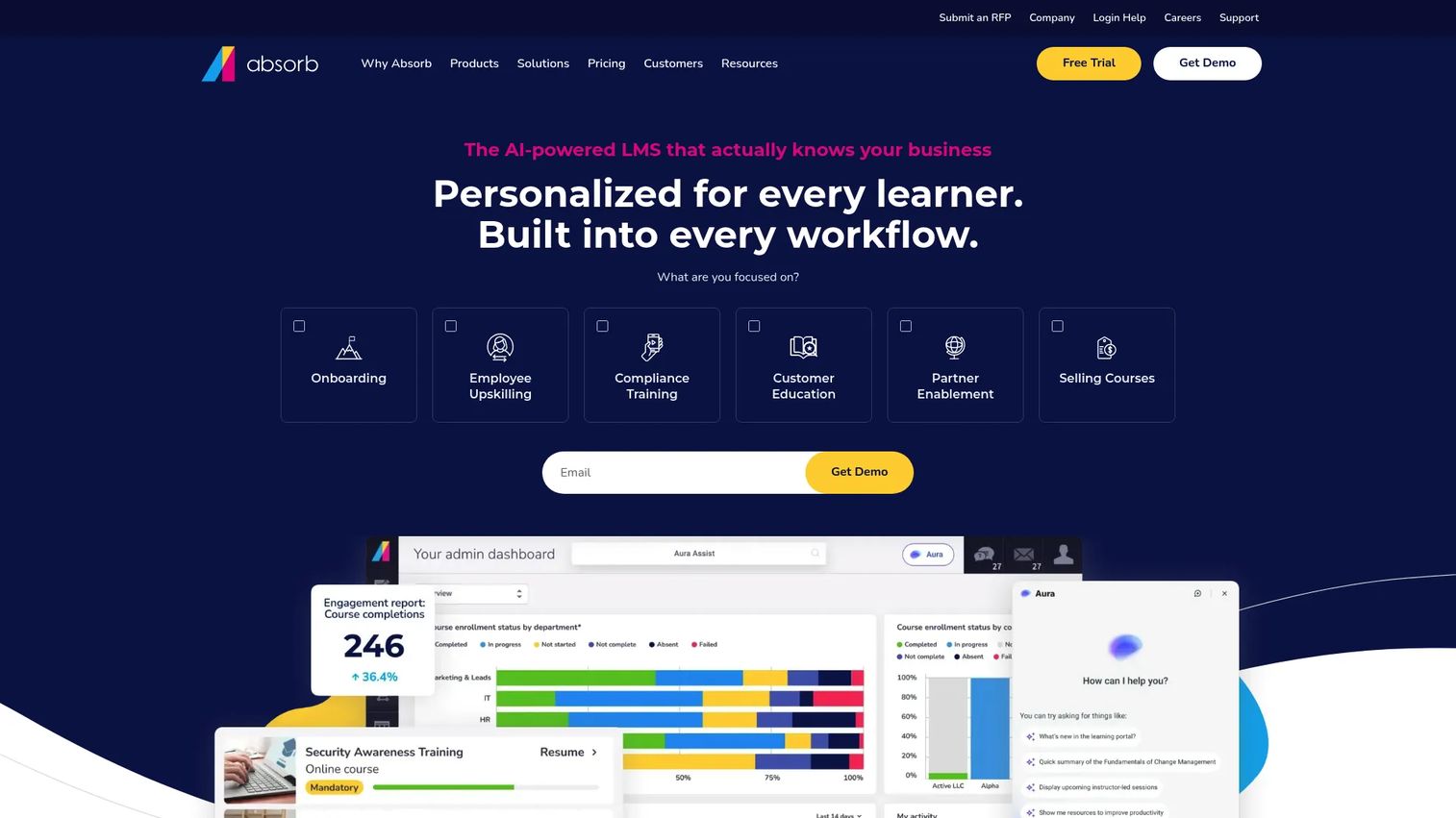
Absorb LMS is a candidate when formal training administration drives the purchase. It covers structured delivery across customer education and employee training software use cases.
Best for: Organizations managing employee, customer, partner, or compliance training.
What it is: Absorb administers and tracks learning programs through a cloud LMS. Its content support includes SCORM, xAPI, and AICC.
Key features:
- Course and test creation
- Instructor-led training management
- Portal customization
- Department and group management
Where Absorb LMS falls short: Make administrative fit a practical test. Ask an administrator to organize customer cohorts and produce the adoption-supporting report your team expects.
Also evaluate which portal changes your CS team can maintain without specialist assistance. These are purchasing checks, not claims of product defects.
Pricing: Request a proposal covering your audience sizes and portal requirements. Ask for implementation services and recurring subscription charges as separate line items.
G2 rating: 4.6
How it compares to 360Learning: Absorb offers a formal learning management route. Compare its administrative workflow with the contribution process your team uses to create training.
4. LearnUpon (customer training LMS)
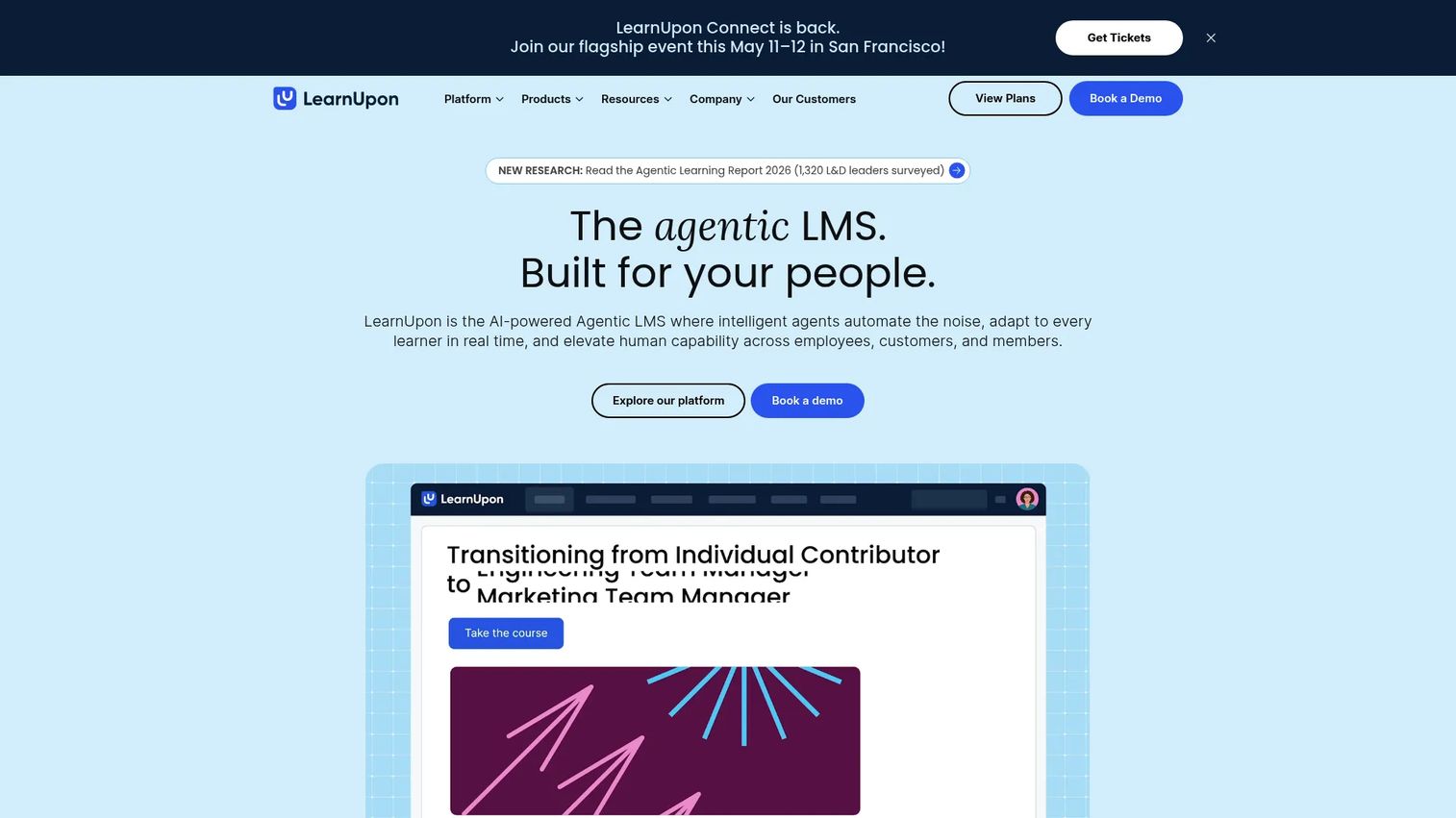
LearnUpon is a strong candidate for customer academies and partner training software requirements. Separate Learning Portals give audience organization a prominent role.
Best for: Teams managing external education alongside other learning programs.
What it is: LearnUpon supports employee learning, customer education, and association training. Create+ provides AI course authoring, while Dynamic Learning Journeys organize progression.
Key features:
- Learning Portals
- Certifications and recertification
- SCORM and xAPI support
- API and business integrations
Where LearnUpon falls short:
- Its customer education offering starts at 300 users, which deserves attention for a small academy.
- LearnUpon offers no free plan.
Pricing: Custom pricing applies across its offerings. Employee plans start at 100 users; association training starts at 150 users.
G2 rating: 4.5
How it compares to 360Learning: Put LearnUpon on the shortlist when external audience management shapes the decision. Test customer enrollment and account-level reporting against your existing learning process.
5. Litmos (LMS)
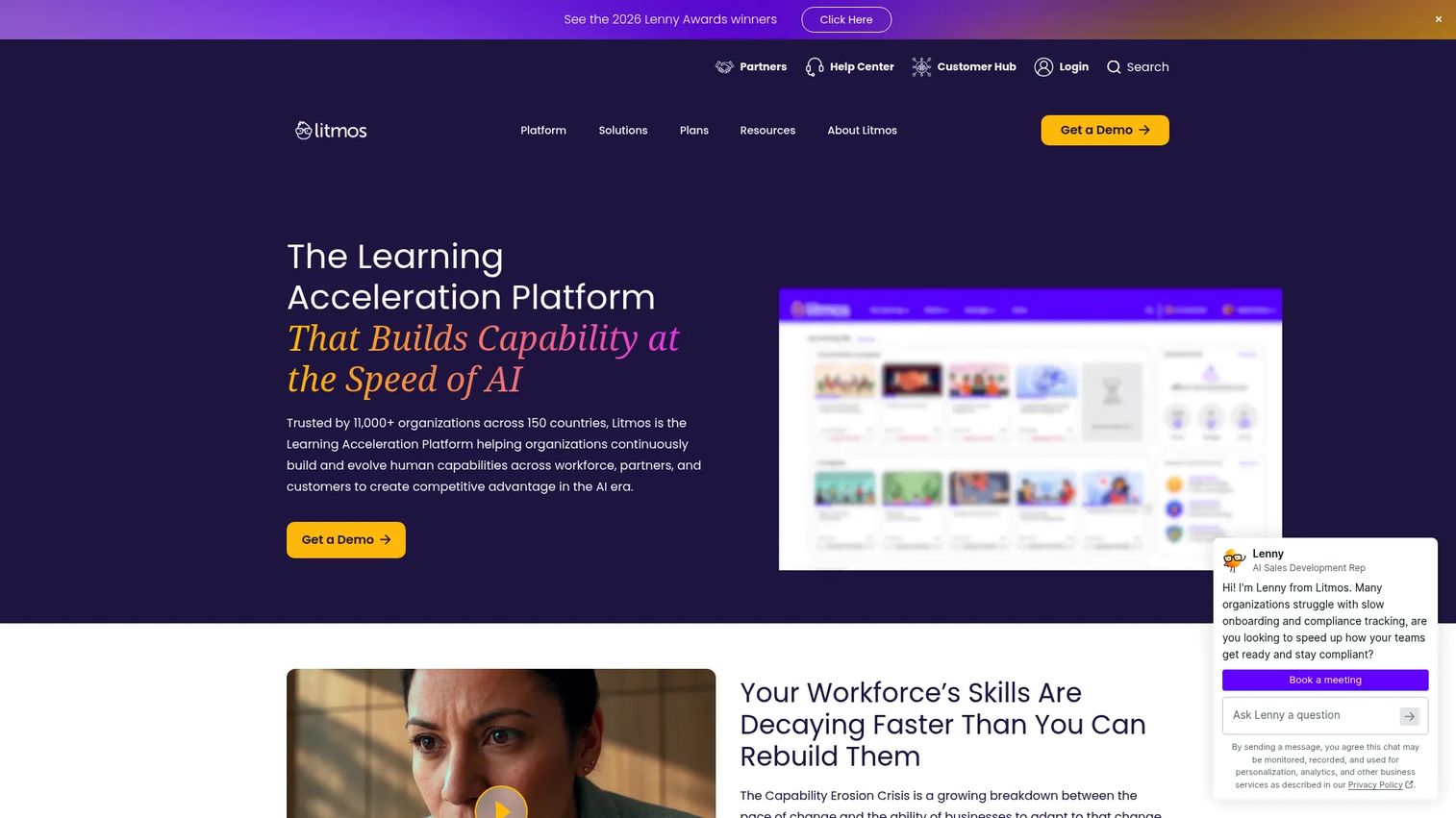
Litmos suits structured training with recurring administration. For CS leaders, it is especially relevant when customer education shares requirements with compliance-oriented employee programs.
Best for: Mid-market and enterprise teams delivering structured learning across audiences.
What it is: Litmos manages training for employees and external learners. Learning paths and assignments organize delivery, with assessments supporting progress measurement.
Key features:
- SCORM, xAPI, and AICC support
- Compliance management
- Reporting dashboards
- Social learning and discussion forums
Where Litmos falls short: The published annual starting commitment deserves attention before a small-team pilot. Its plan structure also separates essential learning tools from advanced administration.
Ask for a proposal containing the authoring and reporting capabilities your program requires.
Pricing: Foundation starts at $8,000 annually. Platinum starts at $15,000 annually; Platinum AI uses custom pricing.
G2 rating: 4.3
How it compares to 360Learning: Consider Litmos for structured delivery and compliance training. Compare author contribution workflows directly if internal experts create most of your courses.
6. TalentLMS (LMS)
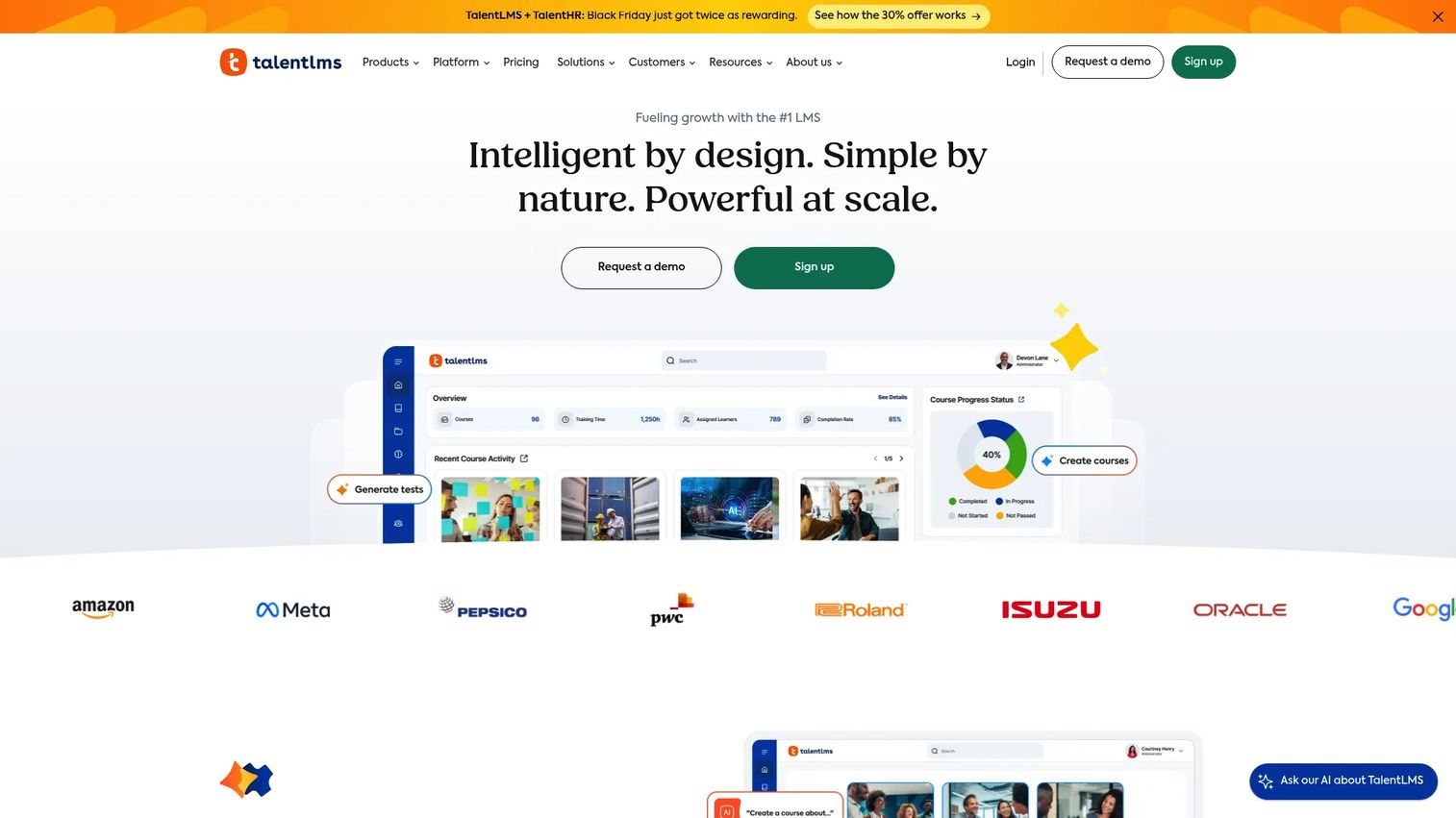
TalentLMS gives smaller teams a defined entry point for testing an LMS. Start with a representative onboarding course rather than migrating the entire library.
Best for: Growing organizations delivering employee or external training.
What it is: TalentLMS is a cloud learning management system with course creation and learning paths. AI assistance covers authoring and translation, alongside assessments and coaching.
Key features:
- SCORM, Tin Can, and cmi5 support
- Learning analytics
- Gamification
- SSO, API, and integrations
Where TalentLMS falls short:
- The free plan allows five users and ten courses.
- User capacity and additional-user charges need modeling before expansion.
Pricing: Monthly billing starts at $119 for Core. Grow costs $229/month, while Pro costs $449/month; Enterprise uses a quote.
G2 rating: 4.6
How it compares to 360Learning: TalentLMS offers a concrete small-team evaluation route. Compare the experience of adding contributors and updating courses as your training operation expands.
7. Moodle (open-source LMS)
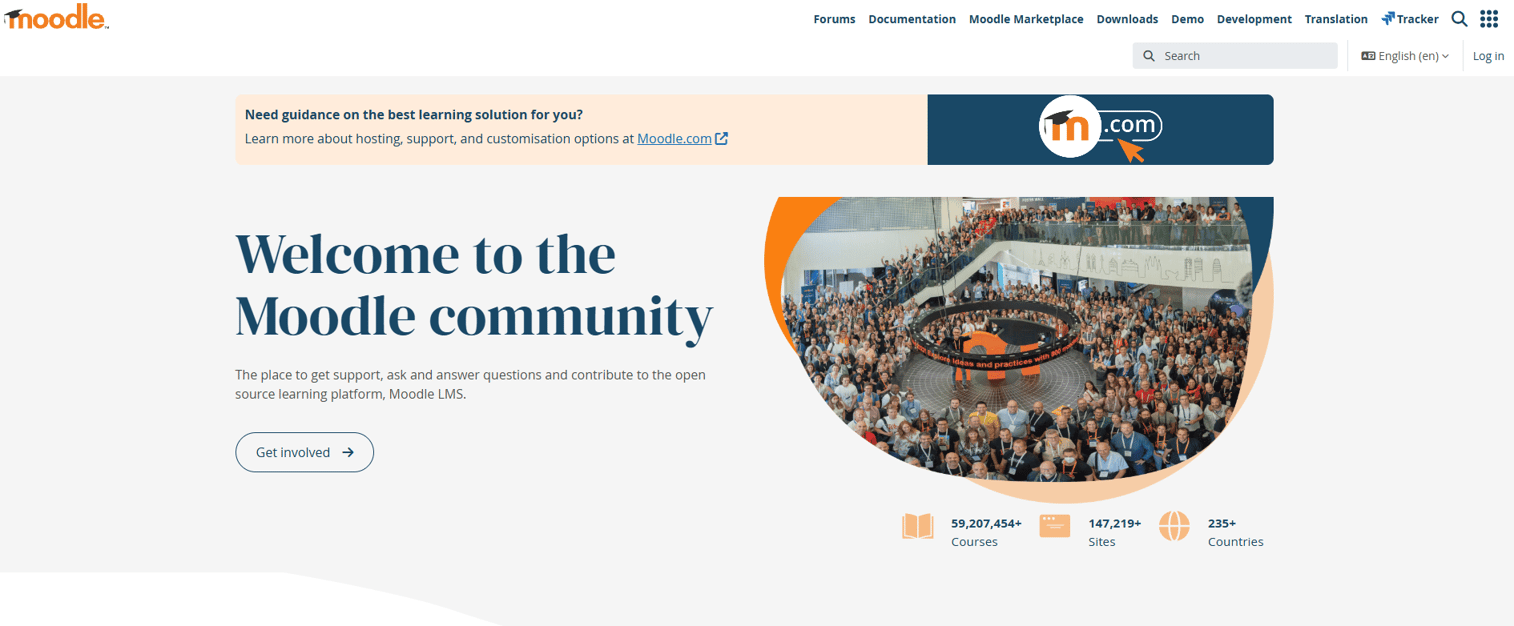
Moodle is the control-oriented option. It deserves consideration when your organization wants responsibility for the learning environment and has people to maintain it.
Best for: Teams requiring a customizable LMS with technical ownership.
What it is: Moodle is open-source software for online and blended learning. Its plugin architecture supports extending the learning environment beyond the core system.
Key features:
- Course activities and assignments
- Quizzes and grading
- Competency frameworks and certificates
- Learner communication
Where Moodle falls short:
- Self-hosting makes infrastructure and maintenance part of your operating responsibilities.
- Customization requires an owner for plugin compatibility and ongoing administration.
Pricing: Moodle LMS is free to download and self-host. MoodleCloud is a separate hosted subscription service with annual plans.
G2 rating: 4.1
How it compares to 360Learning: Moodle offers an open-source path rather than a packaged collaborative training purchase. Include technical staffing in the comparison, especially when CS needs frequent content changes.
8. Adobe Learning Manager (enterprise LMS)
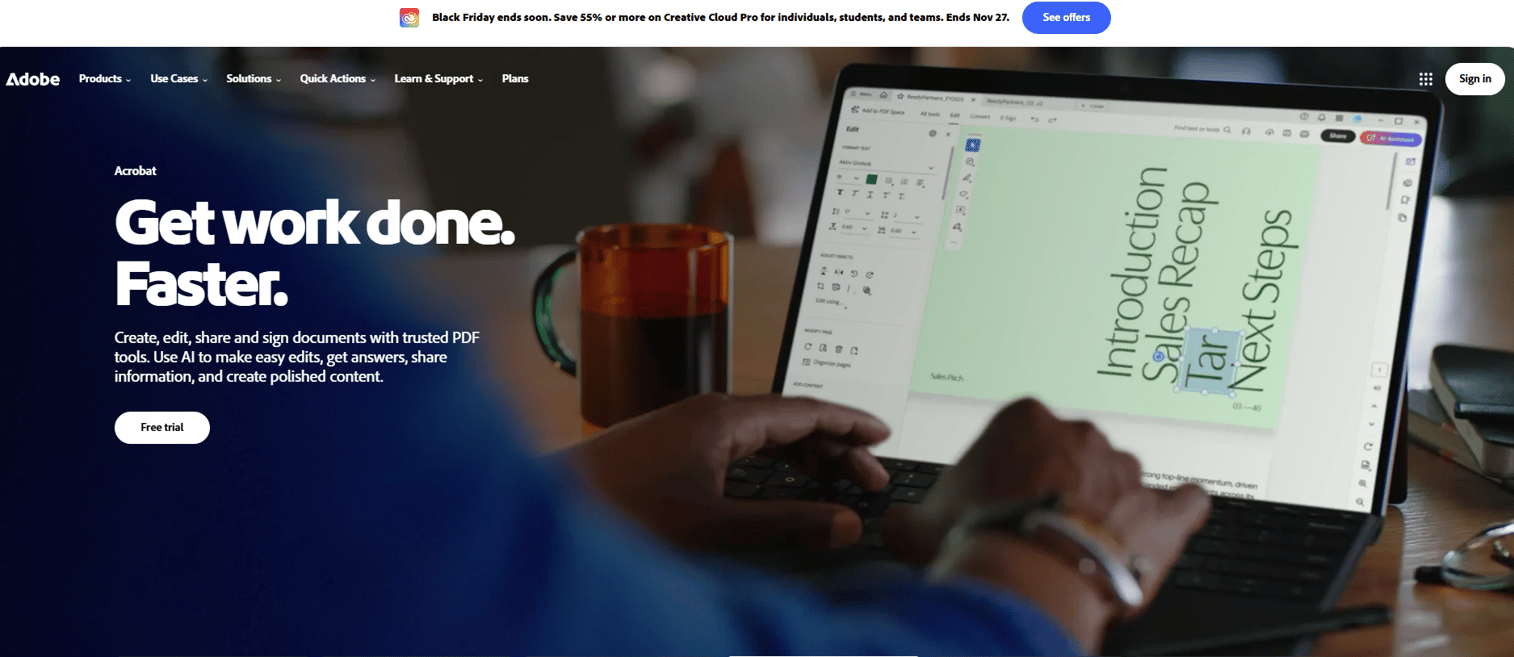
Adobe Learning Manager deserves evaluation when training spans employees and external audiences. Blended delivery is a particular reason to include it.
Best for: Mid-sized and large organizations managing extended enterprise learning.
What it is: Adobe Learning Manager combines self-paced learning with instructor-led and virtual sessions. AI recommendations and semantic search support content discovery.
Key features:
- Learning paths and certifications
- Skills management
- Offline mobile content access
- Reporting and enterprise integrations
Where Adobe Learning Manager falls short: Adobe separates Prime and Ultimate packaging. Its pricing page places extended enterprise capabilities and advanced reporting in Ultimate, affecting the package customer education teams should evaluate.
Compare the required configuration rather than assuming the entry package covers your program.
Pricing: Prime and Ultimate use custom pricing. Request an itemized proposal for your audience and reporting requirements.
G2 rating: 4.0
How it compares to 360Learning: Adobe offers another route for blended, enterprise learning delivery. Compare discovery and external audience requirements alongside collaborative course production.
9. Cornerstone (enterprise learning suite)
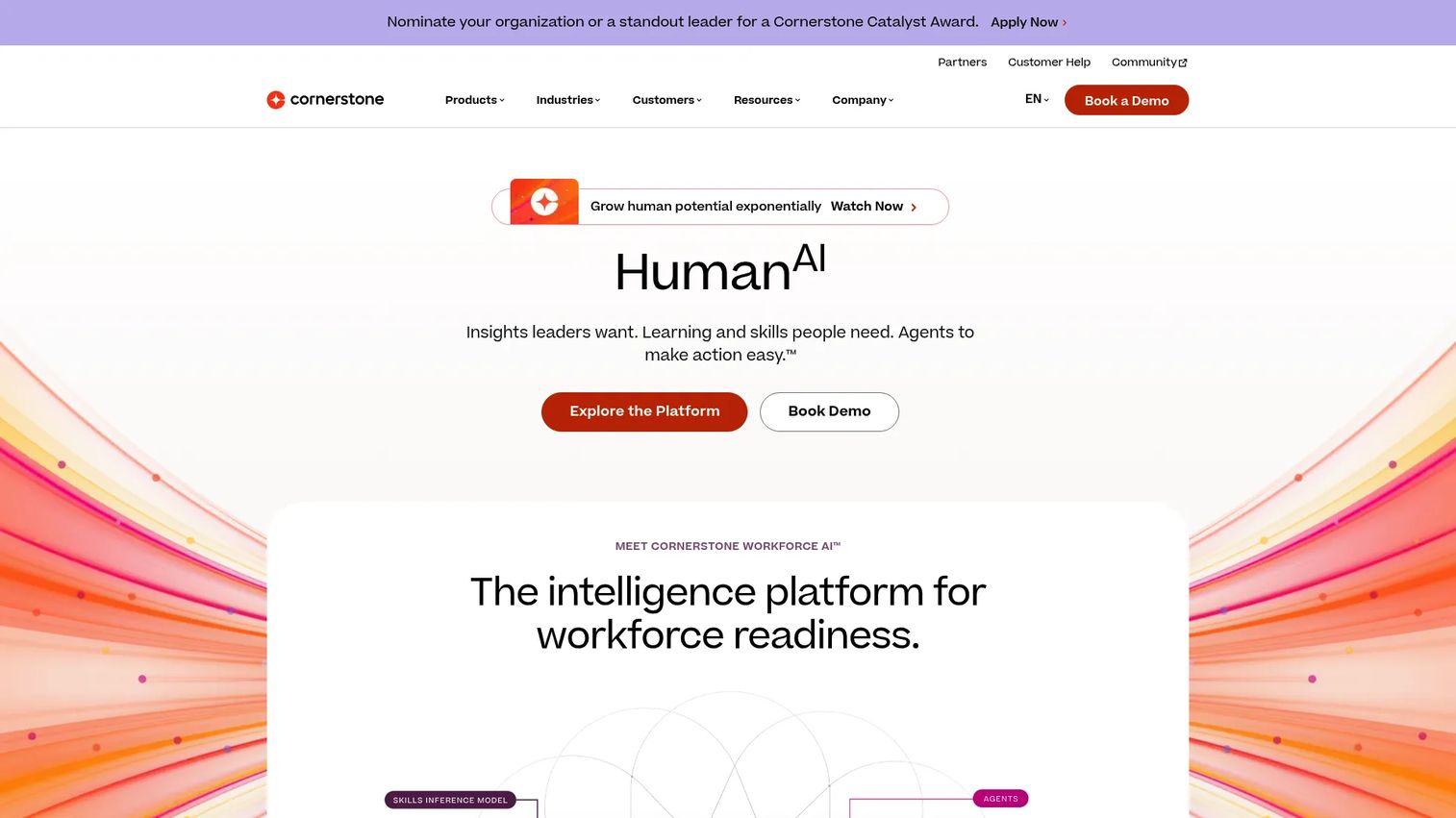
Cornerstone fits a workforce decision involving HR and talent development. A customer academy alone calls for a more focused evaluation of its relevance.
Best for: Large organizations connecting employee learning with broader workforce programs.
What it is: Cornerstone spans learning and talent development, with workforce intelligence and HR capabilities. Its learning offering includes compliance management and assessments.
Key features:
- Learning paths and certifications
- Performance and development capabilities
- Talent marketplace and succession planning
- Workforce intelligence
Where Cornerstone falls short: Package selection introduces a broader purchasing exercise than choosing a standalone training tool. Define whether your project needs talent capabilities before comparing costs.
For CS, separate internal team readiness from customer-facing education requirements.
Pricing: Learn+, Elevate+, and HCM+ use employee-based annual pricing. Intelligence+ uses employee-count bands; package amounts require a quote.
G2 rating: 4.0
How it compares to 360Learning: Cornerstone is worth considering when learning belongs within a workforce platform purchase. Compare the relevant learning scope rather than the entire suite.
10. D2L Brightspace (enterprise and education LMS)
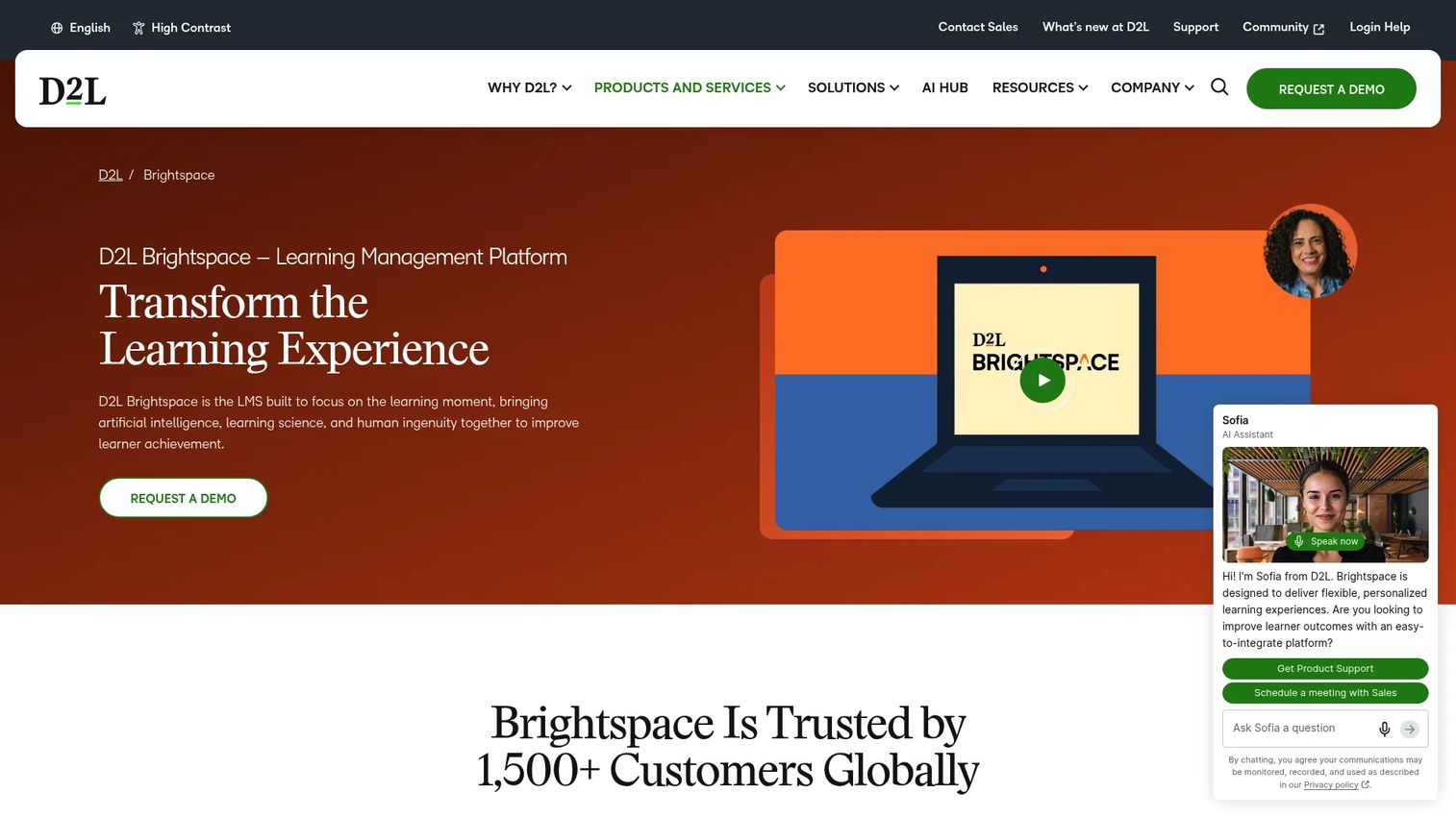
D2L Brightspace serves varied learning environments, including business and education. It belongs on a shortlist where assessment design and structured delivery matter.
Best for: Organizations delivering personalized learning across complex programs.
What it is: Brightspace is a cloud LMS for education, businesses, associations, and training providers. D2L Lumi adds AI assistance, while D2L Link supports integrations.
Key features:
- Content creation and delivery
- Assessments and feedback
- Personalized learning
- Learning analytics
Where D2L Brightspace falls short: Its quote includes more than learner volume. D2L identifies implementation timing, services, support, and integrations as pricing drivers.
Request the configuration your administrators will maintain, then test routine course revisions and learner reporting.
Pricing: Custom pricing reflects the requested functionality and deployment requirements. Include ongoing services in your total-cost comparison.
G2 rating: 4.4
How it compares to 360Learning: Brightspace offers a structured LMS option across diverse learning contexts. Evaluate assessment and accessibility requirements alongside the authoring process your team needs.
11. ProProfs Training Maker (LMS and course authoring)
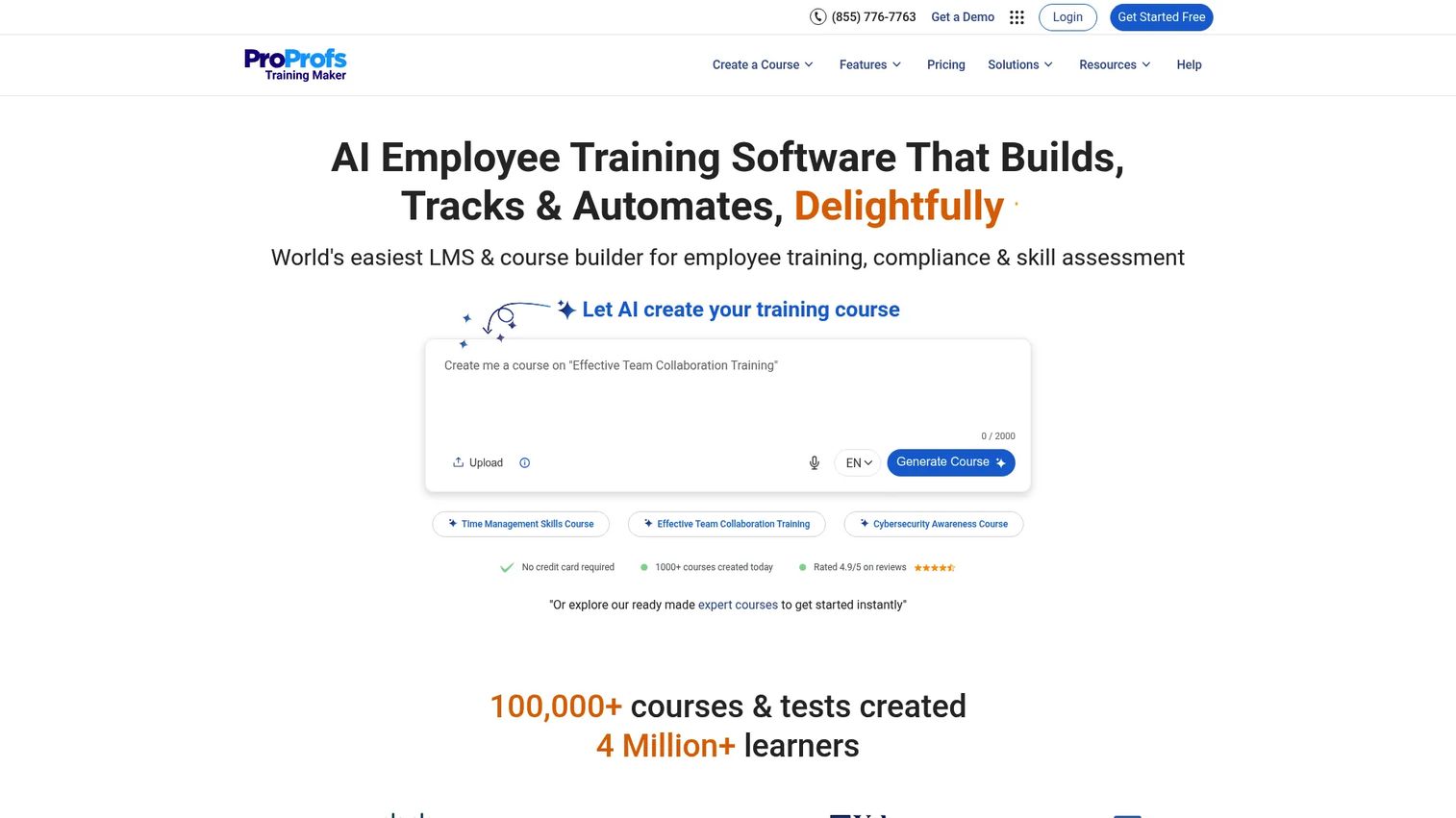
ProProfs Training Maker is worth testing when a small team owns course production and delivery. Its free entry point supports a contained pilot.
Best for: Teams creating employee onboarding or skills training with progress tracking.
What it is: ProProfs combines an AI course builder with training assignments. It also supports learning paths and compliance reminders.
Key features:
- Quizzes and assessments
- Certificates
- Learner-progress reporting
- Branding and virtual classrooms
Where ProProfs Training Maker falls short:
- The free plan supports up to ten learners.
- Essentials and Business use active-learner pricing, requiring a clear participation forecast.
Pricing: Essentials costs $1.99 per active learner/month; Business costs $3.99. The People Development Suite starts at $499/month on annual plans.
G2 rating: 4.6
How it compares to 360Learning: ProProfs deserves evaluation for direct course creation and delivery. Test contribution permissions before selecting it for a distributed subject-matter-expert authoring model.
12. Lessonly by Seismic (enablement and training)
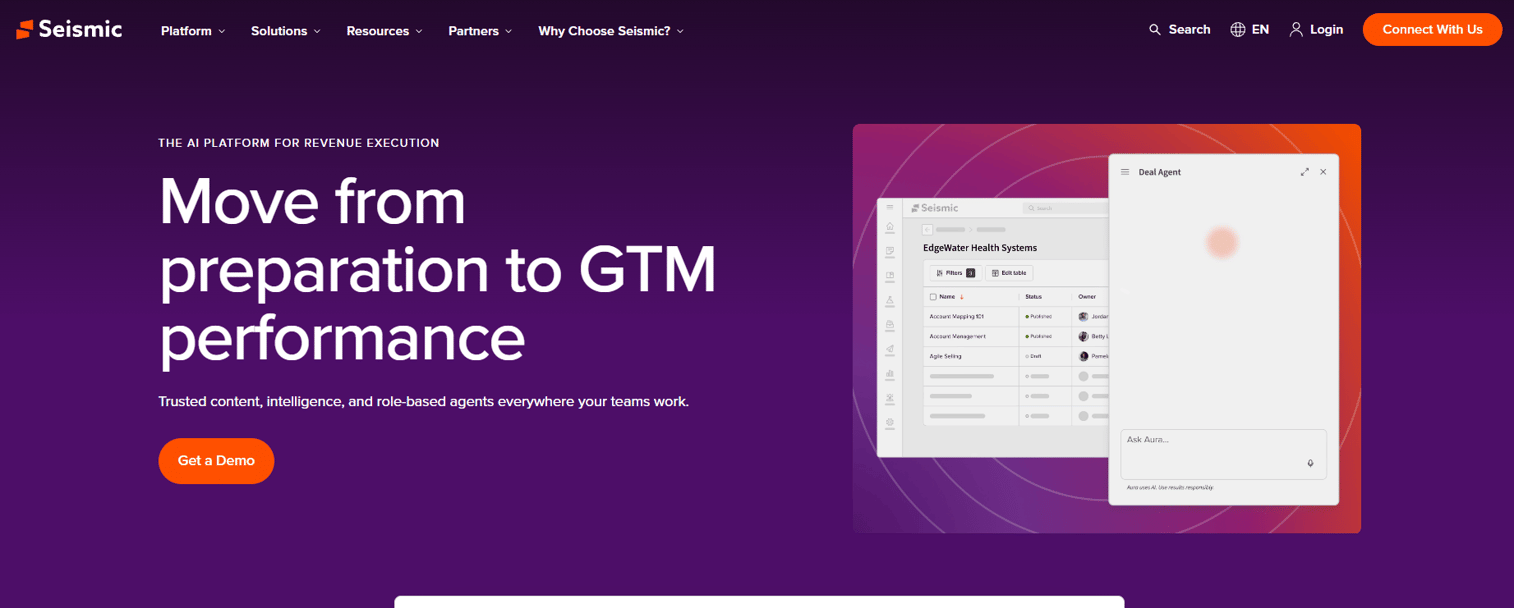
Lessonly by Seismic, also called Seismic Learning, focuses on employee readiness. Consider it when your CS team needs practice handling customer conversations.
Best for: Customer-facing teams combining onboarding with coaching.
What it is: Seismic Learning supports lessons and learning journeys. Practice activities cover audio, video, chat, and email interactions.
Key features:
- Lesson creation and delivery
- Instructor-led training events
- Grading and completion reporting
- AI-generated lessons and summaries
Where Lessonly by Seismic falls short: Evaluate it against the audience you intend to train. Internal employee practice and a customer-facing academy require different enrollment and administration workflows.
Ask for an external learner demonstration if customer education is part of the project.
Pricing: Essential, Advanced, and Ultimate packages use custom quotes. Request a package breakdown for learning and coaching requirements.
G2 rating: 4.7
How it compares to 360Learning: Seismic Learning fits a readiness and coaching motion. Compare it with 360Learning around the specific skills employees must demonstrate after training.
13. Paradiso LMS (LMS)
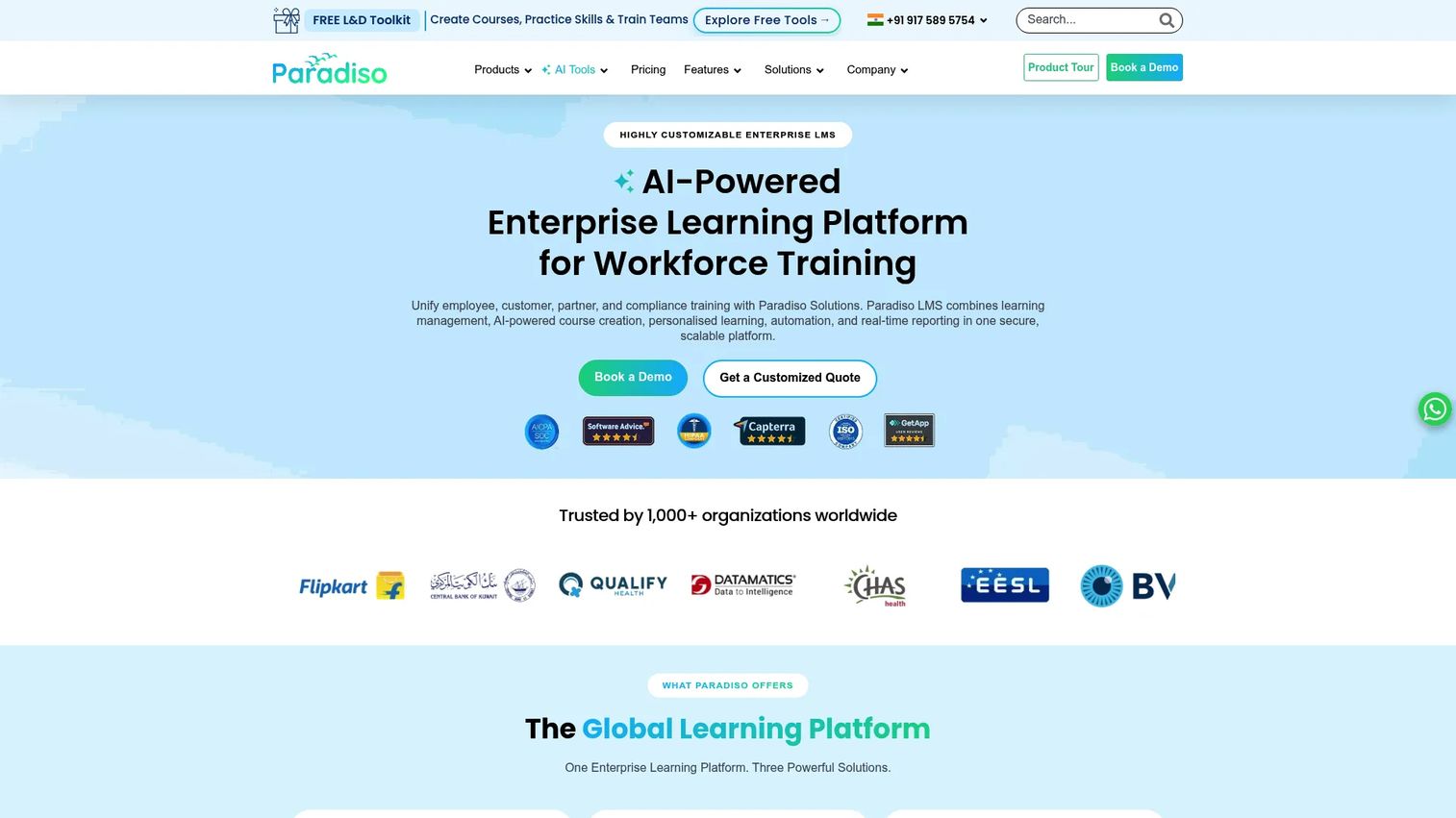
Paradiso LMS is a candidate for branded training portals. Its multi-tenant approach is relevant when customers or partners need distinct learning destinations.
Best for: Organizations combining audience-specific portals with broad LMS administration.
What it is: Paradiso supports employee learning and external training, including course commerce. It combines self-paced delivery with instructor-led and blended learning.
Key features:
- Multi-tenant portals and custom domains
- Competency management
- Assessments and certificates
- Completion reports and quiz analytics
Where Paradiso LMS falls short: Its pricing calculator shows a configuration-specific amount rather than a universal entry cost. Portal requirements and learner volume need a written proposal.
Test tenant administration before committing, including how administrators update shared course material.
Pricing: The Growth calculator shows $600/month for 100 users. Enterprise uses custom pricing for larger or more complex deployments.
G2 rating: 4.1
How it compares to 360Learning: Paradiso is worth evaluating when portal configuration drives the purchase. Compare that requirement with the collaborative authoring workflow your organization already uses.
14. Tovuti LMS (LMS)
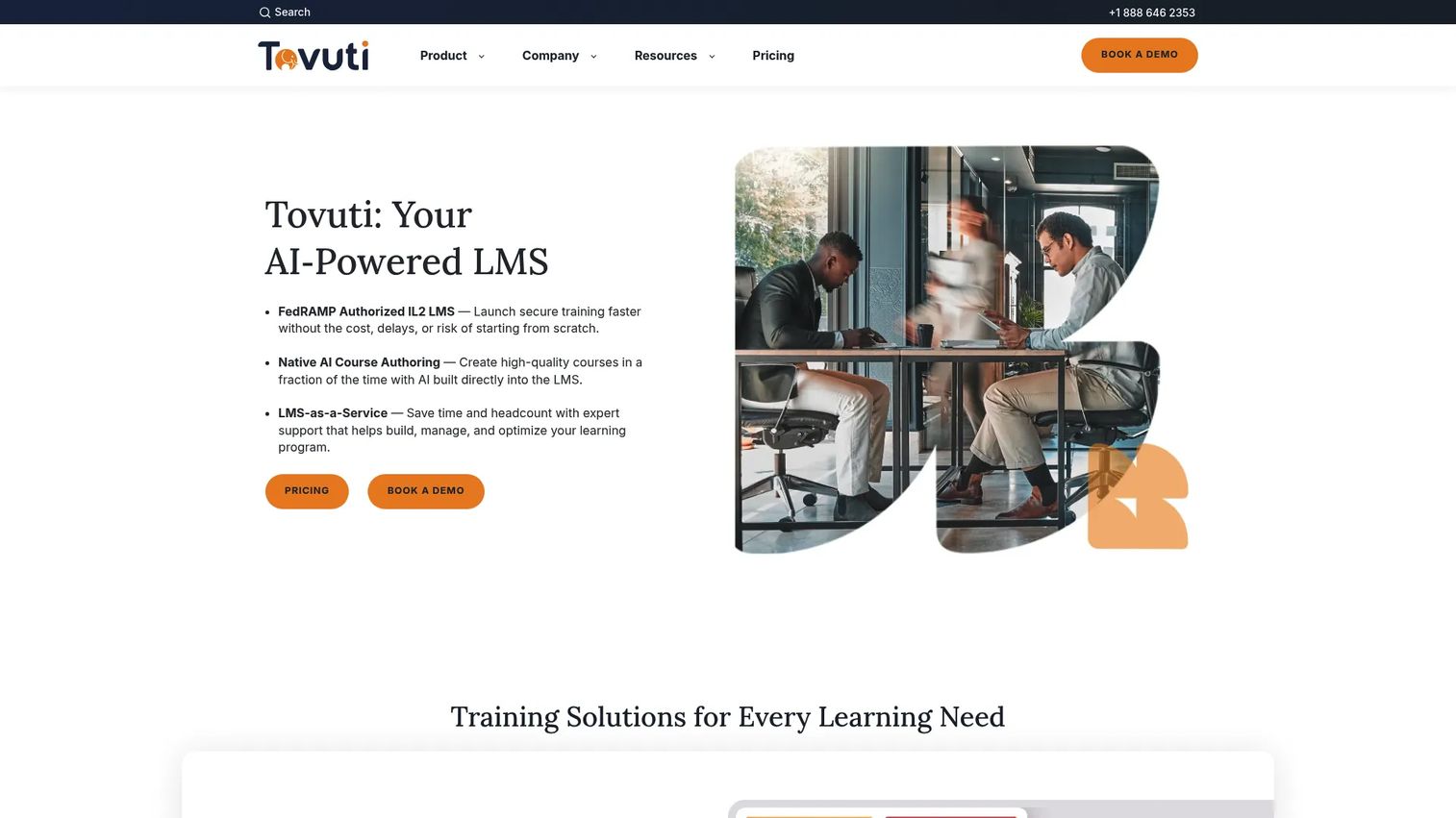
Tovuti brings interactive course content and scheduled learning into the same LMS. It suits programs mixing independent lessons with events.
Best for: Teams running blended employee or external training.
What it is: Tovuti combines course creation with delivery and reporting. Communities and virtual classrooms extend the learning experience beyond assigned content.
Key features:
- Built-in interactive course authoring
- SCORM content importing
- Assessments and course tracking
- Gamification and certification management
Where Tovuti LMS falls short:
- Its annual starting commitment deserves attention for a small pilot.
- Optional LMS-as-a-Service and WayPoints AI authoring add-ons can change the total purchase.
Pricing: The platform starts at $7,500 annually for the first 100 learners. Pricing scales with learner count.
G2 rating: 4.6
How it compares to 360Learning: Tovuti merits evaluation when content interactivity and events define your program. Test whether its authoring process matches how your internal experts contribute.
15. Continu (learning platform)
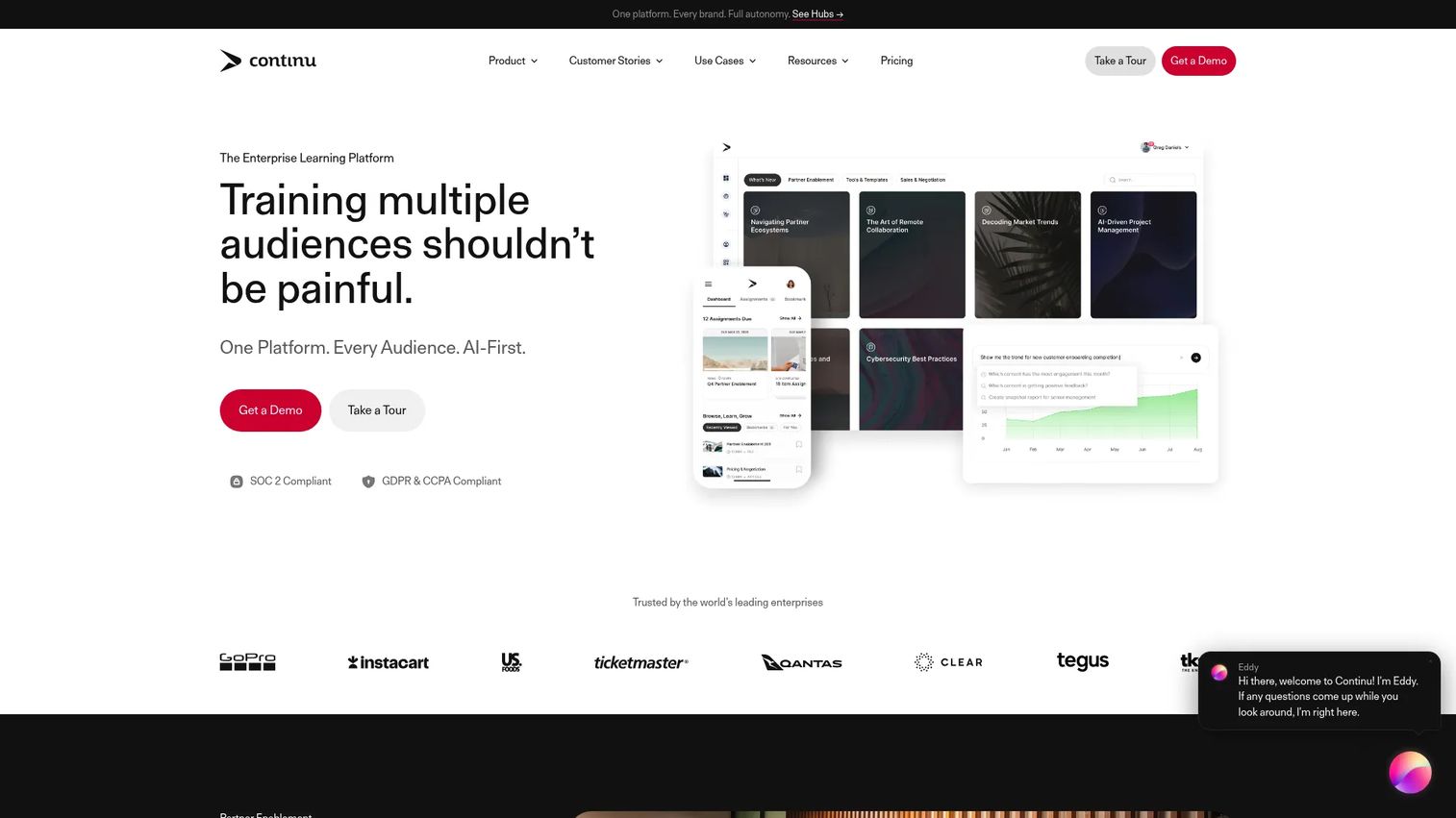
Continu is relevant when training needs to connect with everyday work. Its assignment automation and segmentation support coordinated learning operations.
Best for: Enterprise teams delivering employee, customer, or partner education.
What it is: Continu combines content authoring with learning journeys and workshops. Branded external portals extend its use beyond internal workforce training.
Key features:
- Automated assignment workflows
- Smart learner segmentation
- Custom reporting and AI insights
- External portals and e-commerce
Where Continu falls short:
- Its pricing page lists implementation at 10% of first-year contract value.
- No free plan is available.
Pricing: Growth covers fewer than 1,000 monthly active users. Professional covers 1,000 to 5,000; Enterprise covers 5,000 or more. Subscription amounts require a quote.
G2 rating: 4.6
How it compares to 360Learning: Continu is worth evaluating for automated learning delivery across audiences. Compare segmentation and assignment rules against the processes your administrators maintain today.
16. Trainn (customer education platform)
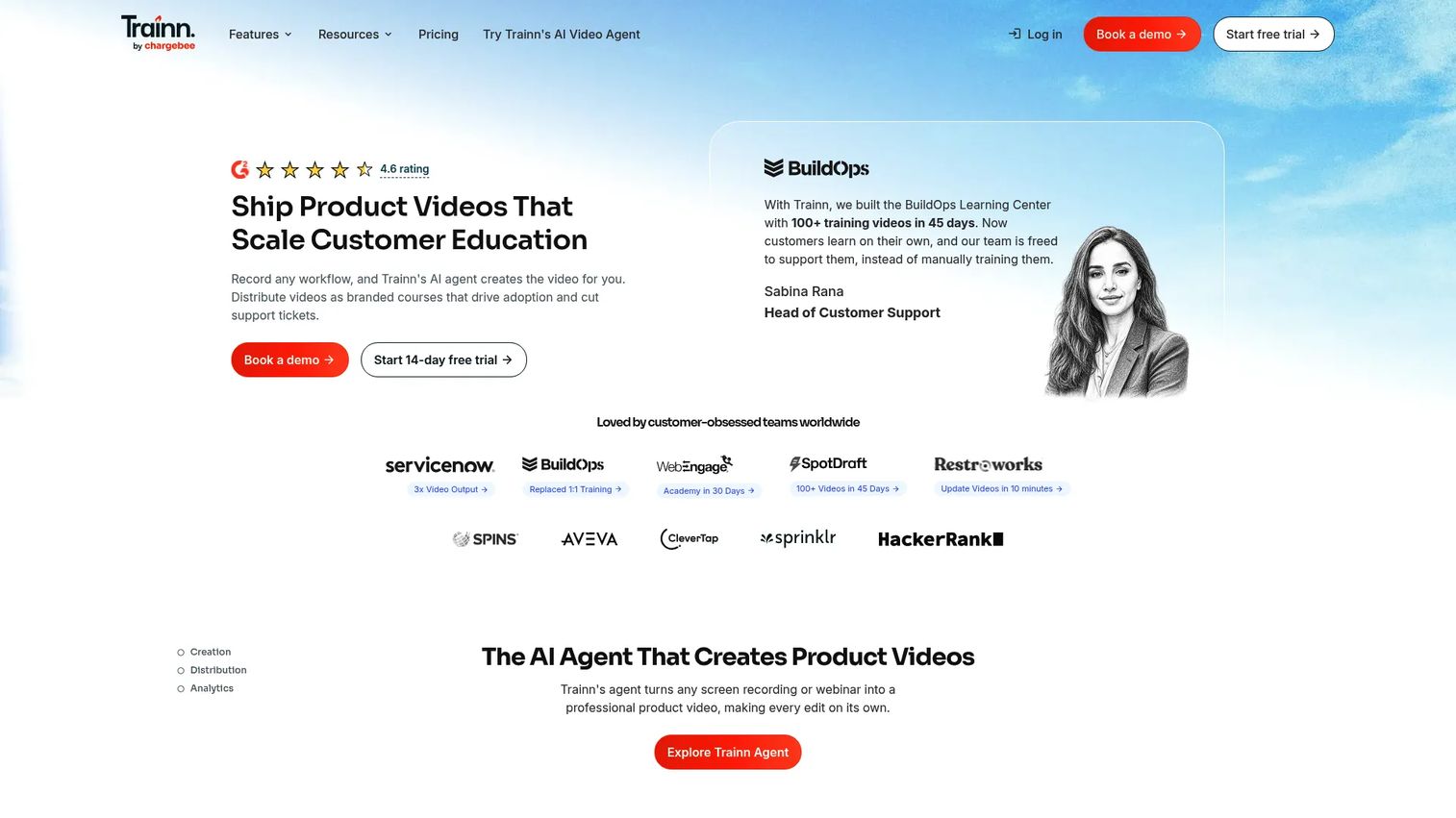
Trainn is the video-focused recommendation for SaaS customer education. Its scope connects product training content with a knowledge hub and academy delivery.
Best for: CS teams producing recorded instructions and customer learning resources.
What it is: Trainn creates and distributes product videos and guides. Its LMS capabilities include courses, quizzes, and certifications.
Key features:
- AI video and guide generation
- Voiceovers and multilingual translation
- Branded Knowledge Hub
- Video and training analytics
Where Trainn falls short:
- Creator is a content-production entry point; the listed LMS offering starts with Scale.
- Scale includes LMS access for 100 monthly active users.
Pricing: Creator costs $19/month. Launch costs $2,400/year, while Scale costs $10,000/year. Enterprise uses custom pricing; paid plans include trials, without a free plan.
G2 rating: 4.6
How it compares to 360Learning: Trainn fits SaaS product education and recorded instructional content. Compare its academy scope with the formal learning administration your customers require.
17. iSpring Learn (LMS and authoring)
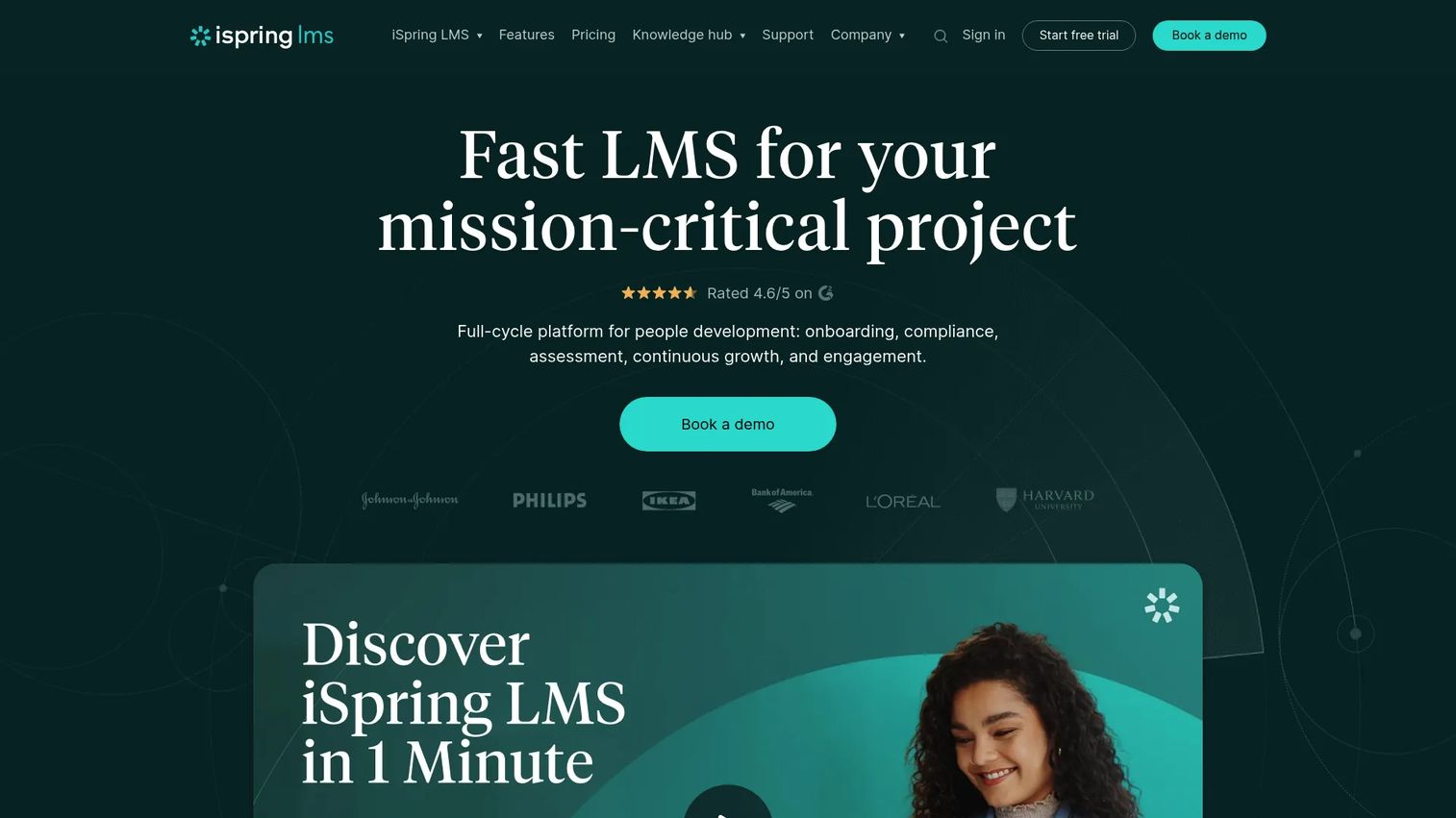
iSpring Learn fits course-heavy corporate training. Include it when structured content delivery and learner tracking are central to the project.
Best for: Teams managing onboarding, compliance, and employee development programs.
What it is: iSpring Learn combines training automation with learning tracks. It supports course and quiz creation, alongside personalized development plans.
Key features:
- SCORM support
- Reporting and analytics
- Offline mobile learning
- Training and user management automation
Where iSpring Learn falls short: Its active-user pricing requires a participation forecast. The available price schedule is in GBP, which adds a currency consideration for US buyers.
Request a regional proposal before comparing it with dollar-denominated subscriptions.
Pricing: Business costs £6,489 annually for 100 users. The 300-user option costs £12,545 annually; 500 users cost £18,582. Enterprise uses custom pricing.
G2 rating: 4.6
How it compares to 360Learning: Evaluate iSpring Learn for structured corporate course delivery. Use the same authoring and reporting tasks when comparing it with your current platform.
What is the best 360Learning alternative for hands-on product training?
Guideflow is the product-practice pick for onboarding, support education, feature adoption, and partner enablement.
Choose it when the learning objective is completing a product task, such as configuring a billing rule. Keep academy administration with an LMS when certifications and formal records matter.
Build your pilot around a specific customer action. Observe participation, then compare subsequent product use and related support requests. This separates engagement with training from successful application.
Which alternative works best for customer training?
Shortlist LearnUpon for external academies and Trainn for SaaS education content.
Absorb LMS also deserves evaluation when customer education shares formal learning requirements with other audiences. Guideflow adds interactive practice for onboarding, support documentation, feature education, and partner training.
Start by defining what the customer needs to do after learning. That decision determines whether you need academy organization, instructional content production, or workflow practice.
Which option should enterprise LMS buyers evaluate?
Begin with Docebo and Absorb LMS for broad learning operations.
Add Cornerstone when talent development is part of the purchase. Adobe Learning Manager and D2L Brightspace also warrant consideration for structured enterprise delivery.
Require demonstrations of audience permissions and reporting exports. Include accessibility requirements, integration ownership, and implementation services in the evaluation. Formal learning administration should remain a dedicated LMS responsibility.
What is the best low-cost 360Learning alternative?
ProProfs Training Maker and TalentLMS offer practical free-plan pilots; Moodle offers free self-hosted software.
Choose the pilot around your expected learner population, not the smallest advertised price. Include content maintenance and administration time in the budget.
Moodle deserves attention when technical ownership already exists. For hosted products, model a typical month and a high-volume onboarding period before deciding which pricing structure fits.
Which tool fits product training videos and collaborative delivery?
Trainn is the video-focused option; retain 360Learning on the shortlist when collaborative authoring is already effective.
For an LMS replacement, compare LearnUpon and Absorb against your course review process. Have a product expert revise a lesson, then ask an administrator to publish it.
Reporting should answer a CS question, such as which customer cohort needs intervention. A dashboard demonstration alone does not establish that fit.
When should you stay with 360Learning?
Stay with 360Learning when collaborative course creation works and your current arrangement supports improving customer outcomes.
Migration deserves a measurable justification. If subject-matter experts contribute regularly and reporting serves your team, first examine the content and enrollment process.
Perhaps the billing lesson arrives before administrators have access to the settings it describes. Fixing that sequence may matter more than moving courses.
Document the outcome you expect from switching. Compare the gain with rebuilding content, retraining administrators, and preserving completion history. Keep your current platform when process changes address the underlying issue with less disruption.
Why teams switch product training from 360Learning to Guideflow
Guideflow fits the part of customer education centered on performing product tasks. Use interactive demos across onboarding, feature launches, support documentation, and partner enablement.
Begin with a recurring question your CSMs already answer. Turn the relevant workflow into practice that customers can revisit outside a scheduled call.
Content can reflect the customer’s context through editable interface elements. Branching supports different paths, such as an administrator completing configuration versus an end user applying the result.
The operational connection also matters. Guideflow supports integrations with HubSpot and Salesforce, alongside Pipedrive, Zoho, and Marketo. Company-level visitor identification provides account context; CRM records require identification through an in-demo form or personalized link.
Choose a small pilot with a clear owner. Define the customer task and review the corresponding support category before launch. Afterward, compare trained cohorts with their subsequent product behavior.
Keep certification administration and learning records in your LMS. The purchase should give your team a distinct capability, with responsibility for maintenance clearly assigned.
For a training platform for customer success, the useful question is whether customers need fewer explanations to achieve their next product milestone.
Start your journey with Guideflow today! Choose a frequently repeated customer task and build the first practice experience around it.
FAQs
The best 360Learning alternative depends on the learning job. Guideflow supports interactive practice across onboarding, feature adoption, support education, and partner enablement. Docebo and Absorb LMS suit broad administration, while LearnUpon and Trainn deserve attention for customer education.
Renewal is a useful point to reassess audience fit and total cost. Compare administrative effort with the customer outcomes your training supports. A replacement should address a documented requirement, rather than introduce another system without a clear owner.
Guideflow complements a customer training LMS through interactive product practice for onboarding, support documentation, feature education, and partner training. Use the LMS for certification administration and formal learning records. Select each platform according to the responsibility it will own.
Absorb LMS, Litmos, Docebo, and Cornerstone belong on a compliance-oriented shortlist. Require a demonstration of your assignment rules and reporting requirements before purchasing. Review recertification behavior and record access with the people responsible for administering the program.
Measure whether customers perform the target task after training and how long that takes. Compare related support requests and adoption across customer cohorts. Completion data identifies participation, while product behavior helps establish whether the instruction led to useful action.
Ask each vendor to price the same audience and usage assumptions. Document active-user definitions, portal charges, implementation services, and contract minimums separately. Request written treatment of seasonal peaks and inactive learners before comparing annual totals.
Move a representative course and a small learner cohort first. Test enrollment, completion-history handling, assessment behavior, and reporting exports before committing to a broader rollout. Assign ownership for content maintenance and define the outcome that would justify switching.