The roadmap item looks committed. Then engineering finds an upstream dependency, design has no capacity, and the launch date moves again.
By the time stakeholders ask what happened, the delivery team is already absorbing a commitment made without a workable sequence. Project planning software helps make those assumptions visible before work starts.
Buying another system deserves scrutiny, though. In 2025, Capterra reported that two-thirds of businesses were increasing project management software spending to expand capabilities and support. More spending makes a clear evaluation process important.
For product managers, the useful question is whether a platform exposes delivery risk early enough to change the plan. Can you see competing commitments? Does a delayed prerequisite affect the release schedule? Will stakeholders understand what changed without another status meeting?
The right project planning tools should help answer those questions while keeping administration proportionate to the work. A small onboarding experiment needs different controls from a migration involving several engineering teams. Start with that distinction before comparing feature lists.
What’s inside
- The shortlist: Seventeen project planning software tools for 2026, ranging from visual boards to formal scheduling systems.
- Planning criteria: Scope definition, dependency handling, capacity visibility, and stakeholder reporting.
- Team fit: Recommendations for product organizations, engineering teams, agencies, PMOs, and smaller groups coordinating straightforward work.
- Commercial comparison: Vendor pricing and available G2 ratings from November 2026 research, with billing units identified.
- Practical evaluation: What to test using an upcoming release, including how each platform handles changes after commitments are made.
These project management tools cover different operating models. The comparison focuses on preparing executable plans rather than counting features or treating every platform as interchangeable.
TL;DR
- Best overall for cross-functional product planning: Asana connects project work with goals and portfolio oversight when several departments share a commitment.
- Best for flexible work management: Monday.com suits teams that want configurable planning structures and dashboards.
- Best for consolidating planning work: ClickUp combines documentation with task management and multiple views.
- Best for enterprise planning and resourcing: Wrike supports complex workflows where approvals and shared capacity affect delivery.
- Best for lightweight Kanban planning: Trello makes sense when visual ownership matters more than formal schedule controls.
- Best for structured schedules: Microsoft Project supports baselines and critical-path planning for dependency-heavy work.
What is project planning software?
Project planning software helps teams define scope, sequence activities, allocate resources, and assign work before execution begins.
For a product manager, the output should be a credible commitment. That means understanding what must happen before engineering starts and which assumptions could change the delivery date.
Planning software sits within the broader category of project management software. Most products cover several stages, but the distinctions matter when choosing what to buy.
- Project planning: Defines the intended outcome and the order of work.
- Project management: Coordinates execution and handles changes throughout delivery.
- Project tracking: Shows progress against an established plan.
- Task management: Breaks work into assignable units with clear ownership.
A task list can support a plan without explaining its feasibility. For example, “launch revised onboarding” needs more context than a deadline and an assignee.
The plan should identify which user segment receives the change and what counts as activation. It also needs instrumentation work and a decision about rollout ownership. Those details expose dependencies before a release becomes a promise.
Key capabilities to look for
- Timeline and calendar planning
- Dependencies and milestones
- Workload and capacity visibility
- Reusable project templates
- Kanban and list views
- Reporting and stakeholder dashboards
- Shared context and decision records
- Connections to engineering and business systems
- Permission controls and governance
Not every team needs every capability. A compact project with independent tasks can work well on a board. Shared specialists or contractual deadlines justify closer attention to scheduling controls.
Treat software for managing projects as an operating layer, not a substitute for prioritization. A platform can display competing initiatives, but someone still needs to decide which outcome matters most.
The practical test is whether the plan remains useful when circumstances change. Move a prerequisite, reduce available capacity, or revise the scope. Then examine whether the implications become visible without reconstructing everything manually.
When to use project planning software
Scope work before teams start building
Use a shared plan when an initiative moves from discovery toward commitment. Record its intended outcome and distinguish essential deliverables from optional scope.
For an onboarding change, include measurement work alongside interface changes. This keeps activation analysis from becoming an afterthought once development finishes.
Sequence cross-functional launches
Project scheduling tools help coordinate work whose completion order matters. A release may require engineering delivery before documentation review, while customer communications depend on an agreed rollout date.
Team project management becomes more useful when each group can see the prerequisites affecting its own deadline. Project tracking software then monitors progress against that shared sequence.
Balance capacity before deadlines break
Reach for workload planning when several initiatives compete for the same people. A design review or security assessment can constrain the roadmap even when engineering estimates look reasonable.
Compare demand with available time before accepting another commitment. Make the opportunity cost explicit by showing which existing milestone moves if new work takes priority.
Project planning software comparison
This project planning software comparison separates tools by operating model rather than presenting every project management tool as a direct substitute.
Start with the “Best for” column. Then compare the capabilities required for your upcoming work against the plan you would purchase. An entry subscription does not necessarily include resource management or portfolio reporting.
Prices below are in US dollars. Annual billing means the displayed monthly equivalent requires an annual commitment. Microsoft Project uses a one-time purchase model for the desktop editions listed here.
The comparison draws on vendor pages and G2 research dated November 24, 2026. Empty rating cells omit figures that lacked a sufficiently clear product-level source. Monday.com’s available rating comes from its G2 seller profile.
| # | Product | Best for | Key differentiator | Pricing | G2 rating |
|---|---|---|---|---|---|
| 1 | Asana | Cross-functional product planning | Goals and portfolio oversight | Free; Starter $10.99/user/month annually | 4.4/5 |
| 2 | Monday.com | Configurable team planning | Flexible work structures and dashboards | Free; Basic $9/seat/month annually | 4.7/5, seller profile |
| 3 | ClickUp | Consolidating planning work | Documentation alongside multiple project views | Free; Core $9/user/month yearly | 4.6/5 |
| 4 | Wrike | Complex workflows and resourcing | Approvals with workload management | Free; Team $10/user/month | |
| 5 | Trello | Lightweight visual planning | Boards with automation and Power-Ups | Free; Standard $5/user/month annually | 4.4/5 |
| 6 | Microsoft Project | Formal project schedules | Baselines and critical-path controls | Standard 2024 $679.99 one-time | 4.0/5 |
| 7 | Jira | Engineering delivery planning | Backlogs connected to issue workflows | Free; Standard $7.91/user/month monthly | 4.3/5 |
| 8 | Smartsheet | Structured, table-based planning | Grid-based work with project reporting | Pro $9/member/month yearly | 4.4/5 |
| 9 | Basecamp | Straightforward team coordination | Project communication alongside tasks | Free; Freelancer $29/month | 4.1/5 |
| 10 | Teamwork.com | Client and agency work | Planning connected to billable capacity | Free; Basics $9.99/user/month yearly | 4.4/5 |
| 11 | Notion | Knowledge-led planning | Shared context and team knowledge | Free; Plus $10/member/month | 4.6/5 |
| 12 | Microsoft Planner | Microsoft 365 teams | Planning within existing collaboration workflows | Eligible Microsoft 365 inclusion; Plan 1 $10/user/month yearly | |
| 13 | Airtable | Database-driven planning | Relational records and custom interfaces | Free; Team $20/user/month annually | 4.6/5 |
| 14 | Coda | Custom planning workflows | Documents combined with structured trackers | Free; paid workspaces bill Doc Makers | 4.6/5 |
| 15 | Motion | Calendar-based scheduling | Tasks planned against available time | Pro AI $19/seat/month annually | 4.1/5 |
| 16 | Nifty | Milestone-based coordination | Roadmaps connected to project collaboration | Free; Pro $79/month annually | 4.7/5 |
| 17 | Zoho Projects | Budget-conscious structured planning | Gantt planning with time tracking | Free; Premium $4/user/month annually | 4.4/5 |
The 17 best project planning software tools
1. Asana
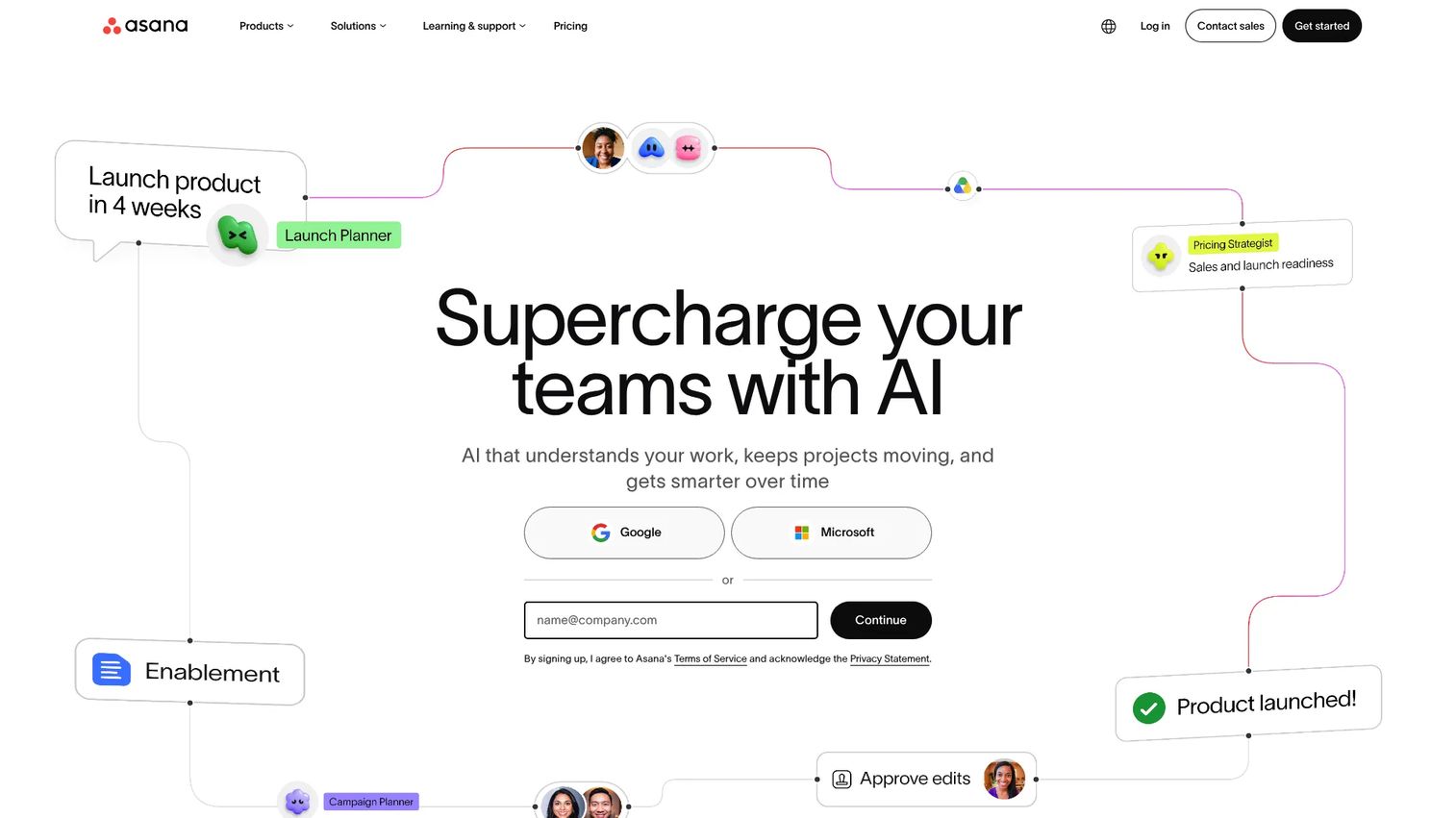
Asana is a work management platform for coordinating initiatives across departments. Its planning fit comes from connecting individual assignments with broader business objectives. Product managers can use that structure to explain how a release contributes to an outcome beyond completing tasks.
Best for: Product organizations coordinating shared commitments across engineering and business teams.
Key features
- Goals and portfolios
- Resource management
- Reporting dashboards
- Forms and workflow rules
- Reusable project templates
For a release pilot, start with the expected product outcome. Separate delivery work from launch preparation, then assign ownership to each workstream. Ask a stakeholder outside engineering to explain the plan back to you.
That exercise tests whether the structure communicates decisions rather than merely storing them. A leadership view should reveal where intervention is needed without reproducing every implementation detail.
Pay attention to packaging during evaluation. Asana’s Advanced plan adds goals and resource management, alongside portfolios and time tracking. Teams buying specifically for those capabilities should evaluate that plan rather than extrapolate from the entry subscription.
Define who maintains cross-functional dates before rollout. Otherwise, a shared workspace can become another reporting destination instead of the place commitments are made.
Why choose Asana: Choose it when product work needs a shared operating view beyond the engineering backlog. Its fit is strongest when stakeholders need oversight without managing individual development issues.
Asana pricing: Personal is free for up to two users. Starter costs $10.99/user/month billed annually, or $13.49 billed monthly.
G2 rating: 4.4/5.
2. Monday.com
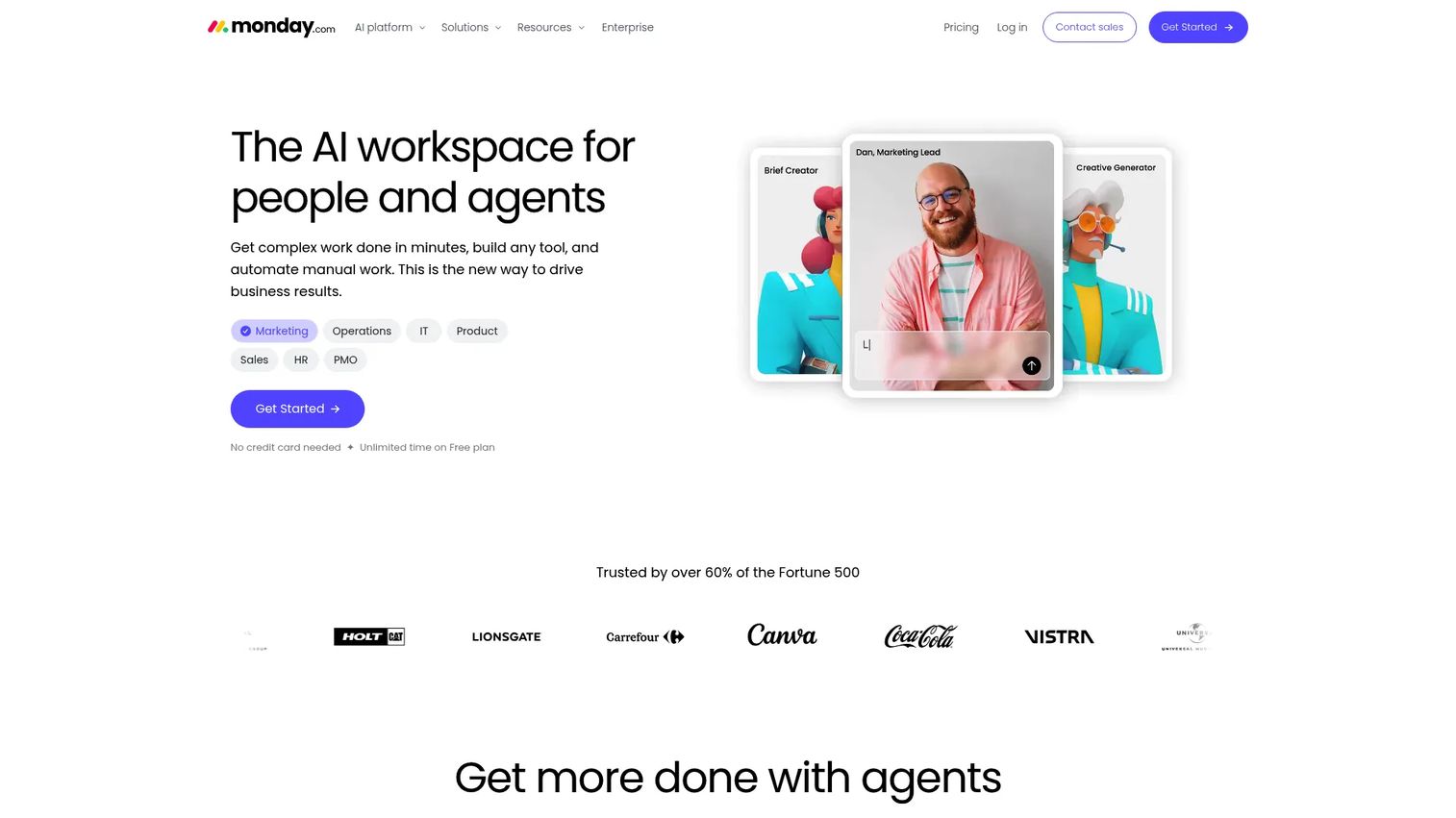
Monday.com provides configurable work management for teams with different planning processes. It suits organizations that want to shape their shared structure around existing handoffs. The relevant product here is its core work management offering.
Best for: Teams standardizing planning while preserving differences between departmental workflows.
Key features
- Gantt charts
- Project dashboards
- Workload management
- Milestones
- Automations and integrations
Consider a product operations team receiving requests from sales and customer success. Before choosing a board structure, define which information makes a request ready for prioritization. Include the affected customer segment and the decision owner.
Use the pilot to distinguish requests from committed work. An item entering intake should not automatically appear as a delivery promise. Ask reviewers to demonstrate how they would recognize that difference.
Configurability also needs boundaries. Agree on shared status definitions and decide who can change the planning model. Otherwise, similar-looking boards can describe different stages across departments.
Evaluate the stakeholder experience separately from the builder experience. A flexible configuration earns its place only if collaborators can interpret it without asking the administrator for help.
Why choose Monday.com: Choose it when a fixed methodology would force awkward workarounds. It gives teams room to establish a common planning language around their own processes.
Monday.com pricing: A free plan is available. Basic starts at $9/seat/month billed annually.
G2 rating: 4.7/5
3. ClickUp
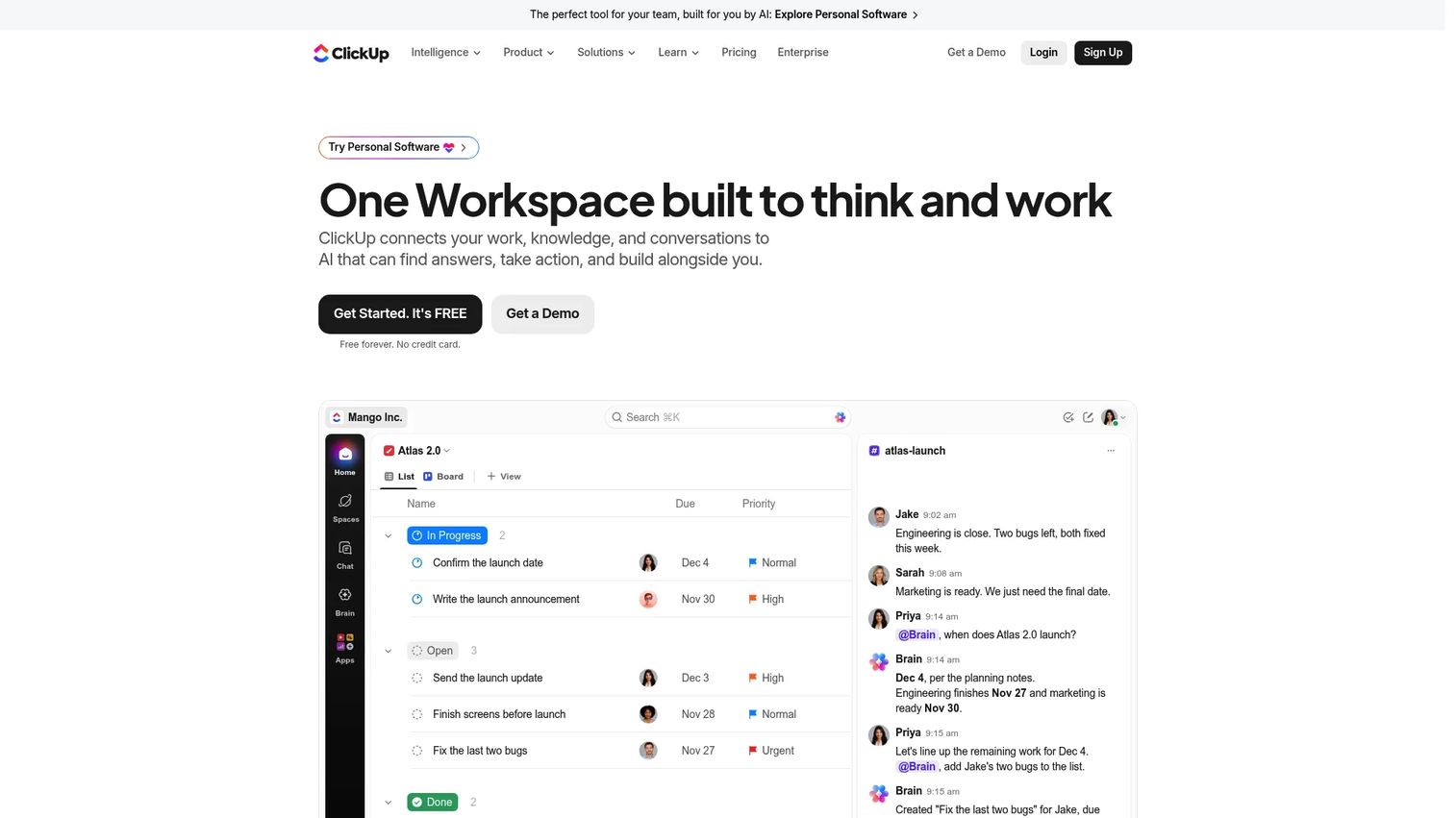
ClickUp combines project management with documentation and team communication. Its breadth makes it worth evaluating when planning context is scattered across separate tools. Product teams can assess whether consolidating those activities reduces duplicate upkeep.
Best for: Teams bringing requirements and delivery coordination into a shared workspace.
Key features
- Gantt and Timeline views
- Workload views
- Collaborative Docs and Wikis
- Dashboards and reporting
- Workflow automations
Begin with a project that currently requires repeated copying between documents and task lists. A feature experiment works well because it contains a hypothesis and a delivery plan.
During the pilot, identify where the decision record belongs. Keep acceptance criteria connected to the work, then ask someone unfamiliar with the initiative to find its rationale. This tests discoverability as well as task organization.
Avoid enabling every available surface immediately. Decide which view handles daily coordination and which one supports planning reviews. The goal is a dependable operating model, not a workspace containing every possible configuration.
Also test what happens when the scope changes. A useful setup should make the revised commitment understandable to stakeholders without requiring them to inspect all underlying tasks.
Why choose ClickUp: Choose it when consolidation can remove repeated administration across planning and documentation. Its broad workspace deserves a focused pilot with explicit ownership conventions.
ClickUp pricing: Free Forever is available. Core starts at $9/user/month billed yearly.
G2 rating: 4.6/5.
4. Wrike
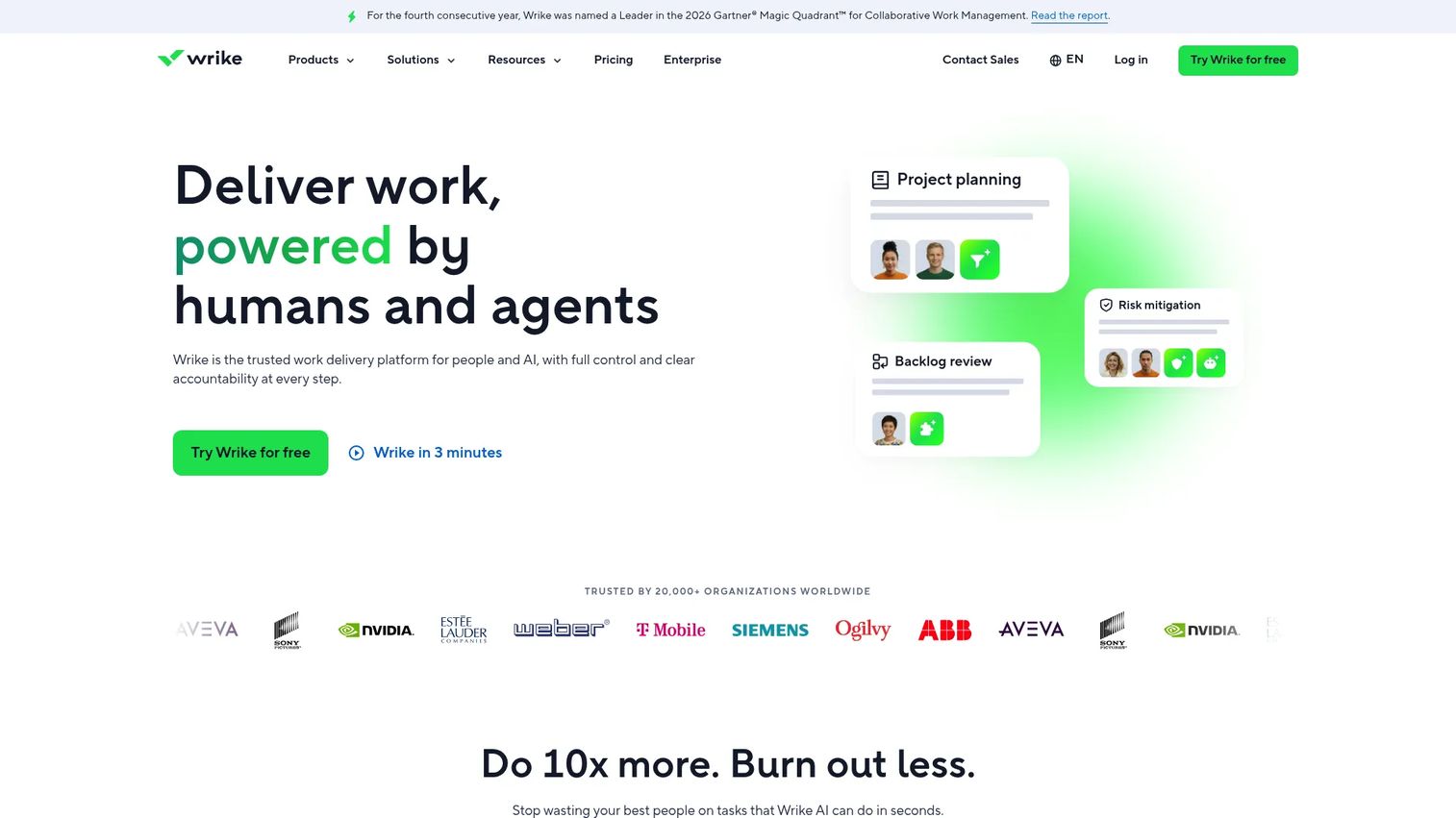
Wrike supports complex work involving shared resources and formal review stages. Its capabilities span planning through execution, with controls for approvals and reporting. That makes it relevant when a release depends on coordinated work beyond a single squad.
Best for: Larger organizations managing resource constraints and approval-heavy projects.
Key features
- Gantt charts
- Workload charts
- Approval workflows and proofing
- Time tracking and budgeting
- Custom dashboards
Build the evaluation around a project with a scarce specialist. Security review, design approval, or technical documentation can provide a useful test case. Make that person’s availability a planning constraint rather than an informal assumption.
Then introduce a late request and examine how the team would respond. Can the project owner see which commitments need renegotiation? Does the reviewer understand the deadline and expected output?
Separate required governance from habitual bureaucracy. Every approval stage should have a reason and an accountable decision-maker. Adding software to an unclear process will not establish either.
Wrike’s breadth is particularly relevant when project owners need to compare several workstreams. Evaluate whether reporting answers a specific management question, such as where shared capacity puts the next release at risk.
Why choose Wrike: Choose it when planning must accommodate formal reviews and competing departmental demands. It fits organizations prepared to define resource ownership alongside their workflow.
Wrike pricing: The Free plan costs $0. Team is $10/user/month, while Business is $25/user/month.
5. Trello
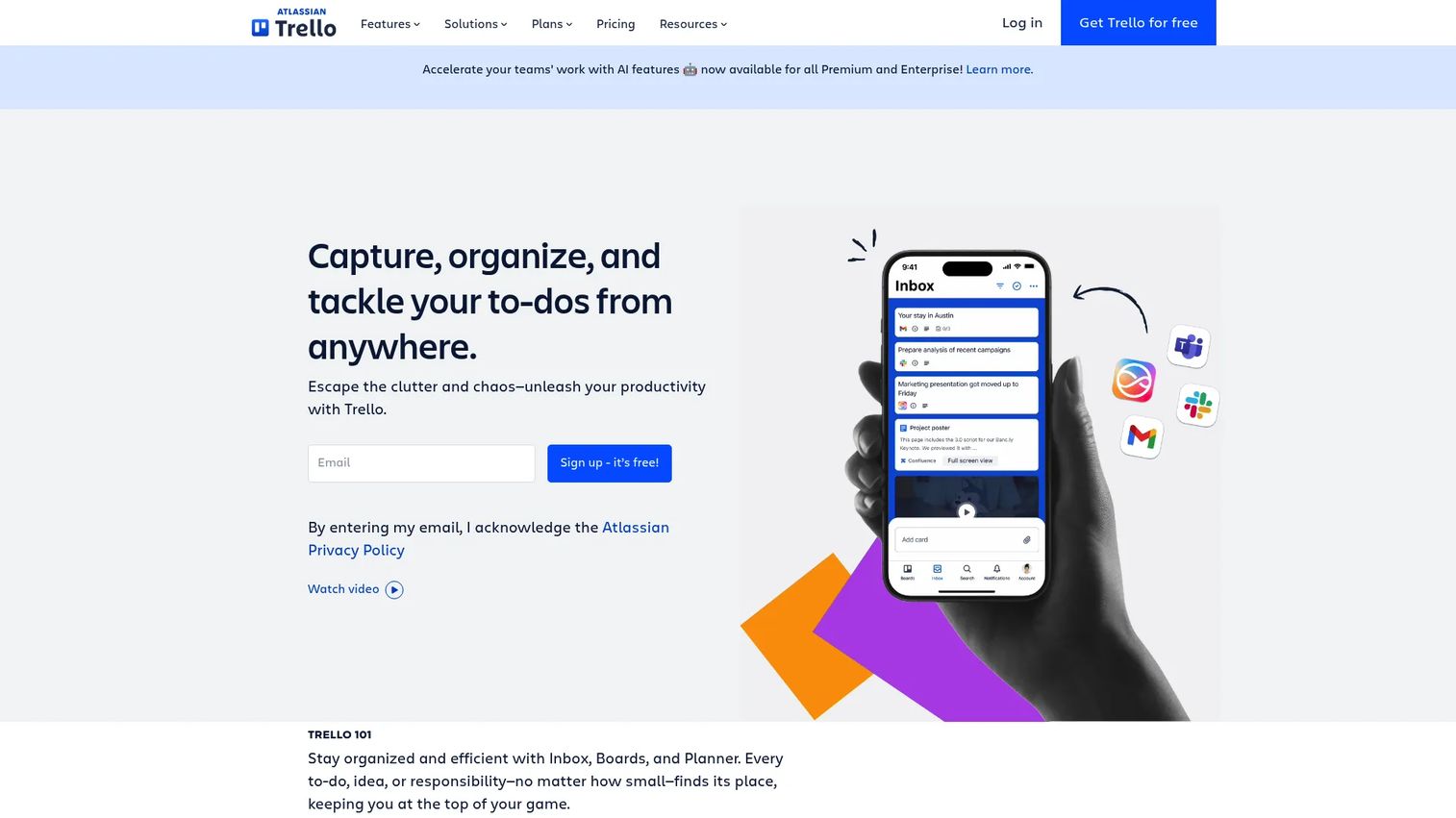
Trello organizes work through visual boards and cards. It is a practical option for contained projects where everyone needs an understandable view of ownership. Small product teams can use it to coordinate work without establishing a formal scheduling discipline.
Best for: Small teams managing straightforward projects with limited dependency complexity.
Key features
- Boards and cards
- Built-in workflow automation
- Planner calendar synchronization
- Power-Ups
- Project templates
A useful pilot might cover a customer interview round or a small release checklist. Define what each column means and what information must exist before a card advances.
The important test is whether the board represents decisions clearly. “In progress” should not conceal work waiting for approval. Ask the team how it would display a blocked prerequisite or a change in commitment.
Trello’s paid plans introduce additional capabilities, so evaluate the edition matching your intended workflow. Premium adds multiple views and administrative controls. Those requirements can change the purchasing decision even when the initial board looks sufficient.
Keep the selection proportional to the problem. A contained initiative does not automatically need resource leveling or portfolio administration. Conversely, a visual board should not be your only evaluation criterion for a dependency-heavy release.
Why choose Trello: Choose it when adoption and shared task visibility are the main requirements. Formal schedule management calls for a separate, deliberate assessment.
Trello pricing: Free supports up to 10 collaborators per Workspace. Standard costs $5/user/month annually, or $6 billed monthly.
G2 rating: 4.4/5.
6. Microsoft Project
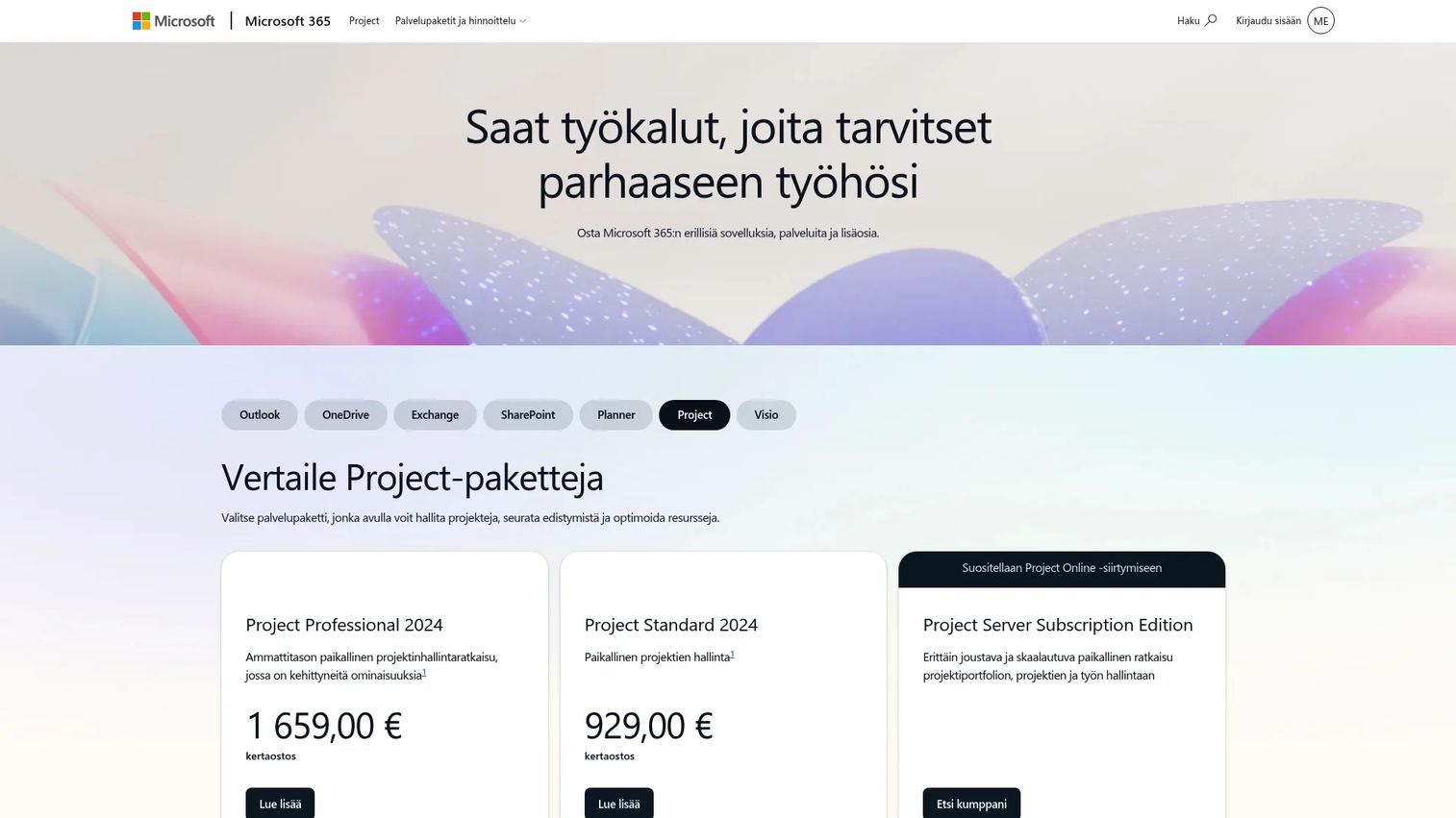
Microsoft Project focuses on formal scheduling and resource control. It provides the mechanics needed to model how connected activities affect a delivery date. Evaluate it when the schedule itself is a central management artifact.
Best for: Dedicated project managers handling dependency-heavy schedules and formal project controls.
Key features
- Task dependencies with lead and lag
- Gantt and Network Diagram views
- Baselines
- Critical-path tracking
- Resource leveling
A migration is a useful evaluation scenario. Define prerequisites for validation and cutover, then establish the planned sequence before adding a delay.
Test which activities affect completion and which have scheduling flexibility. Save the intended plan before revising assumptions. This makes the distinction between an approved commitment and a current forecast concrete.
The person maintaining the schedule needs clear ownership. Product managers should also evaluate how business stakeholders will consume its outputs. A technically sound model still needs an understandable explanation of scope decisions.
Keep Microsoft Project distinct from Microsoft Planner during purchasing. This entry concerns the desktop editions and formal scheduling capabilities identified in Microsoft’s Project offering. Compare the delivery model as carefully as the feature list.
Why choose Microsoft Project: Choose it when baselines and critical-path analysis influence project decisions. It suits teams willing to maintain a schedule model rather than a shared task board alone.
Microsoft Project pricing: Project Standard 2024 costs $679.99 as a one-time purchase. Project Professional 2024 costs $1,129.99 one-time.
G2 rating: 4.0/5
7. Jira
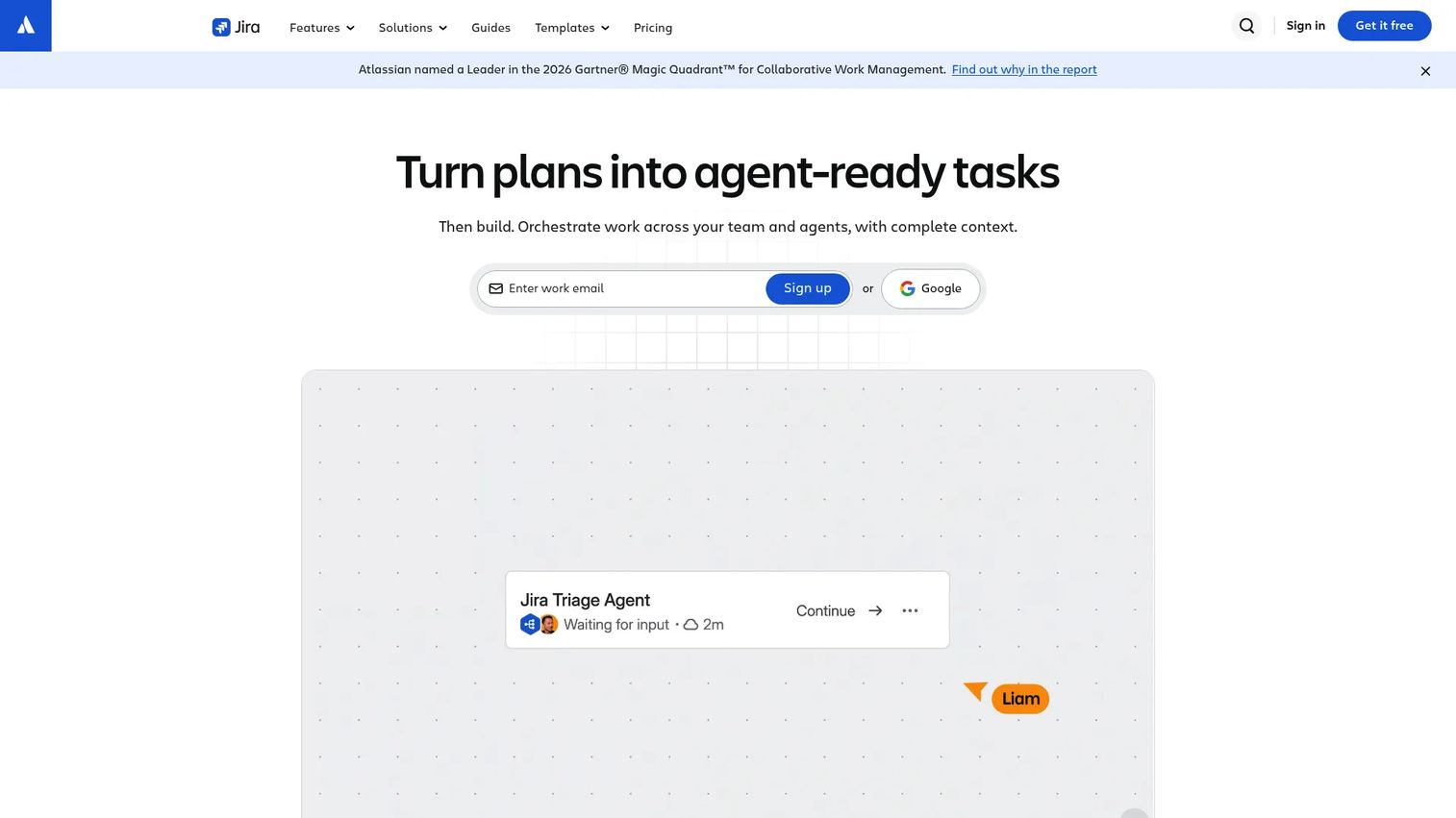
Jira connects planning with software delivery through issues and agile workflows. It fits product teams whose commitments depend on engineering backlogs. The evaluation should examine how product intent survives the transition into implementation work.
Best for: Product and engineering organizations planning software releases and iterative delivery.
Key features
- Scrum and Kanban boards
- Backlogs
- Dependency management
- No-code automation
- Reporting and dashboards
Use an upcoming release rather than a generic task list during evaluation. Include discovery follow-ups and instrumentation alongside implementation issues. This exposes whether the plan covers the whole outcome.
Ask how the team distinguishes a candidate initiative from work accepted into delivery. A populated backlog should not imply that every request has a promised date.
Then inspect the connection between team execution and stakeholder expectations. A sprint view answers a different question from a roadmap discussion. Decide which information product leaders need before configuring reporting.
Packaging matters for planning depth. Jira Premium adds advanced planning and approvals. Buyers seeking coordination beyond individual team workflows should assess those requirements against the relevant subscription.
Why choose Jira: Choose it when planning must stay closely connected to engineering execution. Preserve a clear explanation of product outcomes so issue completion does not become the sole success measure.
Jira pricing: Free supports up to 10 users. Standard starts at $7.91/user/month with monthly billing.
G2 rating: 4.3/5.
8. Smartsheet

Smartsheet combines structured, spreadsheet-style work with project management capabilities. It is relevant for teams whose planning already happens in tables. The evaluation question is whether that familiar model supports stronger coordination as work expands.
Best for: Operations teams and PMOs coordinating structured plans across departments.
Key features
- Grid and Gantt views
- Forms
- Automated workflows
- Dashboards and reports
- Workload tracking
Bring an existing planning spreadsheet into the evaluation process. Identify which columns represent decisions and which merely exist because someone once requested them.
Use a launch involving shared resources to test the structure. Ask whether an initiative owner can update commitments without compromising the information leadership needs. Then inspect how changes appear in the reporting layer.
Establish field definitions before scaling the model. A “target date” and a “committed date” should not silently mean the same thing. Shared terminology matters when several departments contribute to a portfolio.
Smartsheet’s pricing also deserves attention beyond the lowest number. Its Pro plan is available only to new customers. Existing customers should assess their applicable packaging rather than assume the entry offer applies.
Why choose Smartsheet: Choose it when structured tables match how your organization already reasons about work. It provides a useful evaluation path for teams moving beyond manually maintained spreadsheets.
Smartsheet pricing: Pro costs $9/member/month billed yearly, or $12 billed monthly. Business costs $19/member/month yearly, or $24 monthly.
G2 rating: 4.4/5.
9. Basecamp
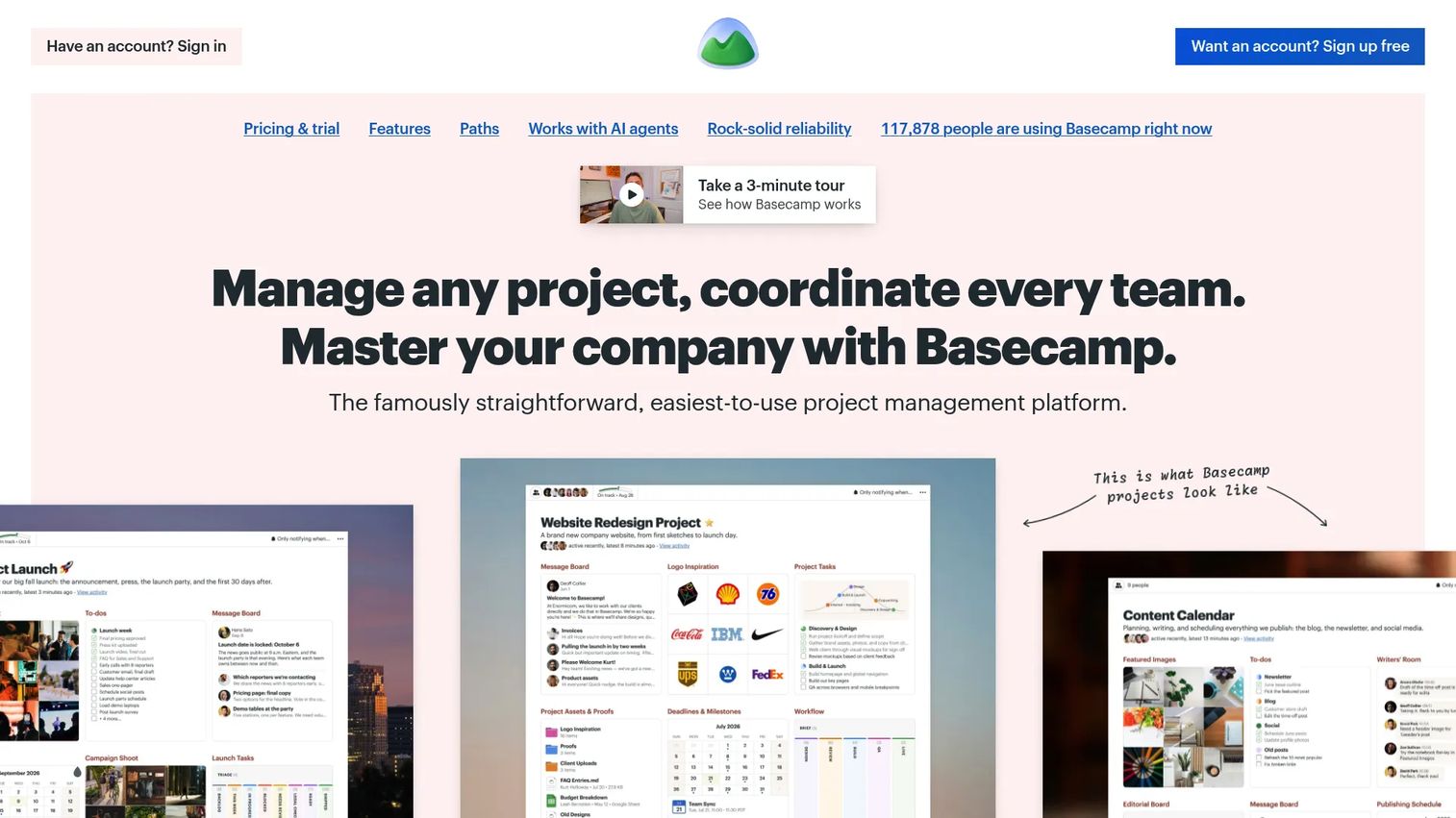
Basecamp brings project communication and task accountability together. Its planning fit centers on making ownership and context accessible to the people doing the work. Consider it for projects where coordination is the main operational challenge.
Best for: Smaller teams needing clear commitments without formal scheduling administration.
Key features
- To-do lists
- Message boards
- Project calendars
- Docs and Files
- Automatic Check-ins
A contained onboarding improvement offers a useful test. Document the intended customer outcome and identify who approves the proposed change. Keep the delivery discussion attached to that project.
Evaluate whether someone returning from leave can understand the latest decision without reconstructing a conversation history. That is a more meaningful test than counting communication channels.
Also decide how the team records scope changes. A discussion resolving a requirement should leave a clear commitment for the person responsible. Otherwise, agreement and execution can drift apart even in a shared workspace.
For schedule-heavy work, establish your required controls before selecting a communication-centered system. Assess those requirements directly rather than assuming that visible due dates provide the same planning depth as a formal schedule.
Why choose Basecamp: Choose it when the primary challenge is coordinating people around understandable commitments. It is a practical fit for teams that value a clear project conversation.
Basecamp pricing: The Free plan includes one project and up to three users. Freelancer starts at $29/month.
G2 rating: 4.1/5.
10. Teamwork.com
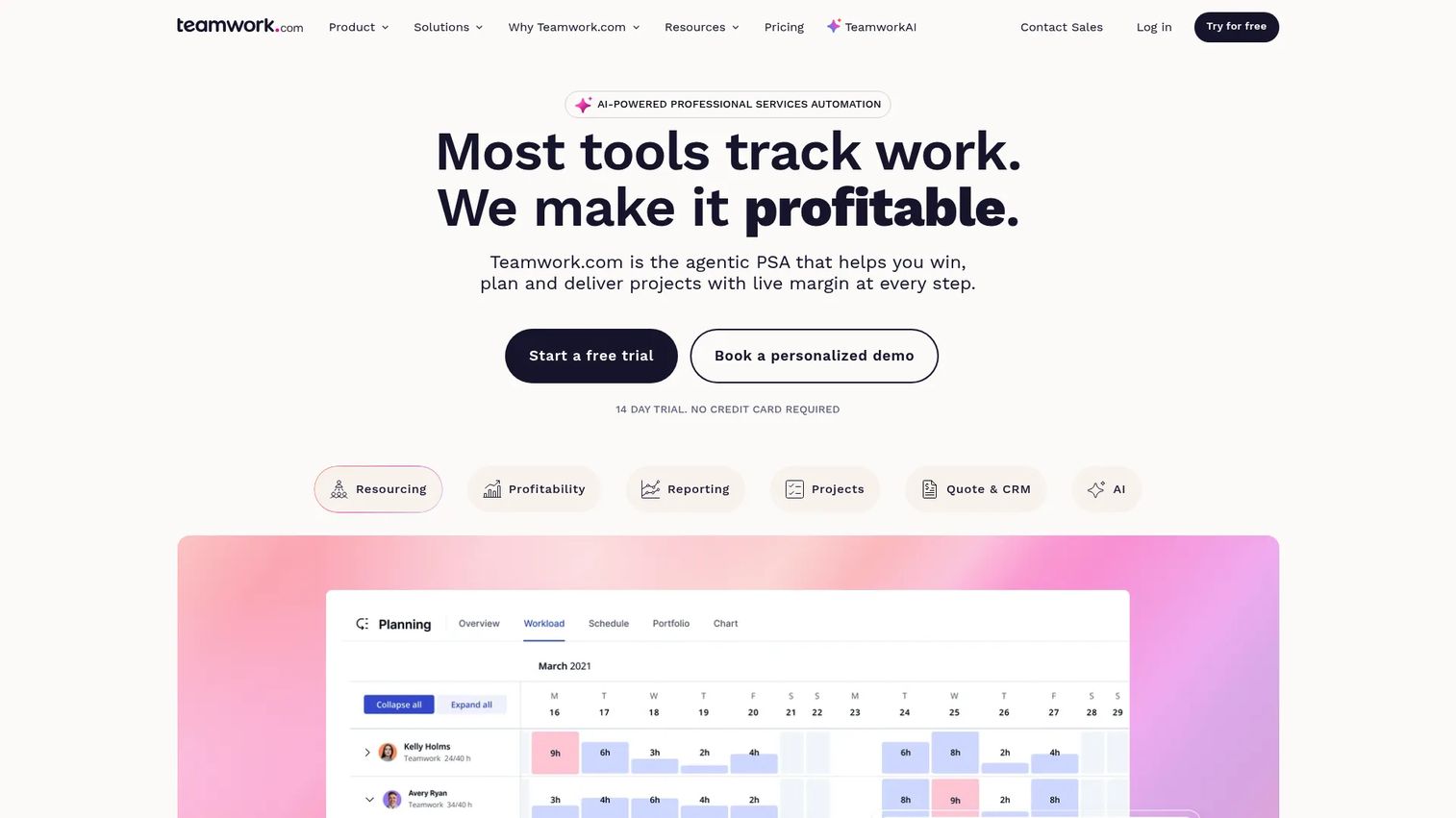
Teamwork.com is designed around client delivery and professional services. Its planning capabilities connect project commitments with commercial considerations. That distinction matters when available time must support both delivery quality and account profitability.
Best for: Agencies and consultancies scheduling billable work across client accounts.
Key features
- Gantt and task views
- Billable time tracking
- Budget and profitability management
- Resource and capacity planning
- Project reporting
Evaluate it with a client project that includes a fixed budget. Estimate the work before assigning people, then consider what happens when the client adds scope.
The plan should make the resulting choice explicit. You may need to revise the deadline or change the commercial agreement. Treating additional work as free capacity hides the decision from everyone involved.
Include shared specialists in the pilot. A designer booked across several accounts creates a different constraint from a dedicated product squad. Ask account owners how they would negotiate that conflict.
For an internal SaaS product team, assess whether the client-services model matches your operating reality. Commercial delivery controls are valuable when you use them, but should not drive a purchase unrelated to your workflow.
Why choose Teamwork.com: Choose it when planning must protect billable capacity and project economics. Its client-work orientation makes the evaluation more relevant than a generic task comparison.
Teamwork.com pricing: Free supports five projects and five users. Basics starts at $9.99/user/month billed yearly.
G2 rating: 4.4/5.
11. Notion
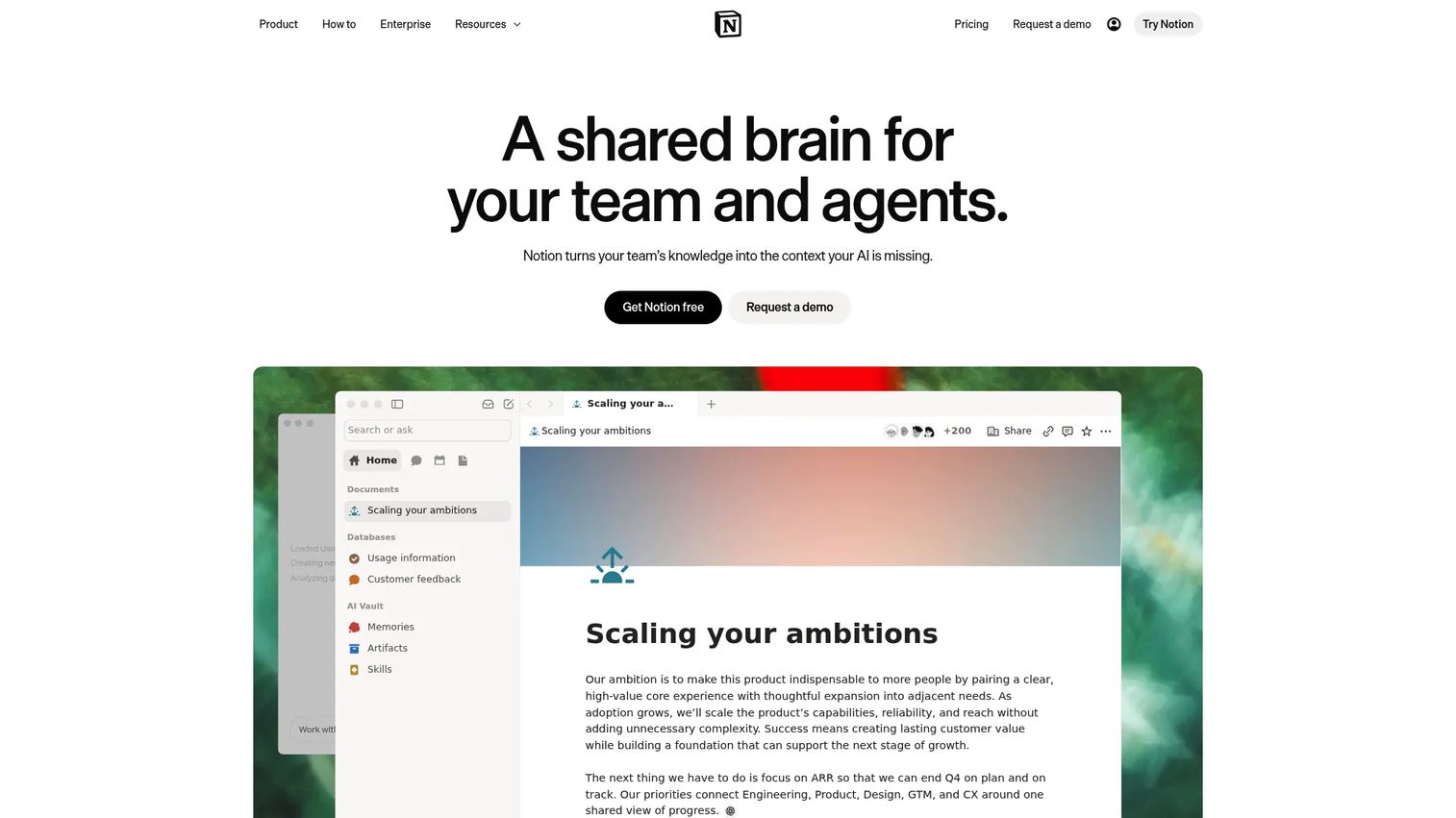
Notion provides a customizable workspace centered on knowledge and collaboration. Its planning relevance is strongest where teams need to preserve context before making delivery commitments. Product managers can evaluate it around discovery evidence and decision-making.
Best for: Teams whose planning process begins with research and shared requirements.
Key features
- Centralized team knowledge
- Collaborative workspace
- AI search with citations
- AI agents for task automation
Start the pilot with an initiative brief rather than a schedule. Include the customer problem and evidence supporting investment. Make the intended outcome explicit before assigning work.
Then ask a colleague to locate the latest decision and its rationale. The exercise should reveal whether the workspace supports shared understanding or simply contains more documents.
Define the point where discovery becomes a delivery commitment. An approved idea still needs an owner and a realistic sequence. Establish how your team will connect that decision with the system used for execution.
If advanced scheduling is essential, test those requirements separately. Knowledge organization and capacity planning answer different questions. Avoid treating a well-written project brief as evidence that the delivery plan is feasible.
Why choose Notion: Choose it when fragmented context is preventing good prioritization. It fits planning workflows that depend on preserving research and explaining why work deserves investment.
Notion pricing: A Free plan is available. Plus is $10/member/month, and Business is $20/member/month.
G2 rating: 4.6/5.
12. Microsoft Planner
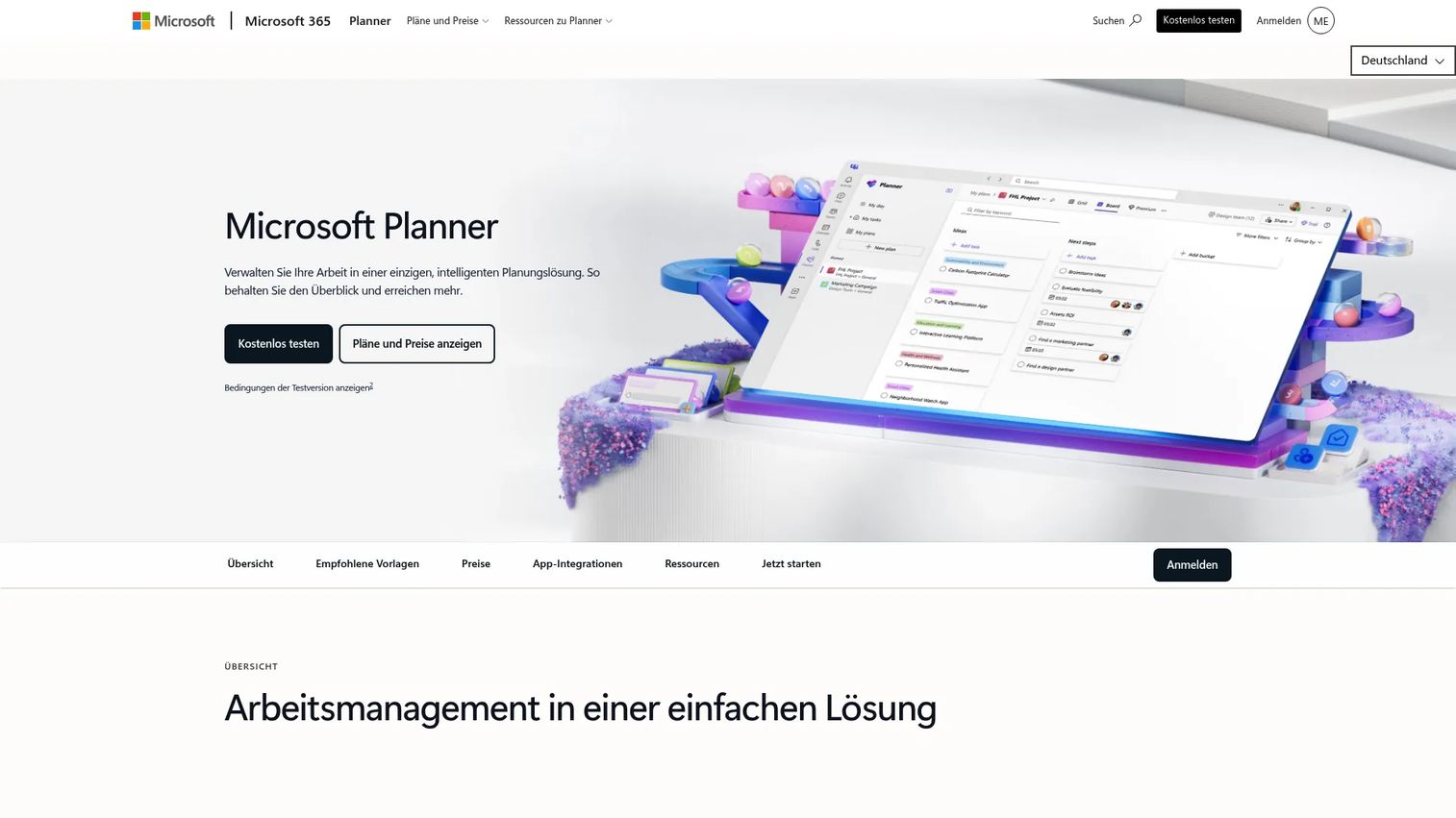
Microsoft Planner supports task coordination and project planning within Microsoft’s work environment. Its Microsoft Teams connection makes it relevant to organizations already collaborating there. Evaluate the included experience separately from premium project-management capabilities.
Best for: Microsoft 365 teams keeping planning close to daily collaboration.
Key features
- Tasks with files and checklists
- My Day and My Tasks
- Grid and Board views
- Timeline views in paid plans
- Microsoft Teams integration
Start by identifying what your existing subscription provides. An included capability can reduce purchasing overhead, but it still needs to satisfy the project’s requirements.
Use a departmental release plan to test ownership and visibility. Ask participants to find their assignments and explain which dates are commitments. Then introduce a blocked prerequisite.
Premium plans add capabilities such as dependencies and more advanced project controls. Compare those requirements with your intended subscription rather than treating all Planner experiences as equivalent.
Keep the distinction from Microsoft Project explicit. Planner is the collaboration-centered option in this shortlist; the separate Project entry addresses formal desktop scheduling. Existing access should inform the evaluation without settling it automatically.
Why choose Microsoft Planner: Choose it when an existing Microsoft workflow offers a practical starting point. Assess premium planning needs before deciding that the included version covers the full process.
Microsoft Planner pricing: Planner is included in eligible Microsoft 365 subscriptions. Planner Plan 1 costs $10/user/month paid yearly; Planner and Project Plan 3 costs $30/user/month paid yearly.
13. Airtable
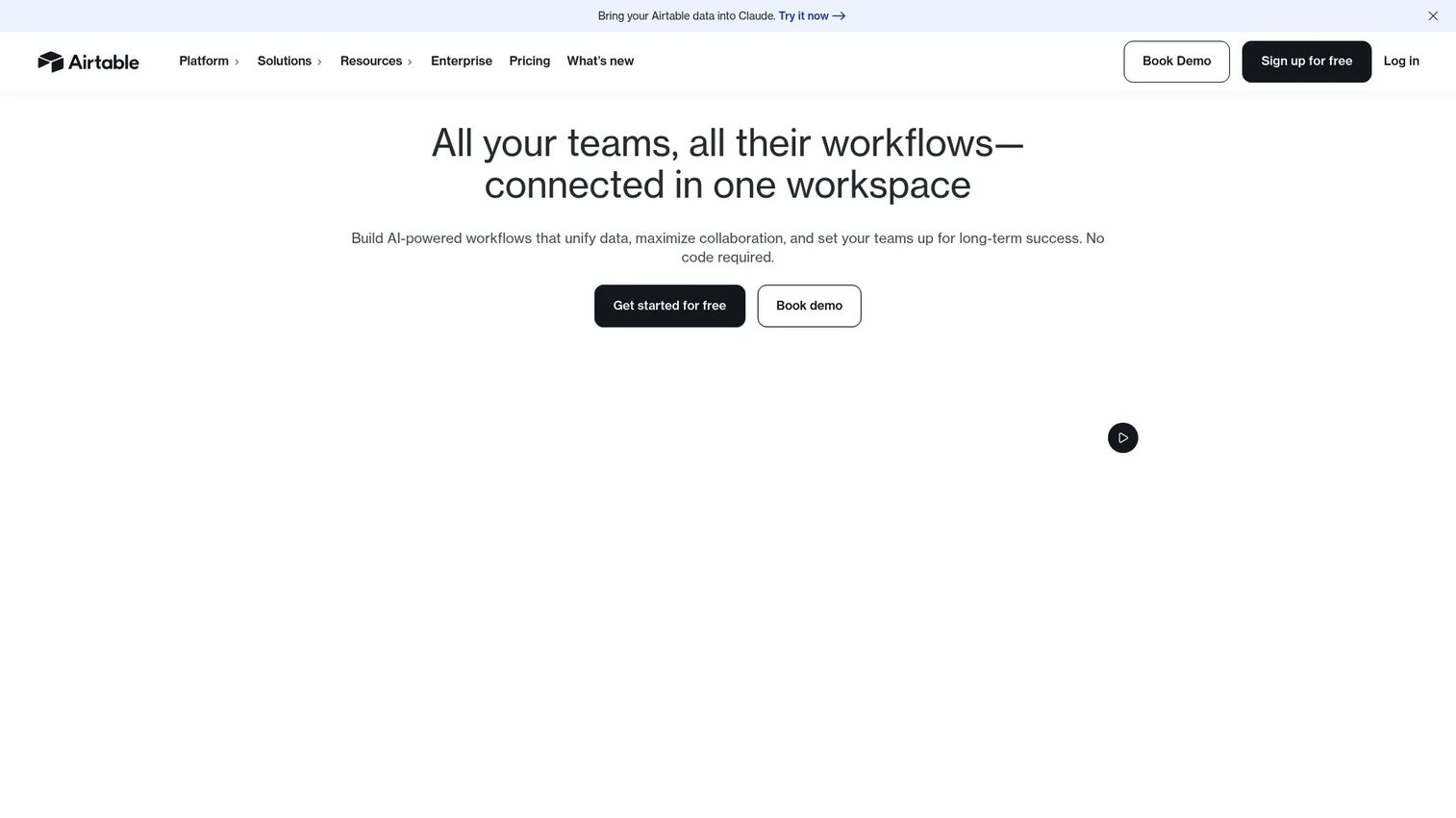
Airtable combines relational data with custom applications and workflow automation. It suits planning problems involving connected records rather than isolated assignments. Product operations teams can evaluate it for coordinating initiatives with supporting requests and assets.
Best for: Teams needing a custom planning model built around structured information.
Key features
- Relational tables and rich fields
- Timeline and Gantt views
- Forms
- Custom interfaces
- Automations and integrations
Start by defining the objects in your process. An initiative is different from a customer request, even when several requests support the same investment.
Link the relevant records conceptually before building the workspace. Decide which information belongs to the initiative and which should remain attached to its source. This helps avoid repeating the same context across many rows.
Test stakeholder views using a realistic release. A product lead may need prioritization context, while a delivery owner needs upcoming commitments. Each should see enough detail to act without interpreting the entire underlying model.
Assign responsibility for maintaining the structure. A custom application needs an owner who understands both the planning process and the consequences of changing fields.
Why choose Airtable: Choose it when relationships between work items are central to the planning problem. It gives teams a way to model those connections explicitly.
Airtable pricing: A Free plan is available. Team starts at $20/user/month billed annually.
G2 rating: 4.6/5.
14. Coda
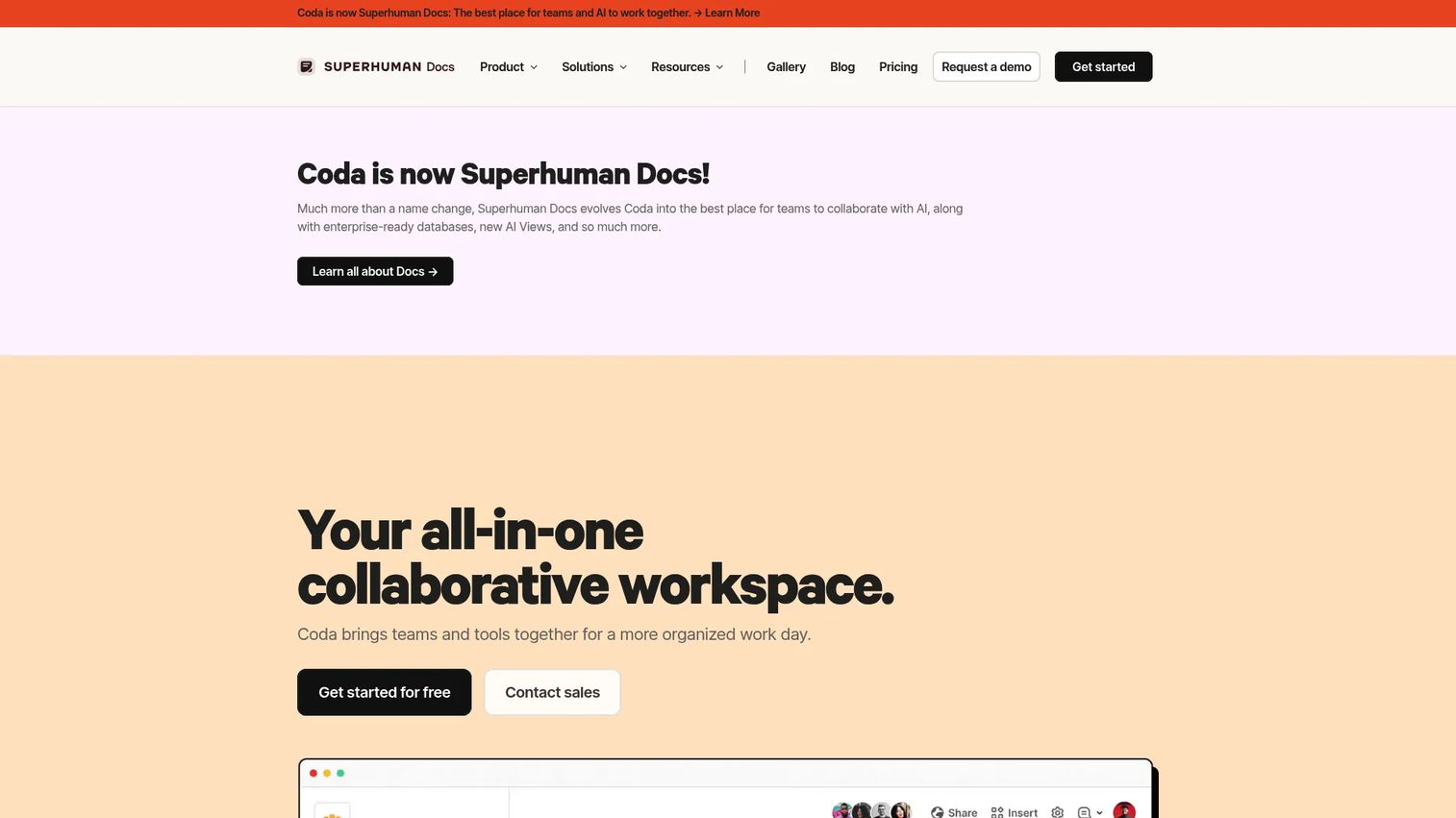
Coda combines collaborative documents with structured trackers and custom applications. It is worth evaluating when a conventional project setup does not match the team’s decision process. The planning model can sit close to the explanation behind it.
Best for: Teams building a custom planning workspace around their own operating process.
Key features
- Collaborative docs and team hubs
- Trackers and custom apps
- Packs and product integrations
- AI assistance
- Publishing and API access
A prioritization review provides a useful starting point. Put the decision criteria beside the candidate initiatives, then define what information reviewers need before committing resources.
Evaluate the experience for participants who did not build the workspace. Can they update a commitment without understanding its underlying design? Do they know where the authoritative decision lives?
Custom workflows also need maintenance ownership. Document who can change the structure and how updates are communicated. That matters when a planning process outlives the person who first assembled it.
Coda’s billing model creates another evaluation question. Distinguish people who build the workspace from those who collaborate within it. That distinction is more useful than comparing its commercial model with a standard per-user subscription.
Why choose Coda: Choose it when your planning process needs a purpose-built combination of context and structured work. Keep the design understandable to collaborators who are not workspace builders.
Coda pricing: A Free plan is available. Paid workspaces bill Doc Makers; editors and viewers are free.
G2 rating: 4.6/5.
15. Motion
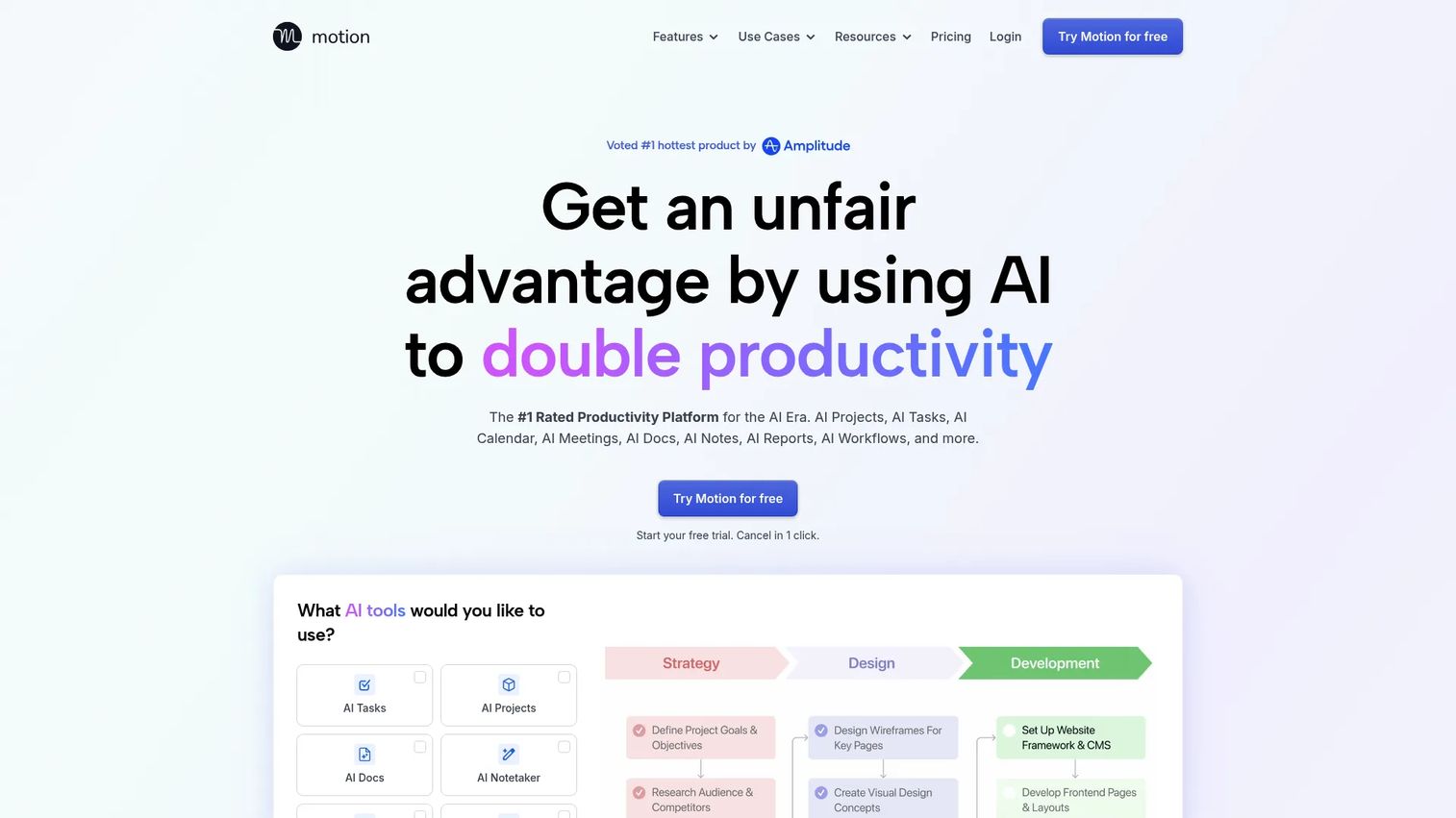
Motion combines project work with calendar-based scheduling. Its planning focus is useful when commitments need to translate into available working time. Evaluate it where task lists remain full despite apparently reasonable deadlines.
Best for: Individuals and small teams planning work around calendar availability.
Key features
- AI task scheduling
- Project planning
- Meeting scheduling
- Gantt charts
- Capacity planning on Business AI
Use a week containing both delivery work and recurring meetings. Enter realistic effort assumptions rather than treating every task as equally sized.
Then change a deadline or introduce an urgent request. Inspect the resulting schedule and decide whether it reflects your priorities. This makes the pilot about planning behavior rather than the novelty of automation.
Scheduling logic still needs accurate inputs. A missing prerequisite or an unrealistic estimate can undermine the plan regardless of how work is placed on a calendar. Keep responsibility for those assumptions with the people making commitments.
Motion’s Business AI plan includes team capacity planning and advanced reporting. Teams evaluating organizational coordination should inspect that package rather than judge the platform only through individual scheduling.
Why choose Motion: Choose it when the unresolved question is when work can happen. Its calendar orientation offers a different evaluation path from board-centered coordination.
Motion pricing: Pro AI costs $19/seat/month annually; Business AI costs $29/seat/month annually. A free trial is available.
G2 rating: 4.1/5.
16. Nifty
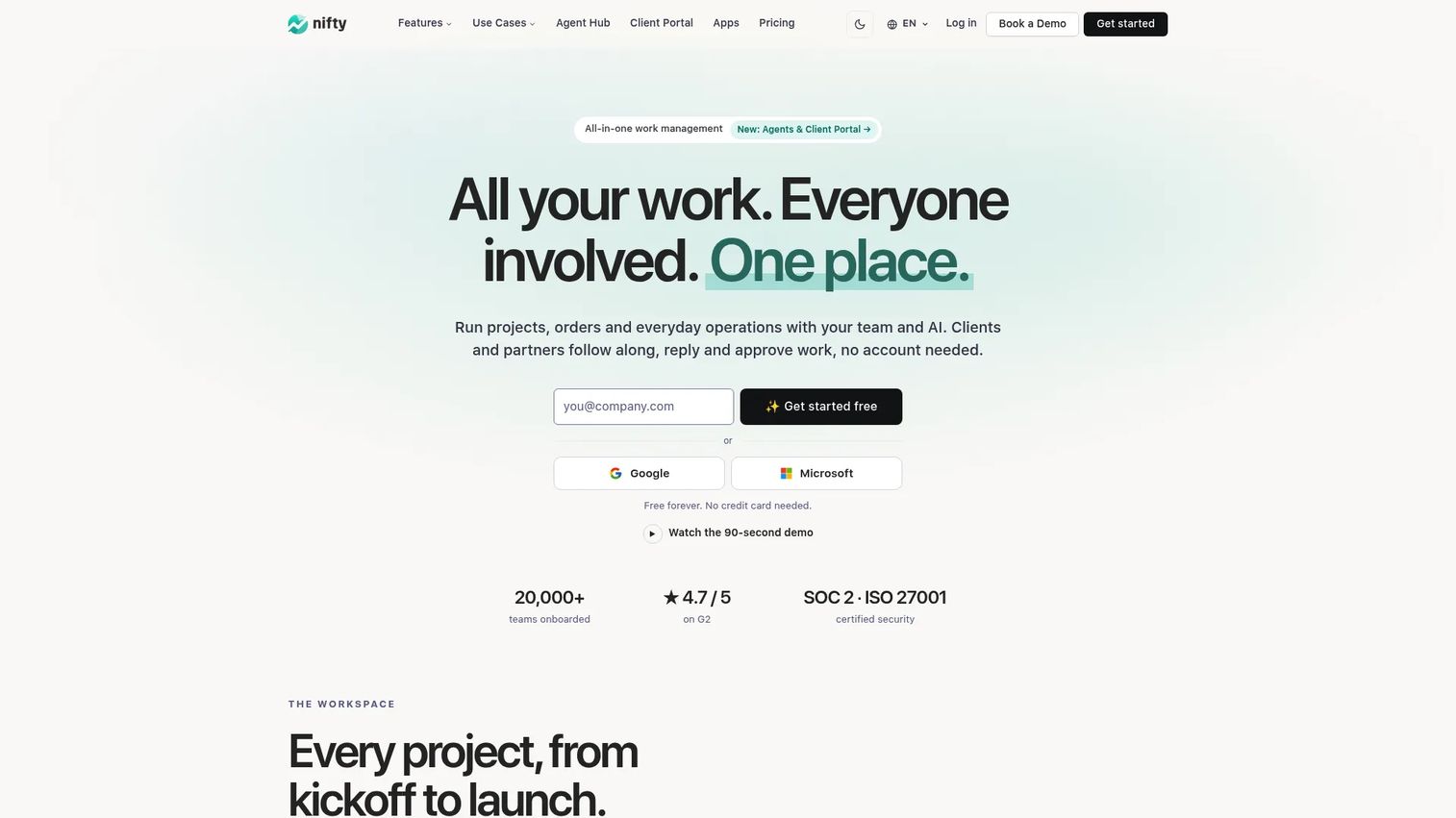
Nifty connects milestone planning with project collaboration. Its workspace includes delivery coordination and supporting context. Consider it when stakeholders organize discussions around outcomes such as readiness reviews or launch dates.
Best for: Teams coordinating delivery through milestones and shared project context.
Key features
- Roadmaps and milestones
- Task dependencies
- Multiple project views
- Docs and discussions
- Reporting and time tracking
Pilot a release with meaningful checkpoints. Define what “ready” means at each milestone before attaching tasks.
For example, a rollout checkpoint might require completed validation and an agreed support process. The date alone should not establish readiness. Ask the project owner how those conditions will be evaluated.
Then test how a delayed prerequisite affects the wider discussion. Stakeholders should understand whether the milestone still represents a credible commitment. This is more useful than a status label that remains green until the deadline.
Evaluate packaging against the number of active projects you expect to manage. Nifty’s paid prices use a monthly plan amount rather than the per-user entry prices common elsewhere in this list.
Why choose Nifty: Choose it when milestones provide the clearest way to coordinate work and communicate progress. Define those checkpoints carefully before importing a large task backlog.
Nifty pricing: Free includes unlimited members and two active projects. Pro costs $79/month billed annually, or $99 monthly, with a 14-day paid-plan trial.
G2 rating: 4.7/5.
17. Zoho Projects
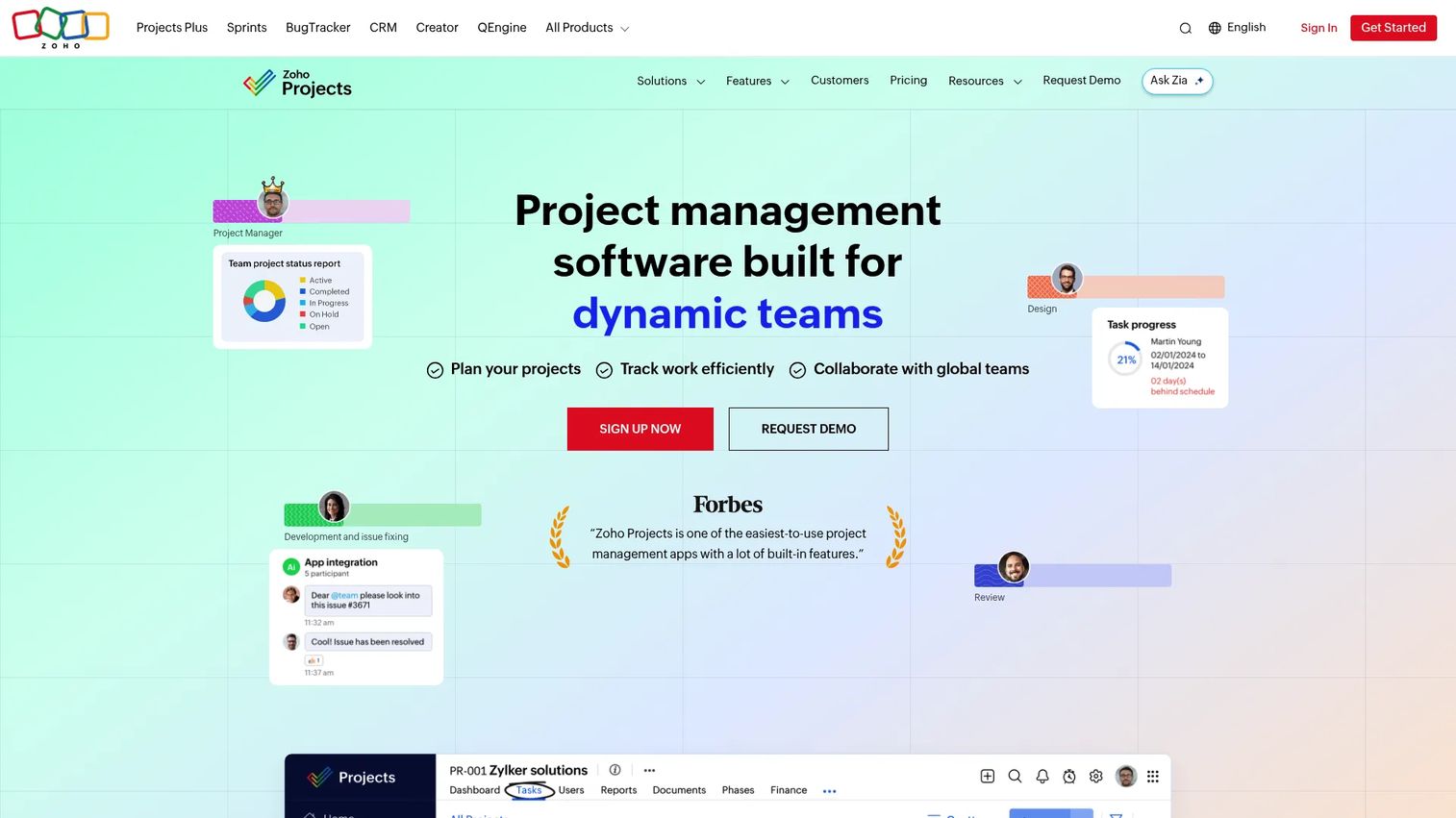
Zoho Projects provides structured project management with scheduling and time tracking. Its entry pricing makes it relevant to teams watching subscription costs closely. Evaluate the planning mechanics against your requirements before using price as the deciding factor.
Best for: Budget-conscious teams needing classic project planning controls.
Key features
- Gantt charts and task dependencies
- Timesheets
- Custom fields and statuses
- Task and issue management
- Configurable workflows
Use a project with explicit prerequisites rather than a collection of independent assignments. Establish what must finish before the next activity begins.
Next, compare estimated work with the availability of the people responsible. This exposes whether the proposed schedule is reasonable before stakeholders accept it.
The pilot should also test your reporting process. Ask a product leader to identify the main delivery risk from the information available. If the answer requires a separate spreadsheet, determine why before adding more configuration.
Cost discipline includes administration. Decide who maintains templates and resolves changes to the workflow. A lower subscription price is useful when the operating model remains understandable and sustainable.
Why choose Zoho Projects: Choose it when you need structured scheduling at a modest entry price. Compare the required reporting and customization capabilities with the plan you intend to buy.
Zoho Projects pricing: Free supports five users and three projects. Premium starts at $4/user/month billed annually.
G2 rating: 4.4/5.
Considerations when choosing project planning software
Planning depth
Test dependencies with an upstream date change. For complex releases, evaluate milestones and baseline controls rather than assuming that a timeline view provides full scheduling functionality.
Capacity visibility
Ask how the proposed plan reflects shared specialists and existing commitments. A workload display is useful only when its inputs represent available time and credible estimates.
Workflow fit
Map intake through prioritization before configuring execution stages. Your project management system should preserve the distinction between a request and an accepted commitment, without creating unnecessary administrative work.
Reporting and stakeholder visibility
Separate delivery reporting from product outcomes. Project tracking software can show completed work, while activation or retention analysis establishes whether the initiative achieved its purpose.
Integration needs and governance
Evaluate the systems where contributors already work, especially engineering tools and documentation. Define which application owns each field to avoid competing versions of the plan.
Security belongs in this assessment too. Capterra reported in 2025 that 71% of project management software buyers rated security as critical. Review access requirements before importing customer information or sensitive roadmap material.
Run the evaluation through a changed assumption, not only the initial setup. Ask an engineer and a business stakeholder to interpret the revised commitment independently. Their answers reveal whether the system supports alignment or merely displays information.
Choose around the plan your team needs
Asana is the strongest starting point here for cross-functional product coordination. Monday.com suits configurable workflows, while ClickUp deserves attention when planning context is scattered across separate workspaces.
Wrike fits resource-heavy organizational planning. Trello offers a practical route for contained visual coordination, and Microsoft Project serves formal schedules. Jira is the natural shortlist candidate when engineering delivery defines the planning process.
For client work, examine Teamwork.com. Budget-conscious teams should include Zoho Projects, while documentation-led workflows warrant a closer look at Notion or Coda.
The best project planning software is the planning tool your team can maintain when priorities change.
Shortlist three options that match your project’s complexity. Run the same upcoming initiative through each, using identical scope and capacity assumptions. Include a delayed prerequisite and an urgent stakeholder request.
Compare whether the revised sequence remains credible and whether collaborators understand the consequences. Measure the administrative effort required to keep everyone aligned.
Choose the platform that makes difficult commitments clearer before work starts, rather than the one that produces the most polished status screen.
FAQs
Project planning software helps teams define what must happen before delivery begins and organize the work into an executable sequence. It connects ownership with dates and dependencies, while some tools also model available capacity. For product teams, the useful output is a credible commitment tied to an intended customer or business outcome.
Project management software supports the broader delivery lifecycle, including coordination and progress reporting after work starts. Planning is the part that establishes scope and the intended sequence before execution. Software for managing projects often covers both, so compare specific capabilities rather than relying on the category label.
Asana is a strong starting point for cross-functional commitments, while Jira fits planning centered on engineering delivery. ClickUp suits consolidation, and Monday.com supports configurable work processes. Notion is worth evaluating when research and decision context dominate the planning workflow. Choose according to the coordination problem rather than the broad “PM software” label.
Microsoft Project suits formal scheduling that requires baselines and critical-path analysis. Wrike and Smartsheet deserve evaluation for cross-functional project controls, while Teamwork.com fits client delivery and Zoho Projects offers a budget-conscious option. Buyers seeking project management scheduling tools should test what happens after a prerequisite moves, rather than compare chart appearance alone.
Trello and Asana offer free entry points for visual coordination or small-scale work management. ClickUp, Notion, Airtable, Nifty, and Zoho Projects also have free plans worth evaluating against your workflow. Check collaborator and project limits before importing an active roadmap. A free edition is useful when its planning capabilities match the project, not simply because it avoids subscription costs.
Start with clear ownership and due dates, then add dependency handling when activities must follow a sequence. Shared specialists make workload visibility important, while repeated projects benefit from templates and consistent reporting. Evaluate permissions and integrations alongside those mechanics. A project management scheduling tool should expose the consequences of changed assumptions without forcing you to reconstruct the plan.
Yes, when repeated handoffs or competing commitments make informal coordination unreliable. A lightweight board may cover independent tasks, while shared capacity and strict sequencing justify deeper scheduling capabilities. Count the effort spent maintaining the system alongside the time it saves. Purchasing more functionality than the team will maintain can create another source of administrative work.
Map an upcoming initiative before starting trials, including its intended outcome and the prerequisites affecting delivery. Give every candidate the same scope, then change a deadline and reduce one specialist’s availability. Ask participants from different departments to explain the resulting commitment. Compare their understanding and the upkeep required, alongside the cost of the necessary subscription.