Presales teams do not lose POCs because the product is bad. They lose them when scope expands without anyone noticing, stakeholders miss the critical demo, or the buyer never gets a clean way to validate the workflow on their own terms.
According to Gartner (2024), only 48% of AI projects reach production on average, taking eight months to move from prototype to production. The same evaluation friction that slows AI adoption plays out in every complex B2B software POC: Too many moving parts, too little shared visibility, and buyers who need proof before they will commit.
Proof of concept software helps close that gap. The challenge is that "POC software" is not one category. It is a stack of tools covering product experience, task tracking, documentation, cloud infrastructure, API validation, and prototype testing. This guide maps the right tool to each job.
What's inside
This guide covers 12 proof of concept software options for presales, sales engineering, product, IT, and technical buying teams.
Items were selected based on:
- POC job fit: product experience, task tracking, documentation, cloud feasibility, or API testing
- Presales usefulness: reduces repetitive live demo work and keeps buyers engaged between calls
- Stakeholder visibility: captures scope, evidence, owners, and decision records
- Evaluation readiness: supports realistic workflows and technical validation without full provisioning
Pricing and G2 ratings reflect verified data from vendor pricing pages and G2 listings.
TL;DR
- Best overall for buyer-led POC experiences: Guideflow lets presales teams deploy interactive demos, sandboxes, demo centers, live demos, and mobile demos so buyers validate product fit without waiting on a full environment
- Best for POC task tracking: Jira, with structured backlogs, sprint planning, and acceptance criteria
- Best for POC documentation: Confluence, for shared decision records, requirements pages, and stakeholder notes
- Best for lightweight cross-functional coordination: Asana, when POC work spans SEs, AEs, and customer success
- Best for cloud architecture validation: Azure, for infrastructure and scalability feasibility testing
- Best for API and integration testing: Postman, with collections, environments, and automated test runs
What is proof of concept software?
Proof of concept software helps teams test whether a product, workflow, architecture, or technical idea can work before they invest in full development, procurement, or rollout.
A POC validates feasibility, not full production readiness. For presales teams, it answers one practical question: Can this product support the buyer's use case, integrations, and security requirements well enough to justify continued evaluation?
The category spans several tool types:
- Demo and product experience platforms: let buyers explore the product before provisioning a live environment
- Project and task trackers: manage evaluation tasks, owners, timelines, and acceptance criteria
- Documentation tools: keep requirements, decisions, and stakeholder notes in one shared place
- Cloud environments: validate deployment architecture, data handling, and scalability
- Prototype tools: test interface concepts and workflows before code exists
- API and integration testing platforms: prove that systems connect and exchange data as expected
- ITSM evaluation tools: validate service desk workflows and IT processes
Key capabilities to look for
- Success criteria and acceptance tracking
- Buyer or stakeholder access controls
- Interactive product validation without live environment access
- Technical environment setup and configuration
- Integration and API testing
- Documentation and decision records
- Analytics or engagement signals
- Security and governance controls
Proof of concept vs prototype vs MVP
These three terms get confused constantly. Here is the practical distinction:
- POC: Can this work? Tests feasibility before significant investment
- Prototype: What could it look like? Shows an experience concept, often clickable but not production-ready
- MVP: Will users adopt a minimal usable version? Tests market learning with real users
- Pilot: Does this work in a limited real-world rollout? Narrows scope but uses production-grade access
When to use proof of concept software
Validate technical fit before procurement
Buyers need evidence before signing. For presales teams, the POC should prove the product can support the buyer's use case, required integrations, security controls, and workflow needs. Running this validation without the right software means rebuilding environments for every deal and losing track of what was shown to whom.
Give stakeholders proof they can share
Buying committees often include people who missed the live demo. CFOs, security reviewers, and IT leads need to see evidence on their own terms. POC software should produce shareable demos, decision records, and engagement data that champions can forward without scheduling another call.
Reduce scope creep during evaluations
POCs fail when "just one more test" becomes the norm. Tools with defined scope, owners, timelines, and pass/fail criteria keep evaluations from turning into unpaid implementation work. If a new test gets added midstream, someone should decide whether the timeline or priority shifts before work begins.
Proof of concept software comparison
The 12 tools below serve different POC jobs. Choosing the right one depends on what your team needs to prove and to whom.
| # | Product | Best for | Key differentiator | Pricing | G2 rating |
|---|---|---|---|---|---|
| 1 | Guideflow | Buyer-led product validation | Interactive demos, sandboxes, demo centers, live demos, mobile demos | Free; paid from $40/month | 5.0 |
| 2 | Jira | POC task tracking | Backlogs, sprints, acceptance criteria | Free; paid from $7.91/user/month | 4.3 |
| 3 | Confluence | POC documentation | Shared decision records and templates | Free; paid from $5.42/user/month | N/A |
| 4 | Asana | Cross-functional coordination | Lightweight task ownership and timelines | Free; paid from $10.99/user/month (annual) | 4.4 |
| 5 | Azure | Cloud architecture validation | Consumption-based cloud infrastructure | Free account available; usage-based | N/A |
| 6 | Microsoft Azure IoT | IoT feasibility testing | Device, edge, and telemetry POC workflows | Free tier available; usage-based | N/A |
| 7 | Google Cloud AI | AI and ML feasibility | Vertex AI, 200+ models, usage-based pricing | From $0.0001 per 1K characters | 4.3 |
| 8 | Salesforce Einstein | CRM AI validation | Embedded AI across Salesforce products | From $75/user/month | N/A |
| 9 | InvGate Service Management | ITSM workflow validation | No-code workflow builder and service desk | From $1,499/year | 4.6 |
| 10 | Figma | Prototype validation | Clickable prototypes and dev handoff | Free; paid from $16/month | 4.7 |
| 11 | GitLab | Code-based POC delivery | DevSecOps from issue to deployment | Free; paid from $29/user/month (annual) | 4.5 |
| 12 | Postman | API and integration testing | API collections, environments, test runs | Free; paid from $9/month (annual) | 4.6 |
Best 12 proof of concept software tools
1. Guideflow
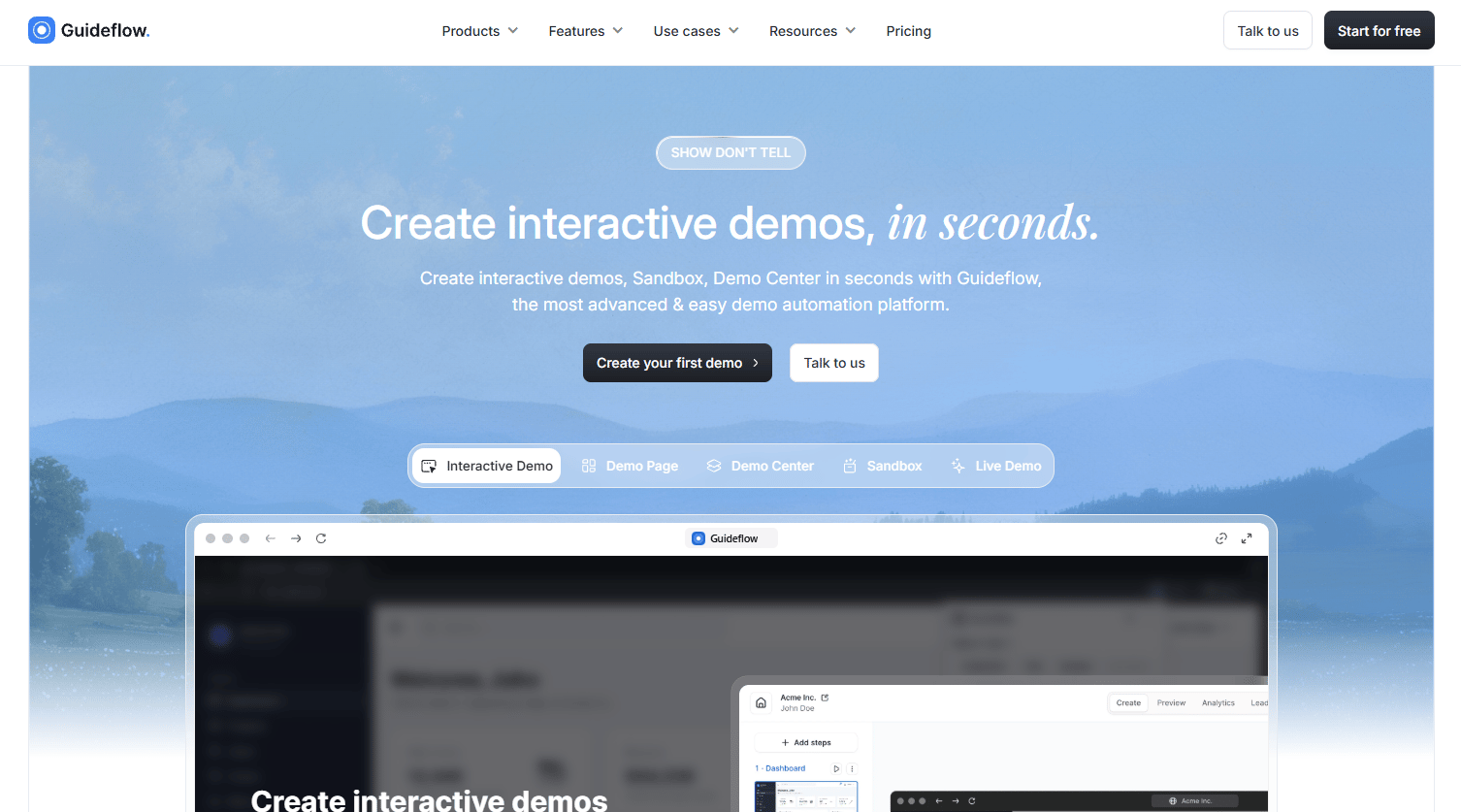
Guideflow is a demo automation platform built for presales and GTM teams that need buyers to experience the product before committing to a full provisioned environment. Rather than rebuilding a demo environment for every deal, SEs capture the product once and deploy it across multiple formats for different POC moments. The platform covers guided product stories, open exploration, organized demo libraries, presenter-led technical deep-dives, and mobile app experiences.
Best for: B2B SaaS presales and sales engineering teams that need buyers to validate product fit without waiting on environment setup.
Key features
- Interactive demos: Guided, step-by-step clickable product walkthroughs
- Sandbox: Open, explorable product environment for self-directed validation
- Demo center: Branded hub organizing demos by persona, use case, or buying stage
- Live demo: Presenter-led tool for real-time sales and technical deep-dives
- Personalization: Text, images, graphs, and logos customized per account
Why choose Guideflow: Presales teams use Guideflow when they need to let buyers explore product workflows at their own pace, share evidence with stakeholders who missed the live call, and capture engagement analytics that show which steps drove interest or caused drop-off. The analytics cover impressions, completion rates, leads collected, and conversion, giving SEs real signal for follow-up prioritization.
Guideflow pricing: A free plan is available. Solo runs $40/month on monthly billing, or $35/user/month billed annually. The Startup plan is $599/month on monthly billing.
G2 rating: 5.0/5
Start your journey with Guideflow today!
2. Jira
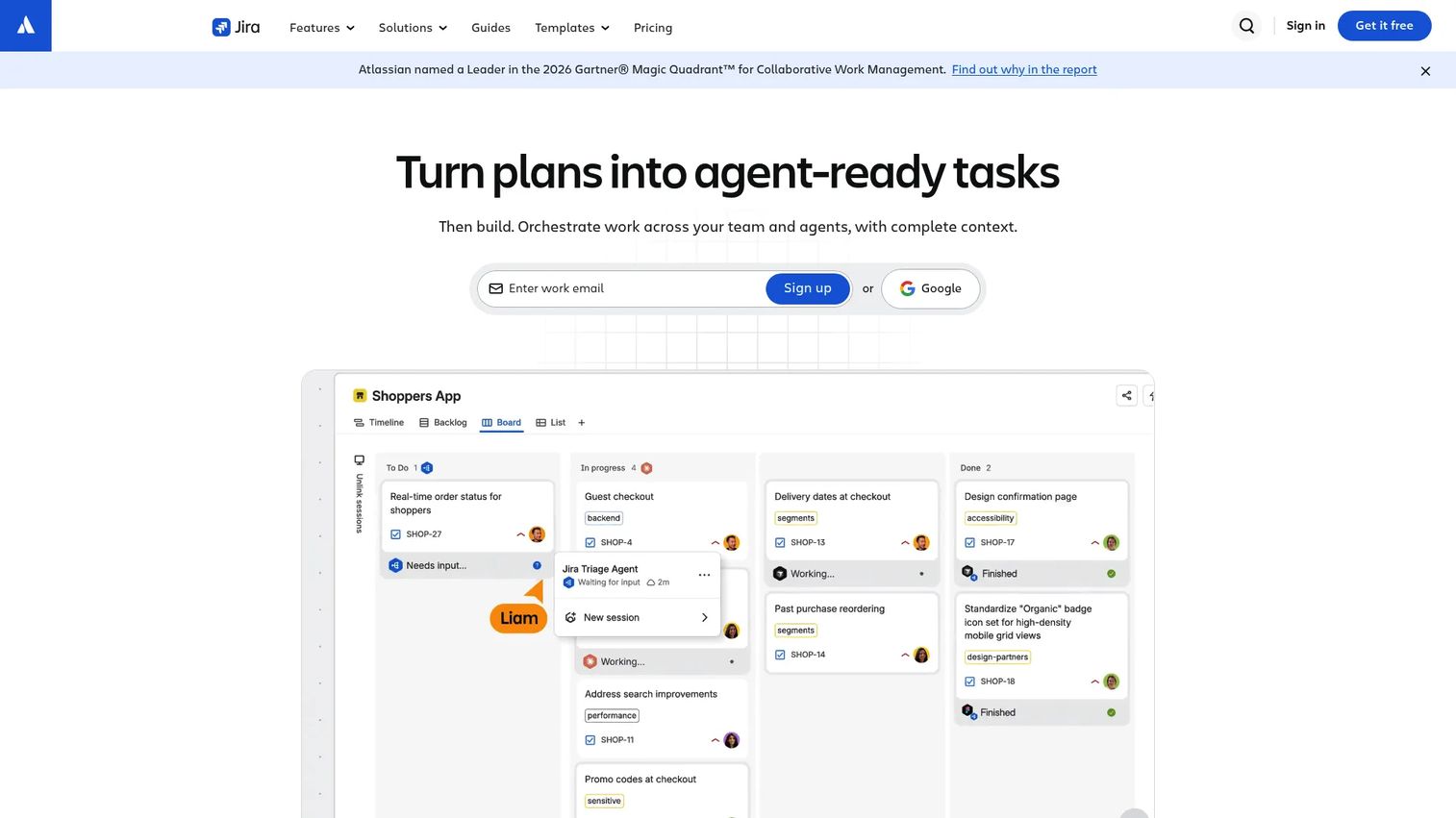
Jira is a work management platform for structured task tracking, agile planning, and cross-team visibility. For presales and engineering teams running technical POCs, it handles the operational layer: Who owns what, what is blocked, and whether the evaluation is on track. Jira supports boards, timelines, backlogs, and custom workflows that map to real POC stages rather than generic project types.
Best for: Engineering and presales teams managing sprint-based technical POCs with integrations, configuration work, or multi-stakeholder dependencies.
Key features
- Backlogs and customizable workflows
- Sprint planning and issue tracking
- Acceptance criteria per issue or epic
- Automation and Rovo AI features
- Reporting dashboards for blockers and progress
Why choose Jira: Choose Jira when the POC involves engineering tasks, configuration, or technical validation that needs clear ownership, status visibility, and an audit trail. It is less suited to lightweight GTM coordination where a simpler task list would do the job.
Jira pricing: A free plan supports up to 10 users. Standard runs $7.91 per user/month and Premium runs $14.54 per user/month. Enterprise pricing requires contacting sales.
G2 rating: 4.3/5
3. Confluence
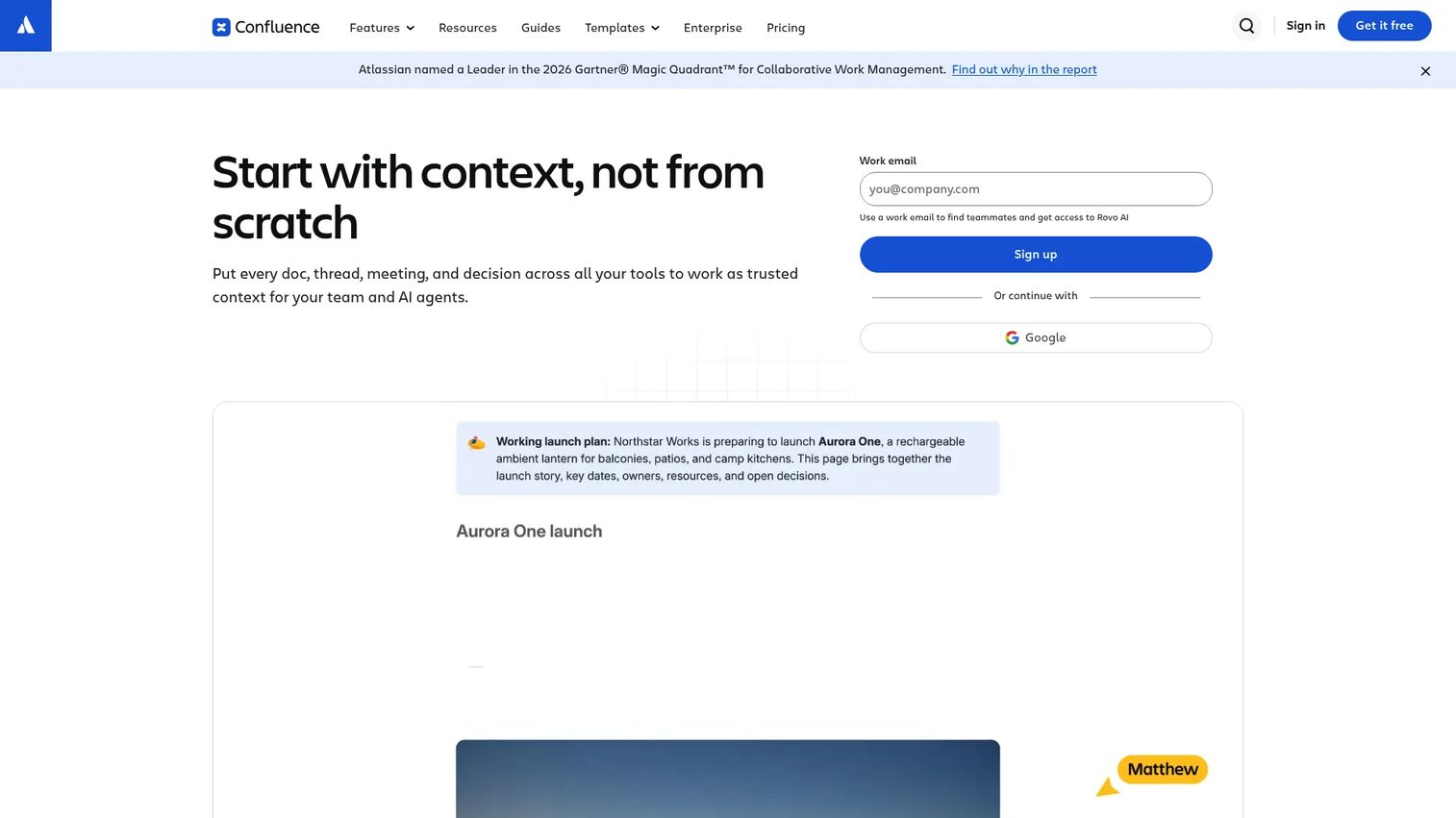
Confluence is a collaborative documentation platform where teams write, organize, and share knowledge. For POCs, it handles the documentation layer: Scope briefs, requirements pages, decision logs, meeting notes, and stakeholder-facing summaries. Because Confluence integrates natively with Jira, task status and documentation live in connected spaces rather than separate silos.
Best for: Presales and product teams that need a single shared space for POC plans, evaluation records, and decision-making documentation.
Key features
- Collaborative pages with real-time editing and comments
- POC templates and structured content spaces
- Decision records and requirements documentation
- Jira integration for connected task and doc workflows
- Rovo AI for content creation and search
Why choose Confluence: The hardest part of many POCs is keeping requirements, decisions, and evidence in one place that every stakeholder can find. Confluence solves that organizational problem better than shared folders or email threads.
Confluence pricing: A free plan supports up to 10 users with 2 GB storage. Standard runs $5.42 per user/month. Premium runs $10.44 per user/month and adds unlimited storage, automation, and a 99.9% uptime SLA. Enterprise pricing requires contacting sales.
4. Asana
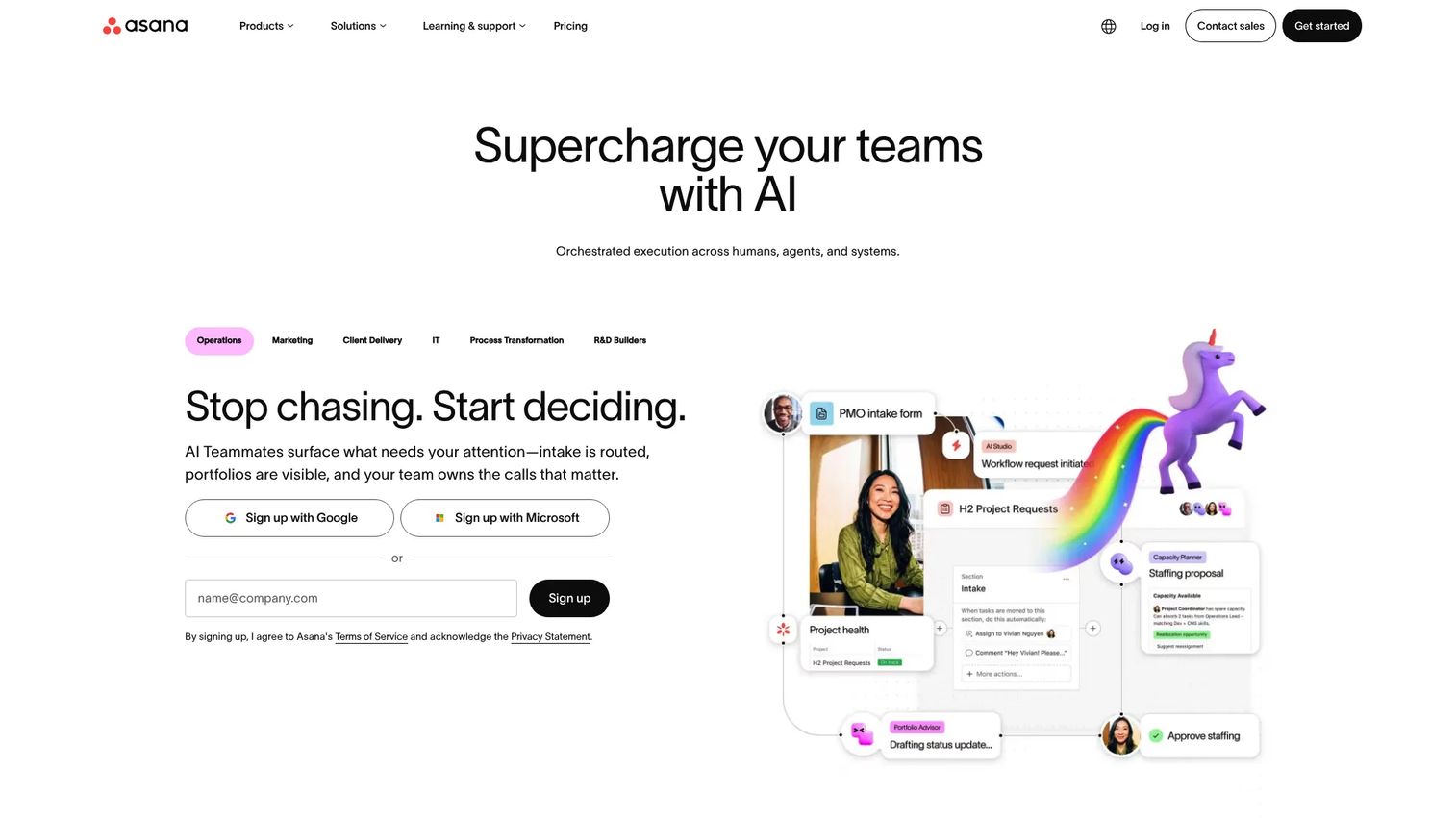
Asana is a work management platform covering tasks, timelines, goals, and AI-assisted workflows. For POCs that span SEs, AEs, customer success, and implementation teams without requiring a developer-heavy setup, Asana gives every participant a clear view of what is owned, what is due, and what is blocked.
Best for: GTM and cross-functional teams managing POC coordination without engineering-centric workflows.
Key features
- Task assignments and timeline views
- Project templates and status updates
- Forms for intake and stakeholder requests
- Rules and workflow automation
- Goals and portfolio dashboards
Why choose Asana: Choose Asana when the POC work is cross-functional but does not require the depth of a developer-focused tracker. It is particularly useful for onboarding, implementation, and customer-facing coordination where non-technical stakeholders need visibility.
Asana pricing: A Personal plan is free. Starter runs $10.99 per user/month billed annually. Advanced runs $24.99 per user/month billed annually. Enterprise pricing requires contacting sales.
G2 rating: 4.4/5
5. Azure
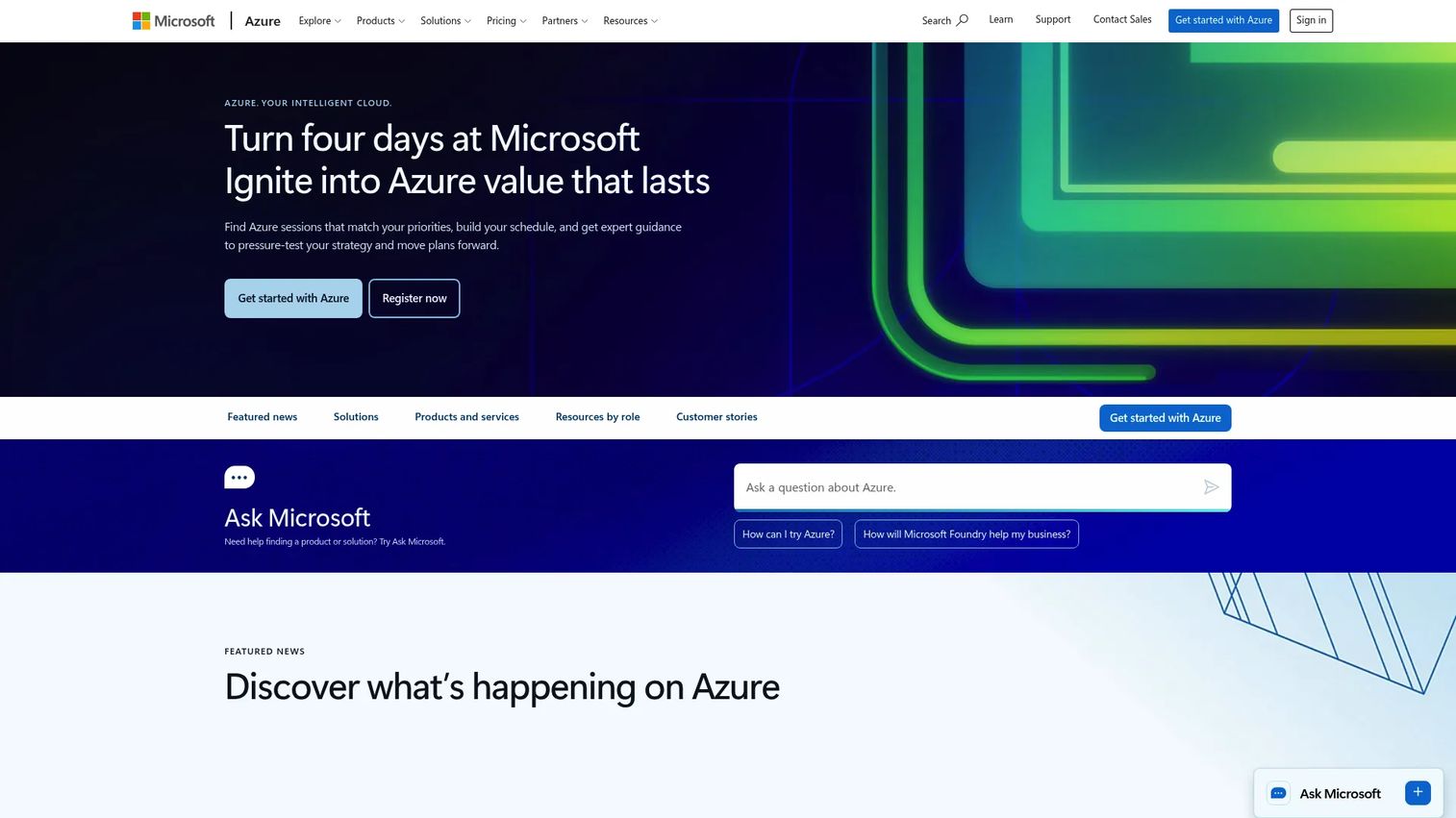
Azure is Microsoft's cloud computing platform, providing compute, storage, networking, databases, AI services, and security infrastructure. When a POC must prove deployment architecture, data handling capacity, integration feasibility, or scalability under load, Azure gives engineering teams the environment to test without building permanent infrastructure.
Best for: Organizations validating cloud architecture, enterprise integration, or scalability before procurement decisions.
Key features
- Virtual machines and serverless computing
- Managed databases and analytics services
- Identity and security controls
- Networking and monitoring
- AI and machine learning services
Why choose Azure: Azure excels when the POC must demonstrate infrastructure viability, particularly for enterprise buyers with existing Microsoft estates. Use it for architecture and infrastructure feasibility, not for demonstrating product workflows to business stakeholders.
Azure pricing: Azure uses consumption-based pricing with no universal starting tier. A free account is available with limited credits and services. Pricing varies by service and usage; the Azure pricing calculator gives estimates by workload.
6. Microsoft Azure IoT
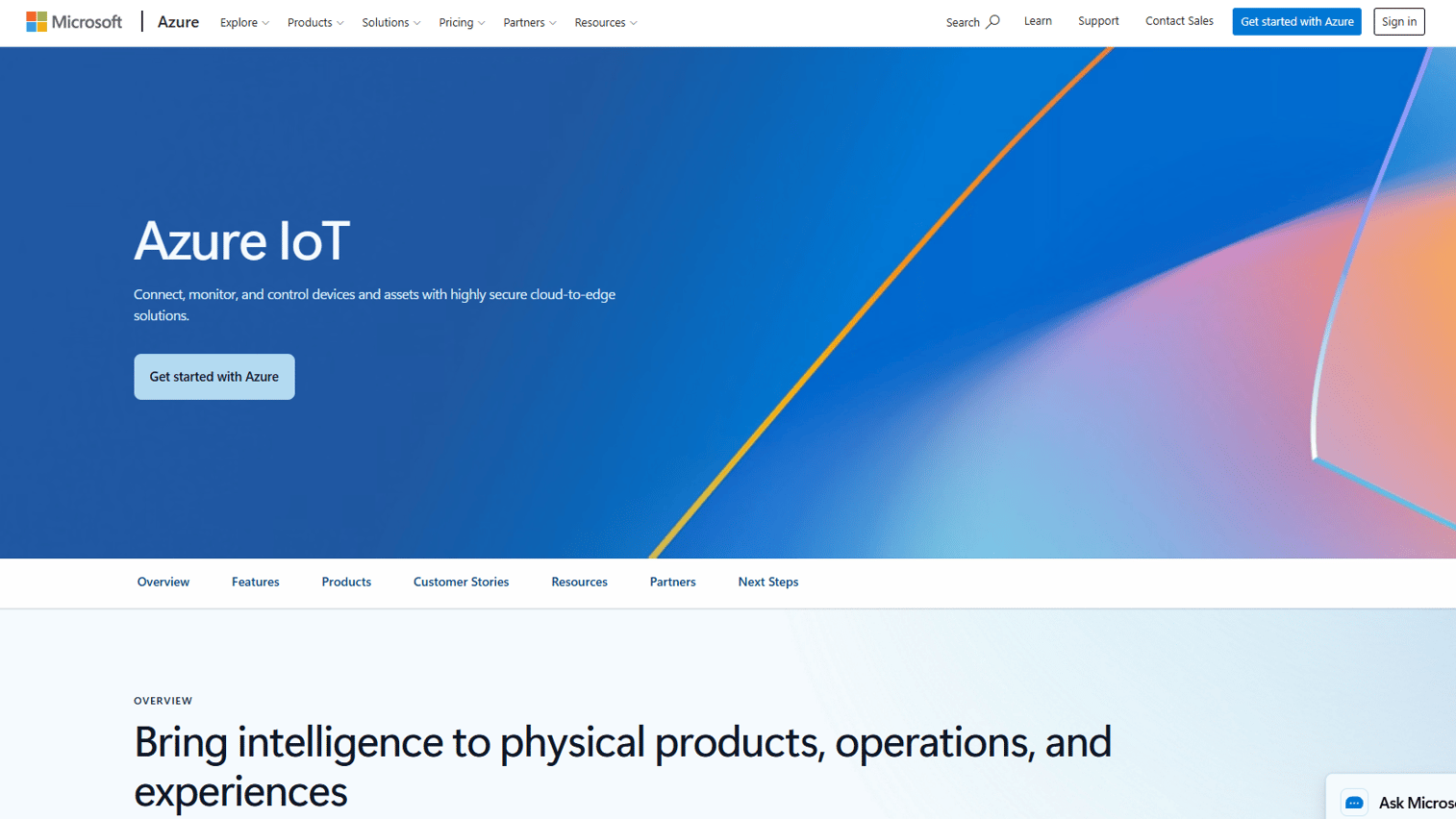
Microsoft Azure IoT is a cloud-to-edge platform for connecting, monitoring, and managing IoT devices and assets. When a POC needs to prove device data capture, remote monitoring, industrial automation, or edge workflows, Azure IoT provides the infrastructure without requiring a full production deployment.
Best for: Teams proving connected-device feasibility, telemetry workflows, or industrial IoT scenarios before full commitment.
Key features
- Device connectivity and IoT Hub management
- Edge workloads via Azure IoT Edge
- Telemetry ingestion and routing
- Digital twins and operational data visualization
- Fleet monitoring and device security
Why choose Azure IoT: Use Azure IoT when the proof requires demonstrating that physical devices or industrial systems can connect, transmit data, and trigger downstream workflows. It is purpose-built for IoT feasibility and difficult to replicate with general-purpose cloud tools.
Azure IoT pricing: A free tier is available for Azure IoT Hub. Paid tiers are usage-based; published per-unit pricing varies by hub tier and message volume, and the Azure pricing calculator covers current rates by configuration.
7. Google Cloud AI
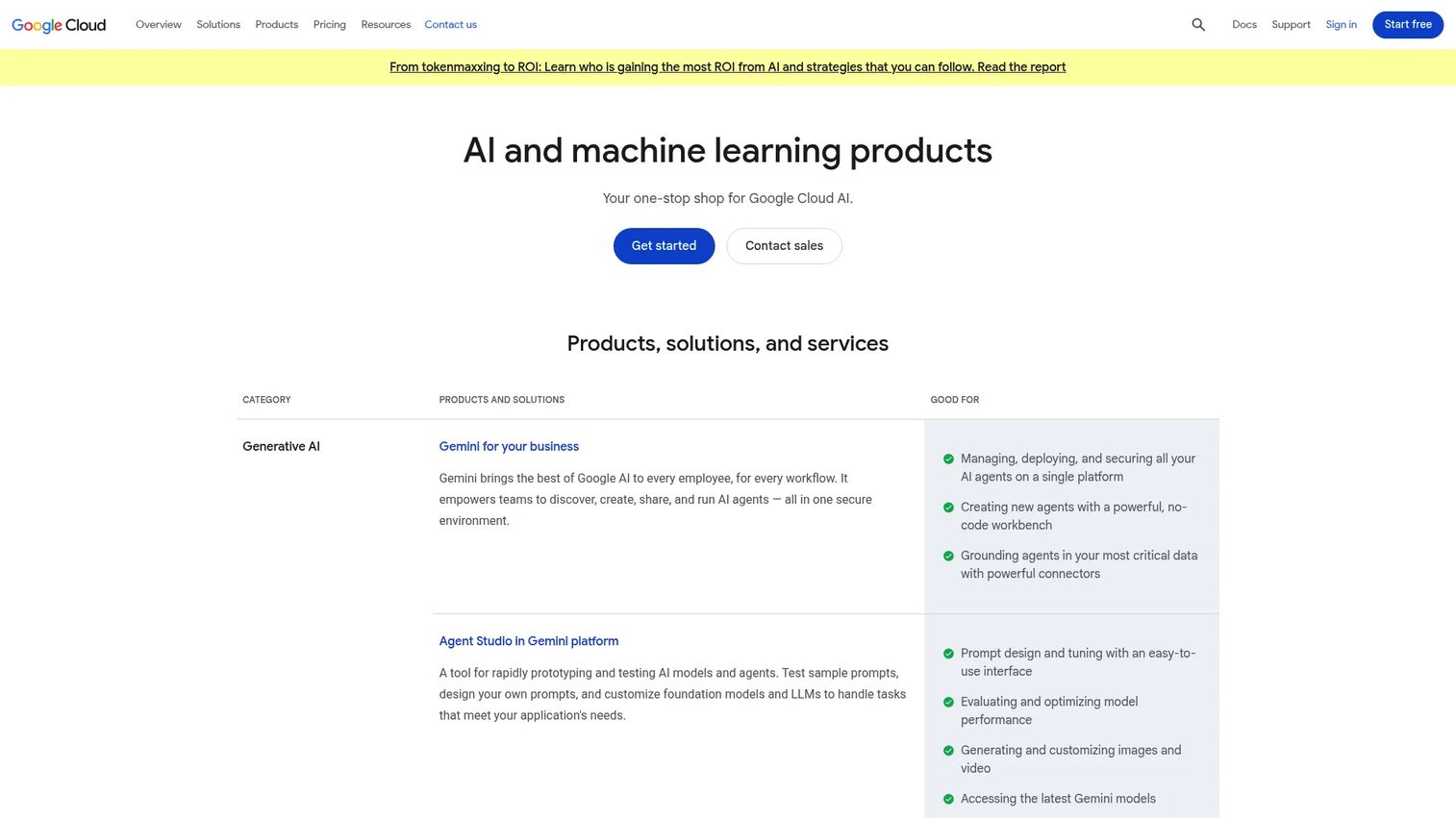
Google Cloud AI is a portfolio of AI and machine learning products, including Vertex AI, 200+ models through Model Garden, and AI APIs covering document, vision, speech, and conversational use cases. Teams proving whether AI can classify, summarize, predict, or automate a workflow use Google Cloud AI to run experiments without committing to a full production deployment.
Best for: Data science, engineering, and presales teams validating AI feasibility using real data and model experimentation.
Key features
- Vertex AI for model training, evaluation, and deployment
- Model Garden with 200+ pre-built models
- AI APIs for document, vision, speech, and translation tasks
- Agent Studio for prototyping AI agents and workflows
- Usage-based pricing with free credits for new customers
Why choose Google Cloud AI: Google Cloud AI excels when the POC must demonstrate whether a specific AI capability works against the buyer's data before full implementation. The Gemini platform starting price is $0.0001 per 1,000 characters, making small-scale feasibility tests accessible before committing budget.
Google Cloud AI pricing: New customers receive $300 in free credits. The Gemini platform starts at $0.0001 per 1,000 characters for generative AI, with pipeline runs from $0.03 per run. Pricing scales with usage.
G2 rating: 4.3/5 (Gemini platform, AI category)
8. Salesforce Einstein
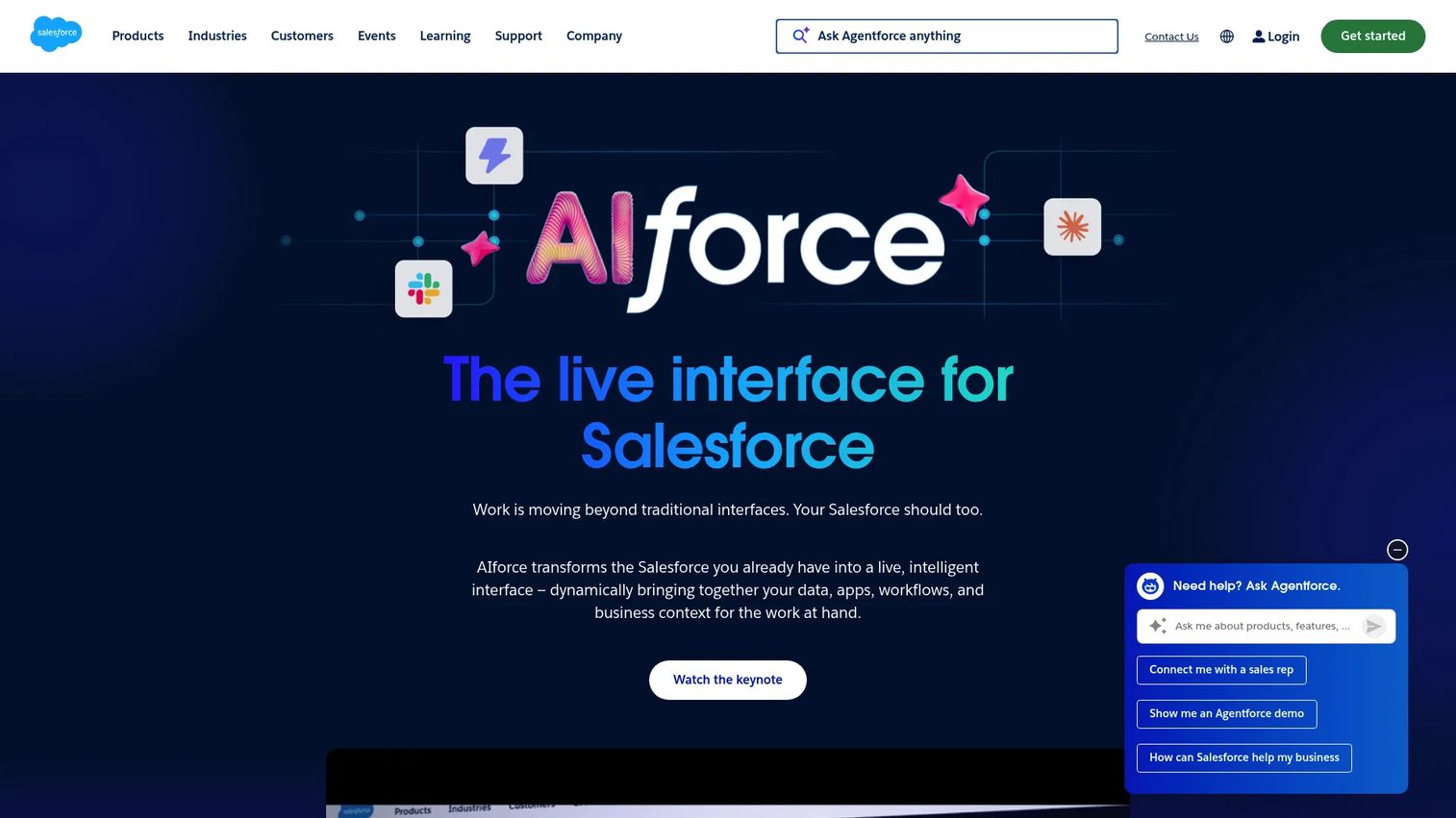
Salesforce Einstein is Salesforce's AI platform for predictive insights, recommendations, and automation embedded across Sales Cloud, Service Cloud, and Marketing Cloud. For teams proving whether AI can improve sales prioritization, service routing, customer insights, or CRM automation, Einstein provides the validation environment inside the Salesforce ecosystem.
Best for: Organizations already using Salesforce that need to prove AI-assisted CRM workflows before expanding their Einstein investment.
Key features
- Predictive lead and opportunity scoring
- AI-powered sales forecasting and activity capture
- Einstein Bots and service recommendations
- Natural-language search across Salesforce records
- Custom predictions using Einstein Platform Services
Why choose Salesforce Einstein: Salesforce Einstein fits when the POC goal is to prove AI value inside an existing Salesforce org without deploying a separate AI platform. Some capabilities come bundled with Salesforce editions, so the marginal cost of a POC depends on which edition the buyer currently holds.
Salesforce Einstein pricing: Einstein Predictions runs from $75/user/month billed annually. Next Best Action additional requests start at $50/org/month for 10,000 requests. Einstein Vision and Language starts at $4,000 for 1 million predictions per org per month. Some Einstein capabilities are included with specific Salesforce editions.
9. InvGate Service Management
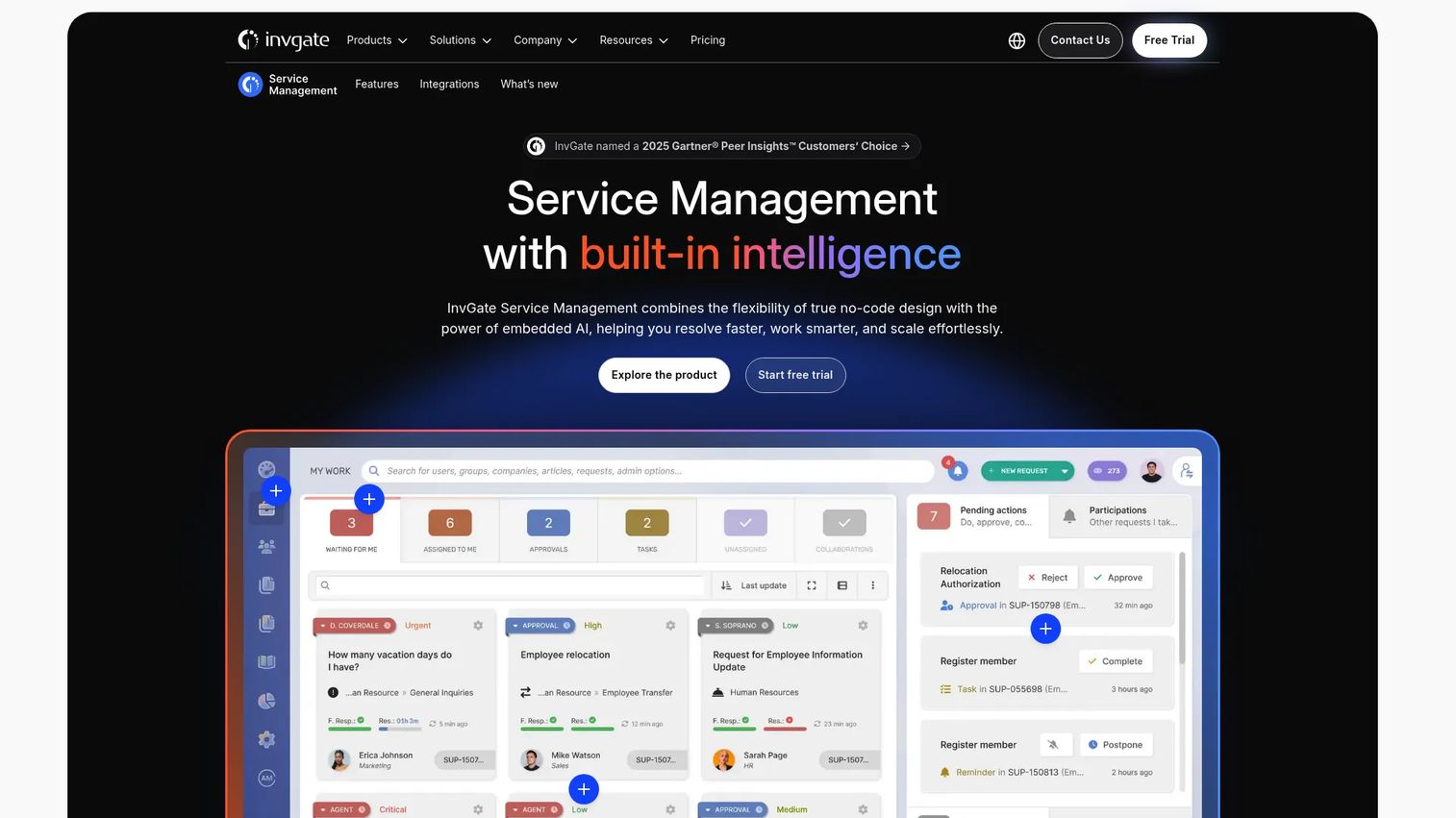
InvGate Service Management is an IT and enterprise service management platform for managing incidents, requests, problems, changes, and cross-department service workflows. When a POC focuses on proving ticket routing, service automation, asset context, or employee service operations, InvGate provides the environment to validate those workflows before full deployment.
Best for: Mid-market and enterprise IT teams validating ITSM and enterprise service workflows before procurement decisions.
Key features
- Ticket and incident management
- No-code workflow builder and automation rules
- Self-service portal and knowledge management
- Integrated IT asset management
- SLA management and reporting dashboards
Why choose InvGate: Use InvGate when the POC centers on service desk processes rather than product experience or cloud infrastructure. It supports a 30-day free trial, which makes it straightforward to run a scoped ITSM evaluation without upfront commitment.
InvGate Service Management pricing: Starter runs $1,499/year for up to 5 agents. Pro starts at $2,500/year ($500/agent/year). Enterprise starts at $12,000/year with custom pricing. A 30-day free trial is available.
G2 rating: 4.6/5
10. Figma
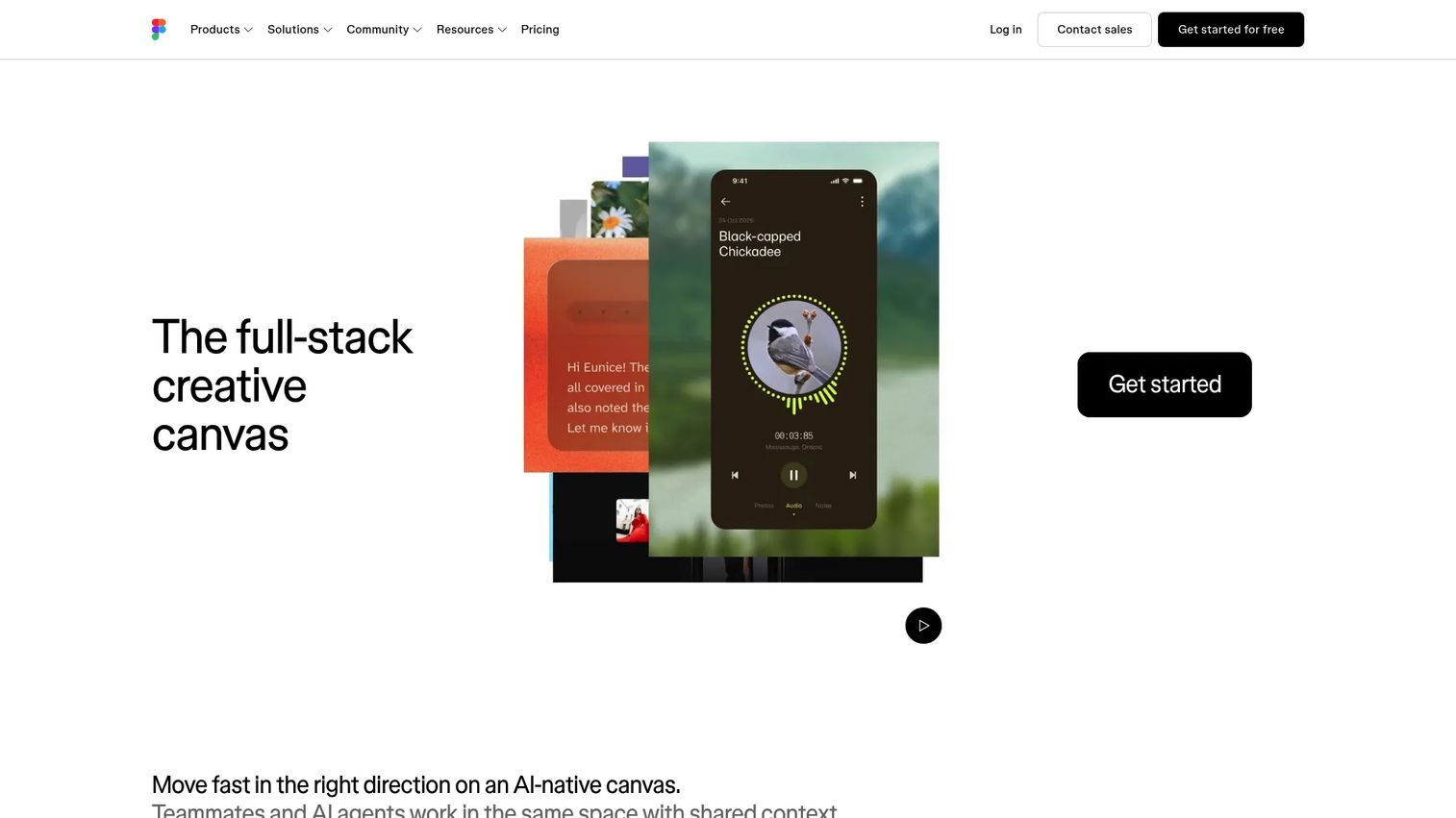
Figma is a collaborative design platform for creating clickable prototypes, design systems, and developer handoff artifacts. For POCs that need to validate an interface concept or user workflow before engineering invests in a build, Figma lets teams create realistic, clickable prototypes that stakeholders can review and test without a line of code.
Best for: Product and design teams validating UX concepts, interface flows, or interaction patterns before committing to engineering work.
Key features
- Clickable interactive prototypes with animations
- Multiplayer design and collaborative editing
- Design systems with shared component libraries
- Dev Mode for developer inspection and handoff
- Figma Make for prompt-to-code prototyping
Why choose Figma: Figma fits when the POC question is "what would this look like and how would it flow," rather than "does it technically work." Use it upstream of a technical POC to align stakeholders on the experience before engineering begins.
Figma pricing: A Starter plan is free. Professional full seats run $16/month. Organization full seats run $55/month billed annually. Enterprise full seats run $90/month billed annually.
G2 rating: 4.7/5
11. GitLab
GitLab is a DevSecOps platform that unifies source code management, CI/CD pipelines, security scanning, and software delivery in a single environment. When a POC requires building, testing, securing, and deploying working code, GitLab gives engineering teams the full pipeline rather than assembling separate tools for each stage.
Best for: Engineering teams delivering code-based POCs that require source control, automated testing, security validation, and deployment tracking.
Key features
- Source code management and code review
- Built-in CI/CD pipelines
- Application security testing and vulnerability management
- Issue boards and project management
- Deployment tracking and pipeline reporting
Why choose GitLab: GitLab excels when the POC deliverable is a working, deployable build rather than a demo or prototype. It reduces tool sprawl for engineering teams by keeping code, pipelines, issues, and security in one place.
GitLab pricing: A Free plan is available with no credit card required. Premium runs $29/user/month billed annually. Ultimate uses custom pricing through sales.
G2 rating: 4.5/5
12. Postman
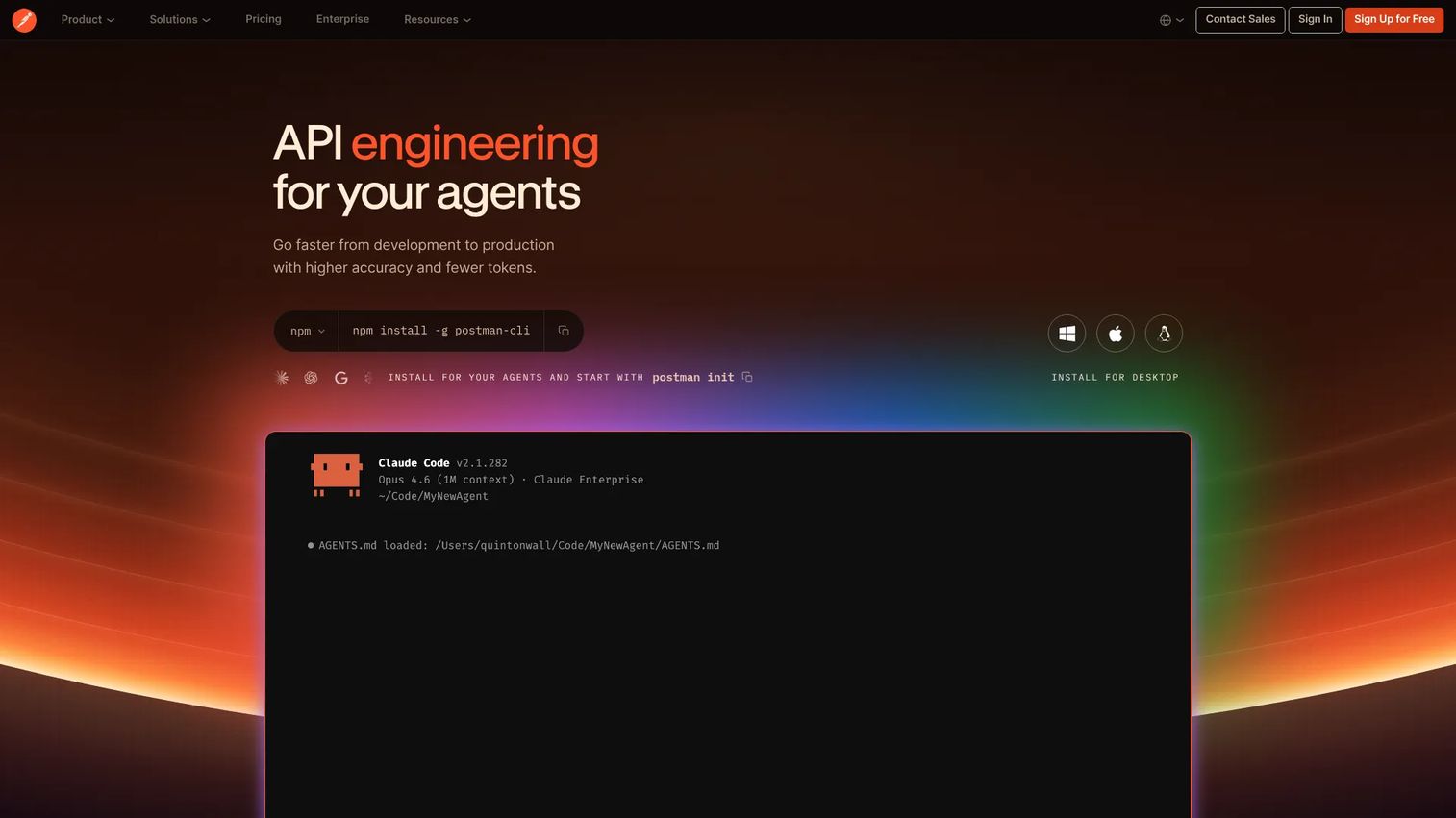
Postman is an AI-native API platform for designing, testing, documenting, and governing APIs. When a buyer needs proof that the product's APIs, authentication, webhooks, or data exchange work as expected, Postman provides the testing environment without requiring a full integration build. SEs use Postman to demonstrate connector behavior and validate that the systems the buyer cares about can communicate.
Best for: Developers, QA engineers, and presales teams proving API connectivity, integration behavior, and data exchange during technical evaluations.
Key features
- API collections with multi-protocol support
- Environments and variable management
- Automated testing and Collection Runner
- Mock servers for simulation without live backends
- API documentation and workspace collaboration
Why choose Postman: Choose Postman when the POC question is whether APIs integrate correctly, not whether the product's UI works. Postman's mock servers let teams simulate responses before a live integration exists, which speeds up feasibility testing significantly.
Postman pricing: A Free plan is available. Solo runs $9/month billed annually. Team runs $19/user/month billed annually. Enterprise pricing requires contacting sales.
G2 rating: 4.6/5
Considerations when choosing proof of concept software
Match the tool to the proof required
Do not force one tool to handle every POC job. Buyer-led product validation, sprint-based task tracking, cloud infrastructure testing, and API connectivity require different tools. Picking the wrong one means gaps in evidence or wasted setup effort.
Define success criteria before selecting the tool
Every POC should start with written pass/fail criteria, required workflows, stakeholder roles, timeline, and the name of the final decision owner. The tool you choose should make those criteria visible to everyone involved, not buried in someone's notes.
Check how stakeholders will access evidence
Presales teams think about the live technical call. The buying committee thinks about the week after. Ask whether the tool produces shareable demos, exportable decision records, or analytics that security reviewers, executives, and IT leads can consume independently.
Look for analytics or engagement signals
If buyers explore demos, test APIs, or complete assigned tasks, the team should know what happened. Analytics help SEs spot where interest peaked, where confusion appeared, and which stakeholders engaged most. Those signals drive smarter follow-up conversations.
Keep scope from expanding midstream
Write the scope, name the owners, and agree on a change-control rule before the POC begins. If a new test gets added, the team should decide explicitly whether the timeline, priority, or cost changes. Tools like bug tracking software can support issue logging, but the governance decision must happen at the team level.
Conclusion
A proof of concept is not one activity. It is a chain of proof: Show the product, define scope, test the workflow, capture evidence, and make the decision visible.
For presales and sales engineering teams, the starting point is usually product experience. Guideflow handles that job through interactive demos for guided product stories, sandboxes for open exploration, demo centers for organizing evidence by persona or buying stage, live demos for presenter-led technical deep-dives, and mobile demos for mobile-first products. Use it when buyers need to validate product fit before anyone provisions an environment.
Jira and Confluence handle the operational and documentation layers for technically complex evaluations. Azure and Microsoft Azure IoT support infrastructure and connected-device feasibility. Google Cloud AI covers model and AI workflow validation. Figma validates UX concepts before code exists. GitLab delivers when the POC requires a deployable build. Postman proves API and integration connectivity.
Pick the tool that matches what you need to prove, not the one you already have on the shelf.
Start your journey with Guideflow today!
FAQs
Proof of concept software helps teams validate whether a product, workflow, architecture, or integration can work before they commit to full build, procurement, or rollout. It includes platforms for product demonstration, task tracking, cloud infrastructure, prototype design, and API testing. The right tool depends on what must be proven and to whom.
Proof of concept software tests whether something can technically work. Prototyping software shows what an experience could look like. Some tools, like Figma, serve both purposes, but the success criteria differ: A POC passes when feasibility is confirmed, while a prototype succeeds when stakeholders align on the design direction.
A POC validates feasibility before major investment. An MVP is a minimal usable product released to real users to test whether the market will adopt it. The POC asks "can this work?" and the MVP asks "will people use it?" Running a POC is typically the prerequisite for deciding whether an MVP is worth building.
A complete software POC covers objectives, scope, specific use cases to test, stakeholder roles, timeline, technical requirements, pass/fail success criteria, identified risks, feedback collection, and a final recommendation. For presales teams, it should also include a plan for how evidence gets shared with stakeholders who were not present during live sessions.
Simple product evaluations can run in days, particularly when demo environments are pre-built. Technical POCs involving cloud architecture validation, API integrations, or security review typically take several weeks. According to Gartner (2024), AI projects take eight months on average to move from prototype to production, which shows how quickly scope expands when feasibility is not constrained upfront.
Presales teams use POC software to demonstrate product workflows, support buyer-led validation between calls, track technical requirements, capture engagement signals, and keep AEs aligned on risks and next steps. The goal is to reduce repetitive live demo work and give buyers a way to self-validate on their own schedule. Tools like Guideflow handle the product experience layer, while platforms like Jira and Confluence manage tracking and documentation. Cross-link to best presales software tools for a broader presales stack overview.
The answer depends on the job. For buyer-led product experience, Guideflow covers interactive demos, sandboxes, and demo centers. For task tracking, Jira handles sprint-based evaluations. For documentation, Confluence keeps requirements and decisions organized. Postman validates API connectivity. Azure and Google Cloud AI support infrastructure and AI feasibility testing. See also the best sandbox tools roundup for deeper sandbox options.
A POC qualifies whether a pilot is worth running, but it does not replace one. A pilot tests a narrower, more realistic rollout in an operating environment. The POC removes obviously unfit options before you invest in a pilot, which keeps pilot costs and timelines manageable. Teams that skip the POC and go straight to a pilot often discover scope problems that a structured feasibility test would have caught earlier.