The roadmap looks committed. The budget says otherwise. Engineering hours shifted, scope expanded, and Finance wants a forecast by Friday. Sound familiar?
According to PwC Middle East (2025), 81% of capital-project and infrastructure respondents experienced cost overruns in the past year. The root cause in most cases is not ambition; it is the gap between planned versus actual spend going undetected until it is too late to course-correct. For product managers, that gap has real consequences: Delayed launches, low-confidence forecasts, and stakeholder conversations that feel like damage control rather than strategy.
Spreadsheets patch the problem temporarily. They break under shared ownership, go stale between updates, and produce no alerts when a two-sprint feature becomes four. Project budget management software closes that gap by connecting work, people costs, and financial data in one place, so you see variance before it becomes a postmortem.
This guide covers 21 of the strongest project budgeting software options for 2026, organized to help you match the right tool to your team's budget model, data sources, and delivery motion.
What's inside
This guide is for product managers, PMO leaders, agency operators, and finance-adjacent teams comparing project budget tracking software. Tools were selected based on:
- Planned versus actual tracking and variance reporting
- Budget forecasting and alert capabilities
- Resource cost visibility and time tracking integration
- Fit across team types: Product teams, agencies, services firms, PMOs, and enterprise finance environments
- Verified pricing and G2 ratings, checked at generation time
TL;DR
- Best for cross-functional project budgeting: Wrike, for work management and budget signals in one workspace
- Best spreadsheet-style budget control: Smartsheet, for teams migrating from manual trackers
- Best for professional services profitability: Kantata, for resource-driven margin management
- Best for agencies and retainers: Scoro, from quote to invoice
- Best for enterprise portfolio budgeting: SAP and Oracle Primavera, for complex governance
- Best quick time-based budget tracking: Harvest, for lean teams watching budget burn
What is project budgeting software?
Project budgeting software helps teams plan, track, forecast, and report project costs against approved budgets, using data from work plans, time entries, expenses, resource rates, invoices, and financial systems.
For product managers, the practical definition is simpler: It connects work to money. When a sprint overruns, you can see which workstream drove the variance. When a stakeholder asks about remaining budget, you have a number you can defend.
The category sits between project management software and accounting software. Project management tools track tasks, timelines, and owners. Accounting tools track transactions, payroll, and financial statements. Project budgeting software handles the layer in between: Cost planning, resource rates, budget burn, variance alerts, and project-level financial reporting.
Spreadsheets technically cover the same ground, but they break at scale. Shared ownership creates version drift. Manual updates mean data lags by days or weeks. And there are no automated alerts when spend exceeds threshold.
Core capabilities to look for:
- Budget planning against project scope and phases
- Planned versus actual tracking across hours, costs, and expenses
- Time and expense capture from team members
- Resource cost modeling by role, rate, and utilization
- Budget variance alerts and threshold monitoring
- Forecasting and scenario planning for remaining work
- Profitability reporting by project, client, or portfolio
- Integrations with accounting, ERP, CRM, and project management tools
- Approval workflows and audit trails
The tools in this list range from lightweight time trackers with budget alerts to enterprise platforms managing capital portfolios worth billions. The right choice depends on where budget authority sits, how complex your cost structure is, and which existing systems the tool needs to connect.
When to use project budgeting software
Track planned versus actual spend before it becomes a surprise
If a feature estimate was 40 hours and the team has logged 60 with the work half-done, the budget view should surface that signal automatically. Project budget tracking software shows the gap between estimates and reality using real hours, logged expenses, vendor costs, and scope changes. PMs use this data to decide whether to continue, scope down, or escalate before the sprint ends.
Forecast project cost before committing another sprint
Budget forecasting is a decision tool, not just a reporting task. A good project management tool with budget forecasting helps teams model remaining work against current burn rate, available capacity, and rate cards. That lets you answer "how much will this cost to complete?" before approving more investment. For product teams balancing roadmap priorities against engineering opportunity cost, that forward-looking view changes what gets built next.
Protect margins on client or cross-functional work
Agencies, consultancies, and internal platform teams all face the same pressure: Delivering work within a budget that was set before the scope was fully understood. Project budgeting software with retainer tracking, fixed-fee monitoring, and utilization data makes the variance visible early enough to act on it.
Project budgeting software comparison
Use this table as a quick scan. All pricing and G2 ratings were verified against vendor pricing pages and G2 listings at generation time. Rows follow the tool order in the full list below.
| # | Product | Best for | Key differentiator | Pricing | G2 rating |
|---|---|---|---|---|---|
| 1 | Wrike | Cross-functional project budget tracking | Work management plus budget visibility | Free; from $10/user/month | N/A |
| 2 | Smartsheet | Spreadsheet-style project budgeting | Grid with automation and reporting | From $9/member/month | 4.4/5 |
| 3 | Kantata | Professional services budget control | Resource planning tied to profitability | Custom pricing | N/A |
| 4 | Scoro | Agencies and consultancies | Quote to invoice with retainer budgets | From €15/user/month | 4.5/5 |
| 5 | Teamwork.com | Client service teams | Budgets connected to client delivery | Free; from $9.99/user/month | 4.4/5 |
| 6 | BigTime | Time, billing, and budget tracking | PSA workflows for services firms | From $20/user/month | 4.4/5 |
| 7 | ClickUp | Flexible project management with budgeting | Customizable workspaces and templates | Free; from $9/user/month | 4.6/5 |
| 8 | Harvest | Time tracking tied to project budgets | Simple budget burn from time entries | Free; from $9/seat/month | 4.3/5 |
| 9 | Zoho Projects | Affordable project budget management | Budgeting inside the Zoho suite | Free; from $4/user/month | 4.3/5 |
| 10 | QuickBooks | Accounting-led project cost tracking | Project income and expense visibility | Free; from $19/month | 4.0/5 |
| 11 | Xero | Small business project financials | Accounting plus project cost tracking | From $27/month | 4.4/5 |
| 12 | Sage Intacct | Finance-led project accounting | Project accounting and dimensional reporting | Custom pricing | 4.3/5 |
| 13 | SAP | Enterprise project finance | ERP-level planning, controls, and reporting | From $3.46/month (product-specific) | 4.2/5 |
| 14 | Celoxis | PMO budget governance | Portfolio budgeting and project controls | From $10/user/month | 4.6/5 |
| 15 | Oracle Primavera | Capital project cost control | Enterprise scheduling and cost control | From $2,500 perpetual license | 4.4/5 |
| 16 | Planview | Portfolio-level budget planning | Strategic portfolio and investment planning | Custom pricing | 4.1/5 |
| 17 | Adobe Workfront | Enterprise work and budget coordination | Work management for large operational teams | Custom pricing | N/A |
| 18 | monday.com | Visual project budget workflows | Custom dashboards and budget boards | Free; from $9/seat/month | 4.7/5 |
| 19 | Runn | Resource planning and forecasting | Capacity and project financial forecasting | From $7/resource seat/month | 4.5/5 |
| 20 | Productive | Agency profitability management | Budgeting, utilization, billing, and reporting | From $10/month | 4.6/5 |
| 21 | Anaplan | Enterprise planning and scenario modeling | Connected planning across finance and operations | Custom pricing | 4.6/5 |
Best 21 project budgeting software for 2026
1. Wrike
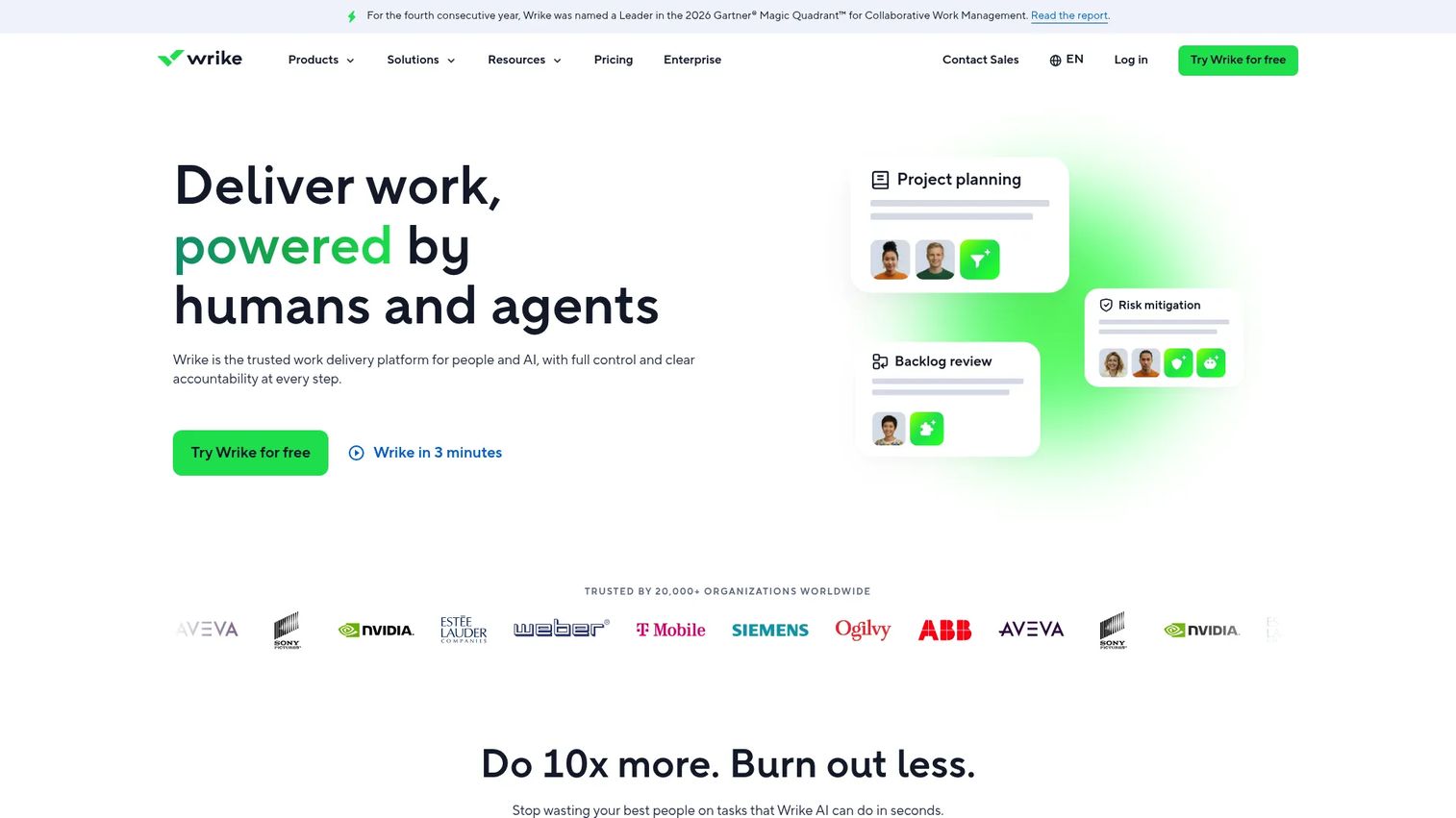
Wrike is an AI-powered work management platform that connects project execution, resource planning, and budget monitoring in one workspace. Product and operations teams use it to manage cross-functional work across engineering, design, marketing, and delivery while keeping budget signals visible alongside task progress. For PMs who need to show Finance a cost view without leaving the delivery environment, Wrike reduces the reconciliation gap.
Best for: Product and operations teams managing cross-functional project budgets across multiple departments.
Key features
- Interactive Gantt charts and workload charts
- Time tracking and resource planning
- Budget reporting and dashboards
- Workflow automation with 400+ integrations
- Dynamic request forms and proofing workflows
Why choose Wrike: Choose Wrike when your budget problem is a visibility problem. It works best for teams that need delivery status and cost signals in one workspace rather than maintaining separate tools.
Wrike pricing: Free plan available. Paid plans start at $10/user/month (Team, billed annually), with Business at $25/user/month. Pinnacle and Apex plans use custom pricing for complex workflows and enterprise needs.
2. Smartsheet
Smartsheet is a work management platform built around a spreadsheet-style grid that adds automation, reporting, and governance without forcing teams to abandon familiar logic. For PMs and PMOs migrating away from disconnected spreadsheet trackers, Smartsheet offers a recognizable structure with portfolio-level dashboards and approval workflows layered on top.
Best for: Teams that want spreadsheet-like budget control with shared reporting and automation.
Key features
- Grid, Gantt, card, and calendar project views
- Budget dashboards and portfolio reporting
- Automated workflows and AI-powered insights
- Resource management and workload tracking
- Enterprise administration and access controls
Why choose Smartsheet: Choose Smartsheet when the team is comfortable with grid-based logic but needs shared ownership, audit trails, and reporting that a local file cannot provide. It is especially useful during a phased migration from manual budget trackers.
Smartsheet pricing: Pro starts at $9/member/month (billed annually; $12/month if billed monthly). Business is $19/member/month (billed annually). Enterprise and Advanced Work Management plans use custom pricing. A 30-day free trial is available.
G2 rating: 4.4/5
3. Kantata
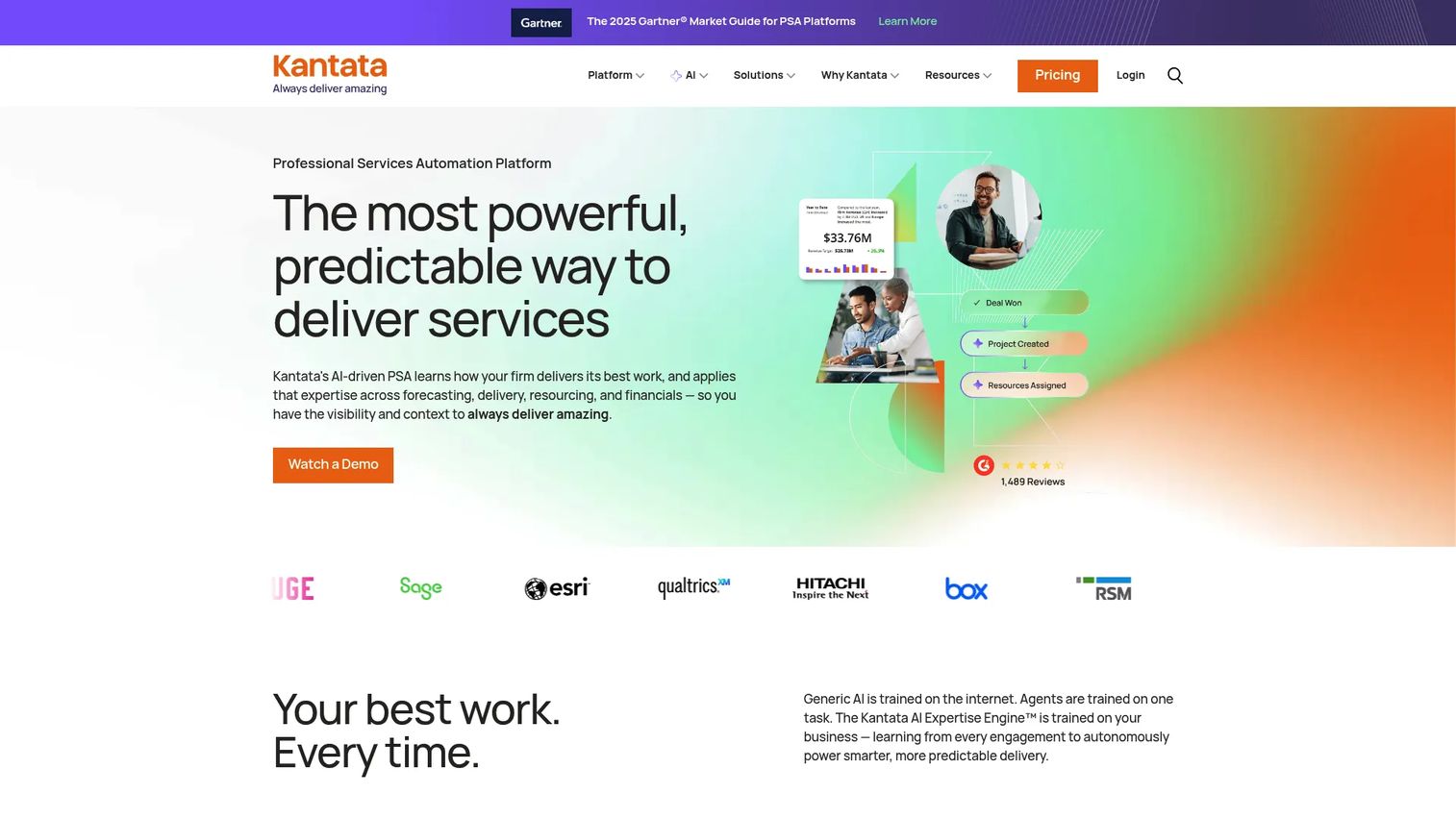
Kantata is an AI-driven professional services automation platform that ties resource forecasting, project delivery, and financial management into one system. For consulting, implementation, and services teams where people costs determine project margin, Kantata connects utilization rates, role costs, and project budgets to give a clear view of profitability per engagement.
Best for: Professional services teams that need budget tracking driven by staffing, utilization, and delivery margins.
Key features
- Resource management and forecasting
- Project accounting and margin tracking
- Revenue forecasting and time capture
- Portfolio-level project management
- Invoicing and financial reporting
Why choose Kantata: Choose Kantata when margin accuracy depends on people costs. It suits consulting, implementation, and services organizations where utilization is the primary lever for profitability.
Kantata pricing: Pricing is customized based on company size, goals, and team requirements. Contact Kantata directly for a quote.
4. Scoro
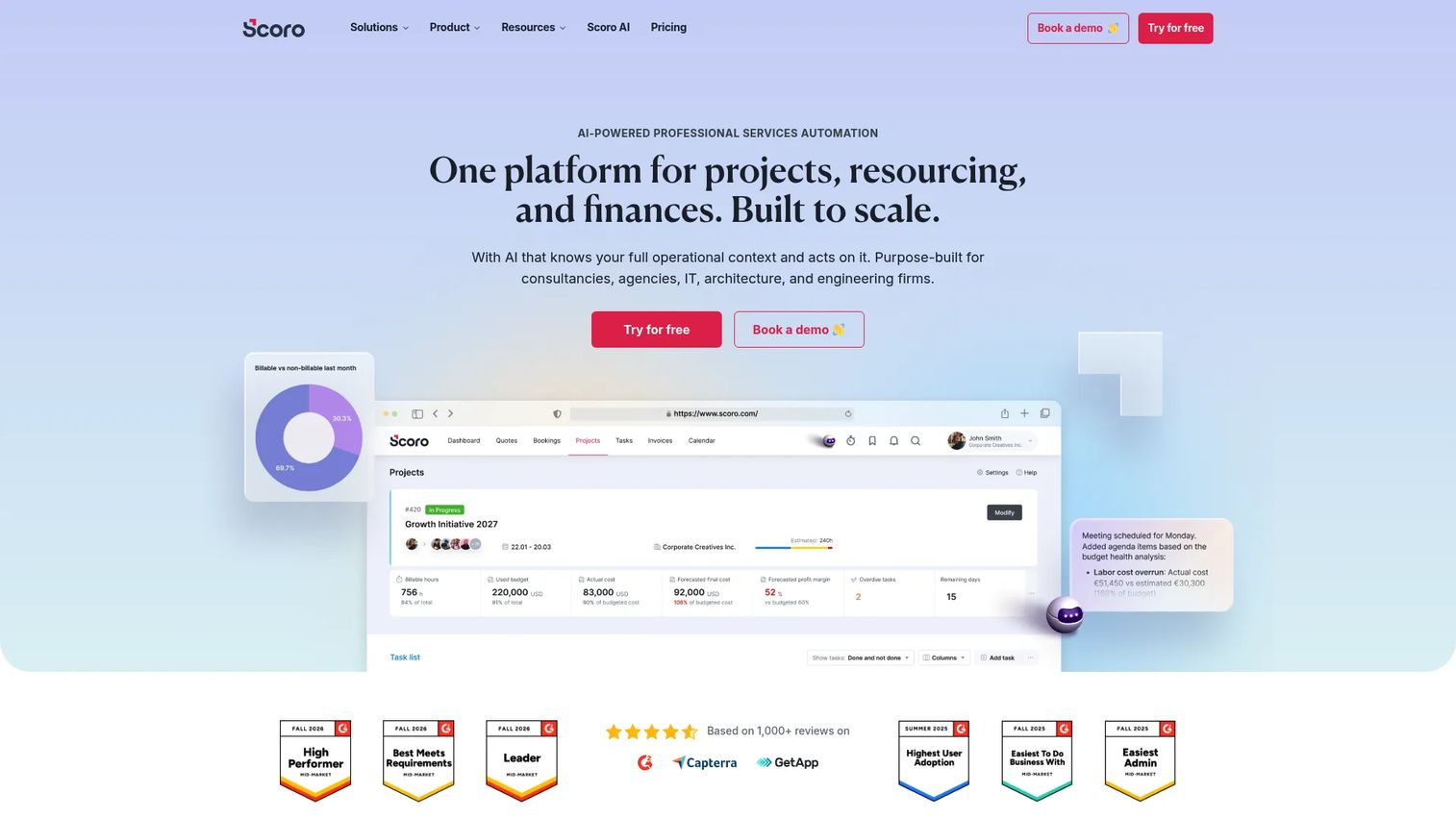
Scoro is an AI-powered professional services automation platform covering the full agency workflow: Quoting, project management, resource and capacity planning, time tracking, billing, and profitability reporting. For agencies and consultancies, Scoro makes the budget problem visible from the moment an estimate is created rather than surfacing variance after delivery has started.
Best for: Agencies and consultancies that need budget control from quote through invoice.
Key features
- Quote management and standardized services
- Retainer budget tracking
- Time and cost tracking with profitability reporting
- CRM and pipeline management
- Billing and invoicing workflows
Why choose Scoro: Choose Scoro when your budget problem starts before delivery. It helps teams set accurate estimates, monitor live budget burn against retainers and fixed-fee projects, and see margin by client or project.
Scoro pricing: Modular pricing based on selected apps. Time-billing starts at €15/user/month; Projects and Resources at €25/user/month; End-to-end at €52/user/month. Minimum 5 seats. A 14-day free trial is available, and annual billing provides a discount.
G2 rating: 4.5/5
5. Teamwork.com
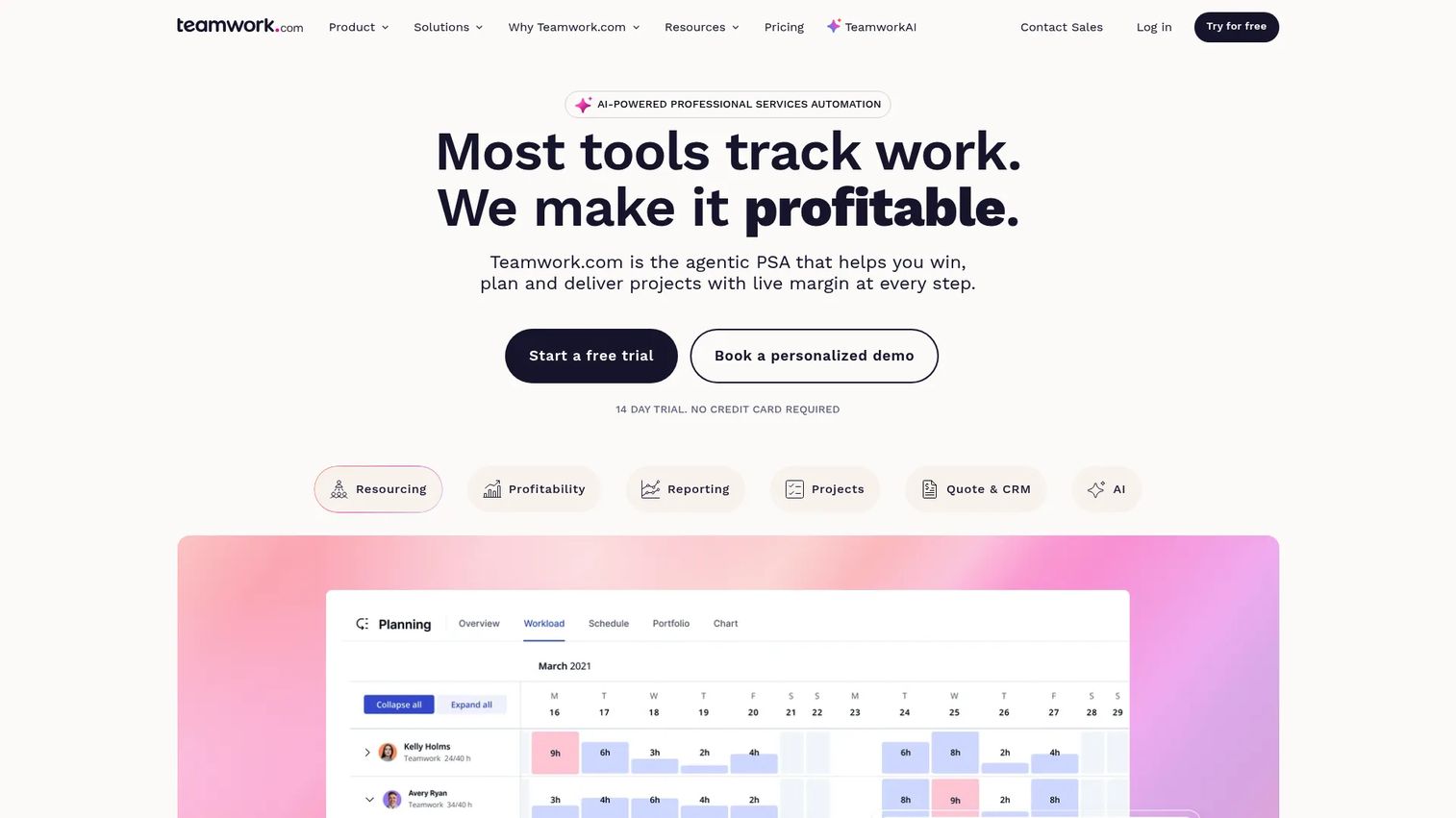
Teamwork.com is a professional services automation platform built for client-facing delivery. It connects project budgets, time tracking, workload planning, and profitability reporting in one workspace that agencies and client service teams can use daily. Client-facing permissions let customers see project status without accessing internal cost data.
Best for: Client service teams managing delivery, budgets, and profitability across multiple projects.
Key features
- Project budgets with billable time tracking
- Workload planning and resource management
- Profitability reports and invoicing
- Client-facing permissions and portals
- Retainer and milestone budget types
Why choose Teamwork.com: Choose Teamwork.com when client delivery and budget ownership sit with the same team. Retainer budgets, utilization tracking, and profitability views make it a practical fit for agencies managing several active client accounts.
Teamwork.com pricing: Free plan available (up to 5 users). Basics starts at $9.99/user/month (billed annually). Accelerate is $24.99/user/month. Optimize and Enterprise plans use custom pricing.
G2 rating: 4.4/5
6. BigTime
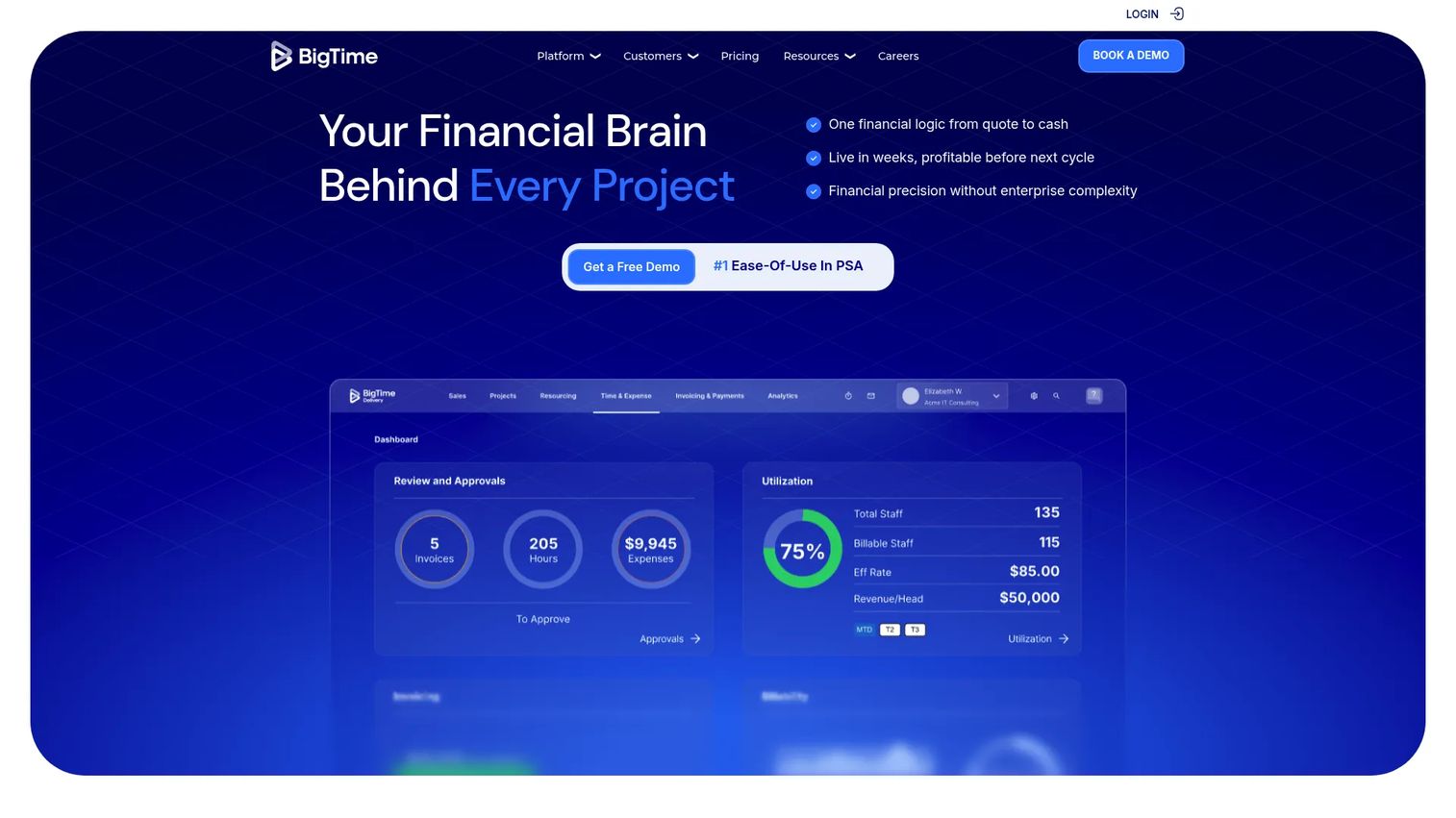
BigTime is a professional services automation platform for firms that bill by time and need budget tracking connected to invoicing. Time entries, expense records, utilization data, and project budgets feed into billing workflows and financial reports, giving services teams a clear view of project cost and revenue at every stage.
Best for: Services firms that bill by time and need budget tracking tied directly to invoicing and utilization.
Key features
- Time and expense management
- Project budgeting and billing workflows
- Utilization reports and resource planning
- Multi-currency expense management on higher tiers
- QuickBooks integration
Why choose BigTime: Choose BigTime when budget accuracy depends on time capture quality. It works well for teams connecting hours, expenses, invoices, and project profitability in a single PSA workflow.
BigTime pricing: Essentials starts at $20/user/month (billed monthly). Advanced, Premier, and Enterprise plans are available; contact BigTime for those tier prices.
G2 rating: 4.4/5
7. ClickUp
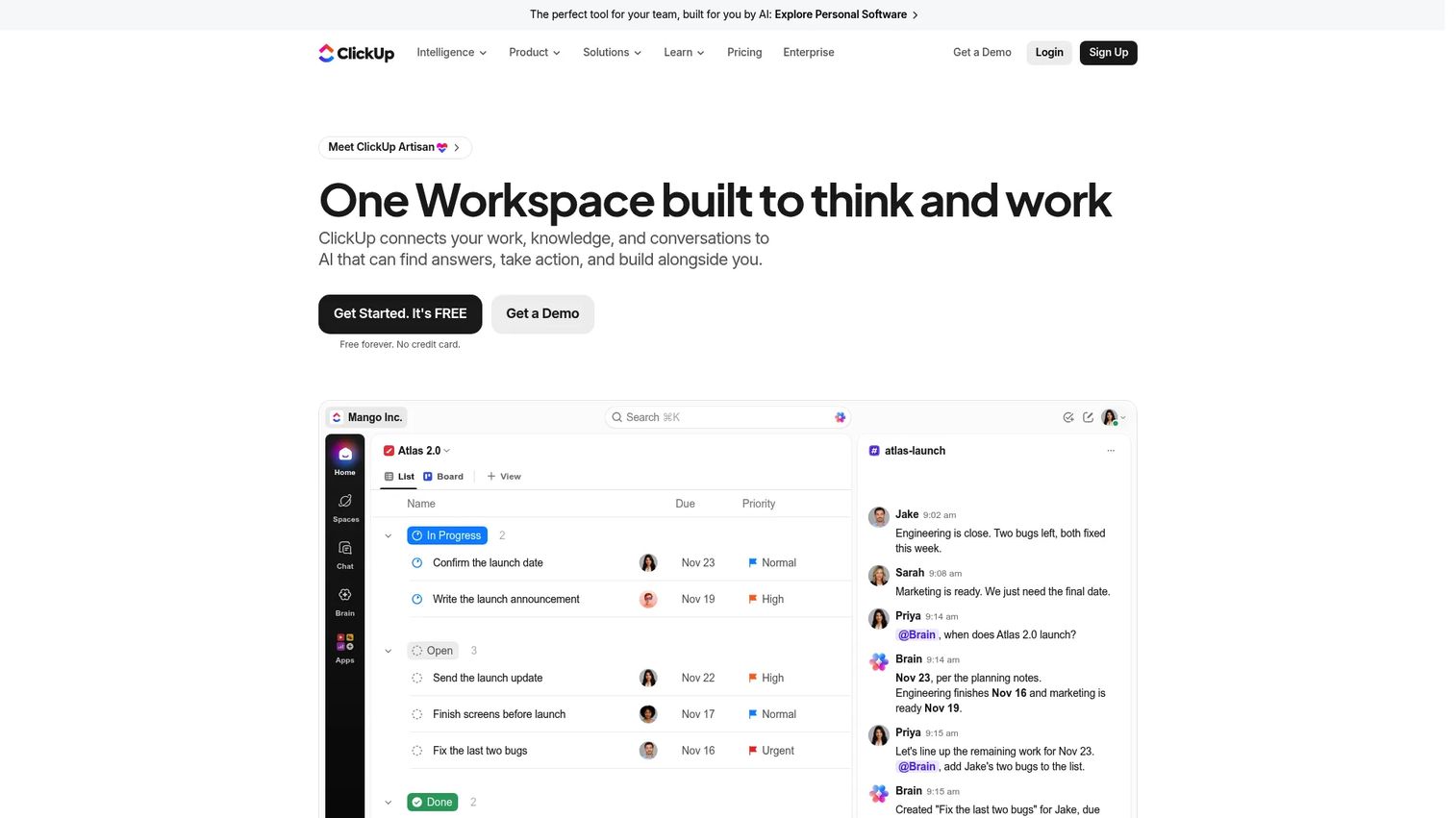
ClickUp is a work management platform with highly customizable fields, dashboards, templates, and automations. For PMs who want to design their own budget workflow rather than adopt a fixed structure, ClickUp lets teams build budget columns, formulas, and dashboards that match the way they already track cost. Budget depth depends on how the workspace is configured.
Best for: Teams that want flexible project management and lightweight budget workflows they can shape themselves.
Key features
- Custom fields, formula columns, and dashboards
- Project templates with budget tracking support
- Time tracking and goal management
- Workflow automations and 1,000+ integrations
- AI features and collaborative Docs
Why choose ClickUp: Choose ClickUp when flexibility matters more than out-of-the-box financial depth. It suits PMs who need to track cost alongside tasks without committing to a finance-specific tool.
ClickUp pricing: Free Forever plan available. Core is $9/user/month (billed annually). Business is $17/user/month (billed annually). Max is $100/user/month. Enterprise uses custom pricing.
G2 rating: 4.6/5
8. Harvest
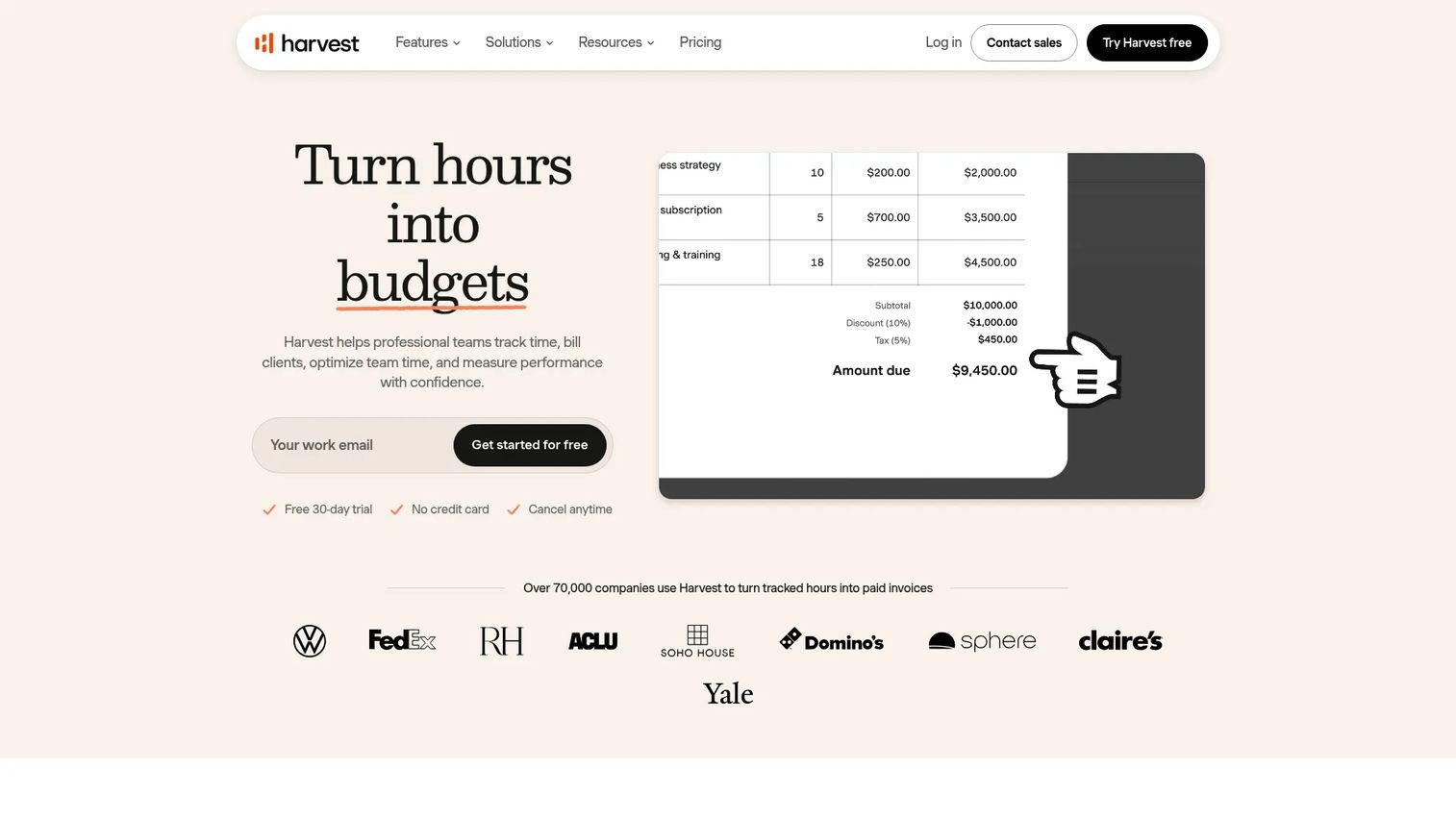
Harvest is a time tracking and project budgeting tool designed for small teams and freelancers. Time entries feed directly into project budget reports, showing burn rate against the original estimate. Budget alerts notify the team when a project approaches its limit, and invoicing workflows pull from tracked time to generate client bills.
Best for: Small teams that want simple, time-based budget tracking with built-in alerts.
Key features
- Time tracking across browser, desktop, and mobile
- Project budgets with burn-rate reporting
- Budget alerts when thresholds are reached
- Invoicing and payment integration
- Capacity and cost reports
Why choose Harvest: Choose Harvest when tracked time is the primary budget signal and the team does not need heavy portfolio controls. It is a good starting point for lean teams that want budget visibility without a complex setup.
Harvest pricing: Free plan available (1 seat, 2 projects). Teams plan is $9/seat/month (billed annually) or $11/seat/month billed monthly. Contact Harvest for Enterprise details.
G2 rating: 4.3/5
9. Zoho Projects
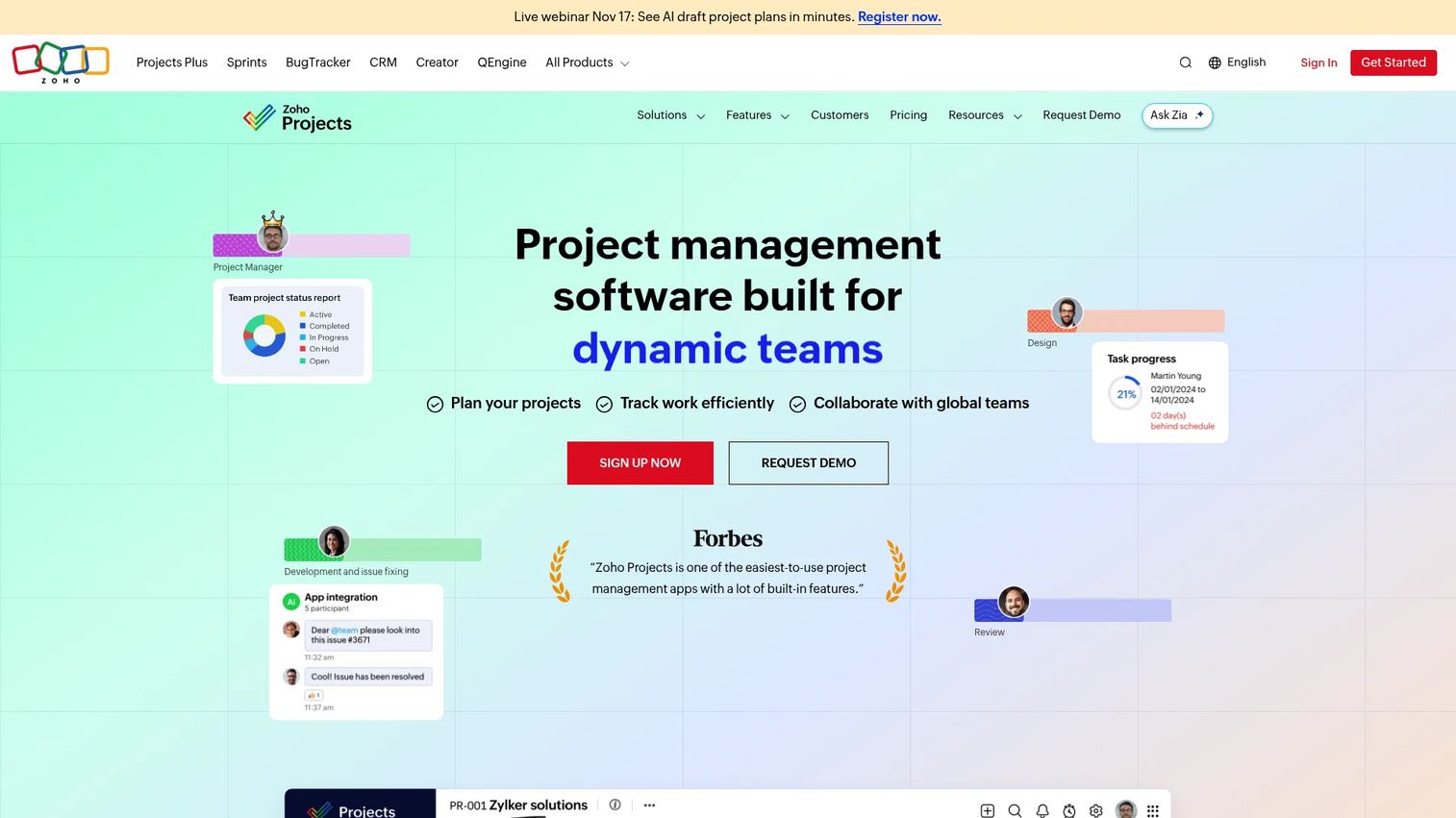
Zoho Projects is a project management platform inside the broader Zoho suite, covering task management, time tracking, milestones, issue tracking, and budget visibility. For teams already using Zoho for CRM, accounting, or HR, it offers affordable project budget management without introducing a separate vendor.
Best for: Teams committed to the Zoho ecosystem that need affordable project budget tracking alongside everyday work management.
Key features
- Task and issue management with time tracking
- Project budgets and milestone tracking
- Gantt charts and task dependencies
- Workflow automation and custom modules
- Native Zoho suite integrations
Why choose Zoho Projects: Choose Zoho Projects when budget tracking should sit close to daily execution and the team is already on Zoho apps. The integration depth across Zoho Books and Zoho CRM reduces reconciliation work.
Zoho Projects pricing: Free plan available (up to 5 users). Premium is $4/user/month (billed annually). Enterprise is $9/user/month. Ultimate is $14/user/month.
G2 rating: 4.3/5
10. QuickBooks
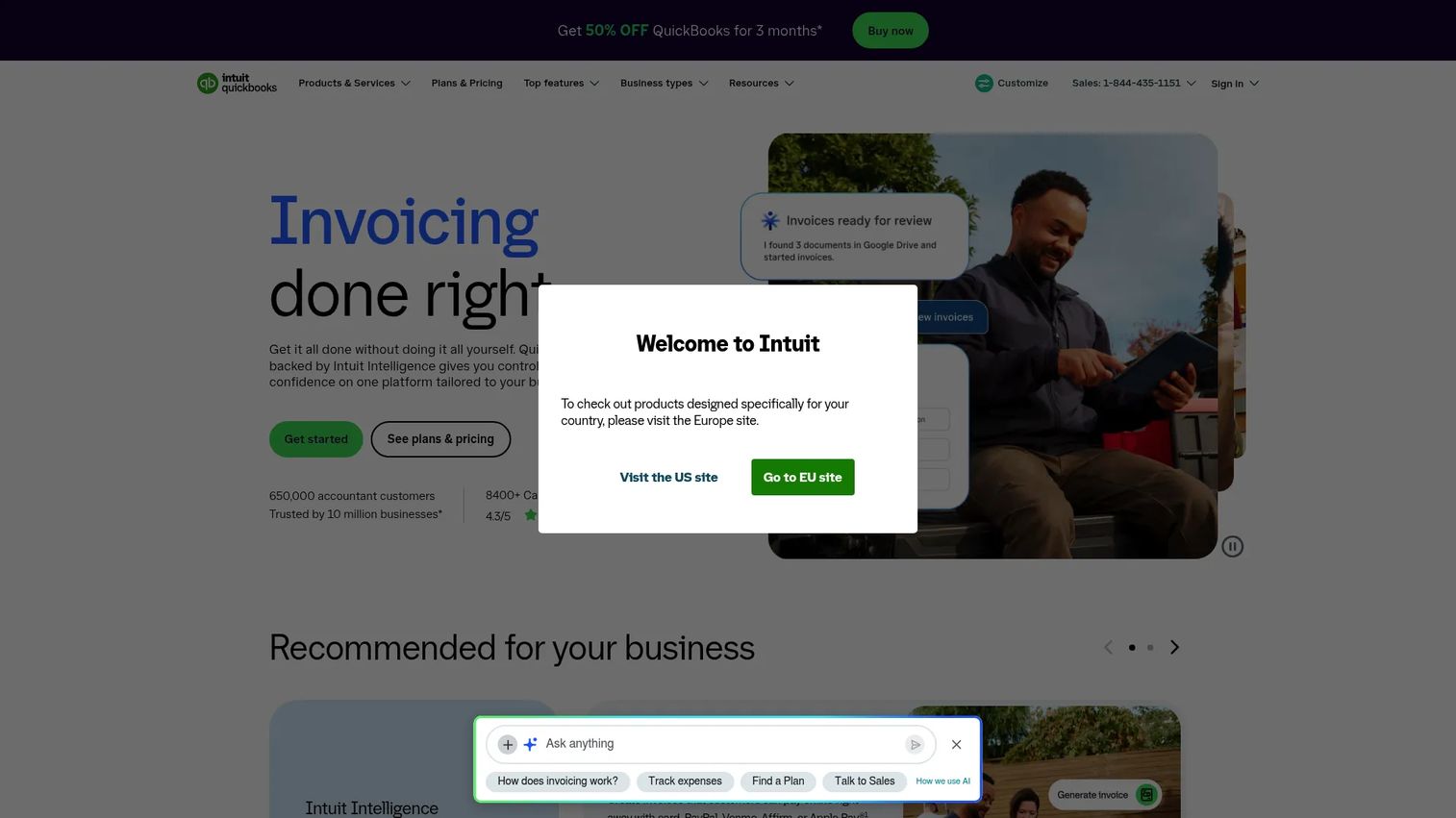
QuickBooks is accounting software with project profitability and cost tracking features that connect project income, expenses, bills, and invoices inside a single financial view. It is accounting-led rather than project-management-led, which means budget visibility comes from the financial record rather than the work plan.
Best for: Small businesses where Finance owns the budget workflow and accounting records are the system of record.
Key features
- Project profitability reporting
- Expense and bill tracking
- Invoicing and payment management
- Financial reports and cash-flow forecasting
- Excel data synchronization
Why choose QuickBooks: Choose QuickBooks when the budget conversation starts and ends with Finance. It connects project cost to accounting records cleanly, which works well for teams that do not need delivery-side project management.
QuickBooks pricing: Free plan available. Simple Start is $19/month (promotional; regular $38/month). Essentials is $42.50/month (regular $85/month). Plus is $70/month (regular $140/month). Advanced is $170/month (regular $340/month).
G2 rating: 4.0/5
11. Xero
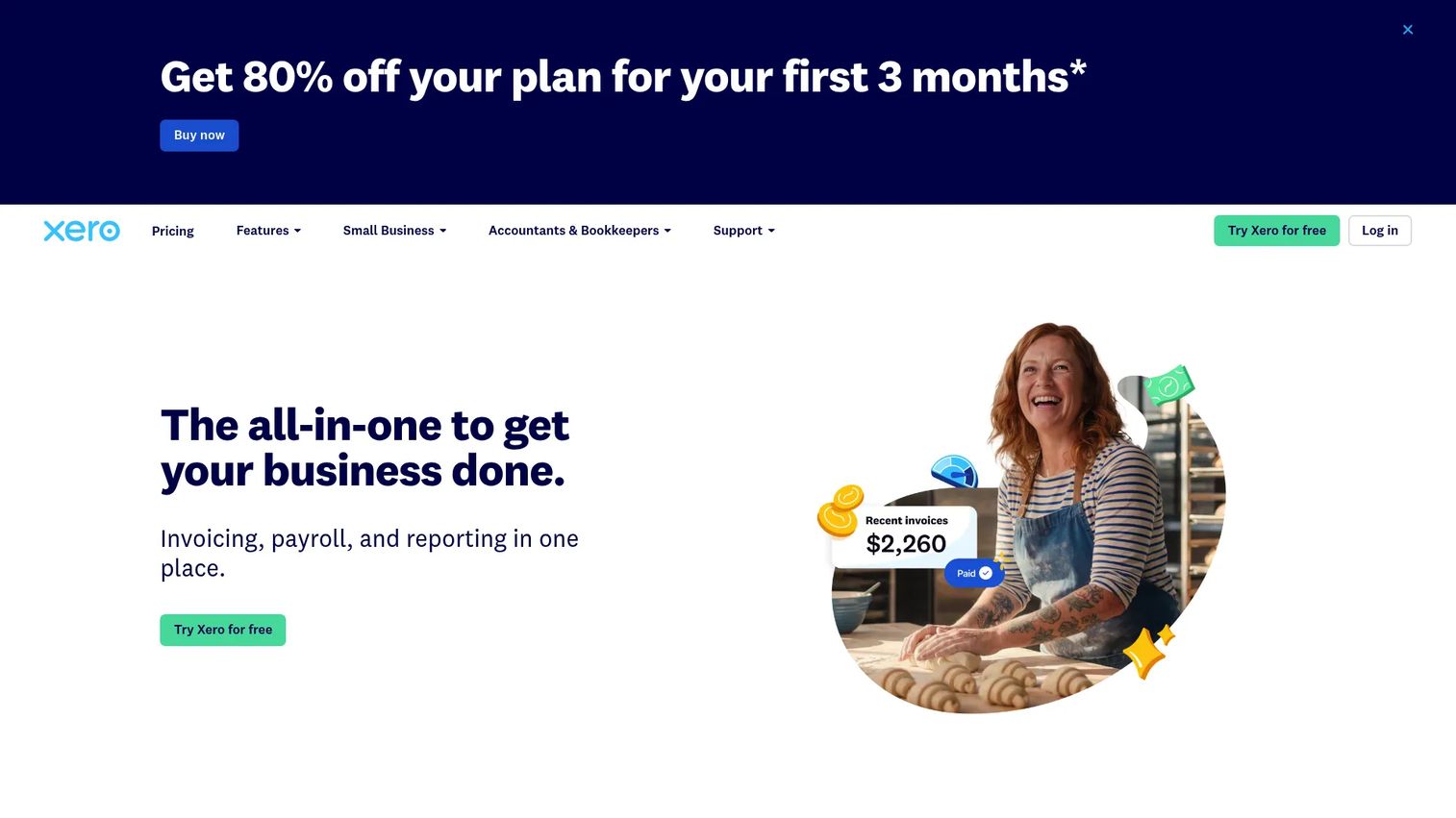
Xero is cloud accounting software for small businesses that includes project tracking for time, expenses, quotes, and invoices. It provides a profitability snapshot per project without requiring a separate project management platform, making it a practical fit for small teams where the accountant and the project owner are often the same person.
Best for: Small businesses that want light project budget visibility inside their accounting system.
Key features
- Project tracking with time and expense capture
- Quotes and invoicing
- Bank connections and reconciliation
- Multi-currency accounting
- Financial reporting and analytics
Why choose Xero: Choose Xero when you need project cost visibility without a full project management suite. It fits teams that already run bookkeeping and invoicing through Xero and want project financials alongside accounting records.
Xero pricing: No free plan. Early starts at $27/month. Growing is $59/month. Established is $97/month. All plans billed monthly. Introductory promotional prices may apply for the first three months.
G2 rating: 4.4/5
12. Sage Intacct
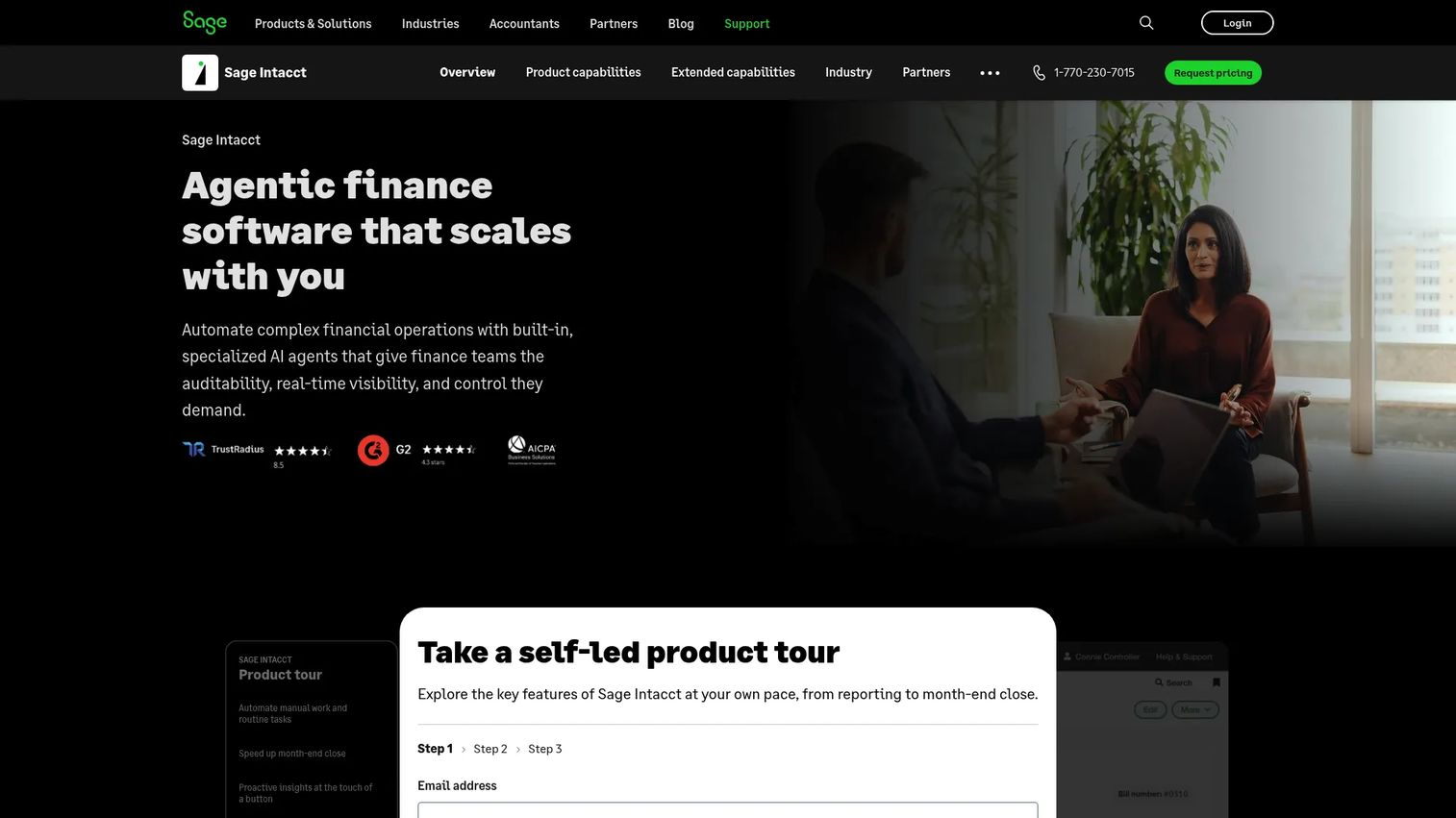
Sage Intacct is cloud financial management software for mid-market and growing organizations that need project accounting, dimensional reporting, revenue recognition, and multi-entity consolidations. Finance teams use it to maintain budget controls, track project costs against approved budgets, and produce audit-ready financial statements.
Best for: Finance teams managing project accounting across departments, entities, or geographies.
Key features
- Project accounting and budget controls
- Multi-dimensional reporting and dashboards
- Revenue recognition and accounts payable automation
- Multi-entity and global consolidations
- AI agents for finance intelligence and close processes
Why choose Sage Intacct: Choose Sage Intacct when project budgets need finance-grade reporting and compliance depth. It is the right choice for organizations where accounting accuracy and audit trails matter as much as delivery tracking.
Sage Intacct pricing: Pricing is customized based on organization size, industry, and required modules. Contact Sage to request a quote tailored to your configuration.
G2 rating: 4.3/5
13. SAP
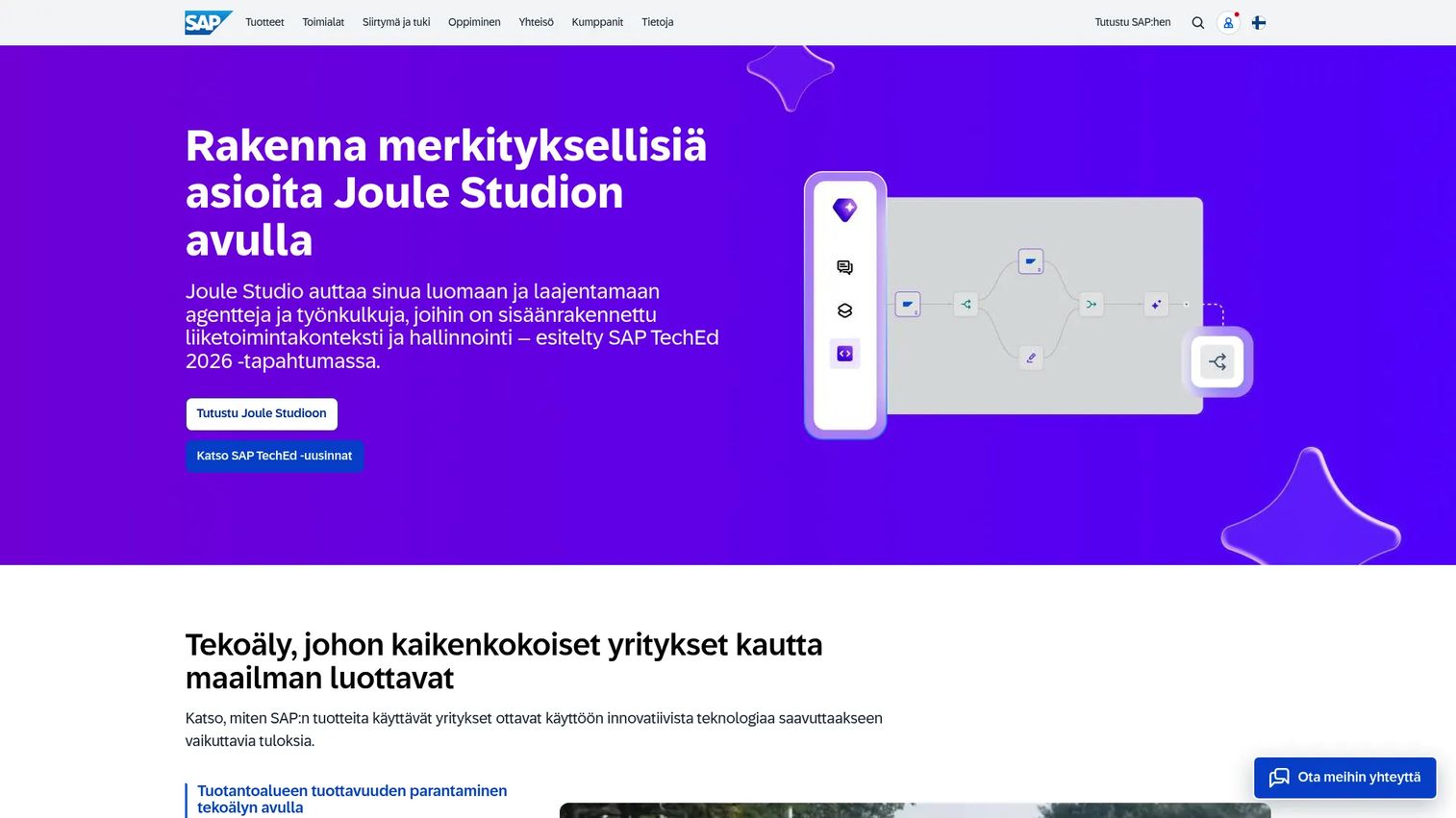
SAP is an enterprise software portfolio covering ERP, finance, procurement, HR, and analytics. For large organizations that need project budgeting tied to enterprise financial architecture, SAP connects cost planning, procurement, governance workflows, and financial reporting at a scale that standalone project tools cannot match.
Best for: Enterprises where project budgeting must connect to ERP, procurement, and enterprise financial controls.
Key features
- Enterprise resource planning and cost controls
- Procurement integration and governance workflows
- Business AI, including Joule and AI agents
- Business data cloud and analytics
- Financial reporting and planning
Why choose SAP: Choose SAP when project budgeting is inseparable from enterprise finance. It suits large organizations with complex approval chains, procurement requirements, and reporting standards that require ERP-level integration.
SAP pricing: Pricing varies widely by product and configuration. SAP Build base users start at $3.46/month; SAP Finance plans start at $295/month. Many SAP products use quote-based pricing. Contact SAP for a configuration-specific quote.
G2 rating: 4.2/5
14. Celoxis
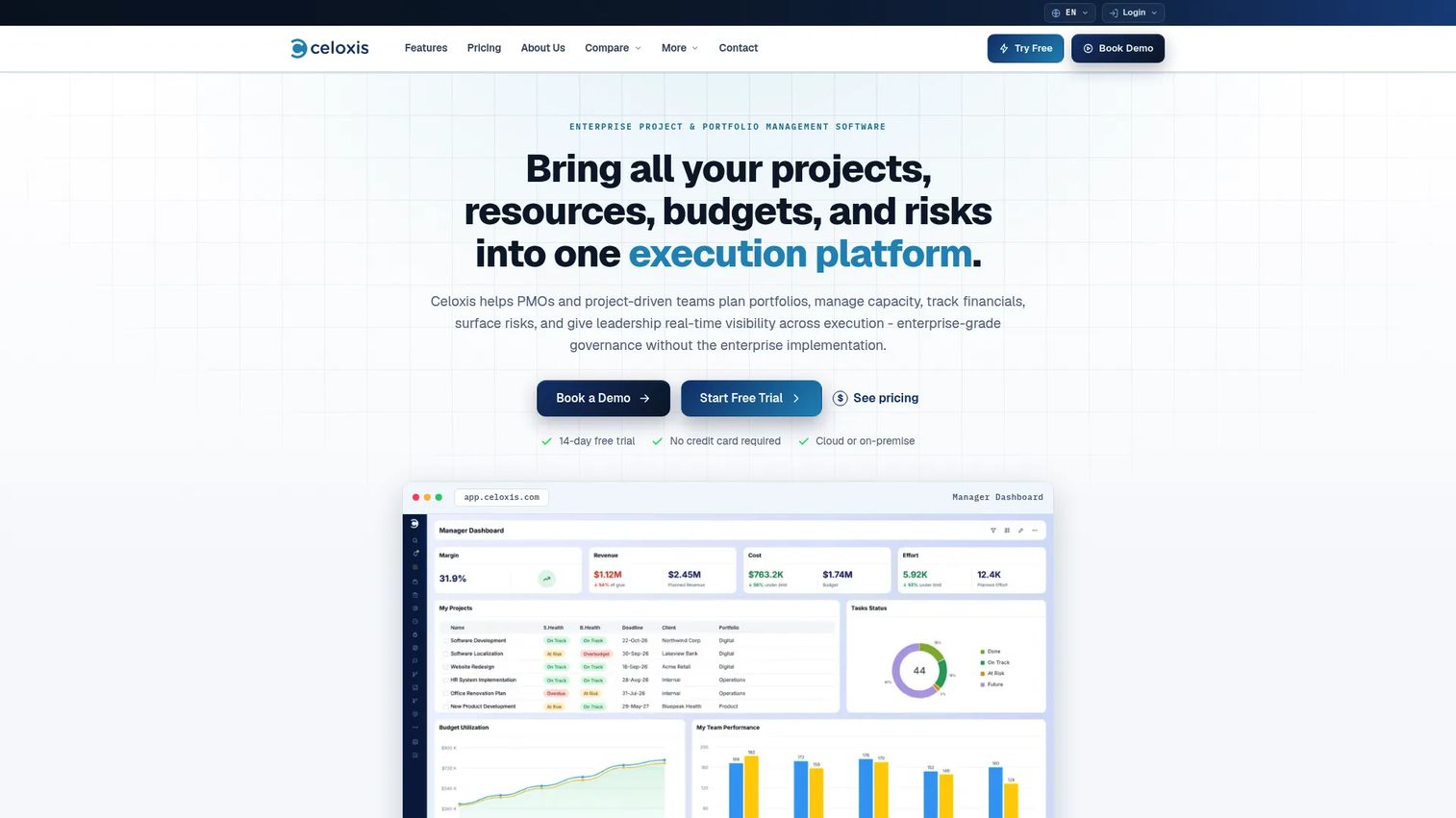
Celoxis is enterprise project and portfolio management software built for PMOs that need budget governance across many projects simultaneously. It combines interactive Gantt scheduling, resource capacity planning, financial controls, risk tracking, and portfolio-level dashboards in one platform.
Best for: PMOs that need budget governance and financial visibility across a project portfolio.
Key features
- Portfolio dashboards and budget tracking
- Interactive Gantt scheduling and critical-path analysis
- Resource capacity planning and workload management
- Budget, cost, margin, and billing management
- Custom reporting and AI project intelligence
Why choose Celoxis: Choose Celoxis when budget visibility needs to roll up across many concurrent projects. It helps PMOs connect delivery status, cost signals, and portfolio reporting without stitching together separate tools.
Celoxis pricing: Core starts at $10/user/month (billed annually). Essentials is $25/user/month. Professional is $35/user/month. Business is $45/user/month. Enterprise uses custom pricing. Minimum 5 users. A 14-day free trial is available.
G2 rating: 4.6/5
15. Oracle Primavera
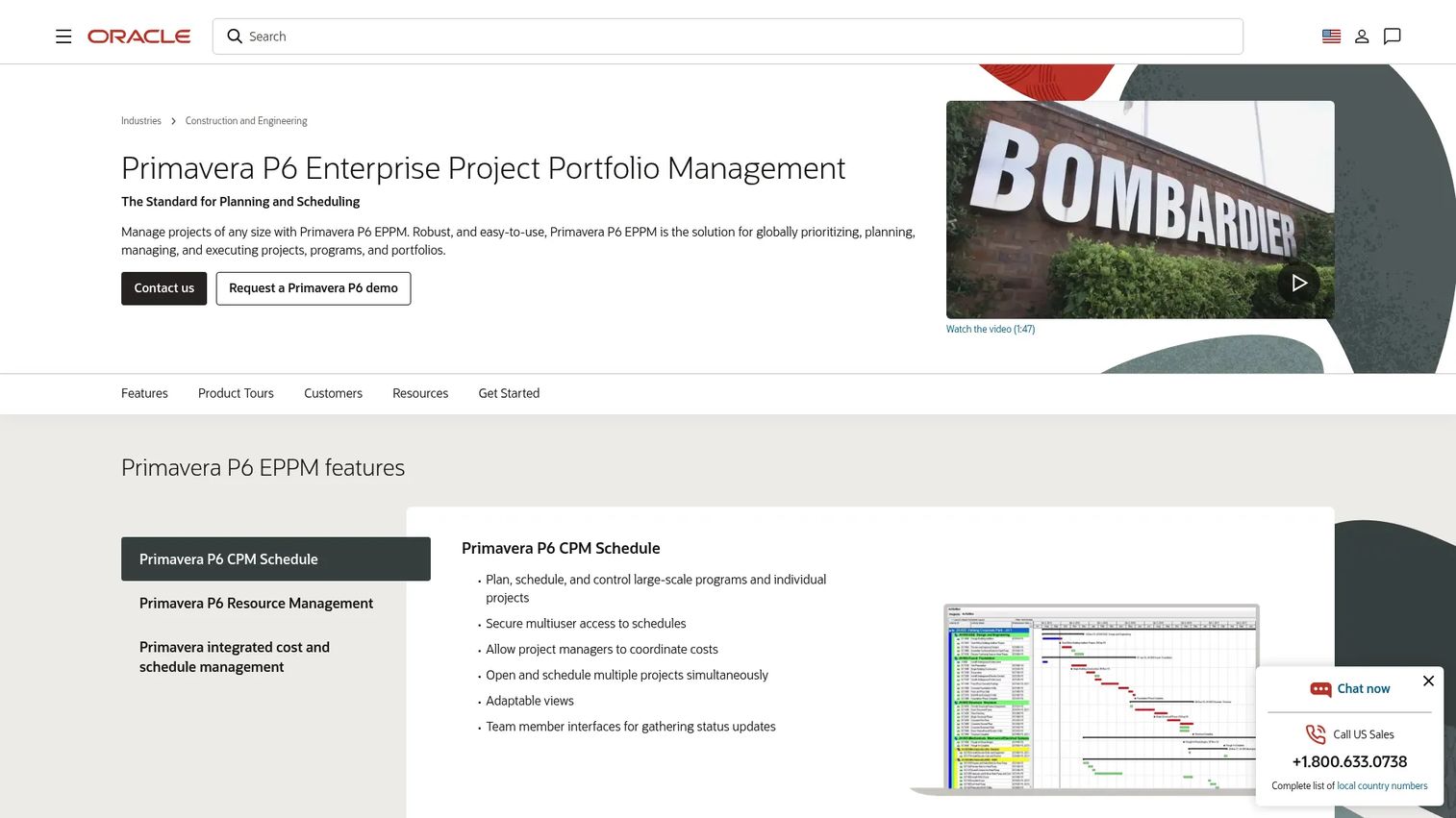
Oracle Primavera is enterprise project portfolio management software for capital-intensive and infrastructure-scale projects. It combines CPM scheduling, integrated cost and schedule management, risk analysis, and enterprise reporting for construction, engineering, government, and large PMO environments.
Best for: Capital-intensive projects in construction, engineering, and infrastructure that require enterprise-level schedule and cost control.
Key features
- CPM scheduling and critical-path analysis
- Integrated cost and schedule management
- Risk analysis and portfolio planning
- Resource management and optimization
- Enterprise reporting and analytics
Why choose Oracle Primavera: Choose Oracle Primavera when budget control depends on complex, resource-loaded schedules and capital planning. It fits environments where a one-day schedule delay has direct cost consequences and financial governance is mandatory.
Oracle Primavera pricing: Perpetual application-user licenses are listed on Oracle's published price list. Primavera P6 Enterprise Project Portfolio Management is listed at $2,750 per user (perpetual license). Contact Oracle for subscription and cloud-hosted options.
G2 rating: 4.4/5
16. Planview
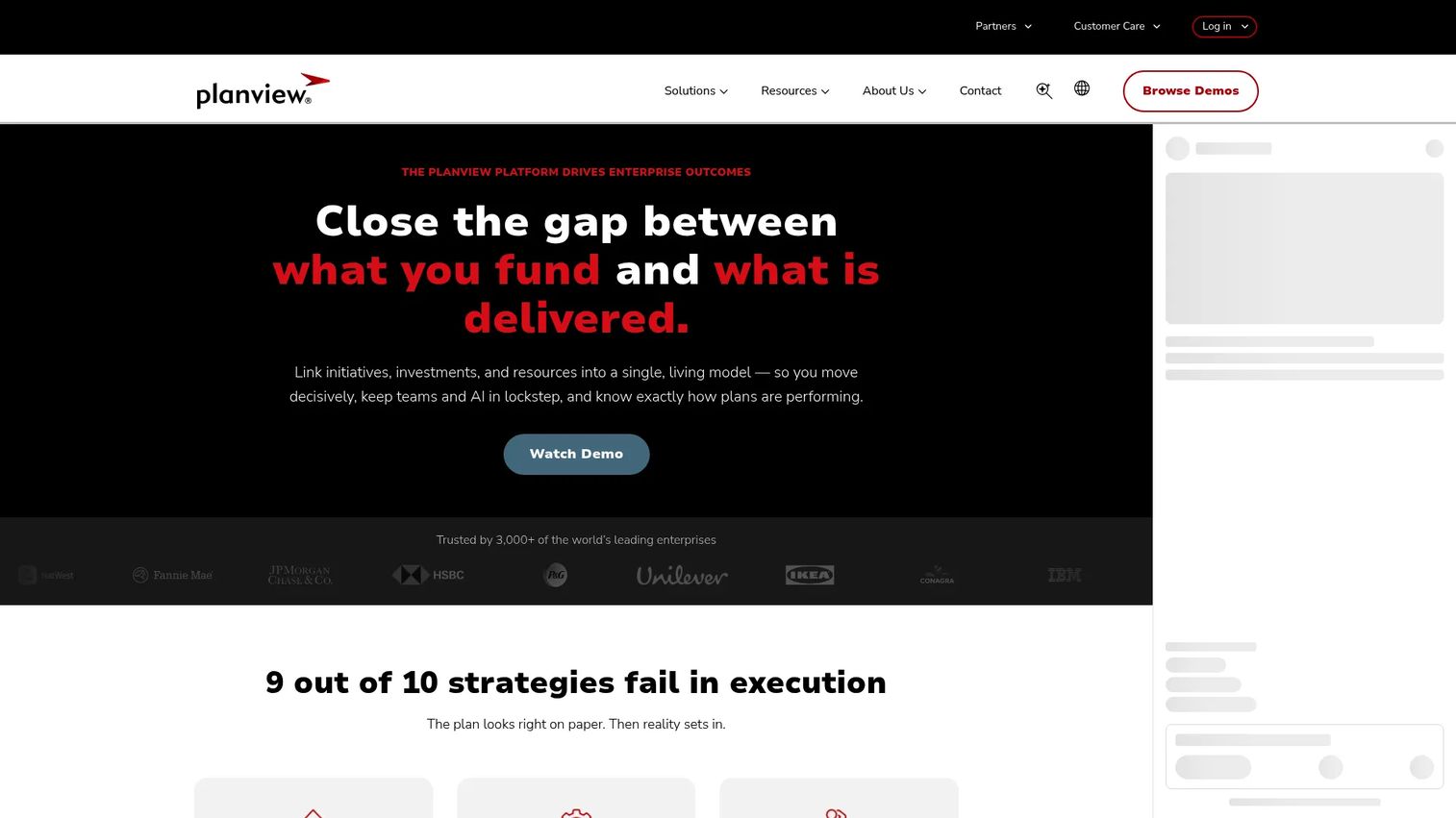
Planview is an enterprise platform that connects strategy, investments, resources, work, and outcomes for large organizations managing portfolios of strategic initiatives. Product and portfolio leaders use it to decide where to fund work, reduce investment overlap, and align spend to measurable outcomes.
Best for: Enterprise teams managing budget decisions across portfolios and strategic initiatives.
Key features
- Strategic portfolio management and roadmaps
- Investment funding and capacity planning
- Enterprise agile planning
- Scenario modeling and resource allocation
- AI-powered dependency management
Why choose Planview: Choose Planview when budgeting is part of portfolio strategy, not just project tracking. It helps leaders model trade-offs across competing investments before committing resources.
Planview pricing: Contact Planview's sales team for a quote tailored to your product and organization size.
G2 rating: 4.1/5
17. Adobe Workfront
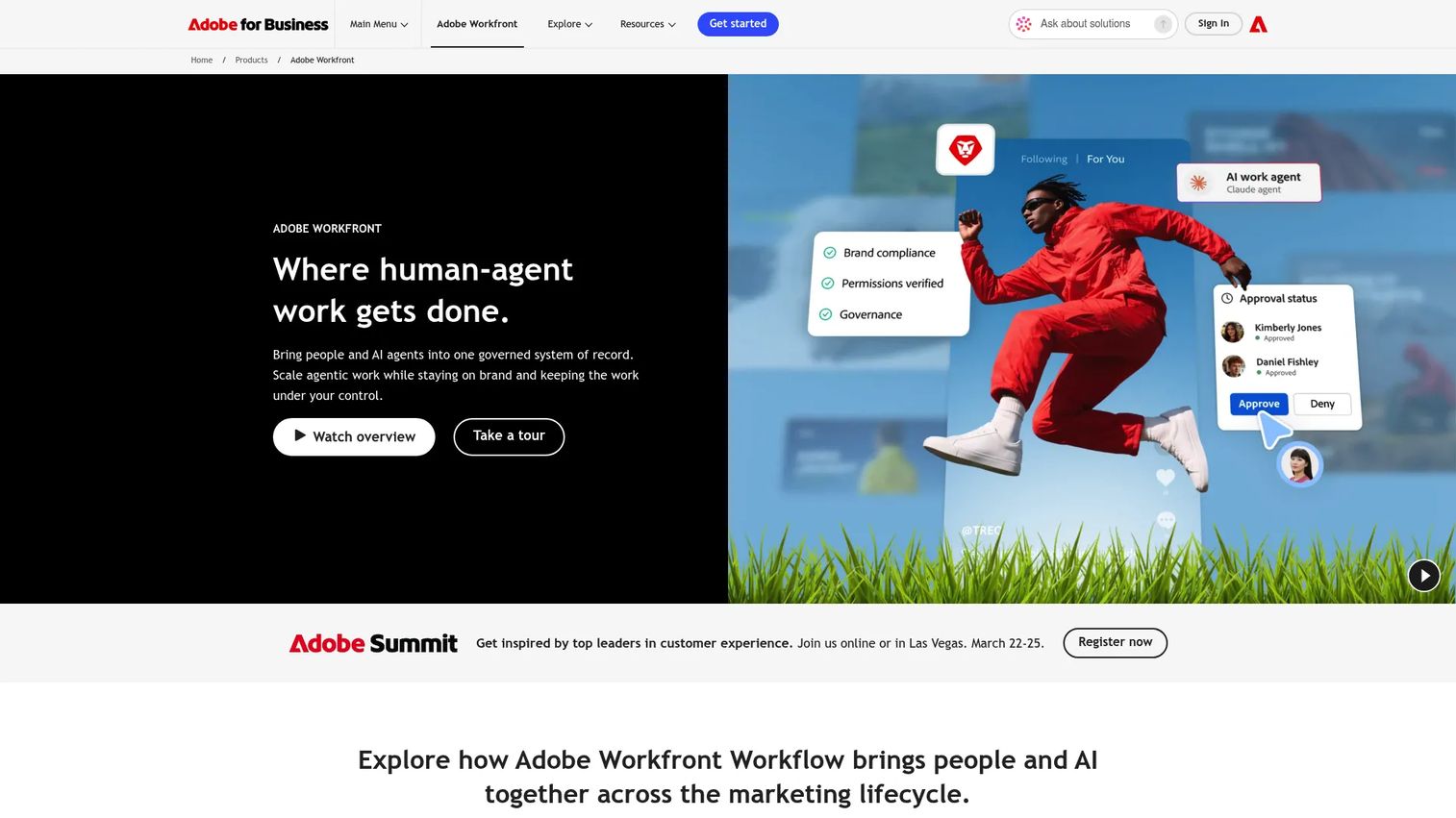
Adobe Workfront is enterprise work management software for large operational teams coordinating complex marketing, creative, and cross-functional workflows. It supports project planning, intake, resource management, approval workflows, and reporting. Budget signals live alongside work operations rather than in a separate finance tool.
Best for: Enterprise operational teams that manage large volumes of creative and marketing work alongside budget and resource tracking.
Key features
- Centralized work intake and request queues
- AI-assisted workflow automation and project management
- Resource and portfolio management
- Digital proofing and automated review approvals
- Customizable reporting dashboards and BI integrations
Why choose Adobe Workfront: Choose Workfront when budget conversations happen inside a broader work operations process. It suits large teams with formal intake, approval, and reporting requirements across marketing and creative functions.
Adobe Workfront pricing: Select, Prime, and Ultimate packages are available. Contact Adobe's sales team for a quote.
18. monday.com
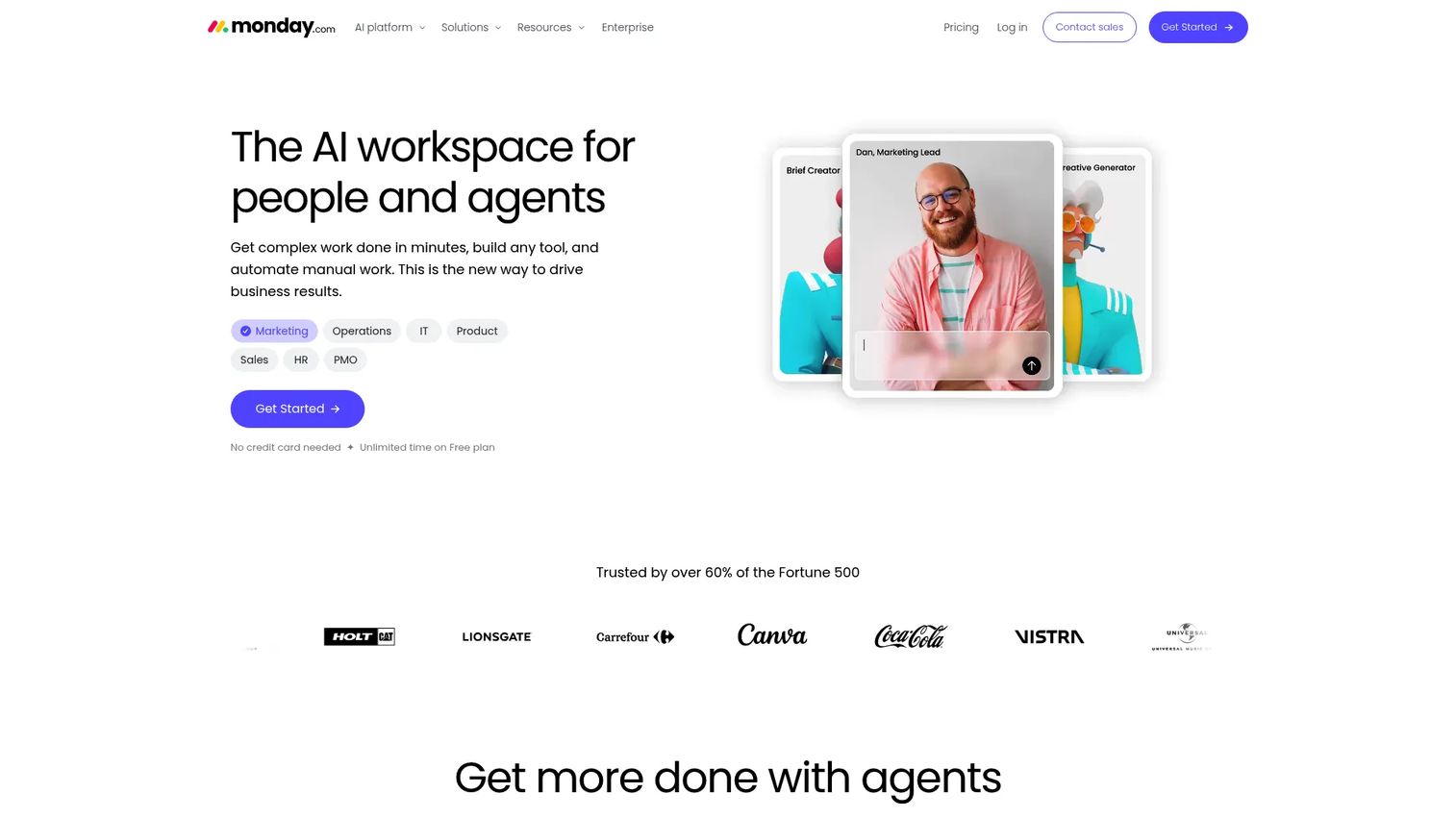
monday.com is an AI workspace that combines tasks, dashboards, automations, and AI agents into a visual work management platform. Project budget tracking is supported through custom fields, formula columns, and dashboards. The depth of the budget workflow depends on how the workspace is configured.
Best for: Teams that want visual project budget boards that are easy to update and share across stakeholders.
Key features
- Budget templates and custom dashboard columns
- Formula columns and automations
- AI assistant and meeting notetaker
- Time tracking and integrations
- Cross-team boards and reporting
Why choose monday.com: Choose monday.com when team adoption matters alongside budget visibility. It works well for lightweight budget tracking that needs to be visual, shared, and easy to maintain without specialized finance knowledge.
monday.com pricing: Free plan available (up to 2 seats). Basic is $9/seat/month (billed annually). Standard is $12/seat/month. Pro is $19/seat/month. Enterprise uses custom pricing.
G2 rating: 4.7/5
19. Runn
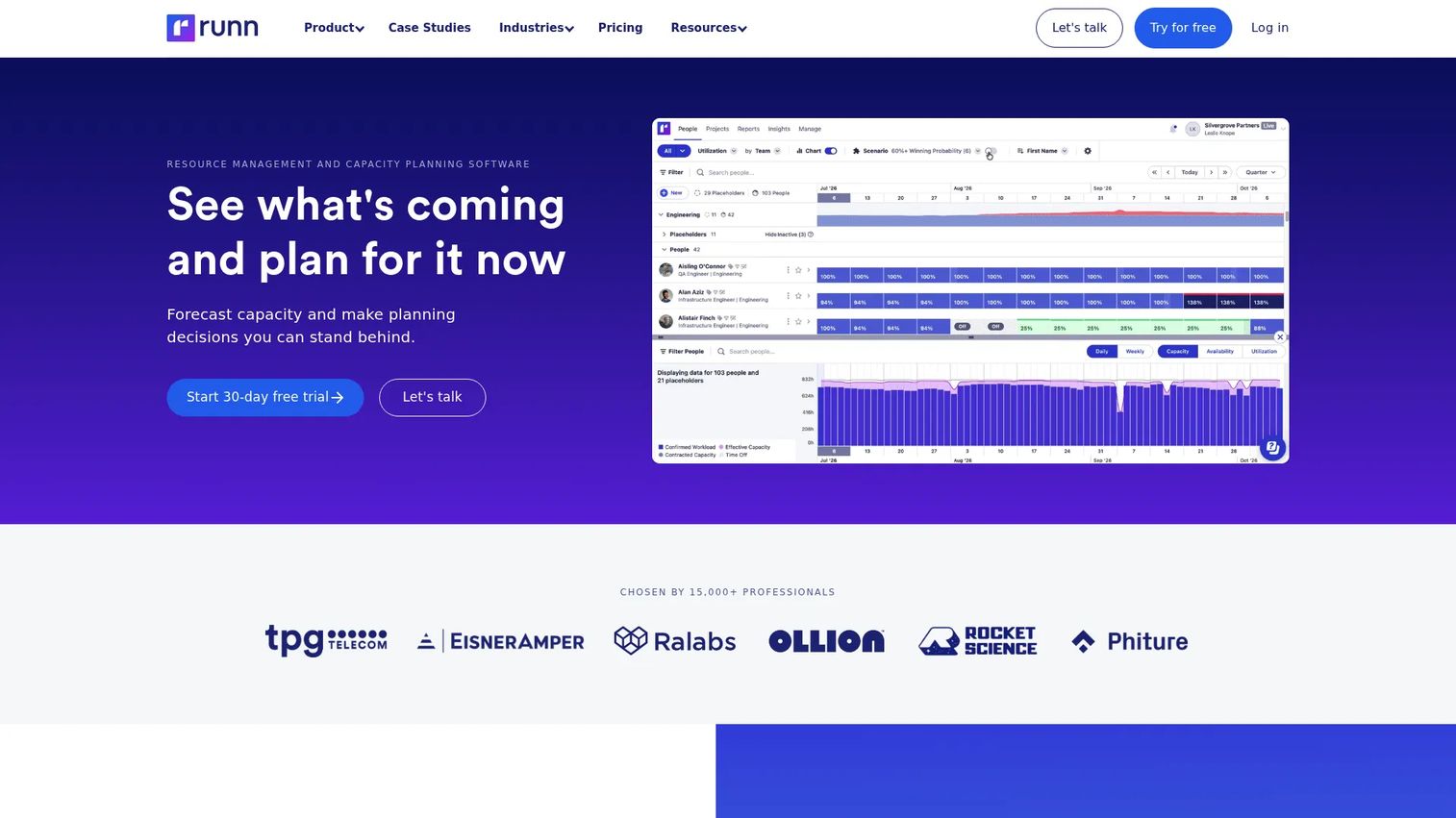
Runn is resource management and capacity planning software that shows how people, projects, and financial forecasts connect. It tracks utilization, revenue, and project financials in real time, so PMs and operations leaders can see whether current staffing supports both delivery timelines and margin targets before the project starts.
Best for: Teams where people costs are the primary budget risk and capacity forecasting drives financial planning.
Key features
- Resource scheduling and capacity planning
- Utilization charts and financial forecasts
- Scenario planning for tentative projects
- Timesheets and project planning
- Integrations and API access
Why choose Runn: Choose Runn when the question is "can we afford to staff this?" before "can we deliver this?" It gives operations and delivery leaders a financial lens on headcount decisions.
Runn pricing: Lite starts at $7/resource seat/month. Standard is $11/resource seat/month. Advanced uses custom pricing. Both monthly and annual billing are available. A 30-day Standard trial is offered with no credit card required.
G2 rating: 4.5/5
20. Productive
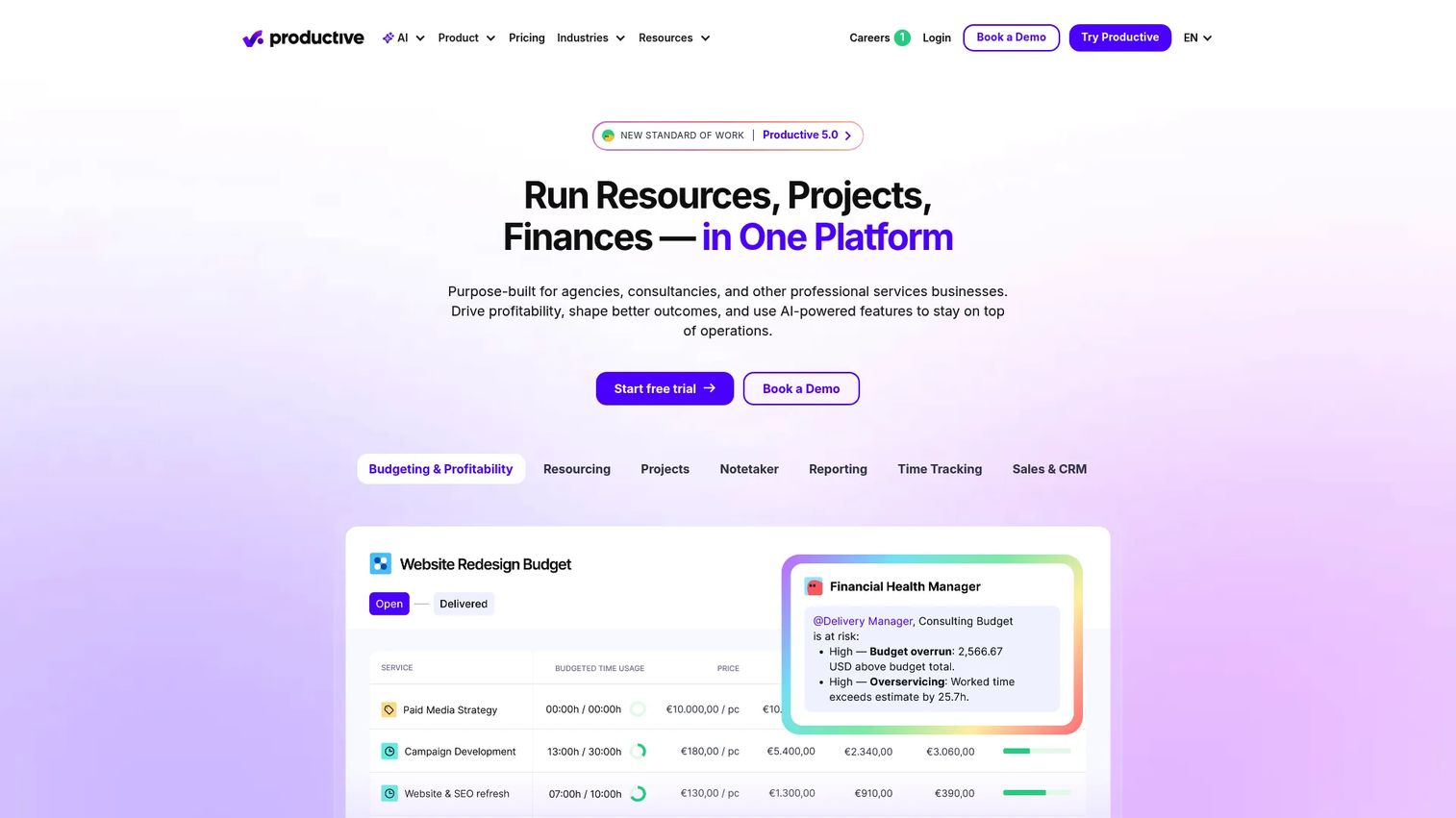
Productive is agency management and professional services automation software covering project budgets, time tracking, resource planning, CRM, invoicing, and profitability reporting. It connects the sales pipeline to delivery margins, so agencies can see whether a deal is likely to be profitable before it is sold and whether it stayed profitable after delivery.
Best for: Agencies that need budgeting, utilization, billing, and profitability tracking in one workflow.
Key features
- Project budgets and time tracking
- Resource planning and utilization reports
- CRM and deal management
- Profitability reporting and invoicing
- AI assistant and workflow automations
Why choose Productive: Choose Productive when agency budget control depends on connecting pipeline, staffing, and delivery in one place. It is strong for teams watching margin across many simultaneous client projects.
Productive pricing: Essential starts at $10/month (billed monthly) or $12/month (billed yearly). Professional is $25/month (monthly) or $24/month (yearly). Ultimate uses custom pricing. Minimum 3 seats. A 14-day free trial is available.
G2 rating: 4.6/5
21. Anaplan
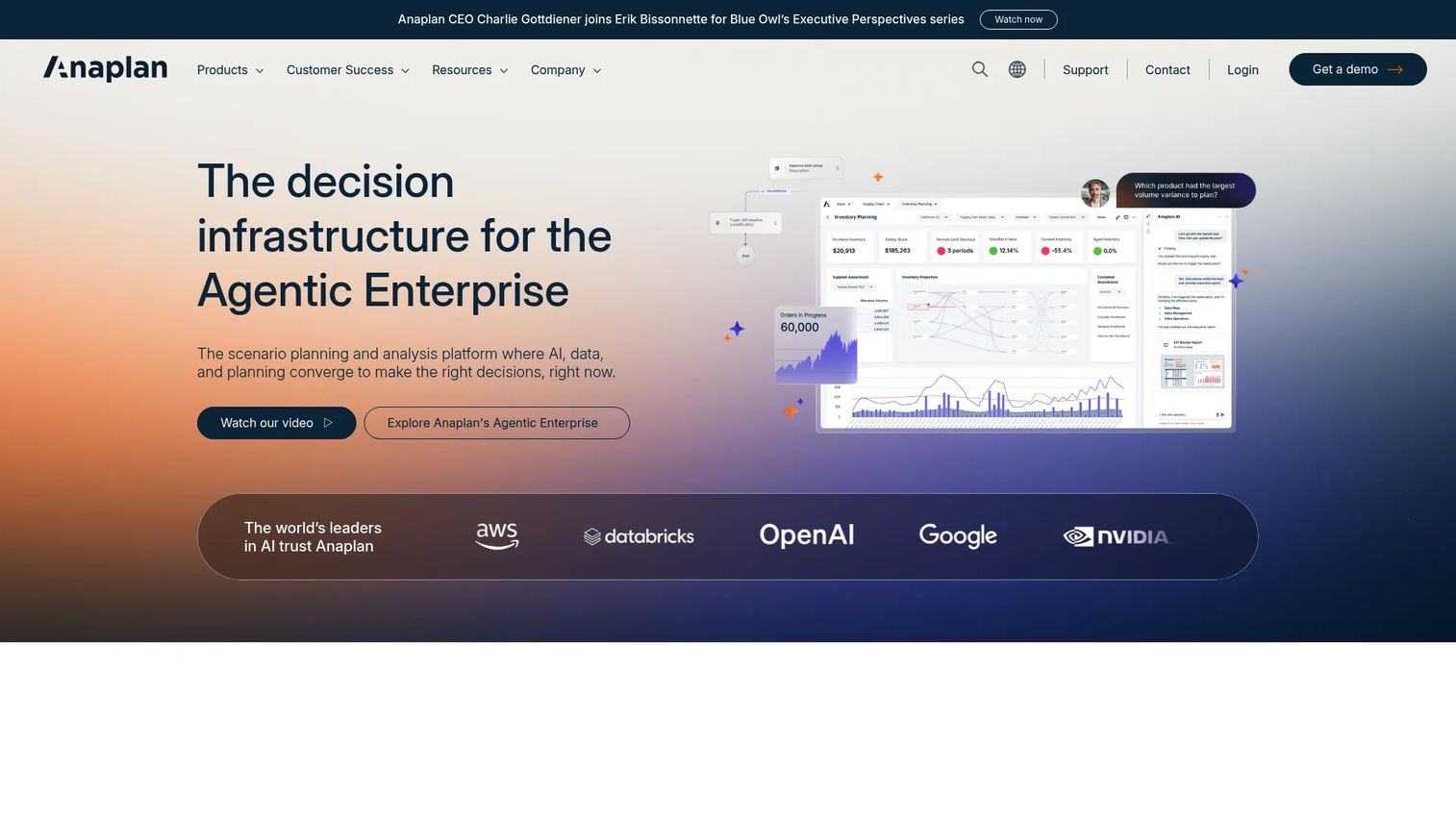
Anaplan is an AI-driven scenario planning and analysis platform for enterprise decision-making. Finance, operations, and HR teams use it to build connected planning models across portfolios, scenarios, and organizational dimensions. For organizations where project budgets are part of a larger financial planning cycle, Anaplan provides the modeling depth that spreadsheets and project tools cannot.
Best for: Enterprise finance and operations teams that need scenario modeling and connected planning across project portfolios.
Key features
- AI-driven scenario planning and what-if analysis
- Connected planning across finance, sales, and operations
- Multi-dimensional modeling and financial dashboards
- Workflow automation and collaborative planning
- Data integration and application lifecycle management
Why choose Anaplan: Choose Anaplan when project budgets feed into enterprise financial models. It is the right fit for large organizations that need to model the financial impact of portfolio decisions before committing resources.
Anaplan pricing: Contact Anaplan's sales team to request a demo and discuss configuration-specific pricing.
G2 rating: 4.6/5
Considerations when choosing project budgeting software
Planned versus actual tracking
The core capability to verify is whether the tool shows estimates against real hours, costs, and expenses, not just a budget total. If a two-sprint feature becomes four sprints, the budget view should surface which workstream drove the change and what it costs. Test this scenario during your trial before committing.
Forecasting and variance alerts
A budget dashboard that only shows what has been spent is a rearview mirror. Look for forward-looking signals: Threshold alerts when spend approaches budget limits, burn-rate projections, and scenario views for remaining work. These are the capabilities that change roadmap decisions in advance rather than triggering postmortems after the fact.
Resource cost visibility
For product and delivery teams, people costs are usually the largest budget variable. The tool should show how role rates, utilization levels, and staffing changes affect project cost. This is especially important when capacity decisions double as financial decisions, which is true for most cross-functional teams.
Integrations with finance and delivery systems
Disconnected systems create reconciliation work. Verify that the tool connects to your existing accounting platform, project management system, CRM, and time tracking setup. The right integrations reduce the number of manual data transfers and keep budget data current without extra maintenance overhead.
Adoption and maintenance overhead
Budgeting tools stop working when teams avoid time entry, skip budget updates, or maintain parallel spreadsheets alongside the tool. During evaluation, ask who owns the budget data, how often it needs to be updated, and what happens when someone misses a time entry. A tool with low maintenance overhead and a clear data ownership model will outlast one that requires weekly cleanup.
Conclusion
For cross-functional project budget tracking, Wrike and Smartsheet cover a wide range of team types and budget models. Professional services firms get the strongest depth from Kantata, Scoro, Teamwork.com, BigTime, and Productive, each of which connects time, utilization, and billing to project profitability. Accounting-led teams will find QuickBooks, Xero, and Sage Intacct the most natural fit. Enterprise PMOs and capital project organizations will want to evaluate SAP, Oracle Primavera, Planview, Celoxis, and Anaplan, depending on the complexity of their portfolio and governance requirements. For lighter or more flexible workflows, Harvest, Zoho Projects, monday.com, ClickUp, and Runn each offer a different balance of cost and capability.
The right tool for your team depends on where budget authority sits, which systems it needs to connect, and how much maintenance the team can realistically sustain. Run a short pilot with two or three options before committing, and test planned versus actual tracking with a real project scenario.
If your team also needs to show product workflows clearly during software evaluation, stakeholder reviews, or onboarding, interactive demos can help people understand the product before a live meeting.
Start your journey with Guideflow today!
FAQs
The best tool depends on whether the product team needs delivery tracking, budget forecasting, portfolio governance, or finance integration. Wrike works well when budget visibility needs to sit alongside task management. Smartsheet suits teams migrating from spreadsheets. For portfolio-level investment decisions, Planview and Celoxis offer the governance depth that product teams managing roadmap trade-offs often need.
Project management software tracks tasks, owners, timelines, and delivery progress. Project budgeting software connects that work to money through cost planning, time and expense capture, budget variance monitoring, forecasting, and financial reporting. Many tools in this list combine both, but the financial layer is what distinguishes project budget management software from a standard task tracker.
It can replace manual budget trackers when teams need shared data, approval workflows, automated alerts, and integrations with accounting or time tracking systems. Spreadsheets still work well for simple one-off budgets, early-stage estimates, and exported reports. The switch makes most sense when ownership of the budget is shared across multiple people or when variance goes undetected between updates.
Core features include budget planning, planned versus actual tracking, budget variance alerts, forecasting for remaining work, time and expense capture, resource cost modeling, dashboards for stakeholder reporting, and integrations with accounting and project management tools. For agencies and services teams, profitability reporting and retainer budget tracking are also important. For enterprise PMOs, approval workflows and audit trails matter most.
Scoro, Teamwork.com, Productive, BigTime, and Harvest are the strongest options for agencies. Each handles time tracking and project budgets differently. Scoro and Productive cover the full workflow from estimates through profitability reporting. Teamwork.com is built for client-facing delivery. BigTime connects time and billing closely to project budgets. Harvest is the simplest option for small teams focused on budget burn from tracked time.
Planview, SAP, Oracle Primavera, Celoxis, Adobe Workfront, and Anaplan serve enterprise PMOs. Planview and Anaplan focus on portfolio investment decisions and scenario modeling. Oracle Primavera is the standard for capital-intensive project cost control. SAP connects project budgets to enterprise ERP and procurement. Celoxis balances portfolio governance with practical project-level controls. Adobe Workfront suits operational teams managing large volumes of work alongside budget tracking.
Pricing spans a wide range. Lightweight tools like Harvest and Zoho Projects start below $10/user/month. Mid-market platforms like Smartsheet, Teamwork.com, and Productive run $10 to $50/user/month depending on the plan. Enterprise platforms like Kantata, Sage Intacct, Planview, Adobe Workfront, and Anaplan use custom pricing tied to organization size and configuration. Verify all current pricing directly on vendor pricing pages before building a business case.
Start by defining your budget types: Fixed-fee, hourly, retainer, or mixed. Map the data sources the tool needs to connect, including time tracking, accounting, CRM, and project management. Test planned versus actual reporting with a live project scenario during the trial period. Confirm which integrations are supported and at which plan tier. Run a short pilot with the team that will own data entry, and confirm who maintains the system when updates are needed. The tool that fits your data model and your team's maintenance capacity will outlast one that is technically more capable but harder to sustain.