Story planning lives in spreadsheets. Assignment updates land in chat. Publishing decisions get buried in CMS comments. By the time analytics arrive, the editorial window has already closed.
The underlying problem is a missing source of truth. According to the Reuters Institute Digital News Report 2025, 60% of publisher respondents said back-end automation was very important to their newsroom, yet most teams still stitch workflows together manually across planning, production, and distribution. That gap is expensive: Senior editors become human routers, and the team cannot scale without them.
A well-chosen newsroom management system fixes that by clarifying ownership, reducing handoffs, and giving every contributor a single place to track what is in progress and what is published. The decision is less about features and more about operating model: Which workflow breaks most often, and which tool fixes it without adding complexity the team will abandon in 90 days?
This guide is for publishers, broadcasters, communications teams, and operators making that call in 2026.
What's inside
- 15 newsroom management software and stack tools, covering full platforms and modular components
- Audience: Editors, broadcast ops leaders, comms team leads, and founders evaluating editorial operating systems
- Selection criteria: Editorial planning coverage, publishing workflow fit, collaboration depth, integration options, analytics capability, and pricing transparency
- Pricing and G2 ratings were verified at drafting time; check vendor pages before final decisions
TL;DR
- Best overall digital newsroom platform: Superdesk for open-source editorial workflow and multi-channel publishing
- Best for broadcast newsroom operations: MediaCentral connects story production directly to rundowns and playout
- Best for legacy NRCS workflows: Avid iNEWS for established broadcast script and control-room processes
- Best for editorial planning: Kordiam as the coordination layer across desks, channels, and roles
- Best for privacy-focused analytics: Matomo with self-hosted data ownership and audience insights
- Best open-source collaboration: Rocket.Chat and Jitsi Meet for teams that need data control alongside team communication
What is newsroom management software?
Newsroom management software helps editorial teams plan, assign, produce, publish, coordinate, and measure content across digital, broadcast, print, and owned channels.
A full newsroom platform typically includes planning, production, publishing, permissions, metadata management, and distribution. A broadcast newsroom computer system adds rundowns, scripts, timing, control-room coordination, teleprompter integration, and live production workflows. A modular newsroom stack combines specialized tools for planning, collaboration, analytics, automation, and conferencing.
Key capabilities to look for:
- Editorial calendar and story planning
- Assignment management and desk coordination
- Rundown and script management (broadcast)
- CMS and DAM integrations
- Multi-channel publishing across digital, broadcast, and social
- Role-based access and permissions
- Analytics and audience insights
- Remote newsroom collaboration
- Automation and structured editorial data pipelines
- Search, metadata, and archive workflows
The category sits at a meaningful boundary: It is not just a CMS (which publishes content) and not just a project management tool (which tracks tasks). Newsroom management software holds the coordination layer between planning and publication, giving teams visibility into story status, contributor workloads, and editorial priorities at once.
Teams buying in this category often face a choice between a unified platform that covers most workflows versus a modular stack where each component does one job well. The right answer depends on team size, technical ownership, and which workflow breaks first.
When to use newsroom management software
Coordinate daily editorial planning without meetings
Once a team grows past five or six contributors, story priorities stop being obvious. Spreadsheets go stale, chat threads become the record, and managing editors spend their mornings reconstructing what is happening. An editorial planning tool gives everyone a shared view of story status, assignments, deadlines, and channel targets without requiring a standup meeting to surface that information.
Modernize broadcast production workflows
Broadcast newsrooms run on rundowns, scripts, and precise timing. Field reporters need to submit material from locations. Control rooms need synchronized access to approved scripts, graphics cues, and segment durations. A newsroom computer system connects those production steps so editorial decisions made at the desk reach the teleprompter and playout system without phone calls or manual re-entry.
Build a modular digital newsroom stack
Not every team needs one monolithic platform. Many digital publishers, agencies, and communications teams get further by combining a planning tool with purpose-built analytics, collaboration, automation, and conferencing components. A modular approach gives each team the best tool for their specific job, at the cost of integration work and more coordination overhead at the stack level.
Newsroom management software comparison
The table below includes full newsroom platforms alongside stack components. The "Best for" column signals where each tool fits. Pricing and G2 ratings reflect figures verified at drafting time.
| # | Product | Best for | Key differentiator | Pricing | G2 rating |
|---|---|---|---|---|---|
| 1 | Superdesk | Digital publishers and agencies | Open-source headless CMS with editorial workflow | From 350€/mo | 4.4/5 |
| 2 | MediaCentral | Broadcast production teams | Story-to-playout integrated workflow | Custom pricing | 3.7/5 |
| 3 | Avid iNEWS | Broadcast NRCS workflows | Script, rundown, and control-room coordination | Custom pricing | N/A |
| 4 | Wolftech | Multiplatform editorial teams | Story-centric planning and resource tracking | Custom pricing | N/A |
| 5 | Wolftech Go | Field reporters and mobile crews | Mobile field reporting and story submission | Custom pricing | N/A |
| 6 | Kordiam | Editorial planning across desks | Content calendar with CMS integrations | From $263/mo | 4.7/5 |
| 7 | Slack | Newsroom communication layer | Channel-based comms with 2,600+ integrations | Free / $7.25/user/mo (annual) | 4.5/5 |
| 8 | Matomo | Privacy-focused analytics | Self-hosted data ownership option | Free / From €230/mo | 4.2/5 |
| 9 | Rocket.Chat | Self-hosted collaboration | Open-source messaging with sovereign deployment | Free / Custom | 4.2/5 |
| 10 | OpenRefine | Investigative data work | Data cleaning and reconciliation, locally processed | Free | 4.6/5 |
| 11 | Apache Airflow | Newsroom workflow automation | Python-defined pipeline orchestration | Free (open-source) | 4.4/5 |
| 12 | LibreOffice | Office productivity (open-source) | Free document, spreadsheet, and presentation suite | Free | 4.3/5 |
| 13 | Jitsi Meet | Remote editorial meetings | Free, browser-based video conferencing | Free | N/A |
| 14 | Google Analytics | Baseline traffic measurement | Free web analytics with broad ecosystem integrations | Free | 4.5/5 |
| 15 | Microsoft Office | Document and collaboration productivity | Integrated suite with Teams, OneDrive, and Copilot | From $9.99/mo | N/A |
Best 15 newsroom management software tools for 2026
1. Superdesk
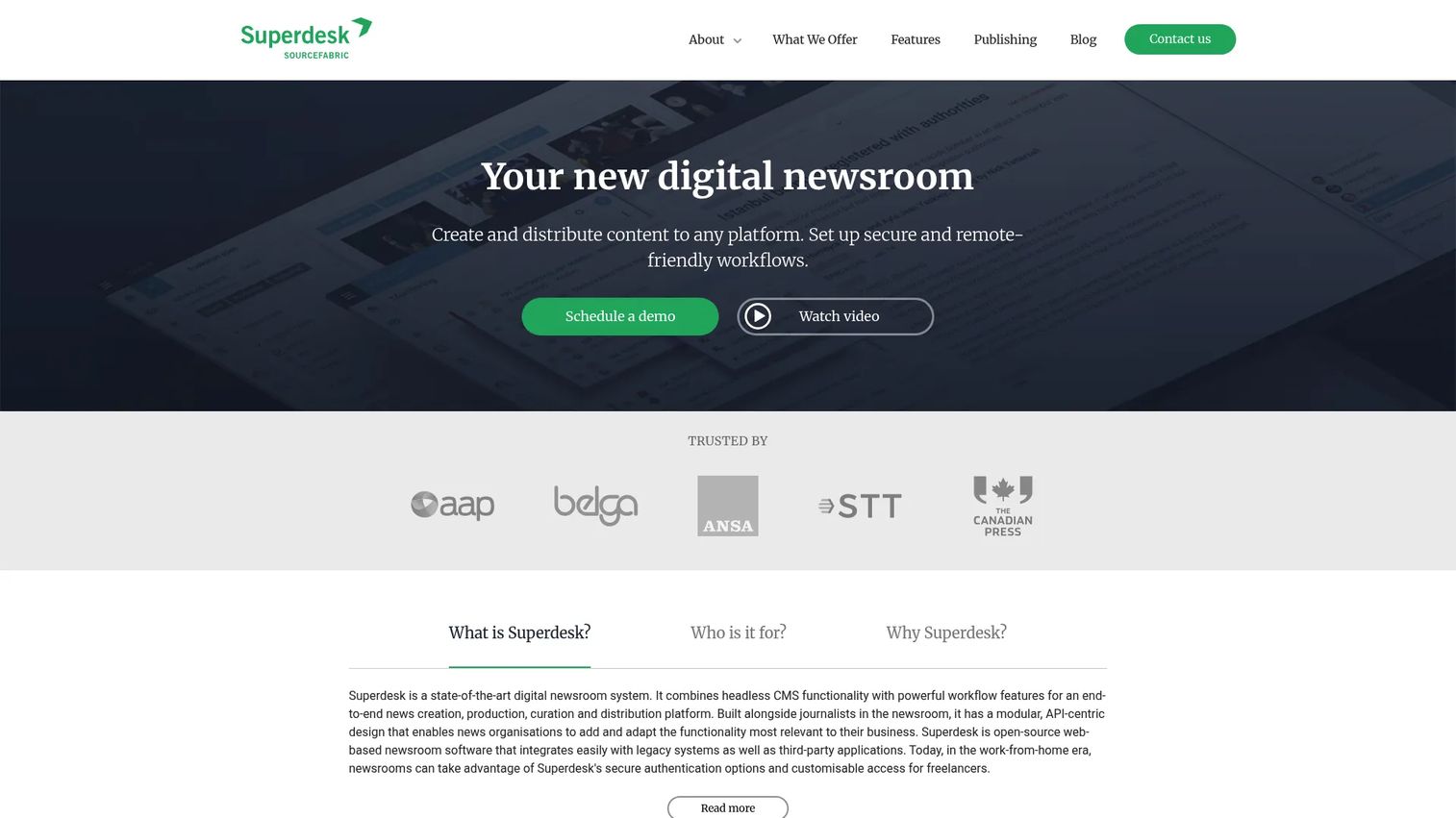
Superdesk is an open-source digital newsroom platform combining a headless CMS with configurable editorial workflows. It covers the full content lifecycle from creation and curation through distribution and publishing. The platform supports API-centric integrations with legacy systems and third-party applications, making it a practical choice for publishers migrating from older newsroom systems. Remote and hybrid teams can collaborate with fine-grained user roles and secure access controls.
Best for: Digital-first publishers, news agencies, and content operations teams that need a customizable editorial workflow layer with multi-channel publishing.
Key features
- Open-source headless CMS architecture
- Configurable editorial workflows and automation
- Multi-channel publishing via Superdesk Publisher
- API integrations with legacy and third-party systems
- Role-based access and remote-work support
Why choose Superdesk: It gives editorial teams full ownership over their workflow configuration and data model, which matters when your publishing stack is genuinely complex or when vendor lock-in is a concern.
Superdesk pricing: Plans start from 350€/month (Lite, up to 25 users) and 2,990€/month (Pro, up to 100 users). Enterprise pricing requires a quote and includes custom development, hosting options, and migration support. A 30-day free trial is available on some plans.
G2 rating: 4.4/5
2. MediaCentral
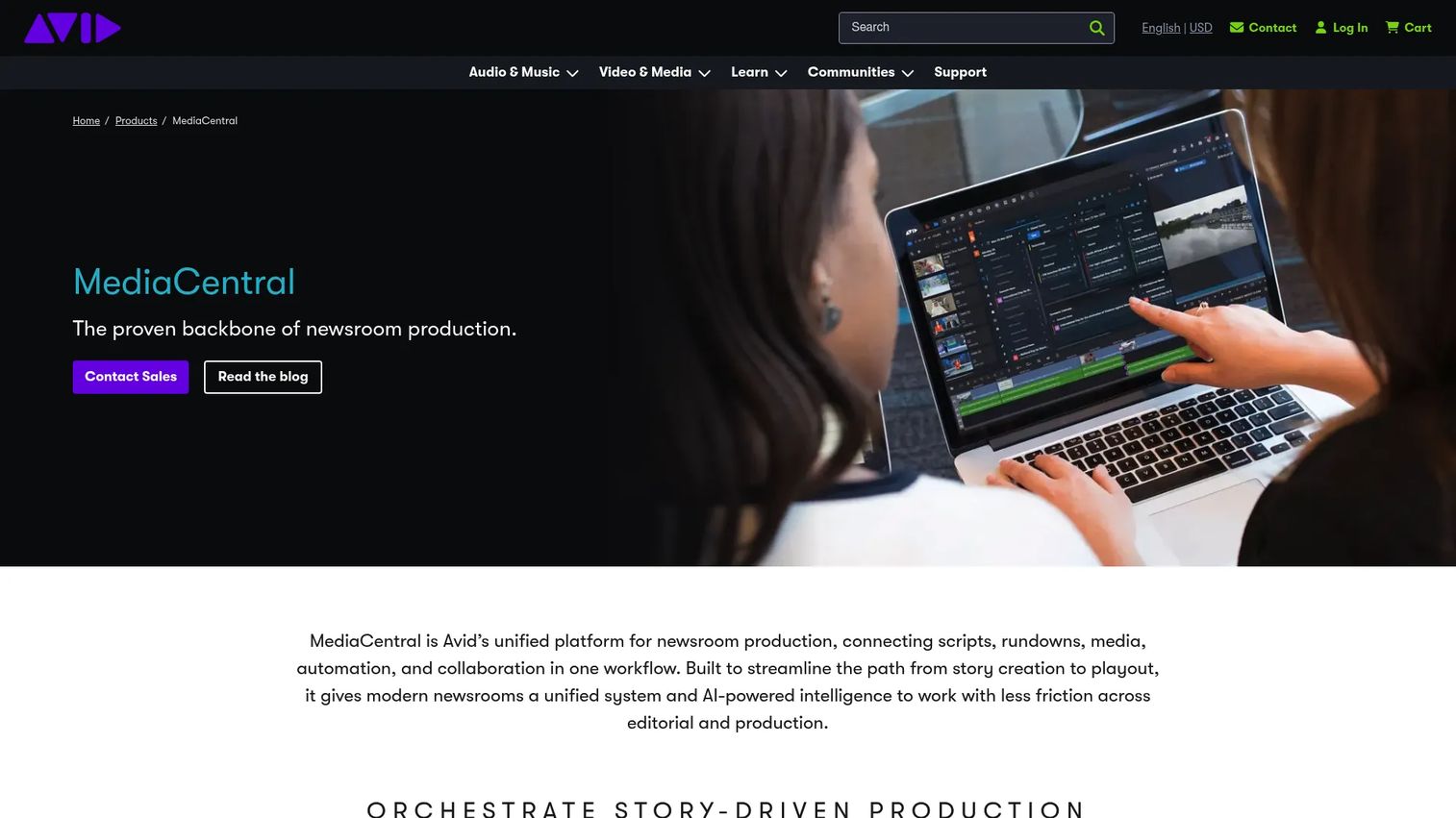
MediaCentral by Avid is a unified media-production platform for broadcast newsrooms, sports, and post-production. It connects story creation, rundown management, shared media access, and collaborative browser-based editing in one environment. Rule-based workflow automation and AI-powered transcription, speaker identification, and scene detection reduce manual work across production pipelines. Connected ingest, archive, playout, and digital publishing workflows make it the coordination layer for television networks running story-centric operations.
Best for: Broadcast organizations that need editorial planning and live production to operate from a single connected system.
Key features
- Rundown-driven story production and script editing
- Shared media access and browser-based collaborative editing
- Rule-based workflow automation
- AI transcription, speaker ID, and scene detection
- Connected ingest, archive, and playout workflows
Why choose MediaCentral: It is the right tool when editorial decisions made at the desk need to reach the control room and playout systems without manual re-entry or phone calls between teams.
MediaCentral pricing: Avid does not publish pricing on the product page. Contact Avid sales directly for a quote; expect pricing to reflect deployment model, seat count, and integration scope.
G2 rating: 3.7/5
3. Avid iNEWS
Avid iNEWS, now presented as MediaCentral Newsroom Management, is a newsroom computer system built for story creation, rundown management, and control-room coordination in broadcast environments. It handles script writing, live rundown production, and on-air changes, with integrations connecting to automation systems, teleprompters, graphics, and video playout servers. Teams with mature NRCS processes rely on iNEWS for the scripting and timing precision that live television requires.
Best for: Broadcast news organizations running established NRCS processes that need reliable script-to-air continuity.
Key features
- Story writing and multiplatform collaboration
- Live rundown production with on-air change support
- Integration with automation, teleprompters, and playout servers
- Control-room coordination workflows
- Multiplatform news production
Why choose Avid iNEWS: Teams with deep iNEWS process history get continuity and reliability; for new buyers, it makes the most sense when the Avid ecosystem already anchors the production stack.
Avid iNEWS pricing: Avid does not display pricing online. Contact their sales team for licensing and deployment costs; ask about seat counts, maintenance, and integration requirements.
4. Wolftech
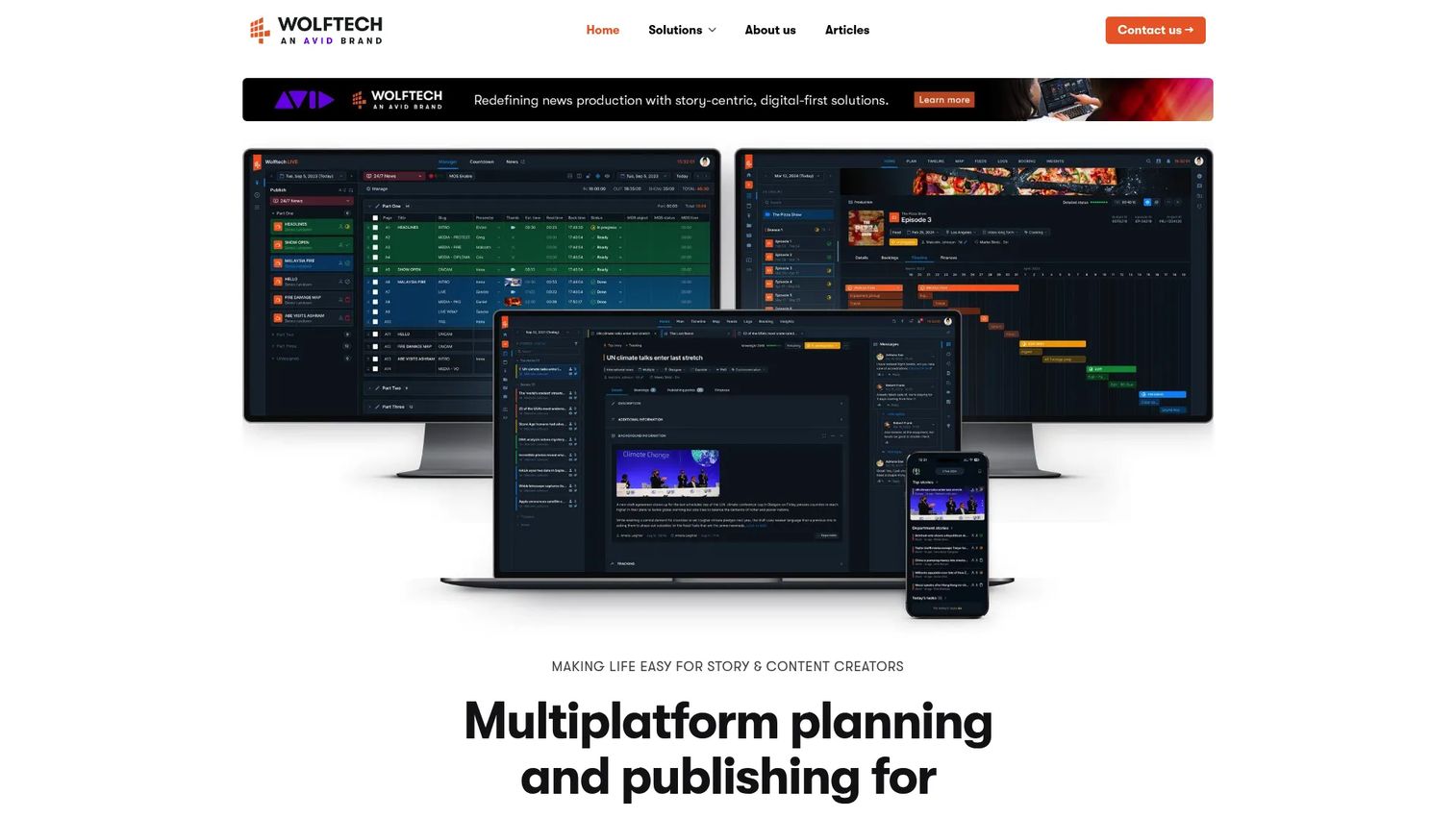
Wolftech provides story-centric media management software for news, sports, and entertainment productions. It handles multiplatform planning and publishing alongside real-time collaboration, story and timeline management, and resource tracking. Personnel, location, and booking coordination are built into the platform, and web-based long-form production planning gives distributed editorial teams visibility across assignment pipelines. Cost control and publishing workflows are integrated at the story level rather than managed separately.
Best for: Newsrooms and media production organizations that need structured story-centric planning across multiple platforms and contributor types.
Key features
- Multiplatform planning and publishing
- Real-time story and timeline collaboration
- Resource, personnel, and location tracking
- Web-based long-form production planning
- Integrated booking and cost-control workflows
Why choose Wolftech: It works well as the planning layer for teams where story coordination involves contributors, locations, and resources that need tracking alongside editorial decisions.
Wolftech pricing: Wolftech does not display pricing on the website. Contact them directly for a quote; expect custom pricing based on team size, deployment model, and integration needs.
5. Wolftech Go
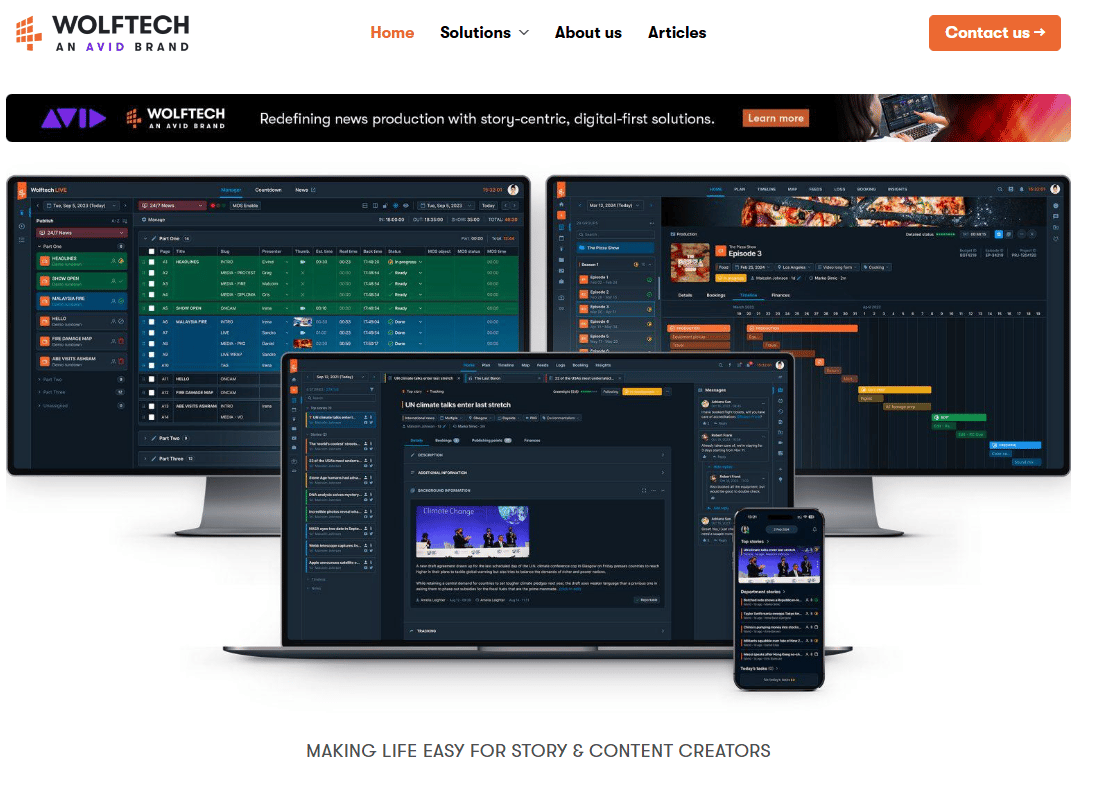
Wolftech Go is the mobile companion to Wolftech News, available on iOS and Android. It gives journalists and field crews access to story-centric newsroom workflows from any location, including integrated messaging, notifications for job and story changes, and map-based views of colleague and location data. Story material can be submitted directly for multiplatform publishing, and media uploads and livestreaming are supported through integration with the Avid Reporter app.
Best for: Broadcast news organizations where reporters and field producers need to update assignments and submit material without returning to a desktop.
Key features
- iOS and Android mobile access to Wolftech workflows
- Integrated messaging and story-change notifications
- Map-based location and colleague views
- Story material submission for multiplatform publishing
- Media uploads and livestreaming via Avid Reporter integration
Why choose Wolftech Go: It cuts the lag between field reporting and desk workflows, reducing the phone calls and manual updates that slow down fast-moving stories.
Wolftech Go pricing: Pricing is not displayed separately from Wolftech. It may be bundled with a Wolftech News subscription; contact Wolftech directly to confirm.
6. Kordiam
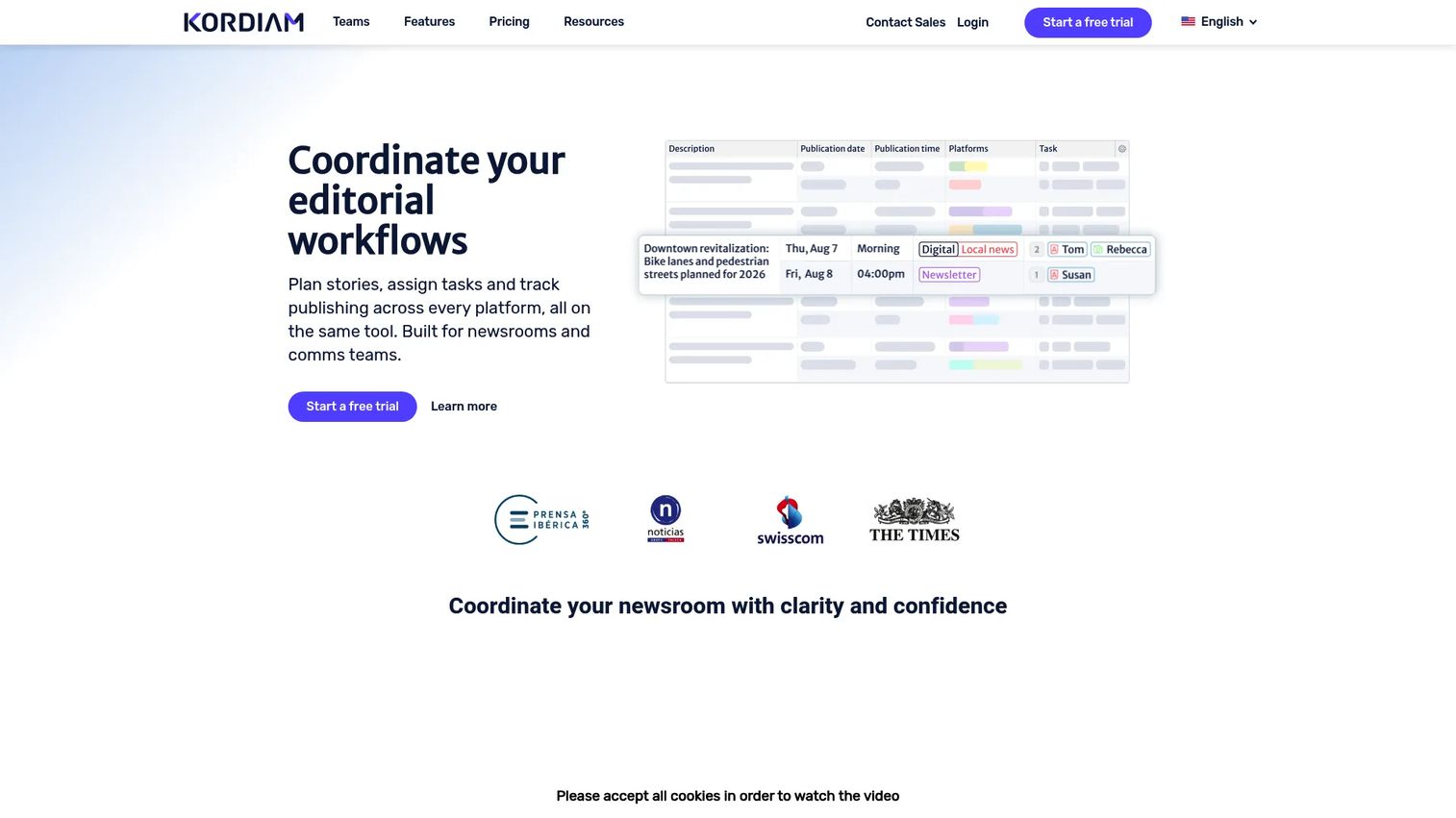
Kordiam is a cloud-based editorial and content-planning platform for newsrooms, broadcasters, magazines, and communications teams. It manages multichannel story and content planning, assignment and task management, and staff availability, with monthly, short-term, and long-term planning views. Story cards carry deadlines, platforms, attachments, and versioning. CMS integrations and XML export connect Kordiam to publishing systems without replacing them, which means teams can add it as a coordination layer rather than undertaking a full platform migration.
Best for: Editorial teams that want a dedicated planning tool without replacing their existing CMS or production system.
Key features
- Multichannel story and content planning
- Assignment and task management with story cards
- Staff availability, shifts, and absence tracking
- Monthly, short-term, and long-term planning views
- API, XML export, and CMS integrations
Why choose Kordiam: It solves the coordination problem specifically, which makes it the right call when the main friction is editorial visibility and assignment clarity rather than publishing infrastructure.
Kordiam pricing: Plans start at $263/month (Extra-Small, up to 5 users). The Small tier runs $588/month, Medium $919/month, and Large $1,250/month. Annual billing is discounted by 10%. A 30-day free trial is available; Enterprise pricing requires a quote.
G2 rating: 4.7/5
7. Slack
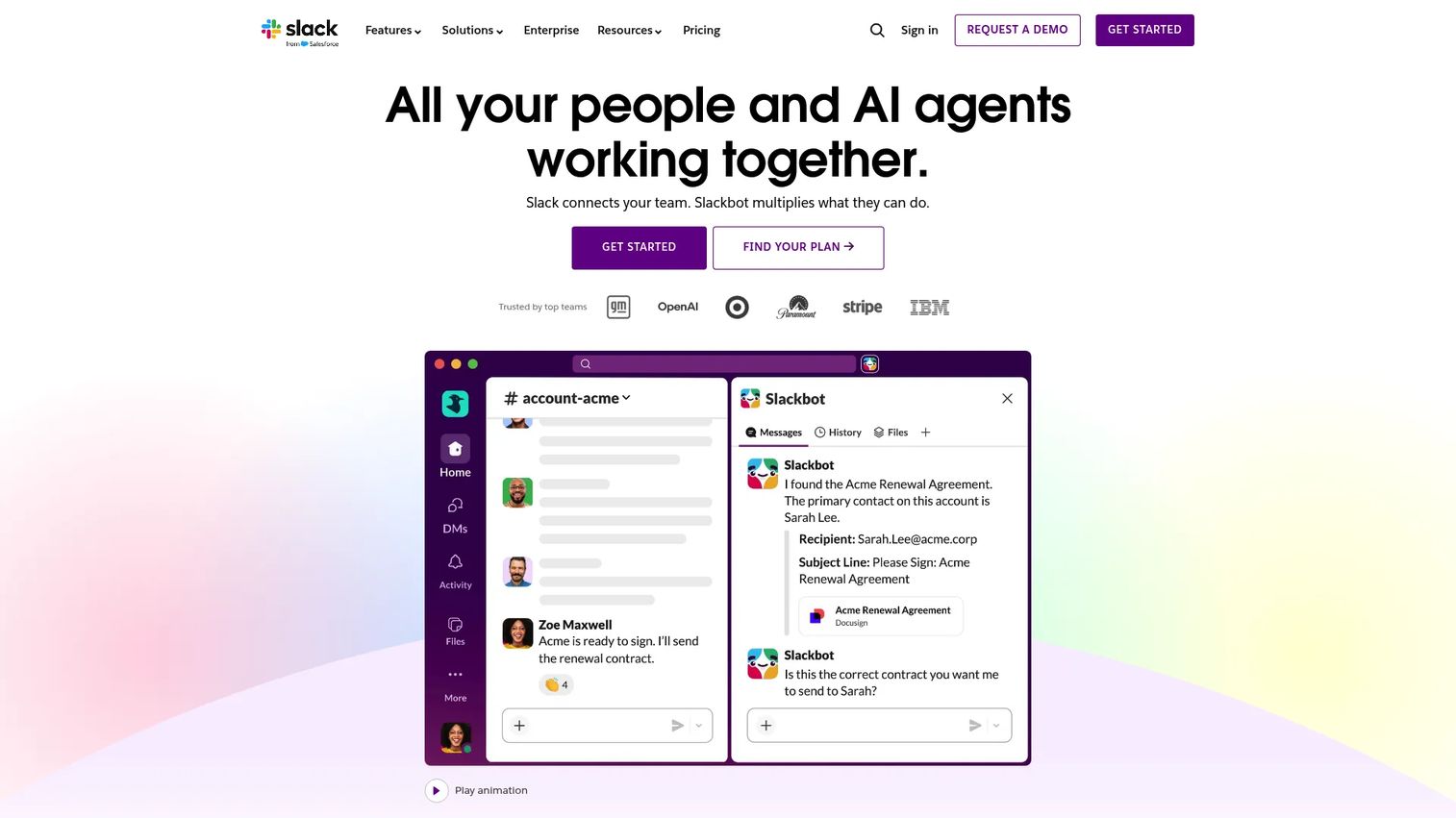
Slack is a channel-based work communication platform with integrated AI, workflow automation, and access to more than 2,600 app integrations. For newsrooms, it works as the fast communication layer connecting editorial desks, analytics alerts, CMS webhooks, and leadership updates. Huddles and clips support informal coordination; Slack Connect allows collaboration with external contributors or agency partners. AI summaries and recaps reduce the effort of catching up on missed conversations.
Best for: Teams that need a structured communication layer connecting editorial, product, audience, and leadership functions.
Key features
- Channel-based communication and searchable history
- Audio/video huddles and async clips
- AI summaries, search recaps, and workflow generation
- Workflow Builder with 2,600+ app integrations
- Enterprise security, SSO, SCIM, and audit logs
Why choose Slack: It fits as a coordination overlay on top of planning and publishing tools, not as a replacement for either. Its value comes from integration breadth rather than editorial-specific features.
Slack pricing: The Free plan covers 90-day message history and up to 10 apps. Pro runs $7.25/user/month (annual) or $8.75/user/month (monthly). Business+ is $15/user/month (annual) or $18/user/month (monthly). Enterprise pricing requires contact with sales.
G2 rating: 4.5/5
8. Matomo
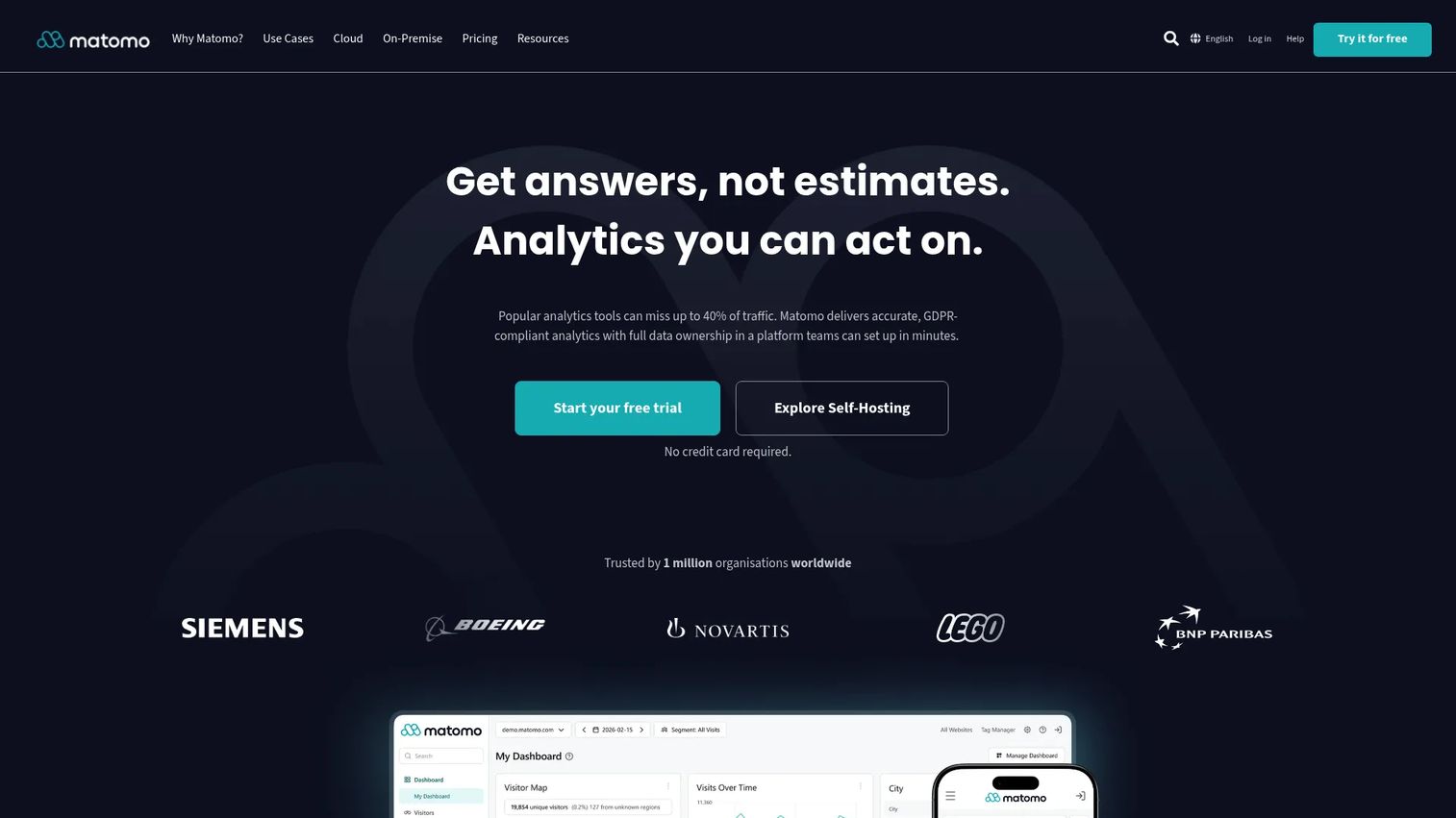
Matomo is a privacy-focused, open-source web analytics platform available as a cloud-hosted or self-hosted service. It gives newsrooms and publishers full data ownership, which is meaningful for editorial teams that want to understand audience behavior without routing reader data through third-party advertising infrastructure. According to the Worlds of Journalism Study 2025, about one-third of journalists often or always use online analytics tools to inform editorial decisions; Matomo serves that workflow with heatmaps, session recordings, conversion tracking, and funnel analysis alongside standard traffic reporting.
Best for: Publishers and newsrooms that want audience analytics with stronger data ownership and privacy controls than ad-platform analytics typically offer.
Key features
- Web and mobile analytics with real-time data
- Heatmaps and session recordings
- Conversion tracking, funnels, and ecommerce analytics
- Cloud-hosted or self-hosted deployment
- Privacy controls and data ownership
Why choose Matomo: The self-hosted option means reader data stays on your infrastructure, which matters for publishers operating in privacy-sensitive markets or under GDPR-adjacent obligations.
Matomo pricing: The Community plan is free (self-hosted). On-Premise paid plans start from €230/month (Team), €1,209/month (Business), and €2,834/month (Enterprise). Cloud pricing varies by traffic volume; a VIP tier is available at custom pricing.
G2 rating: 4.2/5
9. Rocket.Chat
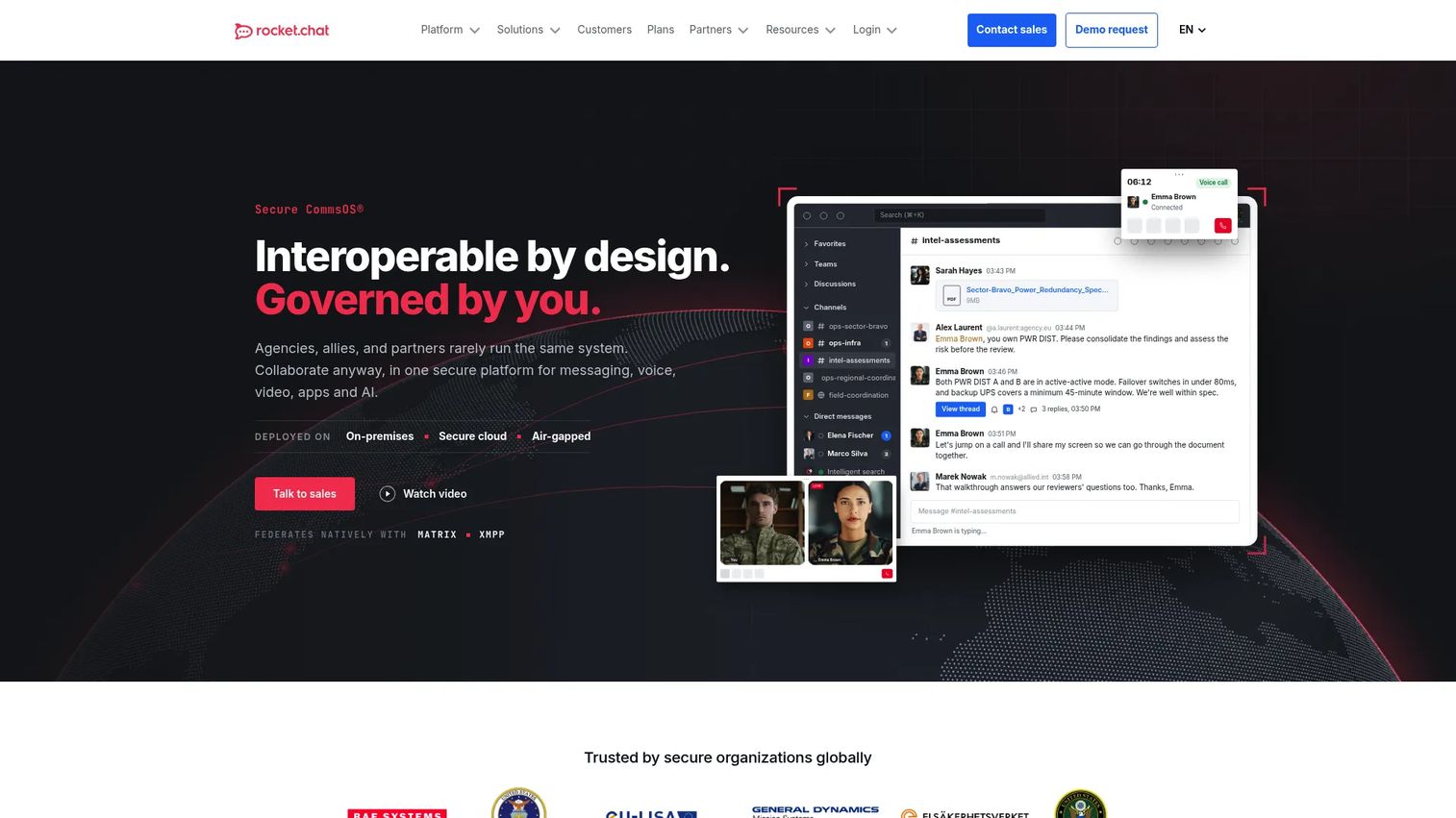
Rocket.Chat is a secure, open-source communications platform that combines messaging, voice, video, file sharing, and omnichannel customer engagement. It supports self-hosted, sovereign-cloud, and air-gapped deployment, giving privacy-sensitive newsrooms full control over communication data. Channels, direct messages, and threaded discussions are searchable; marketplace apps and custom integrations extend functionality. For distributed newsrooms that need a self-hosted alternative to commercial messaging platforms, Rocket.Chat is the clearest option in the open-source stack.
Best for: Distributed newsrooms and media organizations that need data-sovereign messaging with customizable integrations and self-hosting control.
Key features
- Channels, direct messages, and threaded discussions
- Self-hosted, sovereign-cloud, and air-gapped deployment
- Voice and video conferencing integrations
- Omnichannel engagement across chat, email, and messaging apps
- Marketplace apps and custom API integrations
Why choose Rocket.Chat: It replaces commercial messaging platforms where data ownership is a genuine operational requirement, not just a preference.
Rocket.Chat pricing: The Starter plan is free for up to 50 users. The Community plan is free and self-hosted for up to 100 concurrent users. Commercial, Government, and Defense plans are available at custom pricing.
G2 rating: 4.2/5
10. OpenRefine
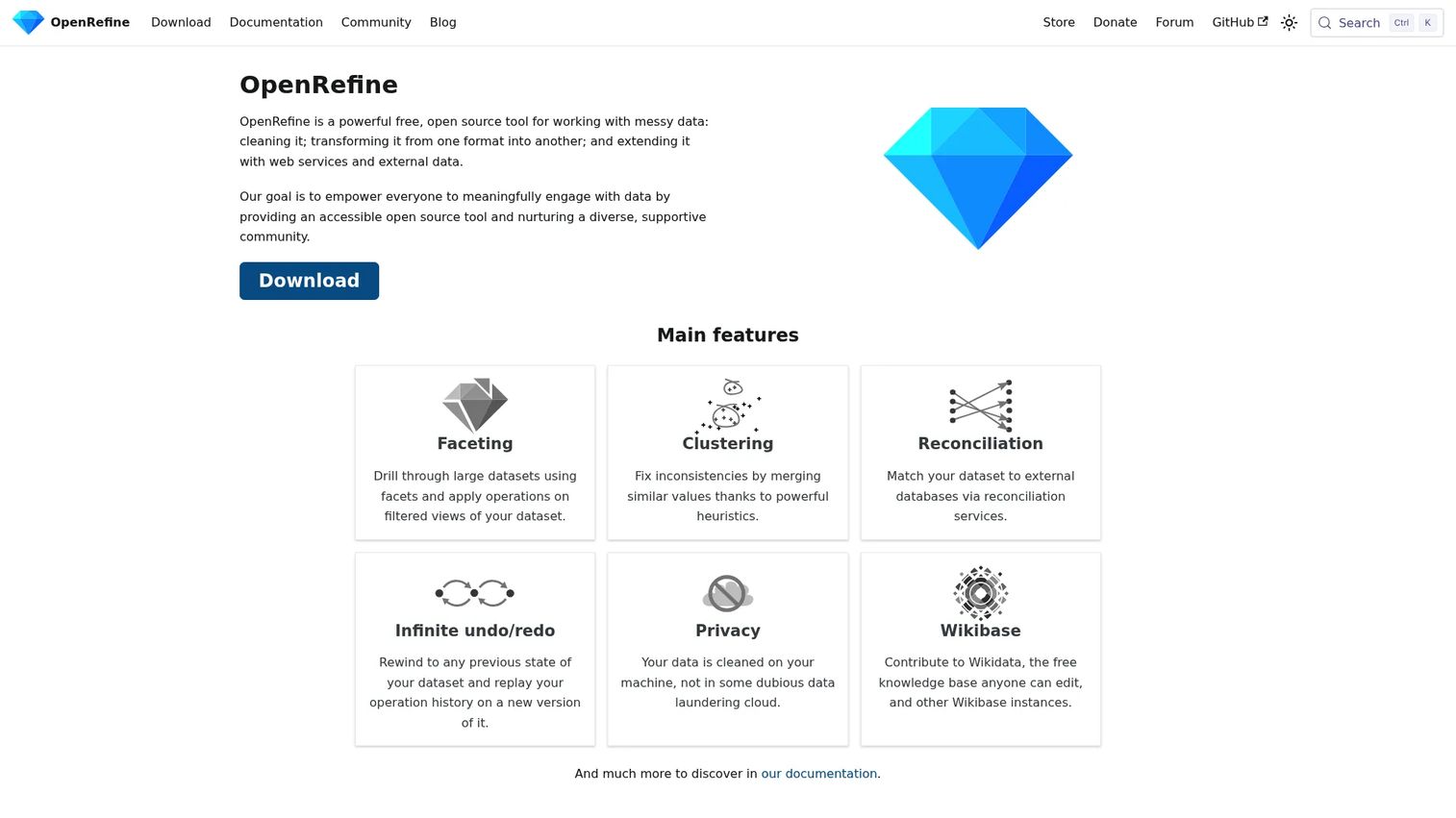
OpenRefine is a free, open-source tool for cleaning, transforming, reconciling, and enriching messy data. Data journalists and investigative reporters use it to prepare datasets for analysis or publication. Clustering identifies and merges similar values; reconciliation connects records to external databases and web services including Wikidata. All processing runs locally, so sensitive source data does not leave the reporter's machine.
Best for: Data journalists and investigative teams cleaning and preparing datasets before analysis or publication.
Key features
- Faceting and filtering for data exploration
- Clustering to identify and merge similar values
- Reconciliation with external databases and web services
- Infinite undo/redo for safe iteration
- Local processing for source data privacy
Why choose OpenRefine: It handles the messy data preparation step that typically precedes any investigative analysis, and it does so without sending data to a server.
OpenRefine pricing: Completely free and open-source with no paid tiers.
G2 rating: 4.6/5
11. Apache Airflow
Apache Airflow is an open-source platform for authoring, scheduling, and monitoring workflows programmatically. Technical newsroom teams use it to automate recurring publishing operations, data pipelines, and analytics workflows. Python-defined DAGs describe workflow logic; the web-based UI monitors task status and logs. Dynamic task mapping and extensible operator libraries make it adaptable to complex editorial data operations, including feeding structured content into AI-ready pipelines.
Best for: Technical newsroom teams with engineering support that need reliable automation for publishing, data, and analytics workflows.
Key features
- Python-defined workflow authoring (DAGs)
- Workflow scheduling and pipeline orchestration
- Web-based monitoring, logs, and troubleshooting
- Dynamic task mapping and data-driven scheduling
- Extensible operators and provider integrations
Why choose Apache Airflow: It is powerful and widely adopted, but it requires engineering ownership. Teams without a data engineer will find it difficult to operate without dedicated support.
Apache Airflow pricing: Free and open-source. Managed service options are available through cloud providers at their own pricing.
G2 rating: 4.4/5
12. LibreOffice
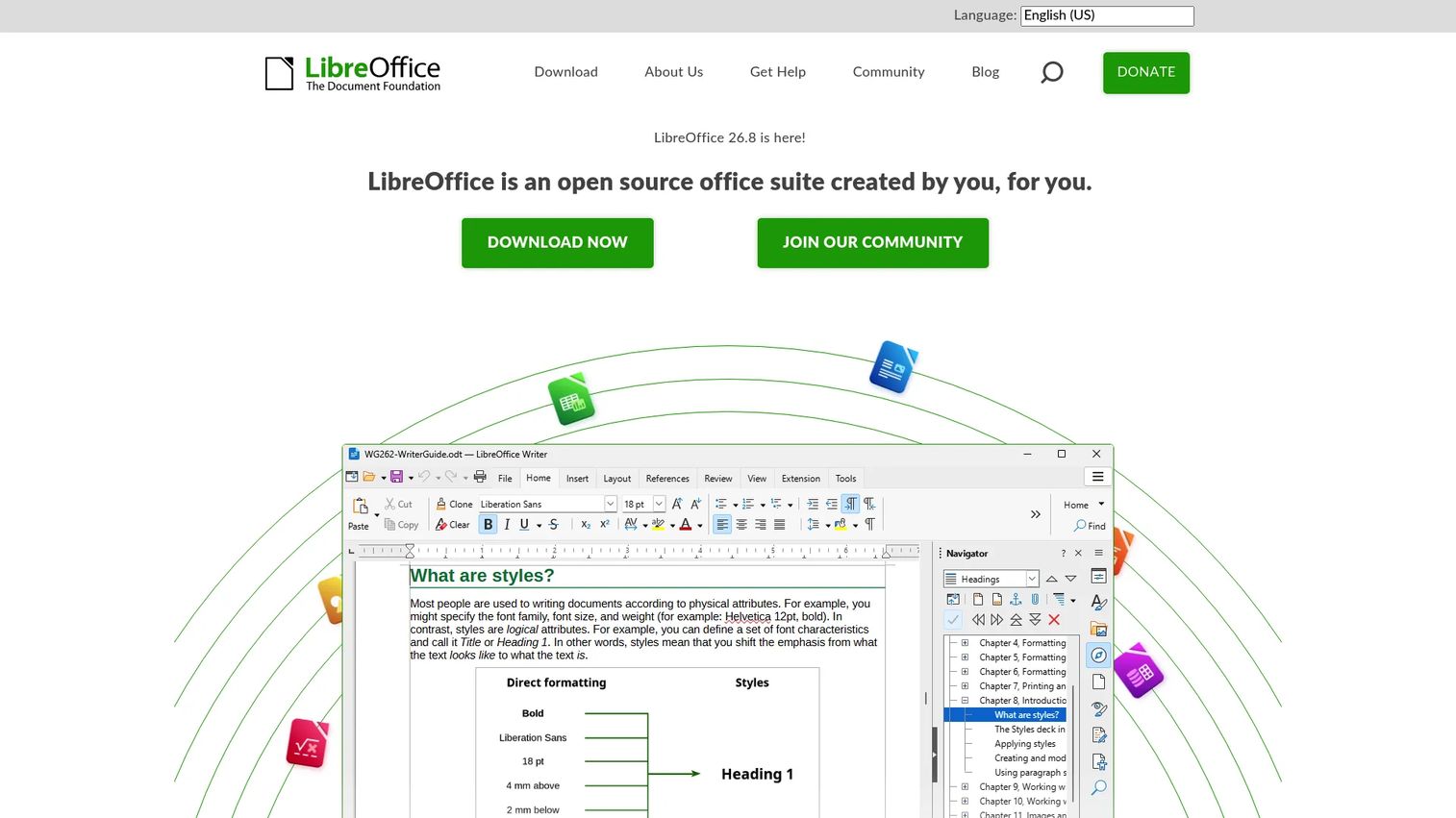
LibreOffice is a free, open-source office suite covering word processing (Writer), spreadsheets (Calc), presentations (Impress), and drawing tools (Draw). For newsrooms, it serves as the productivity layer for editorial documents, budget spreadsheets, internal reporting, and operational templates. It supports OpenDocument Format alongside Microsoft Office format compatibility, and PDF export is built in. For organizations wanting an open-source alternative to commercial suites, it covers the baseline without license fees.
Best for: Newsrooms and communications teams wanting open-source office productivity without subscription costs.
Key features
- Writer for documents and desktop publishing
- Calc for spreadsheets, analysis, and budget tracking
- Impress for presentations
- OpenDocument Format and Microsoft Office format support
- PDF export and extension support
Why choose LibreOffice: It works as the productivity baseline for drafts, internal documents, and planning spreadsheets. It does not replace a newsroom management platform, but it eliminates per-seat office suite costs.
LibreOffice pricing: Completely free with no license fees for business use.
G2 rating: 4.3/5
13. Jitsi Meet
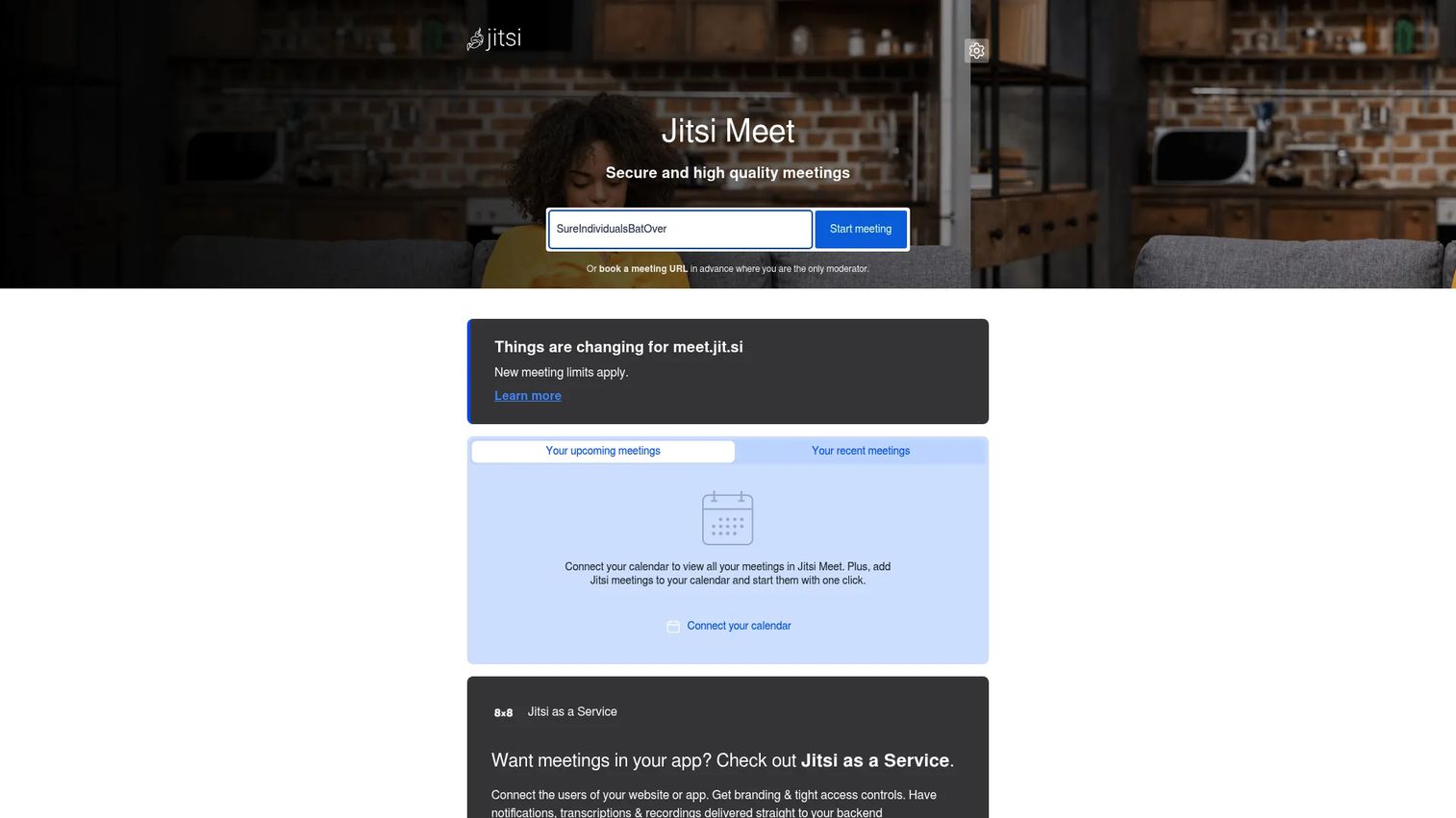
Jitsi Meet is a free, open-source video conferencing platform that works directly in the browser without requiring an account. Newsrooms use it for daily editorial standups, pitch meetings, contributor interviews, and distributed coverage planning. Password-protected rooms, screen sharing, and integrated text chat cover standard meeting requirements. Self-hosted deployment is available for teams that want control over meeting infrastructure.
Best for: Distributed editorial teams that need a low-cost, browser-accessible video meeting layer for recurring newsroom rhythms.
Key features
- HD audio and video, browser-based access
- Screen sharing and integrated text chat
- Password-protected meeting rooms
- Mobile apps for iOS and Android
- Self-hosting option and external API for embedding
Why choose Jitsi Meet: It removes the account-creation and license barriers that slow down contributor onboarding, and it can be self-hosted for teams with privacy requirements.
Jitsi Meet pricing: The hosted meet.jit.si service is free. Self-hosted deployments carry infrastructure costs but no software license fees.
14. Google Analytics

Google Analytics is a digital analytics platform measuring how audiences engage with websites and apps. For newsrooms, it provides traffic reporting, acquisition channel analysis, audience behavior data, and conversion tracking. Real-time reporting and automated insights help editorial teams understand which content is driving engagement. Predictive capabilities, custom explorations, and BigQuery export extend the platform for more sophisticated editorial analysis.
Best for: Newsrooms and publishers that need broad web analytics without adding a paid platform, particularly when Google Ads or Search Console is already part of the stack.
Key features
- Real-time reporting and audience insights
- Acquisition, engagement, and monetization reports
- Predictive capabilities and automated insights
- Custom explorations and funnel analysis
- BigQuery export and Google ecosystem integrations
Why choose Google Analytics: It is the lowest-friction entry point for audience measurement, especially for teams already using Google's advertising or search tools. For teams with stronger data ownership requirements, Matomo is the alternative to evaluate.
Google Analytics pricing: GA4 properties are free. Analytics 360 is an enterprise offering; pricing is not displayed on the product page and requires contact with Google sales.
G2 rating: 4.5/5
15. Microsoft Office

Microsoft 365 combines Office applications (Word, Excel, PowerPoint, Outlook, OneNote), cloud storage via OneDrive, Teams collaboration, and Microsoft Copilot AI features. For newsrooms and communications teams already standardized on Microsoft infrastructure, it provides the document and planning layer without requiring a separate tool. Editorial budget trackers, story briefs, and internal presentations live naturally in Excel and Word; Teams handles video meetings and channel communication at scale.
Best for: Newsrooms and communications teams that already operate on Microsoft 365 and want to keep the productivity layer inside an existing enterprise agreement.
Key features
- Word, Excel, PowerPoint, and Outlook desktop apps
- OneDrive cloud storage and file sharing
- Microsoft Teams video calling and channel collaboration
- Microsoft Copilot AI features across applications
- Identity, data, and device security controls
Why choose Microsoft Office: It earns its place when the team is already licensed and the integration with enterprise IT infrastructure is a buying requirement. Larger teams still need dedicated planning, publishing, or broadcast systems on top of it.
Microsoft 365 pricing: Personal plans start at $9.99/month or $99.99/year. Family plans (up to six users) run $12.99/month or $129.99/year. Microsoft 365 Premium is $19.99/month or $199.99/year. Office Home 2024 is a one-time purchase at $179.99.
Considerations when choosing newsroom management software
Workflow fit beats feature volume
A broadcaster, a digital publisher, a data team, and a communications team have fundamentally different daily workflows. A long feature list matters less than whether the tool reduces the specific coordination cost your team pays today. Map the workflow that breaks most often before evaluating any product.
Integrations decide whether adoption sticks
The tools editorial teams already use (CMS, DAM, analytics, chat, automation, teleprompters, graphics systems) determine whether a new platform creates a source of truth or another silo. Ask about the first five integrations before signing anything. Vendors with strong API documentation are easier to evaluate honestly.
Migration risk matters more than demo polish
Phased rollout, parallel workflows, training, and permissions design all affect whether a newsroom survives a platform change. For founders and operators, a failed editorial migration is costly in both team time and editorial output. Prioritize vendors that can show a structured implementation path, not just a polished product demo.
Data ownership changes the buying decision
Self-hosting, analytics ownership, and editorial data portability matter for publishers handling sensitive sources or strategy decisions. Open-source tools (Superdesk, Matomo, Rocket.Chat) give stronger data control at the cost of technical ownership. Cloud platforms offer lower maintenance at the cost of dependency on vendor infrastructure and pricing changes.
Pricing should match operating scale
Seat-based pricing, implementation fees, support costs, hosting, and integration work all contribute to total cost of ownership. Ask vendors about what drives the final number: Seat count, publishing volume, storage, or support tier. A tool that earns its place in the stack within the first quarter of use is the right benchmark.
Conclusion
Modern newsroom management is not only about publishing faster. It is about creating a source of truth for planning, production, collaboration, and audience feedback so the team can scale without senior editors manually stitching the workflow together.
For digital newsroom platform needs, Superdesk is the strongest open-source option. MediaCentral and Avid iNEWS serve broadcast newsrooms with integrated production and control-room workflows. Kordiam earns its place for teams whose primary pain is editorial planning and coordination without a full CMS migration. On the analytics side, Matomo gives privacy-sensitive publishers data ownership, while Google Analytics serves teams that need baseline traffic measurement at no cost. Rocket.Chat and Jitsi Meet cover self-hosted communication and conferencing for distributed teams. Apache Airflow and OpenRefine address the technical workflows that increasingly sit at the center of data-driven editorial operations.
Start by mapping the workflow that breaks most often: Planning, production, publishing, collaboration, analytics, or automation. Shortlist tools that fix that workflow first. Add complementary components after the core is stable.
If your team also sells or markets complex software, interactive product experiences can help buyers understand workflows before a live call. Start your journey with Guideflow today!
FAQs
Newsroom management software helps editorial teams plan, assign, produce, publish, coordinate, and measure content across digital, broadcast, print, and owned channels. It serves as the coordination layer between editorial planning and publication, giving teams shared visibility into story status, contributor workloads, and channel priorities. The category ranges from full newsroom platforms to modular stack components covering collaboration, analytics, and automation.
A CMS publishes content; newsroom management software coordinates the work that happens before and around publication. A CMS handles formatting, metadata, and delivery to readers. A newsroom platform manages story planning, assignment tracking, desk coordination, and editorial workflow. Some platforms, including Superdesk, combine both functions in one system; most teams use them as connected but separate layers.
A newsroom computer system (NRCS) is purpose-built for broadcast production. It handles script writing, rundown creation, on-air timing, and control-room coordination. Scripts written in the NRCS connect to teleprompters, graphics systems, automation servers, and video playout. Avid iNEWS is the most widely deployed NRCS in television broadcast; MediaCentral integrates NRCS functions with broader media asset management.
Superdesk is the strongest choice for digital publishers that need a full editorial platform with open-source flexibility and API-first architecture. Kordiam is the better fit for teams that need a dedicated planning and coordination layer on top of an existing CMS rather than replacing it. The deciding factor is whether the primary pain is publishing infrastructure or editorial coordination.
MediaCentral handles integrated story production, rundown management, and playout. Avid iNEWS (MediaCentral Newsroom Management) is the established NRCS for script writing and control-room coordination. Wolftech covers story-centric planning and resource management across the newsroom. Wolftech Go extends those workflows to field reporters on mobile devices. Broadcast teams typically combine an NRCS with a planning layer rather than relying on a single tool for all functions.
Yes, but open-source stacks require technical ownership that closed platforms absorb. Superdesk covers the full editorial and publishing workflow. Matomo handles audience analytics with self-hosted data control. Rocket.Chat provides messaging and collaboration. OpenRefine supports investigative data work. Apache Airflow automates publishing and data pipelines. LibreOffice and Jitsi Meet round out productivity and conferencing. The tradeoff is that each component needs an owner responsible for deployment, updates, and integration maintenance.
A unified platform reduces integration overhead and gives leadership a single view of editorial operations, but it requires committing to one vendor's roadmap and migration path. A modular stack lets each team use the best tool for their specific job, but it creates more connection points to manage and more risk of data fragmentation. Teams with limited engineering resources and fast timelines tend to do better with a focused platform. Teams with stronger technical ownership and specific requirements in each category get more from a well-integrated stack.
The price range is wide. Open-source tools (Superdesk Community, Matomo, Rocket.Chat, OpenRefine, Apache Airflow, LibreOffice, Jitsi Meet) are free to download but carry infrastructure and maintenance costs. Kordiam starts at $263/month for small teams. Superdesk's managed plans start at 350€/month. Broadcast platforms from Avid price by quote based on seat count, deployment model, and integration scope. Always ask vendors about implementation fees, support costs, hosting, and migration before comparing headline prices.