Your project plan says the work is on track. Finance says margin is slipping. Delivery says resource capacity changed two weeks ago. Nobody is lying. The systems are just telling different stories.
This disconnect is the core problem project-based companies hit when they outgrow disconnected tools. Project managers catch budget risk too late. Finance reconciles costs manually at month-end. Revenue recognition runs on fragile spreadsheets. Resource planning treats staffing as a scheduling problem instead of a financial one. The result: Executives cannot trust project margin forecasts, and nobody agrees on which system holds the truth.
Project based ERP software fixes that by making the project the central financial and operational unit. The market is growing fast: Cloud deployments now account for 52.12% of the project-based ERP market, and the overall segment is projected to reach USD 4.65 billion by 2031 at a 10.67% CAGR, according to Mordor Intelligence (2026).
This guide compares 13 of the strongest options available in 2026, so you can build an honest shortlist before your first vendor demo.
What's inside
This guide covers 13 project based ERP software systems for 2026. Tools were selected based on SERP coverage, real project-centric ERP fit, industry breadth, and buyer usefulness across professional services, government contracting, construction, and manufacturing.
Evaluation criteria:
- Project accounting and job costing depth
- Billing, revenue recognition, and profitability reporting
- Resource planning and utilization visibility
- Industry fit and implementation complexity
- Cloud deployment, integrations, and reporting capabilities
Pricing and G2 ratings reflect verified data sourced from each vendor's pricing page and G2 listing.
TL;DR
- Best for mid-market project-centric companies: Acumatica, for flexible cloud ERP spanning project accounting, distribution, manufacturing, and field service
- Best for architecture and engineering firms: Deltek Vantagepoint, purpose-built for A&E project lifecycle management from pursuit through close
- Best for government contractors: Deltek Costpoint, with Unanet and JAMIS Prime ERP also strong for contract-driven project accounting
- Best for finance-led project profitability: Sage Intacct, with dimensional reporting and multi-entity financial visibility
- Best for enterprise asset-heavy projects: IFS, for organizations where delivery depends on assets, field service, and supply chain
- Best for Salesforce-centric services teams: Certinia, for PSA and project financials that live natively on Salesforce
What is project based ERP software?
Project based ERP software is an enterprise resource planning system built around projects as the core financial and operational unit. Unlike traditional ERP, which organizes data around products, departments, or inventory, project-based ERP treats each project as its own profit center. Every cost, resource, billing event, and revenue recognition entry ties back to a specific project.
This distinction matters for companies where delivery drives revenue. A consulting firm, government contractor, or construction company does not ship inventory on a schedule; it completes engagements, phases, or contracts. That means the ERP must track financial performance at the project level, not just the entity level.
Key capabilities to look for:
- Project accounting and WBS job costing
- Budgeting and forecasting by phase or contract
- Resource planning and utilization tracking
- Time and expense capture linked to project codes
- Billing: Milestone, time-and-materials, fixed-fee, or percent-complete
- Revenue recognition (including ASC 606 alignment)
- Procurement and materials tracking per project
- Project profitability dashboards
- Compliance and audit controls
- Integrations with CRM, payroll, procurement, and BI tools
How project based ERP differs from adjacent tools:
Project management software (Jira, Asana) tracks tasks, timelines, and team collaboration. PSA tools handle services delivery and resource scheduling. General accounting software manages the ledger. Project based ERP connects all of these workflows to financial control, so delivery decisions and billing events update the same data model that finance uses to close the books and report project margin.
For SaaS product and operations leaders, selecting ERP is a system-design decision: The right choice determines how implementation, onboarding, resource planning, and customer-facing commitments connect to your financial instrumentation.
When to use project based ERP software
Control project margin before month-end close
Project-centric companies need cost visibility while work is still in motion, not after the fact. Labor, subcontractors, materials, overhead, change orders, billing milestones, and revenue timing all affect project margin in real time. When those inputs live in separate systems, finance teams spend month-end reconciling rather than analyzing. Project based ERP gives delivery teams and finance a shared data model so margin surprises surface during execution rather than after close.
Connect resource planning to financial outcomes
PMs and delivery leaders who treat staffing as a scheduling problem miss the financial picture. A resource placed on the wrong project, or a utilization gap left unfilled for two weeks, has direct margin consequences. Project based ERP ties utilization, capacity forecasting, and bench time to project budgets, so staffing decisions carry financial weight from the start rather than showing up as variances at the end of the quarter.
Standardize complex project delivery across teams
As delivery teams grow, ad hoc estimating, inconsistent approvals, and scattered audit trails compound risk. Project based ERP supports repeatable estimating, phase templates, project cloning, and approval workflows that keep delivery consistent across geographies and business units. This matters for SaaS implementation teams managing multiple customer engagements, A&E firms running concurrent projects, government contractors maintaining DCAA-oriented audit trails, and construction companies managing subcontractors across job sites.
Project based ERP software comparison
The table below covers all 13 tools with verified pricing and G2 ratings. For tools where the vendor does not post prices, pricing is noted as custom, based on confirmed first-party sourcing.
| # | Product | Best for | Key differentiator | Pricing | G2 rating |
|---|---|---|---|---|---|
| 1 | Acumatica | Mid-market project-centric companies | Flexible cloud ERP with broad vertical coverage | From $1,495/mo (APEX for Distribution) | 4.4/5 |
| 2 | Deltek Vantagepoint | A&E and consulting firms | Purpose-built project lifecycle for professional services | Custom pricing | 4.1/5 |
| 3 | Deltek Costpoint | Government contractors | Contract accounting and DCAA-oriented compliance | From $800/mo (Essentials) | 4.2/5 |
| 4 | NetSuite | Scaling multi-entity companies | Broad cloud ERP with project financials and PSA | Custom pricing | 4.1/5 |
| 5 | Sage Intacct | Finance-led project businesses | Dimensional financial reporting and multi-entity accounting | Custom pricing | 4.3/5 |
| 6 | Unanet | GovCon and A&E firms | Project accounting plus optional CRM in one platform | Custom pricing | 4.2/5 |
| 7 | IFS | Asset-heavy enterprise projects | Enterprise project, asset, and field service operations | Custom pricing | 4.3/5 |
| 8 | JAMIS Prime ERP | Government contractors | Cloud ERP with contract accounting and labor distribution | Custom pricing | 4.5/5 |
| 9 | Microsoft Dynamics 365 | Microsoft-centric organizations | ERP and project operations across the Microsoft stack | From $65/user/mo (Sales Professional, billed annually) | Not verified |
| 10 | SYSPRO | Project-based manufacturers | Manufacturing ERP with project cost control | Custom pricing | 4.1/5 |
| 11 | Unit4 | People-centric services organizations | ERP for professional services, public sector, and nonprofits | Custom pricing | 4.1/5 |
| 12 | Certinia | Salesforce-centric services teams | PSA and project financials native to Salesforce | Custom pricing | 4.1/5 |
| 13 | Sage Construction | Construction companies | Construction financials, estimating, and job costing | Custom pricing | Not verified |
Best 13 project based ERP software for 2026
1. Acumatica
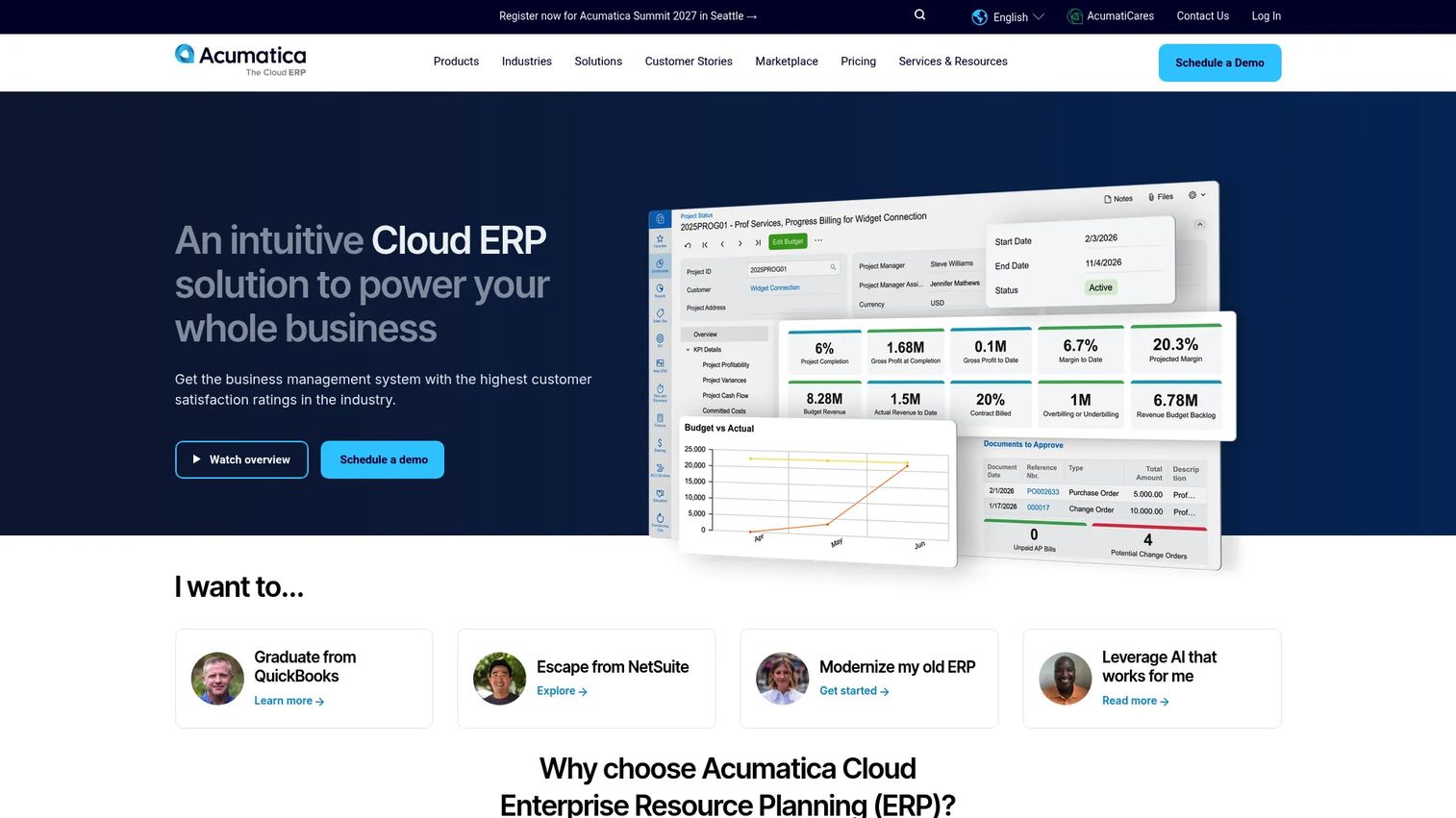
Acumatica is a cloud ERP and business management platform for growing small and midsize companies. It covers project accounting, financial management, CRM, inventory, and operations across editions built for distribution, manufacturing, construction, and field service. The platform uses a consumption-based pricing model, so cost scales with business usage rather than seat count. For product and operations leaders evaluating ERP as infrastructure for delivery and finance, that model reduces the adoption-risk calculation during early rollout.
Best for: Mid-market companies that need project financials alongside distribution, manufacturing, or construction workflows in one cloud system.
Key features
- Project accounting with cost tracking, billing, and profitability
- Job cost tracking with time, expense, and budget visibility
- Cloud ERP with flexible deployment options
- Construction and manufacturing editions available
- Role-based dashboards and business intelligence
Why choose Acumatica: Strong fit when the company needs project financials without locking into a narrow vertical system. The breadth of editions means growing teams can expand into new operational areas without a migration, but that breadth also means configuration decisions require careful implementation planning.
Acumatica pricing: APEX for Distribution starts under $1,495 per month; APEX for Manufacturing starts under $2,185 per month. Standard Acumatica pricing is custom and depends on applications selected and business usage volume.
G2 rating: 4.4/5
2. Deltek Vantagepoint
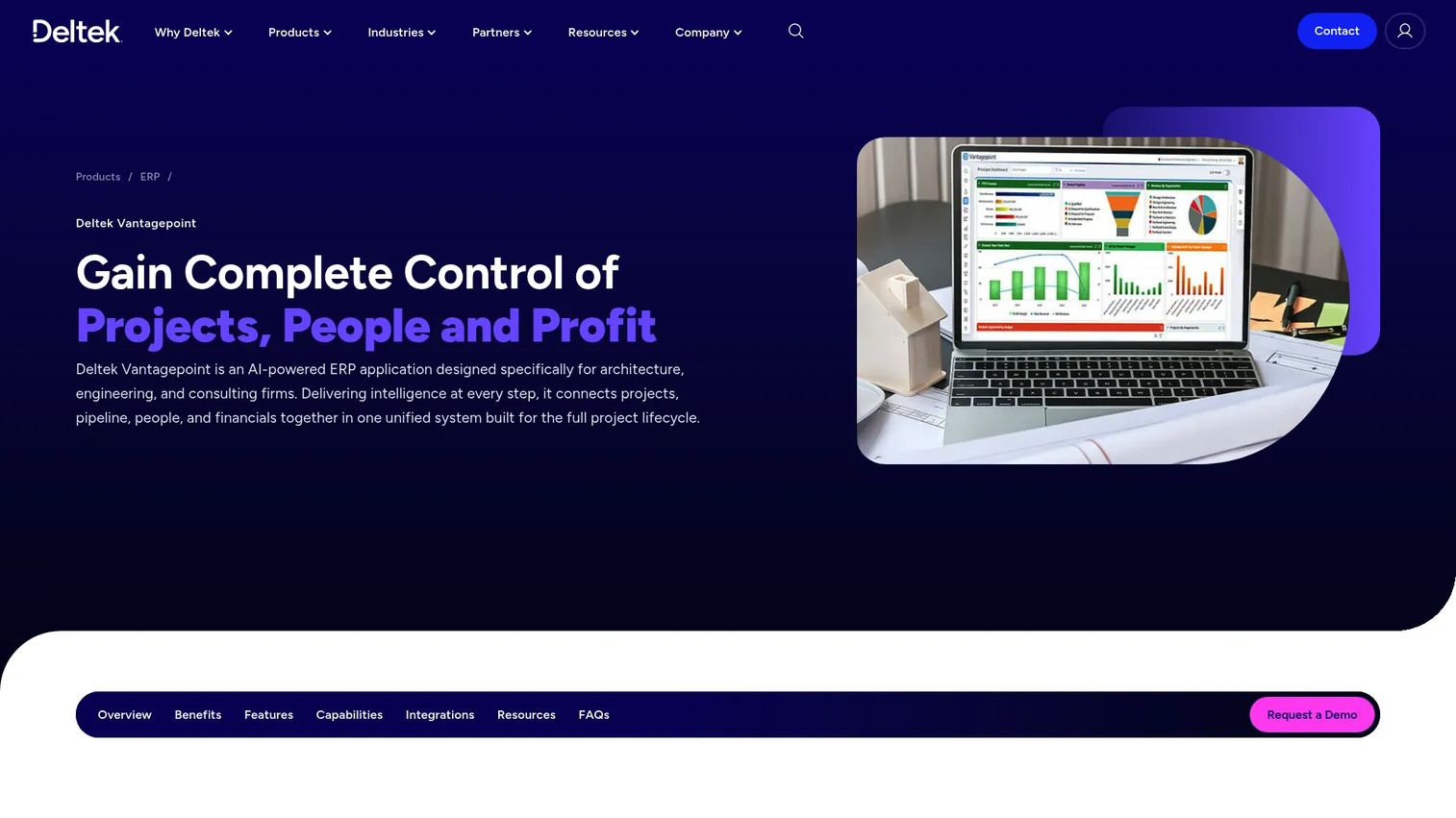
Deltek Vantagepoint is an ERP system built specifically for architecture, engineering, consulting, and other project-based professional services firms. It covers the full project lifecycle from pipeline and pursuit management through planning, resource scheduling, delivery, billing, and financial reporting. The platform includes AI-powered intelligence through its Dela feature, which supports automated workflows, forecasting, and project insights.
Best for: A&E and consulting firms that manage client projects from business development through financial close.
Key features
- CRM and pipeline management for project pursuit
- Resource management and staffing forecasts
- Project accounting, billing, and invoicing
- AI-powered insights with Dela
- Automated approvals and workflow management
Why choose Deltek Vantagepoint: Strong fit when project delivery and business development need to live in the same operational data model. It is most relevant for professional services firms where winning work and delivering work are tightly connected. Organizations outside A&E or consulting workflows may find the industry-specific depth more than they need.
Deltek Vantagepoint pricing: Pricing requires a quote from Deltek. Buyers typically need to specify user count, modules, implementation scope, and support level. Reviewer-reported ranges on G2 suggest enterprise agreements, though specific figures vary by configuration.
G2 rating: 4.1/5
3. Deltek Costpoint
Deltek Costpoint is an intelligent ERP platform built specifically for government contracting, aerospace, and defense organizations. It covers project accounting, contract management, indirect rate management, timekeeping, procurement, human capital management, payroll, and manufacturing. A Costpoint Essentials package is available for smaller government contractors, while full Costpoint serves larger program-driven organizations.
Best for: Government contractors managing complex contracts, indirect cost pools, audit requirements, and project financial traceability.
Key features
- Financial management and project accounting
- Indirect rate management and cost pool tracking
- Time and expense management tied to contract codes
- Contract management and procurement workflows
- DCAA-oriented compliance controls and audit support
Why choose Deltek Costpoint: Strong fit for organizations where contract compliance and project financial control are as operationally important as delivery execution. Using Costpoint does not guarantee compliance with any regulation, but it provides the instrumentation and audit trail that government contractors depend on. Buyers should validate module selection against their specific contract portfolio before committing.
Deltek Costpoint pricing: Costpoint Essentials starts at $800 per month, with licenses and implementation included in the package. Full Costpoint pricing requires contacting Deltek directly, as it varies by modules, users, and contract complexity.
G2 rating: 4.2/5
4. NetSuite
NetSuite is an AI-powered cloud ERP and business management platform for growing and enterprise-scale organizations. It covers financial management, multi-entity consolidation, inventory, supply chain, CRM, professional services automation, and analytics. Project-based companies often evaluate NetSuite when they need broader ERP coverage beyond just project accounting, including global operations, multi-currency, and cross-entity reporting.
Best for: Scaling multi-entity companies that want project financials inside a broader cloud ERP system with global capabilities.
Key features
- Cloud financial management and multi-entity consolidation
- Project accounting and professional services automation
- Revenue management with recognition rules
- SuiteAnalytics reporting and embedded dashboards
- CRM, inventory, and supply chain in one platform
Why choose NetSuite: Strong fit when the company needs more than project accounting alone. The platform supports a wide range of business functions, which reduces the number of point solutions the team maintains. Implementation planning should account for process design, data migration, and role-based adoption across finance, delivery, and operations.
NetSuite pricing: NetSuite prices by annual license, which includes the core platform, optional modules, and user count, plus a one-time implementation fee.
G2 rating: 4.1/5
5. Sage Intacct
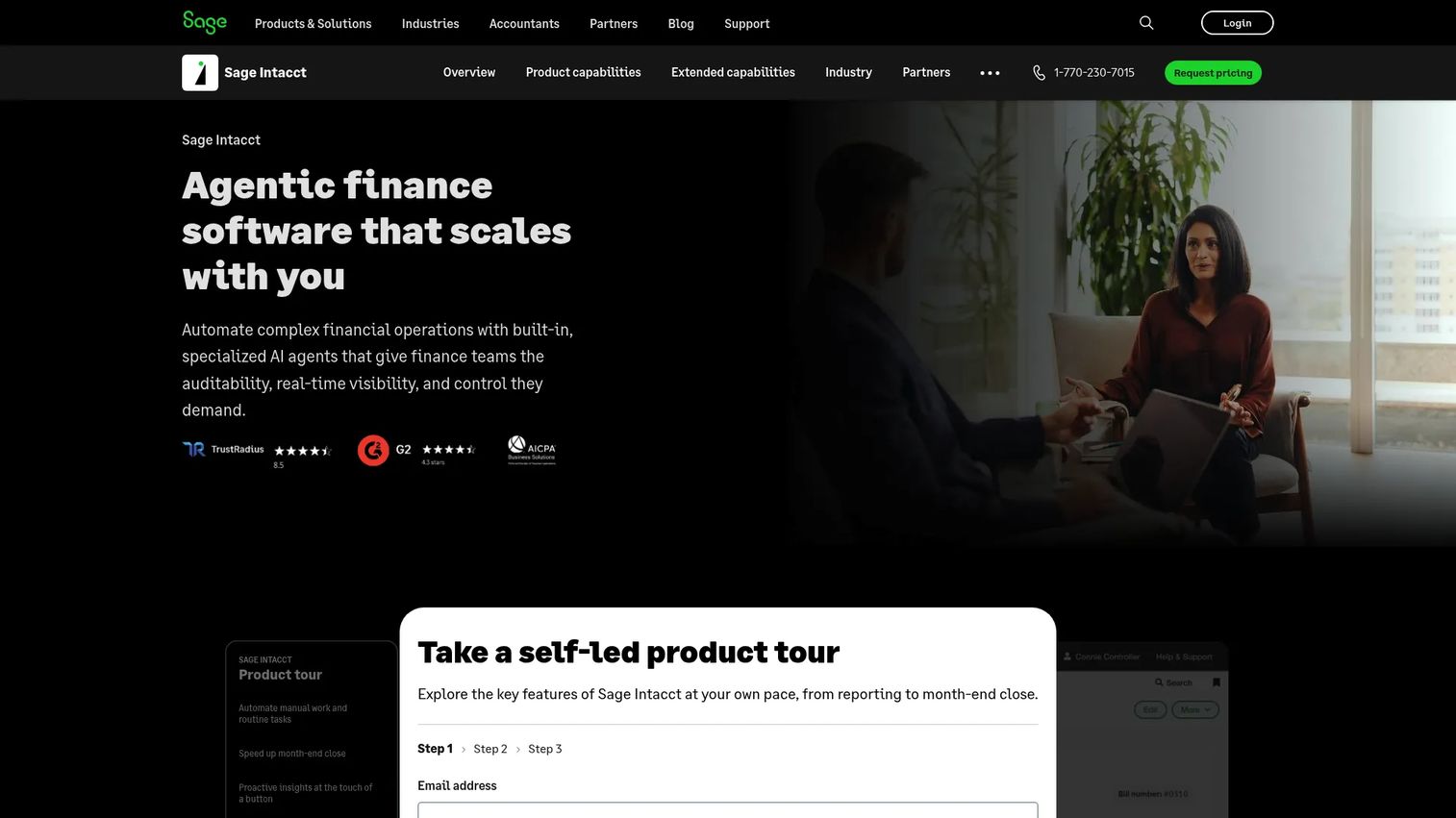
Sage Intacct is an AI-powered cloud financial management platform used by growing and mid-sized organizations across professional services, nonprofit, and project-centric finance teams. Its dimensional reporting engine lets finance teams slice data by project, department, location, or any custom dimension without needing a data warehouse. The platform includes multi-entity accounting, AP and AR automation, and AI agents for finance intelligence and close management.
Best for: Finance-led project organizations that need stronger reporting, project margin visibility, and multi-entity financial control.
Key features
- Multi-entity accounting and consolidation
- Dimensional reporting, dashboards, and analytics
- Project accounting with budget and actual tracking
- Revenue recognition with configurable rules
- AI agents for AP automation and financial close
Why choose Sage Intacct: Strong fit when the biggest operational pain is financial visibility and reporting rather than field execution or complex manufacturing workflows. Buyers should validate that resource planning and operational workflow requirements are met, since Sage Intacct is primarily a financial management system and may require integration with a dedicated PSA or project management tool for full delivery coverage.
Sage Intacct pricing: Sage customizes pricing based on organization size, entities, modules, and users. Annual subscriptions are standard. Contact sales for a quote.
G2 rating: 4.3/5
6. Unanet
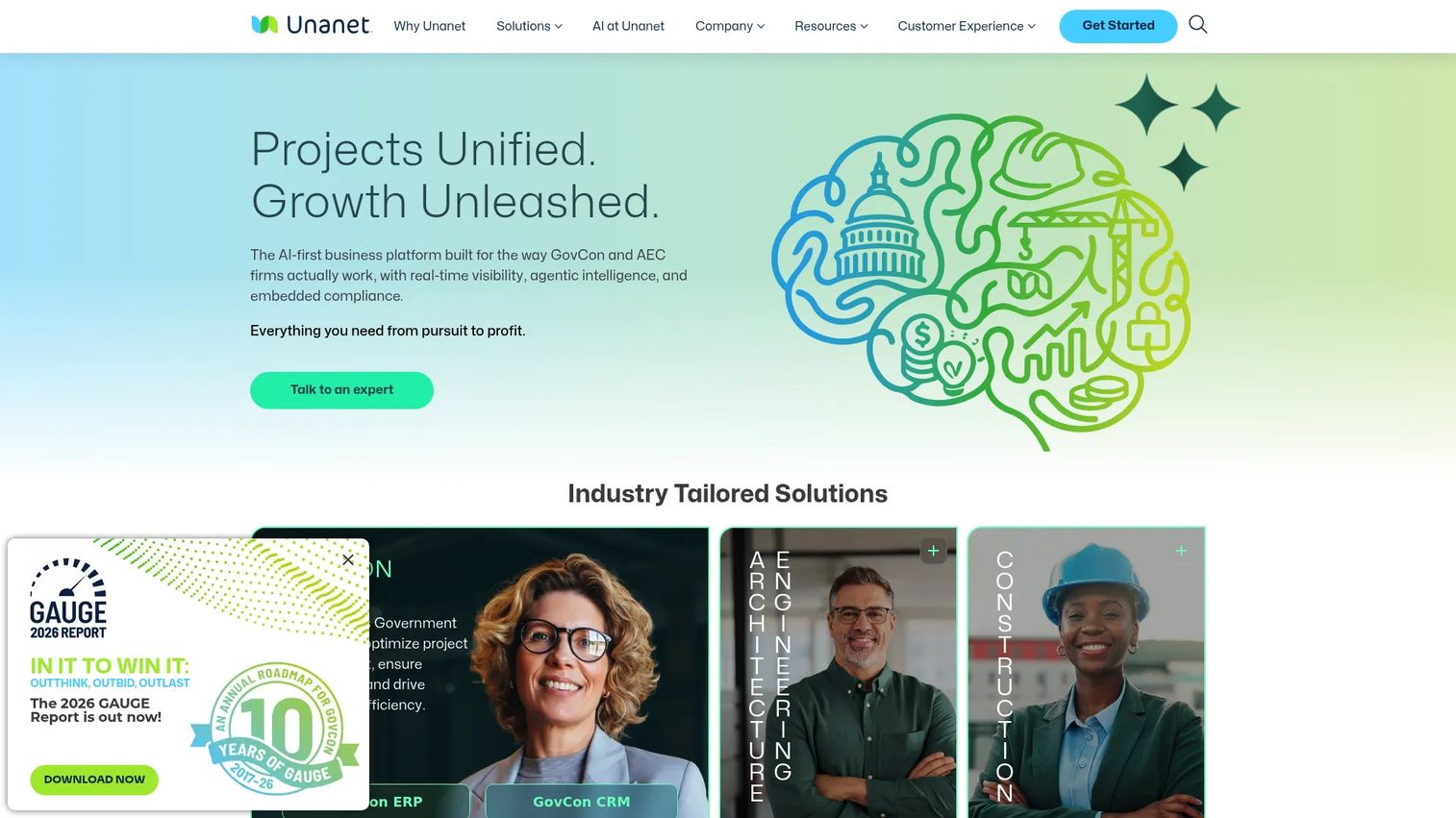
Unanet provides project-based ERP and CRM software for government contractors, architecture and engineering firms, and other project-driven organizations. The platform covers project accounting, resource planning, time and expense management, budgeting, forecasting, and contract reporting. Unanet also offers an optional CRM module, which lets teams manage the full engagement lifecycle from pursuit to project close within one system.
Best for: GovCon and A&E firms that need integrated project accounting with industry-specific workflows and optional CRM in one platform.
Key features
- Project accounting and financial management
- Resource planning and utilization management
- Time and expense management linked to project codes
- Budgeting, forecasting, and contract reporting
- Optional CRM for pipeline and opportunity tracking
Why choose Unanet: Strong fit when teams want a project-based ERP built for contract and professional services realities without assembling separate accounting and CRM tools. Buyers should clarify which ERP and CRM modules they need before selecting a package, since the combined footprint affects both cost and implementation scope.
Unanet pricing: Contact Unanet sales to get a quote based on users, modules, and your contract portfolio.
G2 rating: 4.2/5
7. IFS
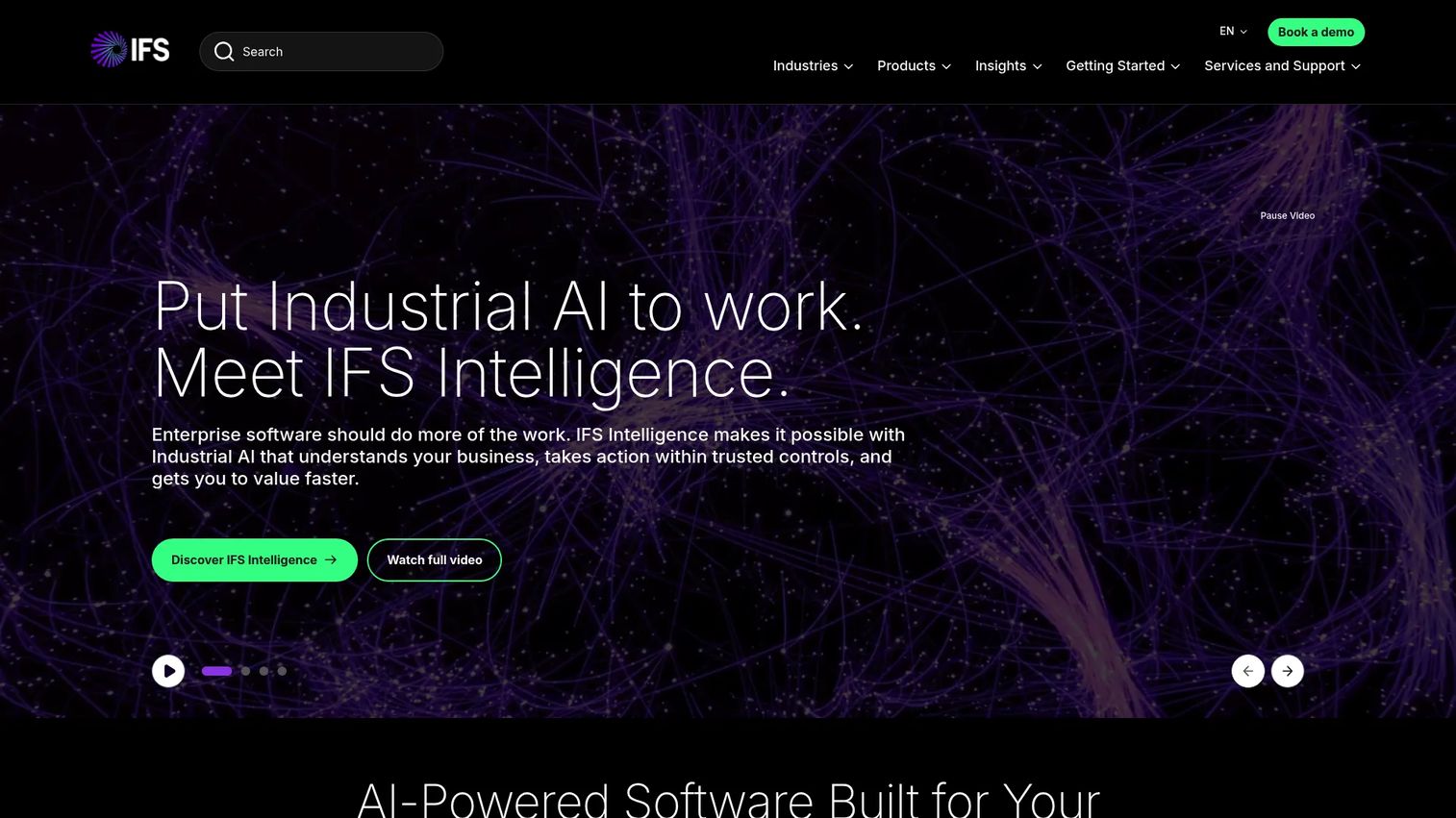
IFS Cloud is a composable enterprise platform that unifies ERP, enterprise asset management, field service management, supply chain management, and embedded Industrial AI. It is built for asset-intensive, service-led industries including manufacturing, energy, aerospace, construction, transportation, and telecommunications. Project delivery in IFS connects assets, service operations, procurement, and global financials in a single data model.
Best for: Enterprise companies managing complex projects where delivery depends on assets, service operations, and supply chain working together.
Key features
- Enterprise resource planning with global financials
- Enterprise asset management and maintenance tracking
- Field service management and work order control
- Supply chain management and procurement
- Embedded Industrial AI and predictive analytics
Why choose IFS: Strong fit when project delivery cannot be separated from asset performance, field service, or manufacturing execution. The enterprise depth typically means a more involved evaluation and implementation process, so buyers should validate implementation partner availability and total cost of ownership alongside license scope.
IFS pricing: Pricing depends on modules, users, geographies, and implementation scope. Contact IFS or an authorized partner for a detailed quote.
G2 rating: 4.3/5
8. JAMIS Prime ERP
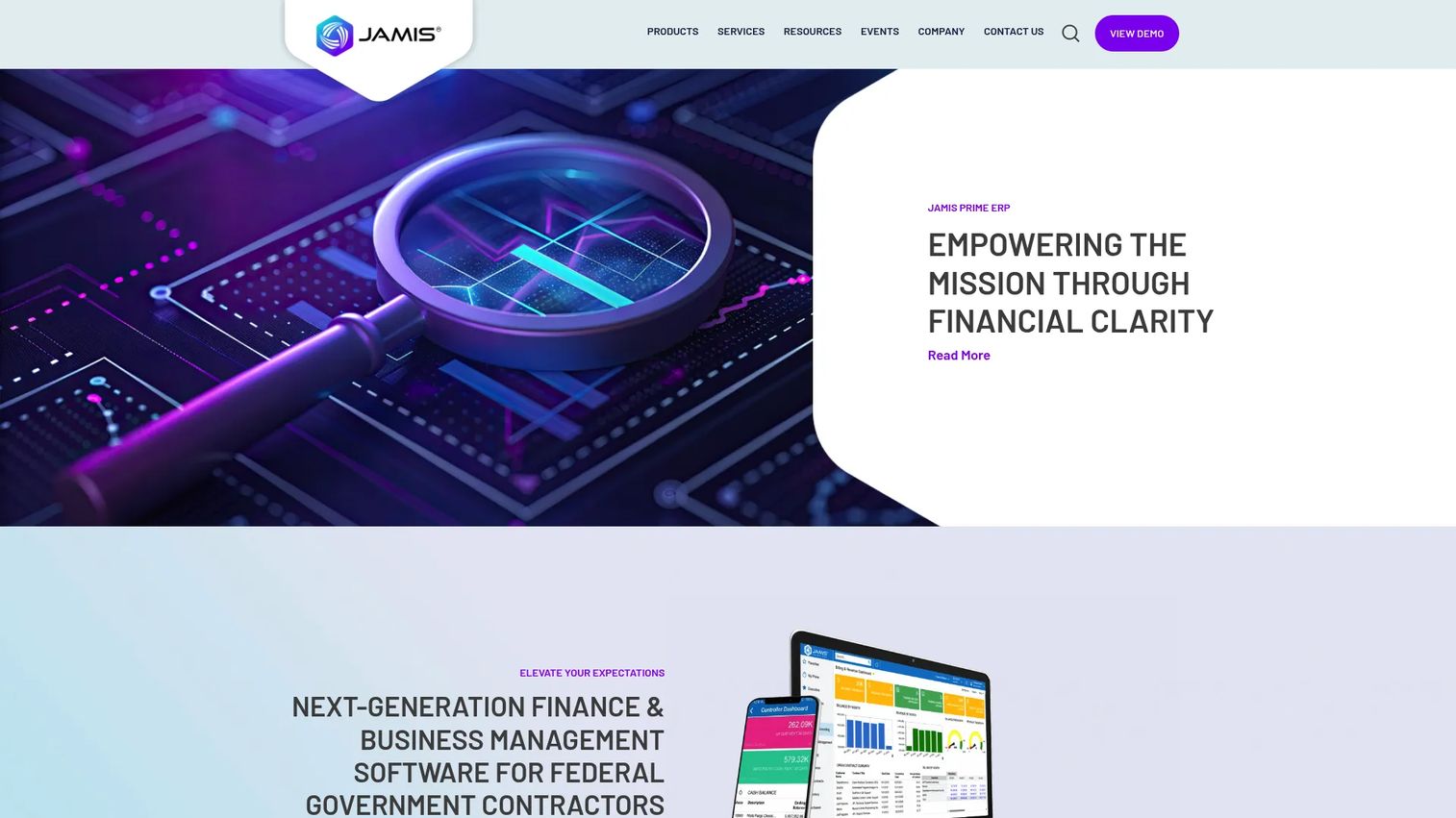
JAMIS Prime ERP is cloud ERP software designed for government contractors and project-focused organizations. It covers project accounting, contract management, labor distribution, billing management, time and expense, procurement, dashboards, and business intelligence. Add-on modules include CRM, payroll, HCM, distribution, and manufacturing. JAMIS positions itself specifically for DCAA-oriented cloud ERP workflows, making it a focused alternative to larger enterprise platforms for mid-sized GovCon organizations.
Best for: Government contractors that need cloud ERP with integrated project accounting, contract controls, and labor distribution.
Key features
- Project accounting and financial management
- Contract and subcontract management
- Labor distribution and cost pool management
- Billing management with multiple contract types
- Procurement workflows and dashboards
Why choose JAMIS Prime ERP: Strong fit when a government contractor wants project financial control in a cloud-native ERP without deploying a large enterprise platform. JAMIS does not guarantee compliance with DCAA or any other regulatory framework, but its design aligns closely with government contract accounting requirements. Buyers should confirm which add-on modules they need, since the base price and total cost depend on user count, contracts, and selected modules.
JAMIS Prime ERP pricing: Contact JAMIS sales for a quote based on users, contract portfolio, and module selection.
G2 rating: 4.5/5
9. Microsoft Dynamics 365
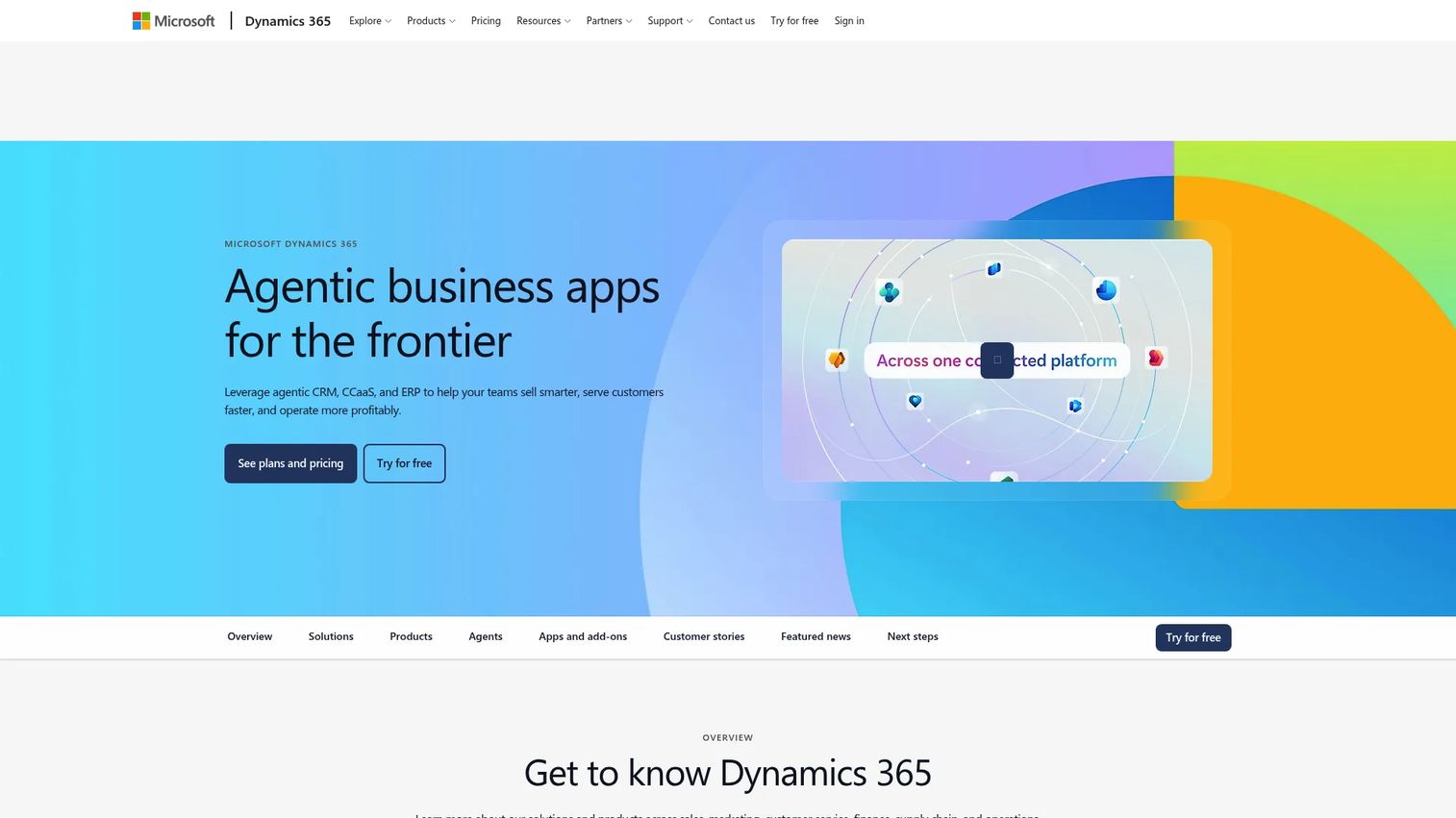
Microsoft Dynamics 365 is a modular suite of AI-powered business applications covering sales, finance, supply chain, project operations, and analytics. Organizations already running Azure, Power BI, Microsoft 365, and Teams often evaluate Dynamics 365 because it connects ERP and CRM data to the collaboration and analytics tools already in use. Project operations in Dynamics 365 handles project planning, resourcing, billing, and financial reporting within the Microsoft data platform.
Best for: Organizations that want ERP and project operations connected to the Microsoft data, analytics, and collaboration stack they already run.
Key features
- Finance and project operations applications
- Embedded AI and Copilot across workflows
- Power BI analytics and reporting
- Supply chain and CRM modules available
- Native integration with Microsoft 365 and Teams
Why choose Microsoft Dynamics 365: Strong fit when IT and operations want ERP connected to existing Microsoft infrastructure and data workflows. Buyers should select the right Dynamics 365 applications for their needs rather than treating the suite as one product, as each application is licensed separately and project operations capability sits in specific modules.
Microsoft Dynamics 365 pricing: Dynamics 365 Sales Professional starts at $65 per user per month (billed annually). Finance, Supply Chain, and Project Operations modules have separate per-user pricing; check the Microsoft pricing page for current figures.
10. SYSPRO
SYSPRO is an industry-focused ERP platform built for manufacturing and distribution businesses. It covers manufacturing operations, financial management, inventory, supply chain, quality management, and business intelligence. For project-based manufacturers working on engineer-to-order, make-to-order, or complex custom production, SYSPRO provides cost tracking, traceability, and operational control at the job level. The platform is transitioning to a named-user subscription licensing model.
Best for: Manufacturers that need project cost control across production jobs, inventory, and finance in one system.
Key features
- Manufacturing operations management and job control
- Financial management and cost tracking
- Inventory and warehouse management
- Supply chain management and procurement
- Quality management and traceability
Why choose SYSPRO: Strong fit when the project is tied to manufacturing execution rather than pure services delivery. Organizations running engineer-to-order or complex custom production will benefit from job-level cost visibility across labor, materials, and overhead. Pure services or professional services firms will find more purpose-built options elsewhere in this list.
SYSPRO pricing: The pricing model is named-user subscription-based. Contact SYSPRO or a local partner for a quote.
G2 rating: 4.1/5
11. Unit4
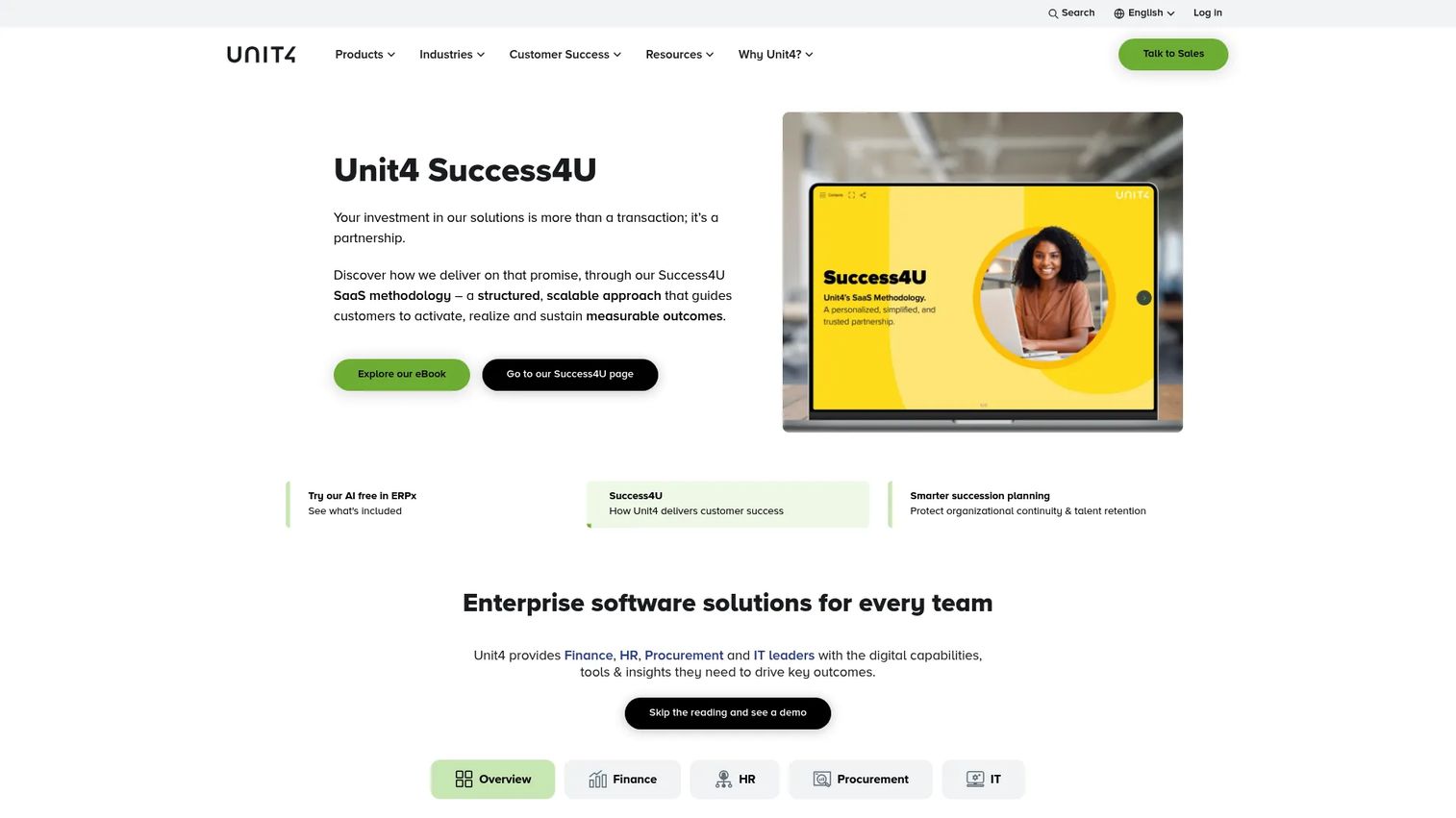
Unit4 provides cloud enterprise software for finance, HR, procurement, project management, and planning in people-centric organizations. Its target sectors include professional services, public sector, nonprofit, and education institutions. The platform covers ERP, financial planning and analysis, human capital management, project budgeting, billing, time and expense, procurement, and AI-powered automation. Unit4 positions itself around the idea that people-intensive organizations need an ERP that treats human resources, finance, and project delivery as a connected operational model rather than separate silos.
Best for: People-centric organizations that need ERP across projects, finance, HR, and planning in professional services, public sector, or nonprofit contexts.
Key features
- Project financials with budgeting, billing, and time tracking
- Financial planning and analysis (FP&A) tools
- Human capital management, payroll, and talent management
- Procurement and source-to-contract management
- AI-powered automation and insights
Why choose Unit4: Strong fit when people, projects, and finance are tightly connected and the organization operates across professional services, public sector, or nonprofit contexts. Buyers should validate industry package fit and implementation partner availability early, since Unit4 implementations vary significantly in scope depending on region, modules, and organizational complexity.
Unit4 pricing: Unit4 directs prospective customers to contact sales. Pricing depends on modules, regions, user roles, and implementation scope. No prices are publicly listed.
G2 rating: 4.1/5
12. Certinia
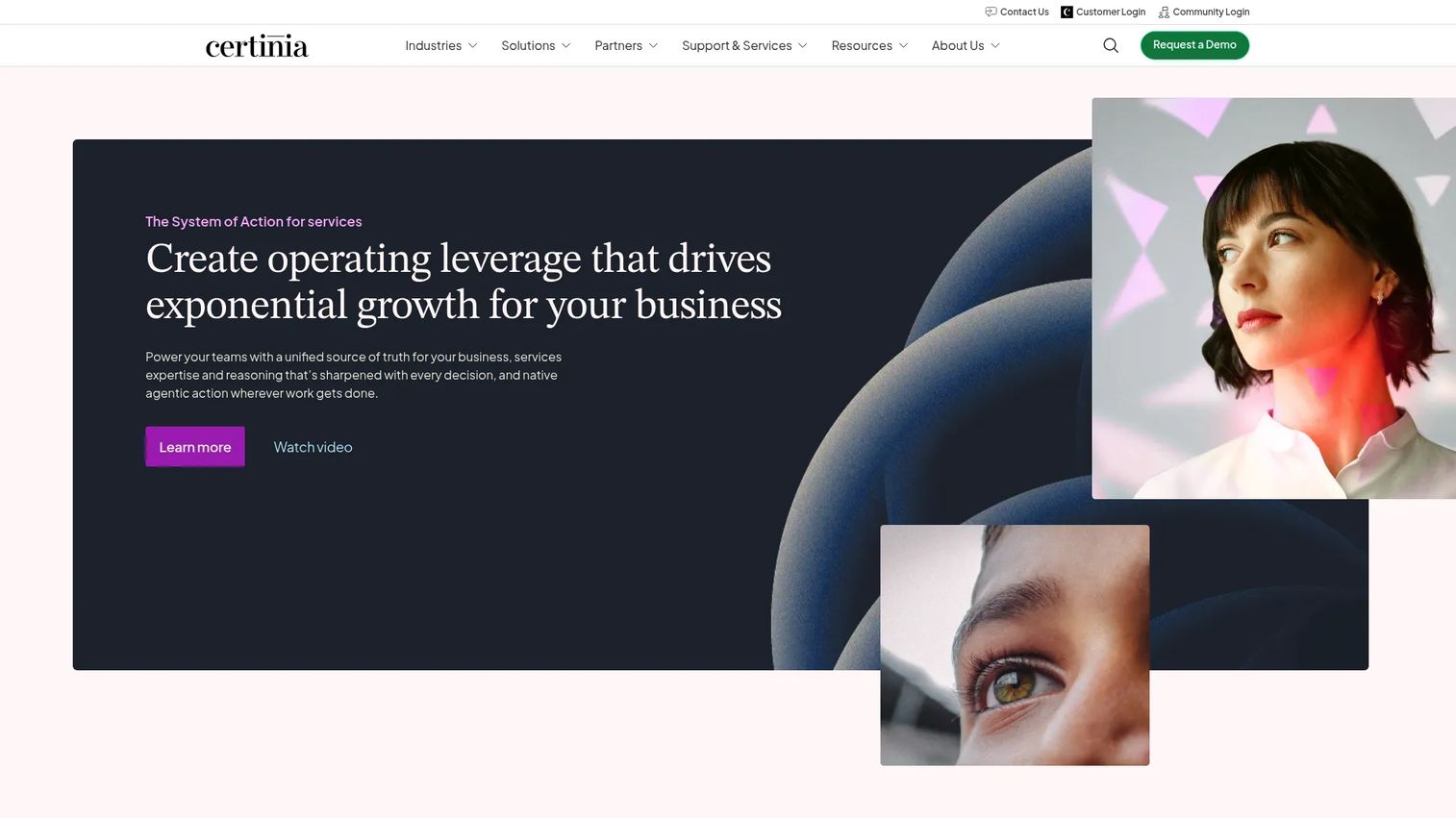
Certinia is a Salesforce-native platform for professional services management, customer success, and financial operations. It covers project delivery, resource management, project financials, billing, revenue recognition, revenue forecasting, and customer lifecycle visibility, all within the Salesforce data model. Services organizations that already run sales on Salesforce use Certinia to extend that investment into delivery and finance without maintaining a separate ERP data silo.
Best for: Services organizations that want opportunity, delivery, and financial data connected natively on Salesforce.
Key features
- Professional services automation and project delivery
- Resource management and capacity planning
- Financial management, billing, and revenue recognition
- Veda AI agents for generative insights and automation
- Unified sales, delivery, finance, and customer data on Salesforce
Why choose Certinia: Strong fit when sales, delivery, and services finance need to stay close to Salesforce data and your team already manages most customer-facing workflows there. Buyers should validate Salesforce environment size, internal Salesforce admin capacity, and integration ownership before committing, since Certinia's value scales with how well the Salesforce foundation is maintained.
Certinia pricing: Pricing drivers include Salesforce environment, modules, users, and implementation scope.
G2 rating: 4.1/5
13. Sage Construction
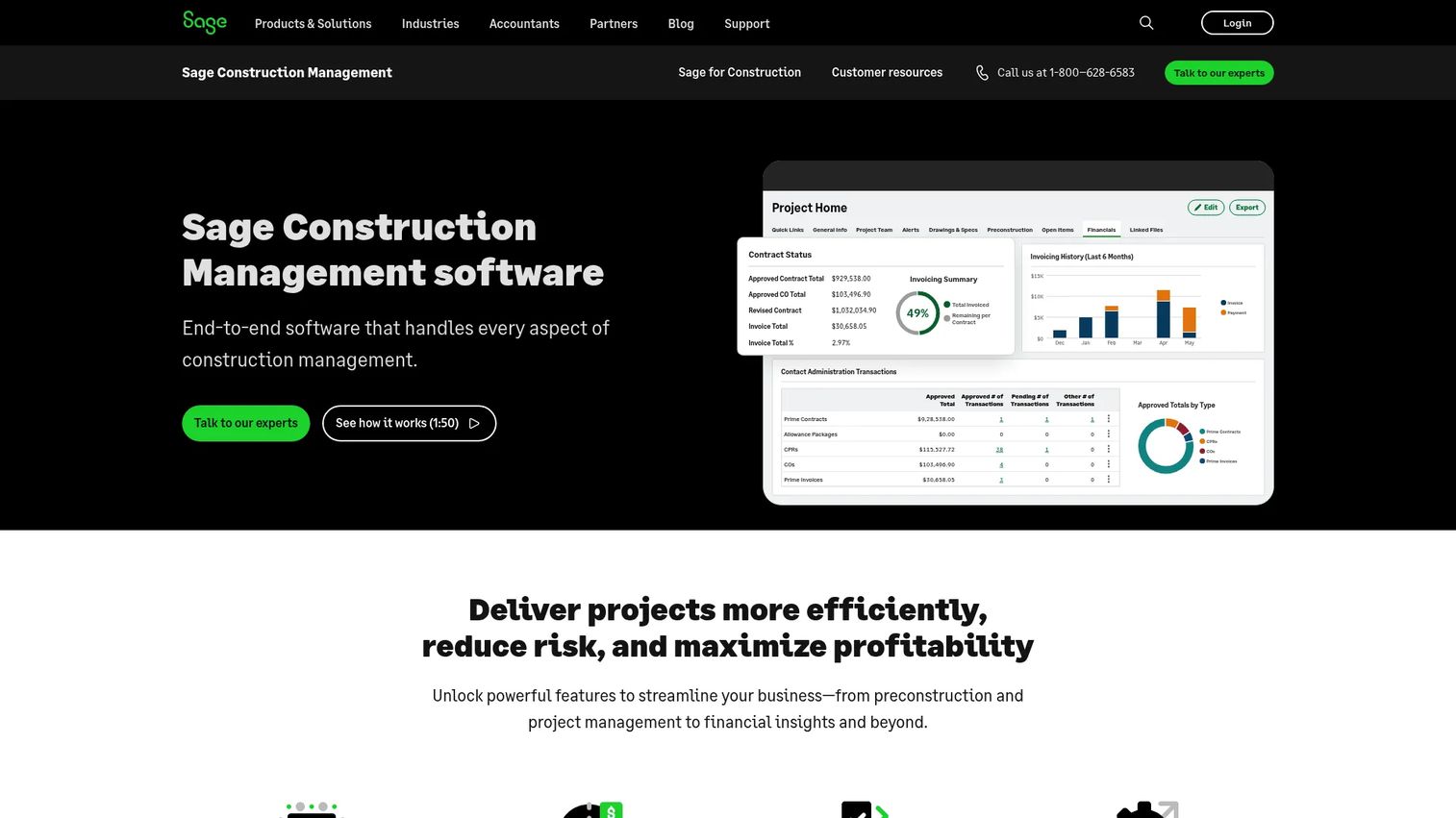
Sage Construction is end-to-end cloud construction management software covering preconstruction, project management, collaboration, and financial data integration. It handles lead tracking, bid management, estimating, contract management, real-time collaboration, scheduling, tasks, and document markup. For job costing and accounting, Sage Construction integrates with Sage Intacct Construction, Sage 100 Contractor, and Sage 300 CRE, giving construction companies a path to connect project controls with the accounting system already in use.
Best for: Construction companies that need project controls, estimating, and job costing integrated with construction-specific accounting workflows.
Key features
- Lead tracking and bid management
- Estimating from spreadsheets or prior project data
- Project and contract management with multiple contract types
- Real-time collaboration, scheduling, and document markup
- Integrations with Sage Intacct Construction, Sage 100 Contractor, and Sage 300 CRE
Why choose Sage Construction: Strong fit when construction-specific project controls, estimating, and field-to-office data flow matter more than a generic services ERP. Buyers should confirm which Sage accounting product their organization uses or plans to use, since Sage Construction's depth increases significantly when paired with its native accounting integrations. Pricing varies by features, modules, and user count; contact a Sage representative to get an accurate quote.
Sage Construction pricing: Cost depends on the features, modules, and number of users. Contact Sage or a local partner for pricing.
Considerations when choosing project based ERP software
Start with the project data model
Before evaluating vendors, map how your business represents projects: Phases, tasks, WBS codes, contracts, change orders, budgets, resources, and costs. The data model is the foundation for every billing, reporting, and revenue recognition workflow. A system that cannot match your project structure will force workarounds that undermine the data quality you are trying to build.
Validate job costing before the demo ends
Ask vendors to walk through one representative project from estimate through job close: Labor, subcontractor costs, materials, overhead, and change orders, with budget versus actual visible at each step. If a vendor cannot show that flow cleanly in a demo, the gap will not close after go-live. Bring a real project scenario from your own business to the evaluation.
Check billing and revenue recognition rules
Your ERP must match how the business earns revenue. That means supporting milestone billing, time-and-materials, fixed-fee, retainers, percent-complete, or whichever combination your contracts require. For teams with ASC 606 obligations, verify that revenue recognition rules can be configured to match your contract types without manual journal entries or spreadsheet overrides.
Review implementation risk and migration timing
ERP migration is a product and operations project, not just a finance rollout. Open project migration, legacy project codes, data cleanup, integration design, and change management all affect timeline and cost. Treat this as an engineering and operations investment with real opportunity cost, not a software procurement decision with a fixed go-live date.
Test adoption across project managers and finance
ERP value depends on role adoption. Project managers need dashboards that give them cost and margin visibility during delivery, not just at close. Finance needs controls and audit trails. Executives need reliable utilization and project margin reporting. Run a pilot with actual users from each group before committing, and measure how long it takes each role to reach a first meaningful success with the system.
Conclusion
Project based ERP software is not a finance decision. It is a system-design decision that determines how project delivery, resourcing, billing, and financial reporting connect across your organization.
For mid-market companies that need flexibility across project delivery and operations, Acumatica offers broad cloud ERP coverage. Architecture and engineering firms will find Deltek Vantagepoint purpose-built for their project lifecycle. Government contractors should evaluate Deltek Costpoint, Unanet, and JAMIS Prime ERP based on contract complexity and compliance requirements. Finance-led project organizations will get the strongest reporting from Sage Intacct. Asset-heavy enterprise projects fit IFS. Services teams running on Salesforce should look hard at Certinia. Construction companies with job costing and estimating needs belong in the Sage Construction ecosystem.
Start by identifying your operating model: Professional services, government contracting, construction, or project manufacturing. Then shortlist by that fit first, and validate project accounting depth, billing flexibility, and resource planning capability in your demo.
The right ERP for a 50-person A&E firm looks very different from the right ERP for a 500-person defense contractor. Make the shortlist match your reality.
For related reading on accounting software, contract lifecycle management, or advanced planning and scheduling software, those guides are available on the Guideflow blog.
FAQs
Project based ERP software is an enterprise resource planning system that uses the project as the primary financial and operational unit. Rather than organizing data around departments or inventory categories, it ties costs, revenue, billing, resources, and profitability reporting to individual projects. It is built for companies where delivery engagements, contracts, or construction jobs are the core revenue-generating activities.
Traditional ERP typically centers on products, inventory, general ledger departments, or manufacturing orders as the organizing data structure. Project based ERP centers every cost, labor charge, billing event, and revenue recognition entry around a project. That means you can see margin at the project level, not just at the entity or department level, which is essential for companies that earn revenue through delivered engagements rather than shipped goods.
Project based ERP systems are most relevant for professional services firms, consulting organizations, architecture and engineering companies, government contractors, construction and real estate businesses, project-based manufacturers working on engineer-to-order or make-to-order production, and SaaS companies with complex customer implementation or delivery workflows. Any organization where the delivery of a project, contract, or engagement is the financial unit of measure benefits from project-centric ERP.
The highest-priority capabilities are project accounting with WBS job costing, budgeting and forecasting at the project or phase level, billing flexibility (milestone, time-and-materials, fixed-fee, and percent-complete), revenue recognition with configurable rules, time and expense capture linked to project codes, resource planning and utilization tracking, procurement linked to project budgets, project profitability dashboards, and integrations with CRM, payroll, and BI tools.
No. Project management software (such as task trackers and collaboration tools) handles timelines, assignments, and team coordination. Project based ERP connects project execution to financial management: Job costing, billing, revenue recognition, procurement, resource utilization, and executive reporting. The two categories often integrate but serve fundamentally different functions within the operational data model.
Costs vary based on vendor, modules selected, number of users, number of entities, integrations, implementation scope, and support level. Some vendors publish starting prices: Acumatica APEX packages start under $1,495 per month, Deltek Costpoint Essentials starts at $800 per month, and Microsoft Dynamics 365 Sales Professional starts at $65 per user per month. Most enterprise project ERP vendors, including IFS, Unit4, Certinia, Sage Intacct, and others on this list, price by quote. Implementation costs are typically separate from license costs and can represent a significant portion of total first-year spend.
Implementation timelines depend on data migration complexity, number of entities, integration requirements, process redesign scope, reporting build-out, and user training. Mid-market implementations typically run several months; enterprise implementations with multiple geographies, complex integrations, and large data migrations can run a year or longer. The largest variable is usually data: Open project codes, legacy cost history, and existing integrations that must carry over. Plan for the data migration work before committing to a go-live date.
Ask the vendor to walk through one project from estimate through final billing and closeout. That means: Creating a project budget with WBS codes, entering labor and material costs, processing a change order, running a budget versus actual report, generating an invoice, and recognizing revenue. Bring a real project from your own business as the scenario. If the vendor cannot demonstrate that full flow in the demo environment, the gap is unlikely to close after go-live.