Onboarding fails for two different reasons. Sometimes the task never gets assigned. Sometimes the person receives the instruction and still doesn't understand what to do. Static docs, reminder emails, and one-size-fits-all kickoff calls don't fix either problem at scale.
The market is responding. According to Mordor Intelligence (2026), the onboarding automation platform market is projected to grow from $4.10 billion in 2025 to $9.06 billion by 2031, a 13.5% compound annual growth rate. That growth reflects how many teams are still running onboarding manually and paying for it in churn, slow time-to-value, and CSM burnout.
The challenge is that "onboarding automation software" covers a wide range of tools: HR platforms that handle forms and compliance, service-management tools that coordinate IT and equipment provisioning, learning platforms that deliver training tracks, and demo automation platforms that replace static written instructions with interactive product experiences. Picking the wrong category means solving the wrong problem.
This guide breaks down 12 tools, clarifies what each one actually does, and helps you match the tool to your specific bottleneck.
What's inside
This guide compares 12 onboarding automation tools for 2026. It is written for HR leaders, Customer Success Managers, onboarding managers, and SaaS teams that need to scale onboarding without scaling headcount.
- Who it is for: HR, IT ops, CS, and onboarding managers evaluating tools for employee or customer onboarding
- How tools were chosen: Automation depth, onboarding use-case fit, integration coverage, and progress-visibility features
- How to read it: Match each tool to your bottleneck. Paperwork, access provisioning, training, and product understanding each require a different kind of tool
- What to verify: Pricing, G2 ratings, plan limits, integrations, and compliance needs before purchase
TL;DR
- Best for self-serve product onboarding education: Guideflow replaces static instructions with interactive product experiences and tracks completion rate and drop-off steps. It is not a full HR onboarding system
- Best HRIS-centered onboarding: BambooHR works well for teams that want employee records, onboarding tasks, and HR workflows in one place
- Best cross-functional onboarding workflows: Jira Service Management fits teams coordinating HR, IT, equipment, and access requests
- Best recruiting-to-onboarding handoff: Greenhouse Onboarding is the right pick when talent teams want candidate context carried into day one
- Best global workforce onboarding: Deel and Rippling are strong when payroll, devices, identity, and international hiring are all in scope
- Best for compliance-heavy paperwork: WorkBright and Click Boarding fit teams with form-intensive, I-9, and E-Verify onboarding needs
What is onboarding automation software?
Onboarding automation software helps teams standardize, trigger, track, and improve the steps that move a new employee, customer, or user from "just started" to productive.
The category is broader than most people expect. Some tools automate HR paperwork, signatures, and compliance. Others coordinate IT service requests and equipment provisioning. Still others manage training tracks, learning paths, and certification workflows. A smaller subset handles the instructional layer: Replacing written instructions with self-serve, clickable product experiences that users can complete without a live call.
Core capabilities across the category include:
- Automated task lists and onboarding checklists: Trigger sequences when a hire accepts an offer or a customer signs
- Preboarding flows: Collect information and set expectations before day one
- Digital forms and e-signatures: Gather policy acknowledgments, tax forms, and employment documents without paper
- HR, IT, and CRM integrations: Sync employee and customer data across HRIS, ATS, payroll, identity providers, and customer platforms
- Access requests and equipment provisioning: Coordinate device setup, app access, and security approvals
- Training assignments and milestones: Push learning paths, send reminders, and track progress
- Role or segment-based personalization: Adapt onboarding paths by department, location, job type, or customer plan
- Progress dashboards and drop-off visibility: See task status, completion rates, and where users stop engaging
- Self-serve product education assets: Replace written step-by-step instructions with interactive demos and guided product experiences
If you're a CSM, the question to ask first is: Where does onboarding actually break down? If people aren't completing forms, the bottleneck is paperwork. If they don't know how to use the product, the bottleneck is understanding. The right tool depends on which of those two problems you're solving.
When to use onboarding automation software
Reduce repetitive onboarding work
Onboarding teams often repeat the same setup steps, policy explanations, and reminder messages for every cohort. Automation standardizes the repeatable parts so your team can focus on context, blockers, and conversations that actually require a human. This applies equally to HR coordinators running new-hire sequences and CSMs running customer onboarding calls.
Coordinate HR, IT, managers, and customer-facing teams
Onboarding often breaks at handoffs. The offer is accepted, but IT misses provisioning. A customer signs, but CS lacks usage visibility. Cross-functional onboarding is fundamentally a workflow coordination problem, and the right tool makes task ownership, timing, and status visible across all the parties involved.
Find where people get stuck
Onboarding quality cannot improve without completion and drop-off data. HR teams need task status to catch overdue paperwork. CSMs need product education engagement data to intervene before a customer churns in the first 30 days. Without visibility, every onboarding problem surfaces as a support ticket rather than a signal you can act on proactively.
Onboarding automation software comparison
The table below covers all 12 tools in this guide. Use it as a quick filter before reading the full entries. Pricing reflects verified vendor pages; G2 ratings reflect current listings.
| # | Product | Best for | Key differentiator | Pricing | G2 rating |
|---|---|---|---|---|---|
| 1 | BambooHR | Small to mid-size HR teams | HRIS, onboarding, and employee records combined | From $10/employee/month | 4.4/5 |
| 2 | Jira Service Management | HR and IT service workflows | Cross-functional request and approval automation | Free; from $21.50/agent/month | 4.3/5 |
| 3 | Greenhouse Onboarding | Recruiting-to-onboarding handoff | Candidate data carried from ATS into new-hire experience | Custom pricing | 4.4/5 |
| 4 | Guideflow | Self-serve product onboarding education | Interactive product experiences with completion and drop-off analytics | Free; from $40/month | 5.0/5 |
| 5 | Rippling | Workforce systems automation | HR, IT, payroll, and app provisioning from one record | From $8/employee/month | 4.7/5 |
| 6 | Deel | Global team onboarding | EOR, contractor, and payroll onboarding across countries | From $14/worker/month | 4.7/5 |
| 7 | Paycor | Payroll-connected onboarding | HCM suite with onboarding tied directly to payroll | From $99/month + $5/employee | 4.0/5 |
| 8 | WorkBright | Remote document collection | Mobile-first I-9, E-Verify, and compliance paperwork | From $192/month | 4.7/5 |
| 9 | Click Boarding | Compliance-heavy onboarding journeys | Structured employee transition journeys with I-9 and E-Verify | Custom pricing | 4.1/5 |
| 10 | Continu | Training and learning automation | Learning tracks, assessments, and external-audience portals | Custom pricing | 4.6/5 |
| 11 | Eloomi | Employee learning and performance onboarding | Unified learning, skills, performance, and compliance | Custom pricing | 4.6/5 |
| 12 | Trakstar | Talent development onboarding | ATS, LMS, performance, and workforce analytics in one platform | Custom pricing | N/A |
Best 12 tools for onboarding automation software
Each entry below covers what the tool does, who it fits best, features worth evaluating, and pricing you can verify before shortlisting.
1. BambooHR
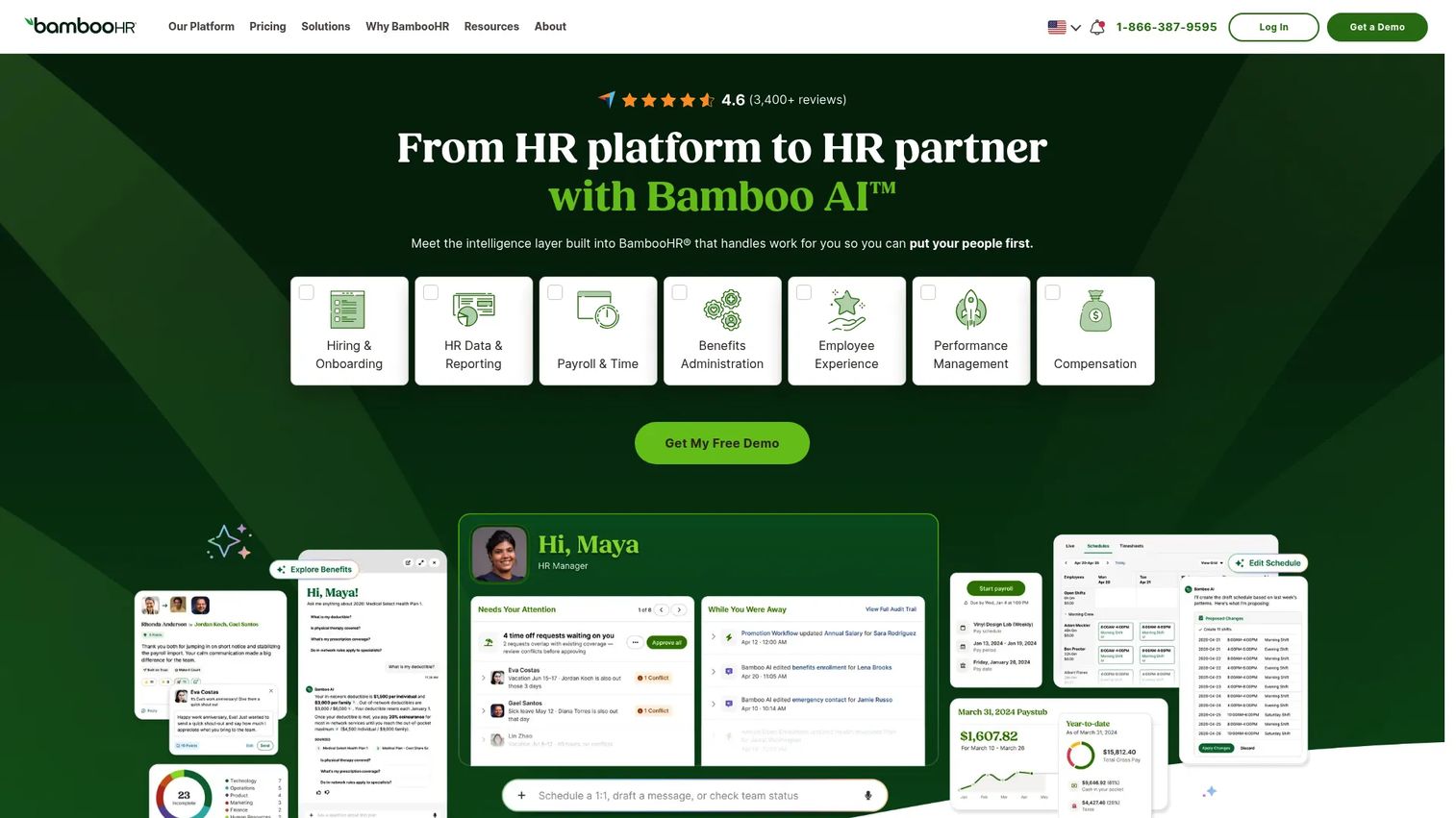
BambooHR is an all-in-one HR platform that centralizes employee data, onboarding workflows, time tracking, and benefits administration. HR teams use it to trigger onboarding checklists when a hire is added, collect e-signatures on key documents, and maintain a clean employee record throughout the employment lifecycle. It is a strong choice for teams that want onboarding tied directly to the system of record rather than managed through a standalone checklist app.
Best for: Small to mid-size companies that want HRIS, employee onboarding, and core HR data in one place.
Key features
- New-hire checklists and task reminders
- Electronic signatures and document collection
- Employee records with self-service portal
- Performance management and 360-degree feedback
- HR reporting and compensation benchmarking
Why choose BambooHR: BambooHR works well when HR owns both onboarding and ongoing employee management. Teams that need deep IT ticket routing or service desk coordination typically pair it with a service-management tool.
BambooHR pricing: Plans start at $10 per employee per month for the Core tier, $17 per employee per month for Pro, and $25 per employee per month for Elite. Organizations with 25 or fewer employees pay flat monthly rates of $250, $425, or $650 respectively.
G2 rating: 4.4/5
2. Jira Service Management
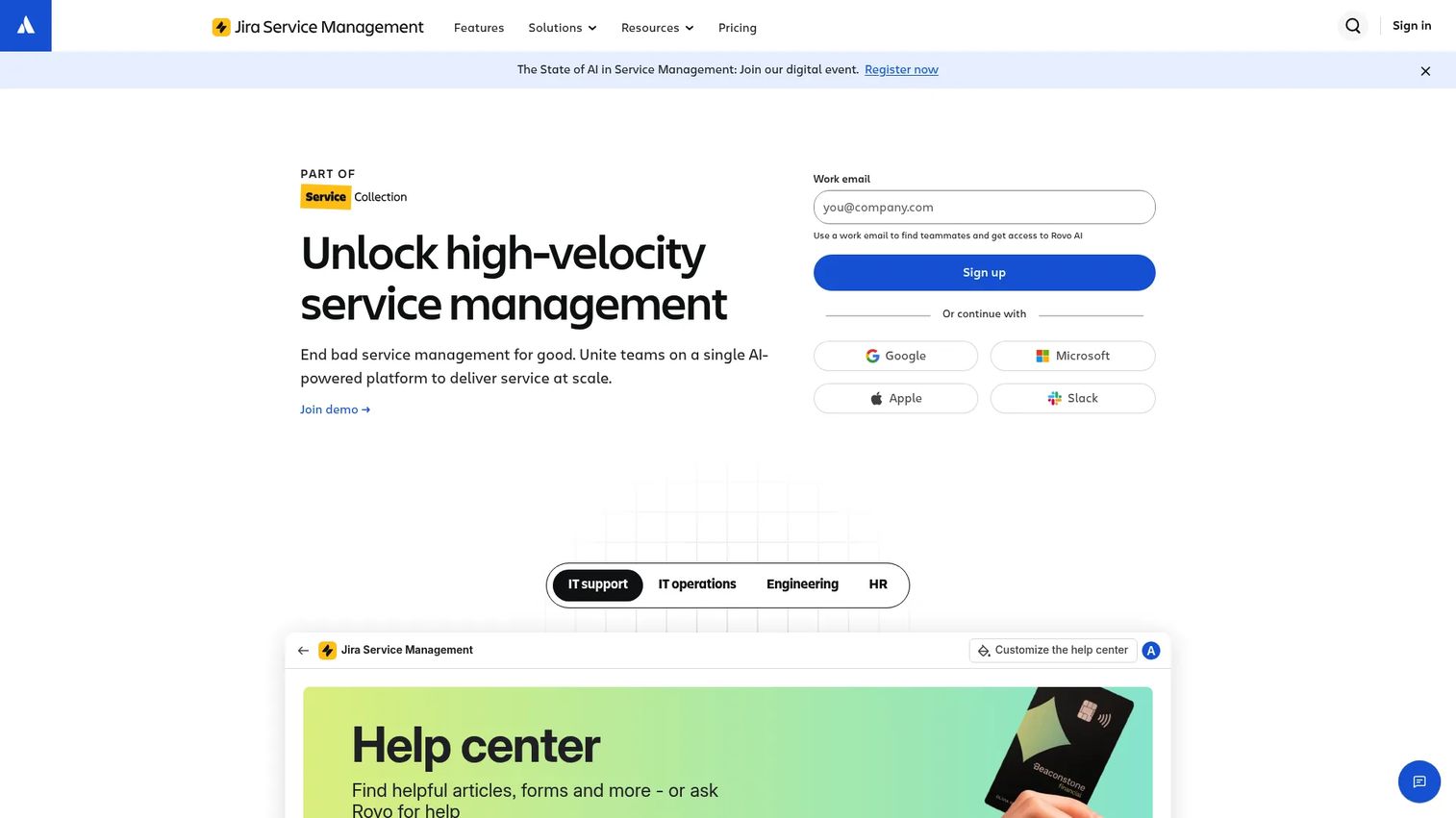
Jira Service Management is an IT service management platform built to handle cross-functional service requests, approvals, incident management, and asset tracking. For onboarding, it shines when the process depends on multiple teams: IT needs to provision accounts, facilities needs to assign a desk, HR needs to collect documents, and legal needs to send compliance notices. Each of those becomes a service request with an owner, a queue, and an SLA.
Best for: Companies where onboarding depends on coordinated workflows across HR, IT, legal, and facilities.
Key features
- Request portals for new-hire service requests
- Approval workflows with configurable routing
- Service queues and SLA tracking
- Asset and configuration management
- Automation rules for ticket triggers and transitions
Why choose Jira Service Management: The right fit when onboarding accountability lives across teams rather than in one system. It is not an HRIS, so employee data and compliance paperwork typically live elsewhere in your stack.
Jira Service Management pricing: A free tier supports up to three agents. The Standard plan is $21.50 per agent per month (billed monthly). Premium runs $55.28 per agent per month. Enterprise pricing requires contacting Atlassian sales.
G2 rating: 4.3/5
3. Greenhouse Onboarding
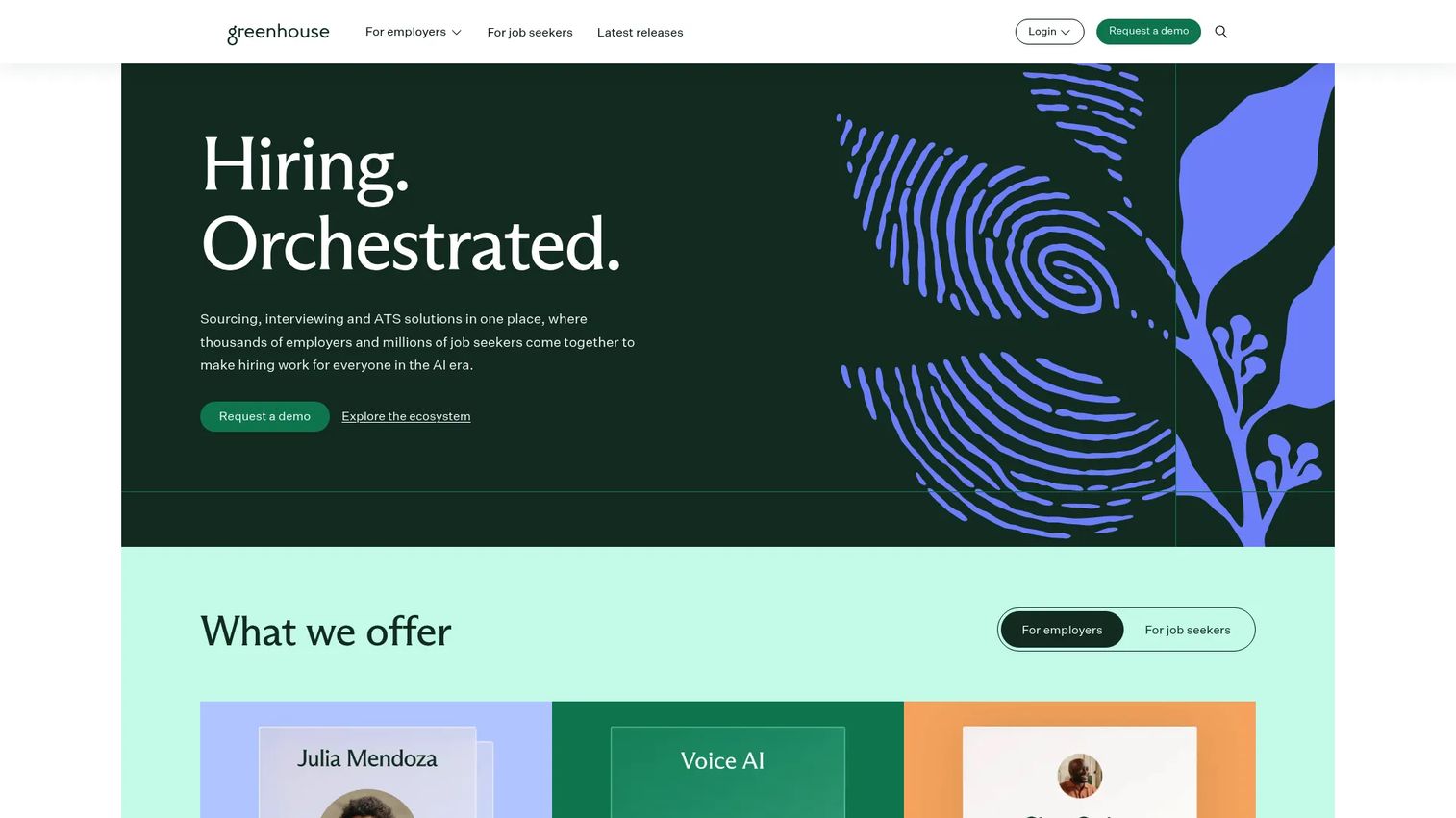
Greenhouse Onboarding is the post-offer onboarding layer built for recruiting teams already running their hiring process in Greenhouse. It carries candidate data from the ATS into the new-hire experience, so the transition from "offer accepted" to "day one ready" doesn't require re-entering information or rebuilding context. New hires get a branded welcome portal, automated task sequences, preboarding forms, and 30-day goal tracking. HR gets a connected view of onboarding progress alongside recruiting data.
Best for: Talent and HR teams that want candidate context from recruiting carried directly into the onboarding experience.
Key features
- Preboarding workflows and welcome portal
- Automated new-hire forms and document collection
- Candidate data handoff from Greenhouse Recruiting
- 30-day goals and milestone tracking
- New-hire feedback surveys and reporting
Why choose Greenhouse Onboarding: Strong fit when recruiting and HR share accountability for the first 30 days. Teams that need broader HRIS functionality, payroll, or standalone onboarding tools should verify how Greenhouse connects to the rest of their HR stack before committing.
Greenhouse Onboarding pricing: Pricing is based on customer needs and requires a sales conversation. Greenhouse offers two tiers: Greenhouse Welcome (new-hire experience focused) and Greenhouse Onboarding (adds document collection, signatures, and integrations with ADP, BambooHR, Namely, and E-Verify).
G2 rating: 4.4/5
4. Guideflow
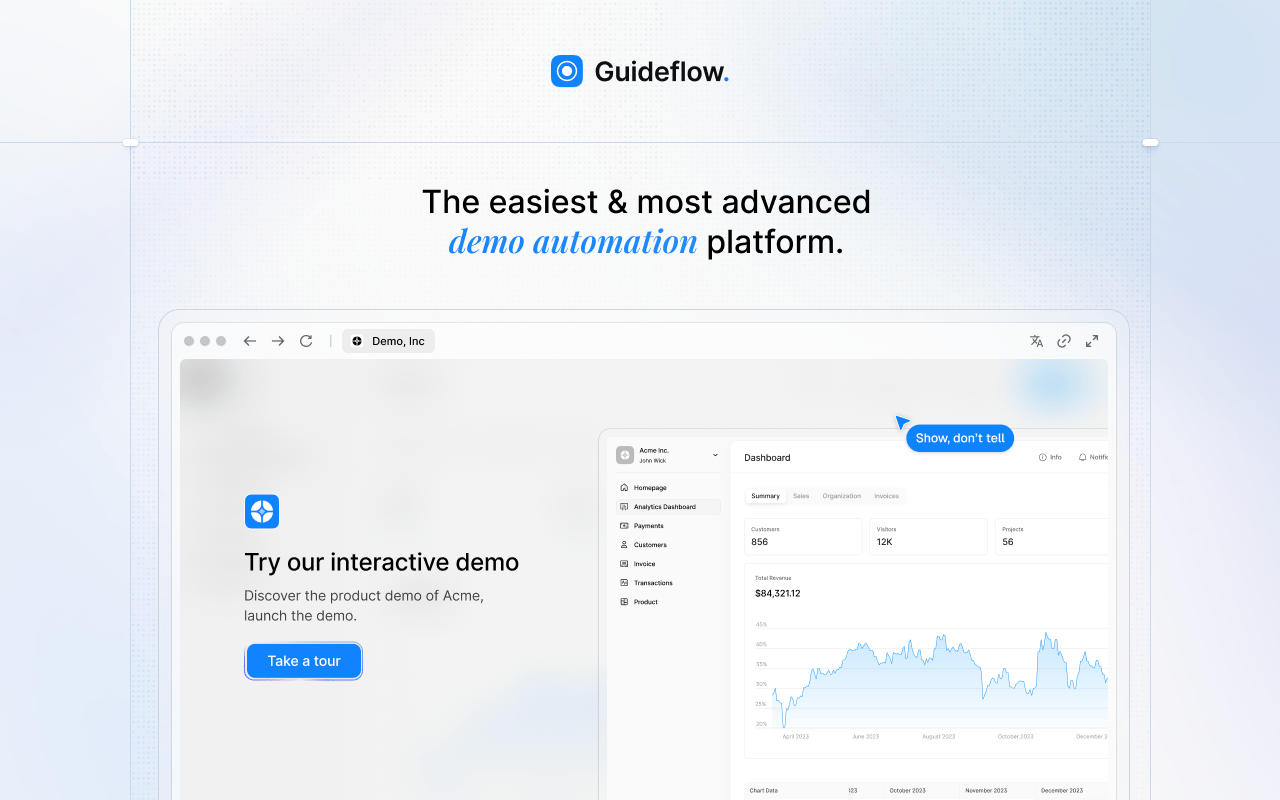
Guideflow is a demo automation platform for self-serve product onboarding education. Where most tools on this list automate tasks, paperwork, or training assignments, Guideflow replaces the written instruction layer inside onboarding with clickable, interactive product experiences that users can complete without a live call. Teams capture a product flow, turn it into a guided interactive demo, and embed it inside help centers, lifecycle emails, CS follow-ups, or onboarding sequences. Guideflow then tracks who completed each step and where people dropped off.
To be direct about what it doesn't do: Guideflow does not assign onboarding tasks, collect HR paperwork, run provisioning workflows, or manage conditional routing logic. It handles one specific job: Helping users understand what to do next in your product, at scale, without another live session.
Best for: SaaS Customer Success and onboarding teams that need customers to understand product workflows without scheduling another call.
Key features
- Interactive demos and guided product experiences
- Demo centers for self-serve onboarding libraries
- Sandboxes for hands-on product exploration
- Completion analytics and drop-off step tracking
- Personalization by segment, role, or account
Why choose Guideflow: The right fit when onboarding friction comes from "users don't know what to do next," not from missing paperwork or uncompleted tasks. Use cases include product-led onboarding, feature adoption emails, in-app guidance, CS follow-up sequences, and self-serve training libraries. Teams pair Guideflow's analytics with their CRM and customer success platforms through available integrations to route engagement signals into existing workflows.
Guideflow pricing: A free plan is available. Paid plans start at $40/month for Solo. The Startup plan runs $599/month and Advanced runs $1,799/month. Enterprise pricing is custom.
G2 rating: 5.0/5
Start your journey with Guideflow today!
5. Rippling
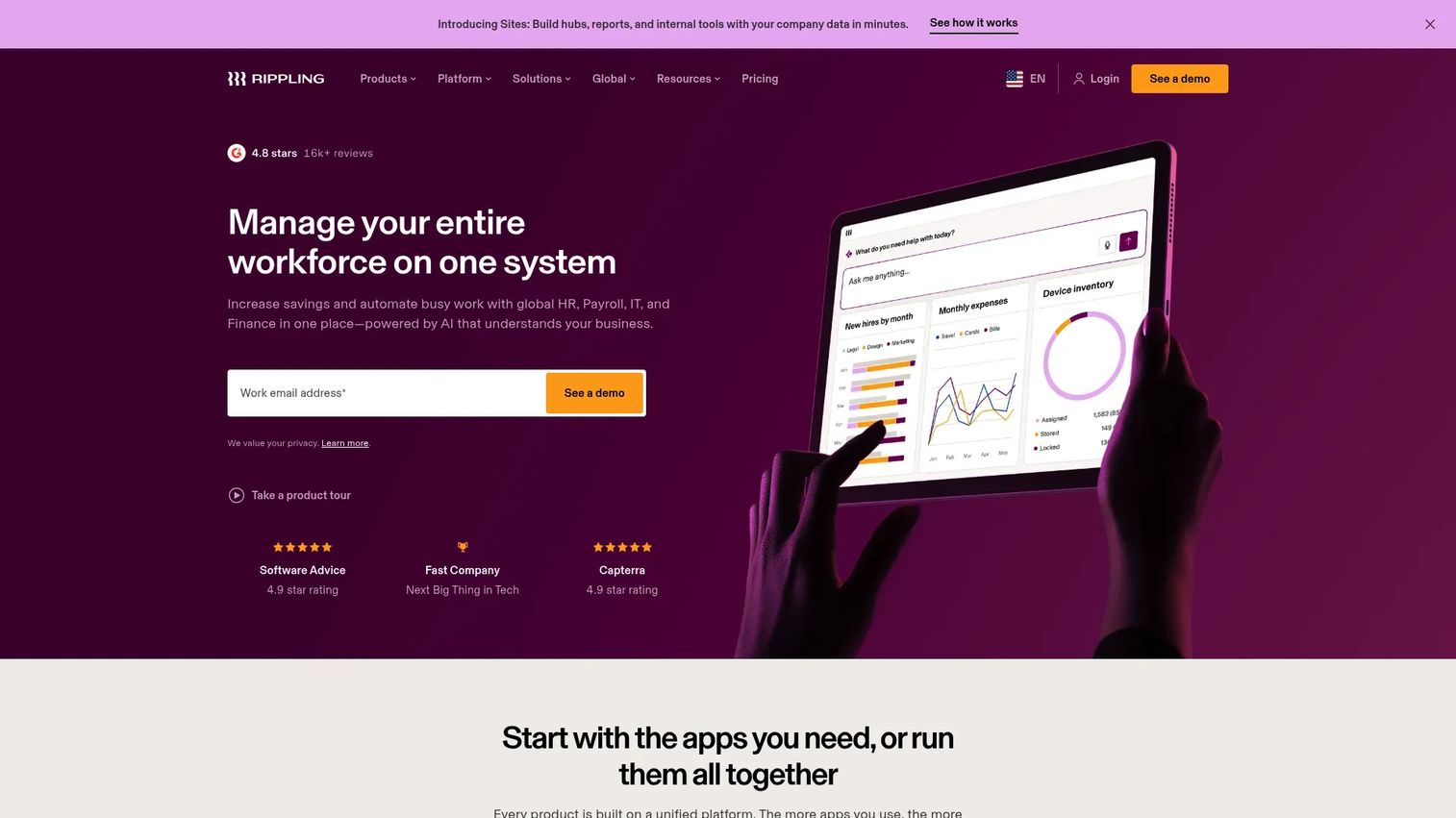
Rippling is a workforce management platform that connects HR, payroll, IT, and finance into one employee record. Onboarding in Rippling means that the moment a hire is added to the system, it can trigger payroll setup, app provisioning, device management, and benefits enrollment simultaneously. For distributed teams, that coordination across systems is exactly what prevents the standard onboarding gap: The new hire arrives but their laptop isn't ready and their accounts aren't provisioned.
Best for: Companies that want onboarding automation to run across HR, IT, payroll, and app access from a single employee record.
Key features
- Employee records with payroll and benefits setup
- App provisioning and access management
- Device management and MDM
- Workflow automation across HR and IT
- Recruiting and performance management modules
Why choose Rippling: The strongest fit when onboarding touches multiple systems and the bottleneck is coordination rather than paperwork alone. Smaller teams should evaluate implementation effort and whether they need the full platform scope, since Rippling's value increases as more modules are added.
Rippling pricing: Plans start at $8 per employee per month as a base, with total cost depending on selected modules and headcount. Full pricing requires a quote.
G2 rating: 4.7/5
6. Deel
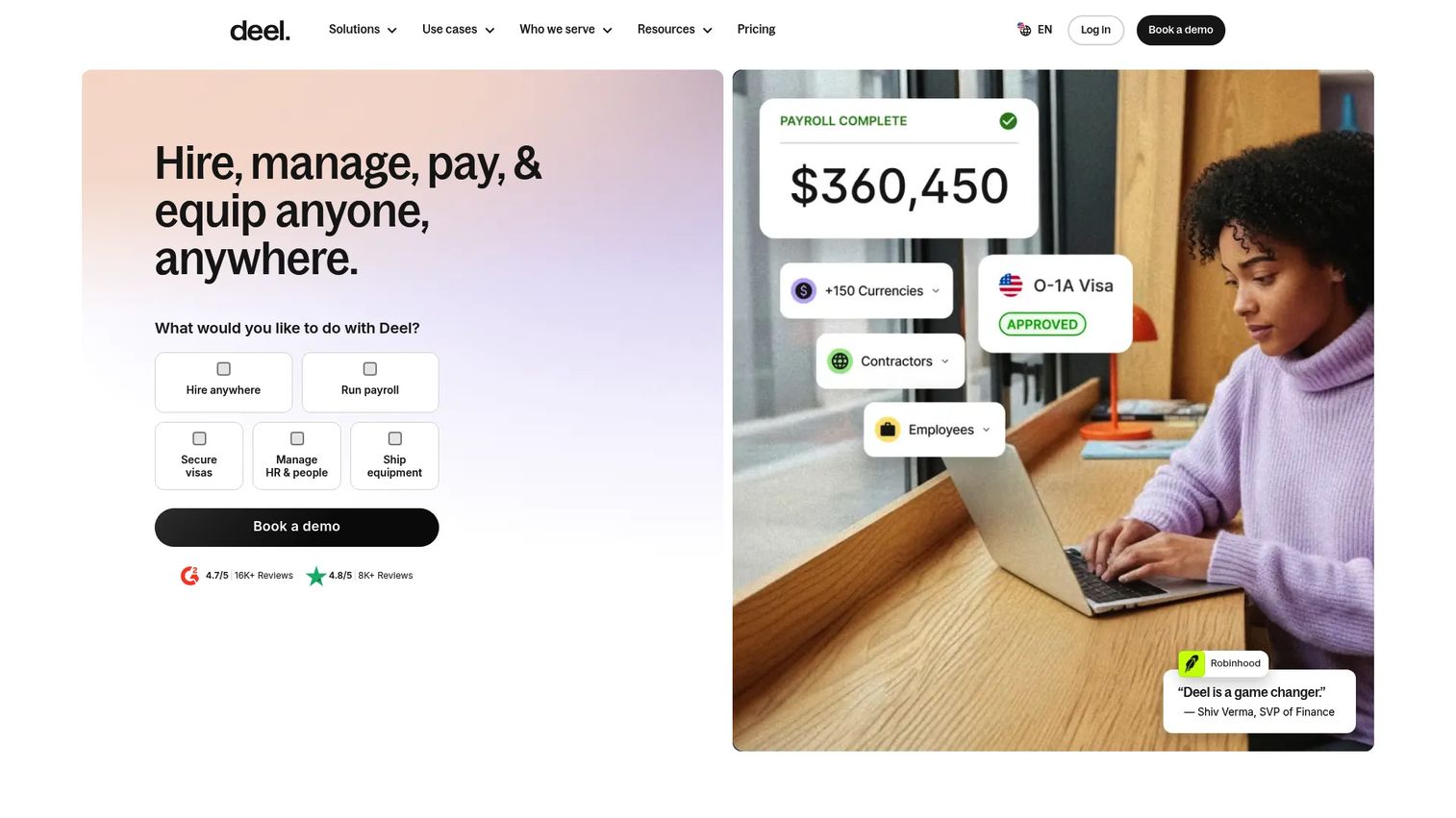
Deel is a global people platform for hiring, onboarding, paying, and managing distributed teams across countries. The core problem it solves is that onboarding an employee in a new country involves localized contracts, country-specific compliance documents, local payroll requirements, and benefit structures that vary by jurisdiction. Deel handles all of that in one place, whether the hire is a full-time employee via an Employer of Record arrangement or an independent contractor.
Best for: Distributed teams hiring employees and contractors across multiple countries.
Key features
- Global contracts and localized compliance documents
- Employer of Record onboarding and payroll
- Contractor onboarding and payments
- US PEO services
- Employee records and HR management
Why choose Deel: The clearest fit when your onboarding complexity comes from international hiring. Teams that hire exclusively within one country may find the global platform depth unnecessary for their needs.
Deel pricing: Contractor management starts at $49 per contractor per month. Contractor of Record is $325 per contractor per month. US PEO runs $125 per employee per month. EOR pricing is $599 per employee per month. Talent sourcing starts at $14 per worker per month.
G2 rating: 4.7/5
7. Paycor
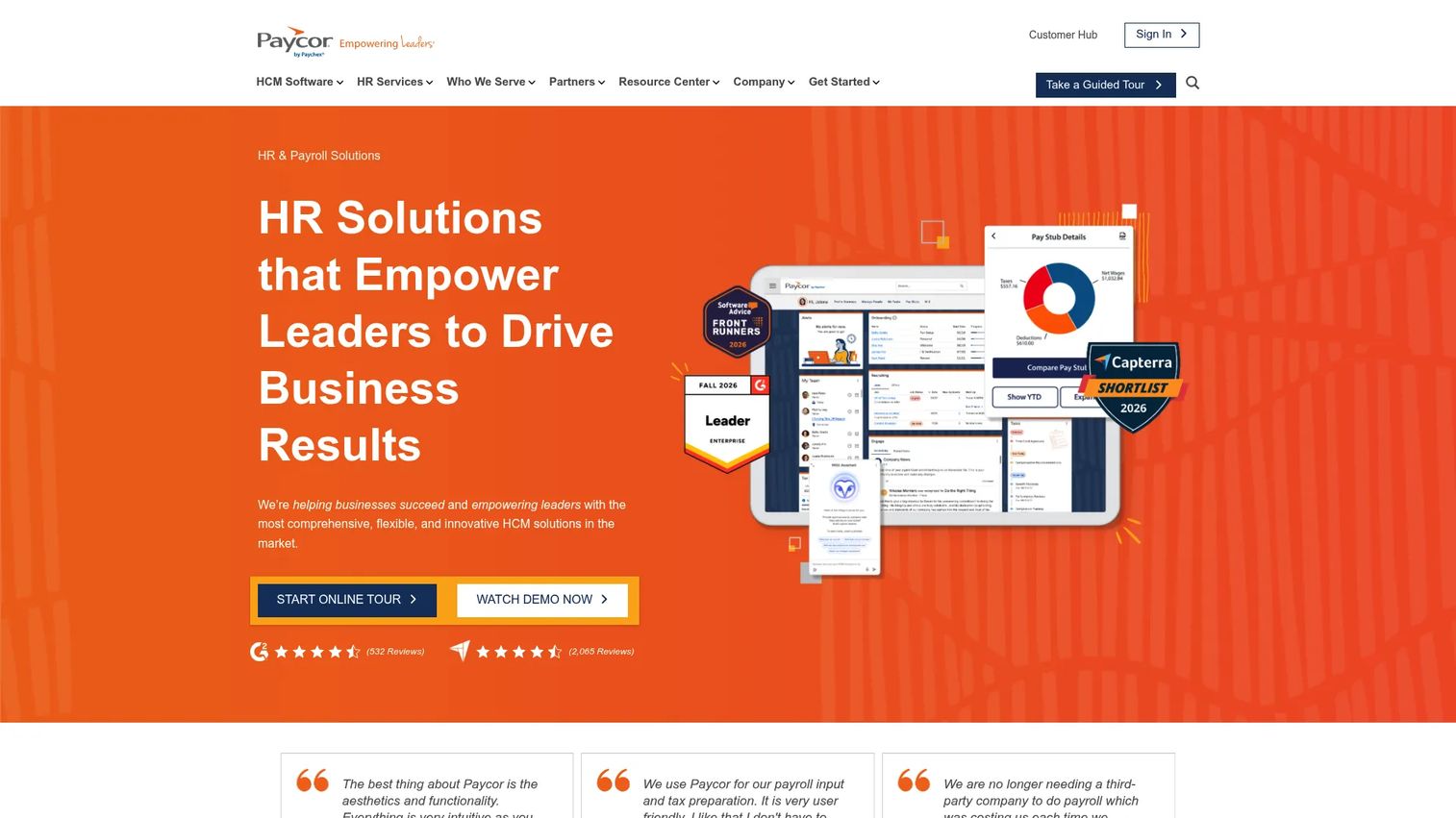
Paycor is an HCM platform that connects onboarding directly to payroll, benefits, tax filing, and workforce management. When a new hire completes their onboarding paperwork in Paycor, that data flows into payroll processing without manual re-entry. For mid-market HR teams managing both the onboarding experience and ongoing workforce administration, keeping those two workflows in one system reduces the error rate and the administrative overhead.
Best for: Mid-market HR teams that want new-hire onboarding connected to payroll and workforce administration.
Key features
- New-hire forms and onboarding checklists
- Payroll sync and tax form collection
- Benefits enrollment and setup
- Time and attendance integration
- HR dashboards and employee analytics
Why choose Paycor: Strong for teams whose main onboarding bottleneck is getting new hires into payroll and benefits correctly. Teams looking for lightweight customer onboarding education should look at a more focused product education tool rather than an HCM suite.
Paycor pricing: The Basic plan starts at $99/month plus $5 per employee per month. Essential is $149/month plus $6 per employee per month. Complete and HCM plans start at $199/month with per-employee fees of $7 and $12 respectively.
G2 rating: 4.0/5
8. WorkBright
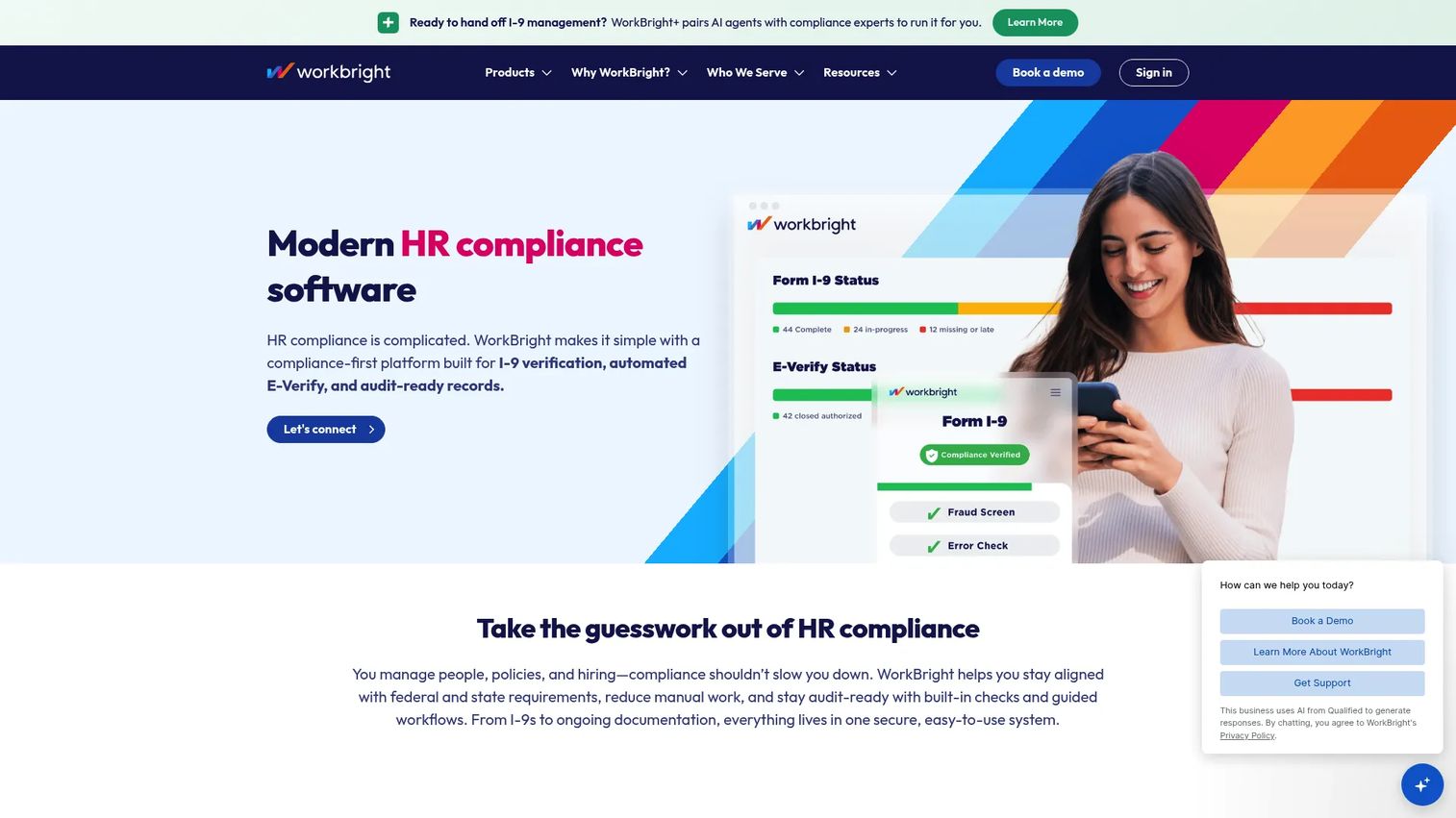
WorkBright is HR compliance software built specifically for electronic I-9 verification, E-Verify, and remote document collection. Its mobile-first design means new hires can complete I-9 forms, upload documents, and satisfy compliance requirements from their phone before they ever set foot in an office. For companies onboarding distributed, hourly, seasonal, or field-based employees, WorkBright significantly reduces the paperwork completion lag that delays day-one readiness.
Best for: Organizations with distributed or high-volume hiring that need fast, compliant I-9 and E-Verify completion.
Key features
- Electronic I-9 with 150+ automated compliance checks
- Built-in E-Verify case management
- Mobile-first document upload and verification
- Remote and in-person Section 2 completion support
- SSO, MFA, and open API integrations
Why choose WorkBright: The best fit when document compliance is the primary onboarding bottleneck. It is purpose-built for paperwork completion rather than full customer education or product adoption tracking.
WorkBright pricing: Software plans start at $192/month. WorkBright+ provides full-service I-9 management at $25 per I-9, with a minimum annual cost of $25,000.
G2 rating: 4.7/5
9. Click Boarding
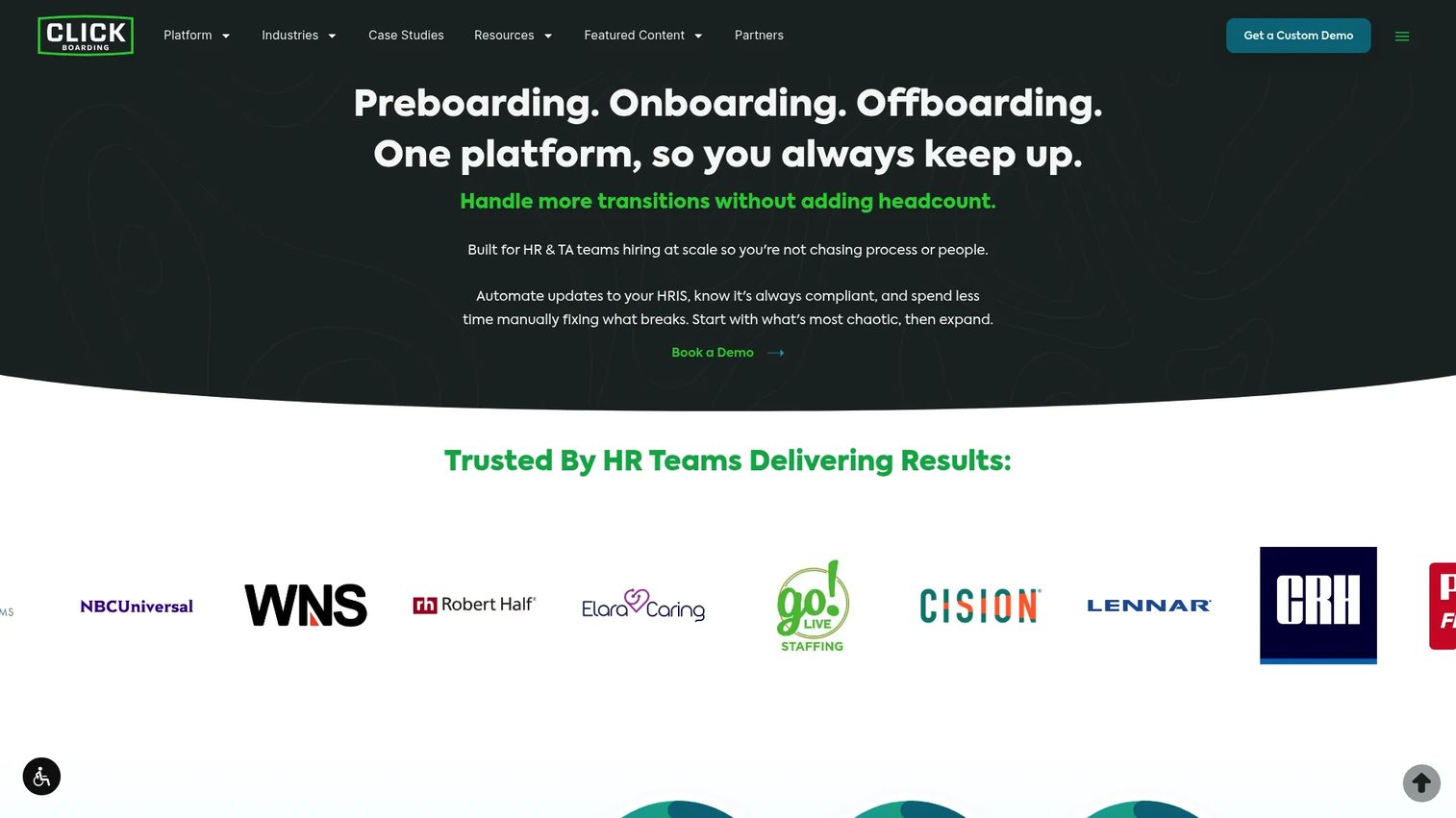
Click Boarding is an employee transition platform that automates preboarding, onboarding, offboarding, crossboarding, promotions, and M&A workforce transitions. Where most onboarding tools stop at the first few weeks, Click Boarding handles the full range of employee status changes, with structured journey templates, compliance workflows, and stakeholder task coordination at each stage. It also includes I-9 and E-Verify support, automated tax forms, and 250+ integrations.
Best for: Mid-market and enterprise HR teams managing high-volume or compliance-intensive employee transitions.
Key features
- Journey templates for onboarding, offboarding, and crossboarding
- I-9 and E-Verify with electronic signatures
- Automated tax forms and separation notices
- Manager task coordination and progress dashboards
- 250+ integrations including Microsoft Teams
Why choose Click Boarding: A strong pick when onboarding is one part of a broader employee lifecycle management need. Buyers should evaluate implementation requirements and HR system integrations before committing, since the platform's value scales with the number of transitions it manages.
Click Boarding pricing: Pricing is volume-based and handled through a sales conversation. Contact Click Boarding directly for a quote.
G2 rating: 4.1/5
10. Continu
Continu is an enterprise learning and enablement platform for training employees, customers, and partners. For onboarding, it delivers structured learning tracks, assessments, certificates, and progress analytics. Teams use it to build repeatable training programs that new hires or customers work through at their own pace. External-audience portals make it possible to run customer or partner onboarding training separately from internal employee programs.
Best for: Mid-market and enterprise teams that need onboarding training programs with analytics rather than HR paperwork workflows.
Key features
- Learning tracks, workshops, and assessments
- AI-assisted content authoring
- External-audience portals for customers and partners
- Badges, certificates, and completion tracking
- Integrations and analytics reporting
Why choose Continu: The clearest fit when onboarding involves structured knowledge transfer rather than compliance documents or task coordination. Teams still need separate systems for HR documents, payroll, and IT provisioning.
Continu pricing: Plans are based on monthly active users: Growth (under 1,000 users), Professional (1,000 to 5,000 users), and Enterprise (5,000+ users). All tiers require contacting sales for pricing.
G2 rating: 4.6/5
11. Eloomi
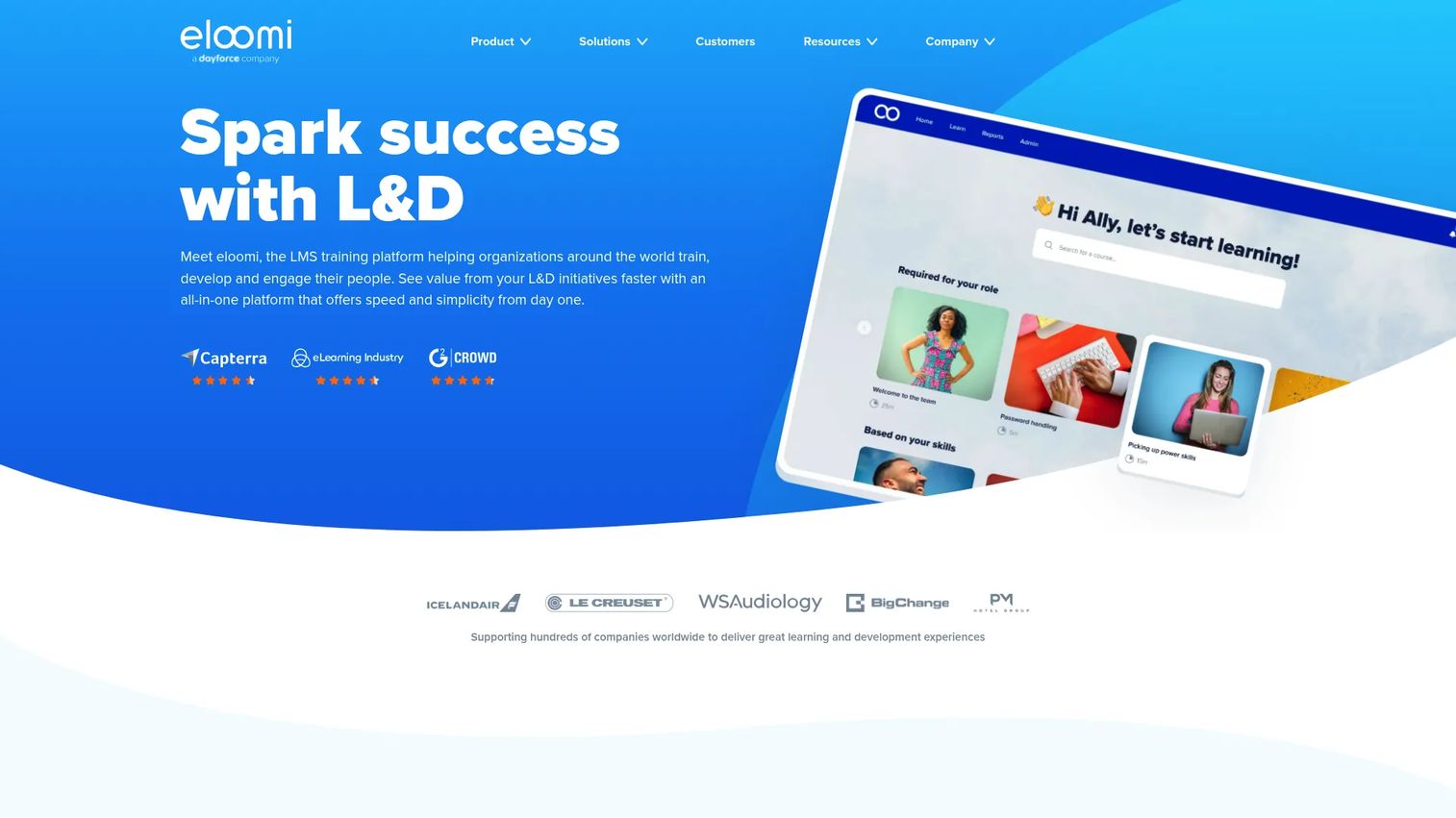
Eloomi is an all-in-one learning and development platform combining learning management, skills mapping, performance management, and employee communication. For onboarding, it supports structured learning journeys, compliance training, AI-assisted course creation, and development planning from the first week through long-term career growth. Its integration with 40+ HR and HCM platforms means onboarding learning can sit alongside existing HR data without a separate silo.
Best for: HR and L&D teams that want onboarding tied to skills development, performance goals, and ongoing employee development.
Key features
- Learning journeys and compliance training
- Skills mapping and workforce insights
- Performance management and OKRs
- AI-assisted course creation and translation
- Mobile app and Microsoft Teams integration
Why choose Eloomi: The right choice when onboarding learning is the entry point to a longer-term development program. It is not the first pick for HR paperwork, task automation, or IT service workflows.
Eloomi pricing: Contact Eloomi sales for plan and pricing details.
G2 rating: 4.6/5
12. Trakstar
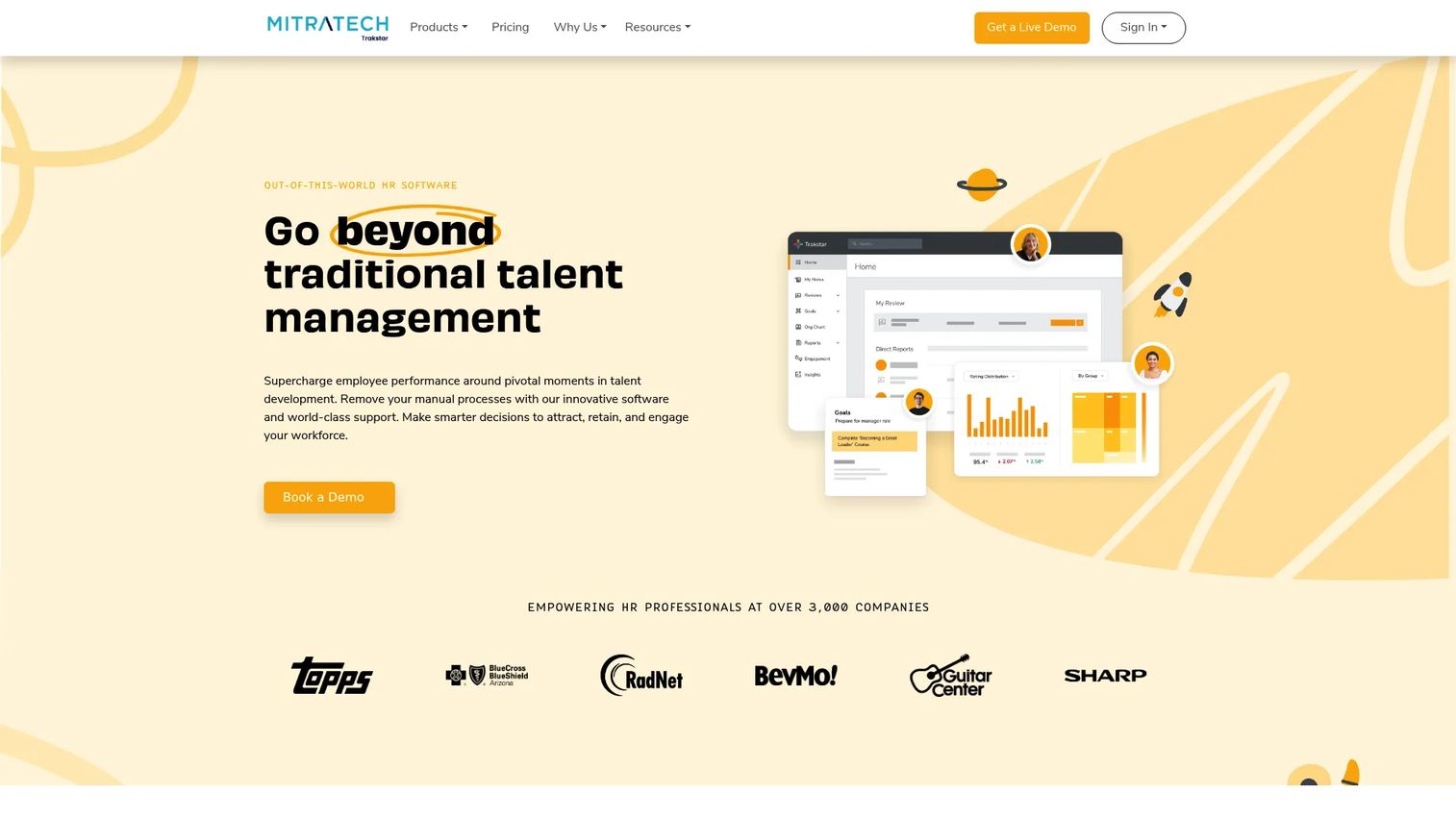
Trakstar is a talent development platform combining applicant tracking, learning management, performance management, and workforce analytics. It connects hiring, onboarding, training, and performance into one flow, so the context captured during recruiting carries into onboarding training and from there into ongoing performance reviews. Organizations that want continuity across the talent lifecycle rather than separate point solutions for each stage find the most value here.
Best for: Organizations that want onboarding connected to learning, performance management, and long-term talent development.
Key features
- Learning management with auto-enrollment and assessments
- Performance reviews, goal tracking, and 360-degree feedback
- Applicant tracking with collaborative hiring
- Engagement surveys and improvement plans
- Workforce analytics and dashboards
Why choose Trakstar: Strongest when onboarding is the first chapter of a longer talent management story. Buyers should verify whether compliance paperwork and HRIS requirements are covered by their existing stack, since Trakstar focuses on the learning and performance side rather than HR data management.
Trakstar pricing: Contact Trakstar sales directly.
Considerations when choosing onboarding automation software
Start with the onboarding bottleneck
Before evaluating tools, identify where onboarding actually breaks down. If people aren't completing forms, the problem is paperwork. If they're completing paperwork but not activating on the product, the problem is understanding. The tools that solve each bottleneck are different, and buying the wrong category means solving the wrong problem.
Check what must integrate
The most important integrations depend on your team's stack. For HR onboarding: HRIS, ATS, payroll, and identity providers. For CS and product onboarding: HubSpot, Salesforce, Intercom, Zendesk, Slack, and product analytics. A tool that doesn't connect to your existing data layer creates another manual process rather than eliminating one.
Separate task automation from learning
Assigning a task is different from helping someone understand what to do. HR workflow tools create accountability. Learning and demo automation tools help users absorb the process. Many onboarding stacks need both, but conflating them leads to buying a training tool when what you actually need is task routing, or vice versa.
Look for progress visibility
Evaluate what the dashboard actually shows. Task completion rates, overdue items, manager alerts, and account-level engagement data are what turn onboarding from reactive to proactive. For CSMs specifically, knowing where a customer dropped off during product education is more actionable than knowing a task is overdue.
Price against the full workflow
The cheapest tool often becomes expensive once you account for the adjacent systems still needed. Ask vendors about seats, admins, integrations, support, implementation costs, and contract length. A tool priced at $50/month that requires three additional point solutions may cost more than a consolidated platform at $200/month.
Conclusion
The best onboarding automation tool is the one that solves your actual bottleneck.
For HR teams that need core employee onboarding, start with BambooHR or Paycor if payroll integration matters, Greenhouse Onboarding if the recruiting handoff is the weak point, or Rippling if workforce systems automation across HR and IT is the goal. For teams onboarding globally, Deel handles the complexity of multi-country contracts and compliance.
If paperwork completion is the bottleneck, WorkBright and Click Boarding address that directly, with particular strength in I-9 and E-Verify workflows. If learning is the gap, Continu, Eloomi, and Trakstar each bring structured training and development capabilities.
For Customer Success and onboarding teams where the problem is "users don't understand what to do next," Guideflow is the right fit. It replaces static instructions with interactive product experiences, tracks completion and drop-off at the step level, and connects to the CRM and CS tools already in your stack.
The goal is always the same: Get people to value faster, with fewer repetitive explanations. The tool that gets you there depends on where the gap actually lives.
Start your journey with Guideflow today!
FAQs
Onboarding automation software helps teams standardize and trigger the steps that move a new hire, customer, or user toward productivity. It typically includes task checklists, form collection, reminders, training assignments, progress tracking, and integrations with HR, CRM, or customer success platforms. The specific capabilities vary significantly by tool category: HR onboarding platforms focus on compliance and employee data, while demo automation platforms focus on product education.
Onboarding software may store checklists, resources, or documents. Onboarding automation software goes further by triggering steps automatically, assigning task owners, sending reminders, routing approvals, and tracking completion without manual intervention. The automation layer is what allows teams to scale onboarding quality without scaling headcount.
The essential features depend on the use case. For employee onboarding: Checklists, e-signatures, digital forms, HR integrations, reminders, and dashboards. For customer and product onboarding: Completion tracking, drop-off analytics, personalization by segment or role, CRM sync, and self-serve education assets. Access controls and audit trails matter for any team with compliance requirements.
No. HR teams use it for employee onboarding. IT teams use it for provisioning and service request coordination. Customer Success teams use onboarding automation to scale product education across accounts. The right tool category depends on whether the bottleneck is paperwork, access, training, or product understanding.
Pricing varies considerably by vendor and use case. HR platforms like BambooHR start at $10 per employee per month. Jira Service Management starts at $21.50 per agent per month with a free tier available. Paycor starts at $99/month plus a per-employee fee. Guideflow has a free plan, with paid plans starting at $40/month. Several tools, including Greenhouse, Click Boarding, Continu, Eloomi, and Trakstar, require a sales quote.
Yes, depending on which part of customer onboarding it addresses. Tools that assign tasks and track completion help CS teams manage structured success plans. Learning platforms support product training programs. Demo automation platforms like Guideflow replace static instructions with interactive product experiences, making product adoption faster without requiring a live call for every step.
For employee onboarding: Task completion rate, time to first-day readiness, overdue items by cohort, and onboarding survey scores. For customer and product onboarding: Time-to-value, product activation rate, feature adoption within the first 30 days, support tickets during onboarding, CSAT, and onboarding drop-off steps. Tracking both completion and engagement gives a clearer picture than task status alone.
Map the specific job. If you need forms, payroll sync, compliance documents, and employee records, use HR onboarding software. If you need structured training tracks, assessments, and knowledge delivery, use a learning platform. If users need to experience a product workflow without reading a written guide, use an interactive product education tool. Many teams eventually need more than one of these, and the question is which bottleneck to address first.