Your leadership meeting wraps on a Friday. Everyone leaves nodding. Two weeks later, the VP of Sales remembers one decision, the VP of Engineering remembers a different one, and nobody can find the action item with an owner and a deadline. You spend 30 minutes reconstructing context from Slack threads and calendar notes.
That's not a meeting problem. It's a decision infrastructure problem.
Workers spend an average of 4.7 hours per week in meetings, according to NBER (2026). Meanwhile, 75% of surveyed professionals now use an AI note-taker in work meetings, per Fellow (2025). The adoption curve has jumped fast, but most teams still treat minutes as an afterthought rather than the operating record that drives accountability between meetings.
Good meeting minutes software changes what happens after the meeting ends. It captures who said what, what was decided, who owns what next, and by when. For a Series B founder trying to get execution to happen without routing every clarification through themselves, that's the actual win.
What's inside
This guide covers 15 meeting minutes software tools for 2026, evaluated against criteria that matter to founders and their operating teams.
- Who this is for: Founders, chiefs of staff, RevOps leaders, board admins, and department heads
- Selection criteria: Capture quality and accuracy, decision and action-item extraction, integrations with existing stacks (CRM, Slack, project tools), and governance fit for formal or board-level needs
- Scope: AI meeting assistants, meeting-management platforms, board minutes software, document-based options, and work-management tools with minutes workflows
- Pricing and ratings: Verified against vendor pricing pages and G2 listings
TL;DR
- Best overall AI meeting assistant: Fathom. Free core plan, fast setup, solid CRM sync.
- Best for leadership meeting discipline: Fellow. Agenda-first design keeps leadership teams accountable before and after meetings.
- Best for searchable meeting intelligence: Fireflies.ai. Cross-meeting search and topic tracking across your whole call library.
- Best bot-free notes: Jamie for structured private notes; Granola for personal executive-style capture.
- Best for board and formal governance: OnBoard. Built specifically for board packets, motions, approvals, and audit trails.
- Best familiar template workflow: Microsoft Word with Copilot. No new tool adoption for teams already on Microsoft 365.
What is meeting minutes software
Meeting minutes software helps teams capture, structure, store, and share meeting records, including decisions, action items, owners, deadlines, and supporting discussion.
The category spans several distinct output types:
- Raw transcript: A verbatim record of everything said, searchable but noisy
- Meeting notes: An informal participant summary with no formal requirements
- AI summary: A condensed output generated from a transcript or recording
- Formal minutes: A structured governance record of decisions, motions, attendance, approvals, and action items
- Meeting intelligence: Searchable insights aggregated across many meetings over time
Key capabilities to look for across the category:
- Audio and video transcription
- AI-generated summaries
- Action item extraction with owners and deadlines
- Templates and formatting options
- Agenda and attendance tracking
- Collaboration and co-authoring
- Export to PDF, Word, or project tools
- Calendar, video conferencing, CRM, and task integrations
- Security controls, retention policies, and permissions
For a Series B founder, the question is not which tool produces the most words. The question is whether decisions become accountable execution. A transcript that nobody acts on is just noise. The right tool captures the decision trail and routes it to the right people automatically.
When to use meeting minutes software
Keep leadership decisions from drifting
At 50 or more employees, the founder's memory stops being a reliable operating system. Meeting minutes software creates a shared record so leadership can align on what was decided without reconstructing context from Slack. The win is fewer follow-up clarification threads and faster execution between weekly cadences.
Turn meetings into assigned work
The gap between "we agreed" and "it happened" is usually a missing owner and deadline. Good AI meeting tools extract action items automatically, assign them to named people, and push them to task systems like ClickUp or CRMs like HubSpot. That loop closes the accountability gap without the founder chasing follow-through.
Create records for formal meetings
Board meetings, audit committees, and investor updates require formal records: Attendance, motions, votes, and approvals with an audit trail. This is a different requirement from internal team notes, and it needs purpose-built software. Standard AI note-takers are not substitutes for board management software when governance is the requirement.
Meeting minutes software comparison
The table below covers all 15 tools with verified pricing and G2 ratings. Use it to build your shortlist, then read the tool sections for depth.
| # | Product | Best for | Key differentiator | Pricing | G2 rating |
|---|---|---|---|---|---|
| 1 | Fathom | SaaS teams wanting fast AI notes | Free plan with unlimited recordings | Free / $19/mo | 4.7/5 |
| 2 | Fellow | Leadership meeting discipline | Agenda-led meetings and follow-through | Free / $7/mo | 4.7/5 |
| 3 | Fireflies.ai | Searchable meeting intelligence | Cross-meeting search and topic tracking | Free / $10/mo | 4.7/5 |
| 4 | Otter.ai | Live transcription and summaries | Real-time collaborative notes | Free / $8.33/mo | 4.4/5 |
| 5 | Jamie | Privacy-conscious meeting notes | Bot-free structured summaries | Free / $24/mo | 4.7/5 |
| 6 | Granola | Executive personal note capture | Personal notes enhanced with AI | Free / $14/mo | 4.6/5 |
| 7 | tl;dv | Sales and customer calls | Call clips and CRM workflows | Free / $18/mo | 4.7/5 |
| 8 | Avoma | Revenue teams | Conversation intelligence and coaching | $19/mo | 4.6/5 |
| 9 | MeetGeek | Cross-functional teams | Automated summaries and analytics | Free / $15.99/mo | 4.6/5 |
| 10 | Notta | Multilingual and distributed teams | Transcription, translation, exports | Free / $8.17/mo | 4.2/5 |
| 11 | Tactiq | Google Meet and Zoom users | Browser-based bot-free transcripts | Free / $8/mo | 4.2/5 |
| 12 | Lindy | Workflow automation after meetings | AI agents that act post-meeting | Free / $49.99/mo | 4.9/5 |
| 13 | OnBoard | Boards and committees | Formal minutes, approvals, governance | Custom pricing | 4.7/5 |
| 14 | Microsoft Word | Template-based formal minutes | Copilot drafting inside familiar docs | From $9.99/mo | 4.7/5 |
| 15 | ClickUp | Meeting records tied to tasks | Minutes connected to projects | Free / $9/mo | 4.6/5 |
Best 15 meeting minutes software tools for 2026
1. Fathom
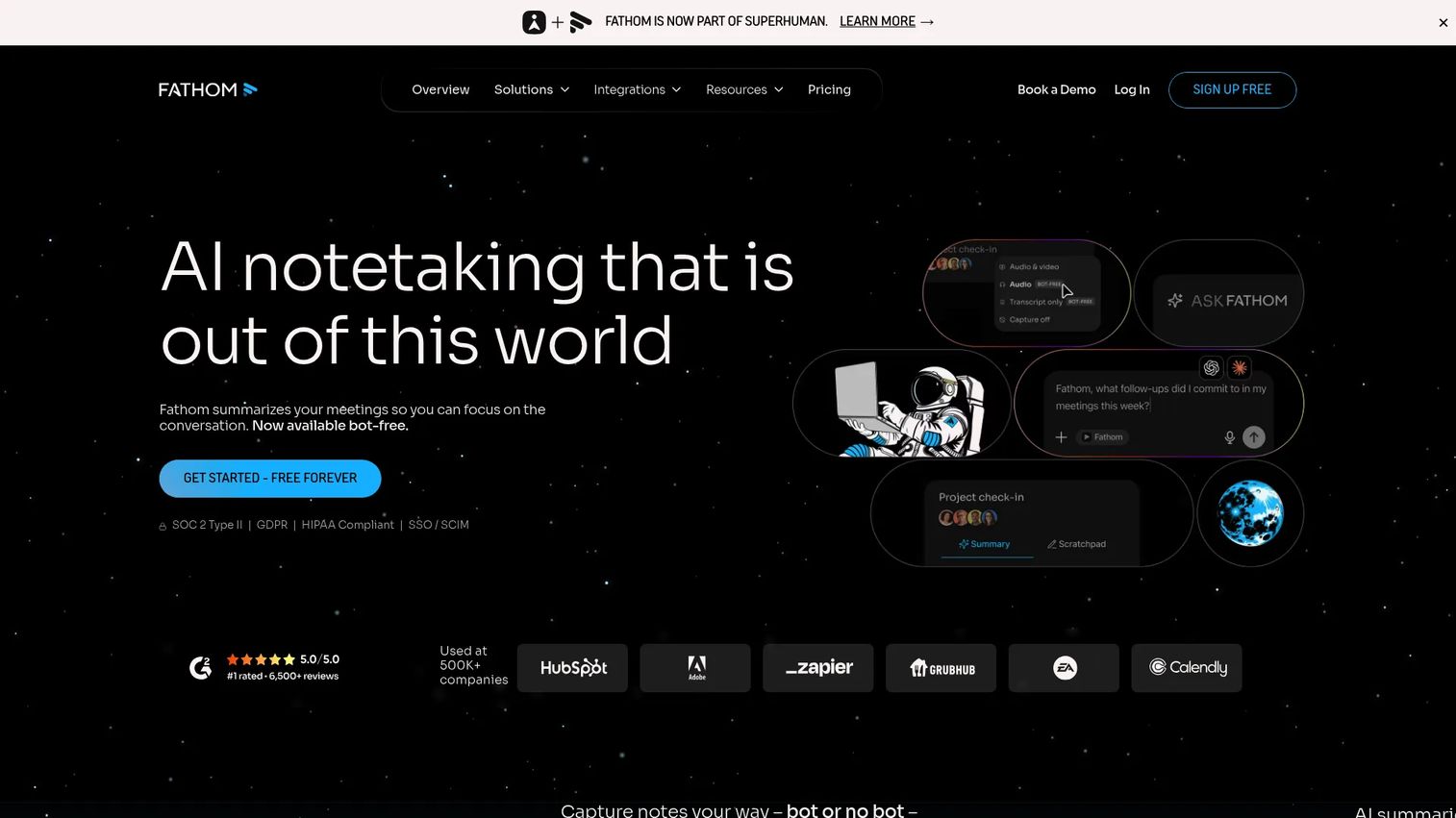
Fathom is an AI meeting assistant that records, transcribes, summarizes, and extracts action items from meetings on Zoom, Google Meet, and Microsoft Teams. Its free plan is genuinely capable, covering unlimited recordings and AI summaries. For a founder who wants first-week adoption across a team, Fathom gets there faster than most.
Best for: Founders and GTM teams wanting automated meeting notes with low setup and strong CRM integration.
Key features
- Unlimited meeting recordings and transcriptions on the free plan
- AI-generated summaries and action items after each call
- Ask Fathom: Search across your full meeting library
- CRM sync to HubSpot, Salesforce, and others
- AI coaching metrics and scorecards on paid plans
Why choose Fathom: If your priority is fast adoption and a usable free tier, Fathom is the default pick. The CRM sync is what moves it from a convenience tool into an operating-cadence asset for sales and customer teams.
Fathom pricing: Free plan available with unlimited recordings. Paid plans start at $15 per user/month (Team, billed annually) and $25 per user/month (Business, billed annually).
G2 rating: 4.7/5
2. Fellow
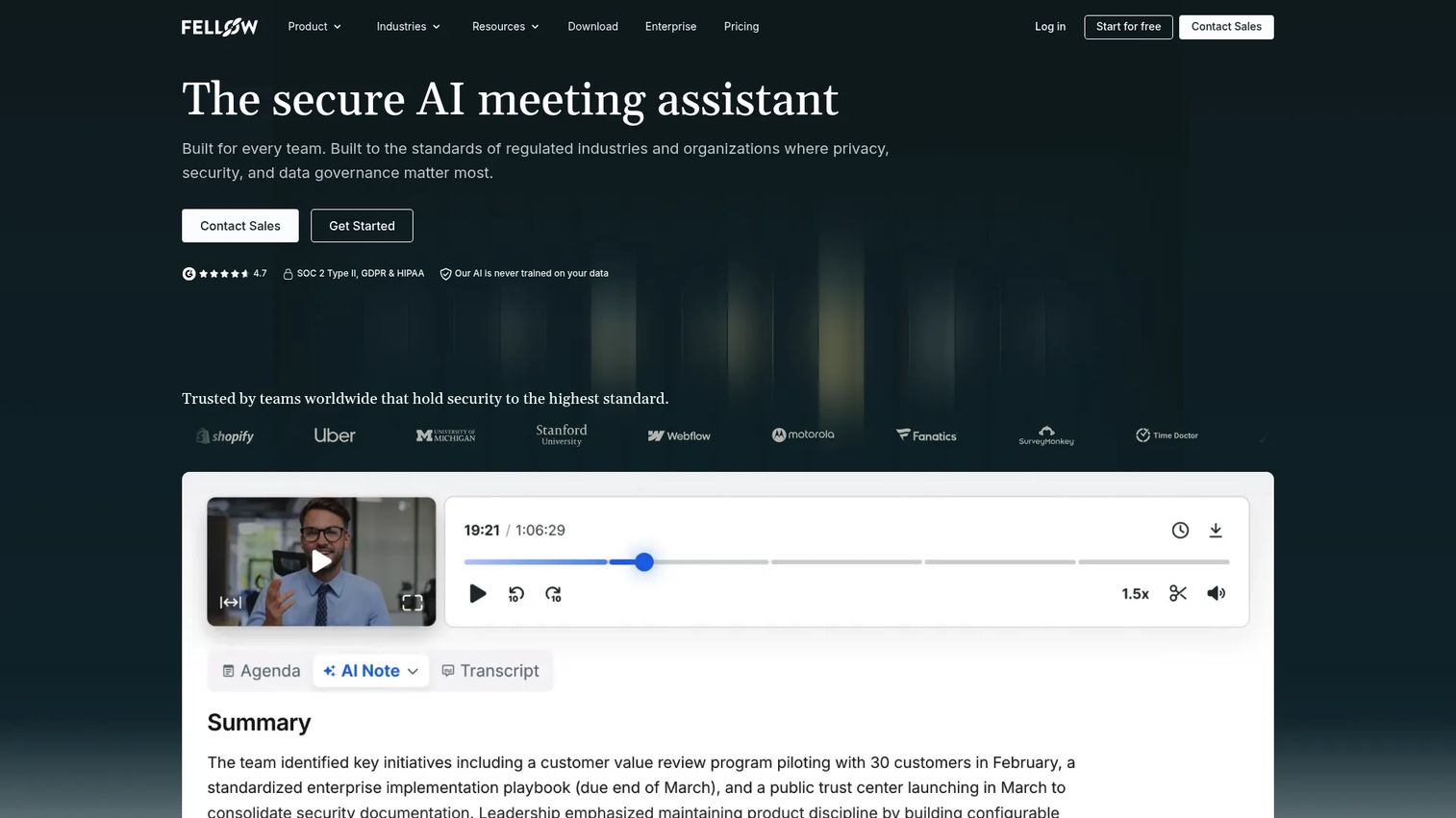
Fellow is an AI meeting assistant built around the premise that better meetings start before the meeting does. Its shared agenda builder, 500-plus meeting templates, and action-item tracking make it the strongest pick for leadership teams that want operating discipline, not just notes after the fact.
Best for: Leadership teams that want structured agendas, collaborative notes, and accountable follow-up across recurring meetings.
Key features
- Shared agendas and 500+ meeting templates
- AI notes, recordings, summaries, and transcriptions
- Action items tracked with owners and due dates
- Searchable, access-controlled recording library
- Configurable retention policies
Why choose Fellow: Fellow is the right pick when the meeting problem starts before anyone presses record. It builds the habit of documented decisions into the meeting itself, which makes the notes useful rather than archival.
Fellow pricing: Free plan available. Team plan starts at $7 per user/month (billed annually; $11 billed monthly). Business is $15 per user/month (annual).
G2 rating: 4.7/5
3. Fireflies.ai
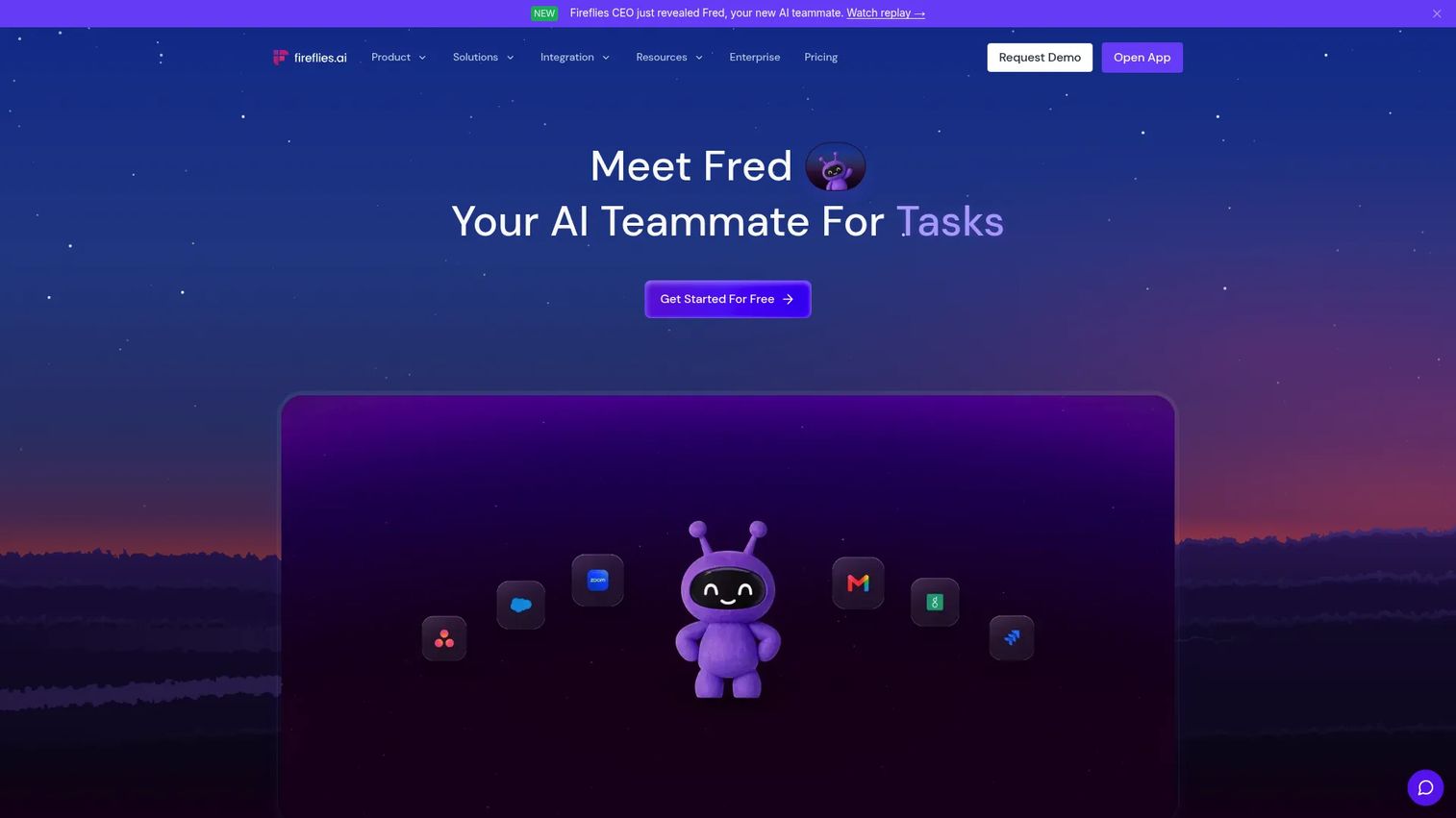
Fireflies.ai describes itself as an AI teammate for recording, transcribing, and acting on meetings, emails, messages, and tasks. Its strongest differentiator is the ability to search across your entire meeting library by topic, keyword, or speaker, which turns historical calls into an institutional knowledge base. For teams running many customer calls, hiring loops, or leadership syncs, that searchability compounds fast.
Best for: Teams that need searchable meeting intelligence across a high volume of calls, with integrations into CRM and project tools.
Key features
- Meeting recording and transcription
- AI summaries, decisions, and action items
- AskFred AI assistant with cross-meeting search
- Topic tracking and conversation analytics
- Email, Slack, CRM, and project-management integrations
Why choose Fireflies.ai: Choose Fireflies.ai when call volume is high enough that individual notes get lost. The cross-meeting search is where it separates from simpler note-takers, especially for teams doing customer discovery or competitive research at scale.
Fireflies.ai pricing: Free plan available. Pro costs $10 per seat/month (billed annually). Business is $19 per seat/month (annual).
G2 rating: 4.7/5
4. Otter.ai
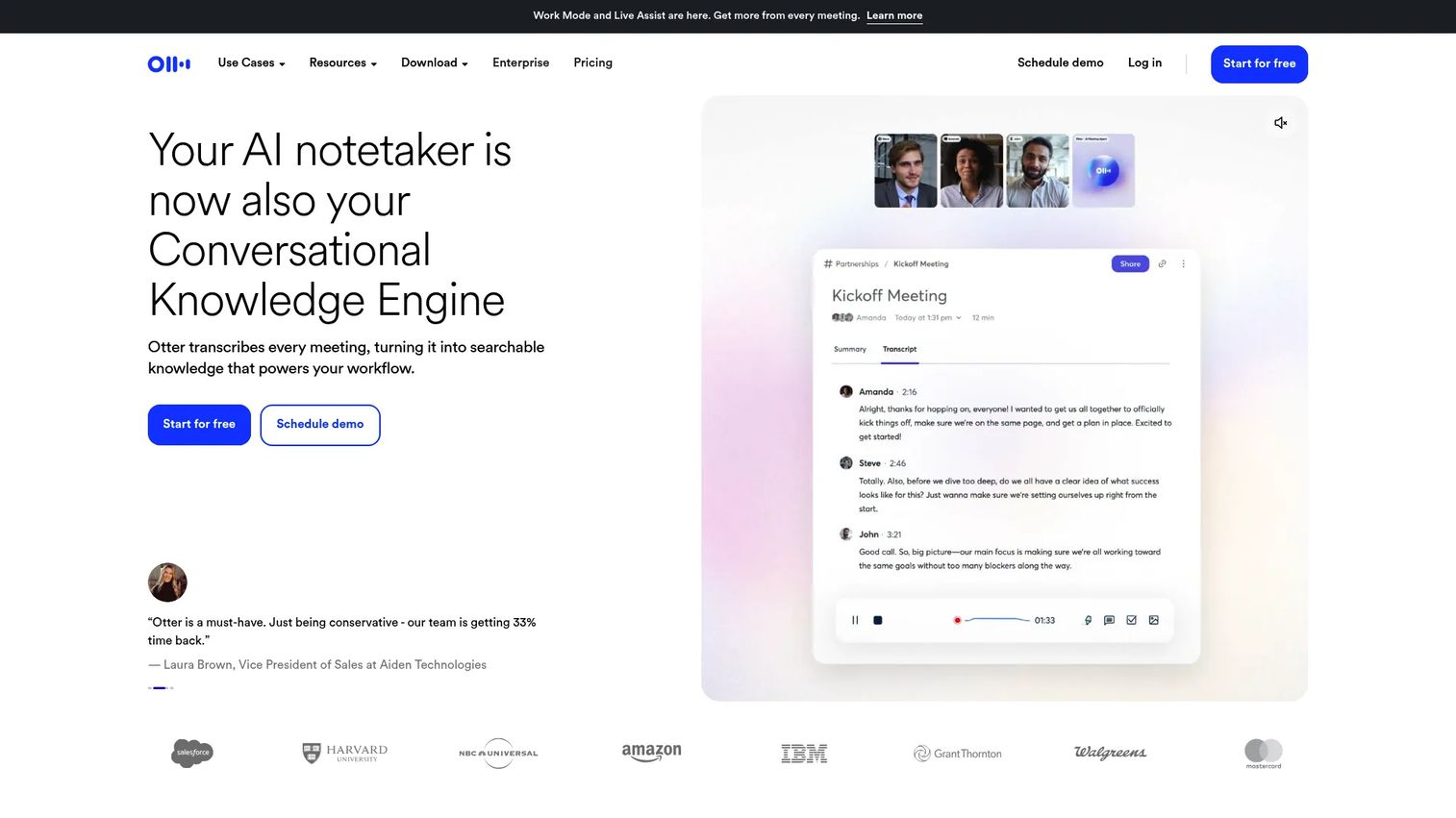
Otter.ai is one of the most recognized names in AI meeting transcription. Its core product records, transcribes, and summarizes meetings on Zoom, Microsoft Teams, and Google Meet, with live transcription running in real time so participants can follow along. Speaker identification and collaborative annotation make it useful for teams that want a shared working document, not just a post-meeting artifact.
Best for: Teams that want accessible live transcripts and collaborative notes without redesigning their meeting workflow.
Key features
- Real-time live transcription
- AI-generated meeting summaries
- Speaker identification and labeling
- Shared notes with collaborative annotation
- Calendar and video-conferencing integrations
Why choose Otter.ai: Otter.ai works well when transcript quality and ease of use are the primary criteria, and when teams want meeting records they can search and annotate together during the call.
Otter.ai pricing: Free Basic plan available. Pro starts at $8.33 per user/month (billed annually). Business is $19.99 per user/month (annual).
G2 rating: 4.4/5
5. Jamie
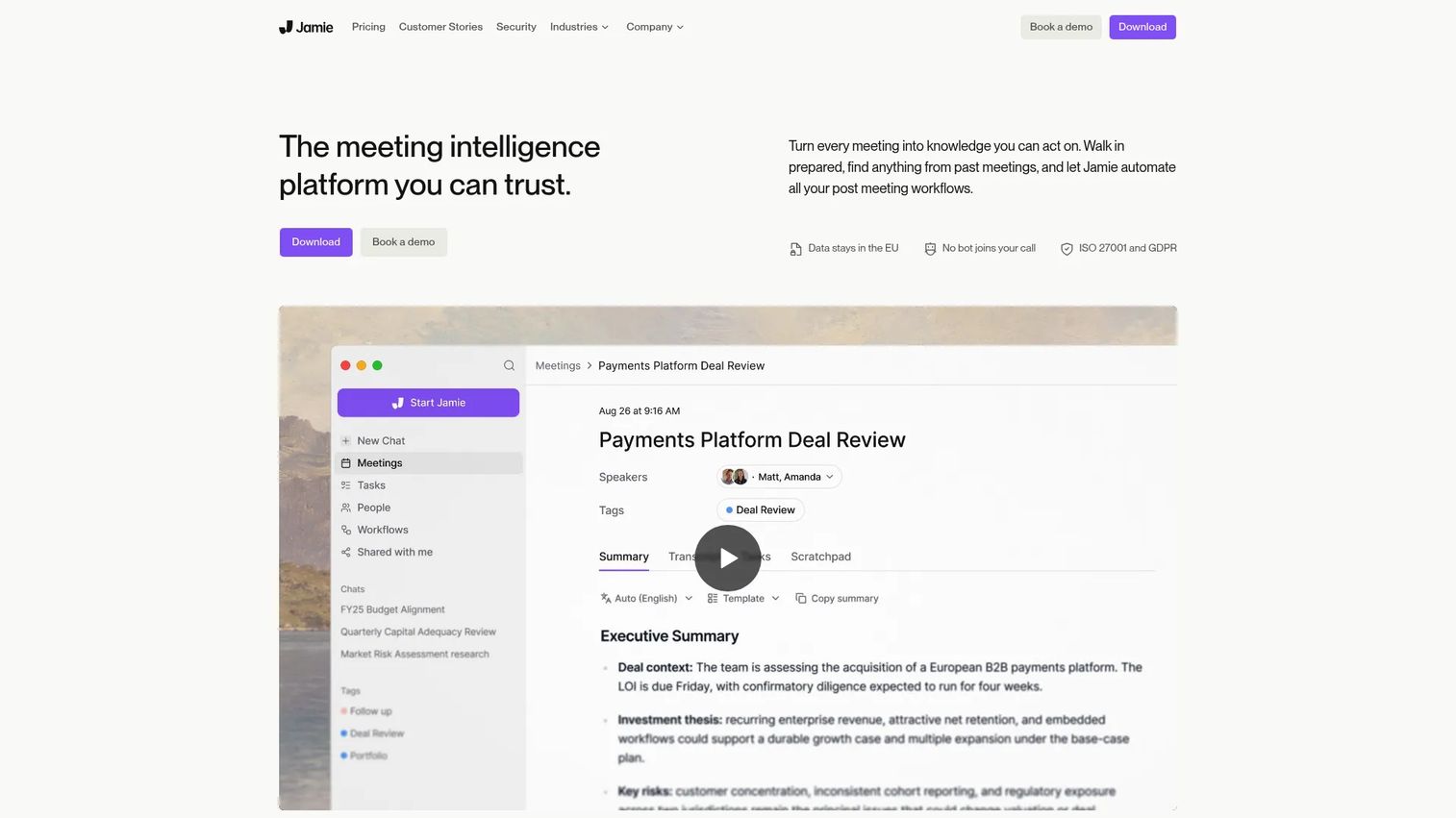
Jamie positions itself around one clear difference: It takes meeting notes without joining as a visible bot. It captures audio from your device directly, so no meeting participant sees a bot appear in the attendee list. For executives and leadership teams where a bot participant changes the meeting dynamic, that matters. Jamie supports online and in-person meetings, transcribes in 99-plus languages, and extracts action items automatically.
Best for: Privacy-conscious professionals and leadership teams that want structured AI notes without a visible bot joining every call.
Key features
- Bot-free device-audio capture for online and in-person meetings
- AI summaries with structured action items
- Speaker recognition and memory across meetings
- Transcripts in 99+ languages
- Ask Jamie: Chat across meeting history
- Integrations with Notion, Salesforce, HubSpot, Asana, and others
Why choose Jamie: Jamie fits executive-level meetings where adding a named bot to the attendee list feels off. The in-person capture also makes it one of the few tools that works for off-site leadership meetings or board dinners.
Jamie pricing: Free plan includes 10 AI notes per month. Plus starts at $24/month (billed annually). Pro is $46/month (annual).
G2 rating: 4.7/5
6. Granola
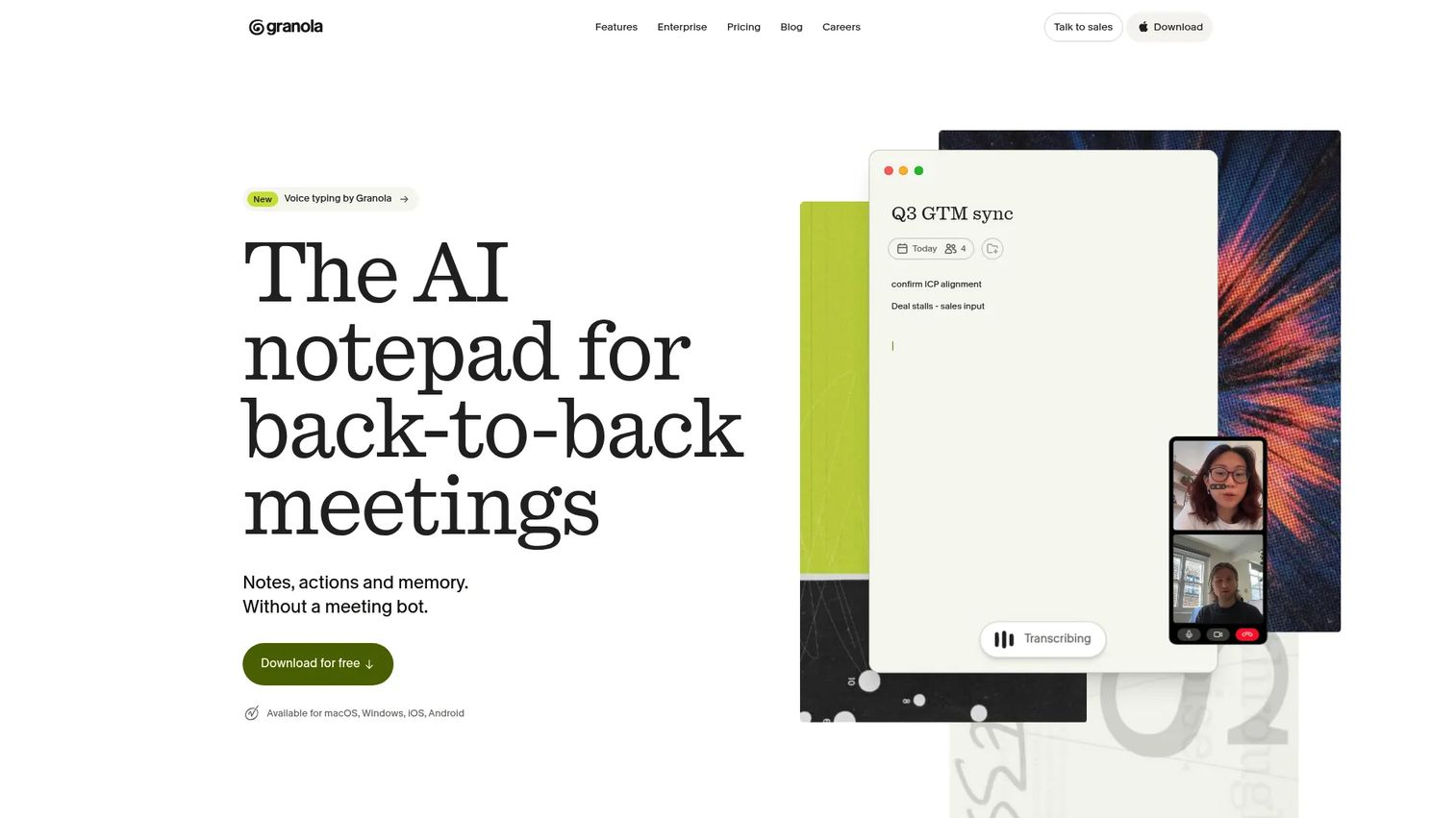
Granola is a personal AI meeting notepad that runs on your Mac and captures audio directly from your device, without joining meetings as a bot. You type your own rough notes during the call, and Granola combines them with the transcript to generate a clean, structured summary. It's positioned for founders, executives, and chiefs of staff who want a sharper personal note workflow rather than a heavy team platform.
Best for: Founders and executives who want personal AI-enhanced meeting notes with calendar context and lightweight workflow integrations.
Key features
- Bot-free device-audio capture
- AI-enhanced notes that combine your input with the transcript
- Pre-meeting briefs from calendar context
- Follow-up email drafts
- Shared folders and customizable templates
- Integrations with Slack, Notion, HubSpot, and Salesforce
Why choose Granola: If you want a tool that improves your own note quality rather than replacing your note-taking entirely, Granola is the right pick. It's especially relevant for founders who still take their own notes in leadership and board settings.
Granola pricing: Free Basic plan available. Business is $14 per user/month. Enterprise is $35 per user/month.
G2 rating: 4.6/5
7. tl;dv
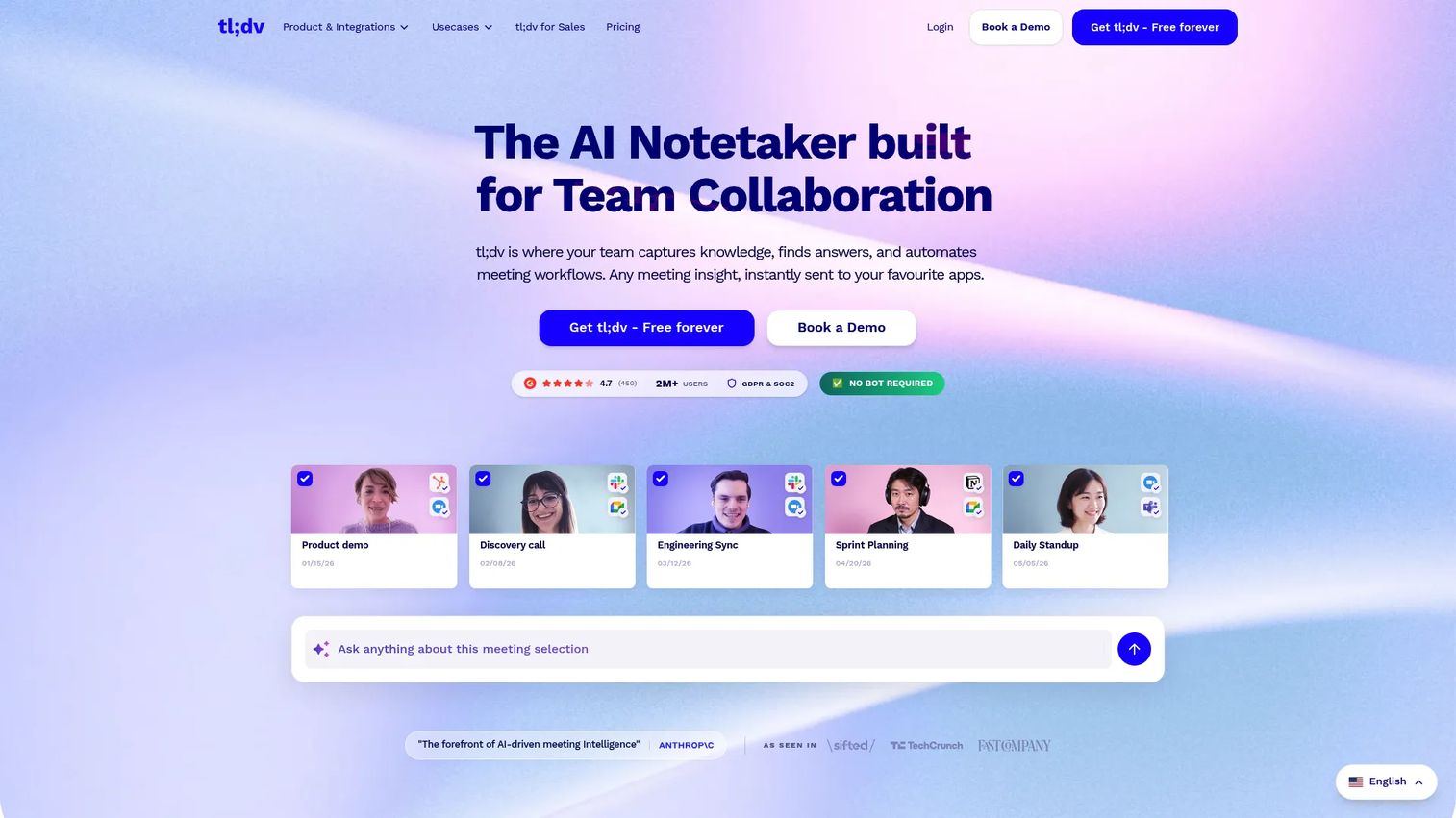
tl;dv records, transcribes, summarizes, and analyzes meetings on Zoom, Google Meet, and Microsoft Teams, with a strong emphasis on sales and customer-success workflows. Its clip feature lets reps pull the exact moment a prospect named an objection or confirmed a use case, then share that clip directly in a CRM or Slack thread. For founders running deal reviews from facts rather than rep recall, that's a meaningful change.
Best for: GTM teams that want meeting recordings, AI notes, shareable clips, and CRM-ready follow-up after customer and sales calls.
Key features
- Automatic meeting recording with video capture
- AI transcription, summaries, and action items
- Shareable meeting clips
- Aggregated AI insights across multiple meetings
- CRM integrations including HubSpot, Salesforce, Slack, and Notion
- Sales coaching, playbooks, and objection tracking on paid plans
Why choose tl;dv: tl;dv is strongest when meeting minutes are part of sales execution. If your deal reviews run on rep memory rather than call facts, this is the tool that changes that dynamic.
tl;dv pricing: Free plan includes unlimited recordings and transcriptions. Pro starts at $18 per seat/month (billed annually). Business is $29 per seat/month (annual).
G2 rating: 4.7/5
8. Avoma
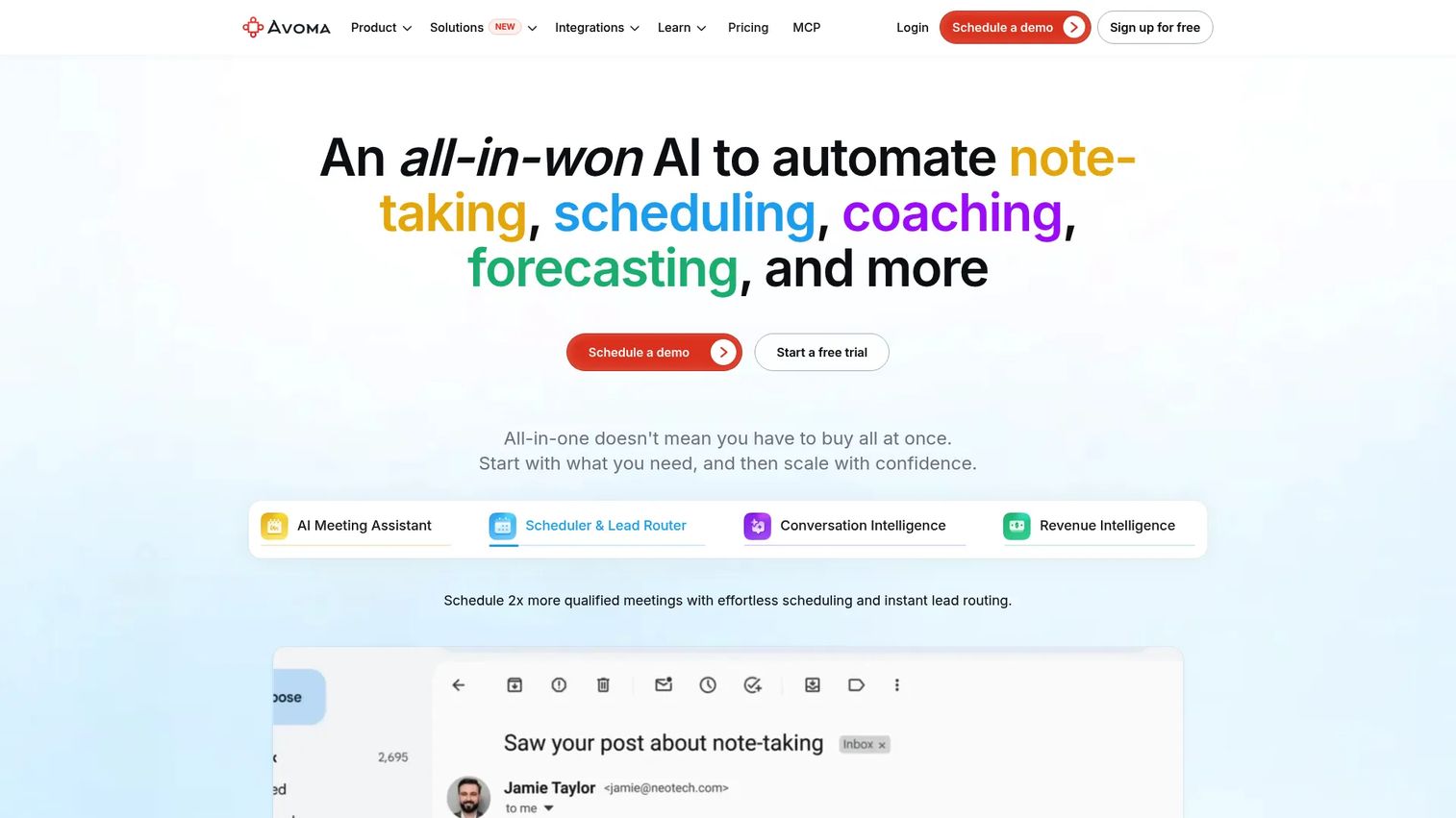
Avoma combines meeting recording, transcription, and AI notes with scheduling, conversation intelligence, and revenue analytics in one platform. It's built for customer-facing revenue teams that need meeting records tied directly to pipeline data. The coaching and win-loss analysis capabilities go beyond what lighter note-takers provide, which is useful when the CEO wants to understand why deals stall.
Best for: Sales-led SaaS teams that want meeting records connected to revenue execution, coaching, and forecasting.
Key features
- AI meeting recording, transcription, and summarized notes
- Meeting scheduling and lead routing
- Conversation intelligence with AI coaching and call scoring
- Deal risk alerts and win-loss analysis
- CRM integrations with Salesforce, HubSpot, Zoho, and Pipedrive
Why choose Avoma: Avoma makes sense when the minutes problem is inseparable from the sales execution problem. It's more than a note-taker; it covers scheduling through revenue intelligence in a single layer.
Avoma pricing: A 14-day unrestricted trial is available. Startup plan starts at $19 per recorder seat/month (billed annually). Organization is $29 per seat/month (annual).
G2 rating: 4.6/5
9. MeetGeek
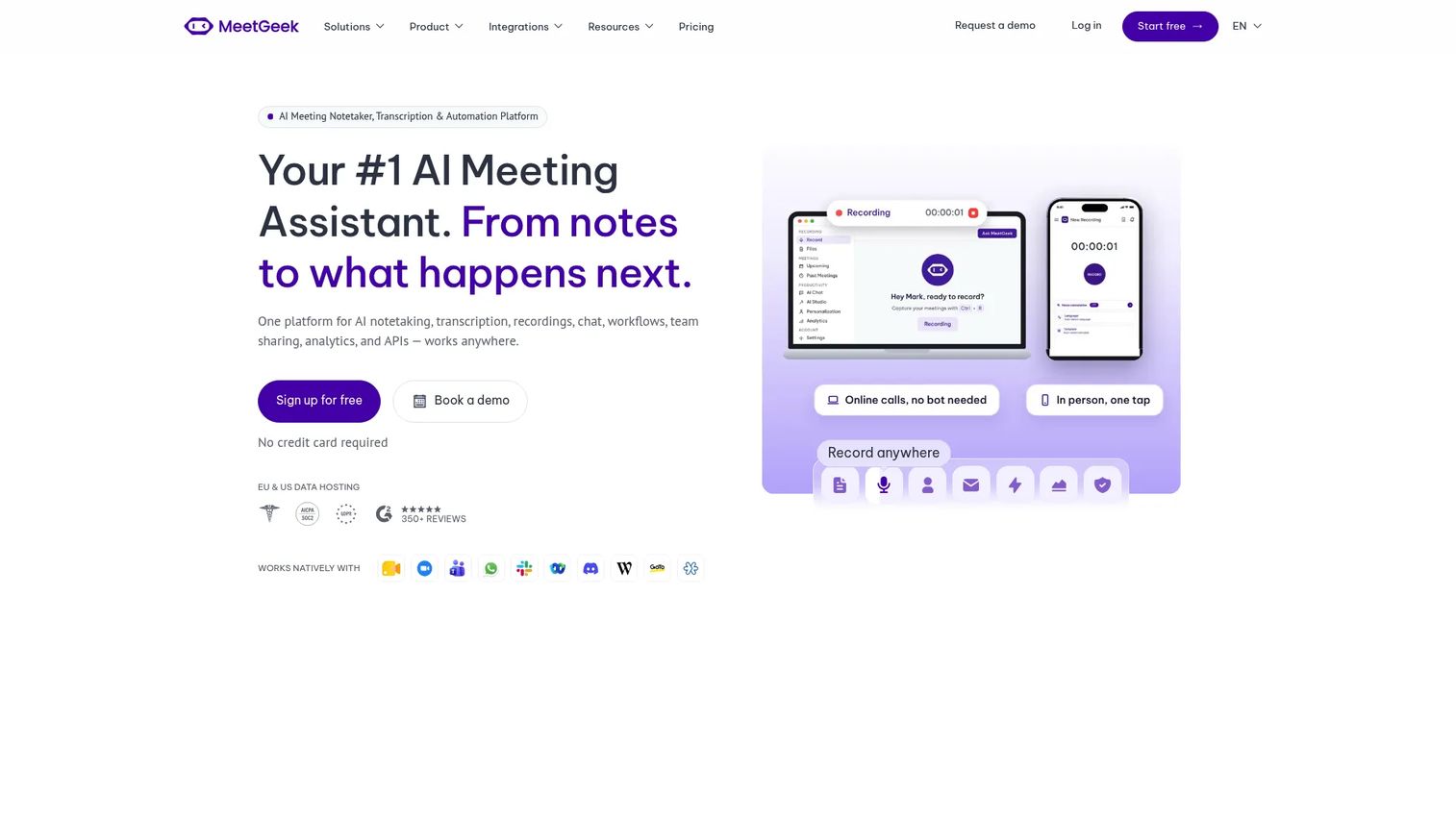
MeetGeek is an AI meeting assistant that records, transcribes, summarizes, and analyzes meetings across Zoom, Google Meet, Microsoft Teams, and mobile. Its meeting analytics dashboard surfaces patterns across teams, like which meeting types run long or which recurring meetings produce the fewest action items, making it useful for ops and RevOps leaders standardizing meeting quality across departments.
Best for: Cross-functional teams and RevOps leaders that want automated notes plus analytics across the organization's meeting habits.
Key features
- Meeting recording and transcription across Zoom, Google Meet, Teams, and mobile
- AI summaries, action items, meeting highlights, and AI Chat
- Keyword search across meeting history
- Meeting analytics and workflow automation
- Templates and CRM integrations
Why choose MeetGeek: MeetGeek fits teams that want AI-generated summaries with enough structure to share across functions, plus visibility into meeting patterns over time.
MeetGeek pricing: Free Basic plan includes 3 hours of transcription monthly. Pro starts at $15.99/month. Business is $27/month.
G2 rating: 4.6/5
10. Notta
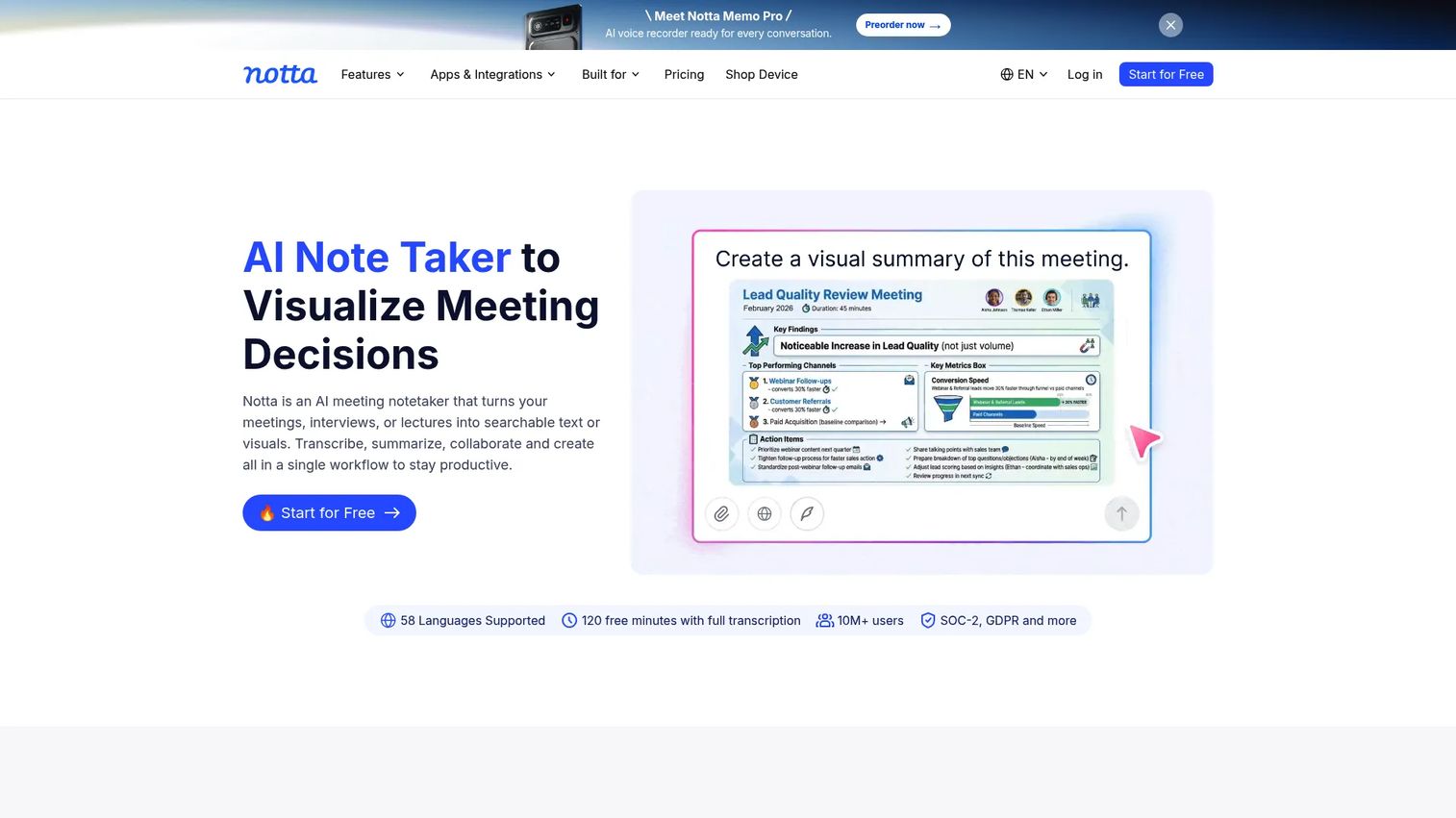
Notta is an AI meeting assistant for recording, transcribing, translating, and summarizing conversations in multiple languages. It records across Zoom, Google Meet, Microsoft Teams, and Webex, and also accepts uploaded audio and video files. The bilingual transcription and translation support makes it a practical option for distributed teams running meetings across language contexts.
Best for: Distributed or global teams that need multilingual transcription, translation, and clean meeting records across time zones.
Key features
- Real-time transcription with speaker identification
- Transcript translation and bilingual transcription
- AI summaries, action items, and cross-meeting Q&A
- Recording for Zoom, Google Meet, Teams, and Webex
- Integrations with Slack, Notion, Salesforce, HubSpot, and Zapier
Why choose Notta: When language coverage matters, Notta addresses a gap the other tools on this list don't prioritize. For founders managing distributed leadership or engineering teams across regions, the translation layer earns its keep.
Notta pricing: Free plan includes 120 transcription minutes/month. Pro starts at $8.17/month (billed annually). Business is $16.67/month (annual).
G2 rating: 4.2/5
11. Tactiq
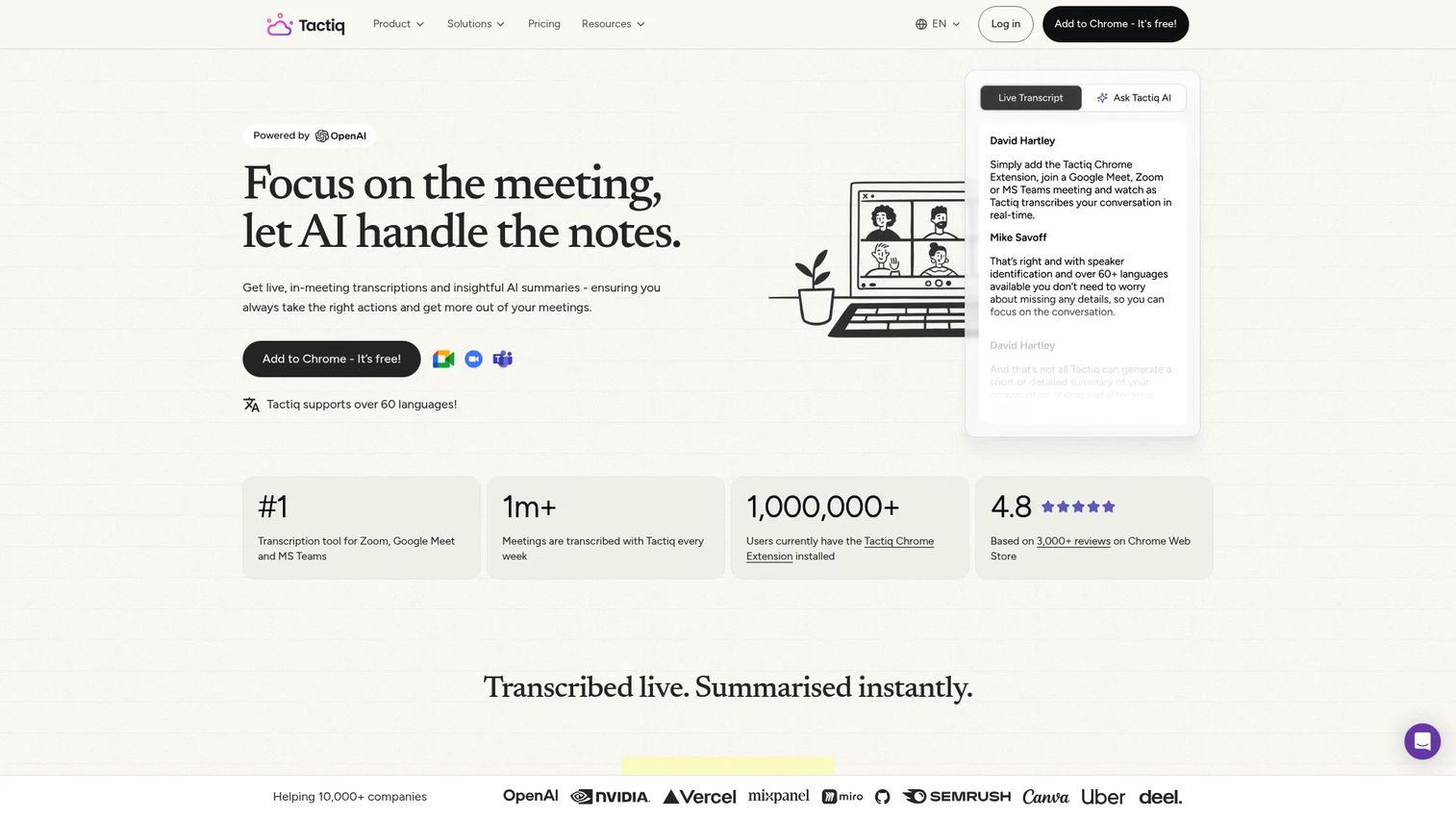
Tactiq is a browser-based AI note-taking tool that runs as a Chrome extension, capturing transcripts and generating AI summaries during Google Meet, Zoom, and Microsoft Teams calls without deploying a bot into the meeting. It offers AI prompts post-meeting, letting users generate follow-up emails, project updates, or action-item lists from the transcript on demand.
Best for: Individuals and small teams that want browser-based, bot-free transcription and AI summaries with low setup overhead.
Key features
- Real-time bot-free transcription via Chrome extension
- AI-generated summaries, action items, and follow-up emails
- In-meeting AI prompts for custom outputs
- Transcript sharing and exporting
- Integrations with Google Drive, Notion, Salesforce, Slack, and HubSpot
Why choose Tactiq: Tactiq is the right pick when the team wants simple capture without adopting a full platform. For founders watching tool sprawl, it's a lightweight starting point that handles the basics without a contract or IT review.
Tactiq pricing: Free plan includes 10 transcripts and 5 AI credits per month. Pro starts at $8 per user/month (billed annually). Team is $16.67 per user/month (annual).
G2 rating: 4.2/5
12. Lindy
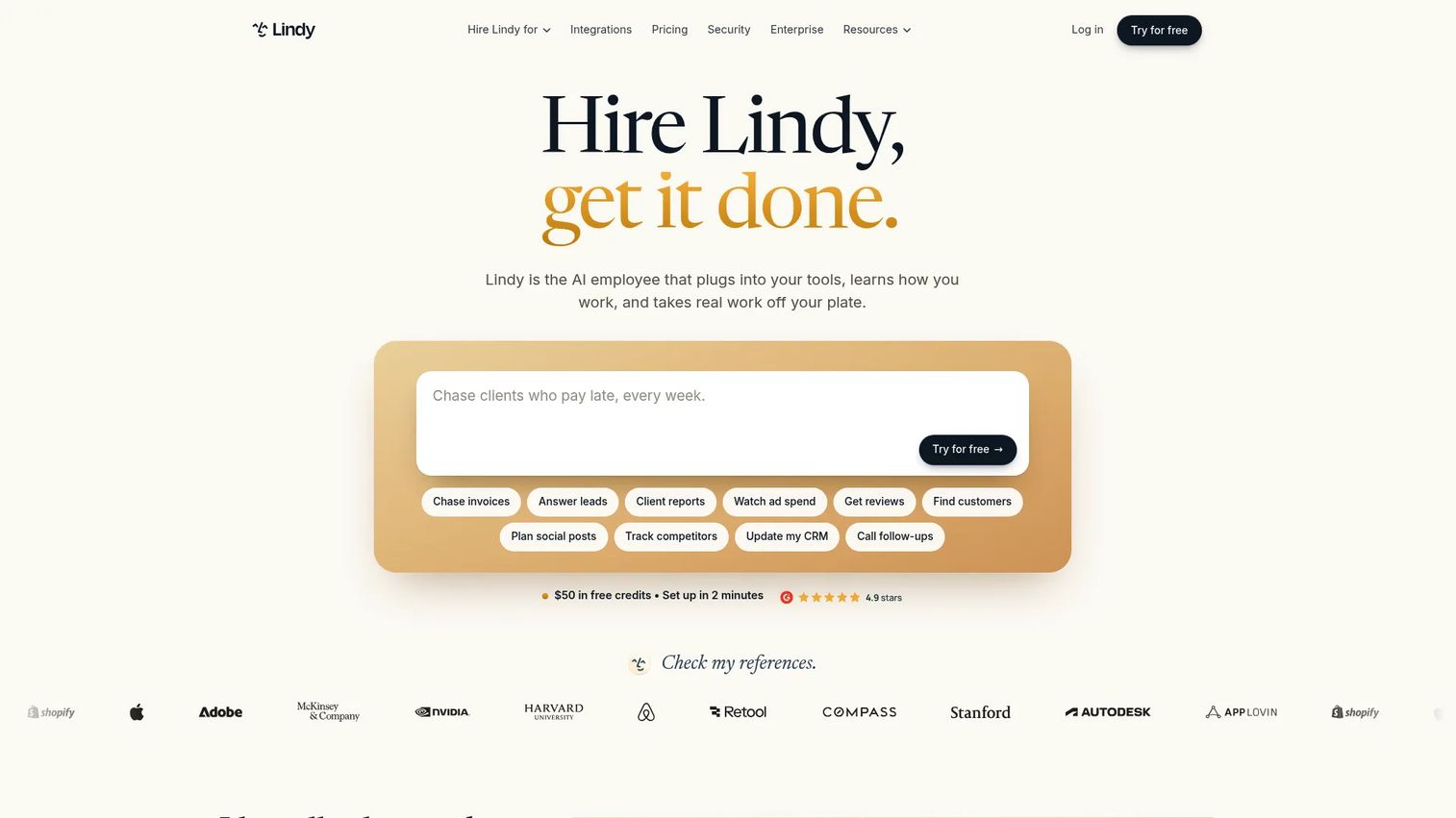
Lindy is an AI employee platform that connects to your tools, learns how you work, and automates recurring tasks. For meeting workflows, Lindy can record notes, schedule prep, generate summaries, and trigger automated follow-up sequences based on meeting outputs. Where most note-takers stop at capturing decisions, Lindy continues into execution by wiring meeting outputs to CRM updates, Slack messages, or task creation automatically.
Best for: Operations-oriented teams that want meeting outputs to trigger downstream workflows automatically, without manual handoff steps.
Key features
- Meeting recording, notes, and AI summaries
- Meeting scheduling prep and follow-up automation
- Persistent workspace context across interactions
- 3,000-plus integrations with MCP support
- Custom AI skills built for recurring workflows
Why choose Lindy: Lindy is strongest when the goal is not just better notes but fewer manual handoffs after the meeting. If your ops motion involves consistent post-meeting actions (CRM updates, Slack summaries, task creation), Lindy automates that layer. For more context on agentic AI platforms like Lindy, see the agentic AI platforms guide.
Lindy pricing: Free trial includes $50 in credits for 7 days. Team starts at $49.99/month for 5,000 credits per active user. Enterprise pricing is custom.
G2 rating: 4.9/5
13. OnBoard
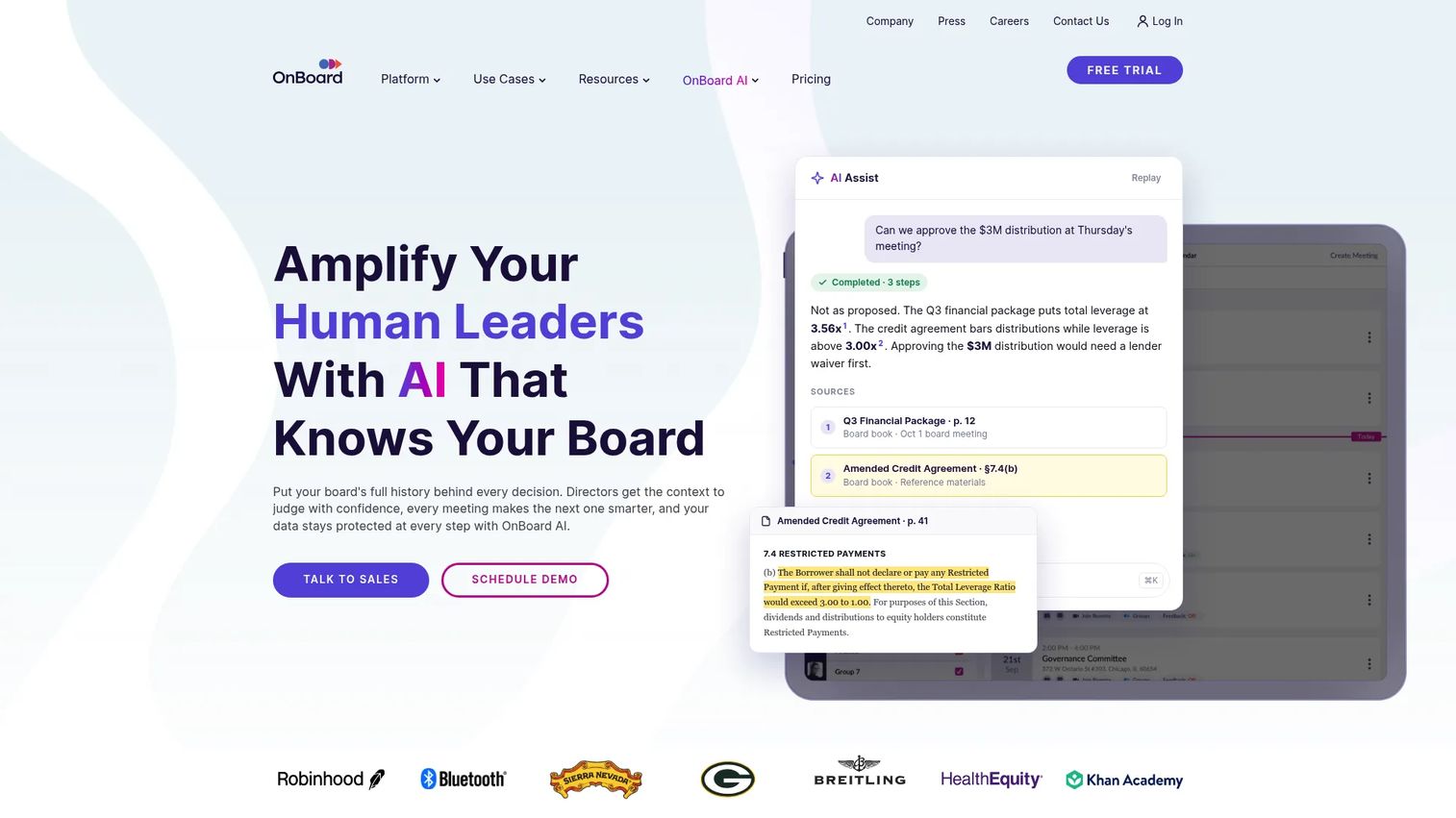
OnBoard is purpose-built board management software. It covers the full governance lifecycle: Building board packets and agendas, running meetings with real-time voting and approvals, capturing formal minutes, collecting eSignatures, and maintaining an audit trail. For a Series B company approaching its next fundraise or managing an active board, the difference between a Notion doc and a proper board record matters. For more options in this category, see the board meeting software comparison.
Best for: Boards, committees, and executive teams that need formal meeting records with approvals, audit trails, and governance-grade retention.
Key features
- Agenda and board book builder
- Formal minutes builder
- Voting, approvals, and eSignatures
- Attendance tracking and surveys
- Mobile apps with Zoom and Teams integration
- AI Assist for drafting and summaries
Why choose OnBoard: OnBoard is the governance-grade pick. If your board meetings produce records that need a vote confirmation, an approval chain, and a retained audit trail, this is the right category. AI note-takers are not substitutes here.
OnBoard pricing: Custom pricing across Essentials, Premium, and Ultimate tiers. Request a demo for a quote.
G2 rating: 4.7/5
14. Microsoft Word
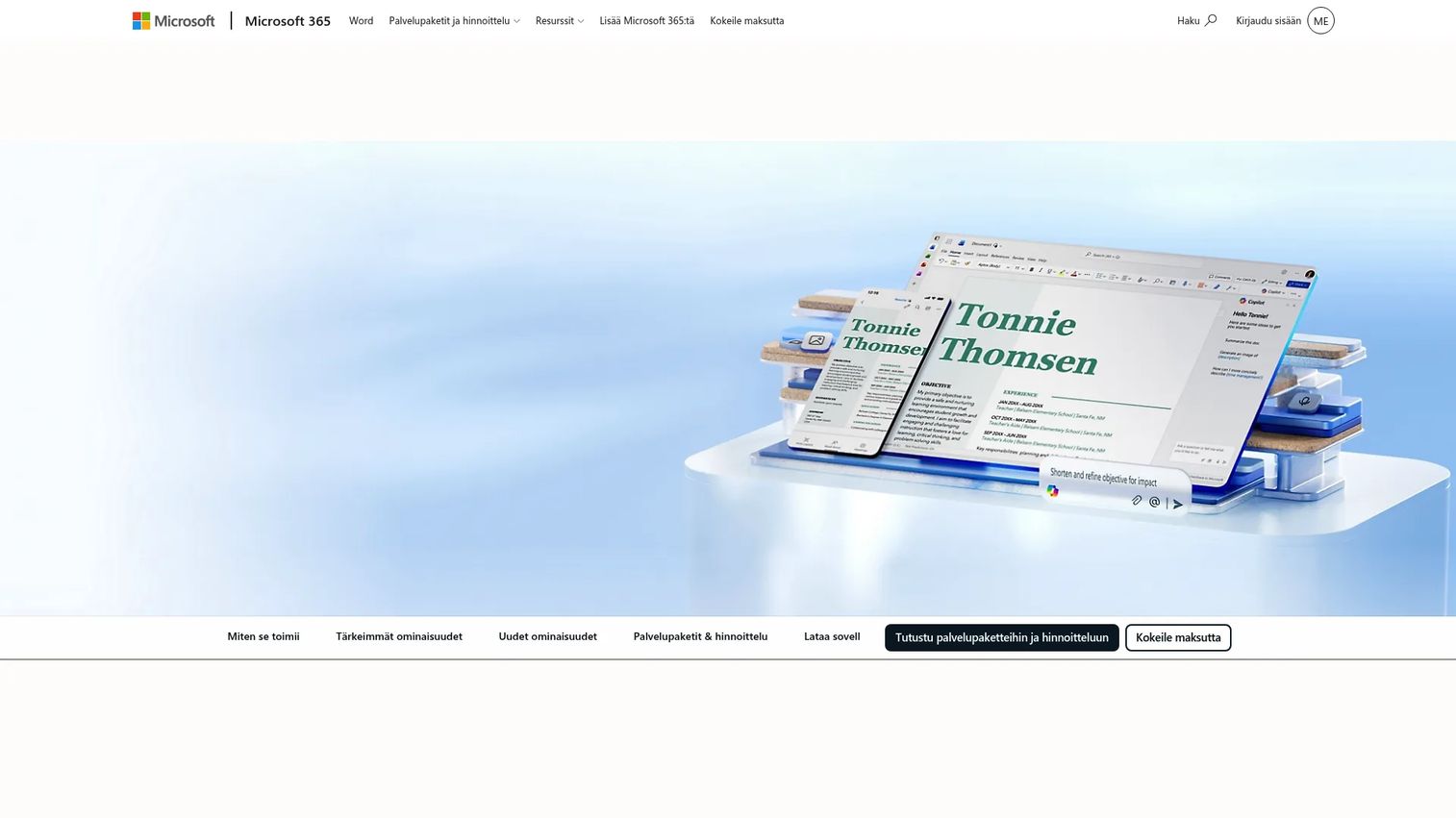
Microsoft Word is not an AI meeting assistant, but it remains the most common tool for drafting formal meeting minutes in document form. With Microsoft 365 Copilot, teams can draft structured minutes from prompts or pasted transcripts, then co-author and format them in a familiar environment. For teams already on Microsoft 365 that need template-based formal records without adopting a new tool, Word's combination of Copilot, templates, and OneDrive storage covers the basic workflow.
Best for: Teams already on Microsoft 365 that want familiar document templates, Copilot-assisted drafting, and standard formal minutes without a new platform.
Key features
- Meeting minutes templates built into Word
- Copilot-assisted drafting and summarization
- Real-time co-authoring and Track Changes
- PDF export and OneDrive storage
- Editor for grammar and writing style
Why choose Microsoft Word: Word earns its place when adoption friction matters more than automation depth. Teams already embedded in Microsoft 365 can start producing structured minutes without any procurement, training, or integration work.
Microsoft Word pricing: Included in Microsoft 365 Personal at $9.99/month. Microsoft 365 Family runs $12.99/month. Free online editing is available with a Microsoft account.
G2 rating: 4.7/5
15. ClickUp
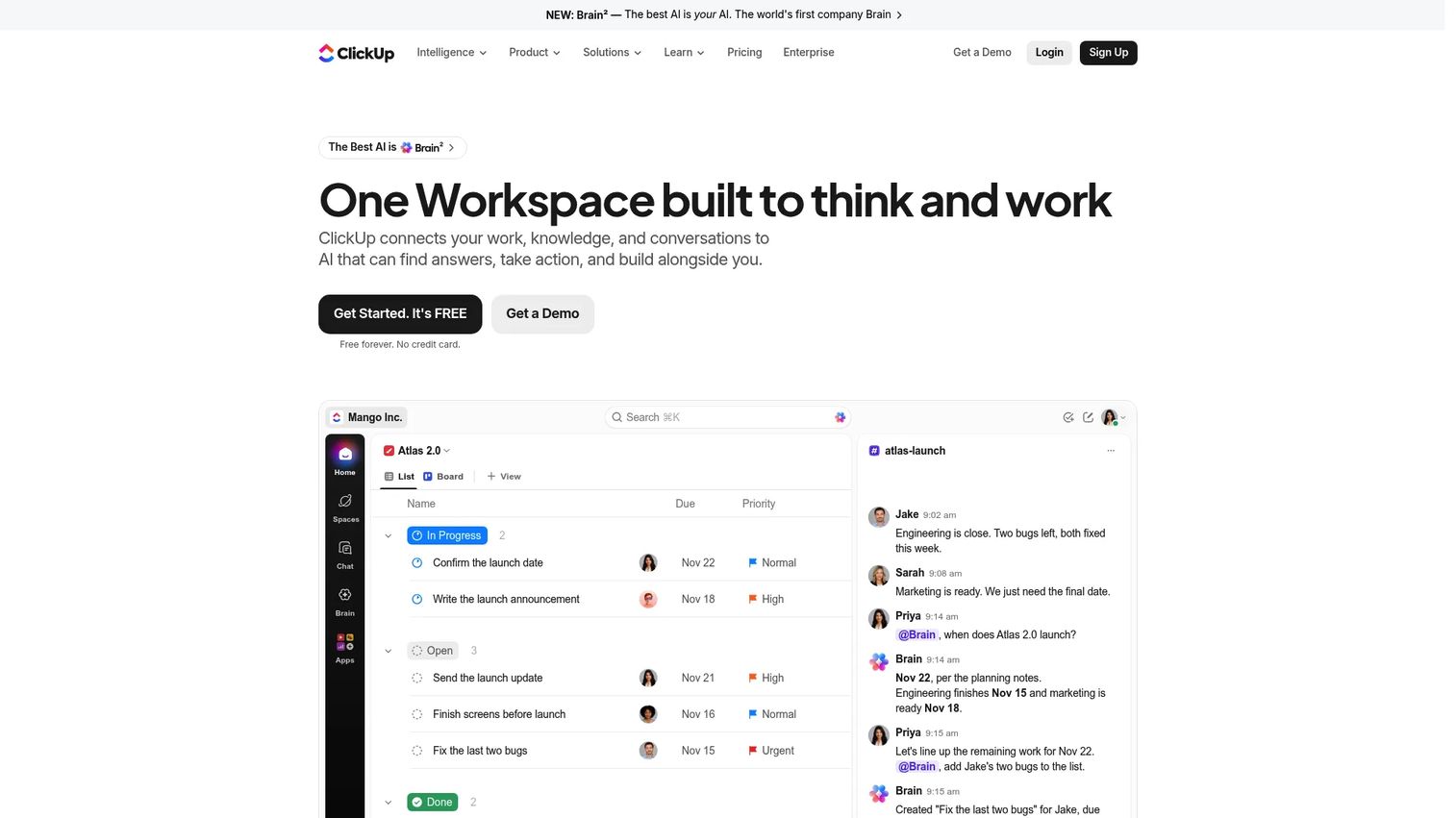
ClickUp is a work-management platform that includes Docs, AI writing, task management, and an AI Notetaker for meeting capture. It's not primarily a meeting minutes tool, but it closes a gap that standalone note-takers leave open: The connection between meeting decisions and assigned work. When a task comes out of a leadership sync, it can live in the same system that tracks all other project work, with the same assignees, due dates, and project views.
Best for: Teams that want meeting notes and tasks to live in the same system, so decisions from meetings become trackable project work immediately.
Key features
- AI Notetaker for automated meeting capture
- Collaborative Docs for meeting notes and templates
- Task and project management with Kanban, Gantt, and List views
- AI agents, automations, and AI-generated content
- Dashboards and time tracking
Why choose ClickUp: ClickUp fits teams that already use or plan to adopt it as an operating layer. The meeting-to-task connection is the specific advantage. For teams not already using ClickUp, adopting it primarily for meeting notes adds more platform than the use case requires.
ClickUp pricing: Free plan available. Core starts at $9 per user/month (billed annually). Business is $17 per user/month (annual).
G2 rating: 4.6/5
Considerations when choosing meeting minutes software
Capture quality
Compare bot-based capture, bot-free device capture, live transcription, and uploaded file support. For leadership meetings and board settings, whether a bot appears in the attendee list is a real consideration, not a cosmetic one. The question to ask: Will your team trust the output enough to act on it?
Decision and action-item extraction
A transcript is not a minutes document. Evaluate whether the tool identifies specific decisions, assigns owners, extracts deadlines, and routes action items to task systems. Teams that want accountability without manual cleanup need this layer built in.
Integrations with the operating stack
Adoption depends on whether the tool connects to the systems the team already uses. Check integrations against your calendar provider, video conferencing platform, CRM, Slack, and project management setup. For approval workflow software needs tied to meeting outputs, verify that specific integration before buying.
Governance and record keeping
Permissions, retention policies, exports, and audit trails matter at the board and leadership-team level. Standard AI note-takers handle this differently than purpose-built board management platforms. Match the tool to the governance requirement, not the other way around.
Cost versus adoption
Per-seat pricing scales with headcount. A tool that costs $15 per seat across 50 users hits the budget in a way that changes the ROI calculus. Compare the cost against meeting volume, the number of team members who need access, and whether executives will consistently use the tool.
Conclusion
The right meeting minutes software depends on what breaks down in your current process.
If the problem is leadership alignment, start with Fathom or Fellow. Fathom handles fast AI notes with a strong free plan; Fellow adds agenda discipline that changes the meeting itself. For searchable meeting intelligence across a high call volume, Fireflies.ai covers that ground well. For teams that want privacy-first capture without a bot, Jamie and Granola both deliver structured notes from device audio.
Avoma and tl;dv are worth evaluating when meeting minutes are part of sales execution, not just internal operations. MeetGeek fits cross-functional ops teams. Notta addresses language coverage for distributed organizations.
For board and formal governance, OnBoard is the purpose-built choice. Microsoft Word covers the template-based formal record for teams already on Microsoft 365. ClickUp connects meeting outputs directly to project work for teams building on a unified operating platform.
For most Series B teams, the practical move is to pick one AI meeting assistant for day-to-day leadership and customer calls, then assess separately whether board meetings need governance-grade software. That two-track approach closes most of the accountability gap without overcomplicating the stack.
For more related tools and comparisons, the best AI meeting assistants guide and the best AI note-taking tools roundup cover adjacent categories worth reviewing before you finalize your shortlist.
Start your journey with Guideflow today!
FAQs
For most SaaS teams, Fathom is the strongest default: Free core plan, fast setup, and reliable AI summaries with CRM sync. Fellow is the better pick when leadership-team meeting discipline and structured agendas are the priority. Fireflies.ai suits teams with high call volume that need searchable conversation history across many meetings.
Meeting notes are informal working summaries for participants, with no required structure or governance obligations. Meeting minutes are a formal record of attendance, decisions, motions, action items with owners, and approvals, often maintained for legal, board, or audit purposes. The distinction matters because informal AI summaries are not substitutes for formal board minutes when governance is the requirement.
AI tools can draft summaries, extract decisions, identify action items, and assign owners from a recording or transcript. For informal team meetings, that output is often sufficient to act on. For formal board minutes, human review before distribution or approval is still necessary, since AI can miss the precision that governance records require.
At a minimum: Transcription or audio capture, AI-generated summaries, action item extraction with owner and deadline fields, templates or formatting options, and export capability. For formal settings, add approval workflows, audit trails, attendance tracking, and secure retention.
For individuals and small teams, the free plans from Fathom, Fireflies.ai, and Otter.ai cover basic recording, transcription, and summaries. Limits typically appear around recording volume, storage, integrations, and admin controls at the team level. Paid plans become necessary when CRM sync, advanced search, team-level analytics, or governance features are required.
OnBoard is purpose-built for formal board meeting workflows: Board packets, motions, votes, eSignatures, and audit trails in one governed platform. Microsoft Word with Copilot covers template-based formal minutes for smaller boards that prefer a document workflow. Standard AI note-takers are not designed for governance-grade record keeping, so match the tool to that specific requirement.
Most tools on this list support all three platforms, but there are exceptions. Tactiq works as a Chrome extension and is strongest on Google Meet. Granola currently runs on Mac and captures device audio rather than joining via a bot, so platform integration works differently. Verify your primary conferencing platform against each tool's current integration documentation before buying.
Recording consent requirements depend on your jurisdiction, meeting type, participant location, and company policy. Many tools include consent announcement features or configurable bot-entry messages to address this. Consult your legal or compliance team and configure the appropriate notifications in your meeting software before rolling out any AI recording tool across your organization.