Picking a JavaScript framework isn't a purely technical decision. It shapes hiring, onboarding speed, demo stability, and how confidently your team can support a proof of concept under a security review timeline. Choose the wrong one, and you're explaining architectural debt to buyers eighteen months from now.
According to the Stack Overflow Developer Survey 2025, React was used for extensive development by 44.7% of respondents, Node.js by 48.7%, and developers reported using an average of 2.6 different front-end frameworks across their careers. The market isn't converging on one option. It's fragmenting by use case.
This guide cuts through the noise. It covers frontend frameworks for interactive UIs, meta-frameworks for full-stack production apps, and backend frameworks for APIs and enterprise Node.js services, so you can shortlist the right tools for your project type rather than defaulting to whatever's most familiar.
What's inside
This guide covers 15 JavaScript web frameworks and libraries in production use as of 2026. Tools were chosen based on:
- Current relevance in production teams and hiring markets
- Ecosystem maturity, documentation quality, and community support
- Use case fit across front-end, full-stack, backend, and component-library scenarios
- Developer experience, maintainability, and long-term technical risk
The list spans four categories:
- Front-end frameworks for interactive user interfaces (React, Angular, Vue, Svelte, SolidJS, Qwik, Preact, Lit, Ember)
- Meta-frameworks for SSR, routing, and full-stack apps (Next.js, Nuxt, Remix, Astro)
- Backend frameworks for Node.js APIs and services (Express.js, NestJS)
TL;DR
- Best broad default: React has the hiring depth, package ecosystem, and meta-framework support that most teams need in 2026
- Best for enterprise structure: Angular gives large teams TypeScript-first conventions, dependency injection, and built-in tooling out of the box
- Best for approachable adoption: Vue works well when teams want readable syntax and strong documentation without Angular's weight
- Best for content-heavy sites: Astro keeps client-side JavaScript minimal for marketing sites, docs, and content-led products
- Best for Node.js APIs: NestJS gives backend teams an opinionated TypeScript architecture with repeatable patterns across services
- Best for concise front-end code: Svelte compiles components at build time, cutting runtime overhead for performance-focused teams
What is JavaScript web framework software?
JavaScript web framework software provides reusable structure, rendering patterns, routing, state handling, and tooling for building web applications with JavaScript or TypeScript.
Frameworks, libraries, and meta-frameworks
The market uses "framework" loosely, so it helps to know the differences before you evaluate. React is technically a UI library, not a framework. Angular is a full framework with its own opinions about structure, routing, forms, and testing. Next.js is a meta-framework that sits on top of React and adds file-based routing, server rendering, data loading, and deployment conventions.
This guide includes all three types because searchers, buyers, and product teams use "JavaScript web frameworks" to mean the whole decision: What powers the front end, how the app renders, and how the API layer is structured.
Core capabilities to compare
When evaluating any JavaScript framework or library, look at:
- Component model and how state flows between UI units
- Rendering strategy: Client-side rendering (CSR), server-side rendering (SSR), static site generation (SSG), or islands architecture
- Routing and data loading conventions
- TypeScript support and type safety at scale
- Build tooling and hot module replacement speed
- Performance model: Bundle size, hydration cost, time to interactive
- Ecosystem depth: Packages, testing tools, accessibility guidance
- Documentation quality and community size
- Hiring availability for your team size and market
- Long-term maintenance commitments from maintainers or sponsors
Where JavaScript web frameworks show up
Production web apps of all kinds run on these frameworks. SaaS dashboards, admin panels, e-commerce storefronts, documentation sites, customer portals, and API layers all depend on this layer of the stack. For presales teams running technical validations, the framework choice also affects demo environment stability, POC reliability, and how much engineering time a proof-of-concept requires.
When to use JavaScript web frameworks
Build interactive product interfaces
Frameworks help teams manage complex UI states, reusable components, and user flows that would be unmanageable with vanilla JavaScript. SaaS dashboards, admin tools, and customer portals all depend on a solid component model to stay maintainable as requirements grow. Without a framework, every new feature becomes a bespoke integration problem.
Ship full-stack web applications faster
Meta-frameworks like Next.js, Nuxt, and Remix reduce glue code by handling routing, data loading, server rendering, and deployment configuration together. Teams that build on a meta-framework spend less time wiring up conventions and more time building product features. The rendering flexibility also matters: SSR improves SEO and perceived load times without sacrificing interactivity.
Standardize engineering patterns across teams
Large teams care about TypeScript support, testing patterns, documentation, and onboarding consistency. Frameworks with strong conventions reduce architectural drift between contributors. For presales and technical validation, that consistency means demo environments stay predictable and POC environments can be rebuilt without heroics.
JavaScript web frameworks comparison
Most frameworks here are free and open source. Pricing reflects the framework license, not hosting costs, which vary by deployment provider. G2 ratings are listed where verified against live listings. Ratings marked N/A either lack a dedicated G2 listing or the listing is for an unrelated product.
| # | Product | Best for | Key differentiator | Pricing | G2 rating |
|---|---|---|---|---|---|
| 1 | React | Broad front-end apps | Largest ecosystem and flexible component model | Free, open source (MIT) | N/A |
| 2 | Angular | Enterprise web apps | TypeScript-first full framework with built-in tooling | Free, open source (MIT) | 4.5/5 |
| 3 | Vue | Progressive adoption | Approachable syntax and excellent documentation | Free, open source (MIT) | 4.6/5 |
| 4 | Svelte | Compile-time UI performance | Moves rendering work out of the browser runtime | Free, open source (MIT) | N/A |
| 5 | Next.js | React full-stack apps | Routing, SSR, RSC, and deployment conventions | Free, open source | 4.7/5 |
| 6 | Astro | Content-heavy sites | Islands architecture with minimal client JavaScript | Free, open source (MIT) | N/A |
| 7 | Nuxt | Vue full-stack apps | Vue meta-framework with SSR, routing, and auto-imports | Free, open source | N/A |
| 8 | Remix | Web-standards data loading | Nested routing with server-first data model | Free, open source | N/A |
| 9 | SolidJS | Fine-grained reactivity | JSX ergonomics with direct DOM updates | Free, open source (MIT) | N/A |
| 10 | Qwik | Resumable web apps | Delayed hydration for instant interactivity | Free, open source | N/A |
| 11 | Preact | Lightweight React alternative | Small footprint with React-compatible API | Free, open source | N/A |
| 12 | Lit | Web Components | Standards-based reusable component library | Free, open source (BSD-3) | N/A |
| 13 | Ember | Convention-driven long-lived apps | Stable patterns and integrated build pipeline | Free, open source (MIT) | 4.4/5 |
| 14 | Express.js | Node.js APIs | Minimal routing and middleware foundation | Free, open source (MIT) | 4.5/5 |
| 15 | NestJS | Enterprise Node.js backends | Opinionated TypeScript architecture with DI | Free, open source (MIT) | 4.5/5 |
Best 15 JavaScript web frameworks for 2026
1. React
React is a JavaScript library for building component-based user interfaces, maintained by Meta. It doesn't ship a router, state manager, or server layer by default, which makes it flexible but also means teams choose their own conventions. The meta-framework ecosystem around React, including Next.js, Remix, and others, fills that gap for production apps.
Best for: Teams building production SaaS front ends, dashboards, and component-heavy web apps where ecosystem depth and hiring availability matter.
Key features
- Component-based UI with hooks and function components
- JSX markup for declarative rendering
- React Server Components for server-side execution
- React Compiler for build-time optimization
- Suspense for async UI states and data loading
Why choose React: React suits teams that want maximum flexibility in choosing routing, state, and data fetching patterns. That flexibility comes with more architectural decisions upfront, so smaller teams without an opinionated meta-framework may spend time on setup that Next.js or Remix would handle automatically.
React pricing: React is free and open source. The MIT license covers all production use at no cost.
2. Angular
Angular is a full-featured web framework maintained by Google. Unlike React, it ships with opinions on routing, forms, dependency injection, and testing from the start. Angular Signals, introduced in recent releases, adds fine-grained reactivity to the existing component model.
Best for: Large engineering teams building complex enterprise web applications that need consistent structure across contributors.
Key features
- TypeScript-first architecture with strict typing
- Built-in routing with guards, lazy loading, and data resolution
- Dependency injection for scalable service management
- Reactive forms with built-in validation
- Angular CLI for project scaffolding and builds
Why choose Angular: Angular is the right call when consistency matters more than architectural freedom. It gives teams a shared mental model, which helps with onboarding and code reviews. Developers coming from other frameworks should expect a steeper learning curve than Vue or Svelte.
Angular pricing: Angular is free and open source under the MIT license.
G2 rating: 4.5/5
3. Vue
Vue is a progressive JavaScript framework for building user interfaces. Single-file components bundle template, script, and styles together, making components readable and self-contained. The Composition API gives teams a more flexible alternative to the Options API for complex components.
Best for: Teams that want developer-friendly syntax and gradual adoption, from a single embedded widget to a full SPA.
Key features
- Single-file components with scoped styles
- Composition API for reusable logic
- Reactive data binding with computed properties
- Official Vue Router for client-side navigation
- Pinia for predictable state management
Why choose Vue: Vue sits between React's flexibility and Angular's structure. Teams that find React too open-ended and Angular too heavy often settle on Vue. The documentation is consistently praised as among the best in the JavaScript ecosystem.
Vue pricing: Vue is free and open source under the MIT license.
G2 rating: 4.6/5
4. Svelte
Svelte is a compiler-based UI framework that shifts rendering work to build time rather than the browser. The result is smaller runtime output and a component syntax that many developers find cleaner than JSX or template-heavy alternatives. SvelteKit handles full-stack needs: SSR, SSG, file-based routing, and deployment adapters.
Best for: Teams that prioritize concise component code and strong front-end performance over ecosystem size.
Key features
- Compile-time rendering with minimal runtime overhead
- Built-in reactivity without a virtual DOM
- Svelte stores for lightweight state management
- SvelteKit for SSR, SSG, and full-stack apps
- Vite-powered hot module replacement
Why choose Svelte: Svelte is a strong choice when bundle size and code clarity are primary concerns. The tradeoff is a smaller hiring pool and fewer third-party packages than React or Angular. For teams comfortable with that constraint, the developer experience is a genuine differentiator.
Svelte pricing: Svelte is free and open source.
5. Next.js
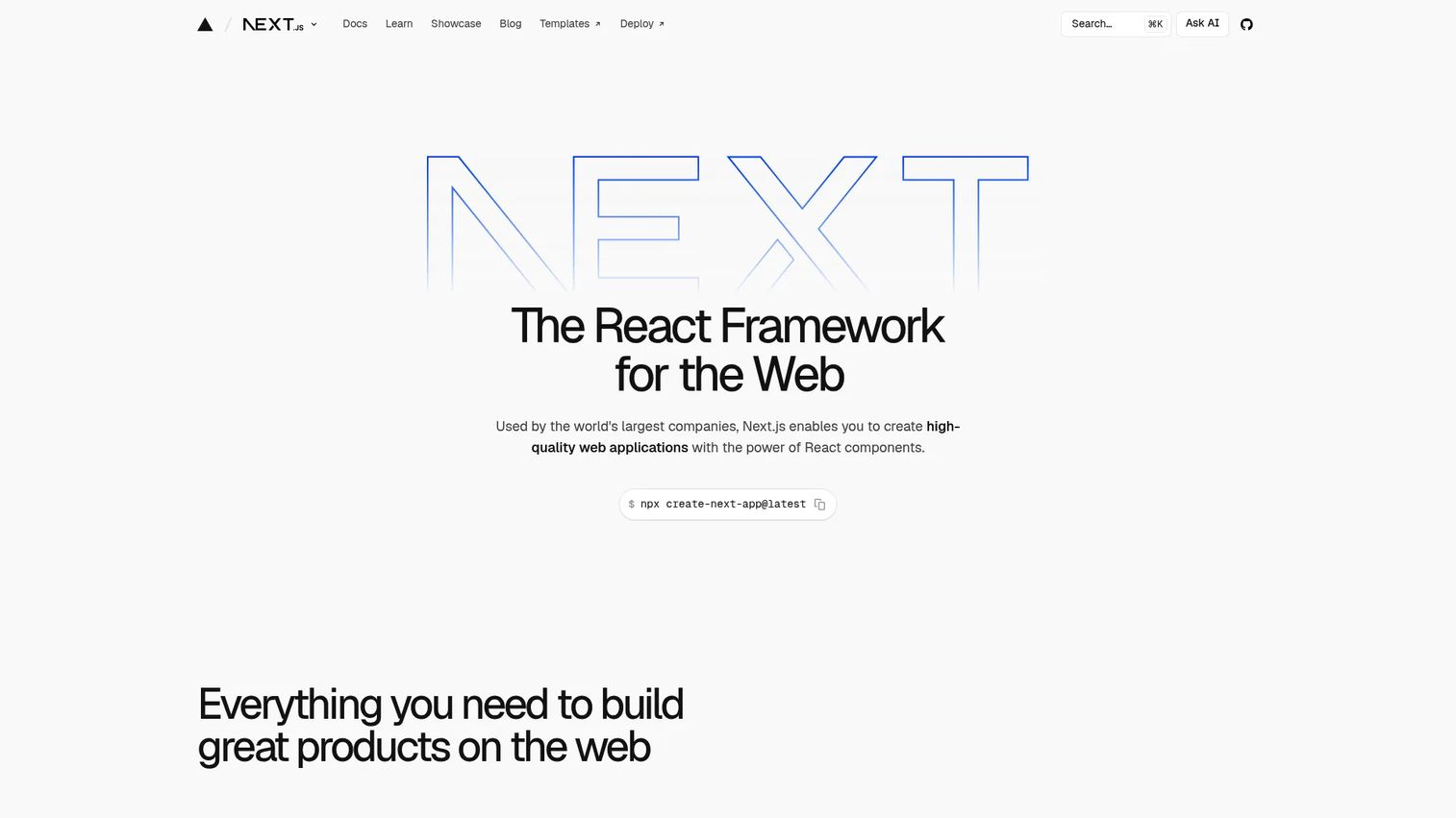
Next.js is a React framework for building full-stack web applications. It handles the decisions that React leaves open: File-based routing, server rendering, static generation, image optimization, and API routes. React Server Components allow components to run on the server, reducing the JavaScript sent to the browser.
Best for: React teams building full-stack apps, marketing sites, SaaS products, and e-commerce experiences.
Key features
- File-based routing with nested layouts
- Server-side rendering and static generation
- React Server Components for server-executed logic
- Built-in image optimization
- API routes and server functions
Why choose Next.js: Next.js works best for teams that want React's flexibility plus a framework's conventions around rendering and routing. It's the most widely adopted React meta-framework, which means strong community support and hiring familiarity. Hosting costs depend on your deployment provider.
Next.js pricing: The Next.js framework is free and open source. Hosting and deployment services vary by platform.
G2 rating: 4.7/5
6. Astro
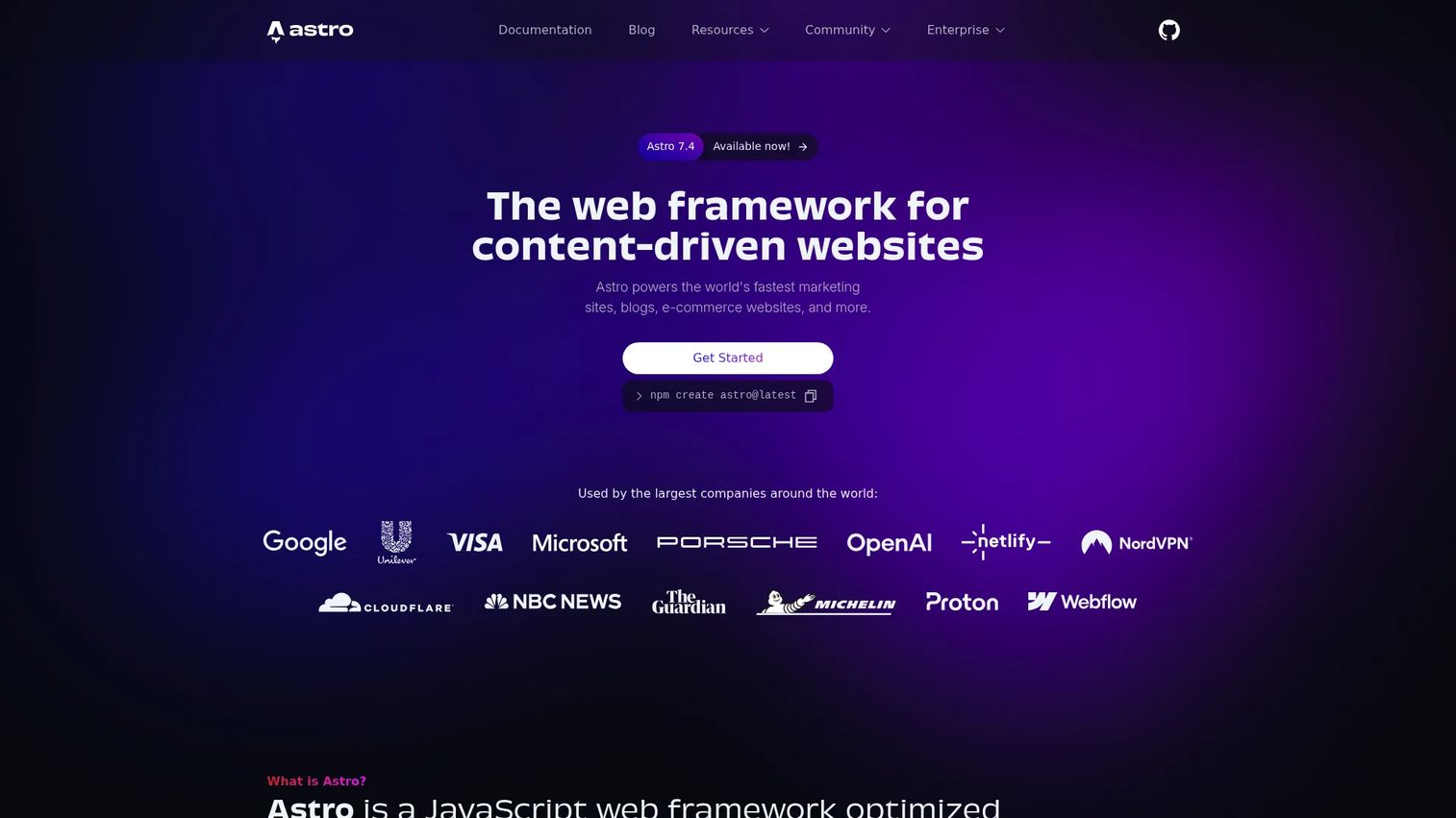
Astro is a web framework optimized for building fast, content-driven websites. Its islands architecture sends zero JavaScript to the browser by default, shipping static HTML unless a component explicitly needs interactivity. Teams can mix React, Vue, Svelte, or other UI libraries within the same project.
Best for: Developer teams building marketing sites, documentation, blogs, and content-led products where page speed and minimal client JavaScript are priorities.
Key features
- Islands architecture: Static by default, interactive on demand
- Multi-framework component support within a single project
- Content collections with TypeScript validation
- File-based routing and static site generation
- View transitions and built-in image optimization
Why choose Astro: Astro is the right choice when most pages are content-driven and interactivity is limited to specific sections. It's less natural for highly stateful SaaS dashboards where a full client-side framework carries the experience.
Astro pricing: Astro is free and open source. Hosting costs depend on the deployment provider.
7. Nuxt
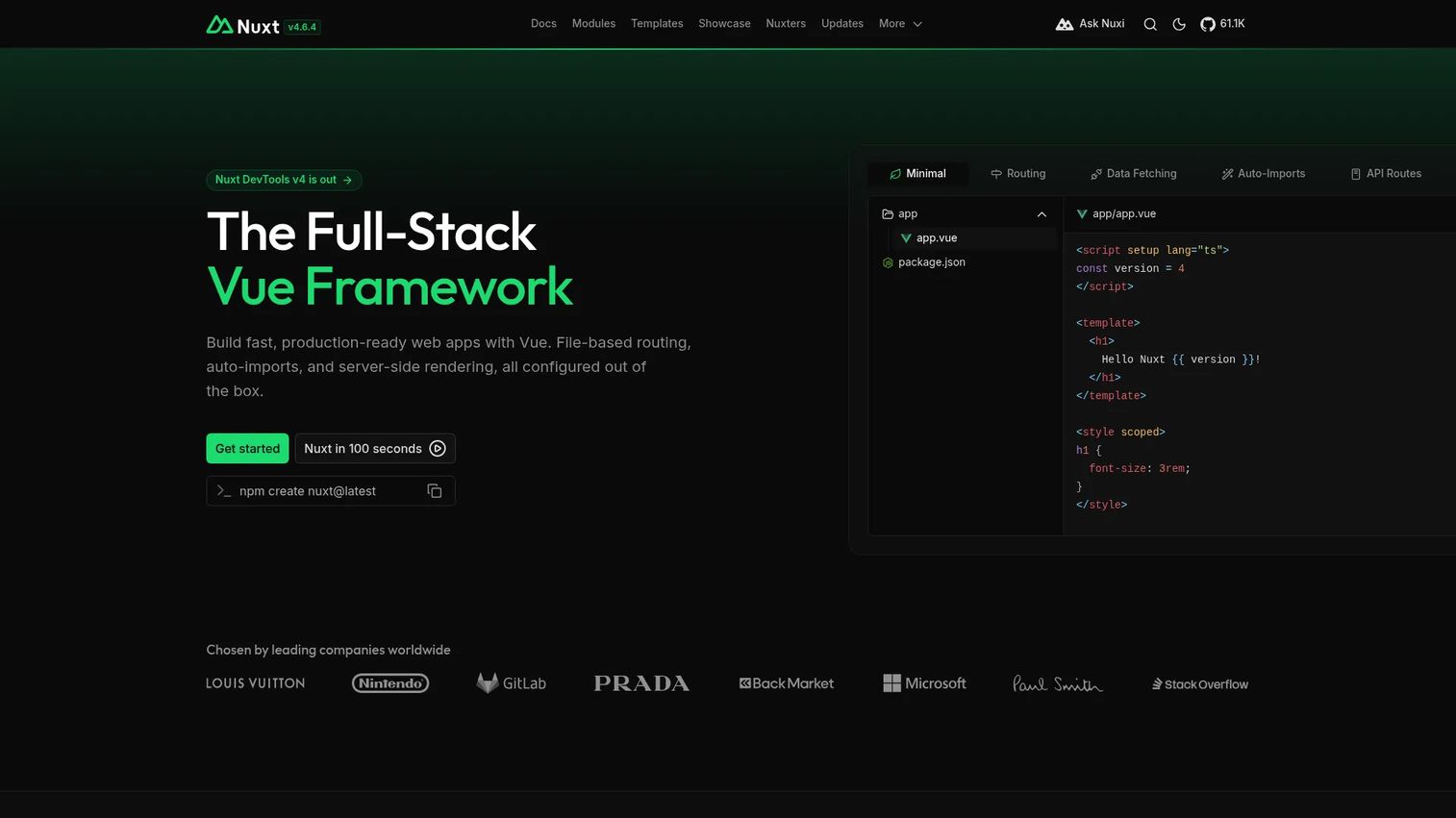
Nuxt is a free, open-source meta-framework built on Vue.js for building type-safe, production-grade full-stack web applications. It adds file-based routing, server-side rendering, auto-imports, and a module ecosystem on top of Vue's component model, so Vue teams get a production-ready application structure without assembling it from scratch.
Best for: Developers and teams building full-stack Vue applications, server-rendered interfaces, and content sites.
Key features
- File-based routing with nested route support
- Server-side rendering and static generation
- Auto-imports for components and composables
- Nuxt modules for extending functionality
- Server routes for API and backend logic
Why choose Nuxt: Nuxt gives Vue teams a clearer path to production without having to wire up routing, rendering, and deployment conventions manually. It's the natural step up from Vue when application complexity grows beyond a single-page setup.
Nuxt pricing: Nuxt is free and open source.
8. Remix
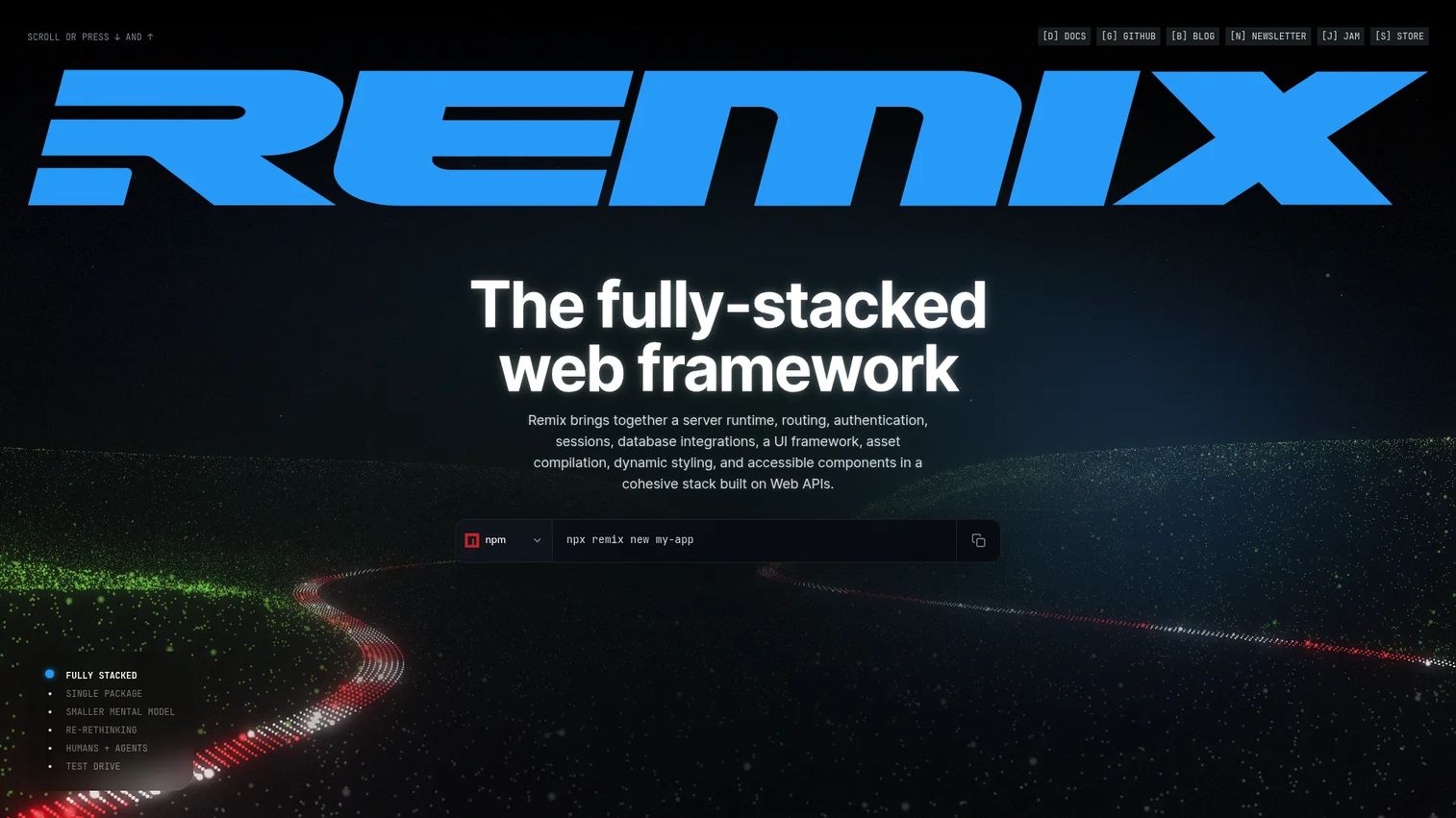
Remix is a full-stack TypeScript web framework built on web standards and Web APIs. Its nested routing model lets parent and child routes load data in parallel, reducing waterfall requests. Server-side loaders and actions keep data fetching close to the route, which fits teams that want fewer client-side state workarounds.
Best for: Teams that value web standards, nested routing, and server-first data flows over client-side state management.
Key features
- Nested routing with parallel data loading
- Server-side loaders for route data
- Actions for form mutations and server interactions
- Progressive enhancement with browser-native behavior
- Type-safe routing and standard Request/Response APIs
Why choose Remix: Remix fits teams where data loading and routing architecture are the core design challenge. It aligns closely with browser fundamentals, which makes caching, error handling, and form behavior more predictable. Teams coming from Next.js should expect to rethink data fetching patterns.
Remix pricing: Remix is free and open source. Hosting costs depend on deployment infrastructure.
9. SolidJS
SolidJS is a declarative JavaScript framework built around fine-grained reactivity. It uses JSX like React but skips the virtual DOM, updating the actual DOM directly when reactive state changes. The result is performance characteristics closer to vanilla JavaScript than most component-based frameworks.
Best for: Performance-focused teams that want JSX-based components and fine-grained reactive state without a virtual DOM layer.
Key features
- Fine-grained reactivity with signals and memos
- JSX syntax with direct DOM updates
- Server-side rendering and hydration support
- SolidStart for full-stack app structure
- Small bundle footprint
Why choose SolidJS: SolidJS is worth evaluating when render performance is a hard requirement and the team is comfortable with a reactive primitives model. The ecosystem is narrower than React, and hiring will be more limited, so it's a better fit for smaller teams with flexibility in their stack choices.
SolidJS pricing: SolidJS is free and open source under the MIT license.
10. Qwik
Qwik is an open-source web framework designed around resumability, a different approach to hydration. Rather than downloading and re-executing JavaScript to make the page interactive, Qwik serializes application state on the server and resumes it in the browser only where user interaction requires it. This keeps initial JavaScript payloads extremely small.
Best for: Teams optimizing initial load performance on highly interactive sites where startup time directly affects user retention or conversion.
Key features
- Resumable architecture without full client hydration
- Lazy-loaded JavaScript execution on user interaction
- Qwik City for file-based routing and server rendering
- Speculative code fetching to prefetch likely interactions
- Component serialization for server-to-client state transfer
Why choose Qwik: Qwik is the right choice when startup performance is a primary product requirement. The mental model differs significantly from React or Vue, so teams should allocate ramp-up time. Ecosystem and hiring depth are smaller than the established frameworks, which affects long-term maintenance planning.
Qwik pricing: Qwik is free and open source.
11. Preact
Preact is a lightweight alternative to React with a React-compatible API and a much smaller runtime footprint. The preact/compat compatibility layer lets teams use most React ecosystem packages without code changes, making it a practical choice when bundle size is a constraint but React patterns are already familiar.
Best for: Developers building fast, lightweight web interfaces and embedded widgets where every kilobyte of JavaScript has a performance cost.
Key features
- Small footprint with high performance rendering
- Virtual DOM optimized for speed
- React ecosystem compatibility via preact/compat
- Hooks and Fragments support
- Native ES module support with server-side hydration improvements
Why choose Preact: Preact works well when a team already understands React patterns but needs a smaller runtime for a performance-sensitive context, like an embeddable widget or a performance-first marketing page. Some React ecosystem packages require compatibility checks before they work with preact/compat.
Preact pricing: Preact is free and open source.
12. Lit
Lit is a library for building fast, lightweight Web Components using browser standards. Components built with Lit work in any framework or no framework at all, because they compile to native Web Components. This interoperability makes Lit a strong foundation for design systems and shared component libraries used across multiple front-end stacks.
Best for: Teams building framework-agnostic reusable components and design systems that need to work across different front-end environments.
Key features
- Reactive properties with automatic re-rendering
- Declarative JavaScript templates with lit-html
- Scoped styles via Shadow DOM
- Standard Web Components interoperability
- Small footprint with efficient DOM updates
Why choose Lit: Lit is the right tool when components need to outlive any single framework choice. Design systems, embedded widgets, and long-lived component libraries benefit from the standards alignment. Teams building a pure SPA within one framework will find the interop advantage less relevant.
Lit pricing: Lit is free and open source.
13. Ember
Ember is a mature, convention-driven JavaScript framework with a strong track record in long-lived enterprise applications. Ember CLI, the built-in routing system, Glimmer rendering engine, and automated upgrade tooling have kept Ember applications maintainable across multiple major versions without large rewrites.
Best for: Teams maintaining ambitious, long-lived web applications that benefit from stable conventions and an integrated development pipeline.
Key features
- Convention-driven project structure via Ember CLI
- Built-in routing with asynchronous data loading and query parameters
- Ember Data for model management and async relationships
- Built-in testing harness from component to acceptance level
- Glimmer rendering engine with automated upgrade tooling
Why choose Ember: Ember suits teams that want mature conventions and less architectural improvisation. It is less common in greenfield projects today than React, Vue, or Angular, but for teams running established Ember applications, the upgrade tooling and stability record make continued investment sensible.
Ember pricing: Ember is free, open source, and always will be, per the official site.
G2 rating: 4.4/5
14. Express.js
Express.js is a minimal, unopinionated Node.js web framework for routing, middleware, and HTTP utilities. It belongs in a JavaScript web frameworks comparison because many production web stack decisions include the API layer alongside the front end. Express has been the dominant Node.js web framework for over a decade, and its middleware ecosystem is extensive.
Best for: Developers building lightweight Node.js APIs, server-side routes, and web applications who need a small, flexible foundation.
Key features
- HTTP method routing for application endpoints
- Application and router-level middleware
- Built-in HTTP utility methods for API construction
- Static file serving
- Template engine support for server-rendered HTML
Why choose Express.js: Express is the right starting point when your backend needs a minimal, well-understood foundation with maximum ecosystem access. Teams must supply their own structure for validation, dependency injection, and architecture, which suits small APIs but can become unwieldy as services scale.
Express.js pricing: Express.js is free and open source under the MIT license.
G2 rating: 4.5/5
15. NestJS
NestJS is a TypeScript-first Node.js framework for building efficient, scalable server-side applications. Where Express leaves structure decisions to the team, NestJS provides a modular architecture, decorators, built-in dependency injection, and testing utilities that map closely to Angular's conventions. The framework supports REST APIs, GraphQL, microservices, and WebSockets from the same codebase.
Best for: Teams building structured Node.js APIs, microservices, and enterprise backends that need repeatable patterns across services.
Key features
- Modular architecture with encapsulated feature modules
- Built-in dependency injection container
- TypeScript support with decorator-based syntax
- Microservices and WebSocket support
- OpenAPI documentation generation and testing utilities
Why choose NestJS: NestJS works well when Express starts to feel too structureless for a growing backend team. The opinionated architecture reduces inconsistency between contributors and makes onboarding more predictable. The NestJS framework itself carries no license cost, though official courses and the NestJS Observe observability product are separate paid offerings.
NestJS pricing: The NestJS framework is free and open source.
G2 rating: 4.5/5
Considerations when choosing JavaScript web frameworks
Match the framework to the application shape
A content-heavy marketing site and a real-time SaaS dashboard have different requirements, and picking a framework based on popularity alone will create friction later. Astro and Next.js with static generation suit content sites. Angular and Next.js with SSR suit complex dashboards. Express and NestJS handle the API layer regardless of what runs on the front end.
Check hiring and onboarding risk
React and Angular dominate the hiring market in most geographies, which matters when you need to grow a team or replace contributors. Newer frameworks like SolidJS and Qwik may offer performance advantages, but the talent pool is narrower. For long-lived applications, hiring risk is often the deciding factor between two technically similar options.
Evaluate rendering and performance needs
Client-side rendering works for apps where SEO is not critical and interactivity is the priority. SSR helps with page load times and search indexing. Static generation is fastest for content that changes infrequently. Qwik's resumability and Astro's islands architecture address hydration cost specifically. Understand which rendering model matters for your use case before choosing a meta-framework.
Look at ecosystem maturity
A framework's surrounding ecosystem, covering testing tools, accessibility libraries, component systems, and deployment adapters, often determines actual delivery speed more than the framework's core features. React's ecosystem is the most extensive. Vue and Angular follow. Newer frameworks require more evaluation of which gaps need filling manually.
Plan for technical validation
For presales teams supporting POC workflows or demo environments, framework choice has practical consequences. Stack familiarity affects how quickly a proof-of-concept can be rebuilt after a prospect requests changes. TypeScript support and modular architecture reduce the risk of demo environment instability. Knowing whether a prospect's existing stack uses Angular, React, or Node.js also helps presales teams ask better discovery questions and frame technical fit conversations accurately.
Conclusion
No single JavaScript framework wins across every project type. React remains the safest broad default for most teams because of ecosystem depth and hiring availability. Angular gives enterprise teams structure and TypeScript conventions that reduce drift at scale. Vue balances approachability and power for teams that find Angular too heavy. Svelte and SolidJS suit teams where front-end performance is a hard requirement. Next.js, Nuxt, Remix, and Astro each solve different meta-framework problems depending on rendering needs. For Node.js backends, Express gives flexibility and NestJS gives structure.
The practical next step is to shortlist two or three frameworks by project type, then prototype the highest-risk workflow before committing. For presales and solutions engineering teams, understanding this landscape helps you ask better questions during technical discovery, support more credible POC planning conversations, and explain architectural trade-offs to buyers with confidence.
Explore the best presales software tools and best product tour software for related resources on the broader technical GTM stack. For API development tools that complement your backend framework choice, that guide covers the testing, documentation, and monitoring layer alongside Node.js services.
FAQs
There's no single answer because the right choice depends on the application type. React is the safest broad default for most teams because of ecosystem depth and hiring availability. Angular suits enterprise teams that need structure, Vue suits teams that want approachable adoption, Astro suits content-heavy sites, and NestJS suits Node.js backend APIs.
React is technically a UI library, not a framework. It handles component rendering and state but does not ship routing, data fetching, or server configuration. Most comparison guides include it because teams almost always use React with a meta-framework like Next.js or Remix, which together function as a full-stack framework.
Angular is the most common choice for enterprise web applications because of its TypeScript-first conventions, built-in dependency injection, and structured approach to routing and forms. NestJS serves enterprise Node.js backends with similar opinionated structure. React with Next.js is also widely used for large front-end teams that want more architectural flexibility.
Vue and Svelte are frequently cited as approachable starting points, partly because their component syntax is readable and their documentation is clear. React is easy to start with for simple components, but becomes more complex once teams add routing, state management, and server rendering decisions. Angular has a steeper initial learning curve due to its breadth of built-in concepts.
A JavaScript framework provides the UI or application structure: Component models, state, rendering. A meta-framework sits on top and adds routing, data loading, server rendering strategies, build conventions, and deployment configuration. Next.js is a meta-framework built on React. Nuxt is a meta-framework built on Vue. Meta-frameworks reduce the number of integration decisions teams make from scratch.
Performance depends heavily on implementation, but several frameworks are specifically designed around reducing runtime JavaScript. Astro ships zero client-side JavaScript by default using its islands architecture. Qwik uses resumability to avoid full hydration. Svelte compiles components at build time to minimize runtime overhead. SolidJS and Preact also reduce bundle size compared to React in size-sensitive contexts.
React is the most practical default for most SaaS products because hiring is easier and the meta-framework ecosystem, particularly Next.js, covers full-stack needs well. Vue is worth considering when readability and onboarding speed are priorities for a smaller team. Angular fits when the product is complex and the team is large enough to benefit from its conventions. Svelte is a strong choice for smaller teams that value concise code and want to minimize front-end bundle size.
Yes, particularly for teams choosing a production web stack rather than just a UI layer. Express.js and NestJS shape how APIs are structured, how server-side logic is organized, and how technical validation workflows are supported. For presales teams evaluating technical fit with a prospect's existing Node.js infrastructure, understanding the backend framework choice is as important as knowing the front-end stack.