A farm can have a strong growing season and still fail the basic financial test: Which field actually made money? The books say revenue came in, but the costs are scattered across multiple bank accounts, equipment loans, and input invoices filed by month rather than by crop or enterprise. That is the operational gap generic accounting software cannot close on its own.
The global farm accounting software market reached $583.2 million in 2025, projected to grow to $999.5 million by 2032, according to ReportPrime (2025). Yet just over 30% of US farmers surveyed reported using a farm management app or software, per a Bushel study from 2024. The gap between what these tools deliver and what most farm businesses actually use points to a real adoption problem, and often a real selection problem.
This guide exists to close that gap. Whether the farm needs crop-year accounting and field-level profitability, a program administration platform for grants and conservation payments, or a general bookkeeping tool with careful setup, the decision starts with matching the operating model to the right system.
What's inside
This guide covers nine tools for farm-specific accounting, program administration, and general finance workflows. Items were chosen based on four criteria:
- Agricultural fit: Does the tool speak in farm operating units, fields, crop years, enterprises, or bushels?
- Tax and reporting depth: Does it support Schedule F, financial statements, and lender-ready reports?
- Deployment model: Cloud, desktop, or both, with realistic connectivity assumptions for rural operations?
- Pricing transparency: Are current plan prices verifiable before any trial or migration begins?
The guide is written for farm owners, farm managers, agricultural accountants, and operators evaluating vertical software categories.
TL;DR
- Best for crop-year accounting and field profitability: Traction Ag connects financial records to farm operations with crop-year reporting and field-level margin tracking
- Best for modern farm financial workflows: Ambrook provides multi-enterprise bookkeeping, spending cards, and cost-of-production tracking starting at $29/entity per month
- Best for farm program and grant administration: FarmRaise handles grower enrollment, document collection, and program payments alongside farm bookkeeping
- Best for complex agricultural accounting: CenterPoint Accounting for Agriculture suits established operations needing detailed financial controls and accountant-ready reports
- Best low-cost desktop option: PCMars offers farm-focused accounting for $90/year per set of books with a free trial up to 50 entries
- Best free starting point for simple books: Wave covers basic income tracking and invoicing at no cost
What is farm accounting software?
Farm accounting software helps agricultural businesses record transactions and produce financial reports using the operational units that matter on a farm, such as fields, crops, livestock enterprises, inventory, equipment, and crop years.
That distinction from generic accounts receivable software or general bookkeeping tools is significant. A standard small-business accounting product tracks income and expenses by account. A farm accounting system tracks them by field, enterprise, crop, and season, which is the difference between knowing you spent $400,000 on inputs and knowing which fields absorbed which portion of that spend.
Key capabilities farm accounting software should cover:
- Farm-specific chart of accounts with agricultural categories
- Income and expense tracking by enterprise, field, or crop
- Crop-year, fiscal-year, and calendar-year reporting
- Inventory, asset, debt, and depreciation records
- Schedule F preparation support
- Payroll and contractor payment tracking
- Budgeting and cash-flow forecasting
- Reports for owners, lenders, accountants, and farm managers
Farm accounting vs. adjacent categories:
| Category | Primary purpose |
|---|---|
| Farm accounting software | General ledger, financial statements, tax records, cash flow, profitability |
| Farm management software | Agronomic activity, input use, equipment, field work, production records |
| Farm program administration | Grants, conservation payments, grower enrollment, document collection |
A farm management tool tracks what happened in the field. An accounting system tracks what it cost and what it earned. Program administration software handles compliance and payment workflows for conservation or cost-share programs. These categories can connect, but they do not replace each other. The system of record for financial statements should be your accounting platform.
When to use farm accounting software
Move beyond spreadsheet-based records
Spreadsheets break down when a farm has multiple bank accounts, equipment loans, seasonal income timing, and more than one person entering data. Reliable reconciliation and tax-ready reporting require a system designed to handle those conditions, not a workaround that depends on one person maintaining file discipline across every season.
Track profitability by crop, field, or enterprise
A farm should choose dedicated software when the management question shifts from "what did we spend?" to "which enterprise produced margin?" Knowing total expenses is not enough when the farm runs corn and soybeans across leased and owned ground, a cattle operation, and custom work for neighbors. The right tool separates those profit centers.
Prepare tax and lender records without a year-end scramble
An accounting system that works during the year, not only at tax time, makes it easier to classify transactions, retain supporting documents, and separate personal from farm expenses. That preparation matters when the accountant asks for Schedule F data or a lender requests a farm financial statement on short notice.
Farm accounting software comparison
Nine tools cover the full range from purpose-built agricultural platforms to general bookkeeping options that can be configured for farm use. The table below is a starting point, not a final recommendation. Confirm pricing and ratings directly before signing up.
| # | Product | Best for | Key differentiator | Pricing | G2 rating |
|---|---|---|---|---|---|
| 1 | Traction Ag | Crop and field profitability | Crop-year accounting with field, acre, and bushel reporting | From $95/mo | 4.3/5 |
| 2 | Ambrook | Modern farm financial operations | Multi-enterprise bookkeeping with spending cards and cost-of-production tracking | From $29/entity per month | Not rated |
| 3 | FarmRaise | Farm bookkeeping and program administration | Schedule F, invoicing, inventory, and farm funding library | From $36/mo (annual) | 0.0/5 (1 review) |
| 4 | CenterPoint Accounting for Agriculture | Complex farm books and accountant workflows | Detailed agricultural accounting for multi-enterprise operations | Contact vendor | Not rated |
| 5 | EasyFarm | Farm accounting plus operational records | One-time purchase desktop software covering accounting, inventory, and production | From $800 (one-time) | 4.6/5 |
| 6 | PCMars | Desktop farm bookkeeping | Annual subscription farm accounting with free trial up to 50 entries | From $90/year per set of books | Not rated |
| 7 | QuickBooks Online | General accounting with broad integrations | Mature bank feeds, accountant familiarity, and wide app ecosystem | From $0/mo (Free plan) | 4.0/5 |
| 8 | Quicken | Simple owner-managed books | Low-cost personal and small-business finance with budget tracking | From $3.99/mo (billed annually) | 4.3/5 |
| 9 | Wave | Basic free bookkeeping | Free core accounting and invoicing for simple operations | Free (Starter plan) | 4.3/5 |
Best 9 farm accounting software tools for 2026
1. Traction Ag
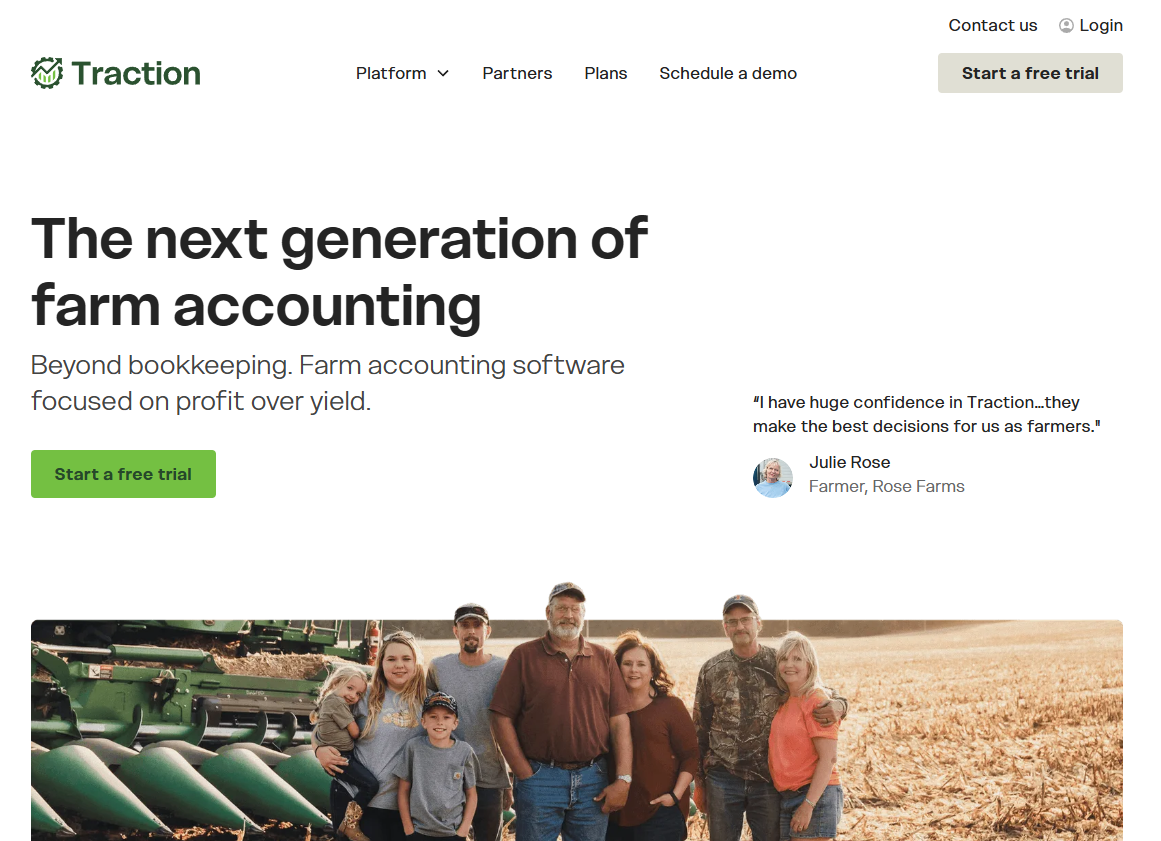
Traction Ag is a cloud-based farm accounting platform built around agricultural operations rather than generic small-business books. It connects financial records to field data, organizing income and expenses by crop year, field, acre, and bushel alongside standard bank and credit-card feeds. The platform integrates with John Deere Operations Center and Climate FieldView for field-record data, and it handles scale tickets, load tracking, land agreements, and monthly cash-flow budgeting.
Best for: Crop farms and diversified operations that need financial performance reporting down to the field and enterprise level.
Key features
- Crop-year accounting with cash and accrual reporting
- Field-level profitability by farm, field, acre, and bushel
- Crop, grain, seed, chemical, and fertilizer inventory tracking
- Scale-ticket and load tracking
- Bank and credit-card transaction synchronization
Why choose Traction Ag: This is the strongest fit when management needs the books to answer operational questions about acreage, crop margin, and input cost per unit, not just year-end totals. It may be more system than a very small farm needs if basic expense tracking is the only goal.
Traction Ag pricing: Three plans are available monthly or annually. Basic runs $95/month (or $950/year) and covers cash bookkeeping and tax preparation. Plus is $195/month ($1,950/year) and adds accounting and operations. Pro is $395/month ($3,950/year) and includes land agreements, cash-flow budgeting, and accrual reporting. Annual billing saves roughly 17%.
G2 rating: 4.3/5
2. Ambrook
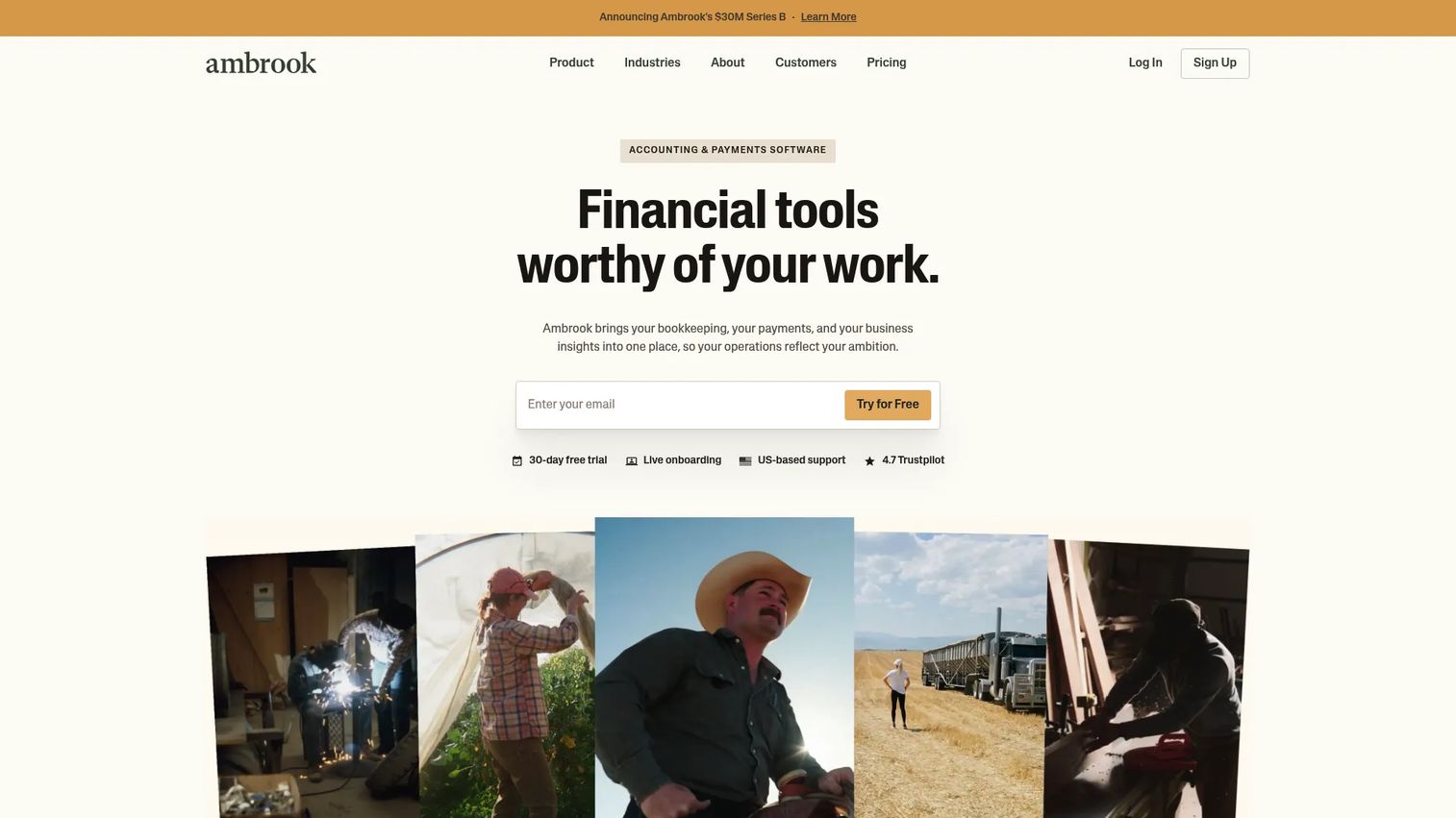
Ambrook is a cloud-based accounting and financial management platform built for complex, multi-enterprise businesses. Agriculture is a primary focus alongside construction, trucking, and property management. The platform combines bookkeeping with enterprise tagging, AI-powered receipt scanning, invoicing, bill pay including mailed checks, and an Ambrook Wallet with team spending cards. Cost-of-production tracking and location or project profitability reporting are available on higher tiers.
Best for: Farm operators and agricultural businesses that want current visibility into daily finances, not just year-end tax records.
Key features
- Bookkeeping with enterprise, project, and location tagging
- AI-powered receipt scanning
- Invoicing and bill pay, including mailed check delivery
- Inventory tracking and analytics
- Ambrook Wallet with team spending cards
Why choose Ambrook: It suits farms that want to improve daily financial discipline alongside reporting, rather than only closing out for tax season. Buyers should confirm fit for payroll, detailed inventory accounting, and the exact reports their accountant requires before committing.
Ambrook pricing: Build starts at $29 per entity per month and includes enterprise analytics, receipt scanning, bill pay, and spending cards. Pro is $49 per entity per month and adds cost-of-production tracking, inventory, location and project profitability, unlimited users and bank institutions, and dedicated support. Full Service is custom-priced and adds bookkeeping support and concierge services.
3. FarmRaise
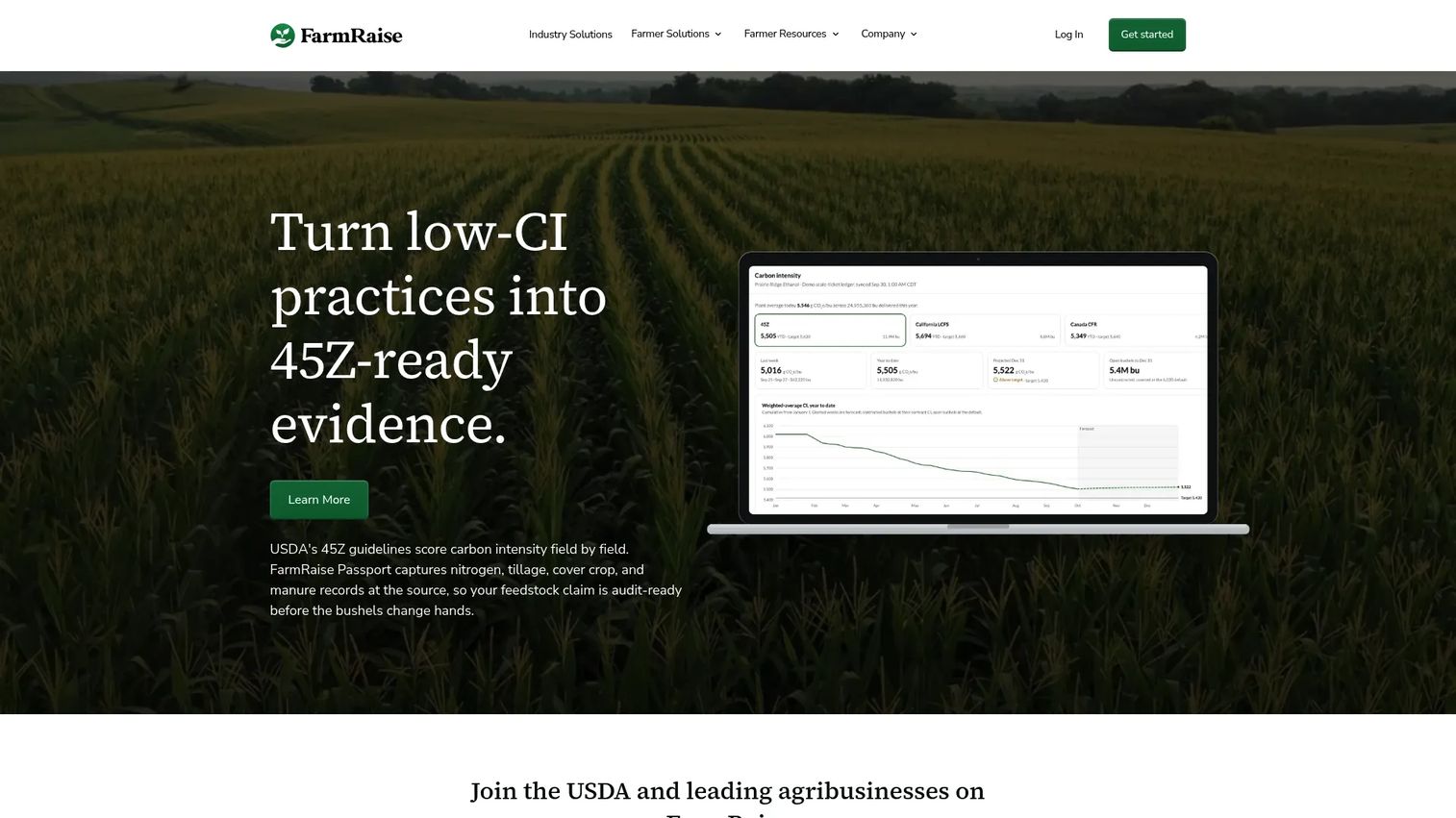
FarmRaise provides farm-focused financial management software that combines bookkeeping, Schedule F reporting, and access to agricultural funding resources. The platform supports income and expense tracking with bank and credit-card imports, invoice creation, IRS Schedule F generation, financial statements, inventory tracking, and asset tracking. It also connects farmers with a Farm Funding Library covering grants and USDA programs. An optional annual financial planning add-on is available separately.
Best for: Farmers and ranchers who need farm-specific bookkeeping, Schedule F reporting, and access to grant and program funding resources in one place.
Key features
- Income and expense tracking with bank and credit-card imports
- IRS Schedule F generation
- Invoice creation and management
- Inventory and asset tracking
- Farm Funding Library access
Why choose FarmRaise: It suits farms that want bookkeeping connected to funding awareness, particularly those pursuing USDA programs, conservation incentives, or cost-share opportunities. Farms with complex multi-entity structures or heavy payroll needs should evaluate whether the platform covers their full accounting requirements.
FarmRaise pricing: Premium Monthly is $40/month. Annual billing works out to $36/month ($432/year). An annual financial planning add-on is priced at $549 separately.
4. CenterPoint Accounting for Agriculture
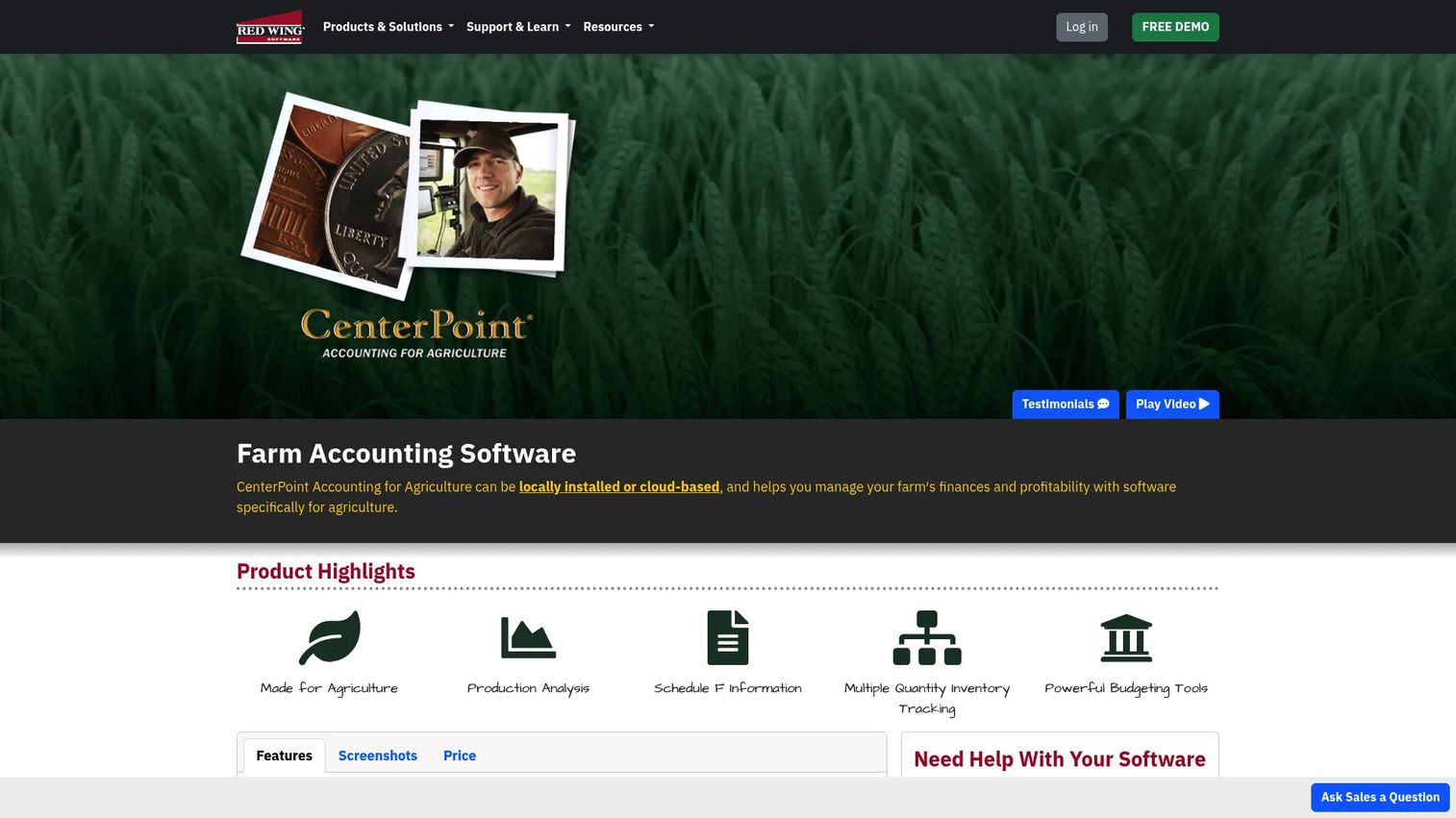
CenterPoint Accounting for Agriculture, from Red Wing Software, is an agricultural accounting platform available as locally installed or cloud-based software. It is designed for farms with more complex books, including multiple enterprises, fixed assets, depreciation schedules, payroll, and lender reporting requirements. The platform supports production analysis, Schedule F information, multiple-quantity inventory tracking, budgeting, and asset and liability tracking.
Best for: Established farms and agricultural businesses that need detailed accounting controls, formal accountant involvement, and lender-ready financial statements.
Key features
- Agricultural chart of accounts with production analysis
- Schedule F information and financial statements
- Multiple-quantity inventory tracking
- Budgeting tools
- Asset and liability tracking
Why choose CenterPoint Accounting for Agriculture: This suits operations where accounting rigor matters more than a lightweight mobile-first workflow. Teams should budget time for setup, chart-of-accounts design, training, and historical data migration before going live. Desktop installation is available for farms with limited internet connectivity.
CenterPoint Accounting for Agriculture pricing: Contact Red Wing Software directly for current pricing. No pricing is displayed on the product page.
5. EasyFarm
EasyFarm is a farm and ranch management software package covering accounting, record keeping, inventory, production, crops, livestock, and payroll in one desktop environment. It is sold as a one-time purchase with multiple editions ranging from a basic Lite package to Premier and Platinum tiers that add livestock management, payroll, cost centers, and FINPACK export support. Add-on modules are priced separately.
Best for: Farmers and ranchers who want accounting and operational recordkeeping in one desktop system without an ongoing subscription.
Key features
- Farm accounting and check writing
- Inventory management with production and sales records
- Crop and field management
- Livestock management
- Payroll and cost center tracking
Why choose EasyFarm: The one-time purchase model suits operations that want to avoid annual subscription costs. Confirm the platform's current cloud access, remote collaboration, accountant access, and support model before purchasing, since desktop-first software carries different backup and multi-user considerations than a cloud platform.
EasyFarm pricing: Seven packages range from $800 (Lite, one-time) to $1,600 (Platinum, one-time). Mid-tier options include Pro Crops and Pro Livestock at $1,100 each. Add-on modules are priced separately.
G2 rating: 4.6/5
6. PCMars
PCMars is a Windows-based farm accounting application with a long history in farm and small-business financial management. It covers cash-basis and accrual-basis accounting, payroll with detailed tax reports, bank and credit-account reconciliation, and accounts payable and receivable. The PcMars PLUS add-on adds inventory, enterprise allocation, and field-production tracking. The software can be downloaded and tried free for up to 50 entries before purchase.
Best for: Farm operators who prefer desktop accounting software, direct support, and a low annual cost per set of books.
Key features
- Cash-basis and accrual-basis accounting
- Payroll with tax reports and paycheck stubs
- Bank and credit-account reconciliation
- Inventory and enterprise allocation via PcMars PLUS
- Accounts payable and accounts receivable modules
Why choose PCMars: The annual per-book pricing model and free trial make it one of the lowest-cost farm-specific options available. Assess backup processes, remote access needs, and accountant workflow compatibility before committing, since it is a Windows desktop application without native cloud access.
PCMars pricing: PcMars core software is $90/year per set of books. PcMars PLUS (inventory and enterprise allocation) adds $60/year per set of books. Advanced Payroll adds $36/year, and Accounts Payable or Accounts Receivable each add $49/year. The software can be downloaded and tested free for up to 50 entries.
7. QuickBooks Online
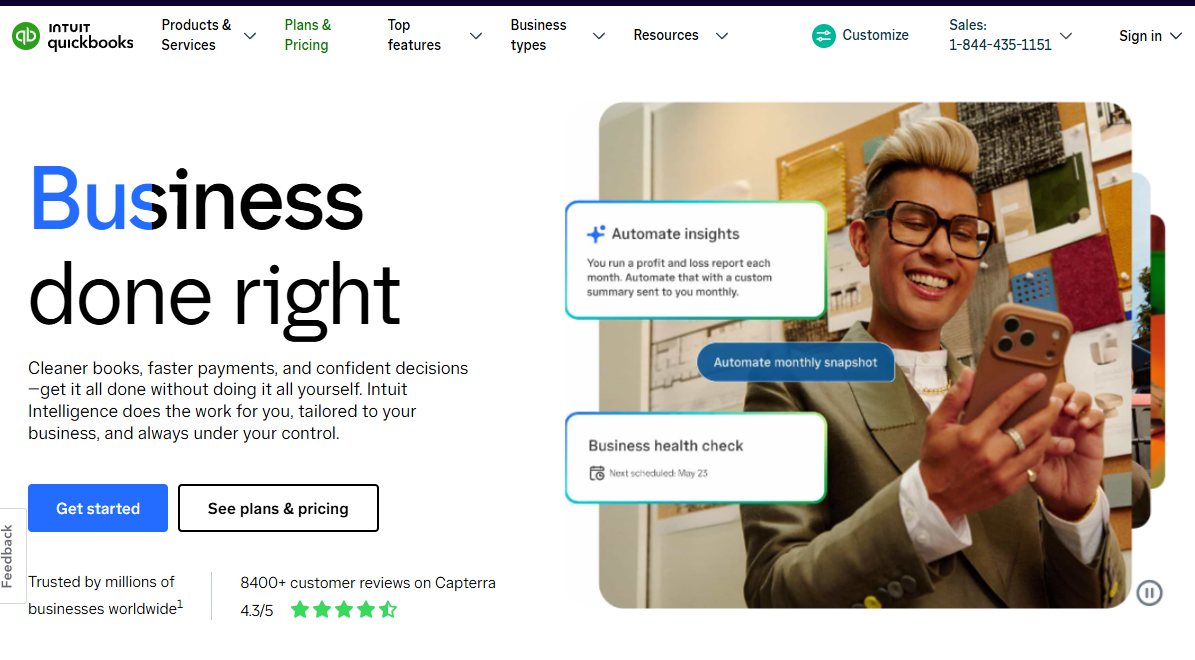
QuickBooks Online is a cloud-based general accounting platform used across nearly every industry. It is not farm-specific, but it is a common choice because most accountants know it, bank feeds are mature, and the app ecosystem is broad. Farm success with QuickBooks depends almost entirely on building a purpose-built chart of accounts and using tracking categories, classes, or locations to separate enterprises, fields, or crop years. Without that setup, the reporting defaults to generic small-business output.
Best for: Farms that work closely with an accountant, need broad integrations, and are willing to invest time in a farm-specific accounting structure.
Key features
- Bank transaction feeds and synchronization
- Custom chart of accounts
- Invoicing and bill tracking
- Accountant access with read and edit permissions
- Financial reporting tools
Why choose QuickBooks Online: It works well when a farm has a disciplined accountant willing to configure the right tracking structure from the start. It will not automatically produce crop-year reports, field profitability, or agricultural units of measure without additional setup or connected tools. For farms that already have an accountant on QuickBooks, switching costs may outweigh moving to a farm-specific platform.
QuickBooks Online pricing: A Free plan is available. Simple Start runs $38/month, Essentials $85/month, Plus $140/month, and Advanced $340/month. Promotional pricing is often available. Payroll is a separate add-on.
G2 rating: 4.0/5
8. Quicken

Quicken is a personal and small-business finance application that connects to more than 14,000 financial institutions, tracks budgets and spending, and provides cash-flow reporting. The Business & Personal tier adds invoicing and basic business tracking. It is not a farm accounting system, but it can serve as a starting point for a small or owner-managed farm with straightforward income, expense, and cash-flow needs.
Best for: Small farms and sole proprietors with simple bookkeeping needs, a single entity, and no payroll or inventory requirements.
Key features
- Account aggregation from 14,000+ institutions
- Budget tracking and spending plans
- Cash-flow reporting
- Investment and retirement tracking
- Invoicing on Business & Personal plans
Why choose Quicken: It can be a sensible low-cost starting point when bookkeeping volume is limited and the farm's main goal is tracking cash flow and expenses. Move to a farm-specific or full accounting platform when the farm adds employees, multiple entities, inventory, lender reporting, or the need for accrual-basis financial statements.
Quicken pricing: Quicken Simplifi starts at $3.99/month billed annually. Business & Personal is $4.99/month billed annually. Classic Deluxe is $6.99/month, Classic Premier $7.99/month, and Classic Business & Personal $10.99/month, all billed annually. No free tier is available; prices shown are promotional first-year rates.
G2 rating: 4.3/5
9. Wave
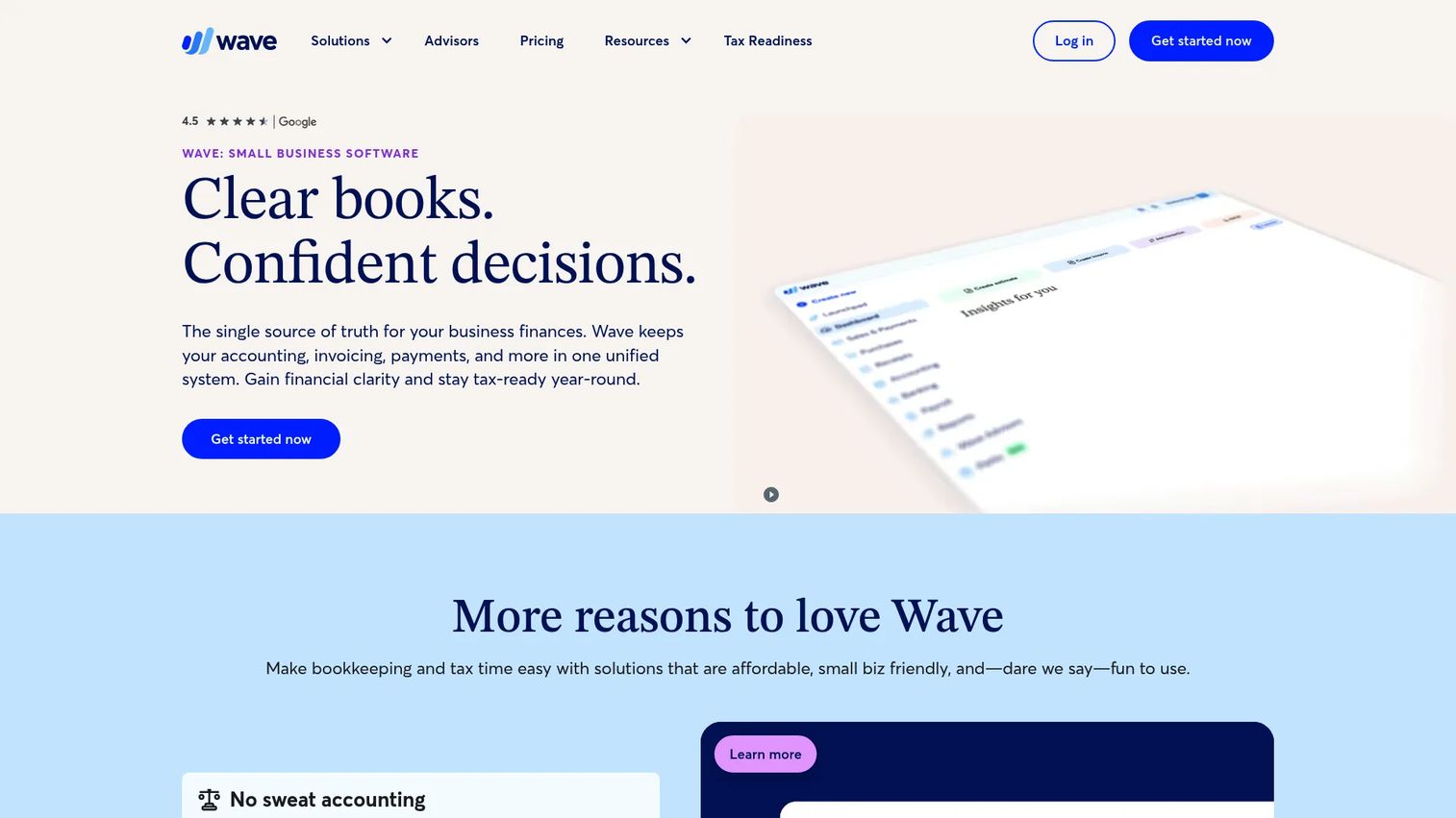
Wave is a cloud-based accounting and invoicing platform with a free Starter plan covering unlimited estimates, invoices, bills, and bookkeeping records. It is a general accounting product, not a farm accounting system. The appeal is low entry cost and familiar bookkeeping workflows for very simple operations. Bank transaction imports, receipt scanning, and expense tracking are available on the paid Pro plan.
Best for: Very small farms, side operations, or new operators with simple bookkeeping needs and low transaction volume.
Key features
- Unlimited invoices, bills, and bookkeeping records (Starter)
- Automatic bank transaction imports and categorization (Pro)
- Receipt scanning with OCR
- Basic income and expense reporting
- Financial statements
Why choose Wave: It covers basic income and expense recording at no cost. Farms that need inventory tracking, depreciation, payroll, multiple entities, lender reporting, or field-level profitability should plan for a more specialized tool. Wave's payroll feature availability also varies by region.
Wave pricing: The Starter plan is free and covers core accounting and invoicing. Pro is $19/month or $190/year and adds automated bank transaction imports, receipt capture, and expense tracking. Wave Advisors bookkeeping support starts at $149/month. Payment processing fees apply separately.
G2 rating: 4.3/5
Considerations when choosing farm accounting software
Build your reporting structure before you evaluate
Before comparing plans or booking a trial, list the fields, enterprises, entities, crop years, equipment groups, and livestock categories you need to report on. Then ask each vendor to show you exactly how those reporting units are configured. A demo that looks clean on a generic chart of accounts often breaks down when you apply your actual farm structure.
Confirm your tax and accountant workflow
The right choice depends on what your accountant expects at month end and year end. Cover Schedule F support, depreciation handling, payroll records, contractor payments (1099 preparation), tax document exports, and whether your accountant can access the system directly. A tool that does not support your accountant's preferred workflow creates extra reconciliation work every quarter.
Decide whether cloud, desktop, or hybrid access fits your operation
Rural internet connectivity is not a given. Desktop software like PCMars or EasyFarm may be the right answer when connectivity is unreliable, multiple family members share a single local machine, or the farm's accountant works from exported files rather than a shared login. Cloud platforms offer real-time collaboration and access from any device, but that value disappears without a reliable connection.
Separate bookkeeping from program administration
Farm program administration software handles grower enrollment, conservation program compliance, cost-share payments, and document collection. It is financially important but not the same as a general ledger. If the farm participates in USDA programs or conservation incentives, evaluate both categories and decide which platform carries the system of record for financial statements.
Calculate implementation cost, not only subscription cost
Migration from spreadsheets or a previous system involves opening balances, chart-of-accounts design, historical record cleanup, and accountant training time. A $95/month subscription can require 40 or more hours of setup work before producing reliable reports. Factor that cost into the comparison, particularly when evaluating platforms that require custom configuration for farm-specific reporting units.
Conclusion
The right farm accounting software depends on where the farm's reporting complexity actually sits. Traction Ag is the leading pick for crop-year accounting and granular field profitability. Ambrook is a strong modern option for multi-enterprise financial operations. FarmRaise combines farm bookkeeping with Schedule F reporting and access to agricultural funding resources.
For established operations with complex books and formal accountant involvement, CenterPoint Accounting for Agriculture and EasyFarm are worth evaluating in depth. PCMars offers the lowest annual cost among farm-specific options, with a free trial to test before committing. QuickBooks Online, Quicken, and Wave can cover general bookkeeping, but each requires closer attention to setup and long-term scalability for farm-specific reporting.
Before booking a demo or starting a trial, export a recent month of transactions and write down the five reports you need every month. Use those reports as the test. A platform that cannot produce them on day one will not produce them after months of migration work either.
Start your journey with Guideflow today!
FAQs
The best choice for a small farm depends on transaction volume, whether payroll is involved, and how granular the profitability reporting needs to be. Quicken or Wave can handle simple expense and income tracking at low cost. Farm-specific platforms like Traction Ag, FarmRaise, or PCMars become more valuable as the farm adds enterprises, inventory, or tax reporting complexity. Start with the reporting you actually need and work backward to the tool.
Yes, but it requires deliberate setup. Farms need a purpose-built chart of accounts and disciplined use of tracking categories or classes to separate enterprises, fields, and crop years. QuickBooks Online supports bank feeds, accountant collaboration, and custom reporting, but it does not automatically produce crop-year reports or field profitability without additional configuration. It works best when a farm already has an accountant familiar with the platform and willing to build the right structure.
Crop-year accounting organizes revenue and costs around a production cycle rather than a calendar year alone. A corn crop planted in spring and harvested in fall may have costs recorded across two calendar years. Crop-year accounting groups those costs with the revenue they generated, giving the farm a complete picture of what each crop or production season actually cost and earned. It is particularly valuable when comparing margin across fields, varieties, or management practices from one season to the next.
Some farm-specific systems offer reports or workflows designed to support Schedule F preparation, including income and expense categories that map to IRS Schedule F line items. Traction Ag and FarmRaise both reference Schedule F support in their feature documentation. Software does not replace the farm's accountant or tax adviser. The value is in keeping records organized during the year so that Schedule F preparation is a categorization review rather than a reconstruction project.
At minimum: Bank reconciliation, farm-specific income and expense categories, financial statements (income statement and balance sheet), tax record organization, and multi-user access with accountant collaboration. Farms with inventory, fixed assets, or equipment should add inventory tracking and depreciation. Operations with multiple enterprises or fields need reporting by those units. Payroll matters if the farm employs staff. The right feature set follows from the farm's operational and reporting reality, not from a generic checklist.
No. Farm management software tracks production activity, field work, input application, equipment use, and agronomy. Farm accounting software tracks the general ledger, financial statements, cash flow, tax records, and profitability. Some platforms overlap, connecting operational records to financial reporting. But a field-activity tracking tool does not replace a complete accounts payable software system, and an accounting platform does not replace agronomic recordkeeping. Evaluate both categories against the farm's actual workflows before assuming one covers the other.
Multi-entity operations should prioritize consolidated reporting, clear entity separation, permission controls, shared chart-of-accounts rules, and accountant access across all entities. Traction Ag supports multi-farm financial records explicitly. CenterPoint Accounting for Agriculture is designed for complex agricultural operations with multiple enterprises. Before migrating, test intercompany workflows, report consolidation, and how the system handles shared input costs or land that crosses entity boundaries.
The decision depends on internet reliability, staff collaboration requirements, accountant workflow, and device preferences. Cloud platforms offer real-time access from any device and easier collaboration with an accountant. Desktop software performs reliably without internet dependency and suits farms where one person manages the books from a fixed location. Farms in areas with unreliable connectivity, or those working from exported files with an external accountant, often find desktop software a better operational fit. Neither model is universally better. The right choice follows from how and where the books actually get managed.