You paid for the booth, flew the team in, printed the collateral and collected 487 badge scans. Then the leads sat in a CSV for six days while the conversations went cold.
The failure is not the event. It is the gap between a scan and a sales conversation. According to Splash (2025), 88% of marketers planned to invest in event technology in 2025, yet most teams still return from conferences with data that takes days to clean and route. That delay kills pipeline.
Event lead capture is not a scanner decision. It is a revenue workflow decision. The right tool connects what happens at the booth to what happens in your CRM, your nurture flows and your attribution reporting. This guide helps you pick the one that matches your event motion, not the flashiest scanner on the market.
What's inside
This guide compares 15 event lead capture software options for 2026, written for growth, demand gen and event marketing teams who need to prove event ROI to leadership.
Tools were selected based on:
- Capture methods: Badge scanning, QR code, business card scanning, mobile forms and digital cards
- CRM and marketing automation fit: Native integrations, field mapping and workflow triggers
- Lead qualification and follow-up speed: Custom questions, rep notes and routing rules
- Reporting and event ROI: Pipeline attribution, cost-per-lead and event-influenced revenue
Pricing and G2 ratings were verified against vendor pages and G2 listings at time of writing.
TL;DR
- Best for CRM-native event lead management: HubSpot, for teams that want event leads flowing directly into existing workflows and campaign reporting
- Best for enterprise CRM workflows: Salesforce, for complex territory rules, account ownership and multi-team attribution
- Best for mobile-first event capture: Blinq, for reps who want to capture and enrich contacts from their phones during trade shows
- Best for trade show scanner replacement: Universal Scanner, for multi-format badge and QR capture across different event formats
- Best for event-to-revenue attribution: Romify, for teams that need to connect booth conversations to pipeline and closed revenue
- Best for routing event leads across tools: Zapier, for connecting scanner apps, forms and CRM without custom engineering
What is event lead capture?
Event lead capture software helps teams collect, qualify, sync and measure prospect data from in-person or virtual events. It goes well beyond badge scanning to include the full workflow of identifying a lead, adding context, routing them to the right system and following up before the conversation is forgotten.
Lead retrieval is a specific subset of event lead capture. It refers to exhibitor tools that scan registered attendee badges at trade shows and conferences, typically using barcode, QR or RFID technology. Event lead capture is the broader category, covering everything from digital business cards to mobile forms, kiosk intake and CRM synchronization.
Modern tools need to handle three phases: Before the event (setup, field mapping, qualification flow design), during the event (scanning, notes, qualification, routing) and after (follow-up automation, attribution, reporting).
Core event lead capture methods
- Badge scanning (barcode and QR)
- RFID badge readers
- QR code scanning via mobile app
- Business card scanning with enrichment
- Digital business cards (NFC, QR, link sharing)
- Mobile forms and tablet kiosks
- Manual entry with enrichment
Key features to look for
- Offline capture with local queue and sync on reconnect
- CRM field mapping and deduplication
- Custom qualification questions and rep note fields
- Consent capture for data privacy compliance
- Lead scoring and routing rules
- Follow-up automation triggers
- Event ROI dashboards and pipeline attribution
- Export and dashboard access post-event
The distinction matters for your buying decision. If you exhibit at multiple shows with different badge formats, you need scanning flexibility. If your problem is post-event follow-up and attribution, you need CRM depth and reporting. Most teams need both, which is why this list spans dedicated capture tools, CRM platforms and automation layers.
When to use event lead capture software
Capture booth conversations before context disappears
Badge scans capture a contact record. They rarely capture which product the person cared about, what objection they raised or what the next step was. Event capture software with custom qualification questions and rep note fields preserves that context in the same workflow. Without it, sales gets a name and an email, which is not enough for a meaningful follow-up.
Sync event leads to your CRM while the event is live
Speed-to-lead matters. HockeyStack (2025) found that live event leads converted from creation to qualified at 5.50%, compared to 4.82% for other channels, suggesting that the channel is productive when leads are handled fast. Waiting until after the event to upload a CSV eliminates that advantage. Tools with real-time CRM sync let sales start reaching out the same day, while the conversation is still memorable.
Prove event ROI beyond scan volume
Scan count is a vanity metric. What leadership wants is pipeline influenced, cost per qualified lead and closed-won revenue attributed to event spend. The right tool connects badge data to campaign records, opportunity creation and revenue. Without that connection, your event budget renewal is a guess, not a case.
Event lead capture software comparison
The table below shows all 15 tools by capture fit, key differentiator, pricing and G2 rating. Use it to shortlist by your primary need before reading the full entries.
| # | Product | Best for | Key differentiator | Pricing | G2 rating |
|---|---|---|---|---|---|
| 1 | HubSpot | CRM-native event lead management | Native CRM with forms, lists, workflows and campaign reporting | Free; paid from $7/seat/mo | 4.4/5 |
| 2 | Salesforce | Enterprise CRM workflows | Deep CRM customization, territory rules and enterprise routing | From $25/user/mo | 4.4/5 |
| 3 | Blinq | Mobile-first event capture | Digital business cards, QR scanning and AI contact enrichment | Free; paid from $4.99/user/mo | 4.8/5 |
| 4 | Universal Scanner | Trade show scanner replacement | Multi-format badge, business card and QR scanning | Contact for pricing | N/A |
| 5 | Blinq MCP | Querying event lead data | AI-powered contact and conversation data analysis via MCP | Free; paid from $4.99/user/mo | 4.8/5 |
| 6 | Microsoft Dynamics | Microsoft-centric CRM teams | CRM and sales workflows inside the Microsoft stack | From $65/user/mo (Sales Professional) | 3.8/5 |
| 7 | GoHighLevel | Agency-led event follow-up | CRM, forms, SMS automation and client subaccounts | From $97/mo | 4.6/5 |
| 8 | Zoho | Budget-conscious CRM and campaign tools | Broad suite of CRM and marketing tools at low cost | From $1/user/mo | 4.4/5 |
| 9 | Monday.com | Event lead operations and follow-up tracking | Visual boards for lead handoff and rep accountability | Free; paid from $9/seat/mo | 4.7/5 |
| 10 | Marketo | Enterprise marketing automation | Event nurture, lead scoring and campaign attribution | Custom pricing (quote-based) | 4.1/5 |
| 11 | Zapier | Event lead routing between tools | Connects scanner, form and CRM data with no custom code | Free; paid from $19.99/mo | 4.5/5 |
| 12 | Pipedrive | Sales-led event follow-up | Pipeline-first CRM built for rep-owned deal progression | From $14/seat/mo | 4.3/5 |
| 13 | event·hapily | HubSpot trade show teams | Event lead capture built natively for HubSpot workflows | From $600/mo | N/A |
| 14 | Romify | Event revenue attribution | Lead capture, qualification and event-to-revenue reporting | Contact for pricing | N/A |
| 15 | SmartSource | Exhibitor lead retrieval hardware | Event technology, devices and onsite lead retrieval services | Contact for pricing | N/A |
Best 15 event lead capture tools for 2026
1. HubSpot
HubSpot is an AI-powered customer platform combining CRM, marketing automation, sales and service tools in one database. For event teams, its value is that event leads land directly in the same system your sales reps, marketers and RevOps team already use, with no manual export or import required. Forms, landing pages and workflow automation handle collection, routing and nurture without adding a separate database.
Best for: Growth teams that want event leads routed into CRM lists, lifecycle stages and campaign reporting without leaving their existing stack.
Key features
- Contact management with unified customer records
- Forms and landing pages for pre-event and on-site capture
- List segmentation and lifecycle stage updates
- Workflow automation for follow-up and lead routing
- Campaign reporting and attribution dashboards
- AI-powered assistant for content and task automation
Why choose HubSpot: Choose HubSpot when the event workflow needs to live inside your CRM and marketing automation system. It is strongest when your team values clean contact ownership and fast nurture handoff over dedicated hardware scanning.
HubSpot pricing: A free plan is available for up to two users. Paid plans start at $7 per seat per month (billed annually) for Starter, rising to $1,300 per month for Professional (includes six seats) and $4,700 per month for Enterprise (includes eight seats).
G2 rating: 4.4/5 (HubSpot Sales Hub)
2. Salesforce
Salesforce is the enterprise CRM backbone for many marketing and RevOps teams. It is not typically the scanning layer by itself, but it becomes the system of record for event leads once they enter the pipeline. Its strength is in campaign influence, territory assignment, custom lead objects and complex multi-team attribution that smaller CRMs cannot handle.
Best for: Enterprise marketing and RevOps teams that need event leads governed inside a complex CRM with territory rules, account ownership and campaign influence tracking.
Key features
- Lead and campaign objects with custom field mapping
- Assignment rules for territory-based routing
- Sales forecasting, pipeline management and reporting dashboards
- AppExchange integrations for event-specific tools and scanners
- AI agents and automation through Agentforce
Why choose Salesforce: Choose Salesforce when event lead capture must plug into enterprise territory rules, campaign influence models and multi-team attribution. It is strongest when your sales and revenue operations already run inside Salesforce.
Salesforce pricing: Sales Cloud plans start at $25 per user per month (Starter Suite, billed monthly or annually) and go up to $550 per user per month for the Max edition (billed annually).
G2 rating: 4.4/5 (Salesforce Sales Cloud)
3. Blinq
Blinq is an AI contacts platform built around digital business cards, universal contact scanning and enrichment. At trade shows and networking events, reps share their card via QR code or link, scan incoming contacts from business cards or badges and have enriched contact data synced to the CRM before they leave the booth. The AI Notetaker captures conversation context automatically.
Best for: Teams that want reps to capture and enrich contacts from phones during trade shows, networking events and roadshows without rented scanner hardware.
Key features
- Digital business cards shared via QR code, NFC, link or wallet
- Universal contact and badge scanning
- AI contact enrichment and AI Notetaker
- CRM integrations with field mapping
- Team administration, analytics and event attribution
Why choose Blinq: Choose Blinq when your capture motion runs through individual reps rather than a central kiosk. It fits events where networking is as important as booth volume, and where reps need a mobile-first tool that also handles follow-up context. For a comparison of lead retrieval software options more broadly, that resource covers additional scanner and retrieval tools.
Blinq pricing: A free plan is available. Business plans (the tier that includes team lead capture and CRM sync) start at $4.99 per user per month billed annually, or $6.99 per user per month billed monthly. Premium starts at $7.33 per month annually and Pro at $16.58 per month annually for individual users.
G2 rating: 4.8/5
4. Universal Scanner
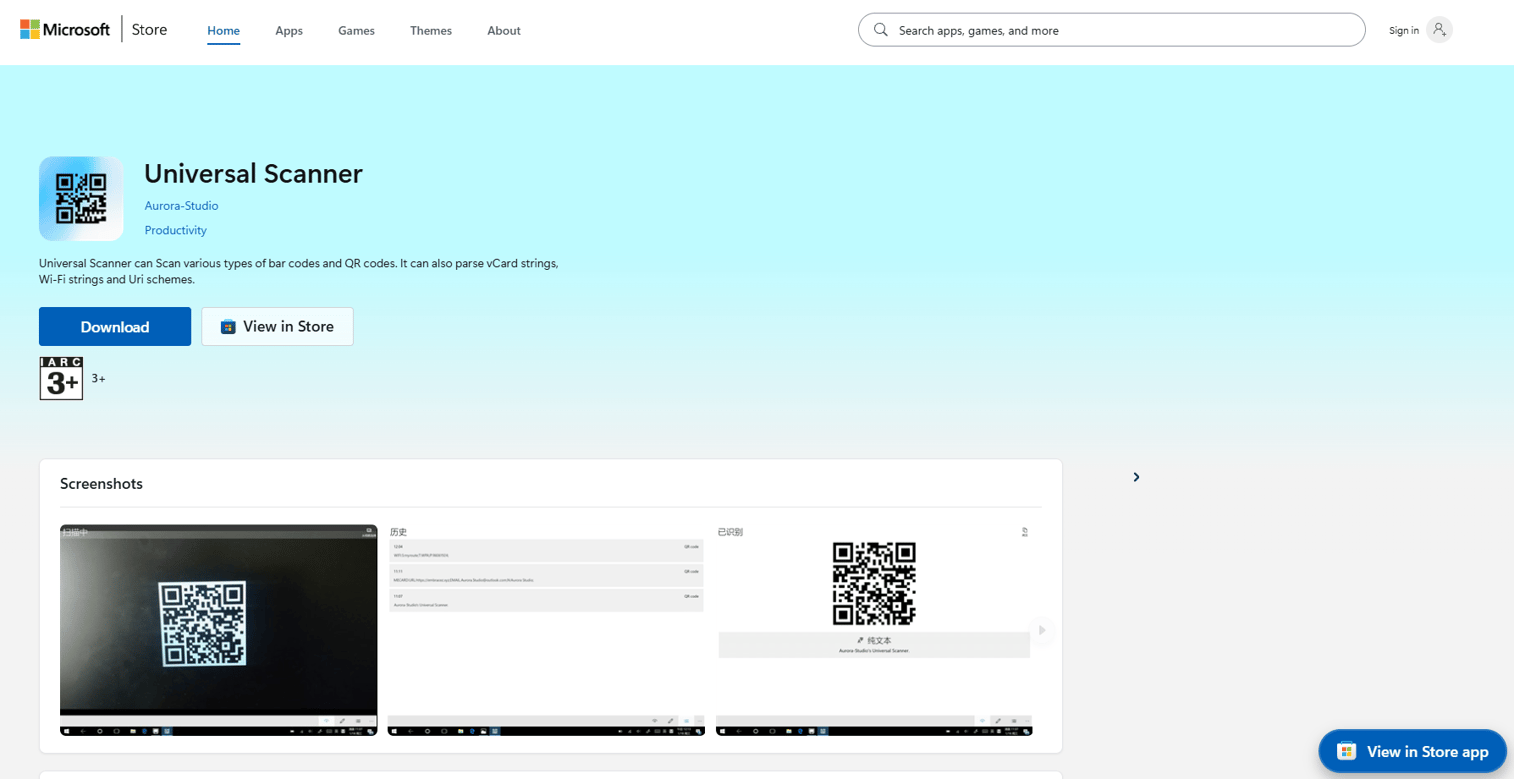
Universal Scanner is a multi-format event lead capture tool designed to replace the rented badge scanner that event organizers hand exhibitors at trade shows. It handles badge barcodes, QR codes and business card capture in a single mobile app, so teams attending events with different badge formats do not need a separate device or workflow for each show.
Best for: Event teams attending multiple shows with varying badge types, QR formats and lead retrieval systems who want one consistent scanning workflow.
Key features
- Badge barcode and QR code scanning
- Business card capture
- Mobile app-based capture
- Multi-event format compatibility
- CRM data sync
Why choose Universal Scanner: Choose Universal Scanner when operational consistency across different event formats is the priority. It reduces the cost and friction of renting different hardware systems for each show, and keeps captured data in a single workflow regardless of badge type.
Universal Scanner pricing: Contact Universal Scanner directly for event-specific quotes covering seat counts, scan volumes and integration requirements.
5. Blinq MCP
Blinq MCP is an AI integration layer that connects your Blinq contacts, notes and event data to MCP-compatible AI tools including ChatGPT, Claude and Microsoft Copilot. The practical result is that after an event, you can query your contact and conversation data in plain language, ask which leads mentioned a specific use case, or identify which reps captured the most qualified contacts.
Best for: Teams with existing Blinq workflows who want to analyze event lead quality and rep performance using AI queries rather than manual spreadsheet review.
Key features
- MCP connection to ChatGPT, Claude and Copilot
- Event contact and note querying in plain language
- AI contact enrichment from Blinq data
- Conversation context and follow-up analysis
- Shared access to Blinq contact database via AI
Why choose Blinq MCP: Choose Blinq MCP when the analysis and prioritization problem starts after capture. It is most useful when teams have event data but need faster ways to surface lead quality and identify follow-up opportunities without building manual reports.
Blinq MCP pricing: Blinq MCP is part of Blinq's platform. The free plan is available, with paid plans starting at $4.99 per user per month on the Business tier (billed annually) where team-level features and CRM sync are included.
G2 rating: 4.8/5 (Blinq platform)
6. Microsoft Dynamics
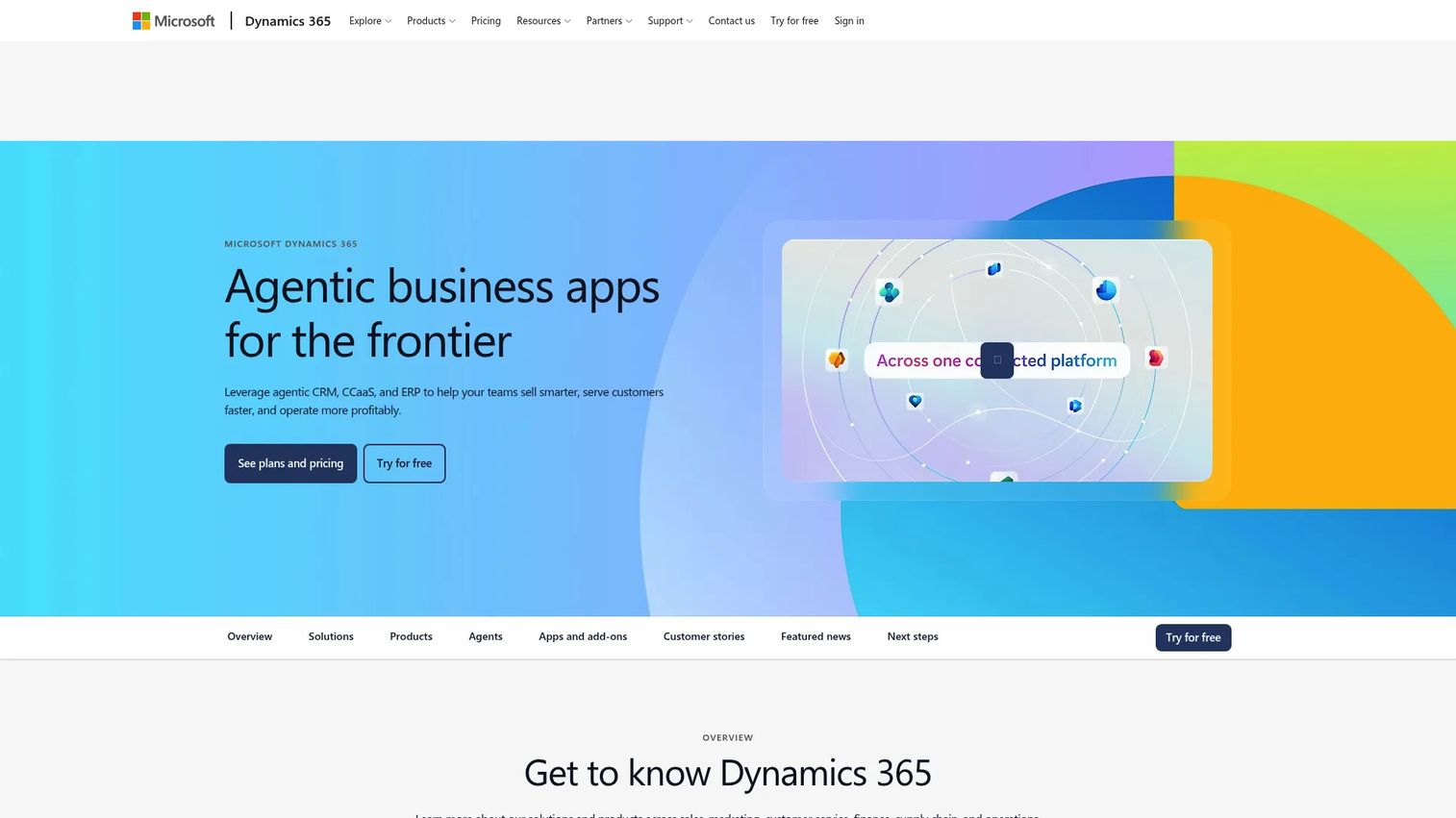
Microsoft Dynamics 365 is a suite of AI-powered CRM and ERP applications covering sales, marketing, service and operations. For event teams inside Microsoft-standardized organizations, it provides native integration with Microsoft 365, LinkedIn, Copilot and Power BI, making it a natural home for event leads that need to live alongside account records, opportunity history and sales workflows.
Best for: Microsoft-first organizations where IT, sales and marketing already work inside the Microsoft stack and need event leads inside a governed CRM.
Key features
- Lead records and sales workflow management
- Marketing journey automation (Customer Insights)
- LinkedIn integration for account and contact enrichment
- Power BI reporting and dashboard access
- Copilot AI assistance for sales and service
Why choose Microsoft Dynamics: Choose Microsoft Dynamics when IT governance, Microsoft 365 compatibility and enterprise security requirements make it the designated system of record. It is strongest when the broader organization is already committed to the Microsoft platform and switching cost is high.
Microsoft Dynamics pricing: Plans depend on the application. Dynamics 365 Sales Professional starts at $65 per user per month (billed annually). Sales Enterprise Edition is $105 per user per month. Business Central starts at $8 per user per month for Team Members. A 30-day free trial is available.
G2 rating: 3.8/5 (Dynamics 365 Sales)
7. GoHighLevel
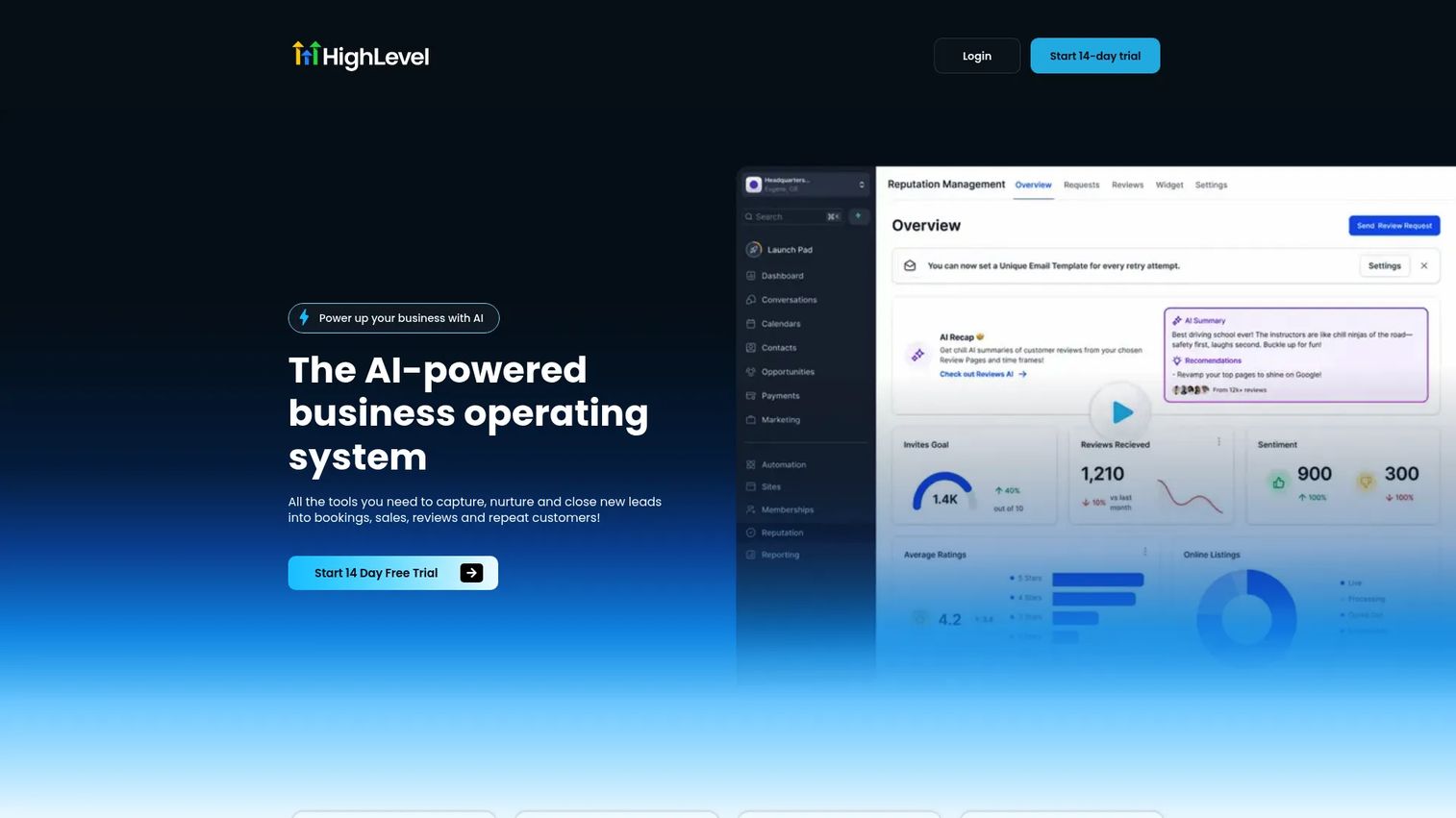
GoHighLevel is an all-in-one business operating system built for marketing agencies and local-service businesses. For event teams running campaigns across multiple clients or locations, its value is in repeatable post-event follow-up: Landing pages, forms, SMS sequences and pipeline tracking are all in one system, with client subaccounts keeping each campaign separate.
Best for: Marketing agencies and multi-location businesses that run event campaigns for multiple clients and need repeatable SMS, email and pipeline follow-up without switching tools.
Key features
- CRM with visual sales pipelines
- Landing pages, forms and surveys
- SMS and email workflow automation
- Voice AI and Conversation AI
- Client subaccounts with white-label options
Why choose GoHighLevel: Choose GoHighLevel when the event workflow includes immediate multi-channel follow-up for multiple clients or locations and you need repeatable campaign templates rather than one-off setups.
GoHighLevel pricing: Plans start at $97 per month (Starter, billed monthly) or $970 per year. The Unlimited plan is $297 per month. The Founder plan is $497 per month.
G2 rating: 4.6/5
8. Zoho
Zoho provides a broad suite of over 60 cloud business applications covering CRM, marketing campaigns, analytics and project management. For event teams with tight budgets, it offers a cost-effective path to CRM-connected lead capture, campaign follow-up and pipeline reporting without enterprise pricing. The Zoho Marketplace has 2,900+ extensions for additional integrations.
Best for: Small and mid-sized teams that want CRM, campaign tools and lead management in a lower-cost suite without needing enterprise-tier features.
Key features
- CRM lead records and pipeline management
- Web forms with CRM field mapping
- Email campaign and marketing automation tools
- Workflow automation rules
- Analytics dashboards and reporting
Why choose Zoho: Choose Zoho when budget is a constraint and the team needs connected business tools more than specialized event scanning. It fits event marketers who need practical lead handling and follow-up at a price point that scales with smaller teams.
Zoho pricing: Zoho pricing varies by product. Zoho Workplace starts at $1 per user per month (Mail Lite, billed annually). Zoho CRM has separate pricing starting from its own tiers. The Workplace Standard plan is $3 per user per month billed annually.
G2 rating: 4.4/5 (Zoho overall)
9. Monday.com
Monday.com is an AI work platform for teams managing projects, workflows and cross-functional operations. For event teams, it fills the coordination gap that scanner tools and CRMs miss: Who owns which lead, what follow-up has happened, where handoffs are stalling and which reps are on track. It is not a scanner, but it is where post-event execution becomes visible.
Best for: Marketing operations teams that need a central view of post-event follow-up ownership, task progress and lead handoff status across reps and campaigns.
Key features
- Visual boards for lead status and owner tracking
- Automation rules for assignment and notifications
- Forms for lead intake or event registration
- Dashboard reporting for follow-up progress
- Integrations with CRM and email tools
Why choose Monday.com: Choose Monday.com when the post-event failure point is coordination rather than capture. It makes it easy to see which leads need follow-up, which rep owns them and where handoffs have gone quiet. For teams managing best event management software alongside capture tools, Monday.com serves well as the operational layer.
Monday.com pricing: A free plan is available. Paid plans start at $9 per seat per month (Basic, billed annually), $12 per seat per month (Standard) and $19 per seat per month (Pro). Enterprise pricing is custom.
G2 rating: 4.7/5
10. Marketo
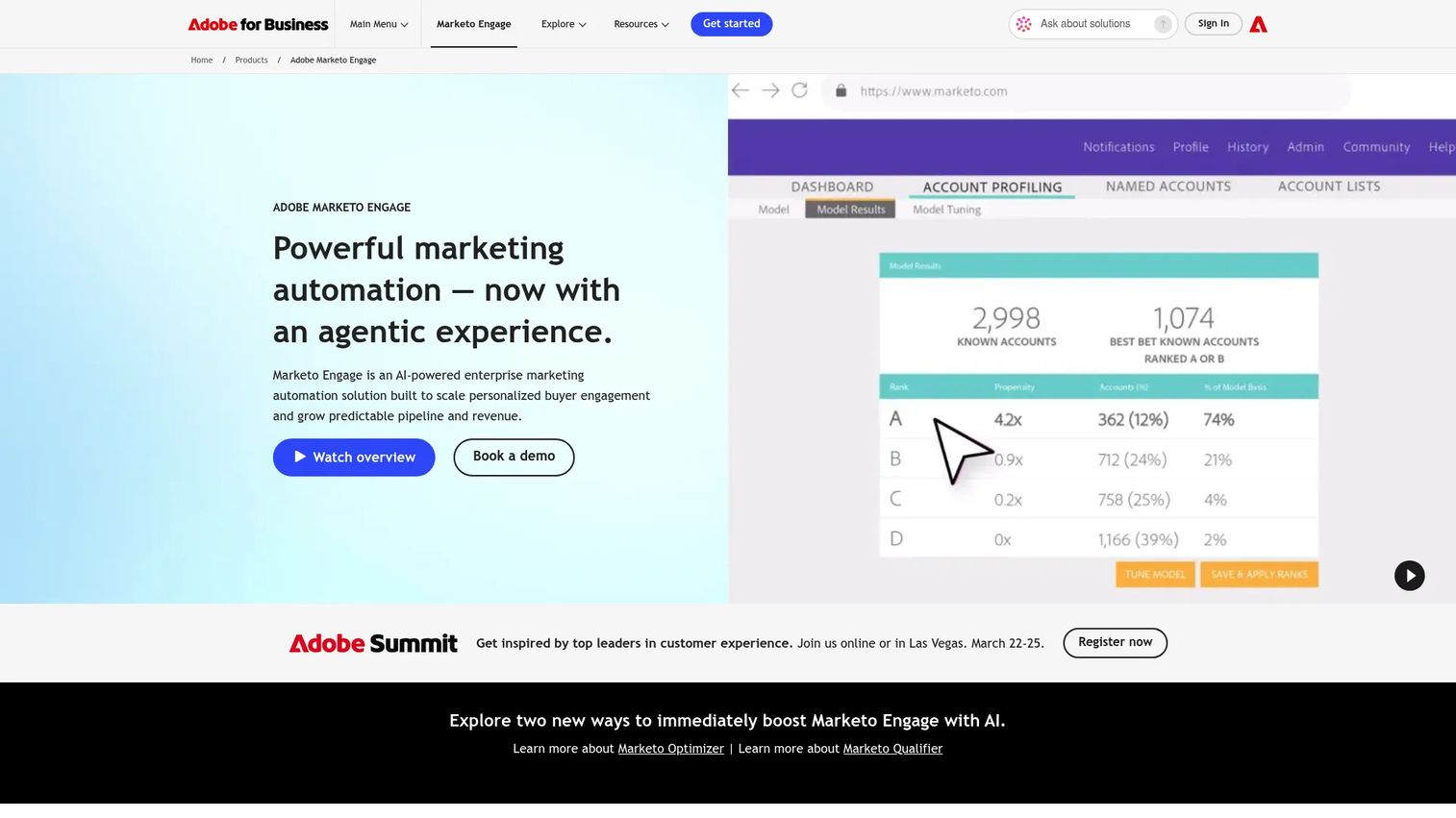
Adobe Marketo Engage is an enterprise marketing automation platform for personalized buyer engagement and revenue attribution. At events, it is not the tool capturing the initial badge scan. It is where captured leads become campaign members, enter scoring models, trigger nurture sequences and feed attribution data into pipeline and revenue reporting.
Best for: Enterprise demand gen teams that need event leads scored, nurtured and attributed across campaigns as part of a broader marketing automation and lifecycle strategy.
Key features
- Lead scoring models and routing rules
- Multi-step email nurture and campaign workflows
- Event program templates with attendance and engagement tracking
- Campaign attribution and ROI measurement
- CRM synchronization (Salesforce and others)
Why choose Marketo: Choose Marketo when event lead capture is one input into a larger marketing automation and revenue attribution system. It is strongest when event leads need to enter lifecycle scoring alongside other channels and feed into enterprise-level pipeline reporting.
Marketo pricing: Adobe Marketo Engage uses custom pricing across four plans: Growth, Select, Prime and Ultimate. The price depends on database size and selected modules. Contact Adobe for a quote.
G2 rating: 4.1/5
11. Zapier
Zapier is a workflow automation platform connecting over 9,000 apps. For event teams, its role is the connector between tools that do not talk natively: A scanner app sends data to a form, Zapier routes it to the CRM, adds a task in a project tool and sends a Slack notification to the rep, all without custom engineering. It is the fastest routing layer available before RevOps builds something permanent.
Best for: Teams whose capture tool and CRM do not have a native integration, or who need event lead data moving across multiple systems without developer involvement.
Key features
- Trigger-based workflows across 9,000+ app connections
- Multi-step Zaps with filters, paths and conditional logic
- Data formatting, webhooks and scheduled triggers
- Error alerts and task monitoring
- AI automation and Zapier Tables for data management
Why choose Zapier: Choose Zapier when the gap is between tools rather than within any one tool. It is a practical routing layer for event marketers who need data moving fast and cannot wait for a native integration to be built or a custom API project to be scoped.
Zapier pricing: A free plan includes 100 tasks per month with two-step Zaps. Professional plans start at $19.99 per month (billed monthly or yearly) for multi-step Zaps. Team plans start at $69 per month. Enterprise pricing is custom.
G2 rating: 4.5/5
12. Pipedrive
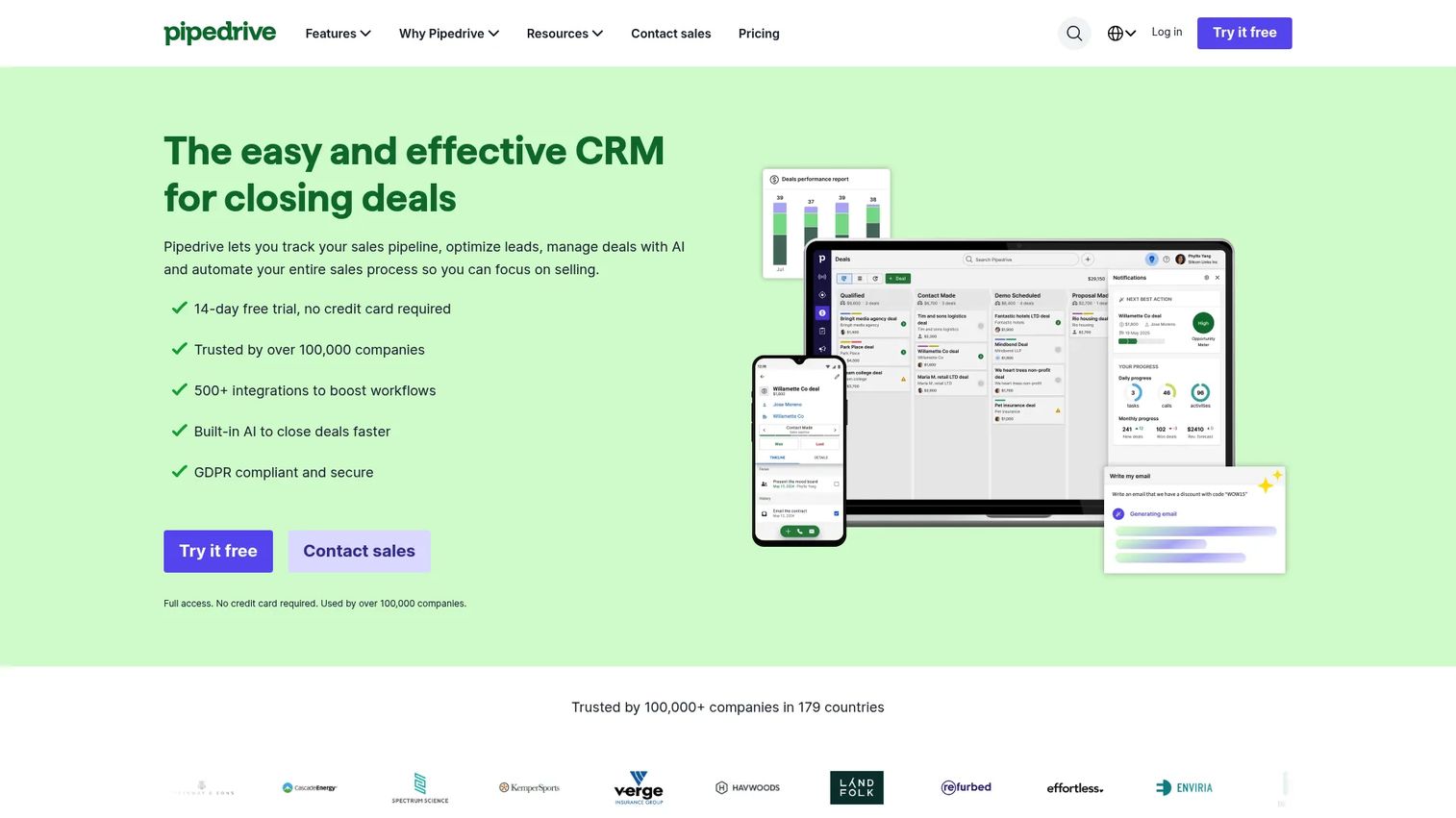
Pipedrive is a sales CRM built for visual pipeline management and rep-owned deal progression. For event teams where sales owns follow-up, it gives reps a clear view of which event leads are in which pipeline stage, what activity is next and where deals are stalling. It is lighter than Salesforce and faster to adopt for teams that want sales simplicity over marketing complexity.
Best for: Small and mid-sized sales teams that want event leads moved quickly into pipeline stages with clear rep ownership and activity tracking.
Key features
- Visual pipeline with drag-and-drop deal management
- Lead inbox for pre-pipeline organization
- Activity reminders and meeting scheduling
- Email sync and tracking
- AI-powered report creation and sales analytics
Why choose Pipedrive: Choose Pipedrive when sales owns the event follow-up motion and needs a simple pipeline view rather than complex marketing attribution. It works best when rep action speed is the priority over multi-channel nurture sequencing.
Pipedrive pricing: A 14-day free trial is available. Plans start at $14 per seat per month (Lite, billed annually). Growth is $39 per seat per month, Premium is $59 and Ultimate is $79 per seat per month, all billed annually.
G2 rating: 4.3/5
13. event·hapily
event·hapily (now operating as hapily.com) is a CRM-centric event management platform built around HubSpot. It covers event promotion, registration, ticketing, QR check-in, badge printing, AI-powered lead capture and enrichment, and feeds everything directly into HubSpot contacts and campaigns. For HubSpot shops running trade shows, it closes the gap between event operations and CRM follow-up.
Best for: HubSpot-based marketing and revenue teams that want event lead capture, qualification and ROI reporting connected natively to their existing HubSpot workflows.
Key features
- HubSpot-native event promotion and registration
- QR check-in and badge printing
- AI-powered mobile lead capture and enrichment
- Lead qualification, follow-up and attribution
- Event ROI reporting inside HubSpot
Why choose event·hapily: Choose event·hapily when your team runs HubSpot and wants event capture as close to that operating system as possible. It reduces the gap between booth collection and CRM-ready data without manual exports or CSV cleanup.
event·hapily pricing: Plans start at $600 per month billed annually for either the Hosted Events or Lead Capture module. The Core Bundle (both modules) is $833 per month billed annually. No free plan.
14. Romify
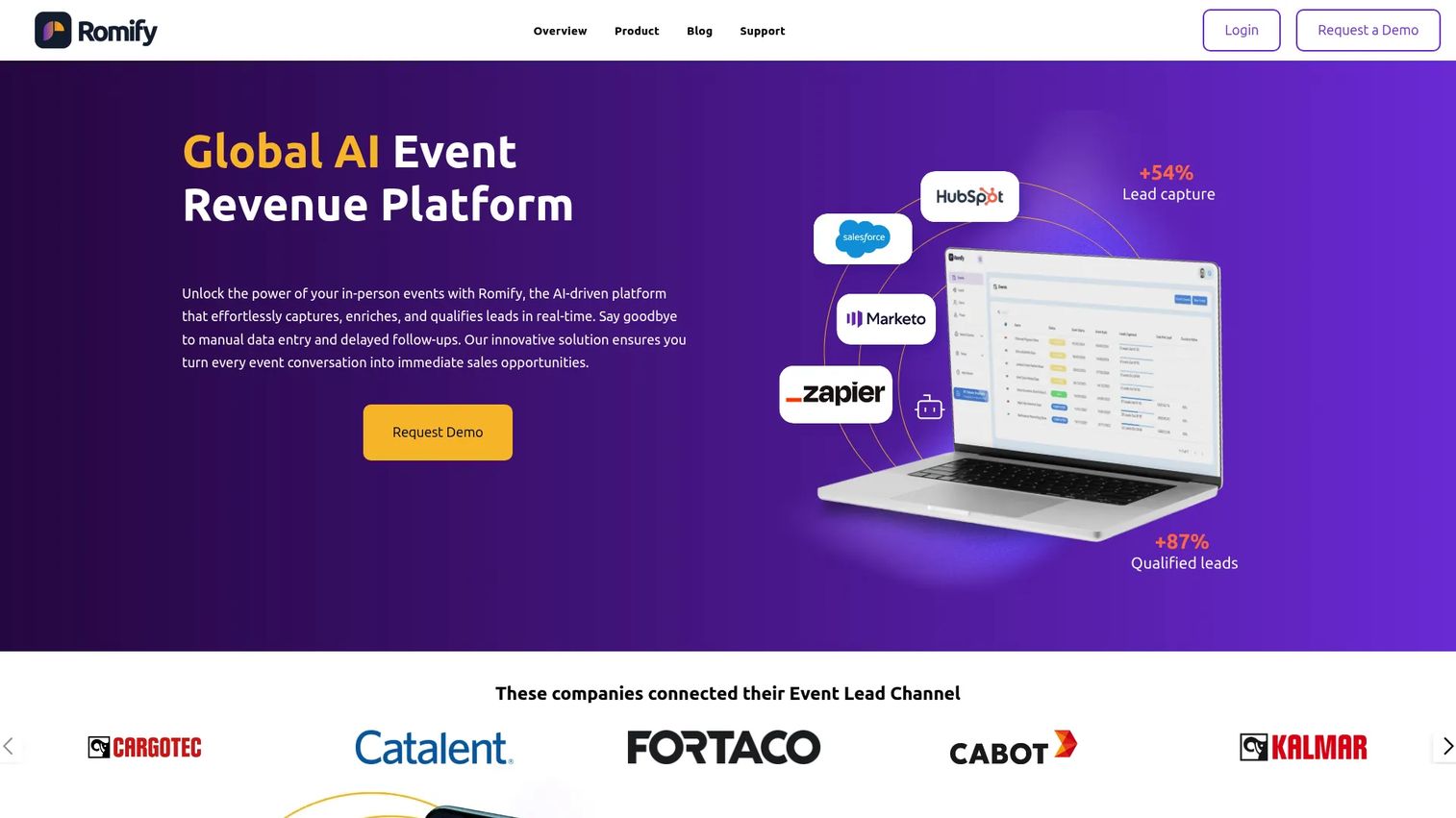
Romify is an AI-powered event revenue platform built for capturing, qualifying, routing and analyzing leads from live events. Where most tools stop at capturing the contact, Romify connects booth conversations to pipeline creation, meeting conversion and revenue attribution. It is built for teams that measure event success by pipeline and closed-won revenue, not scan count.
Best for: Marketing and sales teams that need to prove which events, reps and conversations generated qualified pipeline and contributed to closed revenue.
Key features
- AI badge and business card capture with enrichment
- Mobile-first lead qualification flows with custom questions
- CRM and marketing platform sync with field mapping
- Duplicate prevention and lead deduplication
- Event ROI dashboards with pipeline and revenue attribution
Why choose Romify: Choose Romify when the primary need is connecting event activity to revenue outcomes. It fits teams with an event budget to defend and a CFO who wants pipeline data, not badge counts.
Romify pricing: Contact Romify for a quote based on event volume, integrations and reporting requirements.
15. SmartSource
SmartSource provides event technology, hardware and lead retrieval services for exhibitors and event organizers. It covers the physical and logistical layer of trade show lead capture: Devices, badge scanning hardware, RFID readers, onsite technical support and reporting tools. For exhibitors that need hardware alongside software, SmartSource offers the full event technology stack.
Best for: Exhibitors and event organizers that need lead retrieval hardware, onsite logistics support and event technology services alongside software capture.
Key features
- Lead retrieval devices for trade show floors
- Badge scanning hardware (barcode and RFID)
- Onsite event technology support
- Lead reporting tools and exports
- Event technology rental and service packages
Why choose SmartSource: Choose SmartSource when the event requires hardware, onsite logistics or exhibitor lead retrieval services that go beyond what a mobile app can provide. It is a fit for large-format trade shows where device reliability and onsite support are requirements.
SmartSource pricing: Pricing is quote-based and depends on event size, device count, support requirements and retrieval format. Contact SmartSource for event-specific pricing.
Considerations when choosing event lead capture software
Capture method fit
The best tool depends on how leads enter the system. Badge scanning, QR capture, digital business cards and mobile forms each create different data quality and operational requirements. Test your capture method against the specific badge or registration format used by your target events before committing.
CRM and marketing automation sync
Test field mapping, deduplication and ownership rules before the event opens, not after. A fast scanner that creates duplicate contacts or unmapped fields in your CRM is still a cleanup problem waiting for you on Monday morning.
Offline reliability
Venue WiFi fails at every major trade show at some point. The tool you choose should capture leads offline, queue them locally and sync when connectivity returns. Ask vendors specifically how offline mode works and how long local storage holds before data loss risk begins.
Qualification and follow-up speed
Look for custom qualification questions, rep note fields and routing rules that move high-priority leads to sales faster than a standard CSV export. The goal is not more contacts - it is faster follow-up for the contacts most likely to convert.
Reporting and event ROI
Choose tools that connect scan volume to qualified leads, pipeline and closed revenue. For digital marketers who need to defend event budget in a planning cycle, cost-per-qualified-lead and event-influenced pipeline are the metrics that matter. Badge count is not.
Conclusion
Event lead capture is a system, not a scan. The right tool depends on where the breakdown in your current process actually happens.
If the problem is CRM cleanliness and pipeline attribution, HubSpot or Salesforce give event leads a home in your existing database. For HubSpot shops that want native event operations, event·hapily closes that loop further. If the issue is speed and mobile capture at the booth, Blinq gives reps a tool they will actually use. For multi-format scanning across different shows, Universal Scanner handles badge variety without renting new hardware each time. When the goal is proving revenue impact from event spend, Romify connects booth conversations to closed deals. For routing data between tools that do not speak natively, Zapier handles the connector layer without engineering.
Smaller teams with budget constraints will find Zoho, Pipedrive or Monday.com cover the basics without enterprise pricing. Agencies running event campaigns for multiple clients fit GoHighLevel.
Before your next event: Map your capture method, verify your CRM field mappings, test offline mode and run a mock follow-up workflow. The setup work before the show determines whether the data you collect is worth anything after it.
If your post-event emails send prospects to a static landing page, consider what happens next. Building a clickable product experience with interactive demos lets leads self-explore your product after the booth conversation, before a sales call. A Demo Center organizes multiple product flows in one branded destination for multi-stakeholder follow-up. You can also analyze engagement from those demos to understand which leads are genuinely exploring the product after the event.
Start your journey with Guideflow today!
FAQs
Event lead capture software collects, qualifies and syncs prospect data from in-person or virtual events. It covers badge scanning, QR code and business card capture, mobile forms, CRM synchronization, lead qualification and post-event follow-up automation. The category goes beyond scanning to include the full workflow from initial contact to CRM-ready record.
Lead retrieval refers specifically to tools that scan registered attendee badges at trade shows and conferences, typically using barcode, QR or RFID technology. Event lead capture is the broader category, covering digital business cards, mobile forms, enrichment, qualification, routing, follow-up automation and attribution reporting. Most modern tools handle both.
The right tool depends on your use case. HubSpot fits CRM-native teams that want event leads in existing workflows. Blinq suits mobile-first capture via digital cards and QR scanning. Universal Scanner handles multi-format badge scanning across different show types. Romify focuses on connecting event capture to revenue attribution. SmartSource covers exhibitors that need hardware and onsite support.
Many event apps offer offline capture, but capabilities vary significantly across tools. Some queue leads locally and sync when connectivity returns; others require a signal to save records. Test offline mode specifically against venue conditions before the event. Ask vendors how long local storage holds and what happens to data if the app is closed while offline.
Connections work through native integrations, API connections or middleware like Zapier. Native integrations typically support automatic field mapping, deduplication and ownership assignment. For tools without a native CRM connector, Zapier can route data between the capture tool and your CRM without custom development. Always test field mapping and deduplication rules before the event opens.
Collect name, company, email, job title, consent confirmation and product interest at minimum. Rep notes on conversation context, buying stage and urgency make follow-up meaningfully better. Avoid adding too many qualification questions if it slows booth conversations - three to five well-chosen fields outperform a ten-question form that reps skip under pressure.
Compare event cost against pipeline created and revenue closed from event-sourced leads. Key metrics include cost per qualified lead, meeting conversion rate from event leads, opportunity creation rate and event-influenced pipeline. Scan count is an activity metric, not a business outcome. The goal is connecting event spend to closed-won revenue your CFO can verify.
Same-day or next-day follow-up preserves the most context from the booth conversation. Waiting until after the event ends, or until the following week, dramatically reduces the chance that the prospect remembers the interaction clearly. Tools with real-time CRM sync and routing rules make same-day follow-up operationally possible, even during a multi-day show. For more context on the full best event management software category and how lead capture fits into event operations, that resource covers the broader stack.