You don’t have a document problem until two teams edit different versions and both think theirs is approved.
Then the costs appear. Engineering builds from an outdated specification. Support publishes stale instructions. Legal approves wording that never reaches the customer facing file.
Smallpdf reported in 2026 that 42% of surveyed U.S. professionals had sent the wrong document version. Another 28% had duplicated work after failing to find an earlier copy.
The right document version control software makes the approved version obvious. It also records what changed, who made the change, and which review comes next.
For product managers, that control protects alignment across PRDs, release notes, onboarding content, policies, and launch assets. This guide compares tools for everyday collaboration, regulated document control, technical authoring, construction, and developer adjacent workflows.
What’s inside
This guide compares 17 document version control software options for teams that need a reliable source of truth. The shortlist covers document management, quality management, construction, legal work, technical authoring, and general collaboration.
We evaluated each tool against these criteria:
- Version history, comparison, and rollback
- Approval trails, audit logs, and reviewer identity
- Permissions plus check in and check out controls
- Retention, archiving, and controlled document workflows
- Fit for business teams rather than developers alone
Pricing comes from vendor pages. Ratings come from current G2 listings where available.
TL;DR
- Best for regulated quality teams: QT9 QMS and MasterControl Quality Excellence connect controlled documents with broader quality processes
- Best for general business collaboration: Google Workspace and Microsoft Word support familiar editing, feedback, and version history
- Best for product and project teams: monday AI Workspace, Backlog, and Cacoo keep documentation close to delivery work
- Best for construction document control: Procore and Oracle Aconex govern project information across complex stakeholder groups
- Best for enterprise document management: M Files, DocuWare, OnBase, FileHold, and NetDocuments add workflow or governance
- Best for structured and technical documentation: Paligo and GitHub support release based content workflows
What is document version control software?
Document version control software tracks, stores, compares, and governs changes to business documents throughout their lifecycle.
A document version control system creates a record whenever someone changes a managed file. Teams can identify the latest approved copy without relying on filenames such as “final 2” or “approved new.”
Document management version control commonly includes these capabilities:
- Version history: Every saved revision creates a traceable record
- Contributor identity: The system records who made each change
- Timestamps: Reviewers can see when edits and approvals occurred
- Restore and rollback: Users can recover earlier versions after errors
- Version comparison: Reviewers can inspect changes before approval
- Check in and check out: Controlled locking prevents conflicting edits
- Approval workflows: Drafts move through named reviewers before release
- Audit trails: Activity records support accountability and process reviews
- Retention and archiving: Approved records remain accessible under defined rules
- Permissions: Roles control who can view, edit, approve, or delete
- Integrations: Documents connect with project, quality, legal, or operational workflows
Document revision control overlaps with several adjacent categories. Document collaboration software focuses on live editing and feedback. A document management system adds storage, search, metadata, and retrieval.
Many document management systems include version control, but the depth varies. Some record basic history. Others govern controlled documents through formal approvals, retention schedules, and audit evidence.
Developer source control works differently. Distributed version control systems such as Git manage text files through repositories, commits, branches, and merges. Business platforms usually provide centralized version control through managed libraries and approval states.
Choose the model that matches your work. A PRD needs different controls from a quality manual, legal matter, construction drawing, or API reference.
When to use document version control software
Control documents that need approval
Use document control software when a draft must pass through named reviewers before release. Common examples include SOPs, policies, contracts, security documents, PRDs, and quality manuals.
A formal document approval workflow records reviewer identity, timestamps, comments, and final status. This history removes ambiguity during audits or launch reviews.
Prevent conflicting edits across teams
Parallel work creates drift across product, engineering, design, legal, support, sales, and marketing. One team updates the specification while another references an older attachment.
Live editing handles many collaborative documents. High stakes workflows may require teams to check in and check out documents, preventing competing approved versions.
Recover earlier versions without guesswork
Use version control when mistakes must be reversible. A clear history lets teams compare revisions and roll back previous versions without searching through folders.
This matters before launches, policy updates, and compliance reviews. Product managers can trace which requirements changed and confirm which release note received approval.
Document version control software comparison
This table is a curated shortlist rather than a general software directory. It covers file versioning software for several operating models, from live collaboration to controlled quality documentation.
Review the best fit before comparing price. A low cost editor may handle PRDs well but lack the approval trails required by a regulated quality team.
| # | Product | Best for | Key differentiator | Pricing | G2 rating |
|---|---|---|---|---|---|
| 1 | QT9 QMS | Regulated quality teams | QMS workflows with document control | Custom pricing | 4.8/5 |
| 2 | Google Workspace | General business collaboration | Live editing with revision history | From $7 per user monthly | 4.6/5 |
| 3 | monday AI Workspace | Product and operations teams | Work management with document context | Free plan, paid from $9 per seat monthly | 4.7/5 |
| 4 | Microsoft Word | Microsoft 365 teams | Track Changes with document history | Free web version, paid from $9.99 monthly | 4.7/5 |
| 5 | Procore | Construction teams | Project and drawing control | Custom pricing | 4.6/5 |
| 6 | MasterControl Quality Excellence | Regulated enterprise quality teams | Controlled quality documentation | Custom pricing | 4.3/5 |
| 7 | M Files | Metadata driven document management | Context based organization and AI assistance | From €65 per seat monthly | 4.4/5 |
| 8 | Oracle Aconex | Capital projects and engineering | Controlled project document exchange | Custom pricing | 4.5/5 |
| 9 | DocuWare | Process heavy business teams | Document storage with workflow automation | Typically $30 to $125+ per user monthly | 4.4/5 |
| 10 | LogicalDOC | Flexible document management | Open source option and document indexing | Free Community edition, commercial quotes | 4.4/5 |
| 11 | OnBase | Enterprise content management | Content services with process automation | Custom pricing | 4.4/5 |
| 12 | FileHold | Midmarket document management | Check in and check out with records control | Custom pricing | N/A |
| 13 | NetDocuments | Legal document management | Matter centric document governance | Custom pricing | 3.9/5 |
| 14 | Paligo | Structured technical documentation | Component content management and reuse | From $15,000 yearly | 4.6/5 |
| 15 | GitHub | Developer adjacent documentation | Distributed version control for text files | Free plan, Team from $4 per user monthly | 4.7/5 |
| 16 | Backlog | Product and engineering teams | Project management with Git collaboration | Free plan, paid from $35 monthly | 4.6/5 |
| 17 | Cacoo | Visual documentation teams | Diagram revision history and collaboration | Free plan, paid from $6 per user monthly | 4.5/5 |
Best 17 tools for document version control software
1. QT9 QMS

QT9 QMS combines document control with quality management processes. Its wider QMS covers audits, training, risk, CAPA, inspections, and nonconformance management.
The platform supports electronic signatures and audit trails for regulated workflows. Deployment options include cloud, on premises, or hybrid environments.
This structure suits teams where a controlled document connects directly to employee training or corrective action. It gives quality leaders more context than a standalone file repository.
Best for: Regulated manufacturers and quality teams that need document control inside a broader QMS.
Key features
- Controlled document workflows
- Electronic signatures and audit trails
- Training management links
- CAPA and corrective actions
- Quality reporting
Why choose QT9 QMS: Choose it when document approval forms part of a larger quality process. Product teams in regulated environments can connect specifications with training and corrective actions.
A general collaboration suite remains better for informal planning documents. QT9 fits records that require defined ownership and audit evidence.
QT9 QMS pricing: Custom pricing uses annual concurrent licenses. Quotes account for users, deployment, facilities, and implementation requirements.
G2 rating: 4.8/5.
2. Google Workspace
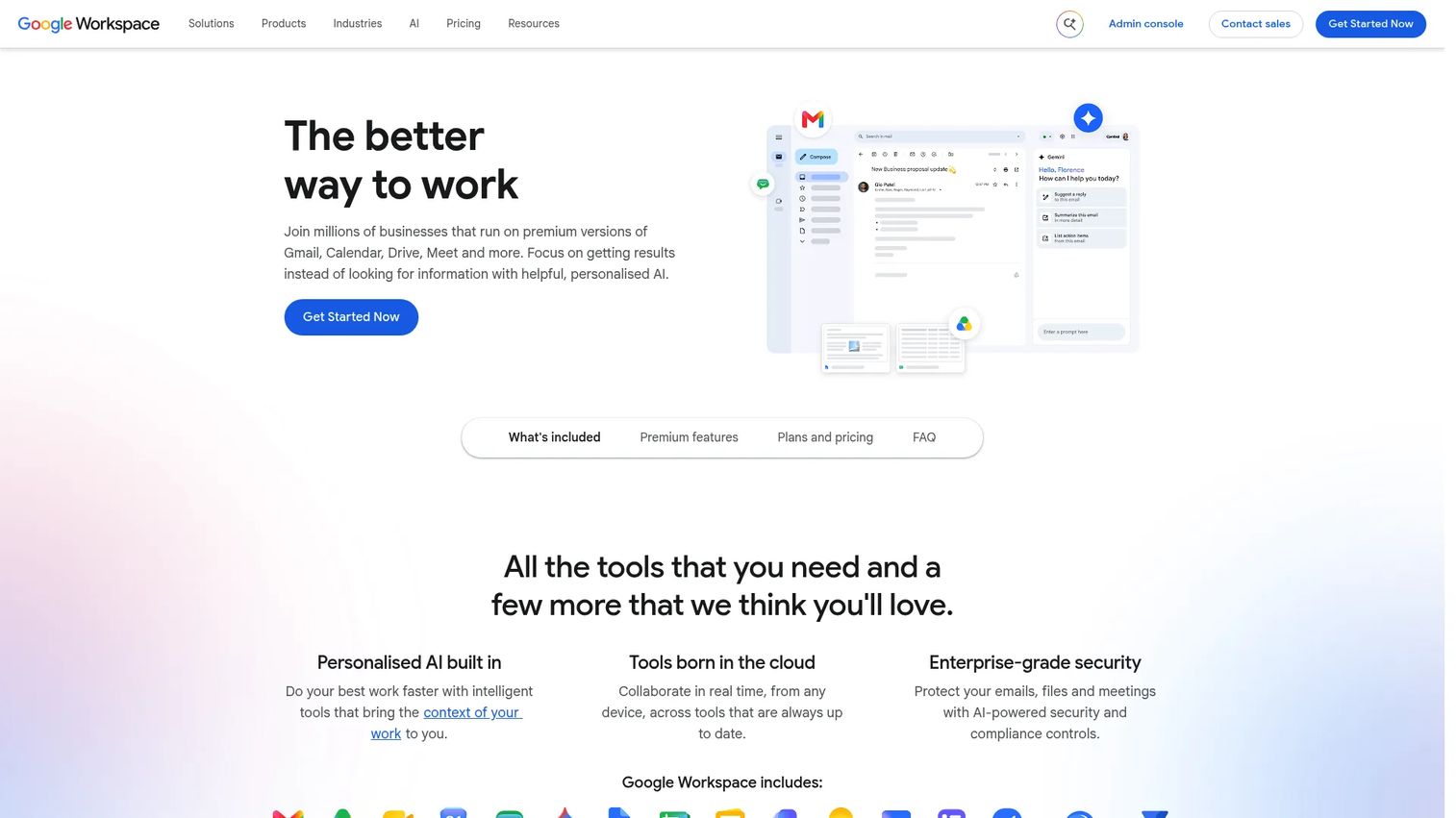
Google Workspace is a cloud productivity suite built around communication, storage, and collaborative editing. Google Docs supports simultaneous work without creating separate attachments for each reviewer.
Teams can review changes through version history, comments, and suggestions. Named versions help mark important states such as approved requirements or launch ready copy.
Shared Drives provide team owned storage rather than leaving critical files under one employee’s account. Administration features cover access, retention controls, and endpoint management.
Best for: Teams that need familiar collaboration and basic version history without formal document governance.
Key features
- Live document collaboration
- Version history and named versions
- Comments and suggestions
- Shared Drive storage
- Central administration controls
Why choose Google Workspace: Pick it when adoption and editing speed matter more than controlled approval trails. It works well for PRDs, planning documents, research notes, and launch coordination.
Regulated records may need more formal audit and retention controls. Assess whether standard revision history meets your evidence requirements.
Google Workspace pricing: Business Starter costs $7 per user monthly. Standard costs $14, while Plus costs $22 per user monthly.
A 14 day trial is available. Enterprise uses custom pricing.
G2 rating: 4.6/5.
3. monday AI Workspace
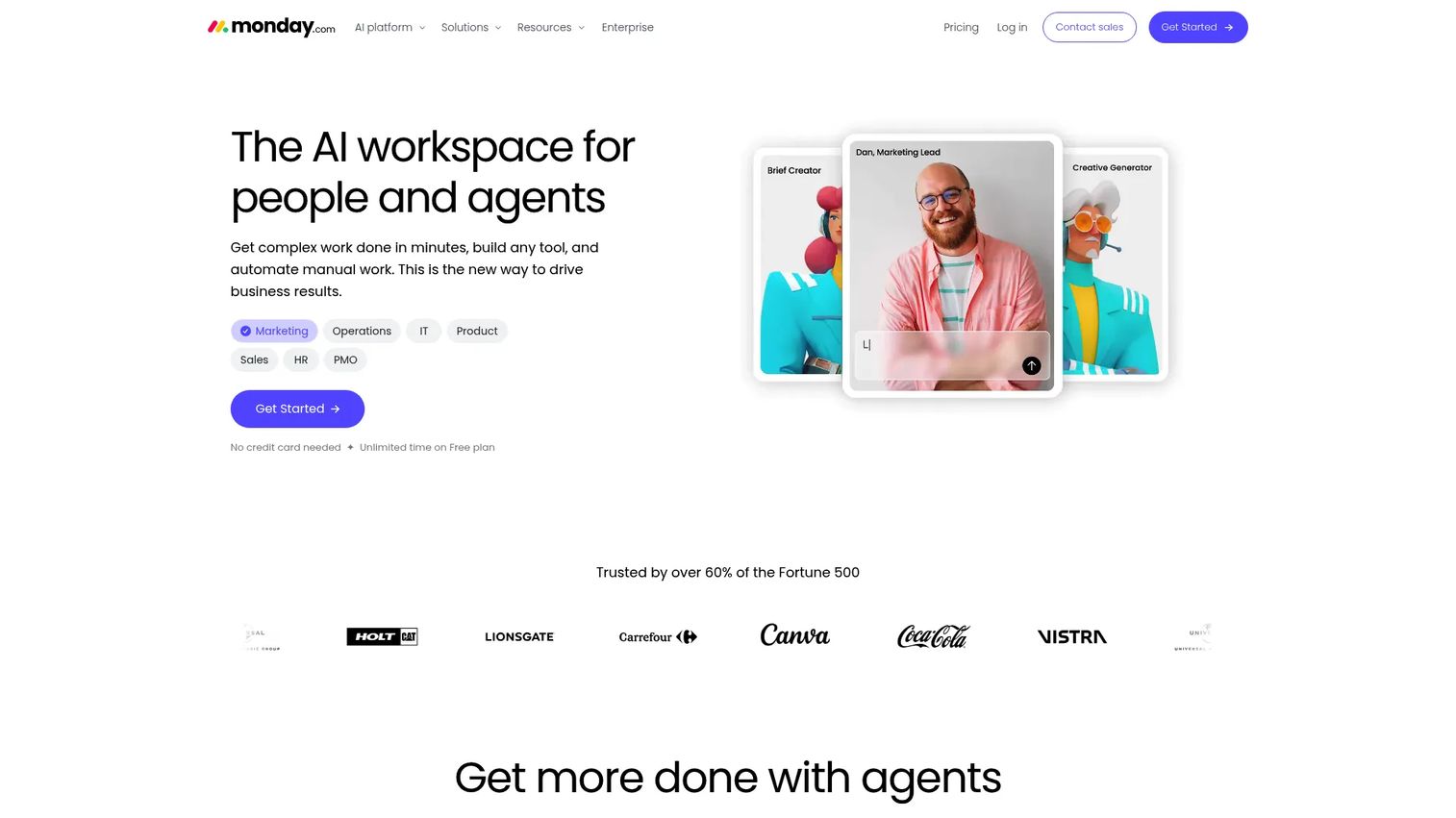
monday AI Workspace places work context around documents. Teams can connect files with owners, status fields, deadlines, automations, and project boards.
Its AI capabilities include Sidekick, workflow automation, agents, a meeting notetaker, and a code free application builder. AI credits vary across plans.
The strongest version control angle is operational context. A PM can associate a specification with review tasks, launch milestones, and ownership changes inside the same workspace.
Best for: Product and operations teams managing files alongside cross functional delivery workflows.
Key features
- File attachments and project context
- Configurable workflow automations
- Status and owner tracking
- AI workflow assistance
- Code free application builder
Why choose monday AI Workspace: Use it when document status matters as much as file history. It keeps specifications and approvals close to the work they govern.
It is a work management platform rather than a formal controlled document repository. Confirm the history and audit depth required by your organization.
monday AI Workspace pricing: A free plan supports up to two seats. Annual plans start at $9 per seat monthly.
Standard costs $12, while Pro costs $19 per seat monthly. Enterprise uses custom pricing.
G2 rating: 4.7/5.
4. Microsoft Word
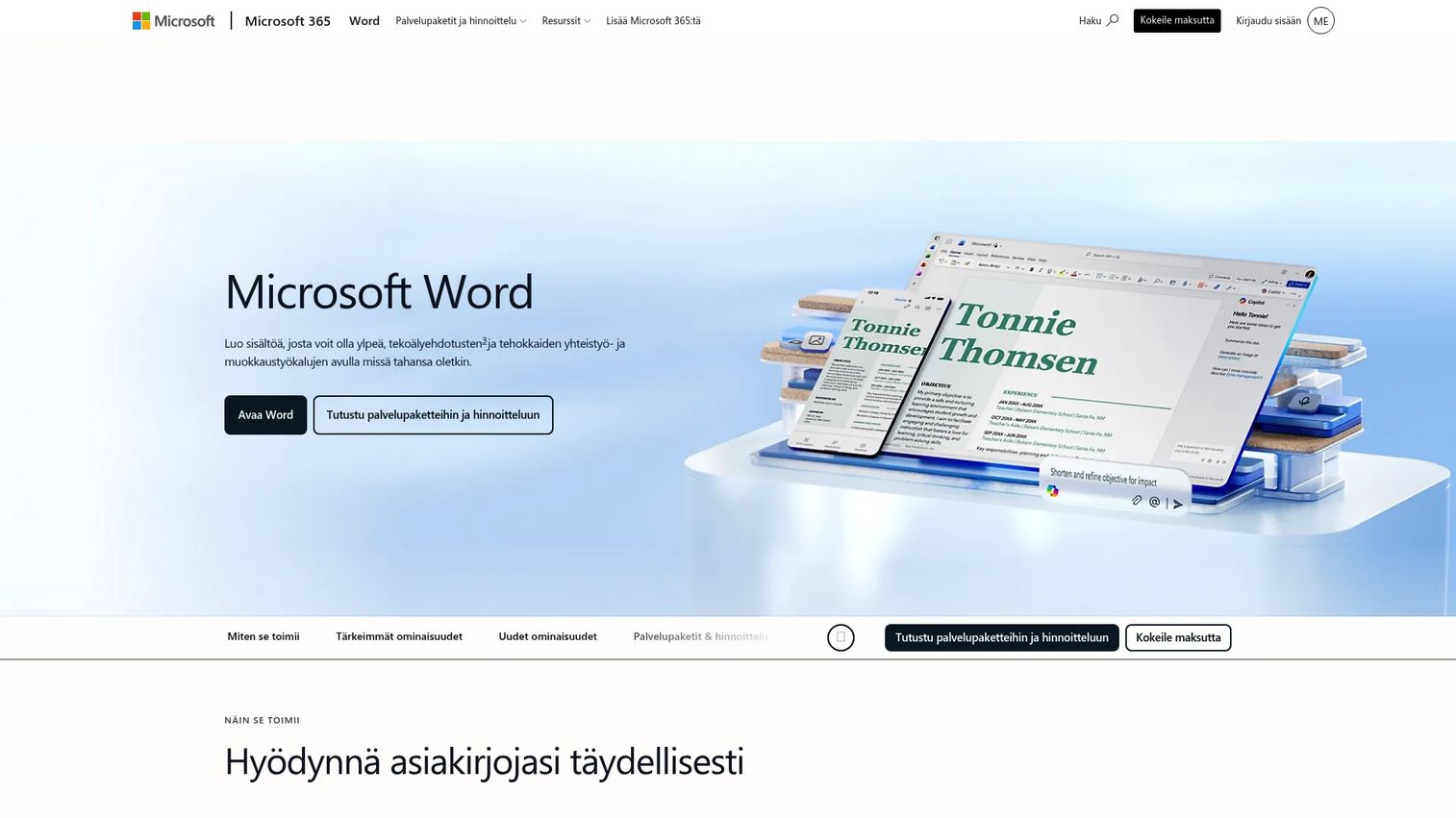
Microsoft Word remains a familiar choice for structured business documents. It supports detailed editing, formatting, comments, and collaborative review.
Track Changes gives reviewers precise redlines inside long form files. OneDrive adds cloud storage and version history, while coauthoring supports simultaneous work.
The combination works well when a product specification, policy, or customer document needs line level feedback. Teams already using Microsoft 365 can adopt it without introducing a separate editor.
Best for: Microsoft 365 teams that need detailed review and professional document formatting.
Key features
- Track Changes
- OneDrive version history
- Live coauthoring
- Comments and mentions
- Desktop and web editing
Why choose Microsoft Word: Choose it when reviewers need precise redlines rather than general comments. It fits policies, legal drafts, customer documentation, and detailed product specifications.
Word is strongest as an editor. Formal retention, release approvals, and records governance may require other Microsoft services or a dedicated system.
Microsoft Word pricing: Word offers a free web version. Microsoft 365 Personal costs $9.99 monthly.
Microsoft 365 Apps for business costs $10 per user monthly with yearly payment.
G2 rating: 4.7/5.
5. Procore
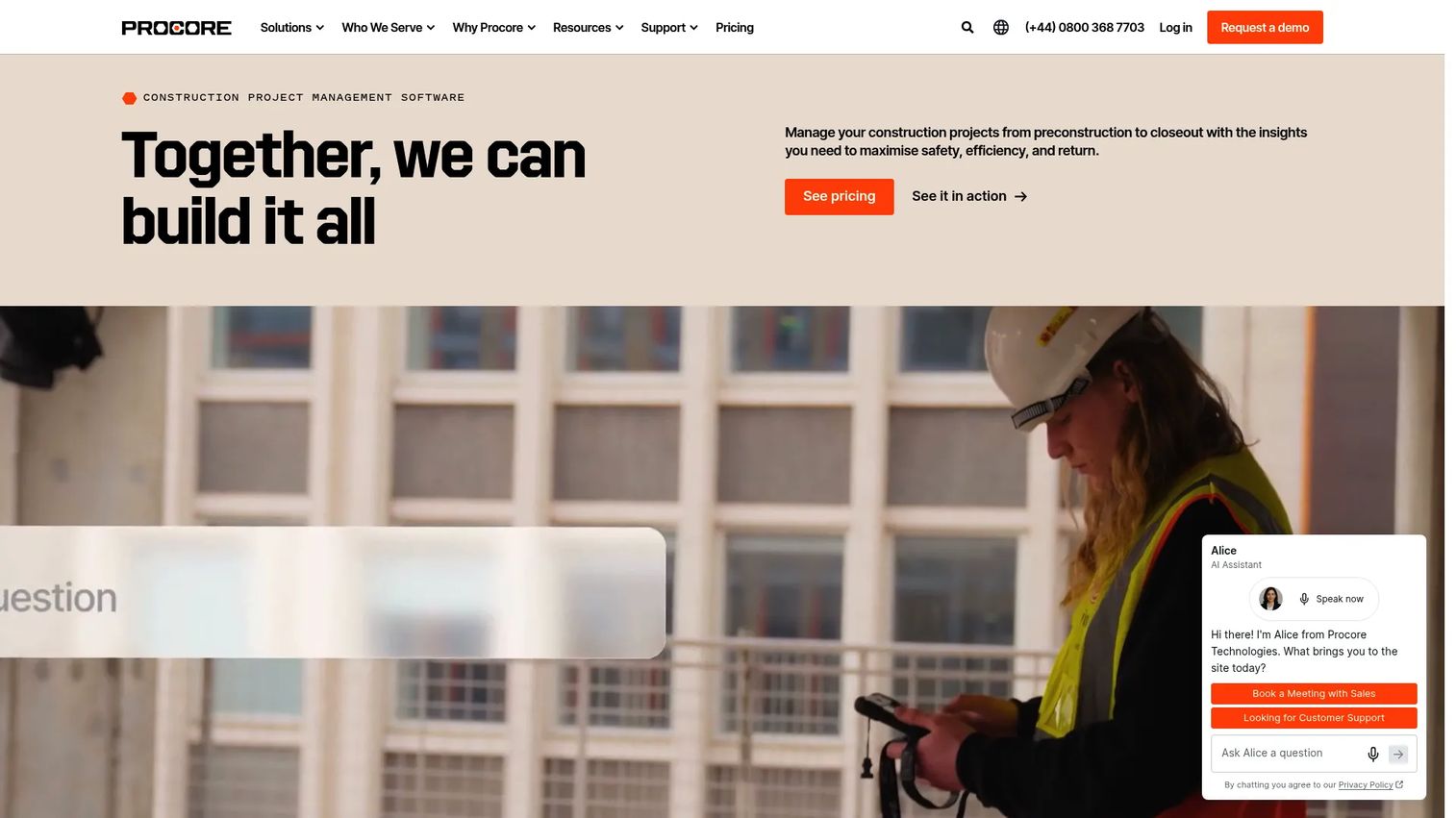
Procore is construction management software for project delivery, financials, resources, and field collaboration. Its document context includes drawings, submittals, schedules, and project files.
Construction teams need current information at the jobsite. Procore connects project records with permissions and mobile field access, reducing reliance on emailed attachments.
Its wider capabilities include bid management, BIM, analytics, and quality management. This breadth makes it relevant when document revisions affect active project execution.
Best for: Owners, general contractors, and specialty contractors managing construction documents across field and office teams.
Key features
- Drawing and project management
- Submittal workflows
- Project permissions
- Mobile field access
- Quality and safety management
Why choose Procore: Pick it when outdated project information creates operational risk on a jobsite. The platform connects revised files with construction activity and stakeholder access.
A general DMS may store the same files. Procore adds the construction workflows that give each revision operational meaning.
Procore pricing: Custom annual pricing reflects selected products and Annual Construction Volume. Plans include unlimited users and data.
Field Productivity pricing uses full time employee counts.
G2 rating: 4.6/5.
6. MasterControl Quality Excellence
MasterControl Quality Excellence is a connected QMS for regulated life sciences organizations. It brings document control together with quality events, training, audits, and risk management.
Controlled changes can move through defined review processes. Related training helps organizations connect a revised procedure with the people affected by it.
This approach suits documents that function as governed quality records. It provides more structure than collaborative editors designed around everyday team writing.
Best for: Enterprise life sciences teams managing regulated quality processes and controlled documentation.
Key features
- Document and change control
- Quality event management
- Training management
- Audit management
- Risk management
Why choose MasterControl Quality Excellence: Choose it when document revision control must connect with quality events and audit readiness. It supports formal process ownership across regulated operations.
Smaller teams with basic collaboration needs may prefer a lighter document tool. MasterControl targets structured quality programs.
MasterControl Quality Excellence pricing: Custom pricing follows a named user licensing model. Ask sales about packages, seats, implementation, and validation requirements.
G2 rating: 4.3/5.
7. M Files
M Files organizes information through metadata rather than fixed folder paths. Users can find documents by customer, project, owner, workflow, or lifecycle stage.
The platform combines document management with workflow automation, collaboration, governance, and Microsoft 365 connections. Its AI assistance helps classify and work with business information.
Metadata can reduce the maintenance burden created by sprawling folders. The same file can appear in several relevant contexts without creating duplicate copies.
Best for: Organizations that need searchable, metadata driven document control across business processes.
Key features
- Metadata driven organization
- Document lifecycle management
- Workflow automation
- Trusted AI assistance
- Microsoft 365 integration
Why choose M Files: Choose it when folder structures hide context and create duplicate records. Metadata gives product and operations teams several ways to find the same approved document.
The model requires thoughtful classification. Define ownership and metadata rules before migrating a large repository.
M Files pricing: Essentials starts at €65 per seat monthly. Enterprise uses custom pricing.
G2 rating: 4.4/5.
8. Oracle Aconex
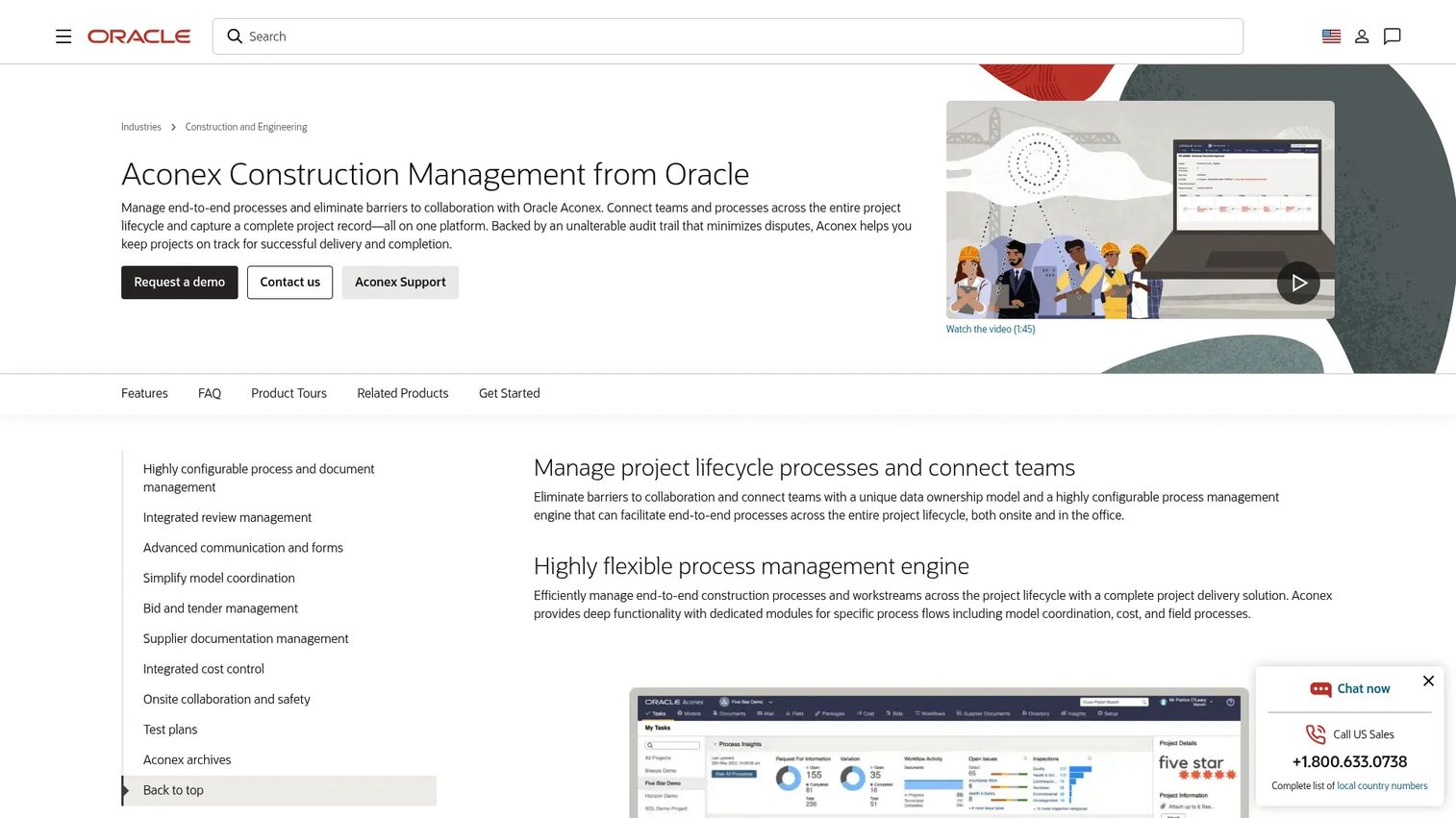
Oracle Aconex manages information and collaboration for construction and engineering projects. Its document features include version control, reviews, approvals, and audit trails.
Document registers and project records support work across owners, contractors, consultants, and engineering organizations. Controlled exchanges preserve history as information moves between companies.
The platform also covers BIM coordination, supplier documentation, tenders, contracts, field processes, and project archiving. This scope fits long running capital projects with complex handoffs.
Best for: Large construction and infrastructure projects involving many external organizations.
Key features
- Document and drawing management
- Configurable review workflows
- Approval trails
- Supplier documentation management
- Complete project records
Why choose Oracle Aconex: Use it when project history must remain consistent across organizational boundaries. Controlled exchanges make accountability clearer during complex reviews and handoffs.
It targets capital project information management. Teams managing internal business documents should consider a conventional DMS instead.
Oracle Aconex pricing: Custom pricing. Ask Oracle for project, user, module, and implementation details.
G2 rating: 4.5/5.
9. DocuWare
DocuWare combines document management with intelligent processing and workflow automation. It supports cloud and on premises deployment.
Capabilities include document capture, OCR, classification, indexing, versioning, permissions, forms, and electronic signatures. Workflow tools manage approvals, deadlines, tasks, and dashboards.
The platform is especially relevant when documents trigger repeatable business processes. Examples include invoice approval, employee records, contracts, and vendor documentation.
Best for: Finance, HR, operations, and back office teams managing process heavy documents.
Key features
- Intelligent document capture
- OCR and indexing
- Workflow automation
- Version management
- Secure archiving
Why choose DocuWare: Pick it when file versioning must connect with routing and process automation. It can move captured information into approval workflows without relying on email chains.
PMs should evaluate it when product operations include contract or policy workflows. It carries more process depth than a simple shared drive.
DocuWare pricing: DocuWare Cloud typically costs $30 to $125+ per user monthly. Price varies with storage, users, capabilities, and add ons.
On premises pricing requires a consultation.
G2 rating: 4.4/5.
10. LogicalDOC
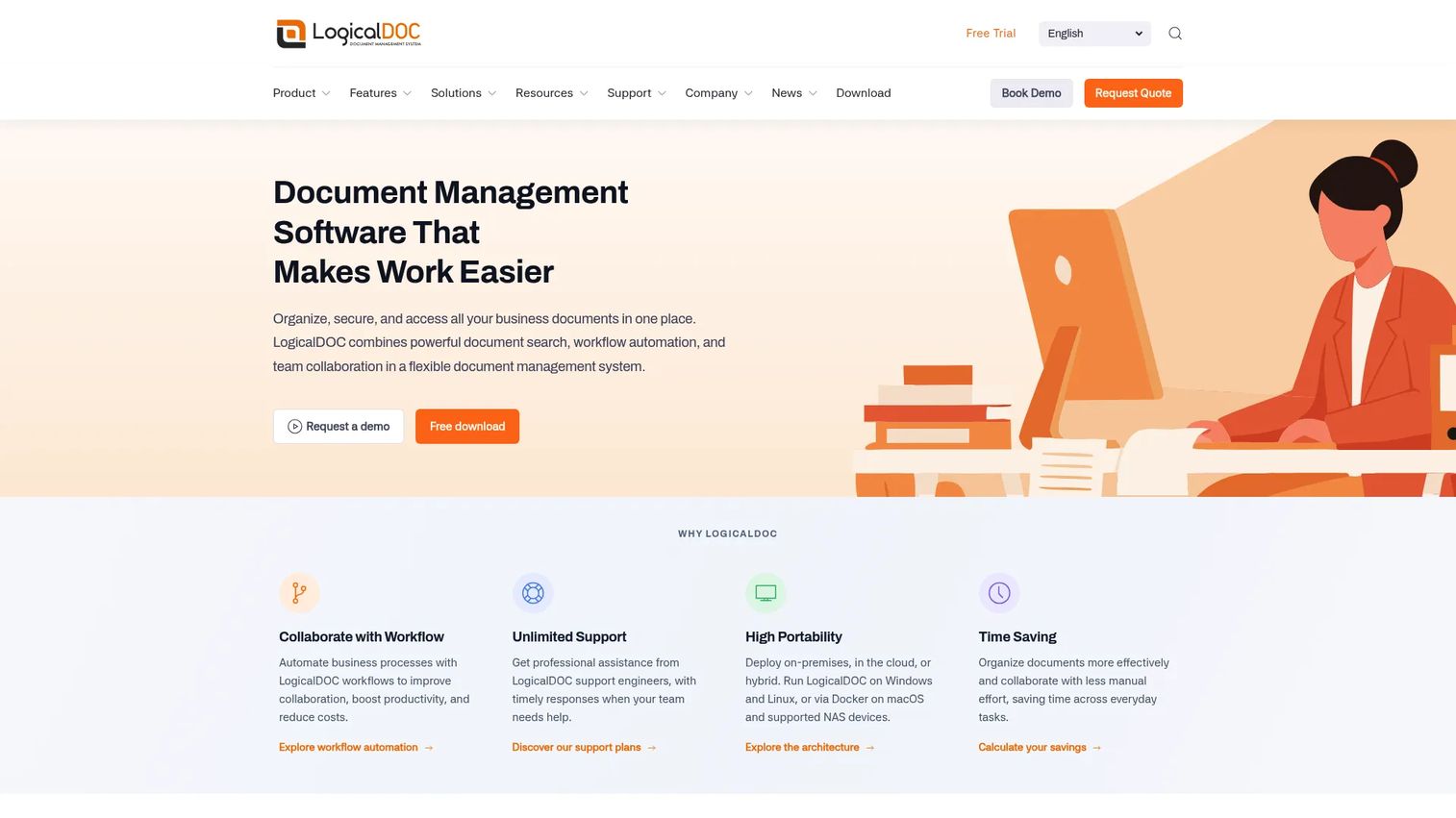
LogicalDOC is a document management system for organizing, securing, searching, and sharing business files. It combines classic version control with workflow and search capabilities.
Full text search and OCR help teams find stored information. Granular permissions plus audit trails support access control and accountability.
LogicalDOC offers Community, Business, Enterprise, and Cloud editions. The Community edition provides an open source entry point for teams comfortable managing the technical environment.
Best for: IT led organizations seeking flexible document management and configurable deployment.
Key features
- Document version control
- Full text search and OCR
- Granular permissions
- Workflow automation
- AI classification and semantic search
Why choose LogicalDOC: Choose it when technical flexibility matters alongside centralized document management. The range of editions supports different ownership and deployment models.
The free Community edition suits self managed environments. Commercial buyers should compare edition features carefully before choosing.
LogicalDOC pricing: Community is free and open source. Business, Enterprise, and Cloud editions use custom pricing.
Quotes account for edition, users, storage, and deployment.
G2 rating: 4.4/5.
11. OnBase
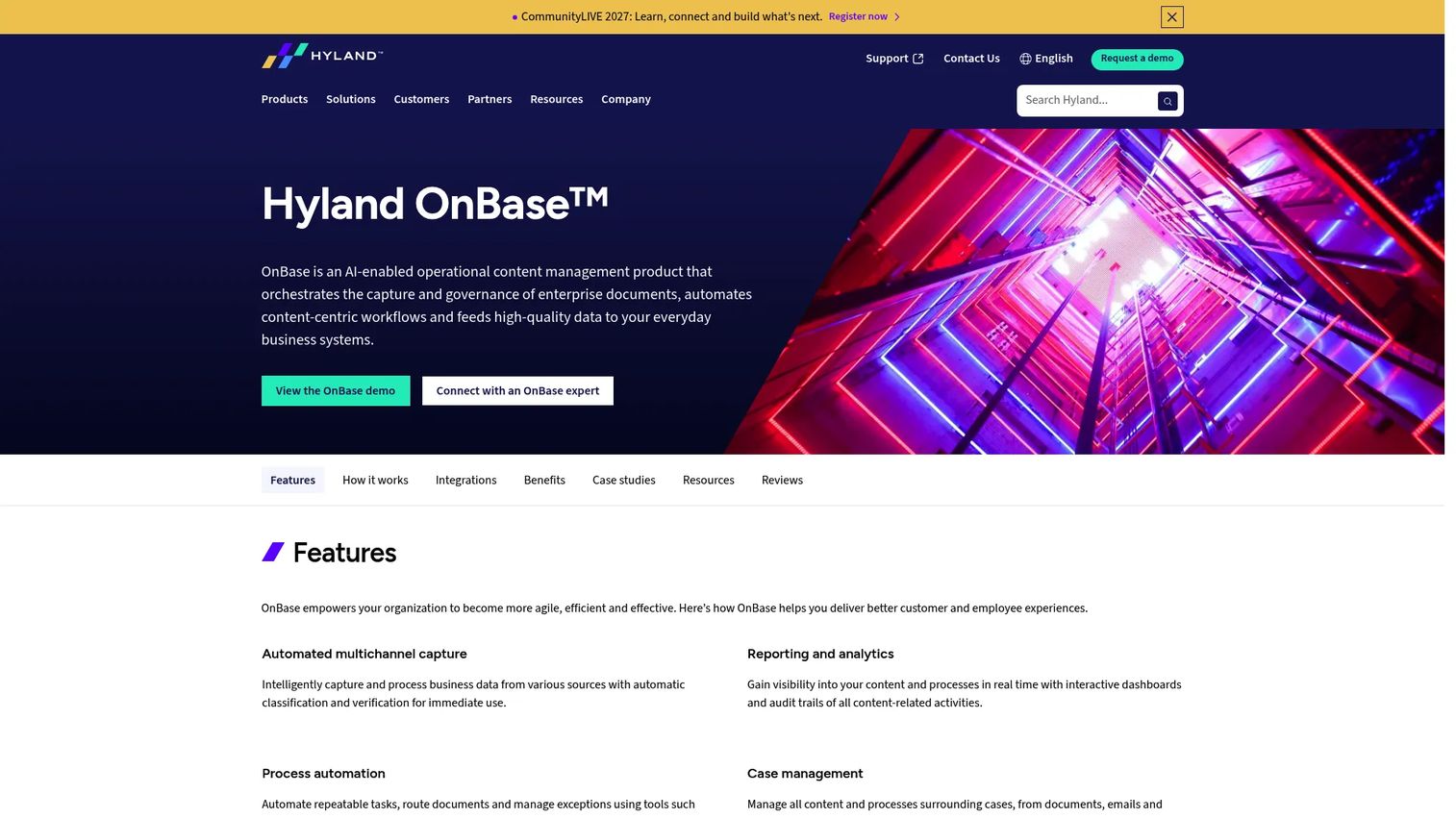
OnBase is an operational content management platform for enterprise documents and processes. It captures information, governs records, and connects content with business systems.
Process automation and case management extend its role beyond storage. Organizations can manage documents alongside the work, decisions, and records they support.
OnBase fits environments with many departments and document types. Its enterprise orientation suits organizations treating document governance as part of a larger content services program.
Best for: Enterprises that need content management tied to process automation and records governance.
Key features
- Automated content capture
- Process automation
- Case management
- Retention and records management
- Reporting and analytics
Why choose OnBase: Pick it when document version control represents one part of a larger enterprise content strategy. It can connect governed information with department specific processes.
The breadth requires clear implementation ownership. Define priority workflows before expanding across the organization.
OnBase pricing: Custom pricing. Ask Hyland about modules, users, deployment, and implementation services.
G2 rating: 4.4/5.
12. FileHold
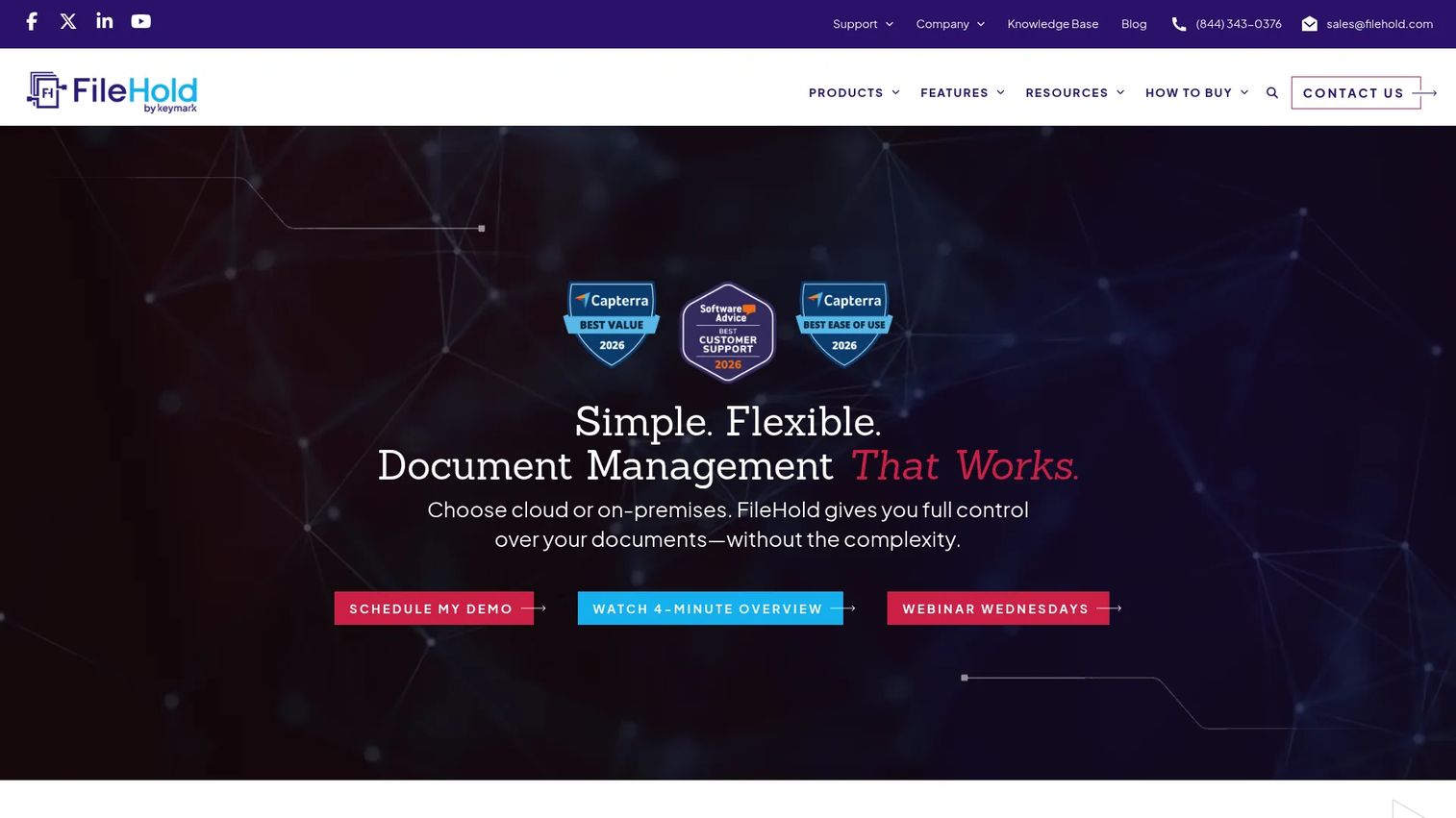
FileHold centralizes business documents in a secure and searchable repository. It combines version control with metadata, workflow, records management, and audit logging.
Check in and check out controls help prevent conflicting edits. Review workflows move documents through approval without relying on disconnected inboxes.
Microsoft Office and Teams integrations support familiar working patterns. Web, desktop, and mobile access make the repository available across different work contexts.
Best for: Midmarket organizations replacing shared drives with governed document libraries.
Key features
- Check in and check out
- Document version control
- Metadata and advanced search
- Review and approval workflows
- Records management
Why choose FileHold: Choose it when ordinary folders no longer provide enough ownership or governance. Its library model remains familiar while adding stronger control.
The platform starts at five users. A two week trial supports up to ten users, helping teams test a representative workflow.
FileHold pricing: Custom pricing reflects users, deployment, and optional features. Ask sales about workflow and records management requirements.
13. NetDocuments
NetDocuments is a cloud document and email management platform for legal organizations. It structures information around clients, matters, and topics.
Version control and secure search support legal document workflows. Governance features include ethical walls and data loss prevention.
The platform also provides email management, document bundling, Microsoft Teams integration, and a legal AI assistant. This legal focus distinguishes it from general business repositories.
Best for: Law firms and legal departments managing matter based documents and email.
Key features
- Matter centric workspaces
- Document version control
- Secure legal search
- Email management
- Ethical walls and governance
Why choose NetDocuments: Pick it when document ownership follows matters rather than projects or departments. Legal teams gain controls shaped around confidentiality and professional workflows.
General product teams may find the legal structure unnecessary. It works best where client and matter context drive organization.
NetDocuments pricing: Custom pricing reflects organization size, selected products, security requirements, and implementation. Request a personalized quote.
G2 rating: 3.9/5.
14. Paligo
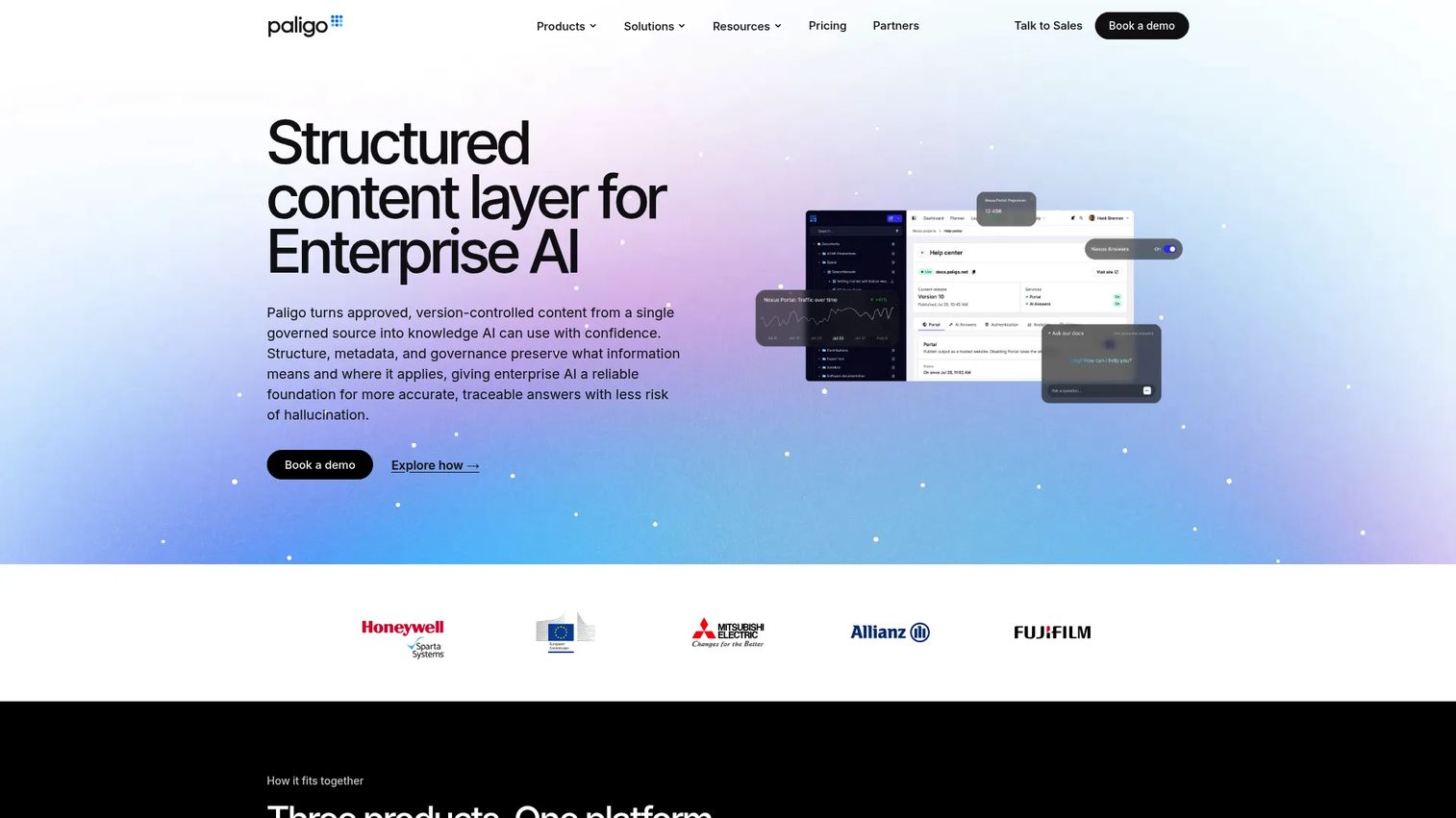
Paligo is a cloud component content management system for structured technical documentation. It manages reusable content rather than treating every document as a separate file.
Versioning, revision history, branching, and workflows support release based documentation. Suggestions and tracked changes give reviewers visibility into proposed edits.
Teams can publish to HTML5, PDF, eLearning formats, and GitHub Flavored Markdown. Translation workflows help manage localized content without copying entire manuals.
Best for: Technical writing and product documentation teams managing reusable content across releases.
Key features
- Structured topic based authoring
- Reusable content components
- Versioning and branching
- Translation management
- Multichannel publishing
Why choose Paligo: Choose it when documentation behaves like a product with variants and release cycles. Reuse reduces repeated edits across related outputs.
It carries more structure than an ordinary word processor. Teams producing a few simple documents may not need a component content model.
Paligo pricing: Business starts at $15,000 yearly and includes two authors plus two languages. Enterprise uses custom pricing.
The vendor offers trials but does not confirm an ongoing free tier.
G2 rating: 4.6/5.
15. GitHub
GitHub stores code, documentation, and project history in Git repositories. It is relevant to Markdown files, API documentation, developer portals, and docs as code workflows.
Commits create granular history. Branches support parallel work, while pull requests provide a structured review and approval process before merging.
Issues and Projects add planning context. GitHub Actions can automate publishing or quality checks for repository based documentation.
Best for: Developer adjacent teams managing text based documentation close to code.
Key features
- Git repository history
- Branching and merging
- Pull request reviews
- Issues and Projects
- Repository permissions
Why choose GitHub: Pick it when technical documentation follows software release cadence. Engineering teams can review code and related content through familiar workflows.
GitHub is distributed version control rather than conventional business document management. Nontechnical reviewers may struggle with commits, branches, and pull requests.
GitHub pricing: Free costs $0. Team costs $4 per user monthly, while Enterprise costs $21 per user monthly.
G2 rating: 4.7/5.
16. Backlog
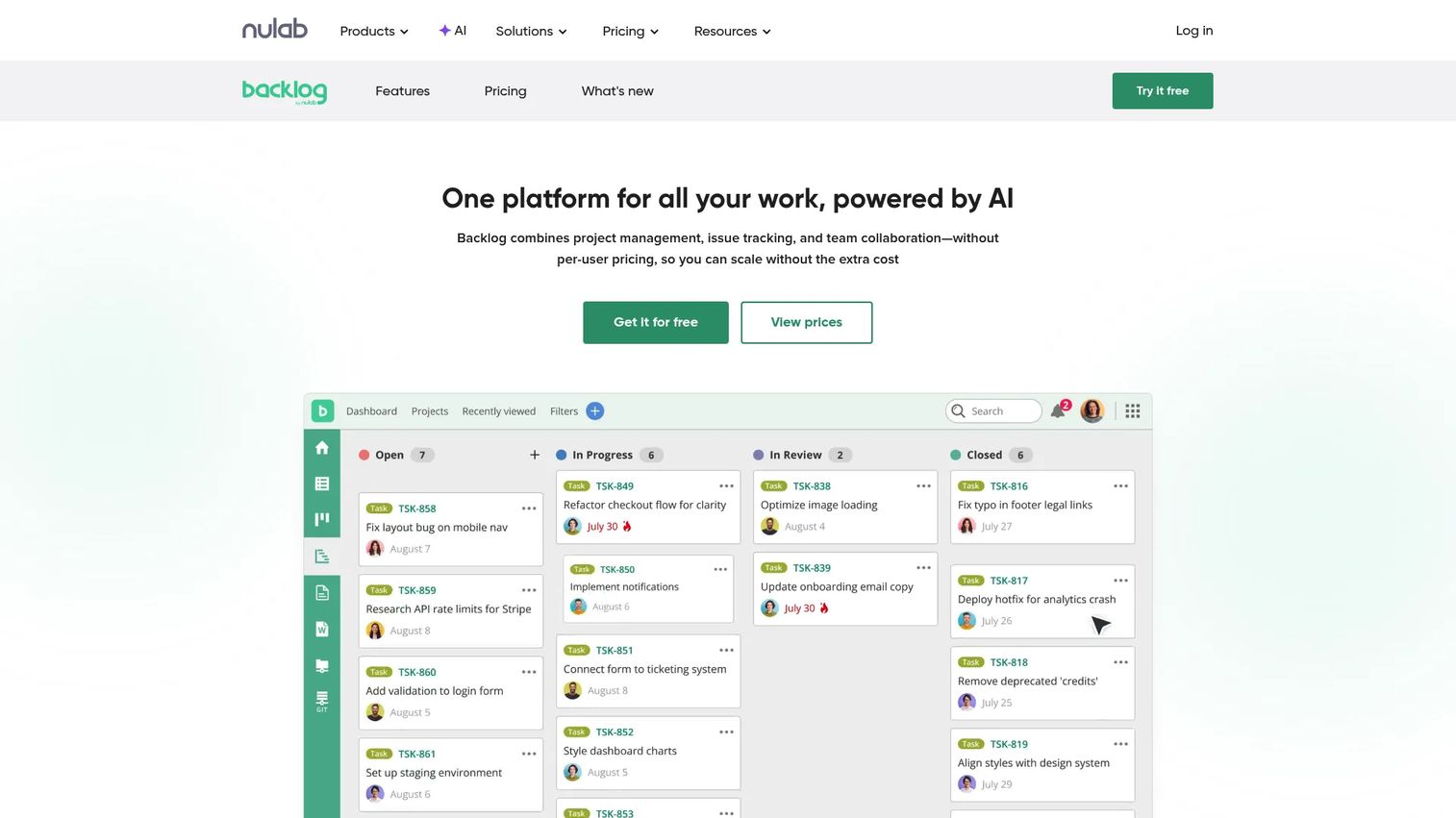
Backlog combines project management with issue tracking and code collaboration. Its workspace includes tasks, wikis, files, dashboards, and Git or Subversion integration.
Product teams can connect requirements with delivery activity. Gantt charts, Kanban boards, and burndown charts make progress visible beside project documentation.
Backlog works best when documentation supports active product delivery. It provides context around files without presenting itself as a formal records management platform.
Best for: Product and engineering teams keeping requirements, tasks, and code collaboration together.
Key features
- Issue and bug tracking
- Project wiki pages
- File sharing
- Git and Subversion integration
- Project permissions
Why choose Backlog: Choose it when document context lives inside engineering execution. PMs can connect specifications and decisions with issues that implement them.
Regulated controlled documents require stronger approval and retention controls. Backlog fits operational project knowledge rather than formal records governance.
Backlog pricing: A free plan is available. Starter costs $35 monthly, while Standard costs $100 monthly.
Premium costs $175 monthly. Enterprise uses custom pricing.
G2 rating: 4.6/5.
17. Cacoo
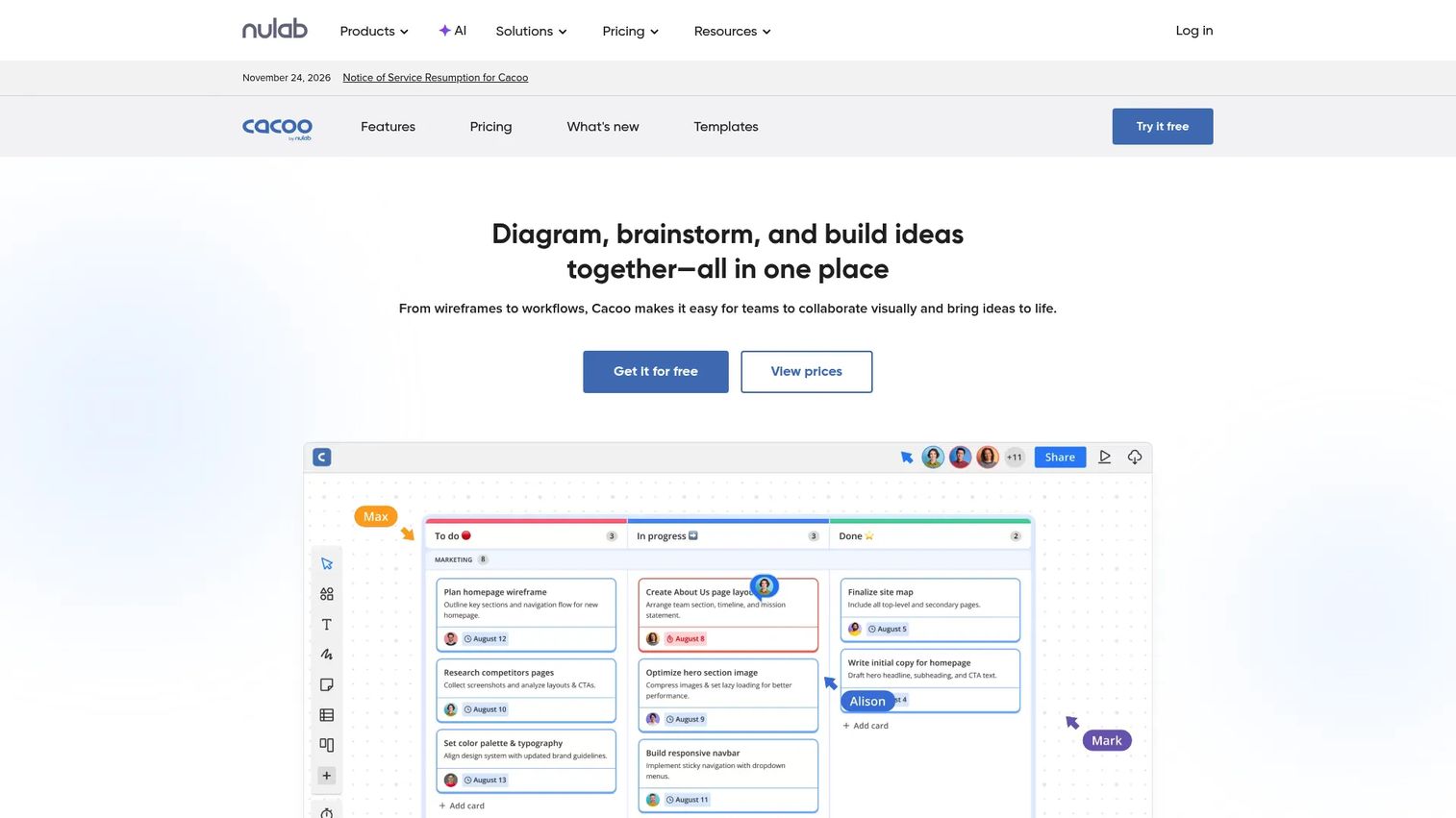
Cacoo is an online visual collaboration and diagramming tool. Teams use it for flowcharts, wireframes, architecture diagrams, and visual planning.
Multiple users can edit diagrams together. Version history preserves earlier states, while comments and chat keep feedback close to the visual.
Cacoo is narrower than a full document management platform. Its value appears when the controlled artifact is a user flow, system map, or onboarding diagram.
Best for: Teams managing diagrams, product maps, workflows, and visual documentation.
Key features
- Diagram version history
- Live multiuser editing
- Comments and chat
- Diagram templates
- Sharing controls
Why choose Cacoo: Use it when visual documentation changes alongside product design or architecture. PMs can restore earlier diagrams without keeping multiple exported copies.
Pair it with a broader repository when diagrams require formal approval or retention. Cacoo focuses on visual creation and collaboration.
Cacoo pricing: A free plan is available. Pro and Team plans cost $6 per user monthly.
Enterprise uses custom pricing. Annual billing offers 17% savings.
G2 rating: 4.5/5.
Considerations when choosing document version control software
Version history and rollback
Version history is the baseline. Verify whether users can compare revisions, label releases, restore earlier copies, and identify every contributor.
Also test how the platform handles nonnative formats. A useful history becomes less valuable when comparison works only for selected file types.
Approval trails and audit logs
A strong audit trail records reviewer identity, timestamps, comments, and status changes. Regulated teams should confirm whether records remain immutable after approval.
For product teams, these controls clarify who approved the launch specification. They also preserve context when a decision changes after release.
Check in, check out, and conflict prevention
Live collaboration works well for low risk planning documents. Controlled locking matters when simultaneous edits could create competing authorized versions.
Ask how the tool resolves conflicts. Check whether administrators can release a document when the original editor becomes unavailable.
Permissions, ownership, and retention
Review who can edit, approve, publish, restore, archive, or delete each document type. Role based access should match your operating model.
Document retention also needs clear rules. Verify archival schedules, deletion controls, ownership transfer, and offboarding behavior.
Workflow fit for your team
A document management system version control feature should match the work around the file. Legal matters, construction drawings, PRDs, and quality manuals follow different review paths.
Choose workflow fit over feature count. The best system reduces maintenance without creating another repository that stakeholders ignore.
Conclusion
The right choice depends on what your documents represent.
Quality and regulated teams should compare QT9 QMS with MasterControl Quality Excellence. Both connect controlled documents with broader quality processes.
Google Workspace and Microsoft Word cover everyday collaboration with familiar editing experiences. Product teams needing delivery context should also evaluate monday AI Workspace, Backlog, or Cacoo.
Procore and Oracle Aconex fit construction workflows where revisions affect active projects. M Files, DocuWare, OnBase, FileHold, and NetDocuments provide deeper document management for specific operating models.
Paligo suits structured technical content with reuse and localization. GitHub works when text based documentation lives close to code.
Start by mapping one document from draft through approval, publication, revision, and retirement. Then test whether each platform makes every state obvious.
The right document version control software makes the approved version clear, the change history visible, and the next review step impossible to miss.
Start your journey with Guideflow today!
FAQs
Document version control software tracks, stores, compares, and governs revisions to business documents. It records timestamps, contributor identity, approval status, and version history.
Users can inspect earlier changes and restore a previous copy when needed. Formal systems also add permissions, audit trails, retention, and approval workflows.
Document management covers storage, organization, search, access, and retrieval. Version control governs how a document changes over time.
Many document management platforms include file versioning software. However, basic history does not always include formal approvals, audit logs, or retention controls.
Look for version history, comparison, rollback, permissions, search, and approval workflows. High stakes processes may also require check in and check out controls.
Regulated teams should assess audit trails and retention. Product teams should prioritize maintainability, stakeholder adoption, and integration with delivery workflows.
Google Workspace works well for collaborative documents, comments, suggestions, and revision history. It fits PRDs, planning notes, research, and internal launch documentation.
Formal document revision control may require more. Regulated workflows often need explicit approval states, retention schedules, or detailed audit evidence.
GitHub works well for Markdown, API documentation, developer portals, changelogs, and docs as code. Its branches and pull requests provide structured review.
It usually fits technical teams better than business users managing contracts, PDFs, policies, or Word files. Repository concepts can create an adoption barrier.
Check out reserves a controlled document for one editor. Other users can view it but cannot create conflicting revisions during that editing period.
The editor checks the file back in after finishing. The system then records the revision and makes the updated version available.
Approval workflows move a draft through named reviewers before it becomes authorized. They connect version history with accountable decisions.
Strong workflows record who reviewed the document, what changed, and when approval happened. They also distinguish active records from archived ones.
Product teams should version PRDs, specifications, release notes, onboarding documents, help content, and internal policies. Each document needs an owner and approval path.
Connect updates to release cadence rather than relying on manual cleanup. Clear ownership keeps engineering, design, support, sales, and marketing aligned around the approved source.