Your client asks why their highest-value keyword dropped. You have the ranking export, but explaining the change means opening another dashboard and rebuilding last month’s report.
An agency rank tracker should make that conversation easier. It needs to preserve context across client accounts, locations, devices, and reporting periods. Otherwise, you’re paying for data collection while your team still handles the reporting manually.
The commercial stakes are clear. BrightLocal reported in 2026 that 84% of U.S. consumers searched online for a local business within the previous three months. For agencies managing those businesses, location-specific visibility deserves more attention than a single national ranking.
The buying decision also affects your margins. A low starting price means little if every new client adds reporting work or requires another subscription.
Start with the operational question: Which part of your current workflow should this purchase replace? The answer should shape your shortlist before a feature checklist does.
What’s inside
- The shortlist: Seventeen tools covering dedicated trackers, broader SEO platforms, AI visibility analytics, reporting dashboards, and first-party search data.
- Who it serves: Agency owners, SEO leads, and marketers responsible for client reporting and campaign performance.
- Selection criteria: Tracking coverage, reporting fit, pricing scalability, and compatibility with your existing stack.
- Buying guidance: How to evaluate an agency rank tracker tool against client requirements rather than headline keyword allowances.
- Important distinctions: Mangools and SERPWatcher represent a suite and its included tracker. AI analytics and reporting platforms serve different jobs from conventional ranking software.
TL;DR
- Best for agency reporting: AgencyAnalytics Rank Tracker puts keyword monitoring inside a client reporting workflow. Its tracking subscription is an add-on to the core platform.
- Best specialist starting point: Keyword.com suits agencies that already have research tools and want focused visibility monitoring with branded reporting options.
- Best for broader SEO work: Compare Ahrefs and Semrush when the same subscription must support campaign research and technical analysis.
- Best for location-heavy accounts: Evaluate Nightwatch, SE Ranking, and Advanced Web Ranking against your precise geographic requirements.
- Best for AI visibility reporting: Peec AI and Profound address answer-engine visibility. Evaluate them separately from conventional keyword position tracking.
- Best free baseline: Google Search Console provides first-party search performance data. Keep it alongside paid software rather than treating either source as interchangeable.
What is agency rank tracker software?
Agency rank tracker software monitors keyword positions across client projects and search contexts, then organizes the results into reports agencies can share.
The agency-specific requirement is operational scale. A keyword position tracker might answer where one website ranks. Agency rank tracking software must also help a team manage separate accounts and explain changes consistently.
Evaluate these capability groups:
- Search coverage: Google and Bing results, desktop and mobile checks, location settings, and language targeting.
- Campaign organization: Client projects, keyword groups, tags, filters, and historical comparisons.
- Competitive context: Competitor rank tracking, visibility metrics, SERP snapshots, and SERP feature tracking.
- Reporting delivery: Branded dashboards, scheduled reports, export formats, and appropriate client access.
- Data connections: Google Search Console integration, analytics connections, reporting connectors, and APIs where required.
Capabilities vary by provider. Treat this as an evaluation framework, not a promise that every platform includes every option.
Dedicated trackers, SEO suites, and reporting platforms
A dedicated SEO rank tracker makes monitoring the central purchase. This route fits agencies that already have reliable research and auditing software.
Broader keyword ranking software combines tracking with adjacent SEO tasks. Buying a suite makes sense when it replaces tools your team uses, rather than adding overlapping subscriptions.
A reporting platform handles presentation and distribution. It can bring ranking information into a client reporting dashboard without being the original source of every measurement.
AI visibility measures a separate search surface
AI visibility tracking examines how brands appear in generated answers. Prompt coverage and citations provide a different perspective from a keyword’s position in conventional results.
Some platforms cover both surfaces. Keep their metrics separate in client reports so a brand mention doesn’t become an implied organic ranking improvement.
Finally, rankings are evidence for analysis, not a complete explanation of performance. Connect visibility changes with relevant landing pages and business outcomes. Your team still needs to decide whether a movement warrants investigation, an experiment, or no action.
When to use agency rank tracker software
Prove SEO progress across client accounts
Use keyword rank tracking when client conversations repeatedly return to isolated searches or screenshots. Establish agreed keyword groups and compare them over consistent periods.
A client’s priority phrase deserves attention, but your report should also show the wider campaign. Separate branded searches from commercial topics to make the interpretation clearer.
Track local and multi-location visibility
Location-sensitive campaigns need measurements that match the territory being served. A national average provides a different view from a city-level result.
For franchise accounts, define the locations and devices before selecting software. Ask each vendor to demonstrate the exact geography required, including ZIP-code targeting or map results where relevant.
Multi-location rank tracking should preserve those distinctions in the final report. Combining every territory into one average can conceal the market that needs attention.
Automate reporting before it eats the month
Consider a new platform when report preparation repeatedly involves exporting files and rebuilding charts. Scheduled delivery helps only if the underlying report answers the client’s questions.
Test the full workflow, including commentary and permissions. A branded PDF that still needs extensive manual correction hasn’t removed the work you intended to replace.
Agency rank tracker tools comparison
The best agency rank trackers serve different operating models. Start with the “Best for” column, then compare the cost of your required configuration.
These entries include adjacent tools because agencies also need report distribution and AI-search measurement. DashThis is a reporting layer; Peec AI and Profound focus on answer engines. Google Search Console supplies first-party performance data.
Prices below show entry points, not equivalent packages. AgencyAnalytics charges separately for its tracking add-on, while Mangools and SERPWatcher share subscription plans. A suite’s entry price also doesn’t establish which tracking allowances your agency receives.
Ratings refer to the named product or broader vendor listing where a separate tracker rating isn’t available. N/A indicates that no relevant rating was established.
| # | Product | Best for | Key differentiator | Pricing | G2 rating |
|---|---|---|---|---|---|
| 1 | AgencyAnalytics Rank Tracker | Client reporting workflows | Tracking inside agency dashboards | Add-on from $41.67/month per 500 keywords, annual billing | 4.7/5 |
| 2 | Sitechecker Rank Tracker | Monitoring multiple client sites | SERP history and scheduled reports | Basic $99/month | 4.6/5 |
| 3 | SEOptimer Agency Rank Tracking | Audit-led agency services | Ranking data alongside client audits | DIY SEO $29/month, provider-supplied G2 pricing | 4.6/5 |
| 4 | Keyword.com | Focused visibility monitoring | Google and AI-search packages | Search Visibility $3/month annually or $4 monthly | 4.7/5 |
| 5 | Ahrefs | Research-heavy SEO agencies | Competitive intelligence alongside tracking | Platform plans from $29/month | 4.5/5 |
| 6 | Semrush | Consolidating SEO workflows | Research, tracking, and AI visibility | SEO $117.33/month, annual billing | 4.4/5 |
| 7 | SE Ranking | Agencies combining delivery and reporting | Tracking with audits and local marketing | Core $103.20/month annually or $129 monthly | 4.8/5 |
| 8 | Nightwatch | Location-sensitive campaigns | Search coverage and white-label reporting | Starter €79/month | 4.7/5 |
| 9 | AccuRanker | Frequent updates and detailed analysis | Daily and on-demand tracking | Professional $224/month | 4.8/5 |
| 10 | Advanced Web Ranking | Multi-market agency accounts | Tracking controls with unlimited projects | Pro $139/month | 4.5/5 |
| 11 | Wincher | Smaller agency workflows | Ranking and search visibility reporting | Compare plans | 4.7/5 |
| 12 | Mangools | Agencies buying an SEO toolkit | Research tools with SERPWatcher included | Basic $37.70/month, annual billing | 4.7/5 |
| 13 | SERPWatcher | Focused monitoring within Mangools | Performance Index and location tracking | Included in Mangools plans | N/A |
| 14 | Peec AI | Adding AI-search reporting | Prompt-based visibility and citation analytics | Starter $95/month | 4.7/5 |
| 15 | Profound | Enterprise answer-engine analysis | AI visibility and attribution workflows | Custom pricing | 4.5/5 |
| 16 | DashThis | Consolidating client reports | Multi-source dashboards and scheduled delivery | Paid dashboard plans; 14-day trial | 4.7/5 |
| 17 | Google Search Console | First-party search performance | Google Search traffic and diagnostic data | Free | N/A |
Best 17 agency rank tracker tools for 2026
1. AgencyAnalytics Rank Tracker
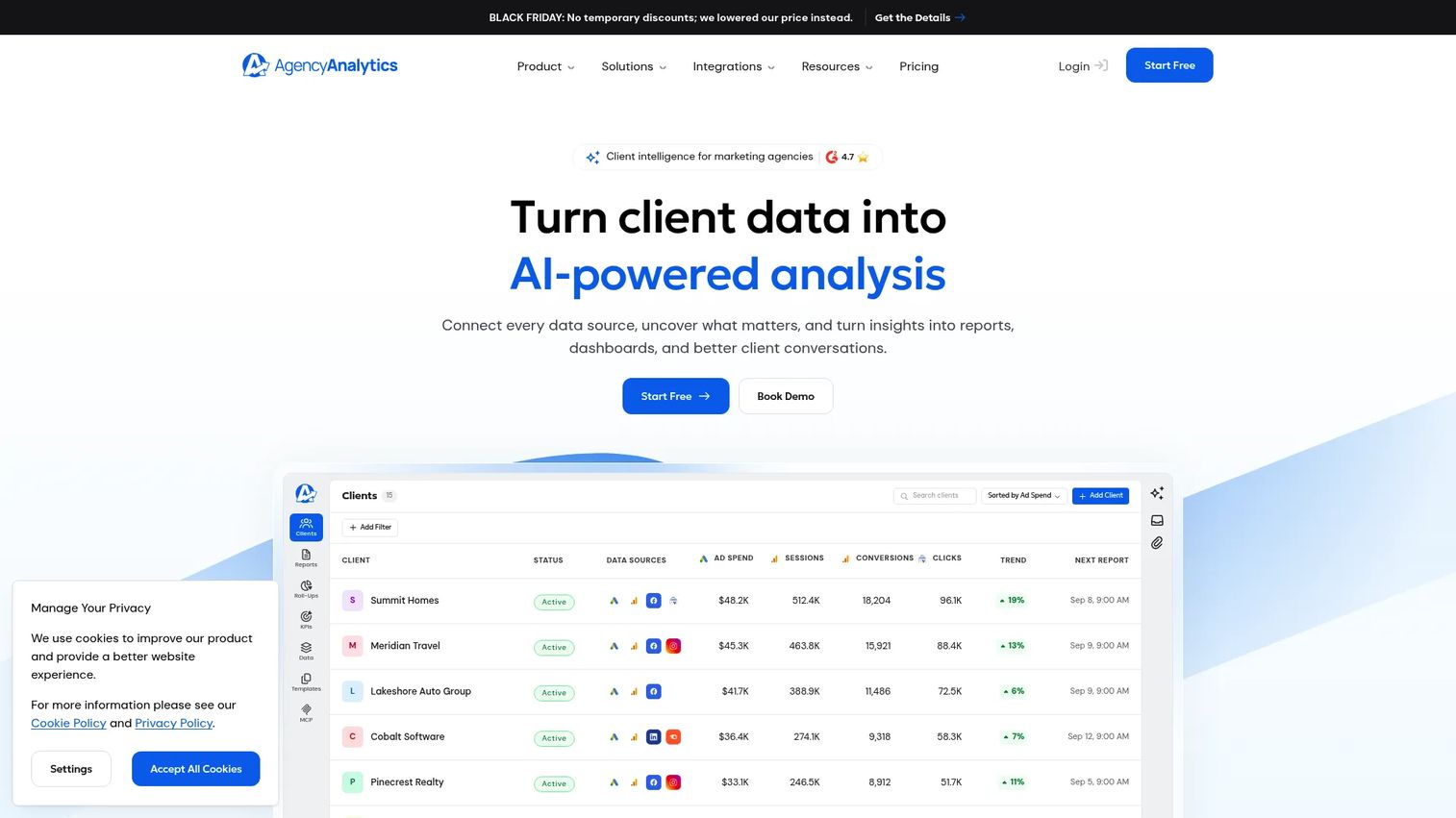
AgencyAnalytics Rank Tracker fits agencies that want ranking evidence close to their client reporting process. Its coverage includes desktop, mobile, local, and international search contexts. The purchase makes most sense when report preparation is a larger bottleneck than access to SEO research.
Best for: Agencies that want keyword monitoring and client-ready reporting in the same operating workflow.
Key features
- Google organic, Google Local, Bing, and mobile tracking
- SERP snapshots and ranking history
- Keyword tags and filters
- Competitor data
- Reporting widgets and exports
Update frequency deserves attention here. Automatic checks run weekly, with four manual refreshes per keyword each month. That cadence suits recurring reporting, but agencies selling daily monitoring should compare the service requirement carefully.
Search-depth limits also differ by surface. Google organic and mobile tracking cover positions through 100, while Google Local reaches 20 and Bing reaches 50. Those boundaries matter if your team monitors emerging pages beyond the first results.
During evaluation, build a report around one existing client rather than a sample account. Include the keyword groups your account manager already discusses. Then check how much interpretation still happens outside the dashboard.
Why choose AgencyAnalytics Rank Tracker: Choose it when consolidating client reporting is the main objective. Its tracking cadence and add-on structure should match the service you sell.
AgencyAnalytics Rank Tracker pricing: The Rank Tracker add-on costs $41.67/month per 500 keywords, billed annually, in addition to the core plan. A 14-day trial is available.
G2 rating: 4.7/5 for AgencyAnalytics overall.
2. Sitechecker Rank Tracker
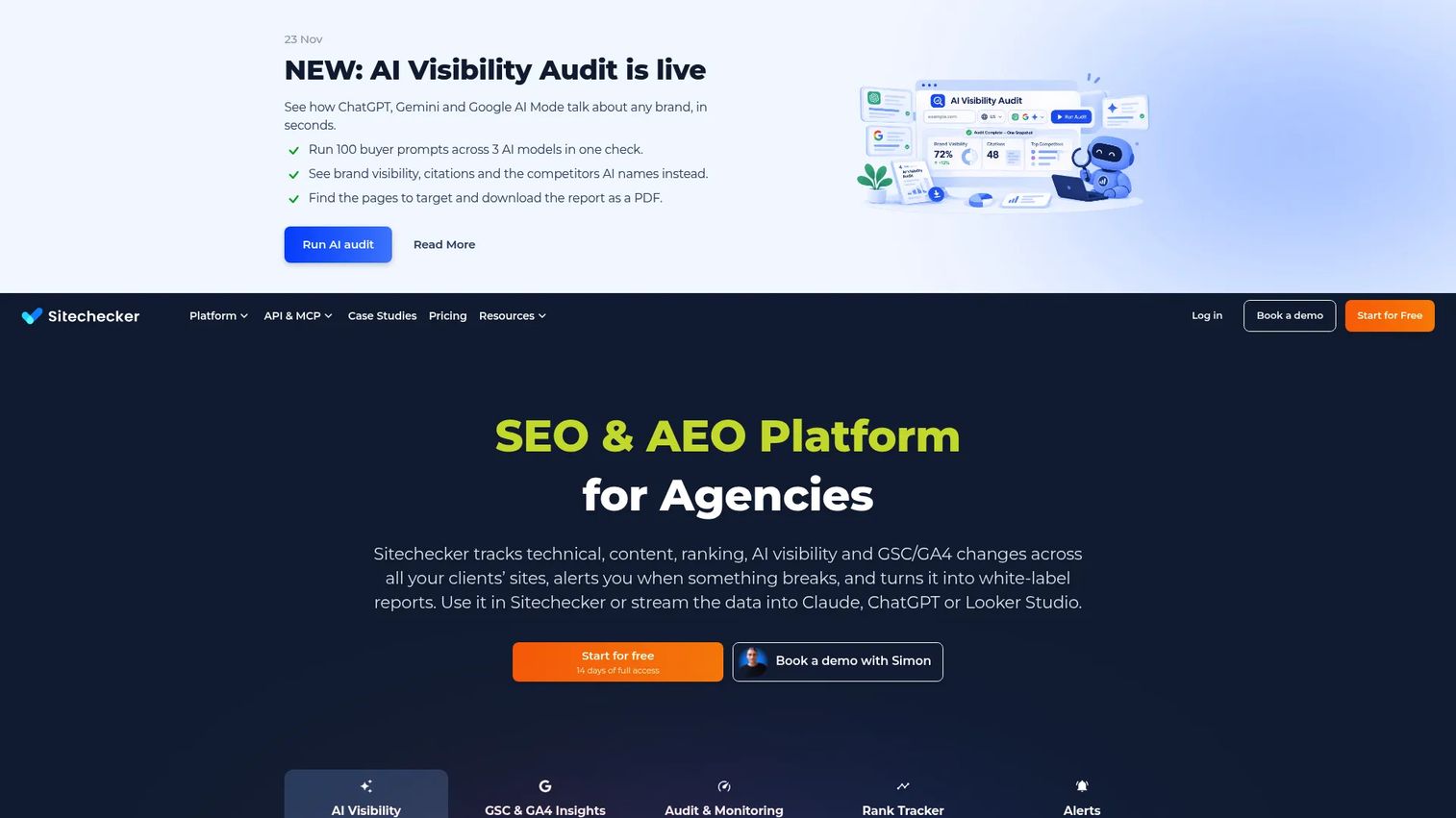
Sitechecker Rank Tracker organizes ranking analysis around keywords, pages, and groups. It supports multiple locations across Google, Bing, and Yahoo, including desktop and mobile results. That combination suits agencies managing different search contexts across client sites.
Best for: SEO teams that need grouped ranking analysis and recurring reporting across multiple markets.
Key features
- Multi-location search tracking
- Keyword and page-level analysis
- Competitor ranking comparisons
- Daily, weekly, and monthly reports
- Google Search Console integration
Page-level analysis is useful when the client discussion concerns a landing page rather than an individual phrase. Organize the evaluation around a service page and its associated query group. Check whether the resulting view makes campaign changes understandable to someone outside the SEO team.
Sitechecker includes Rank Tracker with SERP history across its plans. The documented allowances distinguish Basic’s 500 keywords from Standard’s 5,000. Premium also lists 5,000, making keyword volume alone an incomplete reason to upgrade.
That packaging deserves a practical comparison. Map required capabilities to the plan before assuming a higher subscription automatically provides a larger tracking pool.
Use the Google Search Console connection to keep observed ranking changes near first-party performance evidence. Investigate differences rather than expecting both measurements to match.
Why choose Sitechecker Rank Tracker: Shortlist it when campaign organization and recurring reports matter as much as checking individual positions. Compare plan capabilities beyond the keyword allowance.
Sitechecker Rank Tracker pricing: Basic costs $99/month, Standard $149/month, and Premium $449/month. A 14-day full-access trial is available.
G2 rating: 4.6/5.
3. SEOptimer Agency Rank Tracking
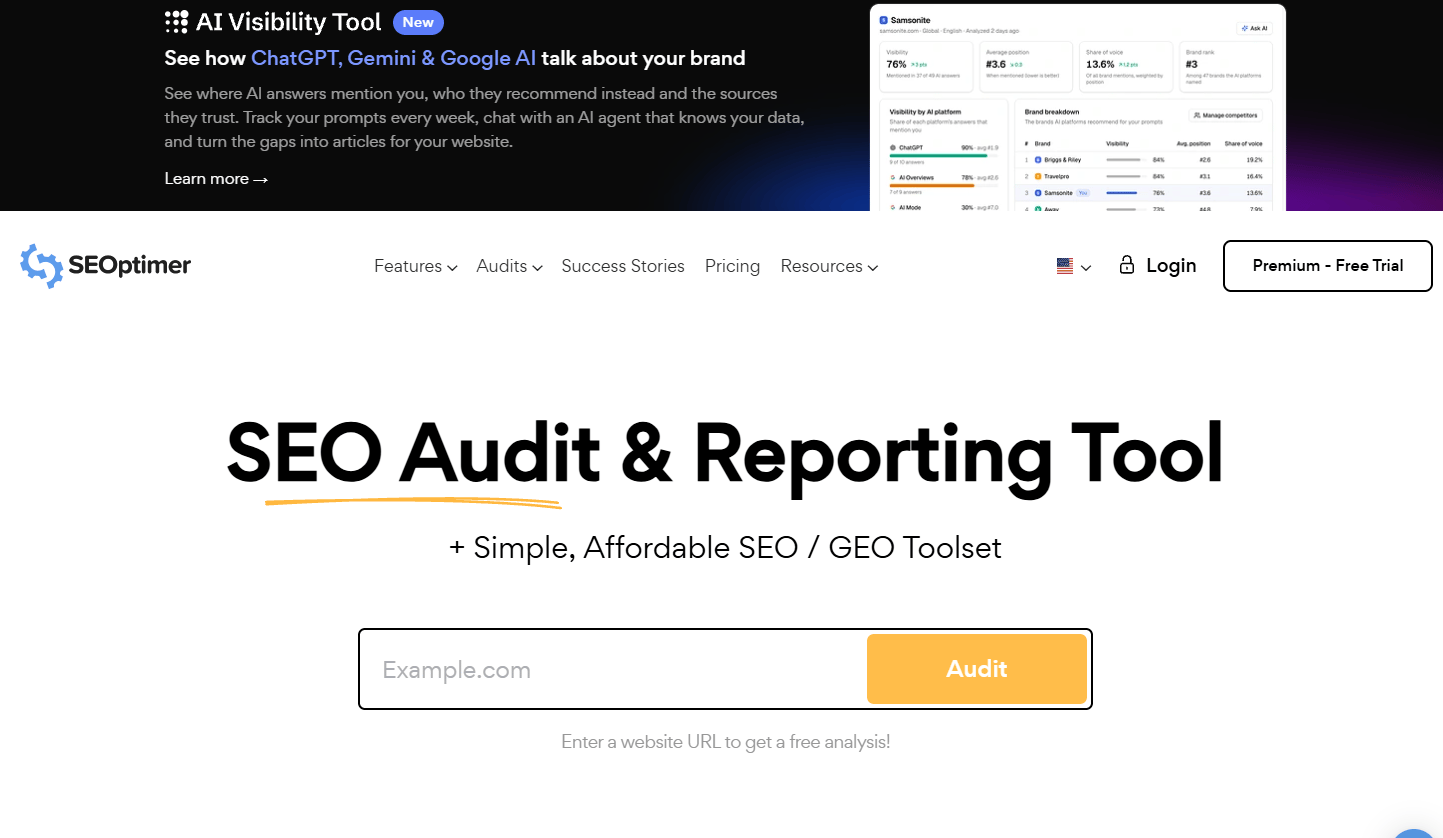
SEOptimer Agency Rank Tracking sits within an audit and reporting platform. Its wider toolset includes crawling, keyword research, and backlink monitoring. This makes it relevant to agencies whose client work starts with an audit and continues into ongoing SEO delivery.
Best for: Small and midsized agencies combining ranking reports with audit-led services.
Key features
- Keyword and SERP rank tracking
- SEO auditing and monitoring
- Website crawling
- White-label PDF reports
- Embeddable website audit tool
The useful evaluation question is whether one subscription can support your prospect-to-client reporting process. An agency that creates audits for sales conversations should inspect how those findings connect with subsequent monitoring.
Test the deliverable rather than judging only the dashboard. Build an audit for a representative website, then consider which ranking evidence belongs in the recurring client update. The objective is a consistent narrative from the initial diagnosis through later campaign results.
White-label PDF reporting is particularly relevant when clients expect documents rather than dashboard access. Decide whether that delivery format matches the account manager’s workflow before paying for a separate reporting layer.
Keep the subscription comparison specific. The listed package names distinguish DIY SEO from white-label and embedding options. Match the intended client deliverable to the relevant package.
Why choose SEOptimer Agency Rank Tracking: Evaluate it when audits and client documents are central to your service. Dedicated tracking specialists deserve separate consideration when ranking analysis dominates the workload.
SEOptimer pricing: Provider-supplied pricing on G2 lists DIY SEO at $29/month and White Label at $39/month. White Label and Embedding costs $59/month.
G2 rating: 4.6/5.
4. Keyword.com
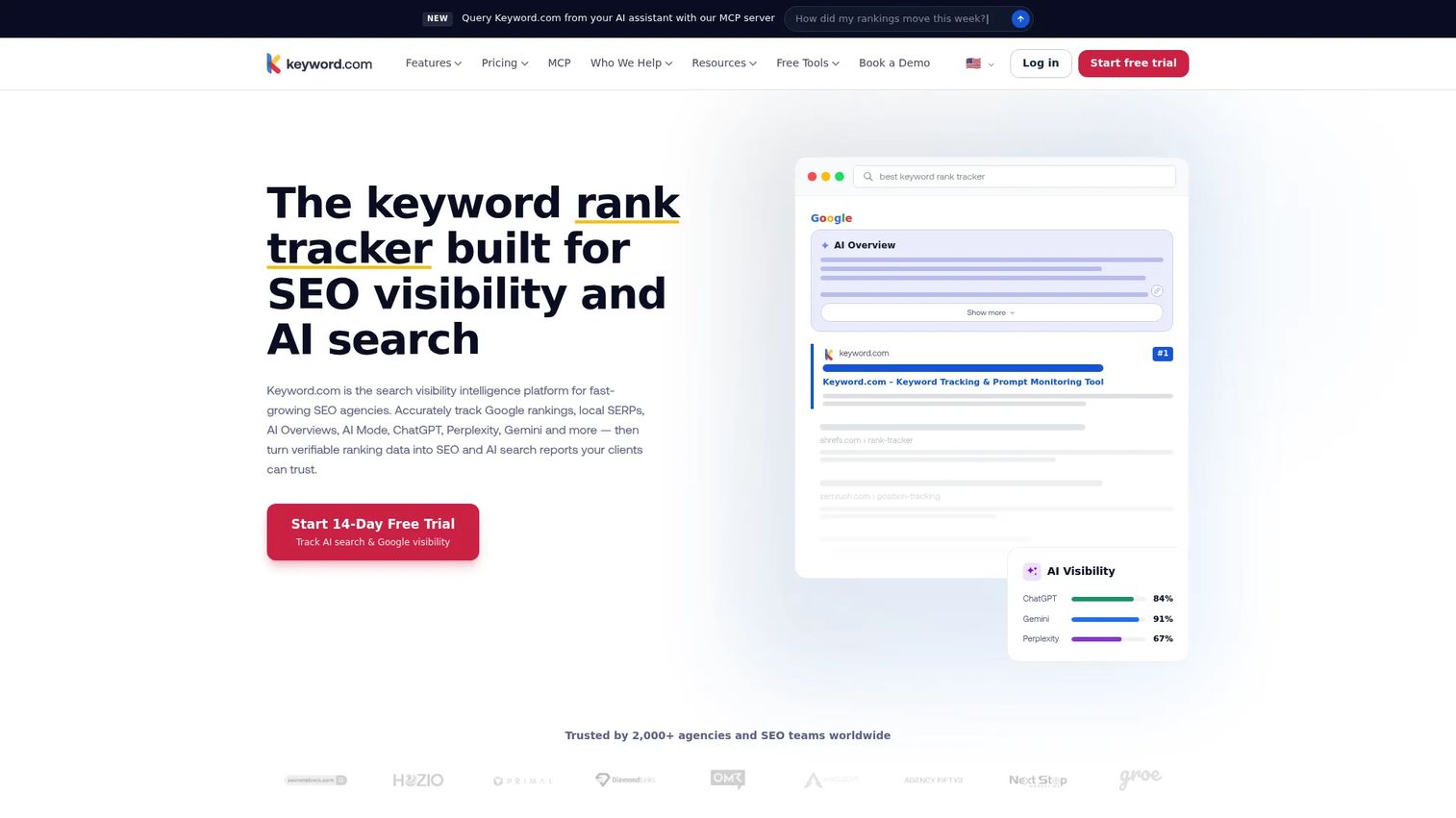
Keyword.com focuses on search visibility across Google results and AI-generated answers. Its packages separate conventional tracking from AI monitoring, with a combined option available. Agencies can therefore evaluate the measurement job without automatically buying a wider research suite.
Best for: Agencies with established research software that need focused visibility monitoring and client reporting.
Key features
- City-level and ZIP-code Google tracking
- Share-of-voice measurement
- SERP feature monitoring
- Rank Tracker API and MCP server
- White-label dashboards and reports
Local targeting gives this platform a concrete agency use case. Build a test around a client serving distinct ZIP codes, then compare whether the reporting preserves geographic differences clearly.
The AI packages offer another evaluation path. Keep the client’s prompt set separate from its tracked Google keywords, even when both sit within one provider. Each measurement should retain its own definition in your report.
Branding adds a separate cost. The white-label add-on is $29/month or $278/year, according to the vendor’s November 2026 pricing. Include that charge when comparing a branded client workflow against an inexpensive entry subscription.
The starting price should serve as a starting point for configuration, not an estimate for your entire agency. Price the required tracking volume before making a budget decision.
Why choose Keyword.com: Choose it when you want a specialist measurement layer alongside existing SEO tools. Its separate packages help distinguish conventional search monitoring from AI visibility work.
Keyword.com pricing: Search Visibility starts at $3/month annually or $4 monthly; 360° Visibility starts at $26 annually or $33 monthly. A 14-day trial is available.
G2 rating: 4.7/5.
5. Ahrefs
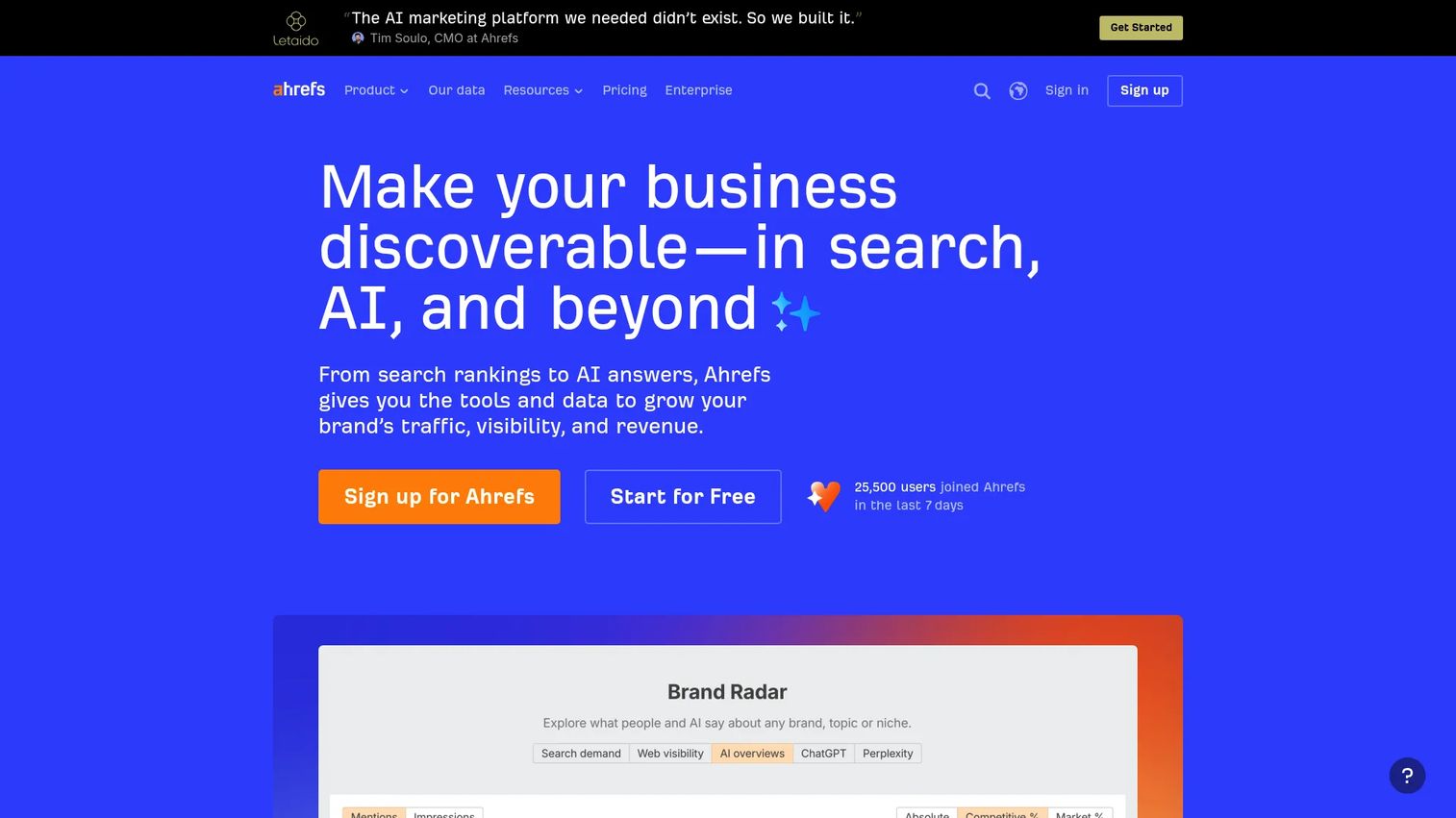
Ahrefs places Rank Tracker within a wider search intelligence platform. Agencies can also investigate competitors and analyze website performance. Its value rests on whether those adjacent capabilities replace subscriptions your team already uses.
Best for: Research-heavy agencies that need ranking evidence alongside competitive and backlink analysis.
Key features
- Rank Tracker
- Site Explorer
- Keywords Explorer
- Site Audit
- Brand Radar for AI visibility
For an agency investigating a decline, the broader workflow matters. Position movement can trigger research into the competing page or the client’s technical condition. Evaluate whether your analysts can move from observation to investigation without repeatedly exporting data.
The counterweight is purchasing discipline. A broad platform deserves its cost when multiple teams use the research capabilities. If your analysts already have that coverage elsewhere, compare a specialist tracker before adding another suite.
Keep reporting expectations separate from research depth. Ask the account manager to turn a sample finding into the client’s usual deliverable. This reveals whether the purchase removes work or simply supplies more material to interpret.
Entry-level platform pricing also requires care. Don’t assume the cheapest paid subscription contains the tracking configuration needed for an agency portfolio. Specify project and keyword requirements before selecting a package.
Why choose Ahrefs: Choose it when competitive research is a recurring part of campaign delivery. Evaluate client reporting separately rather than treating extensive research coverage as proof of reporting fit.
Ahrefs pricing: Starter costs $29/month, Lite $129/month, Standard $249/month, and Advanced $449/month. Ahrefs Free is also available.
G2 rating: 4.5/5.
6. Semrush
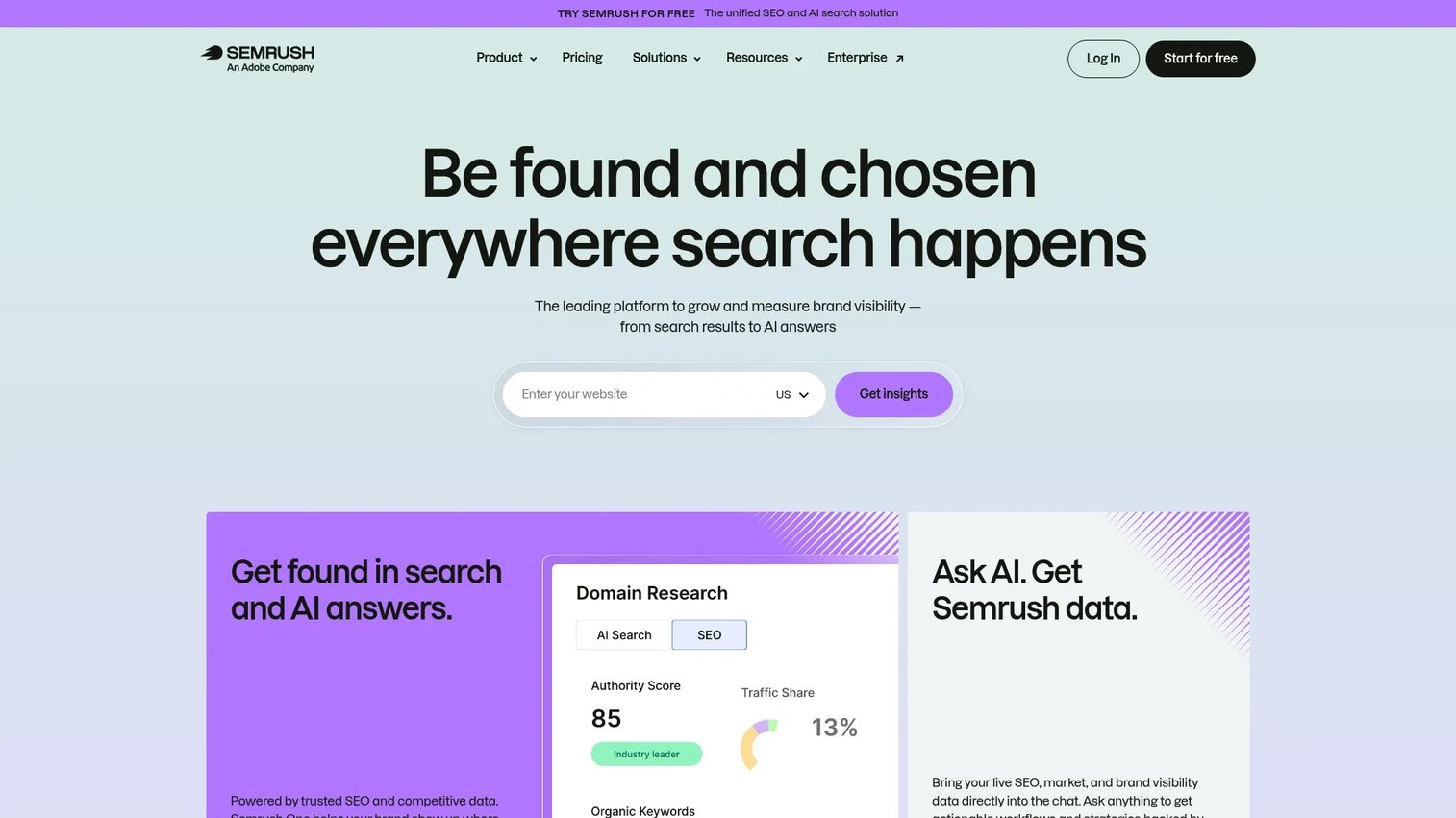
Semrush combines rank tracking with keyword research and competitive analysis. Its broader platform also covers content workflows and AI-search visibility. This makes it a consolidation candidate for agencies buying across several marketing functions.
Best for: Agencies that want search monitoring and campaign research within a broader marketing platform.
Key features
- Keyword rank tracking
- Competitor analysis
- Technical site auditing
- Keyword research
- AI visibility and sentiment monitoring
Start the buying discussion with a subscription inventory. Identify which existing research or audit tools the team would stop paying for. A wider feature list produces little operational value if everyone keeps their previous workflow.
Then test a campaign handoff. Have an analyst investigate a keyword opportunity and ask the account owner to explain its progress in the client report. The important question is whether the platform supports both roles without excessive manual assembly.
Packaging matters because the current range separates SEO from combined SEO and AI-search options. Additional toolkits also exist. Specify which parts of your delivery process the proposed subscription must cover.
Avoid buying AI measurement solely because it appears in a bundle. Define the client questions that justify adding it to an existing organic-search report.
Why choose Semrush: Compare it when one platform could replace several actively used tools. Agencies seeking only position monitoring should weigh that broader scope against specialist options.
Semrush pricing: SEO costs $117.33/month annually; Starter costs $165.17/month and Pro+ $248.17/month on annual billing. A limited free tier is available.
G2 rating: 4.4/5.
7. SE Ranking
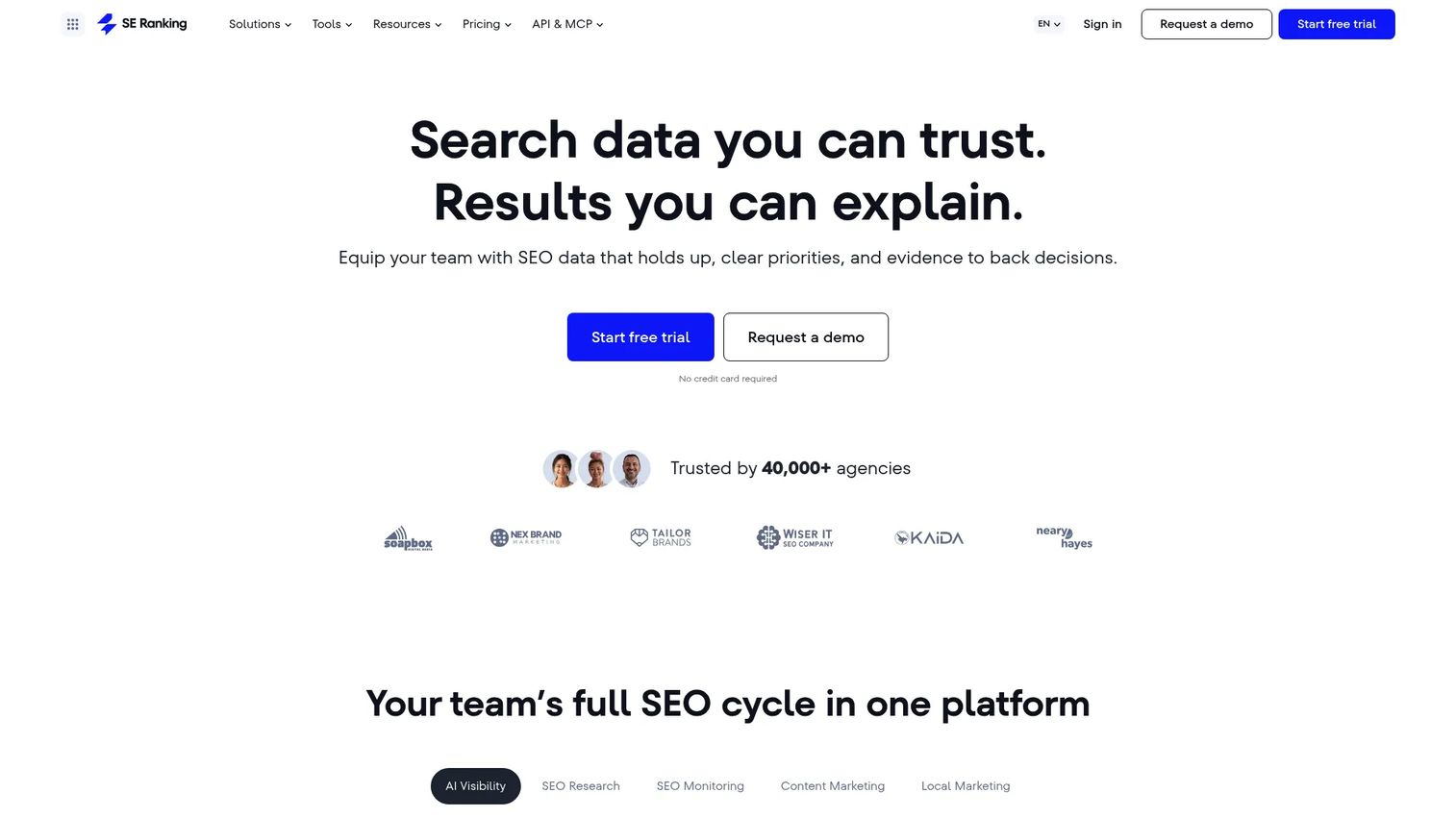
SE Ranking combines ranking analysis with broader SEO delivery tools. Its coverage includes website audits, backlink research, local marketing, and client reporting. Agencies can evaluate it as a shared working platform rather than an isolated keyword checker.
Best for: Teams balancing ongoing monitoring with technical SEO and local client services.
Key features
- Rank tracking and SERP monitoring
- Keyword and competitor research
- Website and on-page audits
- Local Marketing and map rank tracking
- Client reporting and integrations
A useful trial should involve different account types. Compare a national campaign with a location-dependent client to see how well the workflow supports both. Keep their reporting requirements distinct rather than forcing every account into one template.
Map rank tracking is relevant when local visibility forms part of the contracted service. Ask to see how that measurement appears alongside conventional search results. Your client should understand which surface changed.
For agencies considering consolidation, audit the overlap with current content and research subscriptions. SE Ranking’s breadth is most useful when staff use those capabilities consistently.
Enterprise evaluation needs additional scrutiny. Document required permissions and integration behavior before discussing custom limits. A larger keyword allowance alone doesn’t establish suitability for a governed agency operation.
Why choose SE Ranking: Shortlist it when your agency wants to combine campaign execution with monitoring. Compare the complete service configuration, especially when local marketing is part of the offer.
SE Ranking pricing: Core costs $103.20/month annually or $129 monthly; Growth costs $223.20/month annually or $279 monthly. A 14-day trial is available.
G2 rating: 4.8/5.
8. Nightwatch
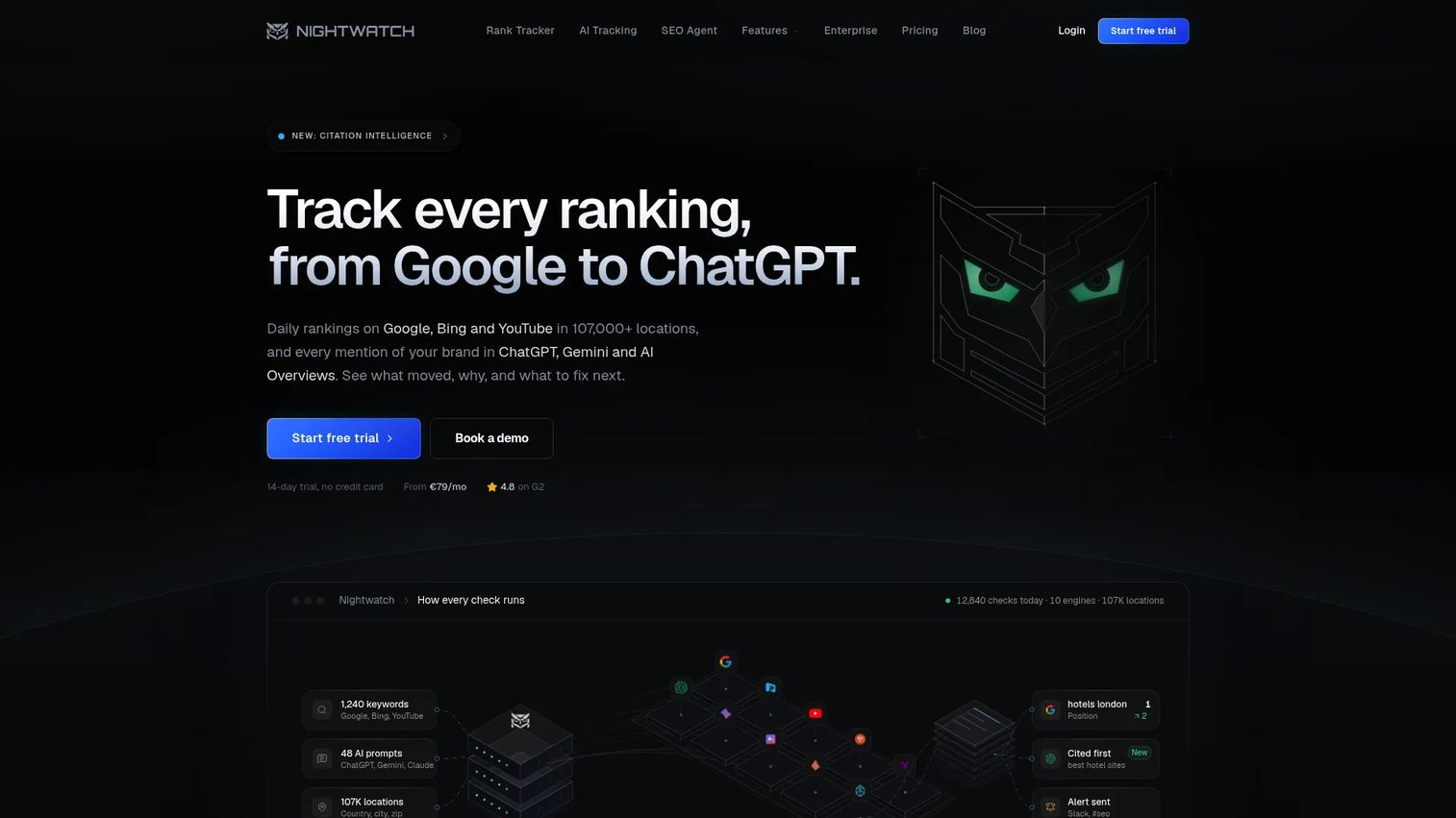
Nightwatch combines daily search tracking with AI visibility monitoring. Its supported surfaces include Google Maps and several conventional search engines. Agencies managing location-sensitive accounts should evaluate it against their geographic reporting requirements.
Best for: Local SEO teams that need search coverage and branded reporting across client accounts.
Key features
- Daily rankings across multiple search engines
- Google Maps tracking
- AI citation and visibility monitoring
- White-label reports and Looker Studio integration
- Search Simulator
The reporting connection is useful when your agency already delivers dashboards through Looker Studio. Test the actual fields and presentation your account managers require rather than assuming a connector completes the workflow.
Nightwatch also includes an SEO Agent for ranking-drop detection and competitor gap analysis. Treat suggested actions as investigation inputs. Your team should still connect the alert to the relevant page and client objective.
All plans include unlimited seats and the full toolkit, with packages varying by tracking volume and usage limits. This changes the budgeting conversation for agencies where analysts and account managers both need access.
Use the trial to test a client with several service areas. Inspect whether the chosen locations remain understandable through analysis and final reporting.
Why choose Nightwatch: Evaluate it when search-surface coverage and location-sensitive reporting drive the purchase. Unlimited seats make usage-based capacity especially important in the cost comparison.
Nightwatch pricing: Starter costs €79/month, Professional €159/month, and Agency €399/month. A 14-day trial is available without a credit card.
G2 rating: 4.7/5.
9. AccuRanker
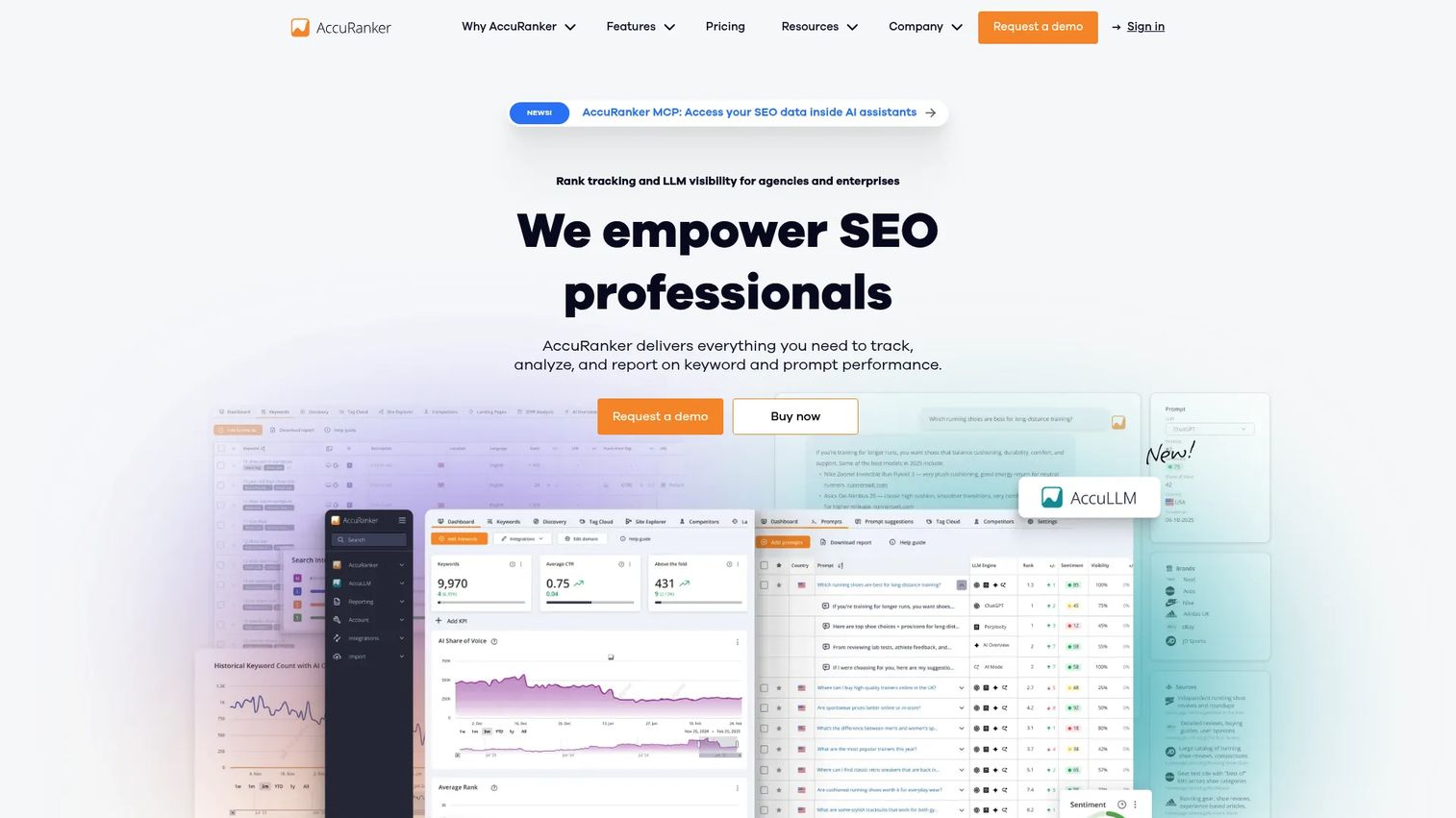
AccuRanker centers on detailed ranking analysis with daily and on-demand updates. Its segmentation tools help agencies examine keyword sets beyond a single headline average. The platform is relevant when analysts need to investigate movement frequently.
Best for: Agencies handling large monitoring workloads or clients requiring frequent ranking analysis.
Key features
- Daily and on-demand updates
- Competitor monitoring and Share of Voice
- Local rankings and SERP features
- Advanced filtering and tagging
- Reporting exports and APIs
On-demand checks support a different operating rhythm from scheduled monthly reporting. Use them when investigating a specific change, while keeping the normal reporting window consistent.
The plan differences matter for integration-heavy teams. Expert adds unlimited read API access, while Enterprise includes write API access and Google BigQuery. Compare the tier that supports your intended data pipeline rather than the entry subscription alone.
Professional includes reporting and exports alongside Google Search Console and Google Analytics connections. An agency without custom infrastructure should evaluate those existing paths before commissioning additional development.
For agency rank tracking for enterprise companies, test the handoff between analysts and reporting owners. Ask whether the required segmentation survives export and whether the receiving team can reproduce the analysis.
Why choose AccuRanker: Choose it when frequent investigation and detailed segmentation justify a dedicated tracking platform. API requirements can materially change which package belongs in your budget.
AccuRanker pricing: Professional costs $224/month and Expert $764/month. Enterprise uses custom pricing.
G2 rating: 4.8/5.
10. Advanced Web Ranking
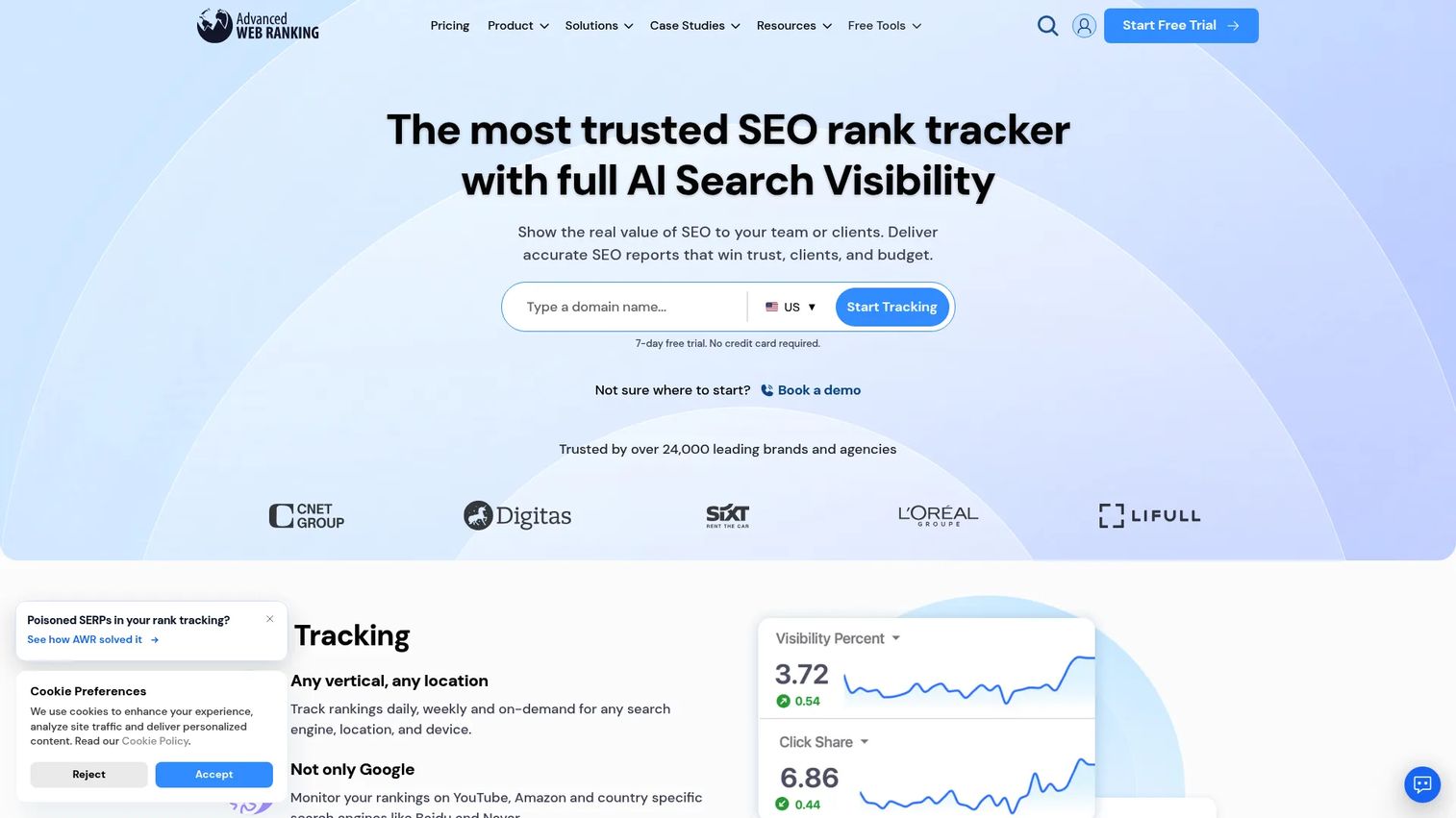
Advanced Web Ranking focuses on search monitoring across markets and devices. It also covers AI visibility and competitive analysis. Agencies managing varied international requirements can evaluate it as a dedicated measurement platform.
Best for: Agencies with multiple markets, extensive client portfolios, or detailed search-reporting requirements.
Key features
- Multi-location and international tracking
- Shareable reports and dashboards
- SERP feature analysis
- Market-share and competitor analysis
- Integrations and API access
Unlimited projects and users are included in its plans. That packaging can help agencies assess capacity separately from the number of client accounts or staff accessing the system.
Still, build the comparison around the tracking configuration. Document every required location and device, then ask how the configuration consumes the plan’s allowance. A project count alone doesn’t describe the monitoring workload.
The platform’s forecasting and market-share analysis provide additional ways to discuss campaign direction. Keep assumptions visible when presenting forecasts. Clients should be able to distinguish observed performance from a projected outcome.
For international work, test a representative market rather than a familiar domestic keyword. Check the report language and the interpretation your account manager will need to provide.
Why choose Advanced Web Ranking: Consider it when search measurement is central to your service and coverage requirements vary across accounts. Its project structure supports a portfolio-oriented evaluation.
Advanced Web Ranking pricing: Pro costs $139/month, Agency $279/month, and Enterprise $699/month. A seven-day trial is available.
G2 rating: 4.5/5, recorded from G2’s SEO tools listing.
11. Wincher
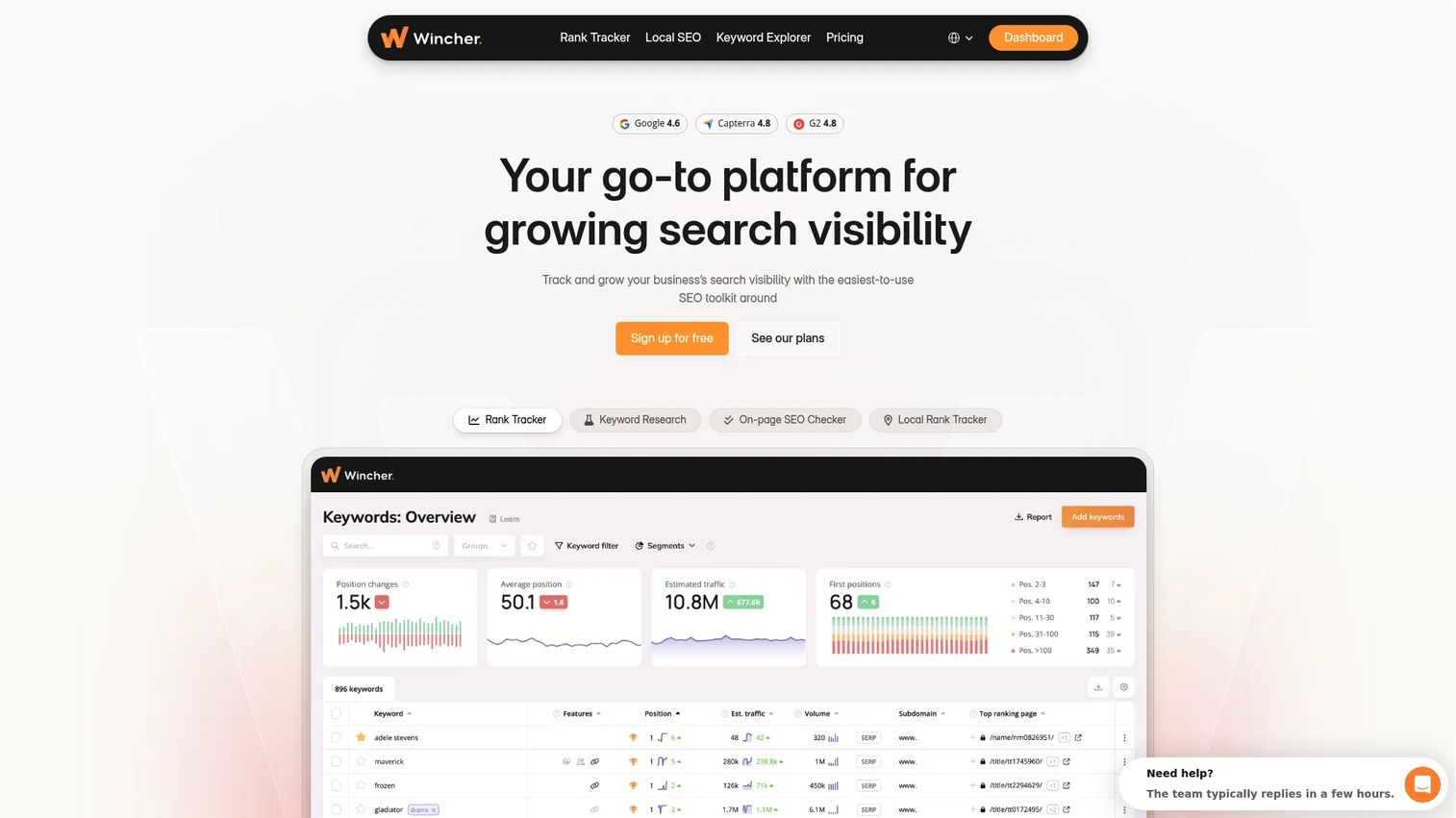
Wincher combines ranking monitoring with search visibility reporting and keyword discovery. Its toolset also includes on-page analysis. Smaller agencies can evaluate it around a clear monitoring-to-reporting workflow.
Best for: Lean teams that want ranking analysis and client reports without buying a broad marketing platform.
Key features
- Rank and competitor tracking
- Keyword Explorer and gap analysis
- Local rank tracking
- On-Page SEO Checker and SERP Benchmark
- Scheduled white-label reports
Begin with a client whose reporting currently lives in a spreadsheet. Recreate the useful parts of that report, including competitor context and the pages associated with priority queries.
Keyword gap analysis gives the team another route into campaign planning. Use the findings to identify topics worth investigating rather than automatically expanding the tracked list. An agency should be able to explain why each new keyword matters.
The reporting options deserve a separate test from the analyst interface. Review how scheduled output looks to a client and whether it leaves room for the agency’s interpretation.
Wincher offers monthly and annual billing options. Compare the configuration that covers your accounts, then assess its cost against the manual process or subscription it would replace.
Why choose Wincher: Evaluate it when a focused SEO workflow suits the team better than a wider platform. Its ranking and reporting capabilities provide a practical basis for a small-agency pilot.
Wincher pricing: Compare monthly and annual subscriptions on its pricing page.
G2 rating: 4.7/5.
12. Mangools
Mangools is a toolkit covering keyword research, search-result analysis, ranking monitoring, and website research. SERPWatcher supplies the tracking component. This entry evaluates the package as a whole rather than treating monitoring as the only reason to buy.
Best for: Small agencies that want several core SEO functions within one subscription.
Key features
- KWFinder keyword research
- SERPChecker search-result analysis
- SERPWatcher rank tracking
- LinkMiner backlink analysis
- SiteProfiler website analysis
The purchase should follow your team’s weekly work. If researchers regularly move from keyword discovery to competitor inspection, test that sequence across the included tools.
Mangools also includes AI Search Watcher for monitoring brand mentions in AI assistants. Decide whether that capability belongs in your client service before incorporating it into regular reporting.
Avoid counting Mangools and SERPWatcher as two independent subscriptions in a software budget. They appear separately here because buyers may evaluate either the toolkit or its monitoring component.
For a lean agency, the consolidation question is concrete. Identify the research subscription this package would replace and the tasks it would leave elsewhere. Then check whether those remaining tasks justify retaining another platform.
The free options provide an initial evaluation route, but paid-plan selection should follow your actual tracking and research allowances.
Why choose Mangools: Choose the suite when several included tools support your delivery process. If ranking monitoring drives the decision, examine SERPWatcher’s update cadence before committing.
Mangools pricing: Basic costs $37.70/month annually, Premium $52.70/month, and Agency $97.70/month. Free and time-limited Free+ options are available.
G2 rating: 4.7/5.
13. SERPWatcher
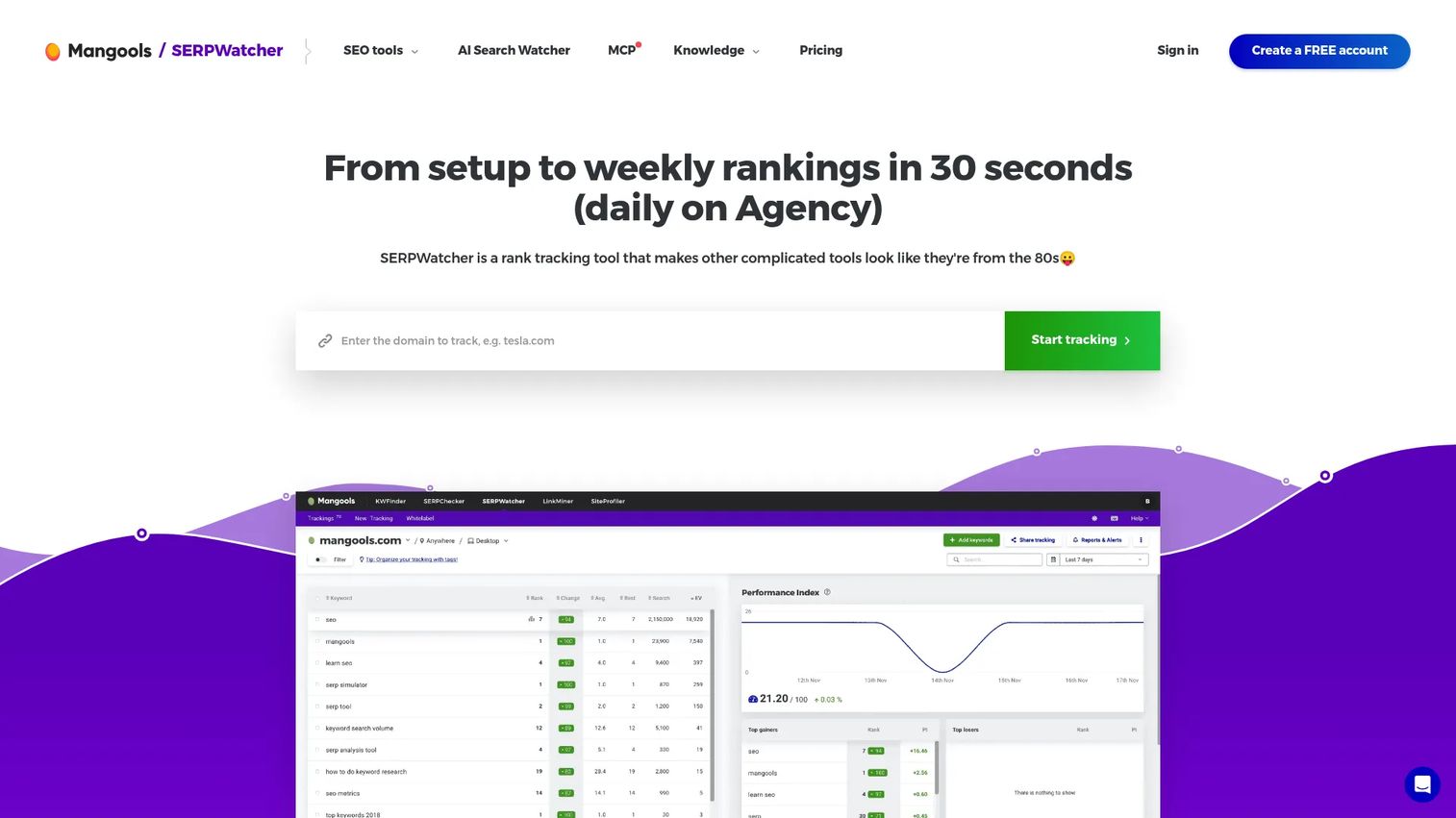
SERPWatcher is the ranking tool included in Mangools subscriptions. It monitors Google keyword positions and summarizes movement through a Performance Index. Agencies evaluating it specifically should focus on tracking cadence and capacity.
Best for: Teams that want focused keyword monitoring within an existing or planned Mangools subscription.
Key features
- Performance Index
- SERP previews
- Ranking-change email alerts
- City, district, and country targeting
- Historical ranking data
The Performance Index combines keyword positions with search volumes. Use it as a campaign-level indicator, then inspect individual groups before explaining changes to a client.
Current plan limits distinguish both volume and frequency. Basic includes 200 tracked keywords with weekly updates, while Premium includes 700 with the same cadence. Agency includes 1,500 keywords with daily updates.
That distinction matters if your service agreement promises frequent monitoring. Buying a larger keyword allowance doesn’t necessarily change the update schedule until the relevant plan.
A useful pilot compares the index with a client’s priority query set. Ask whether the summary reflects the work your team is doing and whether alerts provide enough context for investigation.
Keep product naming precise during review research. SERPWatcher and similarly named tools are different products, so ratings should not transfer between them.
Why choose SERPWatcher: Choose it when the included monitoring fits your campaign cadence and keyword workload. Evaluate it as part of Mangools rather than an additional standalone purchase.
SERPWatcher pricing: SERPWatcher is included in Mangools subscriptions, with limited access through its free options. There is no separate subscription described in the available plan details.
G2 rating: N/A.
14. Peec AI
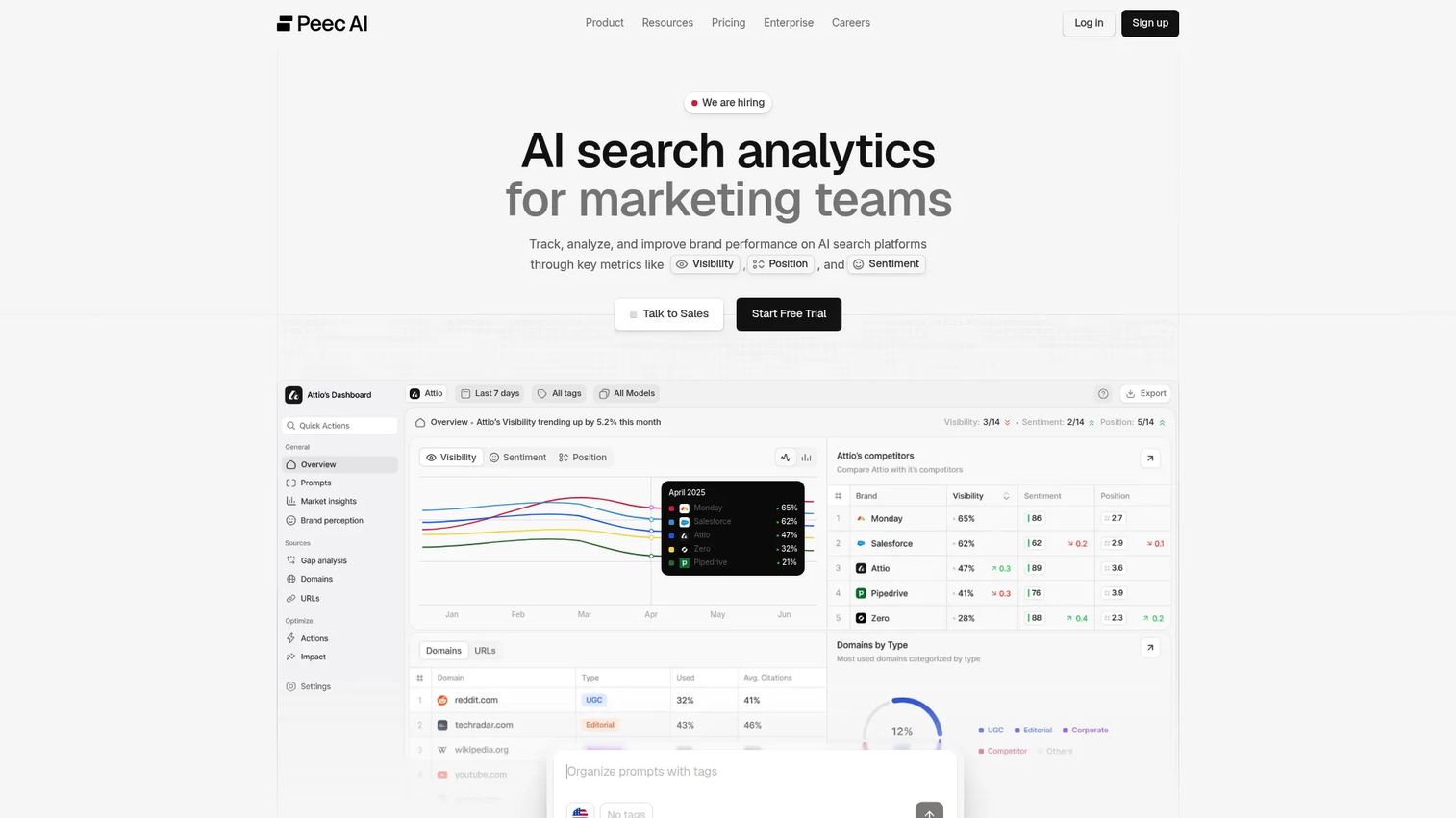
Peec AI measures brand visibility across AI-search platforms. It analyzes prompts and generated answers rather than conventional keyword positions alone. Agencies can use it to establish a separate reporting service for answer-engine presence.
Best for: Agencies adding prompt-based AI visibility analysis to established SEO reporting.
Key features
- Visibility tracking across models and countries
- Brand sentiment and perception analysis
- Competitor benchmarking
- Source and citation analytics
- CSV exports and Looker Studio integration
Start with the client’s questions. Define the prompts that represent relevant discovery or comparison situations, then document why those prompts belong in the measurement set.
Project allowances deserve attention in an agency purchase. Starter includes one project and 50 prompts; Pro includes two projects and 150 prompts. Advanced raises those limits to five projects and 350 prompts.
A package with sufficient prompts can still require a different configuration for your client portfolio. Treat project separation as part of the operational evaluation, especially when accounts need independent reports.
Citation analytics can also guide investigation into the sources appearing in generated answers. Keep that research distinct from claims about website traffic or revenue.
Before adding this expense, agree on what action the agency will take from the results. A new dashboard should support a defined service, not simply expand reporting volume.
Why choose Peec AI: Evaluate it when clients request evidence about their appearance in AI answers. Its prompt and project structure makes agency capacity planning especially important.
Peec AI pricing: Starter costs $95/month, Pro $245/month, and Advanced $495/month. A free trial is offered.
G2 rating: 4.7/5.
15. Profound
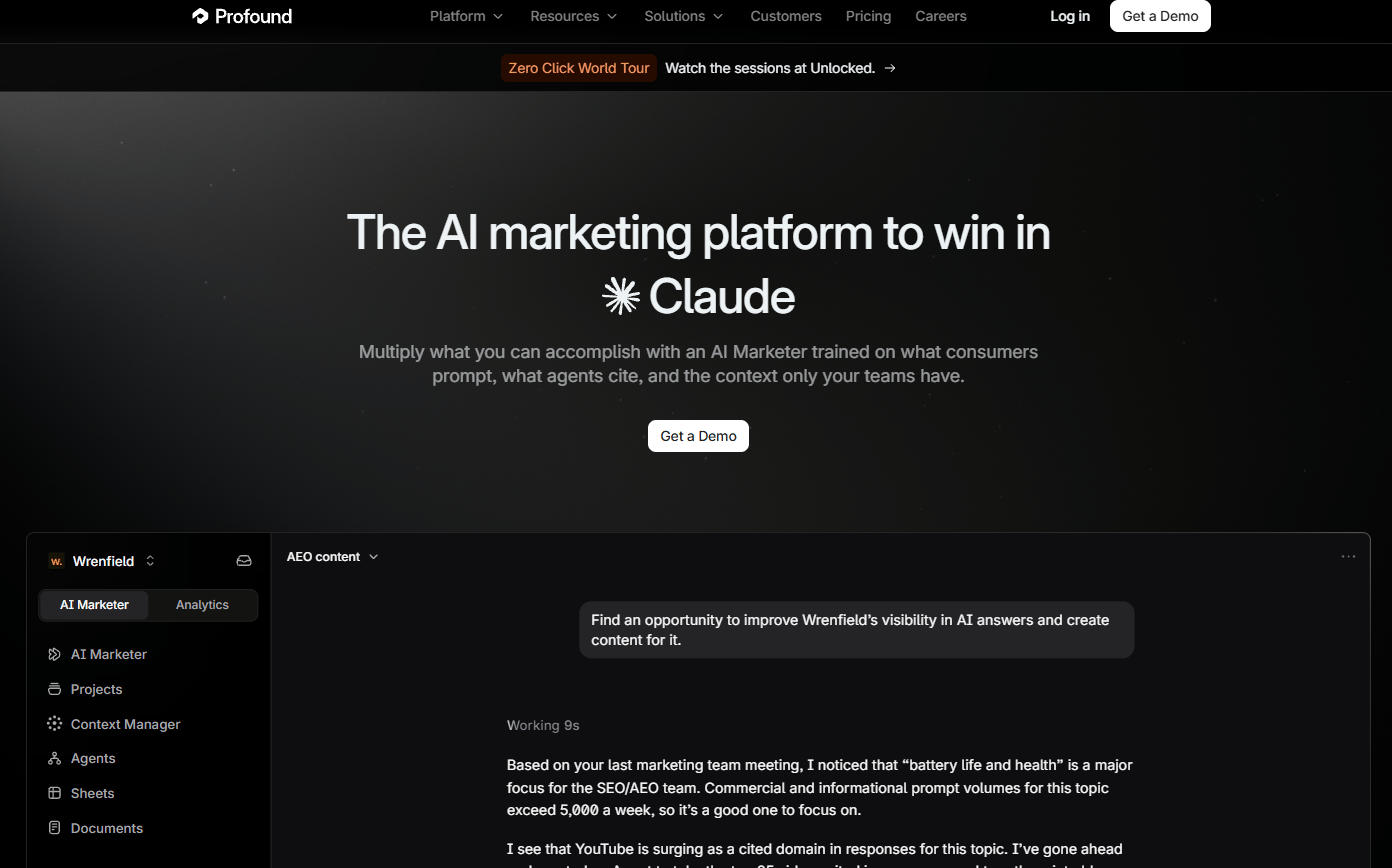
Profound combines answer-engine visibility analysis with AI marketing workflows. It includes tools for examining brand presence and AI-sourced traffic. Agencies serving enterprise brands can evaluate it around broader measurement and operational requirements.
Best for: Enterprise agency teams building an answer-engine reporting and research practice.
Key features
- Answer Engine Insights
- Agent Analytics for AI-sourced traffic
- Prompt Volumes
- ChatGPT Shopping tracking
- API access and CSV/JSON exports
The strongest evaluation begins with the business question. A brand team might need to understand competitive presence, while an analytics owner needs evidence of referred visits. Establish those requirements separately.
Profound’s current offer centers on Enterprise packages. Earlier Starter and Growth plans for brands were retired in September 2026. Avoid using historical entry prices when building a purchase comparison.
Enterprise packages include custom prompt coverage and dedicated support, with SSO/SAML among the documented controls. Bring procurement and security reviewers into the process before choosing the reporting configuration.
For agencies, ask how each client’s work will be organized and delivered. Specify required exports and ownership expectations rather than relying on the enterprise label.
The investment should also match the service you intend to sell. A specialist AI-search engagement warrants a different evaluation from adding a single visibility chart to an existing SEO report.
Why choose Profound: Consider it when enterprise answer-engine analysis is a defined service line. Conventional Google keyword monitoring remains a separate requirement in that stack.
Profound pricing: Enterprise uses custom pricing.
G2 rating: 4.5/5.
16. DashThis
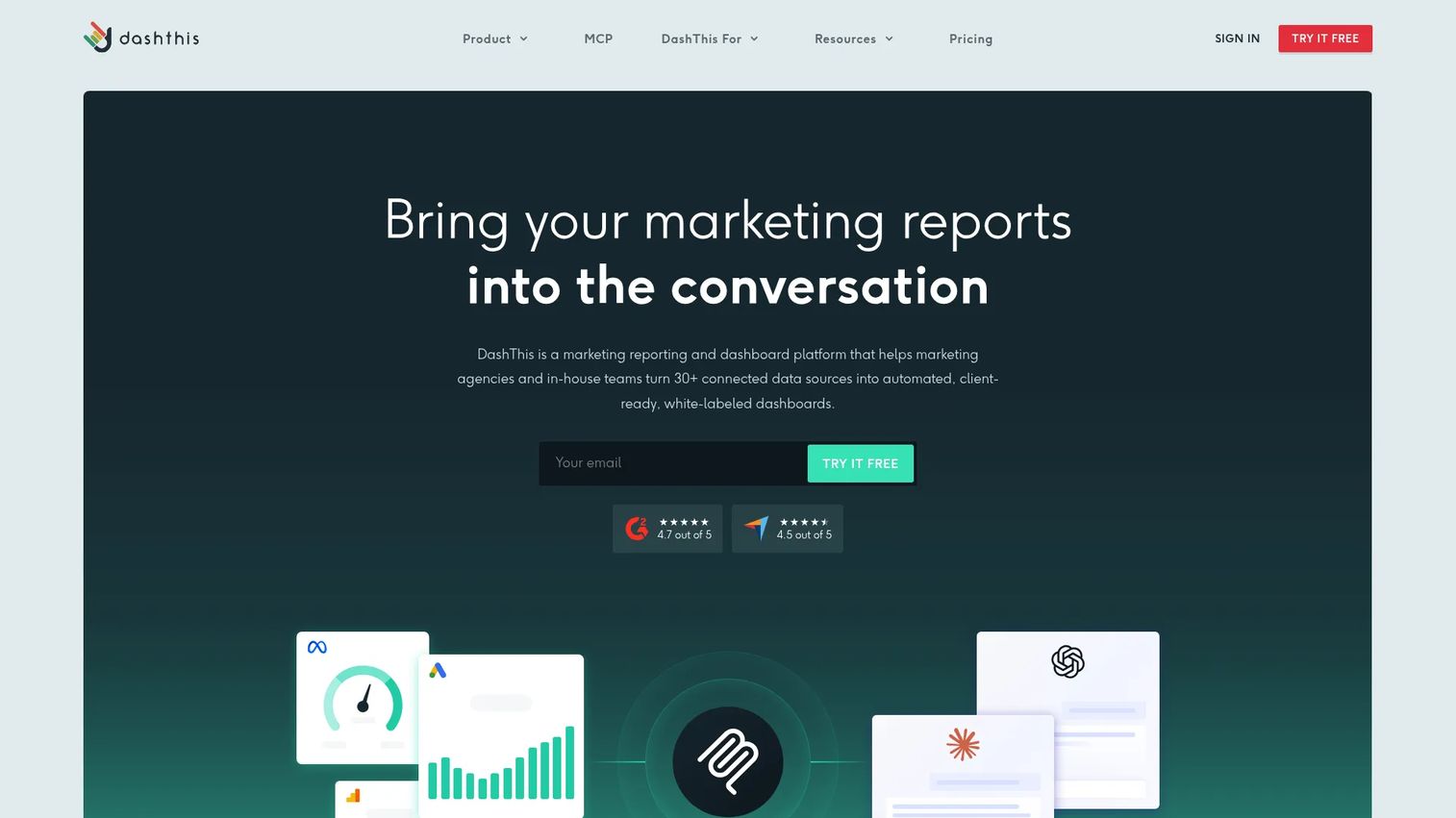
DashThis is a marketing reporting platform rather than a dedicated ranking collector. It brings connected data and uploaded files into client-ready dashboards. Agencies should evaluate it when report assembly is the bottleneck and existing measurement tools already do their jobs.
Best for: Agencies consolidating SEO evidence with wider marketing performance reporting.
Key features
- Marketing integrations and CSV uploads
- Scheduled email reports
- White-label dashboards and custom domains
- Dashboard cloning and templates
- Link sharing and PDF exports
Separate data collection from presentation in the buying decision. Keeping a reliable tracker while replacing manual report assembly can be more sensible than migrating every measurement tool.
Test the fields your team needs, including the date range and grouping used in client meetings. A dashboard connection is useful only when it carries the information required to explain performance.
Calculated widgets provide another reporting option. Document the formula and source whenever your agency creates a derived metric. This helps avoid disputes when clients compare the result with another dashboard.
Plans include unlimited users and integrations, while dashboard and data-source limits vary. Estimate account growth against those limits rather than treating seat count as the main cost driver.
The evaluation should finish with a complete client report. Include commentary and delivery settings, then record which manual steps remain.
Why choose DashThis: Choose it when reporting consolidation is the objective. Keep the original tracking platforms responsible for the measurements they collect.
DashThis pricing: A 14-day trial includes 10 dashboards. Paid packages vary by dashboard and data-source allowances.
G2 rating: 4.7/5.
17. Google Search Console
Google Search Console provides first-party information about a website’s Google Search performance. It also helps investigate indexing and technical issues. Agencies should establish access before deciding what additional ranking software must provide.
Best for: Teams that need a free foundation for search-performance analysis and technical investigation.
Key features
- Search traffic and performance reports
- Indexing and crawl monitoring
- URL Inspection
- Sitemap submission and monitoring
- Core Web Vitals reports
Google Search Console rank tracking uses average-position data alongside impressions and clicks. It provides a different measurement from checking a fixed query in a specified location.
That distinction matters in client conversations. Explain what each source measures before presenting conflicting numbers as a data-quality problem. Use consistent filters when comparing periods.
The diagnostic tools also support investigation beyond positions. A change in visibility can prompt a review of the affected URL or its indexing status. Keep this evidence close to the ranking report rather than assigning separate owners who never compare findings.
Search Console doesn’t replace a branded agency reporting process by itself. Add a dedicated tracker when your service requires location-specific checks or competitor monitoring. Use a reporting layer when the main need is distributing client-ready results.
For a budget-conscious agency, this creates a sensible purchase sequence. Establish the first-party baseline, identify the missing capability, and buy specifically for that gap.
Why choose Google Search Console: Make it part of the measurement foundation. Paid software should add required coverage or workflow improvements rather than duplicate data without a clear purpose.
Google Search Console pricing: Free.
Considerations when choosing an agency rank tracker
Reporting depth and white-label control
Inspect the deliverable your client will receive, including branding and explanatory notes. Test scheduled emails and access permissions instead of relying on dashboard screenshots.
For white-label SEO reports, establish whether branding is included or charged separately. Include that cost in your comparison.
Keyword volume and client scaling
Calculate capacity from your intended client configurations. Ask how locations, devices, and update frequency affect usage.
Check whether allowances form a shared pool or apply separately to projects. Model account growth before choosing an annual contract.
Local, national, and international coverage
Use a representative campaign to test the exact search context. A local service-area account should be evaluated differently from a national content campaign.
For agency rank tracking for enterprise companies, include geography-specific reporting and governance requirements in the purchase brief.
Data integrations and dashboard fit
Trace the journey from collection to the client report. Confirm required fields and export behavior with the person who prepares the deliverable.
Agency rank tracker software should remove spreadsheet work. A connector that requires repeated manual repair deserves scrutiny during the pilot.
AI visibility and traditional rankings
Decide whether AI-search analysis is an included service or a separate engagement. Keep prompt-based metrics distinct from conventional positions.
Evaluate the action each measurement supports. More keyword tracking software or another dashboard should have a defined owner and purpose.
Choose the tracker that removes the right work
The best agency rank tracker is the one that fits your delivery model without creating a second reporting process.
If account reporting consumes the most time, begin with AgencyAnalytics or assess DashThis as a presentation layer. SEOptimer deserves consideration when audits and client documents anchor the service.
For dedicated monitoring, compare Keyword.com with AccuRanker and Advanced Web Ranking. Add Nightwatch to the shortlist when location-sensitive campaigns drive your requirements.
Broader SEO work changes the calculation. Ahrefs, Semrush, SE Ranking, and Mangools should earn their place through the subscriptions or recurring tasks they consolidate.
Peec AI and Profound address a separate client question about answer engines. Establish that reporting requirement before adding another measurement layer. Keep Google Search Console as the first-party foundation.
Your next step should be a controlled pilot with an existing client account. Reproduce the current report and note the manual steps that remain. Compare the full configured cost, including reporting options and required capacity.
The best agency rank tracking setup gives your team more time to interpret performance and decide what to do next.
FAQs
An agency rank tracker monitors keyword positions across client campaigns and organizes changes for analysis and reporting. Agency-oriented capabilities include project organization, historical comparisons, branded reports, and access controls. Evaluate the complete reporting workflow because collecting positions and delivering useful client updates are different jobs. The strongest purchase brief identifies which existing manual tasks the software should replace.
Google Search Console reports first-party search performance, including average position, while dedicated trackers check selected queries within specified search contexts. Paid tools can add location targeting and competitor monitoring, with reporting capabilities varying by provider. Treat differences between their numbers as a measurement question before assuming either source is wrong. Explain the scope and filters of each dataset in client reports.
The best agency rank trackers for local work match the geography and search surface your clients care about. Evaluate Nightwatch, SE Ranking, AgencyAnalytics, and Advanced Web Ranking using a representative location-based campaign. Keyword.com also documents city-level and ZIP-code tracking. Ask vendors to show the required configuration and its final report before comparing price.
Choose the allowance from the client’s priority services and relevant markets rather than using one universal target. Separate the core reporting set from exploratory keywords that help analysts identify opportunities. Account for device and location combinations when calculating subscription capacity, using the vendor’s counting method. Review the list regularly so inherited keywords don’t consume budget without supporting a decision.
Match the update schedule to how often your team will act on changes and what the client agreement promises. Weekly monitoring can support recurring reporting, while active investigations may justify daily or on-demand checks. Use consistent reporting periods even when individual checks happen more frequently. Establish an escalation rule so routine movement doesn’t automatically trigger a client alert or unnecessary campaign changes.
Many platforms support branded reporting, but the available formats and subscription requirements differ. Inspect PDFs and dashboards separately, then test scheduled delivery and client access. Ask whether custom domains or branding removal require an add-on, as these charges affect the configured cost. Request a finished sample with agency commentary because visual branding alone doesn’t make a report useful.
Track AI visibility when clients need evidence about how their brands appear in generated answers and your team can act on the findings. Define a prompt set and report it separately from conventional keyword positions. Peec AI and Profound serve this measurement job, while several broader search platforms also include AI capabilities. Avoid presenting visibility changes as traffic or revenue gains without supporting evidence.
Yes, reporting platforms and data exports can bring several measurement sources into a shared client deliverable. Preserve source names and measurement definitions rather than blending incompatible metrics into one visibility score. Test field availability and refresh behavior before committing to the reporting workflow. Assign an owner to investigate discrepancies so consolidation reduces client confusion instead of moving it into a different dashboard.