Manual data entry looks harmless until tickets route incorrectly, reports disagree, and agents request the same customer details twice.
The problem often starts before an agent opens the ticket. Required fields are missing. PDFs hide account information. Someone copies values into a spreadsheet, then another person rekeys them into the CRM.
Automation adoption remains uneven. A 2025 Parseur and QuestionPro survey found that 46.2% of surveyed U.S. professionals had never automated data entry or extraction.
Good data entry software addresses the source of that work. It captures structured information, validates inputs, and sends records into the systems your team already uses. The right choice depends on where your data begins.
What’s inside
This guide compares data entry tools for support operations, finance teams, field service groups, and business administrators.
We selected the tools using four criteria:
- Workflow fit: Forms, documents, spreadsheets, mobile capture, or enterprise systems
- Automation depth: Validation, extraction, routing, and downstream actions
- Operational maturity: Governance, integrations, review controls, and reporting
- Buying clarity: Current pricing structure and available G2 ratings
The central question is simple: Where does your data start? Answer that before comparing features.
TL;DR
- Best for form based data entry: Jotform offers flexible intake forms, file uploads, payments, and approval workflows
- Best for OCR and document extraction: Nanonets combines document processing with configurable validation and human review
- Best for enterprise RPA: UiPath automates rules based work across applications, APIs, documents, and legacy interfaces
- Best for spreadsheet workflows: Microsoft Excel supports validation, calculations, imports, and shared workbook processes
- Best for support and CRM data workflows: Salesforce connects customer records with case management and automation
- Best for connecting tools: Zapier suits broad app connectivity, while Microsoft Power Automate fits Microsoft centered workflows
What is data entry software?
Data entry software helps teams collect, extract, validate, store, and move structured information into business systems with less manual typing.
The category includes focused data capture software and broad business platforms. Some products collect information through forms. Others extract fields from scanned documents or automate work across several applications.
The main types include:
- Form builders: Capture structured responses from customers, employees, or field teams
- Document processing tools: Extract values from PDFs, invoices, receipts, scans, and images
- Spreadsheet software: Organize records using tables, formulas, validation, scripts, and imports
- Workflow automation tools: Move information between apps and trigger downstream actions
- RPA platforms: Automate repetitive screen actions across enterprise or legacy systems
- Business platforms: Store records inside CRM, accounting, or enterprise resource planning workflows
Common capabilities include:
- Conditional form fields
- OCR and data extraction
- Validation rules
- Duplicate detection
- Import and export
- App integrations
- Mobile capture
- Human review queues
- Audit trails
- Permissions and reporting
Data entry systems often combine several of these functions. A customer form might validate an account number, create a support case, and update a spreadsheet. An OCR data entry software workflow might extract invoice fields before sending uncertain values to an agent.
For support teams, better intake has practical consequences. Required fields reduce follow up questions. Structured ticket reasons improve routing and reporting. Clean customer records also make macros, chatbots, and escalation processes more dependable.
Automated data entry software works best when it starts with a defined source and destination. Identify what arrives, which rules apply, and where the approved record must go.
When to use data entry software
Capture customer information before a ticket reaches the queue
Use form data collection software when customers regularly omit details agents need. Required fields and conditional questions can collect account identifiers, file uploads, or request categories before case creation.
Cleaner intake gives agents more context at first contact. It also supports faster routing and more useful reporting.
Turn documents and screenshots into structured records
Document processing software helps when information arrives inside invoices, warranty documents, onboarding forms, or scanned account requests. OCR extracts fields that agents would otherwise copy manually.
Validation and human review remain important. Low confidence values should enter an exception queue instead of updating a customer record automatically.
Move data into the systems your team already uses
Use workflow automation software when captured information must travel between a form, CRM, spreadsheet, accounting platform, or database.
For example, a submission can create a case and update an account record. The same workflow may notify an owner or add a row to an operational tracker.
Data entry software comparison
The best data entry software depends on the starting point. Choose forms for structured intake, OCR for documents, spreadsheets for flexible tabular work, and automation platforms for cross application processes.
Pricing models also differ. Vendors may charge by user, submission, page, task, bot, or API request. Compare the unit against your expected volume rather than the headline price alone.
| # | Product | Best for | Key differentiator | Pricing | G2 rating |
|---|---|---|---|---|---|
| 1 | Jotform | Form based intake | Large template library and payment ready forms | Free plan, Bronze from $34/month annually | 4.6/5 |
| 2 | Nanonets | OCR and document extraction | AI extraction with validation workflows | Free credits, then Starter at $100/month | N/A |
| 3 | UiPath | Enterprise RPA | Automation across applications and documents | Free Community plan, Basic at $25/month | 4.6/5 |
| 4 | Zoho Forms | Affordable online forms | Native fit with Zoho workflows | Free plan, Basic from $10/month annually | 4.4/5 |
| 5 | Airtable | Operational databases | Spreadsheet interface with connected records | Free plan, Team from $20/user/month annually | 4.6/5 |
| 6 | Zapier | App automation | Connections to more than 9,000 apps | Free plan, Professional from $19.99/month | 4.5/5 |
| 7 | Microsoft Excel | Spreadsheet data entry | Familiar workbooks with web collaboration | Free web version | 4.7/5 |
| 8 | Google Sheets | Collaborative spreadsheets | Browser based editing with Connected Sheets | Free access, Workspace from $7/user/month | 4.6/5 |
| 9 | QuickBooks | Accounting data entry | Bookkeeping and payment workflows | Free plan, Simple Start at $38/month | 4.0/5 |
| 10 | Salesforce | CRM data entry | Customer records with workflow automation | Free Suite, Starter at $25/user/month | 4.4/5 |
| 11 | SAP | Enterprise ERP workflows | Governed business applications and data | SAP Build from $3.46/active user/month | 4.2/5 |
| 12 | TrueContext | Mobile field collection | Offline field workflows and reporting | Digital from $400/month annually | 4.4/5 |
| 13 | GoCanvas | Field forms and inspections | Mobile capture with dispatch and reports | From $29/user/month annually | 4.3/5 |
| 14 | Cognito Forms | Forms with calculations | Calculated fields and workflow automation | Free plan, Pro from $24/month | 4.7/5 |
| 15 | Amazon Textract | Developer OCR workflows | Usage based AWS document extraction | From $0.0015 per page | 4.3/5 |
| 16 | ABBYY Vantage | Intelligent document processing | Document classification and extraction skills | Custom pricing | 4.3/5 |
| 17 | Microsoft Power Automate | Microsoft automation | Cloud and desktop flows | Premium from $15/user/month annually | 4.4/5 |
Best 17 tools for data entry software
1. Jotform
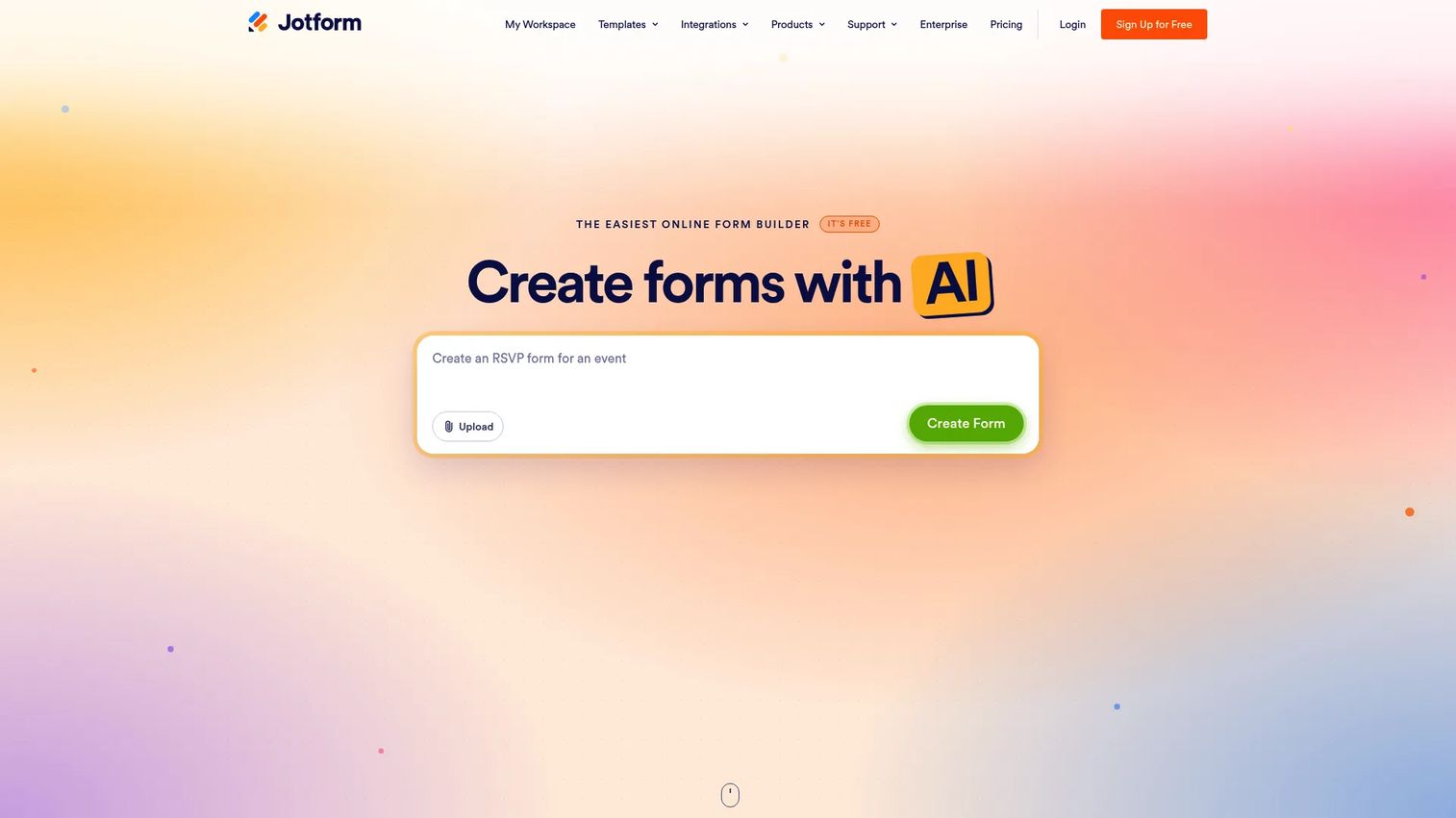
Jotform is a no code form builder for collecting structured information and payments. Its template library covers customer requests, feedback, registrations, warranty claims, and internal approvals.
Support teams can require account details before submission, accept attachments, and route entries through approval workflows. This makes Jotform a strong starting point when incomplete intake creates avoidable follow up.
Best for: Support and operations teams collecting structured information before it enters a ticket, spreadsheet, or CRM.
Key features
- Drag and drop form builder
- Conditional logic
- File uploads
- Payment collection
- Approval workflows
Why choose Jotform: Choose it when your main problem is inconsistent form intake. Its breadth suits teams managing several request types without engineering support.
A document processing platform will fit better when most information arrives inside unstructured attachments. Jotform focuses on collecting information in a defined format from the start.
Jotform pricing: Starter is free. Bronze costs $34/month, Silver costs $39/month, and Gold costs $99/month when billed annually.
G2 rating: 4.6/5.
2. Nanonets
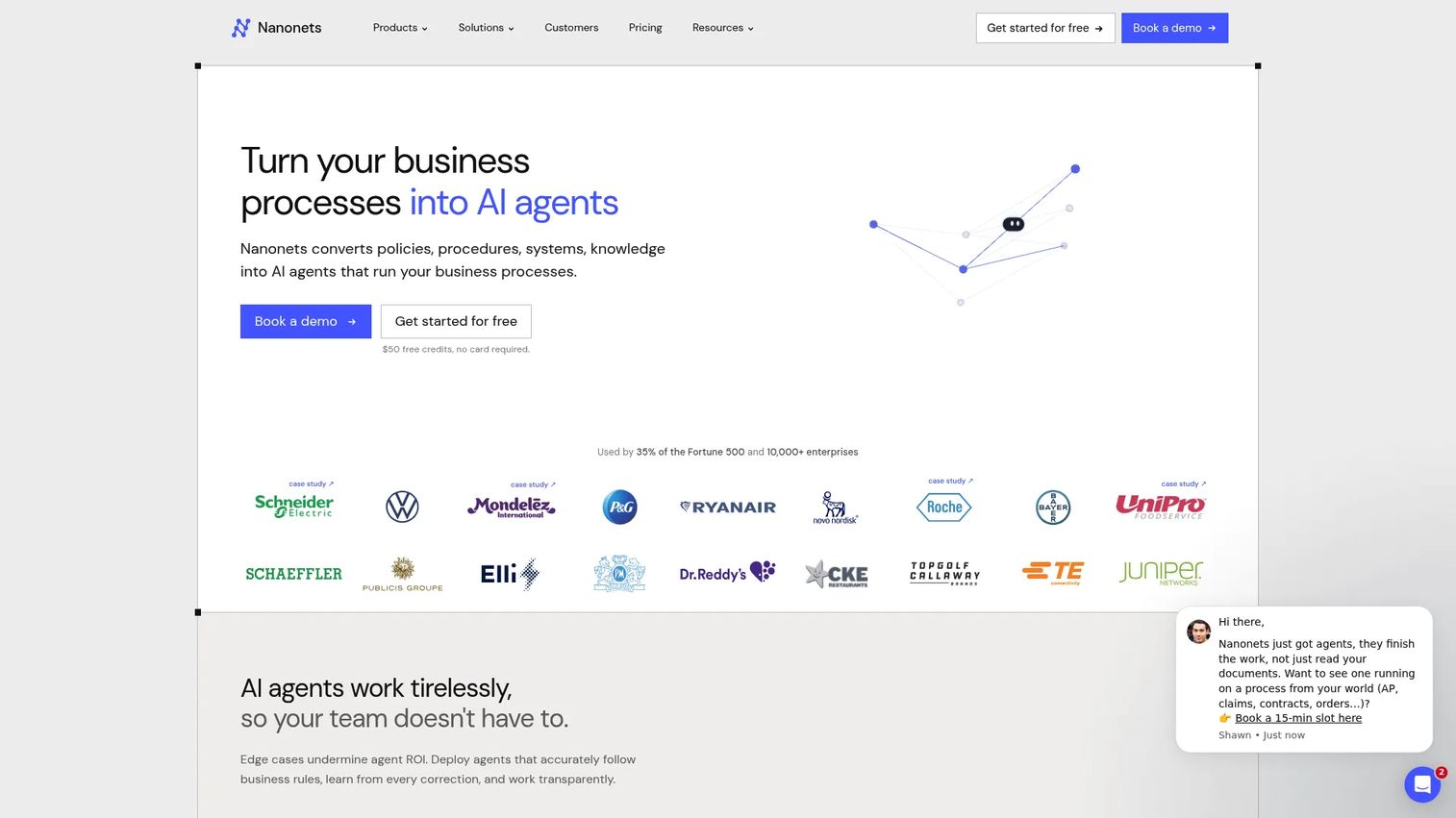
Nanonets is document processing software for extracting information from invoices, receipts, forms, IDs, scans, and email attachments. It combines AI powered extraction with workflow blocks, API access, and human review.
For support teams, Nanonets can help convert attachment data into structured records. A billing document could feed a back office workflow instead of requiring an agent to copy every field.
Best for: Teams processing large document volumes that need extraction, validation, and review controls.
Key features
- AI powered data extraction
- Configurable workflow blocks
- Human review
- API access
- Audit controls
Why choose Nanonets: Pick Nanonets when documents are the primary data source. It is more relevant than a form builder when customers upload existing files rather than complete structured fields.
The platform also suits workflows where uncertain values require review. That matters when extracted data affects billing, account access, or claim handling.
Nanonets pricing: Starter includes $50 in credits, then costs $100/month for 100 credits. Growth and Enterprise use custom pricing.
3. UiPath

UiPath provides enterprise automation across user interfaces, APIs, documents, and human workflows. Its platform includes robotic process automation, document extraction, process orchestration, testing, and task mining.
UiPath can automate data entry across applications that lack direct integrations. A robot might read an approved record, enter values into a legacy application, and update another system.
Best for: Enterprises automating repetitive, rules based processes across legacy applications and modern systems.
Key features
- Robotic process automation
- UI automation
- Document extraction
- Process orchestration
- Process mining
Why choose UiPath: Use UiPath when data entry spans many screens or established enterprise processes. It suits governed automation programs with process mapping and technical ownership.
Simple customer intake rarely needs enterprise RPA. A form builder or app connector usually offers a more direct route for that job.
UiPath pricing: A free Community plan is available. Basic costs $25/month, while Standard and Enterprise use custom pricing.
G2 rating: 4.6/5.
4. Zoho Forms
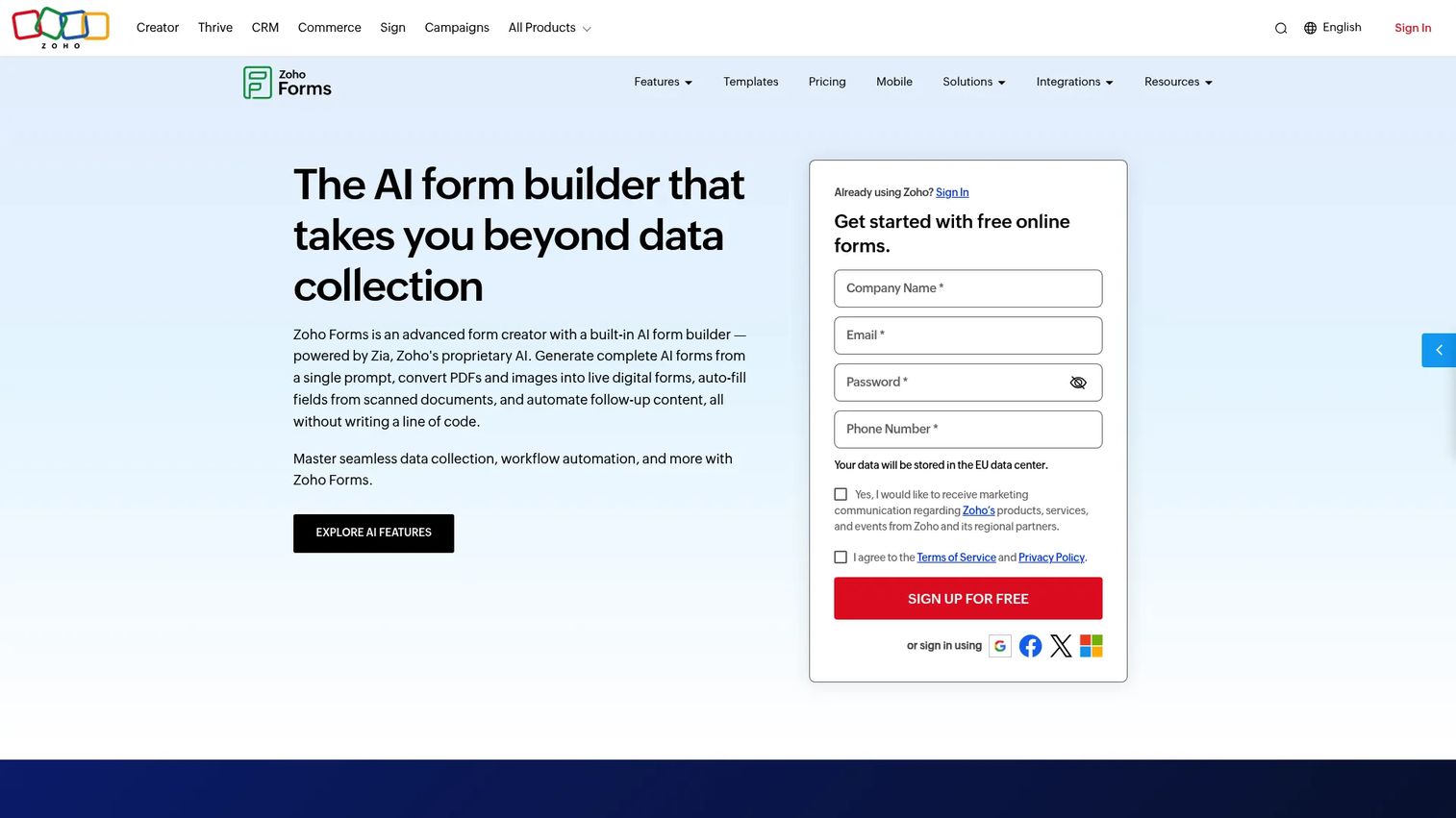
Zoho Forms is electronic forms software with approval workflows, payments, mobile collection, and integrations. It connects with Zoho applications alongside Google Workspace, Microsoft 365, Zapier, and calendar tools.
Support operations teams can build feedback forms or service requests that create structured records. Mobile capabilities also cover offline collection, signatures, geolocation, and code scanning.
Best for: Small and mid sized teams wanting affordable forms with strong Zoho connectivity.
Key features
- Custom online forms
- Conditional rules
- Mobile offline collection
- Approval workflows
- Zoho integrations
Why choose Zoho Forms: Select it when submissions need to move into existing Zoho workflows. Its free and lower cost plans also suit teams testing structured intake before a larger rollout.
Teams outside that environment should compare native integrations carefully. The form builder still connects broadly, but its strongest fit sits within the Zoho product family.
Zoho Forms pricing: Free covers one user and three forms. Basic starts at $10/month when billed annually.
G2 rating: 4.4/5.
5. Airtable
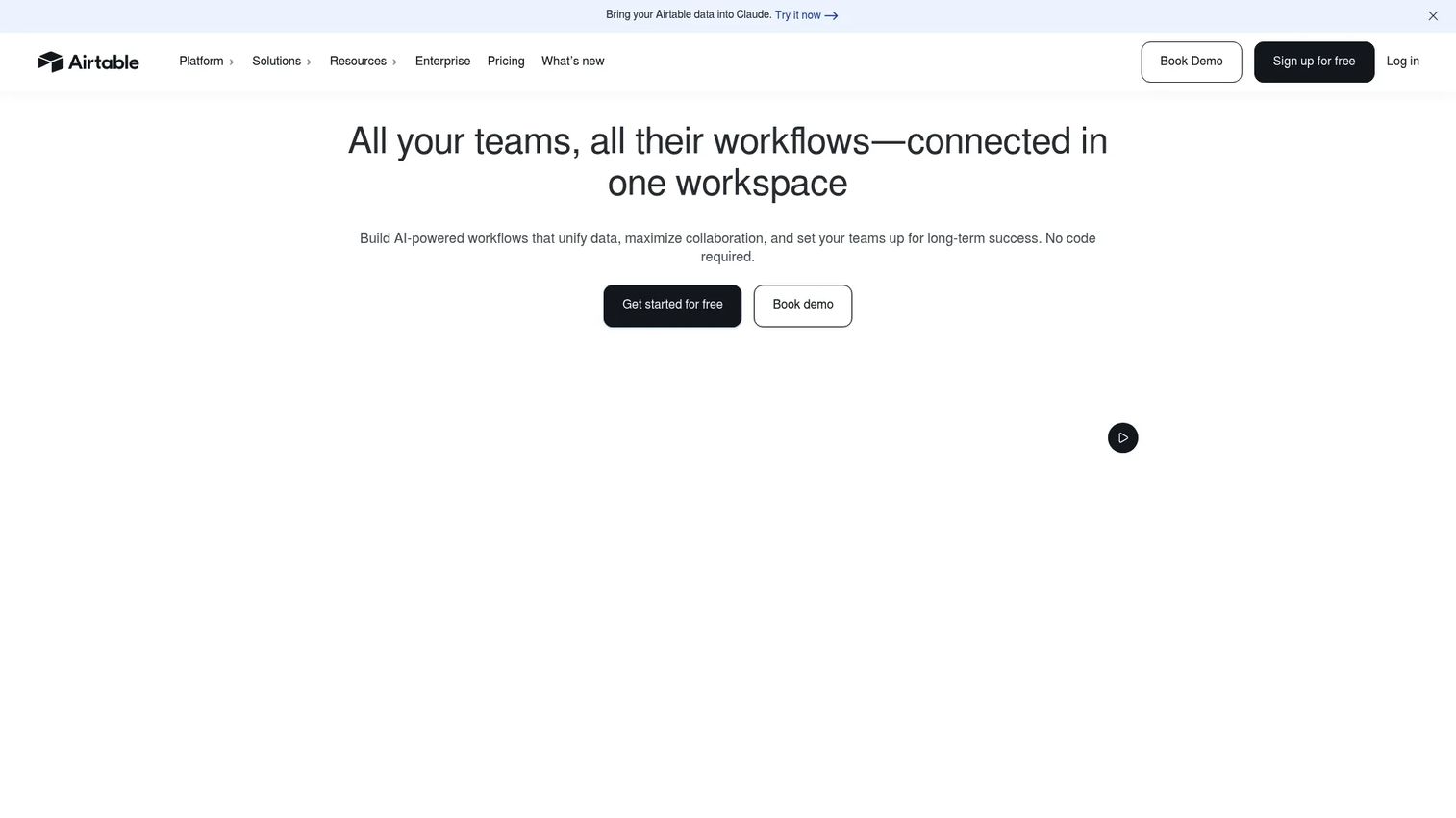
Airtable combines spreadsheet style data entry with connected records, custom interfaces, forms, and automations. Teams use it to build lightweight operational applications without maintaining a traditional database.
Support groups can track escalations or product feedback in linked tables. Forms provide structured intake, while interfaces give different teams focused views of the same records.
Best for: Teams needing structured operational data with flexible views and connected records.
Key features
- Grid views
- Forms
- Linked records
- Custom interfaces
- Workflow automations
Why choose Airtable: Airtable fits workflows that have outgrown a flat spreadsheet but do not require a full enterprise platform. It works well for bug intake, escalation logs, and content request pipelines.
Clear ownership still matters. Teams should agree on field definitions, permissions, and record maintenance before expanding a base.
Airtable pricing: A free plan is available. Team costs $20/user/month annually, while Business costs $45/user/month annually.
G2 rating: 4.6/5.
6. Zapier
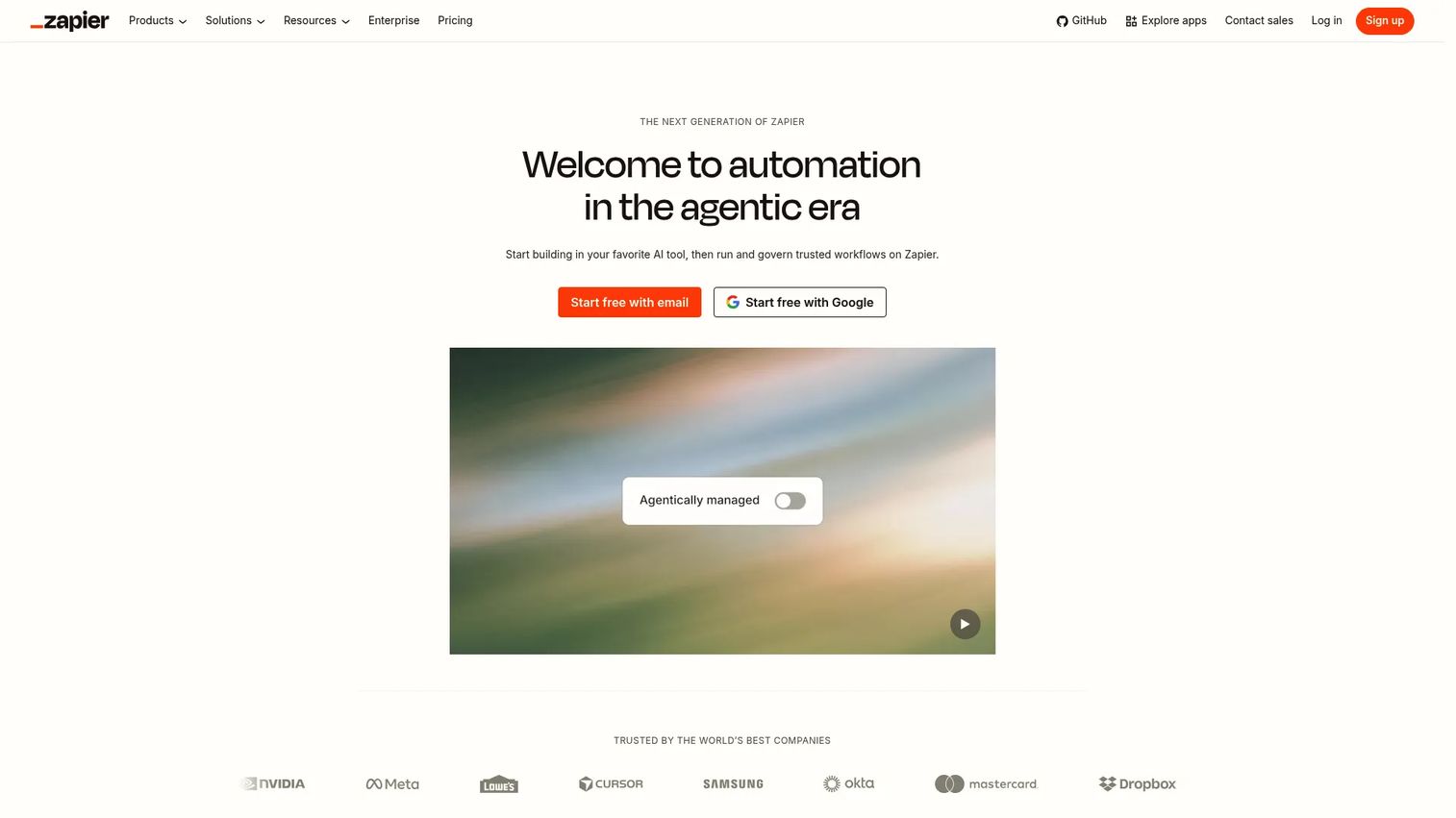
Zapier is a no code automation platform that connects more than 9,000 applications. It moves information between tools through triggers, actions, filters, and multistep workflows.
Zapier is not an OCR platform by itself. Instead, it handles the steps after another tool captures or extracts the data.
A support form can create a case, add a spreadsheet row, and update a customer record. Filters can stop incomplete submissions before they trigger downstream work.
Best for: Teams connecting forms, helpdesks, spreadsheets, CRMs, and notification systems.
Key features
- More than 9,000 app connections
- Multistep Zaps
- Filters
- Workflow paths
- Tables and Forms
Why choose Zapier: Choose it when data begins in one application and must trigger actions elsewhere. It offers broad connectivity without requiring custom API work.
Usage is measured through tasks, so frequent workflows need volume planning. Review how many actions each submission creates before choosing a tier.
Zapier pricing: Free includes 100 tasks monthly. Professional starts at $19.99/month, while Team starts at $69/month.
G2 rating: 4.5/5.
7. Microsoft Excel
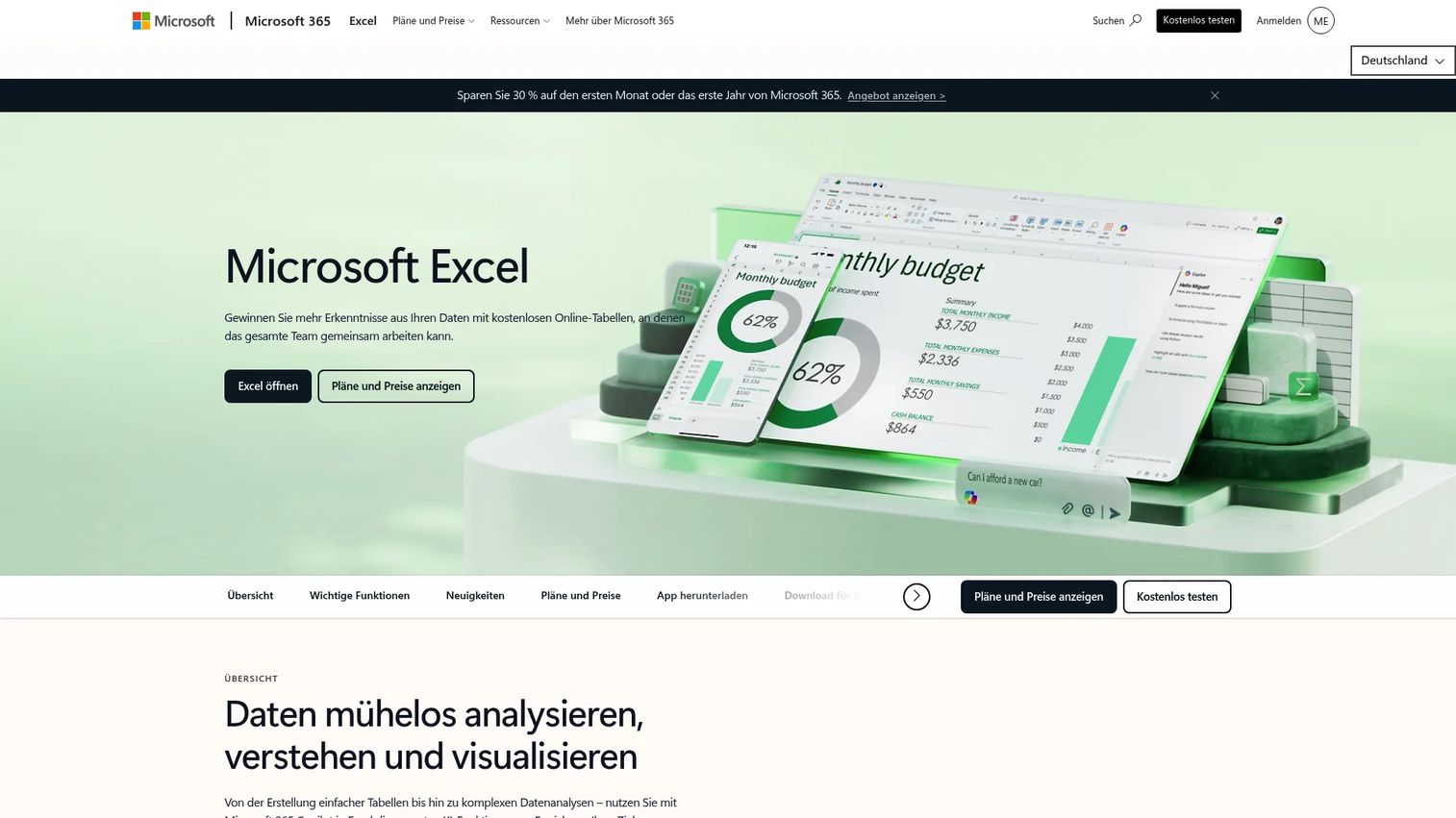
Microsoft Excel remains a common choice for flexible spreadsheet data entry. The web version supports sharing and real time collaboration across browsers and mobile devices.
Data entry software for Excel works best when teams need adaptable tables, calculations, or analysis. Support operations may use workbooks for ticket audits, escalation tracking, or bulk record cleanup.
Best for: Teams that need flexible spreadsheets and already use Microsoft tools.
Key features
- Web based workbooks
- Shared editing
- Cross device access
- Cloud storage
- Spreadsheet calculations
Why choose Microsoft Excel: Choose Excel when familiarity and flexible analysis matter. It accommodates custom spreadsheet automation without requiring a new operational platform.
Shared workbooks need governance. Define owners, restrict sensitive fields, and document how rows move into systems of record.
Microsoft Excel pricing: Excel for the web is free. Microsoft 365 Personal costs $69.99 for the first annual term.
G2 rating: 4.7/5.
8. Google Sheets
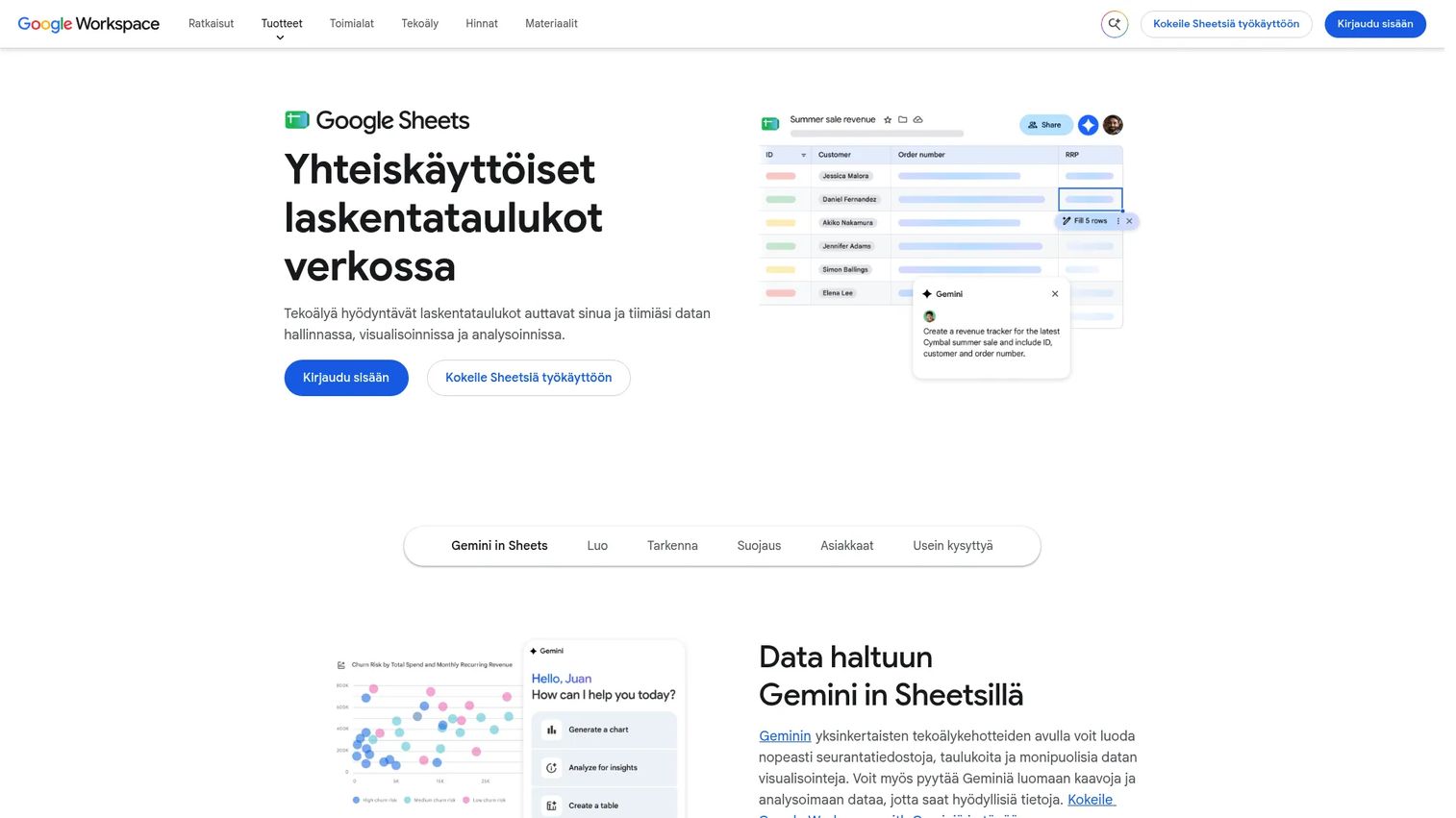
Google Sheets is browser based spreadsheet software with real time collaboration, revision history, sharing controls, and offline access. It also supports Connected Sheets for BigQuery and Looker data.
Support teams can use Sheets for shared audit logs or temporary intake trackers. Its collaborative model helps several agents review records without passing files between inboxes.
Best for: Teams needing shared spreadsheet data entry and browser based collaboration.
Key features
- Real time coediting
- Revision history
- Sharing permissions
- Connected Sheets
- Offline access
Why choose Google Sheets: Use it when shared visibility matters more than advanced process controls. It is practical for lightweight spreadsheet automation and operational tracking.
Complex approval flows or relational records often need a form platform or database. Keep Sheets focused on work its grid structure can govern clearly.
Google Sheets pricing: Anyone with a Google Account can use Sheets. Google Workspace Starter costs $7/user/month and includes a 14 day trial.
G2 rating: 4.6/5.
9. QuickBooks
QuickBooks is cloud accounting software for bookkeeping, invoices, expenses, bills, payroll, payments, and financial reporting. It centralizes accounting records that might otherwise remain scattered across spreadsheets.
Support teams often encounter this data during refund requests, billing disputes, or payment account changes. Clear access rules help agents find financial context without editing protected records.
Best for: Small and midsize businesses managing accounting data entry and payment workflows.
Key features
- Automated bookkeeping
- Invoice creation
- Expense tracking
- Bill pay
- Financial reporting
Why choose QuickBooks: QuickBooks fits workflows where entered data must become part of the accounting record. Its focus differs from general data capture or support case management.
The 2025 Intuit QuickBooks Accountant Technology Survey found that 43% of U.S. accounting firms automated data entry and transaction processing. That makes accounting automation a mainstream buying consideration.
QuickBooks pricing: A free plan is available. Simple Start costs $38/month, while Essentials costs $85/month.
G2 rating: 4.0/5.
10. Salesforce
Salesforce provides CRM records for leads, contacts, accounts, opportunities, and customer workflows. Its wider platform also covers service, reporting, analytics, and workflow automation.
For support teams, Salesforce can serve as the customer system of record. Structured case fields, routing logic, and account records help agents see customer context while keeping reporting consistent.
Best for: Teams that need CRM centered data entry across sales, service, and customer operations.
Key features
- Lead and account records
- Workflow automation
- Lead routing
- Reporting
- App extensions
Why choose Salesforce: Choose it when customer records need to support several departments. CRM data entry automation can reduce duplicate updates between sales and service workflows.
Configuration quality determines reporting quality. Too many fields, inconsistent validation, or unclear ownership can create more cleanup work.
Salesforce pricing: Free Suite costs $0. Starter Suite costs $25/user/month, billed monthly or annually.
G2 rating: 4.4/5.
11. SAP
SAP provides enterprise applications for ERP, finance, procurement, supply chain, human resources, and business data. Its products manage governed transactions across large organizations.
Support leaders may encounter SAP through order records, service operations, or account processes. The platform matters when a customer request must trigger controlled changes in an enterprise system of record.
Best for: Large organizations managing governed data entry across enterprise applications.
Key features
- Cloud ERP applications
- Business data services
- Procurement workflows
- Supply chain processes
- Analytics and planning
Why choose SAP: SAP fits enterprise workflows where approvals and role permissions matter. It supports business process automation across applications that carry operational or financial records.
A focused form tool is more practical for simple intake. SAP becomes relevant when entered data must follow enterprise controls and established transaction processes.
SAP pricing: SAP products use product specific pricing. SAP Build starts at $3.46 per active user each month, while many packages require a quote.
G2 rating: 4.2/5.
12. TrueContext
TrueContext provides low code mobile workflows for field service, inspections, maintenance, installation, and safety processes. Its mobile data collection tools support offline work and guided execution.
Field technicians can capture site information without waiting for a connection. Structured results then feed reports or connected enterprise platforms.
Support organizations with field service teams can use this data to improve handoffs. Photos, validated fields, and service details give agents clearer context when a customer contacts the queue.
Best for: Field teams collecting structured information in connected or offline environments.
Key features
- Low code mobile workflows
- Offline data capture
- Conditional logic
- Automated reports
- Enterprise integrations
Why choose TrueContext: Choose it when data starts at customer sites, facilities, or equipment locations. Its workflow design suits field service processes better than office focused form builders.
The entry cost reflects an organizational field workflow rather than an individual form app. Compare it against technician volume and integration requirements.
TrueContext pricing: Digital starts at $400/month when billed annually. Intelligent and Elite use custom pricing.
G2 rating: 4.4/5.
13. GoCanvas
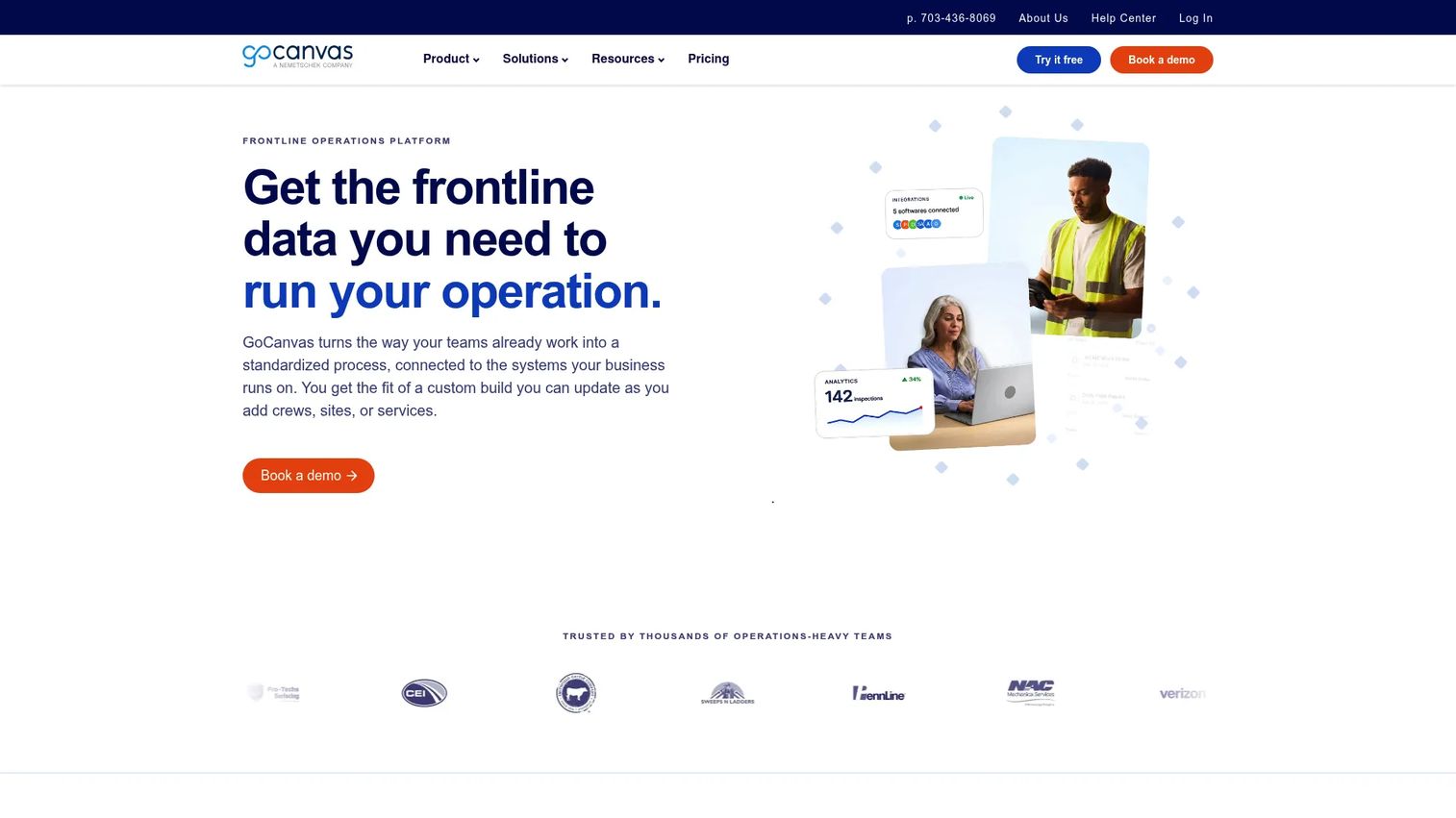
GoCanvas digitizes field forms, inspections, reports, and operational workflows. Its mobile app supports offline access, photos, videos, GPS capture, and electronic signatures.
Teams can replace paper forms with structured mobile submissions. Dispatch and reporting features help move those records from the field into operational systems.
For support groups, this can improve field service handoffs. Agents receive service details in a structured format instead of interpreting handwritten notes or separate photo messages.
Best for: Field operations teams replacing paper forms with mobile submissions.
Key features
- Mobile data capture
- Offline access
- Dispatch
- Automated PDF reports
- Electronic signatures
Why choose GoCanvas: Use GoCanvas when inspections or service visits generate the data. It keeps forms and field evidence connected within the same process.
The plans have a three user minimum. Include that requirement when comparing the cost against a smaller field team.
GoCanvas pricing: Essentials starts at $29/user/month annually with a three user minimum. Pro costs $39/user/month annually.
G2 rating: 4.3/5.
14. Cognito Forms
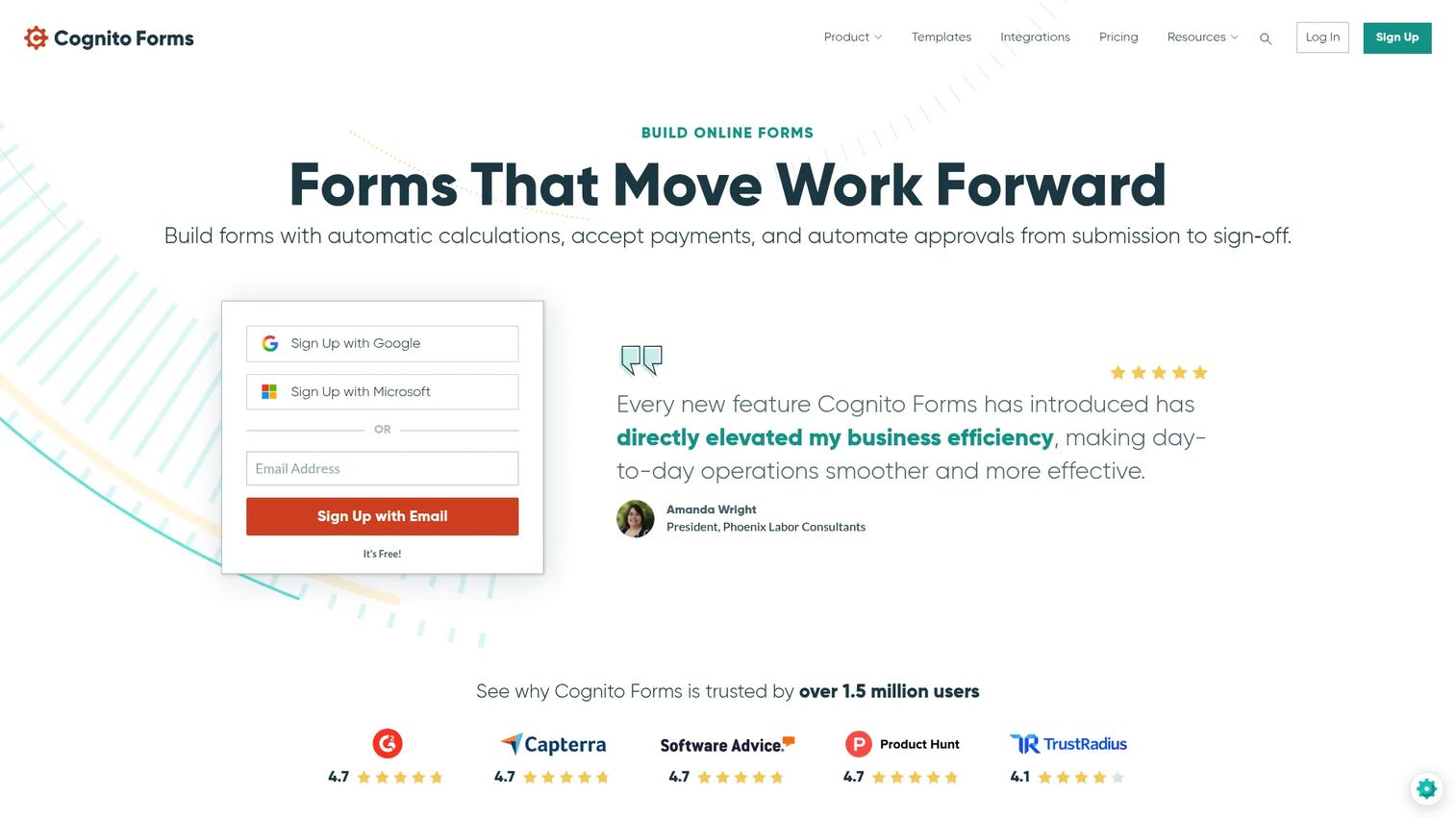
Cognito Forms is a no code form builder for data collection, payments, document generation, and automated workflows. Its calculated fields support requests that require totals or other derived values.
Support teams can collect structured submissions with conditional logic, signatures, file uploads, and entry management. Workflow features add approvals, notifications, statuses, and assigned tasks.
Best for: Teams needing forms with calculations, payments, and straightforward approval workflows.
Key features
- Conditional logic
- Calculated fields
- Electronic signatures
- File uploads
- Entry management
Why choose Cognito Forms: Choose it when calculations are central to the submission. Quote requests, refunds, or service estimates may need more than basic text fields.
Airtable is a better comparison when records need relational views after capture. Cognito Forms stays focused on form submission and workflow handling.
Cognito Forms pricing: Individual is free. Pro costs $24/month or $19/month when billed annually.
G2 rating: 4.7/5.
15. Amazon Textract
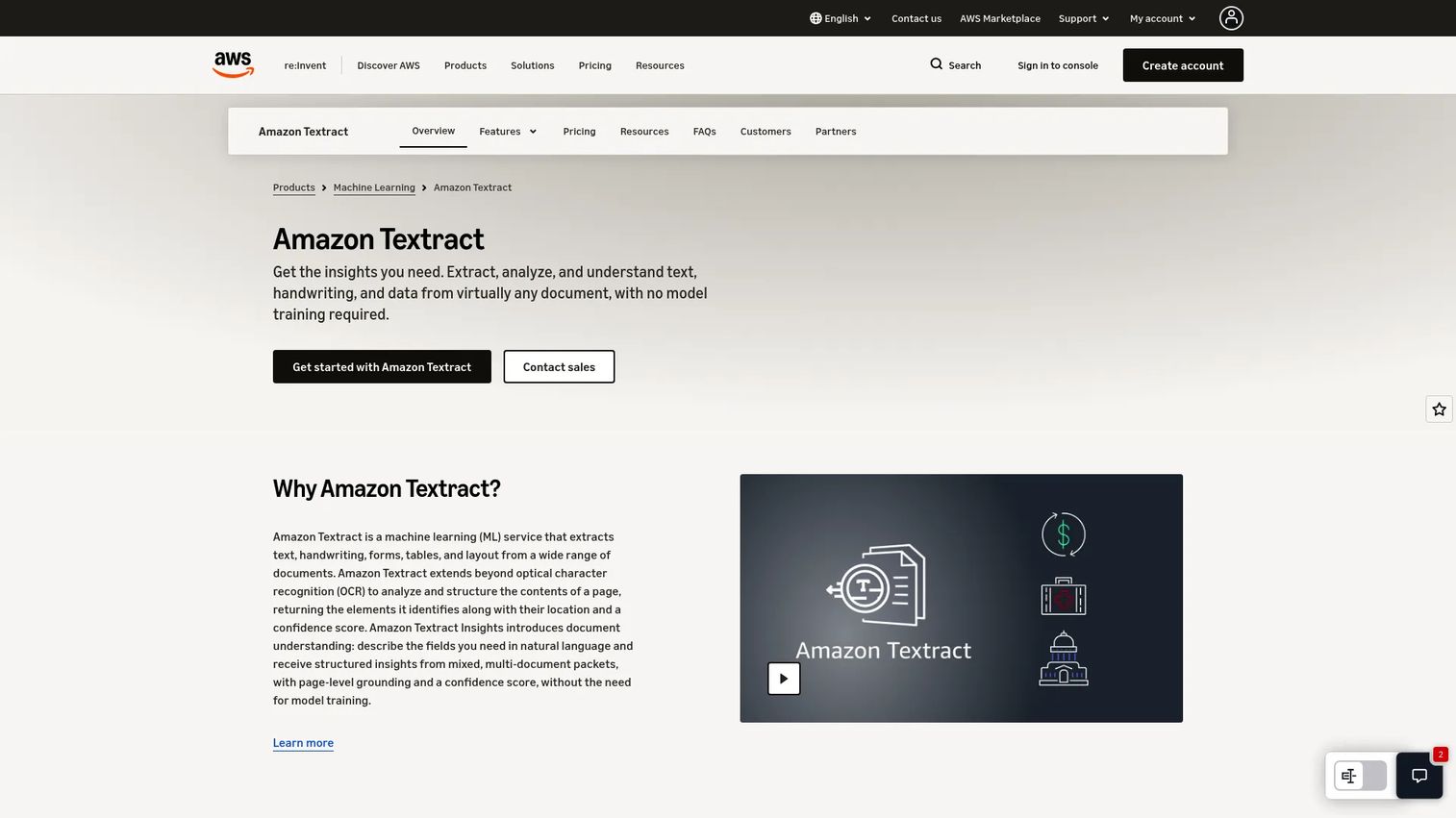
Amazon Textract is a machine learning document analysis service. It extracts printed text, handwriting, key value pairs, tables, signatures, and layout information from files.
The service is developer oriented. Technical teams call its APIs to build custom OCR data entry software for invoices, receipts, identity documents, forms, and lending files.
Support workflows can use it when customers submit documents at high volume. Engineering resources are needed to connect extraction results with review queues and business systems.
Best for: Technical teams building custom document extraction workflows on AWS.
Key features
- Printed text OCR
- Handwriting recognition
- Form extraction
- Table extraction
- API access
Why choose Amazon Textract: Select it when you need usage based document extraction and control over the surrounding application. It suits teams prepared to build the interface and validation process.
A ready made document platform fits better when operations users need an existing business interface.
Amazon Textract pricing: Detect Document Text starts at $0.0015 per page. Forms extraction costs $0.05 per page for the first one million pages.
G2 rating: 4.3/5.
16. ABBYY Vantage
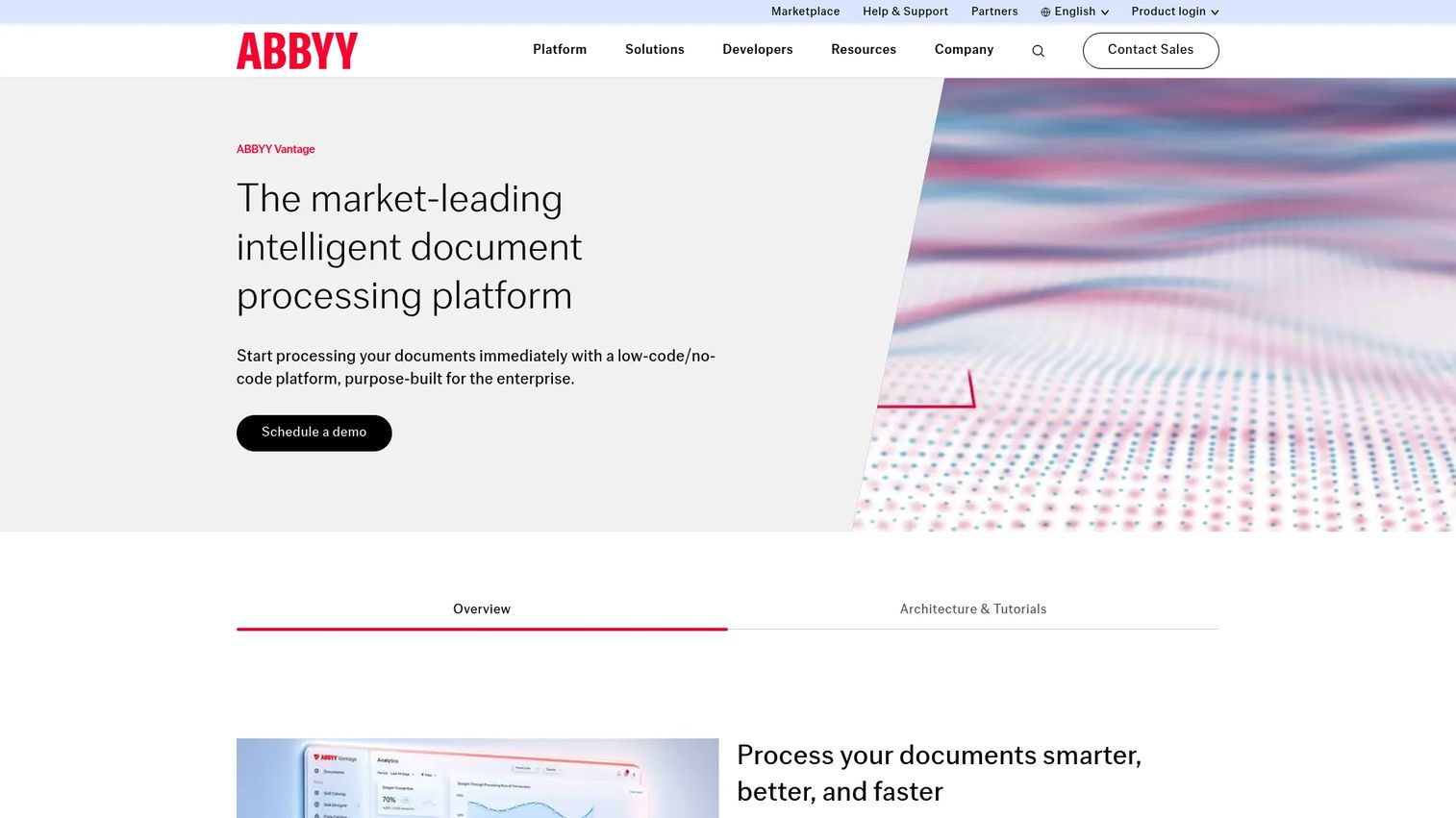
ABBYY Vantage is a low code intelligent document processing platform. It handles structured, semistructured, and unstructured documents containing text, handwriting, barcodes, or checkboxes.
The platform includes prebuilt document skills, classification, extraction, monitoring, and integrations with enterprise systems. Teams can also design and publish custom skills for specific document types.
Best for: Enterprises processing complex document volumes with classification and workflow controls.
Key features
- Document classification
- OCR extraction
- Prebuilt document skills
- Deployment monitoring
- REST API integrations
Why choose ABBYY Vantage: Use ABBYY Vantage when simple text extraction does not cover the workflow. Classification and reusable skills support varied document pipelines.
Enterprise teams should assess implementation ownership and governance. These factors shape the deployment more than a single per page extraction rate.
ABBYY Vantage pricing: Custom pricing. Buyers need a quote covering document volume, deployment, integrations, and required processing skills.
G2 rating: 4.3/5.
17. Microsoft Power Automate
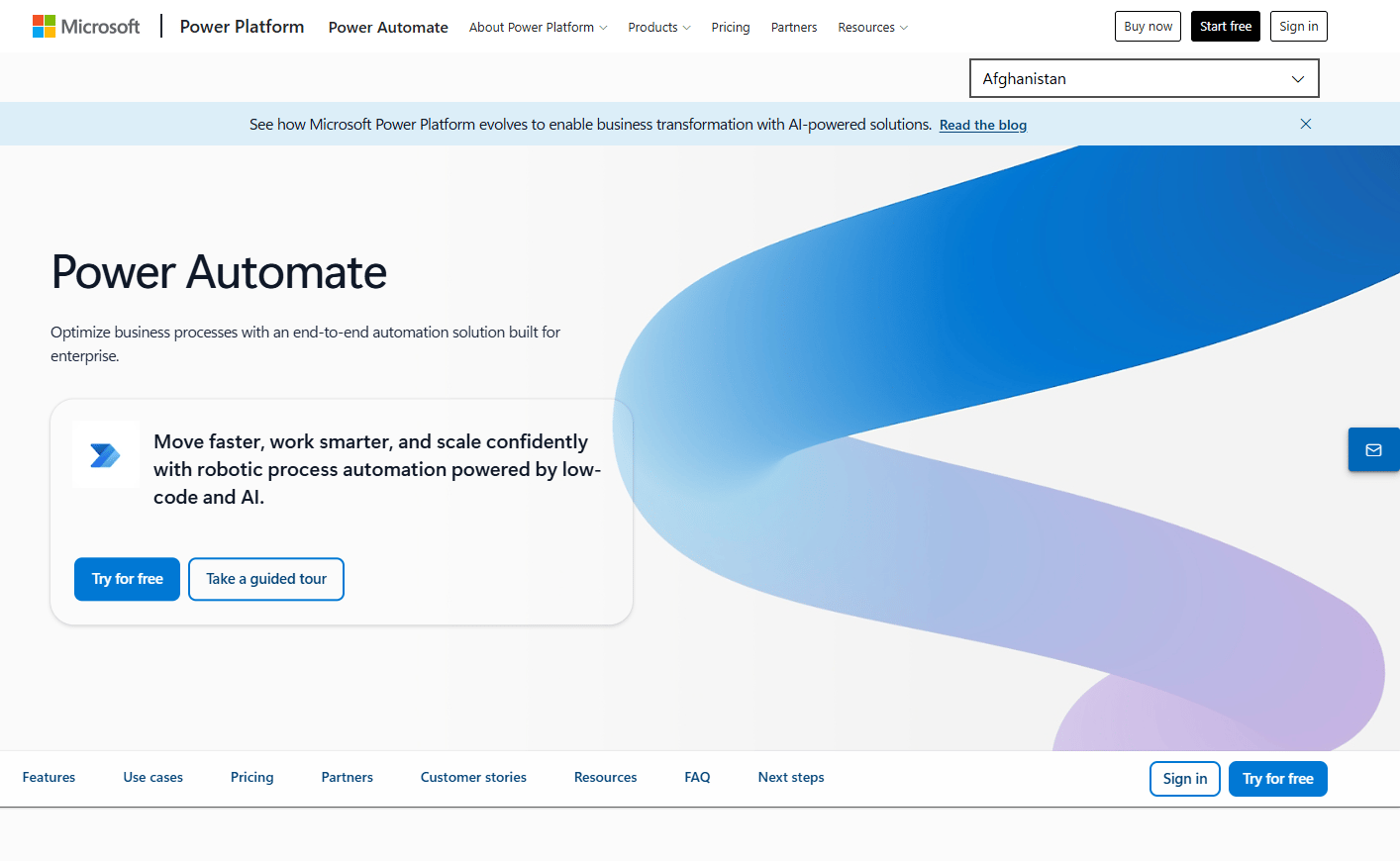
Microsoft Power Automate is a low code automation platform for cloud and desktop workflows. It connects Microsoft applications with external services through scheduled, instant, or event driven flows.
Support teams can use it to move information from forms into spreadsheets, create approval requests, or connect email intake with downstream queues. Desktop flows add robotic process automation for web and desktop applications.
Best for: Organizations automating data movement across Microsoft 365 and connected business systems.
Key features
- Cloud flows
- Desktop flows
- Copilot assisted creation
- Process mining
- Microsoft connectors
Why choose Microsoft Power Automate: Choose it when your workflow already runs through Microsoft applications. Its cloud and desktop options cover both connected services and repetitive interface actions.
Teams with a mixed application stack should compare connector coverage against Zapier. Bot pricing also requires separate planning from user based automation.
Microsoft Power Automate pricing: Premium costs $15/user/month annually. Process costs $150/bot/month, while the free trial lasts 30 days.
G2 rating: 4.4/5.
Considerations when choosing data entry software
Start with where the data begins
Forms, PDFs, spreadsheets, CRM records, mobile submissions, and ERP transactions require different approaches. Pick software designed for the source instead of forcing every workflow through one tool.
A form builder prevents missing fields at intake. OCR extracts existing information, while automation platforms move approved records between applications.
Check validation before automation
Look for required fields, format rules, duplicate controls, review queues, and exception handling. Automation can spread bad inputs across several systems within seconds.
Map which values can pass automatically. Route uncertain or sensitive records to a named reviewer.
Match pricing to your usage meter
Pricing may follow users, submissions, pages, tasks, bots, or API calls. Estimate normal volume and seasonal peaks before comparing plans.
A low entry price can become expensive when every request triggers several billable actions. Model the complete workflow rather than one step.
Confirm system of record integrations
Your data entry automation tool should connect with the system that owns the final record. For support teams, that may be a CRM, accounting platform, spreadsheet, or customer database.
Check field mapping and update behavior. Also verify how the workflow handles failed transfers and duplicate records.
Plan for ownership and maintenance
Every form, automation, and extraction process needs an owner. Someone must approve field changes, monitor errors, and update downstream mappings.
Document the workflow before launch. Include the source, validation rules, destination, and recovery process.
Conclusion
Start with the data source.
Choose Jotform or Zoho Forms for customer facing intake. Nanonets, Amazon Textract, and ABBYY Vantage address document extraction at different technical depths.
Microsoft Excel and Google Sheets remain practical for flexible spreadsheet work. Airtable adds connected records when flat tables become difficult to govern.
Zapier and Microsoft Power Automate move captured information across applications. UiPath and SAP suit larger enterprise processes, while Salesforce centers the workflow on customer records.
For field collection, compare TrueContext with GoCanvas. QuickBooks fits accounting records rather than general operational intake.
Whatever you choose, test one complete workflow before expanding. Measure incomplete submissions, correction volume, transfer failures, and the agent work required after automation.
If your support team also needs to explain new intake workflows, interactive product education can help agents and customers understand the change.
Start your journey with Guideflow today!
FAQs
Small businesses often start with forms or spreadsheets. Jotform and Zoho Forms handle structured intake, while Google Sheets and Microsoft Excel support flexible tabular work.
QuickBooks fits accounting records. Zapier connects captured information with other business applications.
The answer depends on the data source. Jotform handles structured requests, Salesforce manages CRM records, and Nanonets extracts information from attachments.
Airtable works well for escalation or feedback trackers. Zapier can connect these systems and reduce repeated copying between them.
Data entry automation software reduces manual typing by capturing, extracting, validating, and syncing information across systems. It includes form builders, OCR tools, spreadsheet automation, workflow platforms, and RPA.
Some products focus on one stage. Others combine intake with validation and downstream actions.
Yes. OCR and intelligent document processing tools can extract text, forms, tables, handwriting, and other structured fields from files.
Nanonets provides document workflows with review controls. Amazon Textract offers developer APIs, while ABBYY Vantage targets enterprise document processing.
Data entry software captures or structures information. Workflow automation software moves that information or triggers an action after capture.
Many automated data entry software products overlap both categories. Evaluate the complete route from source through validation to the final system.
Excel remains useful for flexible spreadsheet workflows, shared analysis, and calculation based processes. Its web version also supports collaborative editing.
It becomes harder to govern when workflows require complex permissions, multistep approvals, or strict audit trails. High volume automation may need a database or workflow platform.
Start with the CRM fields required for a usable record. Define validation, duplicate handling, permissions, and the process for updating existing contacts.
Salesforce provides CRM centered workflows. Form tools, Zapier, and Microsoft Power Automate can collect or move records into the CRM.
Prioritize extraction accuracy, validation controls, integrations, permissions, and exception handling. Review queues matter when low confidence data needs human approval.
Also compare audit trails, import and export options, reporting, and the pricing meter. The best automatic data entry software reduces rework without hiding errors.