If your sales team is searching for Dock alternatives, clarify the intent first: This article covers Dock, the digital sales room and buyer enablement platform, not macOS Dock apps or Nintendo Switch hardware. The field here spans five categories because revenue teams rarely have one gap. Some need buyers to interact with the product, not just open a shared space. Others need mutual action plans, proposal workflows, CRM-native execution, or better call follow-up. Guideflow leads as the top pick for teams that need interactive demos buyers can click through. Trumpet is the strongest like-for-like sales room, GetAccept and Qwilr handle proposal-to-signature workflows, HubSpot and Salesforce cover CRM-native teams, and Gong, Fathom, Fireflies, and Granola address post-call intelligence. Seventeen tools, five categories, one list that labels each so you can tell a category upgrade from a lateral swap.
TL;DR
- Best for interactive demos: Guideflow, because buyers click through product experiences at their own pace rather than opening a static asset. Free plan available; paid plans start at $35/user/month (annual).
- Best like-for-like sales room: Trumpet, with pods, mutual action plans, and buyer engagement scoring. Free plan available; paid tiers start at $45/user/month.
- Best for proposals and e-signature: GetAccept for proposal-to-signature workflows ($25/user/month entry); Qwilr for polished web-based proposal pages ($35/user/month annual).
- Best for CRM-native teams: HubSpot for all-in-one GTM (free tier available); Salesforce for enterprise governance (Starter Suite from $25/user/month annual).
- Best for call follow-up: Gong for revenue intelligence (custom pricing); Fathom for fast summaries (free plan available).
- Free options confirmed: Guideflow, Trumpet, HubSpot, Salesforce Free Suite, Attio, Fathom, Fireflies, and Granola all have free tiers.
- The list spans five categories: Demo automation, digital sales rooms, proposal tools, CRMs, and meeting notes.
What's inside
- Why sales teams look for Dock alternatives and what category each one falls into
- A comparison table of all 17 tools with category, G2 rating, free plan status, and starting price
- Ranked cards with key features, shortfalls, pricing, and how each compares to Dock
- Use-case picks routing by specific workflow need
- When staying with Dock still makes sense
What is Dock?
Dock is a digital sales room and customer onboarding platform. Sales teams use it to centralize deal content, mutual action plans, stakeholder resources, and post-sale handoff steps inside a shared buyer-facing workspace. Its core jobs: Give buyers a place to find assets, track next steps, and progress from evaluation to onboarding.
Dock's strengths include shared buyer workspaces, mutual action plan templates, content collection by deal stage, and buyer engagement tracking at the account level. Teams value it for reducing email attachment chaos and giving champions a single link to share internally.
Teams leave Dock when the room itself is not the gap. Some need buyers to experience the product, not just view a PDF. Others need deeper proposal and signing workflows, or they want all of this inside their CRM without a separate tab. Some outgrow pricing or need enterprise governance. The 17 tools below cover each of those gaps.
Why teams look for Dock alternatives
Sales teams look for Dock alternatives when the buyer room works but the deal still stalls. That usually means the problem is upstream of the room.
Buyers need to do more than open a link
A shared space collects assets, but buyers who prefer self-serve evaluation need something to interact with. According to Gartner (2026), 70% of B2B buyers prefer a completely digital, self-service buying experience. A room that holds a deck and a checklist does not satisfy that preference. Interactive demos let buyers navigate the product at their own pace. SDRs can send one before the first call, AEs can include one in a follow-up, and SEs can support evaluation without joining every repetitive session. Step-level analytics on completion, drop-off, and viewer flow give the team engagement signals they can act on.
Handoffs lose context
Dock organizes the buyer-facing side. The SDR-to-AE, AE-to-SE, and sales-to-CS handoffs still depend on CRM data quality, call notes, and rep discipline. When those break down, the room looks fine but deals stall at the internal seam. Teams dealing with this pain often need a CRM with tighter workflow automation, a call intelligence tool that syncs notes automatically, or an onboarding workflow tool that makes the post-sale handoff explicit.
Proposal and signing workflows need more depth
Some revenue teams find Dock's document workflows too lightweight once pricing, quotes, countersignatures, and payment collection enter the picture. GetAccept and Qwilr are purpose-built for that job.
CRM-native teams resist another tab
According to Gartner (2026), B2B buyers used an average of seven information sources during a recent purchase. Reps already manage multiple tools. Teams asking "does this sit inside our CRM?" often find that HubSpot, Salesforce, or Pipedrive covers enough of what Dock does to consolidate the stack.
Leadership wants measurable engagement signals
G2 reviewers of Dock note that engagement analytics can feel surface-level for complex multi-stakeholder deals. Teams running enterprise pipeline need to know which stakeholders engaged, which assets they spent time on, and which steps completed. Tools like Gong surface those signals from conversations; Guideflow surfaces them from product interaction.
How we picked these Dock alternatives
Each tool on this list earned its place by solving a workflow problem that Dock leaves open for some teams. Selection criteria: Real capability overlap with the switcher's job, pricing sourced from each vendor's own pricing page, ratings from G2, and fit across SDR, AE, SE, enablement, RevOps, and CS workflows. The list spans five categories: Demo automation, digital sales rooms, proposal and client portals, CRM and sales execution, and conversation intelligence and meeting notes. Labels appear in the table so readers can tell a category upgrade from a lateral swap. Any tool without a confirmable G2 rating or pricing source was removed.
Dock alternatives at a glance
Guideflow leads as the demo automation pick. Trumpet leads for digital sales rooms. GetAccept and Qwilr lead for proposals. HubSpot and Salesforce lead for CRM-native teams. Gong leads for conversation intelligence. The table below covers all 17 tools.
| # | Tool | Category | Best for | G2 rating | Free plan | Starting price |
|---|---|---|---|---|---|---|
| 1 | Guideflow | Demo automation | Teams needing interactive product experiences buyers click through | 5.0 | Yes | $0 / Free plan |
| 2 | Trumpet | Digital sales room | Revenue teams wanting branded pods and mutual action plans | 4.7 | Yes | $45/user/month |
| 3 | Arrows | Sales and onboarding workflow | Teams wanting AI-driven deal gameplans and CRM-synced handoffs | 4.8 | No | Custom pricing |
| 4 | Qwilr | Proposal and buyer page | Sales teams selling through interactive web proposals | 4.6 | No | $35/user/month (annual) |
| 5 | Accord | Sales execution and mutual action plan | Enterprise teams needing enforced deal playbooks | 4.9 | No | $99/user/month + platform fee |
| 6 | SuiteDash | Client portal | SMBs needing white-label portals with billing and projects | 4.8 | No | $19/month |
| 7 | Highspot | Sales enablement | Enterprise GTM teams managing content, coaching, and plays | 4.7 | No | Custom pricing |
| 8 | GetAccept | Digital sales room and e-signature | Teams needing buyer rooms tied to proposals and contracts | 4.6 | No | $25/user/month |
| 9 | HubSpot | CRM | Teams wanting marketing, sales, and CRM in one platform | 4.4 | Yes | $0 / Free tier |
| 10 | Salesforce | CRM | Enterprise teams needing deep CRM governance and ecosystem | 4.4 | Yes | $25/user/month (annual) |
| 11 | Pipedrive | CRM | SMB and mid-market teams wanting visual pipeline management | 4.3 | No | $14/seat/month (annual) |
| 12 | Close | CRM | Inside sales teams wanting calling, email, and SMS in CRM | 4.7 | No | $9/month (annual, Solo) |
| 13 | Attio | CRM | Modern teams wanting flexible, customizable CRM workflows | 4.3 | Yes | $0 / Free plan |
| 14 | Gong | Conversation intelligence | Revenue teams needing call analytics, coaching, and forecasting | 4.7 | No | Custom pricing |
| 15 | Fathom | Meeting notes | Teams wanting fast AI summaries and CRM sync post-call | 4.7 | Yes | $0 / Free plan |
| 16 | Fireflies | Meeting notes | Teams needing searchable meeting transcripts and call library | 4.7 | Yes | $0 / Free plan |
| 17 | Granola | Meeting notes | Reps wanting lightweight bot-free AI meeting notes | 4.6 | Yes | $0 / Free plan |
The best Dock alternatives in 2026
1. Guideflow (demo automation)
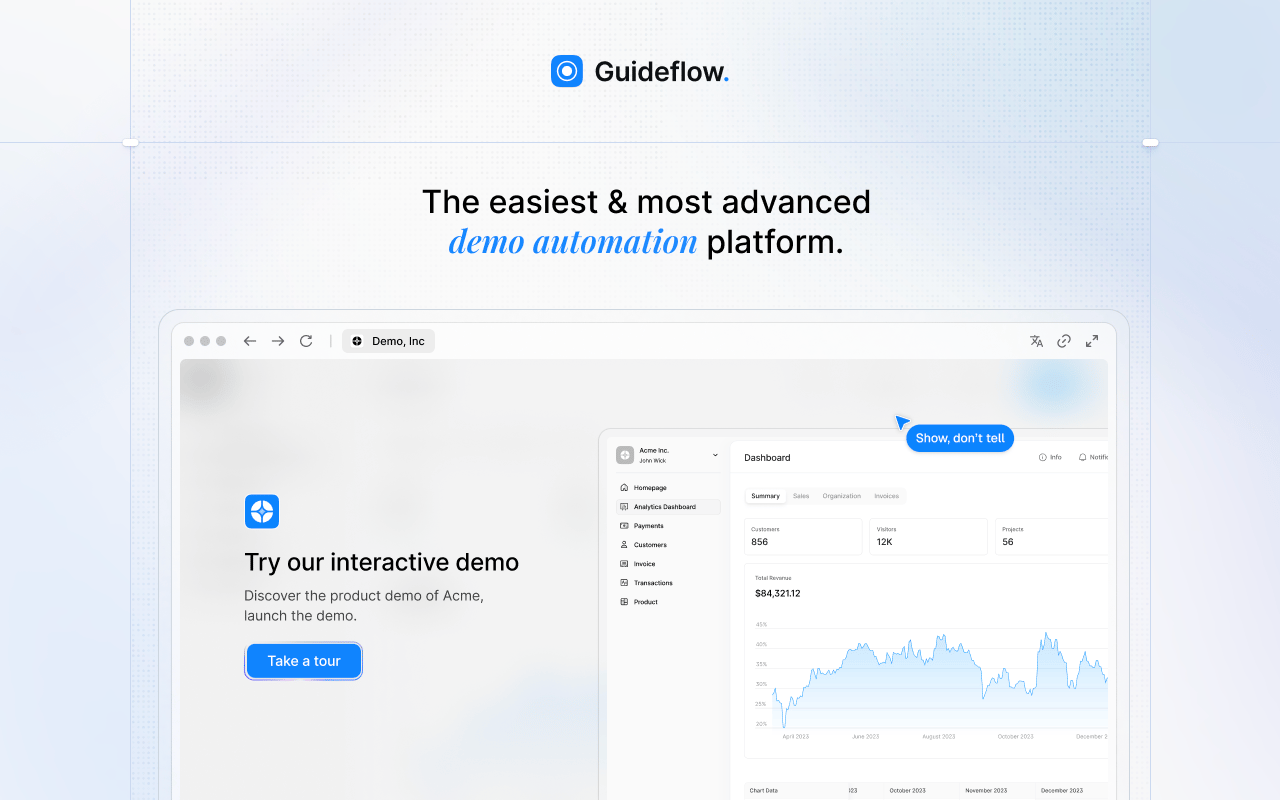
Guideflow is a demo automation platform for sales teams that need buyers to interact with the product, not just receive another link. It earns the top spot here because Dock gives buyers a place to go, while Guideflow gives buyers something to click through, complete, and share. SDRs can send a short interactive demo before the first call, AEs can embed one in a follow-up, SEs can reduce repetitive evaluation sessions, and enablement can distribute approved demos the whole team runs.
Best for: Sales teams that need interactive product experiences inside emails, follow-ups, sales rooms, and Demo Centers.
What it is: Guideflow is a demo automation platform with six demo types: Interactive demos, demo pages, demo centers, sandboxes, live demos, and mobile demos. Demos are captured through the Chrome extension or the native app, and step content is written automatically. More than 500,000 guideflows have been created on the platform.
Key features:
- Capture via Chrome extension or native app across screenshot, HTML, and video modes
- No-code editor for text, images, graphs, and branching
- Translation into more than 30 languages
- Step-level analytics covering completion, drop-off, and viewer flow
- In-demo forms and personalized links for CRM record creation
- Company-level visitor identification
- Integrations with HubSpot, Salesforce, Pipedrive, Zoho, and Marketo
Where Guideflow falls short: Look elsewhere if the team's primary need is a mutual action plan, stakeholder checklist, or document storage. Guideflow is purpose-built for buyer-facing product experiences, so teams running procurement workflows or contract tracking will want a sales room alongside it.
Pricing: Free plan available. Solo is $35/user/month (annual). Growth is $499/month (annual). Advanced is $1,499/month (annual). Enterprise starts from $2,999/month (annual) and adds SSO, advanced governance, and enterprise security.
G2 rating: 5.0
How it compares to Dock: Dock organizes the buying journey. Guideflow creates the interactive product content that moves the buyer through it. The two tools complement each other when a team already has a room but buyers are not engaging with what is inside it.
2. Trumpet (digital sales room)
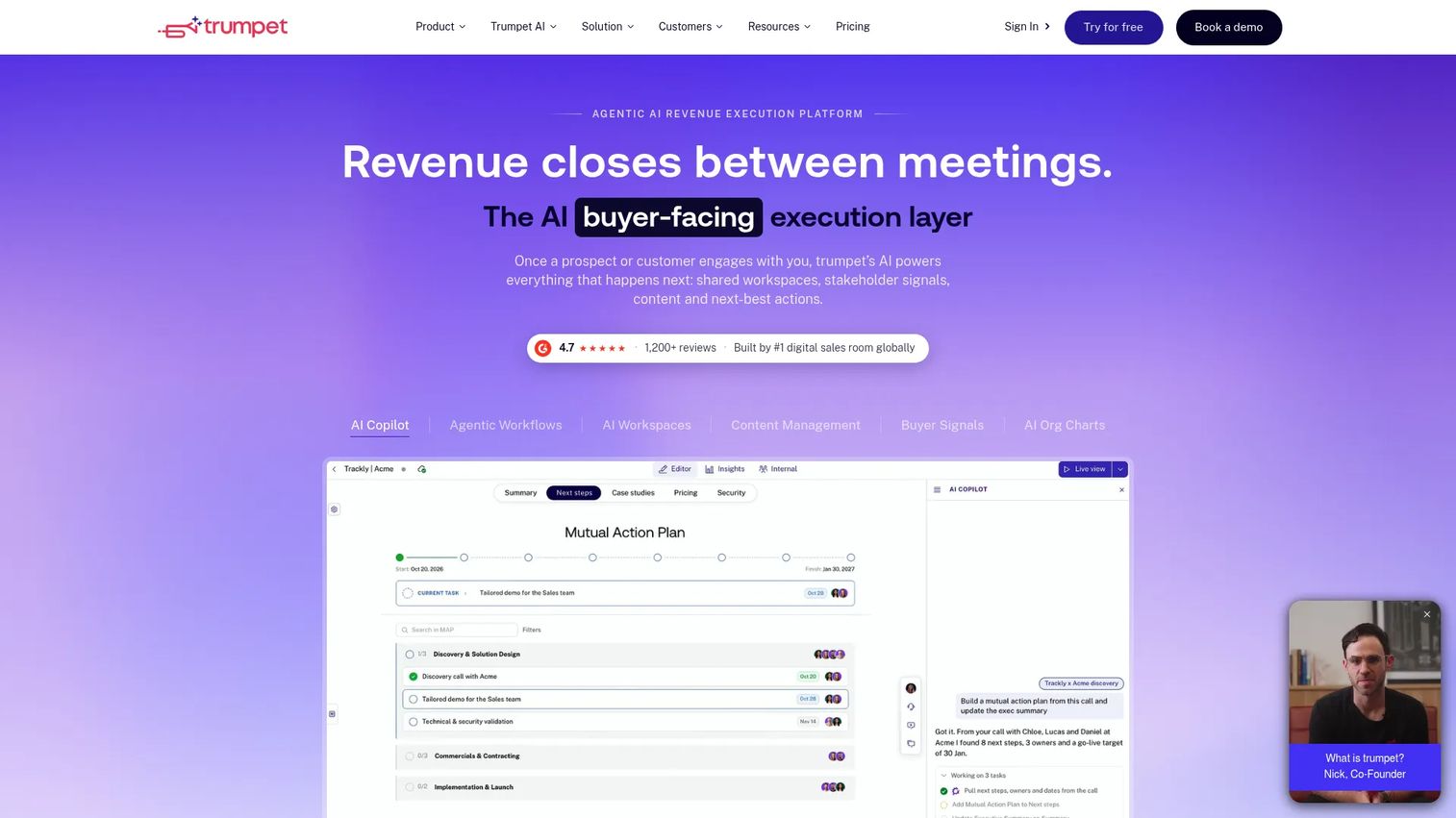
Trumpet is the most direct like-for-like Dock replacement on this list. It is an AI-powered revenue execution platform that combines branded pods, mutual action plans, proposal and quoting tools, buyer engagement analytics, and CRM integrations. Teams that want to stay in the sales room category but need more automation and AI scoring than Dock provides should evaluate Trumpet first.
Best for: Revenue teams wanting branded digital sales rooms with mutual action plans and AI buyer engagement scoring.
What it is: Trumpet builds buyer-facing pods where deal content, timelines, mutual action plans, proposals, quotes, and e-signature live together. It includes an AI Copilot, agentic workflows, content management, and CRM integrations. Its engagement scoring surfaces which buyers are most active across a deal.
Key features:
- Branded digital sales rooms (pods)
- Mutual action plans with task ownership
- AI Copilot and agentic workflow automation
- Buyer engagement analytics and AI engagement scoring
- Proposals, quotes, and e-signature
Where Trumpet falls short: G2 reviewers note that the Pro plan limits the workspace to five users, which creates friction for larger teams. Per-seat pricing at the Scale and Elite tiers grows quickly when multiple roles need access. Some reviewers on G2 mention the initial setup requires playbook discipline to prevent messy pod structures across deals.
Pricing: Free plan includes 10 pods per account with unlimited users. Pro is $45/user/month. Scale is $100/user/month. Elite is $160/user/month.
G2 rating: 4.7
How it compares to Dock: Trumpet covers the same buyer workspace job and adds AI automation and richer engagement scoring. Choose it when the sales room workflow is the primary gap, not when product interactivity is what is missing from the buyer experience.
3. Arrows (sales and onboarding workflow)
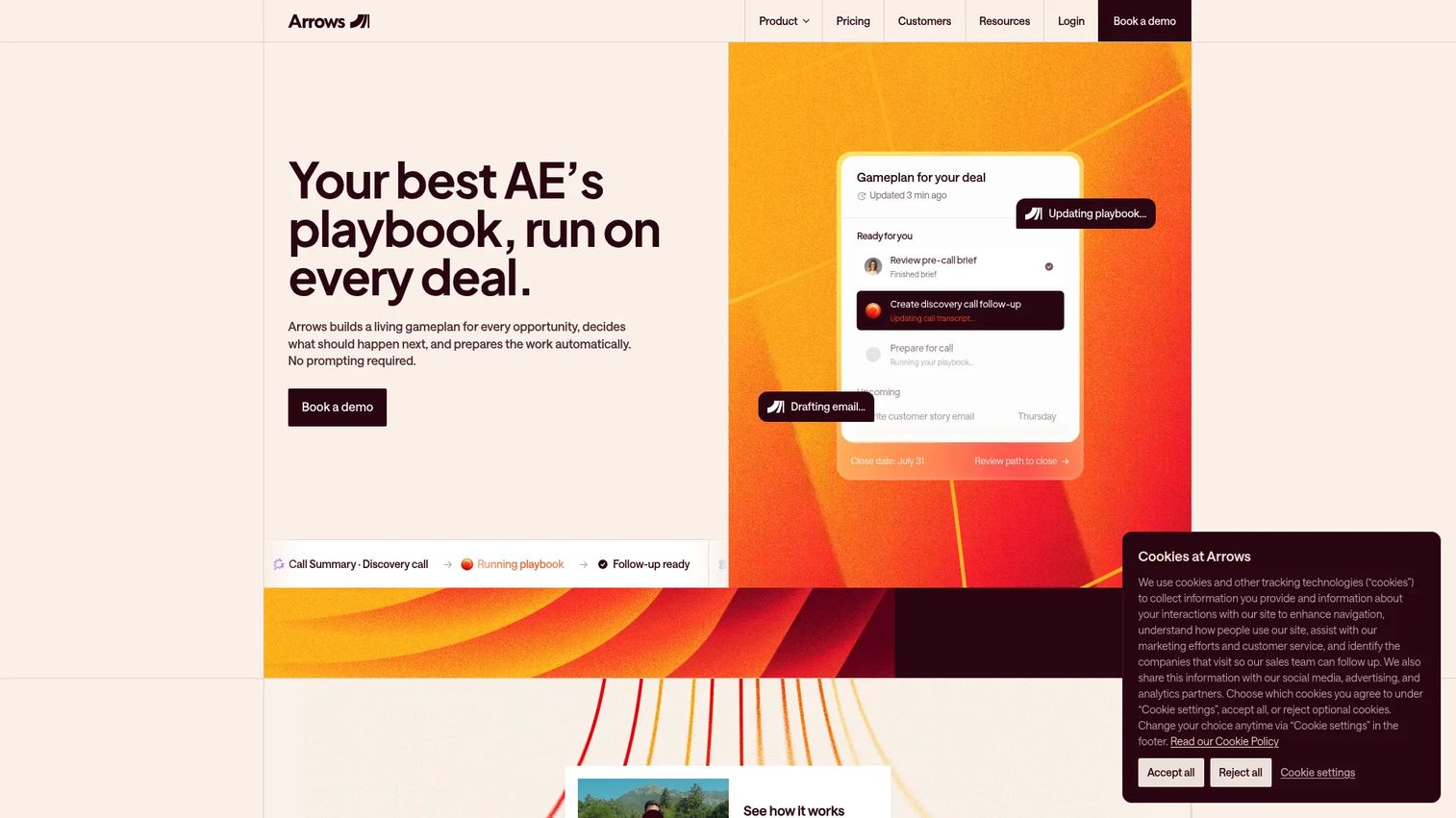
Arrows takes a different angle from a standard sales room. It focuses on giving every active deal a living gameplan, then handling the operational follow-through automatically: Meeting prep, follow-up emails, CRM updates, and post-sale handoffs. Teams where the pain is deal momentum and rep administrative burden often find it more useful than a static room.
Best for: Teams wanting AI-driven deal gameplans, automated follow-up, and CRM-synced sales-to-onboarding handoffs.
What it is: Arrows is an AI sales platform that builds living deal gameplans from your playbooks. It automates pre-call briefs, post-call follow-up emails, and CRM field updates, then extends those workflows into sales rooms and onboarding plans. It integrates with CRM, email, and call tools.
Key features:
- Living deal gameplans based on sales playbooks
- Automated follow-up emails and CRM updates post-meeting
- Pre-call briefs and meeting preparation
- Sales rooms for buyer-facing collaboration
- Integrations with CRM, email, calls, and internal knowledge bases
Where Arrows falls short: Arrows does not publish numeric pricing, so teams need a sales conversation before they can budget. G2 reviewers with 49 ratings note the platform is newer to market and documentation is still maturing. Teams whose primary need is standalone proposal creation or e-signature will find Arrows too process-heavy for that narrow job.
Pricing: Custom pricing. Contact Arrows for a quote.
G2 rating: 4.8
How it compares to Dock: Dock gives the buyer a shared space; Arrows gives the rep a structured gameplan and automates the administrative work around it. Arrows is a stronger fit when the problem is internal deal execution rather than external content presentation.
4. Qwilr (proposal and buyer page)
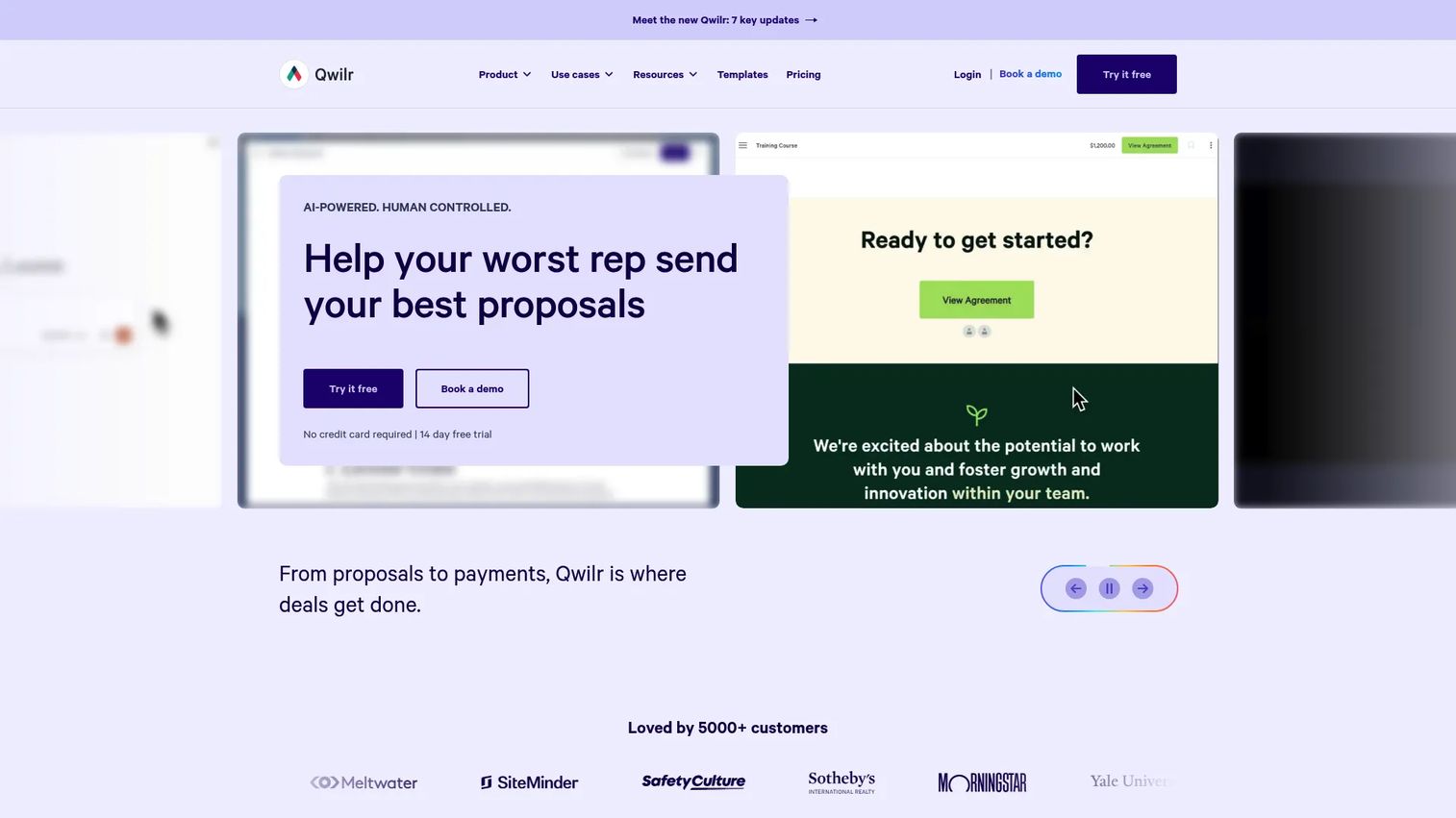
Qwilr replaces the PDF proposal with an interactive web page. If your team's primary Dock use case is sending polished proposals buyers can view, accept, and sign, Qwilr handles that job with more design control and cleaner buyer-facing presentation than most general-purpose rooms.
Best for: Sales teams that close through branded, interactive proposals with integrated acceptance and pricing blocks.
What it is: Qwilr creates interactive web-based proposals and quote pages. Buyers view and interact with pricing tables, accept terms, and sign within the same page. It includes buyer engagement analytics, CRM integrations, and automation for follow-up workflows.
Key features:
- Interactive web proposal pages with dynamic pricing blocks
- E-signature and payment acceptance within the proposal
- Buyer engagement analytics and open notifications
- CRM automation and proposal templates
- Brand controls for fonts, colors, and styling
Where Qwilr falls short: Qwilr's Growth plan requires a minimum of five users and Scale requires ten, which raises the floor cost for small teams. G2 reviewers note that CRM integration depth varies by connector and may not match a full sales room's workflow coverage. Teams needing mutual action plans or onboarding workflows post-signature will need a separate tool.
Pricing: No free plan; a 14-day free trial is available. Starter is $35/user/month (annual). Growth is $55/user/month (annual, 5-user minimum). Scale is $75/user/month (annual, 10-user minimum).
G2 rating: 4.6
How it compares to Dock: Qwilr is narrower: Proposals, quotes, and signing. Dock covers a broader deal lifecycle. Choose Qwilr when the bottleneck is specifically the proposal-to-acceptance step, and pair it with a CRM for everything upstream.
5. Accord (sales execution and mutual action plan)
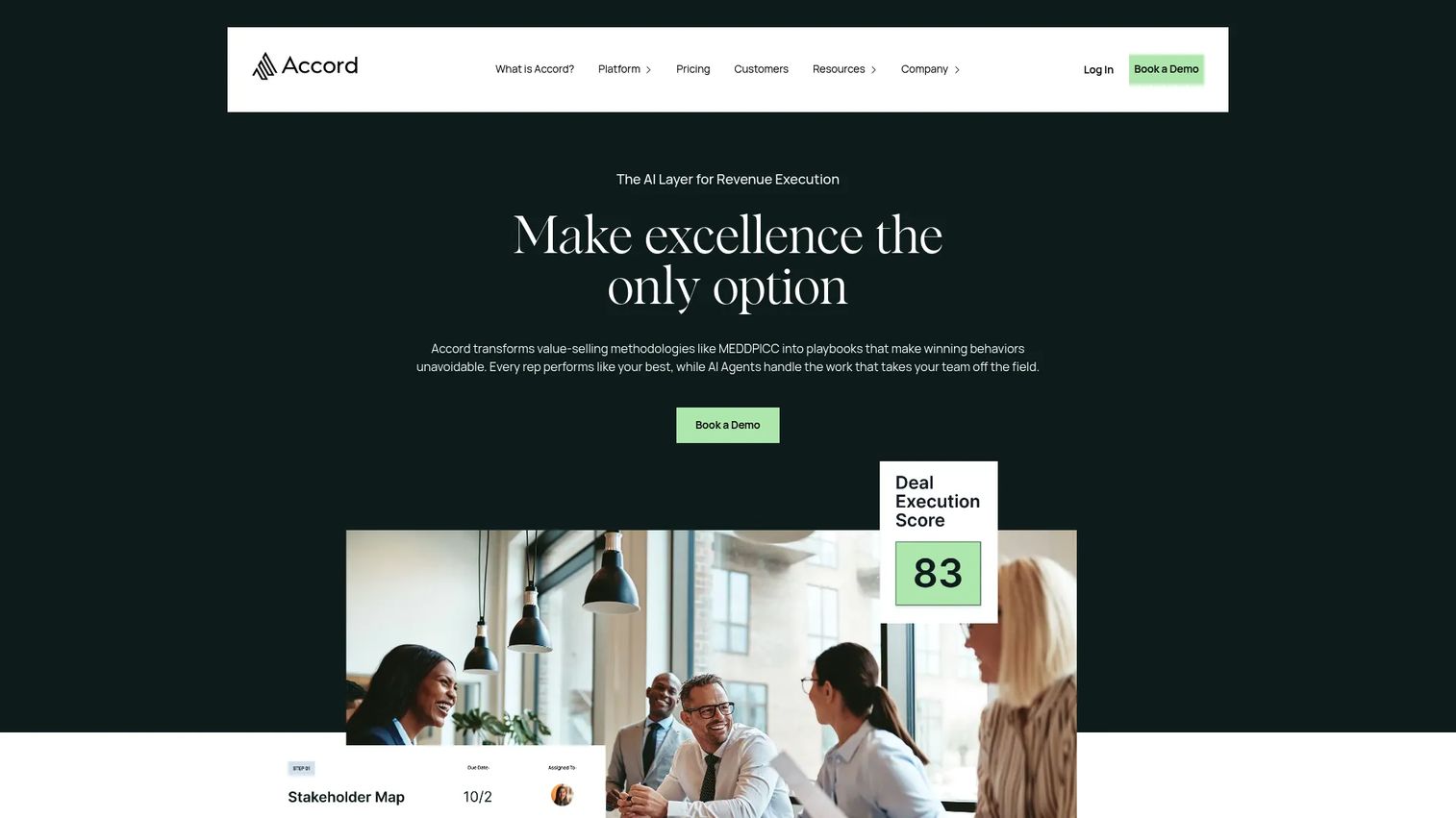
Accord is built for sales organizations that want methodology enforcement, not just content storage. Its playbooks turn sales processes into shared buyer-visible workflows with execution scoring, stakeholder mapping, and AI assistance for research and next steps.
Best for: Enterprise revenue teams running complex deal cycles that need enforced playbooks and mutual action plans.
What it is: Accord is an AI-powered revenue excellence platform. It converts sales methodologies into interactive playbooks, creates mutual action plans with stakeholder mapping, scores deal execution, and integrates with CRM and Gong. Its AI agents assist with research, next steps, and workflow automation.
Key features:
- Playbooks with methodology enforcement and execution scoring
- Mutual action plans with stakeholder mapping
- AI agents for research, next steps, and workflow automation
- CRM and Gong integrations
- Deal reviews and pipeline health visibility
Where Accord falls short: Pricing starts at $99/user/month plus a platform fee, which makes it one of the higher-cost entries on this list. G2 reviewers note that the platform requires sales management buy-in to work; adoption tends to stall when managers do not enforce the playbook discipline. Teams at an early growth stage may find the structure heavier than their process warrants.
Pricing: No free plan. Starter is $99/user/month plus a platform fee. Growth is $119/user/month plus a platform fee. Enterprise is custom pricing plus a platform fee.
G2 rating: 4.9
How it compares to Dock: Accord is more process-driven and less content-centric than Dock. It fits when the primary problem is deal discipline and consistent execution across reps, rather than giving buyers a place to access shared resources.
6. SuiteDash (client portal)
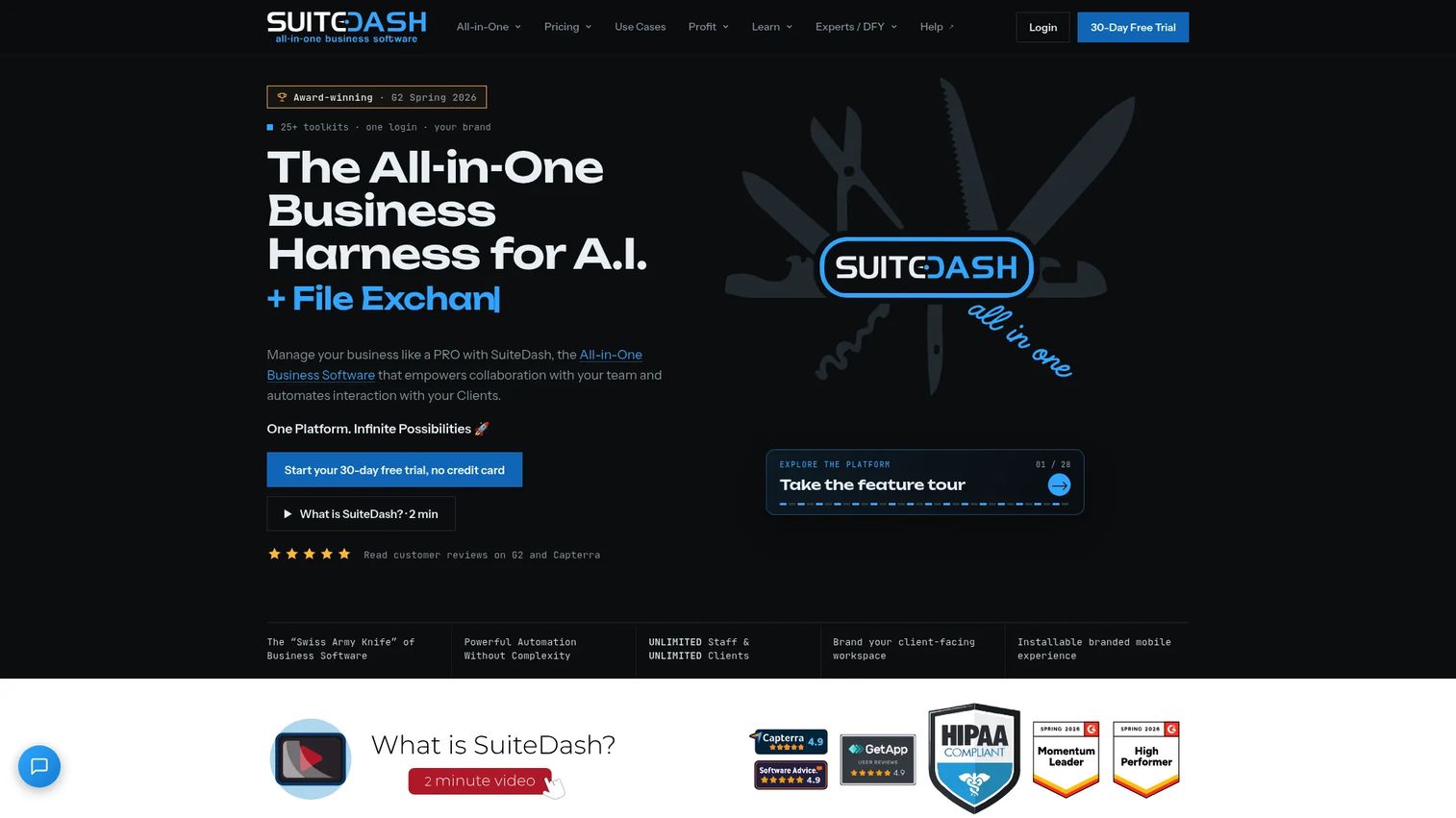
SuiteDash takes the widest scope of any tool on this list. It is an all-in-one business management platform covering CRM, white-label client portals, project management, billing, contracts, e-signature, file exchange, and automation. For service businesses that need Dock-like client portals but also want invoicing and project workflows in the same system, SuiteDash covers more ground at a flat monthly rate.
Best for: Small and medium-sized service businesses that need branded client portals connected to billing and project workflows.
What it is: SuiteDash combines CRM, client portals, project and task management, invoicing, recurring payments, contracts, file exchange, and automation in one flat-rate platform. It offers white-label branding and an LMS. All plans support unlimited clients and staff.
Key features:
- White-label client portals with custom branding
- Invoicing, billing, and recurring payments
- Contracts and e-signature
- File exchange and secure messaging
- Automation workflows (FLOWs) and project management
Where SuiteDash falls short: G2 reviewers note a learning curve on initial configuration, particularly for teams setting up automation workflows. Sales-specific engagement analytics, such as deal-stage visibility or buyer intent signals, are lighter than a dedicated sales room. The platform suits service delivery more than pure revenue-team deal execution.
Pricing: No free plan; a 30-day free trial of the Pinnacle plan is available. Start is $19/month. Thrive is $49/month. Pinnacle is $99/month. Lifetime licenses are also available at $2,240, $3,940, and $6,840 per tier.
G2 rating: 4.8
How it compares to Dock: SuiteDash covers more operational breadth but less sales-specific depth. It is a stronger fit for service-business client portals than for sales-led B2B deal rooms.
7. Highspot (sales enablement)
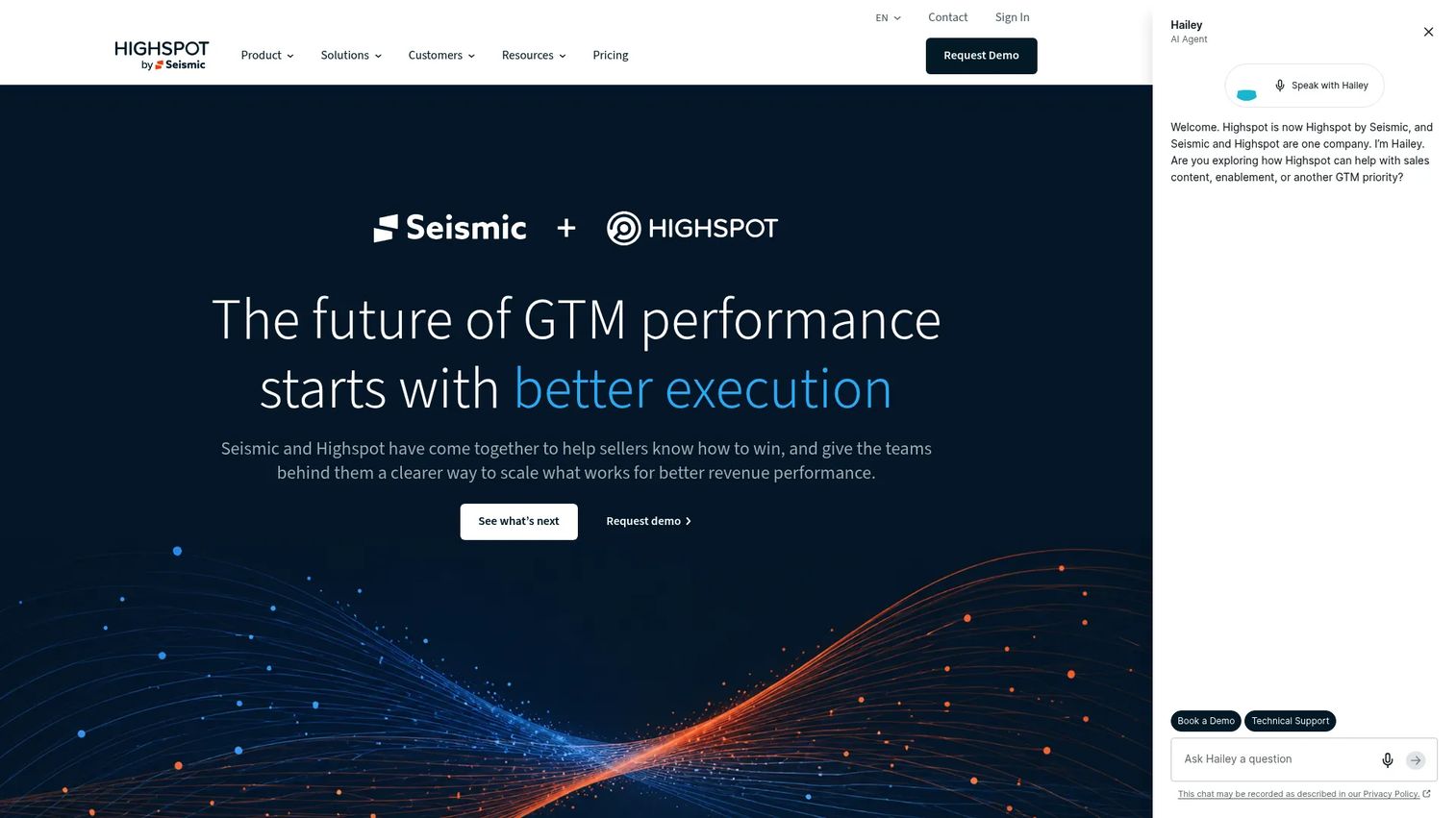
Highspot is enterprise sales enablement infrastructure, not a buyer-facing room. It manages content governance, sales plays, training, coaching, meeting intelligence, and performance analytics at scale. Teams dealing with messaging drift, rep onboarding bottlenecks, or content adoption problems often look at Highspot when their revenue organization is growing past what a shared Notion or Google Drive handles.
Best for: Enterprise go-to-market teams needing unified content governance, training, coaching, and buyer engagement at scale.
What it is: Highspot is an AI-powered go-to-market and sales enablement platform. It organizes sales content with AI-powered search and recommendations, runs Sales Plays and Digital Sales Rooms, provides adaptive learning and role play, delivers AI-powered coaching and meeting intelligence, and integrates with CRM, Microsoft, and other GTM tools.
Key features:
- AI-powered content organization, search, and governance
- Sales Plays and Digital Sales Rooms
- Adaptive learning, training authoring, and Role Play
- AI coaching, meeting intelligence, and skill feedback
- CRM integration and analytics
Where Highspot falls short: Highspot prices by quote only, and G2 reviewers frequently cite implementation complexity and time-to-value as friction points for teams without dedicated enablement resources. The platform rewards organizations that can commit to managing it; teams that want a room they can spin up in an afternoon will find Highspot more infrastructure than they need.
Pricing: Custom pricing. Contact Highspot for a quote.
G2 rating: 4.7
How it compares to Dock: Dock is buyer-facing; Highspot is primarily rep-facing. Highspot replaces Dock when the core problem is rep readiness and content governance, not the buyer experience itself.
8. GetAccept (digital sales room and e-signature)
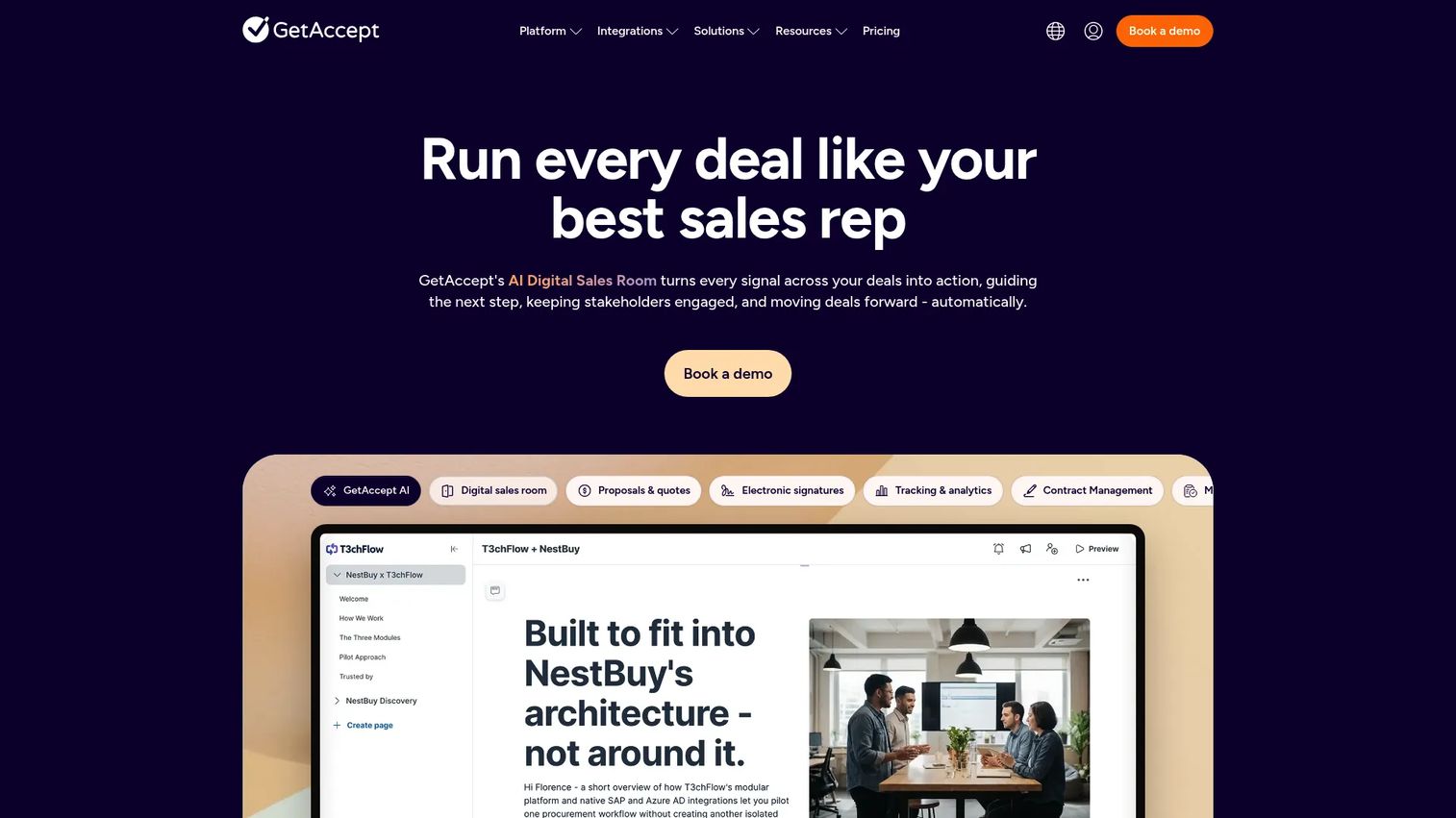
GetAccept combines buyer rooms with proposals, contracts, and e-signatures in one platform. For teams that need the full arc from first engagement to signed contract inside a buyer-facing workspace, GetAccept covers more of the deal lifecycle than Dock's default configuration.
Best for: Sales teams that need buyer rooms tied directly to proposals, contracts, and electronic signatures.
What it is: GetAccept is an AI-native digital sales room platform with e-signature, contract management, proposal creation, pricing tables, CPQ, document tracking, and buyer engagement analytics. It includes video, chat, meeting summarization, and an AI knowledge base. The Professional plan unlocks the full digital sales room experience.
Key features:
- Digital sales rooms with mutual action plans, file sharing, and contextual commenting
- Electronic signatures and contract management
- AI proposal editor with smart content and CPQ
- Document tracking and buyer engagement analytics
- Video, chat, and automated follow-up reminders
Where GetAccept falls short: G2 reviewers note that the entry eSign plan covers signatures but locks the full sales room experience behind the Professional tier at $49/user/month. Teams with larger seat counts will see per-user costs add up. Some reviewers mention the UI requires adjustment when switching between proposal creation and room management.
Pricing: No free plan; a 14-day free trial is available. eSign is $25/user/month. Professional is $49/user/month (annual, 5-user minimum, 12-month agreement). Enterprise pricing is custom (annual).
G2 rating: 4.6
How it compares to Dock: GetAccept runs the same buyer room job as Dock but extends it into proposals, contracts, and signing. It is the stronger pick when the room must carry the buyer all the way to a signed agreement.
9. HubSpot (CRM)
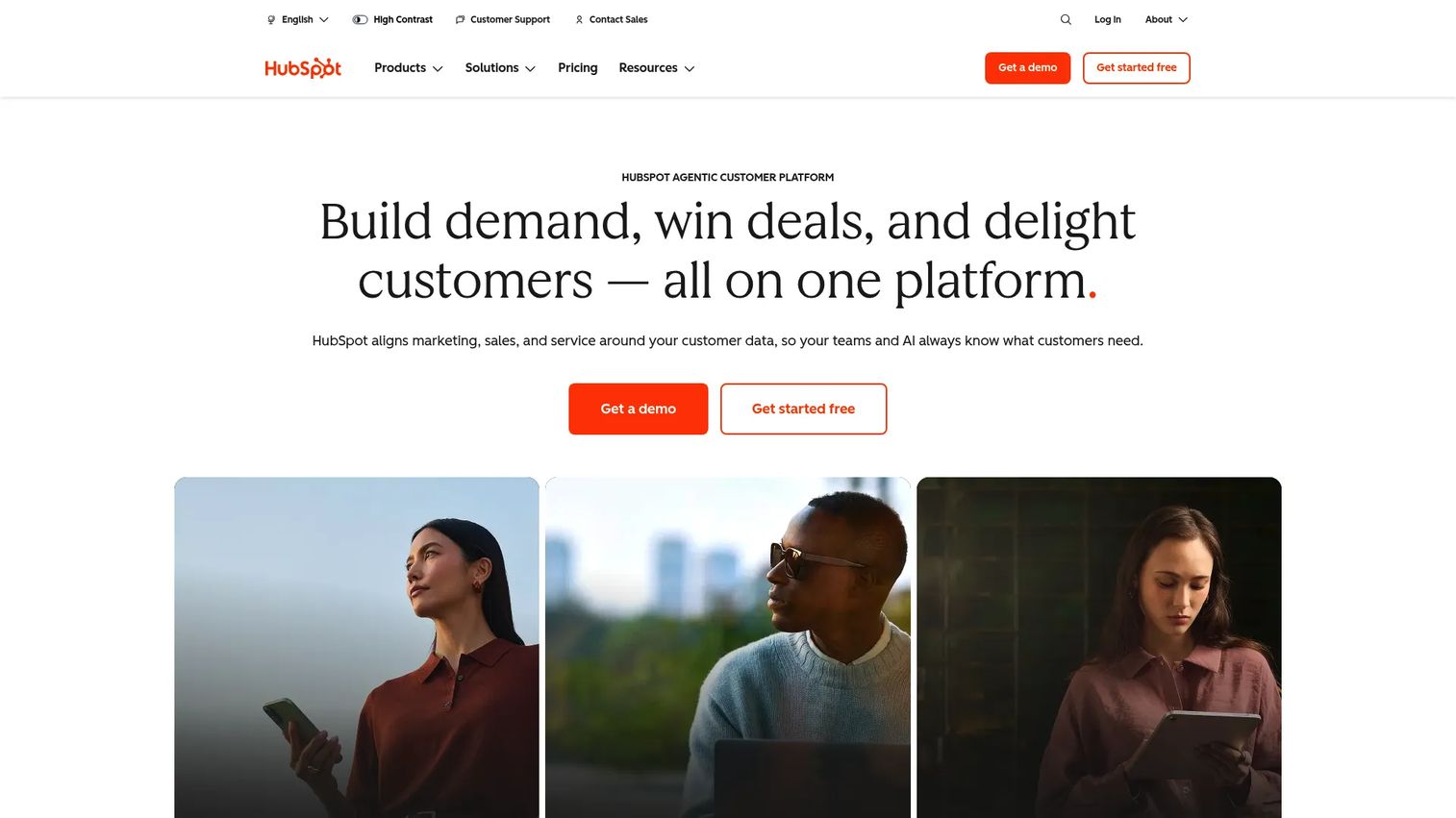
HubSpot appears on this list because many teams replace Dock when they realize they want buyer-facing workflows embedded in their CRM, not in a separate tab. HubSpot's free CRM is the most accessible entry point for teams that want pipeline, sequences, meetings, quotes, and reporting without paying for a room plus a CRM separately.
Best for: SMB and mid-market teams wanting marketing, sales, and CRM in one platform with a strong free tier.
What it is: HubSpot is a customer platform unifying marketing, sales, service, content, data management, and CRM. Its Sales Hub covers pipeline management, sequences, meeting scheduling, quotes, documents, and reporting. The free CRM tier gives new teams a starting point.
Key features:
- Free CRM and contact management
- Sales sequences and email tracking
- Meeting scheduling and calendar integration
- Quotes, documents, and deal pipeline management
- Marketing automation and reporting across hubs
Where HubSpot falls short: Capterra rates HubSpot at 4.5/5, and reviewers across platforms note that costs grow quickly as teams add hubs and seats. The Professional Customer Platform plan is $1,300/month. Teams using multiple hubs face compounding seat and feature costs. Native buyer-room functionality does not match the depth of a purpose-built sales room tool.
Pricing: Free CRM available. Starter Customer Platform is $7/seat/month. Professional Customer Platform is $1,300/month. Enterprise Customer Platform is $4,700/month.
G2 rating: 4.4
How it compares to Dock: HubSpot absorbs Dock when the team's primary need is CRM-native pipeline execution and they want fewer tools, not more. It does not replicate the shared buyer-room experience by default.
10. Salesforce (CRM)
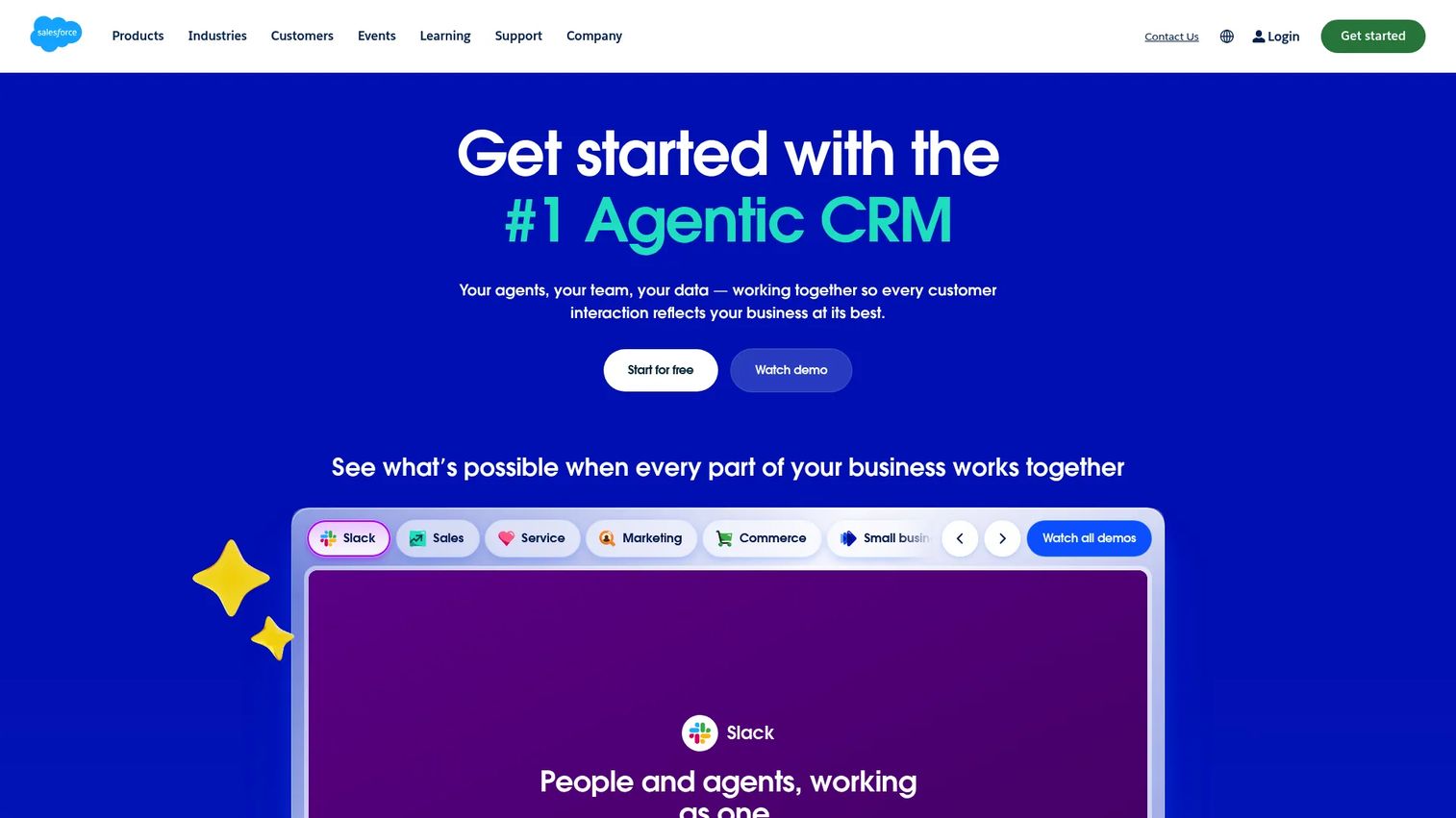
Salesforce is the system of record for enterprise revenue teams. It earns a place here because larger organizations comparing Dock alternatives often start by asking what their CRM already covers before adding another buyer-facing tool. Salesforce's AppExchange and AI-powered Agentforce capabilities extend its reach into forecasting, automation, and analytics well beyond basic pipeline tracking.
Best for: Enterprise sales teams needing deep CRM governance, forecasting, pipeline workflows, and an extensive app ecosystem.
What it is: Salesforce is a unified CRM platform with account, contact, lead, and opportunity management, AI-powered Agentforce capabilities, forecasting, workflow automation, analytics dashboards, and Tableau integration. It has a Free Suite entry point and scales to Max.
Key features:
- Opportunity management, pipeline tracking, and forecasting
- AI-powered Agentforce capabilities
- Workflow automation and customization
- Analytics dashboards and Tableau integration
- Slack and AppExchange ecosystem integrations
Where Salesforce falls short: G2 reviewers consistently flag implementation overhead and admin requirements as the main friction points. The platform rewards teams with dedicated Salesforce admins; without one, adoption and data quality suffer. Buyer-facing room experiences require additional configuration or AppExchange apps.
Pricing: Free Suite available. Starter Suite is $25/user/month (annual). Pro Suite is $100/user/month (annual). Core is $195/user/month (annual). Advanced is $395/user/month (annual). Max is $550/user/month (annual).
G2 rating: 4.4
How it compares to Dock: Salesforce replaces Dock when the team's issue is pipeline data integrity and CRM execution, not buyer-facing content presentation. The two tools rarely compete for the same job.
11. Pipedrive (CRM)
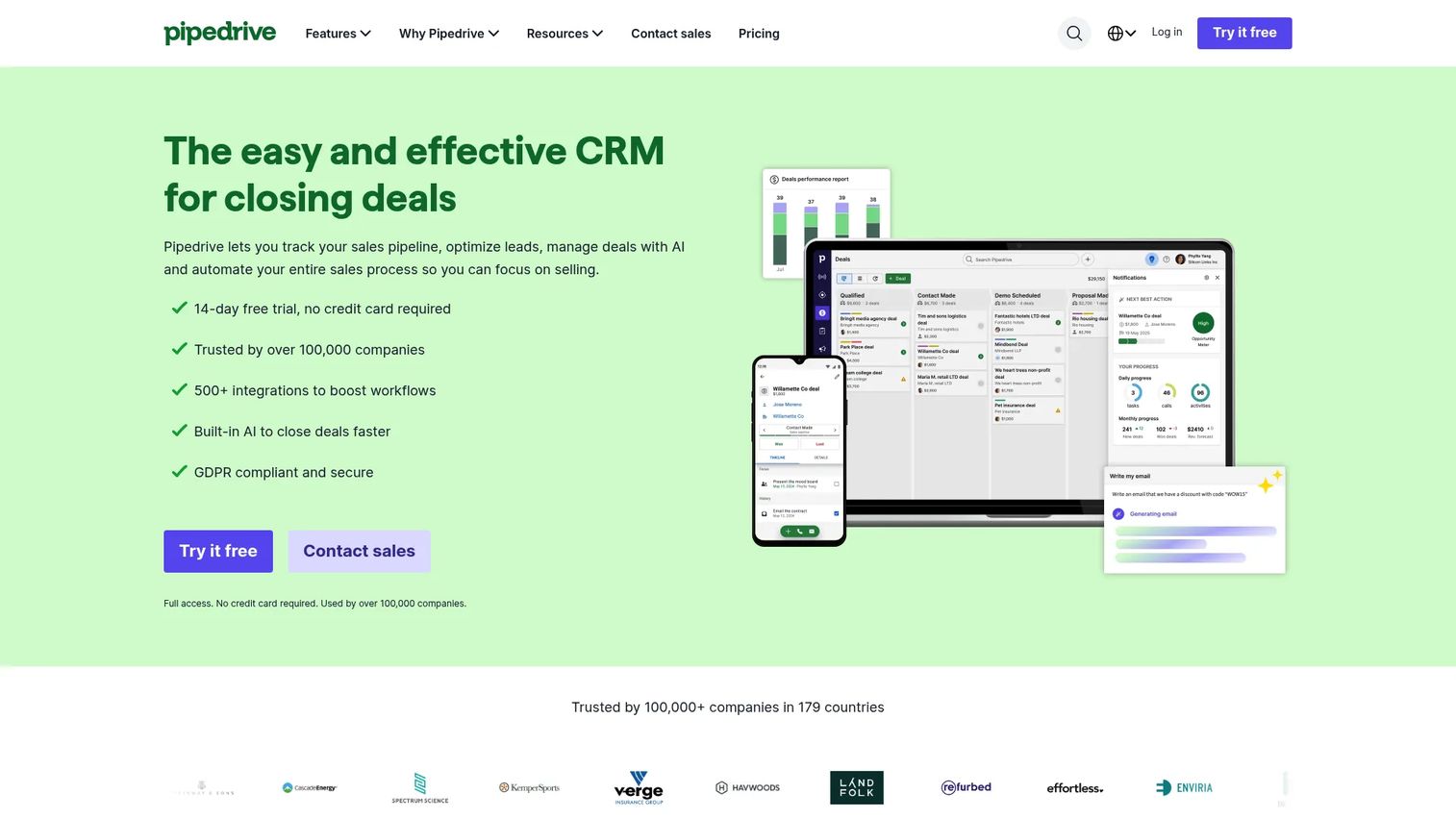
Pipedrive fits SMB and mid-market teams that want a visual, activity-focused CRM without the implementation weight of Salesforce. Its focus is internal pipeline management: Keeping deals moving through stages, tracking activities, and automating follow-up sequences.
Best for: Small and mid-market sales teams wanting visual pipeline management without enterprise CRM complexity.
What it is: Pipedrive is a sales CRM built around visual pipelines, activity management, email sync, automations, reporting, and AI-assisted report creation. It offers 500+ integrations and meeting intelligence. A 14-day free trial is available; no permanent free plan is listed.
Key features:
- Visual deal pipelines and activity management
- Email sync, tracking, and automation sequences
- Meeting intelligence and meeting scheduler
- Contracts and e-signatures
- AI-powered report creation and 500+ integrations
Where Pipedrive falls short: G2 reviewers note that advanced reporting and automation features sit on higher tiers, and larger teams may find governance features lighter than Salesforce provides. Pipedrive does not offer a native buyer-facing room, so teams that need one will add a separate tool.
Pricing: No free plan; a 14-day free trial is available. Lite is $14/seat/month (annual). Growth is $39/seat/month (annual). Premium is $59/seat/month (annual). Ultimate is $79/seat/month (annual).
G2 rating: 4.3
How it compares to Dock: Pipedrive manages the internal deal process. Dock manages the buyer-facing experience. The two rarely compete directly; Pipedrive appears here for teams deciding whether to consolidate rather than add another workspace tool.
12. Close (CRM)
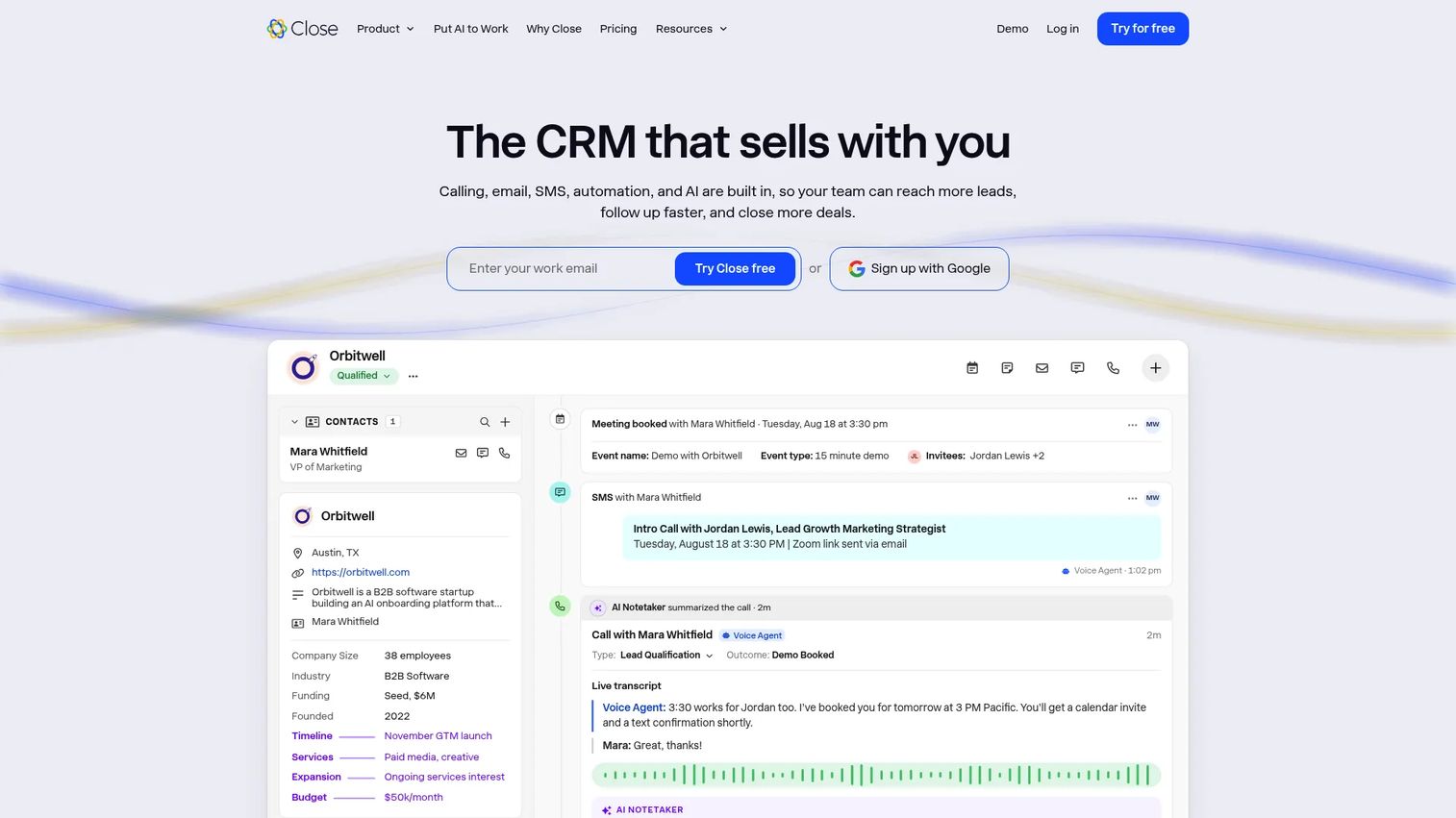
Close is built for inside sales teams where call volume, email sequences, and SMS outreach drive pipeline. Its built-in Power Dialer and Predictive Dialer make it distinct from most CRMs. Teams whose Dock use case is primarily sales follow-up organization often find that consolidating into Close covers enough of that job.
Best for: Inside sales teams wanting calling, email, SMS, and pipeline management in a single CRM without add-ons.
What it is: Close is an all-in-one sales CRM with built-in calling, email, SMS, automated workflows, pipeline management, reporting, and AI sales assistance. Its Power Dialer and Predictive Dialer are designed for high-activity outbound teams.
Key features:
- Built-in calling with Power Dialer and Predictive Dialer
- Email sequences and SMS workflows
- Pipeline, lead, task, and opportunity management
- Sales reporting, dashboards, and activity tracking
- AI sales assistant and AI agents
Where Close falls short: G2 reviewers note that pricing can be high for small teams when all reps need full-featured seats, and calling and SMS are usage-based, adding to variable cost. The platform does not offer a buyer-facing room, so teams needing shared stakeholder workspaces will need to add a room tool separately.
Pricing: No permanent free plan; a 14-day free trial is available. Solo is $9/month (annual). Essentials is $35/user/month (annual). Growth is $99/user/month (annual). Scale is $139/user/month (annual).
G2 rating: 4.7
How it compares to Dock: Close replaces Dock when the team's core problem is rep activity execution and communication speed, not buyer-facing content organization.
13. Attio (CRM)
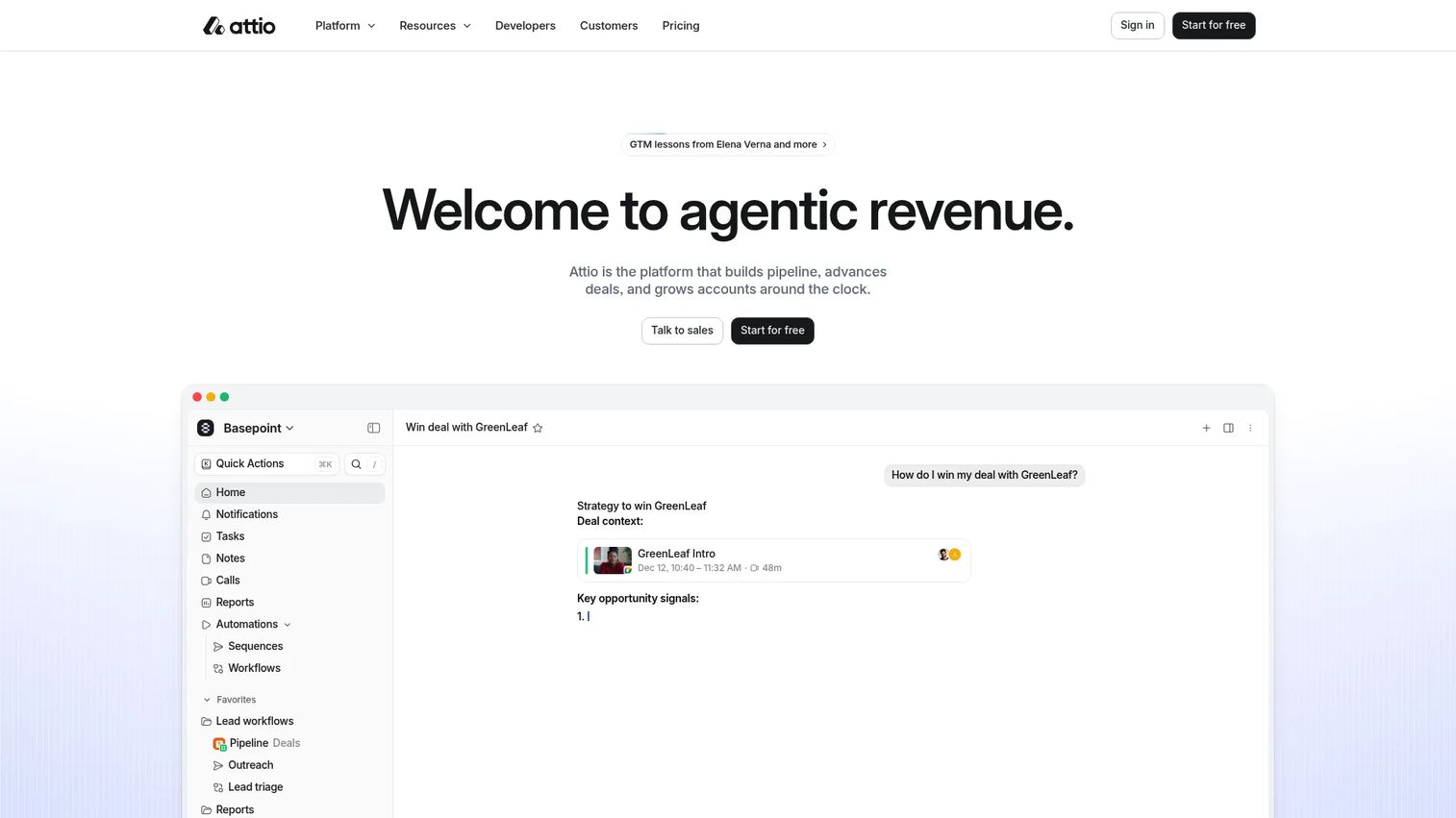
Attio is the most flexible CRM on this list. Its customizable data model, AI-powered enrichment, and workspace-based pricing make it a natural fit for modern teams that want CRM behavior without the rigidity of Salesforce or the seat-based cost of HubSpot at scale.
Best for: Modern teams wanting a customizable CRM with AI enrichment, real-time forecasting, and flexible workspace pricing.
What it is: Attio is an AI-powered CRM platform with automatic data enrichment, custom objects, call intelligence, real-time reporting and forecasting, and workflow agents. It prices on a workspace model with per-user expansion, and it offers a free plan.
Key features:
- Automatic data enrichment and relationship intelligence
- Custom data model and objects
- Call intelligence and pipeline visibility
- Real-time reporting, forecasting, and agents
- Workflow automation
Where Attio falls short: G2 reviewers note Attio's enterprise app ecosystem is less mature than Salesforce, and some integrations require workarounds. Teams running complex procurement or multi-entity sales cycles may find governance features still catching up. Buyer-facing rooms require a separate tool.
Pricing: Free plan available. Plus is $50/month per workspace plus $44/month per additional user. Pro is $125/month per workspace plus $99/month per additional user. Enterprise is custom (annual).
G2 rating: 4.3
How it compares to Dock: Attio covers internal pipeline and relationship tracking. It does not replace Dock's buyer-facing workspace, but it does replace the need for a separate CRM when Dock's internal tracking features feel insufficient.
14. Gong (conversation intelligence)
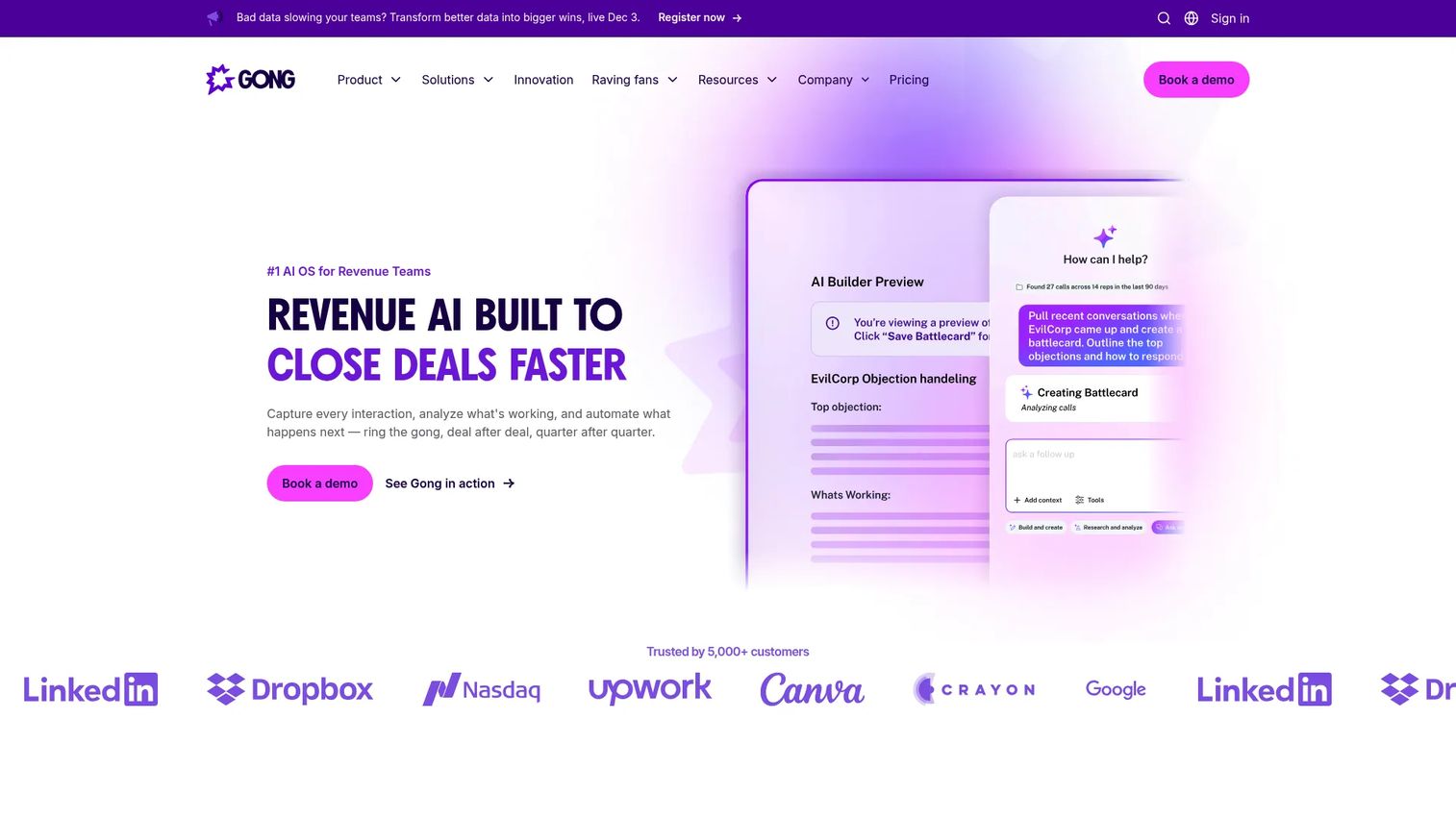
Gong is the leading conversation intelligence and revenue intelligence platform. It earns a place in a Dock alternatives list because teams with stalled deals often discover the gap is what the team learned from calls, not how the buyer-facing room is organized. Gong captures and analyzes every customer interaction to surface coaching opportunities, deal risks, and pipeline health signals.
Best for: Revenue teams needing call recording, deal intelligence, coaching frameworks, and pipeline forecasting from conversation data.
What it is: Gong is a Revenue AI Operating System. It automatically records and transcribes customer conversations, emails, and meetings, generates AI summaries and CRM updates, scores calls, surfaces deal risks, and supports forecasting. It integrates with major CRM, conferencing, and sales engagement tools.
Key features:
- Automatic call recording, transcription, and AI summary
- CRM field updates from conversation data
- Deal risk analysis, pipeline health, and forecasting
- Call scoring, coaching workflows, and rep performance tracking
- Revenue intelligence dashboard
Where Gong falls short: Gong prices by custom quote with no public figures, and G2 reviewers report it is one of the more expensive tools in the category once platform fees and per-user licensing combine. Teams at early stages or with small headcounts often find the investment difficult to justify before call volume is high enough to generate meaningful coaching signal.
Pricing: Custom pricing. Contact Gong for a quote.
G2 rating: 4.7
How it compares to Dock: Gong surfaces what happened in conversations; Dock organizes what happens between them. The two tools address different parts of the same deal motion and work well in combination.
15. Fathom (meeting notes)
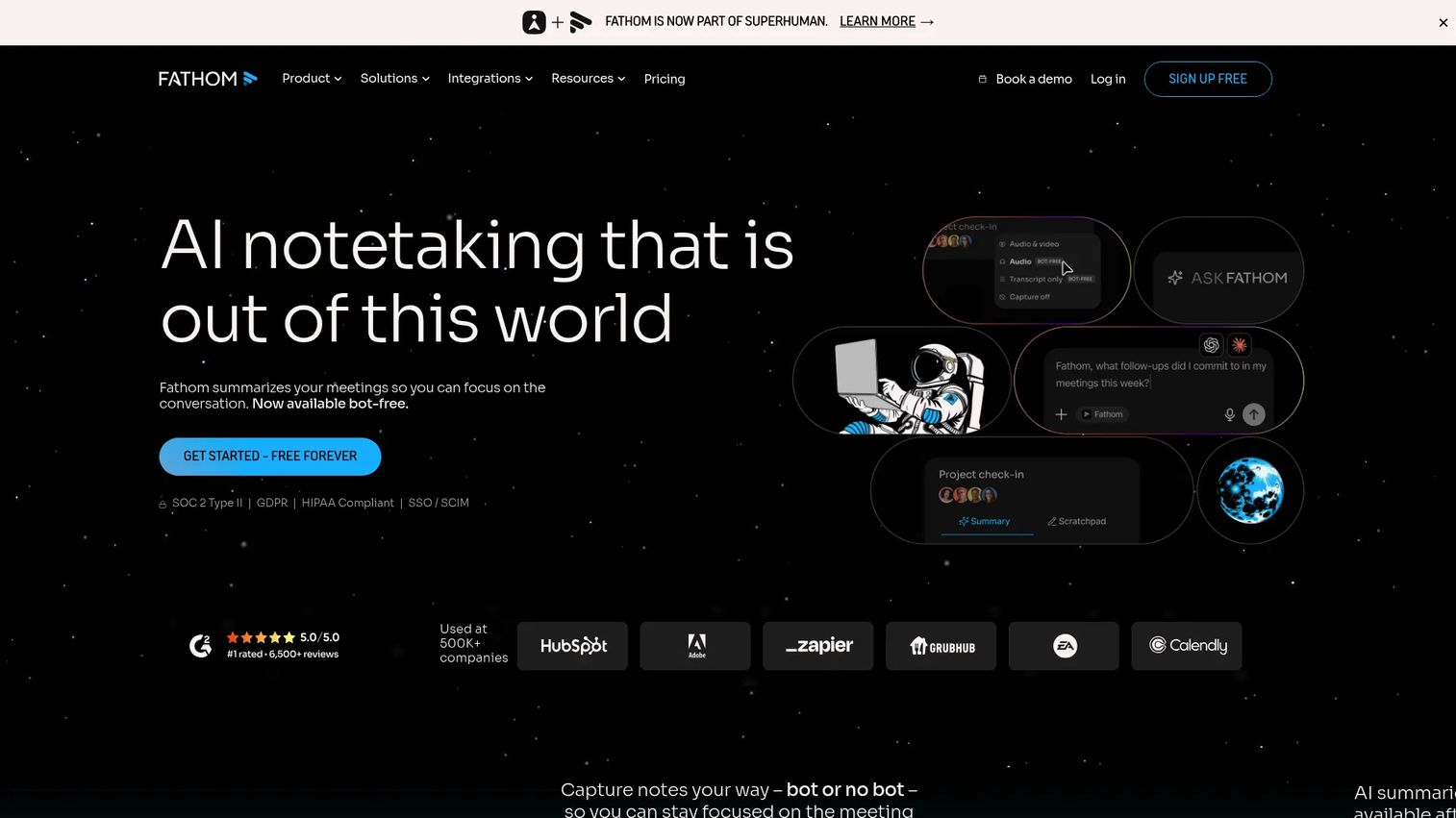
Fathom is an AI meeting intelligence tool that captures, transcribes, summarizes, and helps teams act on conversations. It is the meeting notes tool most accessible to individual reps because it has a generous free plan and does not require an enterprise commitment to get started.
Best for: Individuals and customer-facing teams wanting automated meeting capture, searchable summaries, and CRM sync.
What it is: Fathom records meetings, generates AI summaries and action items, allows users to ask questions about recorded meetings, and syncs to CRM. It supports both bot-based and bot-free capture. Paid plans add deal views, AI scorecards, trackers, and team features.
Key features:
- AI meeting transcription, summaries, and action items
- Ask Fathom for meeting Q&A and insights
- Trackers, Highlights, Deal View, and AI Scorecards (paid plans)
- Bot-free and bot-based meeting capture
- CRM, Slack-equivalent, Notion, and API integrations
Where Fathom falls short: Fathom's free plan limits advanced team features like scorecards and deal views to paid tiers. G2 reviewers note that governance and admin controls for larger teams require the Business or Enterprise plan, which raises the per-user cost considerably.
Pricing: Free plan available. Premium is $16/month per user (monthly) or $20/month per user (annual). Team is $15/month per user (monthly, 2-user minimum) or $19/month per user (annual). Business is $25/month per user (monthly) or $34/month per user (annual). Enterprise is $35/month per user (annual only).
G2 rating: 4.7
How it compares to Dock: Fathom captures what happened in the meeting; Dock organizes the buyer-facing resources around it. They cover adjacent parts of the sales motion and are often used together.
16. Fireflies (meeting notes)
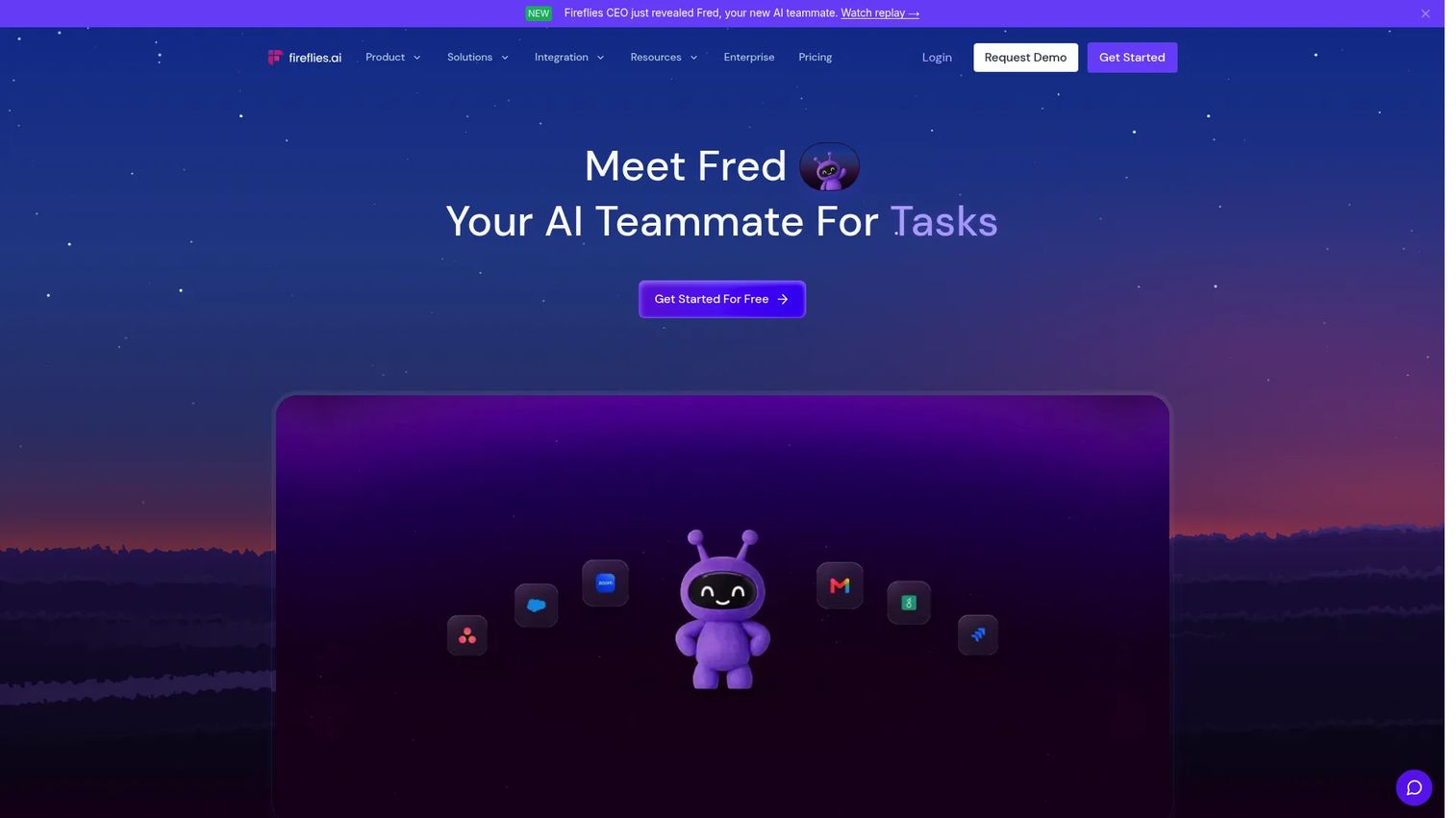
Fireflies is an AI teammate for capturing meetings, building a searchable conversation library, and syncing insights to CRM and collaboration tools. Teams that want to search across call history, track topics over time, and automate post-call tasks will find Fireflies more powerful than a lightweight notes tool.
Best for: Teams needing searchable meeting records, topic tracking, and automated post-call workflows across 240+ tool integrations.
What it is: Fireflies records, transcribes, and summarizes meetings, generates decisions and action items in real time, and provides an AskFred AI assistant for querying conversation history. It includes a Personal Assistant feature with daily digest and meeting prep, and integrates with email, Slack, CRM systems, and 240+ other tools.
Key features:
- Meeting recording, transcription, summaries, and action items
- Real-time notes and AskFred AI assistant
- Topic tracking and searchable call library
- Personal Assistant with daily digest and meeting prep
- 240+ integrations including CRM and Slack
Where Fireflies falls short: G2 reviewers note that transcript quality varies depending on audio conditions and accents. Enterprise governance requirements, including storage policies and admin controls, sit on the Enterprise plan at $39/seat/month annual. Teams with strict data retention requirements should check the Enterprise tier before committing.
Pricing: Free plan available. Pro is $10/seat/month (annual). Business is $19/seat/month (annual). Enterprise is $39/seat/month (annual).
G2 rating: 4.7
How it compares to Dock: Fireflies supports internal memory and follow-up quality; Dock supports buyer-facing collaboration. They address different sides of the same deal.
17. Granola (meeting notes)
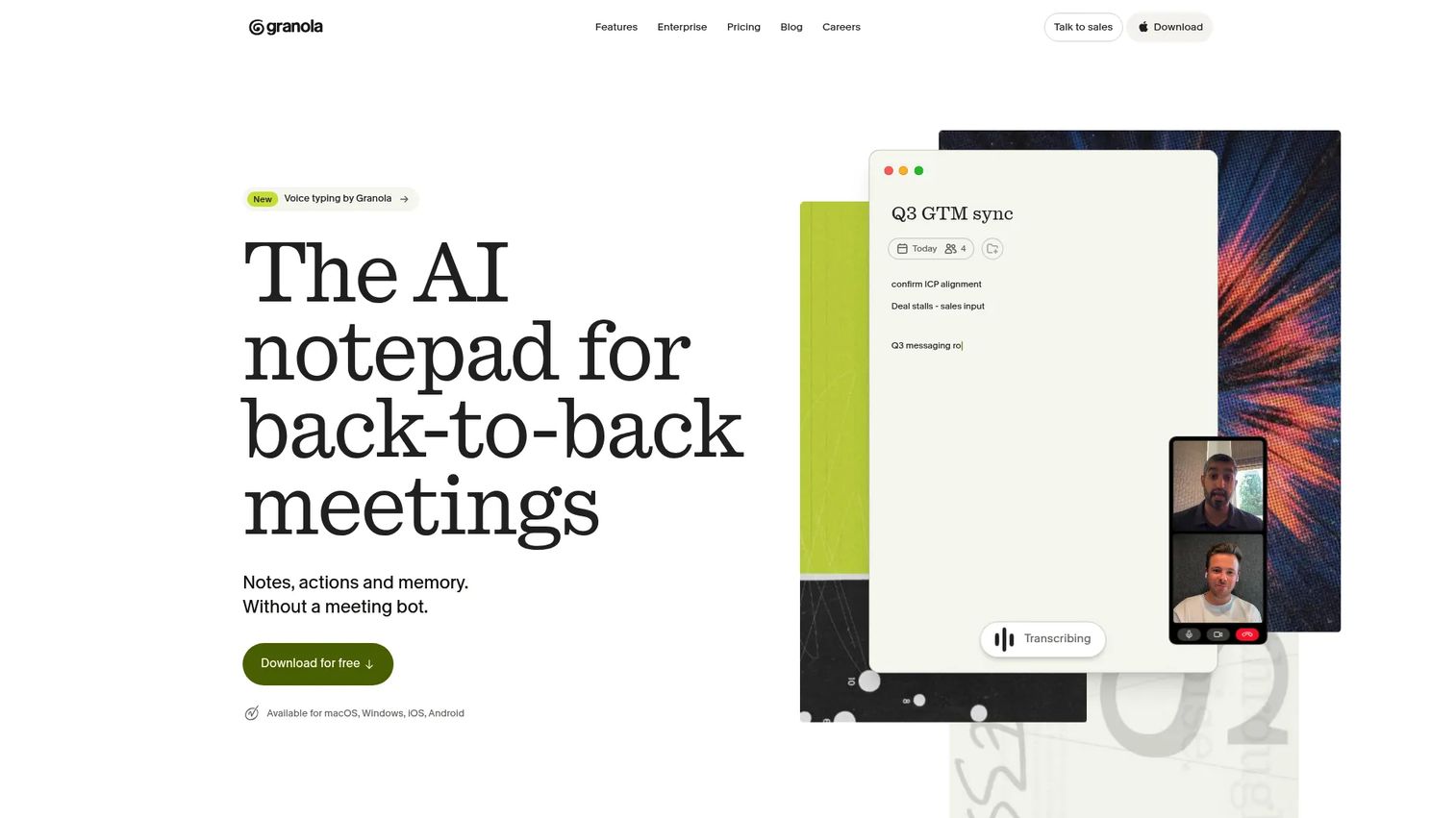
Granola captures device audio without sending a bot into the meeting, then uses AI to combine the user's own notes with the conversation into structured summaries and follow-up drafts. For reps and founders who want clean meeting notes without an AI bot joining the call, Granola's approach is distinct from most tools on this list.
Best for: Reps and founders who want bot-free AI meeting notes, structured summaries, and follow-up drafts without meeting bots.
What it is: Granola is an AI meeting notepad that captures conversations from device audio, enriches the user's handwritten notes with AI, and generates summaries in customizable templates. It supports multi-language capture, shared folders, and integrations with Slack, Notion, HubSpot, Affinity, Zapier, and MCP.
Key features:
- Bot-free meeting capture via device audio
- AI note enhancement combining typed notes with captured audio
- Customizable summary templates and shared folders
- Multi-language support
- Integrations with Slack, Notion, HubSpot, Zapier, and MCP
Where Granola falls short: Granola's free plan limits meeting history to 30 days. G2 reviewers note that team governance features, including centralized admin and SSO, require the Enterprise plan. CRM sync options are more limited than Fathom or Fireflies at the same price point.
Pricing: Free plan (Basic) available with 30-day meeting history. Business is $14/user/month. Enterprise is $35/user/month.
G2 rating: 4.6
How it compares to Dock: Granola helps the rep capture and act on the meeting. Dock gives the buyer a resource hub for what happens between meetings. The two do not compete directly.
What is the best Dock alternative for interactive demos?
Guideflow is the best Dock alternative when buyers need to experience the product, not just open a shared space.
Guideflow's Demo Center can serve as the branded hub where all product experiences live. Individual interactive demos can be embedded inside whatever sales room, email, or follow-up the team already sends. The sandbox format lets technical buyers explore freely, while guided interactive demos walk prospects through a specific story. Analytics cover step-level completion, drop-off, and viewer flow. CRM records are created when a viewer identifies through an in-demo form or a personalized link, and visitor identification works at the company level.
Which Dock alternative is best for sales rooms?
Trumpet is the strongest sales-room-first pick when the buyer workspace itself is the workflow gap.
Trumpet's pods combine mutual action plans, content sharing, proposals, e-signature, and AI engagement scoring in one buyer-facing space. For teams that want to stay in the sales room category but need more automation than Dock provides, Trumpet is the natural upgrade. Arrows fits teams where the pain extends into the sales-to-onboarding handoff, with AI-driven gameplans and automated CRM updates on top of the room. Accord fits enterprise teams that need playbook enforcement and deal execution discipline rather than content presentation.
Which Dock alternative works best for proposals and signatures?
GetAccept is the strongest pick when proposals, contracts, and signing must live inside the buyer room.
GetAccept's Professional plan combines the full digital sales room with proposal creation, CPQ, e-signature, and contract management. Qwilr fits teams whose primary output is a polished, design-forward web proposal page with integrated acceptance. SuiteDash suits service businesses that need proposal-to-billing workflows connected to client portals. The choice comes down to whether deal-room breadth or proposal design is the primary driver.
Which Dock alternative fits CRM-native sales teams?
HubSpot is the most accessible option for teams that want sales workflows tied directly to CRM records.
HubSpot's free CRM gives small teams a starting point, and its Sales Hub covers sequences, meeting scheduling, and pipeline management without a separate room tool. Salesforce suits enterprise teams that need governance, AppExchange integrations, and AI-assisted forecasting. Pipedrive fits visual-pipeline-first SMB teams. Close fits inside sales teams where call volume and communication speed are the core metrics. Attio suits teams that want a flexible, customizable CRM with workspace-based pricing and strong enrichment.
What is the cheapest Dock alternative?
Free plans are available from Guideflow, Trumpet, HubSpot, Salesforce (Free Suite), Attio, Fathom, Fireflies, and Granola.
For meeting notes, Fathom, Fireflies, and Granola all have free plans with meaningful functionality. Fathom's free plan includes unlimited recordings with no meeting-length cap. Fireflies' free plan includes limited storage. Granola's free plan covers 30 days of meeting history. For CRM, HubSpot's free tier and Attio's free plan both offer core functionality for small teams. For demo automation, Guideflow has a free plan. The cheapest path depends on which category matches the actual workflow gap.
Which Dock alternative is best for post-call follow-up?
Pairing a meeting notes tool with Guideflow covers both what the rep captured and what the buyer experiences next.
Gong is the enterprise-tier pick for call intelligence and deal risk analysis, though it requires a custom quote. Fathom handles fast AI summaries and CRM sync for individuals and small teams. Fireflies builds a searchable call library for teams that need historical conversation search. Granola suits reps who want bot-free notes with follow-up drafts. For the buyer-facing side of post-call follow-up, Guideflow's analytics show which prospects engaged with the interactive demo after the call, so the rep knows where to focus.
When should you stay with Dock?
Stay with Dock if the buyer room is working and engagement rates are healthy across deals. If buyers open the room, navigate the mutual action plan, and progress through stages, the room is doing its job. Teams with established room-based workflows, where champions already know where to find assets and stakeholders understand the shared space, face high switching costs for modest gains.
Adding Guideflow alongside Dock is worth considering when buyers engage with the room but do not connect with the product itself. Interactive demos inside the room give buyers something to click rather than something to read, without replacing the structure Dock already provides.
Why teams switch from Dock to Guideflow
Dock organizes the buying journey. Guideflow creates interactive product experiences that give buyers a reason to engage with what is inside the room, the email, or the follow-up.
Four reasons revenue teams make the switch.
Buyers need proof, not just a place. Static assets in a room do not show the product in motion. Interactive demos let the SDR warm up a cold account before the first call, the AE leave behind a product story the champion can share with their VP, and the SE support technical evaluation without joining every session. The same demo that travels in the follow-up can also train the new rep on the story.
The team gets engagement data. Step-level completion, drop-off points, and viewer flow show which prospects engaged and where they stopped. Visitor identification at the company level surfaces which accounts are exploring without a form fill. CRM records are created when a viewer identifies through an in-demo form or a personalized link, so the signal flows directly into pipeline.
Distribution is built in. Interactive demos can be embedded on a website, shared by link, included in email sequences, or organized in a Demo Center. They meet the buyer wherever the conversation already lives, rather than requiring the buyer to log in somewhere new.
The limitation is worth naming. Guideflow does not handle mutual action plans, stakeholder checklists, or document storage. Teams that need Dock for those workflows can run both: Guideflow for product engagement, Dock for deal organization.
Explore Guideflow's integrations with HubSpot, Salesforce, Pipedrive, Zoho, and Marketo to see how engagement data flows into your existing CRM.
Start your journey with Guideflow today!
FAQs
The best pick depends on the workflow gap. Guideflow leads when teams need interactive product experiences buyers can click through. Trumpet is the closest like-for-like sales room replacement. GetAccept fits teams whose deal cycle ends with a signed proposal. HubSpot or Salesforce serve teams that want CRM-native workflows rather than a separate buyer room. Gong or Fathom address post-call intelligence needs. Many teams combine two or more of these categories rather than choosing one replacement.
Several tools on this list have free plans. Guideflow, Trumpet, Fathom, Fireflies, and Granola all offer free tiers. HubSpot's free CRM and Attio's free plan also provide meaningful starting functionality. Free plan limits vary: Granola caps meeting history at 30 days on its free tier, Trumpet limits free accounts to 10 pods, and Guideflow's free plan lets teams build and share demos without a time limit on the plan itself.
Granola's Business plan starts at $14/user/month, making it the lowest-cost paid entry on this list for meeting notes. Fireflies Pro starts at $10/seat/month (annual). For CRM, Pipedrive Lite starts at $14/seat/month (annual) and Close Solo starts at $9/month (annual). Guideflow's Solo plan is $35/user/month (annual). The cheapest option depends on which category matches the actual gap: Meeting notes, CRM, demo automation, or buyer rooms.
A digital sales room is a shared workspace where the sales team and buyer collect assets, track mutual action plan steps, and manage stakeholder access across a deal. An interactive demo is a product experience the buyer clicks through at their own pace, with no login or live session required. Sales rooms organize the buying journey. Interactive demos give the buyer a hands-on product experience that travels inside the room, an email, a landing page, or a follow-up. Many teams use both: The room for deal organization and interactive demos for product engagement.
Trumpet and Accord are the strongest picks for mutual action plans specifically. Trumpet's pods include action plans with task ownership and buyer-visible timelines. Accord turns sales methodologies into enforced playbooks with stakeholder mapping and execution scoring. Arrows suits teams where the mutual plan extends into post-sale onboarding, with AI-generated gameplans and automated CRM updates throughout. The right choice depends on team size, deal complexity, and whether the primary need is buyer-visible collaboration or internal process enforcement.
A CRM can absorb some of Dock's functions, particularly pipeline tracking, documents, quotes, and follow-up automation. HubSpot, Salesforce, Pipedrive, Close, and Attio each handle these jobs. What a CRM does not provide by default is a branded buyer-facing workspace where the prospect browses shared resources, works through a mutual action plan, and signs off on next steps. Teams that primarily used Dock for internal deal tracking may find their CRM sufficient. Teams that relied on Dock for the buyer-facing experience will need a room or a demo tool alongside CRM.
Guideflow and a sales room tool cover adjacent jobs and work well together. The sales room organizes shared resources, tracks stakeholder engagement, and manages mutual action plans. Guideflow creates interactive product experiences that give buyers something to click through rather than passively view. Embedding or linking an interactive demo inside the room, in a follow-up email, or on a landing page adds engagement signal to the deal without replacing the room's organizational function. Use Guideflow's step-level analytics to identify which prospects engaged with the demo, then use that data to prioritize follow-up inside whatever room or CRM the team already runs.
Free plans are sufficient for testing and small teams, but most break down at scale across roles. When SDRs, AEs, SEs, RevOps, and managers all need access, free-tier limits on seats, analytics depth, CRM integration, branding, or governance become meaningful. Trumpet's free plan limits workspaces to five users on the Pro plan. Fathom's free plan excludes deal views and scorecards. HubSpot's free tier excludes sequences and advanced automation. The right question is which limits your team will hit first, then find the tool whose paid entry tier covers those needs at a defensible per-seat cost.