Your product keeps shipping. The database keeps growing. Every old customer record, invoice, audit log, and attachment still has a job to do, even when it no longer belongs in the primary system.
The result is predictable: Production databases turn into permanent junk drawers. Engineering carries the maintenance cost of data nobody actively uses. Legal teams can't find what they need for discovery. Product roadmaps stall because retiring a legacy application risks losing audit access that nobody has formally archived.
The global data archiving software market reached $7.13 billion in 2025, growing at 9.2% annually through 2034, according to Dataintelo (2026). Large enterprises account for 72.4% of that spend. The demand isn't slowing because data volumes aren't slowing.
The harder problem is that "data archiving software" isn't one category. SAP archiving, email compliance retention, file server reduction, application decommissioning, and active object storage are four different problems that require different tools. This guide helps you identify which class of platform fits your environment and which 14 options are worth evaluating in 2026.
What's inside
This guide compares 14 data archiving software options for 2026, selected for enterprise relevance, retention control depth, retrieval capability, and deployment flexibility. Tools span structured data, unstructured content, email, records, SAP environments, and application retirement.
- Who this is for: Product managers, IT leads, and data governance owners evaluating long-term data retention platforms
- Selection criteria used: Data type coverage, compliance controls (legal hold, audit trails, disposition), retrieval and search capability, and deployment model
- Pricing and G2 ratings are sourced from vendor pricing pages and live G2 listings
TL;DR
- Best for enterprise information archiving: OpenText Information Archive covers structured and unstructured data at scale
- Best for SAP environments: OpenText Core Archive for SAP Solutions handles SAP and non-SAP content; SAP Information Lifecycle Management adds native lifecycle controls
- Best for cloud and Microsoft 365 governance: Archive360 manages migrations, communications, and AI data governance
- Best for email compliance and eDiscovery: Mimecast for email risk and supervision; Arctera Enterprise Vault for governed communications archiving
- Best for application retirement: DataNovata, JiVS, and Solix each cover legacy decommissioning with compliant historical access
- Best for active archive storage: DataCore Swarm handles large-scale object storage with always-online retrieval
What is data archiving software?
Data archiving software stores inactive or historical data in a secure, searchable, policy-controlled repository so organizations can reduce production-system load while preserving access for compliance, analytics, audits, and business continuity.
For product managers, this matters because legacy data doesn't disappear when you stop actively using it. It becomes a liability: An engineering overhead in production systems, a retrieval gap during audits, and a blocker when retiring old applications to free roadmap capacity.
Core data types covered
- Structured application data: Database records, ERP transactions, financial data
- Unstructured files and documents: File servers, SharePoint, NAS content, business documents
- Email and collaboration data: Mailboxes, journaled communications, messaging archives
- Records and regulated content: Official business records subject to retention schedules
- Large media or object archives: High-volume binary content requiring always-online access
Key capabilities to look for
- Retention policy management with schedule enforcement
- Legal hold and audit trail support
- Full-text search and structured retrieval
- Encryption, access controls, and immutability
- Storage tiering and compression
- Application retirement and legacy access support
- eDiscovery export workflows
- Cloud, on-premises, and hybrid deployment
What data archiving is not
Backup software restores systems after failure. Data archiving governs long-term retention and controlled access. Document management organizes active working documents. Records management handles official business records with disposition authority. Many enterprise platforms overlap these categories, so confirm which job you're hiring the platform to do before evaluating features.
When to use data archiving software
Reduce production-system load without deleting history
When your primary database carries years of inactive records, every query pays the cost of that history. Archiving moves those records to a managed repository with its own search and retrieval layer. Production performance improves, and historical access remains intact without engineering-intensive workarounds.
Retire legacy applications without losing audit access
Application retirement is one of the clearest use cases for archiving in a product organization. Old systems often survive only because someone may need historical data later. A proper archive lets you decommission the application, free the infrastructure budget, and preserve compliant read access for auditors, legal, or customer support. That frees roadmap and operational capacity.
Meet retention, legal, and compliance requirements
Retention schedules, legal hold, audit logs, and eDiscovery aren't optional for most enterprises. Archiving software creates the controlled environment where these obligations are met operationally, not through tribal knowledge or manual processes. Involve legal and compliance teams early; the platform configuration follows their retention rules, not the reverse.
Data archiving software comparison
The table below covers all 14 tools evaluated in this guide, ordered by archiving category. Pricing reflects vendor pricing pages; G2 ratings reflect live listings. Several vendors price by quote only, as noted.
| # | Product | Best for | Key differentiator | Pricing | G2 rating |
|---|---|---|---|---|---|
| 1 | OpenText Information Archive | Enterprise information archiving | Unified structured and unstructured archive with AI-powered search | From $0.12/unit (contract price list) | 4.5/5 |
| 2 | OpenText Core Archive for SAP Solutions | SAP data archiving | Cloud-native SAP and non-SAP content archive with SAP S/4HANA integration | From $144.70/month (500 GB storage) | N/A |
| 3 | SAP Information Lifecycle Management | SAP-native retention | Native SAP retention, blocking, and system decommissioning | Price upon request | 2.5/5 |
| 4 | Dokmee | Document and file archiving | AI-powered OCR, workflow automation, and searchable document repositories | From $31/user/month (annual) | 4.3/5 |
| 5 | Archive360 | Cloud and Microsoft 365 governance | AI interaction governance, communications archiving, and application retirement | Custom pricing | 4.3/5 |
| 6 | Arctera Enterprise Vault | Email and enterprise communications | Governed email, file, and SharePoint archiving with eDiscovery | Custom pricing | 4.2/5 |
| 7 | ShareArchiver | File and storage archiving | Policy-based file archiving with transparent stubbing and cloud deployment | Custom pricing | N/A |
| 8 | Mimecast | Email compliance and security | AI-powered email security bundled with archive and eDiscovery | Custom pricing | 4.3/5 |
| 9 | DataNovata | Application retirement | Low-code legacy data-viewing apps with referential integrity preserved | Custom pricing | N/A |
| 10 | JiVS Information Management Platform | Application retirement at scale | SAP and non-SAP migration, retirement, and AI-ready historical data access | Custom pricing | 5.0/5 |
| 11 | Solix Common Data Platform | Enterprise data lifecycle | 150+ connectors, governed Preservation Zone, and multi-cloud deployment | Custom pricing | N/A |
| 12 | Doxis Intelligent Content Automation | Content and records archiving | AI-first ECM with certified SAP integration and audit-proof archiving | Custom pricing | N/A |
| 13 | DataCore Swarm | Active archive storage | Capacity-licensed object storage with WORM, erasure coding, and S3 access | Capacity-based licensing | 4.3/5 |
| 14 | Gimmal Records | Records management archiving | Repository-independent records governance across enterprise repositories | Custom pricing | N/A |
Best 14 data archiving software tools for 2026
1. OpenText Information Archive
OpenText Information Archive is an enterprise-grade information archiving platform for regulated organizations managing high-volume historical data across structured and unstructured sources. It supports cloud, on-premises, and hybrid deployment, and includes GenAI natural-language search through OpenText Content Aviator. The platform covers legacy application decommissioning, compliance governance, and cloud migration acceleration.
Best for: Large enterprises that need broad information archiving across compliance, governance, and retrieval use cases.
Key features
- Centralized archiving of structured and unstructured enterprise data
- GenAI natural-language and full-text search via Content Aviator
- Event-based retention, legal holds, and audit trails
- Cloud, on-premises, and hybrid deployment options
Why choose OpenText Information Archive: Strong fit when the archive requirement spans multiple data types and needs to satisfy both legal hold and long-term governance obligations. PMs involved in data platform decisions should factor in implementation scope early: This is a governance platform, not a quick-deploy tool.
OpenText Information Archive pricing: OpenText publishes contract price-list entries rather than self-service tiers. Storage starts from $0.12 per unit and standard file storage from $1.00 per unit, with transaction volume pricing at $110.47 per unit, per their official price list. Expect procurement discussions to cover deployment model, data volume, and service scope.
G2 rating: 4.5/5
2. OpenText Core Archive for SAP Solutions
OpenText Core Archive for SAP Solutions is a cloud-native archiving product built specifically for SAP environments. It archives both SAP and non-SAP content, supports SAP S/4HANA, ECC, SAP GUI, and SAP Fiori, and uses SAP ArchiveLink, SAP WebDAV ILM, and CMIS interfaces for integration. The platform covers document scanning, indexing, viewing, and retrieval alongside compliance controls including retention and legal hold.
Best for: SAP-heavy enterprises looking to reduce database growth, improve system performance, and retain compliant access to historical SAP content.
Key features
- SAP and non-SAP data archiving in a single cloud repository
- SAP S/4HANA, ECC, and SAP Fiori integration
- Retention, legal holds, and audit trail controls
- Document scanning, indexing, and retrieval
Why choose OpenText Core Archive for SAP Solutions: The right choice when SAP is the center of gravity for historical data and ERP modernization is on the roadmap. PMs working on ERP-adjacent initiatives will find that unarchived SAP data dependencies are a frequent blocker for system retirement and migration projects.
OpenText Core Archive for SAP Solutions pricing: OpenText's official price list shows storage from $144.70 per month for 500 GB, transaction volume at $418.00 per month, and migration volume from $3,100.00 per 500 GB. Pricing uses a usage-based model; expect contract terms to vary by deployment scope.
3. SAP Information Lifecycle Management
SAP Information Lifecycle Management is SAP's native approach to managing data retention, blocking, controlled destruction, and system decommissioning inside SAP environments. It operates within the SAP platform itself, supporting retention rule configuration, audit-ready lifecycle processes, and legal hold without requiring a separate primary archive layer.
Best for: Organizations that want SAP-native lifecycle controls and prefer to manage retention rules inside their existing SAP landscape.
Key features
- Rule-based retention management with legal hold support
- Data blocking and compliant destruction controls
- SAP policy integration for lifecycle processes
- System decommissioning with centralized access to historical data
Why choose SAP Information Lifecycle Management: Useful when SAP is the primary system of record and stakeholders want lifecycle governance without introducing an external archiving platform first. Organizations with complex storage optimization needs may still evaluate companion archive storage products alongside ILM.
SAP Information Lifecycle Management pricing: SAP lists pricing as available upon request for the private cloud edition, billed per connection block with auto-renewal. Contact SAP or a partner directly for contract terms and volume pricing.
G2 rating: 2.5/5 (based on 2 reviews)
4. Dokmee
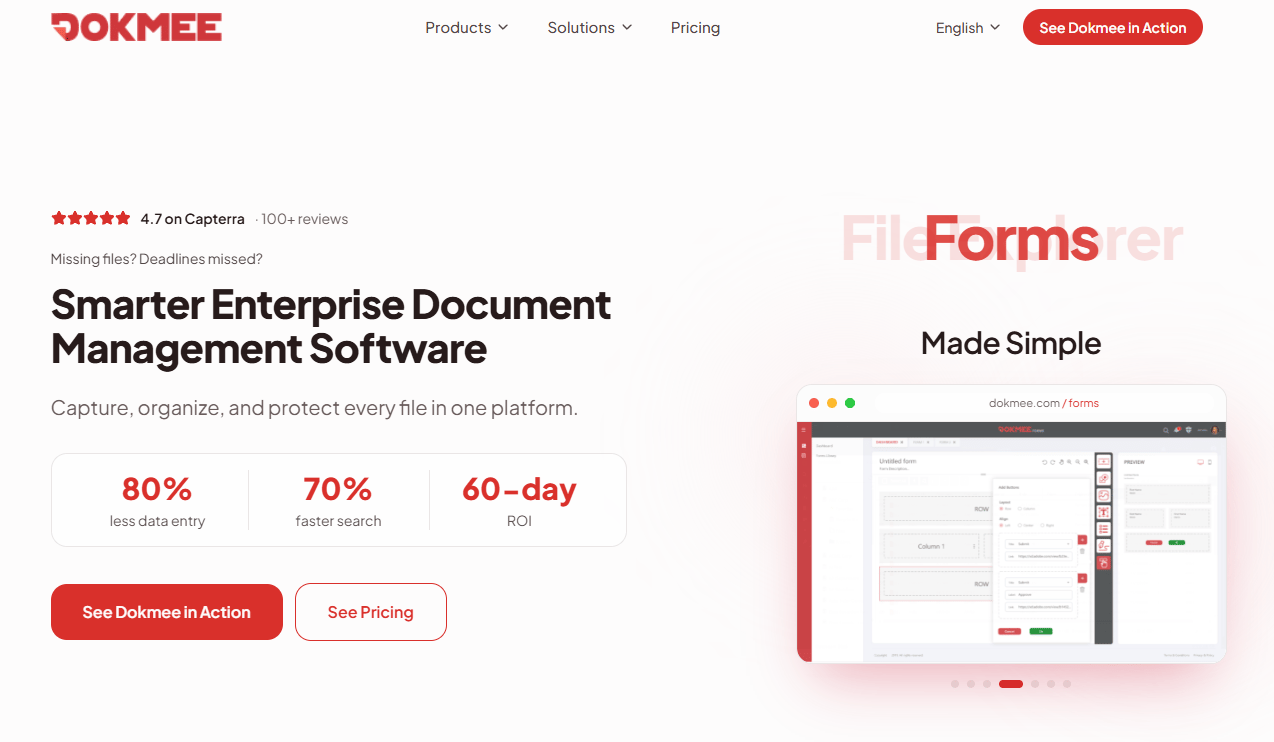
Dokmee is enterprise document management and content management software for capturing, organizing, securing, and automating document workflows. It includes AI-powered OCR, automated data extraction, semantic search, and Microsoft Office 365 integration. Retention, audit trails, role-based security, and e-signatures are included across plans.
Best for: Teams that need practical document archive workflows for business documents without deploying a full enterprise governance platform.
Key features
- AI-powered OCR with automated data extraction
- Document organization with metadata, indexing, and semantic search
- Workflow automation, approvals, and notifications
- File retention, audit trails, and role-based security
Why choose Dokmee: A practical starting point when the core problem is scattered documents and unstructured file retrieval, not full-scale application decommissioning. The approachable pricing model makes it viable for mid-market teams without large IT governance budgets.
Dokmee pricing: Dokmee Cloud starts at $31 per user per month billed annually. Dokmee Cloud+ is $47 per user per month on the same billing cycle. Enterprise pricing requires a sales conversation.
G2 rating: 4.3/5
5. Archive360
Archive360 is an enterprise data and AI governance platform for communications, content, records, applications, and AI interactions. It covers digital communications archiving, AI interaction capture including prompts and outputs, retention and legal hold, eDiscovery workflows, and application retirement. The platform targets regulated enterprises and government organizations needing centralized governance across structured and unstructured data.
Best for: Enterprises modernizing archives into cloud environments where governance, eDiscovery, and AI data controls are all in scope simultaneously.
Key features
- Digital communications and collaboration archiving
- AI interaction capture and governance (prompts and outputs)
- Retention, legal hold, access controls, and audit trails
- eDiscovery search, investigations, and review workflows
- Data migration and application retirement support
Why choose Archive360: Strong fit when archive modernization and cloud migration are part of the same project. PMs should evaluate how retrieval and permission workflows will function post-migration, since the platform spans multiple governance domains that require cross-functional ownership decisions.
Archive360 pricing: Contact their sales team directly; pricing reflects archive scope, data volume, and deployment configuration.
G2 rating: 4.3/5
6. Arctera Enterprise Vault
Arctera Enterprise Vault is a mature enterprise archive platform for email, files, and SharePoint with long-standing adoption in communication archiving and eDiscovery. It supports mailbox archiving for Exchange and Domino, journaling, file system and SharePoint archiving, email classification with retention plans, and dedicated discovery and compliance accelerator modules.
Best for: Organizations with established email and communications archiving requirements that need governed retention, compliance supervision, and eDiscovery.
Key features
- Mailbox and journaling archiving for Exchange and Domino
- File system and SharePoint archiving
- Email and file classification with retention plans
- Enterprise Vault Search with Discovery Accelerator and Compliance Accelerator
Why choose Arctera Enterprise Vault: Appropriate when communication archive maturity matters and the team needs proven eDiscovery tooling. Buyers should assess migration effort and administrative overhead as part of evaluation, particularly for organizations considering moving from on-premises to cloud-hosted configurations.
Arctera Enterprise Vault pricing: Contact Arctera or a reseller for current packaging; pricing typically reflects user count, storage volume, modules selected, and deployment model.
G2 rating: 4.2/5 (based on 16 reviews)
7. ShareArchiver
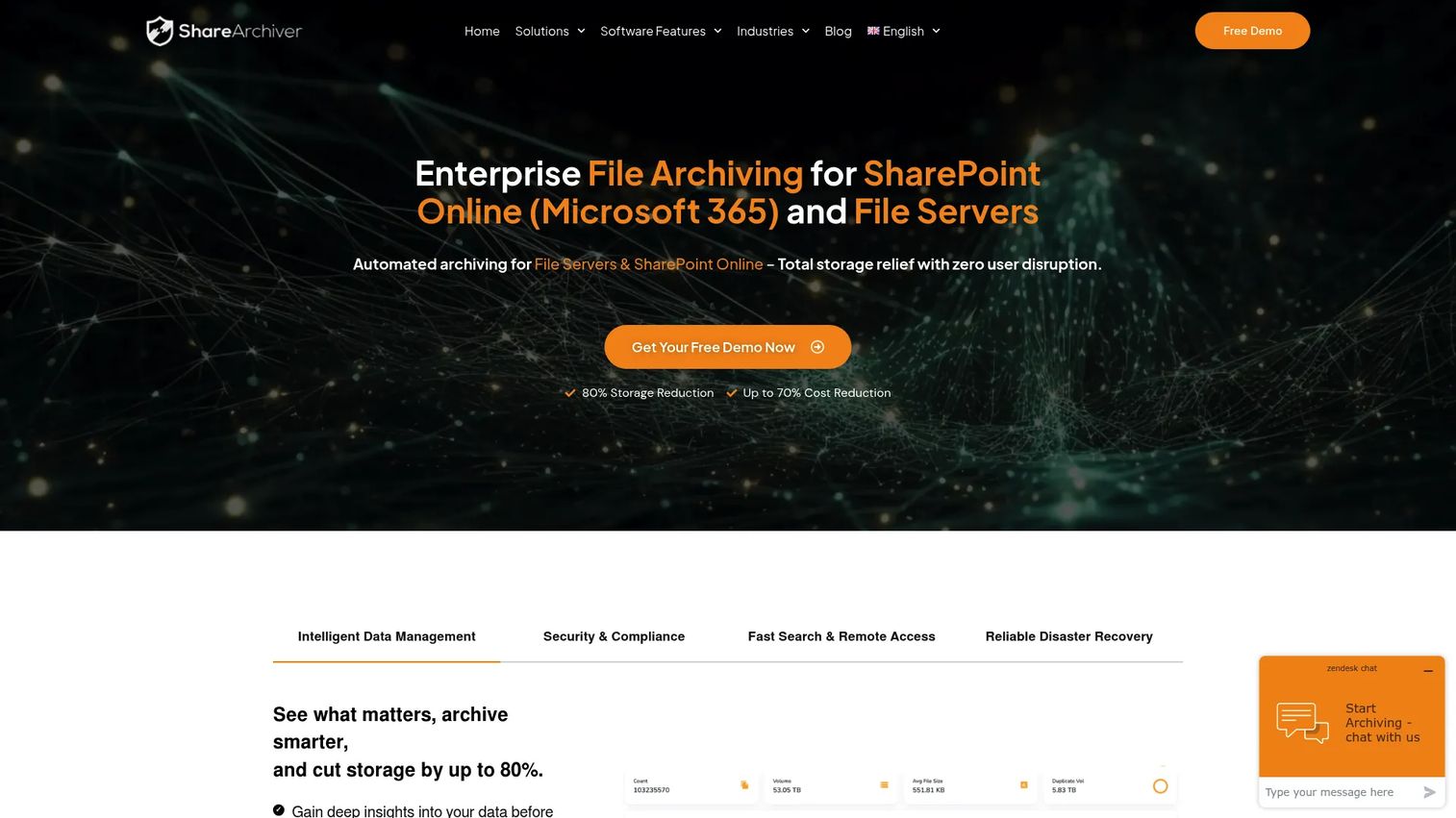
ShareArchiver is enterprise file and SharePoint archiving software focused on reducing primary storage growth while keeping access transparent to end users. It uses policy-based archiving with file stubbing so users retrieve files from their original location without knowing the data has moved. Cloud, hybrid, and on-premises deployment options include AES-256 encryption, deduplication, and compliance controls.
Best for: Organizations with large, distributed, or compliance-sensitive file archives seeking automated storage reduction with minimal disruption to end users.
Key features
- Automated policy-based file archiving with analytics
- Transparent file stubbing and on-demand retrieval
- Full-text search across archived content
- Cloud, hybrid, and on-premises deployment with AES-256 encryption
Why choose ShareArchiver: Good choice when the primary driver is file server or SharePoint storage cost reduction without requiring users to change their retrieval habits. The stubbing approach keeps the experience consistent while moving data to cheaper storage tiers.
ShareArchiver pricing: ShareArchiver uses volume-based SaaS pricing. Contact their team for a quote based on data volume and deployment configuration.
8. Mimecast
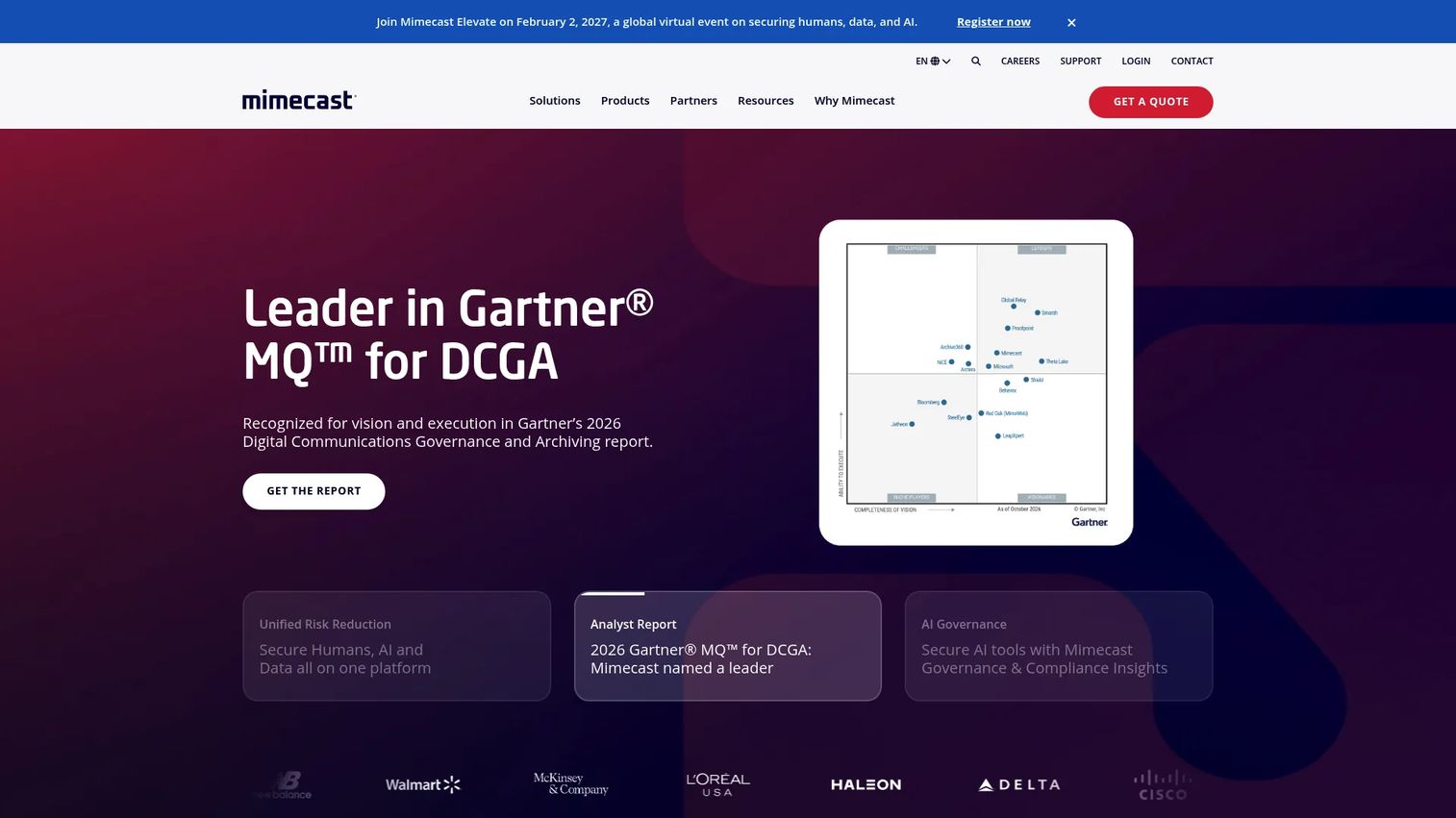
Mimecast is an AI-powered human risk management platform that bundles email security, archiving, continuity, and compliance into one service. Its Critical, Advanced, and Premium plans cover phishing and business email compromise protection, email archiving, compliance search, supervision workflows, and eDiscovery export. The platform supports both MX-based and API-based deployment.
Best for: Teams that need email archiving bundled with broader email security, compliance supervision, and human risk management.
Key features
- Email archiving with compliance search and retention
- Supervision workflows and eDiscovery export
- AI-powered phishing, malware, and BEC protection
- Email continuity, backup, and recovery
Why choose Mimecast: Strong fit when email is the dominant archive source and the security and compliance teams want a single vendor covering retention and protection together. Product teams will encounter this platform where customer communication history matters for support or audit workflows.
Mimecast pricing: Mimecast offers Critical, Advanced, and Premium email security plans.
G2 rating: 4.3/5
9. DataNovata
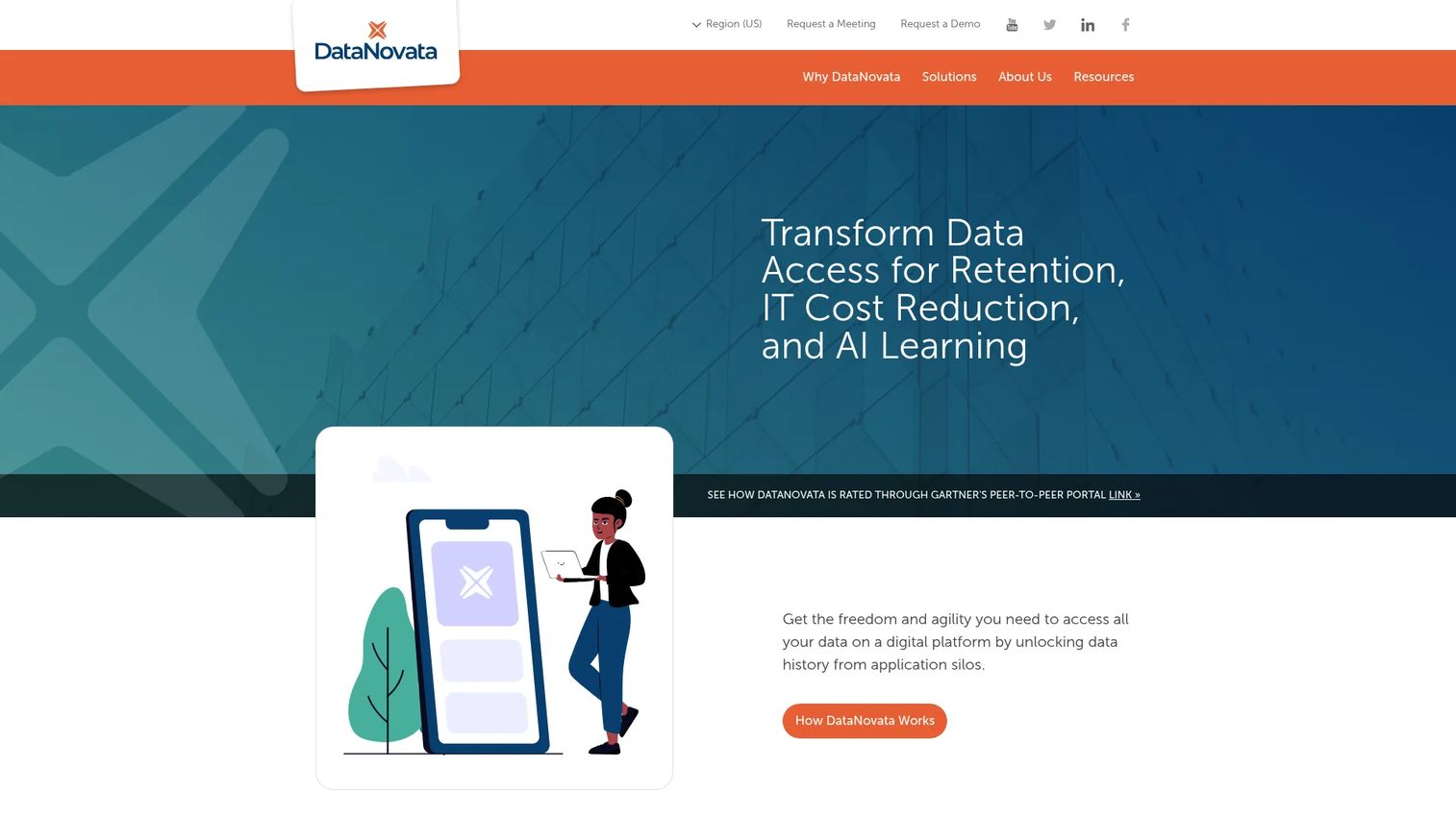
DataNovata is a multiplatform data-access solution for legacy application decommissioning. It creates read-only, low-code and no-code data-viewing applications that map the original database schema, preserving referential integrity across multiple databases. Governance features include LDAP security, audit traceability, retention and purging policies, data masking, legal hold, and file export.
Best for: Organizations retiring legacy applications after mergers, ERP migrations, or modernization programs where historical data must remain searchable and compliant.
Key features
- Read-only data-viewing apps that mirror original database schemas
- Referentially intact access across multiple databases
- Retention, legal hold, data masking, and purging controls
- LDAP security and audit traceability
Why choose DataNovata: Best when the archive project is explicitly tied to shutting down an old application. The low-code approach reduces implementation overhead for teams without large data engineering capacity. PMs should connect DataNovata evaluations to roadmap cleanup and infrastructure simplification goals.
DataNovata pricing: Contact their team for a quote; pricing reflects source systems, data complexity, and retention scope.
10. JiVS Information Management Platform
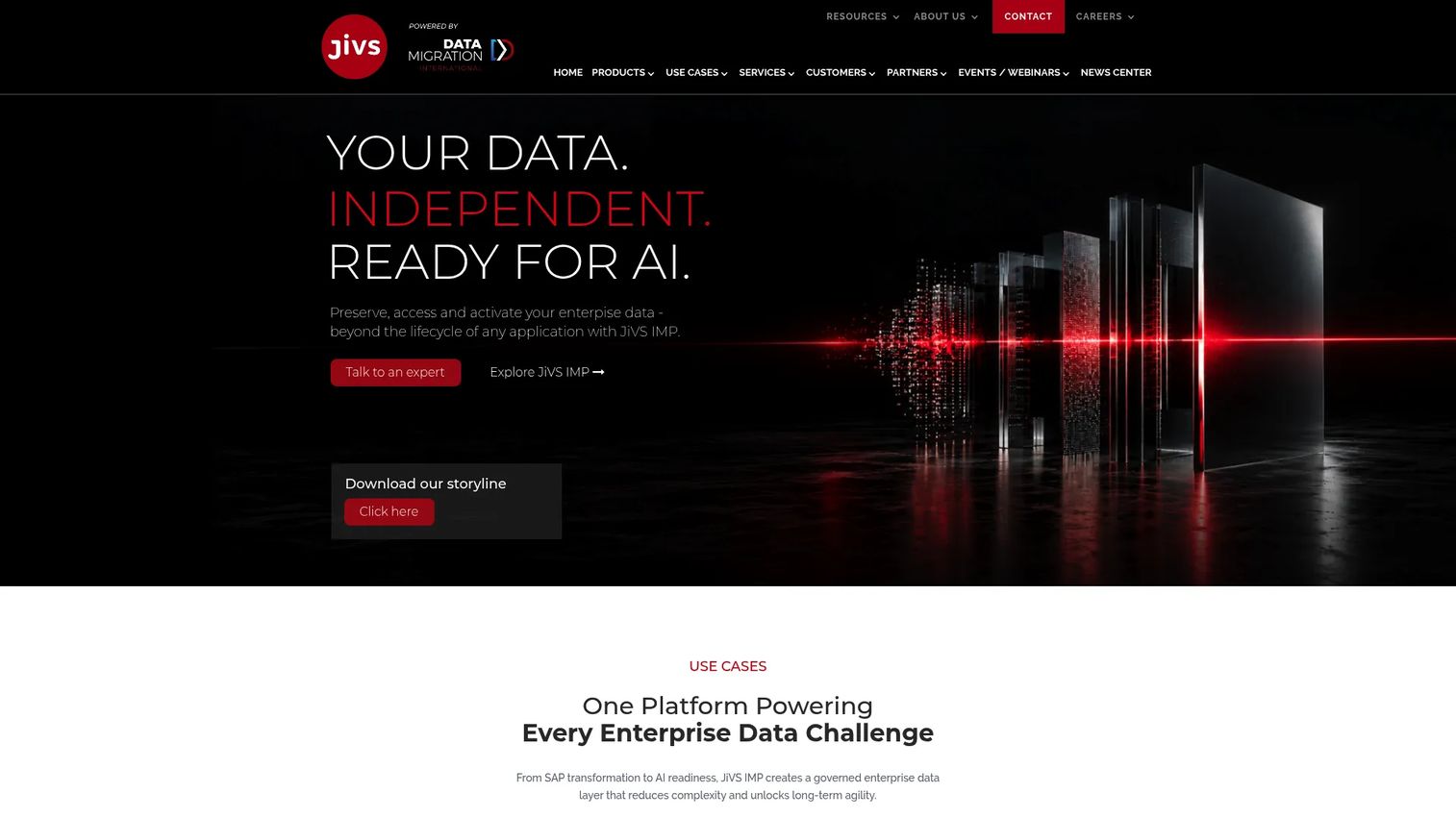
JiVS is an enterprise-grade information management platform covering data migration, application retirement, archiving, retention management, and data quality improvement. It supports SAP and non-SAP systems, GDPR compliance, M&A data consolidation, and AI-ready historical data access through a web-based interface. Subscription-as-a-service is available alongside project-based pricing.
Best for: Large enterprises retiring multiple legacy applications, migrating SAP landscapes, or consolidating historical data after mergers.
Key features
- Application decommissioning and archiving for SAP and non-SAP systems
- Retention management and GDPR compliance controls
- M&A and system rightsizing support
- AI-ready historical data with web-based access
Why choose JiVS: Strong fit for large modernization programs where historical data must outlive the applications that created it. Data mapping, stakeholder alignment across legal and IT, and retrieval workflow design all require attention before implementation.
JiVS Information Management Platform pricing: JiVS defines pricing on a project-specific basis; subscription-as-a-service is available. Contact JiVS directly for scope-based pricing.
G2 rating: 5.0/5 (based on 4 reviews)
11. Solix Common Data Platform
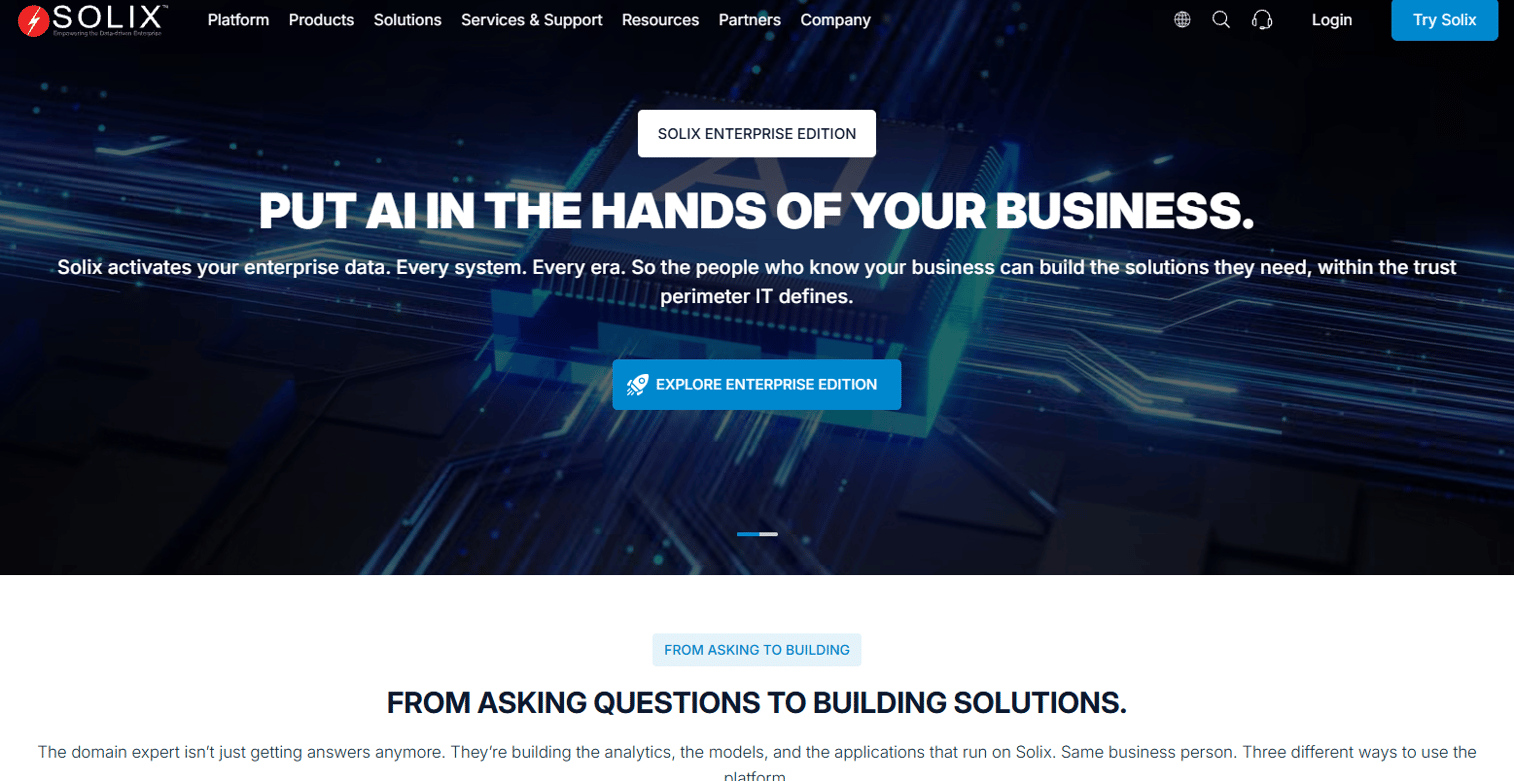
Solix Common Data Platform is an enterprise-scale cloud data management platform for governing, preserving, accessing, and activating structured, semi-structured, and unstructured data. It offers 150-plus pre-built connectors with bulk, streaming, and CDC ingestion modes, a governed Preservation Zone with retention management and legal hold, metadata management, business glossary, lineage, and advanced analytics. Multi-tenant and single-tenant deployment across multi-cloud and hybrid environments are both supported.
Best for: Large enterprises that want archiving integrated into a broader data lifecycle and analytics governance platform.
Key features
- 150+ pre-built connectors with bulk, streaming, and CDC ingestion
- Governed Preservation Zone with retention and legal hold
- Metadata management, business glossary, and data lineage
- Multi-cloud and hybrid deployment with multi-tenant or single-tenant options
Why choose Solix Common Data Platform: Good fit when archiving connects to analytics, governance, and application modernization as parts of the same data lifecycle initiative. Validate that the full platform scope aligns with your immediate problem before committing, so the deployment doesn't expand beyond the team's operational capacity to manage.
Solix Common Data Platform pricing: Contact Solix for a quote; pricing reflects modules, deployment model, data volume, and services.
12. Doxis Intelligent Content Automation
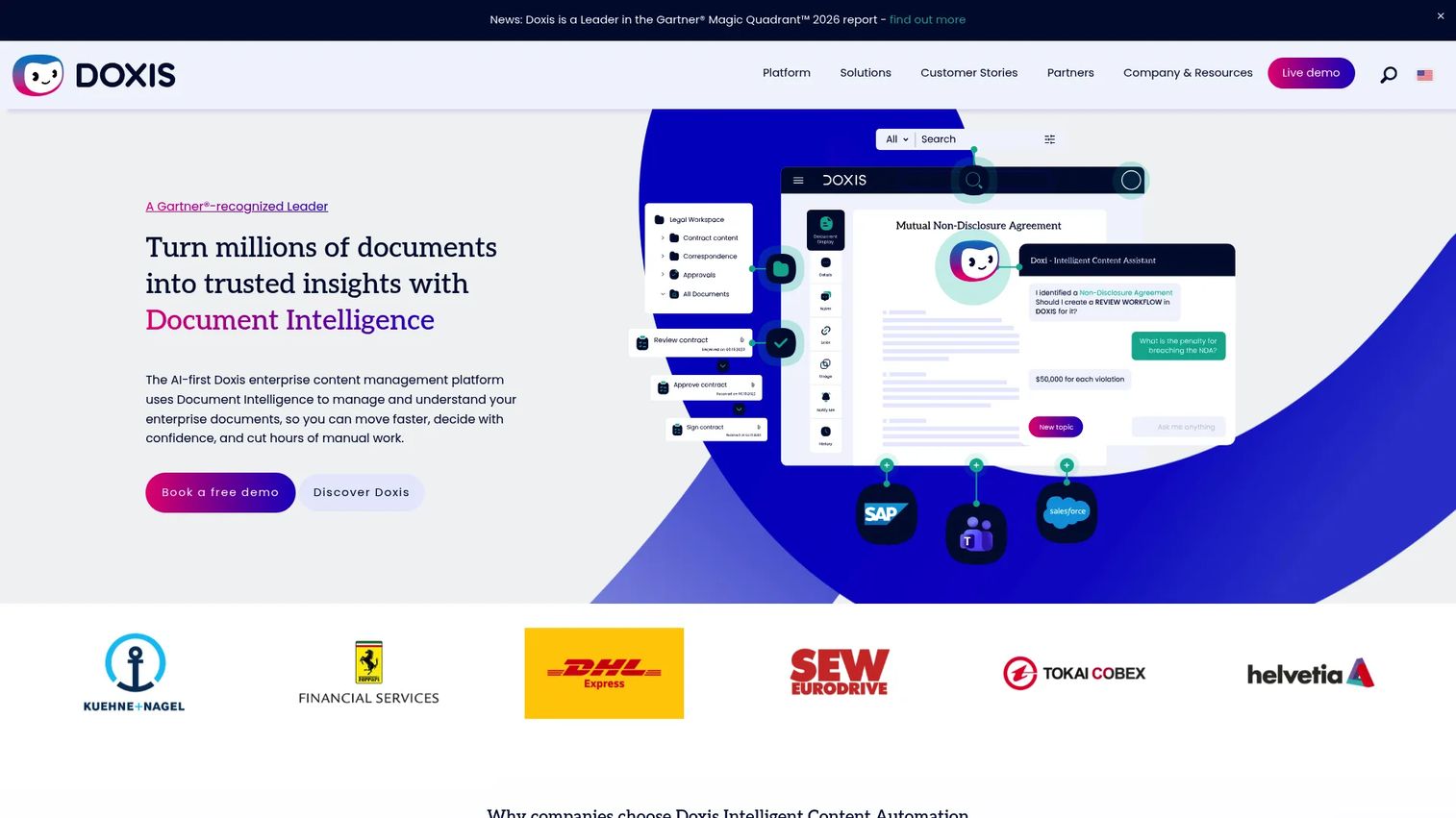
Doxis is an AI-first enterprise content management platform for managing, processing, generating, automating, and archiving documents across business processes. Features include AI-powered OCR, data extraction, classification, fraud detection, and anonymization, alongside certified SAP ERP and S/4HANA integration, audit-proof archiving, process automation for routing and approvals, template-based document generation, and AI search across metadata and full text.
Best for: Large, document-intensive organizations with complex workflows, SAP integration requirements, and a need for content management and archive governance together.
Key features
- Audit-proof document archiving with AI classification and OCR
- Certified SAP ERP and S/4HANA integration
- Process automation for routing, approvals, and case closure
- AI search across metadata and full-text content
- Cloud, on-premises, and hybrid deployment
Why choose Doxis: Best when archiving is tied to document-heavy business processes rather than pure storage reduction. PMs evaluating internal workflow tools should examine how archive retention rules interact with live document processes to avoid governance gaps as records transition from active to archived status.
Doxis pricing: Doxis uses custom pricing. Contact their team directly; pricing reflects modules, users, deployment model, and process scope.
13. DataCore Swarm
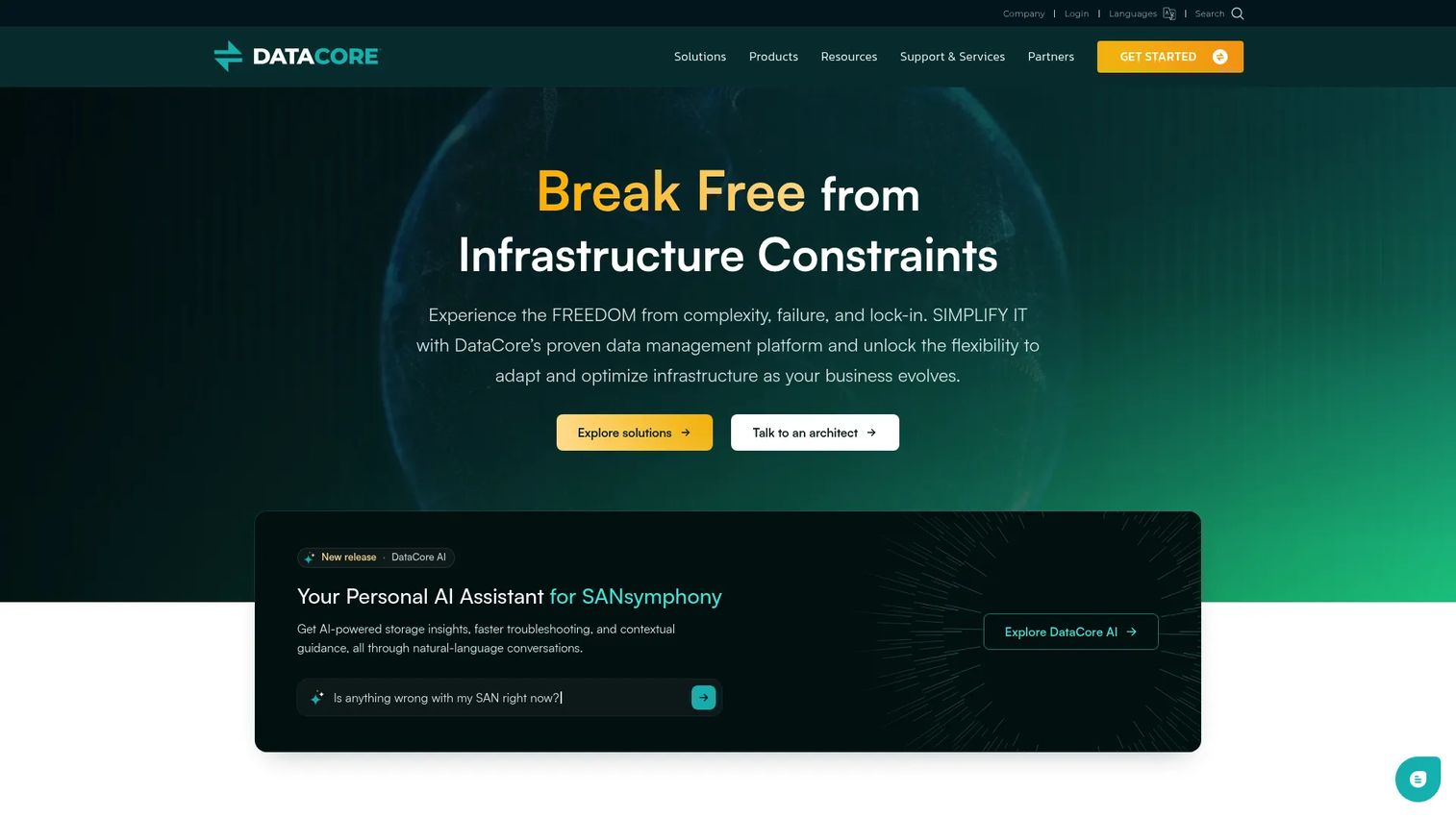
DataCore Swarm is software-defined object storage for archive, backup, long-term preservation, and distributed content access. It provides S3 and HTTPS access, WORM and S3 Object Lock for immutability, erasure coding, self-healing data protection, encryption at rest and in transit, retention scheduling, versioning, and custom metadata with search and indexing. Licensing is capacity-based in TB or PB increments with annual and multi-year term options.
Best for: Teams archiving large volumes of files, media, or object data that still need on-demand retrieval without cold storage latency.
Key features
- S3 and HTTPS access with WORM and S3 Object Lock
- Erasure coding and self-healing data protection
- Retention scheduling, versioning, and custom metadata
- Encryption at rest and in transit
- Multi-tenancy, quotas, monitoring, and audit logs
Why choose DataCore Swarm: Strong choice when archive storage infrastructure is the core problem and the team needs high-volume, always-online retrieval without public cloud dependency. Capacity-based licensing makes cost modeling predictable once storage footprint is known.
DataCore Swarm pricing: Licensing is based on usable storage capacity in TB or PB, with annual and multi-year terms available. Volume discounts and Premier Support are included in the license. Contact DataCore for a capacity-based quote.
G2 rating: 4.3/5
14. Gimmal Records
Gimmal Records is repository-independent records management software for managing enterprise records, retention schedules, disposition, and information lifecycle governance. It provides centralized visibility and control across repositories, retention schedule enforcement, compliant disposition workflows, and repository-independent connectors for in-place management without requiring data migration.
Best for: Organizations where formal records governance, not storage archiving, is the primary requirement.
Key features
- Centralized retention schedules and compliant disposition
- Repository-independent connectors for in-place records management
- Disposition workflow automation
- Audit trails and policy management across enterprise repositories
Why choose Gimmal Records: Useful when the problem is official records governance with defensible disposition authority, rather than cost-driven data migration. PMs should evaluate whether retention rules, disposition events, and user access patterns align with the internal governance model before proceeding.
Gimmal Records pricing: Contact their team for a quote; pricing reflects users, repositories, and governance scope.
Considerations when choosing data archiving software
Match the archive type to the data type
SAP transactional data, email, unstructured files, formal records, and retired application data each require different controls and storage patterns. A broad platform isn't always the right answer. Confirm that the tool you're evaluating covers your primary data source before assessing secondary capabilities.
Validate retrieval before retention
Product and legal teams will eventually need to find something. Search coverage, permission models, API access, audit logs, and retrieval response time are what make an archive usable in practice. Treat retrieval design as a first-class requirement, not an implementation afterthought.
Check governance, legal hold, and disposition
Confirm that the platform supports your retention schedule, can apply legal holds across relevant content, generates audit-ready logs, and supports defensible deletion when retention periods expire. Involve legal and compliance teams during evaluation, not after selection.
Model the full cost, not just the license
Archiving reduces storage cost only when ingestion, migration, ongoing administration, and service fees don't outweigh the saving. Ask vendors for data volume assumptions, migration services pricing, and administrator workload estimates. The license is rarely the largest line item.
Confirm deployment and security requirements
Cloud-only platforms may not satisfy data residency or sovereignty requirements for regulated industries. On-premises options carry infrastructure overhead. Hybrid deployments require integration planning. Verify encryption standards, access control models, identity integration, and immutability controls against your security review criteria before narrowing the shortlist.
Conclusion
Data archiving software is not one decision. It's a set of distinct choices based on what you're archiving, who needs to retrieve it, and what governance obligations apply.
For enterprise information archiving across data types, OpenText Information Archive covers the broadest scope. SAP-heavy environments fit best with OpenText Core Archive for SAP Solutions or SAP Information Lifecycle Management, depending on whether a companion archive layer is needed. Archive360 is the strongest option when cloud migration and AI governance are part of the same project. Email compliance retention sits with Mimecast or Arctera Enterprise Vault, depending on whether bundled security matters. Application retirement projects point toward DataNovata for smaller legacy systems, JiVS for large multi-system SAP programs, and Solix when archiving connects to broader data lifecycle management. For formal records governance, Gimmal Records handles disposition and retention schedule enforcement across repositories. DataCore Swarm covers large active archive storage where on-demand retrieval at scale is the core requirement.
Start by naming the data you need to move, the retention rule it must follow, and the people who still need to retrieve it. That narrows the list faster than any feature matrix.
For teams evaluating broader application portfolio management software decisions alongside archiving, understanding how data dependencies map to your application portfolio is a useful pre-work step.
Start your journey with Guideflow today!
FAQs
Data archiving software stores inactive or historical data in a controlled, searchable repository so organizations can meet retention and compliance obligations, support eDiscovery and audits, reduce production-system load, and preserve access to historical records without keeping that data in primary databases. It differs from backup software, which restores systems after failure rather than governing long-term retention.
Backup software copies data at a point in time to enable system recovery after failure or data loss. Data archiving moves inactive records into a managed repository governed by retention schedules, legal hold, access controls, and audit trails. Backup protects against loss; archiving manages structured access to historical data over long periods.
The answer depends on data type and governance need. OpenText Information Archive covers broad enterprise content with event-based retention and legal hold. Archive360 adds AI interaction governance and communications archiving for cloud environments. Mimecast and Arctera Enterprise Vault both handle email compliance archiving with eDiscovery support. Gimmal Records handles formal records retention and disposition. Most regulated enterprises use more than one of these in combination.
OpenText Core Archive for SAP Solutions is the most common SAP archive companion, supporting SAP S/4HANA, ECC, and SAP Fiori with ArchiveLink and WebDAV ILM interfaces. SAP Information Lifecycle Management adds native retention rules, data blocking, and system decommissioning capabilities within the SAP platform itself. Organizations typically evaluate both together when database growth and regulatory retention are concurrent priorities.
Application retirement is the process of decommissioning a legacy application while preserving compliant, searchable access to its historical data. Rather than keeping an old system running solely to satisfy potential future audits or legal discovery, teams archive the data into a governed repository and shut down the application. DataNovata, JiVS, and Solix Common Data Platform are purpose-built for this use case. For product managers, application retirement frees infrastructure budget and removes legacy dependencies that block modernization work.
The decision depends on data residency requirements, existing infrastructure, retrieval speed needs, security review criteria, and long-term cost modeling. Cloud-based archiving reduces infrastructure overhead but may not satisfy sovereignty requirements for regulated industries. On-premises options offer tighter data control but carry administration and hardware costs. Hybrid deployments split workloads based on data sensitivity or access frequency. Ask your security and legal teams what residency and access control constraints apply before shortlisting deployment models.
Retention policy management, legal hold, full-text search, role-based access controls, encryption, audit trails, eDiscovery export, and defensible disposition are the core capabilities to validate. For application security software evaluations in adjacent governance programs, the access control model is especially important. Migration tooling matters when moving data from production systems, and API access matters when downstream analytics or compliance tools need to query archived data.
Pricing varies considerably by data volume, number of users, modules selected, deployment model, migration services, and support tier. Several vendors on this list, including Archive360, Arctera Enterprise Vault, JiVS, Solix, and Gimmal, price exclusively by quote. OpenText publishes contract price-list entries rather than self-service tiers. Dokmee is the only vendor here with published per-user pricing, starting at $31 per user per month annually. When modeling cost, ask vendors for the full ingestion, migration, storage, and administration cost, not only the license figure.