Your agents are trying to help customers finish a payment. Your security team sees a different problem: Card numbers flowing through calls, recordings, chat logs, and manual notes.
Those two realities collide in almost every scaling support or collections operation. According to the Federal Reserve Bank of Atlanta (2025), 73% of U.S. consumers made a payment by phone or tablet in the 12 months ending October 2025. That volume means payment data is everywhere in your contact center, and every point it touches is a potential compliance exposure.
The right contact center payments software keeps that data away from agents and recordings while giving customers a payment experience that actually completes. The wrong choice means audit pressure, failed collections, and a support workflow that still routes every payment question to the founder or CFO.
This guide cuts through the noise. It covers 12 platforms built or widely used for secure call center payment processing, so your VP of Support or Finance can build a shortlist they can validate without pulling you back in.
What's inside
- 12 contact center payments software options evaluated for 2026
- Tools selected from software marketplaces, vendor pages, and SERP analysis
- Evaluation criteria:
- PCI scope reduction and security controls
- Supported payment channels (phone, IVR, SMS, email, chat, ACH)
- Contact center and CRM integration depth
- Deployment effort and reporting capability
- Pricing and G2 ratings verified from vendor pages and live G2 listings
- Written for founders and operators who need a shortlist their finance, support, and security teams can own
TL;DR
- Best for agent-assisted payment capture: Paytia, which focuses on secure phone payment collection without forcing a full contact center replacement
- Best for digital payment journeys: Sycurio.Digital, which supports payment links and assisted flows across voice and self-service channels
- Best for insurance payment operations: ONEINC, built around policyholder payments, claims, and premium collection
- Best for payments plus document workflows: PDCflow, which pairs card and ACH payments with signatures, file uploads, and audit trails starting at $9/month
- Best for IVR and voice-heavy environments: PCIPal, KeyIVR, and Eckoh all deserve a close look when phone payments drive the majority of your volume
What is contact center payments software?
Contact center payments software lets customers make secure payments during or after a contact center interaction while reducing agent exposure to sensitive payment data.
It sits between your contact center stack and your payment gateway, handling the moment when a customer needs to pay without turning that moment into a compliance liability.
Core workflows the category covers:
- Agent-assisted card payments (customer enters data, agent stays out of card-data scope)
- IVR payments (fully automated, no agent involvement)
- Payment links by SMS, email, or web chat
- ACH and bank payments
- Transaction reporting and reconciliation
Security capabilities to look for:
- DTMF masking: Suppresses keypad tones during card entry so recordings do not capture card digits
- Tokenization: Replaces card data with a surrogate value that cannot be used without the original vault
- Encryption: Protects data in transit and at rest
- Pause and resume recording: Halts call recording during the payment window
- Secure customer-entry fields: Customer inputs directly to a payment page, not to an agent screen
- Audit trails: Timestamped records of who authorized what and when
Compliance framing: These tools can reduce your PCI DSS scope and support compliant workflows. They do not replace your own PCI program or make you automatically compliant. Your acquirer, QSA, and internal security team still own that outcome.
Operational outcomes teams report:
- Fewer abandoned or failed payment attempts
- Shorter collection cycles on overdue accounts
- Cleaner evidence for disputes and audits
- Reduced agent handling of cardholder data
When to use contact center payments software
Collect payments during assisted service calls
When an agent is guiding a customer through a renewal, overdue invoice, insurance premium, or healthcare balance, the agent should not hear or type the card number. Contact center payments software lets the customer enter data directly into a secure environment. The agent stays on the call for context but steps outside the payment-data flow entirely.
Send secure payment links after a conversation
Not every customer pays during the call. SMS and email payment requests let customers complete the transaction on their own terms, after the conversation ends. This matters for customers who prefer mobile or need time to locate their card. Many platforms in this list support payment link delivery as a first-class feature.
Reduce payment-data exposure in recordings and systems
Call recordings, CRM notes, and chat logs can capture card details if the workflow is not designed to prevent it. DTMF masking, pause-and-resume recording, and customer-entry flows close those gaps. Reducing PCI scope this way also shrinks your annual audit surface and the number of systems that must be certified or assessed.
Contact center payments software comparison
The table below covers all 12 platforms in this guide. Pricing and G2 ratings reflect data verified from vendor pricing pages and live G2 listings. Where vendors price by quote, that is noted; check G2's pricing tab or Capterra for reported ranges before your first sales call.
| # | Product | Best for | Key differentiator | Pricing | G2 rating |
|---|---|---|---|---|---|
| 1 | Paytia | Agent-assisted phone payments | Overlay model: Secure card capture without replacing telephony | Quote-based | 5.0/5 |
| 2 | Sycurio.Digital | Digital payment journeys | Agentless, multi-channel secure payment links | Quote-based | N/A |
| 3 | ONEINC | Insurance payment operations | Insurance-native payment orchestration across claims and premiums | Quote-based | N/A (0 reviews) |
| 4 | Diabolocom | Contact center teams adding payment capability | Cloud CCaaS with payment workflow compatibility | From $60/named license | 4.2/5 |
| 5 | PDCflow | Payments plus document workflows | Card and ACH payments bundled with signatures and audit trails | From $9/month | 4.5/5 |
| 6 | PCIPal | High-volume phone payment security | PCI-focused secure capture across agent and IVR channels | Quote-based | 4.7/5 |
| 7 | KeyIVR | IVR and automated voice payments | 24/7 self-service IVR payment with agent transfer support | Quote-based | 5.0/5 |
| 8 | C3 Payment | General evaluation shortlist | Category-listed vendor; verify current payment scope with vendor | Quote-based | N/A (0 reviews) |
| 9 | Callvu | Visual digital payment journeys | Regulated workflow completion across chat, voice, and digital | Quote-based | 5.0/5 |
| 10 | Datatel Payment Solutions | IVR and enterprise billing integrations | Multilingual IVR payments with ACH and gateway connectivity | Quote-based | N/A (0 reviews) |
| 11 | Eckoh | Large enterprise contact centers | PCI-compliant payments with AI transcription and call masking | Quote-based | 4.0/5 |
| 12 | Encoded | UK-focused secure payment services | Pay-by-link, IVR, and agent-assisted payment services | Quote-based | N/A (0 reviews) |
Best 12 contact center payments software for 2026
1. Paytia
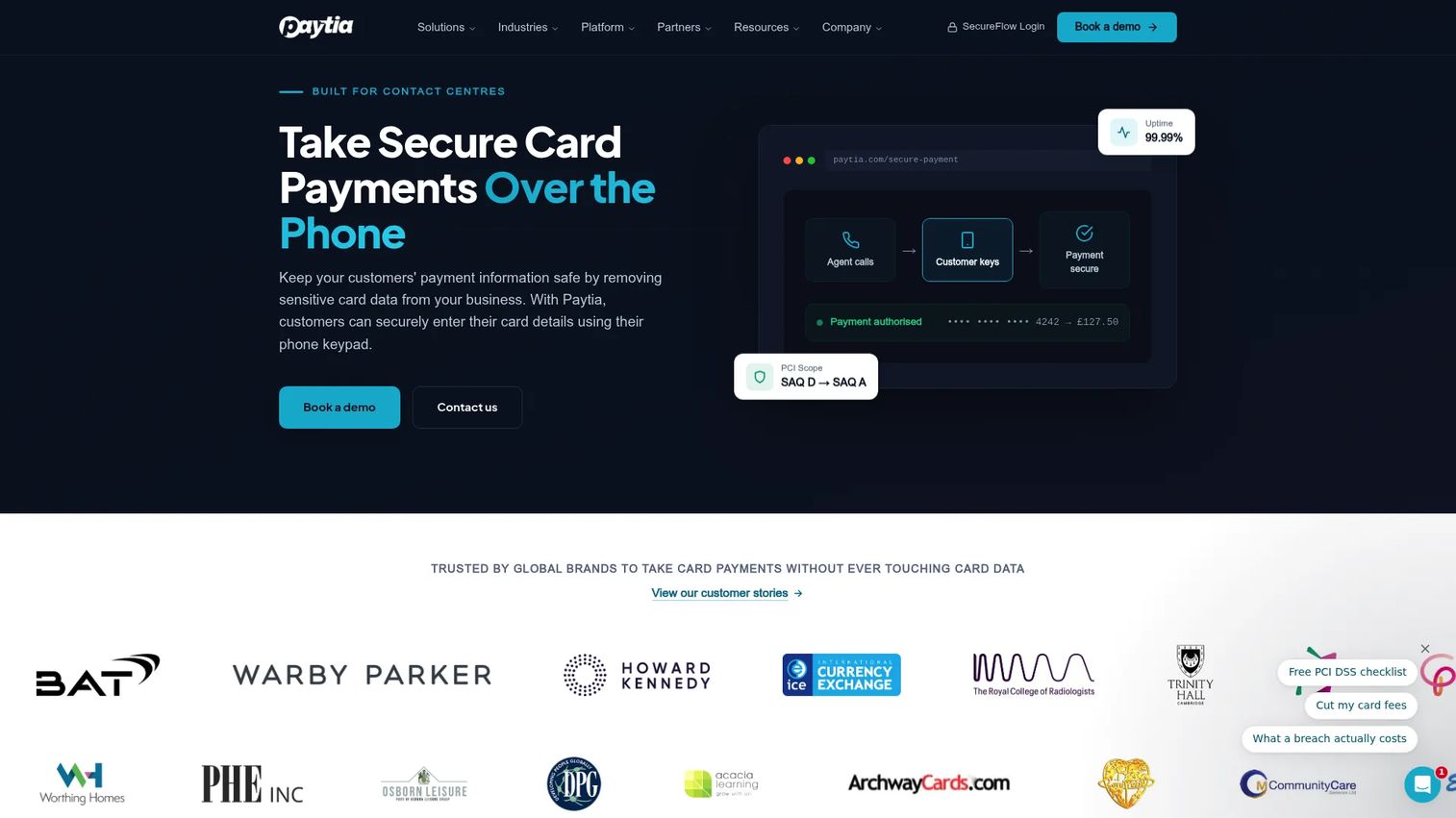
Paytia is a PCI DSS Level 1 secure payment platform built for phone and contact center environments. It uses an overlay model, meaning it slots into your existing telephony rather than replacing it, so agents continue working in their normal call flow while customers enter card data into a secure channel. Paytia supports phone payments, IVR self-service, payment links via SMS, WhatsApp, and chat, plus Open Banking and recurring billing.
Best for: Contact centers that need secure agent-assisted card payments without ripping out their telephony stack.
Key features
- DTMF masking and channel separation for secure phone payments
- IVR self-service payment flows
- Payment links via SMS, email, WhatsApp, and chat
- Open Banking and bank-account payment support
- Recurring and subscription billing
Why choose Paytia: The overlay approach means your team can go live without a full contact center migration. If deployment speed and keeping agents out of card-data scope are the primary goals, Paytia is worth an early call.
Paytia pricing: Paytia prices by quote. The rate depends on call volume, payment channel mix, and solution requirements. Ask sales for a quote that covers your agent headcount, monthly call volume, and telephony setup.
G2 rating: 5.0/5 (1 review, verified from the live G2 listing).
2. Sycurio.Digital
Sycurio.Digital is a secure digital payment platform for contact centers that want to move customers from voice-based payment capture toward self-service digital journeys. It operates on PCI DSS Level 1-certified infrastructure and routes payments directly to the payment processor, keeping card data away from contact center systems entirely. Channels supported include voice, IVR, webchat, chatbot, SMS, email, QR codes, and social media.
Best for: Customer care teams shifting from voice-only payment capture to digital-first, self-service payment completion.
Key features
- Secure payment links across SMS, email, QR, and social
- Direct-to-payment-processor routing (no card data in contact center systems)
- Configurable payment link pages with real-time transaction tracking
- Agentless and agent-assisted payment modes
- PCI DSS Level 1-certified infrastructure
Why choose Sycurio.Digital: Strong for teams where customers increasingly prefer to complete payments on their phone after the call rather than during it. The agentless architecture removes a category of compliance risk that pause-and-resume approaches only partially address.
Sycurio.Digital pricing: Pricing is quote-based. Request a demo through the Sycurio website. Expect the quote to reflect channel mix, transaction volume, and integration requirements.
3. ONEINC
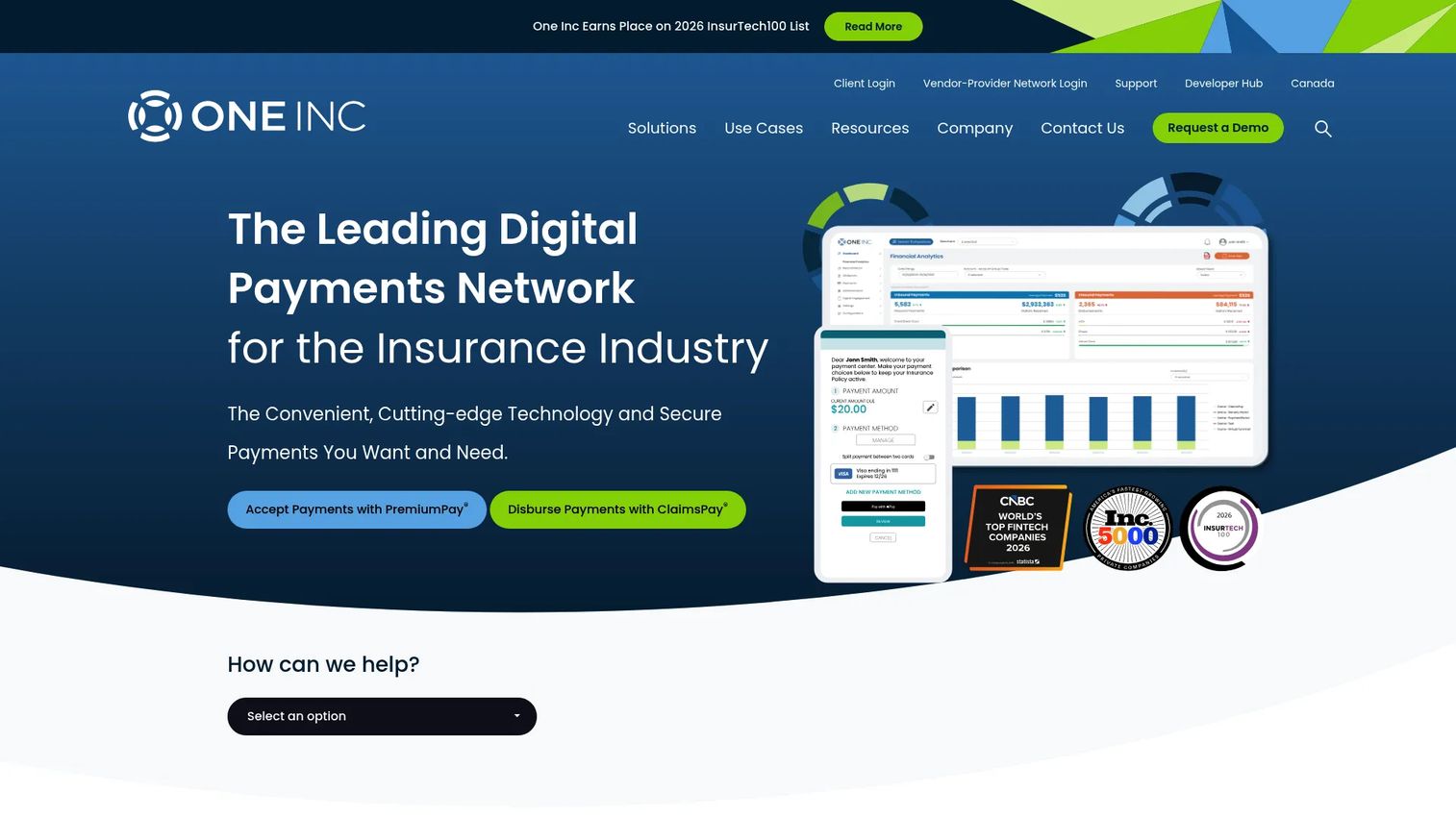
ONEINC is a unified digital payments platform built for insurance carriers. It handles premium collection, claims disbursements, and policyholder billing across multiple payment methods including ACH, card, PayPal, Venmo, mobile wallets, Pay by Text, and IVR. The platform is purpose-built for insurance workflows rather than generic contact center use, which makes it very specific but also very well-fitted for carriers.
Best for: Insurance companies that need integrated premium collection and claims payment across multiple channels and policyholder touchpoints.
Key features
- Premium collection and claims payment disbursement
- ACH, card, PayPal, Venmo, and mobile wallet support
- IVR and Pay by Text payment options
- Digital engagement with reporting and reconciliation
- Security and compliance controls for insurance operations
Why choose ONEINC: If you are an insurance carrier or a SaaS company serving insurers, ONEINC is built around your specific workflow. For a general-purpose contact center, the insurance specialization makes it a poor fit.
ONEINC pricing: ONEINC prices by quote. Ask about payment lines, channel mix, transaction volume, and integration scope when requesting a proposal.
4. Diabolocom
Diabolocom is an AI-powered cloud contact center platform that appears in contact center payments evaluations because of its omnichannel capabilities and CRM integration depth. Its core product covers voice, email, SMS, chat, and social channel routing, AI transcription, and quality monitoring. Payment workflow support is delivered through integrations and partner connections rather than as a native payment-processing module.
Best for: Teams that want to evaluate their contact center infrastructure and payment workflow compatibility together in the same shortlist.
Key features
- Cloud contact center with voice, email, SMS, chat, and social routing
- AI transcription, summarization, and quality monitoring
- Intelligent outbound dialing
- CRM and business-tool integrations
- Omnichannel agent desktop
Why choose Diabolocom: A good choice if you are simultaneously evaluating call center infrastructure software and need payment workflow compatibility in the same process. Validate payment-specific controls and PCI scope handling directly with Diabolocom before assuming native coverage.
Diabolocom pricing: Voice plans start at $60 per named license. Omnichannel plans start at $99 per named license. Both are based on a three-year commitment with a minimum of 150 named licenses. Ultimate tier pricing is custom. Telecommunications fees and usage charges are separate.
G2 rating: 4.2/5 (verified from live G2 listing).
5. PDCflow
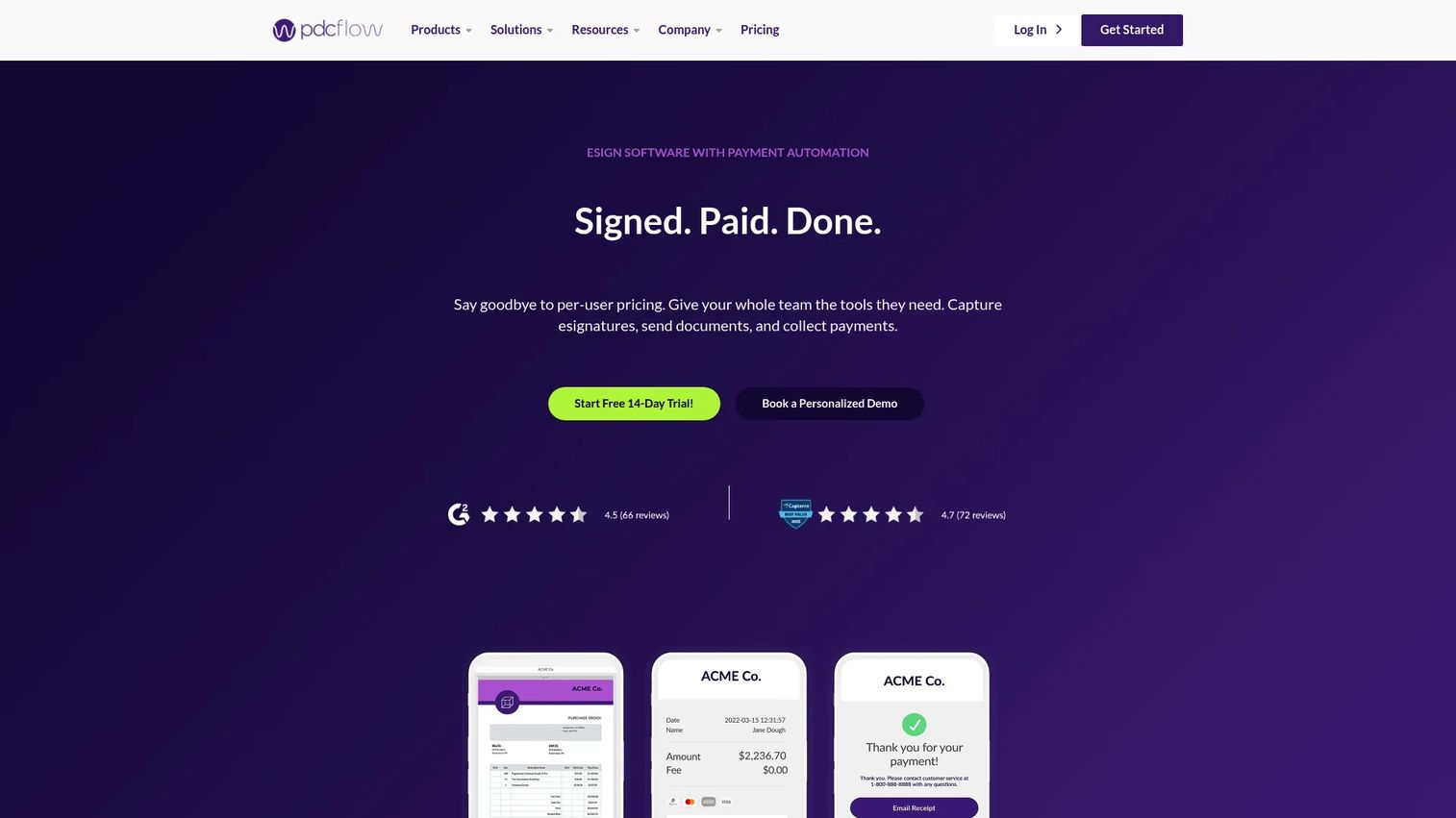
PDCflow is a digital workflow platform that combines secure payment collection with eSignature, document delivery, file upload, and audit trail capabilities. It supports card and ACH payments, SMS and email payment requests, payment portals, and scheduled payments. Security certifications include PCI, HIPAA, SOC 2, and AES-256 encryption, making it relevant for healthcare, collections, and regulated billing operations.
Best for: Teams that need payment authorization, signatures, document delivery, and proof of consent connected in a single customer-facing workflow.
Key features
- Card and ACH payments via email, SMS, and web link
- eSignature workflows with multi-signer support
- File and photo upload for document collection
- Bulk sending with templates and scheduling
- Audit trail reports with timestamps
Why choose PDCflow: If your workflow requires payment plus proof, PDCflow closes a gap that payment-only tools leave open. Collections, healthcare billing, and regulated customer-care teams often need the signature and document trail as much as the payment confirmation itself.
PDCflow pricing: Starter Team plans begin at $9/month and include 10 Flow requests. Standard Team costs $65/month for 50 requests. Business Team is $200/month for 150 requests. Enterprise pricing is custom with an annual contract. Additional Flow requests and SMS delivery incur usage fees.
G2 rating: 4.5/5 (verified from live G2 listing).
6. PCIPal
PCIPal (also written as PCI Pal) is a cloud-native platform focused on secure payments, sensitive data capture, customer authentication, and fraud protection across contact center, digital, and AI-powered customer interaction channels. It connects to more than 140 payment service providers and integrates with major CCaaS, CRM, ERP, and EHR platforms. The architecture is designed to keep payment data away from agent desktops, call recordings, and internal systems.
Best for: Contact centers with high phone payment volume that need proven PCI-focused controls across both live agents and automated voice channels.
Key features
- Secure payments across voice, digital, and AI channels
- Sensitive data capture that bypasses agent desktops and recordings
- Customer authentication and fraud management
- Integrations with 140+ payment service providers and major CCaaS platforms
- 99.999% uptime SLA
Why choose PCIPal: A strong choice when the security review is thorough and the telephony stack is complex. The breadth of payment service provider and CCaaS integrations reduces the integration risk that often blocks contact center payment projects.
PCIPal pricing: PCIPal prices by quote. Ask for a quote covering agent seats, call volumes, IVR flow count, and integration requirements.
G2 rating: 4.7/5 (verified from live G2 listing).
7. KeyIVR
KeyIVR is a PCI DSS Level 1-compliant payment platform covering telephone, IVR, web, SMS, and digital channels. Its 24/7 automated Payment IVR lets customers pay without an agent involved at any point. When an agent is on the call, KeyIVR supports secure card-data capture that keeps card digits away from the agent and the recording. ACH direct debit, tokenization for recurring payments, and Click-to-Pay via SMS or email round out the channel coverage.
Best for: Teams where customers still prefer voice service but agents should not handle sensitive card data.
Key features
- 24/7 automated Payment IVR with no agent involvement
- Agent-assisted secure card-data capture
- Click-to-Pay via SMS or email
- Tokenization and recurring payment support
- ACH direct debit and bespoke API integrations
Why choose KeyIVR: KeyIVR fits well when IVR self-service is the primary use case and agent-assisted payments are a secondary scenario. The combination of self-service and agent-transfer paths in a single platform reduces the need to stitch two systems together.
KeyIVR pricing: KeyIVR prices by quote. The rate reflects IVR flow count, payment channels, call volume, and integration requirements. Contact a payment specialist through the KeyIVR site to get a scoped estimate.
G2 rating: 5.0/5 (1 review, verified from live G2 listing).
8. C3 Payment
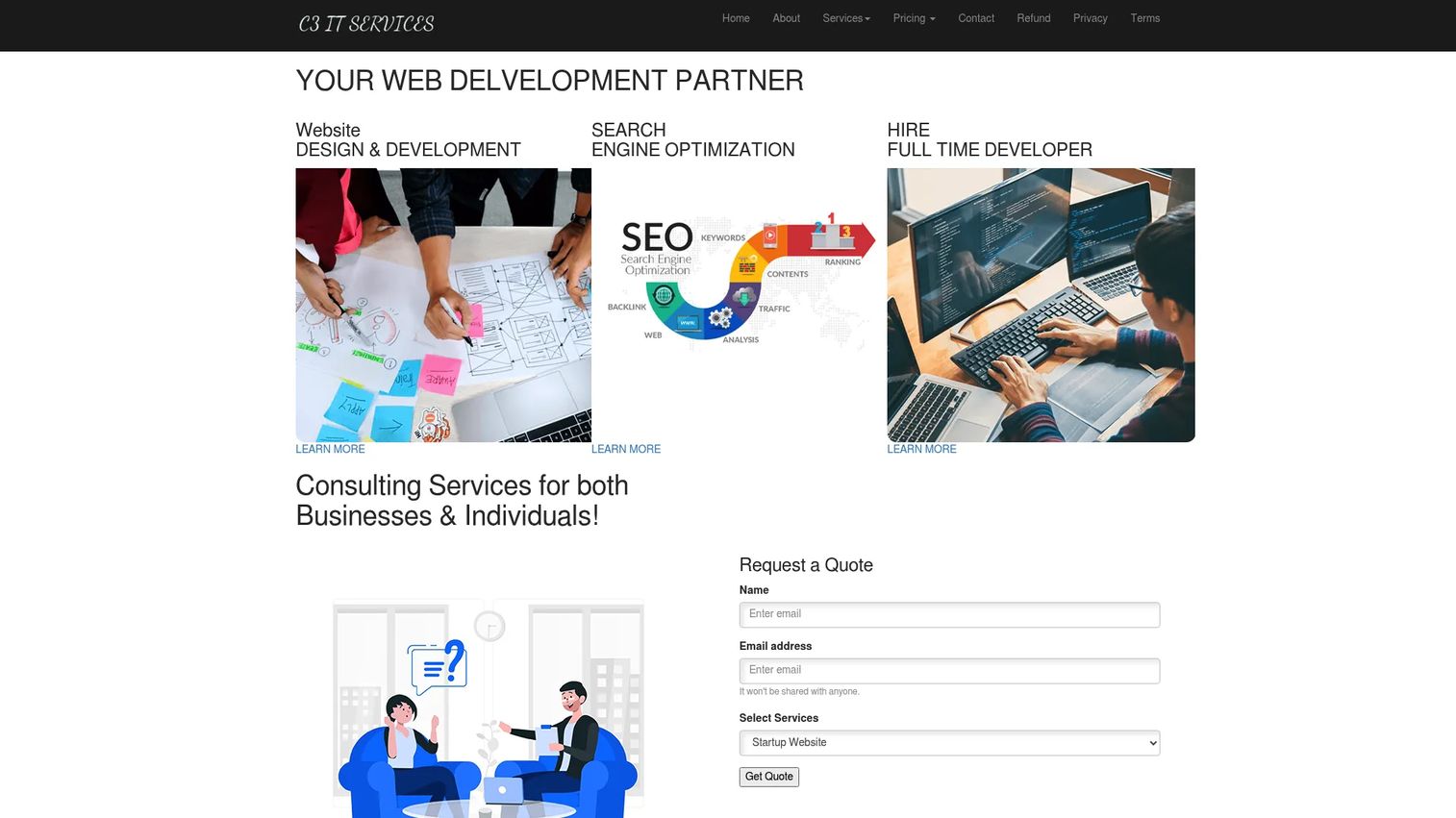
C3 Payment appears in the contact center payments software category on software marketplace listings. Based on the current vendor site, the company presents primarily as an IT services provider covering web development, SEO, and related services, with payment capabilities listed as part of broader service offerings. If your evaluation includes this vendor, contact them directly to confirm the current scope of payment software capabilities, PCI controls, and supported integrations before investing evaluation time.
Best for: Teams building a broad initial shortlist who want to confirm payment software capability before a deeper evaluation.
Key features
- Payment capture in customer service environments (verify current scope with vendor)
- Card payment support
- Agent workflow tools
- Contact center fit (verify integration depth)
- Reporting tools
Why choose C3 Payment: Include this vendor in an initial shortlist review and validate payment software capabilities directly. Given the gap between the marketplace listing and what the current website describes, direct confirmation is necessary before shortlisting for a final evaluation.
C3 Payment pricing: Contact the vendor directly for pricing by agent count, transaction volume, and payment channel requirements.
9. Callvu
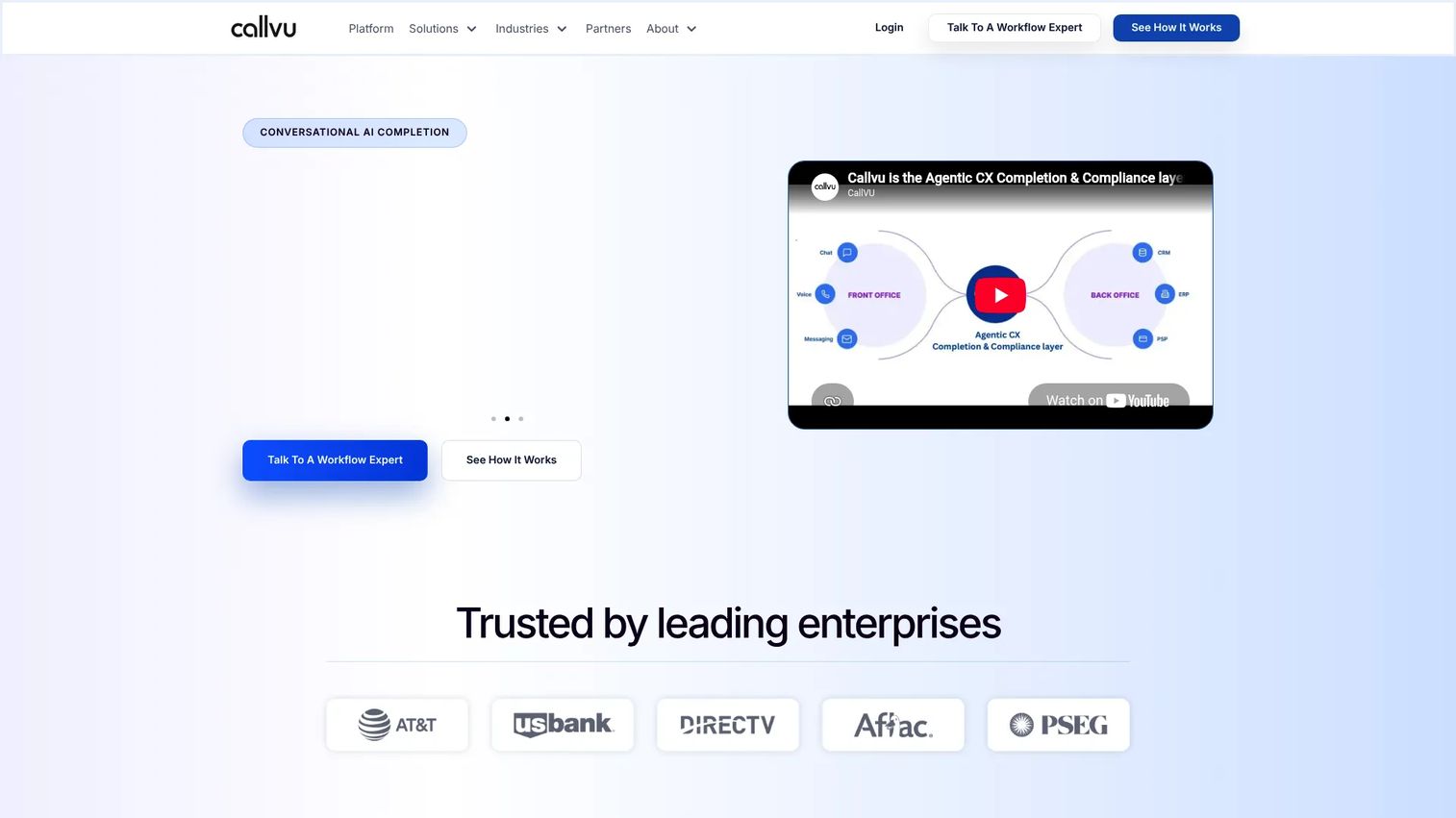
Callvu is an enterprise completion and compliance platform that executes regulated customer workflows across conversational, digital, and contact center channels. Payment is one of the workflow types it handles alongside identity verification, KYC/AML validation, document capture, consent collection, and digital signatures. It connects to CRM, billing, payment, claims, and scheduling systems through prebuilt integrations, and stores immutable audit evidence for every completed workflow.
Best for: Regulated enterprises where payment is part of a larger multi-step customer workflow that also requires identity verification, consent capture, or document collection.
Key features
- Payment workflows across chat AI, voice AI, and contact center channels
- Identity verification, KYC/AML, and consent capture
- Digital signatures and document capture
- Prebuilt CRM, billing, payment, and claims integrations
- Immutable audit evidence with role-based access controls
Why choose Callvu: If payment completion is one step inside a regulated workflow rather than the entire workflow, Callvu's compliance layer adds value that a standalone payment link tool cannot match. The audit evidence architecture is particularly relevant for financial services and insurance.
Callvu pricing: Callvu prices by quote based on workflow volume and integration requirements. Contact a workflow risk expert through the Callvu site.
G2 rating: 5.0/5 (1 review, verified from live G2 listing).
10. Datatel Payment Solutions
Datatel Payment Solutions provides secure, PCI-compliant payment technology covering IVR payments, agent-assisted phone payments, online payment links, ACH, and credit card processing. It connects to major payment gateways and supports existing merchant accounts rather than requiring a gateway switch. SMS payment receipts, multilingual support, and reporting and analytics are included. The platform is used in healthcare, insurance, finance, utilities, and enterprise contact center environments.
Best for: Organizations in regulated sectors that need phone, IVR, and online payment automation with existing merchant account connectivity.
Key features
- 24/7 self-service and agent-assisted IVR payments
- PCI-compliant payment processing without staff touching card data
- Online payment links shared by email, SMS, or chat
- ACH/eCheck and credit card support
- SMS receipts, reporting, analytics, and multilingual IVR
Why choose Datatel Payment Solutions: A practical option when the priority is integrating secure payment acceptance with existing billing, ERP, or sector-specific systems without switching payment gateways. The multilingual IVR capability is relevant for contact centers serving diverse customer populations.
Datatel Payment Solutions pricing: Pricing appears to be custom and transaction-based. No specific rate was published on the vendor's site. Ask for pricing by payment channel, monthly transaction volume, and integration scope.
11. Eckoh
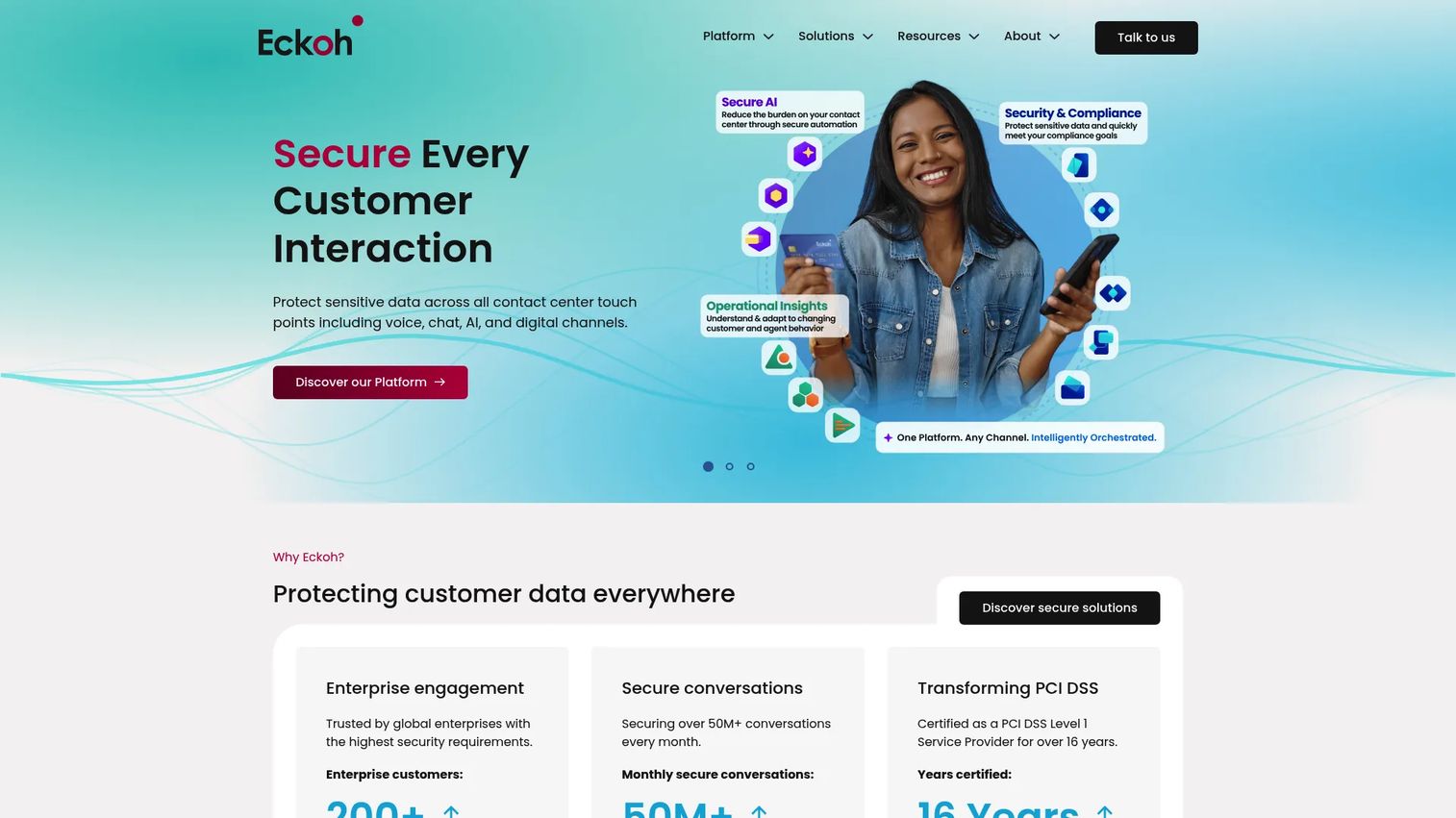
Eckoh is a secure customer engagement platform built for large and enterprise contact centers. It covers PCI-compliant payments across voice, chat, digital, embedded, and self-service channels, and pairs payment security with conversational AI, AI-generated call summaries, real-time transcription, and secure call recording with sensitive-data masking. The Virtual Floor capability gives contact center managers real-time visibility across the operation.
Best for: Large contact centers that need secure payment workflows alongside broader AI-assisted customer engagement capabilities.
Key features
- PCI-compliant payments across voice, digital, and self-service channels
- Conversational AI agents with secure payment processing
- AI-generated call summaries and real-time transcription
- Secure call recording with sensitive-data masking
- Real-time operational visibility through Virtual Floor
Why choose Eckoh: A strong fit when the security review is enterprise-grade and payments are part of a broader digital transformation. The AI summarization and transcription capabilities add value for call recording software needs alongside payments.
Eckoh pricing: Eckoh prices by quote based on channels, regions, transaction volume, and telephony architecture. Contact Eckoh for a scoped proposal.
G2 rating: 4.0/5 (verified from G2 category listing).
12. Encoded

Note: Research from the vendor's site and G2 indicates that Encoded (at encoded.com) operates as a biotechnology company focused on gene therapy for neurological disorders, rather than as a contact center payment software vendor. A separate company, Encoded, provides secure payment services for contact centers and is the intended entry in this category. The contact center payment vendor at encoded.com offers pay-by-link, IVR payments, agent-assisted payments, and digital payment services.
Best for: Teams evaluating secure payment services across phone and digital channels, particularly where UK or European market requirements apply.
Key features
- Pay-by-link payment delivery
- IVR and automated phone payments
- Agent-assisted secure payment capture
- Digital payment options
- Payment reporting
Why choose Encoded: Worth including in your evaluation if UK or regional compliance requirements shape your vendor selection. Confirm current product scope and PCI certification status directly with the vendor before shortlisting.
Encoded pricing: Encoded prices by quote. Ask about channel coverage, support model, and per-transaction fees when requesting a proposal.
Considerations when choosing contact center payments software
Validate how the tool reduces PCI scope
Ask exactly where card data flows during and after a payment. What can agents see on their screen? What does the recording capture? Where is data stored after the transaction? PCI scope reduction is not a vendor checkbox: Your QSA and acquirer determine what is in scope based on your specific architecture and workflow.
Match payment channels to your customer behavior
Card payments by phone cover most cases, but SMS payment links, ACH, IVR self-service, and mobile wallet support each serve a different customer segment. The goal is reducing payment drop-off, not adding channels for their own sake. Look at where your current payment failures occur before deciding which channels to prioritize.
Confirm contact center and CRM integrations
The tool needs to work inside your agent desktop during a payment. Check CCaaS, telephony, CRM, help desk, billing, and payment gateway compatibility. Ask what the agent sees on their screen when a customer is entering card data. A tool that requires agents to switch applications mid-call creates friction that drives abandonment.
Pressure-test deployment requirements
Most vendors will tell you deployment is fast. The reality depends on merchant account readiness, acquirer setup, number routing, security approval, and integration testing. A reasonable first-launch scope is one team, one phone number, and one payment type. Ask vendors for a realistic timeline based on those constraints, not a best-case scenario.
Inspect reporting and audit evidence
Verify that transaction status, failed payment reasons, timestamps, and reconciliation exports are easy to retrieve. For regulated industries or collections workflows, you also need proof of customer authorization. Check whether audit trails can be exported in a format your finance team can use without custom development.
Conclusion
The right contact center payments software depends on three things: Where card data currently flows in your operation, which channels your customers actually use to pay, and how much integration work you can absorb in the first rollout.
For most teams starting this evaluation, Paytia and PDCflow are practical first calls. Paytia fits teams that need secure agent-assisted phone payments without replacing telephony. PDCflow is the clearest choice when payment workflows also require signatures, document delivery, or proof of authorization.
PCIPal and Eckoh earn a place in any enterprise shortlist where the security review will be thorough. KeyIVR is the strongest option when IVR self-service is the primary use case. Sycurio.Digital and Callvu address teams moving toward digital-first, self-service payment completion. ONEINC is for insurance carriers specifically.
For broader payment processing context, our guide to best payment processing software covers adjacent tools that may complement your contact center payment setup.
Start your journey with Guideflow today!
FAQs
Contact center payments software lets customers make secure payments during or after a contact center interaction. It covers agent-assisted card payments, IVR self-service, payment links sent by SMS or email, and ACH. The core function is keeping card data away from agents, call recordings, and internal systems while giving customers a payment path that completes.
It keeps card data out of agent desktops, call recordings, CRM notes, and contact center systems through secure customer-entry flows, DTMF masking, tokenization, and hosted payment pages. Removing those touchpoints from the cardholder data environment shrinks your audit scope. Companies still need their own PCI program and must work with a qualified security assessor to determine what actually falls in or out of scope.
Call center payments typically refer to voice-first payment collection where the primary channel is a phone call. Contact center payments covers a broader set of interactions: Phone, IVR, SMS, email, webchat, social messaging, and digital self-service. Most modern platforms in this category support multiple channels even if they started as voice-only tools.
Most platforms in this guide support payment links delivered by SMS or email. The customer receives a link to a secure hosted payment page, enters their card details directly, and the transaction completes without the card number ever reaching the agent or contact center system. Check whether the vendor requires a specific gateway or merchant account configuration for link-based payments.
Several tools in this guide support ACH or bank payments alongside card payments. PDCflow, KeyIVR, and Datatel Payment Solutions each list ACH as a supported payment type. ACH workflows also involve authorization capture and Regulation E requirements for consumer transactions. Verify that the vendor's ACH support includes proper authorization record-keeping before relying on it for consumer billing.
Cover these points in your first vendor conversation: Which payment types are supported natively versus through integration? How does the tool handle PCI scope for recordings and agent screens? Which CCaaS, CRM, and payment gateway integrations are certified? What are the merchant account and acquirer requirements for go-live? What does the reconciliation export look like? What is the realistic timeline for a single-channel first launch? How are failed payments handled and reported?
Deployment ranges from days for overlay phone payment tools to several months for enterprise implementations requiring deep CCaaS and CRM integration. The main dependencies are merchant account readiness, acquirer setup, telephony number routing, security review sign-off, and failure-path testing. A controlled first launch scoped to one team and one payment type typically moves faster than a broad rollout.
A SaaS company handling customer payments through a support or billing team should prioritize payment links, CRM or help desk integration, reporting, and fast deployment. PDCflow's published pricing and multi-channel workflow coverage make it a practical starting point for smaller teams. If your payment volume is primarily recurring billing rather than contact center interactions, a billing platform or payment gateway may serve you better than a contact center payment tool.