Consignment stores don’t simply sell inventory. They track who owns each item, calculate revenue splits, manage payouts, monitor aging stock, and explain balances to consignors.
A generic POS can close a sale while leaving your team to reconcile those obligations manually. That gap grows as inventory volume, locations, and consignor counts increase.
Demand is moving in the same direction. The OfferUp Recommerce Report found that 93% of Americans bought a secondhand item during 2025. Meanwhile, the 2026 ThredUp Resale Report said the US secondhand market grew nearly four times faster than broader retail clothing in 2025.
The right consignment software turns those moving parts into a repeatable operating system. Your next manager should understand it without relying on the owner’s memory.
What’s inside
This guide is for consignment shops, resale stores, thrift stores, antique malls, vendor malls, and operators managing multiple locations.
We evaluated each product against the workflows that create the most operational risk:
- Store operations: POS, intake, labels, returns, and inventory controls
- Consignor management: Accounts, portals, balances, splits, and payouts
- Management visibility: Reporting, accounting exports, and location oversight
- Commercial fit: Pricing structure, store model, and verified review presence
Pricing comes from vendor pages where available. G2 ratings appear only when a current listing was verified.
TL;DR
- Best overall for consignment operations: SimpleConsign covers POS, payouts, inventory, integrations, and several resale business models
- Best for cloud first teams: ConsignCloud connects store operations with consignor accounts, online selling, and remote visibility
- Best for mixed retail: Rain POS supports consignment alongside standard retail, trade ins, services, and online sales
- Best for stores using Square: Rose for Square adds consignment inventory, portals, splits, and payout tracking to an existing Square setup
- Best for online resale growth: Aravenda and ResaleOS support broader ecommerce or marketplace workflows
- Best antique mall options: Circle Hand and GoAntiquing! POS focus on dealer, booth, settlement, and vendor reporting needs
What is consignment software?
Consignment software is retail management software that tracks consignor owned inventory, processes sales, calculates splits, manages payouts, and reports store performance.
It combines a resale POS system with consignment inventory software and consignor management software. Each item remains connected to its owner, intake date, price, commission rule, and resulting balance.
Core capabilities often include:
- POS and checkout: Sales, taxes, discounts, returns, and payment processing
- Inventory intake: Item records, categories, photos, ownership, and condition
- Consignor accounts: Contact information, balances, sales history, and statements
- Commission rules: Percentage splits, fees, store credit, and payout obligations
- Barcode tools: Label creation, ticket printing, and item scanning
- Inventory aging: Intake dates, markdown schedules, expiration, and stale stock reports
- Vendor management: Booths, rent, commissions, statements, and dealer access
- Business reporting: Sales, inventory, taxes, payouts, and accounting exports
- Online selling: Ecommerce connections, marketplace publishing, and order management
- Centralized access: Remote reporting, location controls, and shared records
A generic retail POS records what sold and how the customer paid. Consignment POS software must also know who owned the item and how much the store owes them.
That distinction affects nearly every daily process. A return can reverse a consignor balance. A discount can alter both parties’ shares. An expired item may need collection, donation, or another markdown.
Vendor mall software extends the same model to dealers and booth operators. It may add rent collection, individualized commissions, dealer statements, and centralized checkout.
Cloud based consignment software also gives operators access outside the store. That matters when an owner or finance lead needs to review payouts without logging into a specific terminal.
When to use consignment software
Manage consignor splits without spreadsheets
Use dedicated software when sales create balances for multiple inventory owners. A proper system records the split, discount, return, payout status, and store credit in the same workflow.
This removes repeated spreadsheet updates and gives staff a consistent answer when a consignor asks about their balance.
Track inventory age before stale stock takes over
Unique resale inventory needs intake dates and aging controls. Consignment store inventory management should show how long an item has been available and whether its price changed.
Use these reports to identify stale categories, prepare markdowns, and reclaim floor space before slow inventory becomes invisible.
Standardize operations across people or locations
If the owner remains the system of record, the business cannot scale cleanly. Staff need consistent intake, checkout, return, and payout procedures.
Multi location consignment software adds centralized access and shared reporting. It also makes training a new manager easier because the process lives inside the system.
Consignment software comparison
Use this comparison as a shortlist rather than a final decision. Store models vary widely, especially around payouts, booth rent, online selling, and buy outright inventory.
Three products require extra caution. ConsignPro stopped serving new customers in 2026. The supplied Ricochet website now describes a game studio. Liberty REACT could not be verified on its supplied vendor website.
| # | Product | Best for | Key differentiator | Pricing | G2 rating |
|---|---|---|---|---|---|
| 1 | SimpleConsign | Broad consignment operations | POS, payouts, portals, accounting integrations, and multi location support | Introductory offer from $99/month | 4.6/5 |
| 2 | ConsignCloud | Cloud first resale shops | Inventory, account management, online selling, and API access | From $139/month | N/A |
| 3 | Ricochet | Requires identity verification | Supplied website describes a game studio | N/A | N/A |
| 4 | ConsignPro | Existing legacy users | Installed Windows based consignment workflows | Closed to new customers | N/A |
| 5 | Liberty REACT | Requires product verification | Supplied website focuses on pharmacy software | N/A | N/A |
| 6 | Rain POS | Mixed consignment and retail | POS, ecommerce, customer management, and specialty retail modules | From $99/month annually | N/A |
| 7 | Circle Hand | Antique and vendor malls | Dealer portals, commissions, taxes, and sales synchronization | From $99/month | N/A |
| 8 | Bravo Store Systems | Pawn and regulated resale | POS, serialized inventory, compliance, and online selling | Custom pricing | N/A |
| 9 | Rose for Square | Stores already using Square | Consignment management connected to Square POS | From $30/month/location | N/A |
| 10 | Aravenda Consignment Software | Online consignment operations | Ecommerce, marketplace publishing, and consignor workflows | From $179/month | N/A |
| 11 | ConsignmentTill | Small consignment shops | Core POS, inventory, barcode, and portal functions | From $100/month | N/A |
| 12 | ResaleOS | Multichannel resale businesses | Marketplace synchronization, POS, portals, and payouts | $1 for 30 days, then $39.99/month | 4.5/5 |
| 13 | Bepoz | Broader retail environments | Configurable POS and centralized multi site management | Custom pricing | N/A |
| 14 | GoAntiquing! POS | Antique malls | Dealer settlements, booth operations, and label handling | Licenses from $199 | 4.5/5 |
Best 14 tools for consignment software
1. SimpleConsign
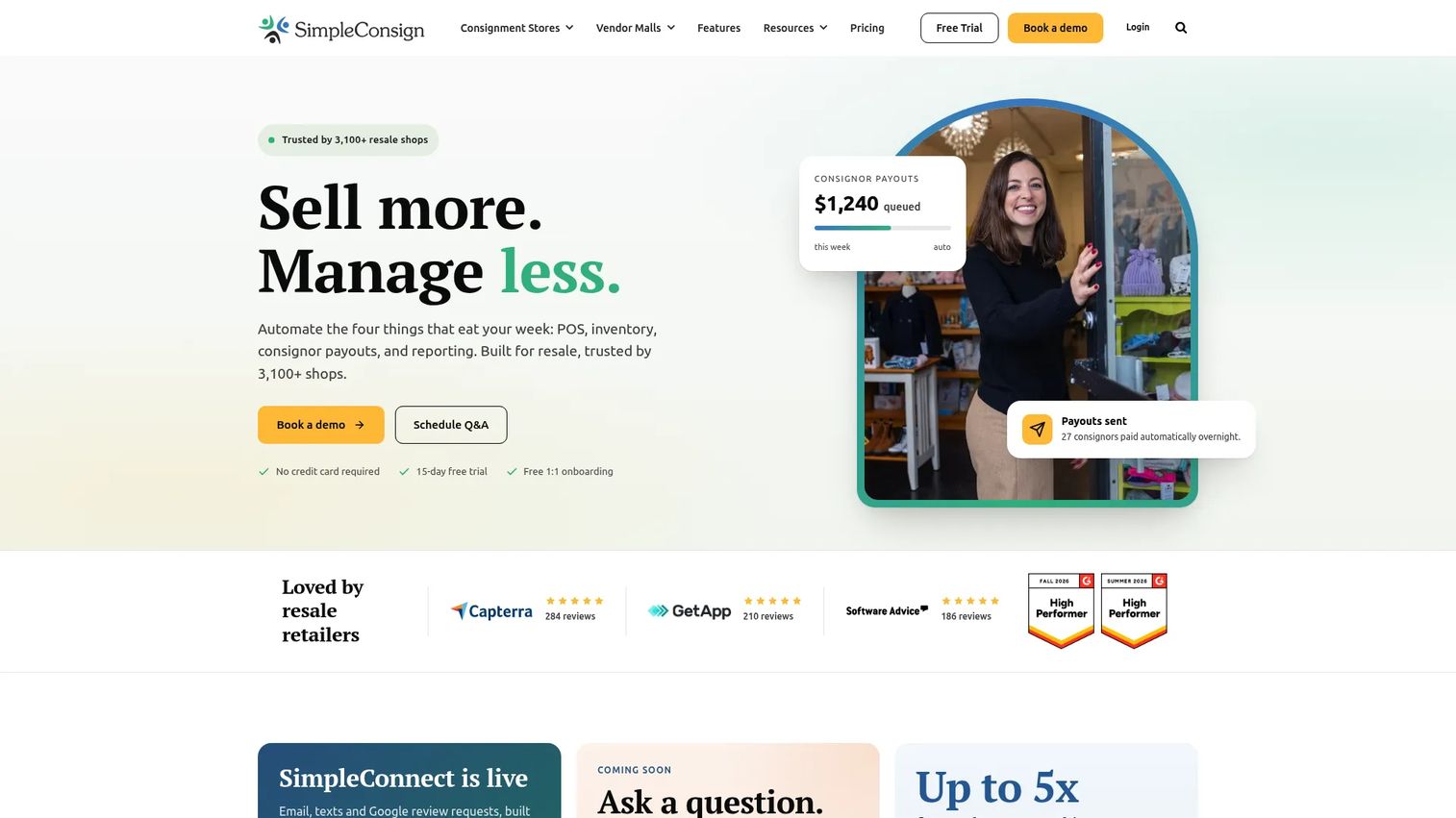
SimpleConsign is purpose built for consignment, resale, vendor mall, and antique mall operations. It combines POS, inventory, consignor accounts, payouts, reporting, and multi location management.
The platform also supports vendor rent collection and centralized checkout. Its Shopify and QuickBooks connections reduce the need to move sales or accounting data manually.
Best for: Resale businesses seeking one system for daily consignment operations.
Key features
- Integrated POS and payments
- AI assisted inventory entry
- Consignor and vendor portals
- ACH payouts
- Shopify and QuickBooks integrations
Why choose SimpleConsign: Start here if you want broad operational coverage. The combination of portals, ACH payouts, reporting, and store management suits businesses preparing to grow beyond owner managed processes.
Its vendor mall support also gives it a wider store model fit than tools focused only on boutique consignment.
SimpleConsign pricing: Professional has an introductory offer of $99/month. Standard monthly plans range from $159 to $379, while Enterprise uses custom pricing.
G2 rating: 4.6/5.
2. ConsignCloud
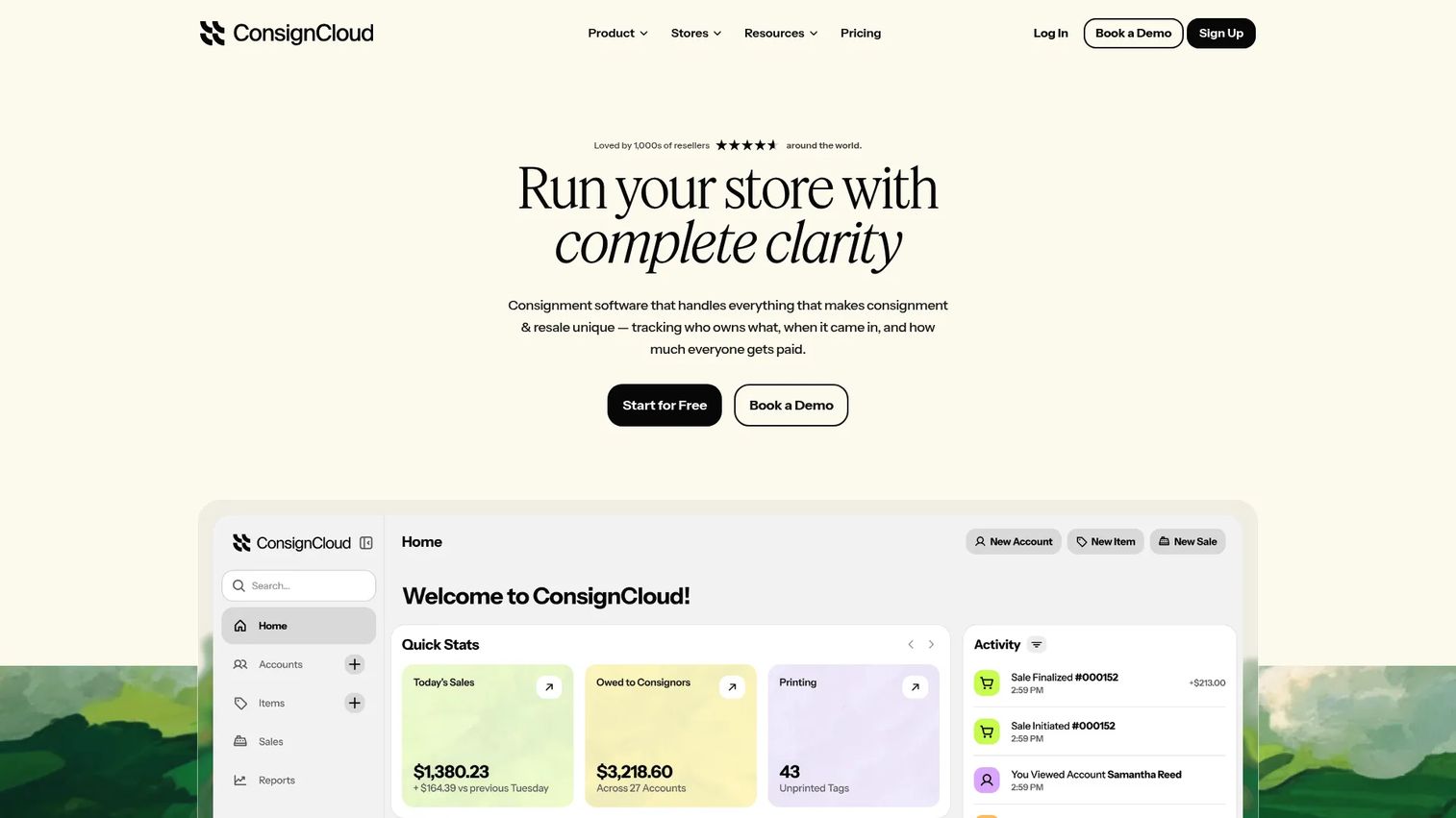
ConsignCloud is cloud based consignment software for resale, vendor mall, mixed retail, and buy outright stores. It combines inventory, POS, account management, payments, and online selling.
Batch intake and CSV uploads help teams process stock efficiently. The platform also supports barcode labels, automated communications, API access, and data export.
Best for: Cloud first stores that need remote visibility and connected online sales.
Key features
- Cloud POS
- Batch inventory intake
- Consignor and vendor accounts
- Shopify and Square connections
- API and data export
Why choose ConsignCloud: It fits operators who want store activity and online channels connected through a cloud system. Unlimited users on the Basic plan can also support wider staff adoption.
Choose the Pro plan when vendor access, a consignor portal, or multiple locations matter. Model your payout process before committing, especially if commission rules vary across departments.
ConsignCloud pricing: Basic costs $139/month. Pro costs $189/month per location, and no free tier is offered.
3. Ricochet

The supplied Ricochet website identifies the business as an independent game development studio. It describes mobile and PC games rather than consignment POS software.
No current resale store software, pricing page, or consignment product documentation was verified on that domain. Buyers should therefore confirm the intended vendor before adding this name to a shortlist.
Best for: No verified consignment software use case from the supplied vendor source.
Key features
- Mobile game development
- PC game development
- Android and iOS releases
Why choose Ricochet: Do not evaluate this website as consignment shop software without confirming the vendor identity. The supplied source does not support the retail capabilities associated with this shortlist.
This is an important procurement check. Similar product names can lead teams toward outdated listings, unrelated websites, or unsupported software.
4. ConsignPro
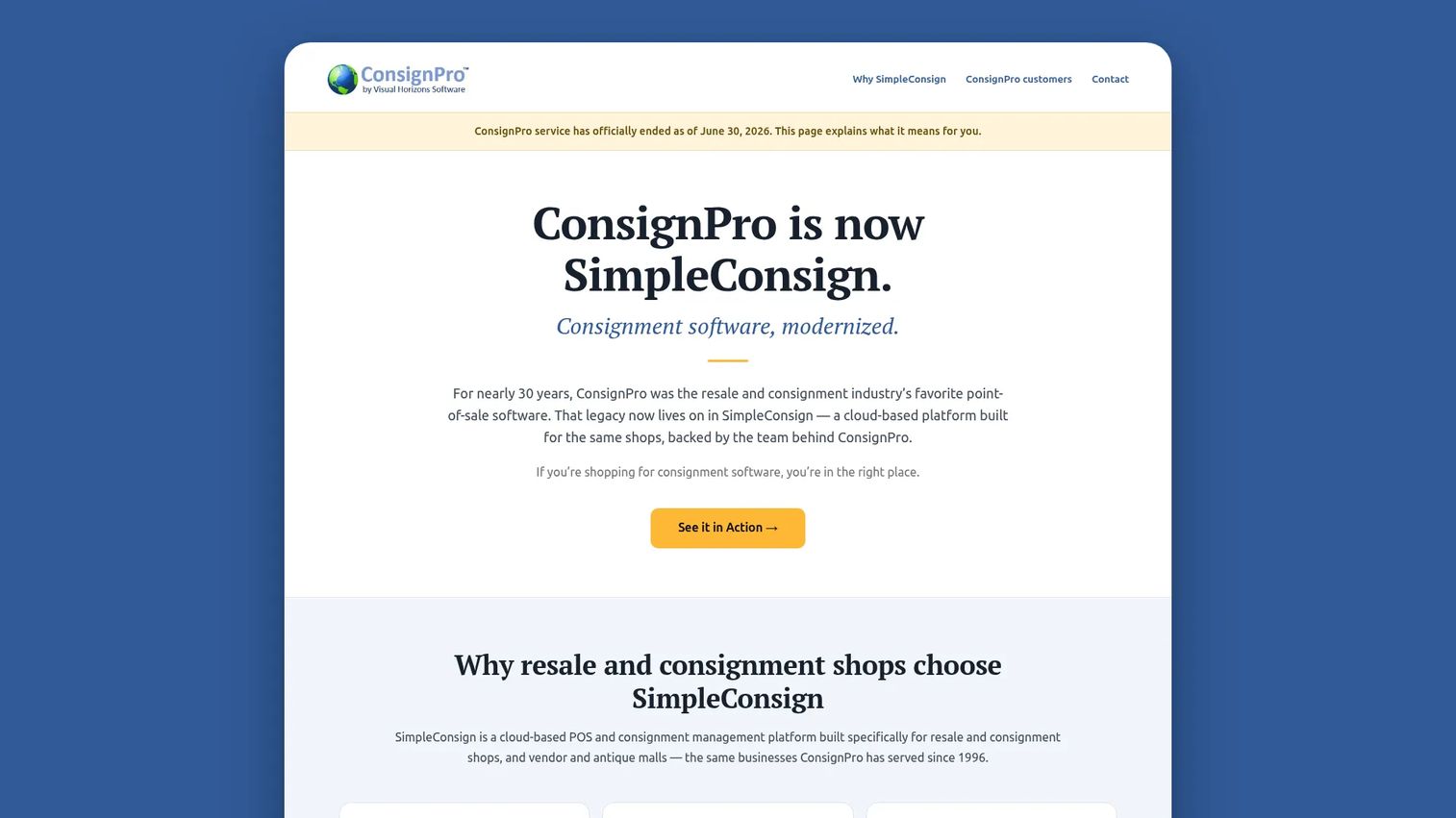
ConsignPro was installed Windows software for consignment shops. Its features included barcode handling, customer tracking, inventory lifecycle management, accounting, and an online store builder.
However, ConsignPro ended service on June 30, 2026. The company no longer accepts new customers, making it relevant mainly to existing users planning migration.
Best for: Existing ConsignPro customers documenting replacement requirements.
Key features
- Integrated barcode handling
- Customer tracking
- Inventory lifecycle management
- Employee permissions
- Online store builder
Why choose ConsignPro: New stores should not select discontinued software. Existing users can use its workflow as a baseline when comparing replacements.
List the functions your team relies on before migrating. Pay particular attention to historical consignor balances, labels, customer records, and accounting exports.
ConsignPro pricing: The historical single user license cost $1,495. The former EZ Lease cost $129/month, but new customers are no longer accepted.
5. Liberty REACT

The supplied Liberty REACT website currently presents pharmacy management products. No current Liberty REACT consignment product page, feature documentation, or pricing page was verified there.
Software directories may still contain older product records. A current vendor source is needed before treating this as an active resale POS system.
Best for: Buyers prepared to verify product availability directly before evaluation.
Key features
- Current features unverified
- Current deployment model unverified
- Current support status unverified
Why choose Liberty REACT: Do not make a purchase decision from an old directory profile. Confirm whether the product remains supported, where documentation lives, and who handles onboarding.
A viable system should provide current information about migration, updates, training, and data ownership. Missing answers increase operational risk.
Liberty REACT pricing: Custom pricing or active plan details could not be verified from the supplied vendor website.
6. Rain POS
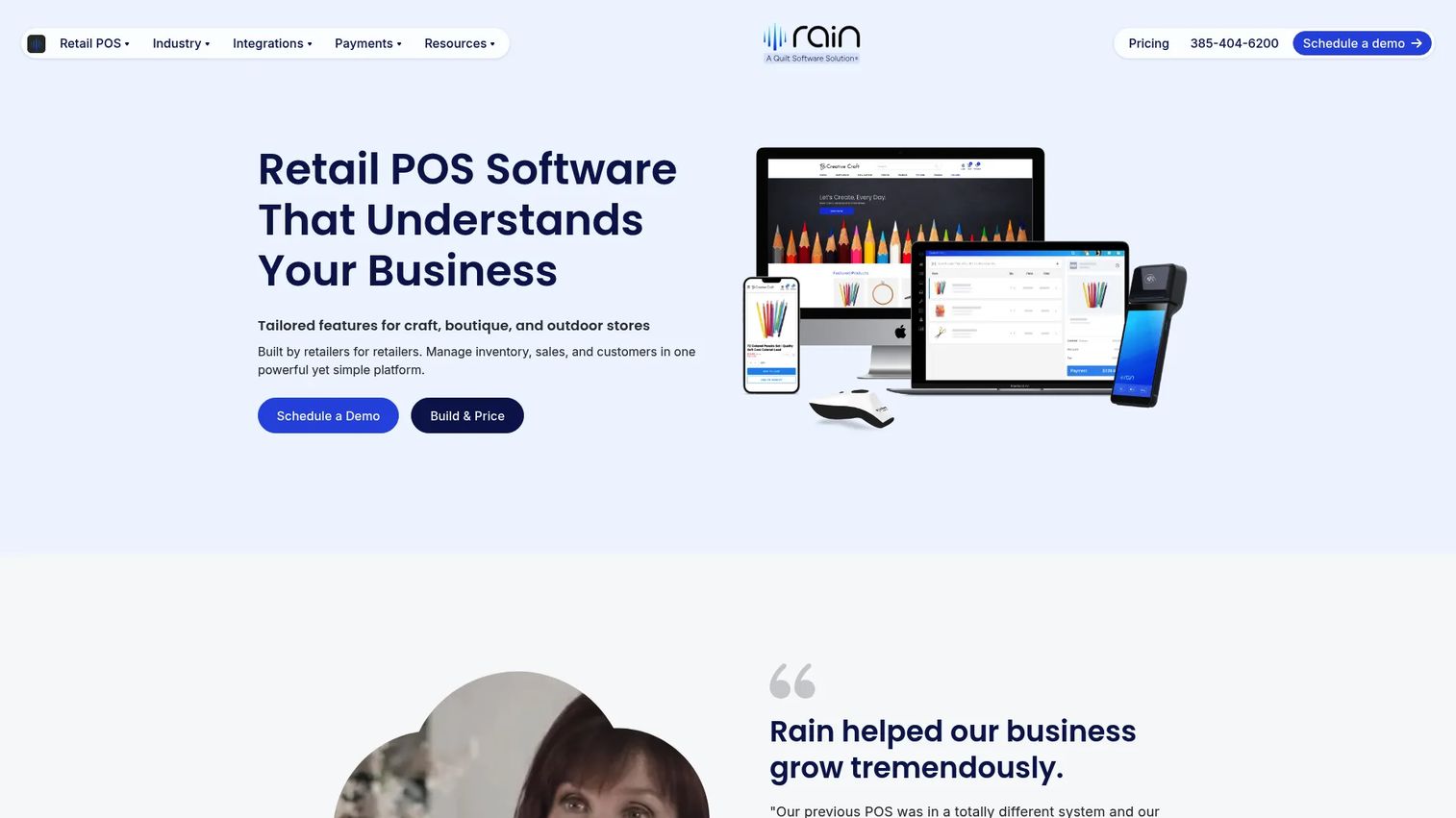
Rain POS is a cloud retail system combining POS, ecommerce, inventory, customer tracking, and marketing tools. Its Core offering adds consignment, trade ins, rentals, multi location management, and QuickBooks integration.
This broader scope suits retailers that sell standard stock alongside consigned or purchased resale inventory. Purchasing, receiving, barcode creation, and vendor management support general retail workflows.
Best for: Specialty retailers mixing consignment with standard merchandise or services.
Key features
- Integrated POS and ecommerce
- Inventory and purchasing
- Customer profiles and loyalty
- Consignment and trade ins
- Multi location management
Why choose Rain POS: Consider it when your business model extends beyond consignment. It can reduce the need for separate systems covering ecommerce, customer marketing, rentals, or service operations.
Test its consignment rules against your real payout cycle. Broader retail functionality does not automatically guarantee every resale exception you need.
Rain POS pricing: Startup costs $99/month with annual billing. Core and Plus use custom pricing.
7. Circle Hand
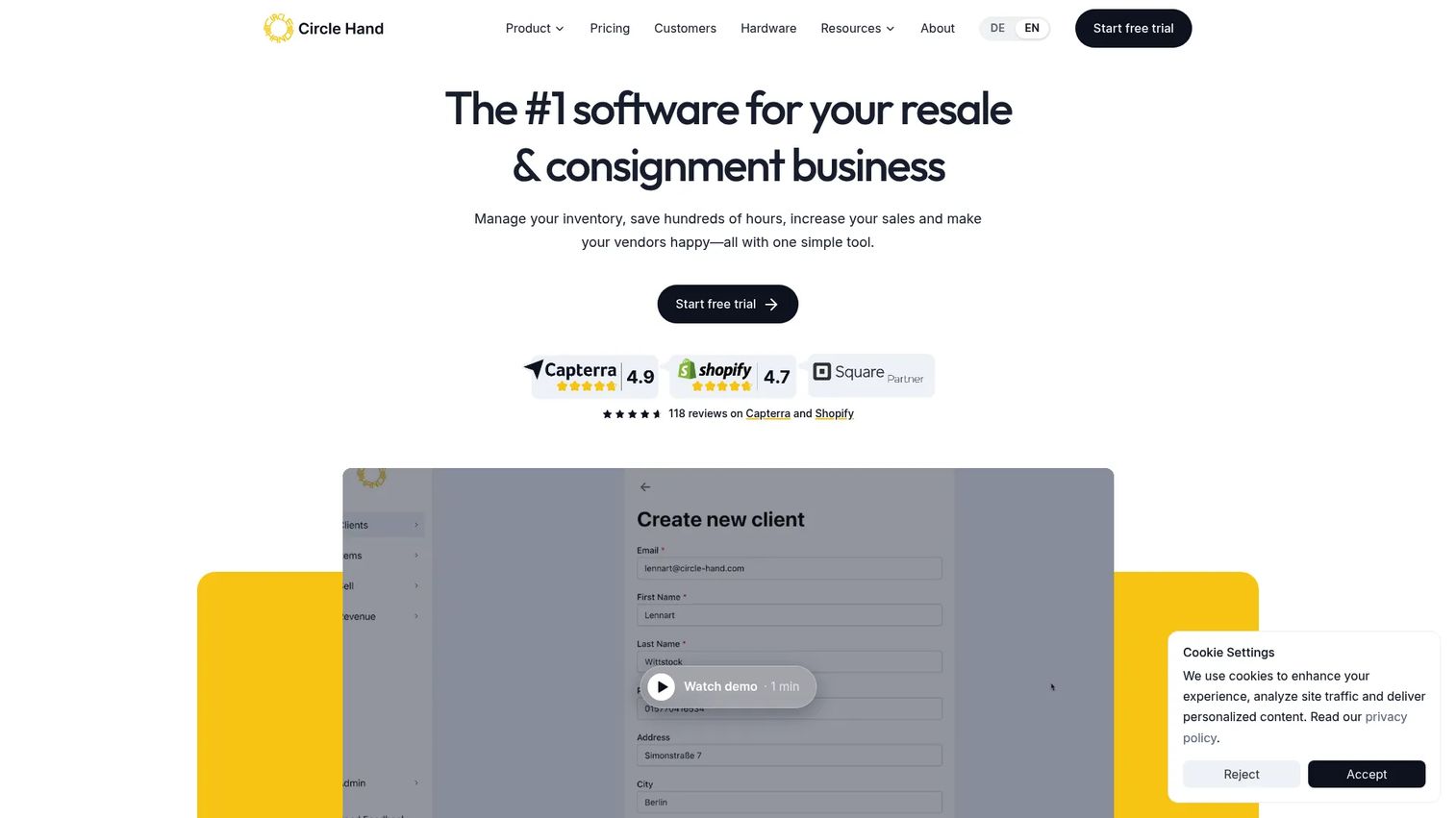
Circle Hand serves consignment, resale, antique mall, rent a rack, and vendor based businesses. It combines inventory management, integrated POS, seller portals, tax reporting, and custom analytics.
Its account portal gives vendors access to inventory, sales, and payout updates. Connections with Shopify, Square, and PayPal POS support online and offline sales synchronization.
Best for: Antique malls and vendor businesses needing dealer visibility.
Key features
- Dealer inventory management
- Vendor portal
- AI item entry
- Integrated POS
- Custom reporting
Why choose Circle Hand: This is a strong fit when the operating unit is a dealer or vendor rather than a traditional consignor. Sales thresholds also create clear plan boundaries.
Test vendor statements, individualized commissions, taxes, and booth workflows before buying. Those processes usually matter more than generic checkout features in a mall environment.
Circle Hand pricing: Basic costs $99/month. Professional costs $179/month, while Advanced costs $299/month.
8. Bravo Store Systems
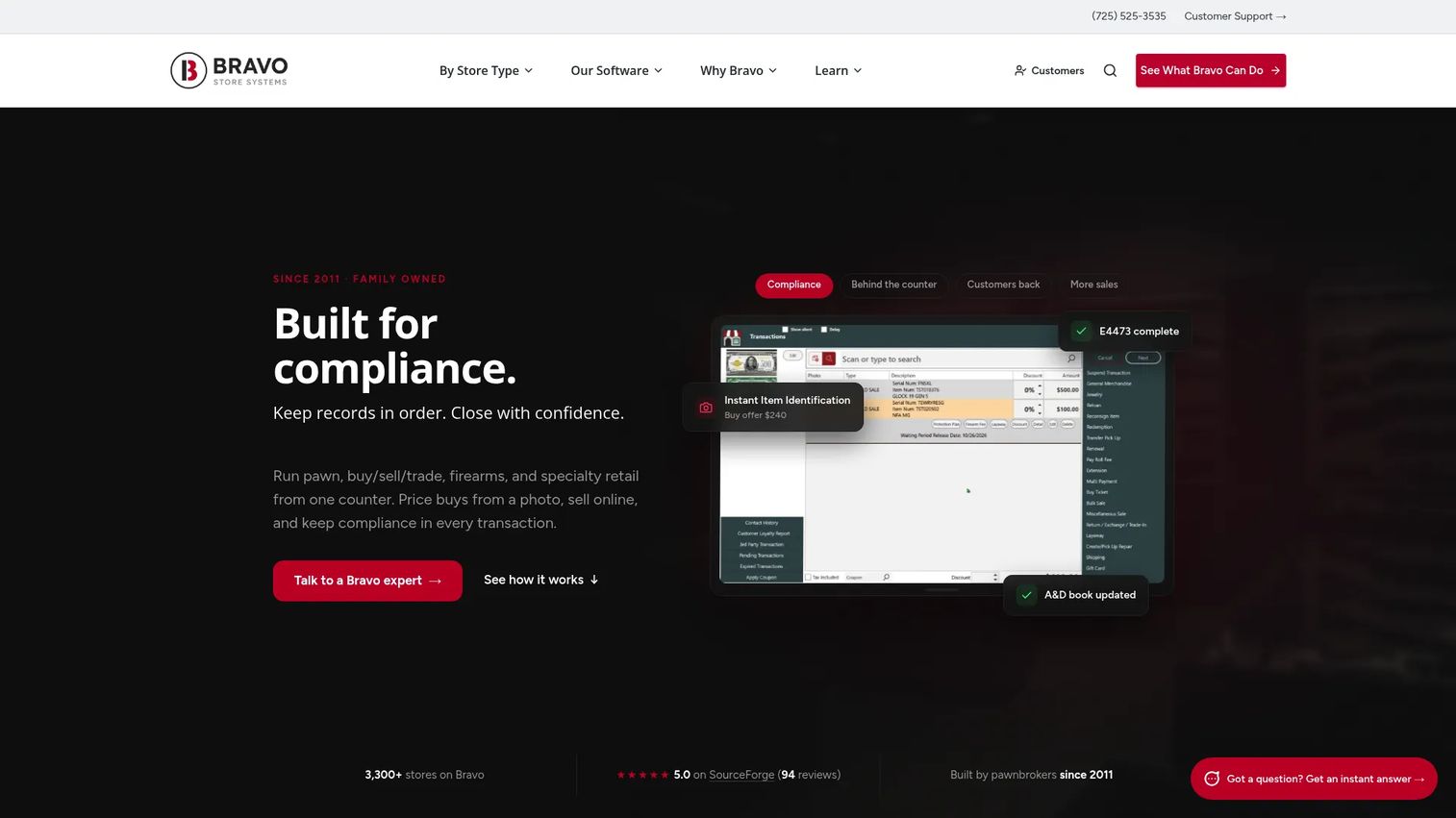
Bravo Store Systems provides cloud POS and management software for pawn shops, firearm retailers, buy sell trade businesses, and specialty stores. It includes loan management, serialized inventory, compliance functions, reporting, and ecommerce.
Its operating model is adjacent to consignment rather than centered on it. The strongest fit appears where regulated or pawn style workflows matter more than conventional consignor accounts.
Best for: Specialty resale businesses with pawn, loan, or regulated inventory requirements.
Key features
- POS and loan management
- Serialized inventory
- Compliance workflows
- Ecommerce connections
- Mobile store applications
Why choose Bravo Store Systems: Evaluate it when a basic consignment POS cannot cover your regulatory or inventory controls. Pawn and firearm businesses have requirements that standard resale software may not address.
Confirm consignor accounts, commission splits, and payout handling separately. Those functions should never be assumed from general resale positioning.
Bravo Store Systems pricing: Custom pricing is quoted per store as a subscription.
9. Rose for Square
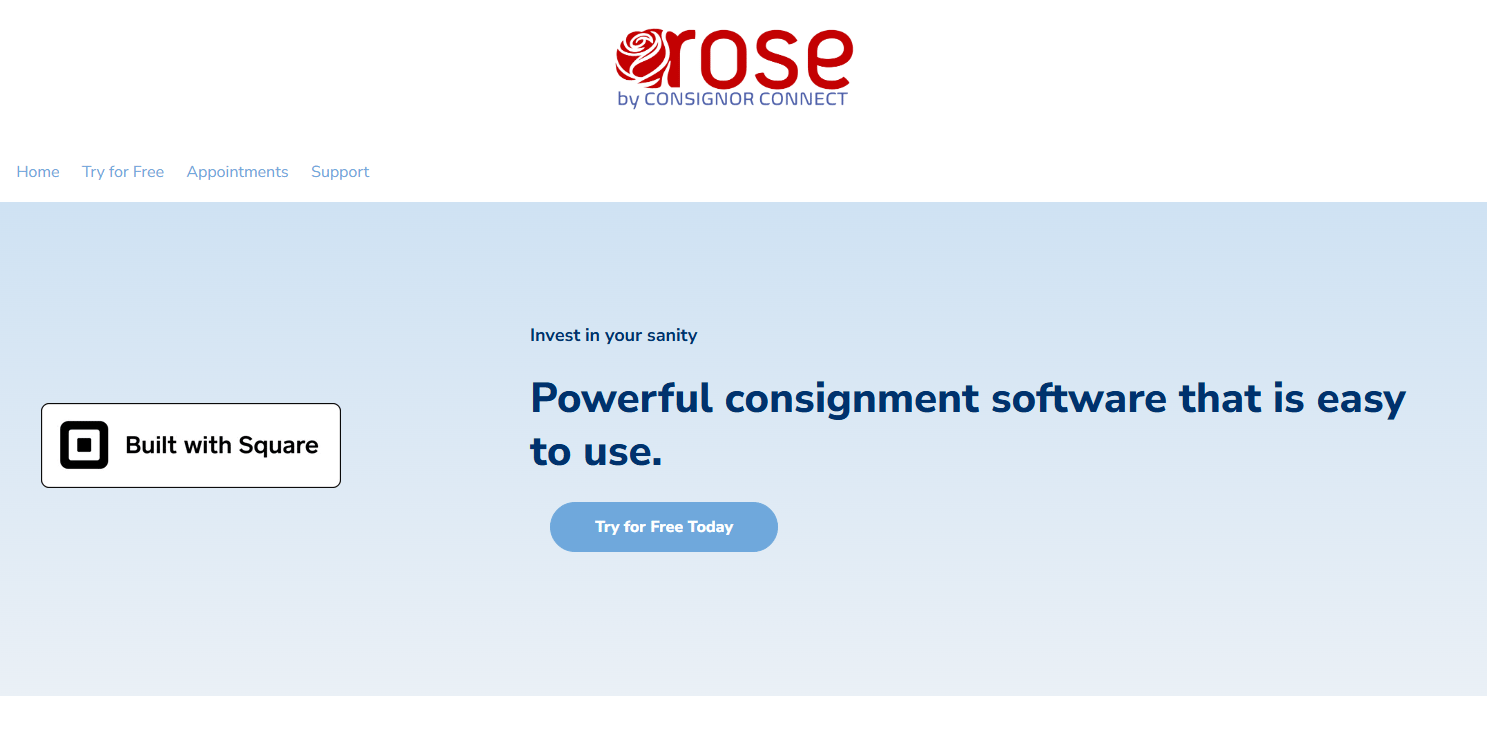
Rose for Square adds consignment management to Square POS. It supports inventory records, consignor or vendor portals, payout tracking, sales splits, reporting, labels, and time based discounts.
This approach lets a small retailer keep a familiar checkout system while adding the records needed for consignment. Plans scale from inventory management to fuller payout and portal workflows.
Best for: Small stores that want to keep Square for checkout.
Key features
- Square POS connection
- Consignor and vendor portal
- Payout tracking
- Sales splits
- Time based discounting
Why choose Rose for Square: It offers a focused path for operators who already trust their Square setup. The store can add consignment controls without replacing its checkout platform.
The narrower design also requires a fit check. Compare its reporting, online sales, and multi location support with a full resale suite before deciding.
Rose for Square pricing: Rose Lite costs $30/month/location. Rose Retail costs $75, while Rose Pro costs $95 per month per location.
10. Aravenda Consignment Software
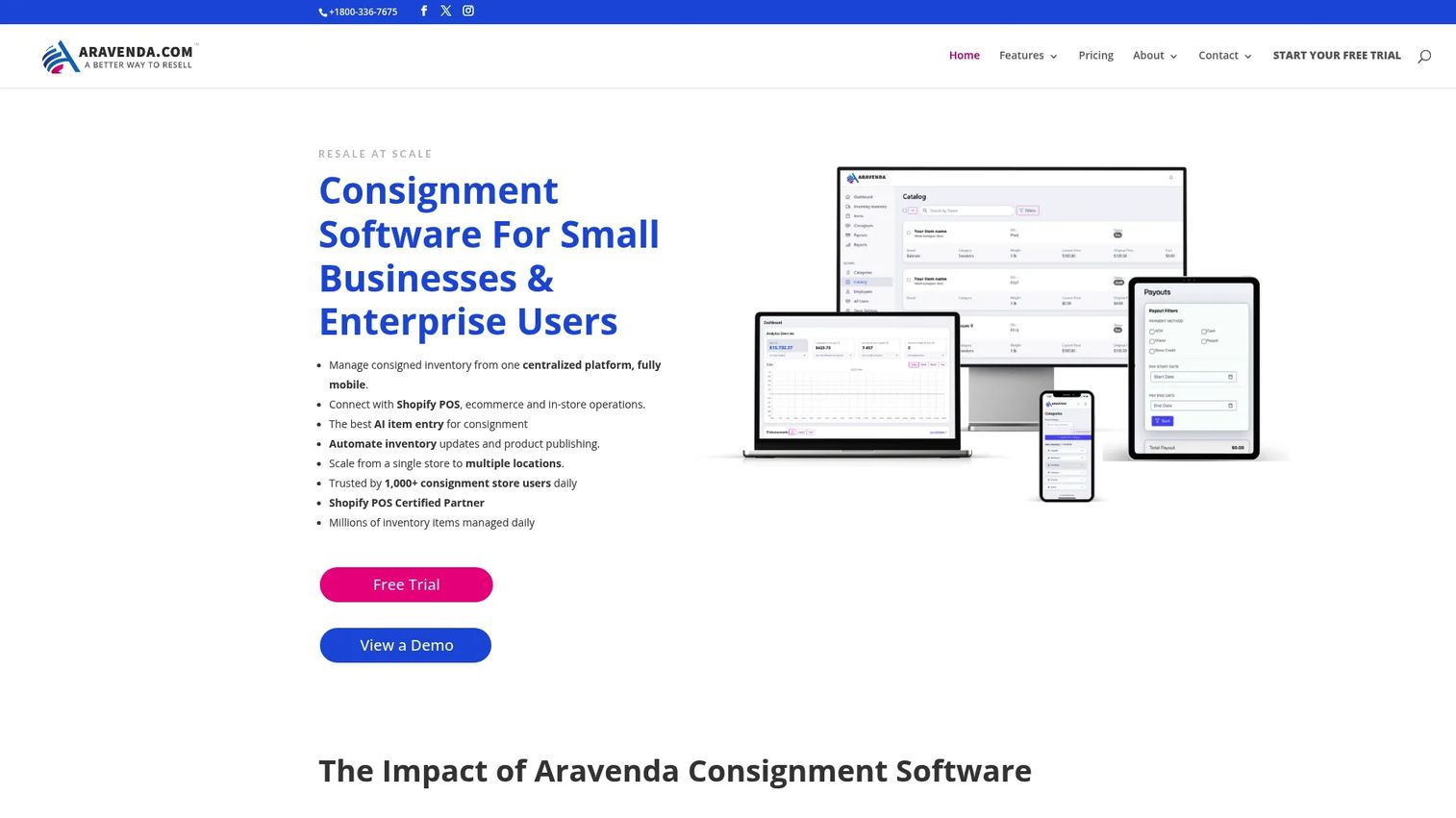
Aravenda Consignment Software is cloud based software for inventory, consignors, payouts, ecommerce, and POS operations. Its focus on Shopify POS and multichannel publishing makes it relevant to resale businesses expanding online.
The platform includes item entry from photos, tags, or UPC codes. It also supports mobile inventory work and reporting across sales, locations, inventory, and payouts.
Best for: Higher volume resale businesses building online sales operations.
Key features
- Photo based item entry
- Consignor management and payouts
- Shopify POS connection
- Multichannel publishing
- Location and payout reporting
Why choose Aravenda Consignment Software: Evaluate it when ecommerce is central to your growth plan. Centralized inventory can reduce the risk of selling the same unique item twice.
Its pricing sits above several small shop options. Model the time saved through listing, synchronization, and payout administration before committing.
Aravenda Consignment Software pricing: Basic starts at $179/month. Advanced costs $289, while Professional costs $339 per month.
11. ConsignmentTill
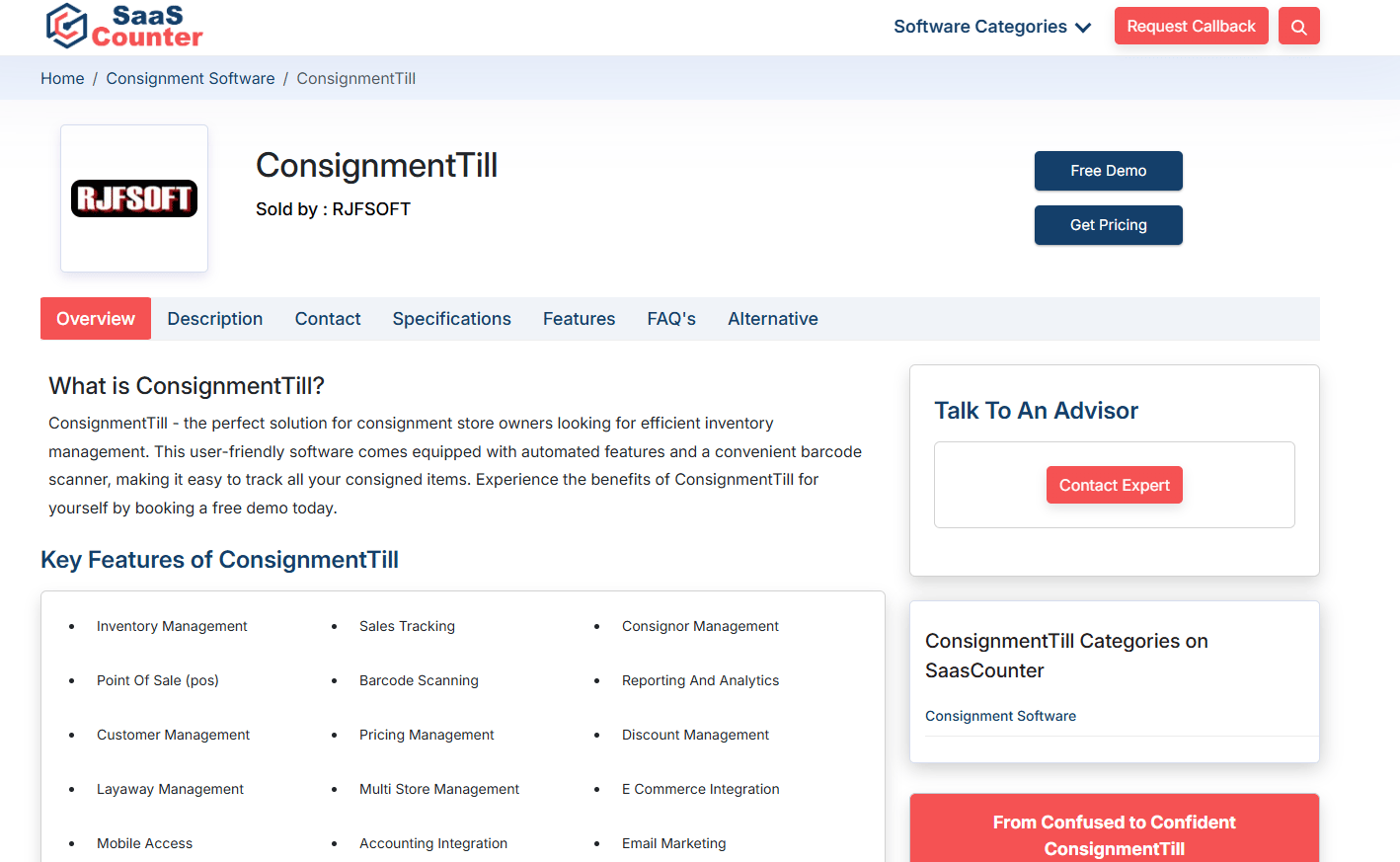
ConsignmentTill provides consignment POS, inventory control, barcode handling, account management, and reporting. Its documented scope fits small stores seeking core resale workflows.
A monthly subscription includes an online consignor portal. A Windows installation option is also listed through third party pricing data.
Best for: Small consignment shops seeking focused POS and inventory functions.
Key features
- Consignment POS
- Inventory management
- Barcode scanning
- Consignor portal
- Operational reporting
Why choose ConsignmentTill: Consider it when you want category specific functions without a broad retail suite. Its one time installation option may also appeal to stores that prefer Windows software.
Vendor pages were unavailable during research, so confirm current support and product availability. Ask how updates, backups, and migration work before buying.
ConsignmentTill pricing: Third party listings show $100/month or an $895 one time Windows installation.
12. ResaleOS
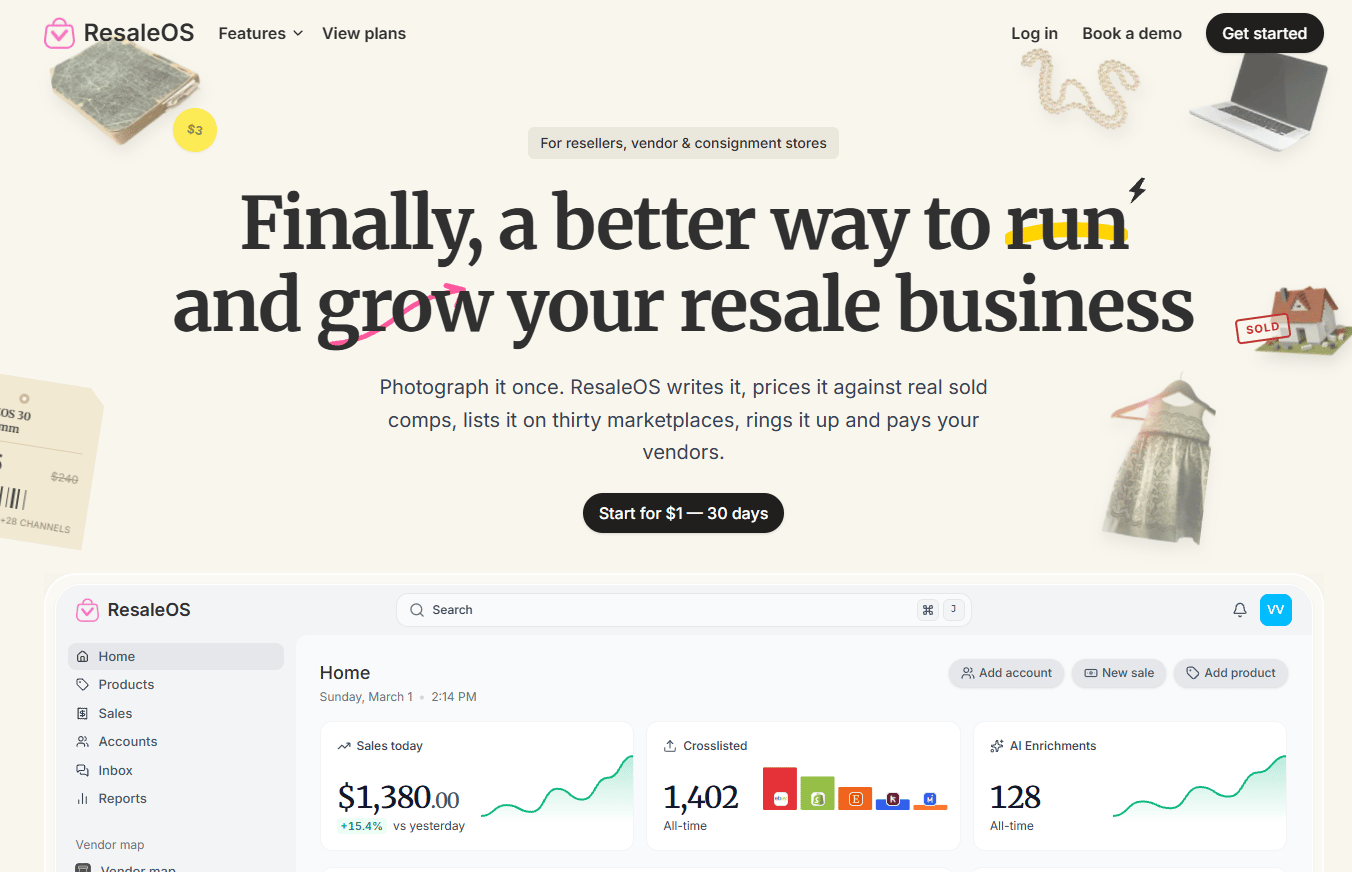
ResaleOS supports resellers, consignment shops, and vendor malls. It combines marketplace listings, inventory synchronization, storefronts, POS, shipping, vendor management, and payouts.
The platform connects inventory across more than 31 marketplaces. It also offers automated commission splits, vendor portals, leases, and rent collection.
Best for: Multichannel resale operators seeking repeatable listing and payout workflows.
Key features
- Marketplace cross listing
- Inventory synchronization
- Consignor and vendor portals
- Automated commission splits
- Vendor rent collection
Why choose ResaleOS: It fits operators treating resale as a multichannel business rather than a single storefront. The platform’s plan structure supports solo sellers before expanding into POS or vendor mall management.
Marketplace breadth deserves operational testing. Check listing accuracy, order handling, inventory removal, and payout reconciliation using your own products.
ResaleOS pricing: All plans cost $1 for the first 30 days. Regular monthly prices start at $39.99 and rise to $219.99.
G2 rating: 4.5/5.
13. Bepoz
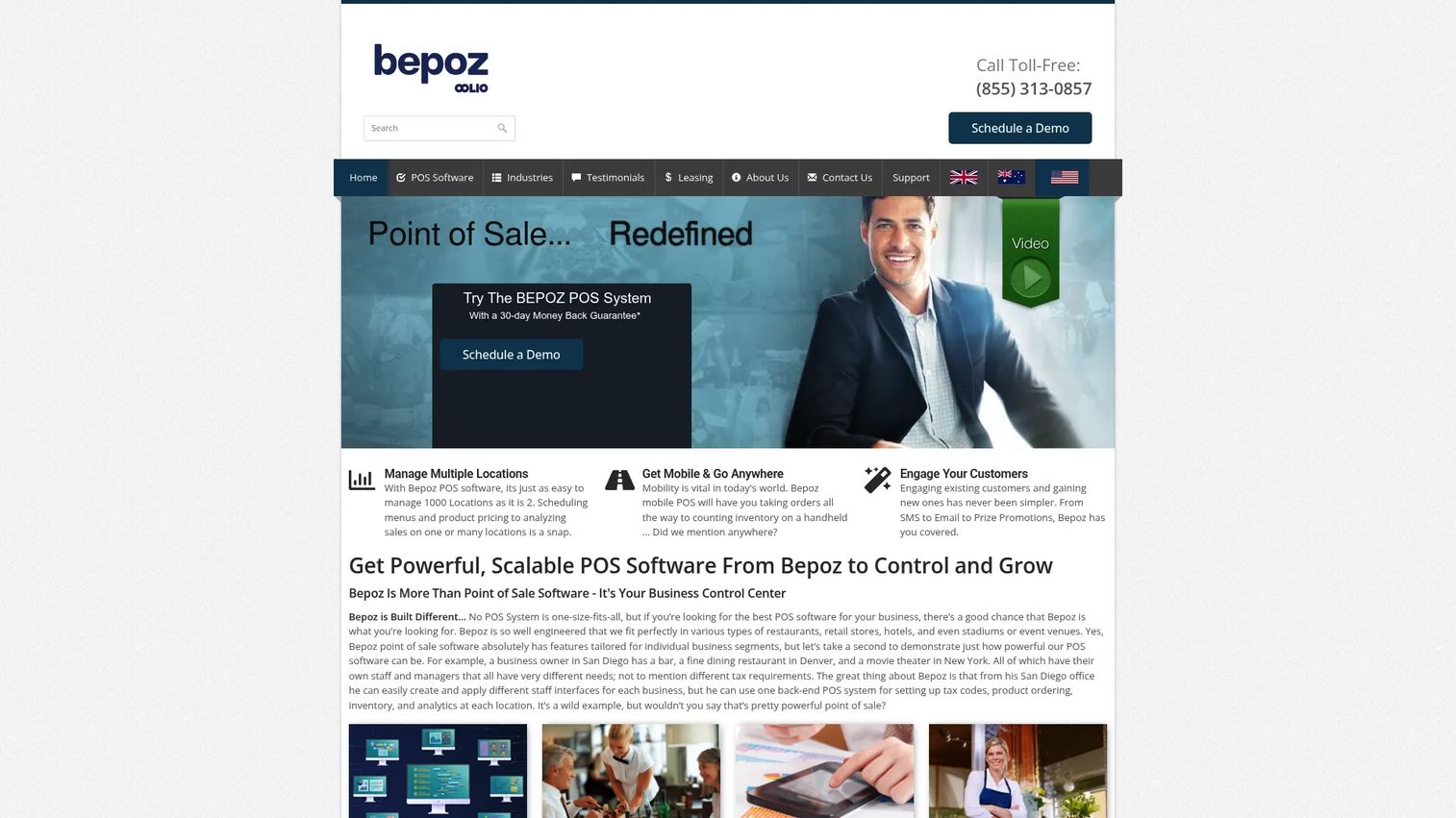
Bepoz provides POS and business management software for retail, hospitality, and multi location operations. Its capabilities include inventory, purchasing, customer engagement, centralized reporting, and enterprise management.
The platform is broader than dedicated consignment shop software. Operators should verify item ownership, split calculations, consignor balances, and payout records during evaluation.
Best for: Complex retail environments prioritizing configurable POS and location management.
Key features
- Multi site management
- Inventory and purchasing
- Customer loyalty tools
- Centralized reporting
- Mobile ordering
Why choose Bepoz: Consider Bepoz when retail configuration matters more than consignment specialization. Its multi site controls can suit larger operations with mixed business models.
Run a full consignment scenario during the sales process. A system can manage stock effectively while still requiring separate payout or ownership records.
Bepoz pricing: Custom pricing uses a month to month model with no upfront license fee.
14. GoAntiquing! POS
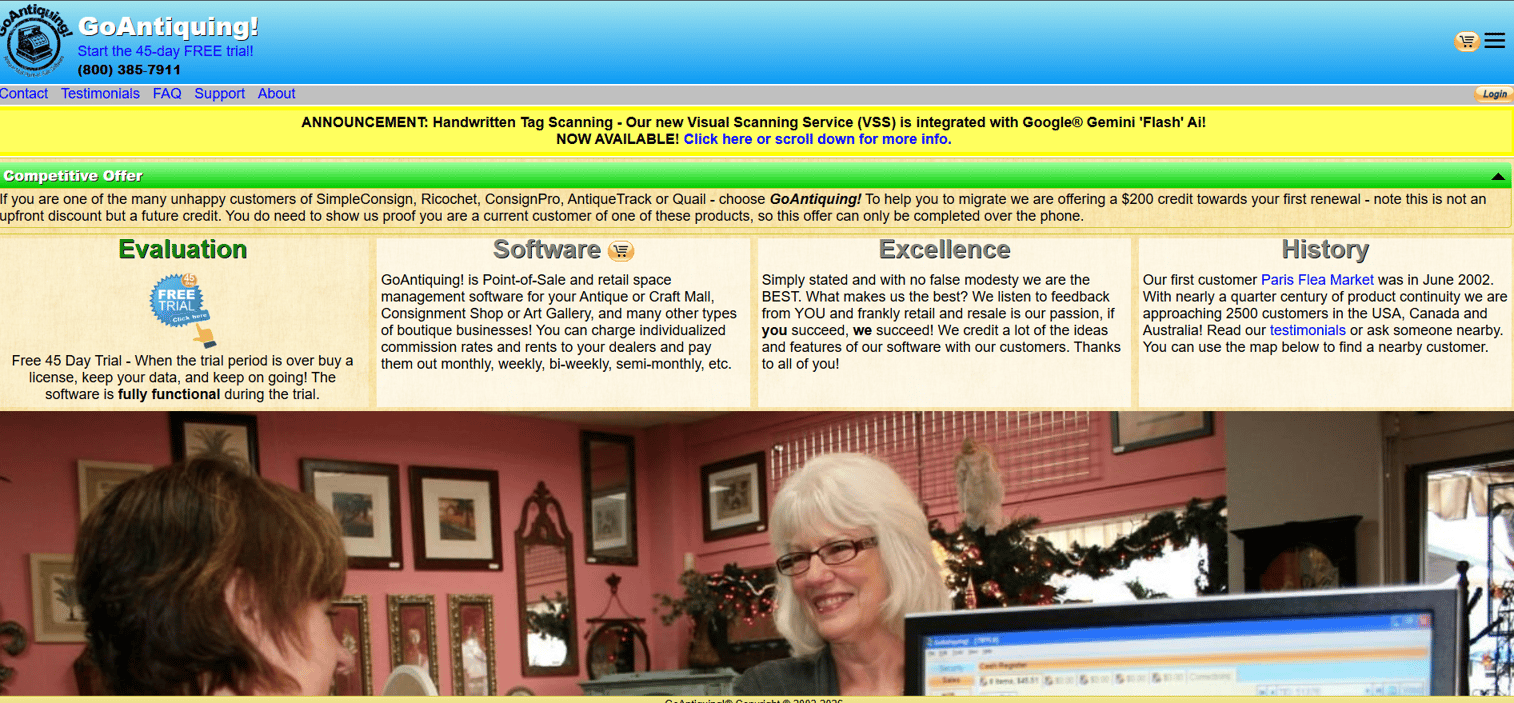
GoAntiquing! POS serves antique malls, consignment shops, craft malls, art galleries, and boutique businesses. It combines POS with vendor management, inventory, labels, settlements, and payout reporting.
Dealer commissions and rents can be configured individually. The software also supports layaways, gift certificates, split payments, sales alerts, and a dealer web portal.
Best for: Antique malls requiring dealer accounts and settlement management.
Key features
- Dealer commissions and rent
- Barcode label printing
- Settlement and payout reports
- Dealer web portal
- Split payments
Why choose GoAntiquing! POS: Its feature set maps closely to antique mall operations. The one time license model also differs from subscription only alternatives.
Calculate the complete ownership cost before comparing it with monthly tools. Annual shop fees and optional portal services add to the license price.
GoAntiquing! POS pricing: Licenses start at $199, while the first POS copy costs $799. A 45 day free trial is available.
G2 rating: 4.5/5.
Considerations when choosing consignment software
Match the system to your store model
A single location boutique needs different controls from an antique mall with dozens of dealers. Separate consignment, thrift, pawn, vendor mall, and buy outright requirements before evaluating products.
Broader retail software can work for hybrid stores. Dedicated consignor and payout workflows still require careful testing.
Test split and payout rules
Model your real commission structures inside each shortlisted product. Include discounts, store credit, returns, donated inventory, expired items, and partial payouts.
The best consignment payout software should calculate obligations without creating a second reconciliation process. Confirm whether ACH, checks, or other methods are supported.
Check inventory aging controls
Aging inventory consumes floor space and hides weak buying decisions. Look for intake dates, days on floor, markdown schedules, stale inventory reporting, and category sell through.
Test whether automated price changes preserve the correct consignor split. Small rule differences can create repeated balance disputes.
Verify accounting and reconciliation
Review how each product exports sales, taxes, fees, inventory, and payouts. If you use accounting software, confirm the exact connection and data flow.
Run a mock payout period before signing. Your finance process should close without stitching together several spreadsheets.
Confirm migration, training, and support
Ask how the vendor imports consignors, inventory, balances, and sales history. Also check label compatibility, staff training, backup procedures, and first payout support.
Migration quality affects the first weeks more than a long feature list. Your team needs a dependable cutover plan and clear ownership for exceptions.
Conclusion
The strongest choice depends on how your store earns money and who owns the inventory.
SimpleConsign is the broadest starting point for full consignment operations. ConsignCloud suits operators prioritizing cloud access, account management, and connected sales channels.
Rain POS makes sense for mixed retail models. Rose for Square offers a focused route for stores keeping an existing Square checkout setup.
Aravenda and ResaleOS deserve attention from online resale businesses. Circle Hand and GoAntiquing! POS align more closely with antique malls or dealer environments.
Do not pick from a feature checklist alone.
Shortlist three tools and run the same operating test in each. Intake an item, print its label, sell it with a discount, process a return, and calculate the payout.
Then export the accounting records and ask a manager to repeat the process. The strongest system is the one your business can run without the owner fixing every exception.
FAQs
Consignment software tracks inventory owned by consignors rather than the store. It records item ownership, sales, commission splits, balances, payouts, and business reports.
Most products also include consignment POS software, intake tools, barcode labels, and customer records. Broader platforms may add ecommerce or multi location management.
The best consignment software for small business depends on store model, payout complexity, and budget. SimpleConsign, ConsignCloud, Ricochet alternatives with verified retail products, and ConsignmentTill represent different operating approaches.
Small stores should prioritize clear intake, labels, split calculations, and simple reconciliation. Avoid paying for multichannel or vendor mall functions unless they support a near term plan.
A regular POS records products, sales, payments, and taxes. Consignment software also records who owns each item and what the store owes that person.
It can maintain commission rules, payout history, consignor balances, and inventory age. These records make it possible to reconcile a sale without a separate spreadsheet.
A consignor portal becomes useful as the number of accounts grows. It lets sellers check item status, sales, balances, and payout history without contacting staff.
Small stores can operate without one, but the administrative cost rises with volume. Evaluate what information appears and whether staff can control access.
Prioritize item intake, ownership records, barcode labels, category tracking, photos, and aging reports. Markdown schedules and sell through reporting help staff manage floor space.
Also test how the system handles returns, expired items, donated stock, and online sales. Those exceptions often expose weaknesses faster than basic checkout.
Consignment software pricing varies by locations, users, transaction volume, and included functions. Entry plans in this comparison range from monthly subscriptions to one time licenses.
Additional costs can include onboarding, payment processing, data migration, portal access, or dealer services. Calculate the first year cost before comparing products.
Some products support vendor rent, dealer statements, individualized commissions, booth sales, and multi vendor reporting. Circle Hand and GoAntiquing! POS specifically serve dealer based environments.
Test a complete dealer settlement before buying. General consignment software may track owners without supporting booth rent or mall specific reporting.
Run one complete workflow using representative data. Intake an item, print its label, apply a markdown, sell it, process a return, and calculate the consignor payout.
Finish by exporting sales, tax, inventory, and payout records. This test shows whether the system supports daily operations and month end reconciliation.