You can burn two sprints building the wrong onboarding flow, or you can put a clickable version in front of stakeholders this week. That choice is exactly what clickable prototype tools exist for.
According to MeasuringU (2024), 69% of UX professionals used usability testing that year, and 61% of large-company professionals said their organizations use prototypes to validate new products before development (Userlytics, 2025). The data reflects what most PMs already know from experience: Shipping without validating the riskiest assumption costs far more than the time it takes to build something clickable first.
The challenge is that "clickable prototype" covers a wide range of workflows, from low-fidelity wireframes to AI-generated apps to guided product experiences that travel across stakeholder groups. Picking the wrong tool means either over-engineering a prototype that becomes a sunk cost, or under-specifying one that fails to generate useful signal before sprint planning.
This guide covers the full spectrum of interactive prototype tools in 2026, organized to help product managers choose by the decision they need to make, not by which tool has the longest feature list.
What's inside
This guide compares 21 clickable prototype tools for product managers, designers, founders, and GTM teams. Tools were selected based on SERP relevance, fit for pre-development validation workflows, and coverage across prototype types.
- Interactivity and fidelity: From sketch-style wireframes to production-adjacent apps
- Speed to validate: How fast you can go from idea to something stakeholders can click
- Collaboration and feedback: Comments, sharing, analytics, and stakeholder input
- Handoff or sharing workflow: How the prototype travels from PM to design to engineering
TL;DR
- Best for guided product experiences: Guideflow turns captured product flows into shareable, analytics-backed clickable journeys for stakeholder validation, onboarding, and buyer education
- Best for design-team prototyping: Figma, the default for multiplayer design and prototype iteration
- Best for AI-assisted interface generation: Figma Make or UX Pilot, for turning prompts and product context into editable UI concepts
- Best for advanced interaction design: ProtoPie, for validating behavior-heavy flows with variables and sensor logic
- Best for production-adjacent prototypes: Lovable or v0 by Vercel, for teams who need deployable output from prompts
- Best for early wireframes and alignment: Balsamiq or Miro AI, for structure-first conversations before visual fidelity matters
What is clickable prototype software?
Clickable prototype software helps teams create interactive versions of product flows, screens, websites, or app experiences so users and stakeholders can click through them before the final product is built.
The category spans several distinct tool types:
- Design-file prototypes: Link screens inside a design tool (Figma, UXPin, Axure RP)
- AI-generated mockups: Turn prompts or screenshots into editable UI concepts (Figma Make, UX Pilot, Uizard, Galileo AI, Magic Patterns, Banani, Google Stitch)
- Wireframe tools: Fast low-fidelity layouts for structure alignment (Balsamiq, Visily, Relume, Miro AI)
- Advanced interaction tools: Variables, logic, and sensor-driven fidelity (ProtoPie, Axure RP)
- No-code website prototypes: Publishable web experiences (Webflow, Framer, Relume)
- Coded app prototypes: Prompt-to-frontend with deployable output (Lovable, v0 by Vercel)
- Interactive demo platforms: Guided product experiences built from captured flows (Guideflow)
PMs should not choose by novelty. Choose by the validation job: What assumption are you testing, who needs to see it, and how will the feedback turn into a backlog decision?
Fidelity levels map to decisions:
- Low fidelity: Structure and concept alignment
- Mid fidelity: Flow and comprehension
- High fidelity: Usability testing and stakeholder sign-off
- Production-adjacent: Technical feasibility exploration
- Demo-style: Shareable product experience for adoption, onboarding, or buyer education
Key features to look for
- Clickable hotspots and navigation
- States, variables, and conditional logic
- Web and mobile previews
- Reusable components and templates
- Animation and transition control
- Commenting and stakeholder feedback
- Sharing links and access controls
- Developer handoff or code export
- Analytics for viewer engagement
- Governance and versioning
When to use clickable prototype tools
Validate a workflow before engineering starts
Use a clickable prototype when the riskiest assumption is flow comprehension, not technical feasibility. A PM who can put a clickable path in front of users before sprint planning gets qualitative signal that changes acceptance criteria. This protects engineering opportunity cost and reduces rework after handoff.
Align stakeholders before a launch
Clickable prototypes reduce vague feedback. A design review where stakeholders can click through a flow produces sharper input than a static slide. Sales, CS, and leadership can all react to something that behaves like the product, which matters for onboarding discussions and feature launch alignment.
Test onboarding and activation paths
Product managers focused on time to first value should prototype activation paths before shipping them. A clickable version of a new onboarding segment, a blank-state experience, or a multi-persona flow can be tested with users, iterated cheaply, and validated before it touches instrumentation.
Clickable prototype tools comparison
The table below covers all 21 tools in order of relevance to product validation workflows. Use the "Best for" column to match the tool to your current decision. G2 ratings reflect current listings; tools without a G2 listing show N/A. For AI tools in early access or rapid development, pricing and availability may shift.
| # | Product | Best for | Key differentiator | Pricing | G2 rating |
|---|---|---|---|---|---|
| 1 | Guideflow | Guided product experiences | Captured flows turned into shareable clickable journeys with analytics | Free; paid from $35/mo | 5.0 |
| 2 | Figma | Design-team prototyping | Design, prototype, feedback, and handoff in one workspace | Free; paid from $16/mo/seat | 4.6 |
| 3 | Figma Make | AI-generated product ideas | Prompt-to-prototype inside the Figma ecosystem | Included in Figma plans | N/A |
| 4 | Proto.io | No-code web and mobile prototypes | Rich interaction editor without code | From $29/mo | N/A |
| 5 | ProtoPie | Advanced interaction design | Variables, formulas, and sensor logic | Free; paid from $25/mo | N/A |
| 6 | UX Pilot | AI-assisted UX workflows | Prompts and PRDs into editable UI flows | Free; paid from $19/mo | 4.3 |
| 7 | Uizard | Fast AI mockups | Prompt-to-design and screenshot-to-wireframe | Free; paid from $12/mo | 4.5 |
| 8 | Magic Patterns | AI UI exploration | High-fidelity UI variants with design-system integration | Free; paid from $17/mo | 4.8 |
| 9 | Relume | Website planning and wireframes | AI sitemap and wireframe with Figma and Webflow export | Free; paid from $18/mo | 3.4 |
| 10 | Lovable | Working app prototypes | Prompt-to-deployable web app | Free; paid from $25/mo | 4.6 |
| 11 | Webflow | Website prototypes | Visual web design with live publishing | Free; paid from $15/mo | 4.4 |
| 12 | Framer | Interactive website prototypes | High-fidelity responsive sites with motion and CMS | Free; paid from $10/mo | 4.5 |
| 13 | UXPin | Design-system prototypes | Code-backed components with conditional logic | Free; paid from $29/mo/seat | 4.2 |
| 14 | Axure RP | Complex enterprise prototypes | Conditional logic and specification depth | From $29/mo/user | 4.2 |
| 15 | Balsamiq | Early wireframes | Sketch-style low-fidelity clickable mockups | From $16/mo/editor | 4.2 |
| 16 | Visily | Collaborative wireframes | AI wireframes for non-designers (shut down Oct 2026) | Was $14/mo/editor | 4.4 |
| 17 | Google Stitch | AI UI generation | Prompt and image-based interface generation | Not publicly confirmed | N/A |
| 18 | Galileo AI | AI interface concepts | Text-to-UI concept generation | Not publicly confirmed | 4.1 |
| 19 | v0 by Vercel | React-based prototypes | Prompt-to-frontend code with Vercel deployment | Free; paid from $30/mo | 5.0 |
| 20 | Miro AI | Workshop prototypes | AI-assisted ideation, mapping, and flow boards | Free; paid from $8/mo/member | N/A |
| 21 | Banani | AI product prototypes | Prompt-to-multi-screen prototype with Figma export | Free; paid from $12/mo | N/A |
Best 21 clickable prototype tools for 2026
1. Guideflow
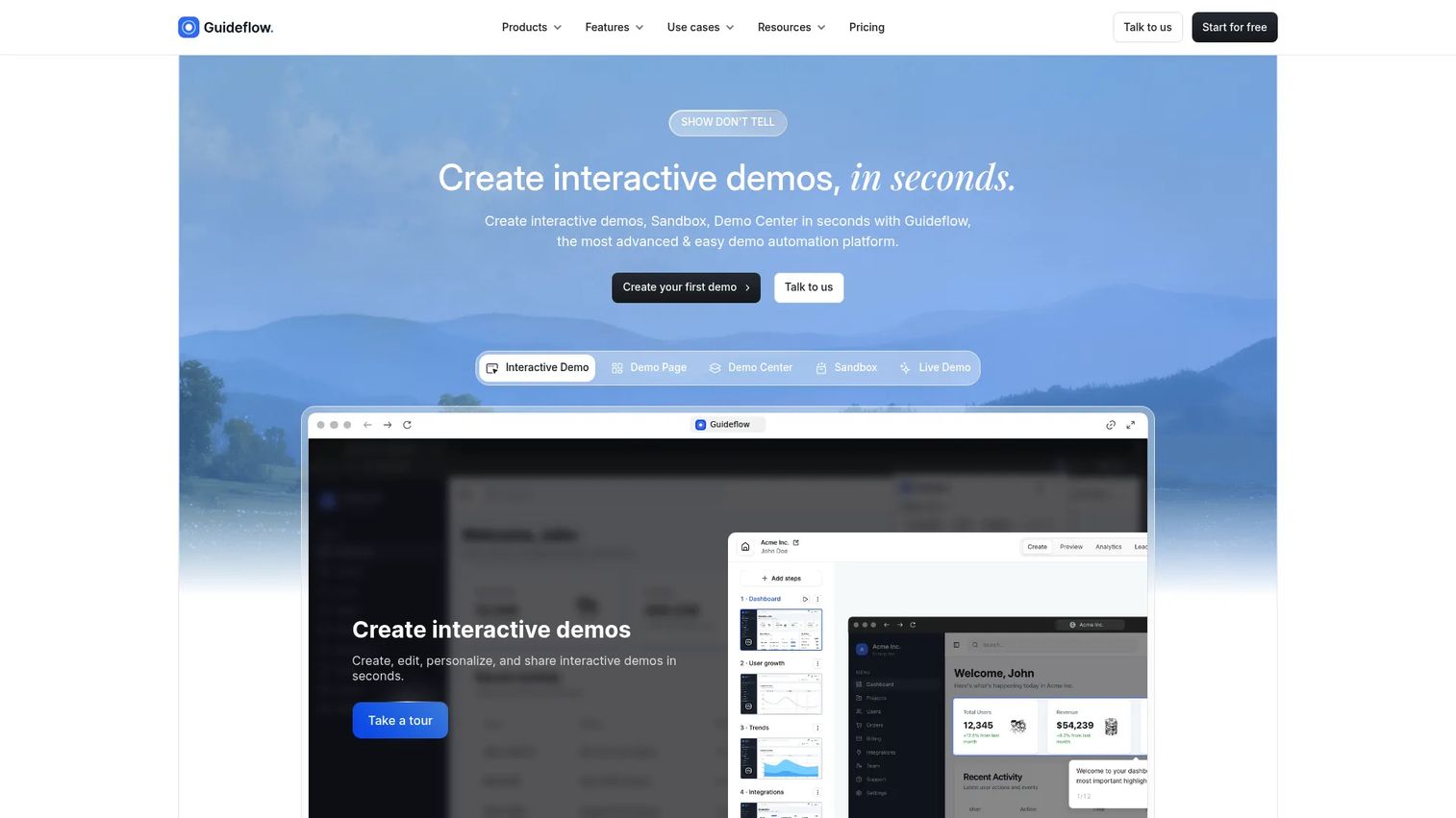
Guideflow is a demo automation platform for creating guided, clickable product experiences from captured product flows. PMs can use it to turn existing app screens or workflows into self-serve journeys for stakeholder validation, buyer education, onboarding, feature adoption, and internal training, all without engineering work. The platform supports browser-based capture, no-code editing, personalization variables, and engagement analytics that show where viewers drop off or engage.
Best for: Product teams that need a clickable product experience they can share, update, personalize, and measure, especially when the prototype is based on a real or captured product flow.
Key features
- Browser-based capture from live product flows
- Guided clickable journeys with tooltips and step logic
- No-code editor for text, images, and branching paths
- Personalization variables for different audiences or accounts
- Analytics tracking completion, drop-off, and leads
Why choose Guideflow: Guideflow fits when the prototype is not a design artifact but a shareable product experience. It travels across teams (product, CS, sales, GTM) and generates engagement data that feeds directly into prioritization and onboarding decisions. It is not a replacement for Figma in design iteration, but it fills the gap between "we built it" and "stakeholders understand it."
Guideflow pricing: Free plan available. Solo starts at $35/month billed annually (or $40/month billed monthly). Startup plan is $499/month annually. Advanced runs $1,499/month annually, and Enterprise pricing is on request.
G2 rating: 5.0/5
Start your journey with Guideflow today!
2. Figma
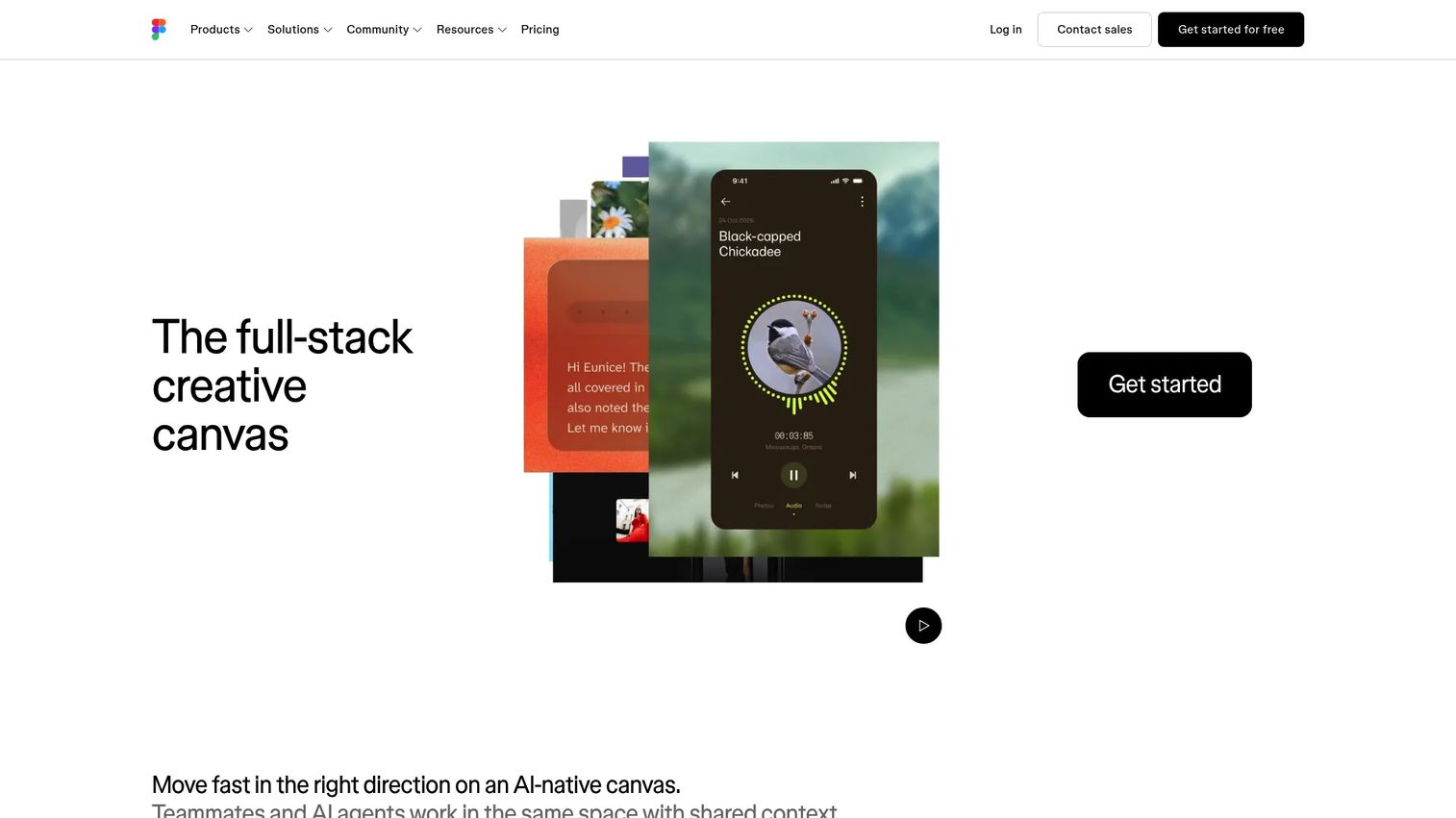
Figma is the default collaborative design and prototyping platform for most product teams. Design files, component libraries, prototype connections, comments, and Dev Mode handoff all live in the same workspace. For PMs, the core advantage is cross-functional alignment: Designers, engineers, and researchers all work in the same file, which reduces handoff confusion and accelerates iteration cycles.
Best for: Product and design teams that want UI design, prototyping, feedback, and developer handoff in one workspace.
Key features
- Interactive prototype connections between screens
- Smart Animate for motion between states
- Interactive components and variables
- Dev Mode for CSS and design specification handoff
- Comments, version history, and multiplayer editing
Why choose Figma: Choose Figma when your prototype is inseparable from the design process and needs fast iteration with designers and engineers. It is less suited as a standalone product experience for external users or long-lived demo libraries.
Figma pricing: Free Starter plan available. Professional seats run $16/month per Full seat (monthly billing). Organization is $55/month per seat billed annually; Enterprise is $90/month per seat billed annually.
G2 rating: 4.6/5
3. Figma Make
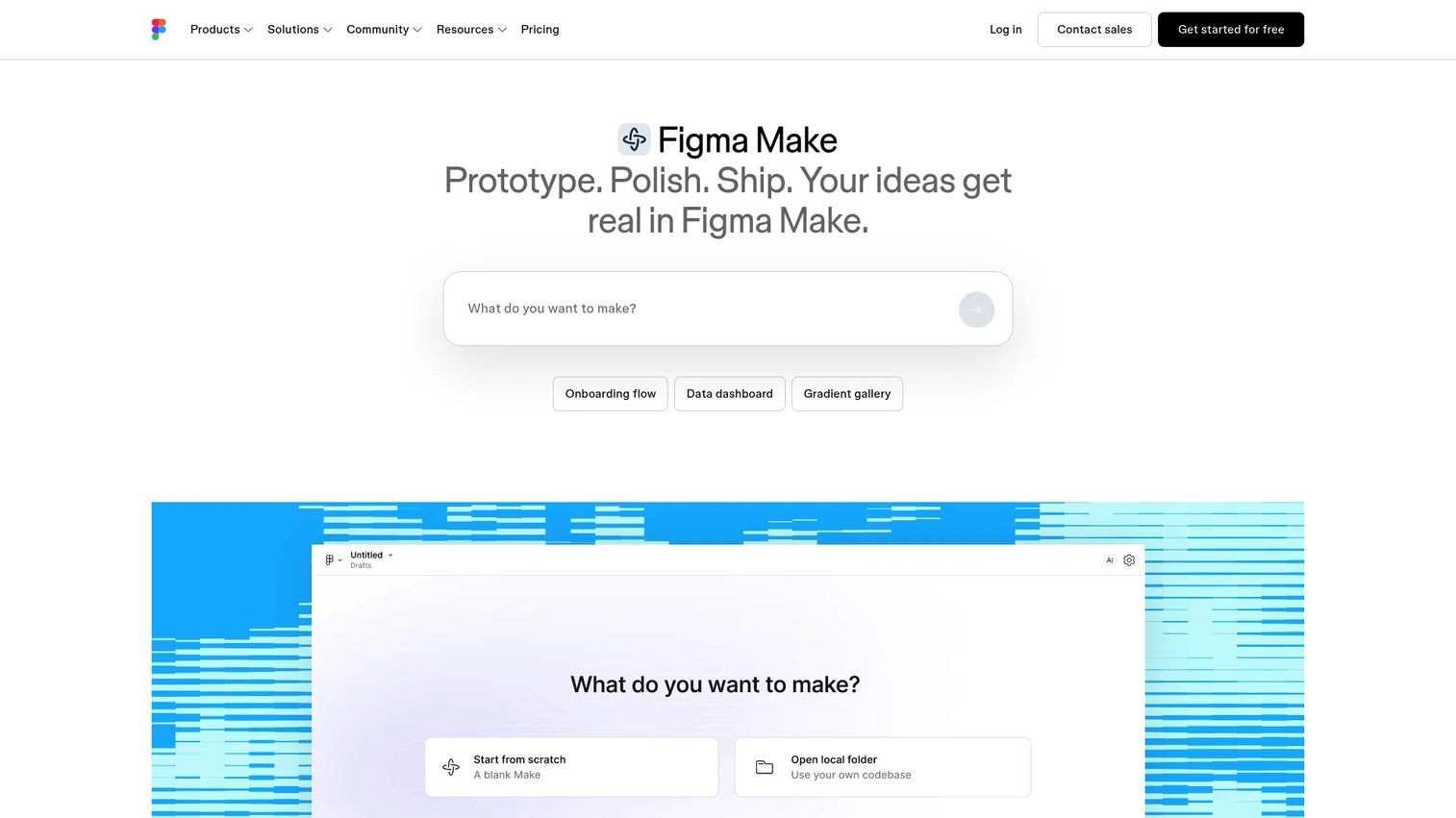
Figma Make is an AI-assisted creation surface inside the Figma ecosystem that generates functional prototypes and web apps from natural-language prompts. Teams can attach existing Figma designs, images, or documents as context, then iterate visually using point-and-edit tools, properties panels, and version history. For PMs, it shortens the blank-page phase: A rough product idea becomes something the team can react to and edit before formal design cycles begin.
Best for: PMs and designers turning early product concepts into editable, functional prototypes quickly within Figma.
Key features
- Prompt-to-prototype and prompt-to-web-app generation
- Figma design file attachment as generation context
- Visual editing with properties, drawing, and annotations
- Version history and commenting
- MCP connectors and custom skills
Why choose Figma Make: Choose it when the team already works in Figma and needs AI to accelerate first drafts. Treat generated output as a starting point for design iteration, not a replacement for discovery or usability testing.
Figma Make pricing: Included in Figma plans. The free Starter plan provides access; paid plans (Professional at $16/month per seat) add additional AI credits and Full seat access.
4. Proto.io
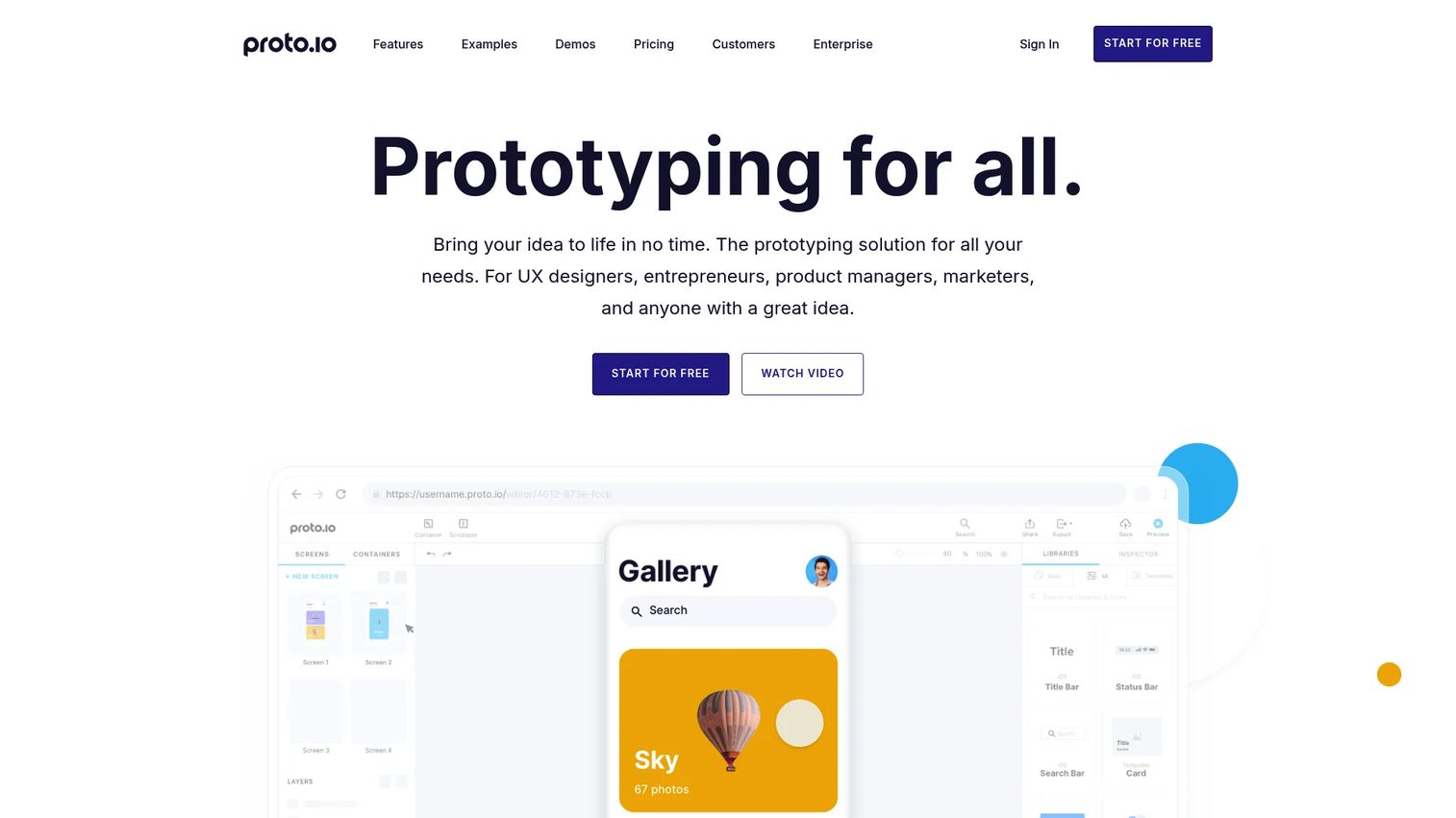
Proto.io is a browser-based, no-code prototyping platform for building interactive web and mobile UI prototyping tools without writing code. Its drag-and-drop editor includes mobile gesture support, an animation timeline, component libraries, and shareable preview links. Teams can import from Figma, Sketch, or Adobe XD, which keeps Proto.io useful even when design work happens elsewhere.
Best for: Teams building web and mobile prototypes that need rich interactions without a development commitment.
Key features
- Drag-and-drop editor with gesture and touch support
- Animation timeline and transition controls
- UI component and icon libraries
- Import from Figma and Sketch
- Shareable preview links with commenting
Why choose Proto.io: Choose Proto.io when the prototype needs richer interactions than a simple click-through but still needs to stay no-code. It performs well for validating mobile flows and animations before engineering picks up the work.
Proto.io pricing: Freelancer plan starts at $29/month (or $24/month billed annually). Startup runs $49/month ($40 annually), Agency $99/month ($80 annually), Corporate $199/month ($160 annually). A free account with limited features is available after the 15-day trial.
5. ProtoPie
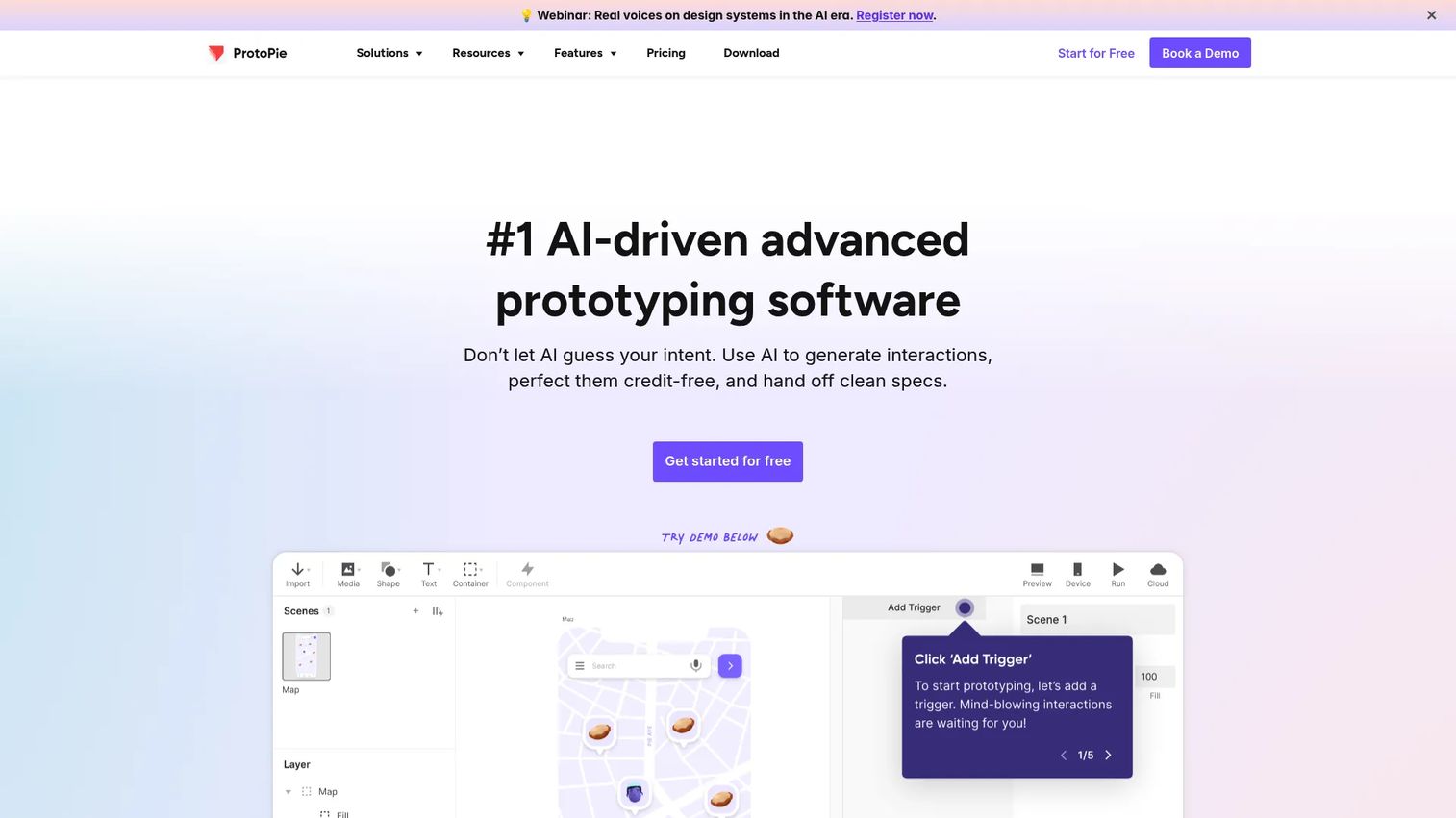
ProtoPie is a high-fidelity prototyping platform built for advanced interaction design. It supports variables, formulas, conditional logic, native device sensors, voice interactions, and cross-device communication, capabilities that make it possible to validate interaction complexity that static screens or basic click-throughs cannot show. For PMs validating behavior-heavy or motion-rich features, ProtoPie closes the gap between a design file and the production experience.
Best for: Teams testing complex interactions, sensor inputs, or cross-device behavior before development.
Key features
- Conditional logic and variables for interaction states
- Native sensor interactions (accelerometer, gyroscope, touch)
- Cross-device and multi-screen communication
- High-fidelity motion and animation
- MCP integration and team libraries on Pro
Why choose ProtoPie: Choose ProtoPie when interaction fidelity is the core validation goal. It is strongest for behavior-heavy flows where a simple hotspot prototype would leave the riskiest assumptions untested.
ProtoPie pricing: Free plan available (2 cloud-saved prototypes). Basic is $25/month. Pro runs $47 per editor per month. Enterprise pricing is custom.
6. UX Pilot
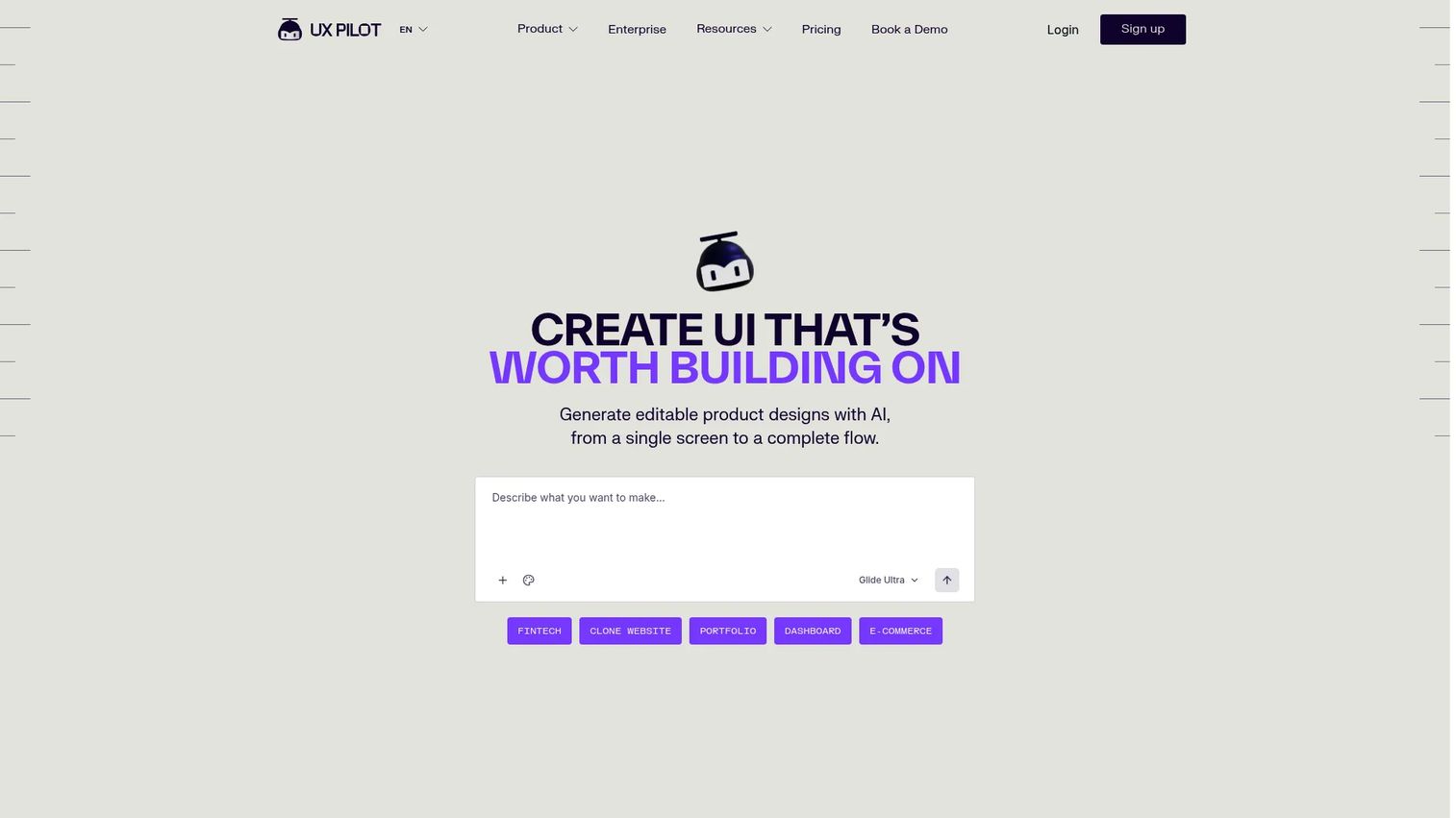
UX Pilot is an AI-powered UX and UI design tool that turns product briefs, PRDs, screenshots, and design systems into editable product designs. It generates low-fidelity to high-fidelity wireframes, full UX journey flows, and flowcharts from prompts. Figma import and export, code export, and GitHub sync make it practical for teams that need to move from idea to testable UI without waiting for a design resource.
Best for: Product teams turning product requirements or ideas into early UX flows quickly, without a design lead.
Key features
- Prompt-to-wireframe and high-fidelity screen generation
- End-to-end UX journey flow generation
- Figma import and export
- Code export and GitHub sync
- Design-system import for consistency
Why choose UX Pilot: Choose UX Pilot when you need a first clickable direction before design polish. It shortens the blank-page phase in discovery and helps PMs bring something concrete to alignment conversations before a designer is involved.
UX Pilot pricing: Free plan includes 80 credits per day. Pro is $19/month billed annually (or $29/month monthly). Teams runs $31 per user per month billed annually. Enterprise pricing is custom.
G2 rating: 4.3/5
7. Uizard
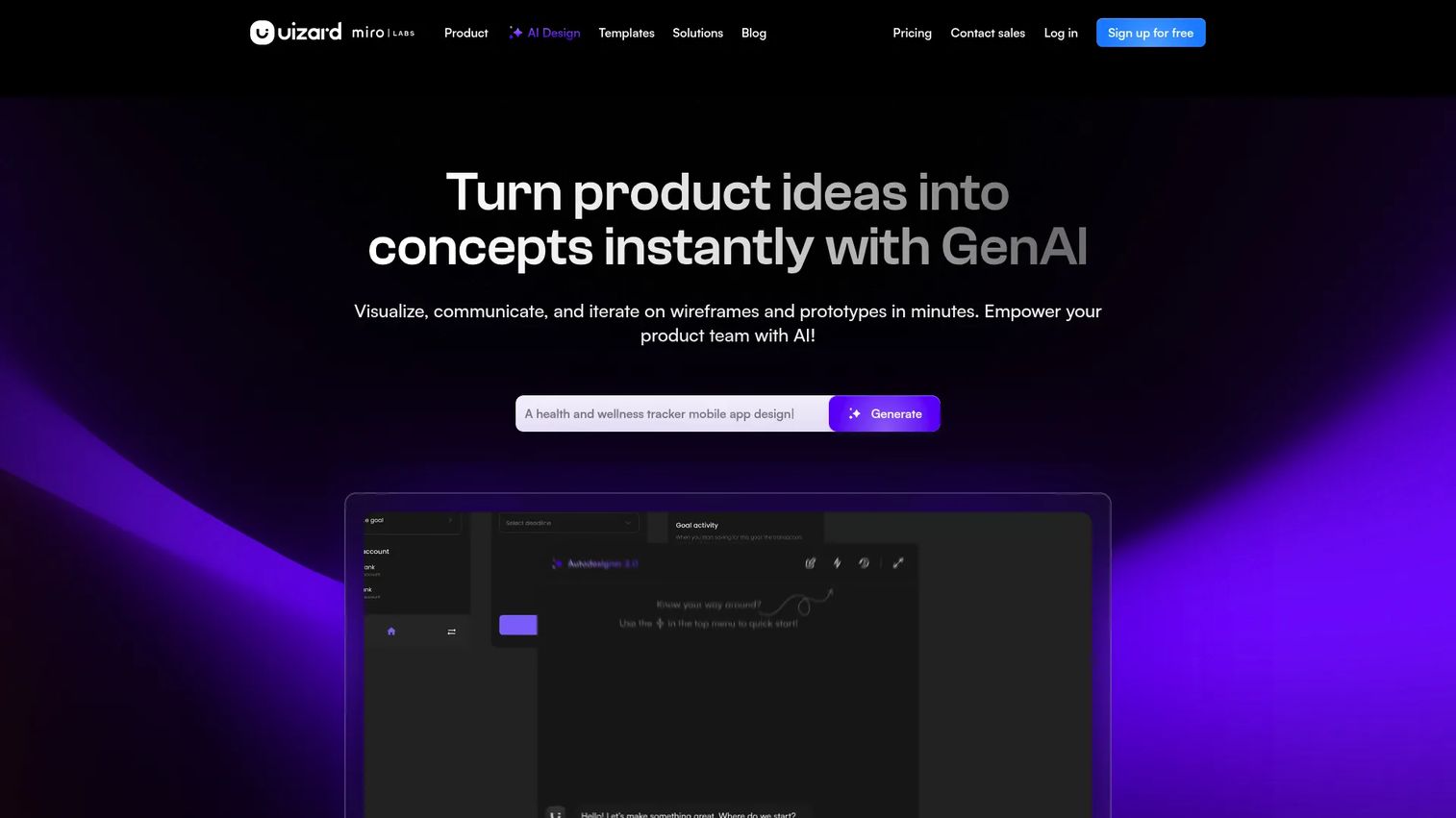
Uizard is an AI design and prototyping platform for creating wireframes, mockups, and interactive prototypes fast. Its Autodesigner feature generates UI from text prompts; a screenshot import feature converts existing screens or hand-drawn wireframes into editable designs. Real-time collaboration and CSS or React developer handoff make it practical beyond the ideation phase.
Best for: PMs, founders, and non-designers who need clickable mockups before formal design cycles.
Key features
- Text-to-UI generation with Autodesigner
- Screenshot and hand-drawn wireframe scanning
- Drag-and-drop editor with templates
- Real-time collaboration
- CSS and React developer handoff
Why choose Uizard: Choose Uizard when speed matters more than pixel-level precision. It helps teams move from idea to something clickable before investing design cycles, which is exactly the right workflow for validating the riskiest assumption before backlog commitment.
Uizard pricing: Free plan available (up to 2 projects, 3 AI generations per month). Pro is $12/month billed annually. Business runs $39/month billed annually. Enterprise pricing is custom.
G2 rating: 4.5/5
8. Magic Patterns
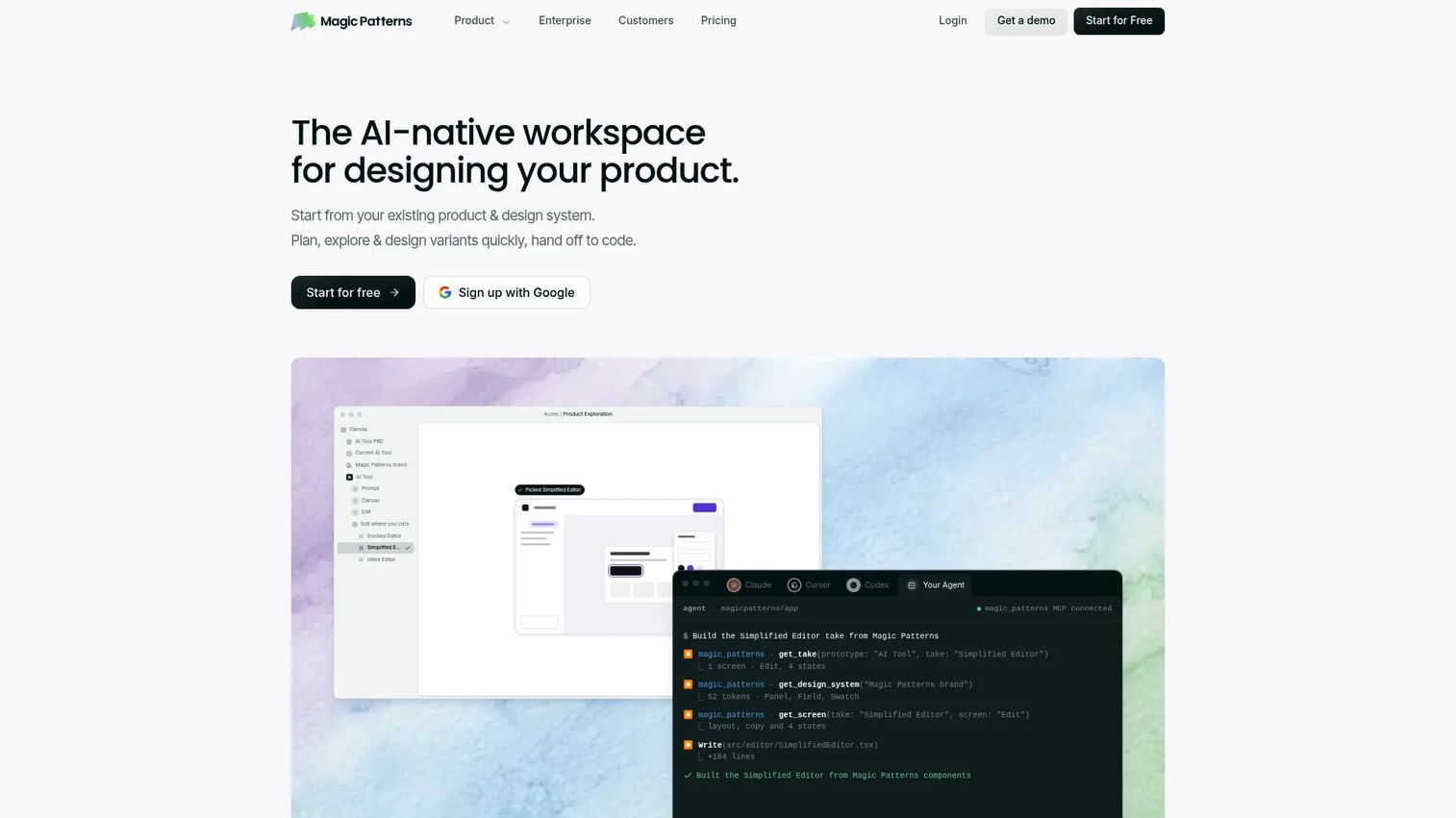
Magic Patterns is an AI-native workspace for designing product interfaces, prototyping UI, collaborating with teams, and handing off to code. It generates high-fidelity UI variants from prompts, integrates with existing design systems, and syncs with GitHub for engineering handoff. SOC 2 and ISO 27001 certification makes it viable for teams with compliance requirements.
Best for: Product, design, and engineering teams that need rapid high-fidelity UI variants aligned with an existing design system.
Key features
- AI-generated high-fidelity UI variants from prompts
- Design-system integration for consistent output
- Real-time team collaboration
- GitHub sync for code handoff
- SOC 2 and ISO 27001 compliance
Why choose Magic Patterns: Choose Magic Patterns when the team needs many interface directions fast and the output needs to stay consistent with an established design system. It is particularly useful in early discovery when the product idea is clear but the UI direction is not settled.
Magic Patterns pricing: Free plan with limited monthly credits. Starter is $17/month billed annually (or $20/month monthly). Business runs $85/month billed annually. Enterprise pricing is custom.
G2 rating: 4.8/5
9. Relume
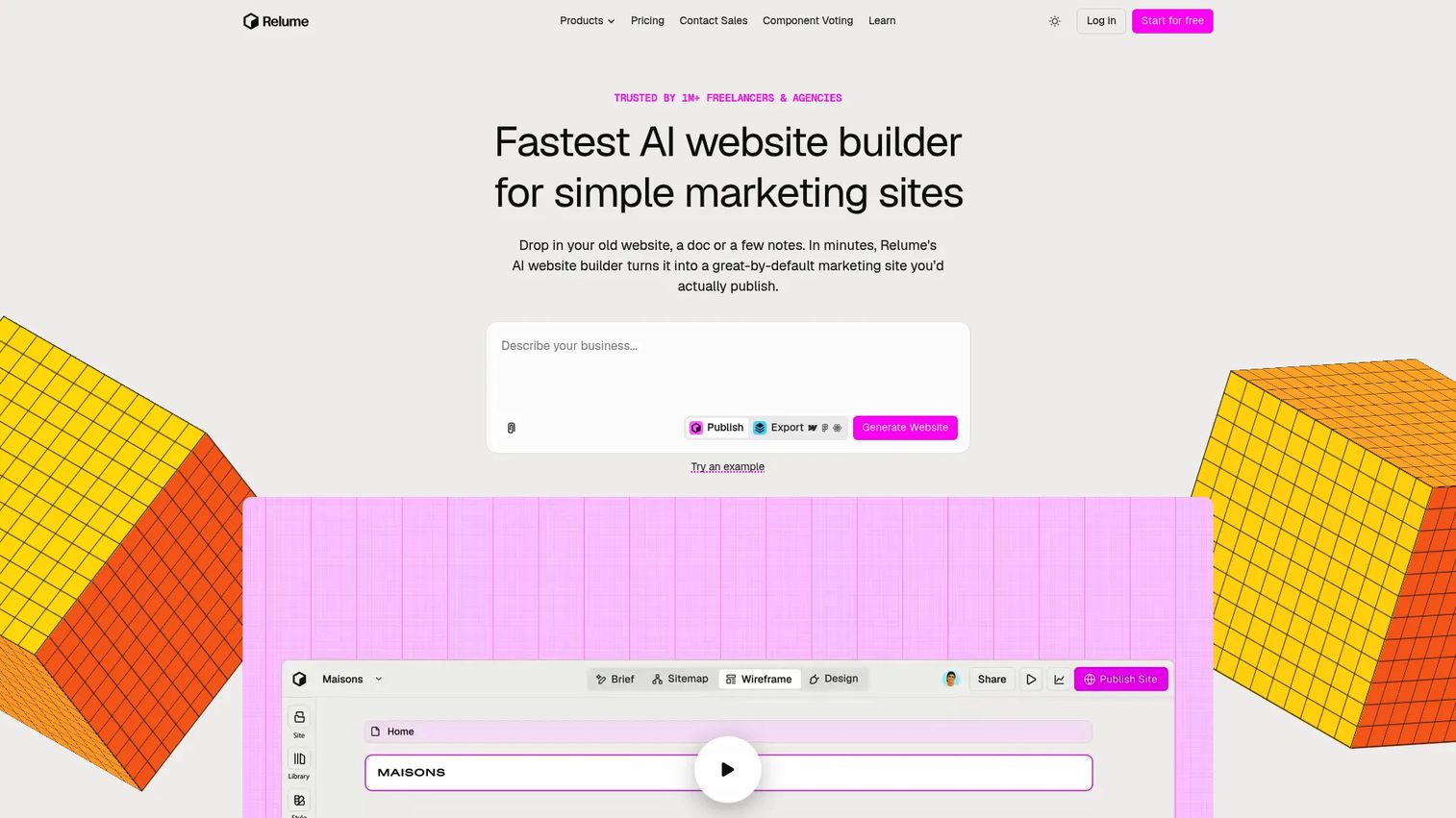
Relume is an AI website builder focused on planning, structuring, and publishing marketing websites, with exports to Figma, Webflow, and React. It generates AI sitemaps, wireframes, copy, and full website designs from prompts, using a library of over 1,000 responsive components. For PMs, it performs best when the prototype is a website structure or landing page journey rather than an app-like behavior.
Best for: Teams prototyping website structure, landing page flows, or marketing site journeys.
Key features
- AI sitemap and website structure generation
- Wireframe-to-full-site design workflow
- 1,000+ responsive component library
- Export to Figma, Webflow, and React
- One-click publishing with custom domains
Why choose Relume: Choose Relume when the riskiest assumption lives in page structure, information hierarchy, or website journey clarity. It is less focused on app-like interactions and stronger for marketing-site and content-driven web flows.
Relume pricing: Free plan available. Starter from $18/month. Pro from $40/month. Team from $36/month per user (minimum 3 users). Enterprise pricing is custom.
G2 rating: 3.4/5
10. Lovable
Lovable is an AI software engineer and app builder that turns natural-language prompts into deployable web apps. It generates frontend code, handles hosting, SSL, backend infrastructure, and integrations, and supports one-click deployment. For PMs exploring technical feasibility or founder-led teams validating a product concept with working behavior, Lovable closes the gap between prototype and proof-of-concept faster than a traditional development cycle.
Best for: Technical PMs, founders, and nontechnical teams who need a working app prototype rather than a design mockup.
Key features
- Natural-language app and website generation
- Hosting, SSL, and backend infrastructure
- Payments support and integration connectors
- Security scans and audit logs
- Custom domains and one-click deployment
Why choose Lovable: Choose Lovable when the prototype needs to behave like a working product, not just look like one. It suits teams where the riskiest assumption is functional feasibility, not visual design.
Lovable pricing: Free plan available. Pro is $25/month. Business runs $50/month. Enterprise pricing is custom. Annual plans include two months free.
G2 rating: 4.6/5
11. Webflow
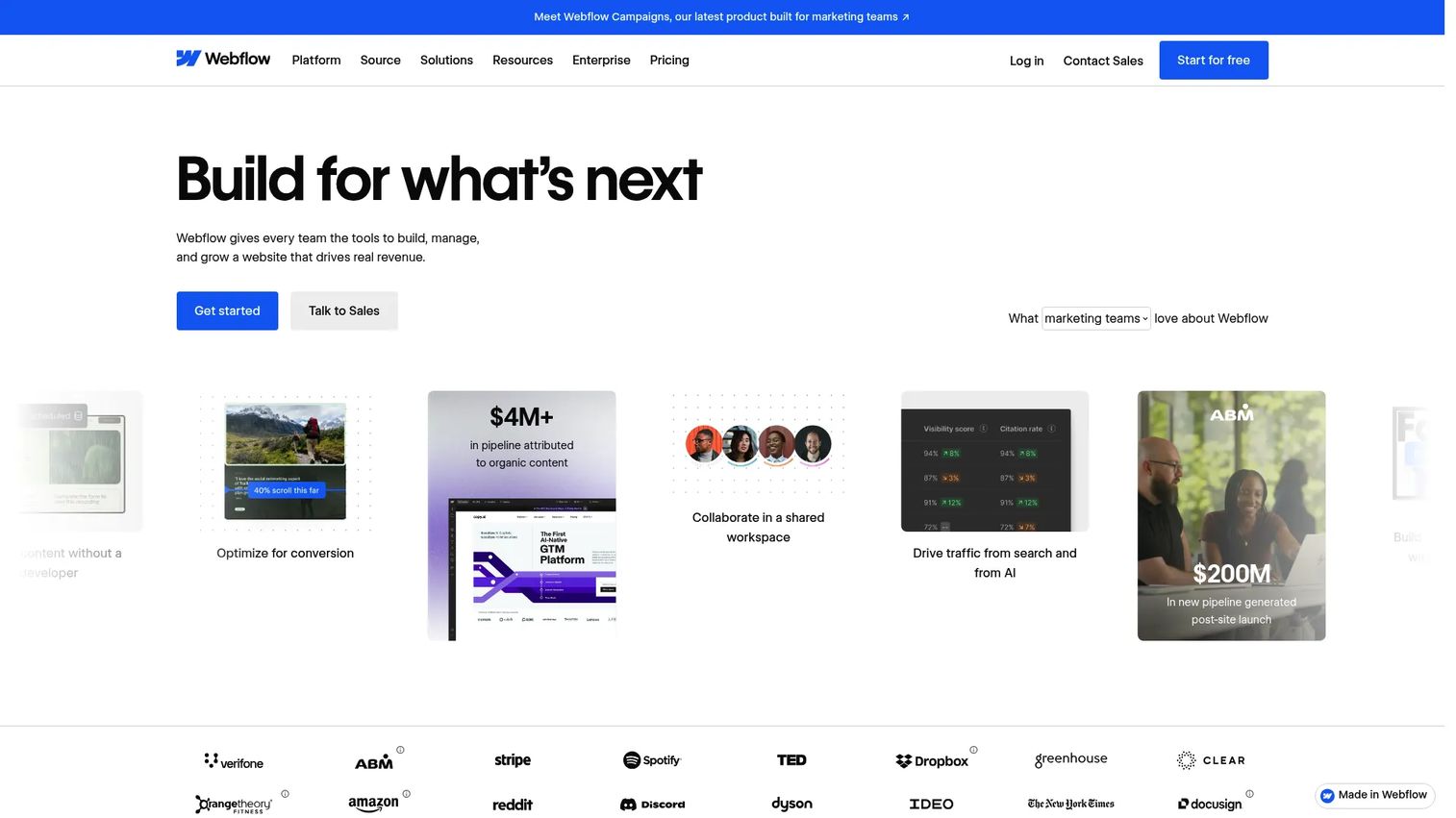
Webflow is a visual website experience platform for designing, managing, and publishing responsive websites. Its CSS-grid designer, CMS, interaction controls, and live publishing workflow make it practical as a high-fidelity web prototype tool, particularly for marketing pages, signup flows, and pricing page experiments. PMs validating web journeys benefit from prototypes that can go live as real pages without engineering hand-off.
Best for: Teams prototyping and publishing website experiences, including marketing pages and signup flows.
Key features
- Visual CSS-grid website design
- CMS for dynamic content
- Web interactions and animation
- Live publishing with custom domains
- SEO and accessibility tooling
Why choose Webflow: Choose Webflow when the prototype should become a real web page. It is stronger for website journeys than for native app behavior or complex product interaction logic.
Webflow pricing: Free Starter plan available. Basic is $15/month billed annually. Premium is $25/month billed annually. Workspace Core runs $19/month billed annually.
G2 rating: 4.4/5
12. Framer
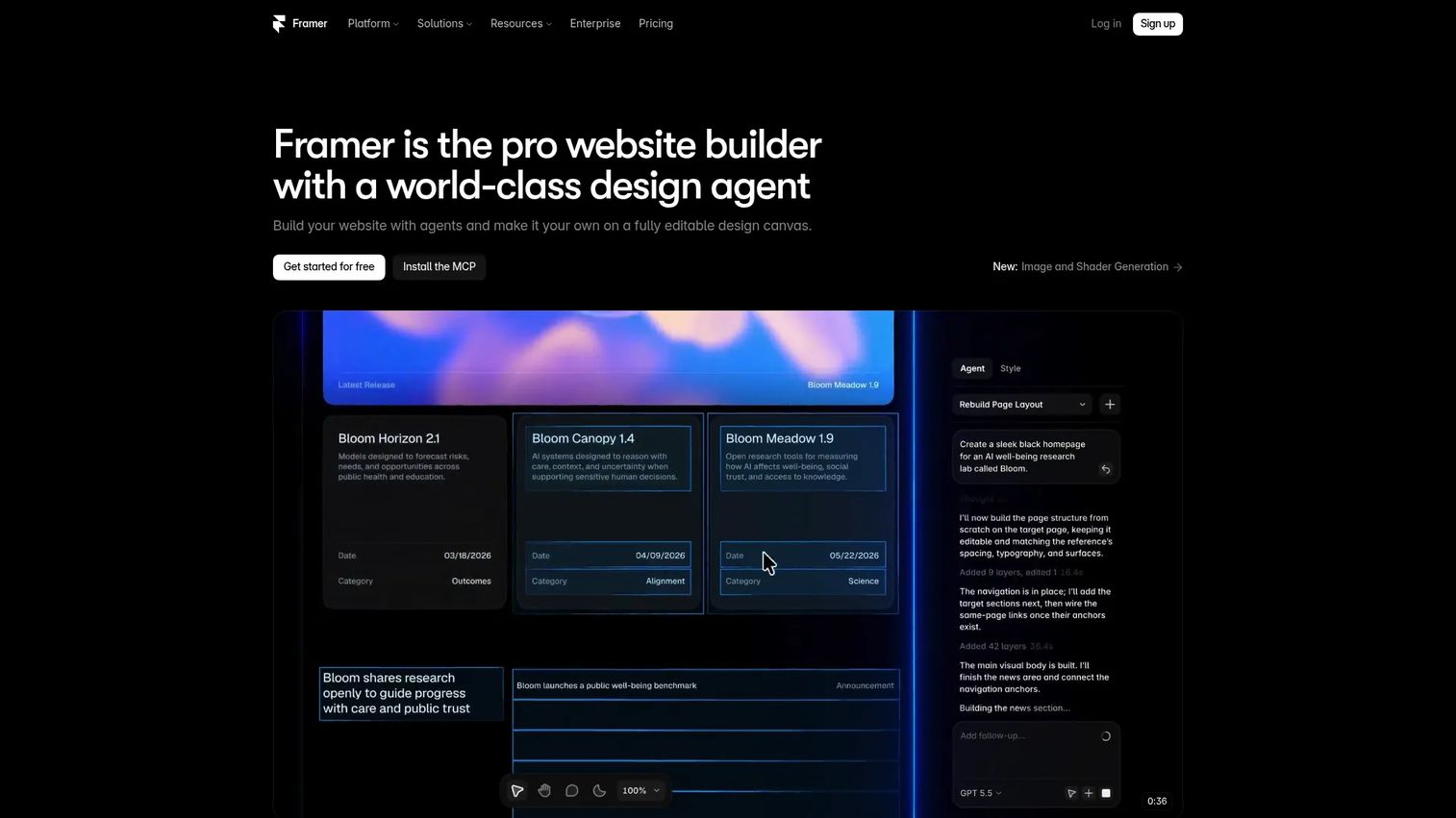
Framer is an AI-powered website builder with a visual design canvas, built-in CMS, hosting, analytics, A/B testing, and motion capabilities. It is widely used for high-fidelity marketing and product microsites that need visual polish and responsive layouts. For PMs, Framer works best when stakeholders need to experience a web page, not just inspect a design file.
Best for: Teams creating high-fidelity interactive web prototypes with strong visual detail and responsive motion.
Key features
- Visual design canvas with responsive layouts
- Motion effects and animation
- Built-in CMS and hosting
- A/B testing and localization add-ons
- MCP integrations with external AI tools
Why choose Framer: Choose Framer when the prototype is a marketing or product-led web journey that requires polish before stakeholder sign-off. It publishes directly, so the prototype and the deliverable are the same artifact.
Framer pricing: Free plan available. Basic is $10/month. Pro runs $30/month. Enterprise pricing is custom. Additional editors cost $20/month each.
G2 rating: 4.5/5
13. UXPin
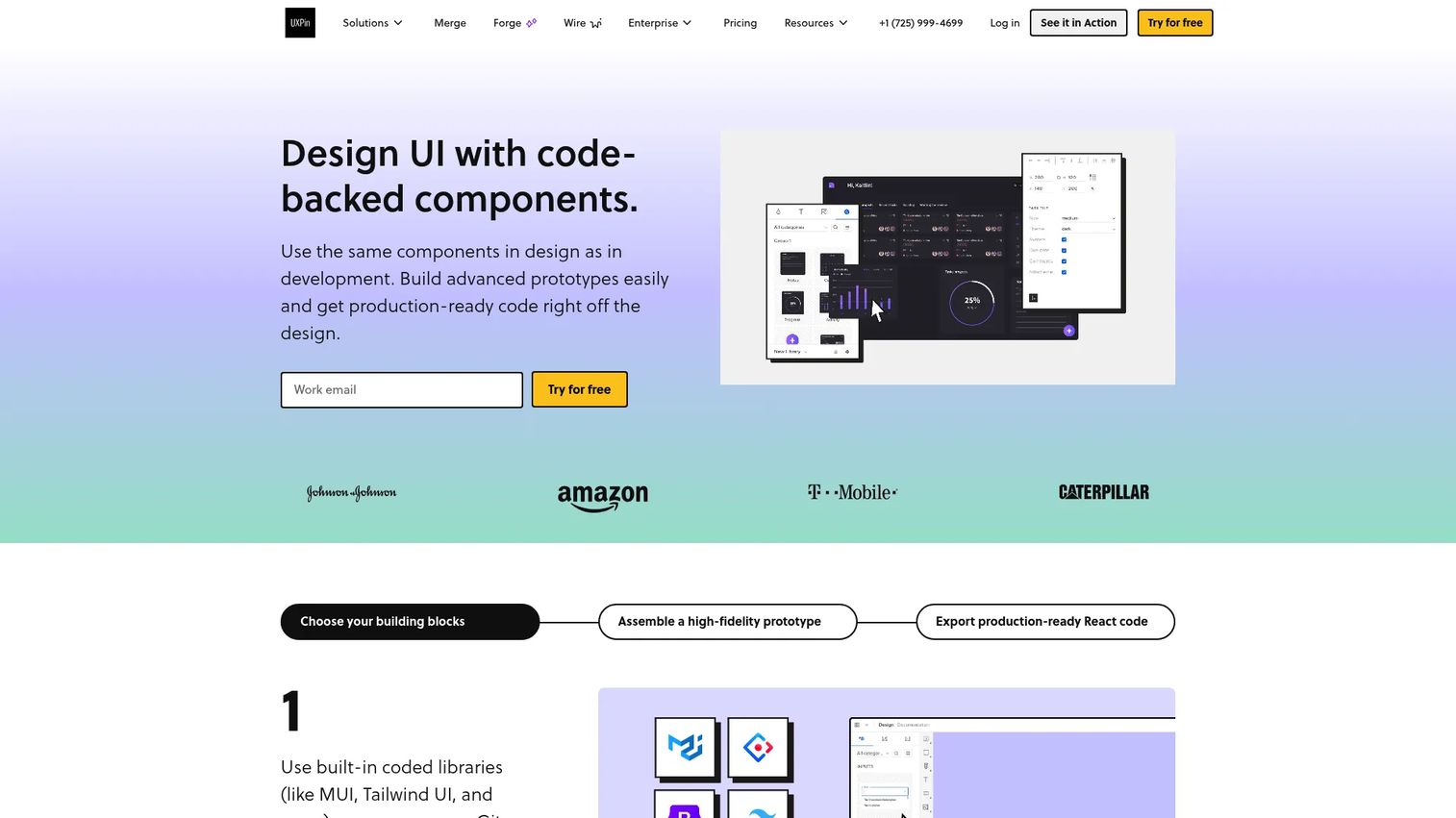
UXPin is a code-based UX and UI design platform for creating interactive high-fidelity prototypes that use real or code-backed design system components. It supports conditional logic, variables, expressions, state-based interactions, and integrations with Git, Storybook, and npm. For product teams with mature design systems, UXPin keeps prototypes aligned with what engineering actually builds.
Best for: Product teams prototyping with established design systems who need code-aligned components in their prototypes.
Key features
- Code-backed component libraries (Git, Storybook, npm)
- Conditional logic, variables, and expressions
- State-based interactive prototyping
- Accessibility tools and auto-generated CSS specs
- 14-day free trial on paid plans
Why choose UXPin: Choose UXPin when governance and system consistency matter more than speed of ideation. It fits mature product teams where prototypes need to stay aligned with reusable components across the product.
UXPin pricing: Free plan available. Core is $29/month per seat. Growth runs $40/month per seat (billed annually). Enterprise pricing is custom.
G2 rating: 4.2/5
14. Axure RP
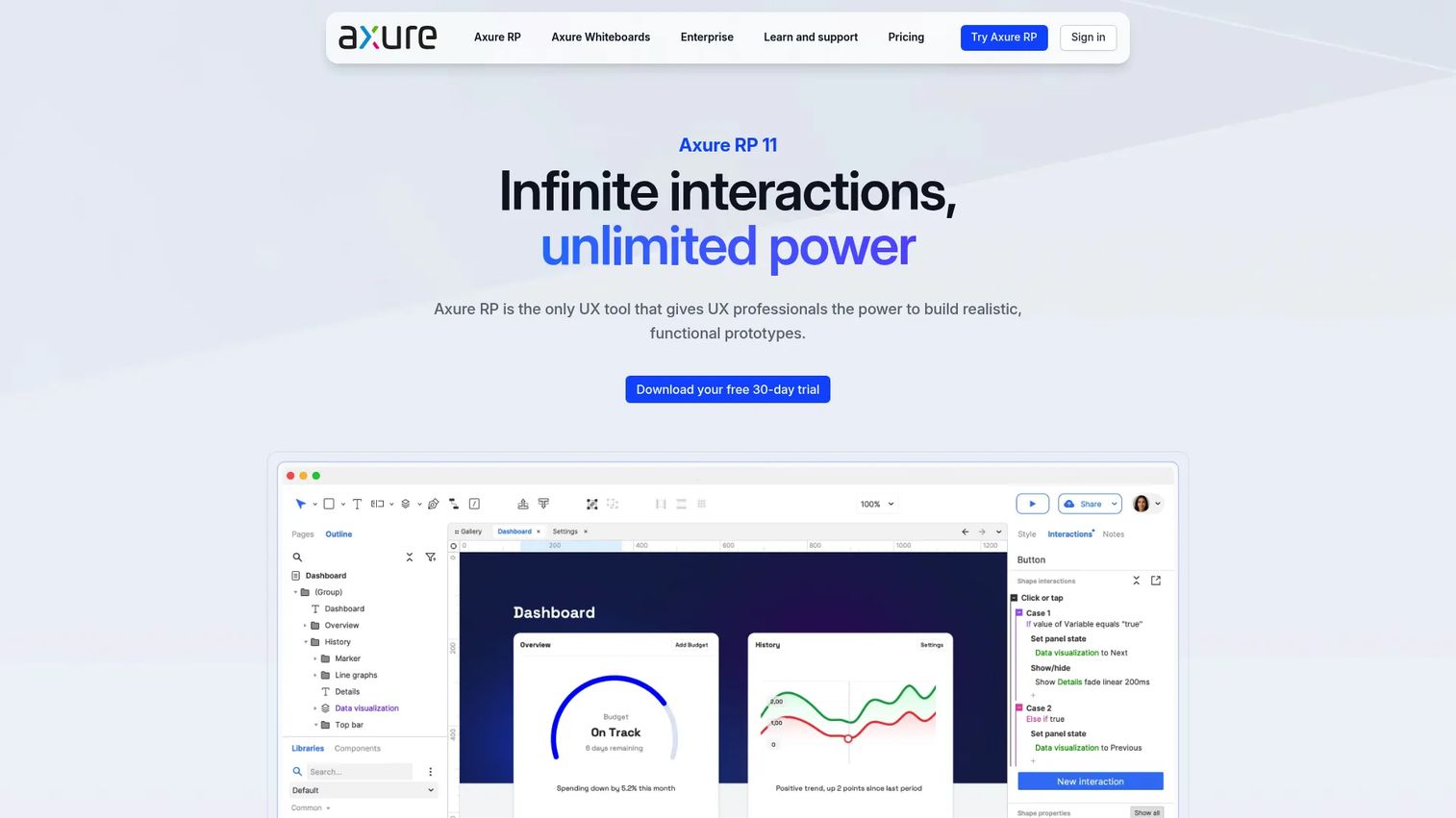
Axure RP is a long-running UI prototyping tool for complex enterprise workflows that require conditional logic, variables, dynamic panels, adaptive views, and detailed specification notes. It has been a standard tool for UX professionals handling multi-state flows, form validation logic, and documentation-heavy deliverables. For PMs working in regulated or operationally complex products, Axure supports the edge cases and decision branches that simpler tools cannot model.
Best for: Enterprise teams prototyping workflows with complex business logic, multi-state behavior, and documentation requirements.
Key features
- Dynamic panels and multi-state containers
- Conditional logic and variables
- Adaptive views for desktop, tablet, and mobile
- Specification notes and annotation tools
- Axure Cloud publishing with comments and developer inspect
Why choose Axure RP: Choose Axure RP when the prototype needs to document decision branches, edge cases, and logic alongside the visual flow. It is a strong fit for enterprise products with many conditional paths.
Axure RP pricing: Axure RP Pro is $29/month per user. Team is $49/month per user. Enterprise pricing is on request. A 30-day free trial is available.
G2 rating: 4.2/5
15. Balsamiq
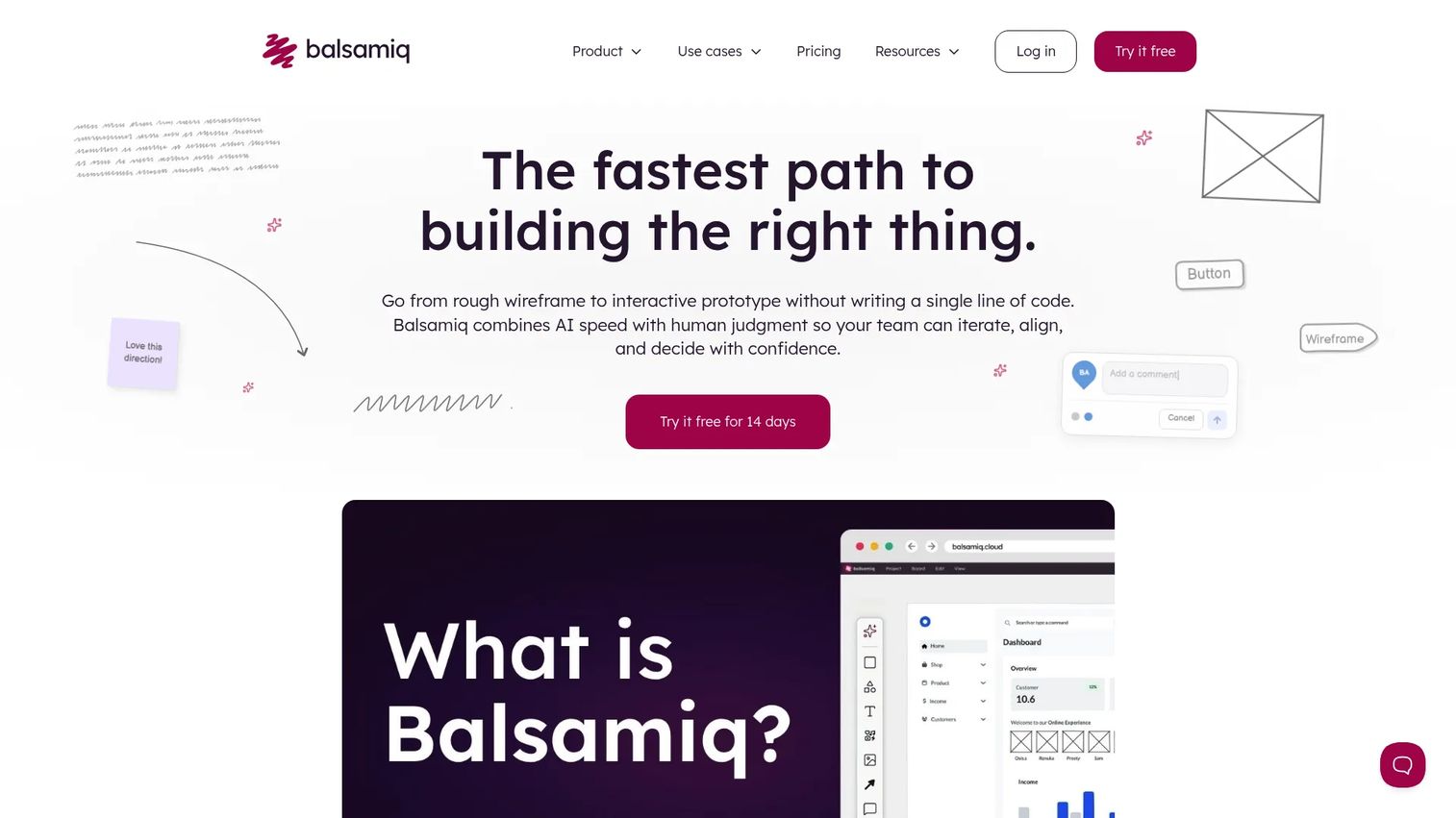
Balsamiq is a low-fidelity wireframing and prototyping tool built for turning early product ideas into actionable direction without getting sidetracked by visual detail. Its sketch-style controls, drag-and-drop layout, linkable screens, and AI wireframing and prototyping features make it one of the fastest tools for structure-first conversations. Integrations with Jira, Confluence, Notion, and Slack keep it embedded in the workflows PMs already use.
Best for: Product teams, business analysts, and engineers who need fast clickable wireframes focused on structure and flow.
Key features
- Low-fidelity sketch-style wireframing
- Drag-and-drop UI symbol library
- Linkable screens for clickable prototype flows
- AI wireframing and prototyping
- Integrations with Jira, Confluence, Notion via MCP
Why choose Balsamiq: Choose Balsamiq when you want feedback on structure, not visual polish. Its low fidelity keeps conversations anchored to flow, priority, and comprehension rather than font choices and color.
Balsamiq pricing: Starter is $16/month per editor billed annually. Teams runs $24/month per editor billed annually. Enterprise is $35/month per editor billed annually.
G2 rating: 4.2/5
16. Visily
Visily was an AI-powered collaborative wireframing and design tool that converted screenshots into wireframes, generated AI UI designs, and supported collaborative editing. It served non-designers well for quick ideation and cross-functional concept review. Visily announced it was shutting down on October 31, 2026, with data deletion scheduled for November 30, 2026. Teams currently using Visily will need to migrate to an alternative before that date.
Best for: Non-designers who needed to create and collaborate on early AI-assisted wireframes (note: Product shut down October 2026).
Key features
- Screenshot-to-wireframe conversion
- AI-generated UI designs and layouts
- Collaborative drag-and-drop editing
- Figma import and export (Pro)
- Code export and MCP server access (Pro)
Why choose Visily: Visily was a strong low-barrier entry point for PMs and business stakeholders contributing to early design conversations. With the shutdown, teams should evaluate Uizard, Magic Patterns, or UX Pilot as direct alternatives.
Visily pricing: Was $14/month per editor for Pro, $29/month per editor for Business (billed annually). The product is no longer available as of November 2026.
G2 rating: 4.4/5
17. Google Stitch
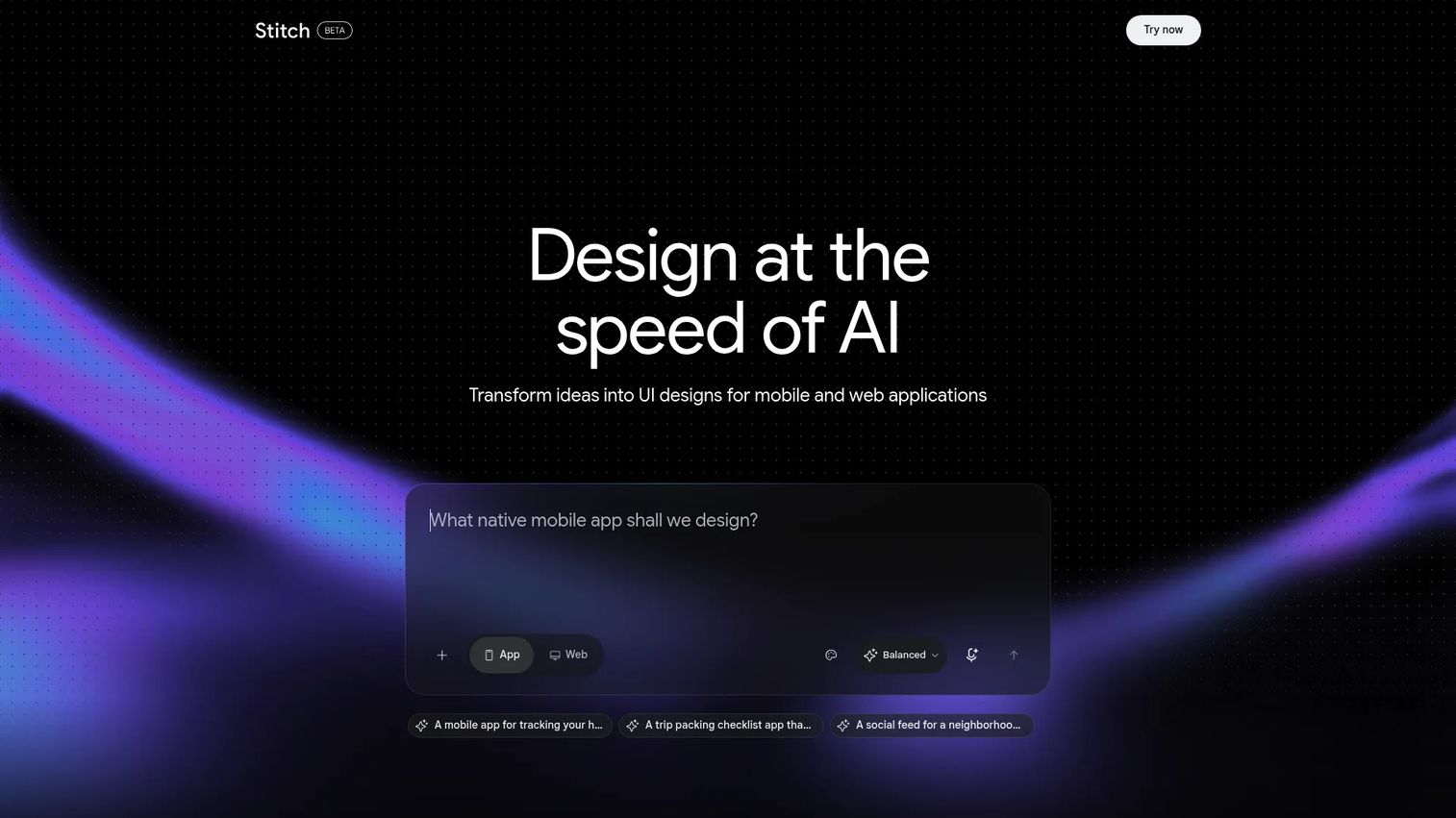
Google Stitch is an AI-powered interface generation tool that creates app and web UI from natural-language prompts and visual inputs including screenshots, sketches, and wireframes. It outputs front-end code and supports Figma handoff. The tool is in active development and pricing details are not currently confirmed through first-party sources.
Best for: Teams exploring AI-generated interface ideas from prompts or image inputs in early concept stages.
Key features
- Natural-language UI generation
- Image, screenshot, and sketch input support
- Front-end code export
- Figma handoff workflow
- Early visual concept exploration
Why choose Google Stitch: Choose Google Stitch when the goal is rapid interface ideation before formal design or development work. Confirm current availability and access model before building it into a team workflow.
Google Stitch pricing: Check the official site for current access options.
18. Galileo AI
Galileo AI is an AI platform for generating user interface designs from text prompts. It produces web and mobile screen concepts quickly, supporting visual iteration for early-stage product exploration. Pricing details are not confirmed through first-party sources at the time of this guide.
Best for: Rapid early-stage UI concept generation from text descriptions.
Key features
- Text-to-UI generation for web and mobile
- Fast screen concept iteration
- Editable design output
- Visual refinement workflow
- UI concept export options
Why choose Galileo AI: Choose Galileo AI when the team needs polished starting points for product screens fast. Treat the output as a concept layer that still requires product and UX validation before development.
Galileo AI pricing: Check the official site for current plan details.
G2 rating: 4.1/5
19. v0 by Vercel
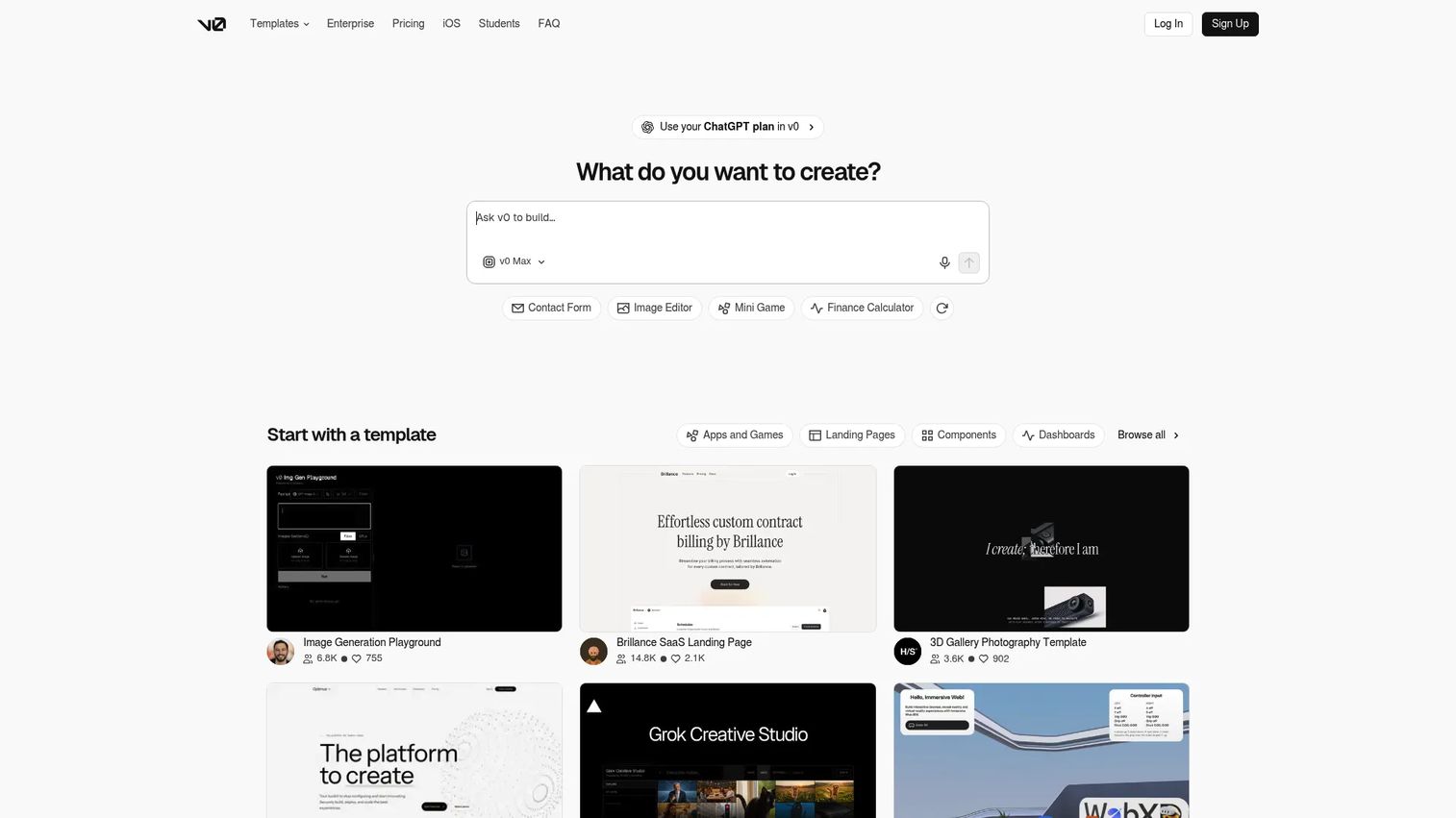
v0 by Vercel is an AI agent for generating full-stack web applications, high-fidelity UIs, and AI agents from natural-language prompts. It imports GitHub repositories, generates frontend React components, provides live previews, and deploys directly to Vercel. For technical PMs or engineering-adjacent product teams, v0 closes the gap between design validation and implementation in a single workflow.
Best for: Technical teams creating frontend prototypes with code output, validating UI alongside implementation feasibility.
Key features
- Prompt-to-React component and app generation
- GitHub import, branching, commits, and pull requests
- Vercel one-click deployment
- Built-in previews, terminal commands, and error fixing
- Design Mode for visual UI editing
Why choose v0 by Vercel: Choose v0 when design validation and implementation exploration need to happen close together. It fits teams comfortable reviewing code-based output and working within a Vercel deployment workflow.
v0 by Vercel pricing: Free plan includes $5 monthly credits and a 7-message per day limit. Plus is $30/month per user. Business runs $100/month per user. Enterprise pricing is custom.
G2 rating: 5.0/5
20. Miro AI
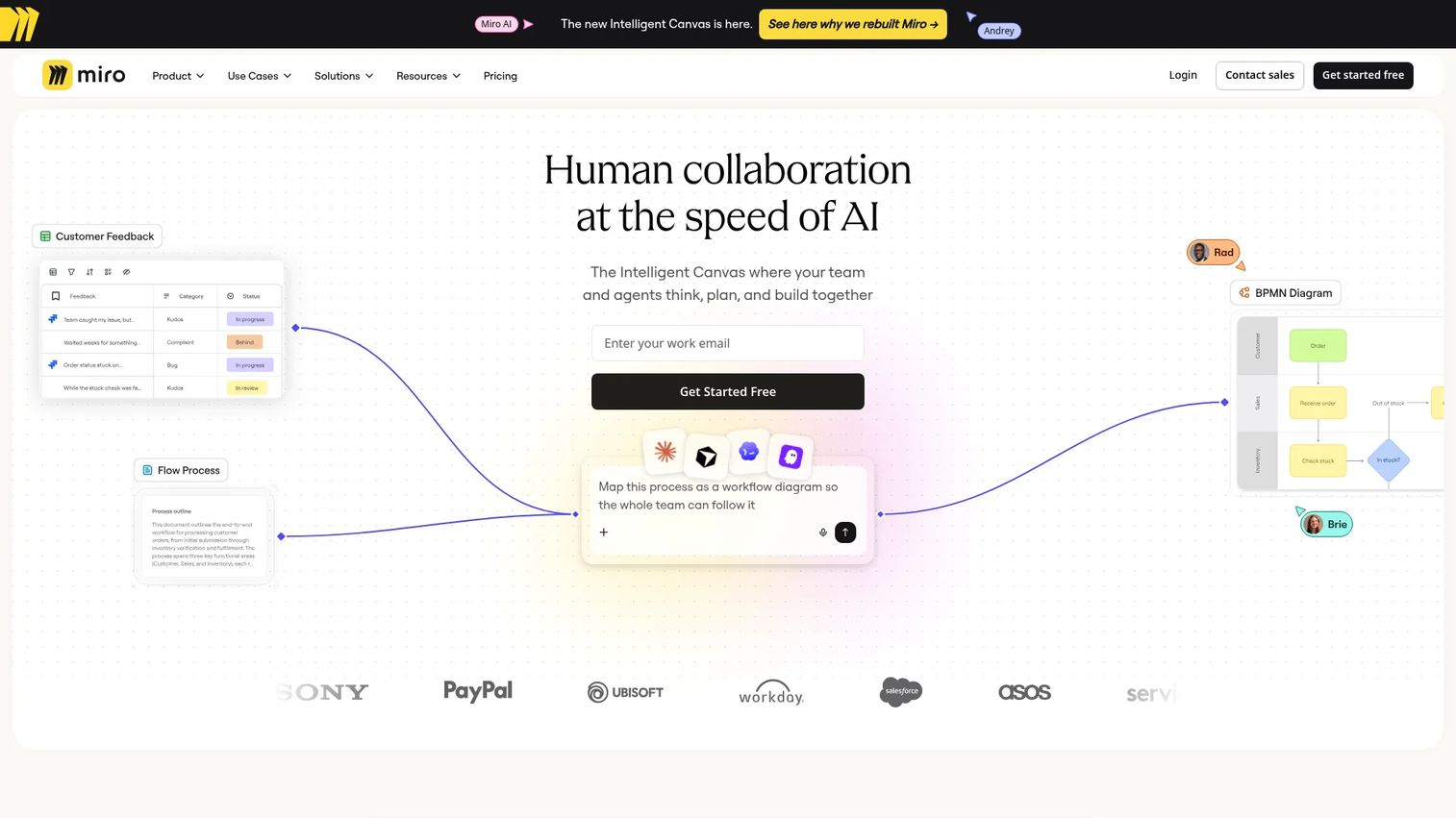
Miro AI is a suite of AI capabilities within Miro's collaborative visual workspace. It supports ideation, board synthesis, AI-generated diagrams and mind maps, sticky-note clustering, prototype generation, and content refinement. For PMs, Miro AI performs best at the front of the prototype process: Mapping, alignment workshops, journey mapping, and early flow sketching before the team needs high-fidelity detail.
Best for: Product teams running collaborative discovery workshops and mapping flows before creating high-fidelity prototypes.
Key features
- AI ideation and content generation on boards
- AI-generated diagrams, mind maps, and timelines
- Sticky-note clustering and synthesis
- AI-generated prototypes and wireframes
- Journey maps and stakeholder collaboration templates
Why choose Miro AI: Choose Miro AI when the prototype process starts with mapping, prioritization, and cross-functional input. It is strongest before the team needs interaction detail, and it keeps early alignment visible to everyone.
Miro AI pricing: Free plan available. Starter is $8/month per member billed annually. Business runs $20/month per member billed annually. Enterprise pricing is on request.
21. Banani
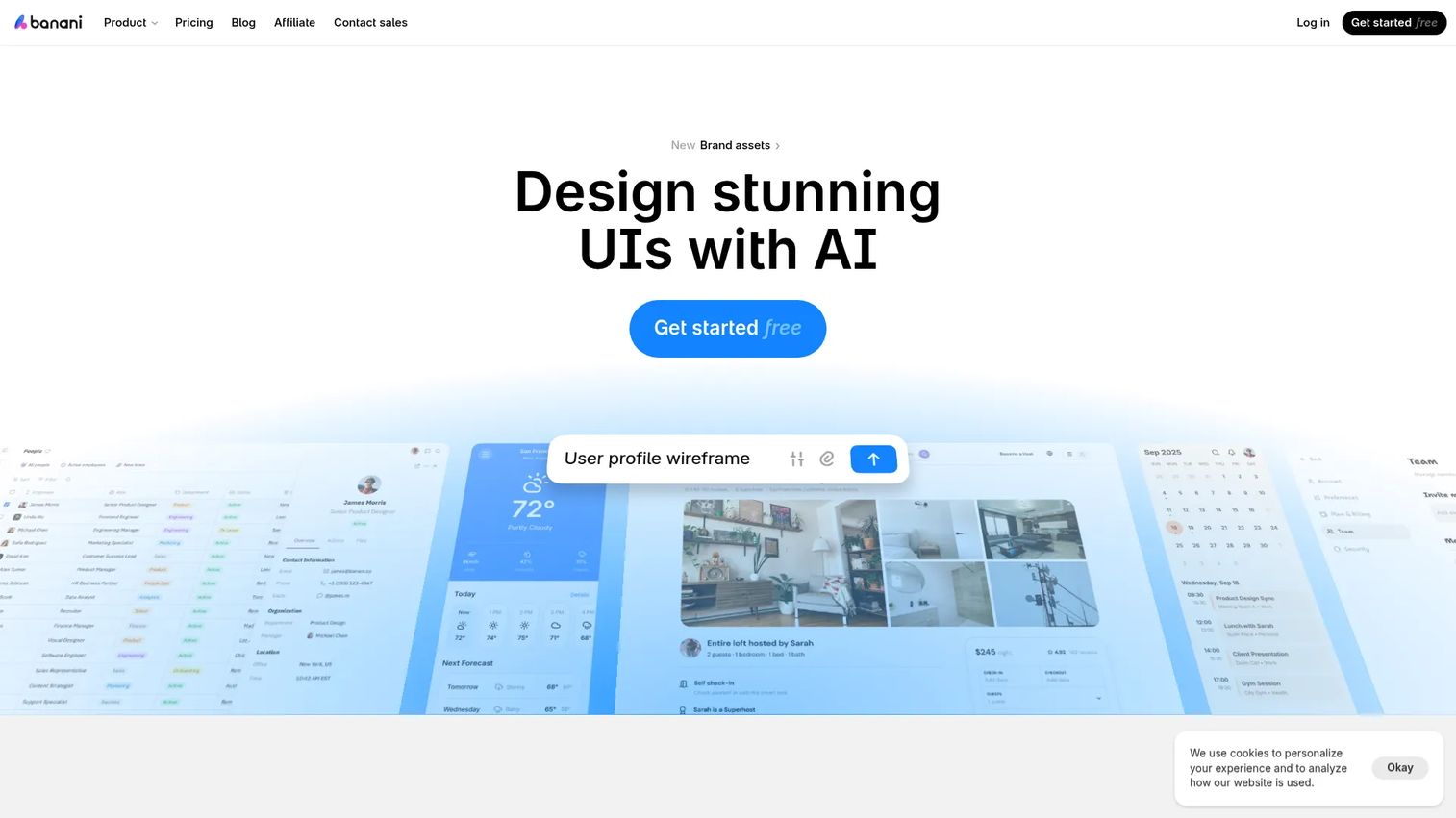
Banani is an AI UI design tool that generates editable, multi-screen prototypes from text prompts and design references. It accepts image, screenshot, and Figma file inputs alongside prompts, outputs clickable multi-screen flows, and exports to Figma, HTML/CSS, images, and code. For teams that need rapid concept generation with design-system alignment, Banani offers a focused AI prototyping workflow.
Best for: Product teams, PMs, and designers who need to rapidly generate clickable multi-screen UI concepts from prompts or design references.
Key features
- Text-to-multi-screen prototype generation
- Image, screenshot, and Figma reference input
- AI-assisted style customization
- Export to Figma, HTML/CSS, and code
- Interactive multi-screen prototype output
Why choose Banani: Choose Banani when speed from idea to clickable concept matters most. It works best as an early validation tool before deep design or engineering investment, particularly for teams that want Figma-compatible output.
Banani pricing: Free plan includes 12 monthly credits and 3 daily credits. Plus is $12/month. Pro runs $30/month. Enterprise pricing is custom.
Considerations when choosing clickable prototype tools
Match fidelity to the decision
The riskiest mistake PMs make is choosing a high-fidelity tool for a low-fidelity problem. If the goal is stakeholder alignment on flow, a sketch-style wireframe is faster and generates cleaner feedback than a polished prototype. Reserve high-fidelity and coded tools for usability testing or feasibility validation.
Check how feedback turns into action
Look at how comments, session data, and analytics connect to your backlog. A prototype that generates engagement data or timestamped comments saves the follow-up conversation. For interactive demo workflows, analytics showing where viewers drop off map directly to onboarding and activation priorities.
Decide whether you need design output or product experience
A design prototype lives in a tool and travels as a link. A guided product experience travels across teams, stays current as the product ships, and can reach buyers, users, and stakeholders without a design file attachment. Tools like Guideflow fit the second job; Figma and ProtoPie fit the first. Knowing which job you are solving changes the tool selection entirely.
Watch maintenance after release
Prototypes rot when the product changes. High-fidelity design prototypes require manual updates after every release that affects the screens they show. Evaluate how easy it is to update a prototype after a release, whether components are reusable, and whether version control is built in. For teams on a fast release cadence, low-maintenance tools pay off quickly.
Verify pricing against your actual team shape
Seat-based pricing can compound fast once you include PMs, designers, engineers, researchers, and stakeholder reviewers. Ask what counts as an editor versus a viewer, and whether exported or shared prototypes require additional seats. The difference between a workspace plan and a per-seat plan can change total cost significantly at mid-market team sizes.
Conclusion
The right clickable prototype tool depends on the validation job in front of you, not on which tool is trending.
For shareable guided product experiences tied to onboarding, stakeholder validation, or buyer education, Guideflow is the strongest starting point. For design-team prototyping with engineering handoff, Figma is the default. For testing complex interaction behavior, ProtoPie and Axure RP cover conditional logic and sensor inputs. For AI-first speed, Figma Make, UX Pilot, Uizard, Magic Patterns, and Banani each accelerate concept generation in slightly different ways. For production-adjacent prototypes, Lovable and v0 by Vercel generate deployable output from prompts. For website journeys, Webflow and Framer publish directly. For early structural alignment, Balsamiq and Miro AI keep conversations focused on flow before fidelity matters.
One note on Visily: The product shut down in October 2026. Teams currently evaluating it should look at Uizard or Magic Patterns instead.
Start with the assumption you need to test, match it to the fidelity level that generates clean signal, and choose the tool that fits that workflow without adding maintenance overhead you do not need.
Start your journey with Guideflow today!
FAQs
Clickable prototype tools let teams build interactive versions of product screens, flows, or experiences that users and stakeholders can click through before the product is built. They range from low-fidelity wireframes to AI-generated apps, and they exist to validate assumptions before engineering investment.
The answer depends on the job. Guideflow performs best when PMs need a shareable, analytics-backed product experience for stakeholder validation, onboarding testing, or buyer education. Figma fits when the prototype lives inside the design and handoff workflow. Coded tools like Lovable or v0 fit when feasibility is the assumption being tested.
A clickable prototype typically validates design or workflow logic before a product is built, usually inside a design tool or wireframe environment. An interactive demo shows a guided product experience to stakeholders, buyers, or users, often built from a captured real product flow, and is designed to travel broadly and generate engagement data rather than serve as a design artifact.
They are useful for first drafts and interface direction exploration, but AI-generated output still requires product judgment to evaluate. PMs should treat AI prototypes as a starting point, not a validated design. Edge cases, accessibility, segmentation logic, and usability still need human review and testing before development commitment.
Figma, Proto.io, ProtoPie, Uizard, and UXPin all support mobile prototyping with device-specific previews or gesture support. ProtoPie stands out for sensor-based interactions. Figma is the most broadly adopted for mobile design and prototype work. For mobile product demo use cases, Guideflow's mobile demo format covers mobile app experience sharing.
Lovable, v0 by Vercel, Webflow, Framer, UXPin, Magic Patterns, Banani, UX Pilot, and Google Stitch each offer some form of code output. The quality and usability of that code varies by tool. For teams looking at AI code generation more broadly, v0 and Lovable are the strongest options for deployable output specifically.
Use low fidelity when the assumption being tested is structural: Does the layout make sense, is the flow comprehensible, do stakeholders agree on the right path? Use high fidelity when the assumption requires usability: Can users complete the task, do interactions feel right, does the design system hold up? Skipping straight to high fidelity when you have an unanswered structural question wastes design cycles and generates feedback on the wrong things.
Yes, when they test the riskiest assumption before development starts. Teams that prototype activation paths, onboarding flows, or new feature designs before engineering picks them up report fewer rework cycles, clearer acceptance criteria, and better alignment between what gets built and what users actually need. For a deeper look at how product analytics tools and prototyping combine to reduce waste, the signal from pre-development validation maps directly to better prioritization.