The campaign brief is in Google Docs. The creative is in Figma. Approvals happen across Slack threads. The deadline is tomorrow, and nobody knows which version is final.
Marketing teams do not miss launches because they lack ideas. They miss them because work moves through too many disconnected places. According to the 2025 Pulse of Marketing Report, 72% of marketing and creative professionals switch between tools, losing an average of 7.3 hours per week. That is nearly a full workday gone to coordination overhead.
The right marketing project management software gives your team one operating system: For campaign briefs, tasks, creative reviews, campaign calendars, workload visibility, and reporting. It stops you from chasing status across five tabs and gives leadership the answers they need without another meeting.
This guide covers 15 of the best project management software tools for marketing teams in 2026, with verified pricing, G2 ratings, and practical guidance on which tool fits which operating model.
What's inside
This guide covers the best project management software for marketing teams across agencies, in-house departments, and enterprise marketing operations.
- Who this is for: Growth marketers, marketing ops, demand gen teams, creative leads, and agency operators
- Selection criteria: Campaign planning and calendar support, creative approval depth, integrations with marketing stack tools, workload visibility, and pricing fit by team size
- What you get: 15 tool reviews, a comparison table, buying considerations, and a decision guide by team type
- Pricing and ratings: Verified against live vendor pages and G2 at time of writing
TL;DR
- Best for agencies managing client campaigns: Teamwork.com gives you client access, time tracking, budgets, and profitability in a single platform
- Best for in-house campaign planning: Asana handles campaign timelines, intake forms, goal tracking, and workload management cleanly
- Best for flexible marketing operations: monday.com lets you build custom boards and automations for any campaign or content workflow
- Best for consolidating tasks and docs: ClickUp covers tasks, docs, goals, whiteboards, and reporting under one roof
- Best for enterprise creative operations: Adobe Workfront is built for governed intake, proofing, approvals, and resource management at scale
- Best for simple team coordination: Basecamp keeps small teams aligned with minimal setup and low admin overhead
What is project management software for marketing teams?
Project management software for marketing teams is a platform that helps marketers plan campaigns, assign work, manage deadlines, review creative assets, coordinate stakeholders, and track progress across marketing workflows.
It differs from generic task management in one important way: Marketing work does not move in straight lines. A campaign starts with a brief, moves into creative production, waits on legal review, requires a landing page, coordinates with paid media, and needs reporting once it launches. Generic to-do lists do not map to that shape.
Marketing project management tools address the full cycle. They support campaign calendar views so teams can see what launches when. They handle dependencies, so a landing page task does not start before the brief is approved. Many include creative proofing, where designers upload assets, stakeholders leave comments, and version history is preserved. Intake forms help marketing ops teams standardize how work requests arrive. Dashboards give leadership a live view of campaign status without a status meeting.
For agencies, the requirements go further. Client-facing teams need external user permissions so clients can review without accessing internal work. Time tracking connects to budgets. Utilization reports show whether the team is over capacity before the deadline moves.
Key capabilities to look for in marketing project management software:
- Campaign calendars and launch timelines
- Task ownership with dependencies
- Creative proofing and approval routing
- Brief intake and request forms
- Workload and capacity planning
- Dashboards for campaign status and reporting
- Integrations with CRM, analytics, creative, file storage, and automation tools
- Automation for recurring workflows and approval sequences
- Client access and external stakeholder permissions
When to use project management software for marketing teams
Plan campaigns across multiple channels
Paid search, paid social, SEO, lifecycle, web updates, and events do not run themselves. When a single launch requires coordination across four or five functions, tasks get orphaned and deadlines move. A project management tool with timeline views and dependencies gives every contributor a clear picture of what blocks what, who owns it, and when it ships.
Review creative without losing context
Email copy, landing page designs, ad creative, and event collateral all require feedback. When that feedback lives across Slack threads and email, teams end up with conflicting input, unclear approval status, and no audit trail. A tool with proofing, comments, and version tracking keeps reviews in context and approvals documented.
Manage agency or client work at scale
Agencies juggling multiple clients, retainers, and external approvals face a different set of problems than in-house teams. Client access, billable time tracking, budget visibility, and retainer scope management require purpose-built functionality. The right tool for an agency shows whether the work is profitable, not just whether tasks are complete.
Project management software for marketing teams comparison
Before going deeper on each tool, here is a side-by-side view organized by use case, differentiator, pricing, and G2 rating. All pricing and ratings were verified against live sources at time of writing.
| # | Product | Best for | Key differentiator | Pricing | G2 rating |
|---|---|---|---|---|---|
| 1 | Teamwork.com | Agencies managing client campaigns | Client access, time tracking, budgets, and profitability | From $9.99/user/month (billed yearly) | 4.4/5 |
| 2 | Asana | In-house campaign planning | Campaign timelines, intake forms, goals, and workload | From $10.99/user/month (billed annually) | 4.4/5 |
| 3 | monday.com | Flexible marketing operations | Custom boards, automations, and campaign dashboards | From $9/seat/month (billed annually) | 4.7/5 |
| 4 | ClickUp | Consolidating tasks and docs | Tasks, docs, goals, whiteboards, and automations | From $9/user/month (billed yearly) | 4.6/5 |
| 5 | Wrike | Teams with complex approval workflows | Request intake, proofing, resource planning, and reporting | From $10/user/month | 4.2/5 |
| 6 | Zoho Projects | Budget-conscious marketing teams | Structured workflows integrated into the Zoho suite | From $4/user/month (billed annually) | 4.4/5 |
| 7 | Scoro | Agencies tracking profitability | Project management plus CRM, quoting, billing, and utilization | From €15/user/month | 4.5/5 |
| 8 | Productive | Agencies managing retainers and capacity | Budgeting, resourcing, time tracking, and revenue forecasting | From $9/month (billed yearly) | N/A on G2 |
| 9 | Basecamp | Small teams needing simple coordination | Message boards, to-dos, schedules, and client spaces | From $29/month flat | 4.1/5 |
| 10 | Adobe Workfront | Enterprise creative operations | Governed intake, proofing, approvals, and Adobe integrations | Custom pricing | 4.1/5 |
| 11 | Workzone | Marketing teams needing structured approvals | Project templates, workload views, and approval workflows | From $8/user/month (billed annually) | 4.3/5 |
| 12 | Airtable | Teams building custom campaign databases | Relational tables for calendars, content, and asset tracking | From $20/user/month (billed annually) | 4.6/5 |
| 13 | Smartsheet | Spreadsheet-native campaign operations | Grid-based tracking with workflow automation and governance | From $9/member/month (billed yearly) | 4.4/5 |
| 14 | Hive | Fast-moving teams coordinating campaigns | Tasks, chat, proofing, goals, and workload views | From $5/user/month | 4.6/5 |
| 15 | Miro | Campaign mapping and planning workshops | Visual collaboration for briefs, journeys, and brainstorms | From $8/month per member (billed yearly) | N/A on G2 |
Best 15 project management software tools for marketing teams
1. Teamwork.com
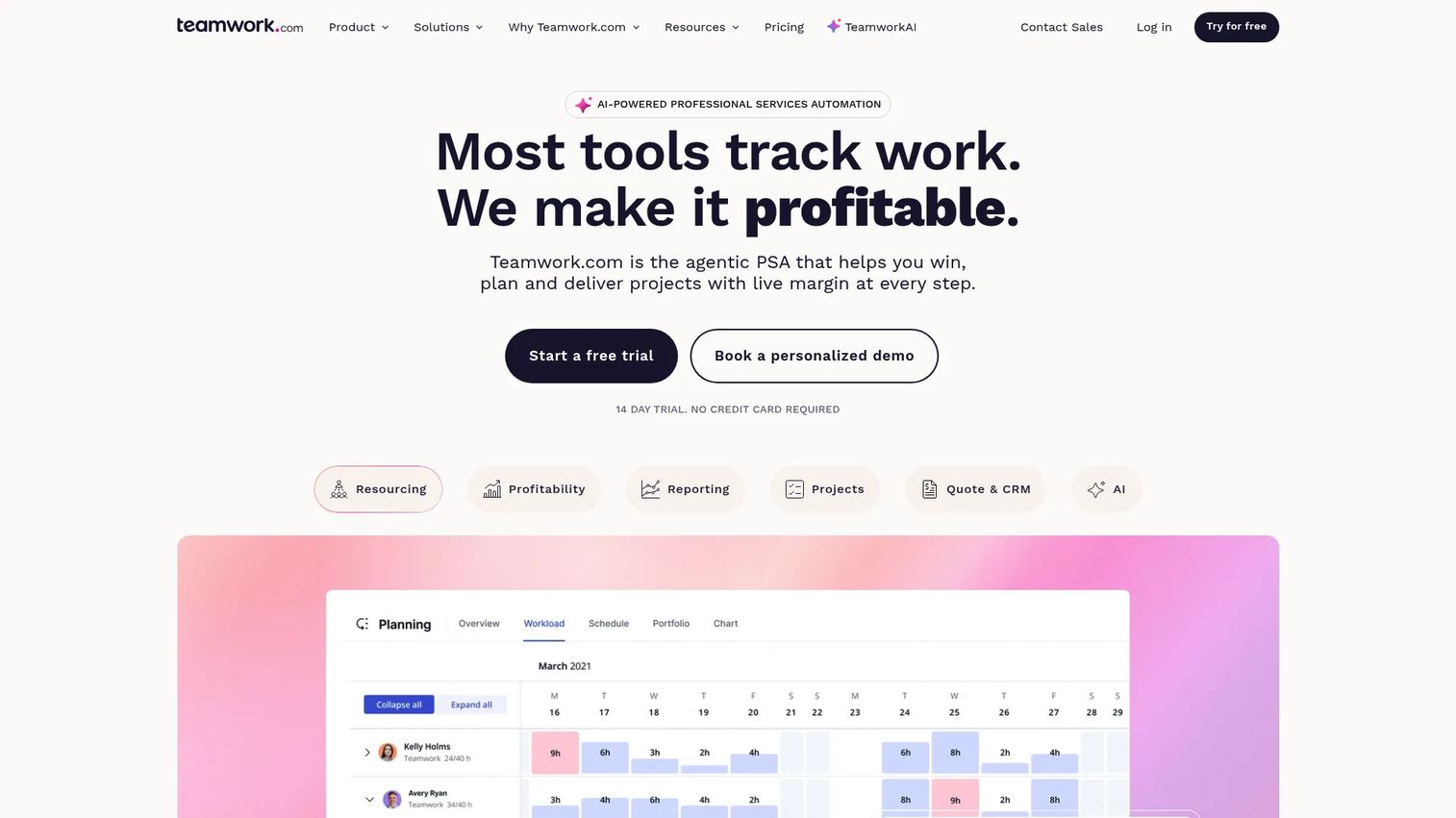
Teamwork.com is a professional services automation platform built specifically for client-facing teams. It combines project delivery, resource planning, time tracking, budget management, and profitability reporting in one place. Agencies using it can see not just whether tasks are complete, but whether projects are profitable before the client calls to ask why the invoice is late.
Best for: Marketing agencies that need to manage client campaigns, retainers, billable time, and delivery health in one system.
Key features
- Client user access with granular permissions
- Time tracking tied to project budgets and retainers
- Workload and capacity planning views
- Reusable project templates for campaign delivery
- Proofing and approval workflows for creative assets
Why choose Teamwork.com: If your agency still reconciles billable time in a spreadsheet at the end of the month, Teamwork.com removes that step. It suits teams where client relationships and financial visibility matter as much as task completion.
Teamwork.com pricing: A free plan is available for up to 5 projects and 5 users. The Basics plan starts at $9.99/user/month billed yearly. Accelerate costs $24.99/user/month billed yearly. Optimize and Enterprise tiers require contacting sales for a quote.
G2 rating: 4.4/5
2. Asana
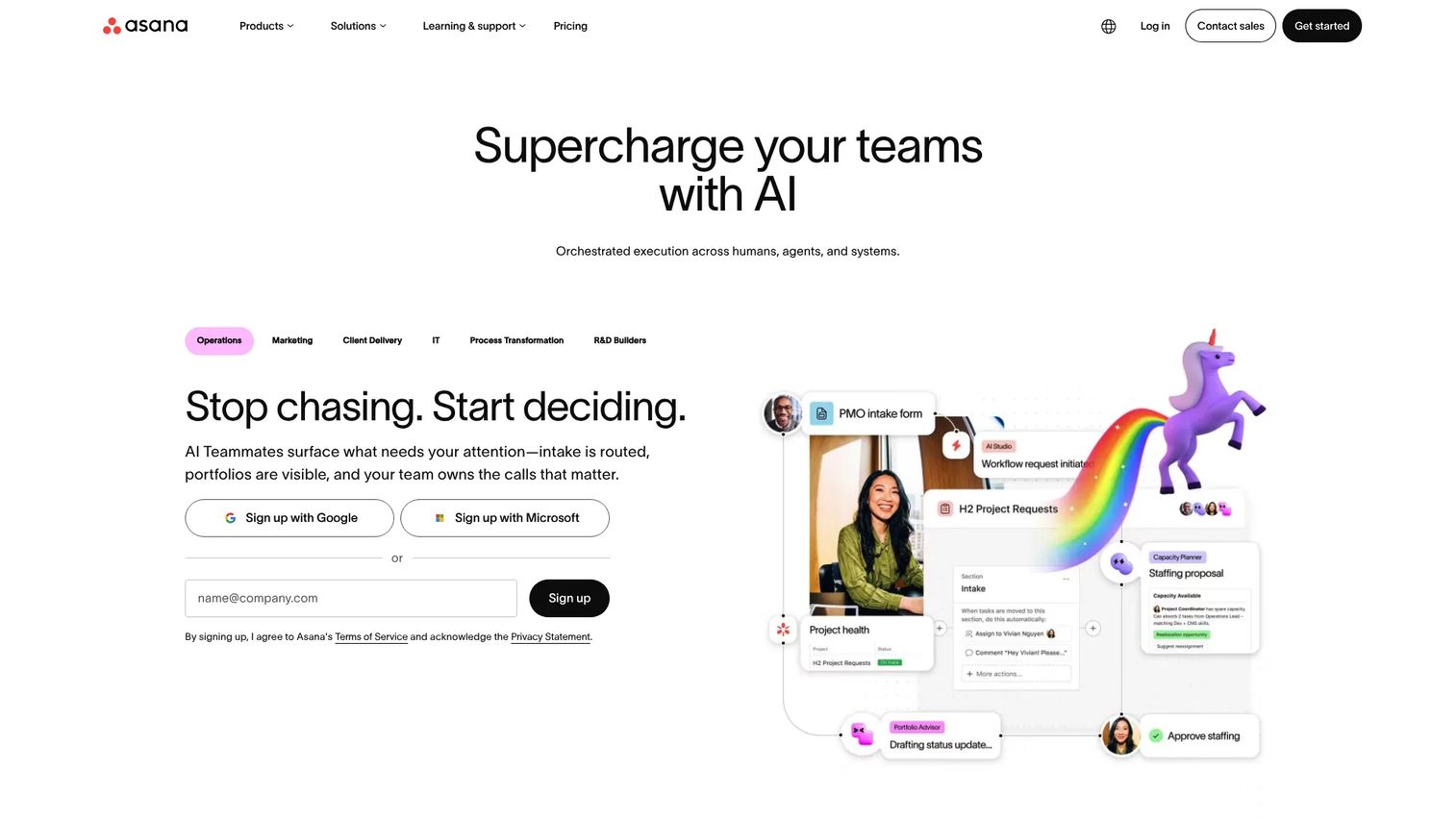
Asana is one of the most widely adopted work management platforms for in-house marketing teams. It handles campaign planning, timeline views, intake forms, goal tracking, and workload management cleanly, with strong cross-functional visibility when marketing depends on design, product, or sales teams. Its AI features add planning assistance and smart summaries on top of the core workflow structure.
Best for: In-house marketing teams that need clean campaign visibility across content, demand gen, product marketing, and design functions.
Key features
- Timeline, calendar, Kanban, and list views
- Campaign templates with dependencies
- Intake forms for work requests and campaign briefs
- Goals and portfolio views across campaigns
- Workload management and resource planning
Why choose Asana: Asana works best when marketing needs structure without a heavy rollout. It is a natural step up from spreadsheets and Slack without the complexity that larger enterprise tools bring.
Asana pricing: The Personal plan is free for up to 2 users. Starter is $10.99/user/month billed annually (or $13.49/month billed monthly). Advanced runs $24.99/user/month billed annually. Enterprise and Enterprise+ tiers require contacting sales.
G2 rating: 4.4/5
3. monday.com
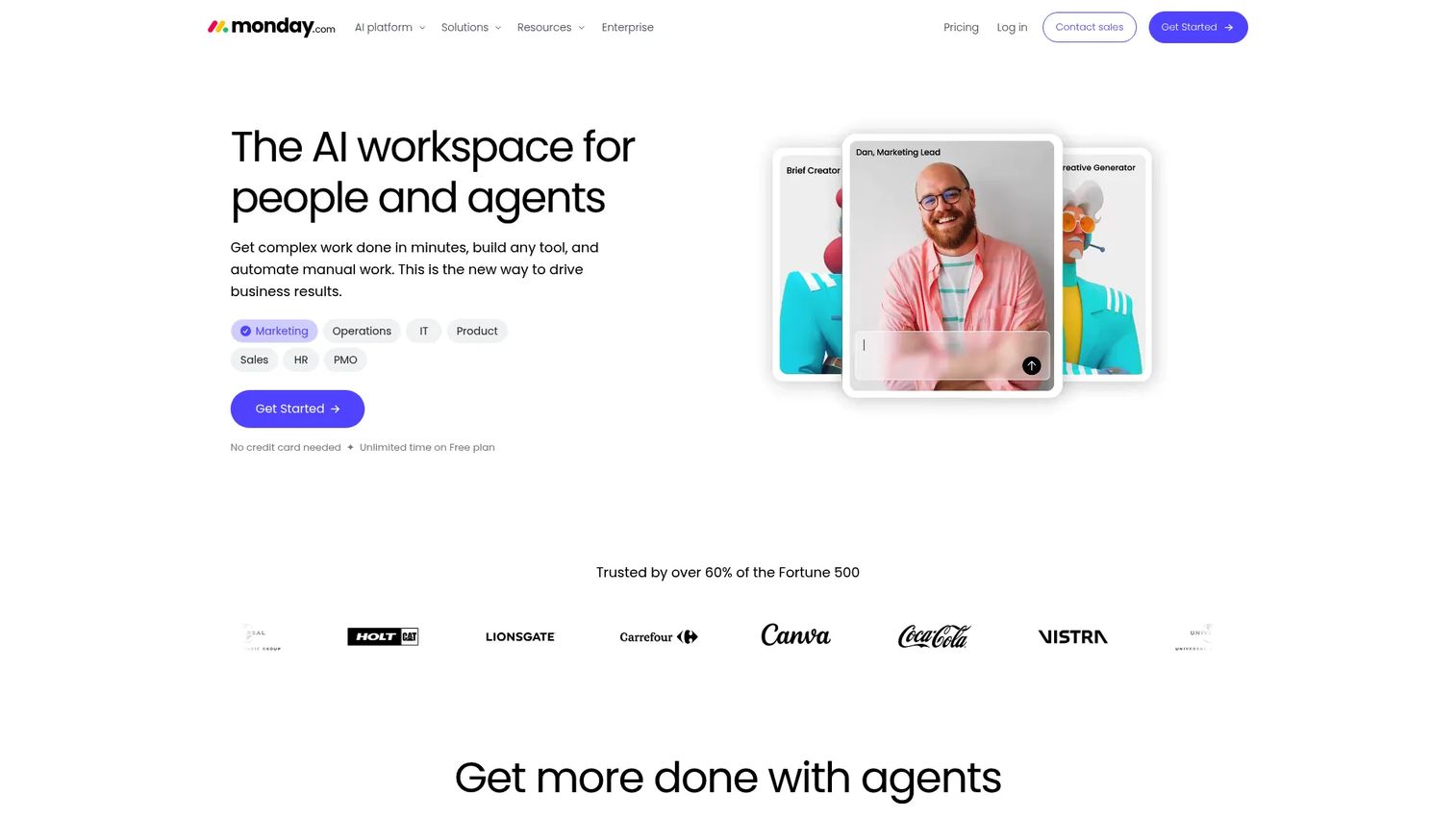
monday.com is a flexible AI work platform built around customizable boards. Marketing teams use it to run campaign trackers, content calendars, launch checklists, and intake workflows, often configuring different board structures for different functions while keeping everything in a shared workspace. Its automation builder and integration marketplace make it straightforward to connect campaign workflows to CRM, email, and analytics tools.
Best for: Marketing operations teams that want customizable workflows without building a full internal system from scratch.
Key features
- Custom boards with multiple view types
- Workflow automations for approvals and notifications
- Campaign dashboards across boards
- Forms for work intake and campaign requests
- Integration marketplace with 200+ connectors
Why choose monday.com: The strength here is configurability. If your content workflow looks different from your paid media workflow, and both look different from your launch process, monday.com accommodates that without forcing a single structure.
monday.com pricing: A free plan supports up to 2 seats. Basic starts at $9/seat/month billed annually. Standard is $12/seat/month and Pro is $19/seat/month, both billed annually. Enterprise pricing is custom.
G2 rating: 4.7/5
4. ClickUp
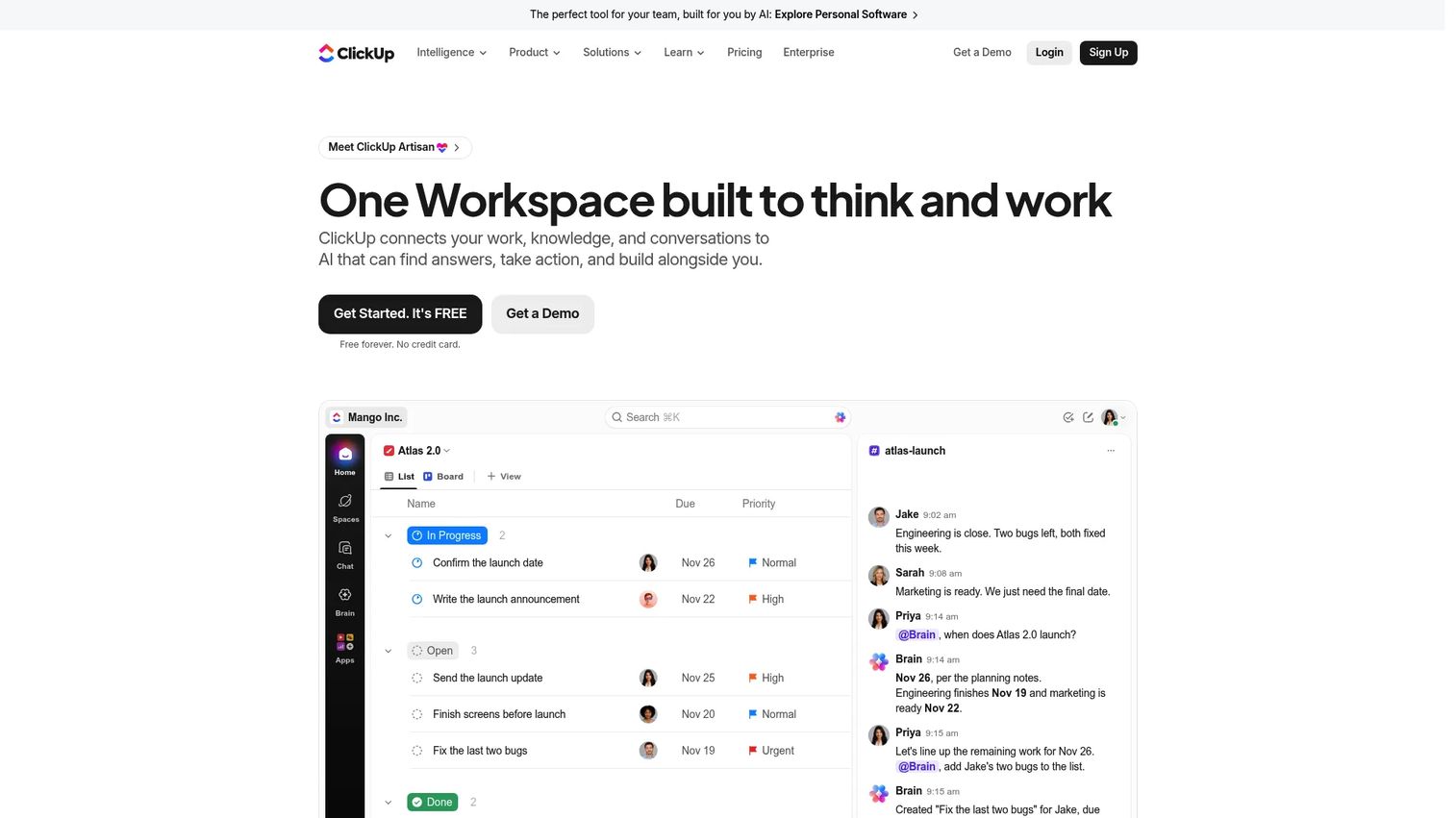
ClickUp positions itself as an all-in-one workspace, combining tasks, docs, whiteboards, goals, time tracking, forms, and automations under one roof. For marketing teams running multiple tools that do not talk to each other, ClickUp is the consolidation argument made concrete. The breadth is real, though it comes with a setup cost: The more you configure, the more you get out of it.
Best for: Marketing teams trying to consolidate tasks, docs, campaign plans, and lightweight reporting without maintaining multiple subscriptions.
Key features
- Tasks and subtasks with custom fields
- Collaborative Docs for briefs, notes, and wikis
- Goals and dashboards for campaign tracking
- Automations for recurring workflows
- Clips for quick screen and voice recordings
Why choose ClickUp: ClickUp pays off for teams willing to invest setup time. It suits growth marketers who want to cut the number of tools they pay for each month, not add another one.
ClickUp pricing: A free Forever plan is available with core features. The Core plan is $9/user/month billed yearly. Business is $17/user/month billed yearly. Enterprise pricing requires contacting sales.
G2 rating: 4.6/5
5. Wrike
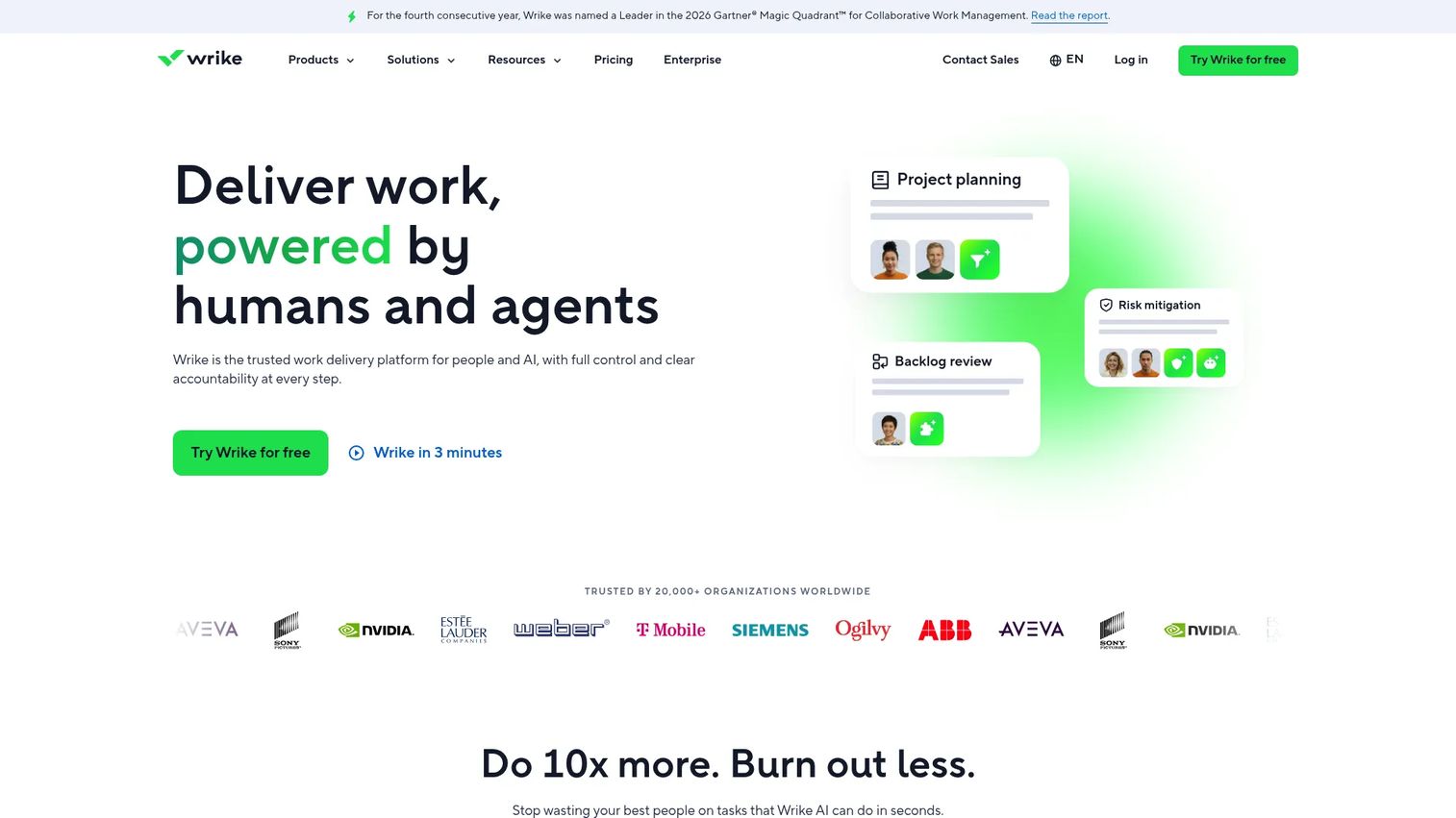
Wrike is an AI-powered enterprise work management platform with strong capabilities in request intake, proofing, approval routing, and workload planning. It fits marketing teams that have outgrown basic task boards and need structured intake for every campaign request, plus a way to route creative assets through staged review without losing version history.
Best for: Marketing teams with complex approval workflows, structured intake needs, and workload visibility requirements.
Key features
- Dynamic request forms with automated routing
- Proofing and multistage approval workflows
- Resource and workload planning
- Customizable dashboards and reporting
- Gantt charts and timeline views
Why choose Wrike: Wrike suits teams where governance matters as much as speed. If campaign briefs arrive from multiple stakeholders and creative reviews currently live across email threads, Wrike brings structure to both.
Wrike pricing: A free plan is available. Team is $10/user/month. Business is $25/user/month. Pinnacle and Apex tiers require contacting sales. Billing cadence was not stated alongside the public prices on the comparison page.
G2 rating: 4.2/5
6. Zoho Projects
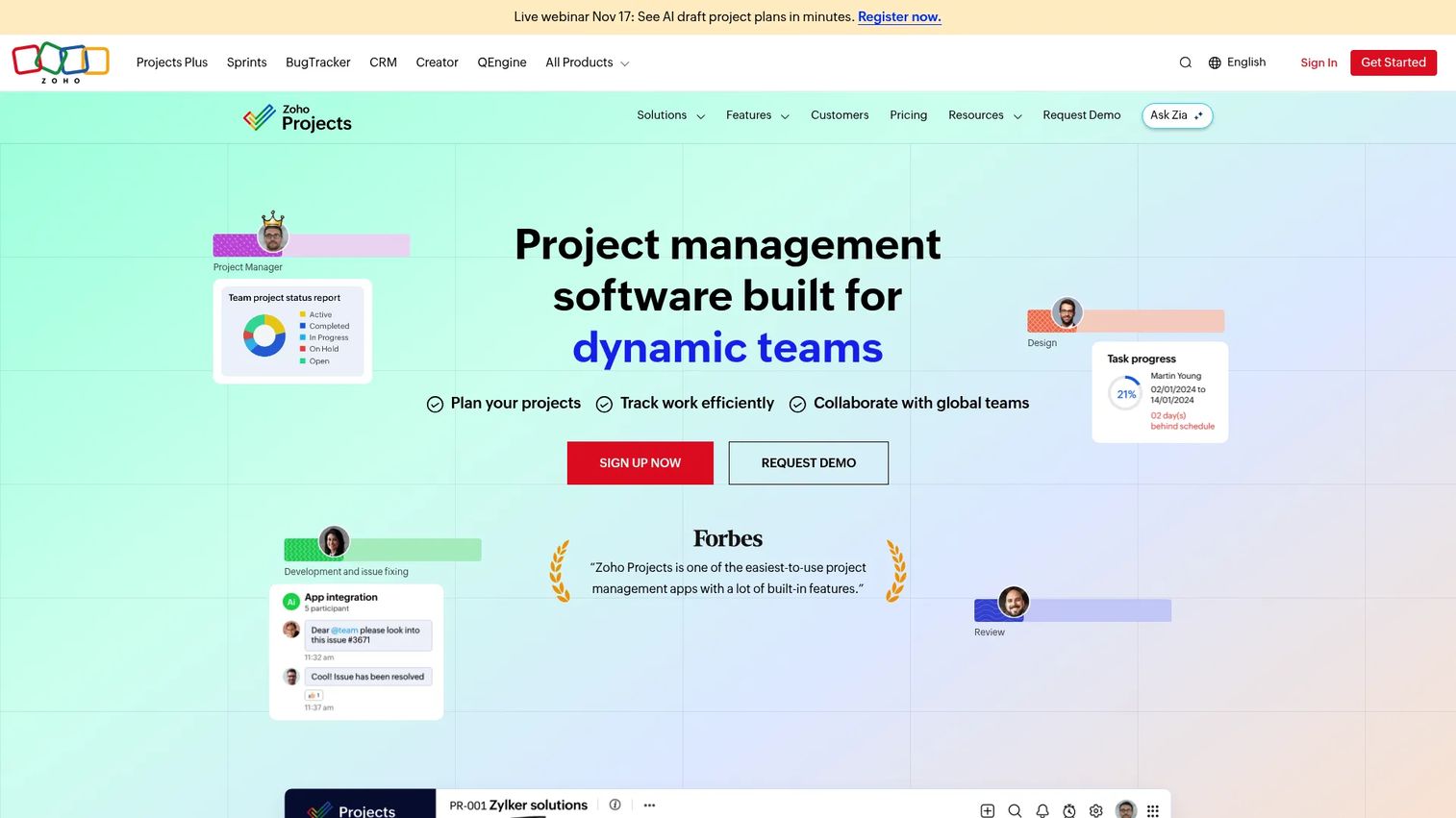
Zoho Projects is structured project management software that connects cleanly into the broader Zoho suite. For marketing teams already using Zoho CRM, Zoho Analytics, or Zoho Social, it offers a tightly integrated layer for campaign tasks, Gantt charts, milestones, automations, and dashboards without paying for a separate platform.
Best for: Budget-conscious marketing teams that need structured project tracking and want tight integration with the wider Zoho stack.
Key features
- Gantt charts with task dependencies
- Task and issue management with automation rules
- Project baselines for tracking against plan
- Time tracking and billing
- Team collaboration via feeds, chat, and document sharing
Why choose Zoho Projects: If your team already lives inside Zoho, adding Zoho Projects is a low-friction way to standardize campaign tracking. It is also one of the most affordable options in this list for per-user pricing at scale.
Zoho Projects pricing: A free plan supports up to 5 users and 3 projects. Premium is $4/user/month billed annually. Enterprise is $9/user/month billed annually. Ultimate is $14/user/month billed annually.
G2 rating: 4.4/5
7. Scoro
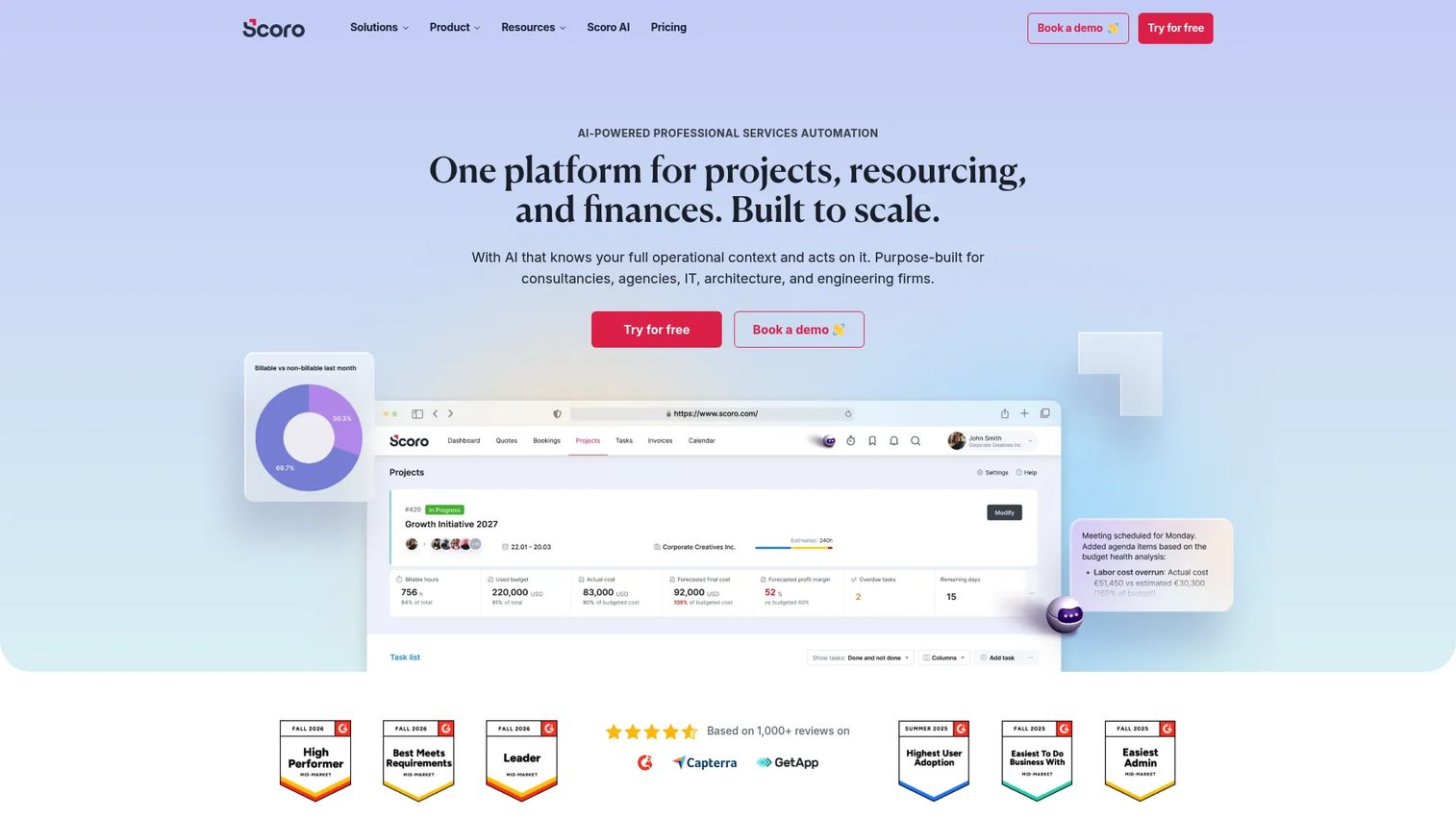
Scoro is an AI-powered professional services automation platform that goes well beyond task management. It combines project delivery with CRM, quoting, time tracking, utilization reporting, invoicing, and financial forecasting. For marketing agencies that need to know whether work is profitable at the project level, not just whether it shipped on time, Scoro is the more complete operating system.
Best for: Agencies that want project delivery, sales pipeline, billing, and profitability visibility in a single platform.
Key features
- Project profitability and financial reporting
- CRM with sales pipeline and quoting
- Time tracking with labor-cost reporting
- Utilization dashboards for resource planning
- Billing and invoicing workflows
Why choose Scoro: Scoro is the right choice when an agency needs to answer questions like "Are we making money on this retainer?" before the work is done. It replaces multiple operations tools, not just the task board.
Scoro pricing: Scoro uses modular pricing. The Time-billing plan starts at €15/user/month. Projects and Resources and Quote to Cash plans are both €25/user/month. The End-to-end plan is €52/user/month. A minimum of 5 users applies, and a 14-day free trial is available with no credit card required.
G2 rating: 4.5/5
8. Productive
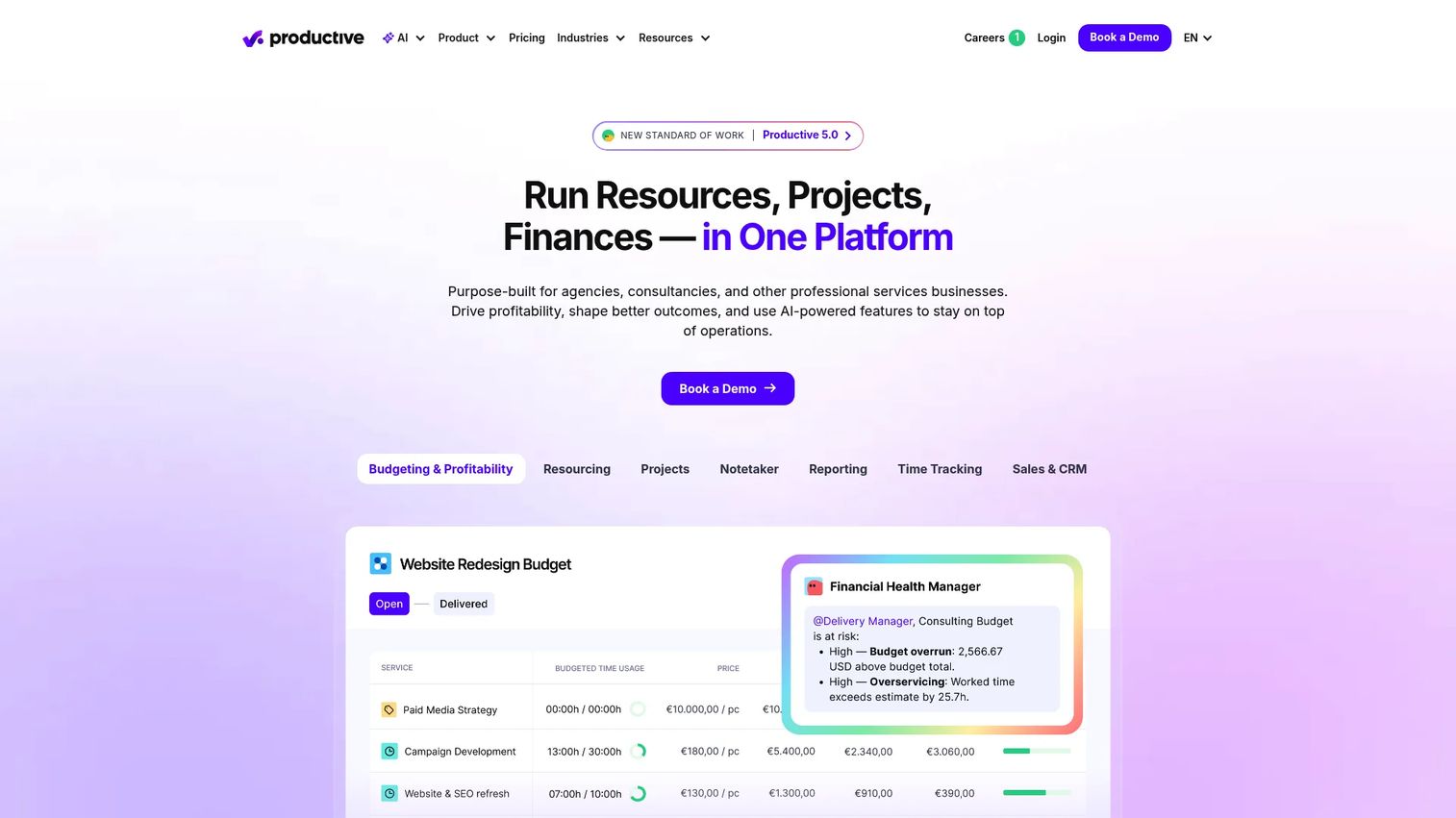
Productive is an all-in-one platform for professional services teams covering project management, resource planning, time tracking, financial management, and CRM in a single system. It is built for agencies that need real-time visibility into capacity, budget burn, and revenue forecasting, not just a task tracker with a time-entry add-on.
Best for: Marketing agencies that need live visibility into retainer budgets, team capacity, and project margins alongside delivery tracking.
Key features
- Budget tracking with real-time burn visibility
- Resource planning and workload scheduling
- Time tracking and approval workflows
- Revenue forecasting and financial reports
- CRM pipeline and deal management
Why choose Productive: Productive fits agencies that have hit the ceiling on simpler tools and need delivery and finance in the same view. It is particularly strong for teams running multiple retainers simultaneously and trying to forecast revenue accurately.
Productive pricing: There is no free plan. Essential starts at $9/month billed yearly. Professional is $24/month billed yearly. Ultimate pricing requires contacting sales.
9. Basecamp
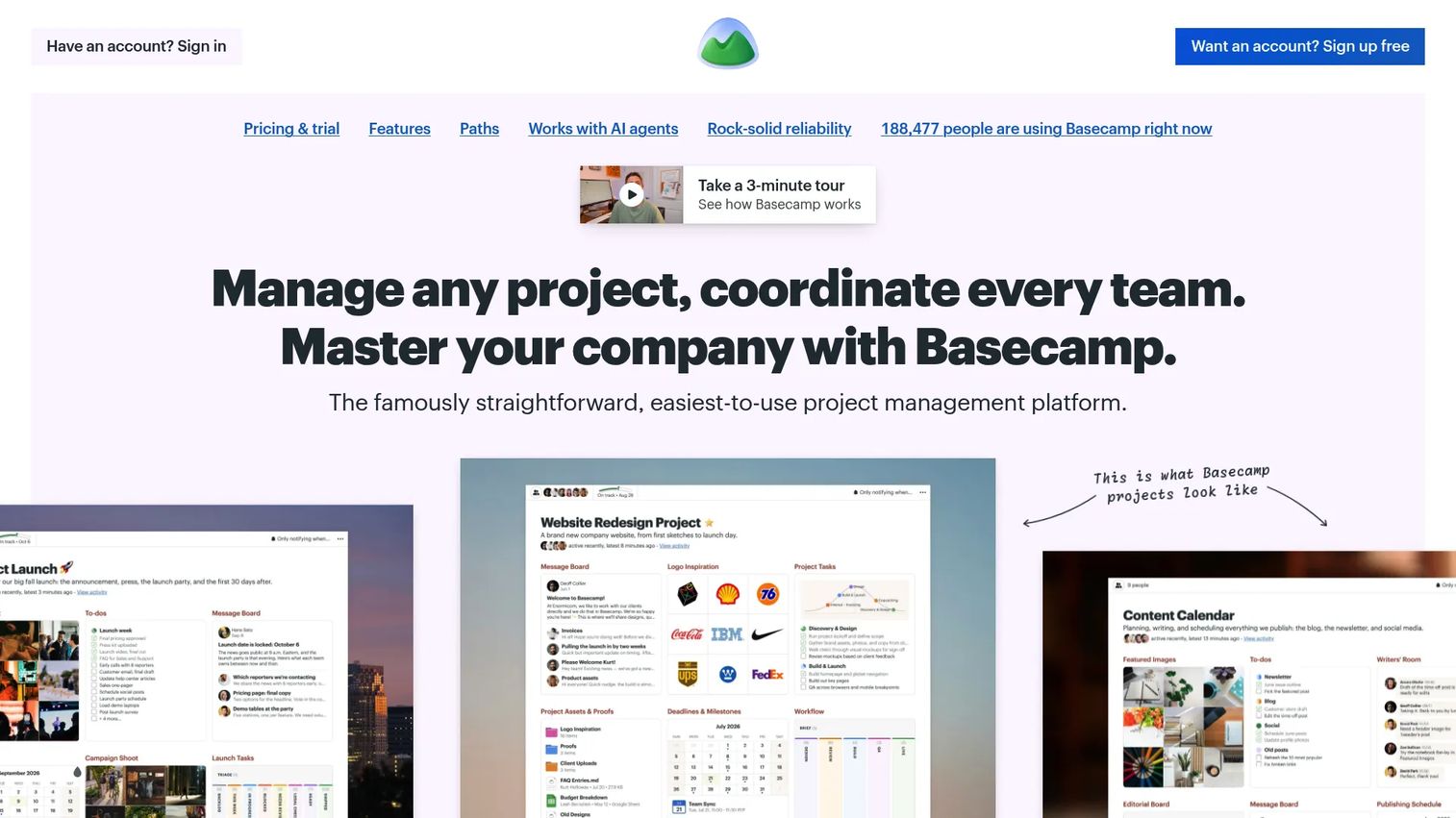
Basecamp takes the opposite approach from most tools on this list. Instead of configuring workflows from scratch, it gives you a fixed set of tools, message boards, to-do lists, file storage, schedules, and campfire chats, that cover the basics for any project. The setup time is minimal, and the learning curve is close to zero.
Best for: Small marketing teams that need straightforward project coordination without spending weeks configuring a system.
Key features
- Message boards for async team communication
- To-do lists with assignments and due dates
- Schedules and calendar views
- File sharing and document storage
- Client-accessible project spaces
Why choose Basecamp: Basecamp works when your biggest problem is coordination overhead, not workflow complexity. It is a strong fit for small or remote teams that want fewer status meetings and a shared space that clients can access.
Basecamp pricing: A free plan supports one project. The Freelancer plan is $29/month. Pro is $79/month. Pro Plus is $99/month. Pro Unlimited, which includes unlimited projects and users, is $199/month billed annually (or $329/month billed monthly).
G2 rating: 4.1/5
10. Adobe Workfront
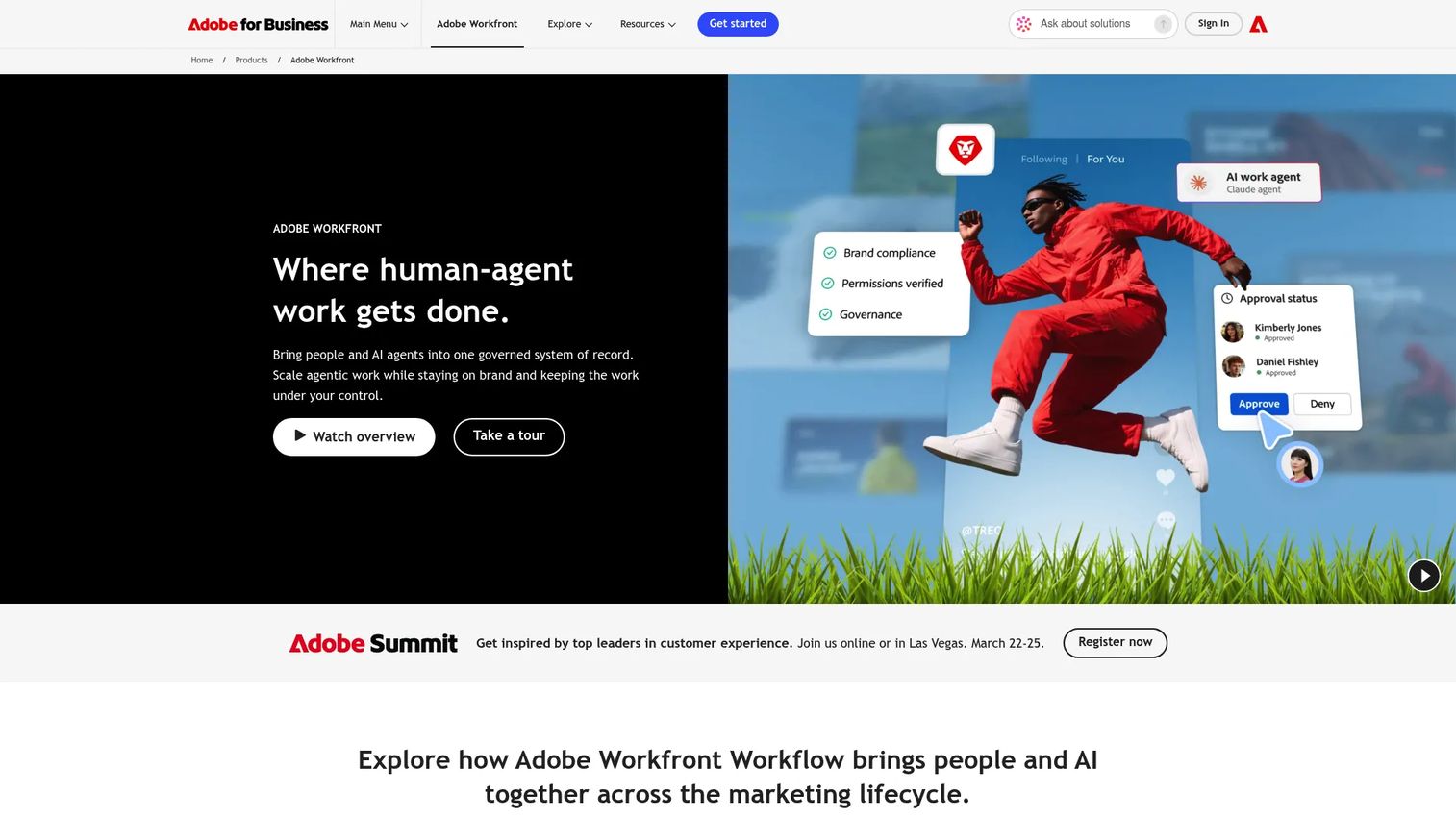
Adobe Workfront is enterprise work management software built for large marketing organizations and creative operations teams. It handles everything from initial work intake through resource planning, proofing, staged approvals, and portfolio reporting, all tightly integrated with Adobe Creative Cloud tools. If your creative team runs InDesign and Photoshop, Workfront is the natural operations layer.
Best for: Enterprise marketing teams with heavy creative production volumes, compliance requirements, and multi-stage approval workflows.
Key features
- Centralized intake with request queues and automated routing
- Online proofing with multistage approval workflows
- Resource and capacity management at portfolio level
- Customizable dashboards and executive reporting
- Adobe Creative Cloud integration
Why choose Adobe Workfront: Workfront is built for the scale where informal approval chains create compliance and brand risk. It suits organizations where brand, legal, and creative reviews cannot live in ad hoc chat threads.
Adobe Workfront pricing: Adobe sells Workfront through customized quotes across Select, Prime, and Ultimate packages. The cost changes with seat count, the modules you add, and support requirements. Contact Adobe sales for a package price.
G2 rating: 4.1/5
11. Workzone
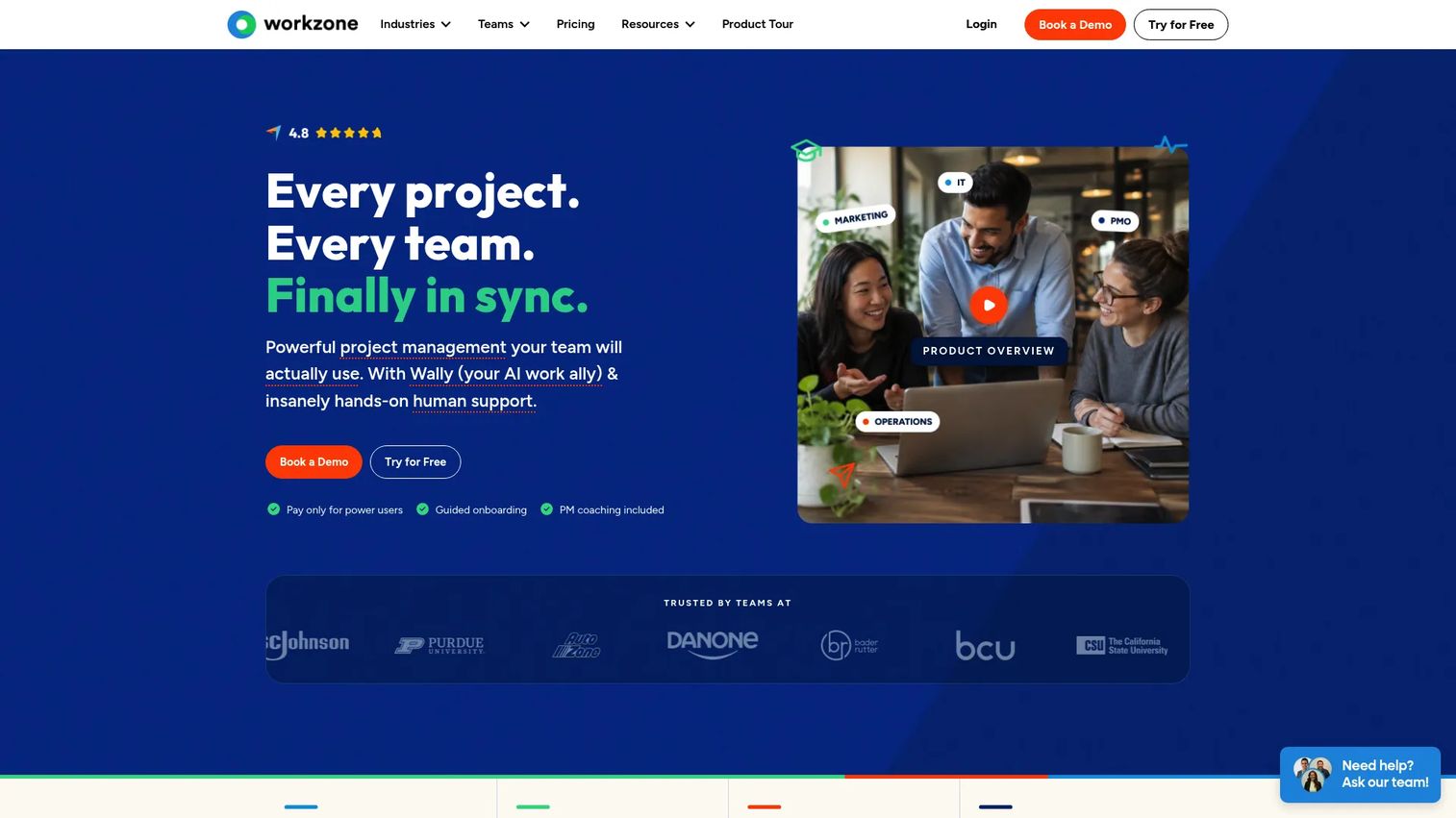
Workzone is project management software built for marketing, creative, and operations teams that need more structure than a basic task app but do not want the complexity of a full enterprise platform. It covers project templates, Gantt charts, workload views, approval workflows, file commenting, and status dashboards in a package designed to get teams operational quickly.
Best for: Marketing teams that need repeatable project templates and structured approval workflows without a lengthy enterprise rollout.
Key features
- Project templates for repeatable campaign workflows
- Approval workflows for creative assets
- Workload and capacity reports
- Portfolio status dashboards
- File comments for in-context feedback
Why choose Workzone: Workzone occupies the space between consumer-grade task tools and heavyweight enterprise platforms. It suits mid-market marketing teams that want operational discipline without spending months configuring the system.
Workzone pricing: There is no free plan, but a 2-week free trial is available. The Starter plan is $8/user/month billed annually. Team is $20/user/month billed annually. Enterprise pricing is custom.
G2 rating: 4.3/5
12. Airtable
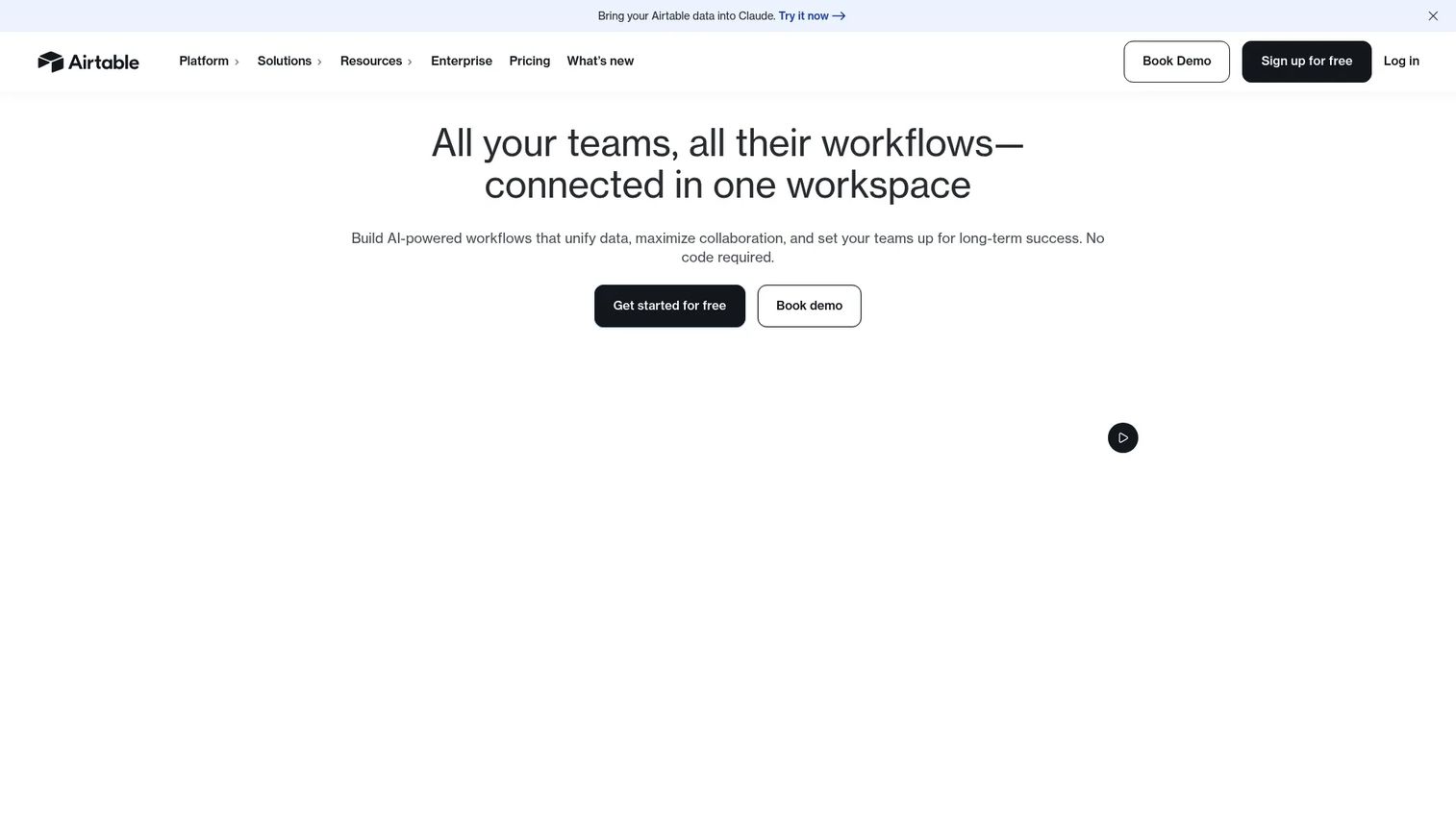
Airtable is an AI app platform built around relational databases. Marketing teams use it for content calendars, campaign trackers, asset libraries, launch plans, and product feedback repositories where the work behaves more like structured data than a simple checklist. Its custom interfaces, automations, and multiple views make it adaptable across campaigns, content operations, and reporting workflows.
Best for: Marketing teams that need custom campaign databases, editorial calendars, and asset tracking with database-level flexibility.
Key features
- Relational database structure with linked records
- Grid, calendar, Kanban, timeline, and Gantt views
- Forms for intake and data collection
- Automations and custom interfaces
- Airtable AI with Omni AI app building
Why choose Airtable: Airtable works best when marketing work has relational structure: Content pieces linked to campaigns, campaigns linked to budgets, assets linked to deliverables. It is flexible enough to serve as a content operations hub.
Airtable pricing: A free plan is available. The Team plan is $20/user/month billed annually. Business is $45/user/month billed annually. Enterprise Scale pricing requires contacting sales.
G2 rating: 4.6/5
13. Smartsheet
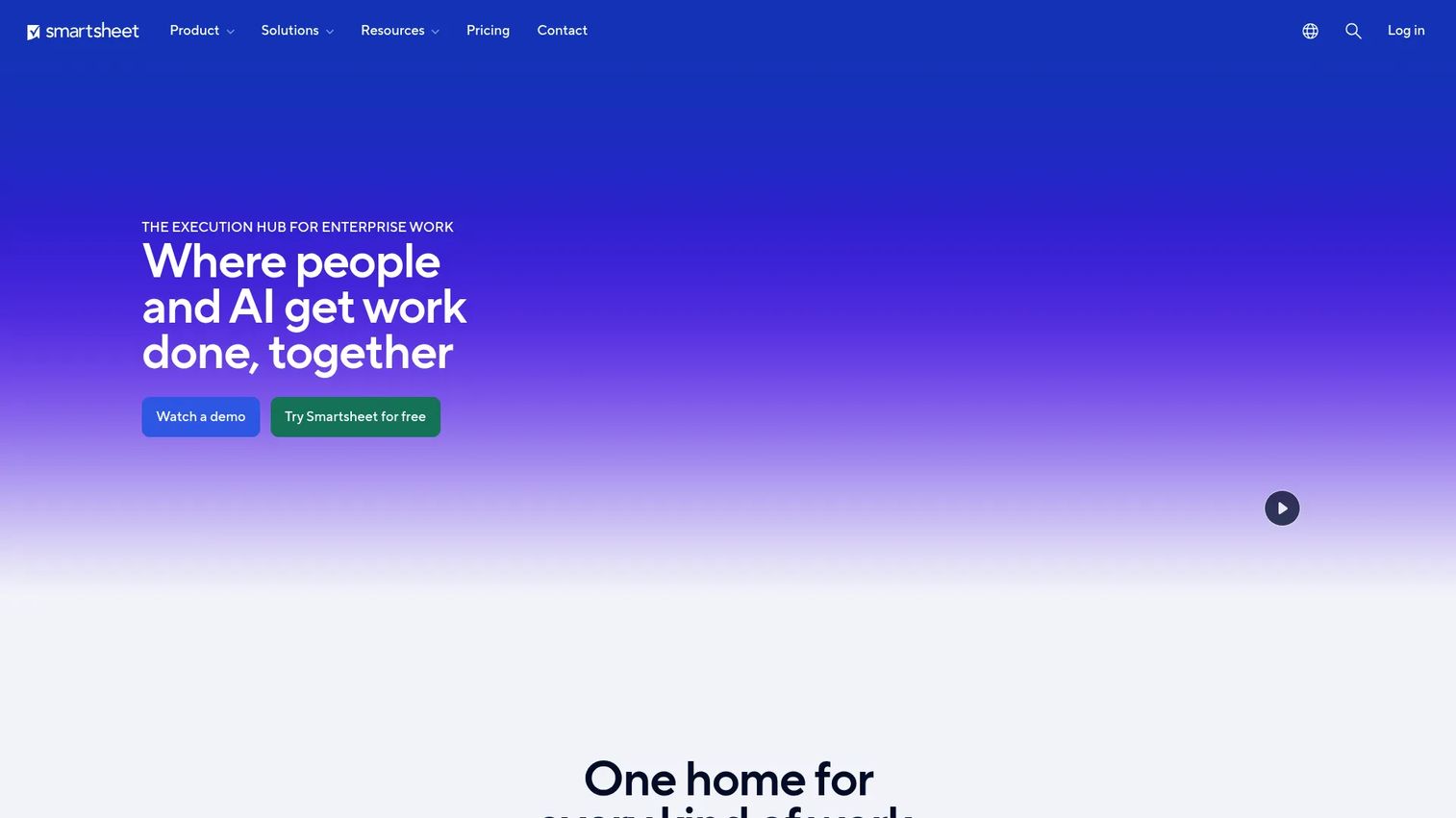
Smartsheet is an AI-powered work management platform that starts with a familiar grid interface and adds Gantt charts, dashboards, automated workflows, resource management, and enterprise governance on top. For marketing teams that run campaigns in spreadsheets and know that system is breaking down, Smartsheet is the natural next layer.
Best for: Marketing operations teams that want spreadsheet-style tracking with stronger workflow automation, reporting, and governance controls.
Key features
- Grid, Gantt, card, calendar, and timeline views
- Automated workflows and document generation
- Dashboards and cross-sheet reports
- Resource and workload management
- Enterprise security features including SSO and audit logs
Why choose Smartsheet: Teams that already understand rows and columns will get to value faster with Smartsheet than with more visually oriented tools. The governance and reporting features make it especially useful for marketing ops teams managing cross-functional campaign programs.
Smartsheet pricing: The Pro plan is $12/member/month billed monthly, or $9/member/month billed yearly. Business is $24/member/month billed monthly, or $19/member/month billed yearly. Enterprise and Advanced Work Management plans use custom pricing.
G2 rating: 4.4/5
14. Hive
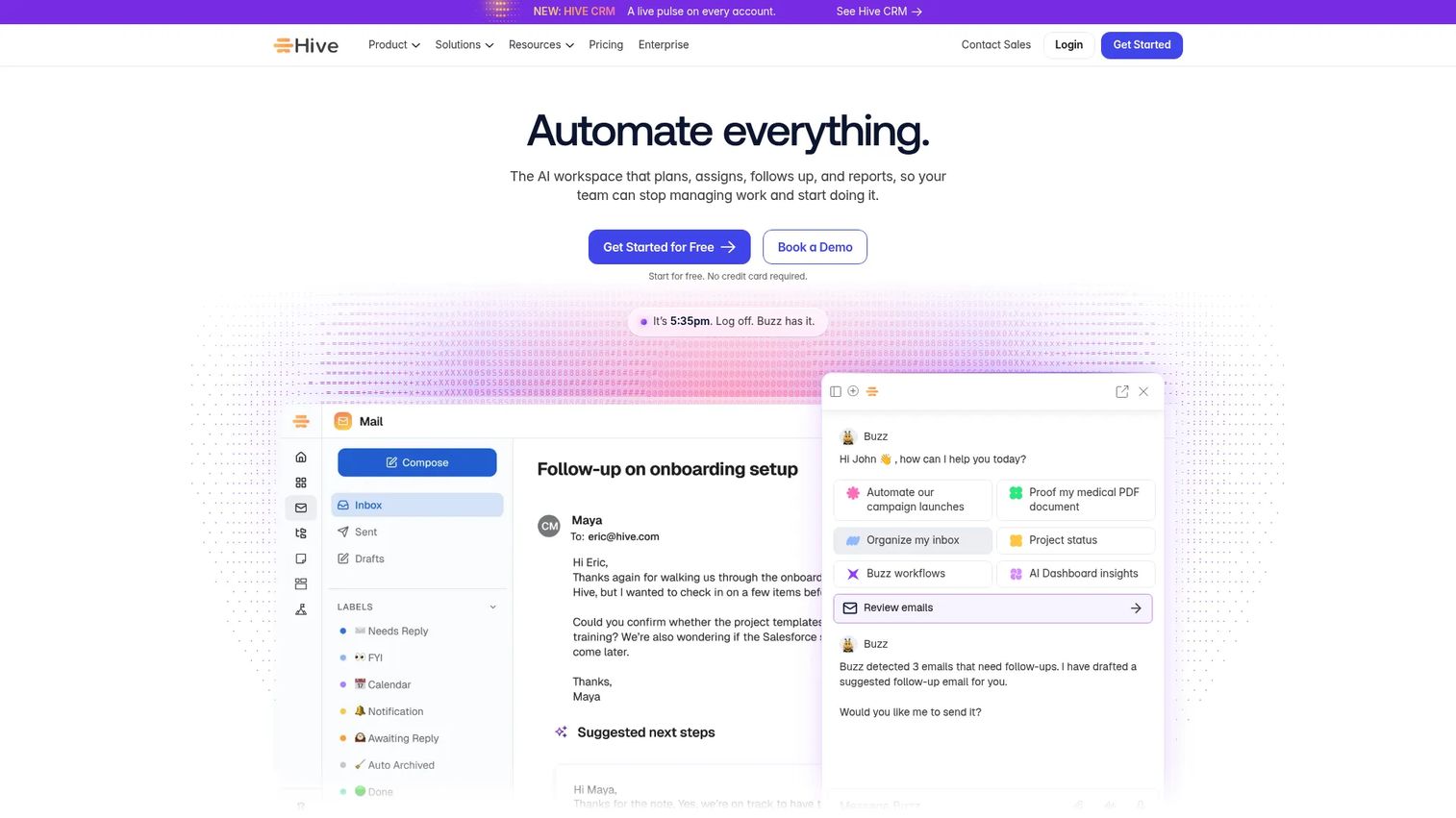
Hive is an AI-powered project management platform that combines task views, native messaging, proofing, approval routing, goal tracking, and time management in a single workspace. The appeal for marketing teams is execution without tool-switching: A campaign task, a feedback comment on a creative asset, and a quick message to a teammate all live in the same environment.
Best for: Marketing teams that want task management, creative proofing, and team messaging in a single workspace to cut handoff friction.
Key features
- Multiple views: List, Kanban, Gantt, calendar, timeline, and portfolio
- Buzz AI for project planning, summaries, and workflow automation
- Proofing and approval workflows for creative assets
- Native messaging and comments alongside tasks
- Goals, analytics, and time tracking
Why choose Hive: Hive suits fast-moving teams that lose time moving between chat, task boards, and approval threads. The combination of AI planning tools and built-in proofing makes it a practical choice for content and creative teams.
Hive pricing: A free plan supports up to 10 workspace members. Starter is $5/user/month billed monthly. Teams is $12/user/month billed monthly. Enterprise pricing requires contacting sales. Annual billing saves 33% according to Hive's pricing page.
G2 rating: 4.6/5
15. Miro
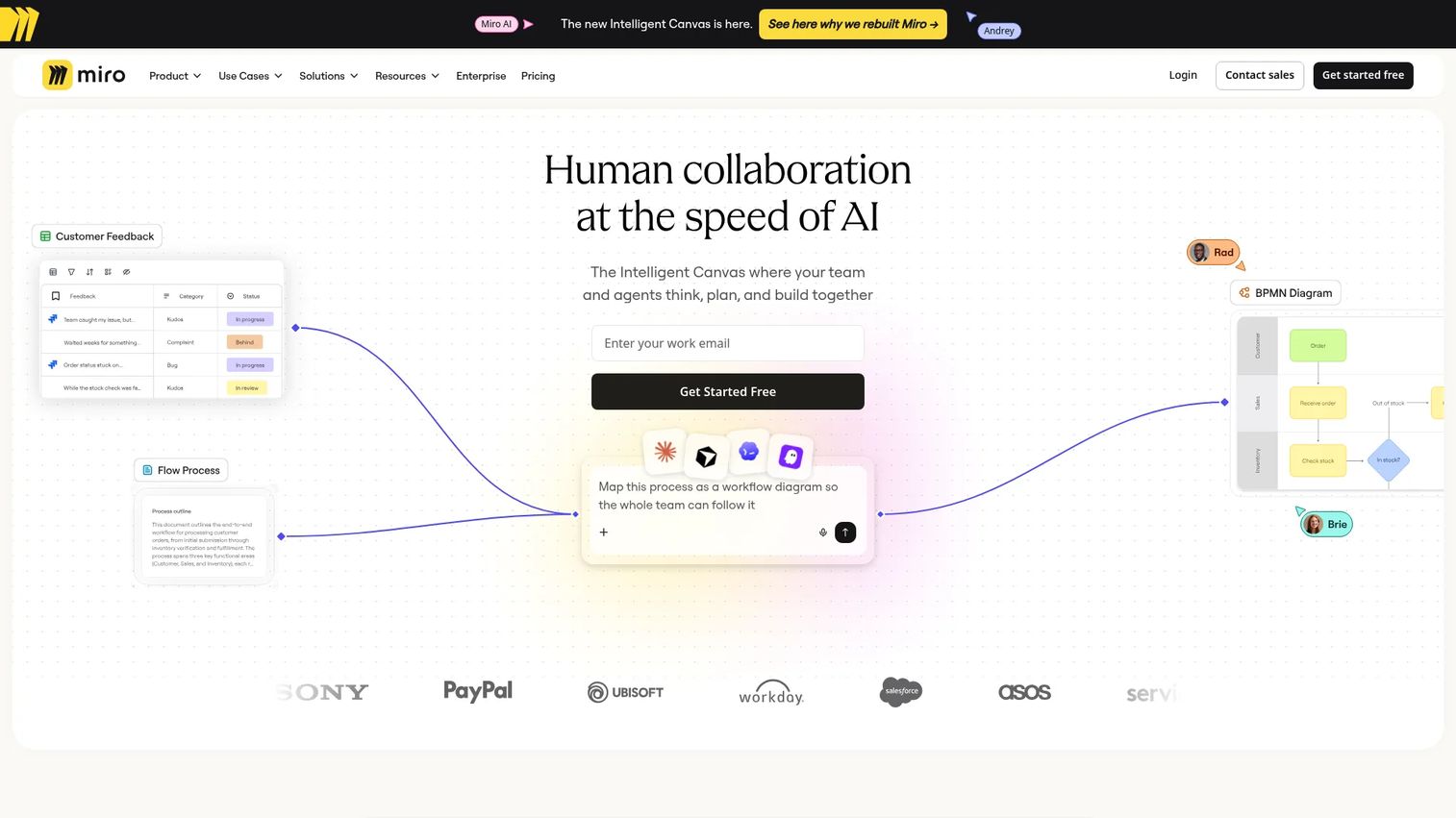
Miro is an intelligent visual collaboration workspace built for teams that need to think through problems before they become tasks. Marketing teams use it for campaign workshops, customer journey mapping, creative briefs, launch narratives, and cross-functional alignment sessions. It is not a full replacement for a project management platform, but it fills the planning gap that most execution tools leave open.
Best for: Marketing teams that need visual planning and alignment before work moves into timelines and task boards.
Key features
- Infinite whiteboards with real-time collaboration
- AI-generated diagrams, summaries, and prototypes
- Templates for workshops, journey maps, and frameworks
- Docs, tables, timelines, and Kanban boards
- Integrations with Asana, Jira, ClickUp, Linear, and others
Why choose Miro: Miro excels at the messy upfront work that execution tools are not built for. If your campaigns keep starting without a shared brief or a clear narrative, Miro gives the team a space to build that alignment before the sprint begins.
Miro pricing: A free plan is available for small teams with 3 editable boards. Starter is $8/month per member billed yearly. Business is $20/month per member billed yearly. Enterprise pricing is custom and starts at 30 members.
Considerations when choosing project management software for marketing teams
Match the tool to your marketing operating model
Agencies need client permissions, time tracking, budgets, and profitability reporting. In-house teams need campaign calendar visibility, intake forms, cross-functional dependencies, and CRM integrations. Enterprise marketing departments add governance, audit logs, and procurement requirements to that list. Start there before evaluating features.
Check creative review and approval depth
Not every tool that claims "approval workflows" handles proofing well. Test whether you can upload a design file, leave comments on a specific element, track versions, route to multiple approvers in sequence, and get a timestamped approval record. For paid media, landing pages, and event collateral, that audit trail matters.
Audit integrations before the trial
The right tool should reduce tab-switching, not add another disconnected workspace. Check whether it connects to your CRM, your analytics platform, your file storage, your communication tools, and your advertising platforms before committing. 36% of project managers cite integrating software with existing tools as a major challenge, according to Capterra's 2025 survey.
Test reporting against leadership questions
Marketing leaders typically need answers to four questions: What is blocked right now? What launches this month? Which team is over capacity? Which campaign missed its SLA? Run those questions against each tool's reporting features during your trial. Generic dashboard templates are not the same as answers.
Calculate total cost of ownership
Seat costs are only part of the number. Factor in guest access fees, proofing add-ons, automation limits, storage costs, time tracking modules, onboarding time, and migration effort. For teams consolidating tools, the right calculation is total stack cost before and after, not just the monthly per-seat price of the new tool.
Conclusion
Marketing campaigns fail on coordination, not creativity. The right project management software gives your team one place to brief work, track it, review creative, and report on outcomes without chasing status across five tools.
For agencies, Teamwork.com and Productive handle client work, retainers, and profitability. Scoro adds CRM and billing for agencies that need a full commercial picture.
For in-house teams, Asana delivers clean campaign planning and cross-functional visibility. monday.com gives you the most flexibility to shape workflows around how your team actually ships. ClickUp suits teams that want to consolidate docs and tasks under one roof.
For enterprise creative operations, Adobe Workfront is built for governed intake, staged approvals, and resource management at scale. Smartsheet suits operations teams that want spreadsheet logic with stronger workflow and reporting controls.
For smaller teams with minimal overhead, Basecamp and Hive both deliver strong execution without complex configuration.
Pick the tool that matches your operating model, test it on a real campaign workflow, and measure whether it actually reduces the coordination cost it was bought to solve.
Start your journey with Guideflow today!
FAQs
The best choice depends on your team type. Teamwork.com leads for agencies managing client campaigns, Asana works well for in-house campaign planning, monday.com suits flexible marketing operations, and Adobe Workfront covers enterprise creative operations with governance and approvals. Start by identifying whether your primary need is agency client management, in-house campaign execution, or enterprise creative operations.
Marketing project management software is a platform that helps marketing teams plan campaigns, assign tasks, manage deadlines, review creative assets, track approvals, and report on campaign progress. It goes beyond basic task management by supporting campaign calendars, intake forms, creative proofing, workload visibility, and integrations with the marketing technology stack.
Teamwork.com is the strongest general-purpose choice for agencies, covering client access, time tracking, budgets, and profitability. Productive is a strong fit for agencies focused on retainer management and financial forecasting. Scoro suits agencies that need a combined project management, CRM, quoting, and billing platform. Workzone is a practical mid-market option for agencies that want structured approvals without enterprise complexity.
Prioritize campaign calendar views, intake forms for work requests, task dependencies, creative proofing and approval routing, workload management, reporting dashboards, and integrations with your existing marketing stack. For agencies, also evaluate client permissions, time tracking, budget visibility, and profitability reporting.
Yes, though the depth varies significantly by tool. Look for the ability to upload design files, leave contextual comments on specific elements, track version history, route assets through multiple approvers in sequence, and generate a timestamped approval record. Adobe Workfront, Wrike, Hive, and Workzone all offer stronger proofing capabilities than general-purpose task tools.
Tools with strong async collaboration features work best for distributed teams: Clear task ownership, comment threads tied to specific assets, dashboard visibility without meetings, and reliable notifications. Asana, monday.com, ClickUp, Basecamp, and Hive all perform well for remote marketing teams. Basecamp is particularly notable for keeping async communication organized around projects rather than general chat.
Start with one repeatable workflow, such as campaign launches or content production, rather than trying to migrate everything at once. Build templates for that workflow, define ownership rules, connect the core integrations, and stabilize reporting before rolling out to additional teams. Adoption fails most often when the tool is introduced before the process is documented.
Pricing ranges from free tiers to enterprise contracts with custom quotes. Free plans are available from Asana, monday.com, ClickUp, Wrike, Zoho Projects, Basecamp, Hive, Airtable, and Miro. Paid plans typically start between $5 and $25 per user per month. The total cost rises with seat count, guest access, proofing add-ons, automation limits, and time tracking modules. Adobe Workfront and Scoro's higher tiers are priced by quote, with costs that increase based on the number of users, modules, and support requirements.