You have feedback in support tickets, roadmap requests in Slack, adoption data in analytics, and a release plan buried somewhere in Jira. The problem is not missing information. It is deciding what matters and proving it matters to everyone else.
According to Emergn (2025), 88% of organizations reported increased investment in product management roles, tools, and processes. Yet despite that investment, 84% of product teams still worried that the products they were building would not succeed in the market, per an Atlassian (2025) survey. More tooling has not solved the underlying challenge: Connecting discovery evidence to roadmap decisions, and roadmap decisions to measurable activation and retention outcomes.
Choosing the right product management software changes that equation. The right stack gives you a traceable path from customer signal to shipped work, with analytics to close the loop afterward. The wrong choice adds another admin layer and a recurring status meeting nobody wants.
This guide helps you cut through the options and pick based on the product decision you cannot make today.
What's inside
This guide compares 21 product management software tools for 2026. It covers product management tools across five workflow categories: Roadmap planning, feedback management, delivery tracking, analytics, and design collaboration.
- Who this is for: SaaS PMs, Senior PMs, Heads of Product, and product ops teams
- What the list covers: Roadmaps, feature prioritization, customer feedback, product analytics, and delivery tools
- How items were chosen: Category relevance, SERP recurrence, PM workflow fit, and pricing visibility
- What to compare: Pricing, G2 rating, ideal use case, and key differentiator
TL;DR
- Best overall product management platform: Productboard for feedback-to-roadmap workflows at scale
- Best for modular prioritization: airfocus for teams that want flexible scoring and evidence-based tradeoffs
- Best for enterprise roadmaps: Aha! for portfolio planning, strategy, and roadmap governance
- Best for engineering-heavy teams: Linear for modern execution, Jira for deep workflow control, Azure DevOps for Microsoft stacks
- Best for early-stage or lightweight planning: Trello, ClickUp, and Canny for low-overhead roadmap and feedback workflows
- Best for product analytics tools: Pendo for in-app behavior, Mixpanel for event-based retention, Hotjar for qualitative friction diagnosis
What is product management software?
Product management software helps product teams collect evidence, prioritize opportunities, plan roadmaps, coordinate delivery, and measure product impact.
A PM's job is not to manage tasks. It is to decide which work deserves investment and prove whether it changed user behavior. The right software creates a closed loop from customer signal to shipped feature to measurable outcome.
Core jobs product management software handles
- Feedback capture and synthesis: Collecting customer requests, support signals, sales input, and analytics into one place
- Opportunity prioritization: Scoring ideas by impact, effort, reach, confidence, and strategic fit
- Roadmap planning: Visualizing what ships when, in formats stakeholders can actually read
- Product strategy and OKR alignment: Connecting initiatives to company objectives
- Delivery handoff: Moving work to engineering with enough context to build correctly
- Product analytics: Measuring activation, feature adoption, retention, and time to first value (TTFV)
- Stakeholder communication: Sharing roadmap progress without exposing backlog details
Product management software versus project management software
Project management software tracks work after the decision is made. Product management software helps make the decision. Tools like Asana and ClickUp cross both categories, but they do not replace the prioritization rigor of tools built specifically for PMs.
The distinction matters for opportunity cost. If your roadmap debate comes down to "which Jira ticket is highest priority," you are using a delivery tool for a discovery problem.
Product management software versus roadmap software
Product roadmap software focuses on visualization and stakeholder communication. Full product management software goes wider, connecting discovery, feedback, prioritization, and measurement. Roadmunk is a roadmap tool. Productboard is a product management platform. Both are useful; the choice depends on where your team's bottleneck actually lives.
When to use product management software
Connect discovery to roadmap decisions
When customer feedback, user research, sales calls, and analytics all live in separate systems, PMs lose the ability to show why a decision was made. Product management software centralizes signal by segment, persona, plan, and lifecycle stage so roadmap decisions carry evidence rather than gut instinct.
Prioritize roadmap work with evidence
Every stakeholder has a "top priority." A PM's job is to expose the tradeoffs: Reach, impact, confidence, effort, and dependencies. Tools with structured scoring frameworks force that conversation rather than letting it collapse into whoever spoke last in the planning meeting.
Coordinate delivery across teams
Engineering, design, CS, sales, and marketing all need the roadmap in different forms. Good product management software keeps the strategy stable while letting delivery details change, which reduces recurring status meetings rather than adding another layer of them.
Product management software comparison
The table below covers all 21 tools, ordered by category relevance. Pricing reflects verified figures from each vendor's pricing page. G2 ratings are from each tool's current G2 listing.
| # | Product | Best for | Key differentiator | Pricing | G2 rating |
|---|---|---|---|---|---|
| 1 | Productboard | Feedback-to-roadmap at scale | AI-powered feedback synthesis and roadmap alignment | Custom pricing | 4.2/5 |
| 2 | airfocus | Modular prioritization | Flexible workspaces, scoring, and OKRs | Custom pricing | 4.4/5 |
| 3 | Craft | Strategic planning and specs | Roadmaps, specs, and capacity planning | From $19/editor/month | 4.5/5 |
| 4 | Aha! | Enterprise strategy and roadmaps | Portfolio roadmaps and goal-linked planning | From $9/user/month | 4.4/5 |
| 5 | Roadmunk | Roadmap visualization | Stakeholder-ready timeline and swimlane views | From $19/editor/month | 4.0/5 |
| 6 | Jira | Agile delivery tracking | Deep engineering workflow control | Free; from $7.91/user/month | 4.3/5 |
| 7 | Trello | Lightweight visual planning | Simple kanban boards with low setup | Free; from $5/user/month | 4.4/5 |
| 8 | Asana | Cross-functional planning | Work management across product and GTM teams | Free; from $10.99/user/month | 4.4/5 |
| 9 | Pendo | Product adoption analytics | In-app behavior, guides, feedback, and NPS | Free up to 500 MAUs | 4.4/5 |
| 10 | Hotjar | Qualitative user behavior | Heatmaps, recordings, surveys, and friction diagnosis | Free; from $39/month | 4.3/5 |
| 11 | Figma | Design and prototyping | Collaborative design, Dev Mode, and shared systems | Free; from $12/month | 4.7/5 |
| 12 | Typeform | User research surveys | Conversational forms with logic jumps and analytics | Free; from $39/month | 4.5/5 |
| 13 | Linear | Product-engineering execution | Fast issue tracking with cycles and GitHub integration | Free; from $10/user/month | 4.6/5 |
| 14 | GLIDR | Evidence-driven discovery | Experiments, canvases, and evidence-based validation | From $19/month | Not rated |
| 15 | Azure DevOps | Microsoft engineering orgs | Boards, repos, pipelines, and test management | Free (5 users); from $6/user/month | Not rated |
| 16 | GitHub | Developer-native delivery | Issues, projects, pull requests, and Actions | Free; from $4/user/month | 4.7/5 |
| 17 | UserVoice | Customer feedback management | AI-powered feedback portals and revenue-based prioritization | From $12,000/year | 4.5/5 |
| 18 | Canny | Feedback boards and changelog | Customer voting, roadmaps, and changelog publishing | Free; from $79/month | 4.5/5 |
| 19 | ProdPad | Outcome-focused product management | Lean roadmaps, idea backlog, and AI-powered signals | Custom pricing | 4.3/5 |
| 20 | ClickUp | All-in-one work management | Tasks, docs, goals, dashboards, and AI features | Free; from $9/user/month | 4.6/5 |
| 21 | Mixpanel | Product and growth analytics | Event-based funnels, cohorts, and retention reports | Free up to 1M events/month | 4.5/5 |
Best 21 product management software tools for 2026
1. Productboard
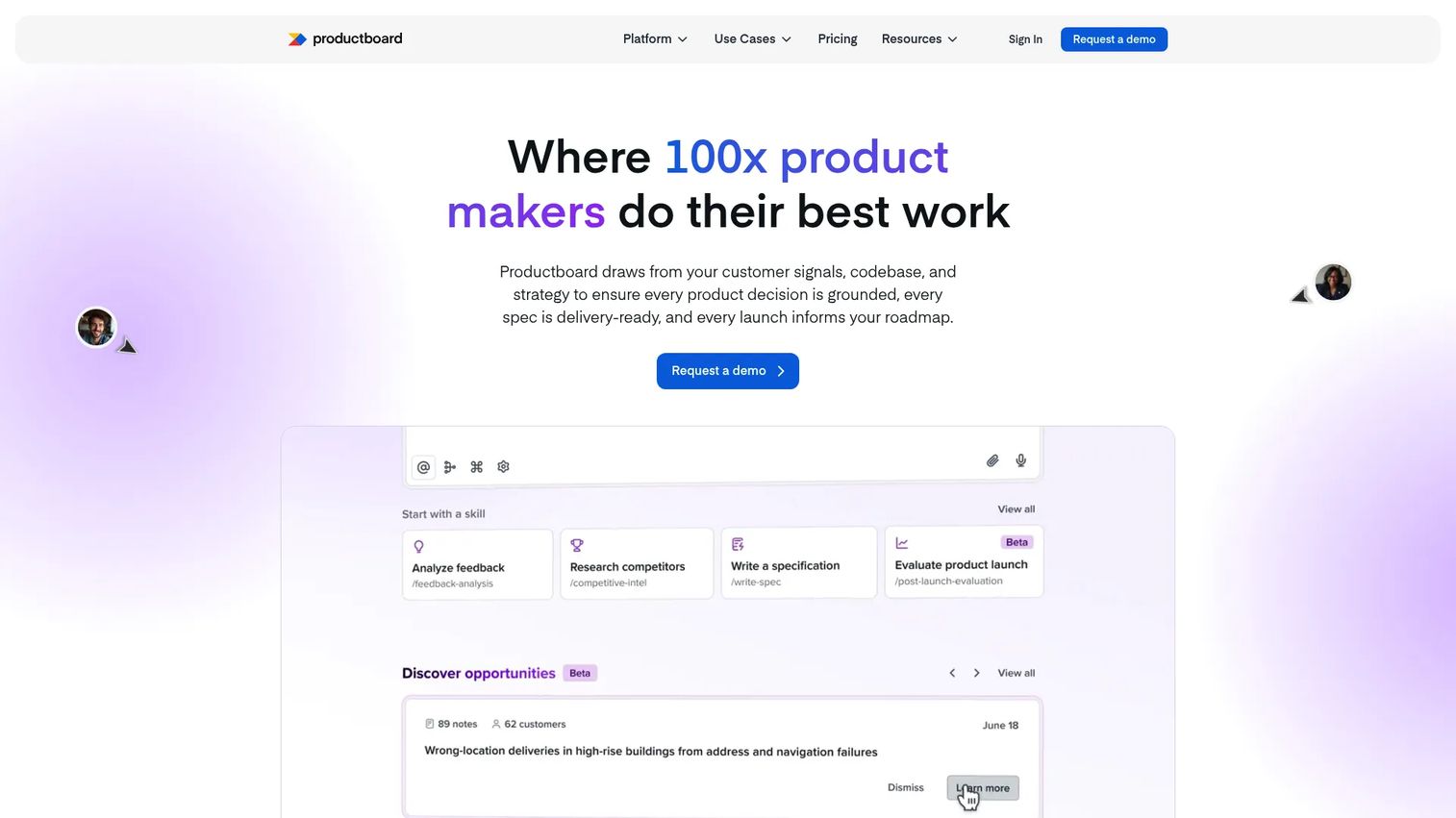
Productboard is an AI-powered product management platform for teams that need a traceable path from customer signals to roadmap decisions. Its AI feature, Spark, synthesizes incoming feedback, surfaces themes, and helps draft product specifications. The platform connects feedback, prioritization, roadmapping, and delivery in one workspace rather than forcing PMs to stitch those workflows across separate tools.
Best for: SaaS product teams centralizing customer feedback, prioritization, and collaborative roadmapping at scale.
Key features
- AI-powered Spark for feedback analysis and insight synthesis
- Feedback inbox, customer boards, portals, and segmentation
- Timeline and column roadmaps with dependency tracking
- Customizable prioritization formulas
- Two-way integrations with Jira, Salesforce, and other tools
Why choose Productboard: This is the right call when feedback is scattered across sales calls, support tickets, and surveys and you need a defensible record of what drove each roadmap decision. If your team is early-stage and mostly managing a backlog, the depth may exceed your current need.
Productboard pricing: Both Business and Enterprise plans require a demo or sales conversation to get pricing. The Business plan includes 25 contributors, unlimited roadmaps, and two Product Portals. Enterprise adds SSO, SCIM, and advanced governance.
G2 rating: 4.2/5
2. airfocus
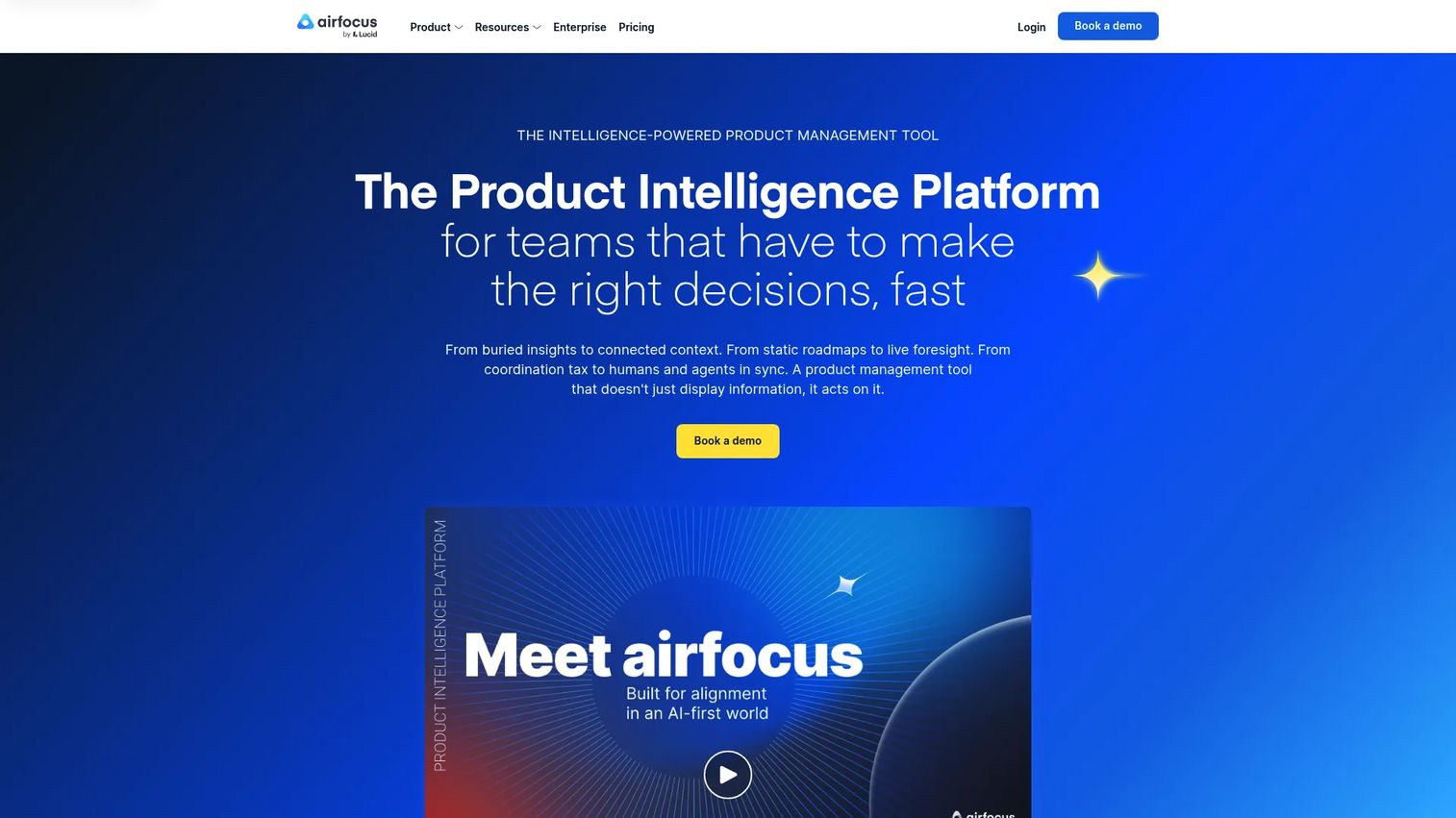
airfocus is an AI-powered product intelligence platform that connects feedback, strategy, OKRs, roadmaps, and prioritization in a modular workspace. Its Priority Poker feature lets teams score items collaboratively, which surfaces disagreements before they become roadmap arguments. The platform also includes an AI agent and an Insights agent for synthesizing feedback at volume.
Best for: Product organizations that want flexible prioritization frameworks and connected strategy without being locked into a fixed workflow structure.
Key features
- Advanced prioritization with custom scoring and Priority Poker
- Roadmaps and portfolio management views
- Feedback and insights management with an AI Insights agent
- Objectives and OKRs linked to initiatives
- Integrations with Jira, Azure DevOps, Salesforce, and Slack
Why choose airfocus: Strong fit for teams that need to score opportunities against strategic goals and expose tradeoffs transparently. The modular workspace design means PMs can configure the tool around their actual workflow rather than adapting to a rigid process.
airfocus pricing: Both Professional and Enterprise plans are priced on request. The platform does not offer a free tier or a free trial. Professional includes roadmaps, advanced prioritization, and core integrations. Enterprise adds portfolio management, capacity planning, and enterprise security.
G2 rating: 4.4/5
3. Craft
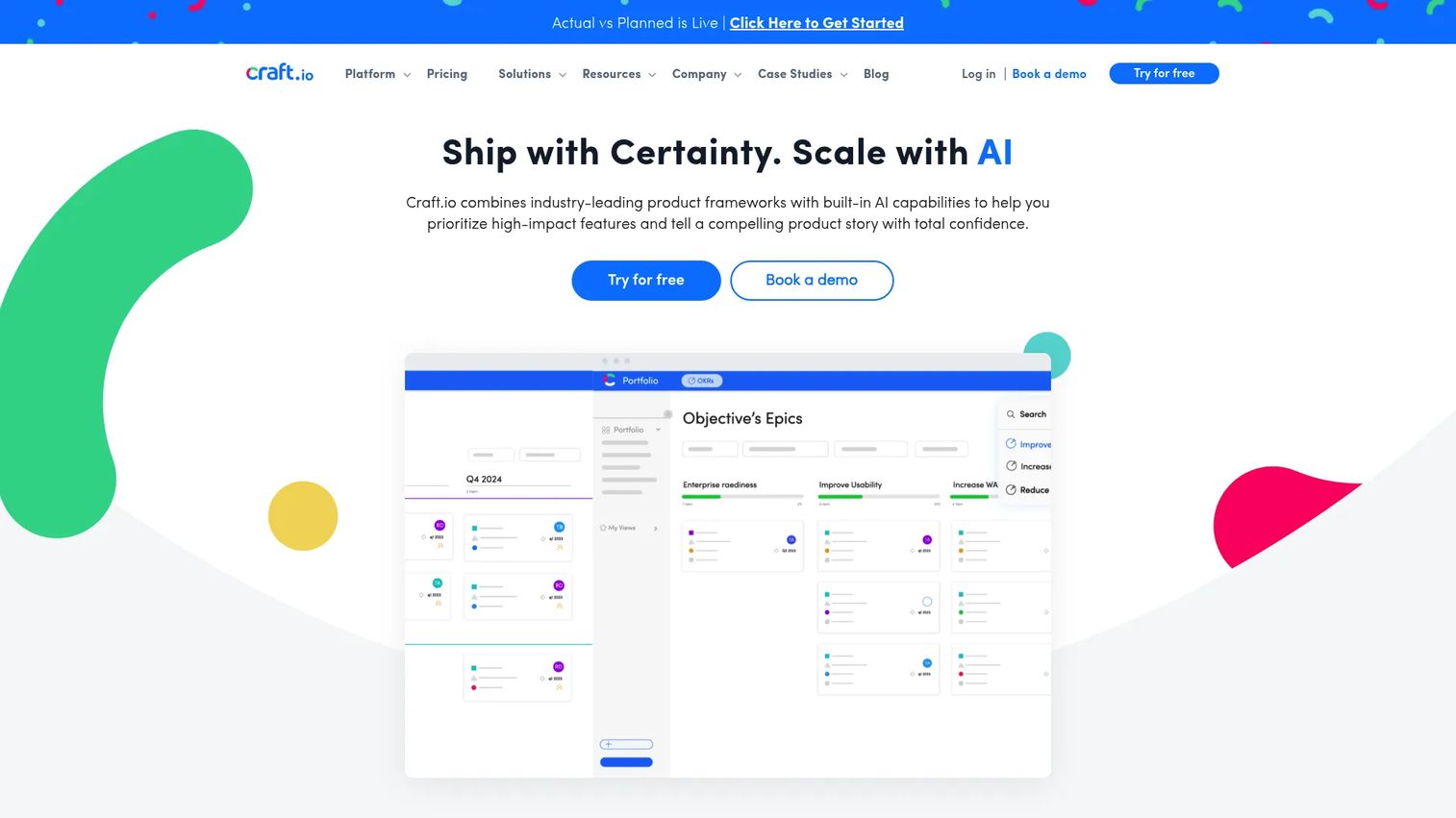
Craft.io is a product management platform built for teams that need more than a roadmap. It connects strategic inputs, product specs, capacity planning, and a feedback portal in one environment. The specs editor is particularly useful when roadmap commitments need to carry enough engineering context to prevent misinterpretation during delivery.
Best for: Product teams connecting strategy, roadmaps, written specs, and capacity planning without switching between separate tools.
Key features
- Product roadmaps and backlog management
- Specs editor for detailed product documentation
- Capacity planning linked to roadmap commitments
- Feedback portal for customer and stakeholder input
- Two-way integrations with Jira and Azure DevOps
Why choose Craft: A good fit for PMs whose release cadence creates frequent engineering handoff moments that require structured specification. If your bottleneck is roadmap visibility rather than spec depth, lighter tools may serve better.
Craft pricing: Starter is $19 per editor per month (annual billing). Pro is $79 per editor per month (annual). Enterprise uses custom billing. A 14-day free trial is available; there is no permanent free tier.
G2 rating: 4.5/5
4. Aha!
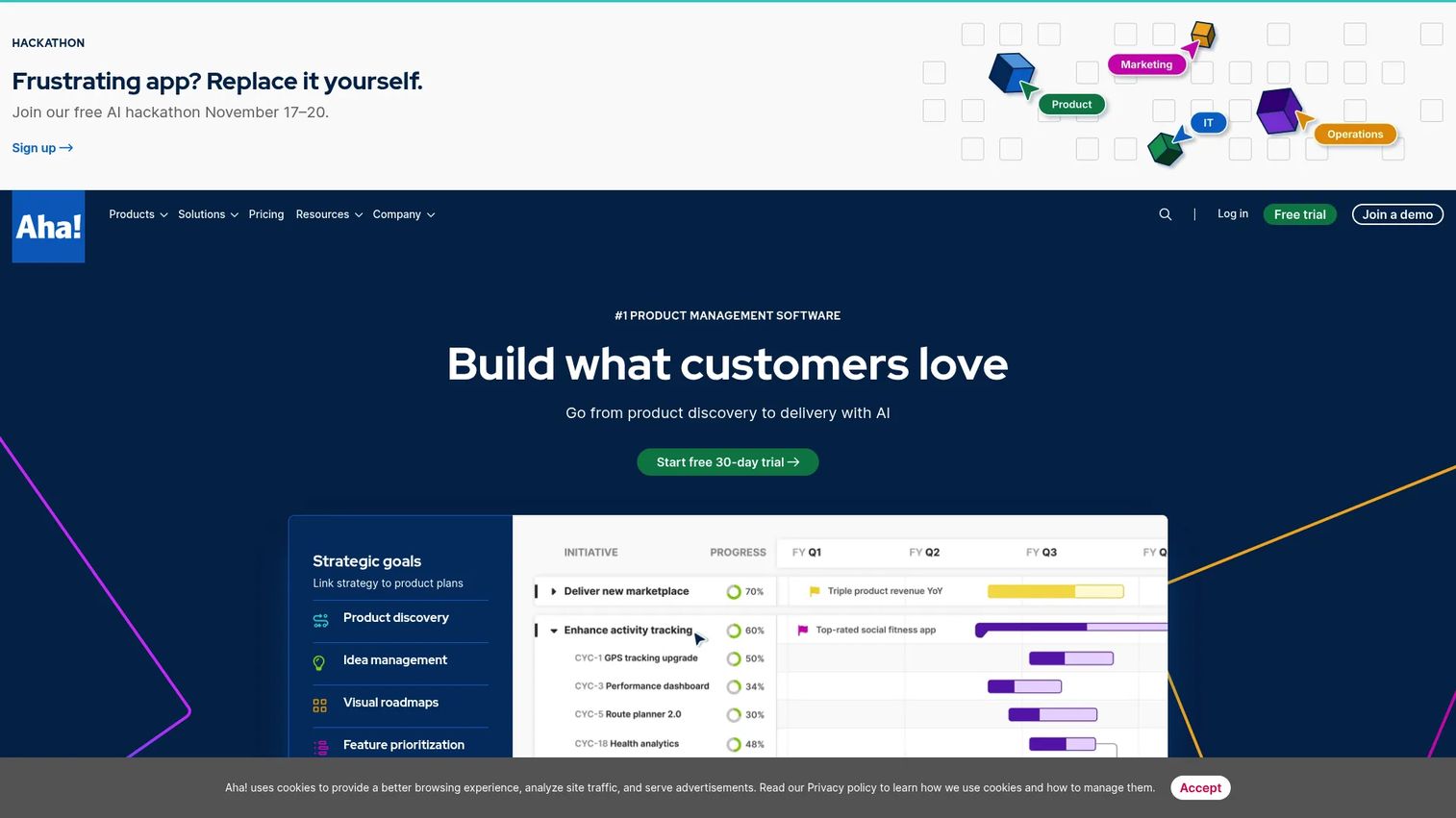
Aha! is a product management suite covering strategy, roadmaps, customer research, ideas, whiteboards, and product development. Its portfolio roadmap views and goal-linked planning make it the strongest option on this list for mature product organizations that report to leadership on strategy execution. The suite spans multiple products, including Roadmaps, Discovery, Ideas, Develop, and Knowledge.
Best for: Mature product organizations that need portfolio roadmaps, executive-ready reporting, and structured governance across multiple product lines.
Key features
- Portfolio and product roadmaps with goal-linked planning
- Ideas portals for customer and internal feedback
- Customer research and interview insights
- Visual whiteboards and prototyping
- AI assistant for drafting and synthesis
Why choose Aha!: Best when the roadmap needs to serve an executive audience and connect directly to company OKRs. Early-stage teams or solo PMs will likely find the breadth of Aha!'s suite more than their current process requires.
Aha! pricing: Roadmaps Premium starts at $59 per user per month. Roadmaps Enterprise is $99 per user per month. The lowest entry point across the full suite is $9 per user per month for Aha! Develop. Pricing varies by product and plan.
G2 rating: 4.4/5
5. Roadmunk
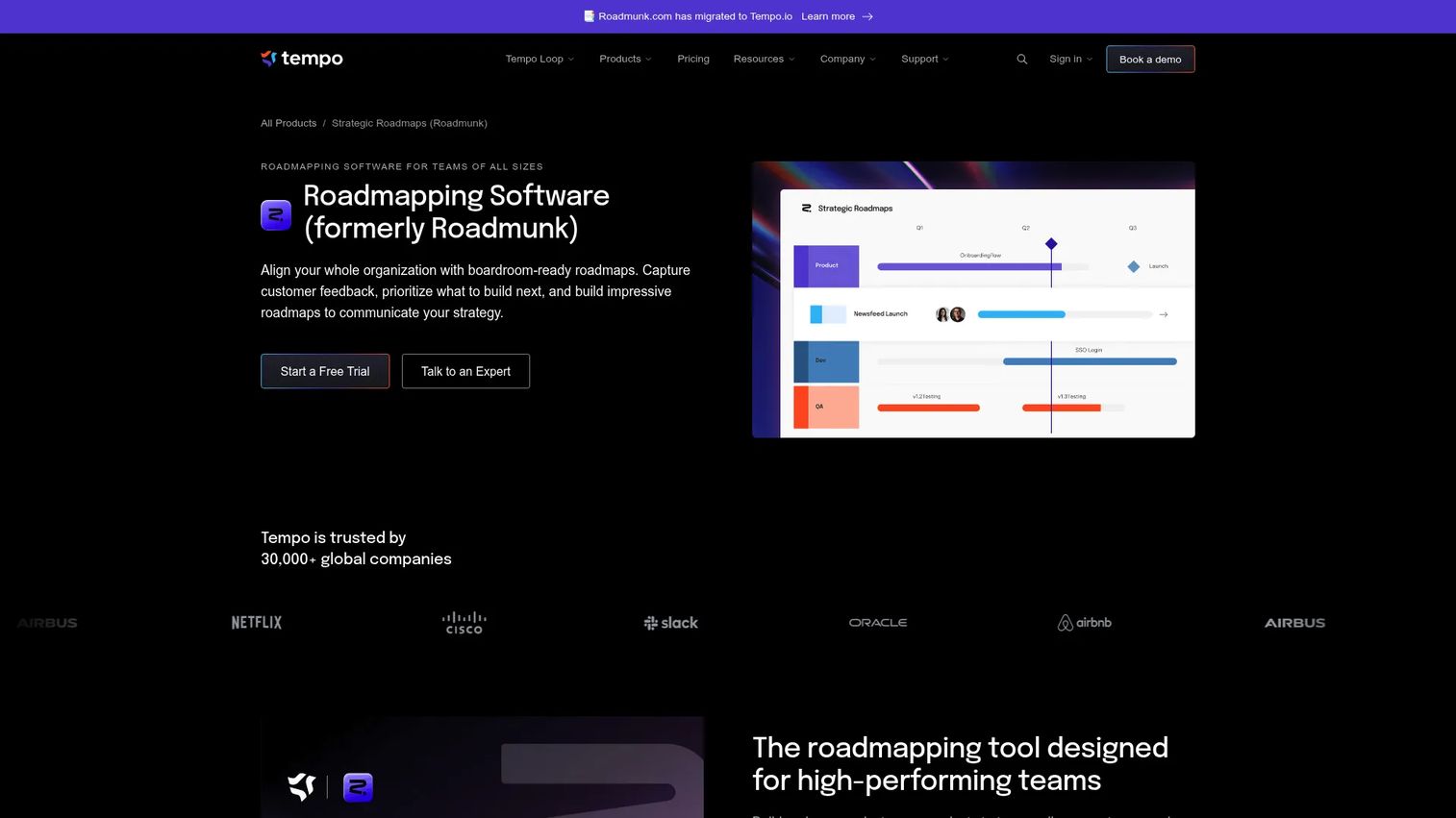
Roadmunk, now sold as Strategic Roadmaps by Tempo, is roadmapping software built around visualization. Its timeline, swimlane, table, and portfolio views produce stakeholder-ready presentations without exposing internal backlog details. It also covers feedback collection and prioritization, with integrations connecting to Jira, GitHub, and Asana.
Best for: Product and portfolio teams whose main challenge is communicating roadmap decisions to stakeholders rather than managing full-cycle discovery.
Key features
- Timeline, swimlane, table, and portfolio roadmap views
- Feedback collection and idea prioritization
- Integrations with Jira, Asana, GitHub, and Azure DevOps
- Real-time publishing on Professional and above
- Portfolio dependencies and API access on Business and above
Why choose Roadmunk: Strong when roadmap communication is the bottleneck. PMs who need to show leadership a coherent, polished roadmap without exposing sprint details will find the visualization depth genuinely useful.
Roadmunk pricing: Starter is $19 per editor per month (annual). Business is $49 per editor per month (annual). Professional is $99 per editor per month (annual). Enterprise uses custom pricing. A 14-day free trial is available.
G2 rating: 4.0/5
6. Jira
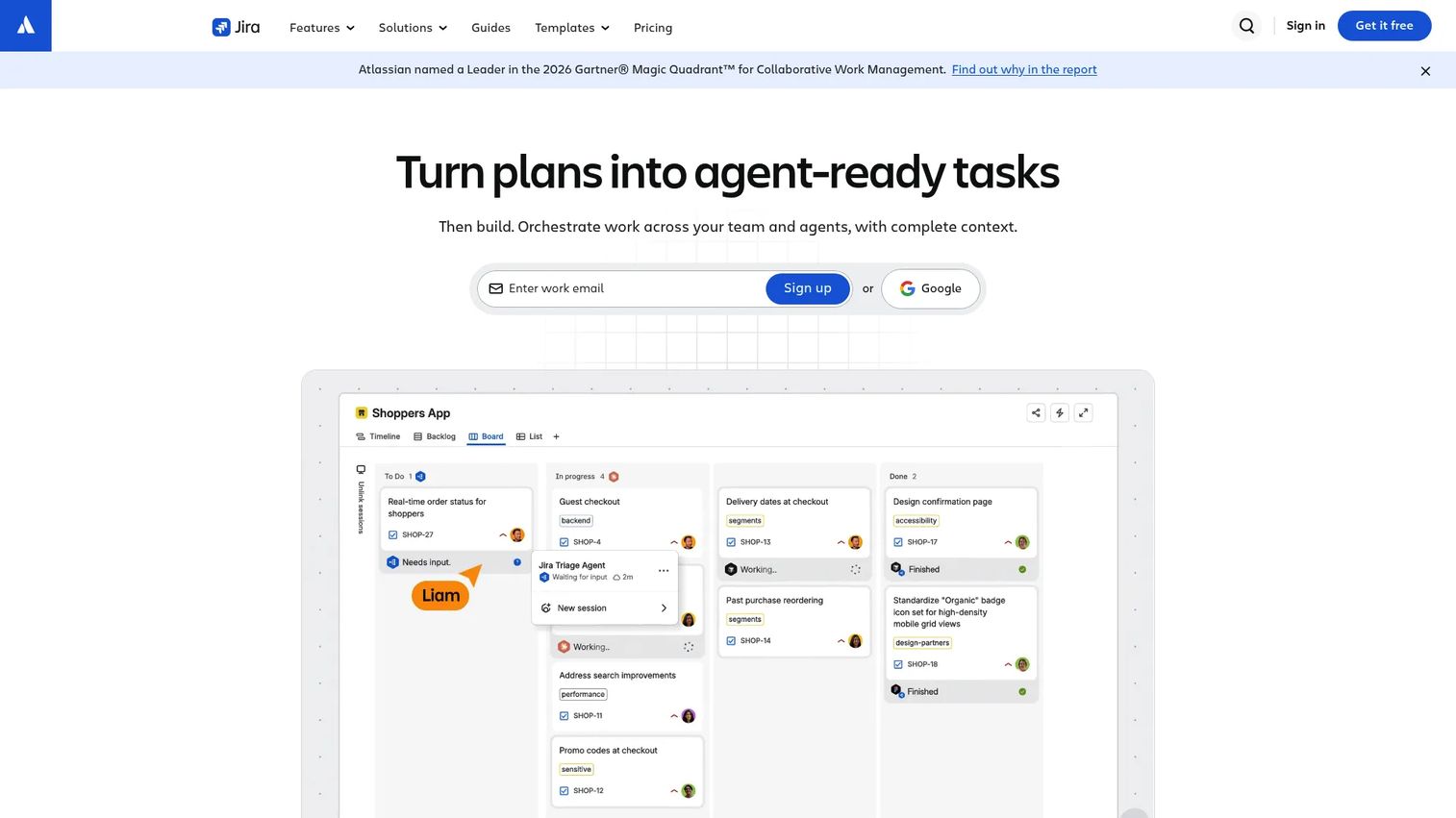
Jira is the dominant agile delivery tool for software teams, covering backlogs, sprint boards, kanban views, release tracking, and automation. It is not a product strategy platform, but it is where most engineering teams live, which makes it essential for the delivery handoff portion of the product management workflow.
Best for: Product teams working closely with engineering squads that use agile or hybrid delivery methods.
Key features
- Scrum boards, kanban boards, and backlog management
- Release tracking and dependency management
- Automation rules for workflow triggers
- AI-powered Rovo features for search and summarization
- Extensive app marketplace and integrations
Why choose Jira: Choose Jira for delivery control when your engineering team already uses it. It tracks what ships better than it captures why something was prioritized. Pair it with a feedback or prioritization tool for the full PM workflow.
Jira pricing: Free for up to 10 users. Standard is $7.91 per user per month. Premium is $14.54 per user per month. Enterprise requires contacting sales and uses annual billing.
G2 rating: 4.3/5
7. Trello
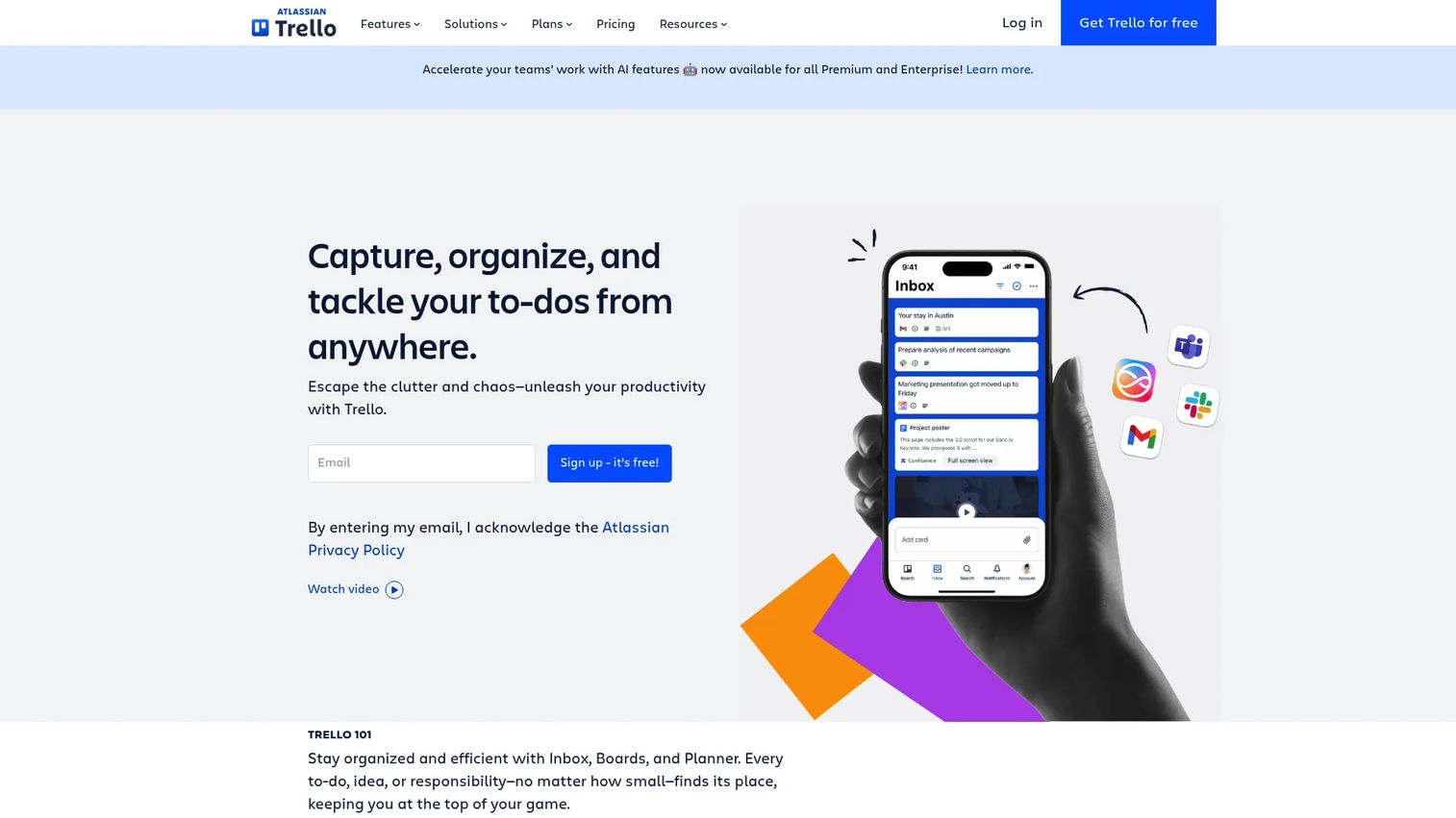
Trello is a visual work management tool built around kanban boards. It is not a product management platform in the full sense, but for early-stage PMs or teams doing lightweight roadmap planning, its low setup cost and familiar card-and-list structure make it a practical starting point.
Best for: Solo PMs, early-stage teams, or anyone running simple roadmap experiments without needing scoring frameworks or analytics integrations.
Key features
- Kanban boards with cards, checklists, and attachments
- Multiple views: Calendar, Timeline, Table, Dashboard, and Map
- Power-Ups for extended functionality
- Automation for recurring workflows
- Inbox integration with email, Slack, and Teams
Why choose Trello: Best when the team is small and process discipline matters more than tooling depth. As discovery rigor and feedback volume grow, most PMs graduate to a dedicated product management platform. Trello's value is speed and familiarity, not workflow depth.
Trello pricing: Free for up to 10 collaborators per workspace. Standard is $5 per user per month (annual) or $6 monthly. Premium is $10 per user per month (annual) or $12.50 monthly. Enterprise is $17.50 per user per month (annual).
G2 rating: 4.4/5
8. Asana
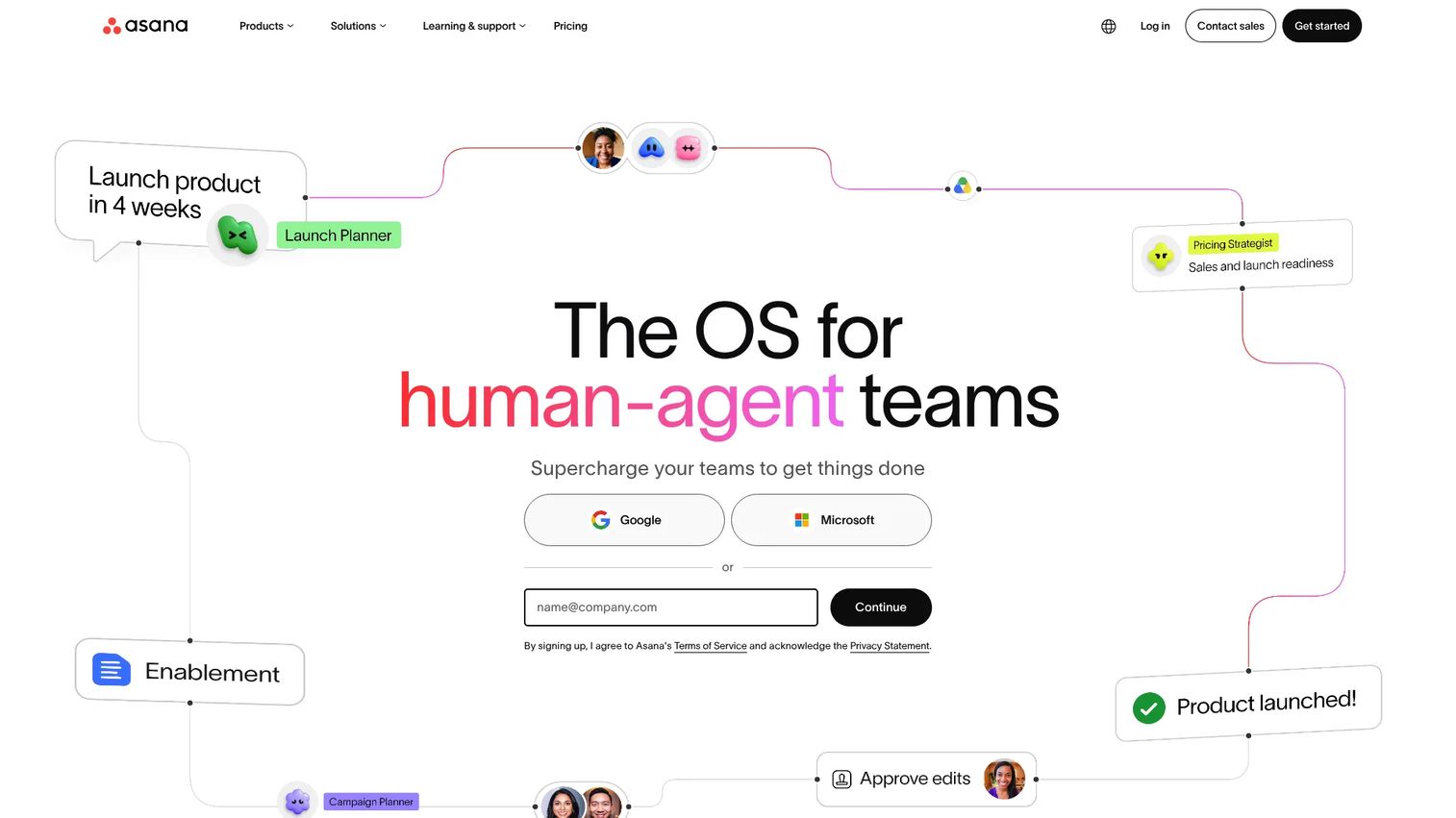
Asana is an AI-powered work management platform for teams managing cross-functional projects, goals, and launch coordination. For PMs, its strength is orchestrating the work that surrounds a product release: Aligning marketing, CS, sales, and design on deliverables and timelines. It is not a dedicated discovery or prioritization tool.
Best for: Product teams coordinating launches, GTM tasks, and cross-functional work alongside engineering delivery.
Key features
- Project timelines and task management with owners and due dates
- Goals and portfolios linked to company objectives
- Workflow automation and form-based intake
- AI features across tasks and reporting
- Integrations with Jira, Salesforce, and Slack
Why choose Asana: The right choice when your bottleneck is cross-functional alignment rather than feedback synthesis. If you need better discovery-to-roadmap workflows, pair Asana with a tool built for prioritization and customer signal.
Asana pricing: Personal plan is free. Starter is $10.99 per user per month (annual) or $13.49 monthly. Advanced is $24.99 per user per month (annual). Enterprise uses custom pricing.
G2 rating: 4.4/5
9. Pendo
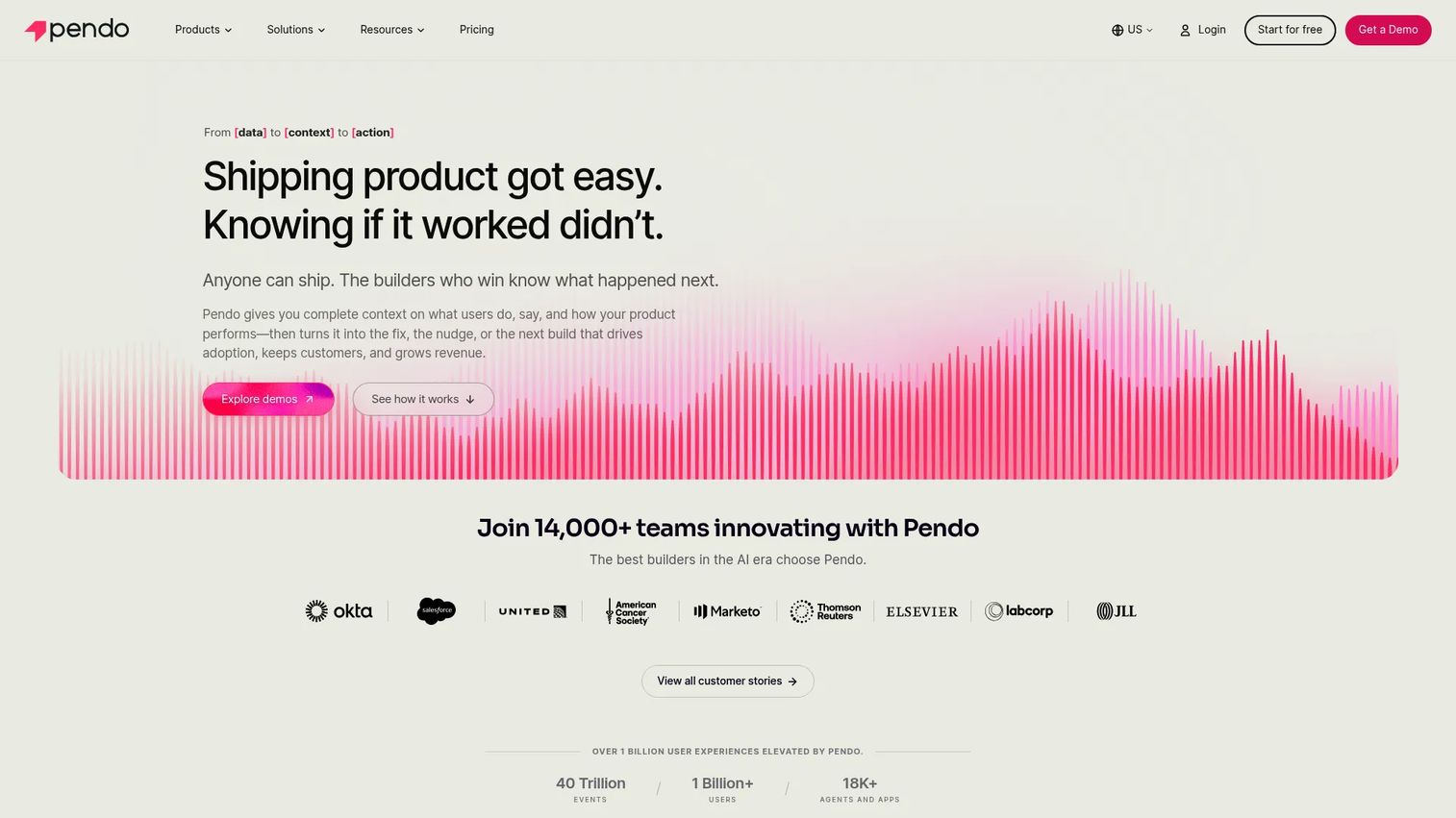
Pendo is a product experience platform that connects in-app analytics, user guidance, NPS surveys, session replay, and feedback in one environment. For PMs focused on activation and retention, Pendo answers the question analytics platforms often leave open: Not just what users did, but whether the in-app experience they received helped them succeed.
Best for: Product and CS teams measuring feature adoption, diagnosing onboarding friction, and running in-app communication without engineering support.
Key features
- Product analytics: Journeys, paths, funnels, feature adoption, and product health
- In-app guides and Resource Center for targeted user communication
- NPS, CSAT, and product-market fit surveys
- Session Replay for qualitative behavior review
- Feedback, idea validation, and roadmap views
Why choose Pendo: Best for PMs who need post-launch instrumentation and in-app messaging in one tool. The free tier supports up to 500 monthly active users, which covers early validation. Paid plans require a sales conversation for MAU-based pricing.
Pendo pricing: Free up to 500 monthly active users. Paid Base, Core, and Ultimate plans use custom MAU-based pricing through sales. A Novus plan is free during open beta with no MAU cap.
G2 rating: 4.4/5
10. Hotjar
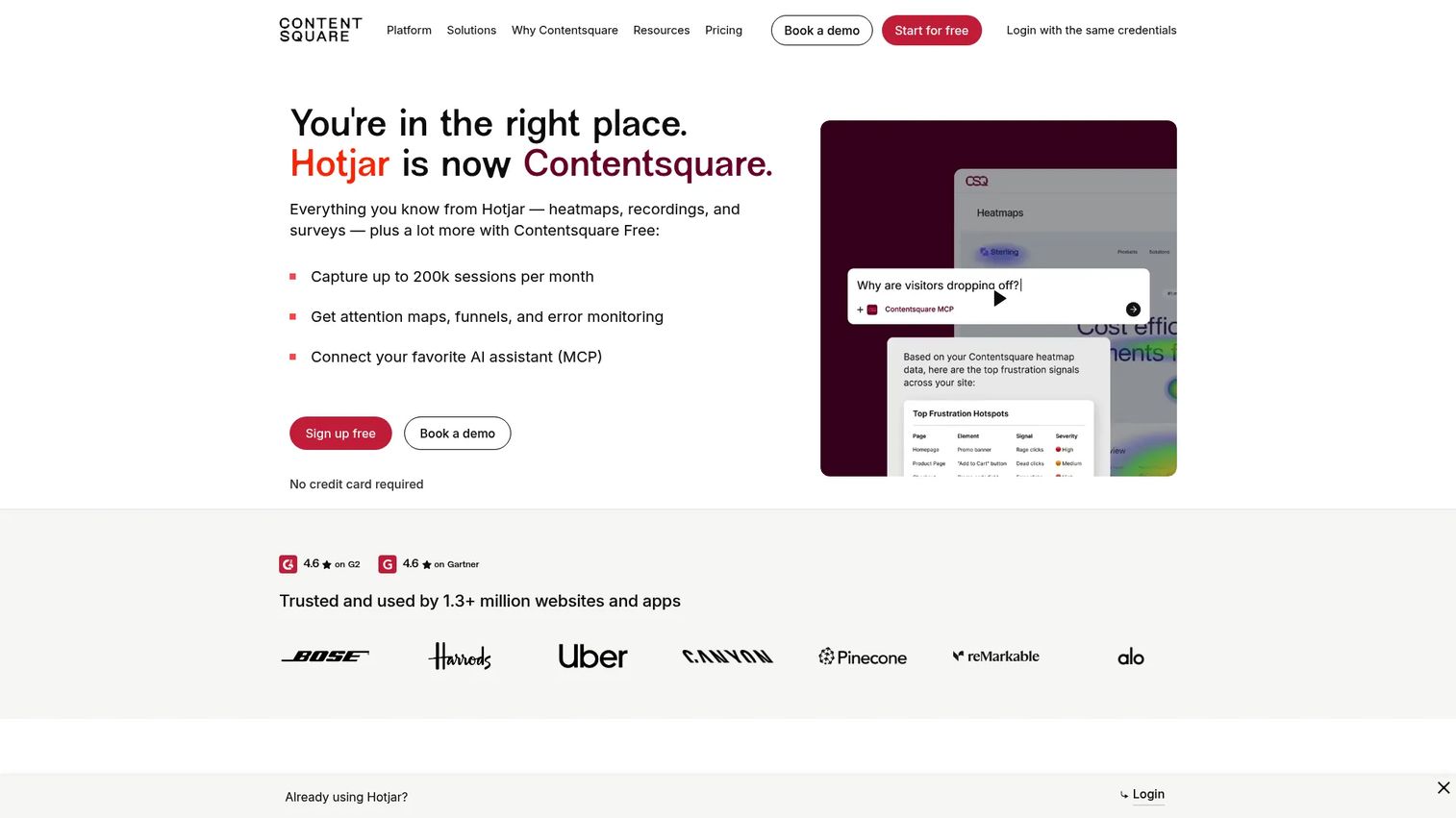
Hotjar, now part of Contentsquare, is a product experience insights platform for diagnosing user friction through behavioral analytics and feedback. When analytics show a drop-off but do not explain the cause, Hotjar's heatmaps, session recordings, and surveys close the gap. It is a qualitative companion to quantitative event analytics, not a replacement.
Best for: PMs and growth teams diagnosing onboarding friction, blank states, and activation drop-offs with behavioral and qualitative data.
Key features
- Heatmaps for click, scroll, and move behavior
- Session recordings with filtering
- Surveys, NPS, and in-page feedback widgets
- User interviews and usability tests
- Funnels and trend tracking
Why choose Hotjar: Strong when you know where users drop off but need to understand why. For pure quantitative instrumentation (cohorts, funnels, retention curves), Mixpanel or Pendo go deeper. Hotjar's strength is the qualitative context around behavioral signals.
Hotjar pricing: Basic Observe plan is free. Plus is $39 per month. Business is $99 per month. Scale is $213 per month. Ask and Engage products carry separate pricing.
G2 rating: 4.3/5
11. Figma
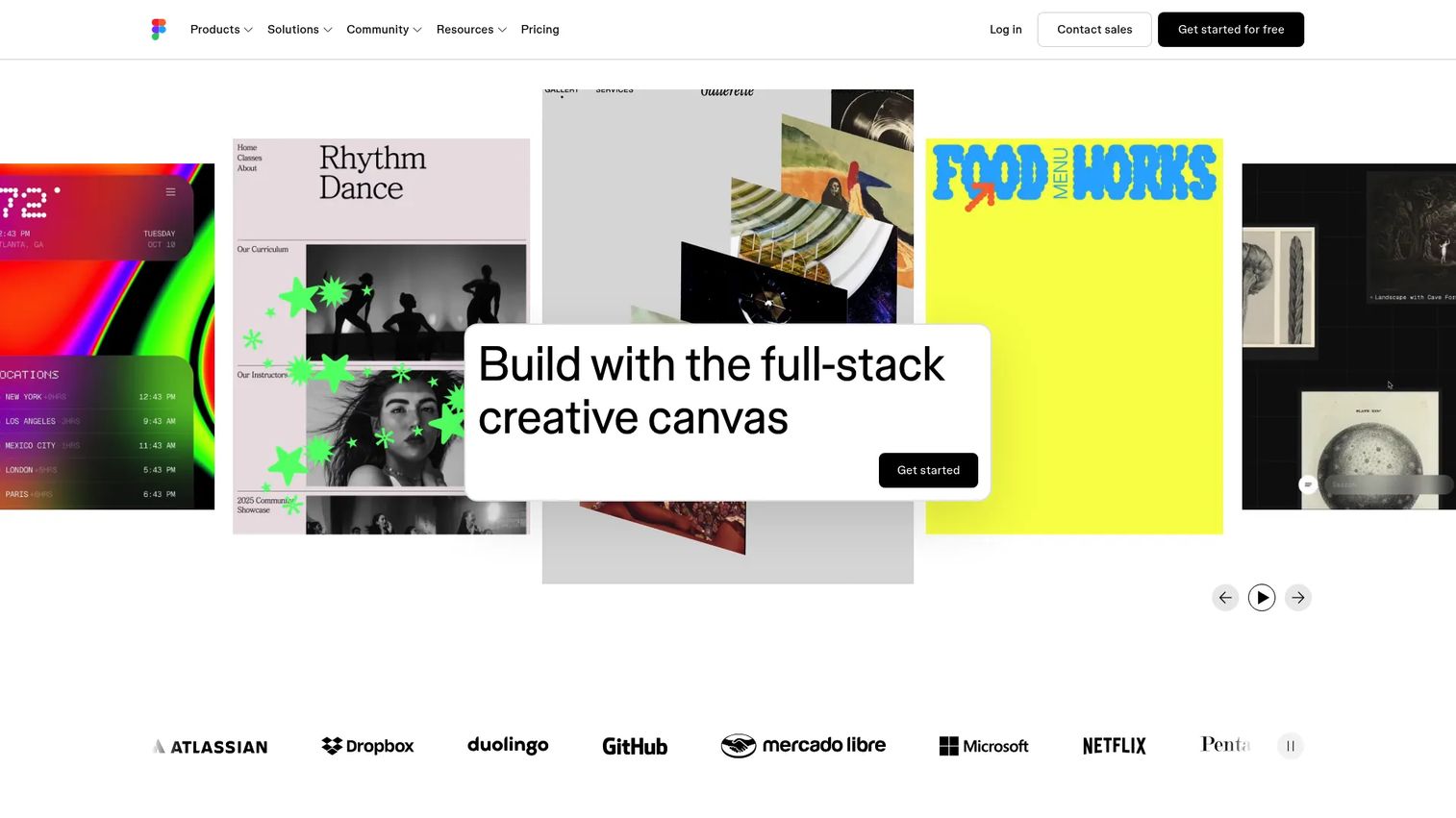
Figma is a collaborative design and prototyping platform. For PMs, its value is in validating concepts before engineering investment. Working through user flows in a shared Figma file before writing specs reduces ambiguity and surfaces design tradeoffs at the cheapest possible moment in the development cycle.
Best for: Product teams working closely with design to align on user flows, interaction patterns, and feature concepts before building.
Key features
- Collaborative design and interactive prototyping
- Dev Mode for design-to-code handoff
- FigJam for collaborative diagramming and workshops
- Shared design systems and component libraries
- Branching and version control for files
Why choose Figma: The right choice when the opportunity cost of misaligned design and engineering assumptions is high. PMs who participate in design reviews or prototype-based user testing will get direct value. Those who primarily manage delivery and feedback may use it less regularly.
Figma pricing: Starter is free. Professional Dev seat is $12 per month, Full seat is $16 per month, Collab seat is $3 per month. Organization tiers and Enterprise tiers carry higher per-seat pricing billed annually.
G2 rating: 4.7/5
12. Typeform
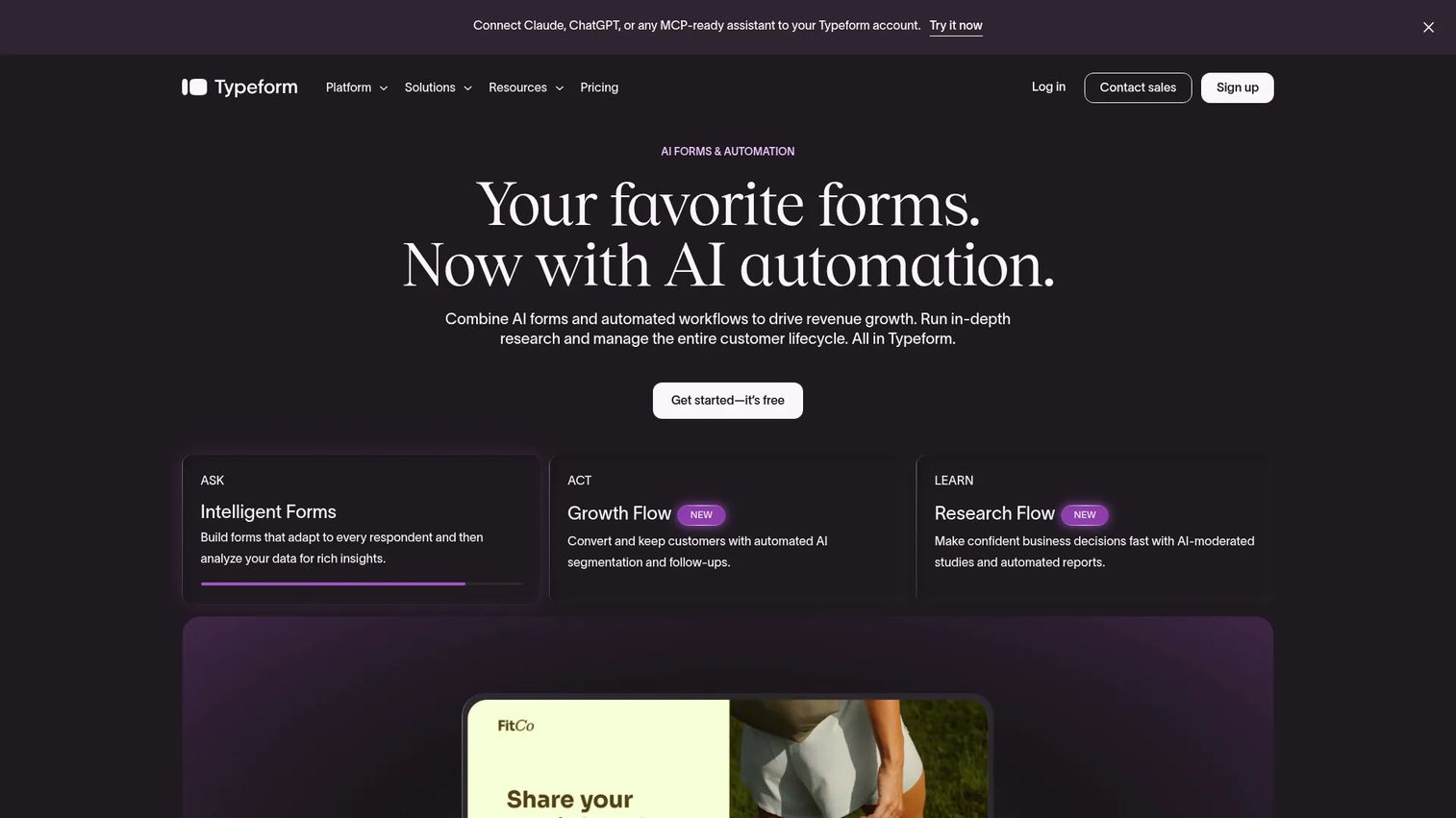
Typeform is an AI-powered survey and form platform that makes research feel less like a questionnaire. Its conversational interface improves completion rates compared with traditional forms, and its logic branching lets PMs segment feedback by persona, plan tier, or use case without building a complex survey tool from scratch.
Best for: PMs running structured discovery research, NPS surveys, feature feedback, and onboarding input collection where response quality matters.
Key features
- AI-powered form creation and conditional logic
- Custom branding and subdomain support
- Video and audio response options
- Advanced analytics and drop-off analysis
- Integrations with HubSpot, Slack, and Zapier
Why choose Typeform: Best for lightweight discovery when user interviews are too slow or too expensive at scale. The form quality and logic depth exceed what most embedded survey tools can do. For large-scale research synthesis, pair Typeform collection with a dedicated feedback platform.
Typeform pricing: Free plan available. Basic is $39 per month. Plus is $79 per month. Business is $129 per month. Growth Flow starts at $379 per month after a 14-day trial. Enterprise pricing is custom.
G2 rating: 4.5/5
13. Linear
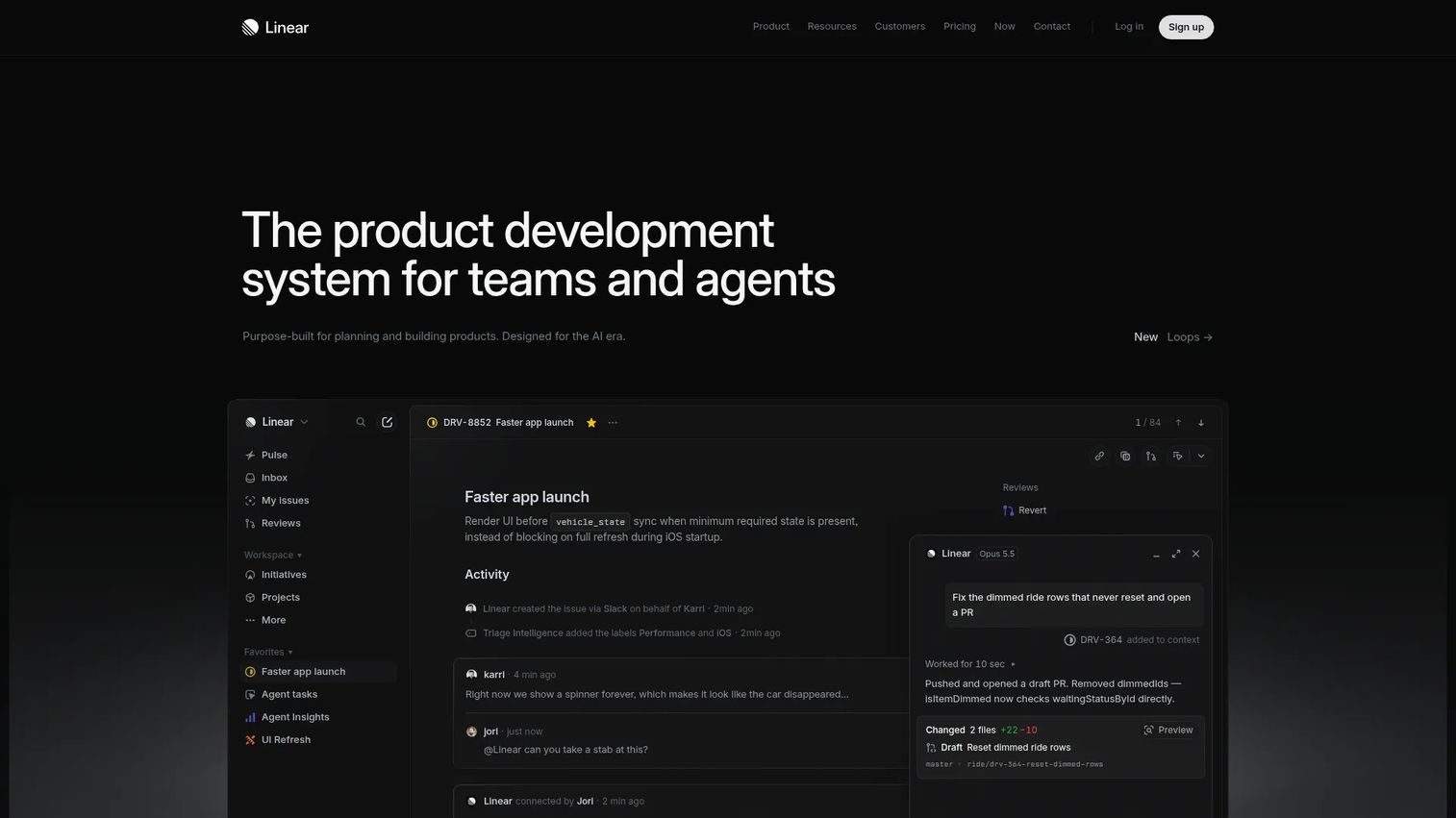
Linear is a product development system designed for speed. Where Jira optimizes for workflow depth and configurability, Linear optimizes for fast issue creation, clean cycles, and minimal process overhead. Its GitHub integration keeps product and engineering work in close sync, and its AI agent can run automated workflows.
Best for: Modern software teams that want fast product-engineering execution with minimal admin friction and clean release cadence tracking.
Key features
- Issues, projects, cycles, and initiatives
- Linear Agent for AI-assisted workflow automation
- GitHub integration for pull request and code review visibility
- Triage queues for incoming requests
- Roadmap views linked to cycles and projects
Why choose Linear: Choose Linear when your team values execution speed over process complexity. It is an execution tool, not a feedback management suite. Teams that need structured discovery workflows will still need a companion tool for the upstream work.
Linear pricing: Free for up to 250 issues and 2 teams. Basic is $10 per user per month (annual). Business is $16 per user per month (annual). Enterprise uses custom pricing.
G2 rating: 4.6/5
14. GLIDR
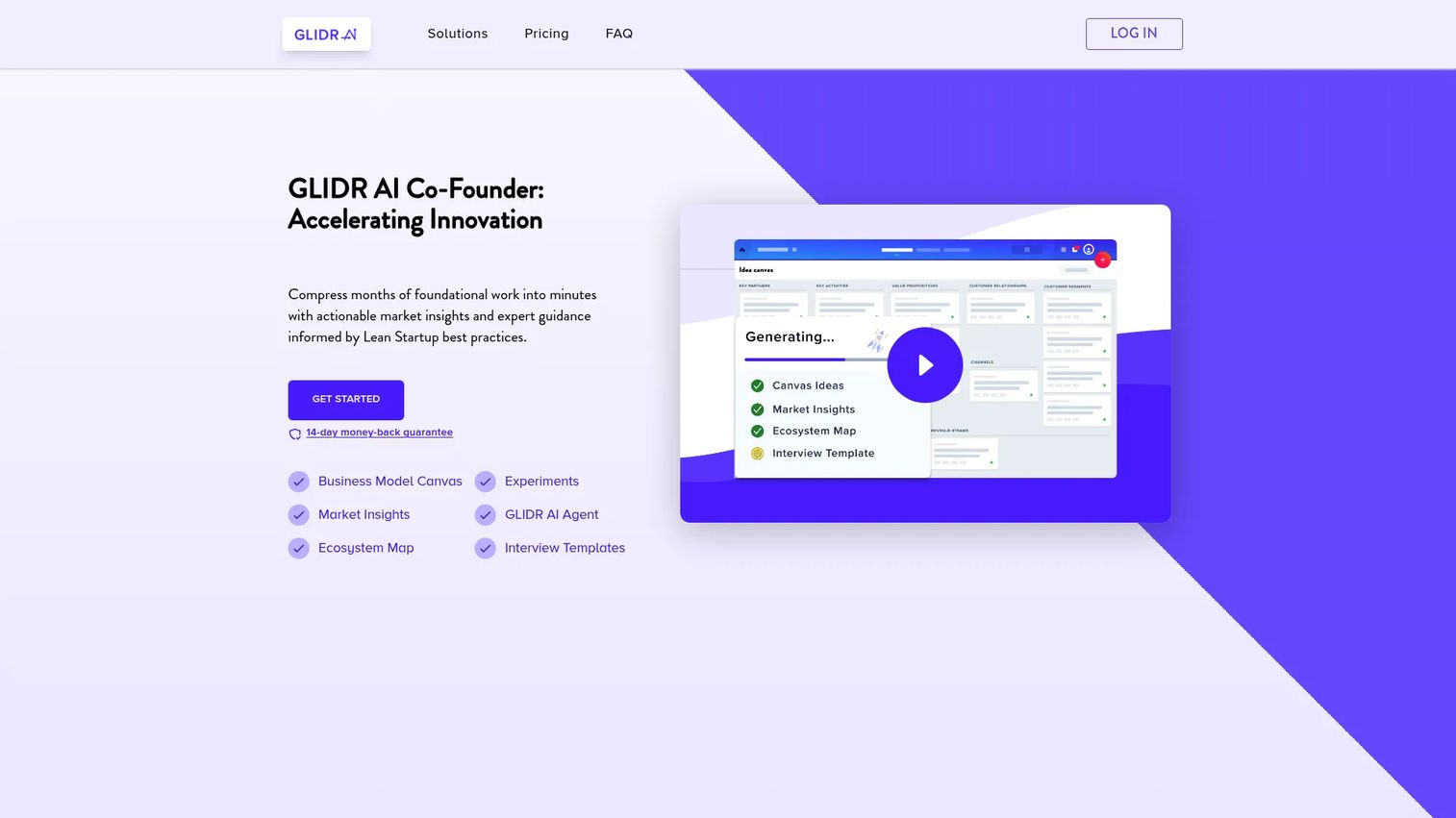
GLIDR is an evidence-driven product discovery platform. Its core workflow centers on assumption mapping, experiment design, and evidence tracking, which makes it a strong fit for teams practicing lean product discovery or continuous validation before committing roadmap capacity to an idea.
Best for: Teams running continuous product discovery and needing a structured system for assumptions, experiments, and evidence before roadmap commitments.
Key features
- Business Model Canvas and Product Canvas
- Evidence Locker for tracking validated and invalidated assumptions
- Experiment design and prioritization
- Market Analysis and Ecosystem Map views
- Portfolio Dashboard with AI-powered recommendations
Why choose GLIDR: Best for PMs who want validation infrastructure before the roadmap, not just after. If leadership wants evidence behind roadmap bets, GLIDR's structured experiment and evidence framework is purpose-built for that conversation. Its G2 presence is limited compared with more established tools.
GLIDR pricing: Garage plan is $19 per month (1 project, 1 member). Business is $59 per month (4 projects, 10 members). Enterprise pricing is custom. No free tier.
15. Azure DevOps
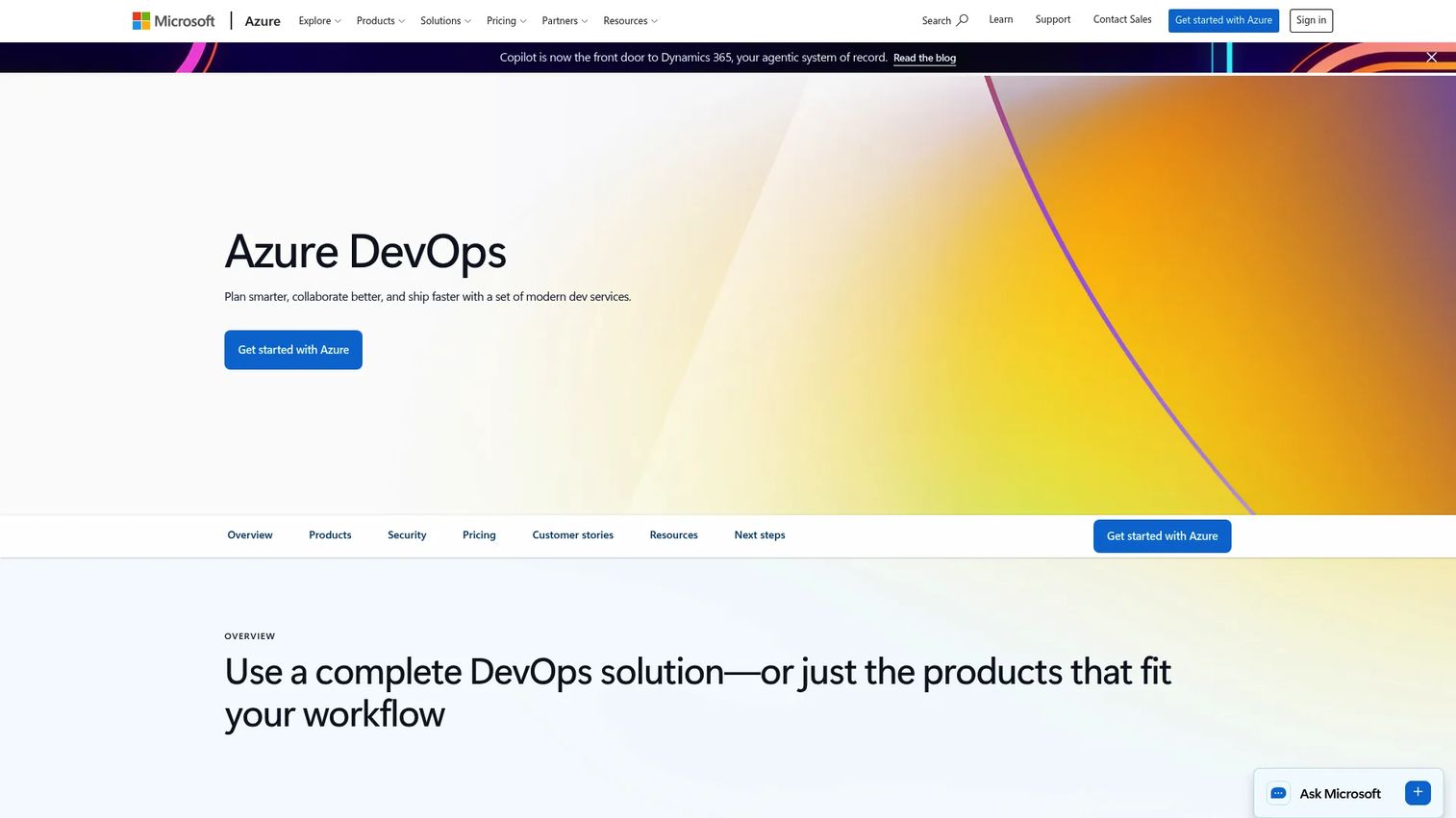
Azure DevOps is Microsoft's integrated DevOps suite covering agile planning, source control, CI/CD pipelines, test management, and artifact hosting. For product teams operating inside Microsoft-standardized engineering organizations, it removes the integration overhead that comes with mixing tools from different vendors.
Best for: Enterprises using Microsoft infrastructure who need integrated agile planning, code management, pipelines, and testing without additional third-party tooling.
Key features
- Azure Boards for agile planning with backlogs and kanban views
- Azure Repos for unlimited private Git repositories
- Azure Pipelines for CI/CD across any language or platform
- Azure Test Plans for manual and exploratory testing
- Azure Artifacts for package hosting
Why choose Azure DevOps: The natural choice for engineering organizations already standardized on Microsoft. For PMs, its value is delivery visibility and governance rather than product strategy. Teams outside the Microsoft stack will typically prefer lighter or more modular options.
Azure DevOps pricing: First 5 Basic users are free. Basic plan is $6 per user per month thereafter. Basic with Test Plans is $52 per user per month. Stakeholder access is free.
16. GitHub
GitHub is the dominant developer platform for code hosting, pull requests, automation, and security. For PMs at developer tools companies or technical product teams, GitHub Issues and Projects provide a lightweight planning layer that keeps product work adjacent to the code without requiring a separate tool.
Best for: PMs working with engineering teams whose entire workflow lives in GitHub, particularly at developer-focused companies.
Key features
- Issues and Projects for lightweight product planning
- Pull requests and code review workflows
- GitHub Actions for automated build, test, and deployment
- GitHub Copilot for AI-assisted coding
- Security scanning: Dependabot, code scanning, and secret scanning
Why choose GitHub: Best when reducing context-switching between product planning and code is the primary goal. For PMs who need structured feedback management, roadmap governance, or customer segmentation, GitHub's planning features are intentionally lightweight.
GitHub pricing: Free for individuals and organizations with core features. Team is $4 per user per month. Enterprise is $21 per user per month.
G2 rating: 4.7/5
17. UserVoice
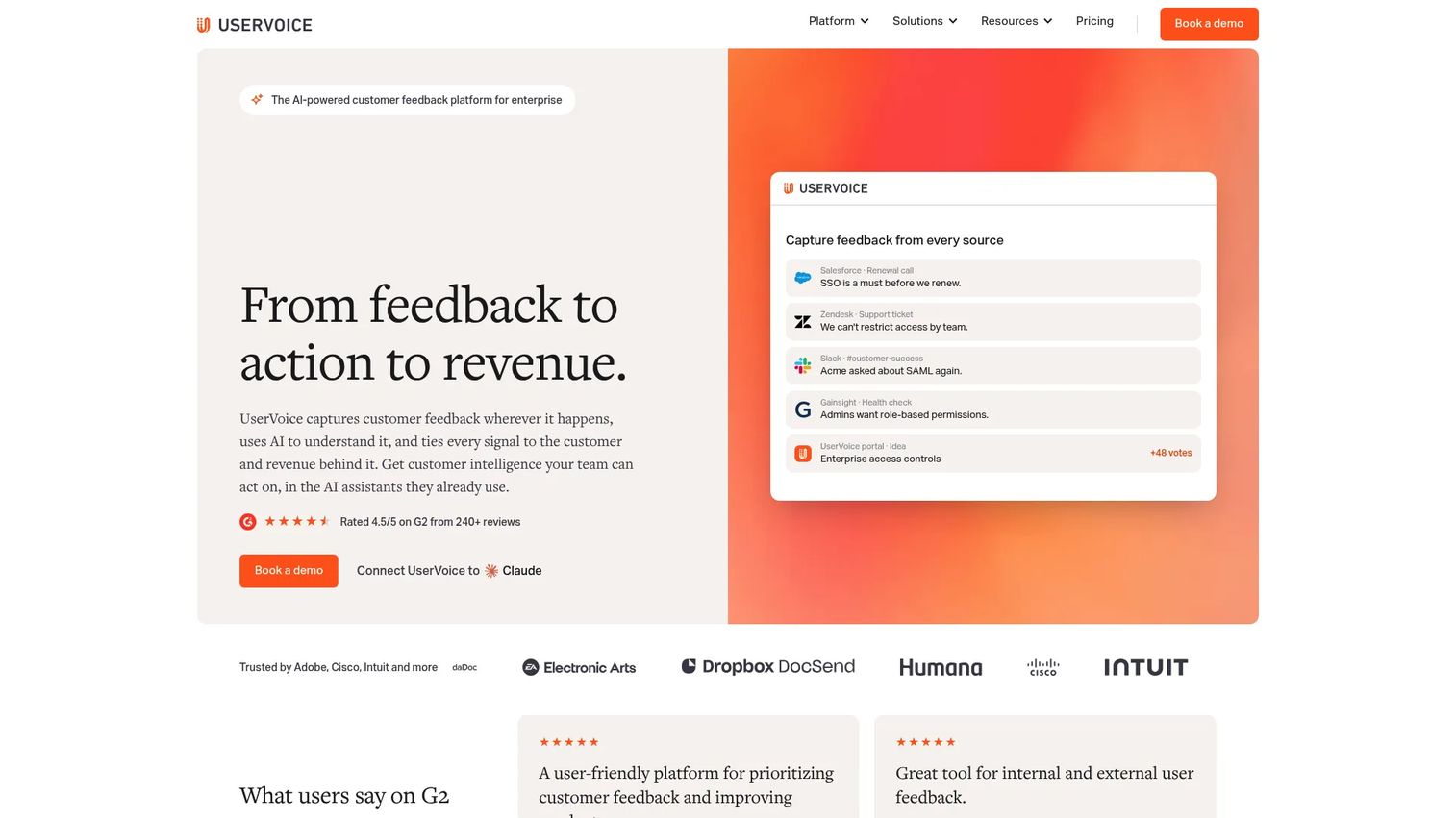
UserVoice is a customer feedback and intelligence platform built for enterprise product teams. Its AI-powered idea insights deduplicate incoming requests, detect themes, and surface revenue-weighted priorities. Customer segmentation lets PMs filter feedback by account size, plan tier, or health score so the loudest voices do not automatically win.
Best for: Enterprise product and customer success teams that need structured feedback collection, revenue-based prioritization, and integration with CRM and support tooling.
Key features
- Branded feedback portals and in-app widgets
- AI-powered idea insights and theme detection
- Customer segmentation and revenue-based prioritization
- Roadmap and feature management views
- Integrations with Salesforce, HubSpot, Jira, and Zendesk
Why choose UserVoice: Strong when feedback volume is high and the team needs to triage by customer revenue, health, or segment rather than pure vote count. The enterprise pricing reflects enterprise scope: Deep integrations, governance, and a 30-day free trial through a demo.
UserVoice pricing: Launch, Business, and Enterprise plans all use annual pricing. The confirmed starting price is $12,000 per year.
G2 rating: 4.5/5
18. Canny
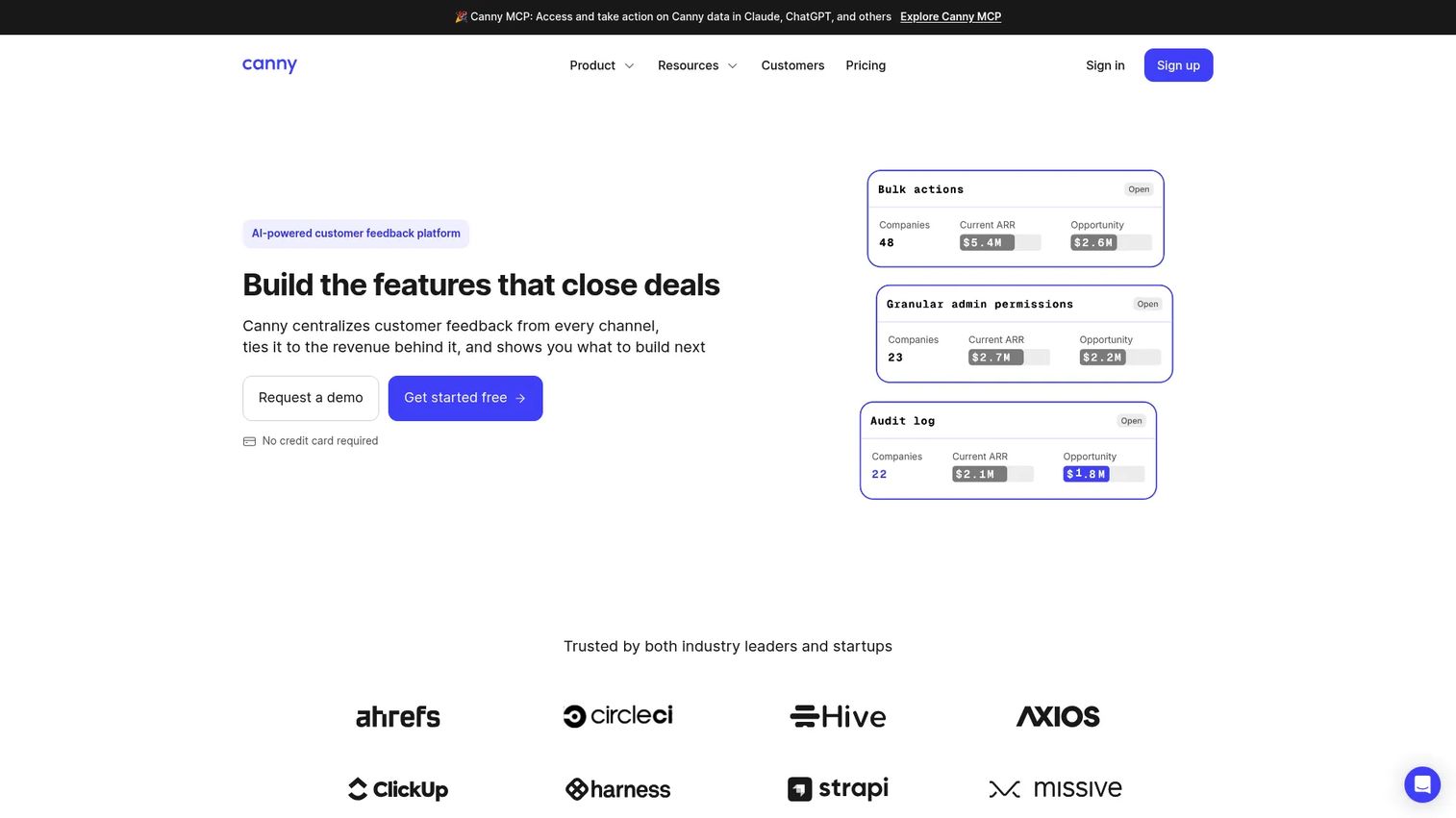
Canny is an AI-powered customer feedback platform for capturing requests, running voting boards, managing internal roadmaps, and publishing changelogs. It is lighter than UserVoice and built for SaaS teams that want a customer-facing feedback loop without enterprise complexity.
Best for: Startups and scaling SaaS teams that want a customer-facing feedback board, roadmap, and changelog in a single low-maintenance system.
Key features
- AI-powered feedback capture and deduplication
- Public and internal feedback boards with voting
- Roadmap views with prioritization
- Changelog publishing for release communication
- Integrations with Jira, Linear, GitHub, Intercom, and Zendesk
Why choose Canny: The right choice when transparency and self-serve feedback collection matter more than enterprise governance. The free tier covers 25 tracked users, which is enough to validate the workflow before committing to a paid plan.
Canny pricing: Free plan covers 25 tracked users and unlimited feedback. Pro starts at $79 per month (annual). Business uses custom pricing.
G2 rating: 4.5/5
19. ProdPad
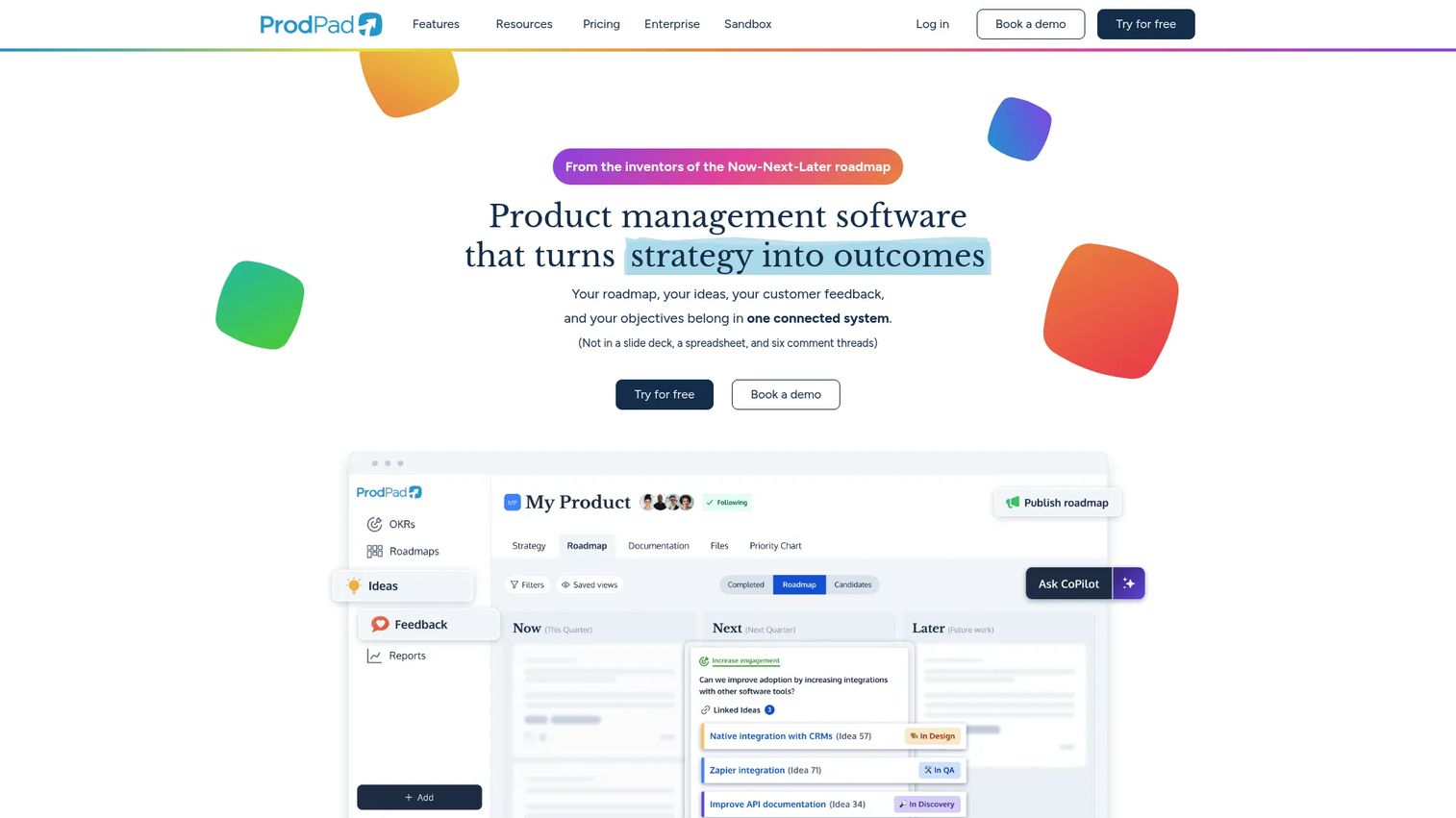
ProdPad is a product management platform built around outcome-focused planning. Its Now-Next-Later roadmap format deliberately avoids date-driven commitments, and its AI CoPilot helps synthesize customer feedback signals into prioritized ideas through its Signals feature.
Best for: Product teams moving away from feature factory roadmaps and toward outcome-linked planning with lean idea management.
Key features
- Now-Next-Later outcome-focused roadmaps
- Idea backlog with impact and effort scoring
- AI-powered Signals for feedback synthesis
- OKRs and objectives linked to initiatives
- Portfolio views and integrations with Jira, Linear, and Salesforce
Why choose ProdPad: Best for PMs who have made the philosophical shift from "ship volume" to "ship outcomes" and need a tool that reinforces that discipline. Teams that still report on feature completion rather than behavioral change may find the outcome framing disorienting before they find it useful.
ProdPad pricing: ProdPad uses modular packaging. Individual plan prices are not displayed on the pricing page; a free trial is available. Contributors and reviewers can access accounts without charge.
G2 rating: 4.3/5
20. ClickUp
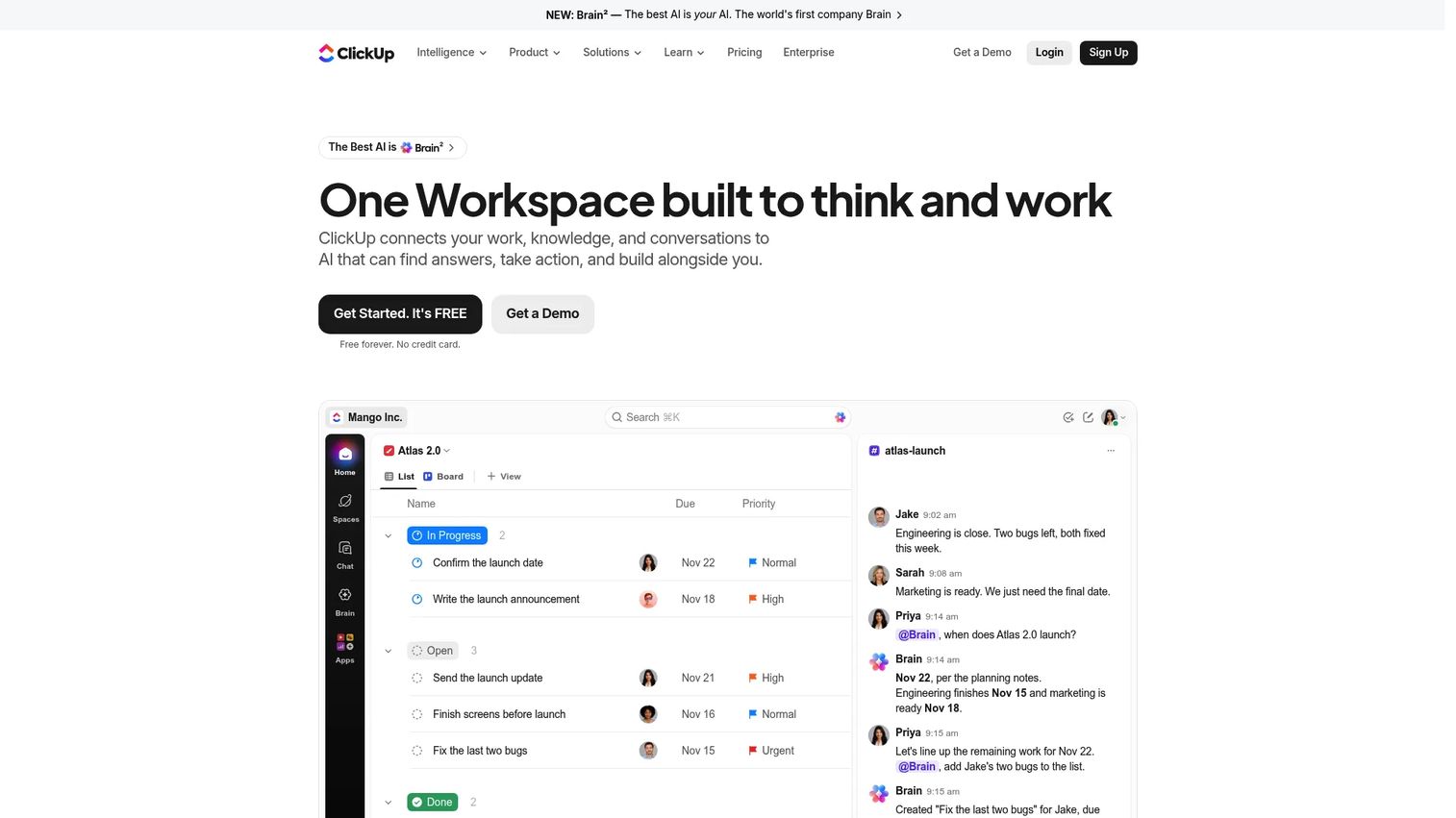
ClickUp is an all-in-one work platform covering tasks, documents, goals, dashboards, and AI features. For PMs at smaller teams looking to consolidate work management tools, ClickUp's breadth is appealing. Its depth in any single PM workflow (feedback synthesis, structured prioritization, or product analytics) is shallower than dedicated tools.
Best for: Teams wanting to consolidate tasks, documentation, and goal tracking into one platform without maintaining separate tools for each workflow.
Key features
- Tasks, projects, and subtasks with custom statuses
- Docs, whiteboards, and knowledge management
- Goals and dashboards linked to work items
- AI features: ClickUp Brain, AI Fields, and AI Notetaker
- Automations and form-based intake
Why choose ClickUp: Choose ClickUp when tool sprawl is a bigger problem than workflow depth. Teams that need dedicated discovery infrastructure or behavioral analytics will still need specialist tools alongside it. The Free Forever plan covers unlimited tasks, making it accessible for teams validating the workflow before committing.
ClickUp pricing: Free Forever plan available. Core is $9 per user per month (annual). Business is $17 per user per month (annual). Max is $100 per user per month (annual). Enterprise uses custom pricing.
G2 rating: 4.6/5
21. Mixpanel
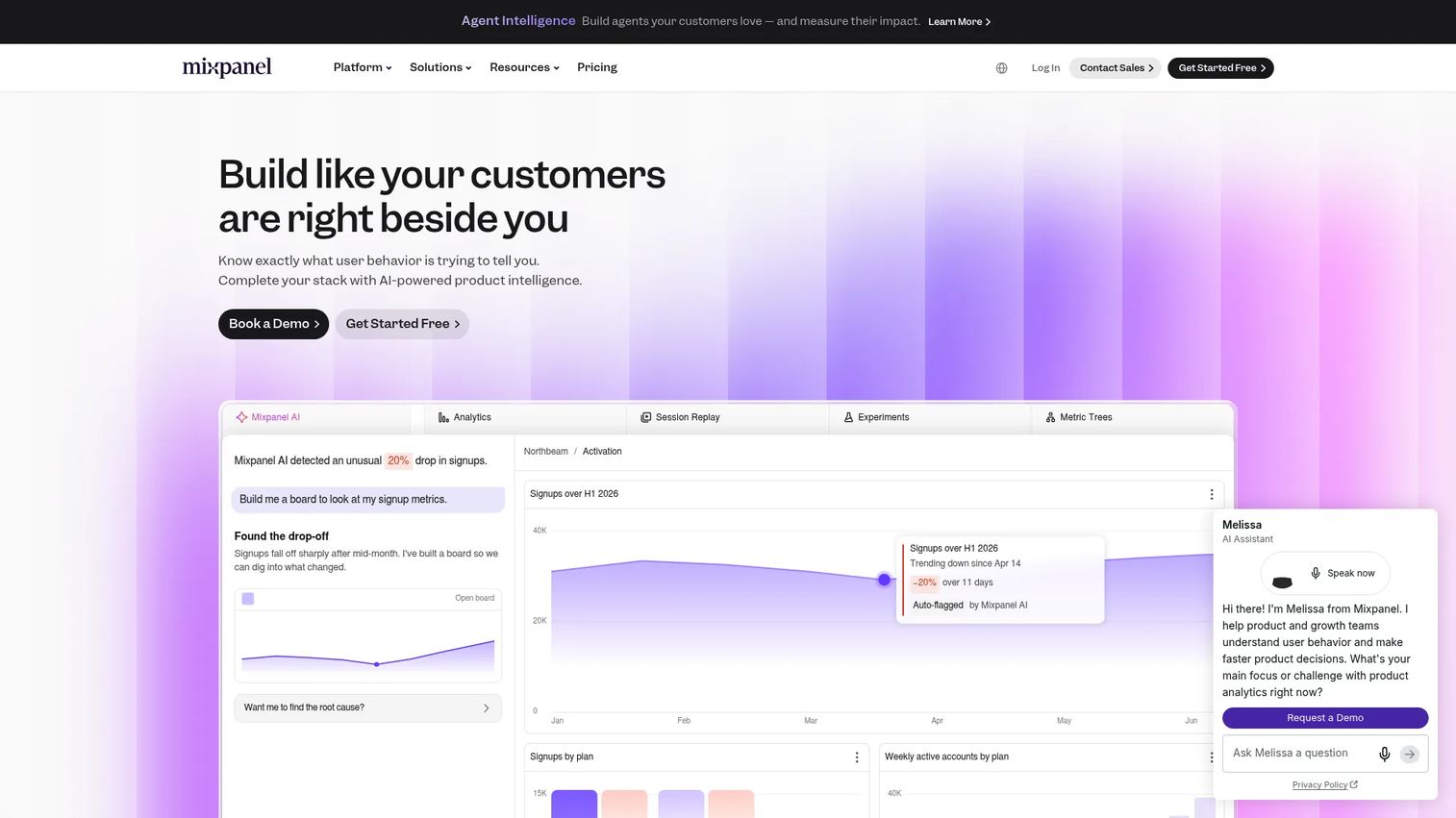
Mixpanel is an AI-powered product intelligence platform for event-based analytics. It answers the questions that matter most after a release: Did the shipped feature change user behavior, who is retaining, and where are users dropping out of the activation flow? Its cohort and funnel analysis tools give PMs the instrumentation to prove whether work moved the right metrics.
Best for: Product and growth teams measuring activation, retention, conversion funnels, and feature adoption with event-level precision.
Key features
- Event-based product analytics with funnels, cohorts, and flows
- Retention reports broken down by cohort and date
- Session replay and heatmaps
- Experiments and feature flags
- AI-powered insights and natural language querying
Why choose Mixpanel: The right choice when PMs need to prove that shipped work changed behavior rather than simply shipped. Its free tier covers up to 1 million events per month, which is enough to instrument a meaningful product surface and validate the data model before scaling.
Mixpanel pricing: Free up to 1 million events per month. Growth plans start at $0 per month with usage-based pricing above the free threshold (for example, $100 per month for 1.5 million events on annual billing). Enterprise uses custom pricing through sales.
G2 rating: 4.5/5
Considerations when choosing product management software
Start with the decision your team cannot make today
Before evaluating tools, name the actual bottleneck. Is feedback scattered? Is prioritization a recurring argument? Is the roadmap not reaching stakeholders? Is post-launch measurement missing? Each failure mode maps to a different category of tool, and buying the wrong category adds overhead rather than resolving the problem.
Check how evidence moves through the tool
The best product management software creates a traceable line from customer signal to roadmap item to shipped feature to measurable outcome. Evaluate whether feedback, analytics data, research notes, and support signals connect to roadmap decisions inside the same system or require manual export and re-entry.
Match the tool to your release cadence
A team shipping weekly needs low-maintenance workflows where updating a demo, changing a spec, or reprioritizing a cycle takes minutes rather than a planning session. Enterprise teams need governance, permissions, audit logs, and stakeholder reporting. The right tool reduces review meetings rather than creating new ones.
Validate integrations before rollout
Product management software must connect to engineering tools, analytics platforms, CRM data, support systems, and documentation. Prioritize integrations your team already uses daily. A tool that requires a manual CSV export to sync with Jira will not get maintained.
Measure impact after launch
Look for analytics, adoption tracking, or integrations that let PMs see whether shipped work changed activation, retention, support volume, or expansion. If the tool cannot help you answer "did this matter?", you will repeat the same prioritization debates next quarter with the same lack of evidence.
Conclusion
The right product management software is the one that closes the gap in your current workflow, not the one with the longest feature list.
Choose Productboard or airfocus if roadmap decisions are stuck in feedback chaos. Choose Aha! or Craft if portfolio planning and executive alignment are the problem. Choose Linear, Jira, or Azure DevOps if the product-engineering handoff is where work stalls. Choose Pendo, Mixpanel, or Hotjar if the roadmap needs stronger adoption data to drive decisions.
A practical selection process:
- Name the specific workflow that breaks most often
- Shortlist two or three tools from the relevant category
- Run one real roadmap or feedback workflow through each
- Compare maintenance cost and how quickly your team actually adopted it
The product management software market reached $8.4 billion in 2025 and continues growing, per Dataintelo (2025). That means more tools, not clearer choices. Pick based on the decision you cannot make today.
If product onboarding, feature education, or stakeholder demos are part of the workflow you are improving after the roadmap work is done, interactive demos let you show the product experience clearly without scheduling a live call or provisioning a sandbox.
Start your journey with Guideflow today!
FAQs
Productboard, airfocus, and ProdPad are strong choices for feedback-to-roadmap workflows. Aha! and Craft suit teams that need portfolio planning and specification depth. The right answer depends on whether your bottleneck is feedback synthesis, prioritization rigor, delivery handoff, or post-launch measurement.
Product management software helps teams decide what to build and why. Project management software tracks execution after the decision is made. Tools like Asana and ClickUp span both categories, but they do not replace the prioritization rigor of tools built specifically for PMs. Confusing task completion with product impact is one of the most common and expensive mistakes in product operations.
Linear, Canny, ClickUp, and Trello cover most early-stage needs at low cost. Linear's free tier supports 250 issues and 2 teams. Canny's free plan handles 25 tracked users. The key criteria at an early stage are speed to validate, low maintenance overhead, and pricing that scales only when the team does.
Productboard, Aha!, and Craft cover the enterprise product management workflow with the governance and integration depth that large organizations require. Azure DevOps and Jira serve enterprise engineering delivery. UserVoice handles high-volume customer feedback at the enterprise scale where revenue-based prioritization and CRM integrations are non-negotiable.
Productboard, UserVoice, and Canny are built specifically for feedback collection, deduplication, and prioritization. Typeform and Hotjar add structured survey collection and behavioral insight. Pendo covers in-app feedback and NPS. The difference between these tools is not just where feedback lands but how it connects to roadmap decisions downstream.
Aha!, Roadmunk, Productboard, airfocus, Craft, and ProdPad each approach roadmapping differently. Roadmunk and Aha! prioritize stakeholder-ready visualization. Productboard and airfocus emphasize the connection between feedback and roadmap priority. ProdPad uses a Now-Next-Later format that avoids hard date commitments. The right format depends on who reads the roadmap and what decisions it needs to support.
Yes, particularly when roadmap decisions depend on activation, retention, feature adoption, or support deflection data. Mixpanel provides event-based funnels and cohorts. Pendo adds in-app behavioral context and usage data. Hotjar provides qualitative signal for diagnosing friction. PMs who rely only on stakeholder input for prioritization are working without the instrumentation that separates evidence-based decisions from opinion-based ones.
All-in-one platforms reduce tool sprawl and administrative overhead, but depth in any single workflow varies. If your team has one clear bottleneck, such as feedback triage, structured discovery, event analytics, or design collaboration, a specialized tool will typically outperform the equivalent module inside a general platform. Start with the specific problem, then evaluate whether a dedicated tool or a broader platform resolves it without introducing new maintenance complexity.