How to view a permission profile in DocuSign
Here is how to view a permission profile in docusign
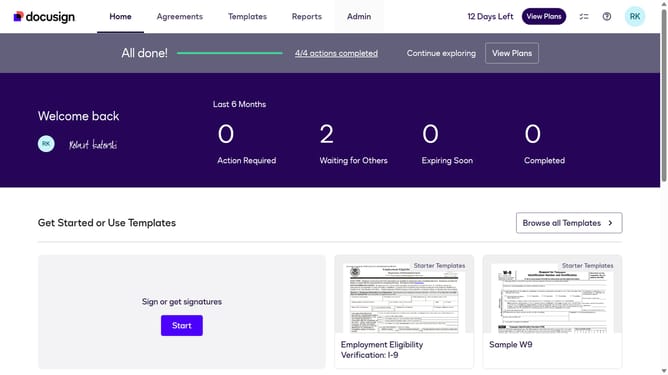
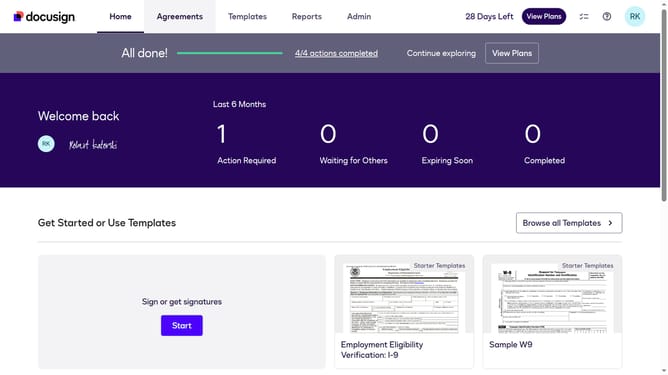
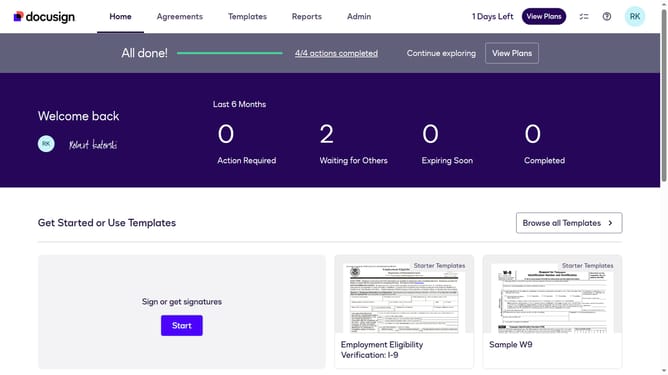
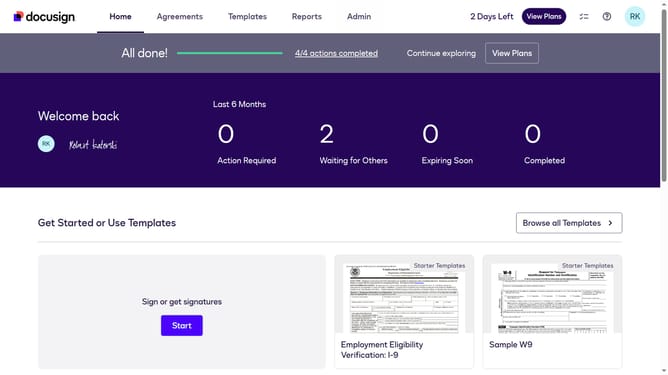
- First click on the "Admin" link in the top navigation menu
- Then scroll down the page to view the sidebar menu options
- Next click on "Permission profiles" under the USERS AND GROUPS section
- Next click on the "Actions" dropdown button for the "DS Admin" permission profile in the table
- Then select the "View" option from the dropdown menu
- Finally you will see the permission profile details displayed in the modal dialog
Why should you view a permission profile in DocuSign
DocuSign is a leading electronic signature platform designed to simplify and streamline document management.
Viewing a permission profile in DocuSign is a straightforward feature that allows admins to oversee and manage user access efficiently. By examining these profiles, you can ensure that each team member has the appropriate level of access to sensitive documents.
This feature enhances security and compliance by allowing transparent review and adjustments of permissions within the organization. It ensures that workflows remain smooth and unauthorized access risks are minimized.
Last update