How to enable trigger events when a notary session status is assigned in DocuSign
Here is how to enable trigger events when a notary session status is assigned in docusign
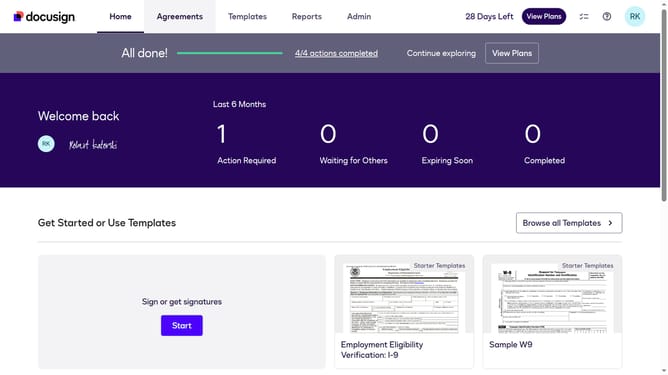
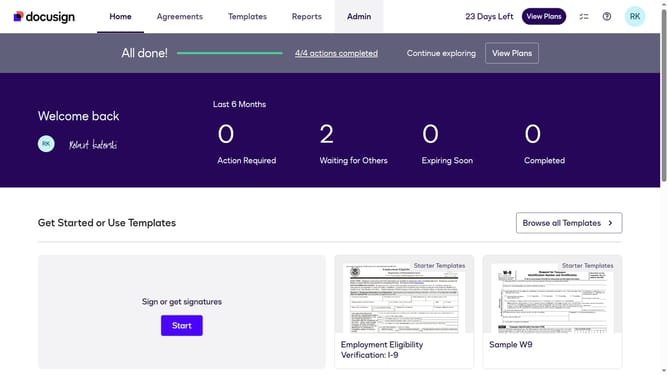
- First click on the "Admin" link in the top navigation menu
- Then scroll down and click on the scrollbar to view more content in the sidebar
- Next click on the "Connect" link in the sidebar under the INTEGRATIONS section
- Then click on the "Actions" dropdown button next to a custom configuration in the configurations table
- Next select the "Edit" option from the Actions dropdown menu
- Then scroll down the page to view more configuration options
- Next click on the "Notary" section to expand it and view notary-related settings
- Then click on the "Notary Session Notary Assigned" checkbox to enable this notification
- After that, scroll down to view the Integration and Security Settings section
- Finally click on the "Save Configuration" button to save the changes
Why should you enable trigger events when a notary session status is assigned in DocuSign
DocuSign is a leading platform for executing electronic agreements swiftly and securely.
Enabling trigger events for notary session statuses in DocuSign enhances your workflow by providing instant updates on session changes.
This feature allows you to automate notifications and streamline your document processing, ensuring real-time awareness and quick decision-making.
Ultimately, it improves efficiency and communication, helping to maintain a seamless and transparent notary experience.
Last update