How to trigger an event when an envelope is discarded in DocuSign
Here is how to trigger an event when an envelope is discarded in docusign
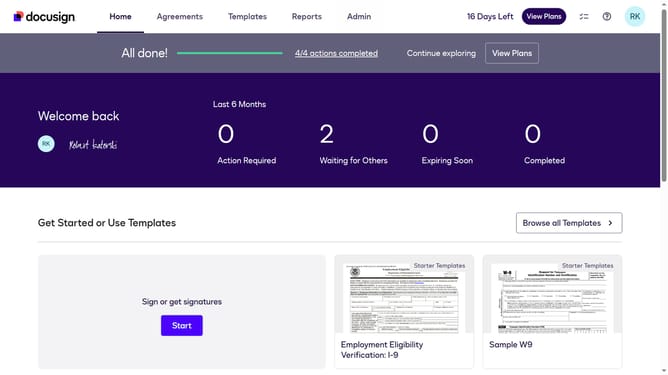
- First click on the "Admin" tab in the top navigation menu
- Then scroll down the page to view additional content
- Next click on the "Connect" option in the left sidebar under the INTEGRATIONS section
- Then click on the "Actions" dropdown button next to a custom configuration you want to enable a trigger event in the configurations table
- Next select the "Edit" option from the Actions dropdown menu
- Then scroll down the page to view the Trigger Events section
- Next click on the "Envelope and Recipients" accordion to expand it
- Then click on the "Envelope Discard" checkbox to enable this trigger event
- Next scroll down further to view authentication and security settings
- Finally click on the "Save Configuration" button to save the changes
Why should you trigger an event when an envelope is discarded in DocuSign
DocuSign revolutionizes the way we manage documents by enabling digital signatures, ensuring efficiency and security.
The feature to trigger an event when an envelope is discarded in DocuSign adds a layer of control and insight. This smart notification system allows users to keep track of document workflow and make informed decisions swiftly.
Utilizing this feature enhances accountability and transparency, as stakeholders are promptly updated, enabling them to respond proactively. It ensures that no action is missed, ultimately streamlining the document management process.
Last update