How to enable signature stamp field in DocuSign
Here is how to enable signature stamp field in docusign
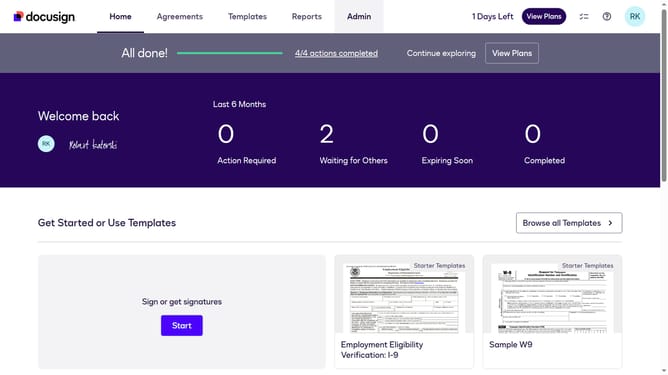
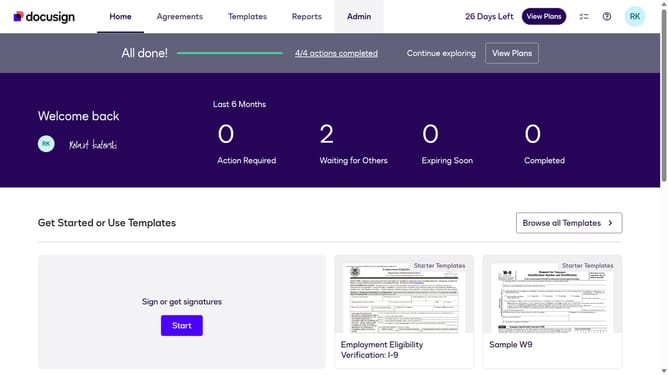
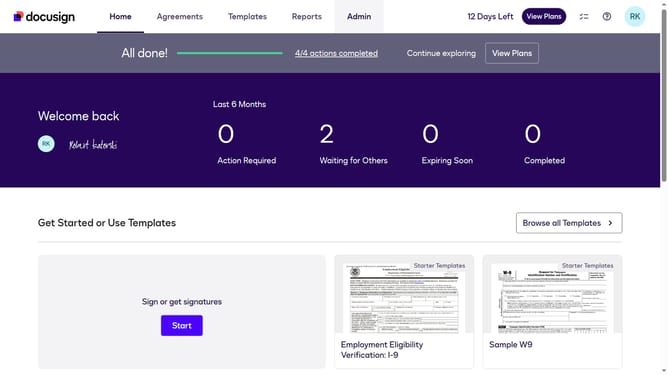
- First click on the "Admin" tab in the top navigation menu
- Then scroll down the page to view more admin settings
- Next click on "Sending Settings" in the left sidebar under the "SIGNING AND SENDING" section
- Then scroll down the page to view additional sending settings options
- Next click the checkbox of the "Enable signature stamp field" option
- Then scroll down to the bottom of the page to view the save button
- Finally click on the "Save Changes" button to apply the settings
Why should you enable signature stamp field in DocuSign
DocuSign streamlines the signing process in a digital world by providing secure and efficient electronic signature solutions.
The signature stamp field in DocuSign enhances document authentication by allowing signers to add timestamped signature images directly to documents.
Enabling this feature ensures authenticity and reduces turnaround time by validating when and where a document was signed, thus boosting overall document integrity.
Leverage this feature for improved compliance and tracking, offering added confidence and professionalism in document exchange.
Last update