How to enable notifications when a sender voids an envelope for an API user in DocuSign
Here is how to enable notifications when a sender voids an envelope for an api user in docusign
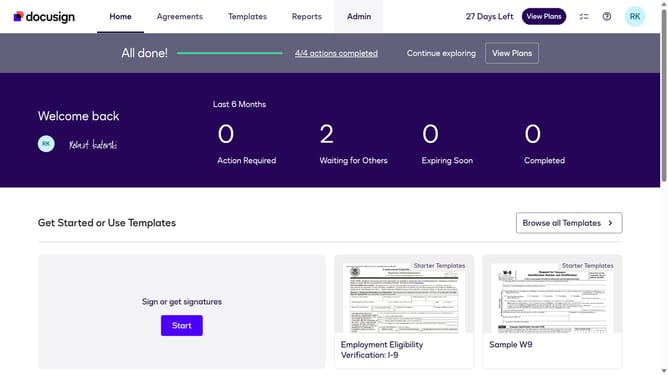
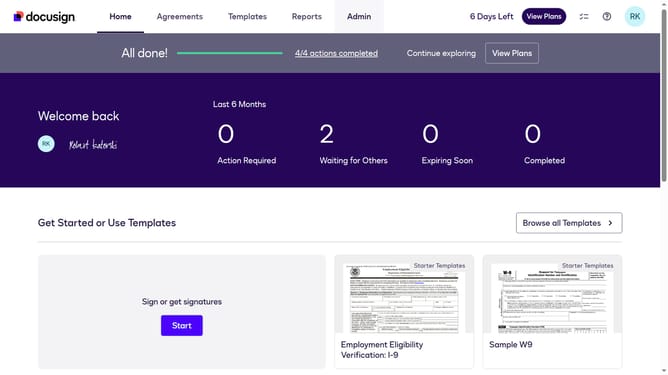
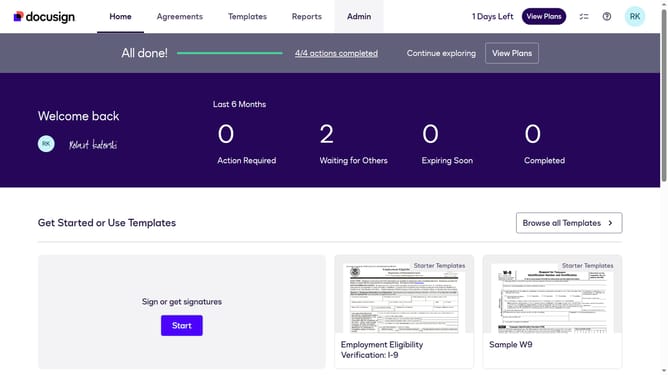
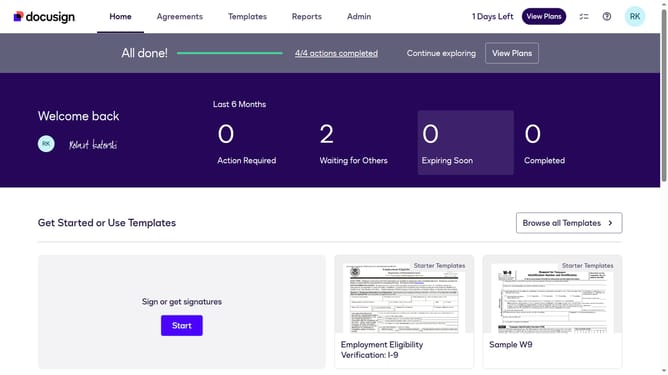
- First click on the "Admin" tab in the top navigation menu
- Then scroll down the page
- Next click on "Email Preferences" option in the left sidebar under the "SIGNING AND SENDING" section
- Then click on the "API User" tab in the email preferences section
- Next check the "The sender voids an envelope" checkbox in the notification settings
- Then scroll down the page using the scrollbar to view more options
- Finally click on the "Save Changes" button to save the updated email preferences
Why should you enable notifications when a sender voids an envelope for an API user in DocuSign
DocuSign is the premier tool for secure and efficient digital document management.
Enabling notifications when a sender voids an envelope for an API user elevates your document management experience.
Stay informed in real time, ensuring you never miss crucial updates that could affect your workflow.
This feature empowers organizations with immediate visibility into changes, boosting productivity and enhancing decision-making efficiency.
Effortless tracking and timely alerts ensure you maintain control over the document lifecycle with minimal effort.
Last update