How to set the signing completed landing page in DocuSign
Here is how to set the signing completed landing page in docusign
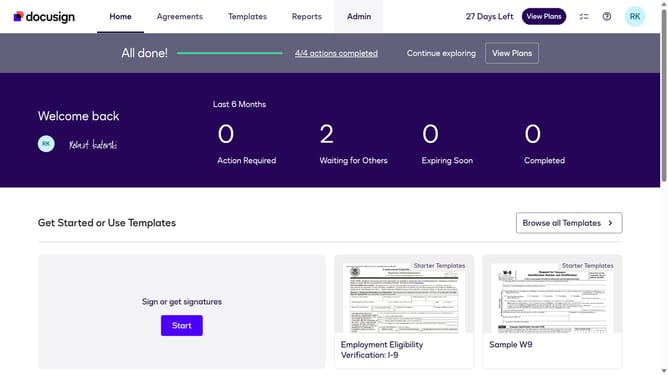
- First click on the "Admin" tab in the top navigation menu
- Then scroll down and click on the scrollbar to view more content in the sidebar
- Next click on "Signing Settings" in the left sidebar under the "SIGNING AND SENDING" section
- Then click on the "In-session Landing Pages" button in the Signing Experience section
- Next click on the "Signing Completed" text field and type in your preferred signing landing page
- Then scroll down the page to view additional settings
- Finally click on the "Save Changes" button to save the configuration
Why should you set the signing completed landing page in DocuSign
DocuSign is a leading digital solution for secure and efficient electronic agreements.
Setting the signing completed landing page on DocuSign equips users with the ability to direct signers to a specific webpage after they finish signing a document.
This feature enhances the user experience by seamlessly guiding them to important follow-up content or next steps.
By customizing this landing page, organizations can maintain engagement and provide additional resources or calls to action, ultimately streamlining their communication process.
Last update