How to enable field assist for senders in DocuSign
Here is how to enable field assist for senders in docusign
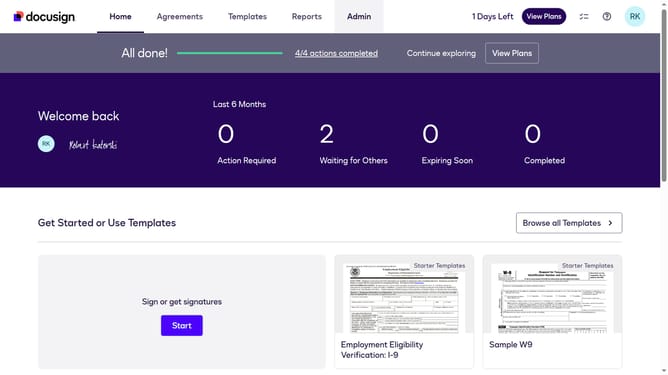
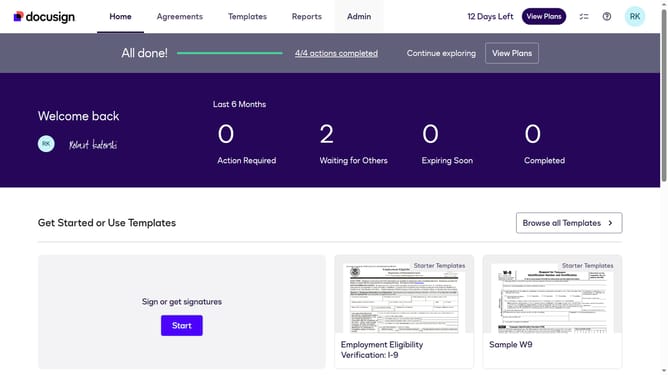
- First click on the "Admin" link in the top navigation menu
- Then scroll down the page to view more options in the admin panel
- Next click on "Sending Settings" in the left sidebar under the "SIGNING AND SENDING" section
- Then click on the "Enable field assist for senders" checkbox to enable this feature
- Scroll down the page to view additional sending settings options
- Finally click on the "Save Changes" button to save the configuration
Why should you enable field assist for senders in DocuSign
DocuSign is a leading solution for managing electronic agreements and seamless digital transactions.
One of its standout features is the "Field Assist" for senders, designed to optimize and streamline the document preparation process. By enabling field assist, senders can ensure proper placement and completion of essential fields, reducing errors and enhancing efficiency.
Utilizing field assist means maintaining consistency and accuracy across documents, fostering professionalism. It enhances user experience by making document workflows smoother and more intuitive.
Last update