How to disable senders from adding recipients from the account’s user directory in DocuSign
Here is how to disable senders from adding recipients from the account’s user directory in docusign
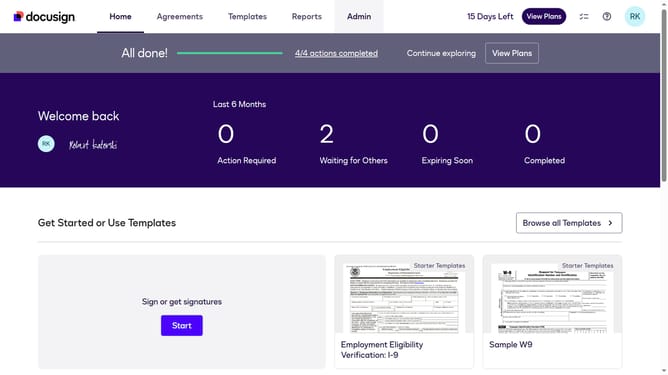
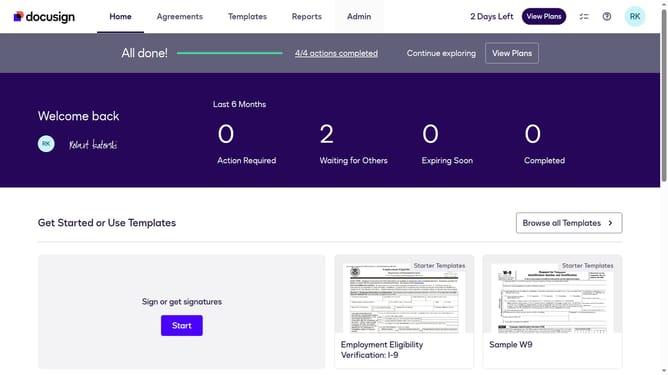
- First click on the "Admin" tab in the top navigation menu
- Then scroll down the page to view more admin settings options
- Next click on "Sending Settings" in the left sidebar under the "SIGNING AND SENDING" section
- Then scroll down the page to view additional sending settings options
- Next uncheck the "Allow senders to add recipients from this account's User Directory" checkbox to disable it
- Then scroll down to the bottom of the page to view the save button
- Finally click on the "Save Changes" button to apply the settings
Why should you disable senders from adding recipients from the account’s user directory in DocuSign
DocuSign is a leading electronic signature platform designed to streamline the signing process and enhance document security.
A valuable feature within DocuSign is the ability to disable senders from adding recipients from the account’s user directory. This feature heightens privacy by ensuring that unauthorized recipients do not gain access to sensitive contracts or documents.
Using this feature can protect your organization from inadvertent sharing of confidential information, providing an added layer of control and compliance.
Last update