How to remove the signing completed landing page in DocuSign
Here is how to remove the signing completed landing page in docusign
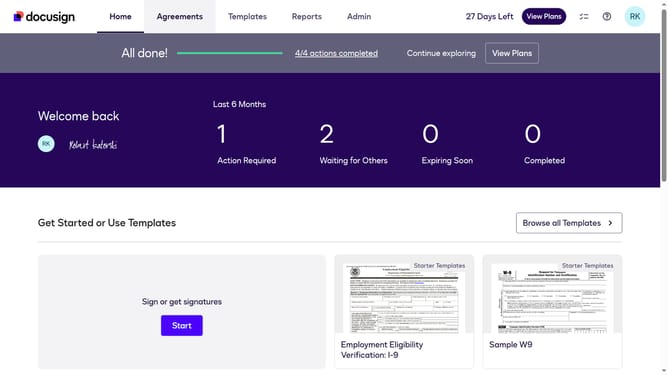
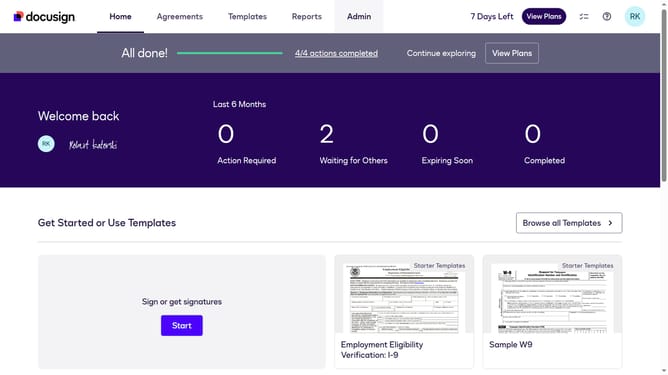
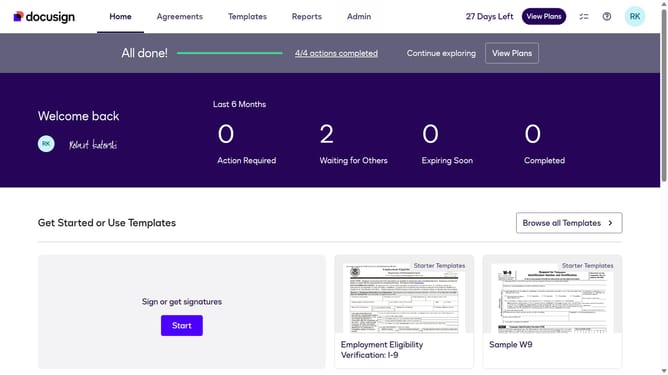
- First click on the "Admin" link in the top navigation menu
- Then scroll down the page to view additional admin options
- Next click on "Signing Settings" in the left sidebar under the "SIGNING AND SENDING" section
- Then click on the "In-session Landing Pages" tab in the Signing Experience section
- Next click on the "Signing Completed" text field and erase the current URL
- Then scroll down the page to view additional landing page configuration options
- Finally click on the "Save Changes" button to save the configuration
Why should you remove the signing completed landing page in DocuSign
DocuSign revolutionizes the way businesses manage agreements with its secure and efficient digital signature services.
A notable feature is the ability to remove the signing completed landing page, streamlining the user experience after document completion.
By bypassing this page, users can save time and maintain focus on critical tasks without unnecessary interruptions.
This enhancement supports workflow efficiency, making DocuSign an even more invaluable tool for busy professionals seeking seamless operations.
Last update