How to disable sender override for changing signing responsibility in DocuSign
Here is how to disable sender override for changing signing responsibility in docusign
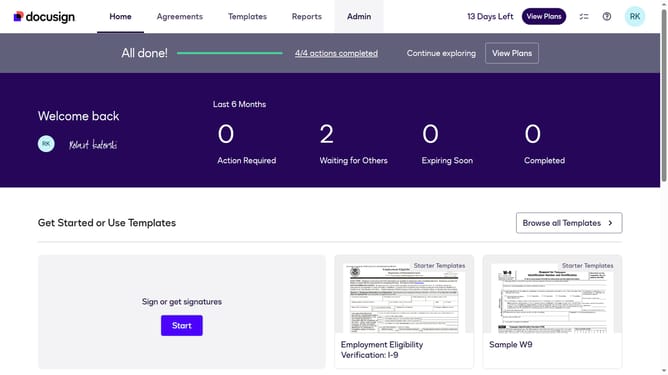
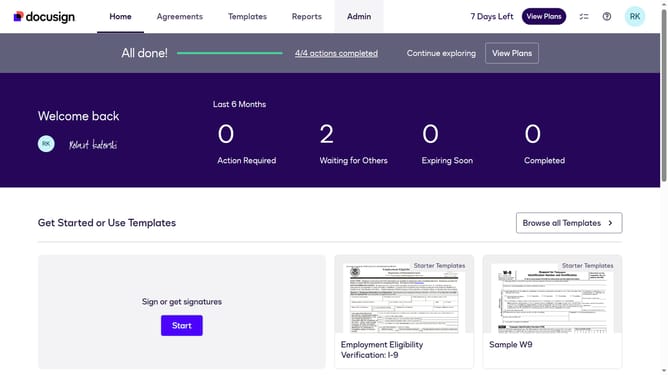
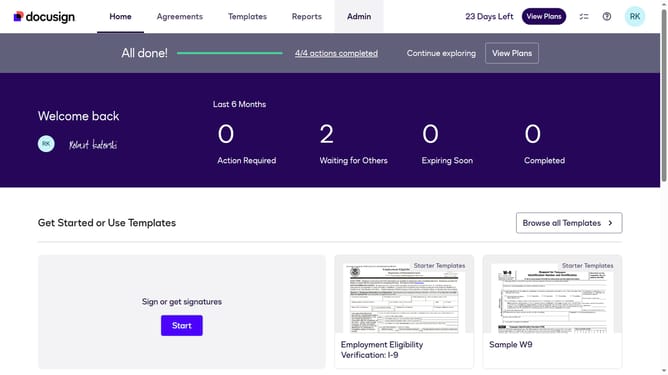
- First click on the "Admin" link in the top navigation menu
- Then scroll down the page to view more admin settings options
- Next click on "Signing Settings" in the left sidebar under the "SIGNING AND SENDING" section
- Then scroll down the page to view the Recipients settings section
- Next uncheck the "Allow senders to override change signing responsibility" checkbox in the Recipients section
- Then scroll down the page to view more options
- Finally click on the "Save Changes" button to apply the configuration changes
Why should you disable sender override for changing signing responsibility in DocuSign
DocuSign is a leading platform for electronic signing, streamlining document workflows with ease.
Disabling the sender override for changing signing responsibility ensures that the document signing sequence remains as initially intended by the sender.
This feature is crucial for maintaining control over the signing process, ensuring that the intended recipients sign in the correct order.
By utilizing this feature, businesses can increase document security and maintain consistency in their transactional workflows.
Last update