How to select the back office use case in the esignature value calculator in DocuSign
Here is how to select the back office use case in the esignature value calculator in docusign
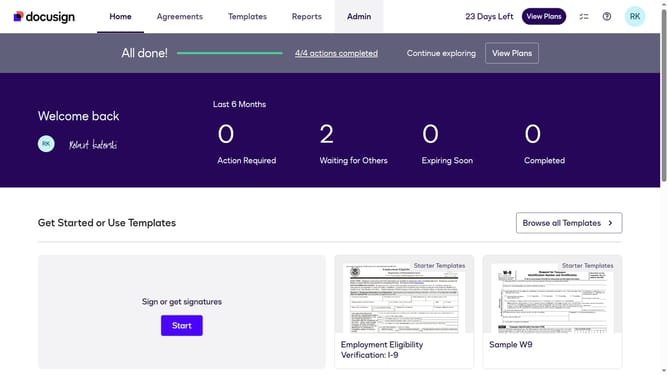
- First click on the "Admin" link in the top navigation menu
- Then click on the "Value Calculator" link in the left sidebar under the ACCOUNT section
- Next click on the "Select Use Case" dropdown menu and select "Finance/Accounting"
- Finally scroll down to view the updated benchmark data in the main content area
Why should you select the back office use case in the esignature value calculator in DocuSign
DocuSign revolutionizes signing and managing documents digitally, enhancing efficiency for businesses of all sizes.
When selecting the back office use case in the eSignature Value Calculator, understand how it optimizes internal processes. Tailor this feature to spotlight how back-office functionalities, like HR or finance, amplify efficiency within your organization.
By doing so, organizations can identify potential savings and streamline workflows, ultimately contributing to cost reduction and improved productivity. Utilizing this feature provides clear, data-driven insights that guide strategic decision-making in digital document management.
Last update