How to remove the system error landing page in DocuSign
Here is how to remove the system error landing page in docusign
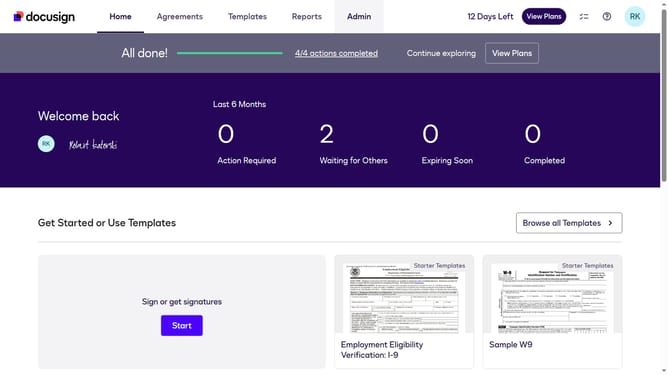
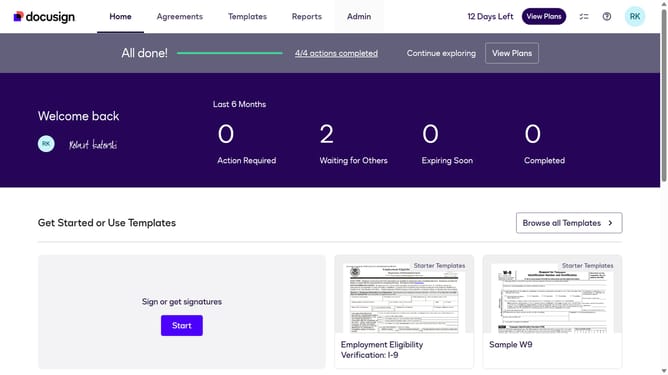
- First click on the "Admin" tab in the top navigation menu
- Then scroll down the page to view additional options in the sidebar
- Next click on "Signing Settings" in the left sidebar under the "SIGNING AND SENDING" section
- Then click on the "In-session Landing Pages" button in the Signing Experience section
- Next scroll down the page to view the "System Error" field
- Then click on the "System Error" text input field and clear the existing URL
- Finally click on the "Save Changes" button to save the configuration
Why should you remove the system error landing page in DocuSign
DocuSign revolutionizes document management with its seamless electronic signature solutions.
Encountering a system error landing page within DocuSign may disrupt your workflow and create unnecessary delays.
Removing this error page enhances productivity by ensuring swift access to documents and seamless operations.
By eliminating technical hurdles, you can focus more on what's important—closing deals and advancing projects efficiently and stress-free.
Last update