How to prevent recipients from skipping authentication on future envelopes in DocuSign
Here is how to prevent recipients from skipping authentication on future envelopes in docusign
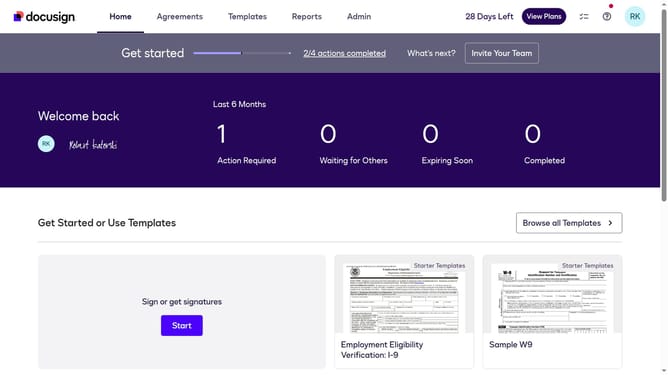
- First click on the "Admin" tab in the top navigation menu
- Then click on "Security Settings" link in the left sidebar under the ACCOUNT section
- Next scroll down the page to view additional security settings options
- Then click on the radio button for "Recipients cannot skip authentication when accessing subsequent envelopes from the same sender" under Recipient Authentication Skip Option
- Next scroll down to the bottom of the page to view the save button
- Finally click on the "Save Changes" button to apply the security settings
Why should you prevent recipients from skipping authentication on future envelopes in DocuSign
DocuSign is a leading digital solution that streamlines the signing process for documents, enhancing efficiency and security.
Ensuring recipients can't skip authentication reinforces the credibility of your document transactions. This feature in DocuSign adds an extra layer of security to prevent unauthorized access.
Using this feature fosters trust and maintains the integrity of sensitive information. It's an invaluable tool for both individuals and businesses aiming to protect their digital communications.
By safeguarding authentication, you ensure all parties in the transaction remain compliant and secure, creating a seamless experience.
Last update