How to trigger events when identity verification is completed in DocuSign
Here is how to trigger events when identity verification is completed in docusign
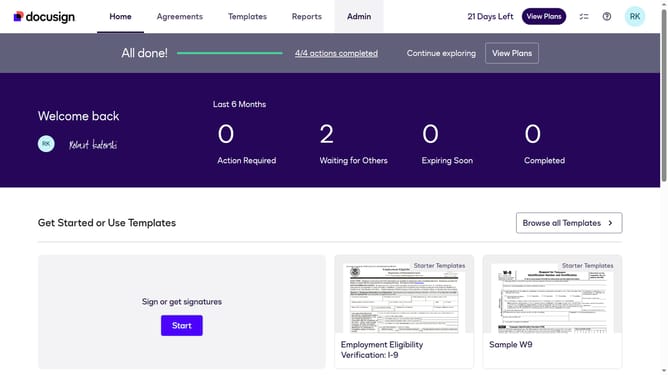
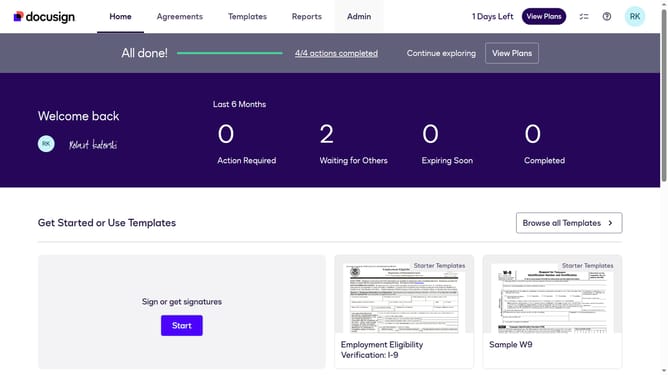
- First click on the "Admin" tab in the top navigation menu
- Then scroll down the page to view more content
- Next click on the "Connect" option in the left sidebar under the INTEGRATIONS section
- Then click on the "Actions" dropdown button next to a custom configuration in the configurations table
- Next select "Edit" from the Actions dropdown menu
- Then scroll down the page to view more configuration options
- Next click on the "Identity Verification" dropdown button to expand it
- Then click on the "Identity Verification Completed" checkbox to enable it
- After that scroll down to the bottom of the configuration page
- Finally click on the "Save Configuration" button to save the changes
Why should you trigger events when identity verification is completed in DocuSign
DocuSign is a leading electronic signature and digital transaction management service that streamlines the signing process online.
When identity verification is completed in DocuSign, triggering events helps automate workflows and enhance efficiency. This feature is vital for organizations aiming to maintain secure, streamlined operations and bolster compliance.
Using this feature, businesses can ensure immediate follow-up actions, minimizing delays and reducing manual errors. Ultimately, it fosters a more productive and reliable document management experience.
Last update