How to enable email suppression for embedded signers in DocuSign
Here is how to enable email suppression for embedded signers in docusign
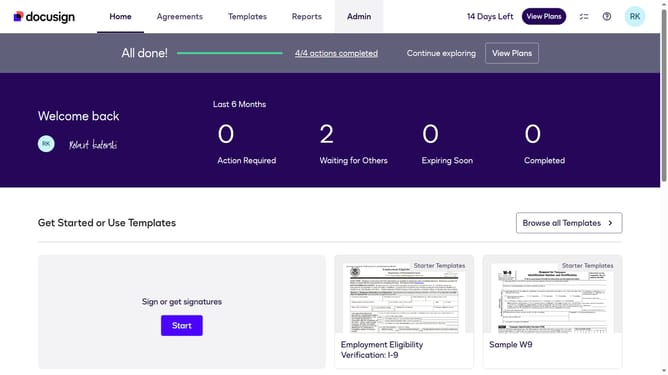
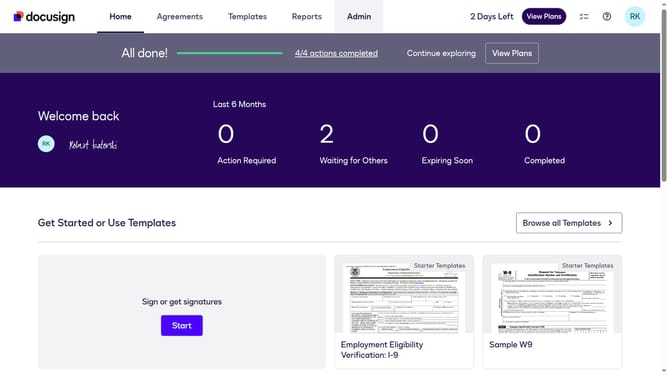
- First click on the "Admin" tab in the top navigation menu
- Then scroll down and click on the "Signing and Sending" section in the left sidebar
- Next click on the "Signing Settings" option in the left sidebar under the "SIGNING AND SENDING" section
- Then scroll down to the "Envelope Delivery" section
- After that, click on the "Suppress emails to embedded signers" checkbox to enable it
- Finally click on the "Save Changes" button at the bottom of the page
Why should you enable email suppression for embedded signers in DocuSign
DocuSign streamlines the process of signing, sending, and managing documents online, making agreements fast and frictionless.
Enabling email suppression for embedded signers in DocuSign enhances privacy by reducing unnecessary notifications. This feature is particularly beneficial during processes where confidentiality is key, ensuring that communication remains efficient and discreet.
By opting to suppress emails, users can maintain a focused workflow without the distraction of constant updates, making document processing smoother and more seamless.
Last update