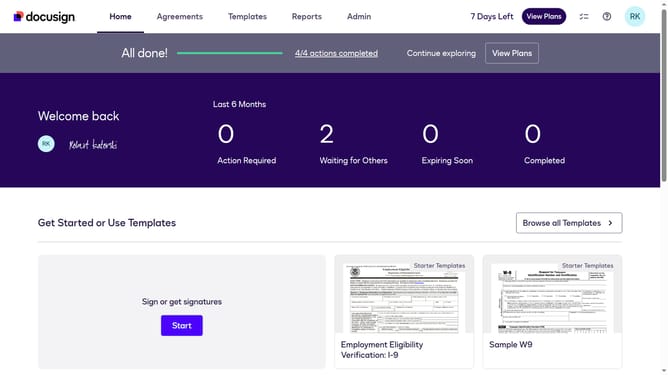
How to view document history in Docusign
Here is how to view document history in docusign
- First click on the "Agreements" tab in the top navigation menu
- Then click on the three-dot menu button next to the "Download" button of the document you want to view the history
- Finally select the "History" option from the dropdown menu
Why should you view document history in Docusign
DocuSign is a digital transaction management platform designed to make electronic signatures easy and accessible.
Viewing document history in DocuSign allows users to track the progress and modifications of their documents seamlessly. This feature provides a comprehensive audit trail, ensuring transparency and accountability.
With access to detailed timelines and activities, businesses can enhance their workflow efficiency by quickly pinpointing where a document stands. This boosts decision-making capabilities and maintains integrity and compliance throughout the document lifecycle.
Last update