How to stop requiring a digit in passwords in DocuSign
Here is how to stop requiring a digit in passwords in docusign
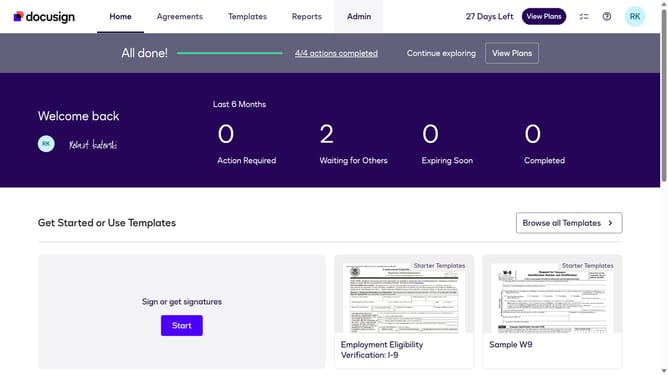
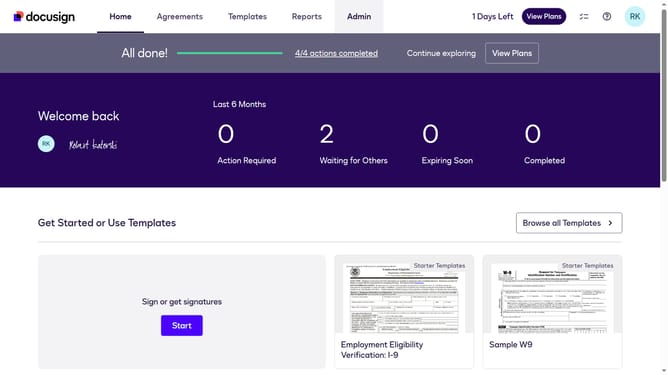
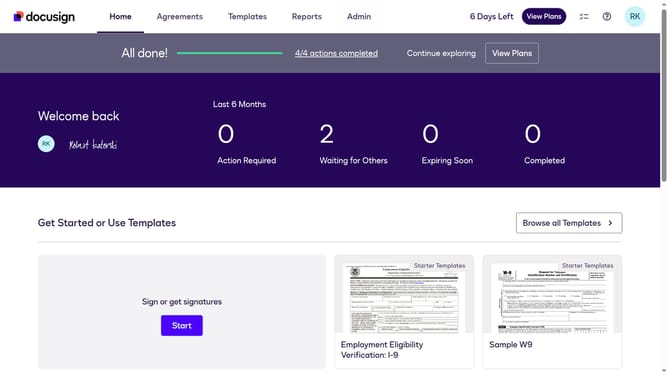
- First click on the "Admin" tab in the top navigation menu
- Then click on "Security Settings" link in the left sidebar under the ACCOUNT section
- Next scroll down to view more options
- Then scroll down within the Password Rules modal dialog to view additional password requirements
- Scroll down in the Password Rules modal dialog
- Then uncheck the "At least one digit" checkbox in the Passwords must include section
- Finally click on the "Save" button at the bottom of the Password Rules modal dialog to save the changes
Why should you stop requiring a digit in passwords in DocuSign
DocuSign transforms the way you prepare, execute, and manage agreements digitally with ease and reliability.
One feature users might find beneficial is the ability to customize password requirements, such as stopping the necessity of including a digit.
This flexibility can streamline user access, making it simpler for those who prefer memorable, yet secure, passwords without numerical constraints.
Such customization empowers users to maintain security while enhancing accessibility and efficiency in their workflow.
Last update