How to disable envelope copy with field data in DocuSign
Here is how to disable envelope copy with field data in docusign
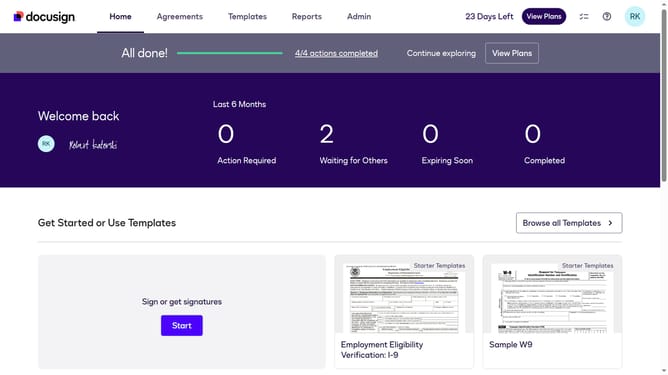
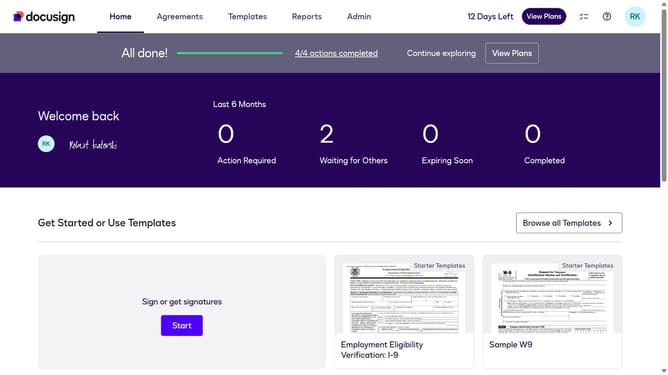
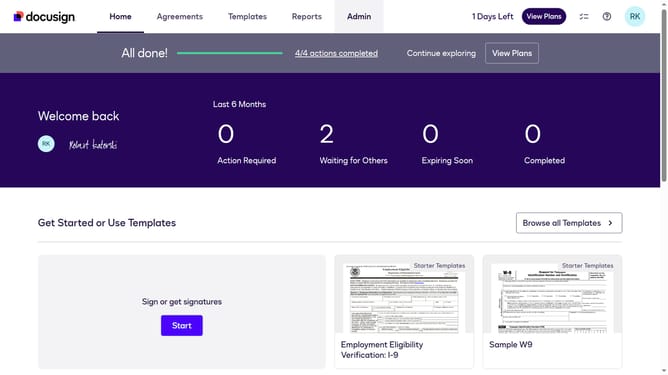
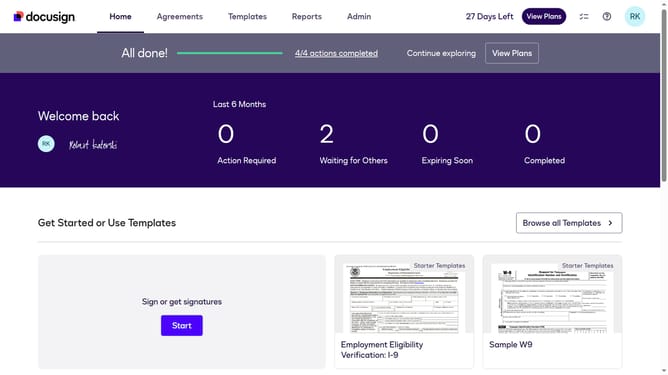
- First click on the "Admin" tab in the top navigation menu
- Then scroll down the page to view more admin settings options
- Next click on the "Sending Settings" option in the left sidebar under the "SIGNING AND SENDING" section
- Then scroll down the page to view additional sending settings options
- Next uncheck the "Enable envelope copy with field data" checkbox
- Scroll down further to reach the bottom of the settings page
- Finally click on the "Save Changes" button to apply the configuration
Why should you disable envelope copy with field data in DocuSign
DocuSign is an innovative solution for managing electronic agreements and ensuring swift, secure digital transactions.
The feature to disable envelope copy with field data streamlines document management. By opting out of field data inclusion, you enhance privacy and reduce clutter in duplicated documentation.
This configuration fosters a more secure document environment, ensuring critical data is only shared with necessary parties. Users benefit from a simplified workflow, minimizing unnecessary record-keeping and focusing on essential operations.
Last update