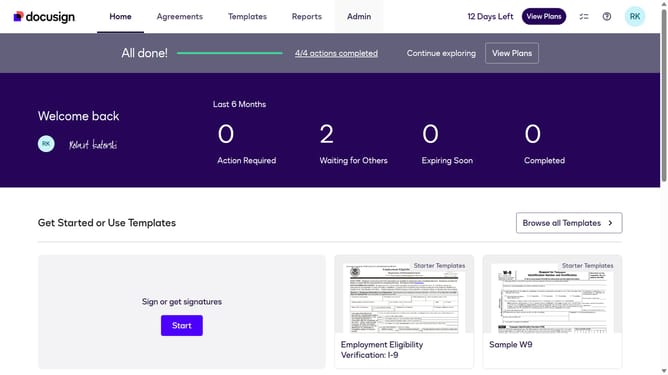
How to select the legal use case in the esignature value calculator in DocuSign
Here is how to select the legal use case in the esignature value calculator in docusign
- First click on the "Admin" link in the top navigation menu
- Then click on the "Value Calculator" link in the left sidebar under the ACCOUNT section
- Next click on the "Select Use Case" dropdown menu and select "Legal" from the options
- Finally scroll down the page to view the updated benchmark data
Why should you select the legal use case in the esignature value calculator in DocuSign
DocuSign is a leading digital platform enabling effortless electronic signature and agreement management.
When using the eSignature value calculator in DocuSign, selecting the legal use case is intuitive and essential, aligning choices with specific legal needs and compliance standards.
Utilizing this feature enhances decision-making by providing tailored options that streamline operations, save time, and ensure lawful practices, making document management more efficient and secure.
Last update